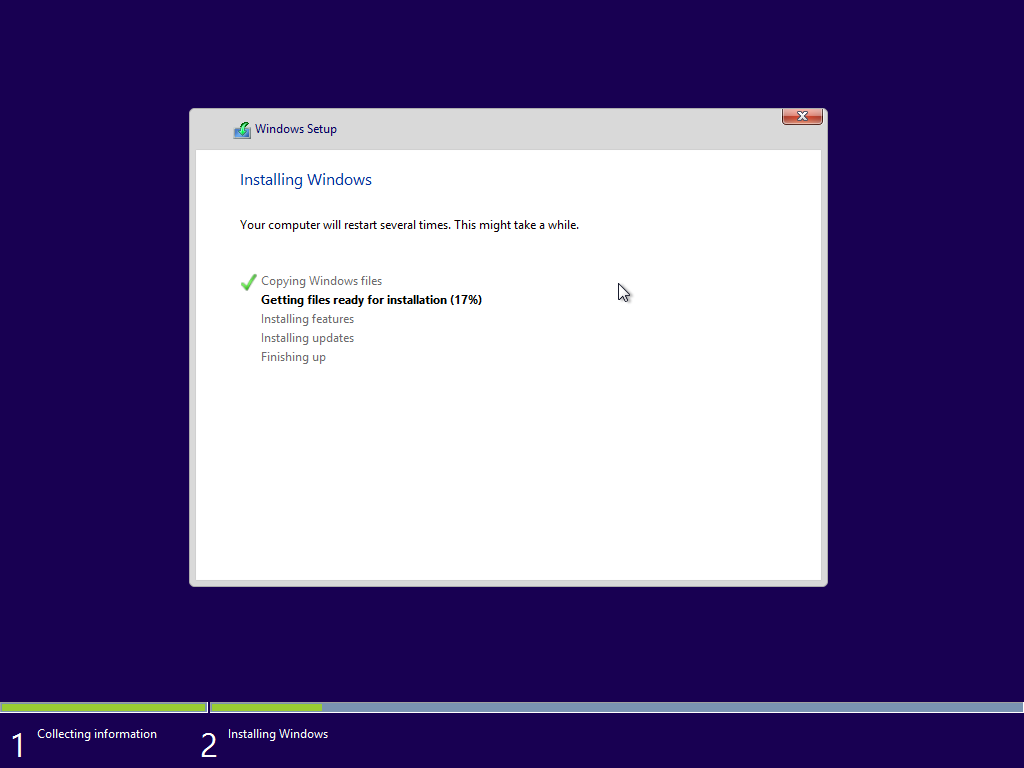
I still clearly remember the first time I installed Windows 8 Professional on my computer. I was excited because I’d scored an amazing launch deal good enough that I could actually afford two copies of the OS for my computers.
Having completed the upgrade from Windows 7, I started up my system and . . . it was fine. Honestly, while Windows 8 got a bad rap, the actual operating system was perfectly usable at launch. Since I wasn’t so plugged-in at the time, I didn’t even realize people hated it. However, that’s not the same thing as saying it was good, and I’ve definitely seen some rose-tinted accounts of what Windows 8 was like, which seem a little less than accurate even to someone who wasn’t all that bothered by it at the time. While it tried a bold new direction, it was unfortunately towards a dead end.
Windows 8 tried to turn your PC into a tablet
Whether you wanted it to or not
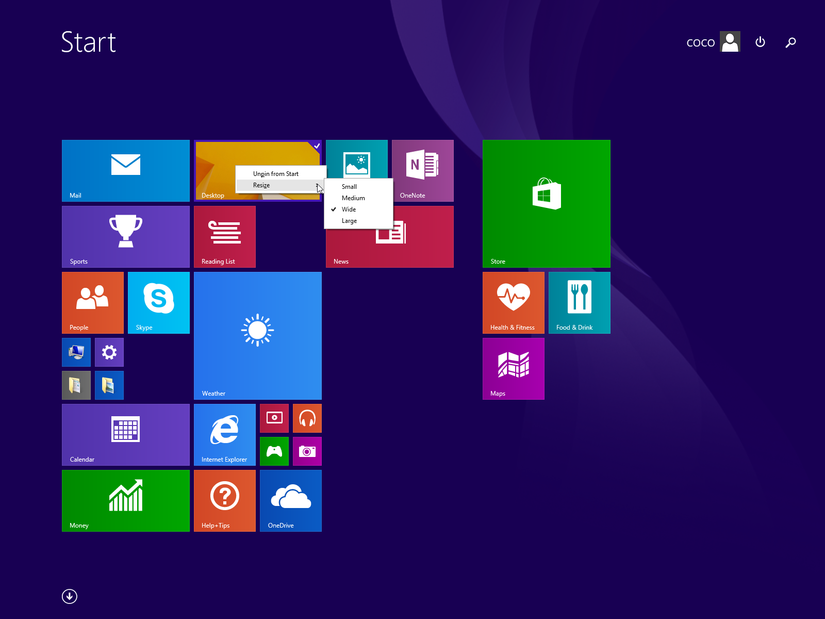
The big issue is that Microsoft wanted Windows 8 to do two very different jobs. It wanted it to be a tablet computer operating system, while also continuing to serve as a mouse-based desktop OS. Sometimes on the same computer, given the rise of convertible tablet PCs.
The problem is that a UI that’s friendly to your fat fingers has to approach its design and use of space differently. Conversely, when using desktop apps, you can’t really accurately target UI elements with a fingertip, though a stylus would still be usable. When you’re working with a chunky touch-based app using a mouse, it feels like most of your screen real estate is wasted. Windows 8 gave you the worst of both experiences.
Finding basic controls became a guessing game
It was like learning to walk again
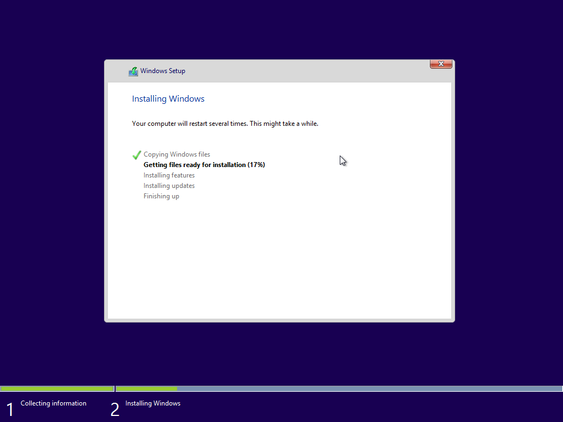
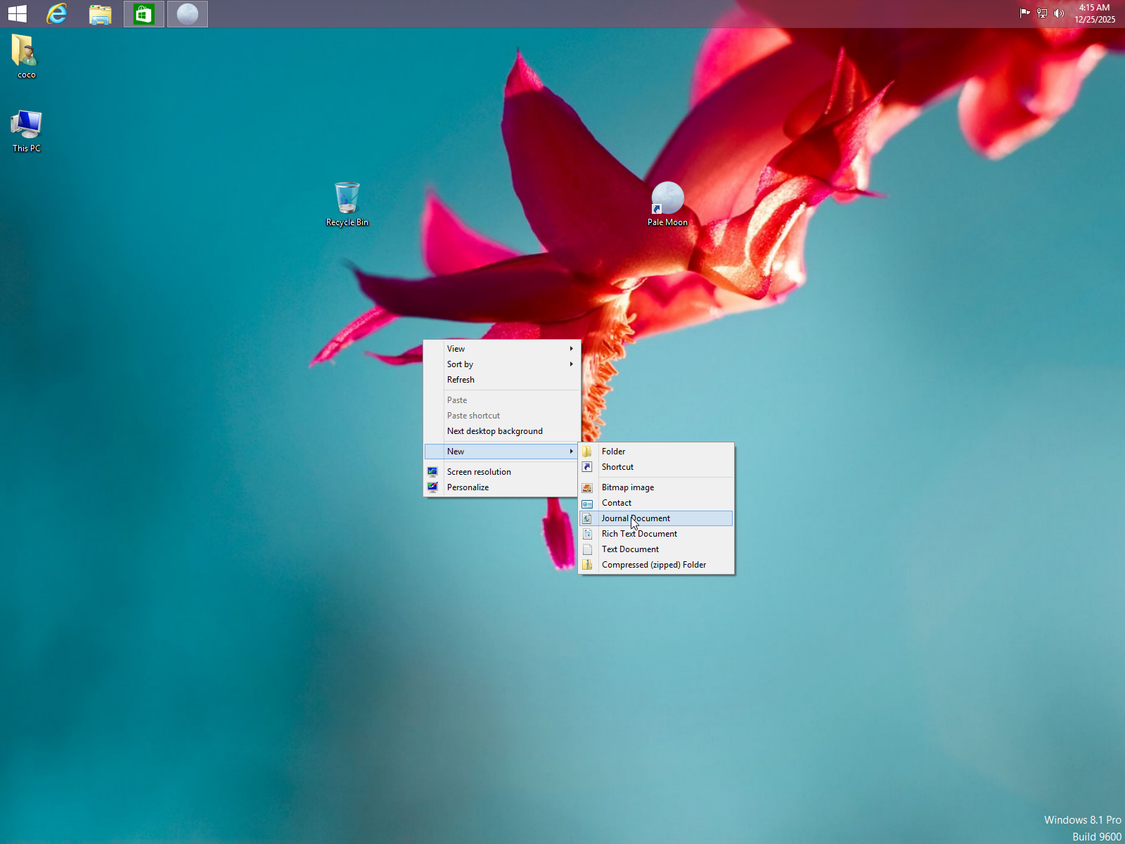
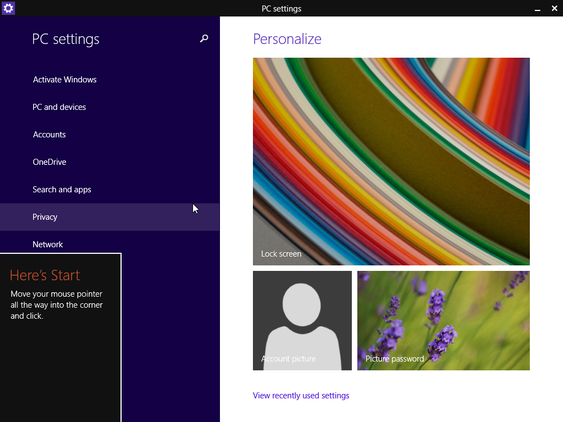
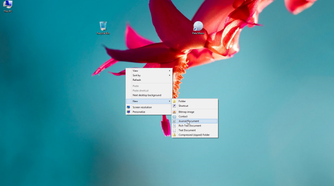
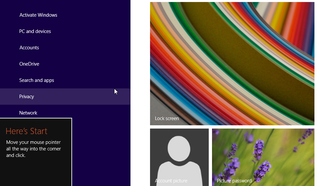
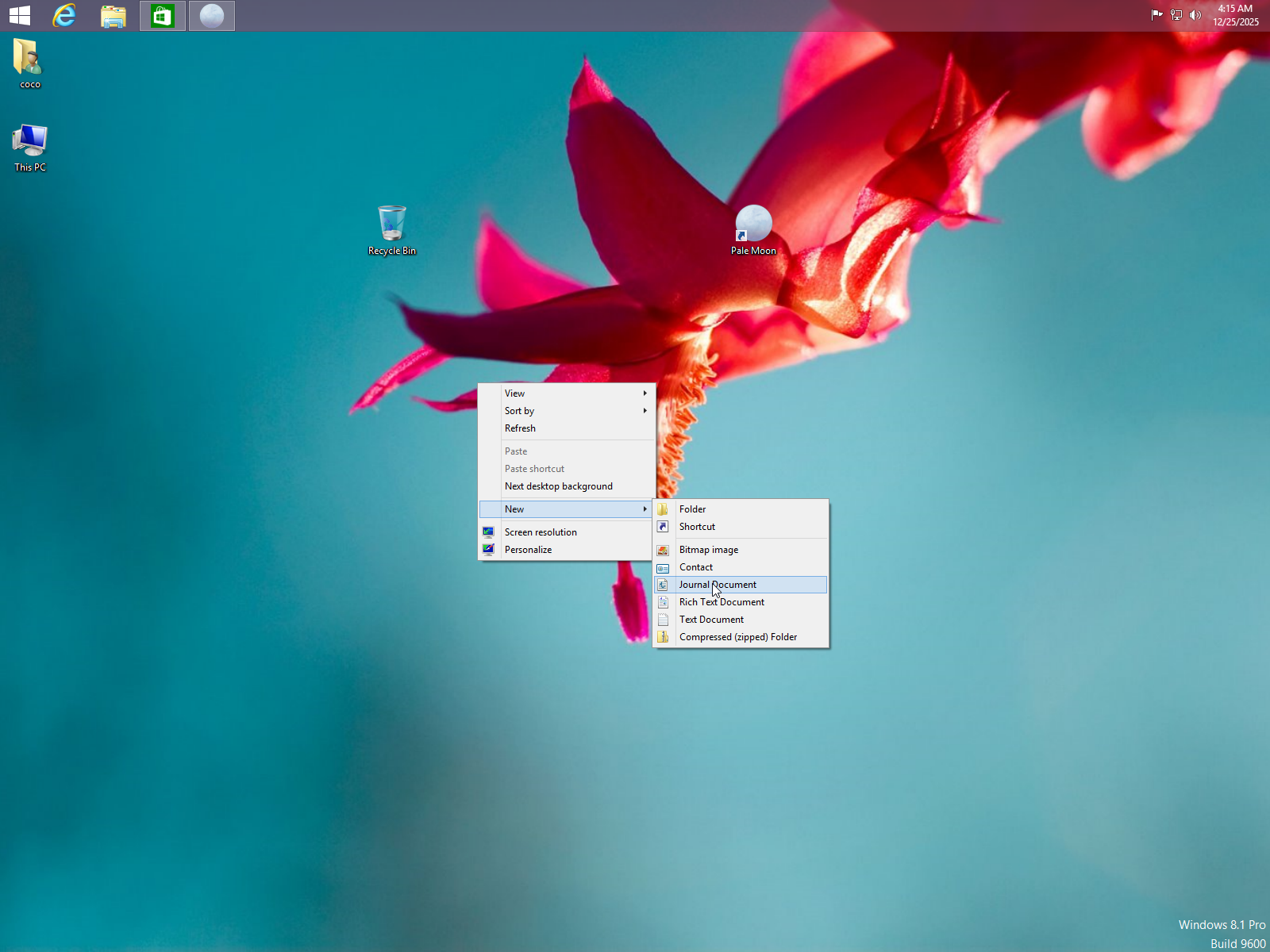
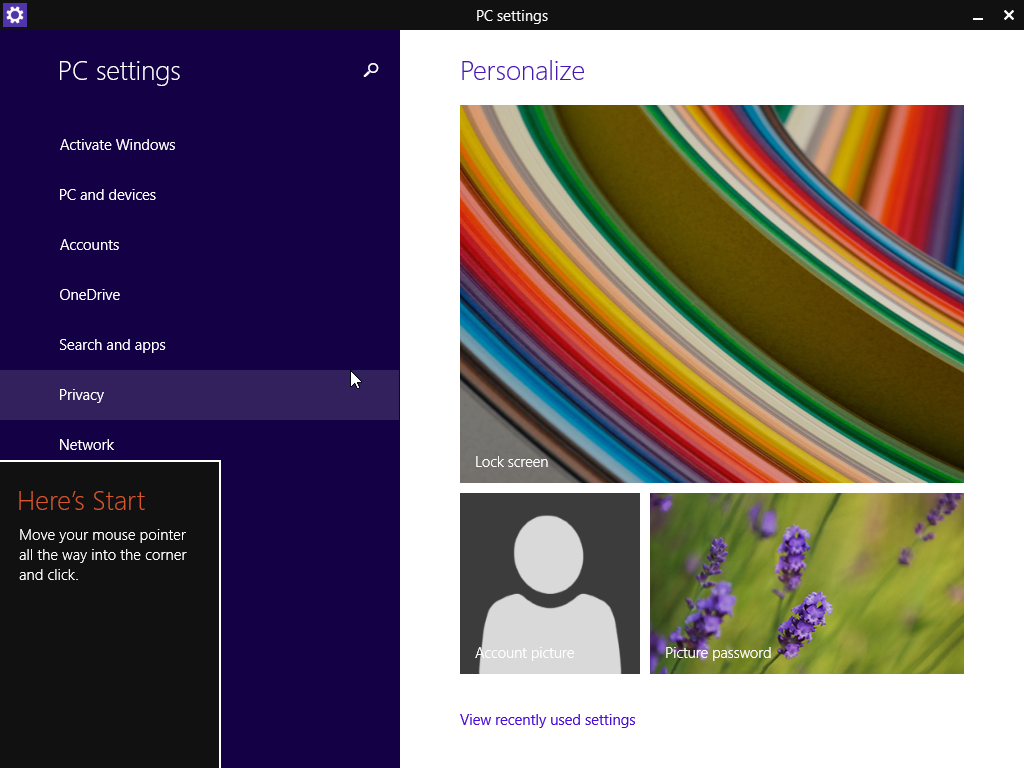
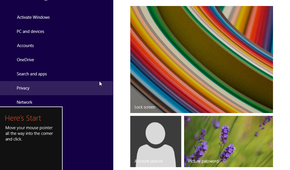
I will admit that back then, coming from Windows 3.1 through Windows 7, my muscle memory was not ready for Windows 8. It changed so many conventions, like the use of “Charms,” which were almost like the navigation buttons on mobile phones.
Important features were hidden off the screen edges or in “hot corners.” I remember I had to look up how to do things, and that’s probably not a great sign that you’ve succeeded in your mission to make a new OS that does everything for everyone.
The desktop and Metro kept getting in each other’s way
Like oil and water
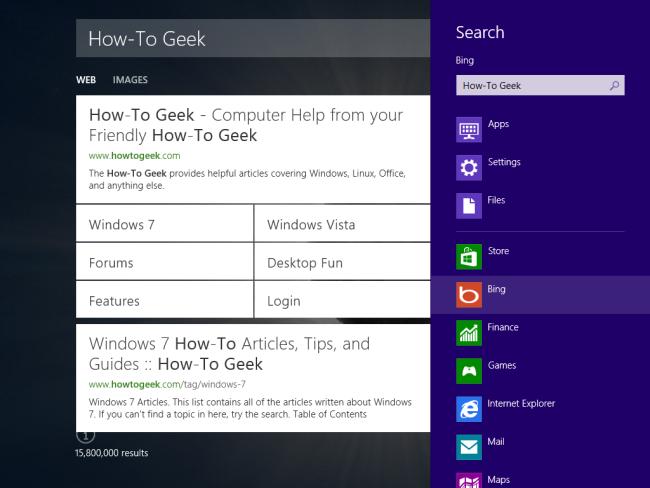
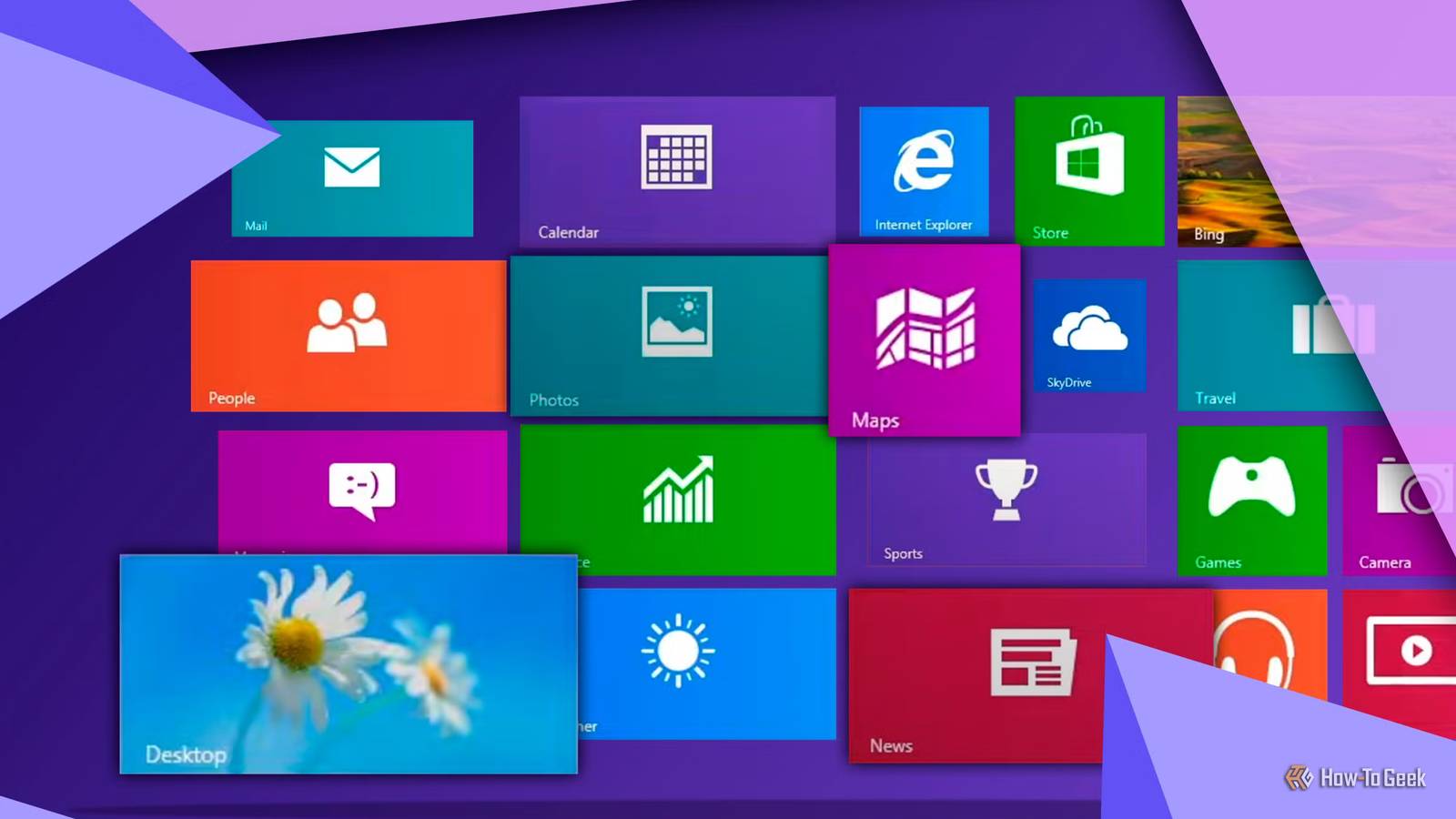
Windows 8 was an OS of two halves. On the one hand, you have the traditional Windows desktop and the desktop apps that go with it. When you were working in this mode, you could completely forget that you were using Windows 8 at all. Unless, of course, you accidentally pressed the Windows key on your keyboard and summoned the flood of tiles and the full-screen Start screen that was the calling card for this version of Windows.
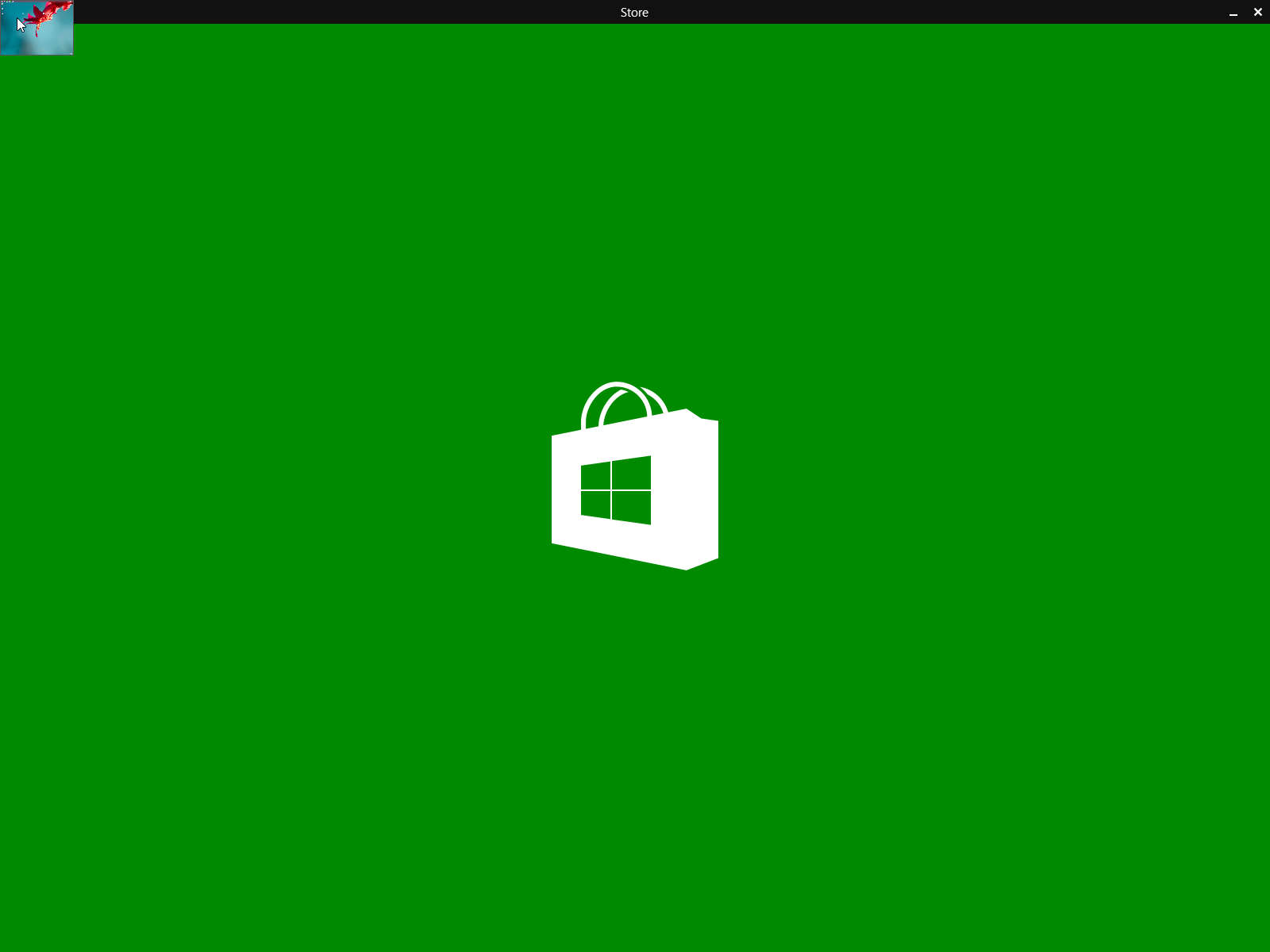
The other half of it was Metro, which is that full-screen, bold, flat, and “modern” take on Windows aimed at making using a touch screen easier. To access Metro mode, an app would have to be written as a Metro app. So one point of confusion was that you’d have two versions of an app. There’d be the regular Windows Calculator app, and then an enormous Fisher-Price calculator app designed for Metro.
It was impossible to use both on the same screen, so multitasking between regular and Metro apps was annoying and very clunky indeed. One behavior that made me pull my hair out (back when I still had hair) was opening any photo or image file, and having Windows 8 launch straight into a huge full-screen Metro Photos app.
Microsoft’s repair list tells you why people complained
So, Windows 8 turned out to be less of a bold new path for Windows, and more of an ill-conceived detour into uncharted territory. With the release of Windows 8.1, the company tried to walk back just about everything people hated about vanilla Windows 8. The Start button came back, and you could now boot directly to the desktop instead of that tiled Metro home screen. Multitasking got some much-needed tweaks too, but sadly the actual Start Menu was not part of the amendments.
A later update added in mouse-accessible buttons to close or minimize Metro apps, power controls became less cryptic to access, and the taskbar also became easier to view and use.
That said, most of what people complained about in Windows 8 was literally skin deep. The OS had some substantial improvements under the hood over Windows 7, which the people who skipped over it and went straight to Windows 10 probably think belong to that version. But Windows 8 gave us USB 3 support, a better Task Manager, fast startup, UEFI support, better power management, and much more.
At launch, Windows 10 was so buggy on my PC that I had to go back to 8.1, or else my video game performance would tank, and my system would become unstable. It wasn’t until the first major updates to Windows 10 that I could even upgrade, so while I don’t think Windows 8 was great, it certainly was an OS that worked.