Credit: Patrick Campanale / Lucas Gouveia / How-To Geek
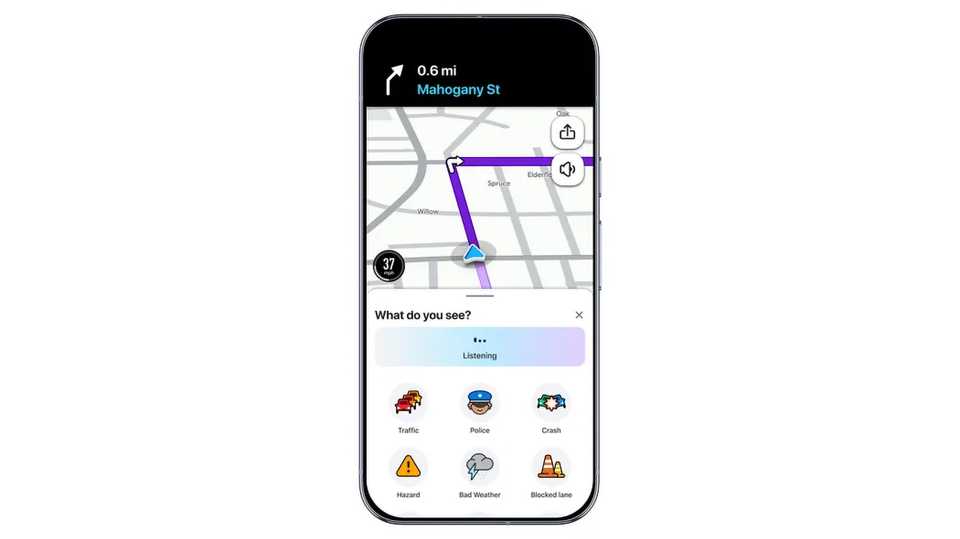
Waze just made it easier to warn fellow drivers of road snarls. An update to the Google-owned app on Android and iPhone uses Gemini for a host of new features, including more natural reporting for road conditions and map updates.
A new Conversational Reporting feature in the updated app lets you report road closures, bad addresses, and other map-related problems just by speaking like you would to a fellow human. If a store moves across town, you can say as much and expect local editors to update the address accordingly.

Google Pixel 10a

SoC
Google Tensor G4
Display
6.3-inch Actua display
Gemini can also help when you don’t know precisely where to go, or have easy-to-spot driving habits. If you ask “find me parking near this restaurant,” you won’t have to drive in circles while you look for an open lot. You’ll also get route suggestions based on past trips, so Waze will know if you prefer side streets or loathe busy intersections.
More Waze updates: motorcycle mode and fewer music interruptions
Riders finally have navigation to call their own
The Waze upgrade also brings a few non Gemini-focused features that could take the stress out of your commute, especially if you ride on two wheels.
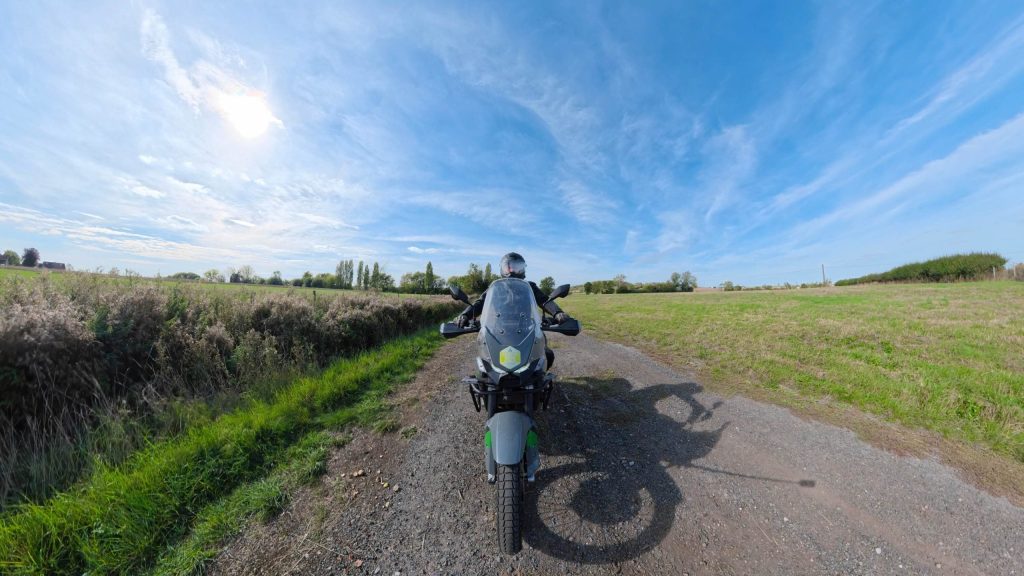
A new motorcycle mode accounts for roads that can help or hinder bikers, such as shortcuts through narrow streets or motorbike bans. You’ll also see road condition alerts specific to your vehicle, such as potholes and raised crosswalks. The feature is only available in seven Latin American and Asia-Pacific countries (including Mexico and the Philippines), but more countries are coming.
Google Maps already has navigation for motorcycles and scooters, but it’s currently unavailable in North America and large parts of Europe. There are unofficial solutions like Sygic, but that’s mainly intended for adapting Android Auto and Apple CarPlay to motorbikes.
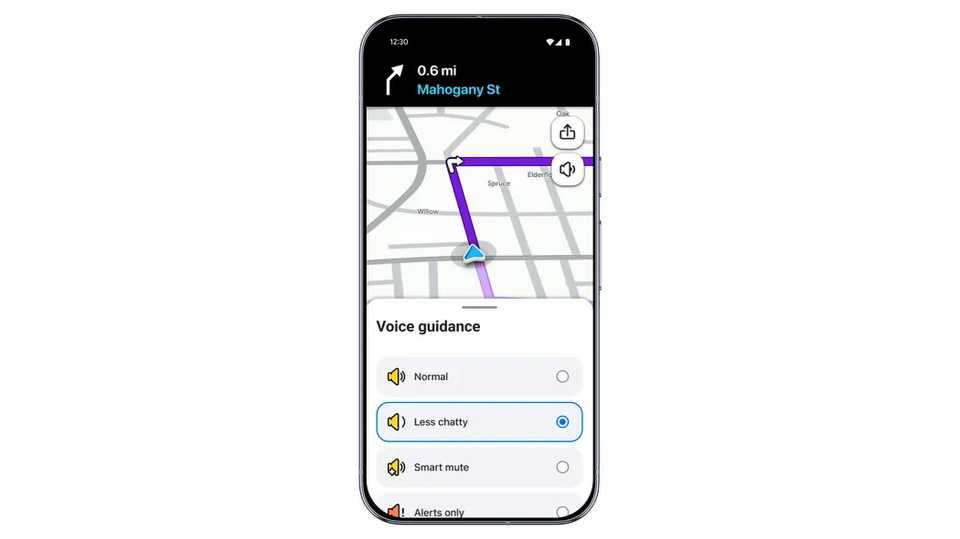
Wherever you live, there’s a new “less chatty” mode that reduces the frequency and length of voice prompts when you’re listening to music or podcasts. You won’t have your true crime series interrupted every time you change lanes. You’ll want to leave this mode off if you’re venturing into a new city, but you might appreciate it if you mainly use Waze to optimize your drive home.