Credit: Bertel King / How-To Geek
It can be tricky to get your head around the concept of an “immutable” operating system; if you don’t care too much for nuance, you can think of it as simply more secure and more stable.
The differences may be an unnecessary extra step if you’re moving from Windows to Linux for the first time, but if you end up with an immutable OS, you’ll be gaining several advantages for a minimal learning curve. These distros can all help smooth the journey.
NixOS
The original system that pioneered a new approach
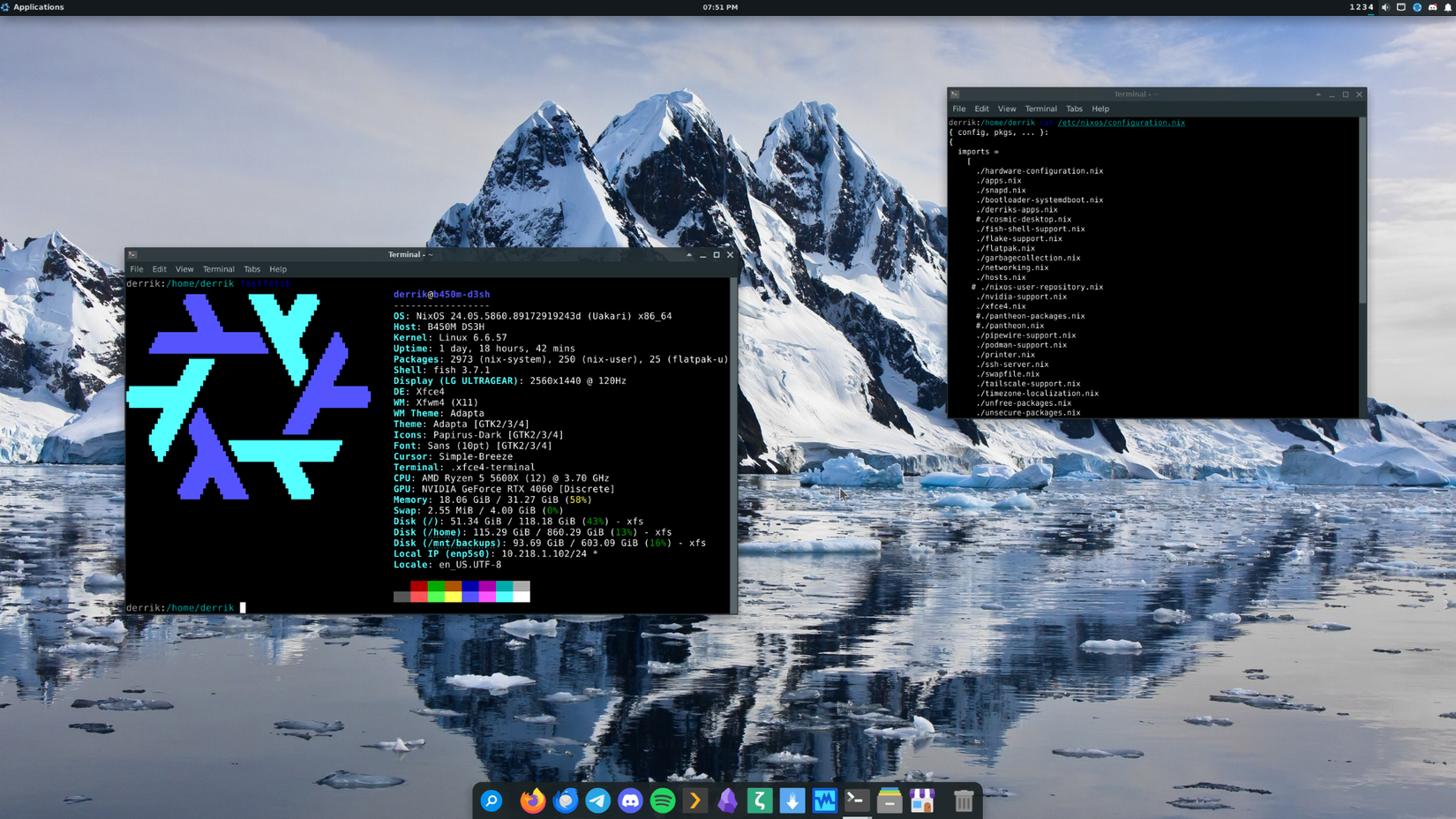
Now over twenty years old, NixOS is possibly the best-known distribution to exist purely as an immutable version of Linux. It began as a package manager, Nix, in 2003, before growing into a full-blown distro in its own right.
Nix, the package manager, works with package recipes written in Nix, the language; they declare software properties like its origin, dependencies, and compilation flags. Together, recipes can configure an entire system in just a single file (if you must), and the system can be fully rebuilt using just the file(s) that configure it.
This doesn’t make for an unfriendly system, though; installation occurs via a familiar bootable media method, and the graphical ISO uses an on-screen wizard to guide you through the steps, as is customary for most distros nowadays.
Fedora Atomic
A mature immutable distro that remains highly popular
 Credit: Fedora
Fedora Atomic originated in 2014 focusing on server and container workloads, but its framework now powers Fedora Atomic Desktops for PC users, with Fedora CoreOS serving as its enterprise server counterpart.
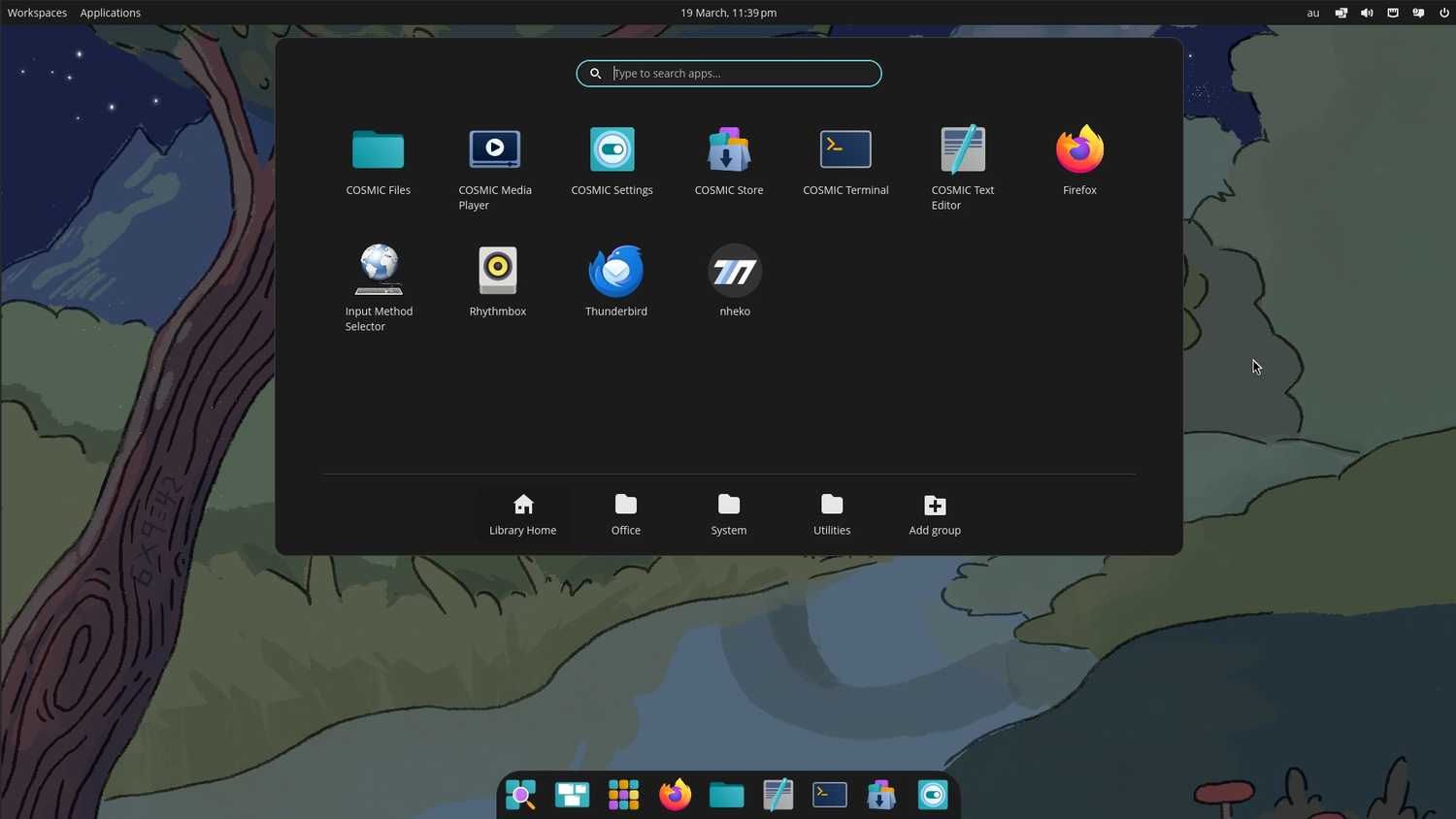
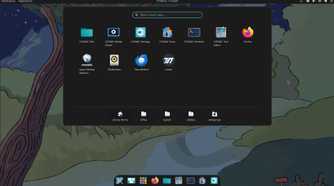
Most immutable distros offer separate editions for each desktop, and Fedora’s Atomic project is a good example. It offers a Silverblue variant which includes GNOME and one with KDE Plasma called Kinoite. There’s also a version for each of the Sway, Budgie, and COSMIC desktops, each named correspondingly.
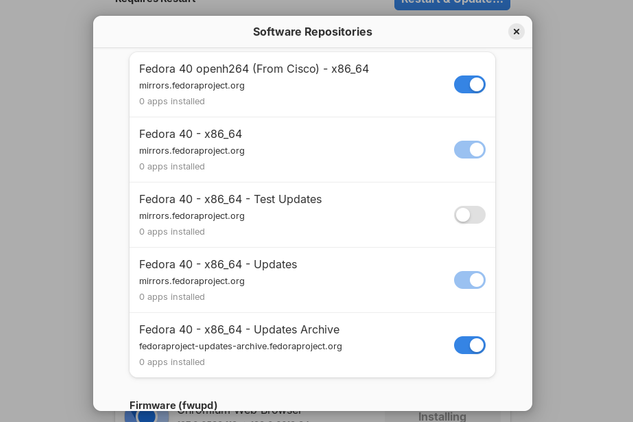
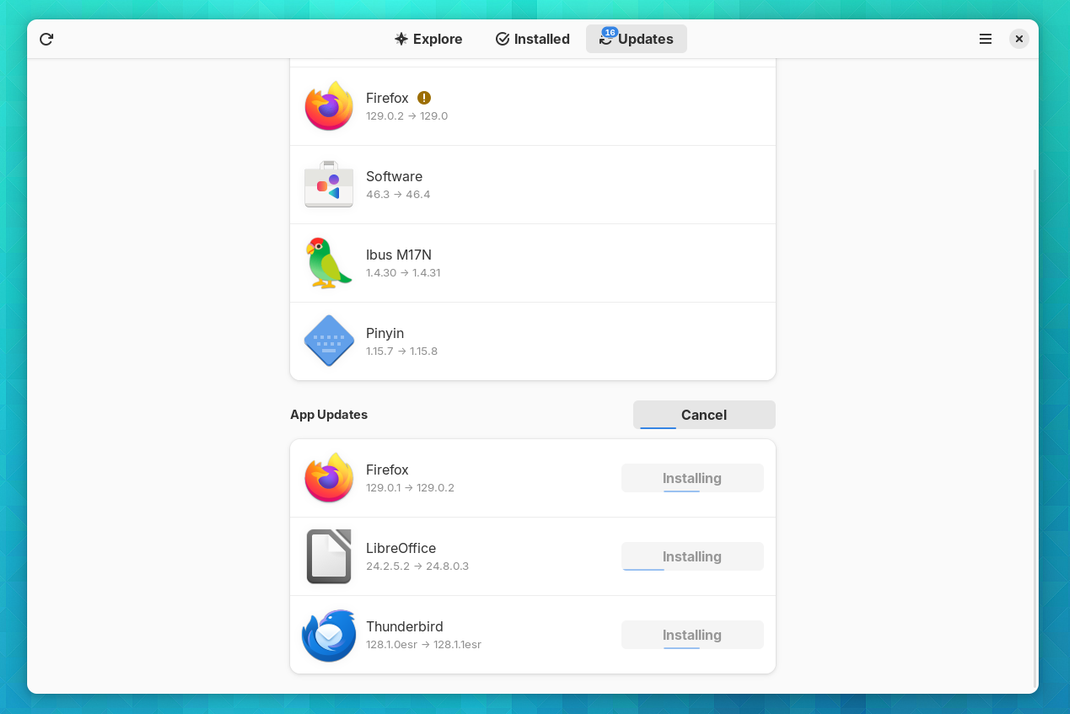
Fedora Atomic uses rpm-ostree, a system that seeks to combine the best aspects of package-based updates and image-based ones. This allows the base OS to update atomically as a complete image, while layering standard RPM packages on top of it. It does, however, mean that updates require a restart to boot into an updated image.
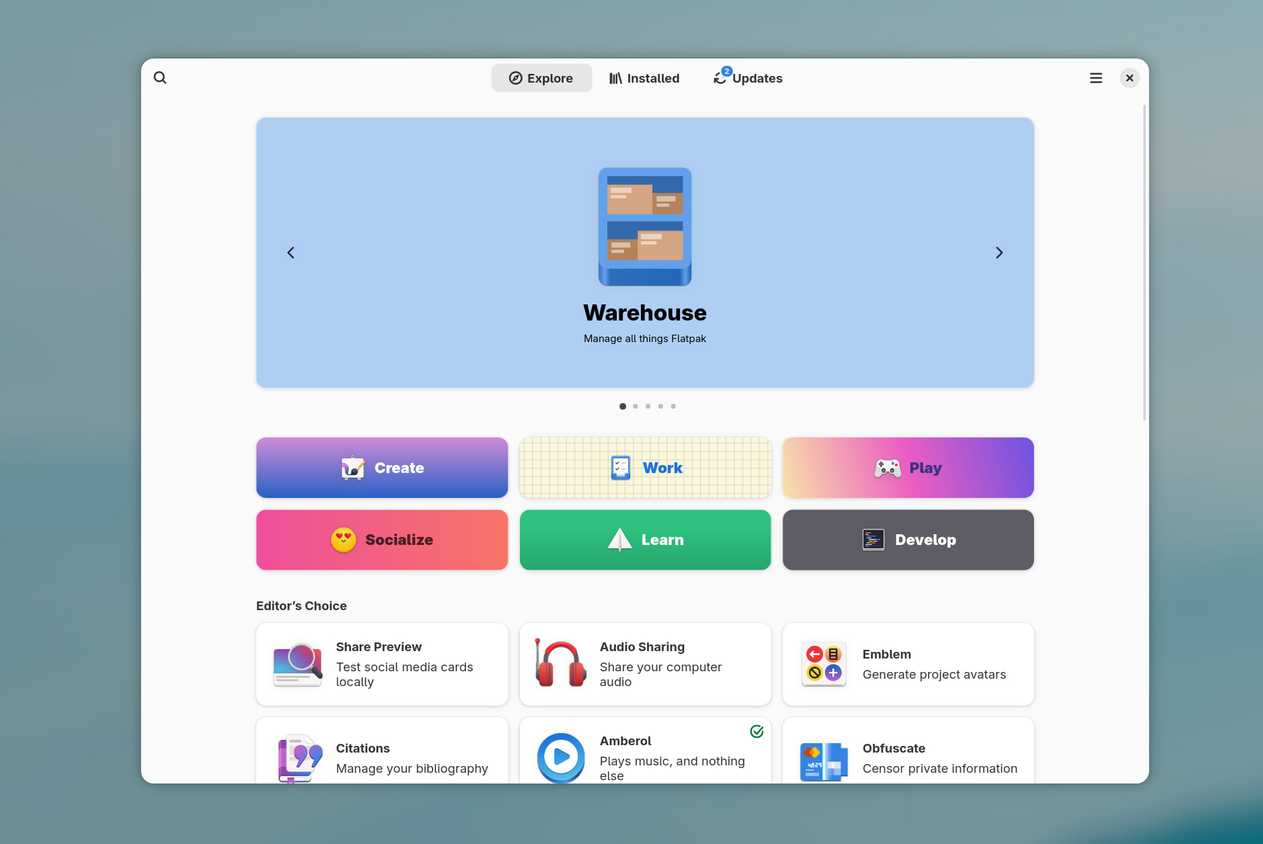
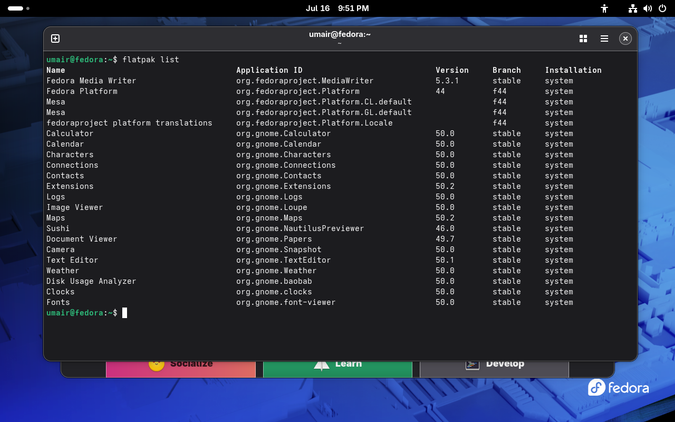
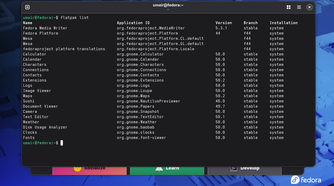
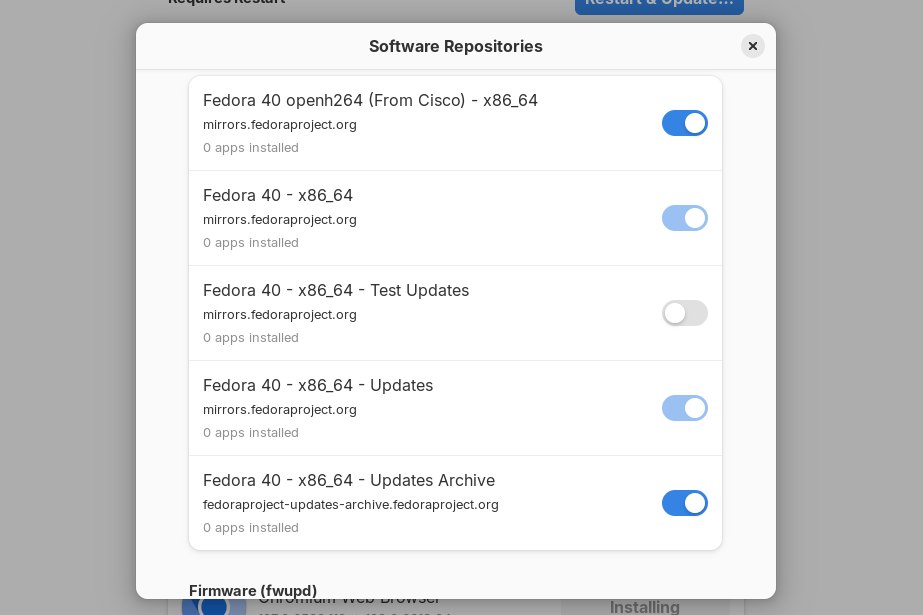
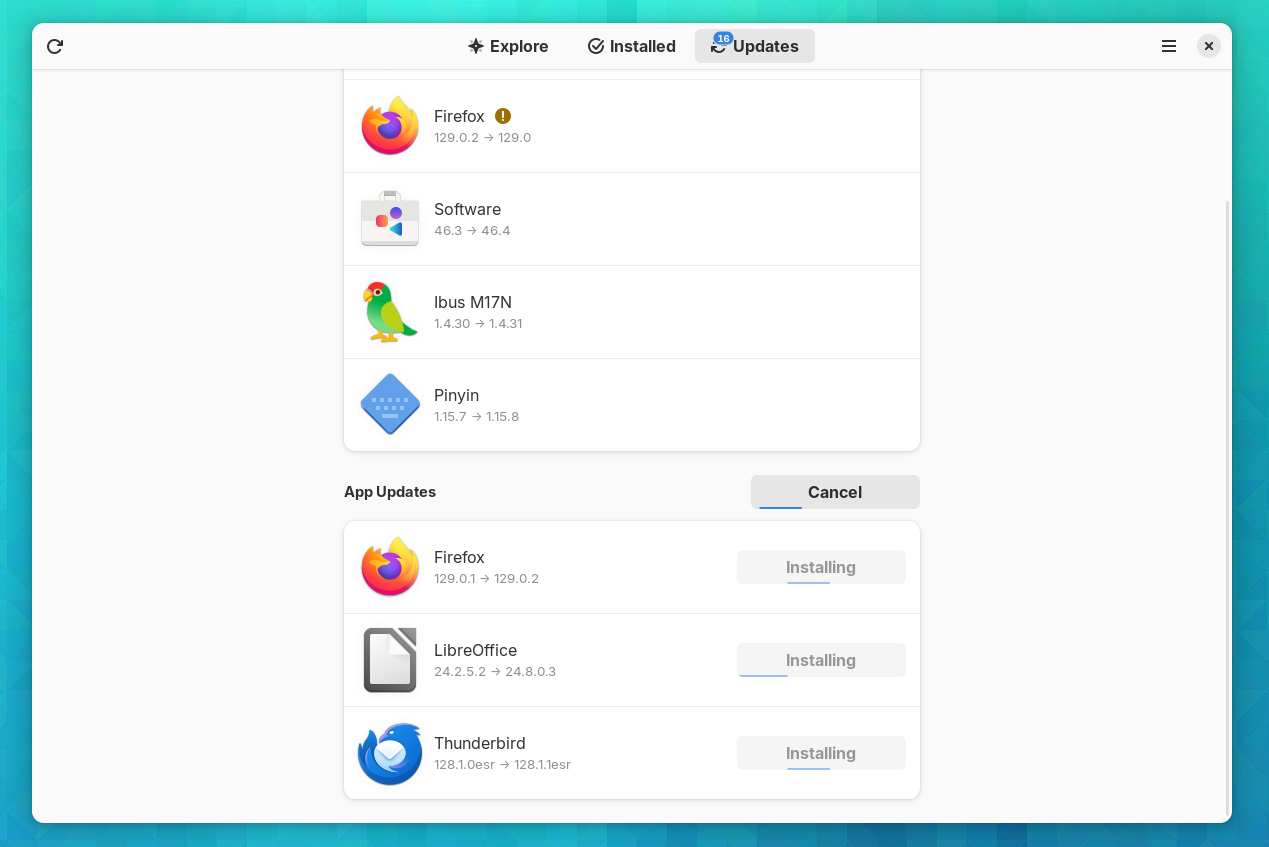
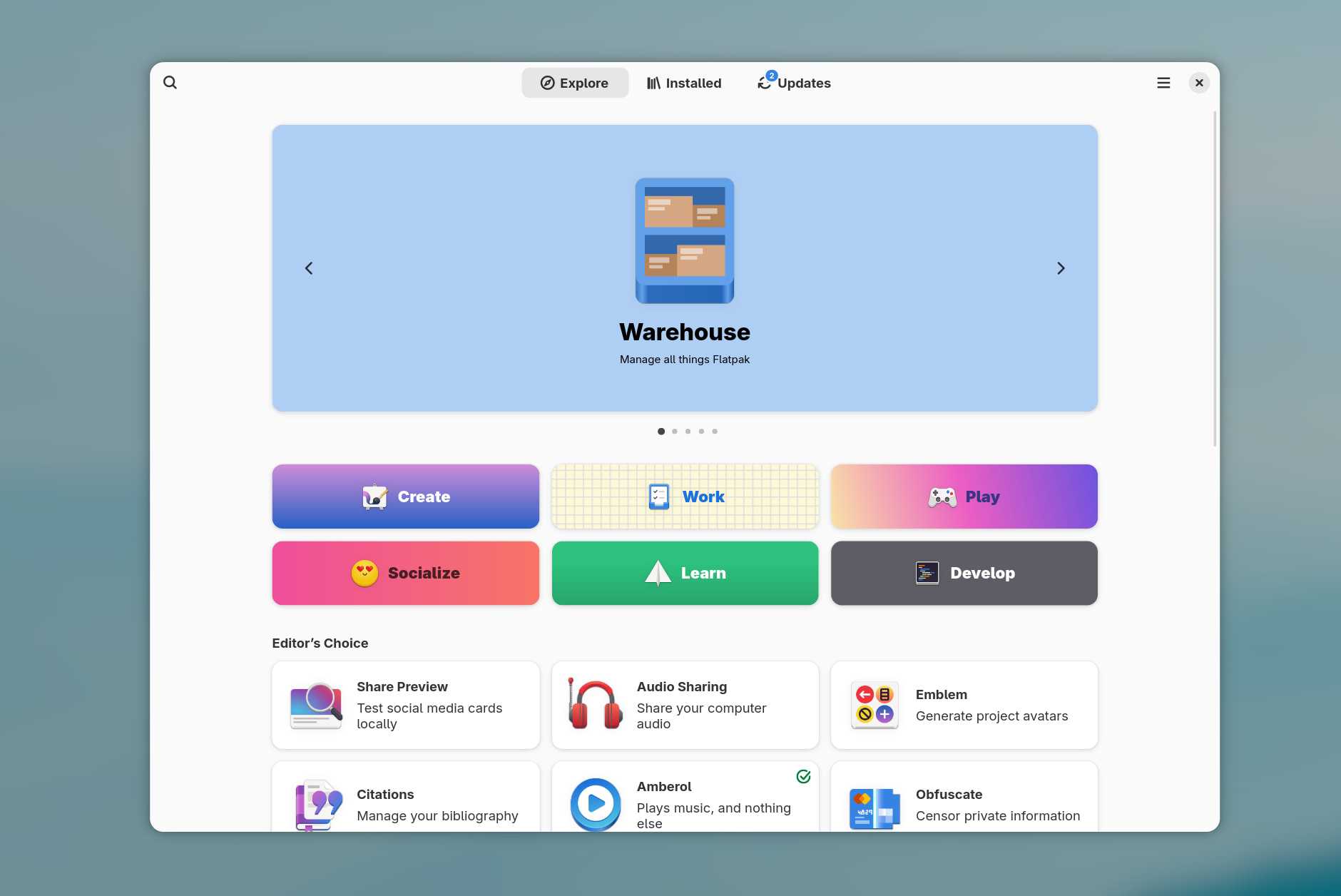
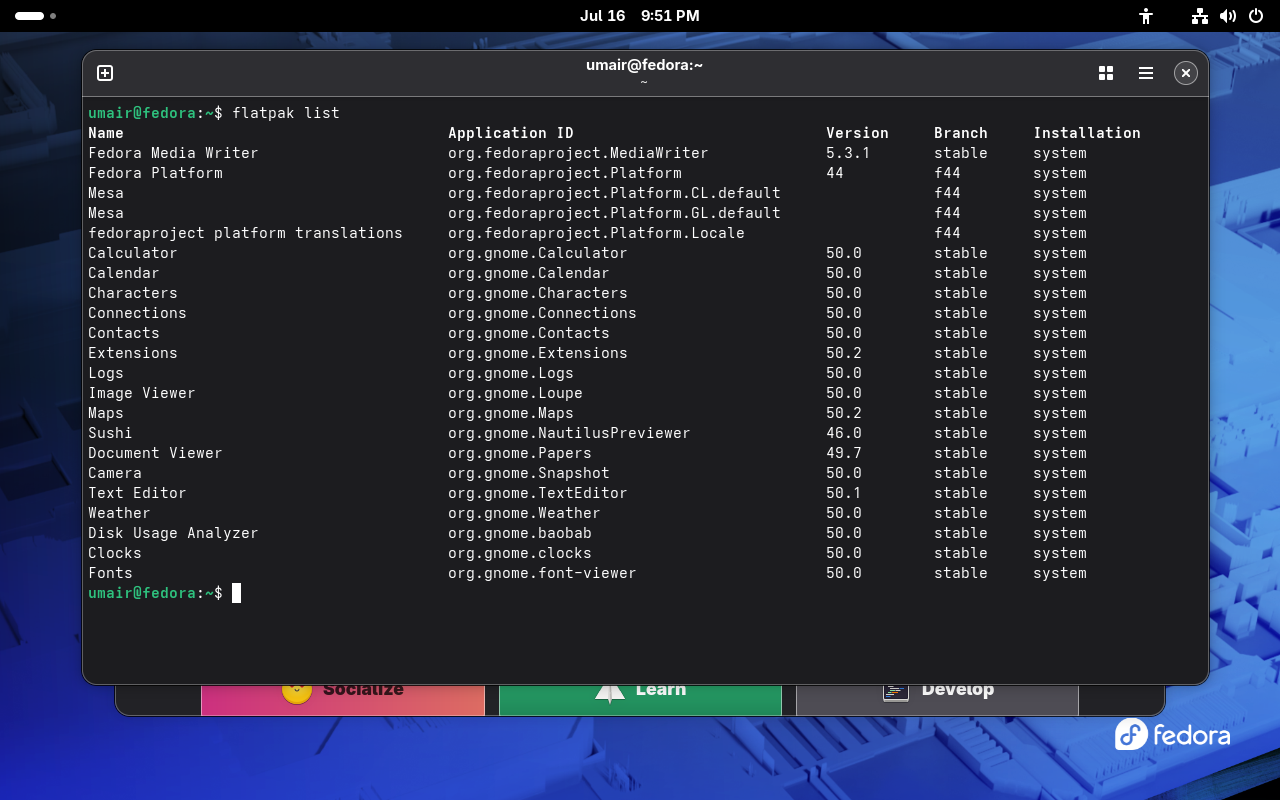
Alternatively, Fedora Atomic supports Flatpaks for app installation, and this is the preferred approach for most GUI apps. Flatpaks give you application sandboxing for added security, and they avoid conflicts between dependencies. Meanwhile, Atomic’s package layering brings built-in rollbacks, so if you encounter problems with an update, you can easily return to a previous, stable version.
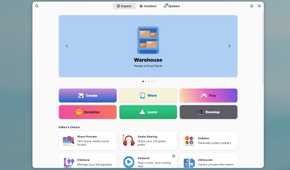
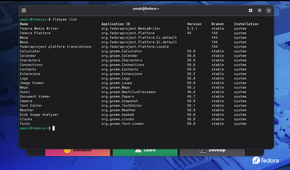
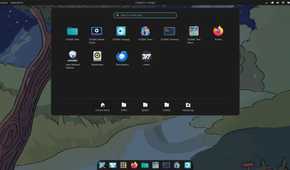
image gallery: – software-repositories-in-gnome-software-on-fedora-silverblue.png – apps-in-gnome-software-on-fedora-silverblue-1.png – gnome-software-home-warehouse.jpg – screenshot-of-installed-flatpaks.png – fedora-atomic-screenshot-cosmic.jpg
-
 Credit: Fedora

-
-
-
-
-
 Credit: Fedora
Universal Blue
With one version that will be of particular interest to gamers
 Credit: Jordan Gloor / How-To Geek
Universal Blue is a project based on Fedora Atomic, with three main variants: Aurora, Bazzite, and Bluefin. Aurora and Bluefin are business as usual, targeting KDE Plasma and GNOME, respectively, for general-purpose desktop use. But Bazzite is more interesting, as a gaming-focused distro, with both KDE and GNOME variants. It’s essentially a drop-in replacement for SteamOS.
While gaming consoles lock down their environment to a tightly controlled, predictable set of hardware, PC operating systems have to cater to an enormously varied set of specifications and device types. An immutable OS, like Bazzite, has the opportunity to better control its environment, ensuring that any conflicting software versions or drivers are neatly isolated from each other.
Like other immutable systems, Bazzite offers rollbacks, and the official repositories hold images for ninety days, giving you plenty of time to evaluate the latest version to check for any issues. Bazzite offers excellent support for Steam games via Valve’s official Proton compatibility layer.
Endless OS
Powered by positivity and a rock-solid immutable core
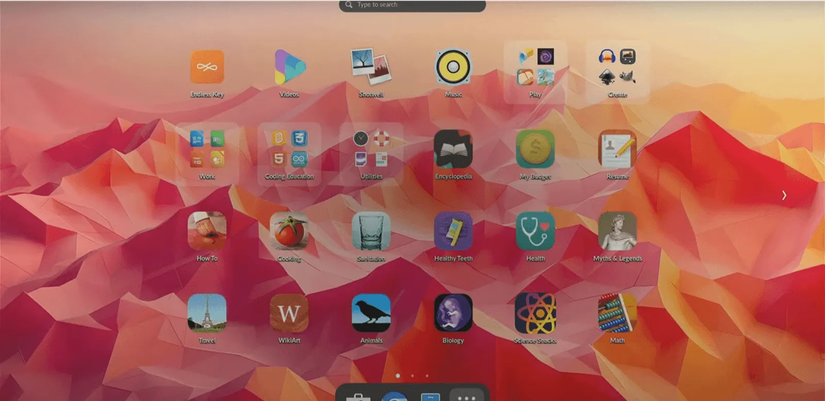
Endless OS is a distro with a mission: to bring PCs to the world, from Rio to Indonesia. At the center of that lies Endless OS, an immutable operating system with a niche for offline work.
The people behind Endless OS present it as a low-cost, simple, secure alternative to traditional PCs, emphasizing its approachability by likening it to using a smartphone.
This approach is aided by a solid, immutable core using OSTree to manage apps installed with Flatpak, ensuring that package updates don’t break the system. Endless OS also boasts about its lack of an unnecessary recovery partition, which reduces the need for disk space.
openSUSE MicroOS
An old dog learning new tricks
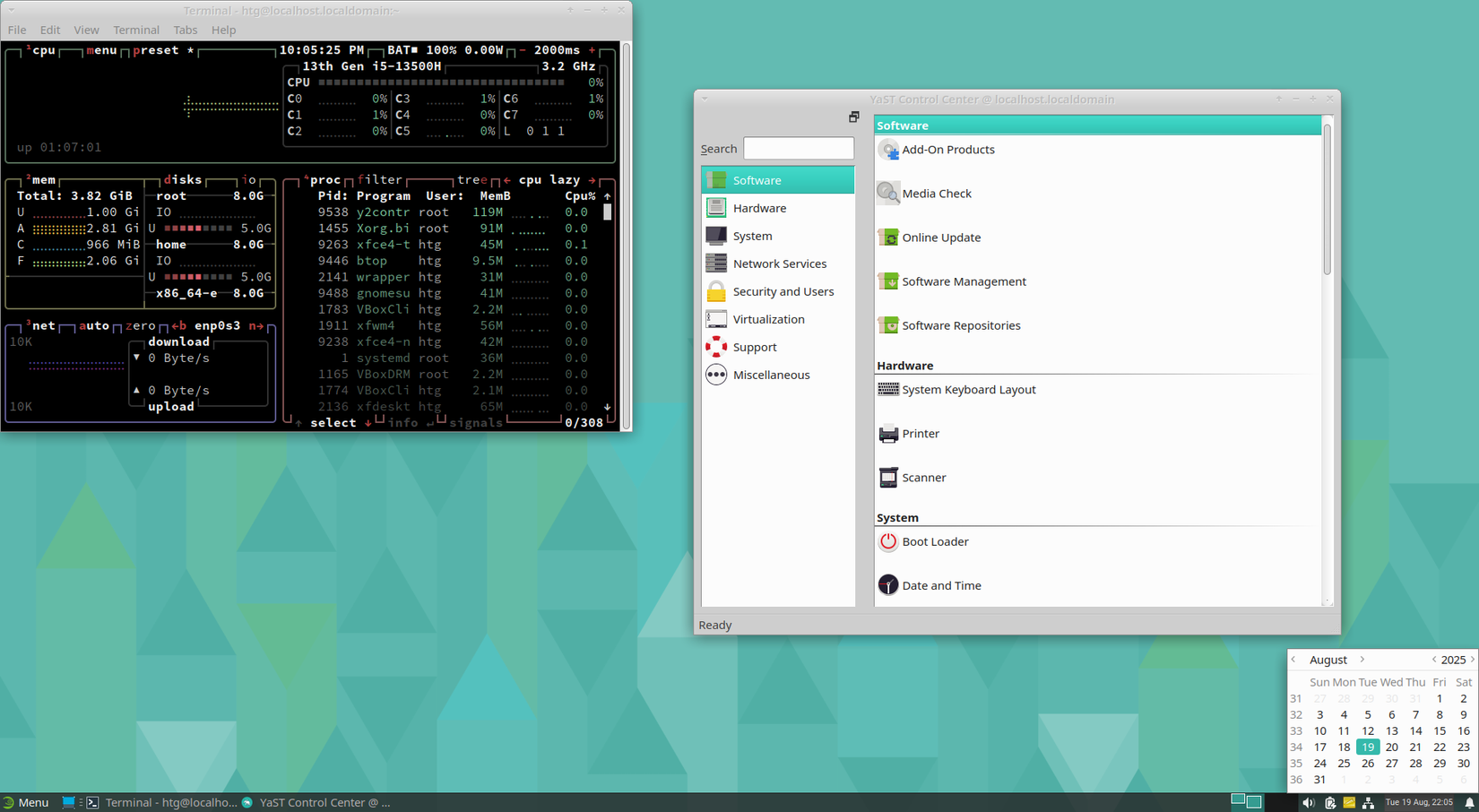
SUSE Linux is another old-timer, originating in 1994 before transitioning to openSUSE in the mid-2000s. The MicroOS distribution comes in a GNOME flavor called Aeon and a version using KDE Plasma known as Kalpa.
MicroOS features a small base system with all the essentials, and allows more apps to be installed via Flathub. Users admire it for its excellent level of security and lack of bloat.
All the configuration files in /etc are stored as snapshots using Btrfs, a modern file system that uses copy-on-write to manage file history with high efficiency. This allows for transactional updates and easy rollbacks by rebooting to an earlier snapshot.
Everyone’s going immutable
From Fedora to SUSE, distributions are subdividing further and further by desktop environment and, now, mutability. With so many choices available, it’s the perfect time to get to know an immutable distro and find out what all the fuss is for yourself.