Once I put something important away in a nice, secure spot, my brain almost immediately forgets where I hid it. It’s great for keeping things hidden and secure, but not so great when it’s time to find what you’ve stashed. My solution has been to leave everything out and accessible, which is obviously an incredibly flawed system and one that needs a more permanent, organized solution.
Google claims to have cracked the code with a new feature in their device-finding app, Find Hub. With clever Gemini integration, you can now track more than just electronics. It offers a convenient solution to a problem that tons of people just like me experience every day. However, it doesn’t come without its drawbacks.
I can never remember where I put important things
Stuff gets left where it’s easily findable
This is, admittedly, not one of my better habits. I am a pretty forgetful person, and not the best when it comes to overall organization. I thrive in what I call ‘organized chaos’, which means my workspace is a mess because I leave everything out, but I know exactly where to find things because they are always in the same spot. It is by no means a good system, but it works for me.
One of the biggest flaws with this organizational system, if you can call it that, is that it extends to pretty important stuff too. Things as vital as passports, IDs, and other documents of the sort were kept out somewhere I could find them, obviously exposing them to a number of different risks. I’ve known this needs to change for quite a while now, but I have never been confident that once I put these things away, I’d remember where I put them again. I’m sure I’m not the only person with ADHD struggling with similar problems.
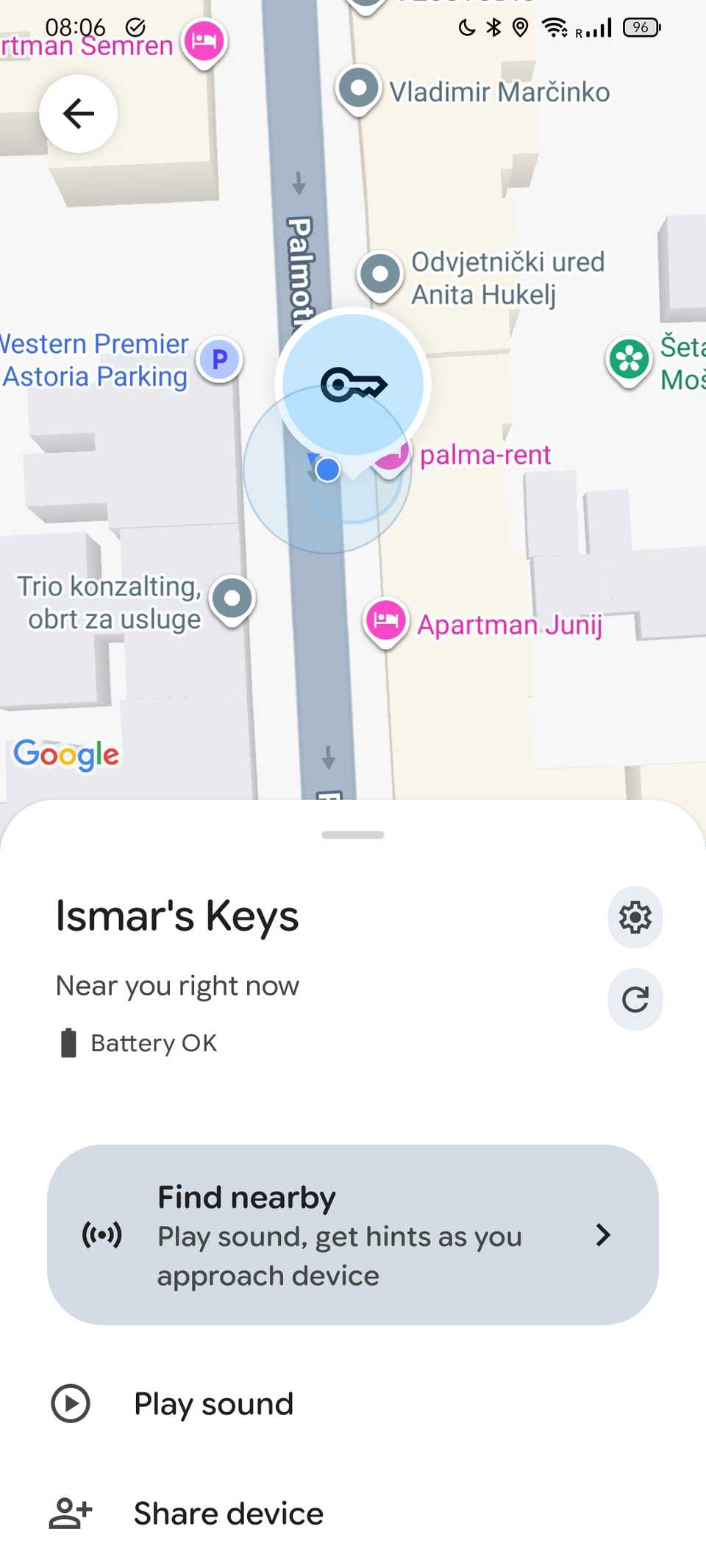
You can obviously keep everything written down, but another convenient solution is Find Hub’s newest feature. Google’s Find Hub app is usually used to track your devices, using Bluetooth signals to find any compatible Android device. As of the first of September, however, Find Hub has expanded its functionality with Gemini and introduced a new feature that helps you track more than just your smart devices, and it doesn’t mean attaching an Android tracker to everything.
Google Find Hub helped me organize certain things
Its integration with Gemini means you can find anything
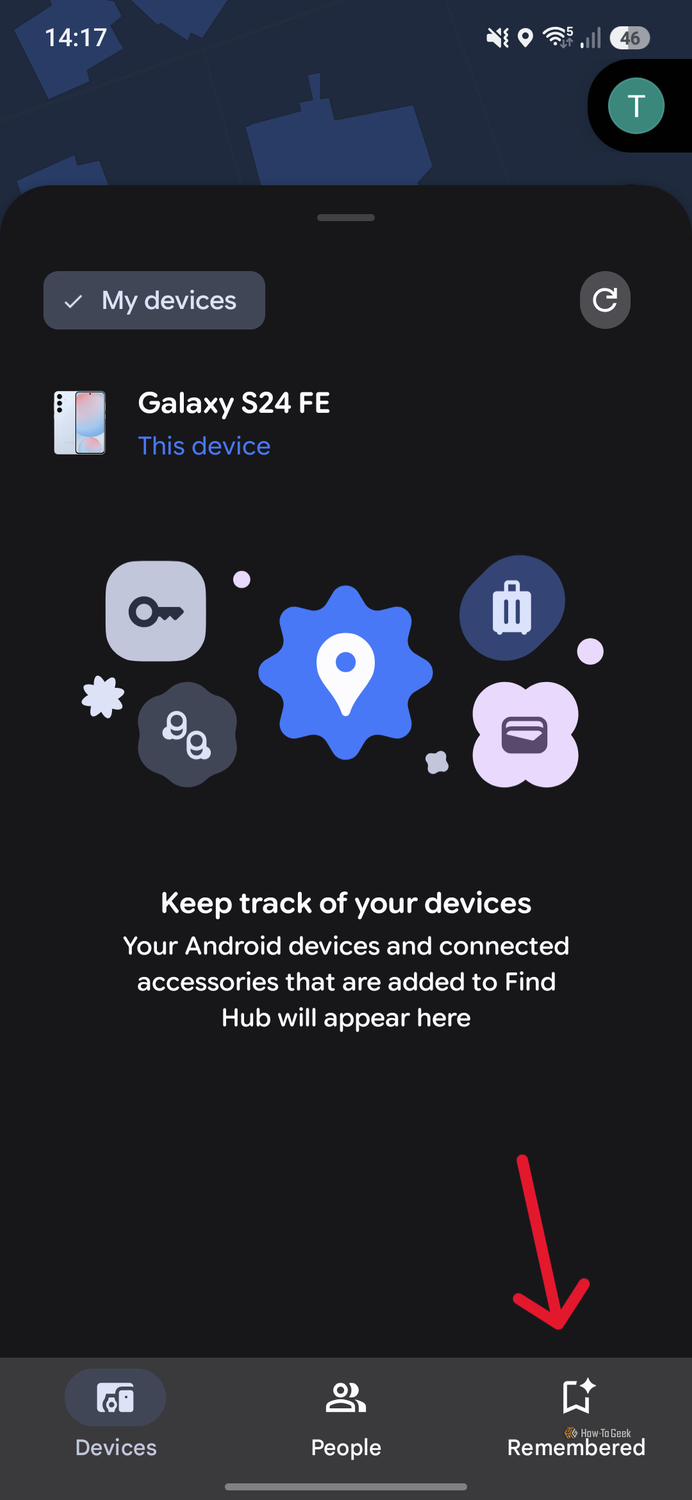
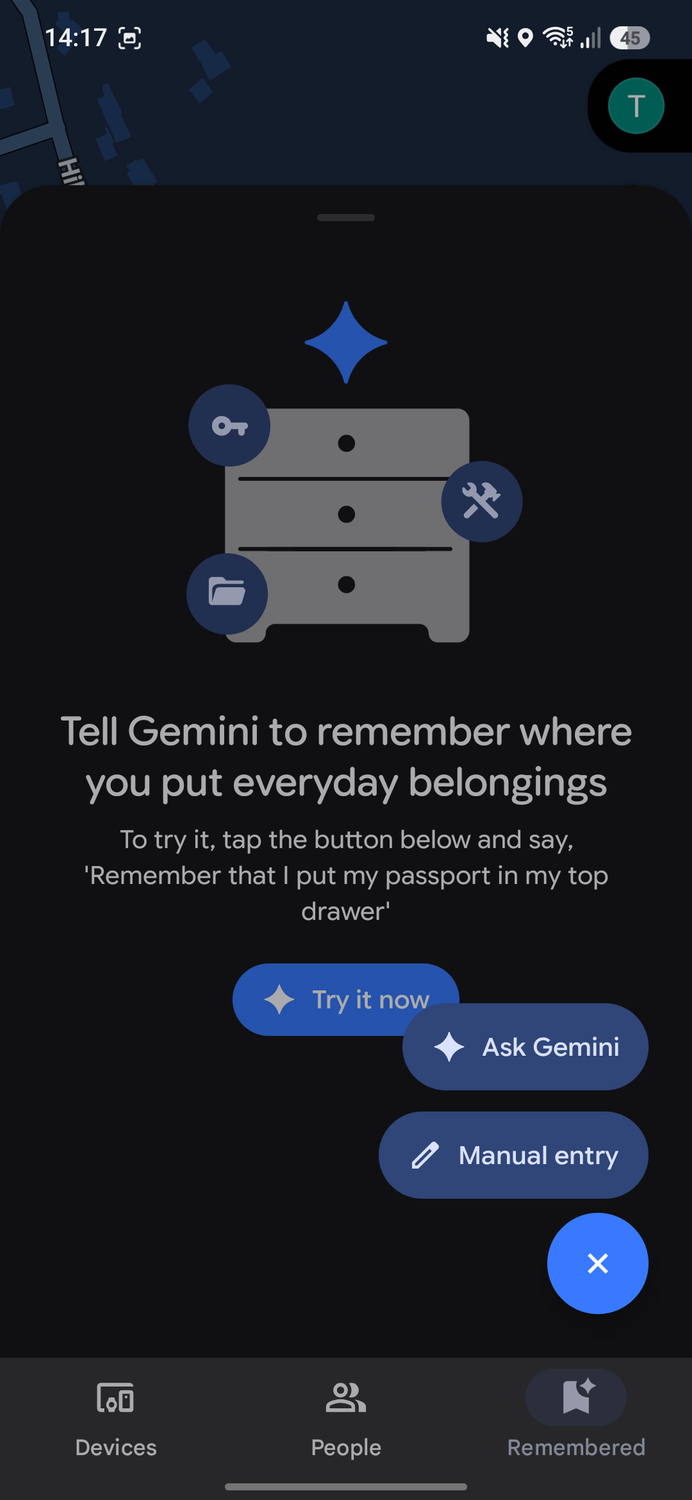
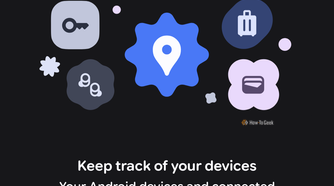
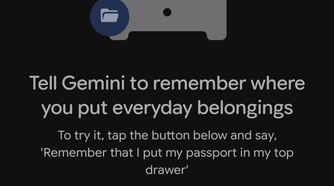

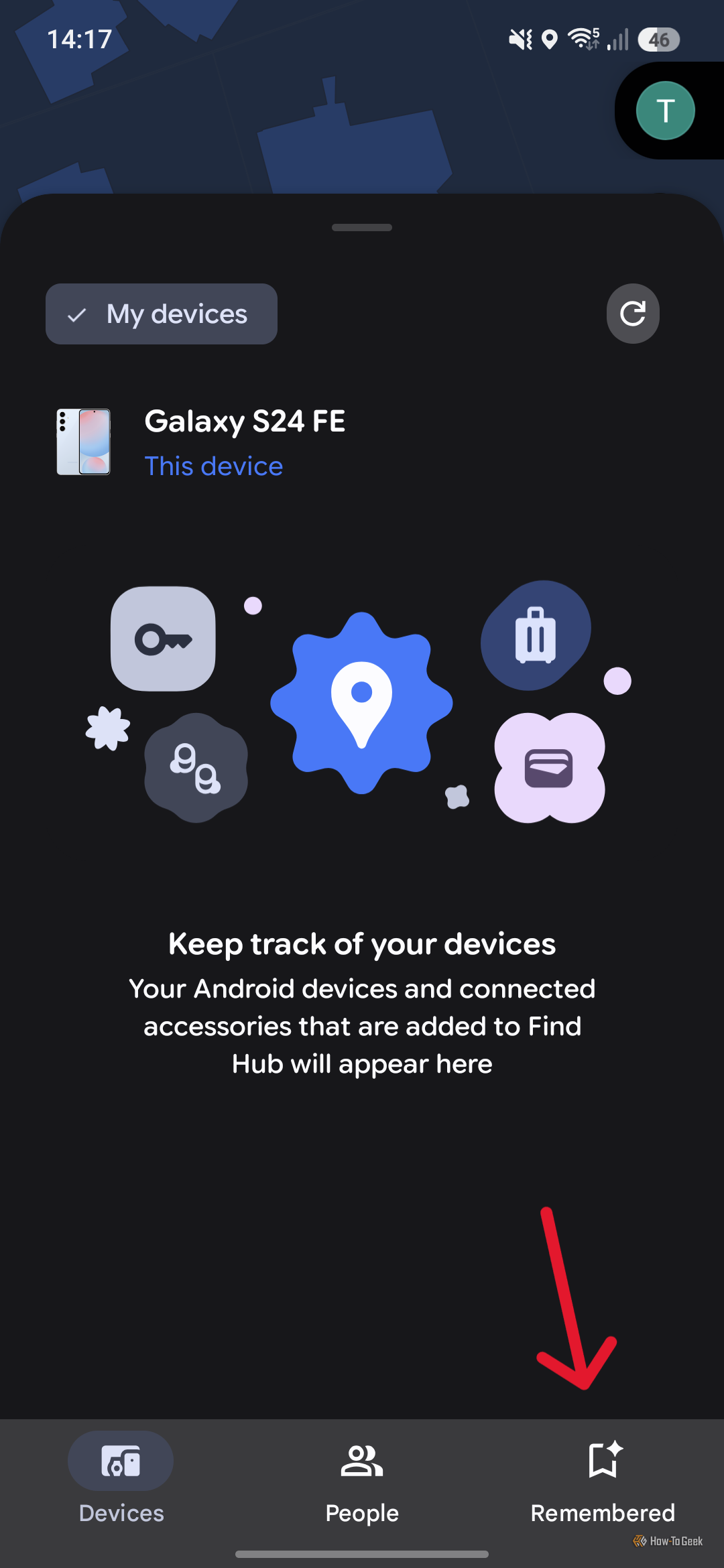
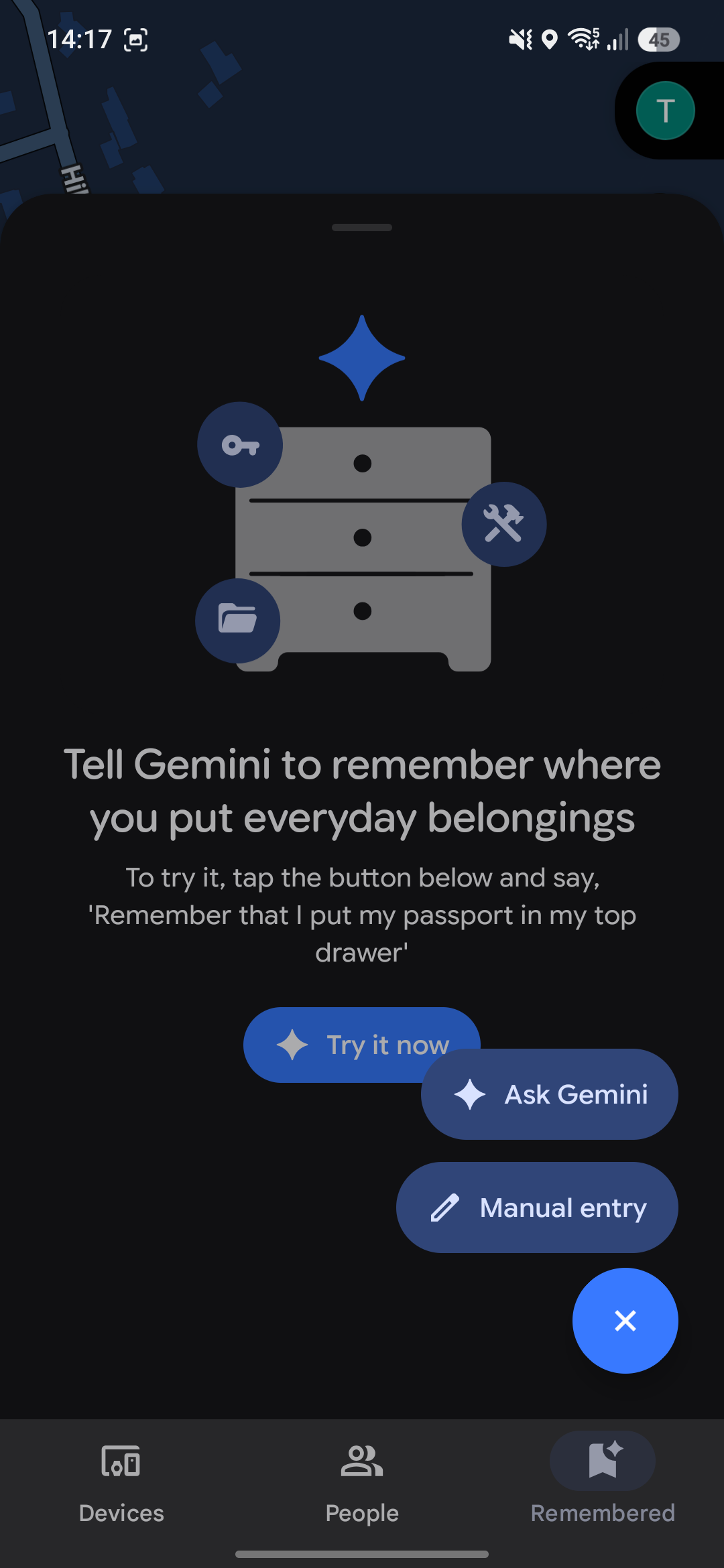
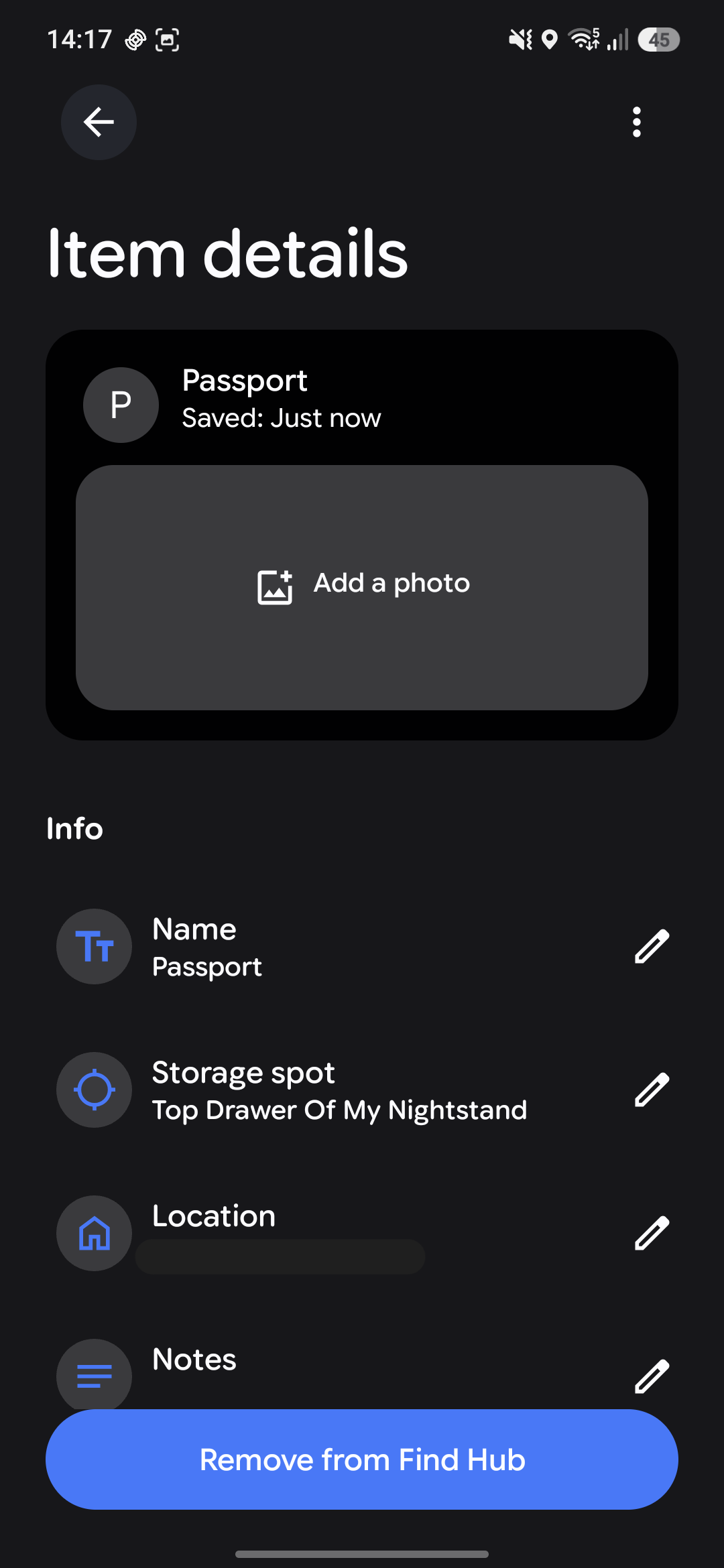

Open up the latest version of Find Hub, and you’ll see three separate tabs at the bottom. One is labeled ‘People’ and is used to see other people who have shared their location with you. The second tab is titled ‘Devices’ and is, obviously, used to see the location of any of your connected devices. The third tab, however, is the one we’re looking for. Labeled ‘Remembered’, this tab lets you use Gemini to track just about anything.
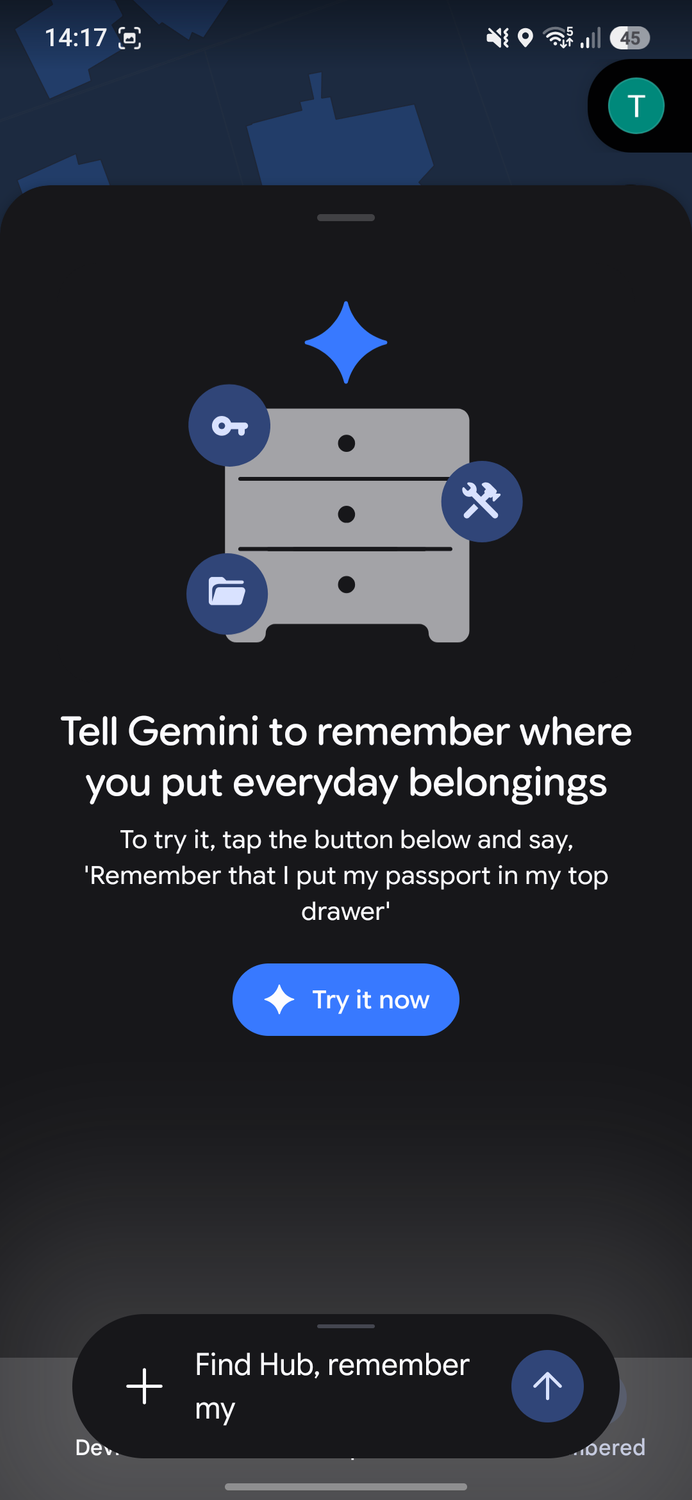
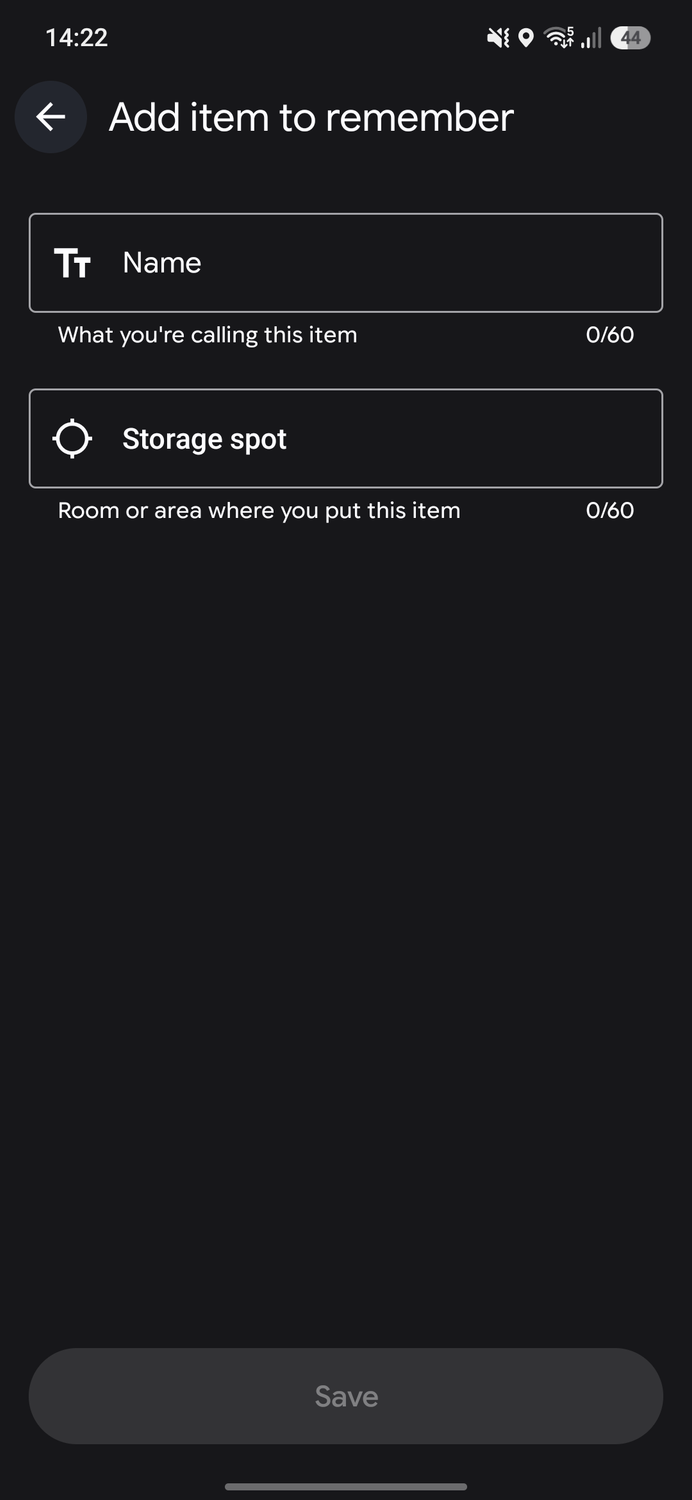
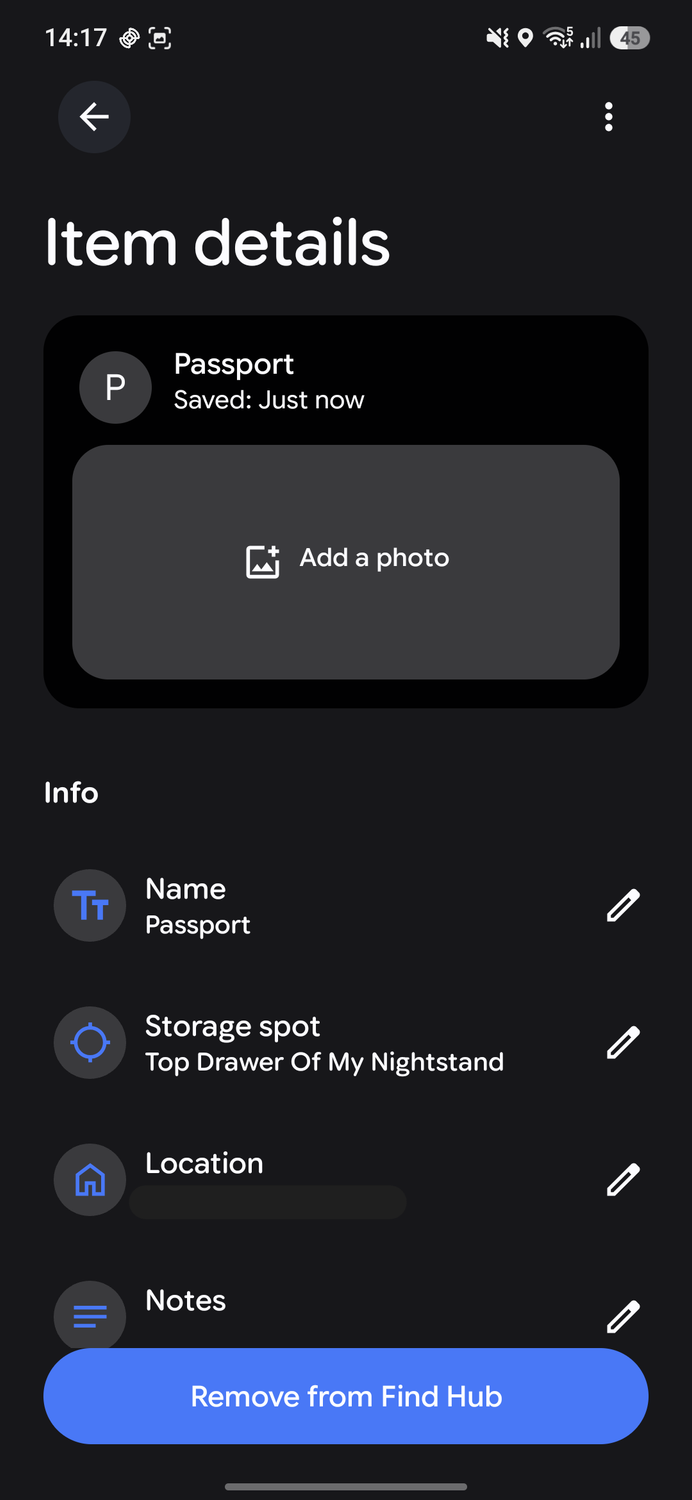
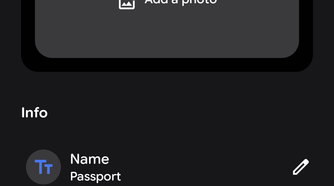
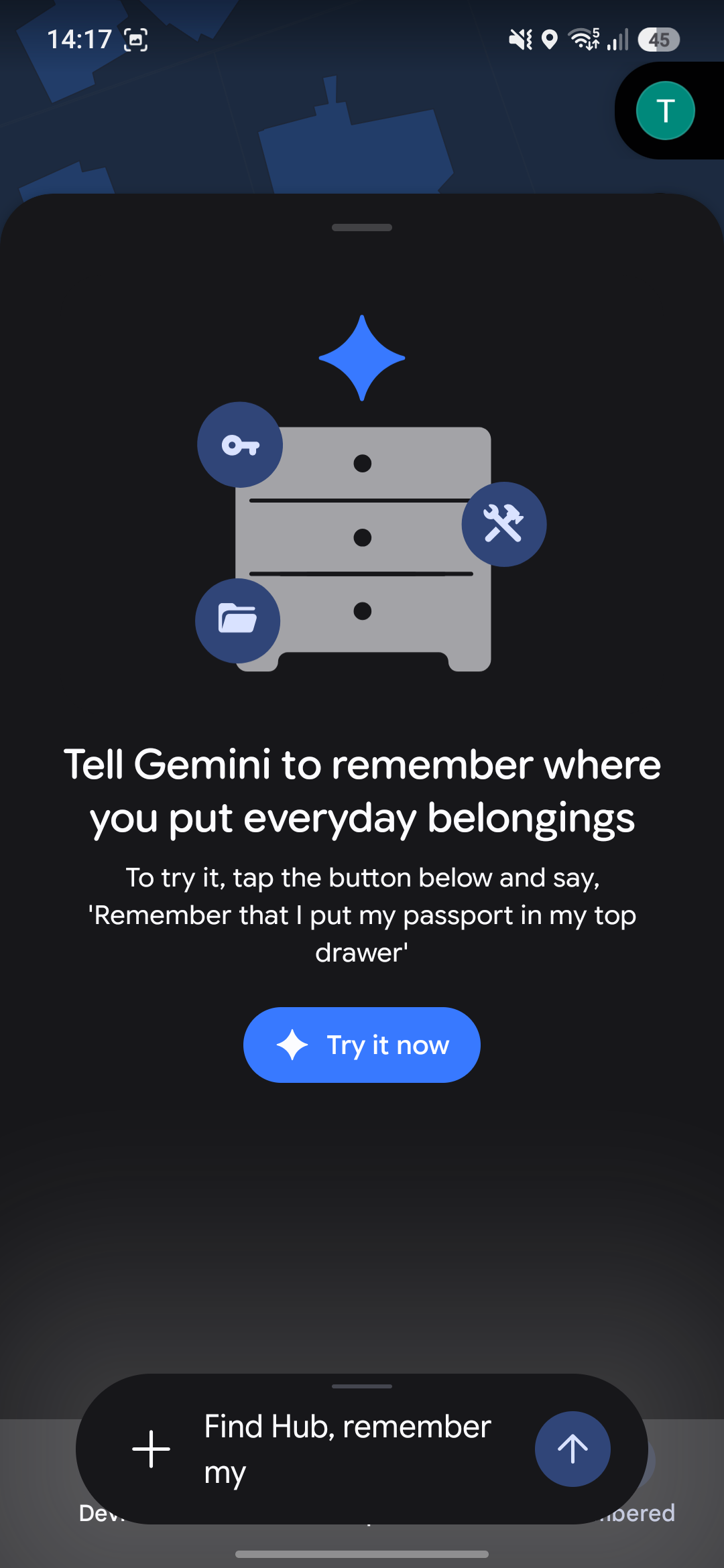
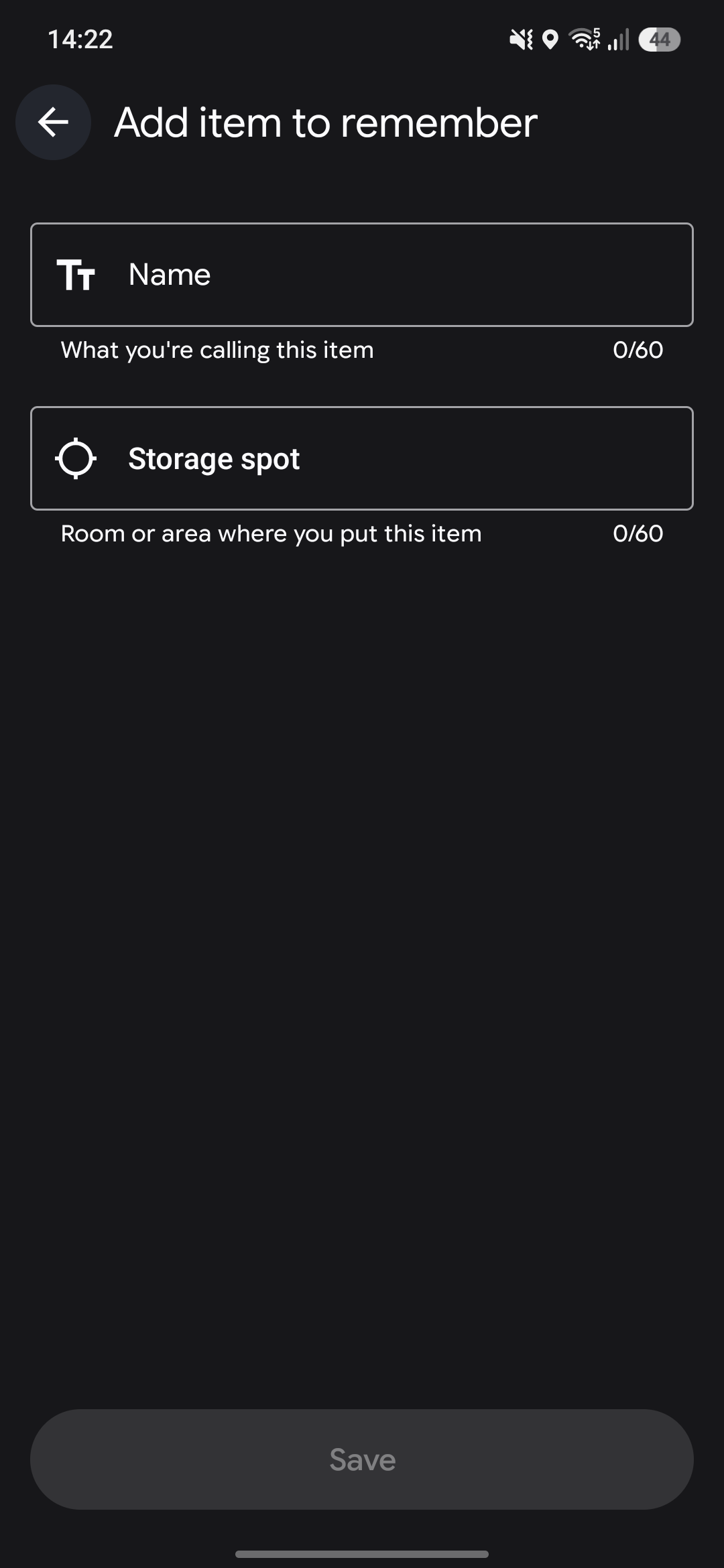
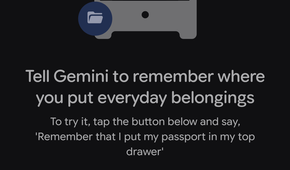
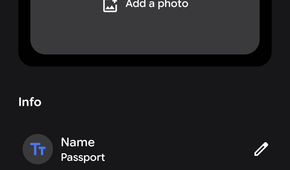
In the ‘Remembered’ tab, you can add items manually or use Gemini to add them. When using Gemini, you’ll tell the AI assistant where you’ve put something. For example, you might say, “Remember that I put my passport in the top drawer of my nightstand.” It will then add your passport to Find Hub, including its location and a note describing exactly where you put it. You can also put the information in manually if you’d prefer.
Once you’re logged in, the item will show up on the map in Find Hub. When you’re looking for it again later, you can also simply ask Gemini where you left it. You can add extra notes to each entry, with any extra details for its hiding spot. Most importantly, though, you can add a photograph of the item’s hiding spot, which can help you find it later.
This feature doesn’t come without its risks
Keep your Google account secure
 Credit: Google
It wouldn’t be responsible to talk about this feature without addressing the obvious risks here. In recent years, hackers have used Find Hub to track and wipe Android devices. This wasn’t achieved through a flaw in the app’s security, but rather through stolen Google account credentials.
Anyone who can access your Google account can also access Find Hub. This obviously means they can track any of your linked devices, but if you log the location of everything important to you, they will also have a list of your valuables, plus directions to where they can find them.
This might put you off using the feature entirely, and I wouldn’t blame you. It definitely made me wary of what exactly I track in Find Hub. Since this exploit uses stolen credentials, the best way to protect yourself is to keep your Google account as secure as possible. Other than that, you have to accept that you’re taking on some risk.
Find Hub’s new Gemini integration means I can track everything important to me
As someone who struggles to remember where I put things after I’ve packed them away, Find Hub’s Gemini integration has been really useful for me. It is set up in a way that makes it easy to record where you’ve put things, and being able to ask Gemini where my stuff is later eliminates the constant stress I feel when I need to find something. It isn’t a perfect feature, and you should be aware of the security risks, but it definitely serves a function and has helped me organize my life a little better.