Termux is one of the most underrated tools you can put on your Android phone. It turns an ordinary Android phone into a capable Linux workstation without rooting or flashing anything. And these are just three Linux things you can do on your Android phone, all thanks to Termux.
File management commands
A real shell makes bulk file work fast
-
 Credit: Arol Wright
 -
 Credit: Arol Wright
 -
 Credit: Arol Wright
 -
 Credit: Arol Wright
 -
 Credit: Arol Wright
-
 Credit: Arol Wright
 -
 Credit: Arol Wright
 -
 Credit: Arol Wright
 -
 Credit: Arol Wright
 -
 Credit: Arol Wright
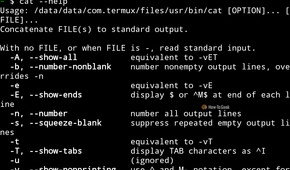
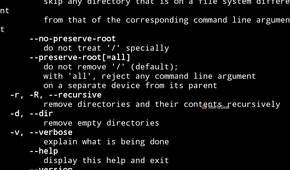
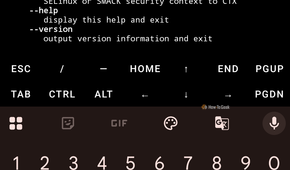
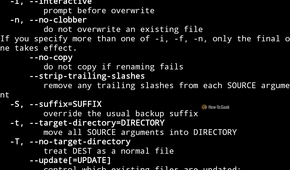
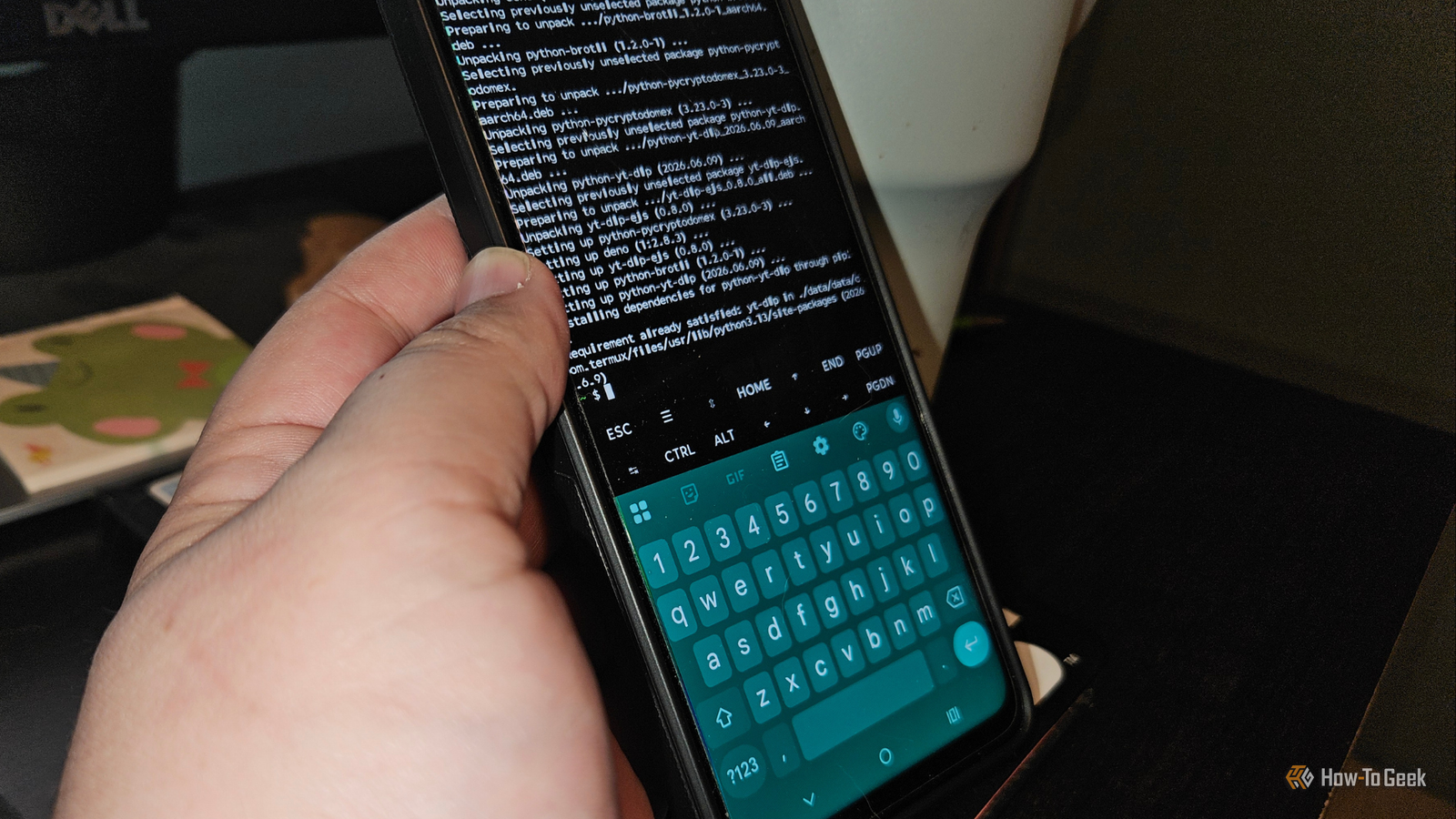
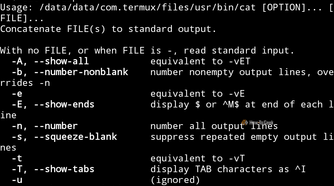
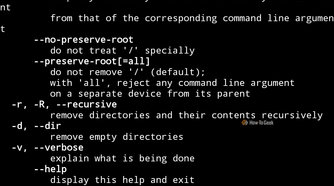
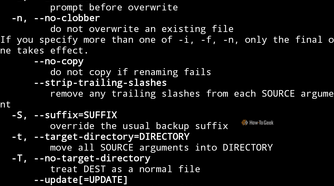
Termux gives Android an actual terminal with a package manager. By default the app sees only its own private directory, so the first command worth running is termux-setup-storage. It asks for storage permission and creates a storage folder in the home directory, with links to shared locations such as downloads, pictures and camera photos. From there the familiar GNU tools behave as expected. Commands like ls, cp, mv, rm, mkdir and cat work immediately, and installing the coreutils, findutils and grep packages fills in anything missing.
It’s not just for show, mind you. Android’s stock file manager is built around tapping and dragging, which becomes tedious when a job involves hundreds of files. A single find command can locate every large video across the photo and download folders, and a short loop can rename, say, a batch of photos taken with your phone’s camera to a consistent date pattern. Globs, pipes and chained commands work exactly as they do on a desktop distribution.
Archiving is covered as well, since tar, zip, unzip and gzip are all a pkg install away, so unpacking a download or bundling a project folder takes one line. Tools like rsync can synchronize a phone folder with a laptop, while ncdu and tree make it easy to see where storage went. Scripts are the natural next step: a few lines of shell can sort the downloads folder into subfolders by extension and run on demand. Everything stays inside the permissions Android grants any normal app, which is also the limit. System partitions and other apps’ private data remain out of reach without root.
Full dev environments
Compilers, editors and whole distributions fit in a phone
 Credit: Jordan Gloor / How-To Geek
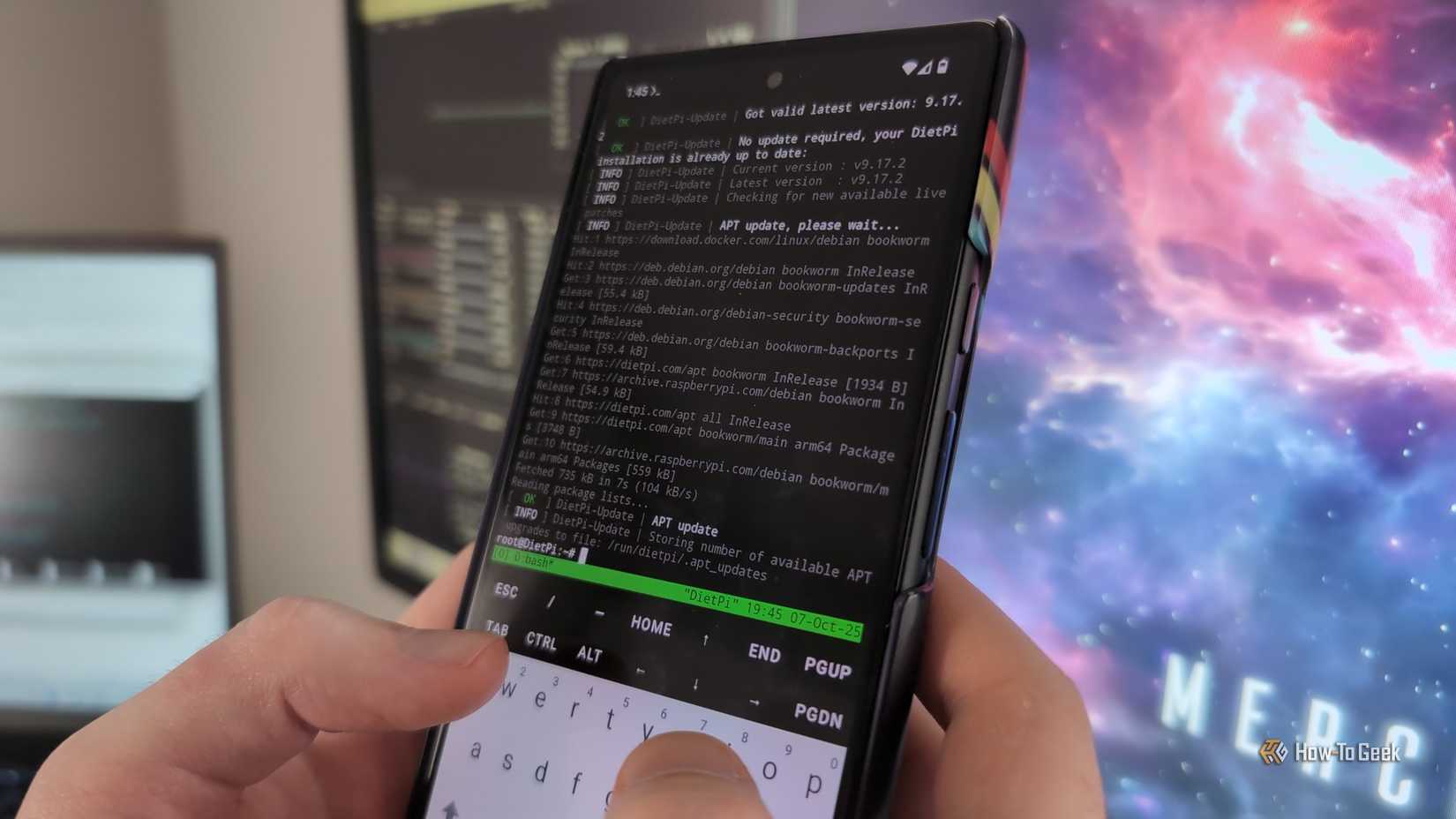
Termux is more than a shell, because its repositories carry real development tooling. Git, Python, Node.js, Clang, Neovim, Vim and tmux install through pkg, and a Bluetooth keyboard turns the phone into a workable coding setup for scripts, small web projects and quick fixes.
There is one catch worth understanding here. Termux builds its packages against Android’s own C library rather than the glibc that most desktop Linux software expects, so some prebuilt binaries designed for standard distributions will not run. The usual workaround is proot-distro, a Termux package that installs full distributions such as Debian or Ubuntu inside the app. I’ve talked about it extensively on other articles, as well as its cons (it can be pretty slow due to all the overhead). For something like this, though, it could do nicely.
After installing it, one command downloads the distribution and another logs into it, leaving a familiar environment with apt and the wider software catalog. It works through user-space emulation of a root filesystem, so no special privileges are involved, though it adds some performance overhead and cannot do things that need real kernel support. Containers such as Docker, for example, are not realistic on a stock phone.
The two approaches combine well. Lightweight tools can live in native Termux for speed, while anything awkward runs inside the guest distribution. Language servers, package managers and build tools generally work, and a project folder can be shared with the Android side so files remain reachable from other apps.
SSH servers and other networking stuff
Turning a phone into a reachable machine
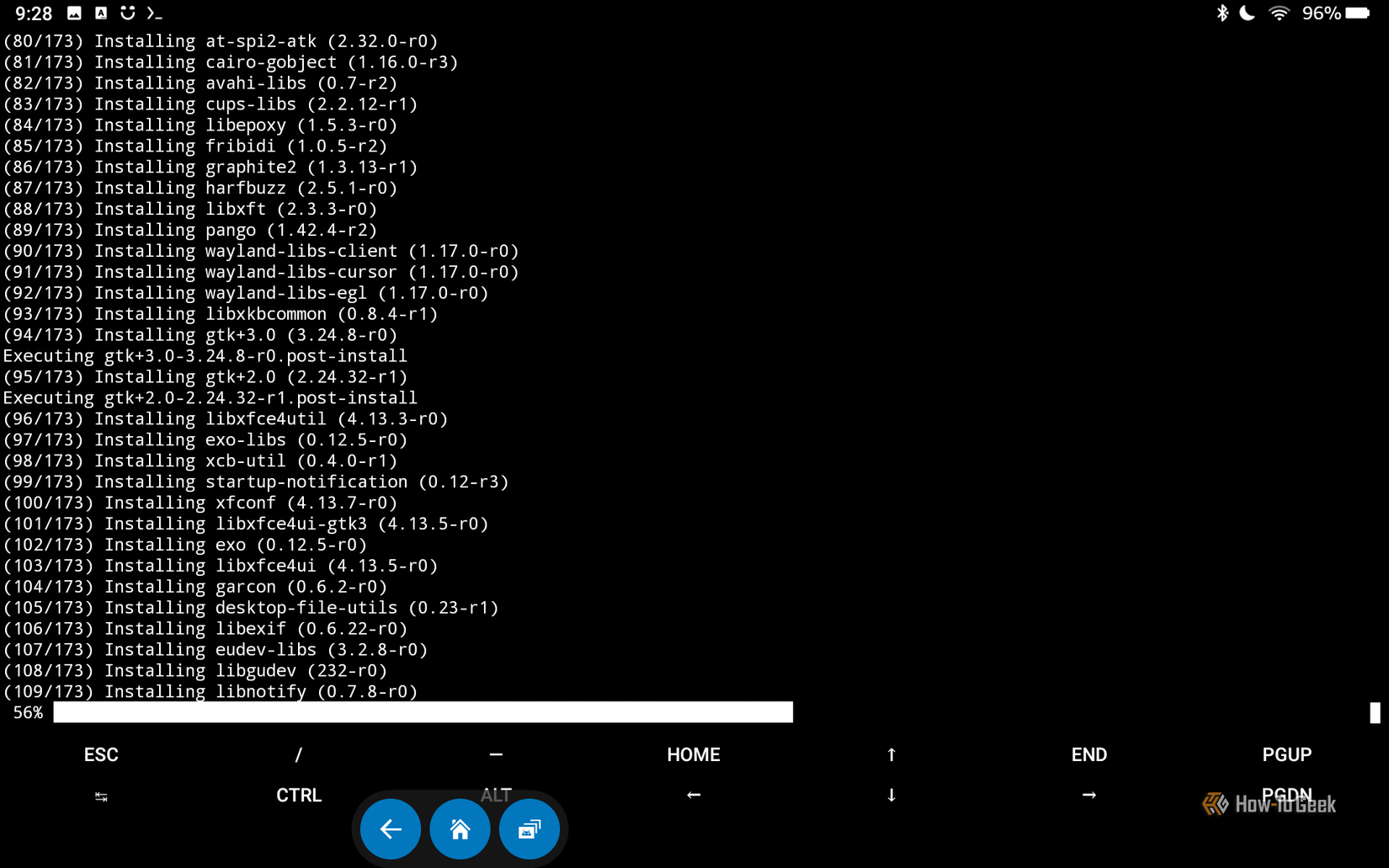
Finally, Termux is pretty sweet for networking stuff. Installing the openssh package provides both the SSH client and the sshd server. Since unprivileged apps cannot bind to ports below 1024, Termux’s server listens on port 8022 instead of the usual 22. Android does not use ordinary Linux accounts here either, so the login name is whatever the whoami command reports, typically something like u0_a123. After setting a password with passwd and starting the daemon, another computer on the same network can connect using ssh with the -p 8022 option, the username, and the phone’s local IP address.
Key-based authentication is safer than a password, and it only requires adding a public key to the authorized_keys file in the .ssh folder. Once connected, files can move with scp or sftp, and the phone can serve as a lightweight remote shell for testing scripts. The client side is just as useful, since the same package lets the phone log into home servers, routers, and cloud machines.
Other than SSH, curl and wget handle downloads and API requests, nmap scans a local network, and Python’s built-in web server can share a folder with any device on the same Wi-Fi in seconds. Port forwarding through SSH tunnels adds another layer of flexibility. Reliability is the main obstacle. Android aggressively limits background apps to save battery, so long-running services may stop unless Termux holds a wake lock and battery optimization is disabled for it. The Termux:Boot add-on can start services automatically after a restart.
Linux power in your pocket, no root needed
Termux handles serious tasks within Android’s normal limits. File management, portable development, and SSH networking all work without rooting the device. The setup takes minutes, and the main caveats, such as background limits and library compatibility, are manageable once you know where they appear.