A network switch is deeply practical, but you’ll most likely only buy one when your router runs out of Ethernet ports. While that’s the primary reason most people buy one, it’s far from the only benefit of keeping a switch on your network.
A basic unmanaged switch is usually plug-and-play, requires no configuration, and simply connects wired devices on the same local network. That simplicity is exactly why it can fix more than you’d expect, as long as you understand its limitations and its potential. I’ll go over some of the issues that an unmanaged switch can fix.
Your router is buried under cable clutter
This is still a real fix
Adding more Ethernet ports sounds like the most basic reason to buy a switch, but it matters more than it gets credit for.
Instead of running a mess of long cables from your router to every wired device in the house, you can run one cable to a small switch and branch out from there with shorter, cleaner cables. As someone who values cable management in every aspect of tech, this is infinitely more aesthetically pleasing and just plain easier to manage.
While cleaning up your cable routing won’t magically increase your internet speeds, it makes your wired setup infinitely easier to manage, troubleshoot, and expand. It also makes it easier to ditch Wi-Fi across some crucial devices.
Quiz
8 Questions · Test Your Knowledge
Home networking & Wi-Fi
Think you know your routers from your repeaters — put your home networking know-how to the ultimate test.
Wi-FiRoutersSecurityHardwareProtocols
01 / 8
Wi-Fi
What does the ‘5 GHz’ band in Wi-Fi offer compared to the ‘2.4 GHz’ band?
That’s right! The 5 GHz band delivers faster data rates but loses signal strength more quickly over distance and through walls. It’s ideal for devices close to the router that need maximum throughput, like streaming 4K video.
Not quite — the 5 GHz band actually offers faster speeds at the cost of range. The 2.4 GHz band travels farther and penetrates obstacles better, which is why smart home devices and older gadgets often prefer it.
02 / 8
Protocols
Which Wi-Fi standard, introduced in 2021, is also known as Wi-Fi 6E and extends into a new frequency band?
Correct! 802.11ax is the technical name for Wi-Fi 6 and Wi-Fi 6E. The ‘E’ variant extends the standard into the 6 GHz band, offering a massive swath of new, less-congested spectrum for faster and more reliable connections.
The answer is 802.11ax — that’s Wi-Fi 6 and Wi-Fi 6E. Wi-Fi 6E adds support for the 6 GHz band, giving it far less congestion than the crowded 2.4 GHz and 5 GHz bands. 802.11be is actually the upcoming Wi-Fi 7 standard.
03 / 8
Routers
What is the default IP address most commonly used to access a home router’s admin interface?
Spot on! The vast majority of consumer routers use either 192.168.0.1 or 192.168.1.1 as the default gateway address. Typing either into your browser’s address bar will bring up the router’s login page — just make sure you’ve changed the default password!
The correct answer is 192.168.0.1 or 192.168.1.1. These are the most common default gateway addresses for home routers. The 255.x.x.x addresses are subnet masks, and 127.0.0.1 is your own machine’s loopback address, not a router.
04 / 8
Security
Which Wi-Fi security protocol is considered most secure for home networks as of 2024?
Excellent! WPA3 is the latest and most robust Wi-Fi security protocol, introduced in 2018. It uses Simultaneous Authentication of Equals (SAE) to replace the older Pre-Shared Key handshake, making it far more resistant to brute-force attacks.
The answer is WPA3. WEP is completely broken and should never be used, WPA is outdated, and WPA2 with TKIP has known vulnerabilities. WPA3 offers the strongest protection, and if your router supports it, you should enable it right away.
05 / 8
Hardware
What is the primary difference between a mesh Wi-Fi system and a traditional Wi-Fi range extender?
Exactly right! Mesh systems use multiple nodes that talk to each other intelligently, handing off your device seamlessly as you move around your home under one SSID. Traditional range extenders typically broadcast a separate network and can cut bandwidth in half as they relay the signal.
The correct answer is that mesh nodes form one intelligent, seamless network. Range extenders are actually the ones that often create separate SSIDs (like ‘MyNetwork_EXT’) and can significantly reduce speeds. Mesh systems are far superior for large homes with many devices.
06 / 8
Protocols
What does DHCP stand for, and what is its main function on a home network?
Perfect! DHCP (Dynamic Host Configuration Protocol) is the unsung hero of home networking. Every time a device joins your network, your router’s DHCP server automatically hands it a unique IP address, subnet mask, and gateway info so it can communicate without manual configuration.
DHCP stands for Dynamic Host Configuration Protocol, and its job is to automatically assign IP addresses to devices on your network. Without it, you’d have to manually configure a unique IP address on every single phone, laptop, and smart device — a tedious nightmare!
07 / 8
Routers
What is ‘QoS’ (Quality of Service) used for in a home router?
That’s correct! QoS lets you tell your router which traffic gets priority. For example, you can prioritize video calls or gaming over a family member’s file download, ensuring your Zoom meeting doesn’t freeze just because someone is downloading a large update.
QoS — Quality of Service — is actually about traffic prioritization. By tagging certain data types (like VoIP calls or gaming packets) as high priority, your router ensures latency-sensitive applications get bandwidth first, even when the network is congested.
08 / 8
Hardware
What does the ‘WAN’ port on a home router connect to?
Correct! WAN stands for Wide Area Network, and the WAN port is where your router connects to the outside world — typically to your cable modem, DSL modem, or ISP gateway. The LAN ports on the other side connect to devices inside your home network.
The WAN (Wide Area Network) port connects your router to your ISP’s modem or gateway — essentially your entry point to the internet. The LAN (Local Area Network) ports are for connecting devices inside your home. Mixing them up can cause your network to not function at all!
Challenge Complete
Your Score
/ 8
Thanks for playing!
Your entertainment center is fighting Wi-Fi
Time to switch to using cables
Credit: Ismar Hrnjicevic / How-To Geek
I was sick and tired of my TV constantly getting stuck on buffering, so it was time to move it from Wi-Fi to a stable Ethernet connection. However, if you have an entire entertainment center to wire up, a single cable from your router isn’t going to cut it.
A TV stand can quickly become one of the busiest parts of a home network, especially if it has a TV, consoles, a streaming box or stick, an AV receiver, and maybe even a media server nearby. A small unmanaged switch lets you wire all of those devices through a single Ethernet run instead of forcing them to compete over Wi-Fi or relying on one lonely router port across the room. This is especially useful for consoles and streaming devices, where stability often matters more than chasing the highest possible speed.
Netgear’s 8-port Gigabit Ethernet unmanaged switch lets you quickly add more ports to your router (a whole lot of them, even), but there’s a lot more it’s capable of.
Your desk setup has become a tiny data center
PC, dock, NAS, printer, all in one place
Credit: Ismar Hrnjicevic / How-To Geek
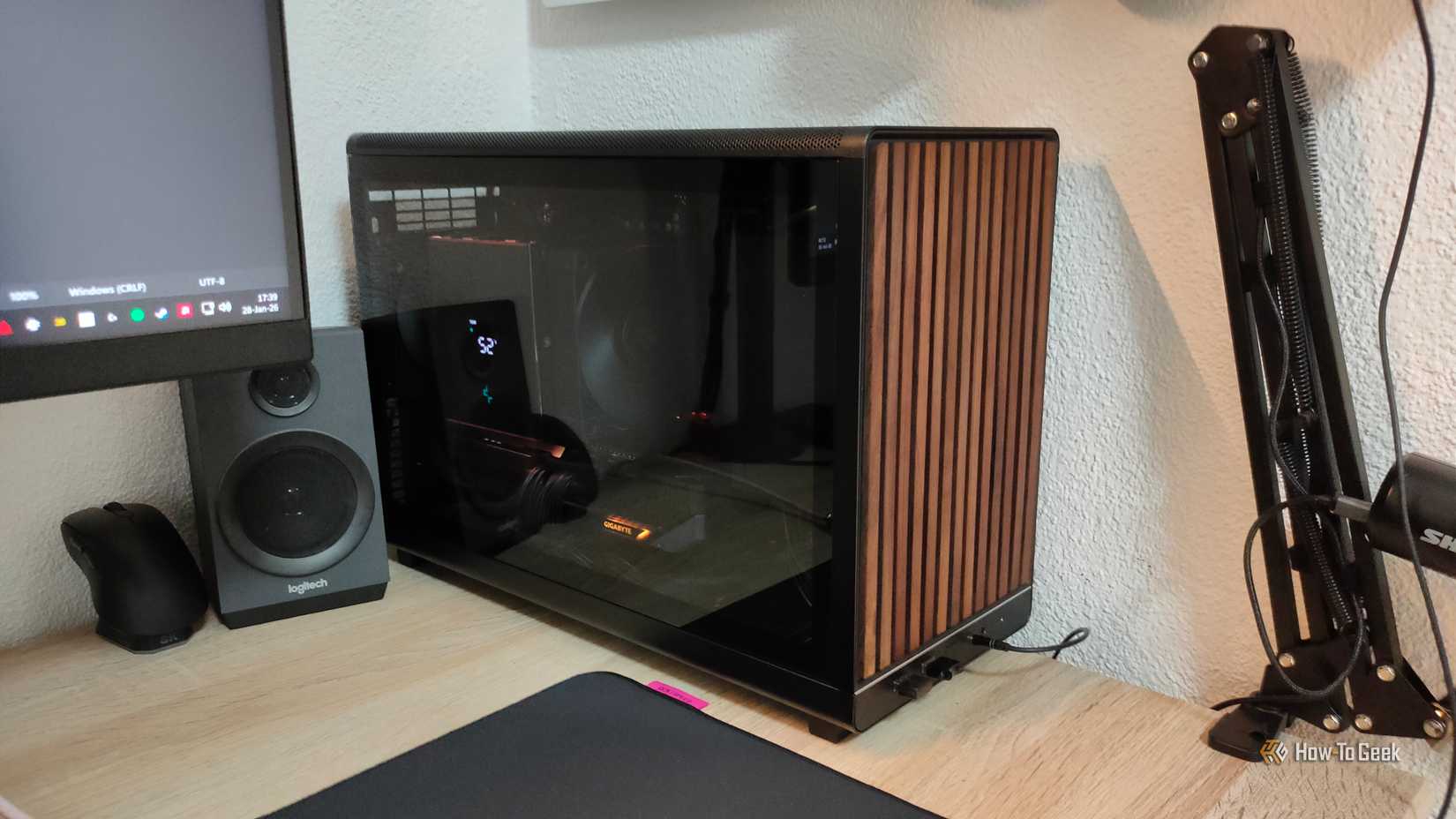
A work desk can fill up with networked hardware faster than you expect. Mine has a desktop PC, a laptop dock, a printer, a smart hub, and my spare test rig, for instance. Yours might also have a NAS, a printer, and just about anything else. Most, if not all, of those things benefit from Ethernet.
A switch gives that whole cluster a proper wired home without making you drag extra cables across the room. Just remember that an unmanaged switch keeps everything on the same basic network, so it’s not the answer if you need VLANs, traffic rules, or actual network segmentation.
Your router ports are in the wrong room
One long cable beats five annoying ones
Credit: Patrick Campanale / How-To Geek
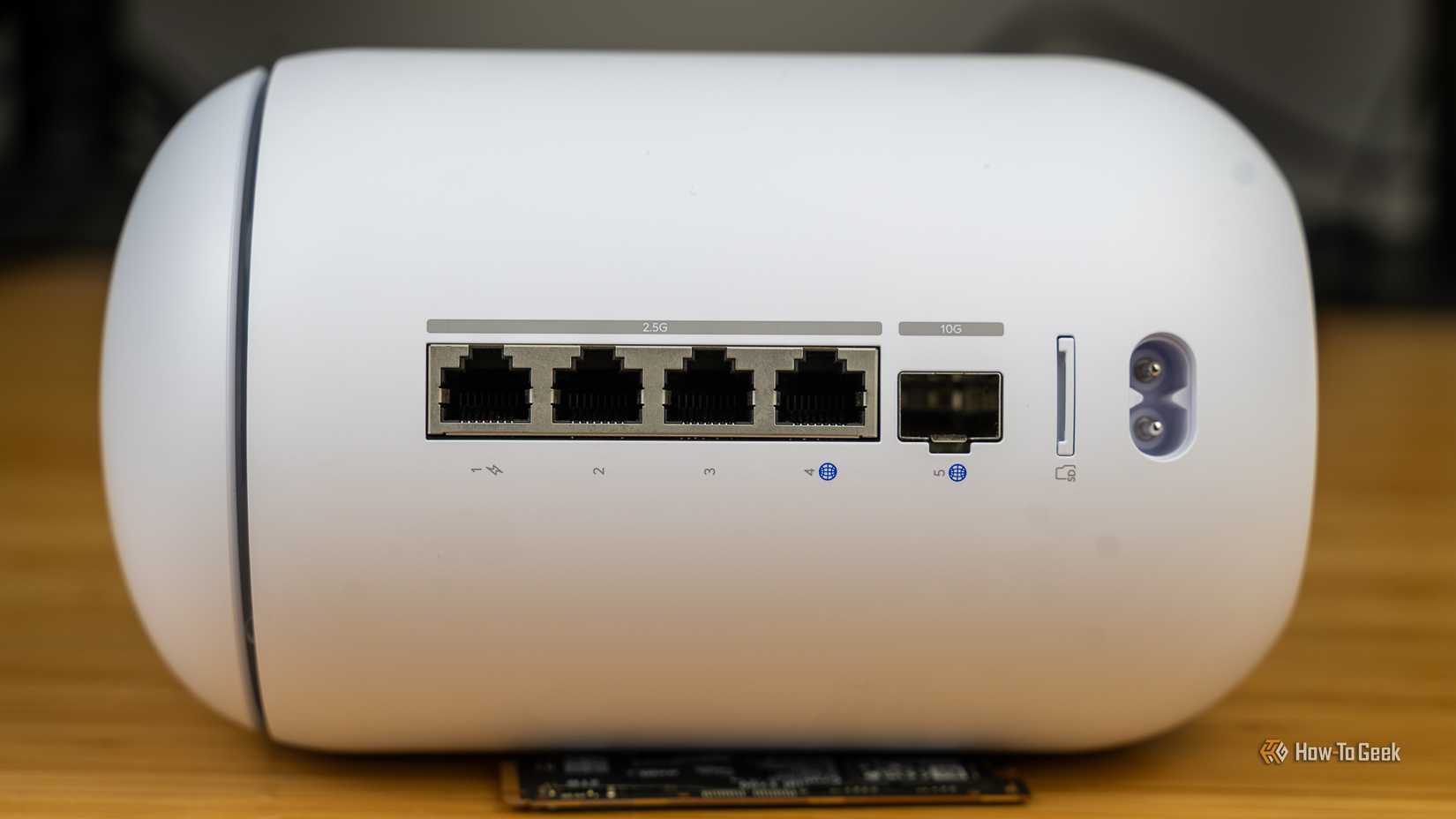
Routers are usually placed where the ISP line enters the home, which is hardly ever the same place as where your wired devices actually live.
A switch lets you leave the router where it works best and move the useful Ethernet ports somewhere else, such as an office, TV area, or gaming corner. Run one longer cable from the router to the switch, then use short cables from the switch to nearby devices.
Your local file transfers keep getting in everyone’s way
Keep the heavy chatter nearby
Credit: Patrick Campanale / How-To Geek
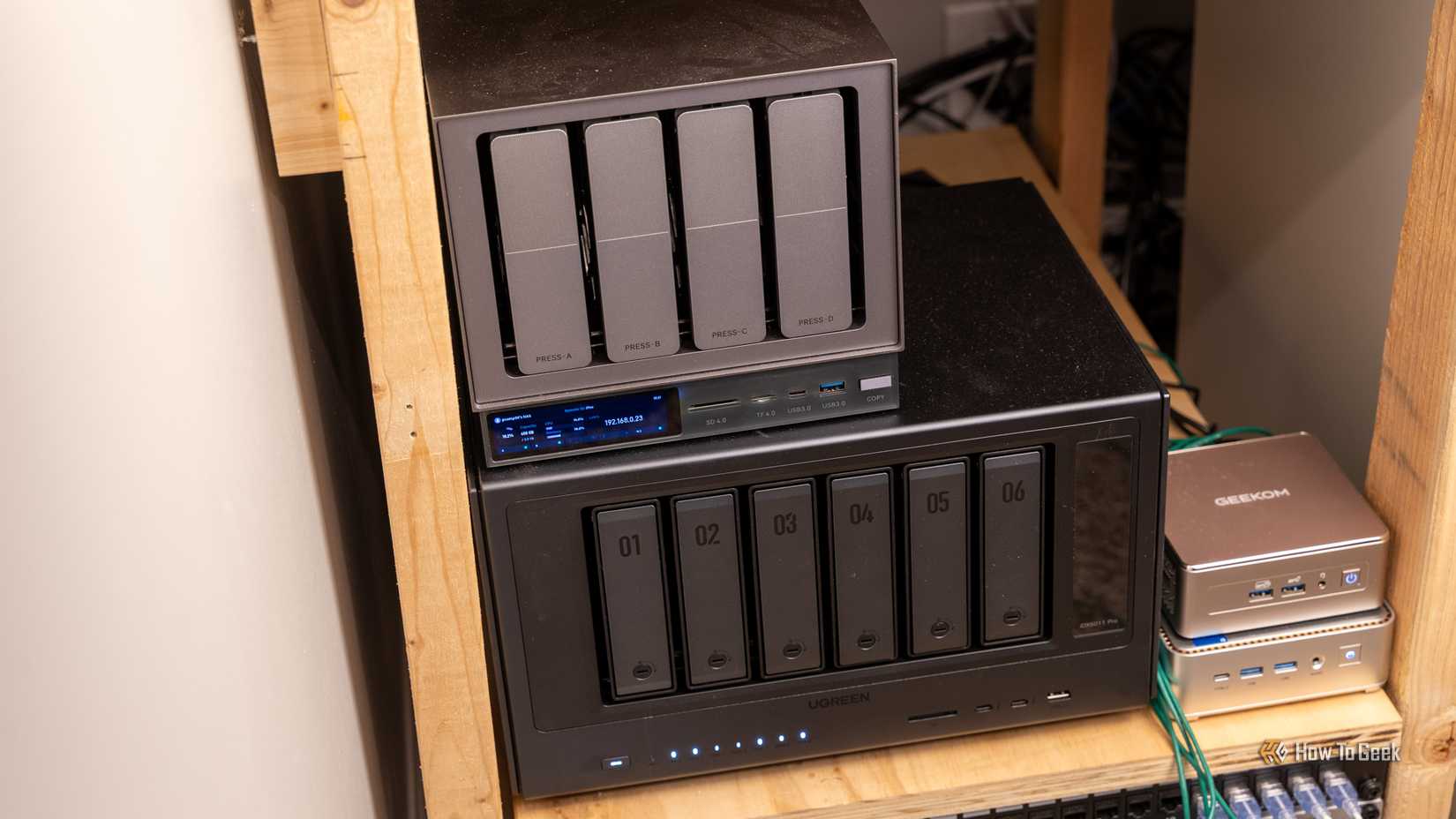
If your PC and NAS are constantly moving large files, putting them on the same switch can make the layout feel more sensible. The switch can forward local traffic directly between wired devices on that cluster instead of making everything depend on Wi-Fi, which is exactly what you want for frequent high-volume transfers.
This doesn’t create magical isolation, and the uplink to the router can still matter, but it does give your heavy local traffic a cleaner wired path.
Your network keeps depending on one overworked box
Let your router catch its breath
Credit: Bertel King / How-To Geek
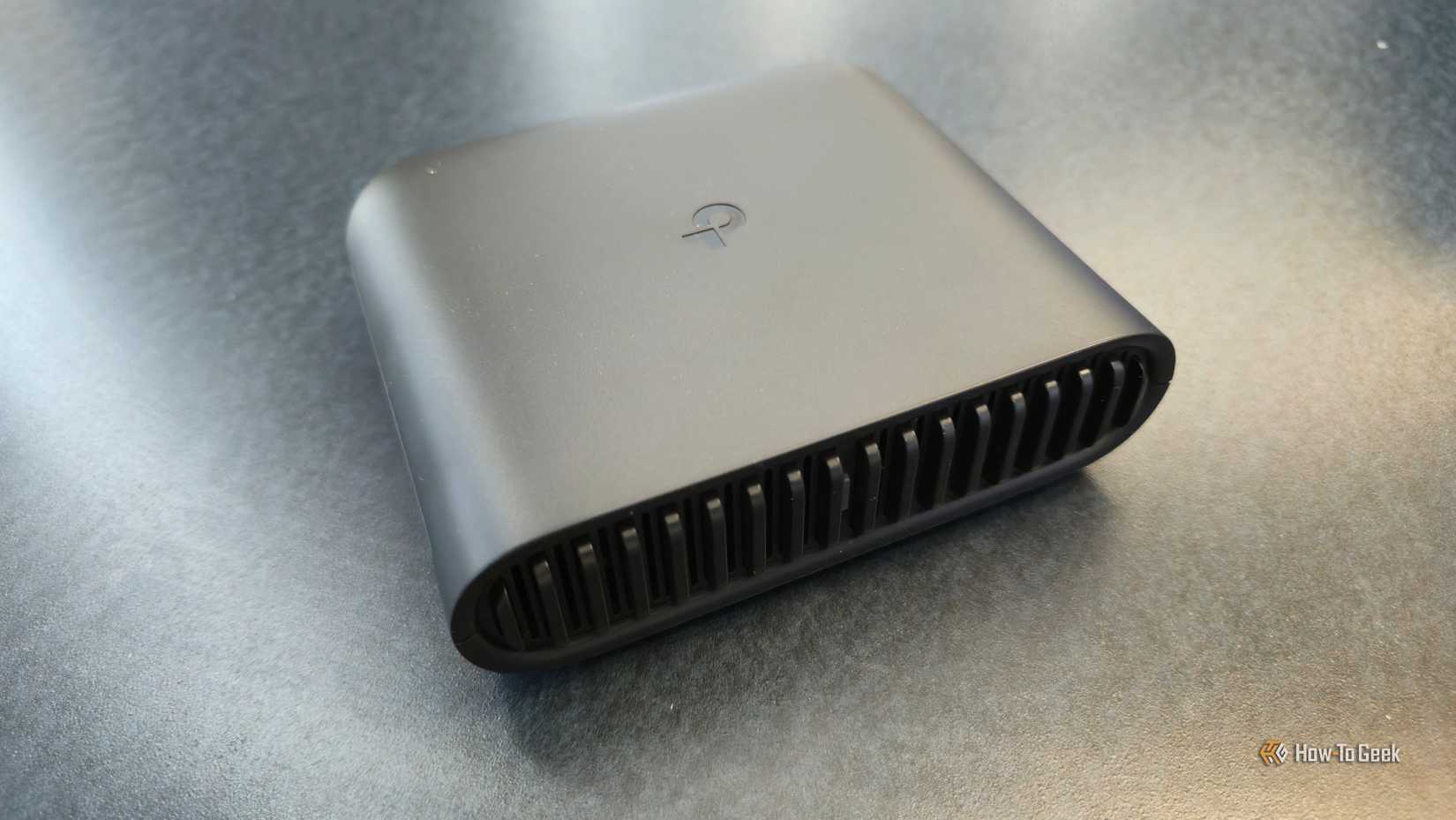
Most routers are already doing several jobs at once: routing, firewall duties, DHCP, Wi-Fi, and often a bit of switching through the built-in Ethernet ports.
Adding a separate switch doesn’t replace the router, but it does let the router stop acting like the physical center of every wired connection in the house. For a busy home network, that small bit of delegation can make the whole setup cleaner, more stable, and easier to expand.
A cheap box that truly earns its spot
A basic unmanaged switch won’t fix every networking issue you might ever encounter, but it’s a cheap and easy way to organize your hardware and alleviate unnecessary strain on your Wi-Fi. It makes your network layout make a lot more sense, and for the price of a small accessory, that’s a lot to achieve.
TL;DR Google Messages currently lets you disable RCS for conversations with individual contacts. A new app update appears to start laying the groundwork for this

 Credit: Patrick Campanale / How-To Geek
 Credit: Ismar Hrnjicevic / How-To Geek
 Credit: Ismar Hrnjicevic / How-To Geek
 Credit: Patrick Campanale / How-To Geek
 Credit: Patrick Campanale / How-To Geek
 Credit: Bertel King / How-To Geek