The XREAL AURA AR glasses have arrived, freeing Android XR from the confines of a bulky VR headset and providing a degree of augmented reality we’ve never before seen in a pair of glasses. They’re also pretty good. Yet while the AURA are cheaper than the likes of the Samsung Galaxy XR or the Apple Vision Pro, they’re still far from cheap. If they’re out of your budget, you might be wondering what your more affordable options are and whether you can get by with one of those instead.
I’ve been using AR glasses for several years, and I have first-hand experience with various products that walked so that the AURA could run. Depending on what you’re trying to do, you may actually be better off saving your money and going with a cheaper alternative to the AURA instead.
Want a virtual monitor for your laptop? Get the XREAL One Pro
There’s nothing quite like an ultrawide monitor that fits in your carry-on
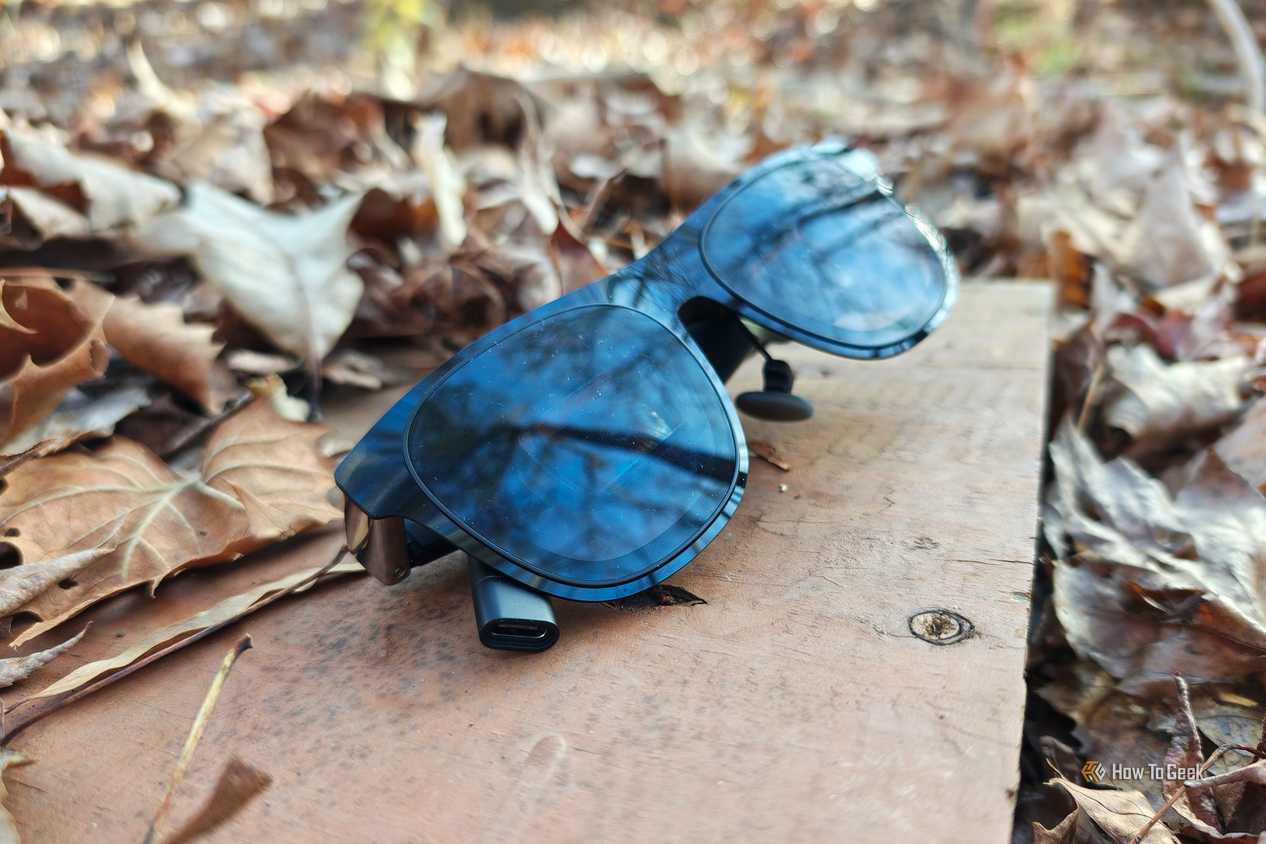
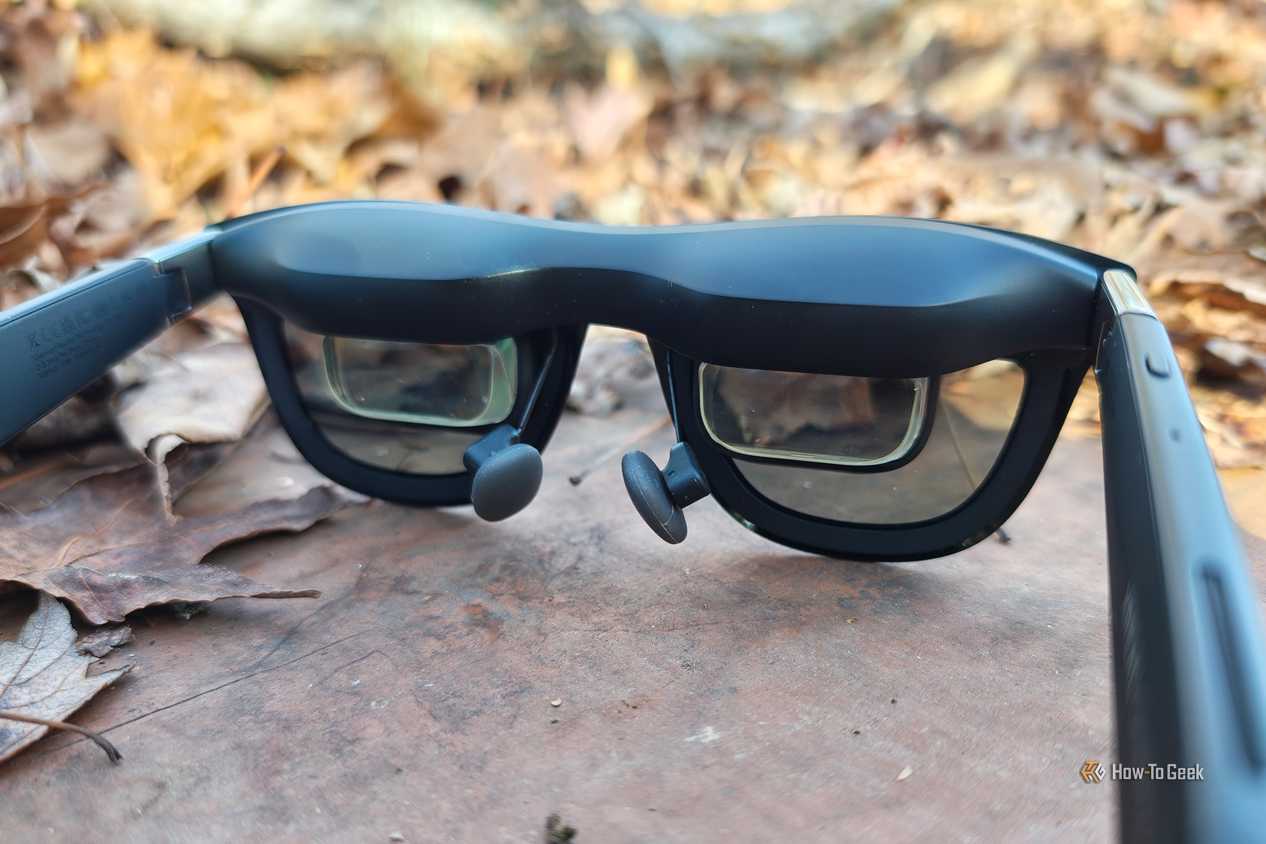
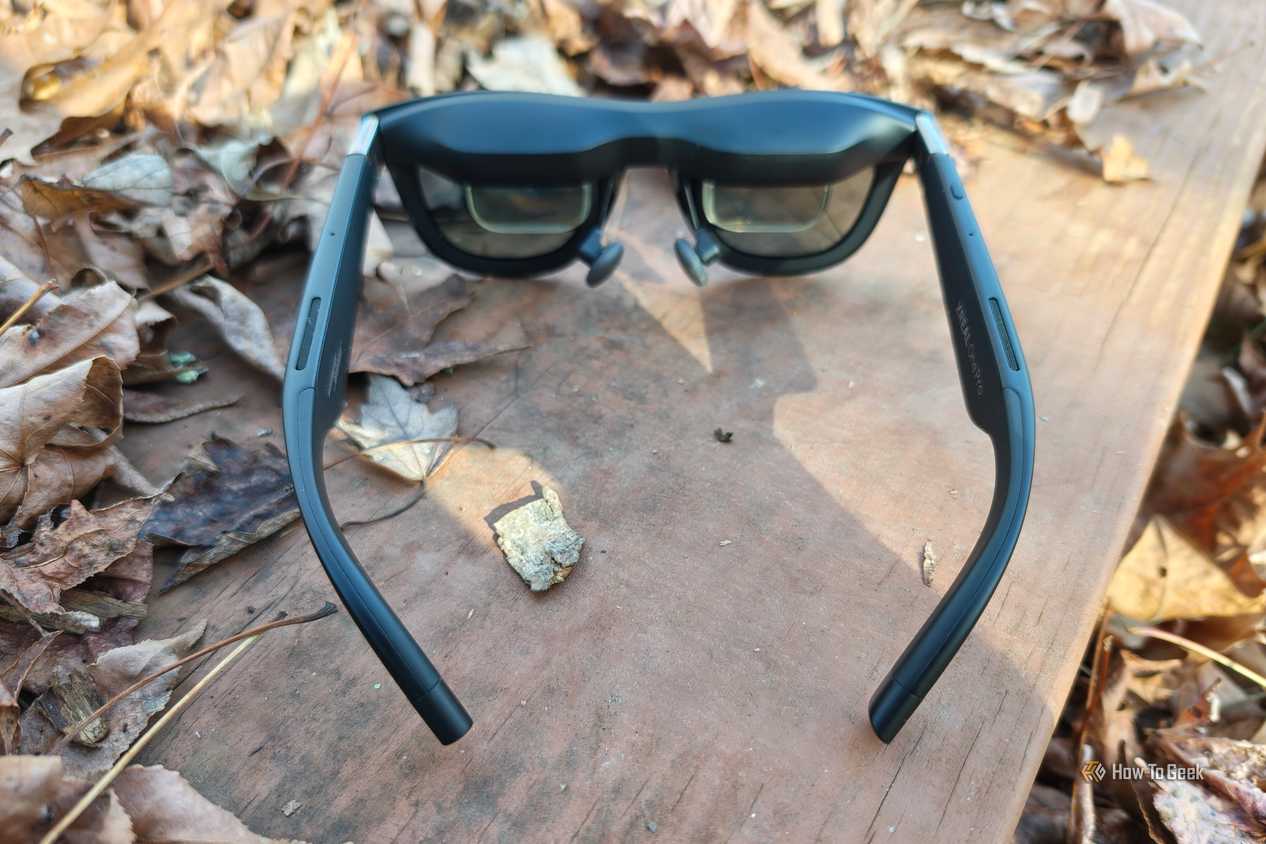
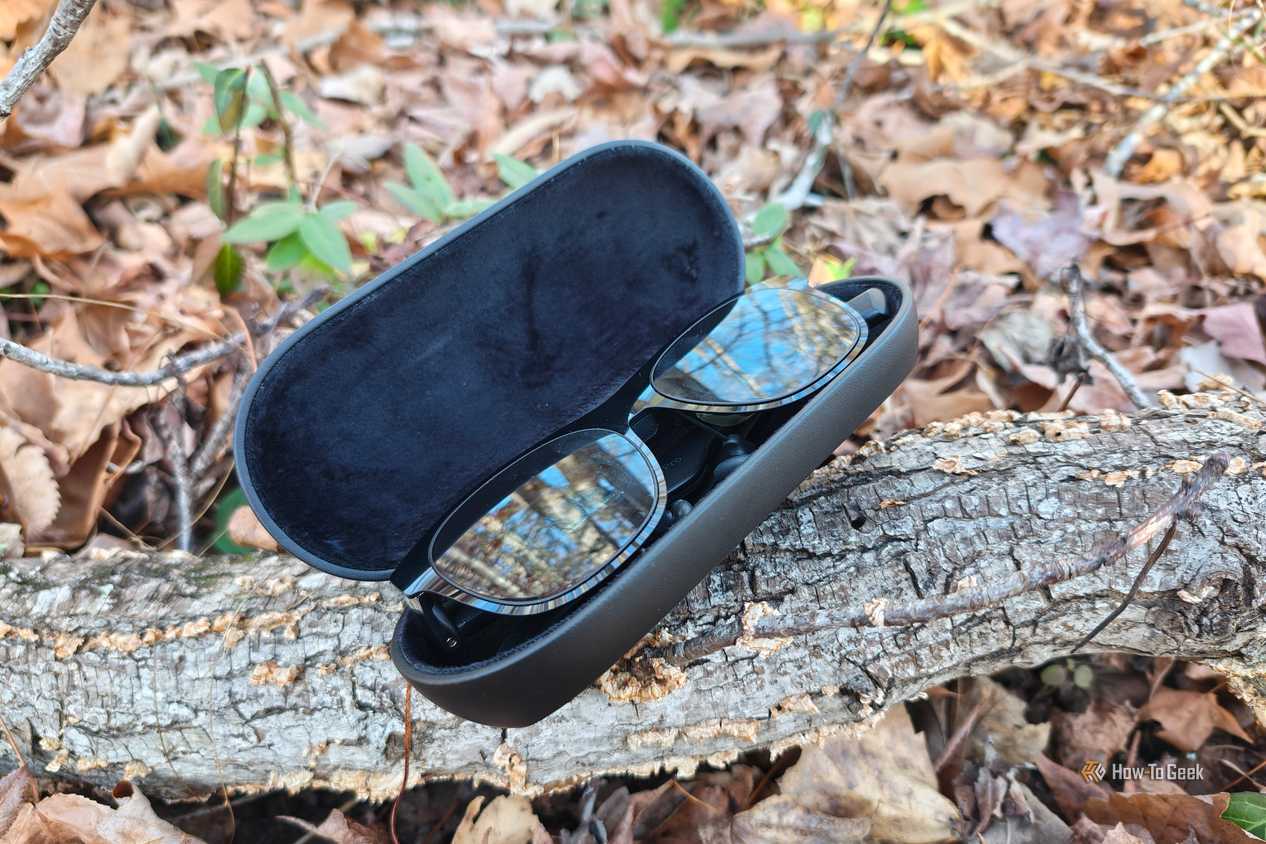
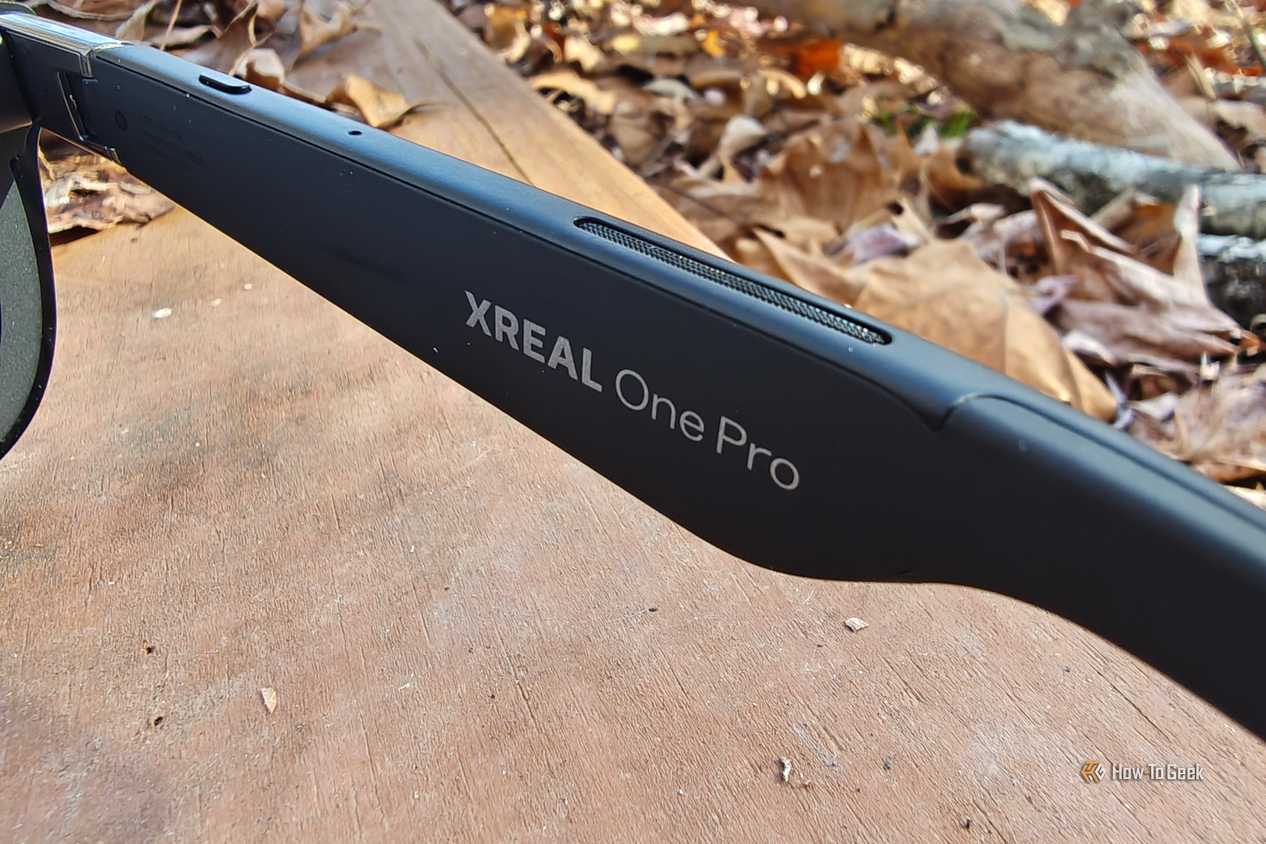




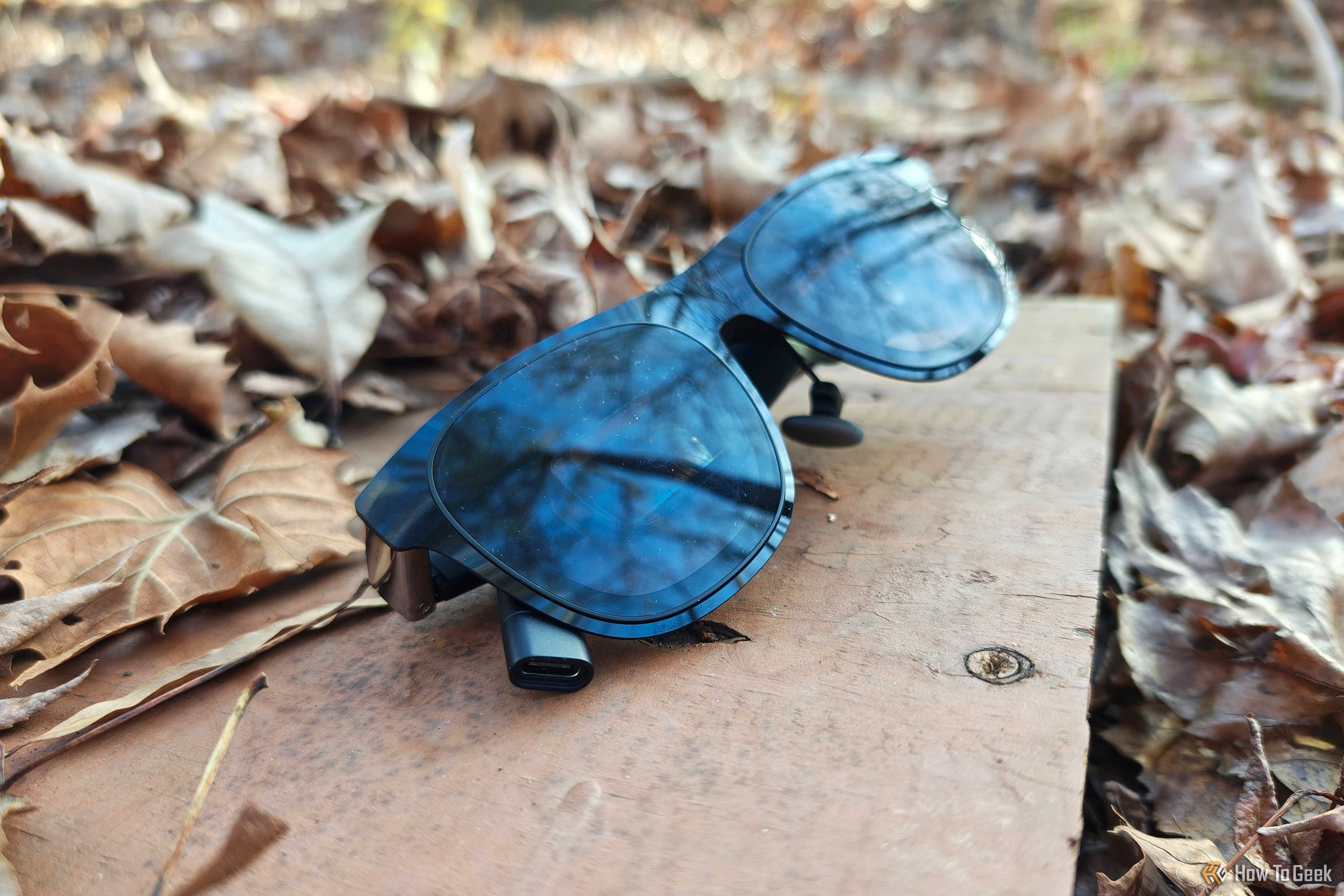
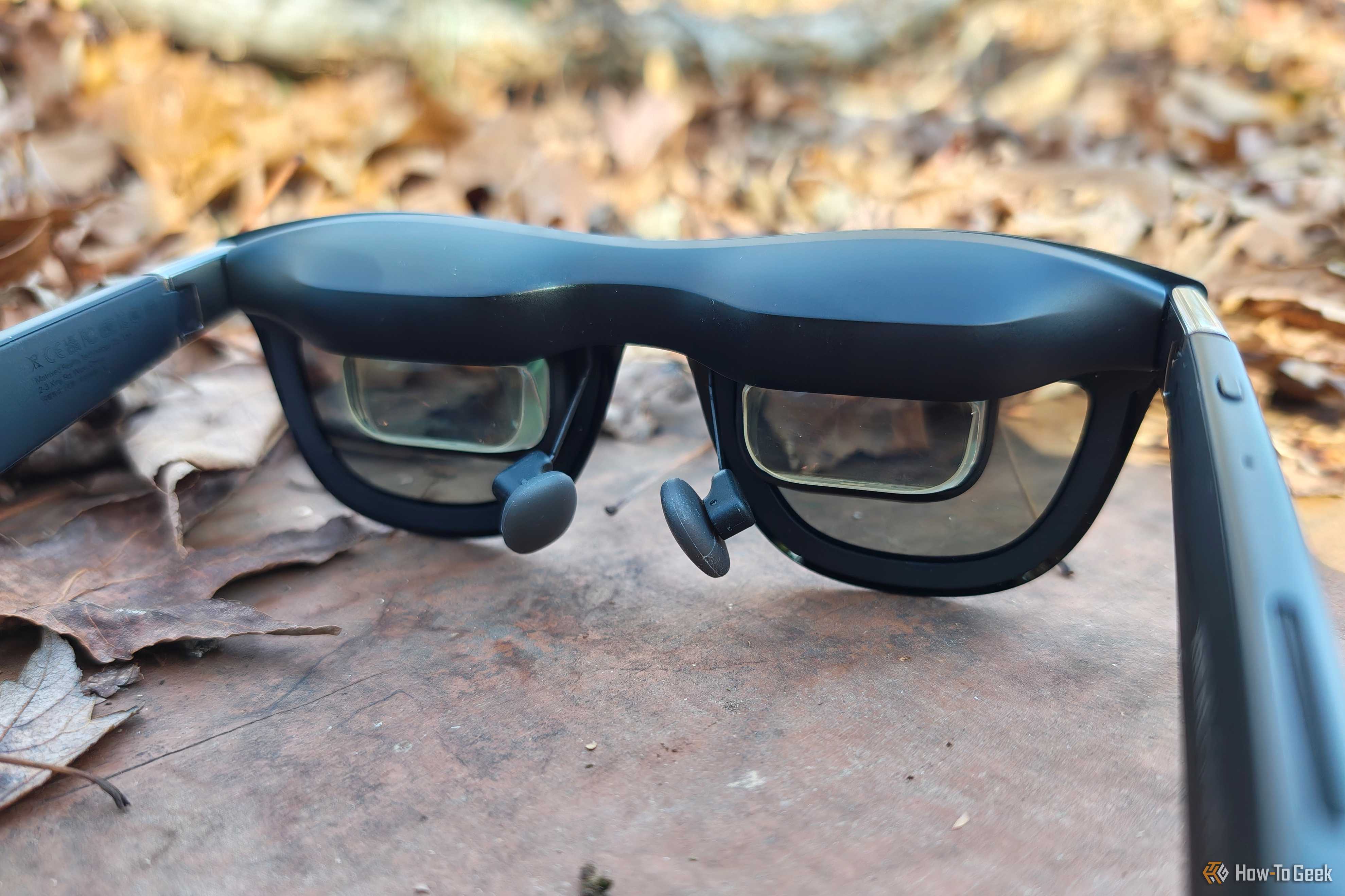
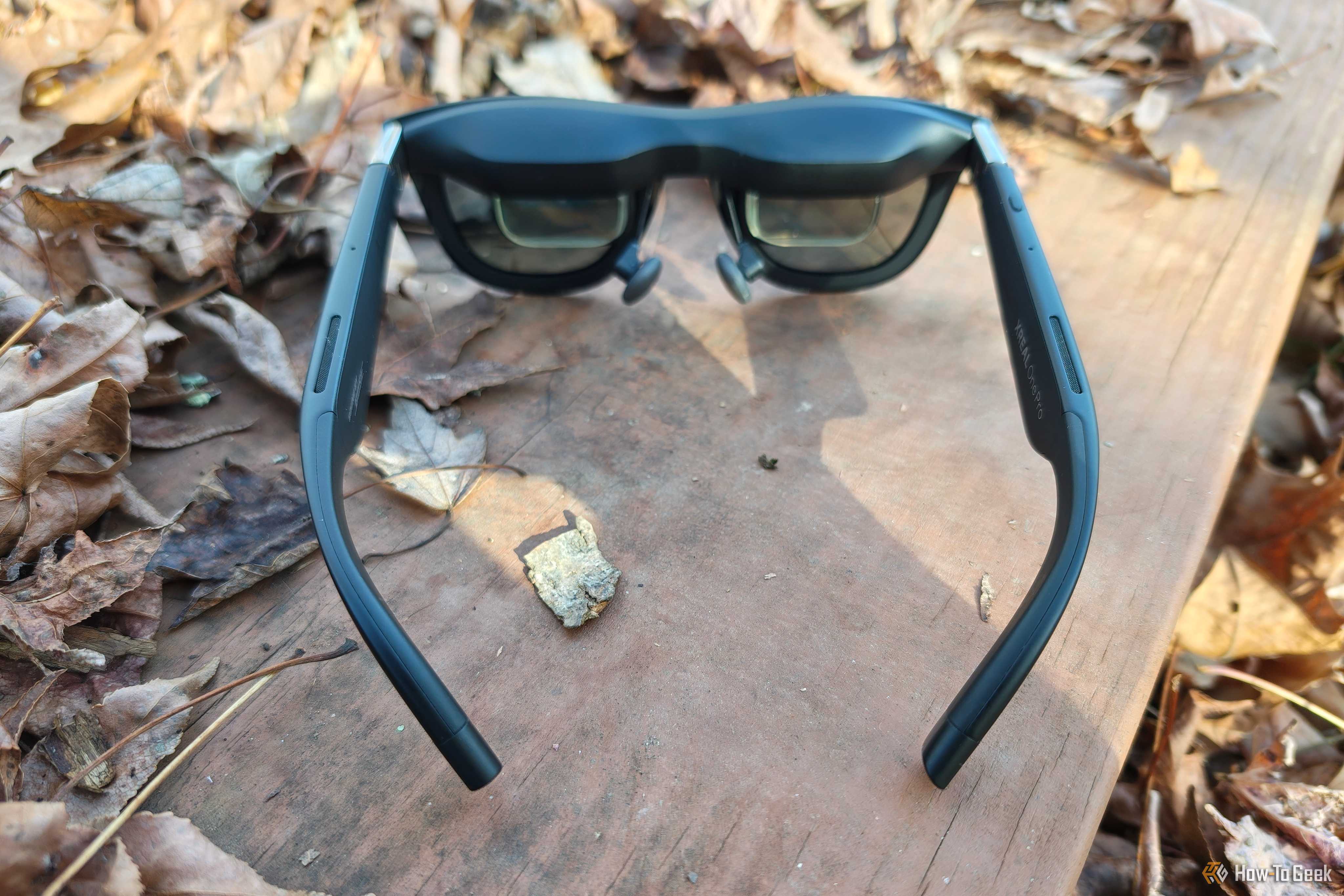
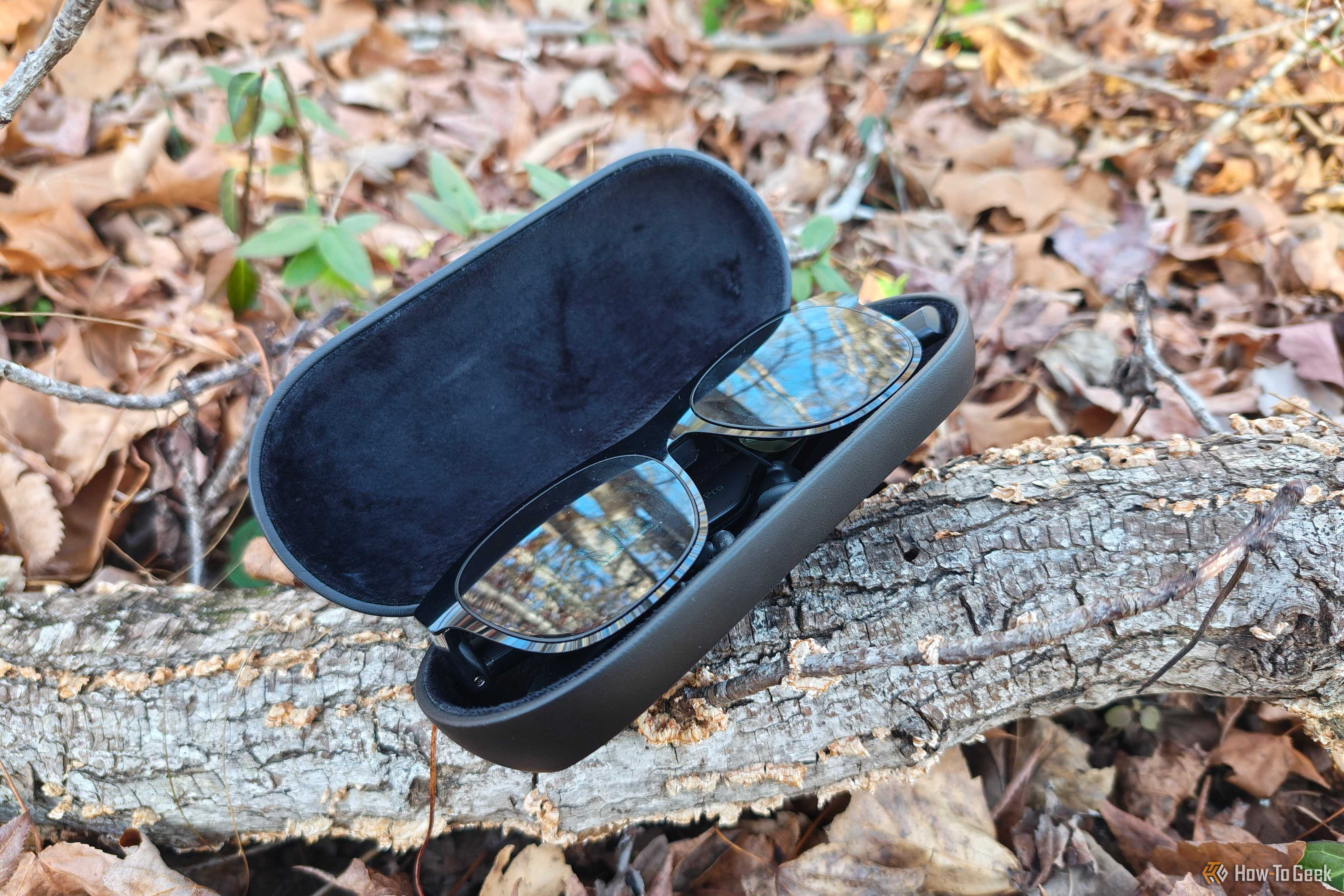
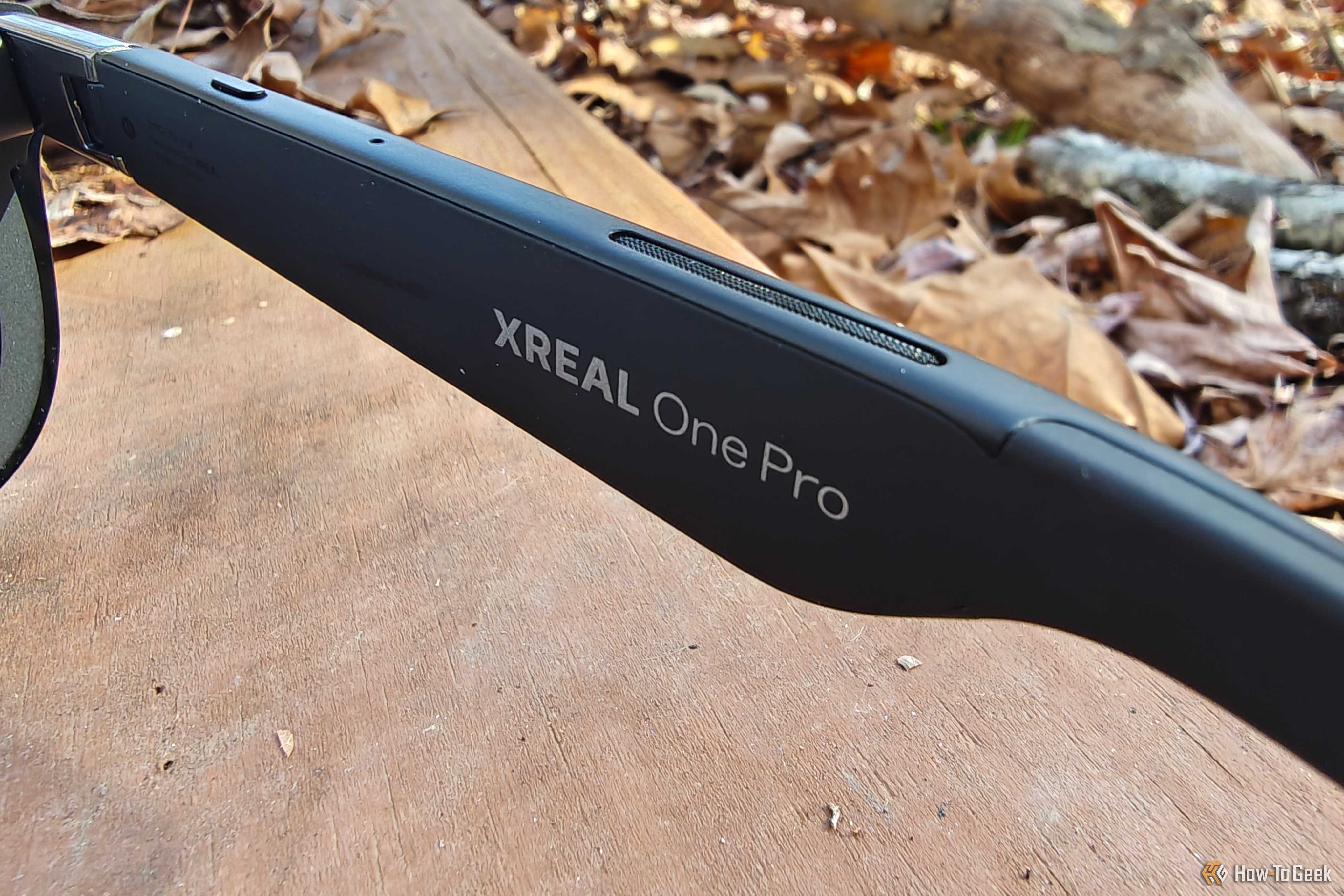





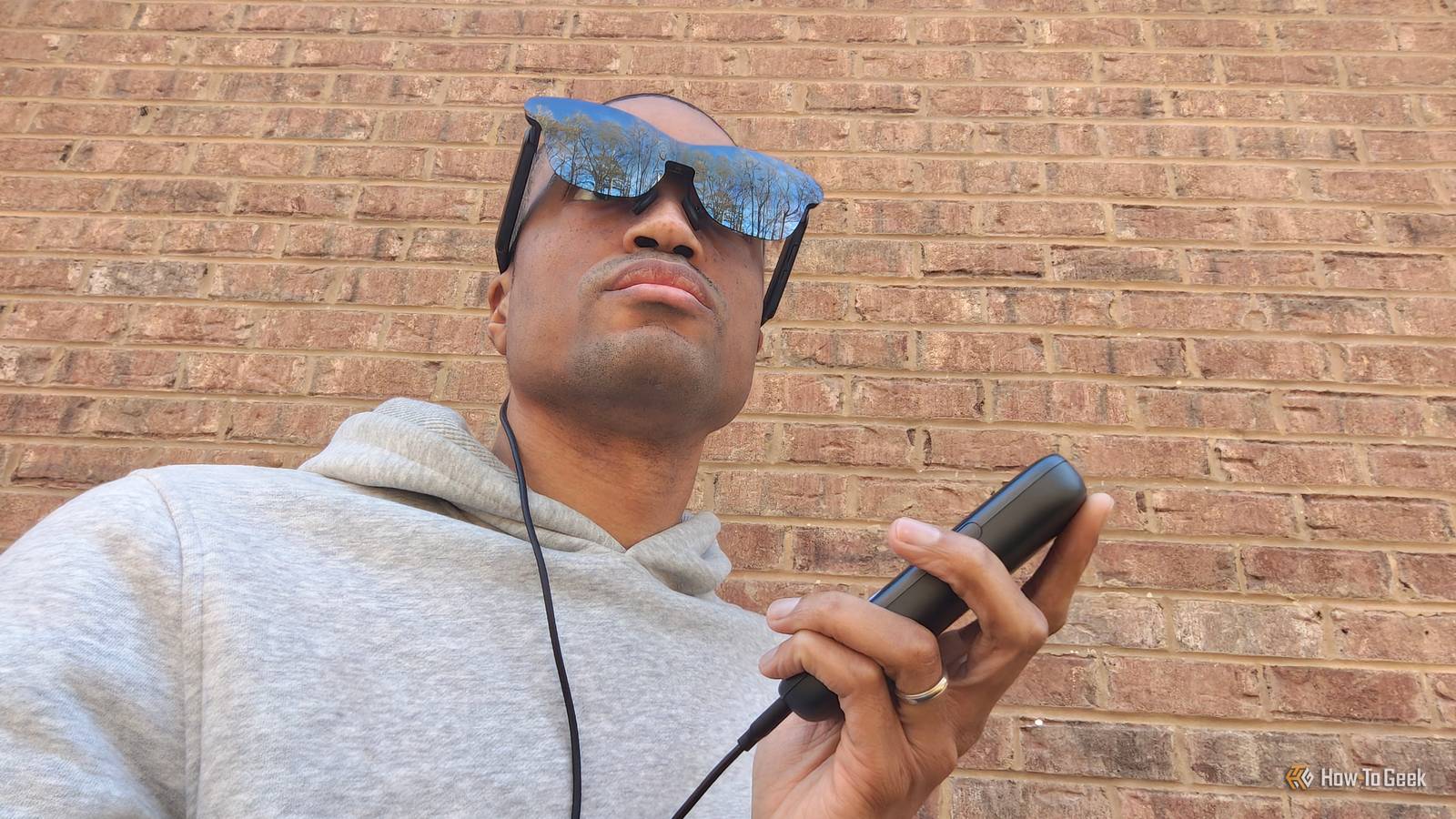
XREAL products have long been described as AR glasses, but display glasses may be a better term. Before the AURA, each model could be described as a monitor that you wear on your face, and only you can see. If you’re primarily interested in pairing the AURA with a laptop and working on a virtual screen, you can do that with much cheaper AR glasses.
The aging XREAL Air 2 Pro provides a virtual display for any laptop and can be yours for $250, less than one-fourth the price of the AURA. These are the glasses I replaced my monitor with over two years ago. The downside to this pair is that the virtual display always moves with you and the text gets a little blurry at the edges.
Newer models are much better. If you can spare $600 for the XREAL One Pro, it lets you not only pin your virtual monitor in place, but also stretch the display into an ultrawide aspect ratio. While the field of view doesn’t let you see the entire monitor at once, that’s a limitation the AURA shares as well.
With the XREAL One Pro, you can’t float Android apps off to the side of your virtual workspace like you can with the AURA, but if you just want a large yet portable virtual canvas for work, these glasses deliver.
Primarily want to watch video? Buy a RayNeo Pocket TV
Imagine if Google TV could fit in your pants
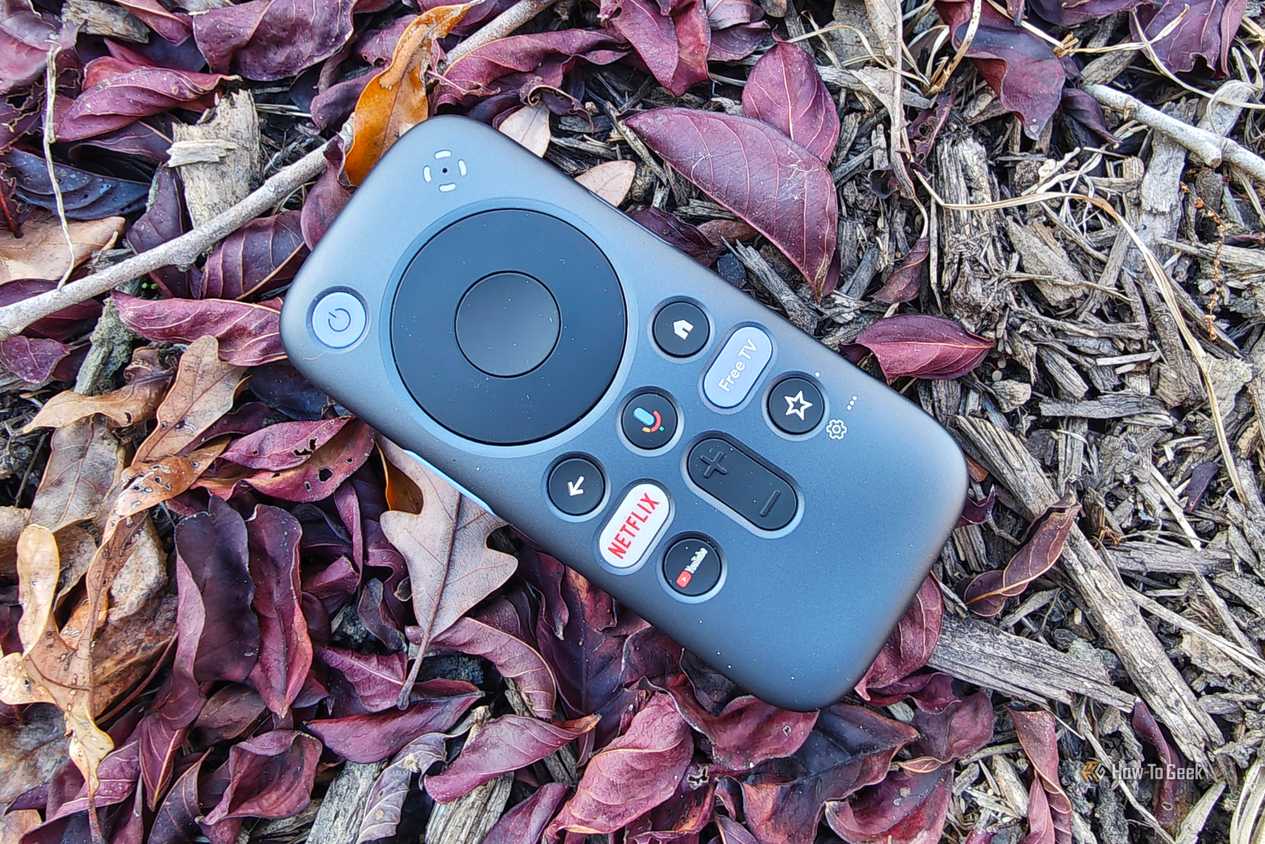
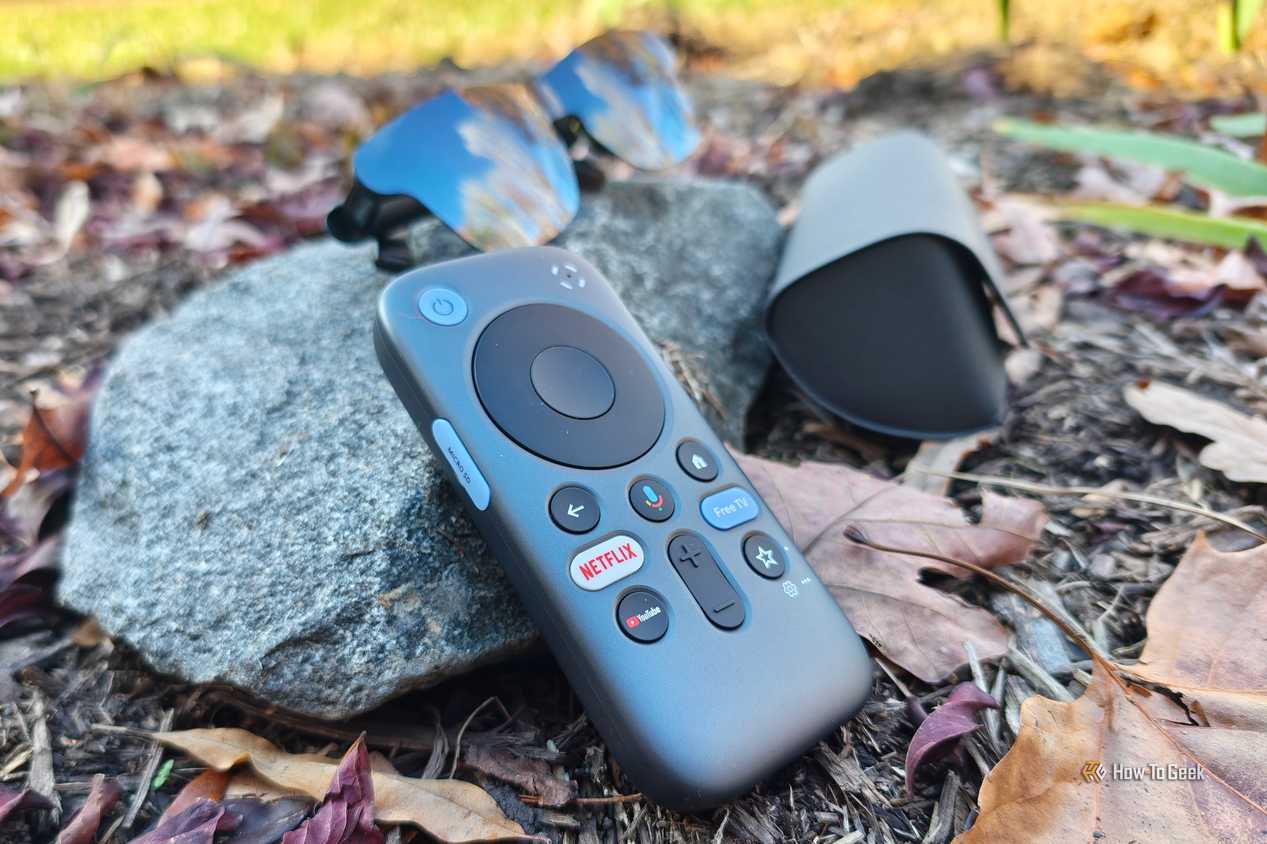

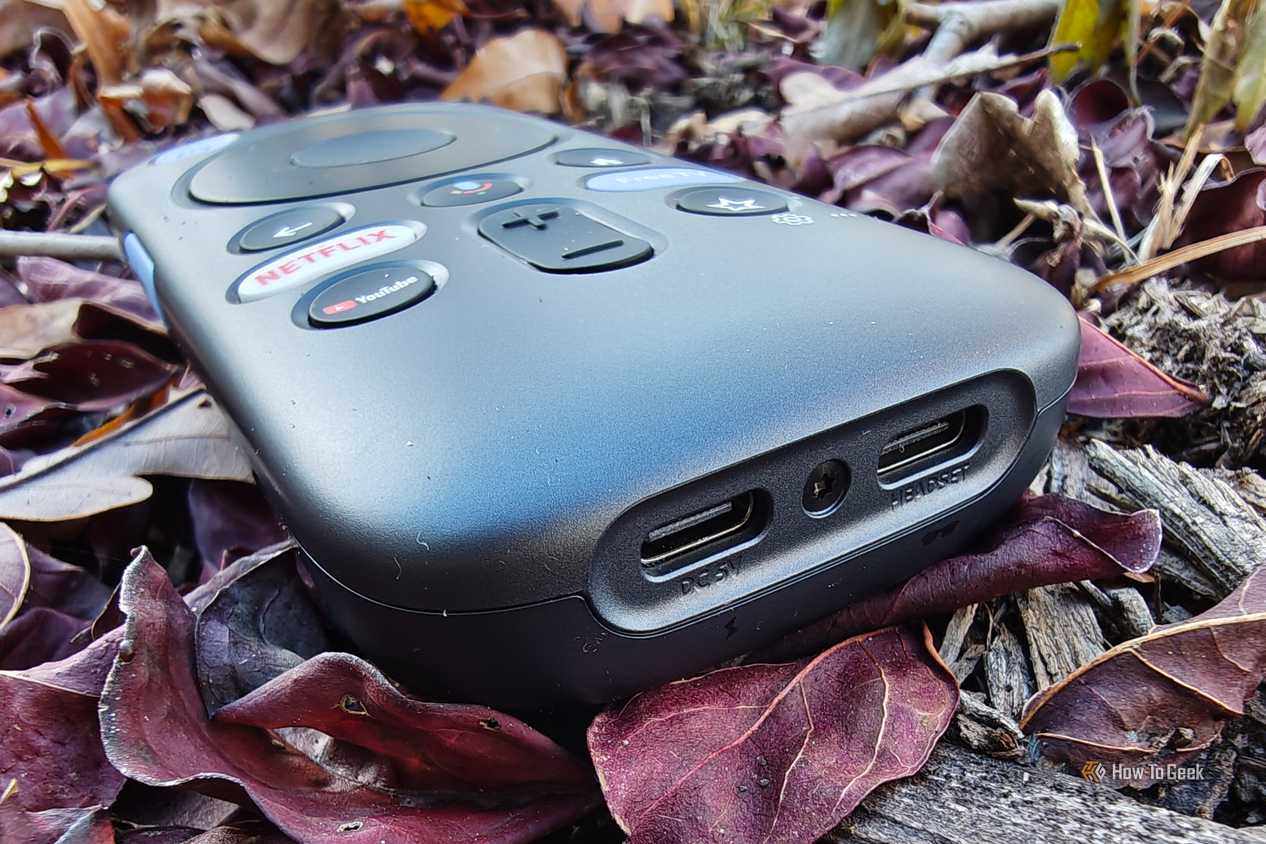
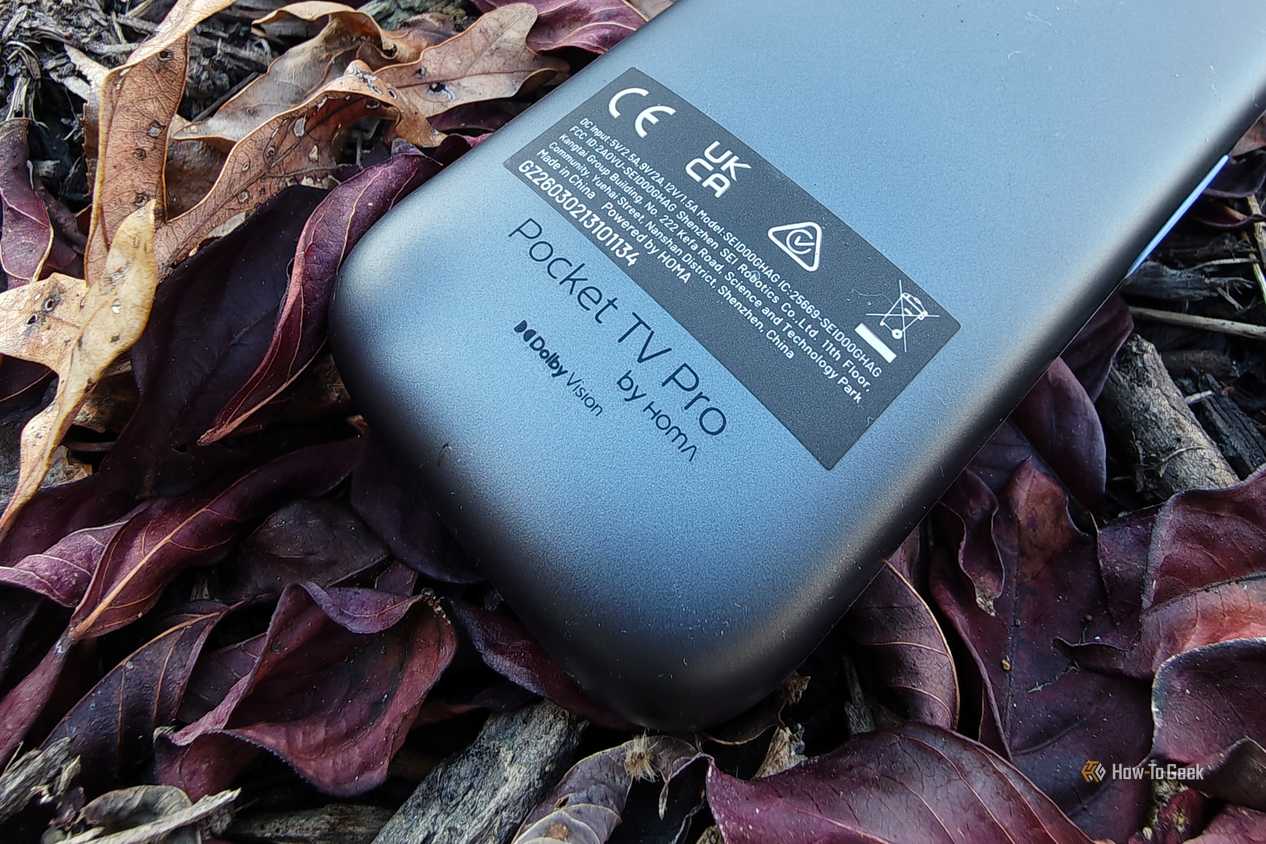


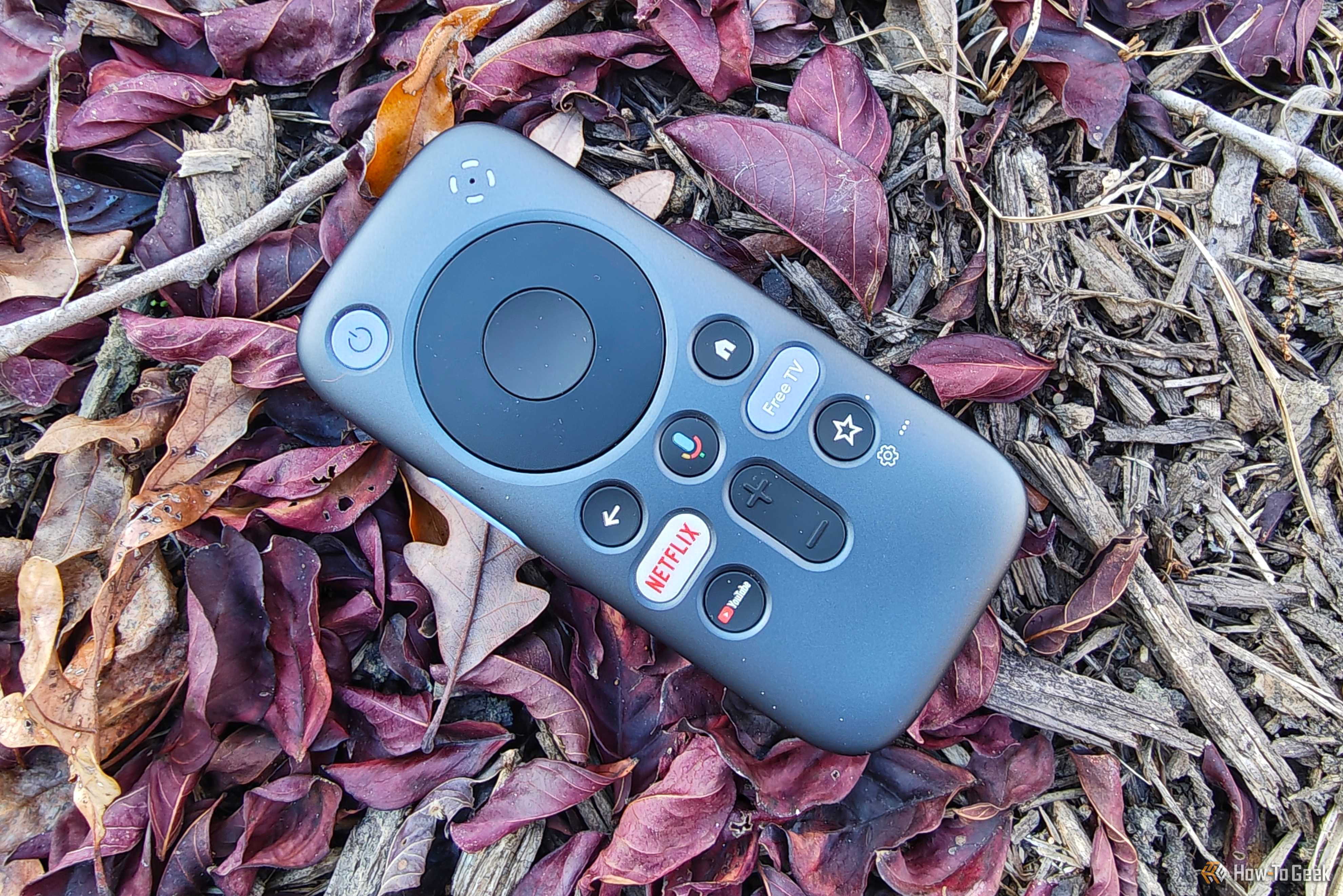
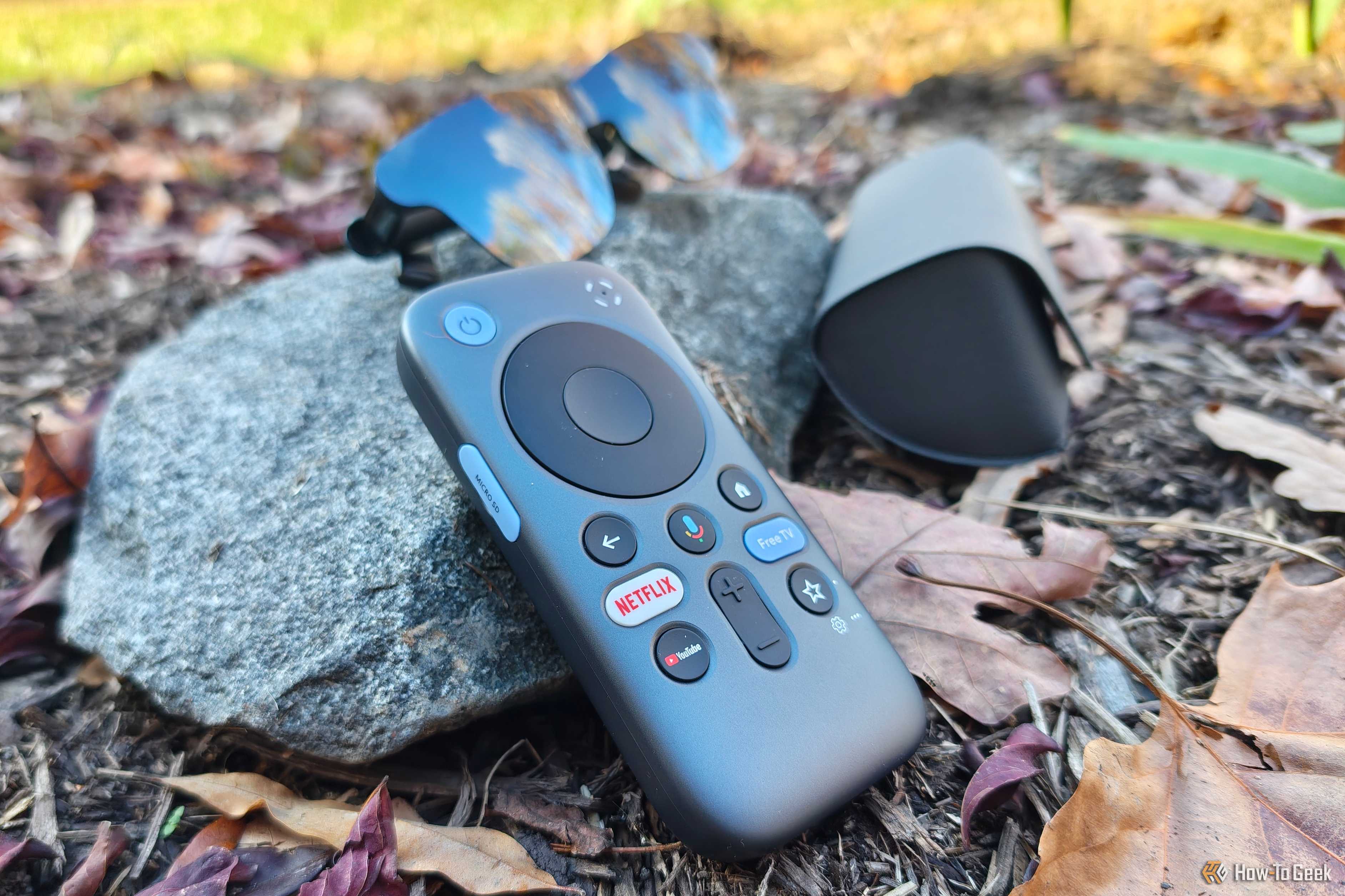
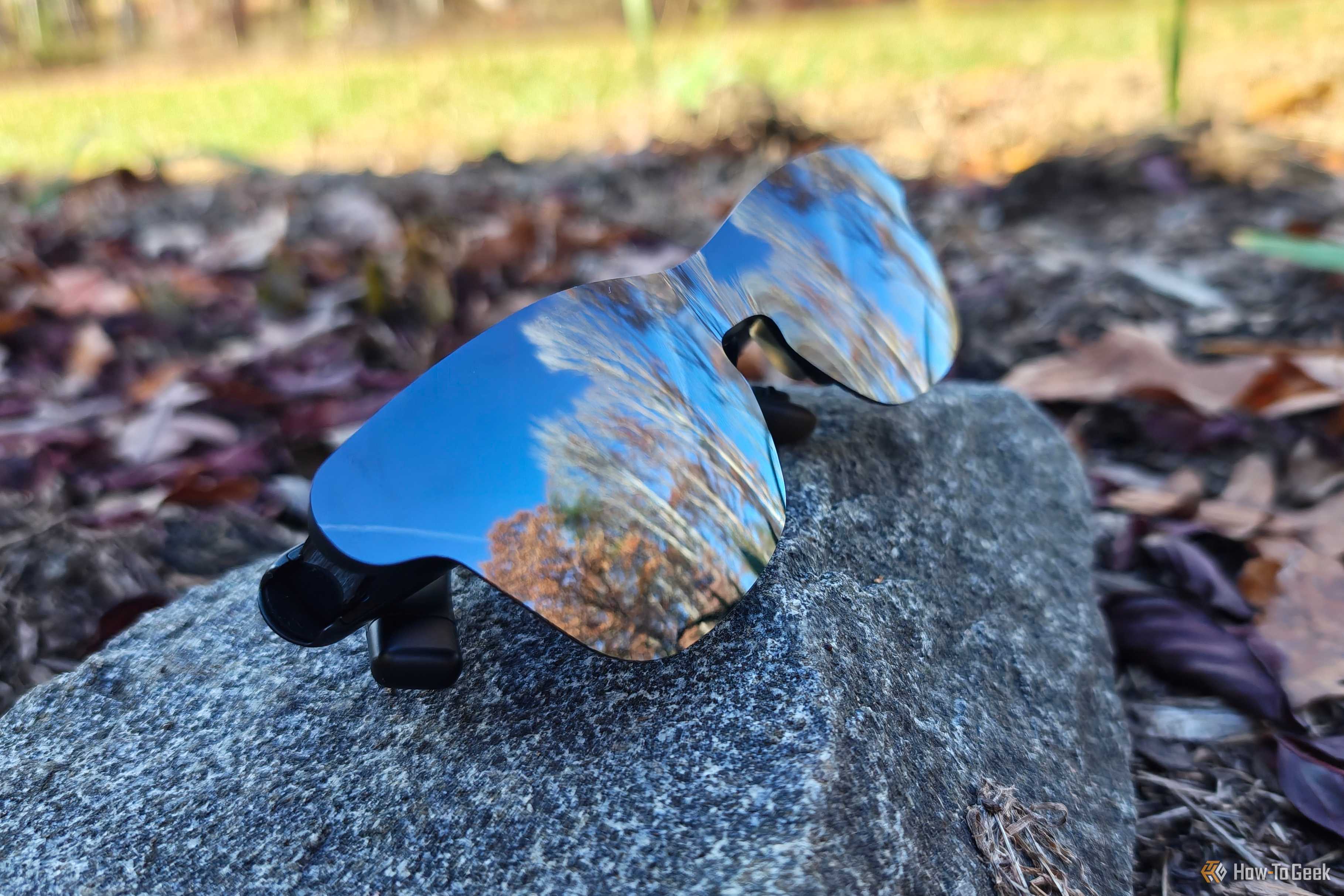
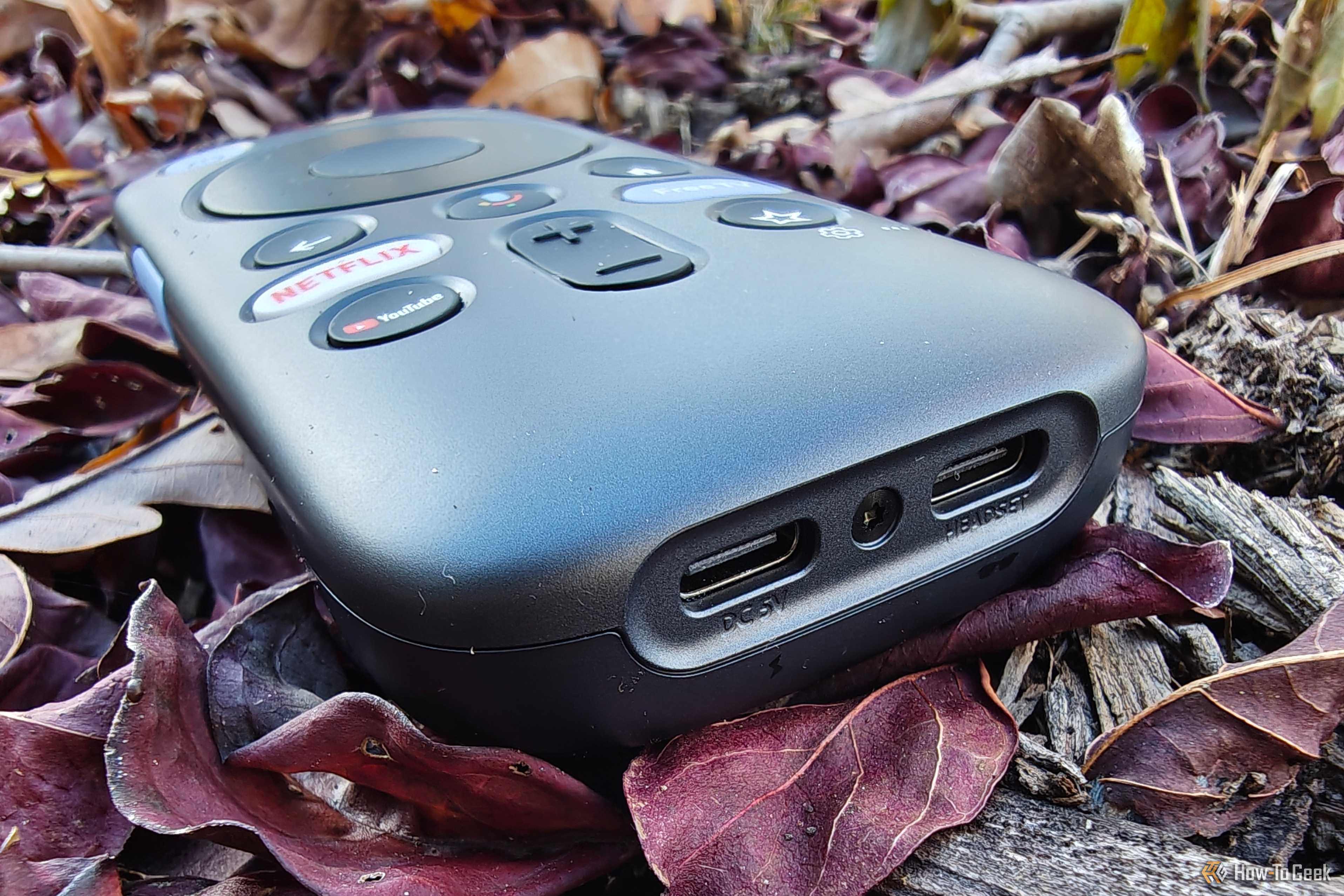
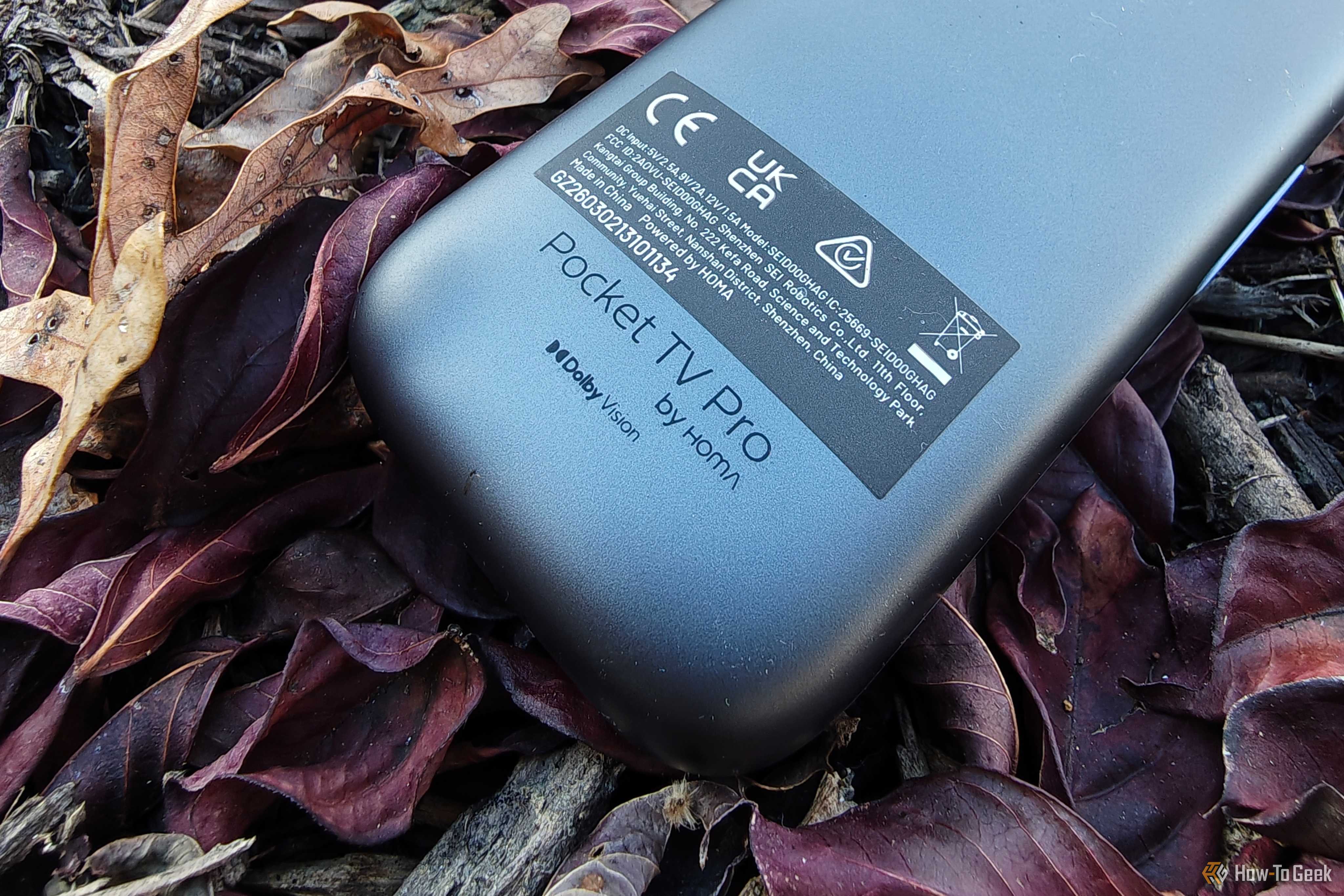



I’ve lately been trying out the RayNeo GT Max, which at $430, is a much better value than the XREAL One Pro for most tasks. RayNeo also sent me the Pocket TV, and of the two products, it’s the one I find more exciting. This is hands-down the best way to watch video virtually that I’ve experienced to date — and yes, I did review the Samsung Galaxy XR.
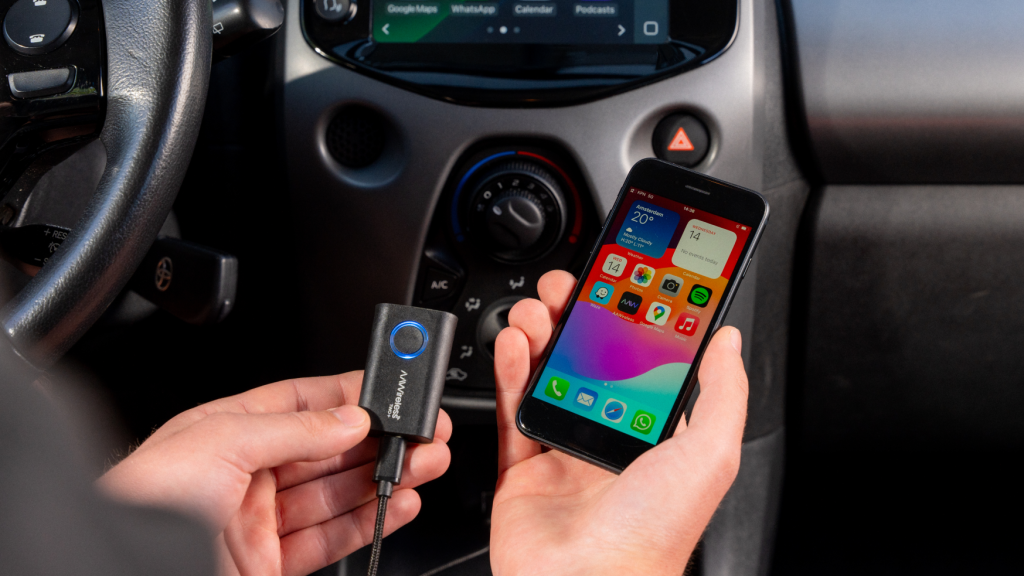
The Pocket TV is very easy to describe. This puck is simply Google TV, but for your face. Everything from setup to using the controls on the puck feels nearly identical to sitting in front of a television. While the experience is limited to flatscreen content, being able to control the entire interface using the Pocket TV’s familiar controls is much better than trying to navigate video in augmented reality using your fingers. After all, augmented reality relies on cameras to detect your hands, and these devices often struggle to register your gestures in low light. This makes them barely usable at all in no light.
Pocket TV costs $130, and despite being a RayNeo product, you can connect it to other AR glasses, though it didn’t work when I connected my XREAL One Pro. Your mileage may vary.
Want to try out augmented reality on the cheap? Order an XREAL Beam Pro
Be warned — it’s not as good
The XREAL AURA is, ultimately, a pair of display glasses connected to a puck. That premise isn’t new. I reviewed a similar puck several years ago called the XREAL Beam Pro, and Android XR bears an uncanny resemblance to that earlier project. The Beam Pro lets you run Android apps in augmented reality via XREAL’s custom interface, but you can only run two apps at a time. While it has full Play Store access, the OS isn’t as comprehensive as Android XR, and the hardware is underpowered. It works. It’s not as good as Android XR, but it works. If you already have a pair of XREAL glasses, you can get a Beam Pro for around $200 while you save up money for the AURA.
There’s also a lesser-known product called the INAIR Pod that aims to provide a more fully featured virtual desktop interface, but you control it with the puck instead of your hands. It’s more ambitious than the XREAL Beam as a desktop replacement but more limited as an AR experiment. At $440, with the option to work with any display glasses of your choice, it’s another relatively affordable way to decide for yourself if working in AR is viable, but it’s not one I can personally vouch for.
None of these are a true replacement for the XREAL AURA
I like display glasses, and I’m a fan of Android XR, so I’ve been excited to see the two come together. XREAL isn’t sending me a pair of the AURA, so I’ve purchased one myself. None of the options above provide quite the same experience, and as someone who works from home using AR, it’s a splurge I can justify. In short, I’m not telling you that you shouldn’t buy the AURA.
But I also know that once the novelty and excitement wear off, I’m still more likely to reach for the Pocket TV to watch Netflix or YouTube, and the RayNeo GT Max is more than good enough for gaming. I know from prior experience with Android XR that the AURA isn’t the best at all things, and your money may be better spent elsewhere.