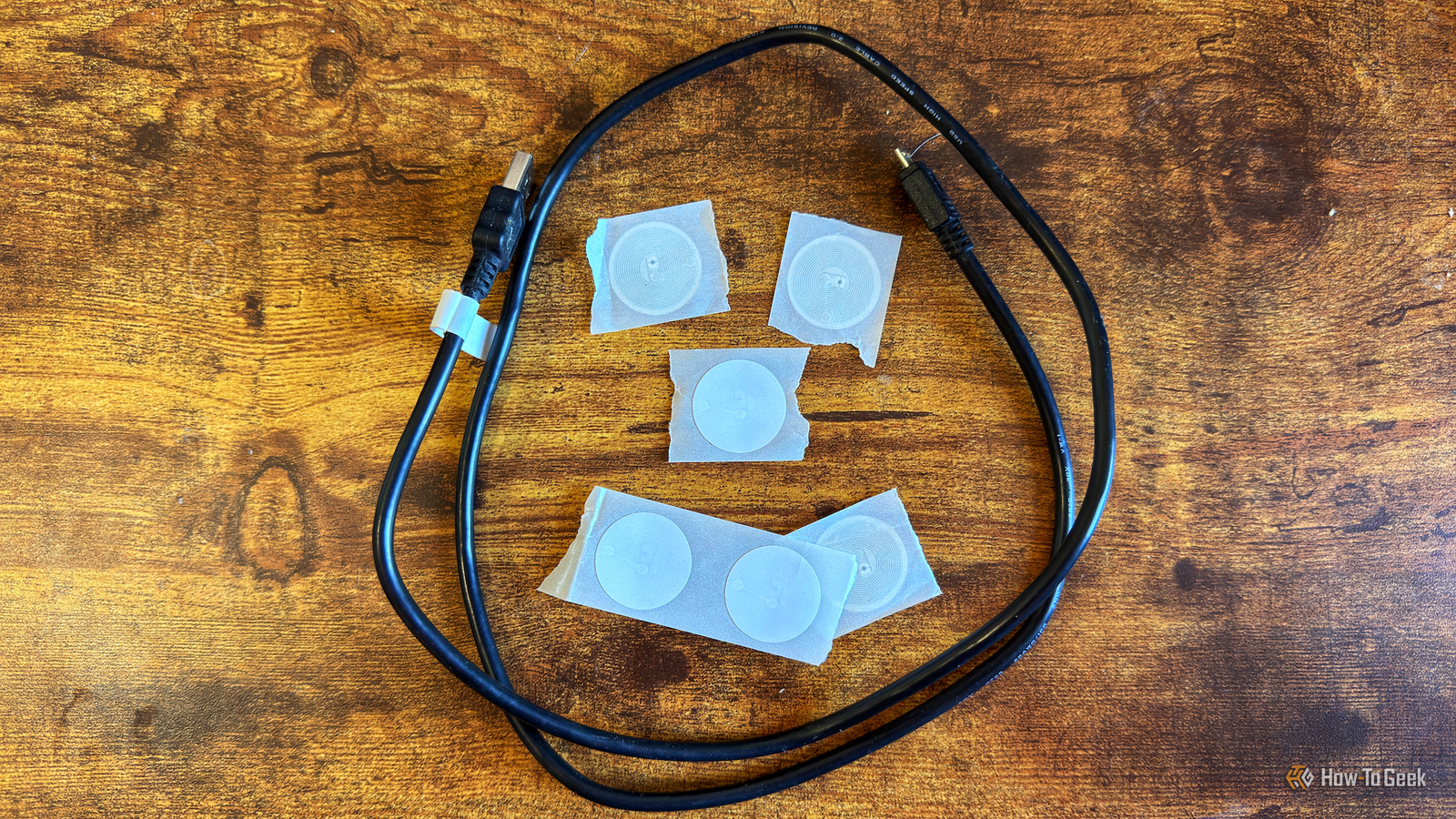
NFC tags are a simple and effective way to trigger smart home automations. You can scan a tag with your phone to do things such as turning on lights or starting timers, but there are plenty of uses you might not have considered.
Turn everyday objects into smart home controls
Hiding your NFC tags can make scanning things feel like magic

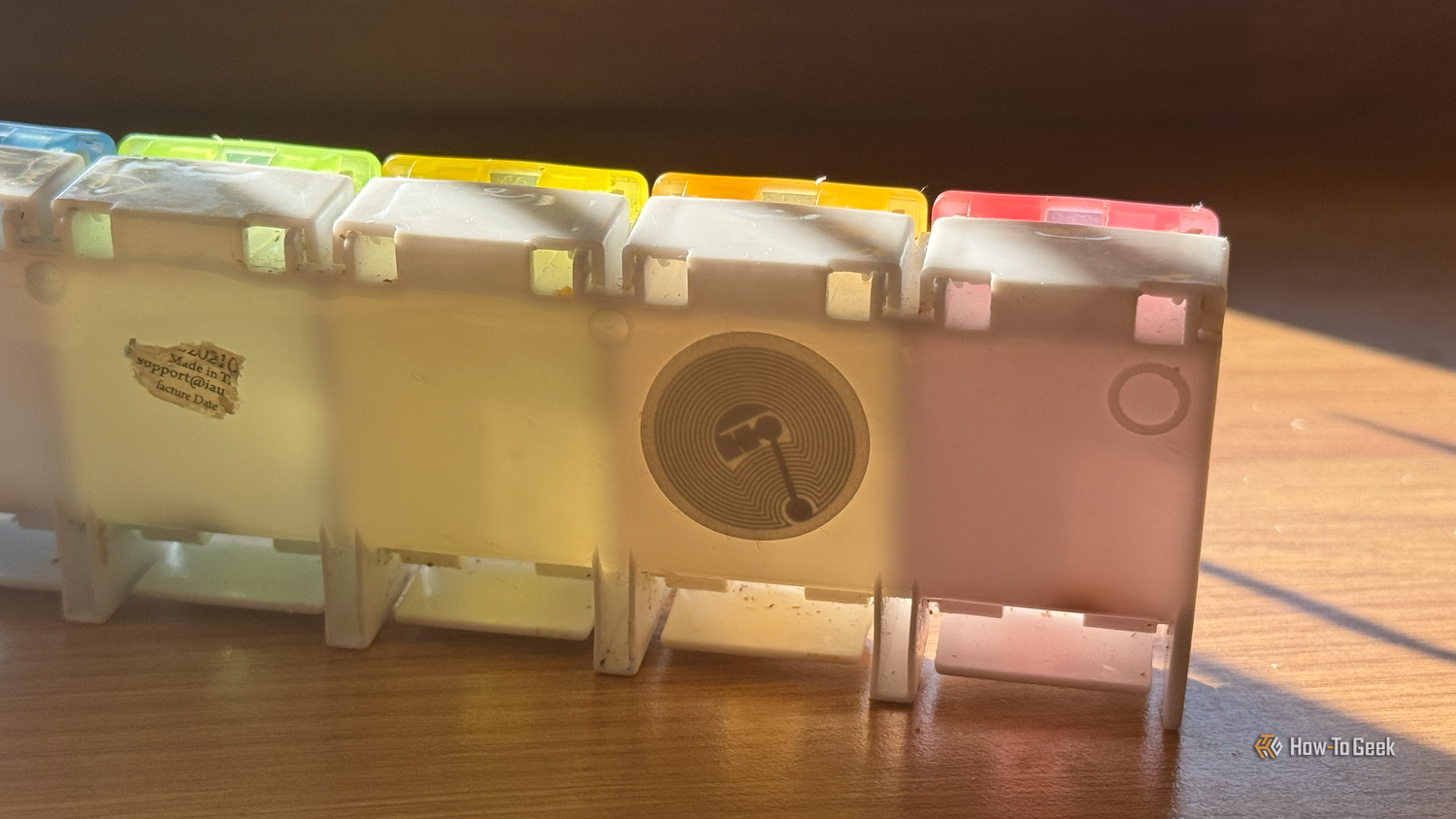
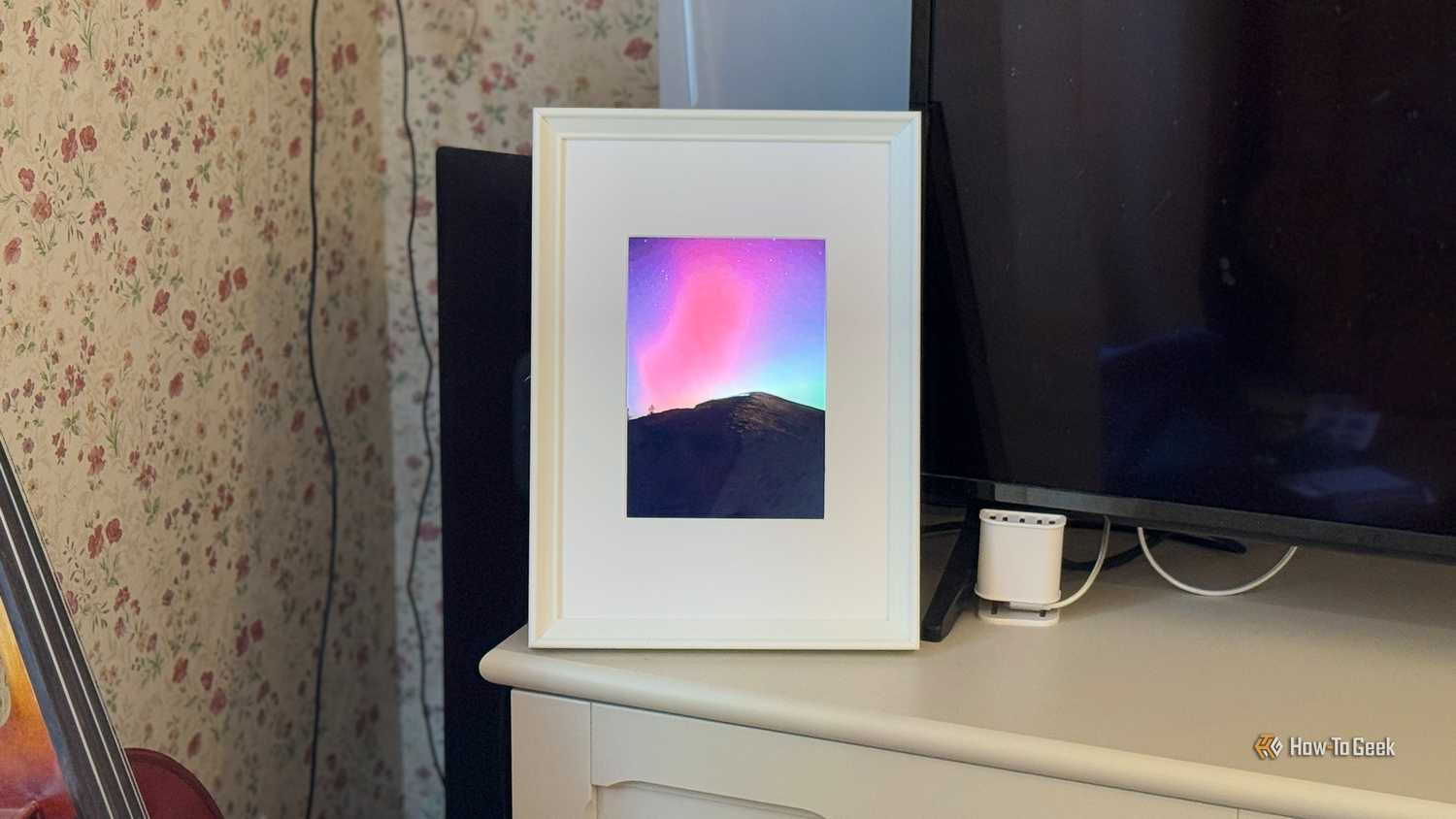





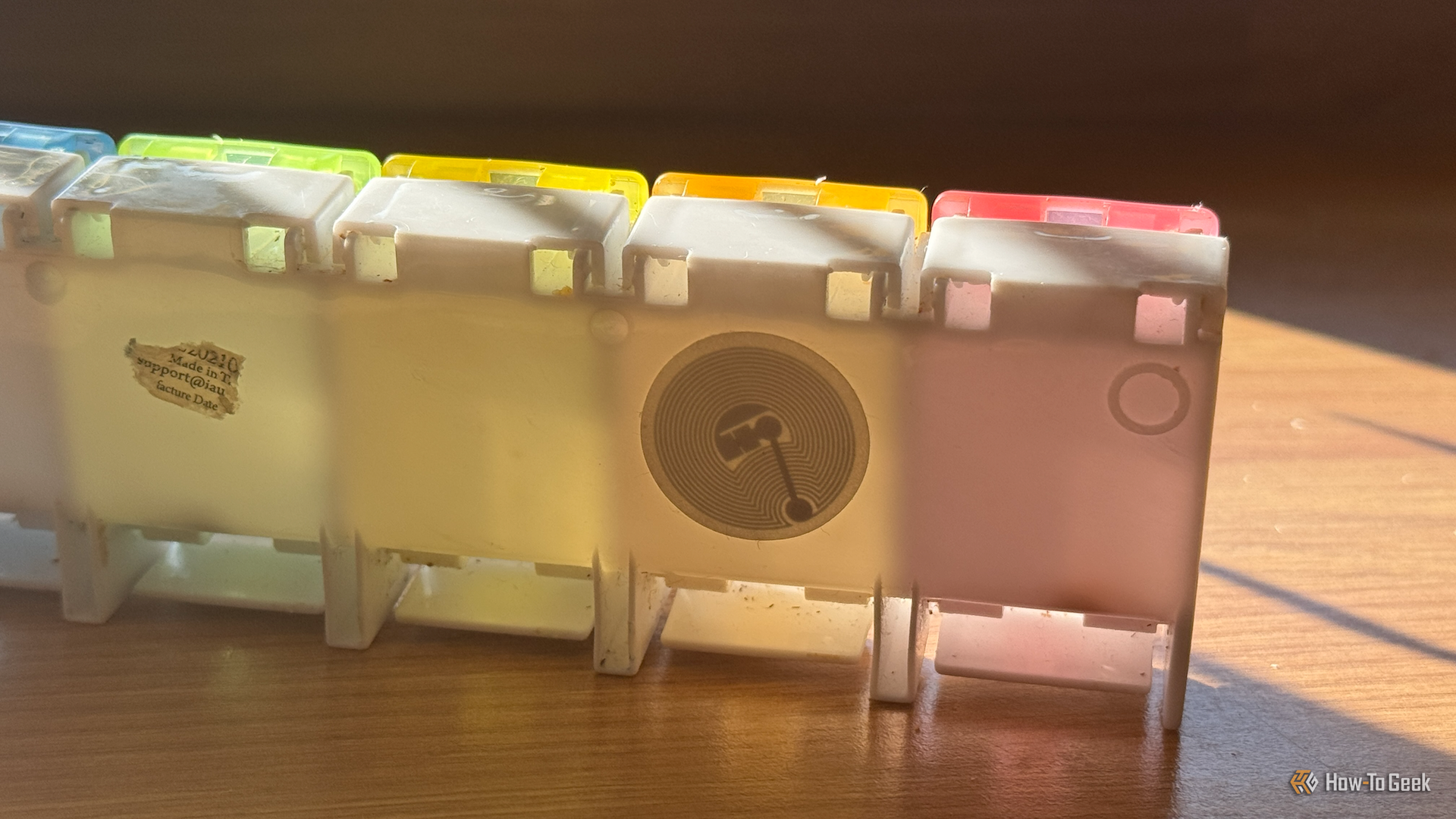
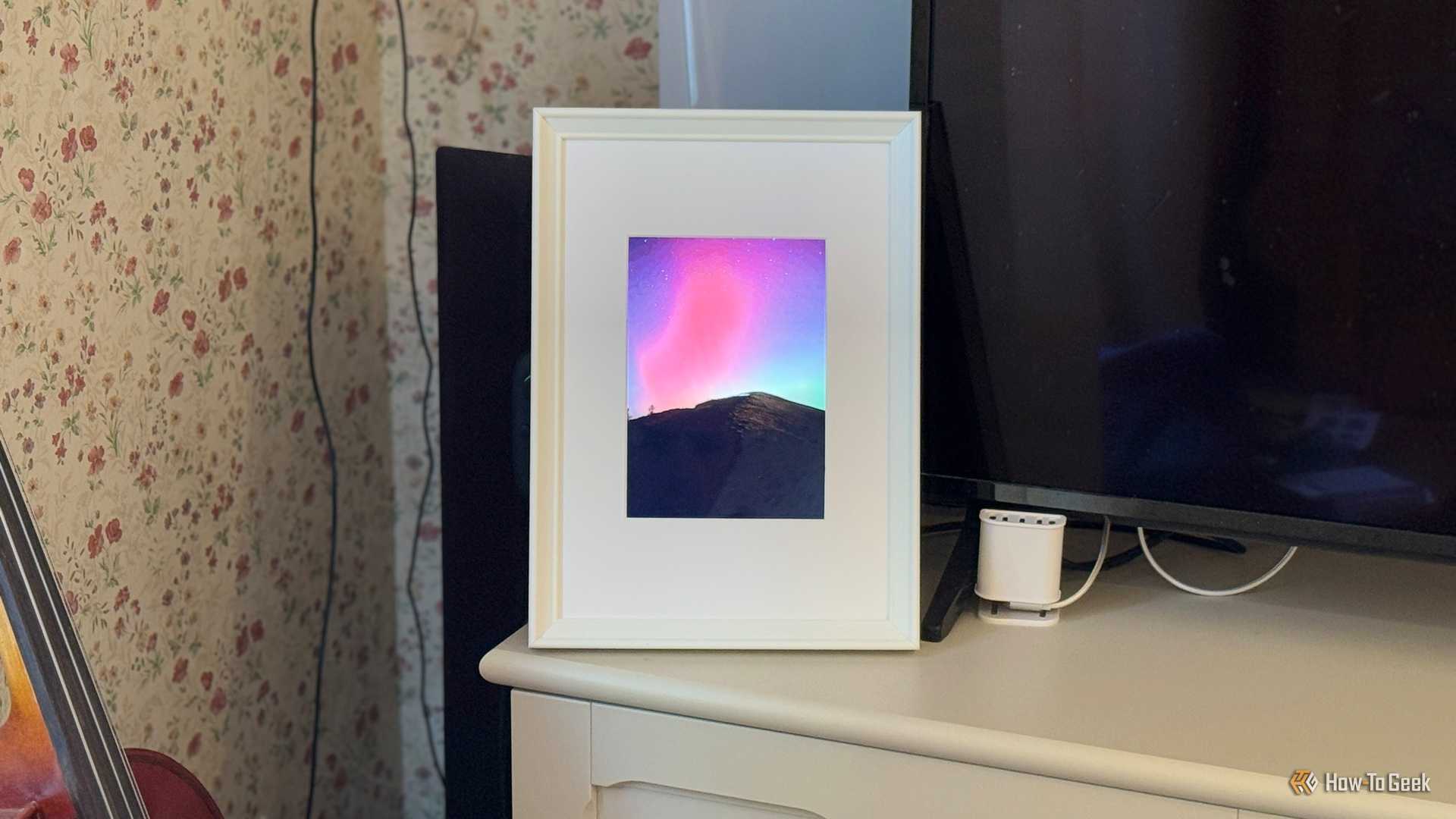
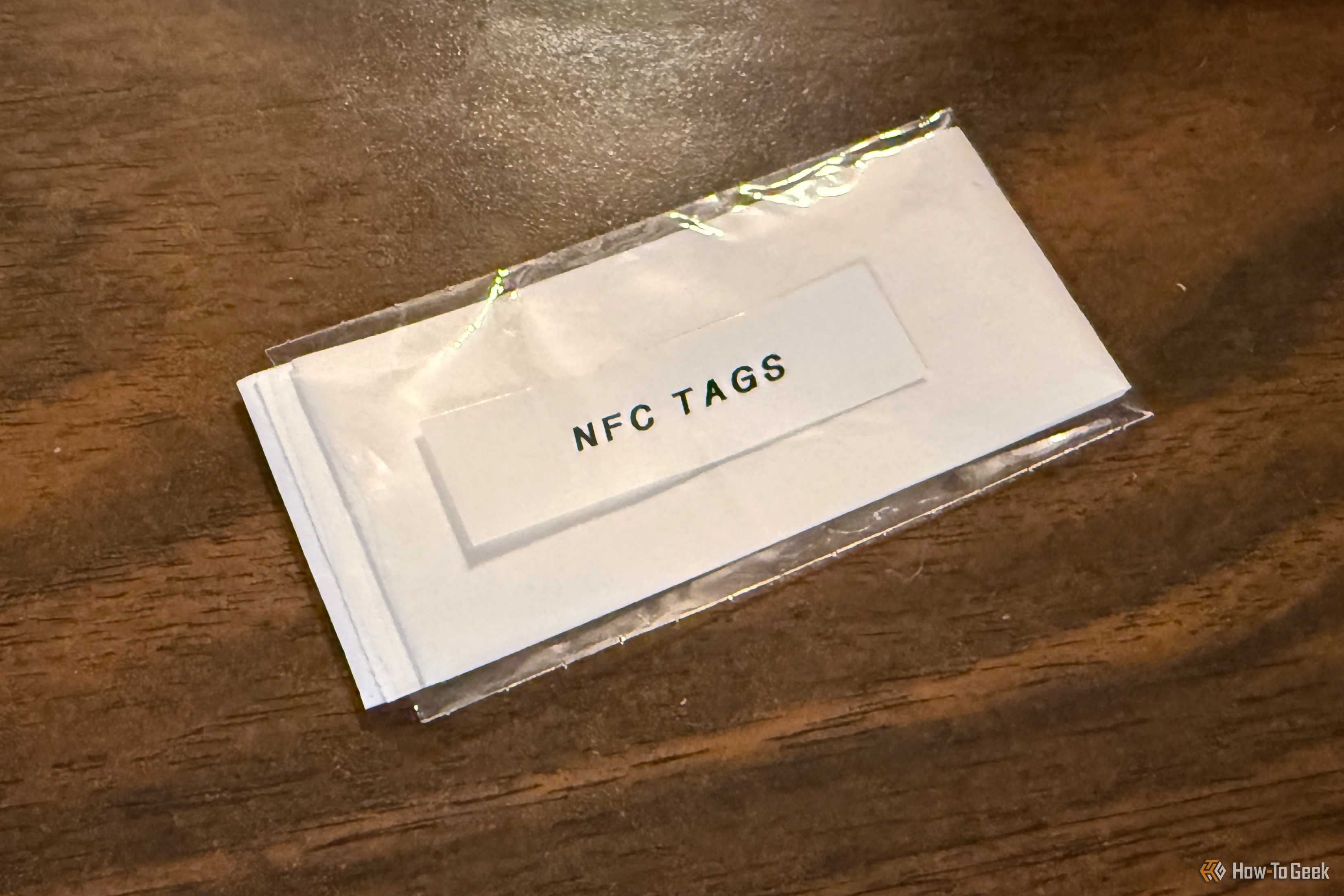


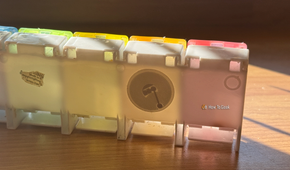

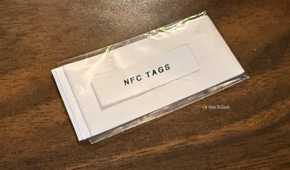

NFC stickers are small enough to hide away in discreet places, but the trouble with doing so is that it makes them hard to scan. You can stick an NFC tag under your coffee table, but then you have to reach under there to scan it.
An alternative is to hide your NFC tags in plain sight. One example is to place them behind the pictures in frames. For example, we have a picture in our kitchen that says “This kitchen is for dancing.” Scanning the hidden tag through the picture starts a playlist full of songs that you can’t help but want to get down to.
You can hide NFC tags in all sorts of places, including in books, vinyl album covers, the lids of board games, and more, as long as your phone can scan the tag through whatever’s hiding it. Instead of having to remember what each tag does, the object you’re scanning becomes the reminder.
Make your smart home into an escape room
NFC tags and QR codes can turn your home into a game

Sometimes it takes a true maverick to show what’s possible with standard smart home tech. One genius used Home Assistant to turn their own apartment into a real-life escape room.
The idea is honestly amazing and uses a ton of devices through Home Assistant. For example, finding one clue reveals an NFC tag; scanning the tag makes the lights in the room go out, and the lights in an adjacent room turn pink, guiding the players to that room. When they enter that room, the robot vacuum appears out of hiding, with another clue lying on top of it.
It’s a brilliant way to use NFC tags (and Home Assistant in general) for something fun rather than just for utility. I really want to try to set up my own.
Get your smart home to ask you why you’re leaving
Trigger different automations depending on your answer
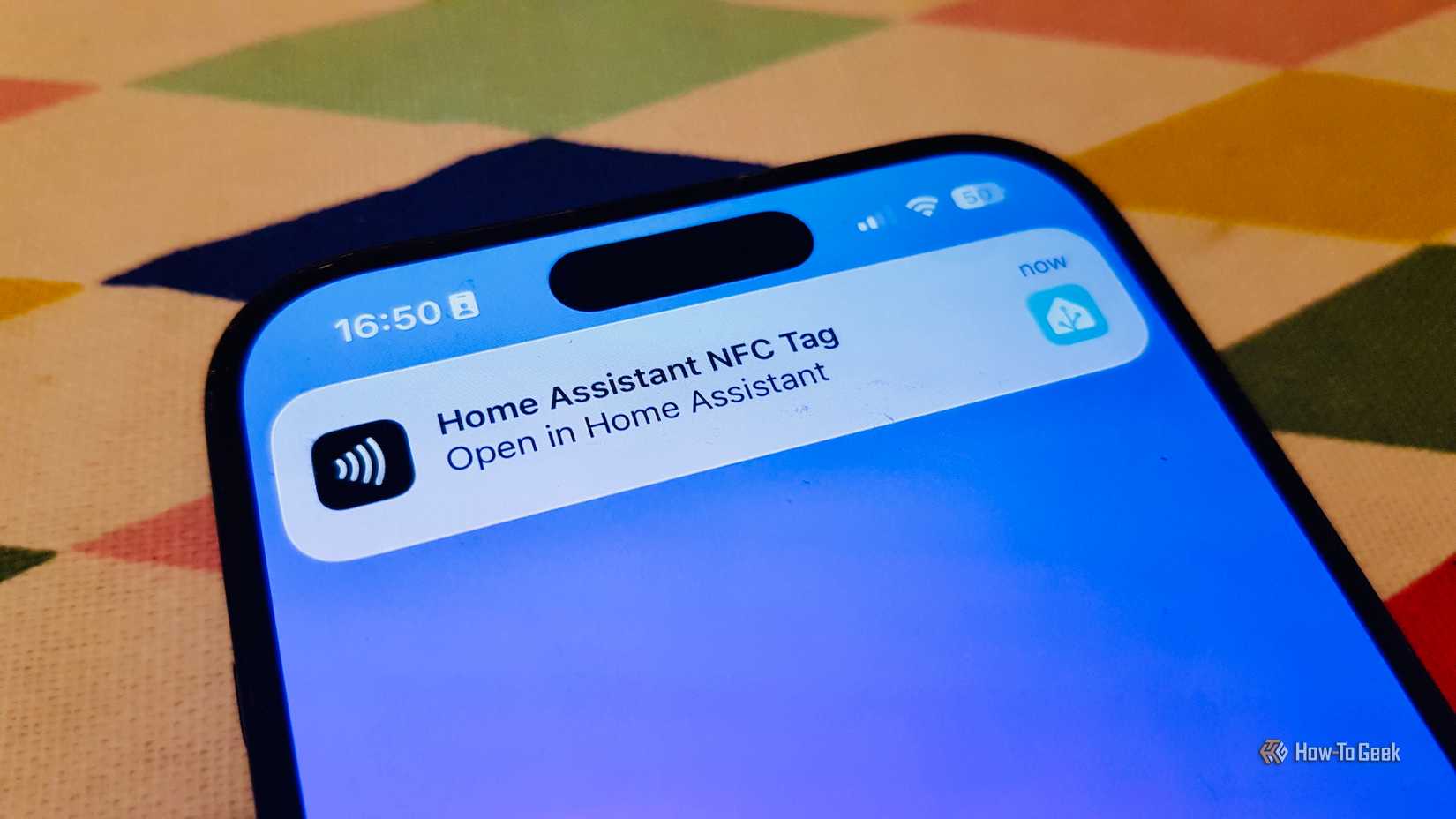
This is another really clever idea that can be triggered with an NFC tag. One Home Assistant user set up a system where they scan a tag when they’re leaving the house. A notification on their phone then asks them why they’re leaving.
Depending on the response, different automations will run. For example, if you select Shopping, the automation can bring up your shopping list. If you select Running, it can open a workout tracker and play a running playlist. The benefit of using an NFC tag instead of using a trigger such as the door or geolocation is that the question gets asked before you leave the house, so you have time to answer it.
Create a shopping list using pictures
Scan the milk image when you’re running low
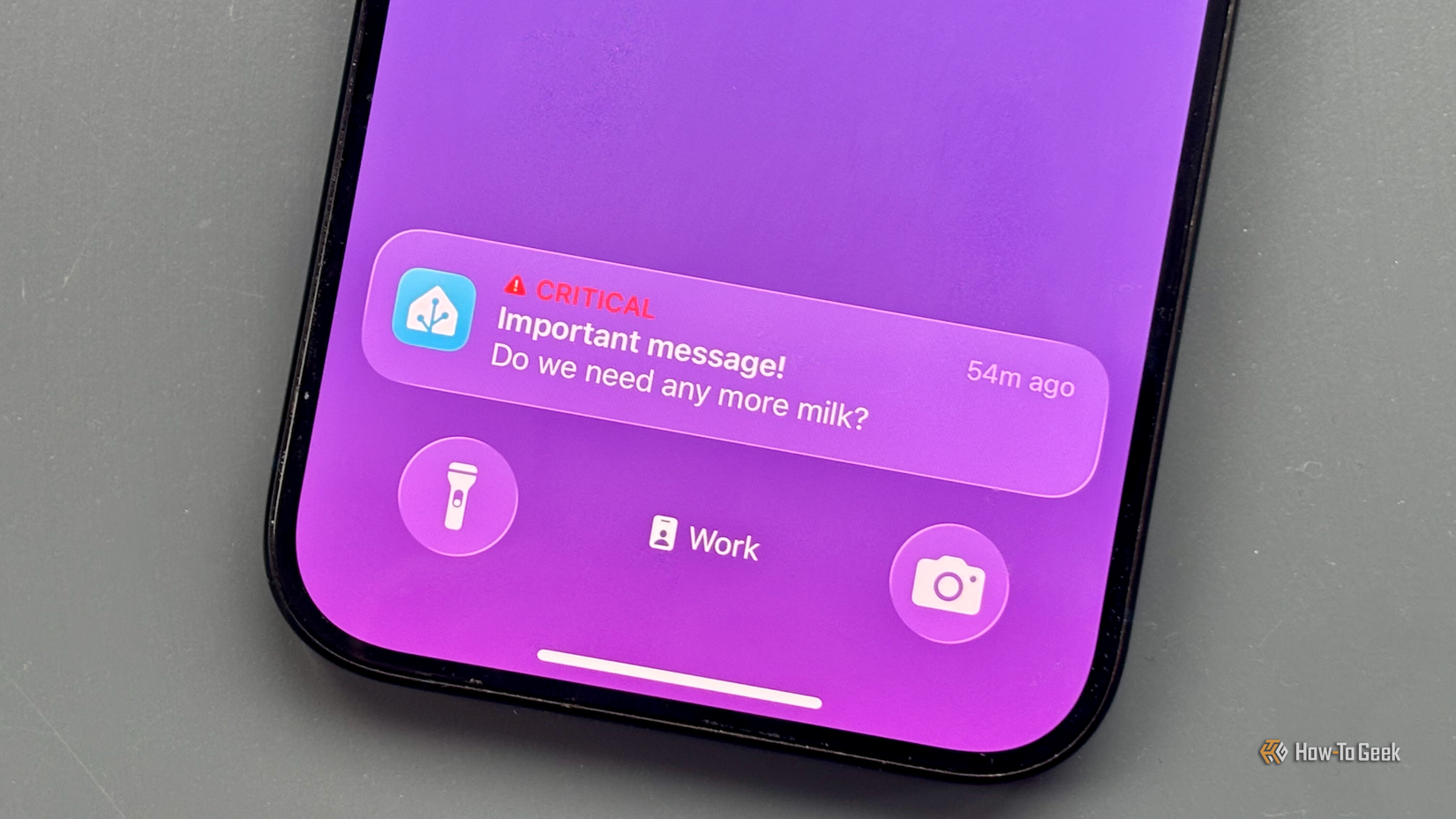
This is such a genius idea that I wish I’d thought of it. Some food products in our home disappear at alarming rates. A loaf of bread, for example, will be gone almost as soon as it’s opened, and we get through oceans of milk. When we run out, mayhem ensues.
You can create a board with images or emojis representing the things you regularly need to replenish, with an NFC tag for each image. When you’re running low, just scan the appropriate image, and milk, bread, or the most important of all (peanut butter) gets added to the shopping list.
Find things in storage without hours of hunting
An NFC tag can tell you what’s in the box
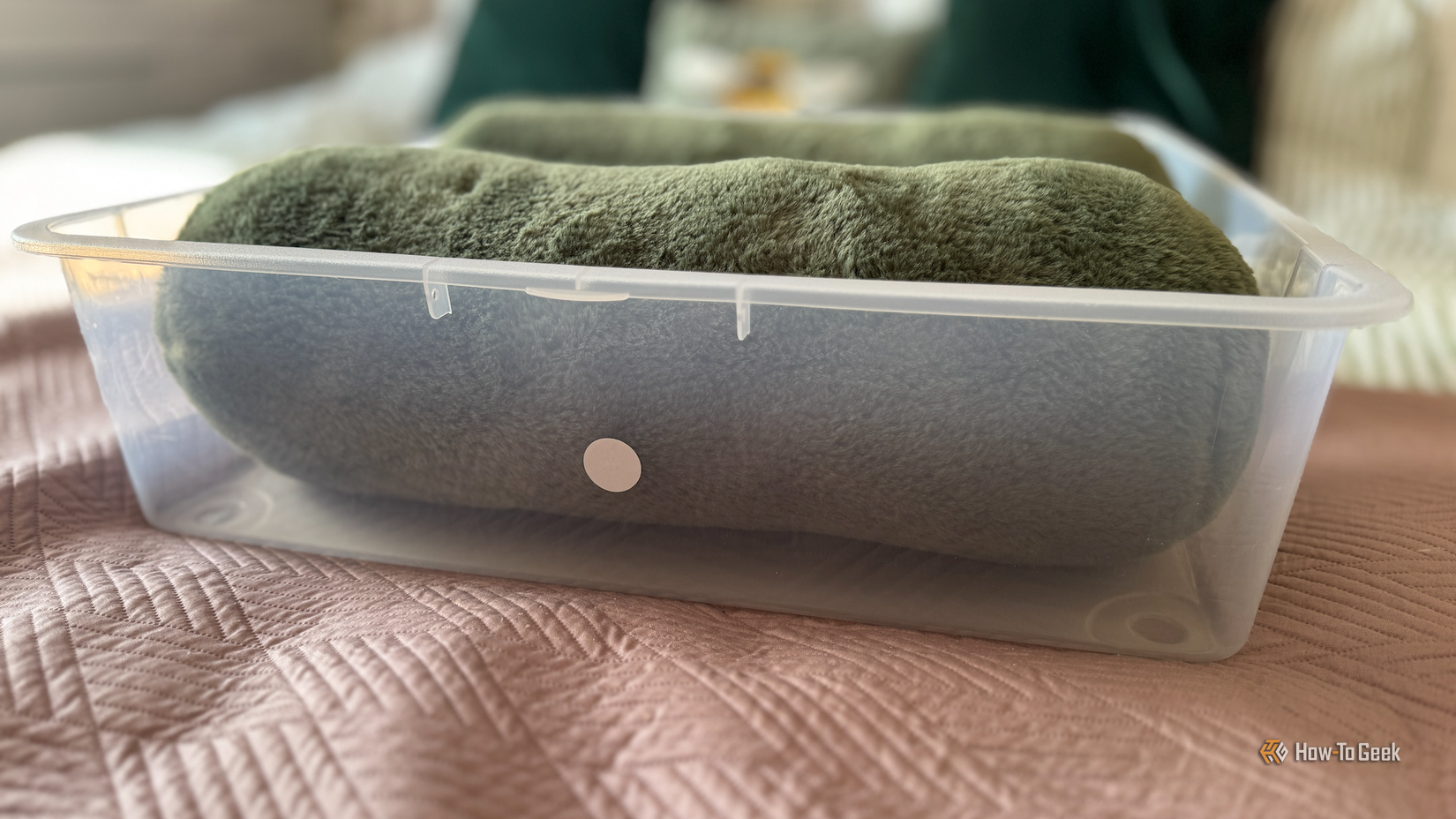
Another great use for NFC tags is to help with organization. We have lots of storage boxes that end up in the attic full of stuff that only comes out now and again. Trying to find the items we want in all the boxes can be a real pain.
I added NFC tags to the sides of the boxes, which open lists in Home Assistant. One scan shows what’s in the box, and we can edit the lists as the contents change. It’s made life so much easier.
Stick an NFC tag in your car
Your smart home isn’t limited to your house
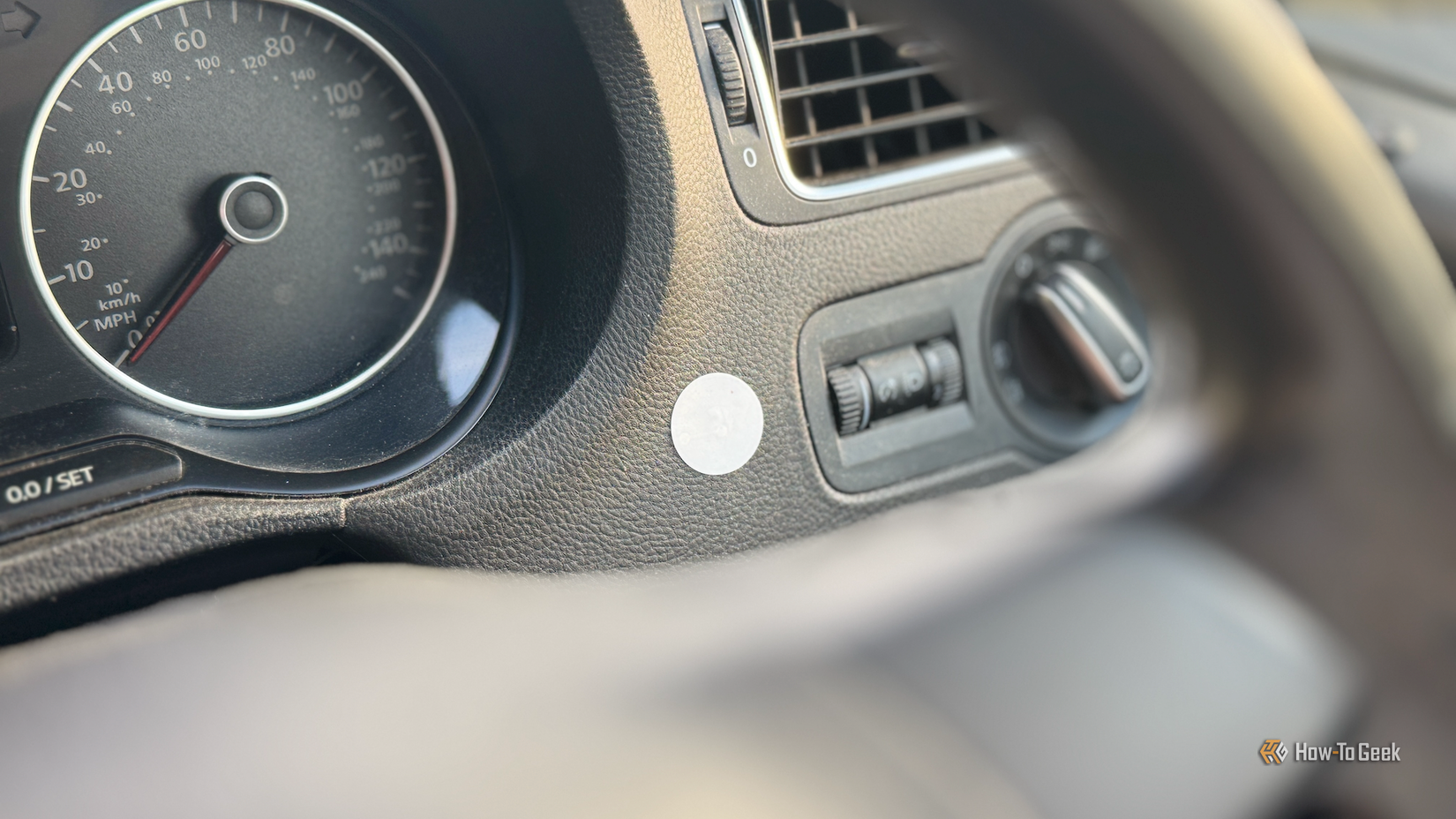
NFC tags don’t always have to be in your house to be part of your smart home. I have an NFC tag stuck to the dashboard of my car. I use it when I park to start a timer to remind me when my parking time is about to run out, and it’s saved me on multiple occasions.
There are plenty of other uses. You can use one to send a message that you’re on your way home, including an ETA based on the live traffic conditions, to log your location on a map so you can find your way back to your car, or even to send a message to the person who just called you saying that you’re driving and will call them back.
Give your appliances a service history
NFC tags can show when they were last fixed or bring up instruction manuals
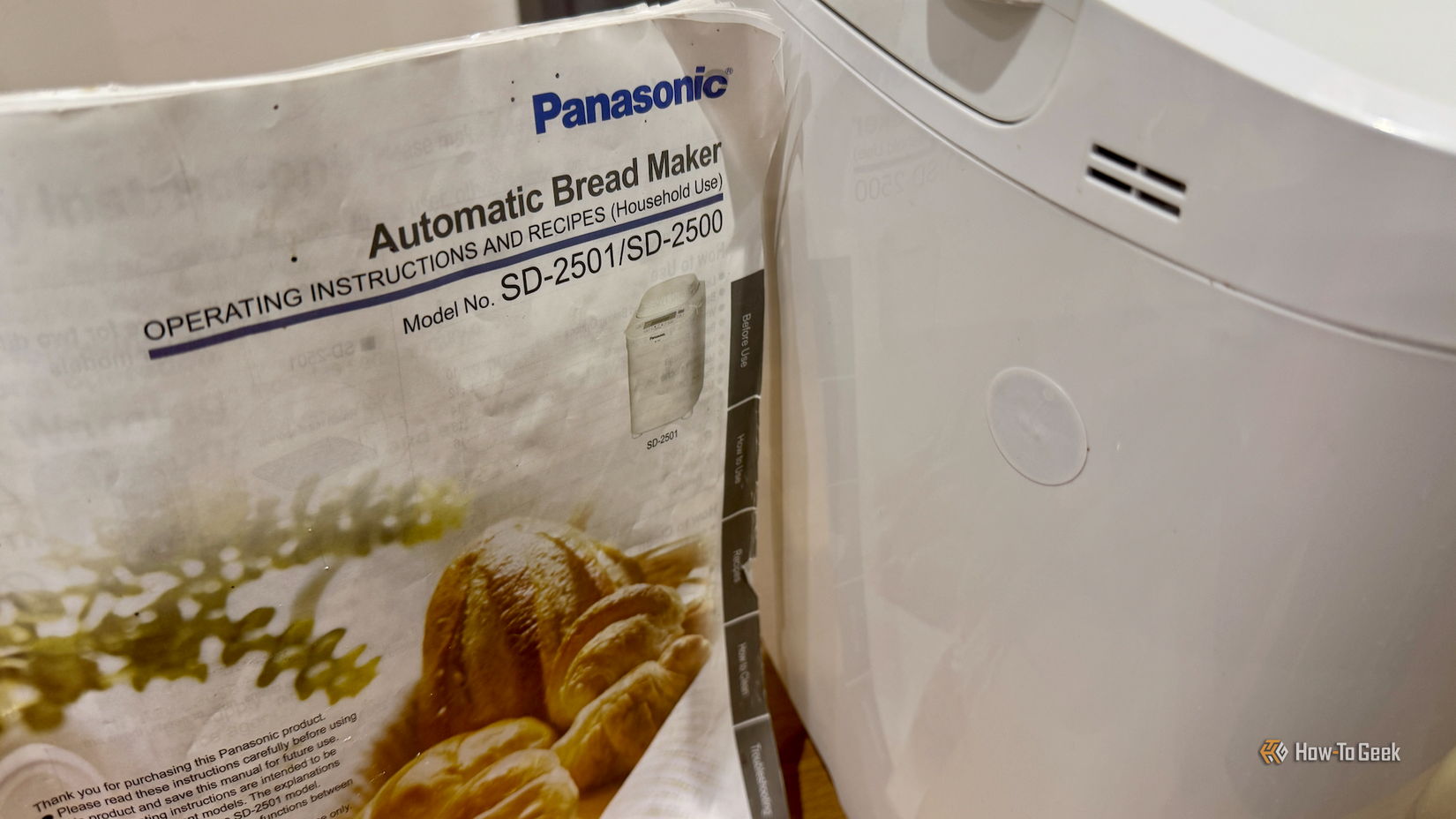
This is something I set up so that I could finally get rid of my drawer full of instruction manuals. I downloaded the PDF versions, saved them on my phone, and stuck NFC tags on my appliances. If I scan the tag, it will open the relevant instruction manual on my phone.
You can use the tags for a lot more, too. You could scan a tag when your appliance is serviced to keep track of when it was last done or even add notes such as fixes that have worked in the past that you might need to use again.
NFC tags can be more useful than you might think
Scanning an NFC tag is a simple thing to do, but the ways that you can use them are almost endless. With a little imagination, your NFC tags can do everything from reminding you to buy peanut butter to turning your home into an escape room.