Credit: Bobby Jack | How To Geek
Open-source software is wonderful: it’s free, diverse, and surprisingly accessible. You might feel that software development is a secret world of privilege and insider knowledge, but OSS has made great strides to overturn this misunderstanding.
Whatever your skill set, you can make a difference and improve open-source software like KDE. If you can write, draw, code, speak more than one language, or just use your system, you can help out.
Use KDE as much as possible
By running the desktop, you’re helping out without even realizing it
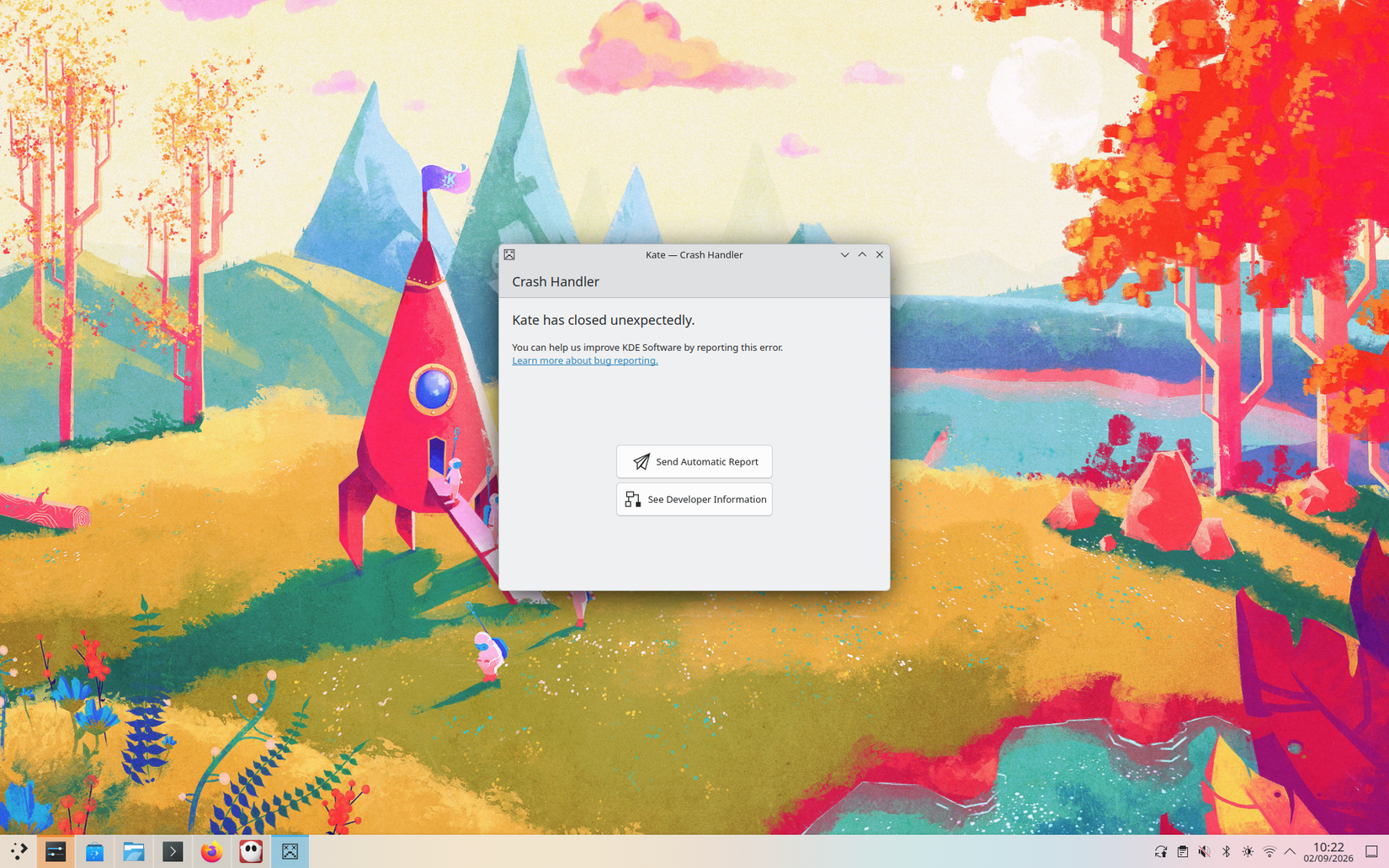
OK, this might sound too good to be true, but just by using KDE, you are helping to improve the overall system: congratulations! First, the built-in Dr Konqi software will automatically offer to send a bug report if a KDE app ever crashes. This contains details of what happened and your current environment, so the devs can debug the problem.
You don’t have to report bugs, but it just takes a single button press to do, so there’s little reason not to.
You can also report telemetry data by enabling it in KDE’s System Settings app, via the User Feedback module. This sends anonymous information about the apps you run, how long you run them for, and so on. Again, this is entirely optional, but it’s vital for the system to improve based on real-world usage.
Report any bugs manually
A well-crafted bug report is invaluable to the developer team
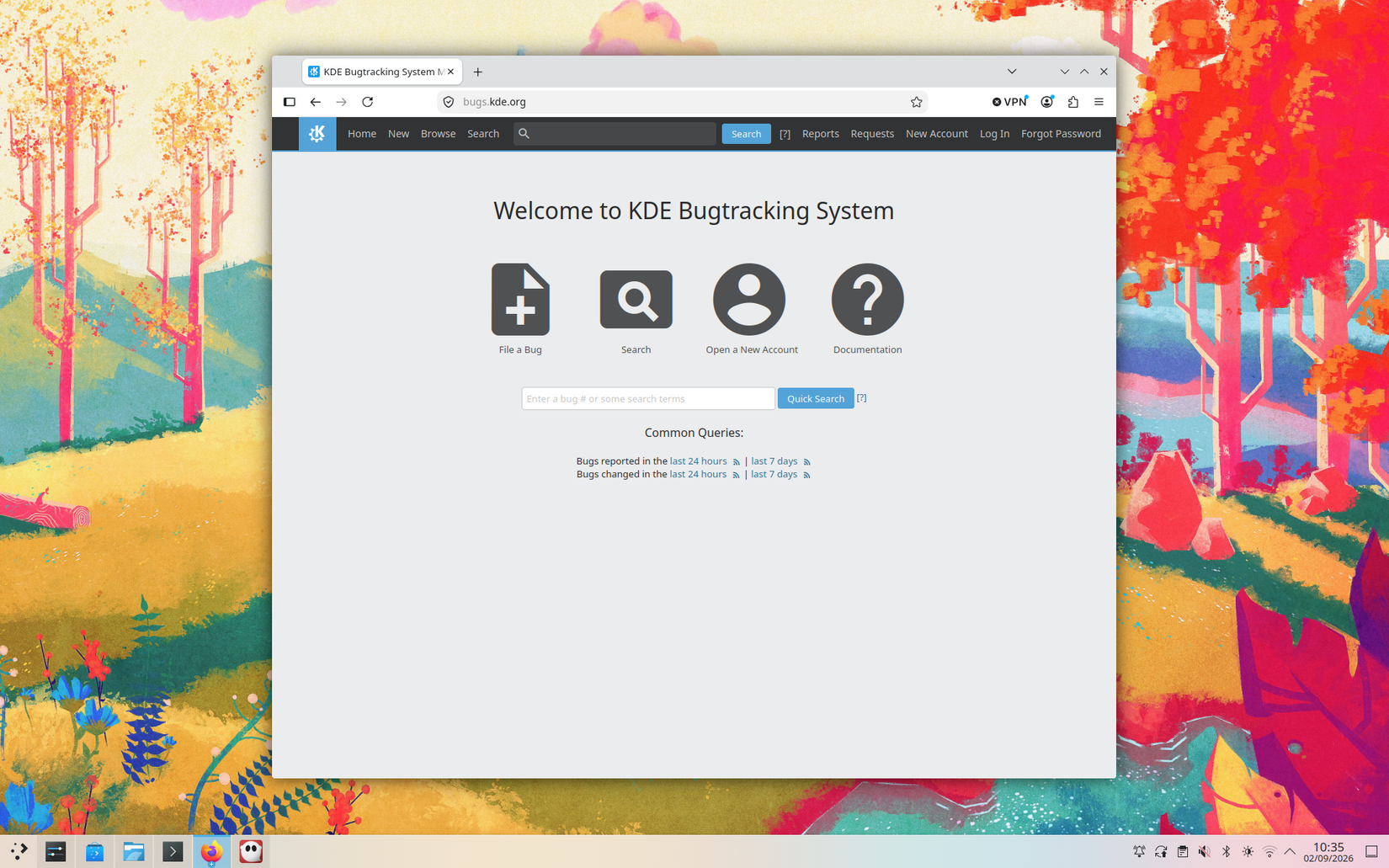
If you encounter a more complex crash, like a bug in an app that doesn’t support Dr Konqi, you can report it manually using the KDE Bugzilla issue tracker. This process isn’t for the faint-hearted, but you can rest assured that your feedback will help to improve the system for everyone.
The bug tracker isn’t the only way to report something; you can send ideas, discuss new features, or alert the developers to security vulnerabilities too.
Flex your design skills
With your help, KDE can look its very best


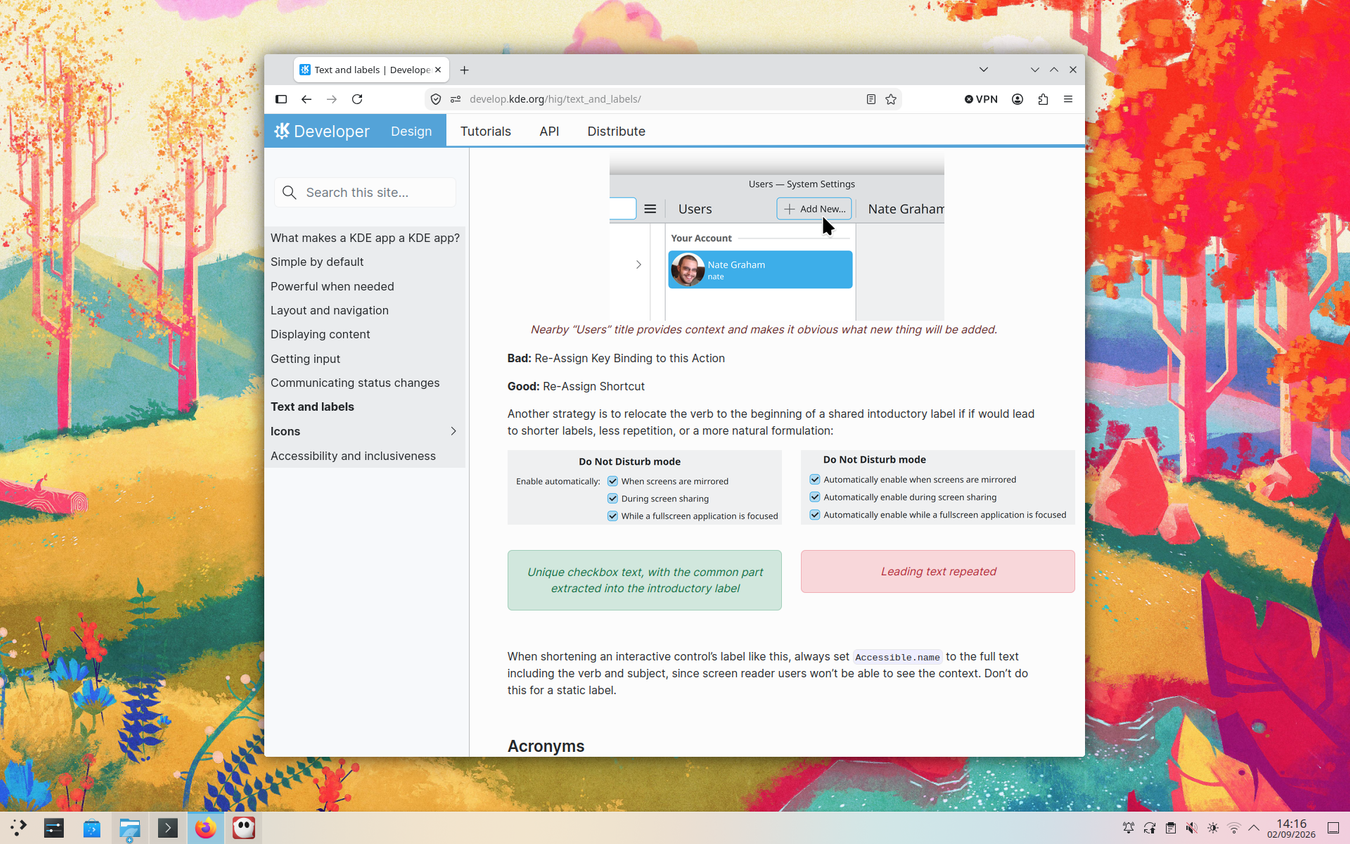
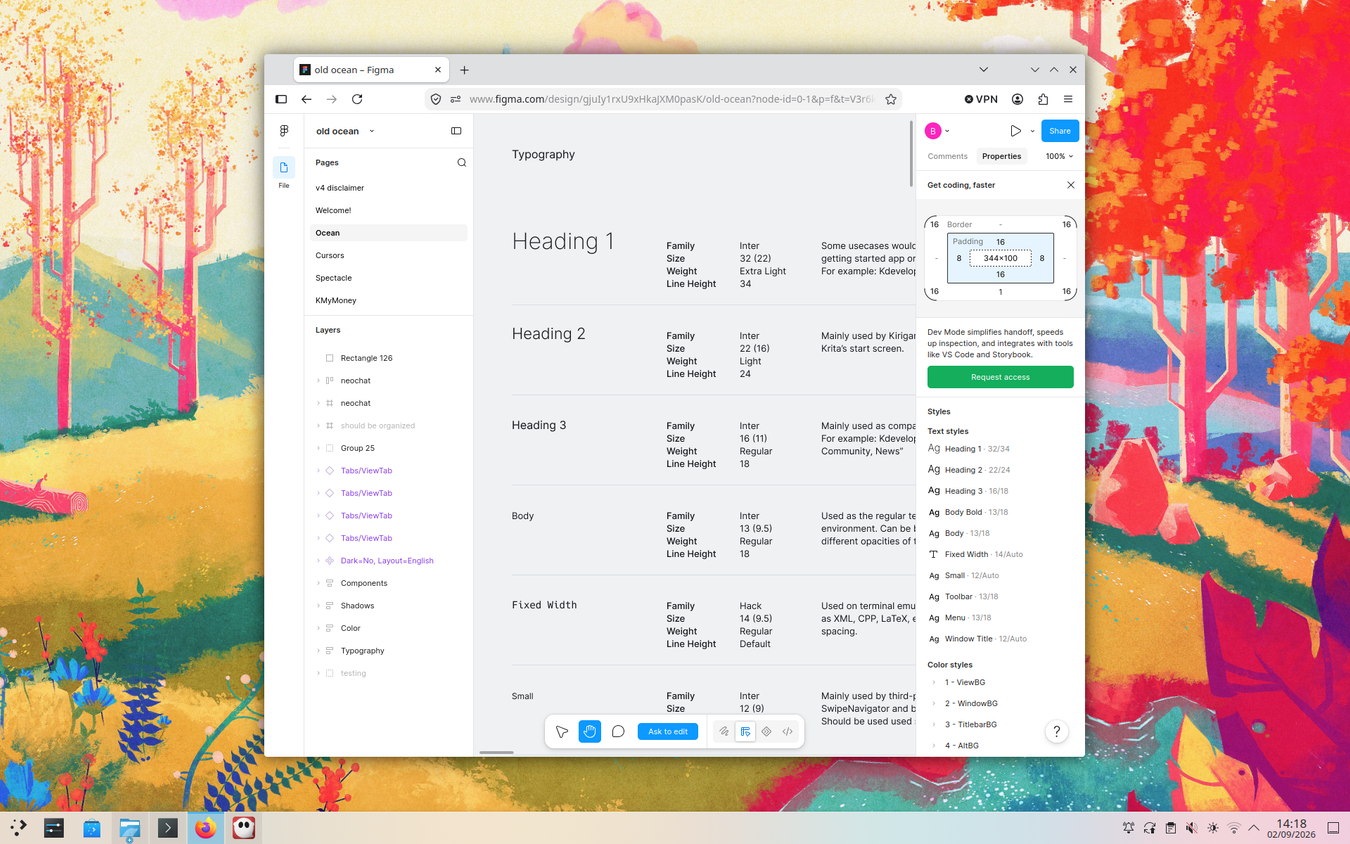



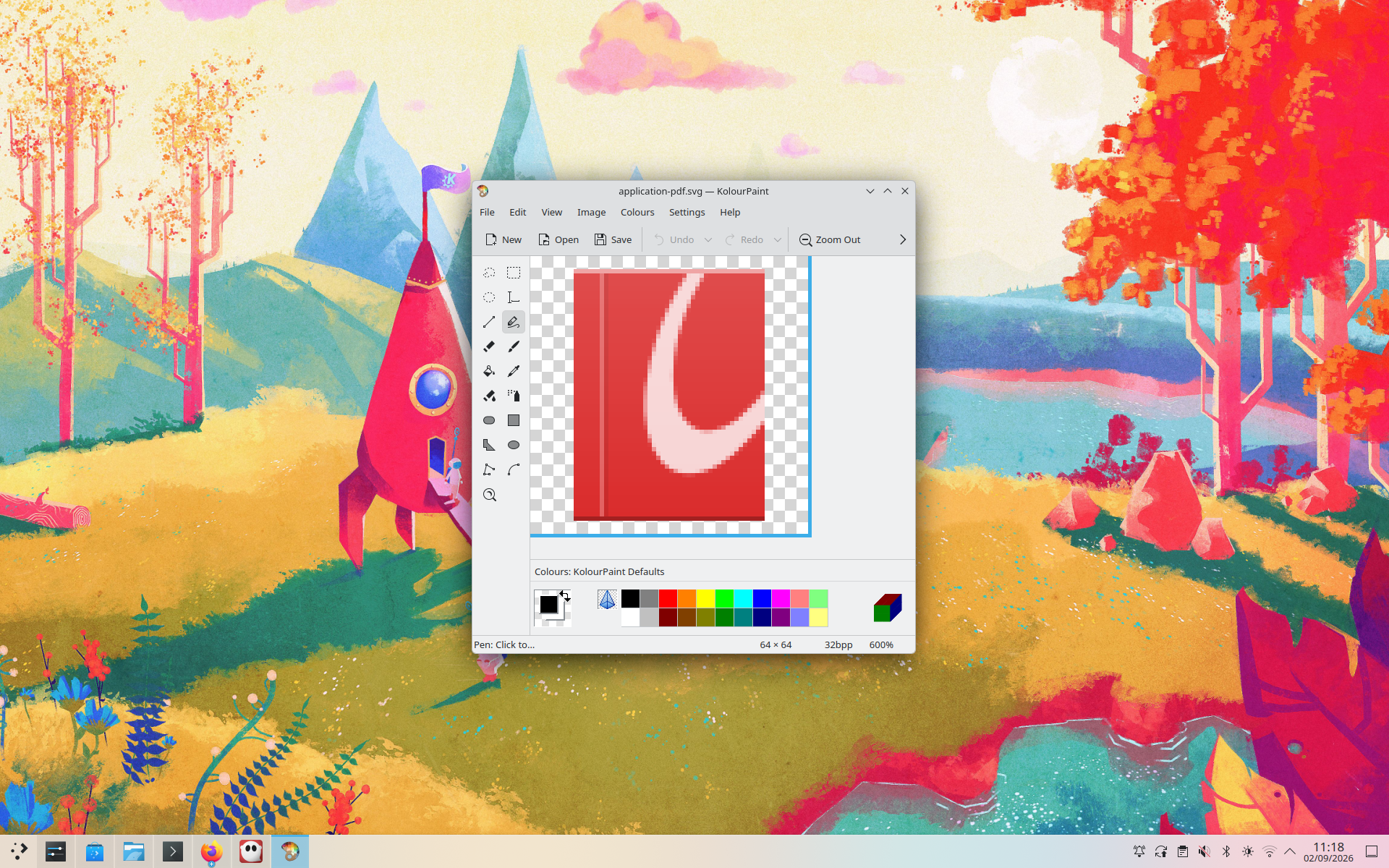


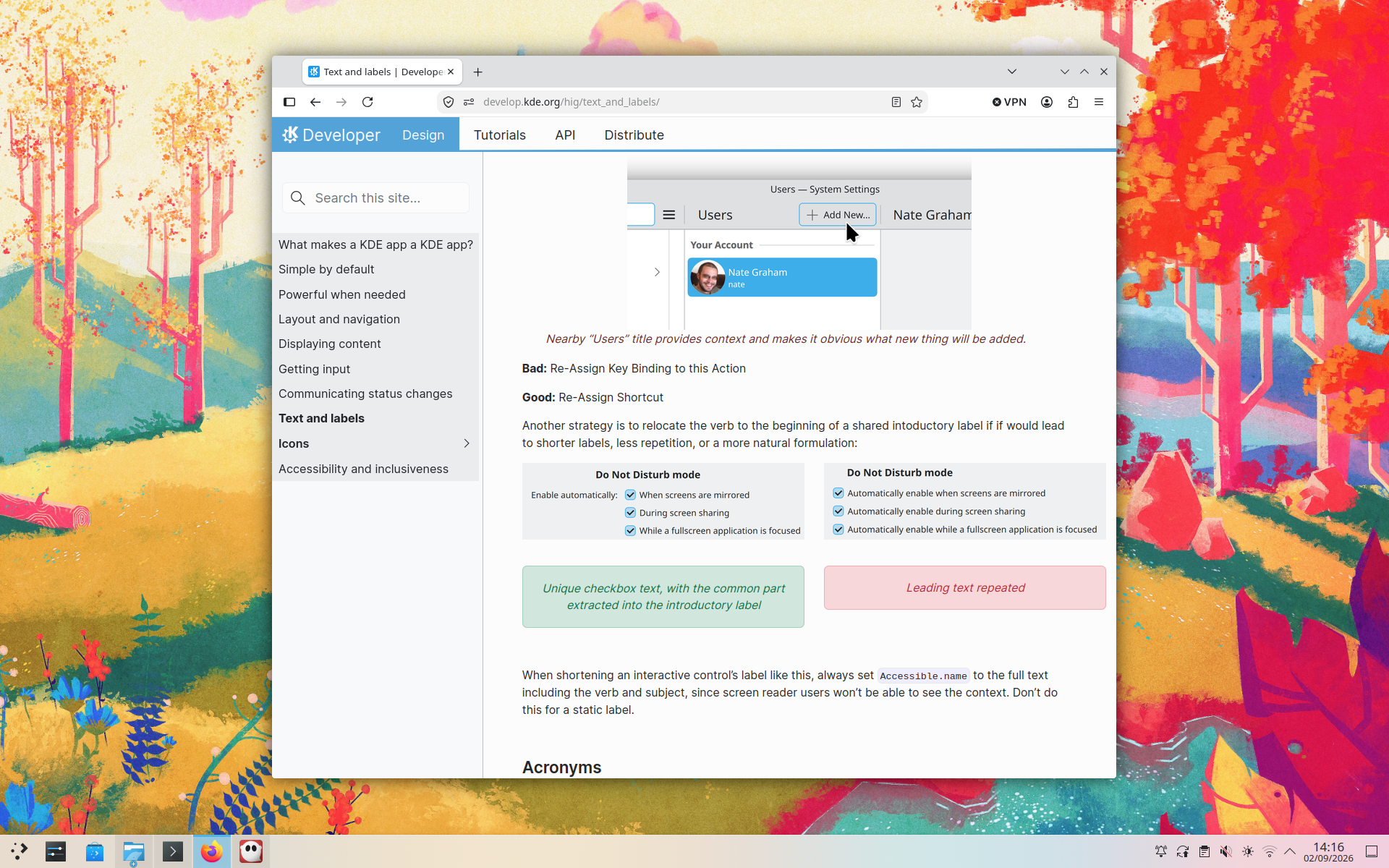



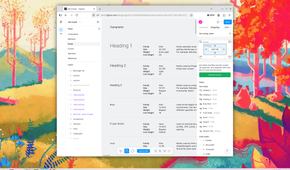
Let’s face it: engineers aren’t always the best qualified when it comes to creating stunning imagery, or even designing slick interfaces. Linux has long suffered from a perception that it just doesn’t look that good, and while this complaint is a bit overplayed, there’s an element of truth to it.
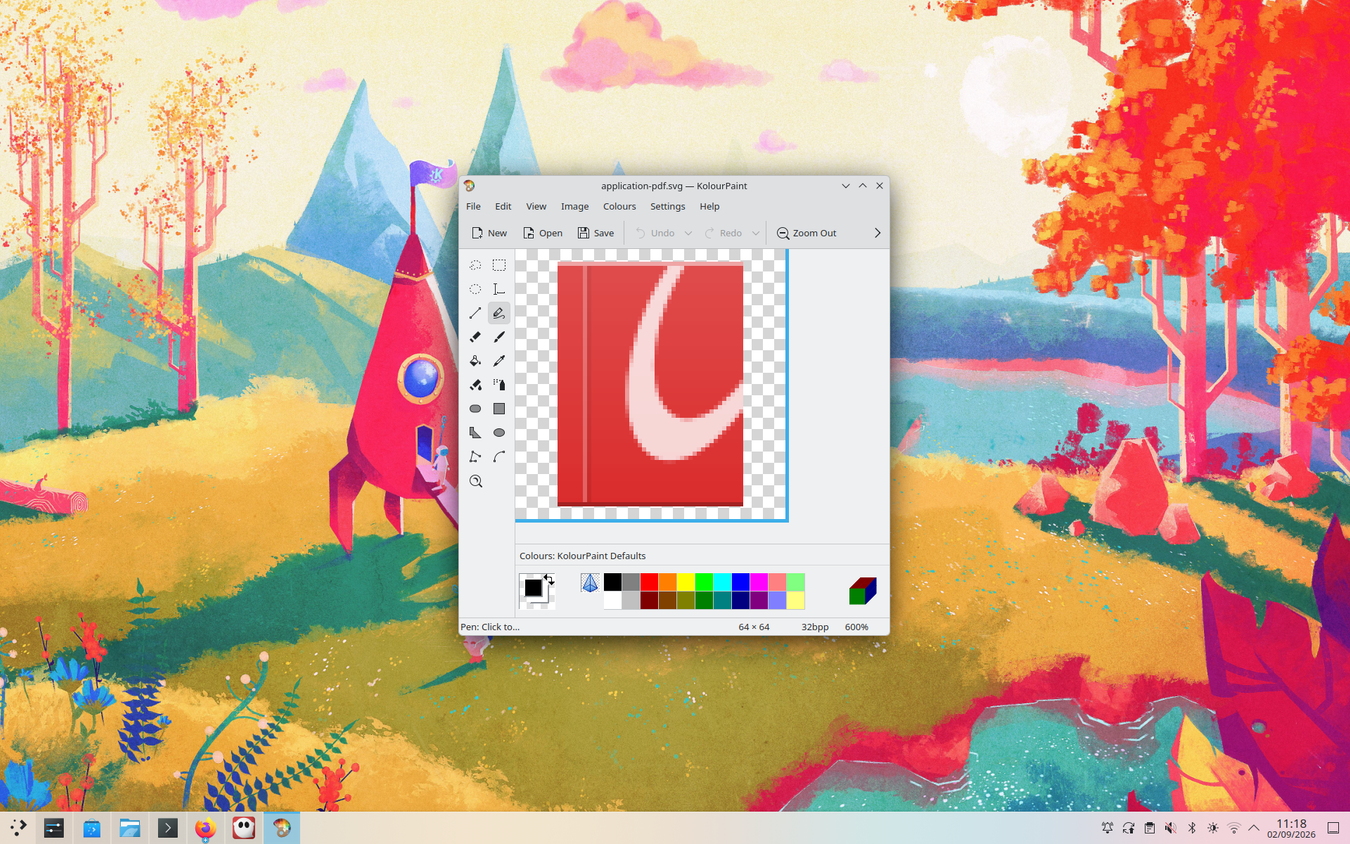
Fortunately, you can help, either by working on the look of the core product or on a secondary element like a KDE project’s web design. Even more fortunately, all the tools you’ll need are freely available, from KolourPaint-a quick and simple paint tool-to GIMP, the free alternative to Photoshop that’s packed full of features.
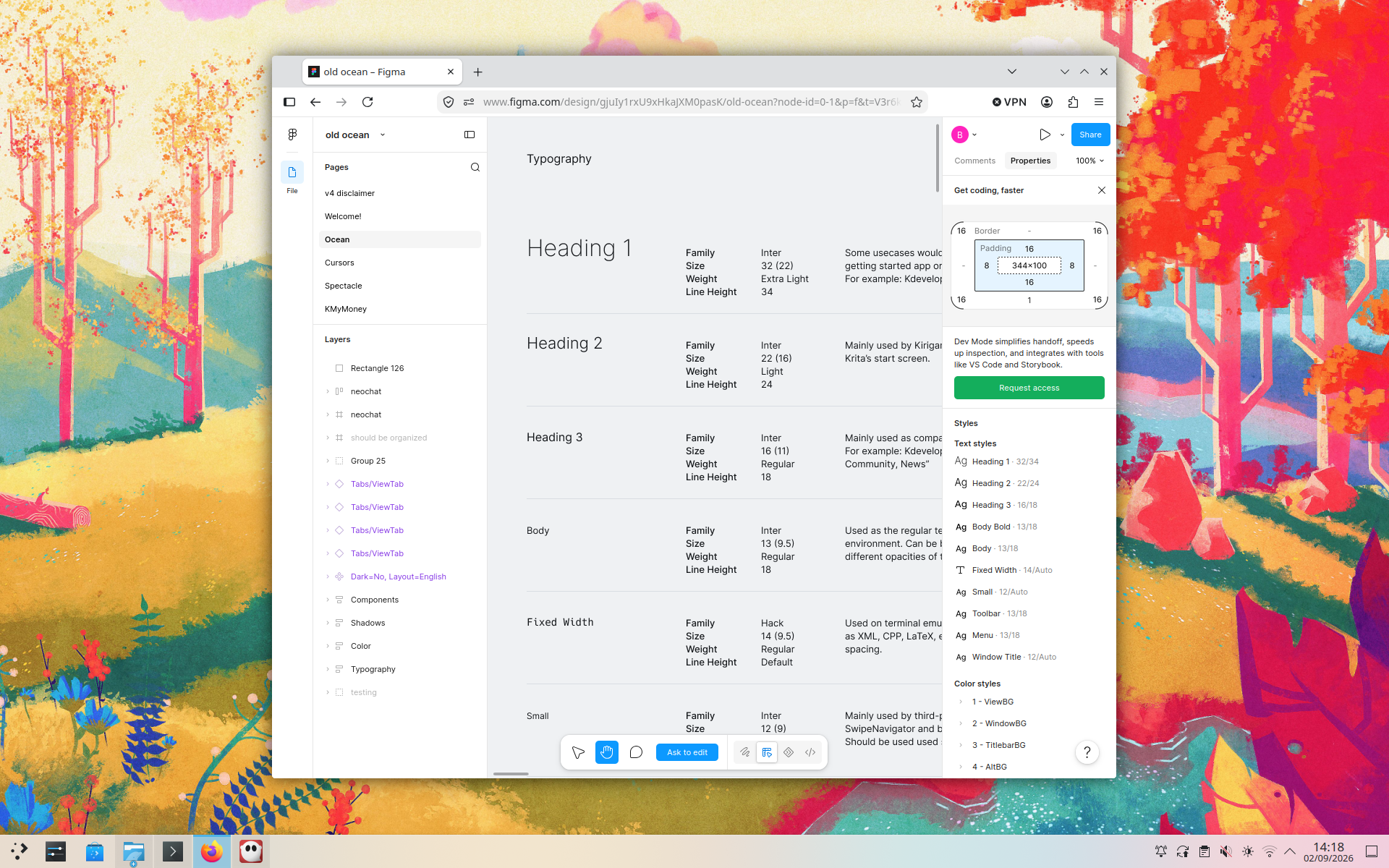
The KDE team uses familiar tools like Figma for collaboration, and you can contribute icons, cursors, wallpapers, and many other types of artwork.
Translate text
Help people all around the world
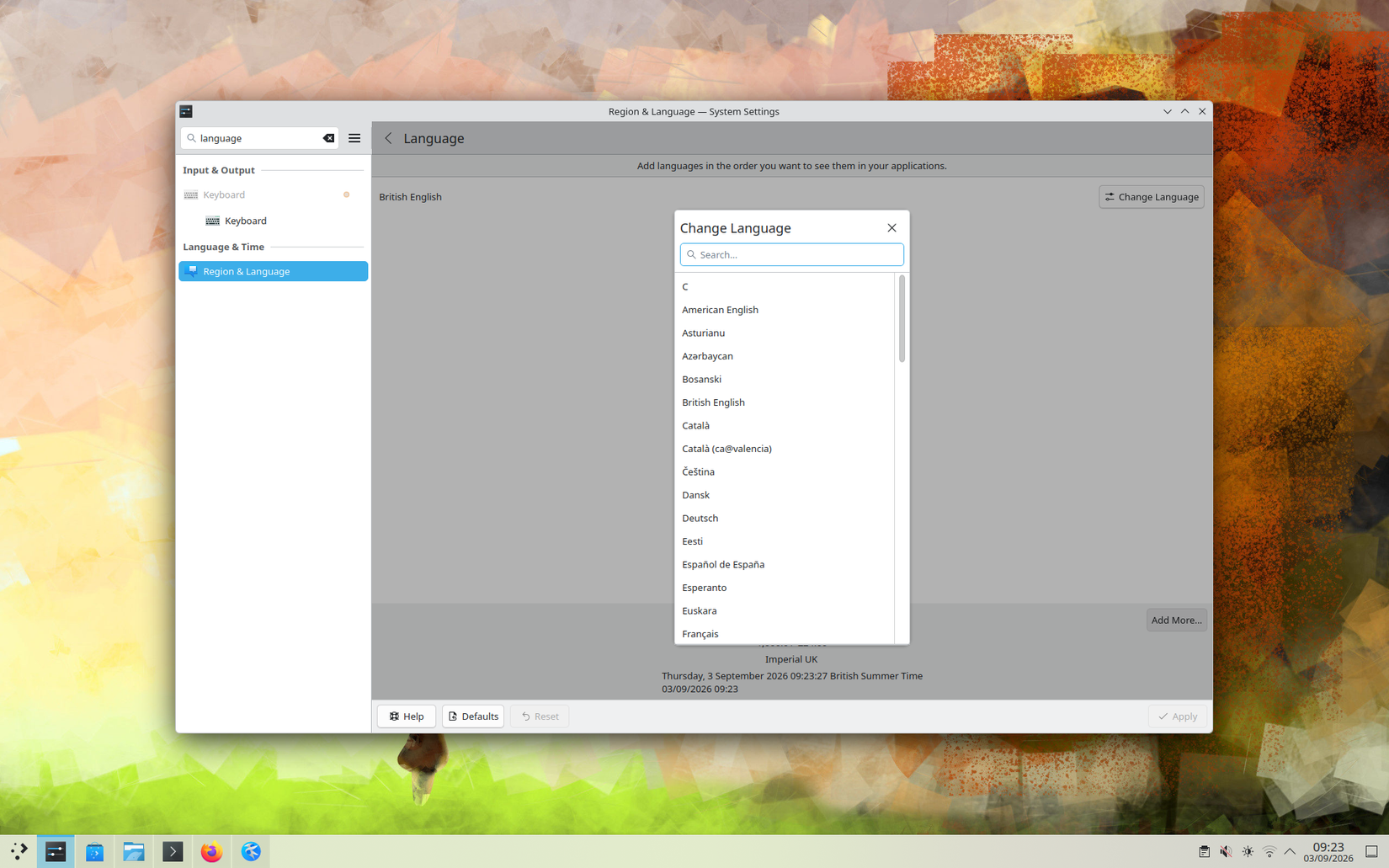
KDE software is used worldwide, with around 60–80 different languages supported depending on the component. All those languages need translators to convert in-app text and documentation.
If you’re suitably qualified, check out the KDE Localization team, which deals with language translation alongside other international issues; everything from icon design to text encoding. Work is organized using mailing lists; there will either be one for the application you’re interested in, or you can use the general-purpose kde-i18n-doc
Write documentation
Explain how things work and help others understand the system
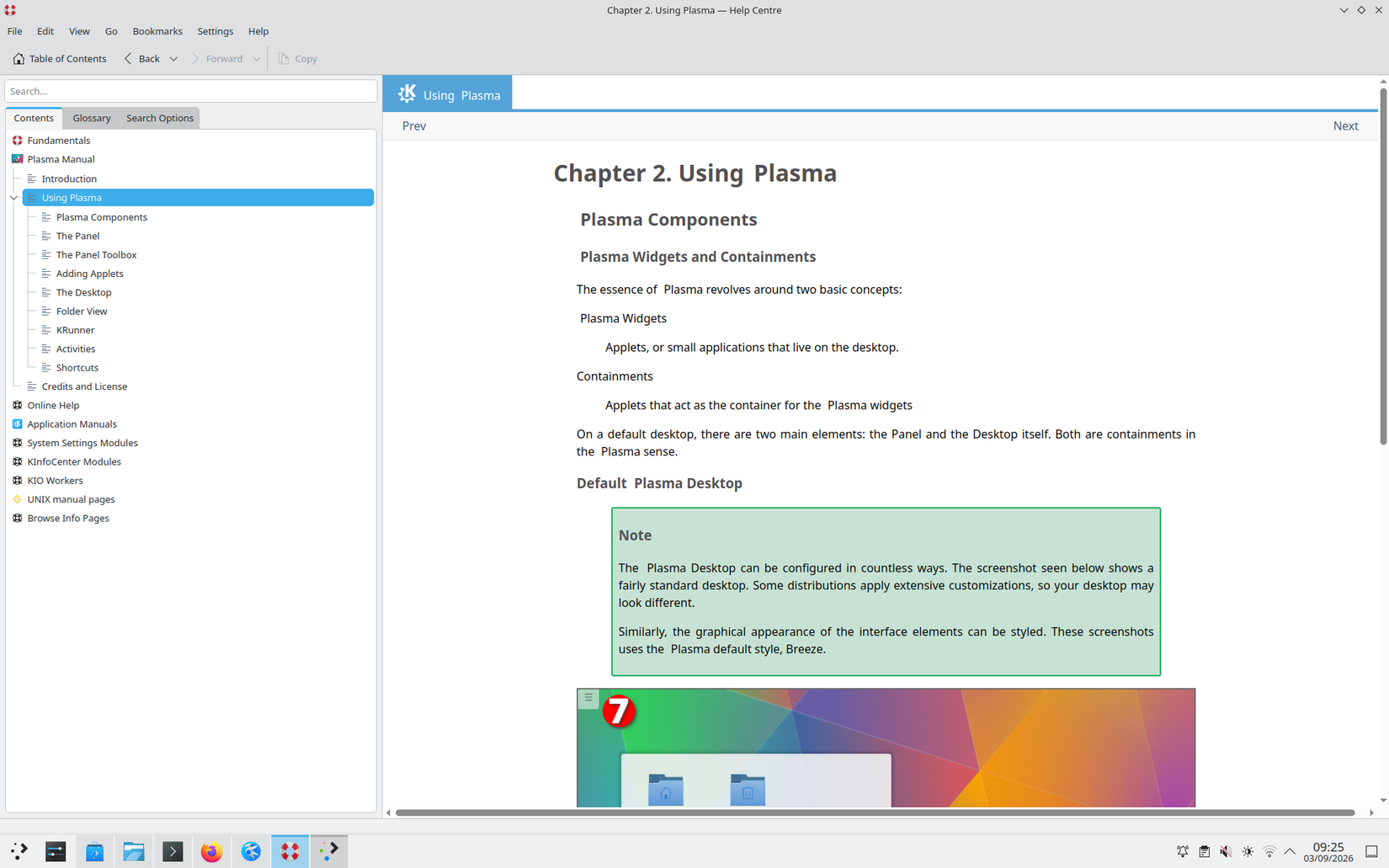
If you only know one language, that’s fine; there’s still plenty of writing to be done! Another task that developers often fail at — or are simply uninterested in — is writing documentation. If you have a flair for prose, consider the many areas in which your words can be a part of KDE.
Most end-user documentation is hosted online at the many wikis maintained by the project. Again, the central point of contact — and best place to begin — is a mailing list, kde-doc-english.
Spread the word
Tell everyone else how amazing a free OS can be
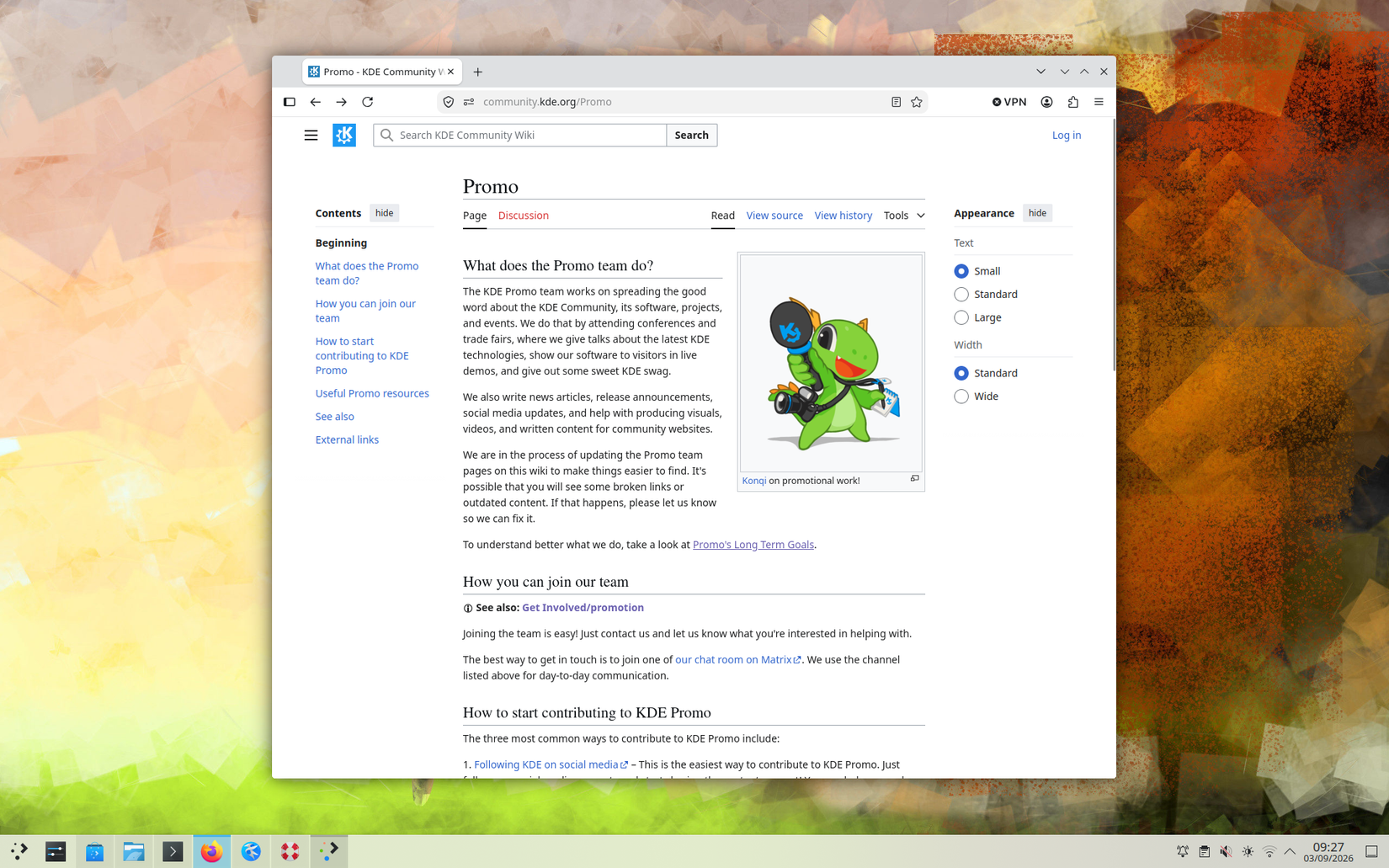
Are you an expert in marketing or a social media pro? If so, KDE can use your talents in promotion. Members of the KDE Promo team reach out to existing and potential users to discuss what the desktop does and how it can help them.
The promotion effort takes in a variety of activities, from writing blog posts to attending conferences and scouting for new contributors. If you’re a people person, this is certainly a great way to get involved.
Make code contributions
Build the apps, libraries, and core utilities that define KDE
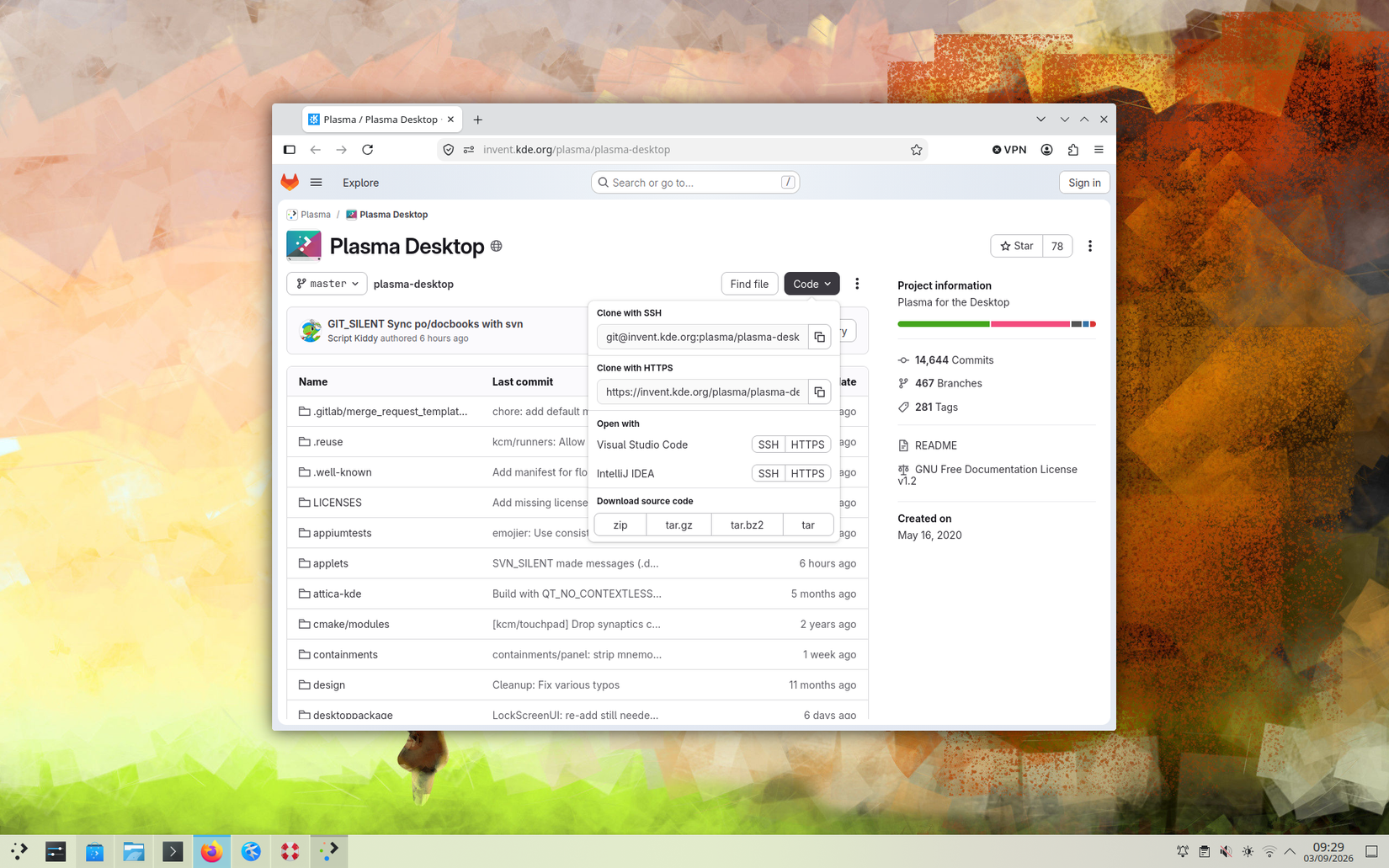
Last — but far from least, of course — is the work involved in building KDE, the software itself: programming.
You’ll start by learning to build KDE and its associated programs, using a freely available toolset.
There’s more information in the official mailing list, kde-devel, and you can even join a mentoring scheme for one-to-one assistance with an experienced developer.
Remember that you can use a developer skill set for more than just hardcore programming, too: bug triaging, software testing, and technical documentation all benefit from knowledge and understanding of the codebase.
Contributing can be addictive, even in small quantities
I’ve personally contributed to open-source software, but only in fairly small ways: a bug report here, a minor patch there. But every time I’ve had code accepted into a project, it’s accompanied by a warm, fuzzy feeling that my work has been appreciated and is genuinely going to help other people too.
But there are many ways you can contribute to open-source projects, even without coding, and there’s plenty more information on contributing to KDE on the project’s main Get Involved page.