 Credit: Nathaniel Pangaro / How-To Geek
USB-C is often touted as the universal standard for a wide range of devices, and while there’s certainly more compatibility than there used to be, the reality is a lot more complicated.
Your phone is the perfect example: you grab a random USB-C cable from your drawer, plug it into your PC and phone, and nothing happens. You try another cable, and it charges just fine, but when you switch to file transfers, it doesn’t work. So, why are USB-C cables so frustrating when they all look identical?
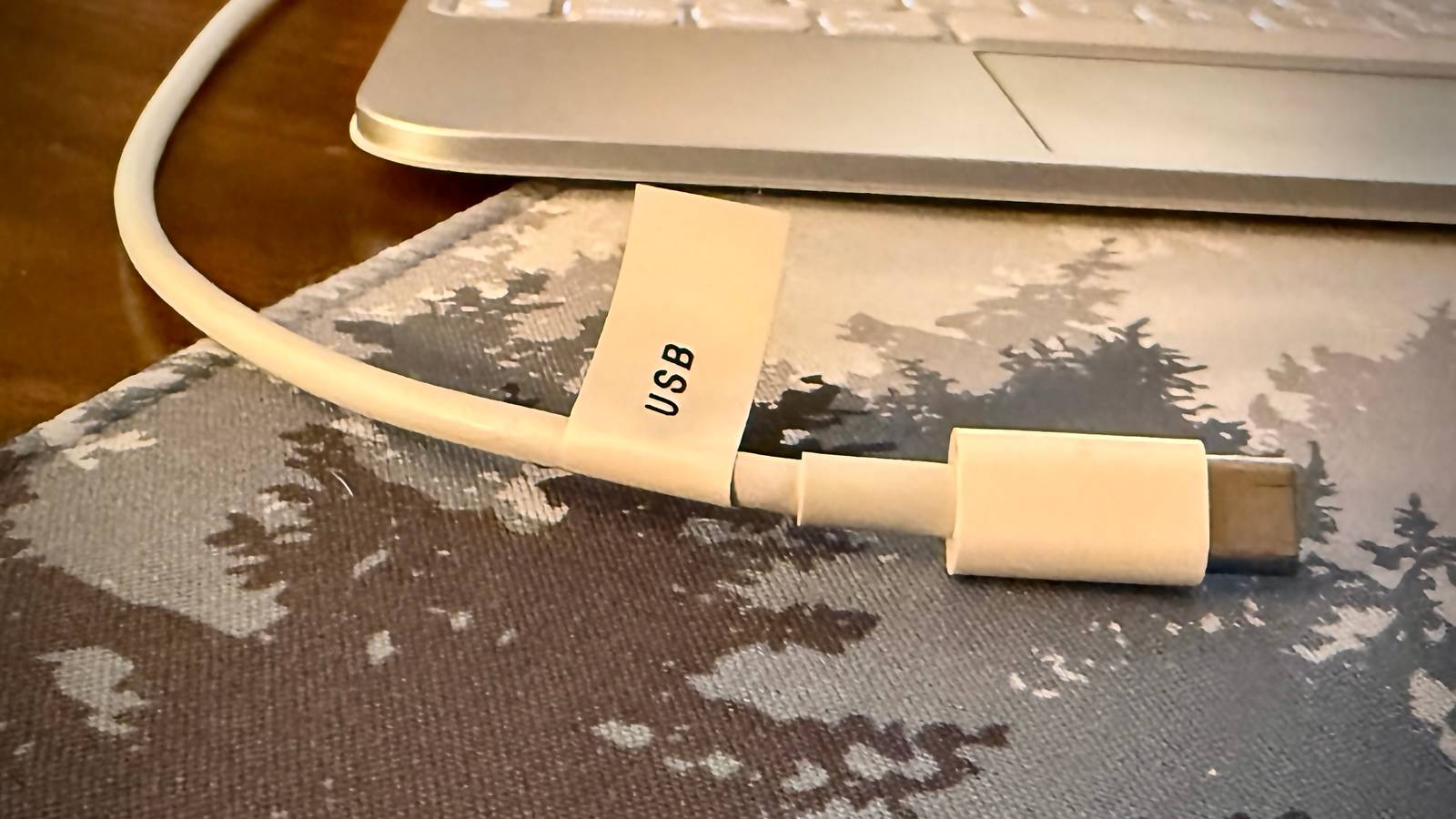
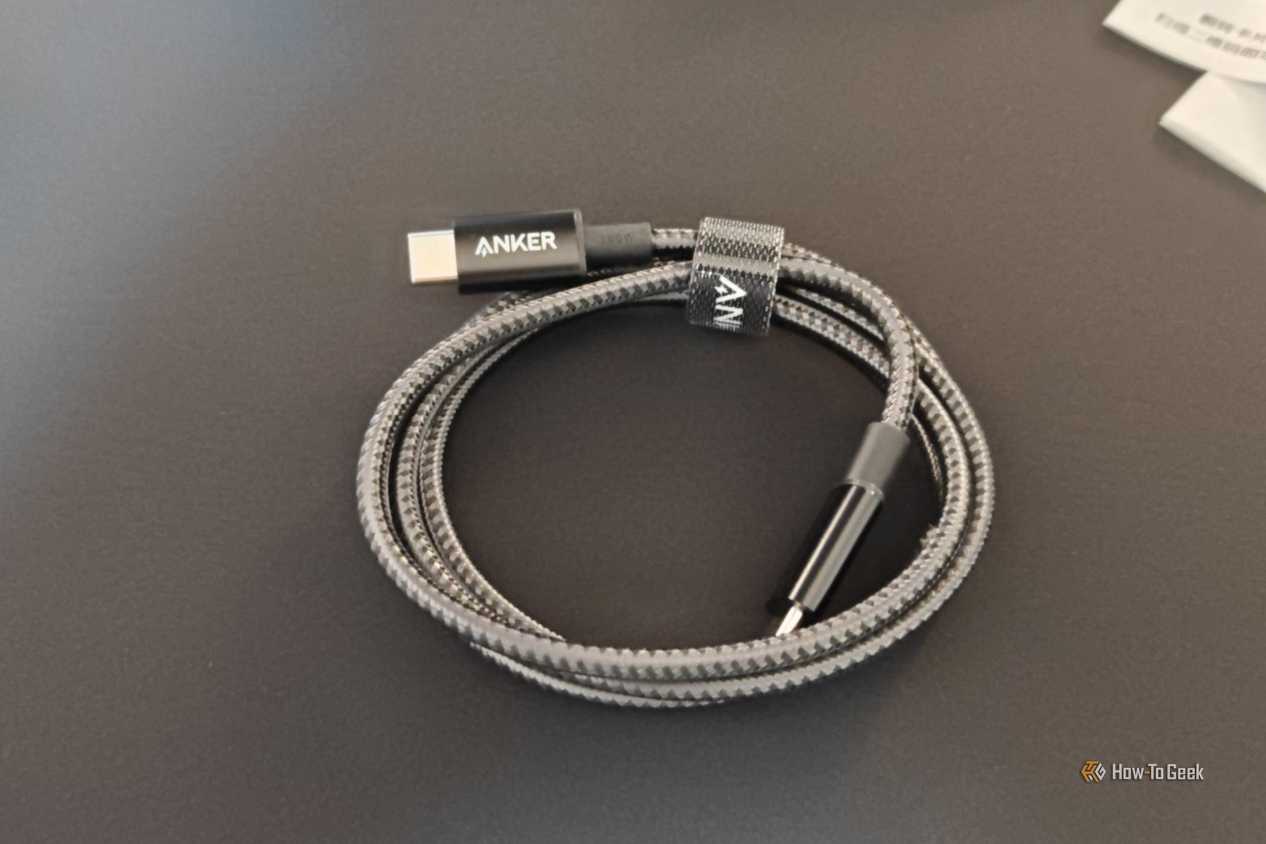
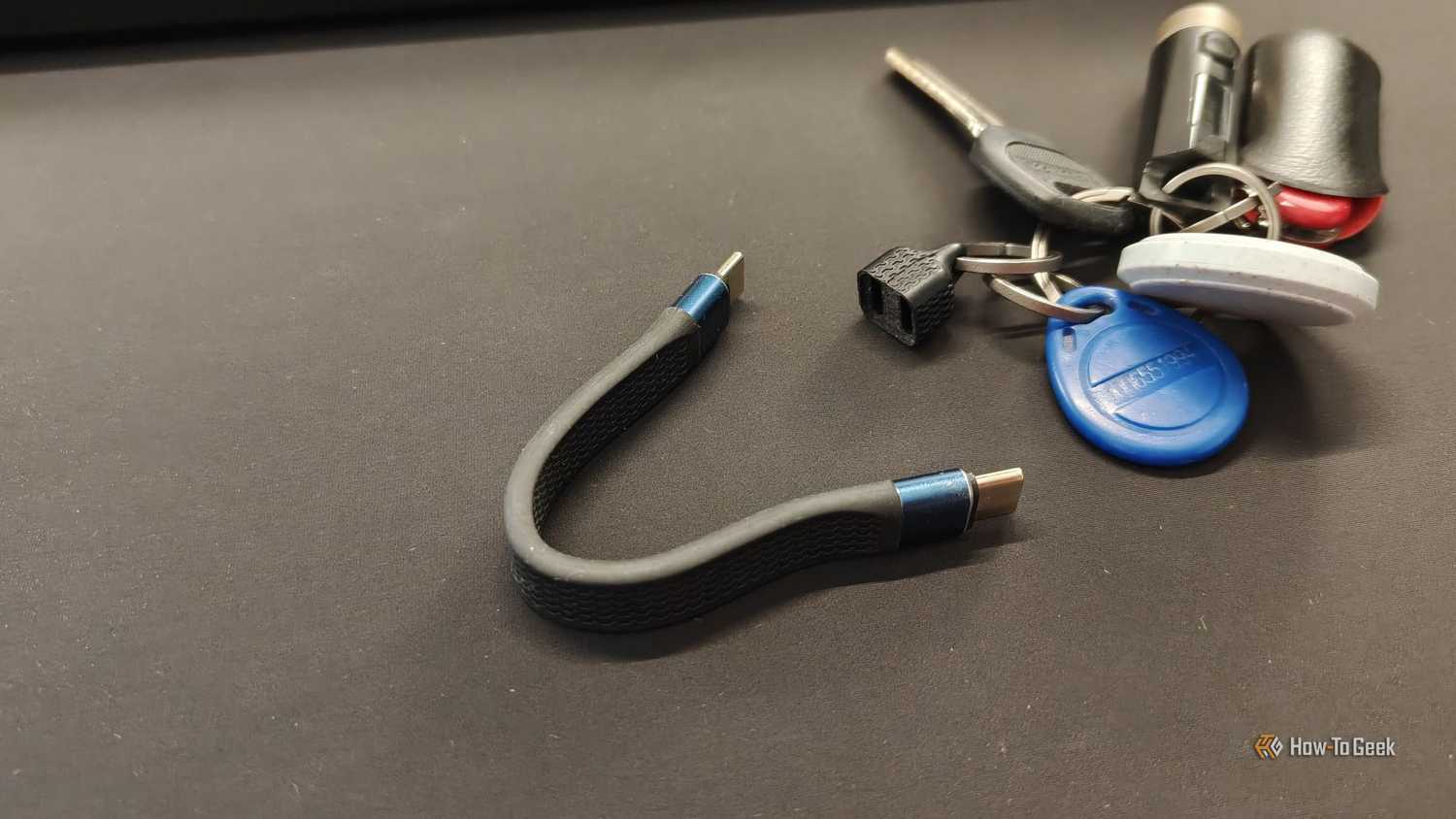
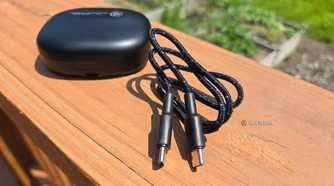
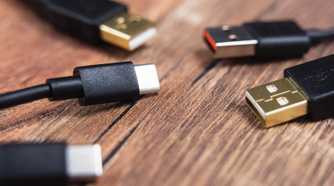
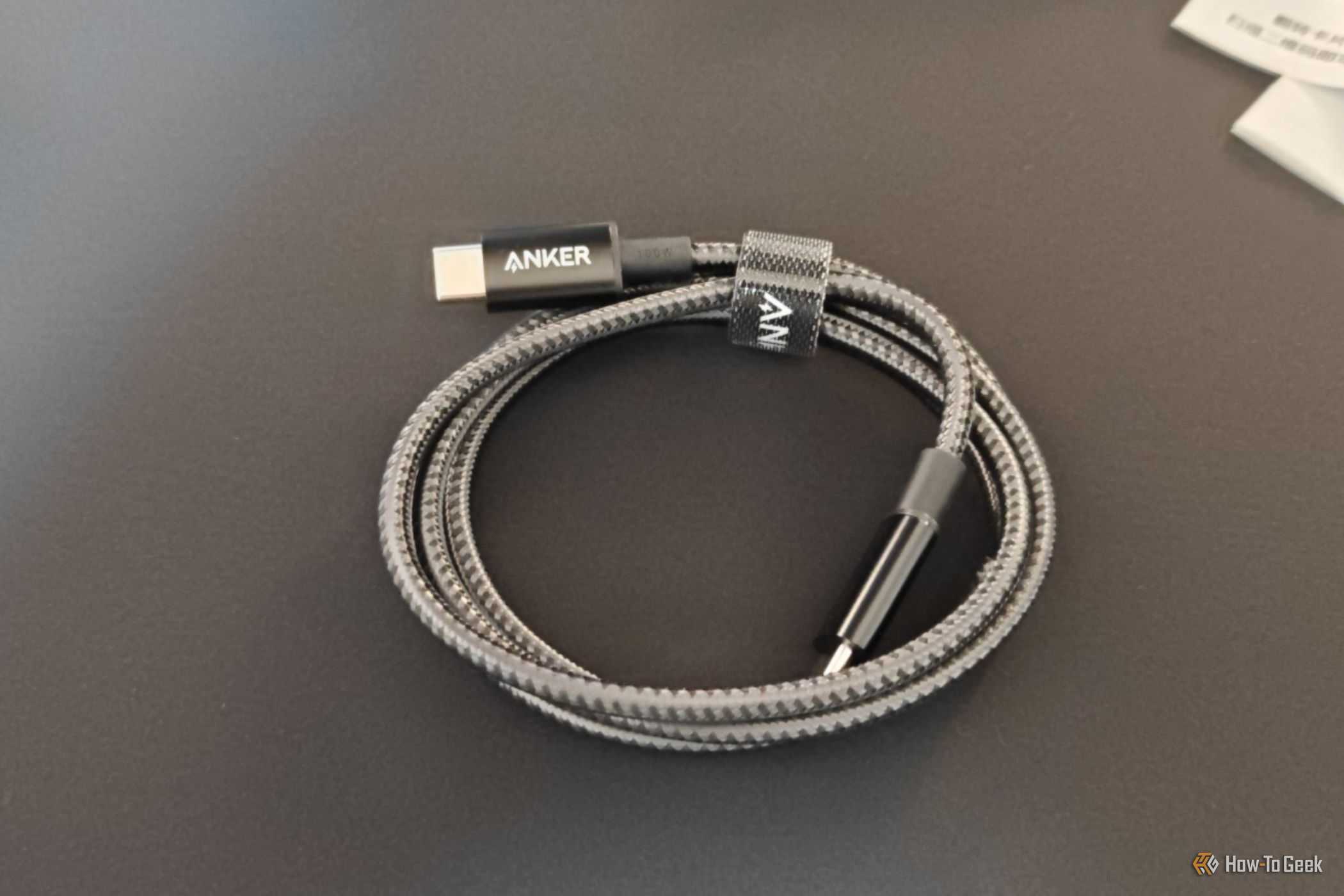
USB-C cables all look identical, but they don’t all support the same things
They just look the same
-
 Credit: Ismar Hrnjicevic / How-To Geek
 -
 Credit: Ismar Hrnjicevic / How-To Geek
 -
 Credit: Ismar Hrnjicevic / How-To Geek
 -
 Credit: Bertel King / How-To Geek
 -
 Credit: Jason Montoya / How-To Geek
-
 Credit: Ismar Hrnjicevic / How-To Geek
 -
 Credit: Ismar Hrnjicevic / How-To Geek
 -
 Credit: Ismar Hrnjicevic / How-To Geek
 -
 Credit: Bertel King / How-To Geek
 -
 Credit: Jason Montoya / How-To Geek
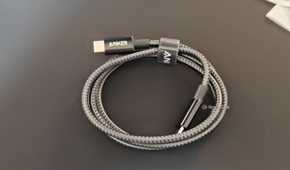
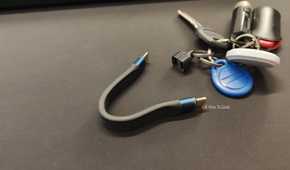
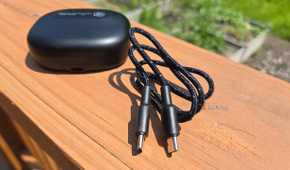
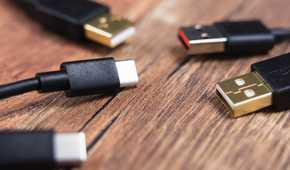
One of the most common misconceptions with USB-C is that it’s one universal standard that can do everything: ultra-fast charging, blazing-fast file transfers, and video transmission.
However, the truth is a lot more complicated than that. The thing they all have in common is the USB-C connector, but the cables themselves can support vastly different standards and capabilities. USB-C itself doesn’t tell you whether a cable supports USB 3.2, USB4, or USB Power Delivery—they’re separate specifications that can be supported alongside USB-C.
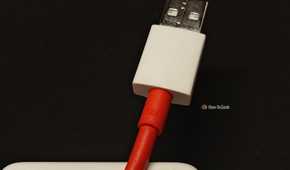
For example, the original SUPERVOOC cable that came with my OnePlus 15 uses extra-thick copper wires designed to handle the phone’s high-current charging, up to 12A, but when I plugged it into my PC, I found out that it tops out at USB 2.0 speeds of just 480Mbps (megabits per second). It took forever to transfer a couple of movies. The OnePlus 15 itself has a USB 3.2 Gen 1 Type-C port, meaning the phone is technically capable of achieving up to 5Gbps data transfers with the right cable.
Thankfully, the USB4 cable (which is backward compatible) I keep plugged into the USB 3.2 Gen 2 port on the back of my PC allows me to achieve the maximum transfer speeds that my phone’s USB Type-C 3.2 Gen 1 port supports.
If you feel your eyes glazing over from the aforementioned alphabet soup of standards, you’re not alone.
It helps to think of file transfers as one type of USB-C capability and charging as another. A single cable can support both ultra-fast USB-PD charging of up to 240W and USB4 data transfers, but it’s not a given.
Cheaply made USB-C cables can lack the connections your phone needs
Not every pin makes the cut
 Credit: Jorge Aguilar / HowToGeek
Everything I’ve discussed so far is about brand-name cables, where the labels actually mean something. Ultra-cheap, generic USB-C cables are a different story altogether—their problems go beyond making a deliberate design choice to optimize one capability while keeping the other limited.
Several different problems can plague poorly made USB-C cables. These can include incomplete or incorrect wiring, poor soldering, and inadequate quality control.
The CC (Configuration Channel) pins are particularly important. They’re used for things like detecting how a USB-C connection is oriented and for negotiating power delivery.
If a connector is poorly manufactured and a CC contact accidentally comes into contact with a power line inside the connector, things can go south. That fault could expose the CC circuitry to a voltage it wasn’t designed to handle and potentially damage the phone’s port.
Catastrophic failure aside, some cables omit pins on purpose to cut costs. For instance, a USB-C cable designed for charging could omit the data connections entirely. If you plug it into a PC, the phone may charge, but you’re never going to make data transfers work because the pins for it don’t physically exist.
Even if you don’t need the data pins for file transfers or Android Auto, cheap charging-only cables can be surprisingly problematic. If they only connect the power lines but omit communication lines that your phone needs for fast charging, charging speeds can fall back to basic 5V charging that takes hours to charge the phone fully.
Another thing some cheap cables skimp on is the e-marker chip.
Certain USB-C cables that support higher power levels or faster data speeds use e-marker chips inside the connector to allow connected devices to identify the cable’s capabilities and determine what modes they can safely use. If a cable requires an e-marker but lacks one, it may be unable to negotiate its full charging or data capabilities.
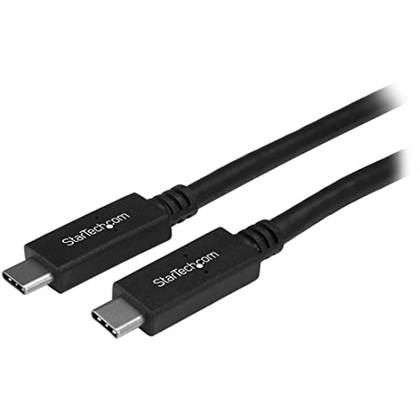
StarTech USB-C to USB-C Cable
This StarTech USB-C to USB-C Cable comes with three feet of length and it’s USB-IF certified. The cable also supports data transfer speeds of up to 10Gbps.
Fast charging standards can make your phone pickier about which cables it likes
Charging has never been less plug-and-play
 Credit: Ismar Hrnjicevic / How-To Geek
Proprietary charging protocols from brands like OnePlus’s SUPERVOOC, Motorola’s TurboPower, and Xiaomi’s HyperCharge are in a special category of their own.
These protocols rely on a mix of custom charging technologies and, in some cases, custom e-marker chips. USB-A implementations can use custom pins and resistors that allow the phone and adapter to negotiate the fastest available charging speed.
Any cable that isn’t original but lists the proprietary charging standard may or may not charge at the maximum advertised speeds. Even then, safety could be compromised if the quality is subpar.
Your “bad” cable might just be a dirty or worn-out USB-C port
Before you blame the cable…
 Credit: Tim Brookes / How-To Geek
Although picking the right cable is undoubtedly essential to getting the fastest charging or data transfer speeds, what if you know you’re using the right cable but still aren’t getting the advertised speeds?
In that case, it could very well be a physical defect. If the connector has been inserted many times or the cable has been bent a lot, it might have broken internally, causing it to work only intermittently.
But if you’re using a brand-new cable and it doesn’t work, your phone’s port might just be dirty. Dust and pocket lint collect in it over time, preventing the connector from inserting fully. If the pins can’t make good contact, it won’t work, or it might work but limit speeds.
To fix this, you can carefully clean the port with compressed air and a soft-bristle brush. And if it still won’t work after cleaning, unfortunately, the port might just be too worn out by this point. USB-C connectors are typically rated for up to 10,000 insertion cycles, but heavy-handed use and abuse can cut that down, resulting in premature failure.
The next time you buy a USB-C cable, check what it actually supports
Even though all USB-C cables fit into USB-C ports, that doesn’t tell you anything about the actual capabilities of a particular cable. Take this into consideration the next time you plug one of those unlabeled, no-name USB-C cables into your phone. It could be a cable that supports some level of fast charging with only USB 2.0 data support, but it could just as well be a fast data cable with extremely limited charging capabilities. Or, it could just as well do both.
The bottom line is, unless you know the brand and model of that specific cable, or it has printed labels, there’s no easy way to tell what it’s capable of just by looking at it—which is why you should stick to known brands and, if possible, USB-IF-certified cables.