Credit: Zunaid Ali / How-To Geek
Open-source software usually gets recognized for the big, obvious wins, like replacing a cloud storage subscription or a password manager. What gets less attention are the smaller, oddly specific problems that software can fix just as well. Mostly because it doesn’t occur to us that an app exists for it.
The picks below fill exactly that kind of gap. Each one is free and open-source, with most being self-hostable. If you’re new to this space, these apps proved to me that self-hosting was worth the effort and are a good starting point before working through the rest of this list.
HomeBox makes searching for your inventory easier
A home inventory app is more useful than it sounds
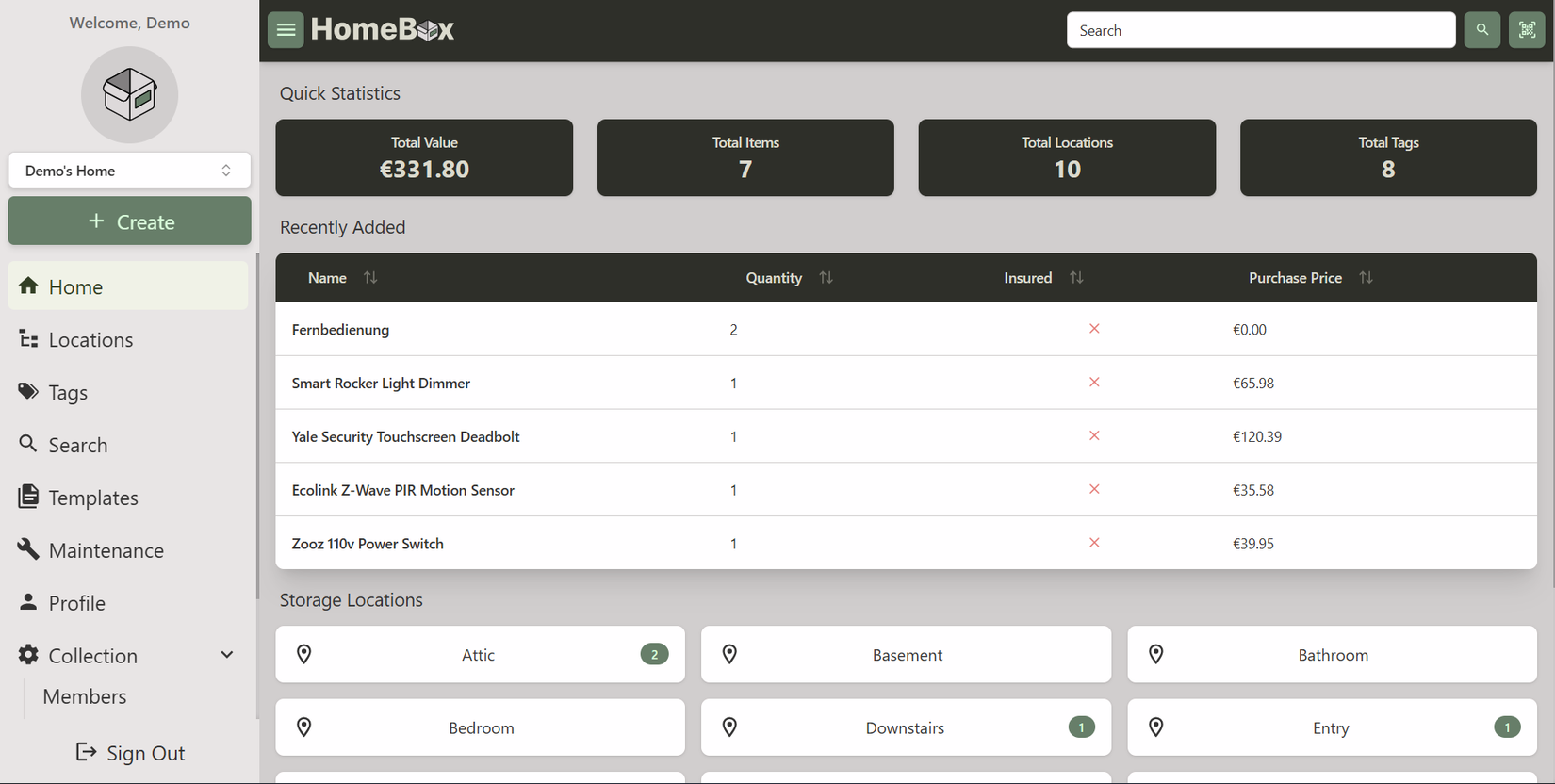
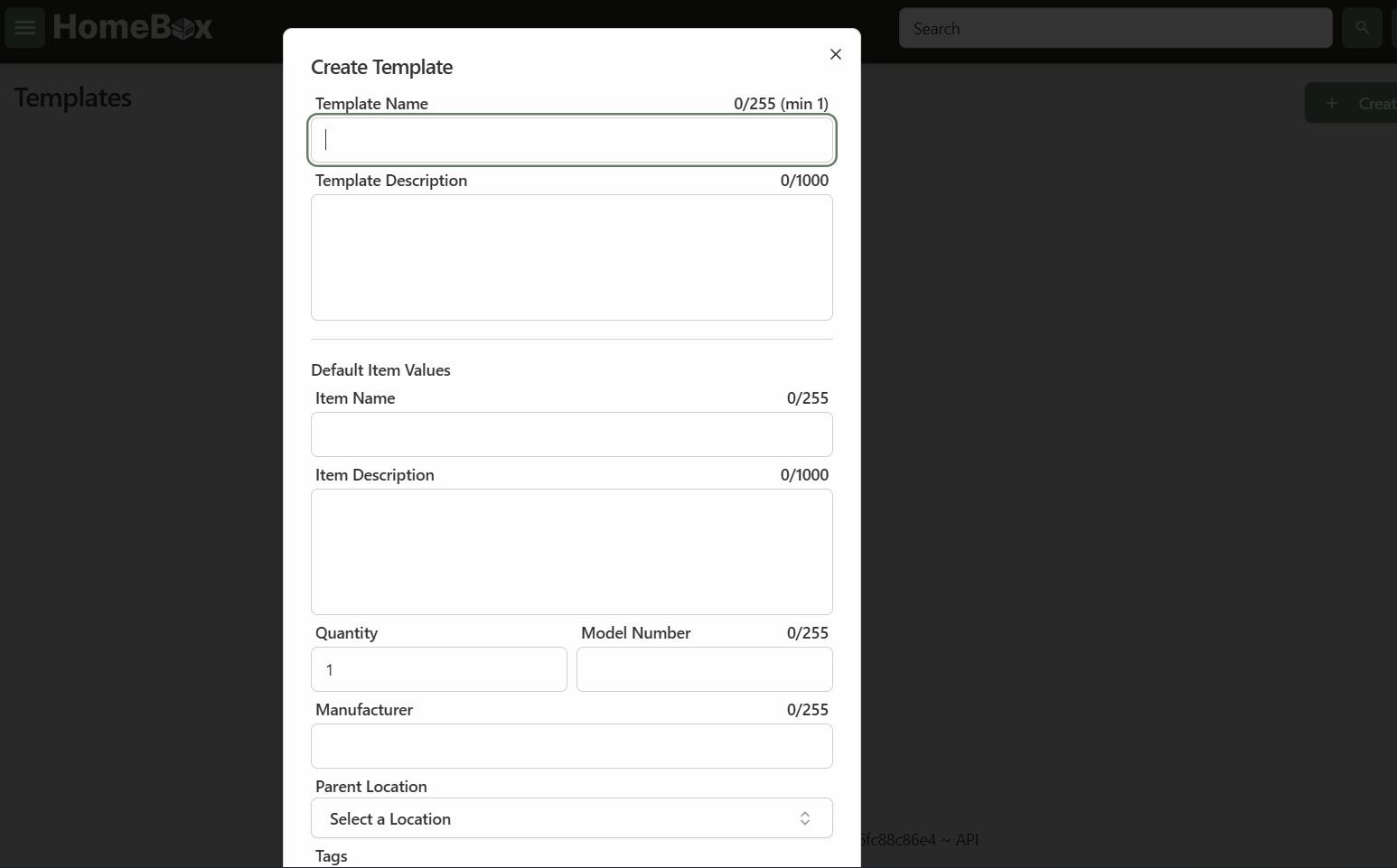
HomeBox is a self-hosted inventory and organization system built specifically for regular people. You spin it up with Docker, add your rooms and shelves as locations, then log items with photos, purchase dates, and serial numbers. After that, search does the rest. One thing that stood out to me is that you can use QR codes for searching.
It’s written in Go, so it stays light on resources. The project’s own numbers put idle memory usage under 50MB. This matters if you’re running it on a spare NAS or a replaceable aging PC instead of a powerful server. You can start with SQLite for simplicity, then move to Postgres later if your inventory grows large enough to need it.
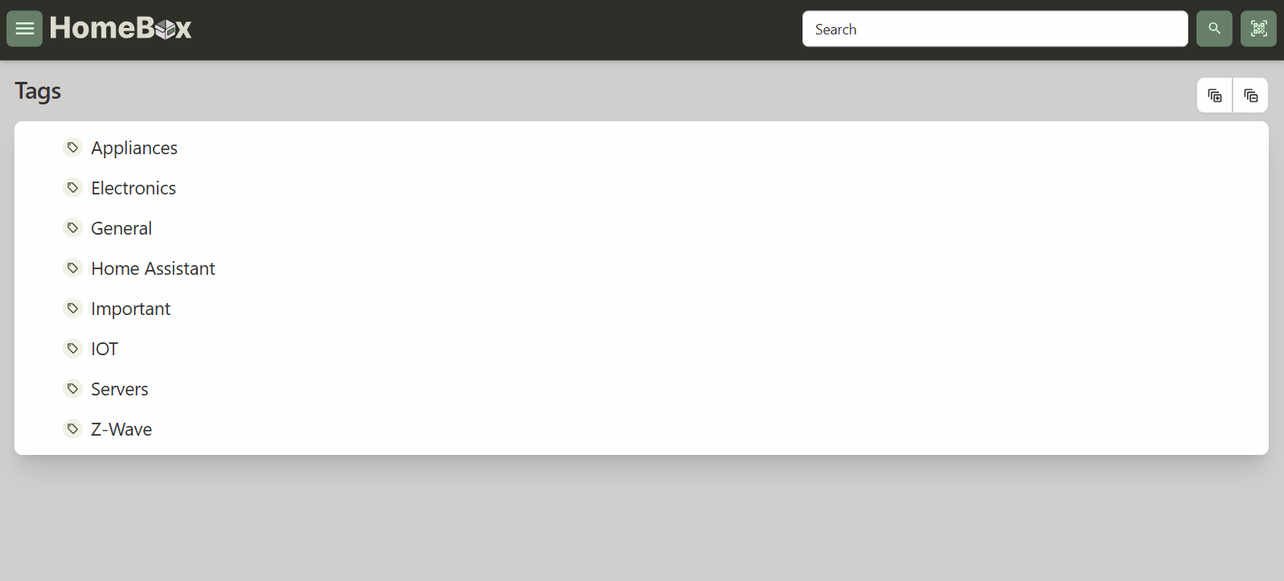
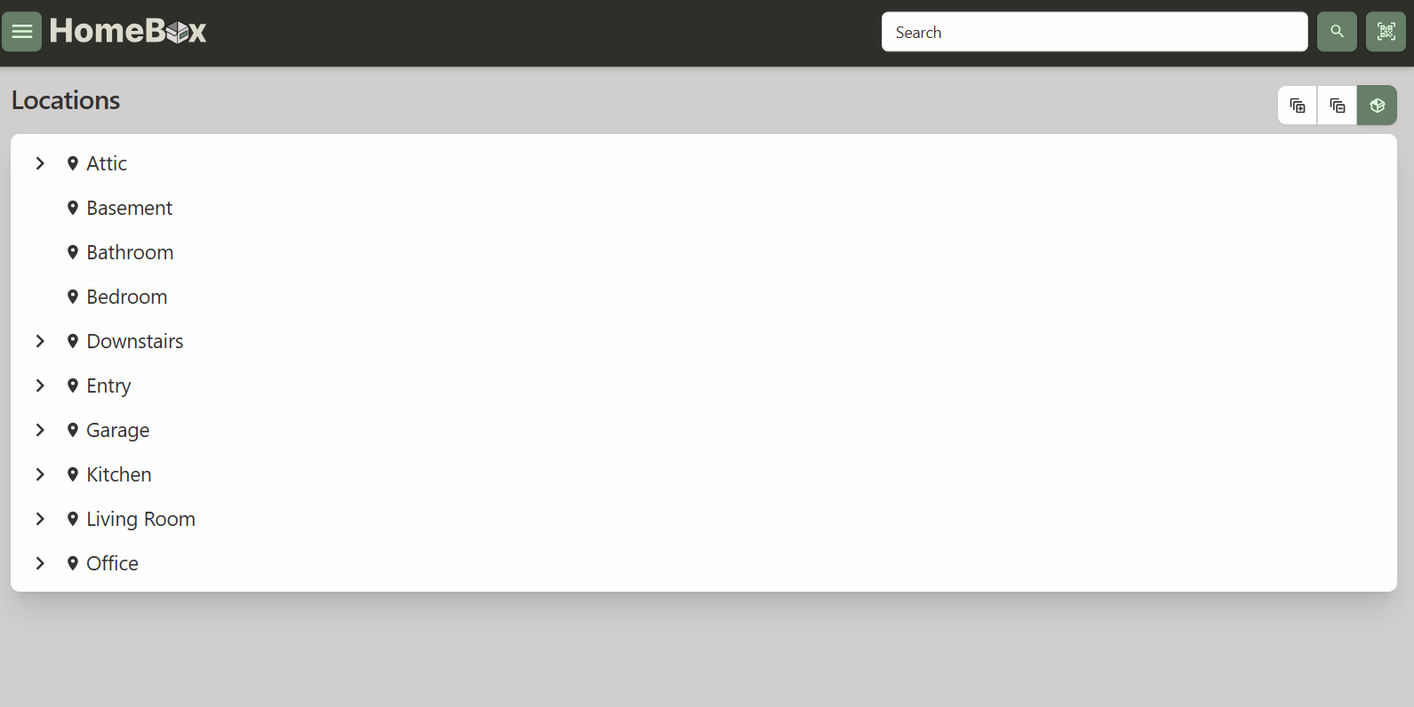
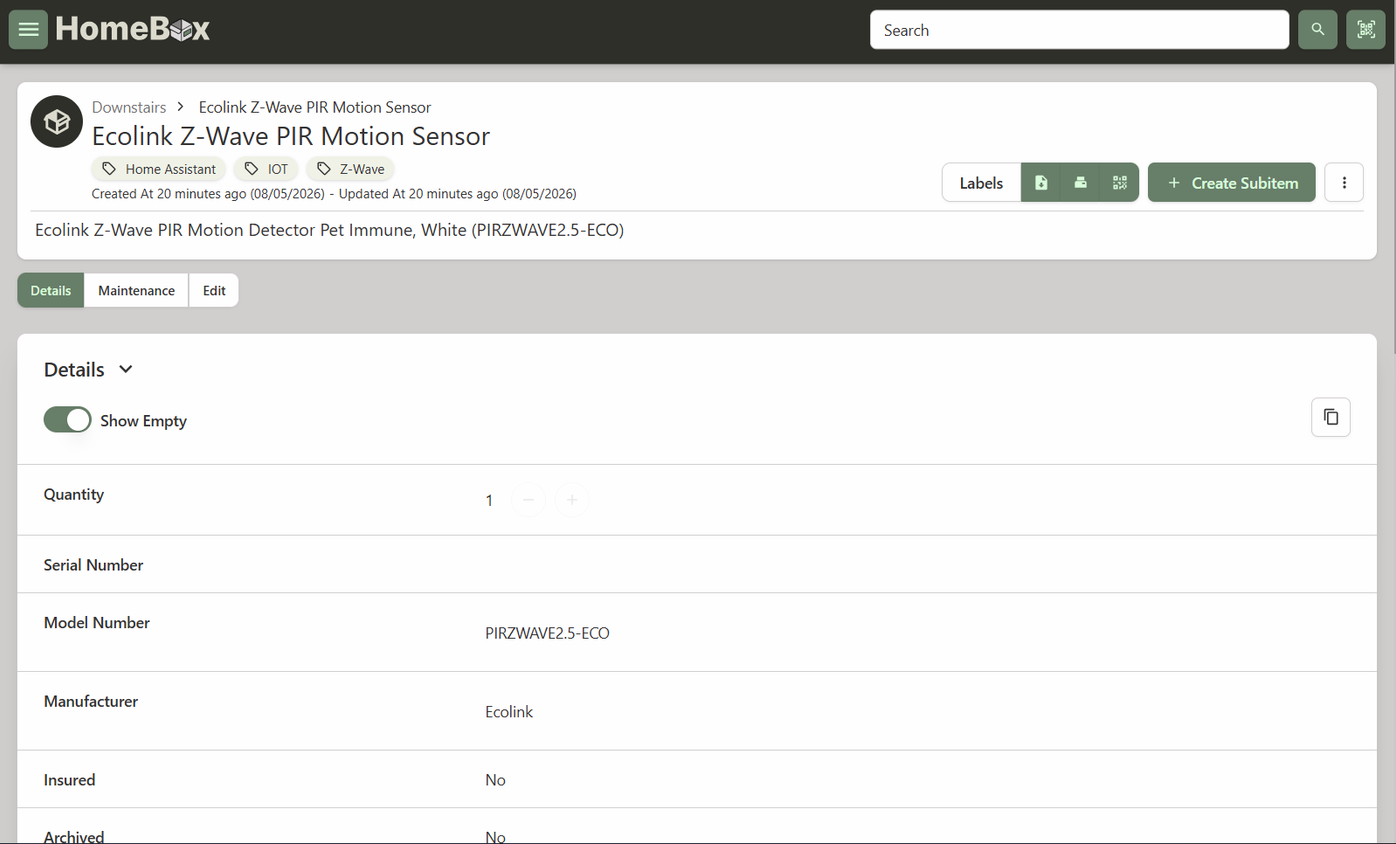
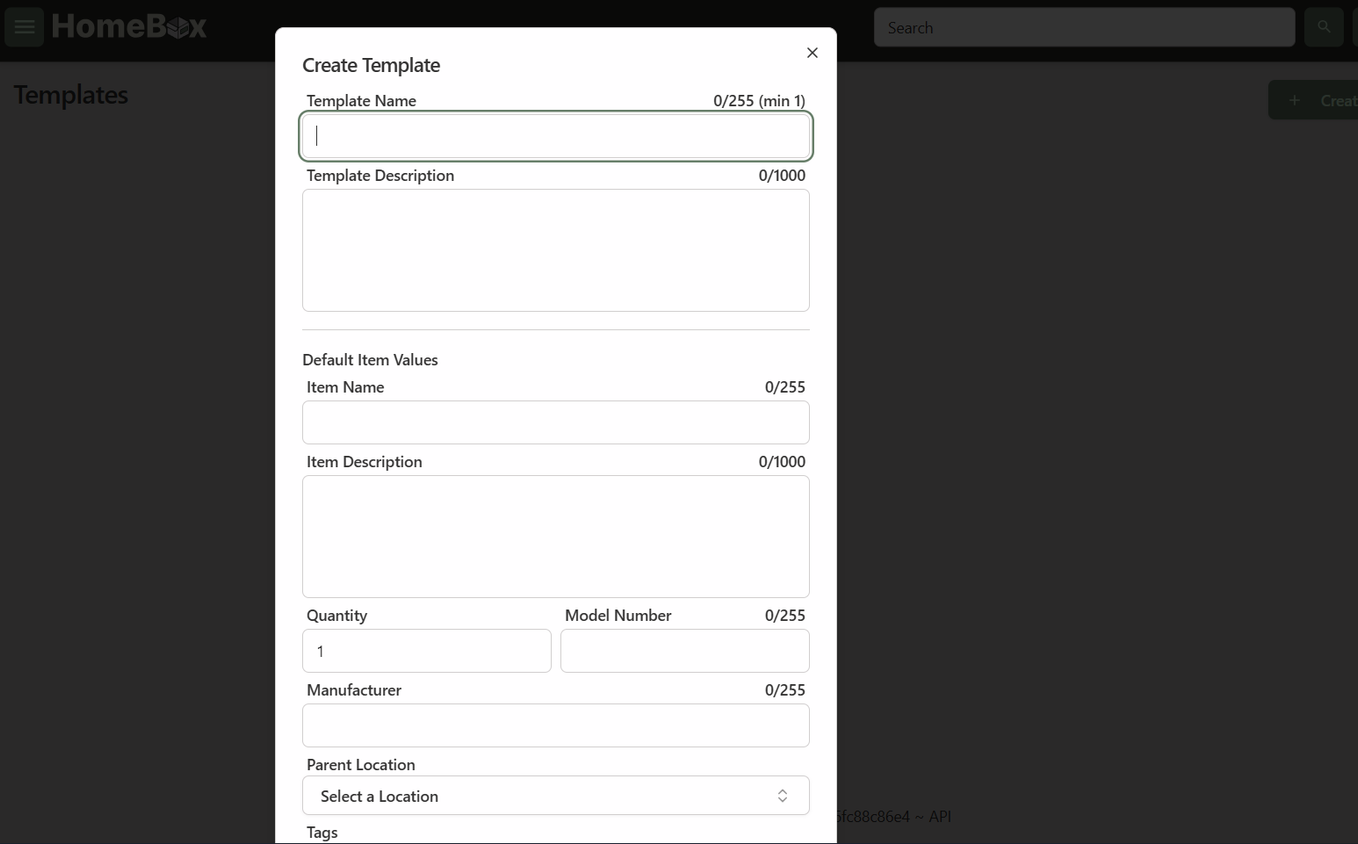
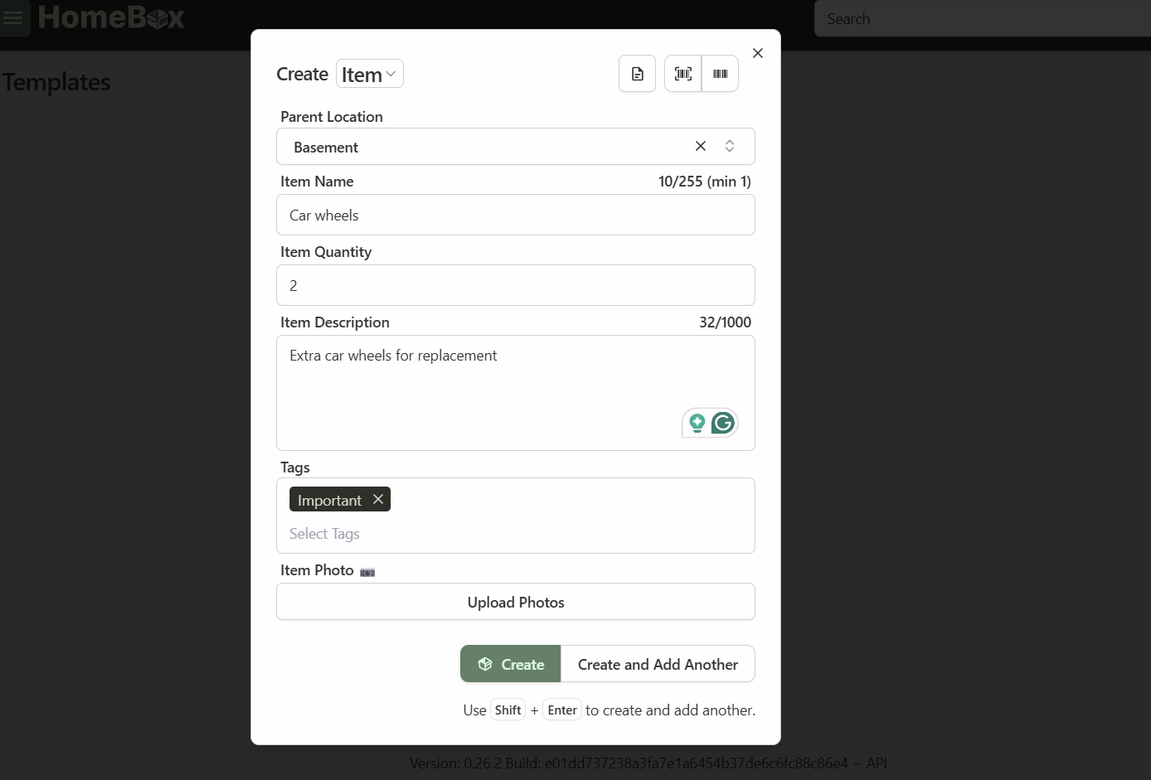
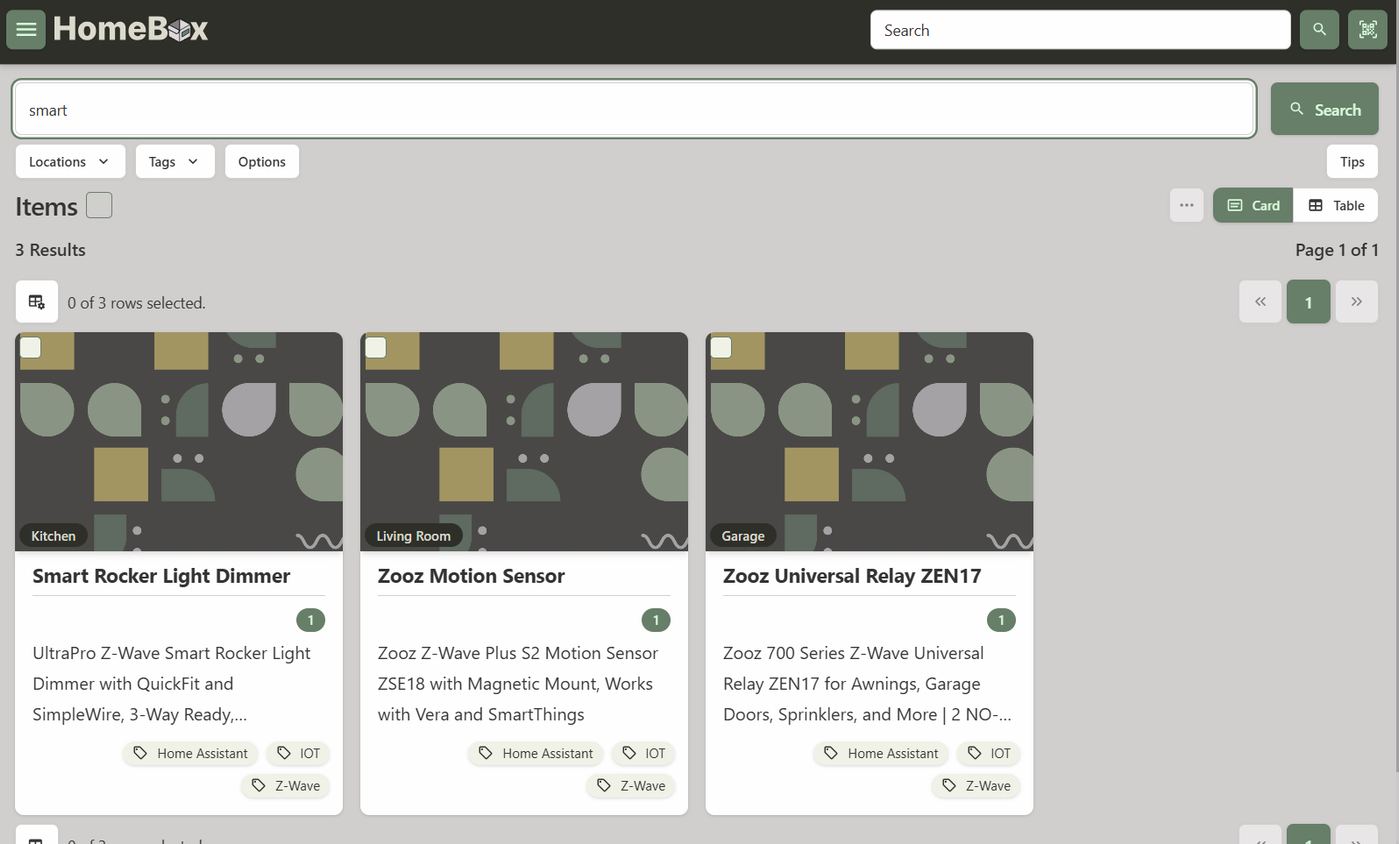
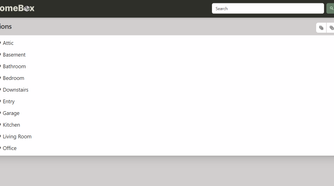
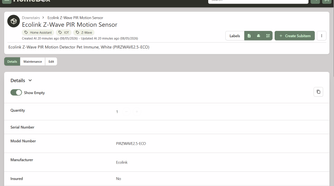


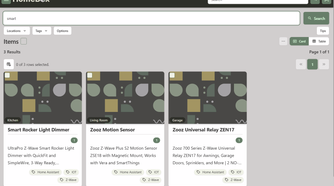
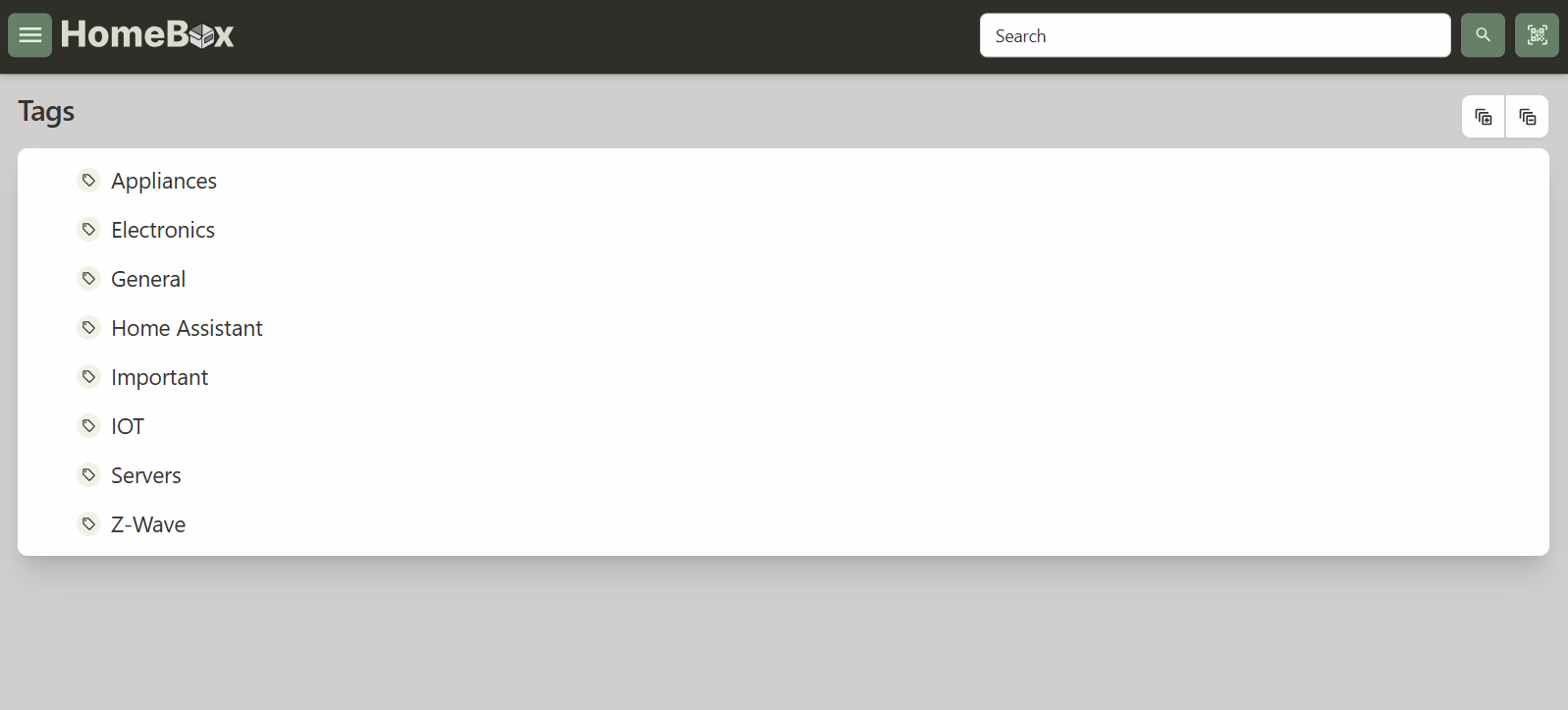
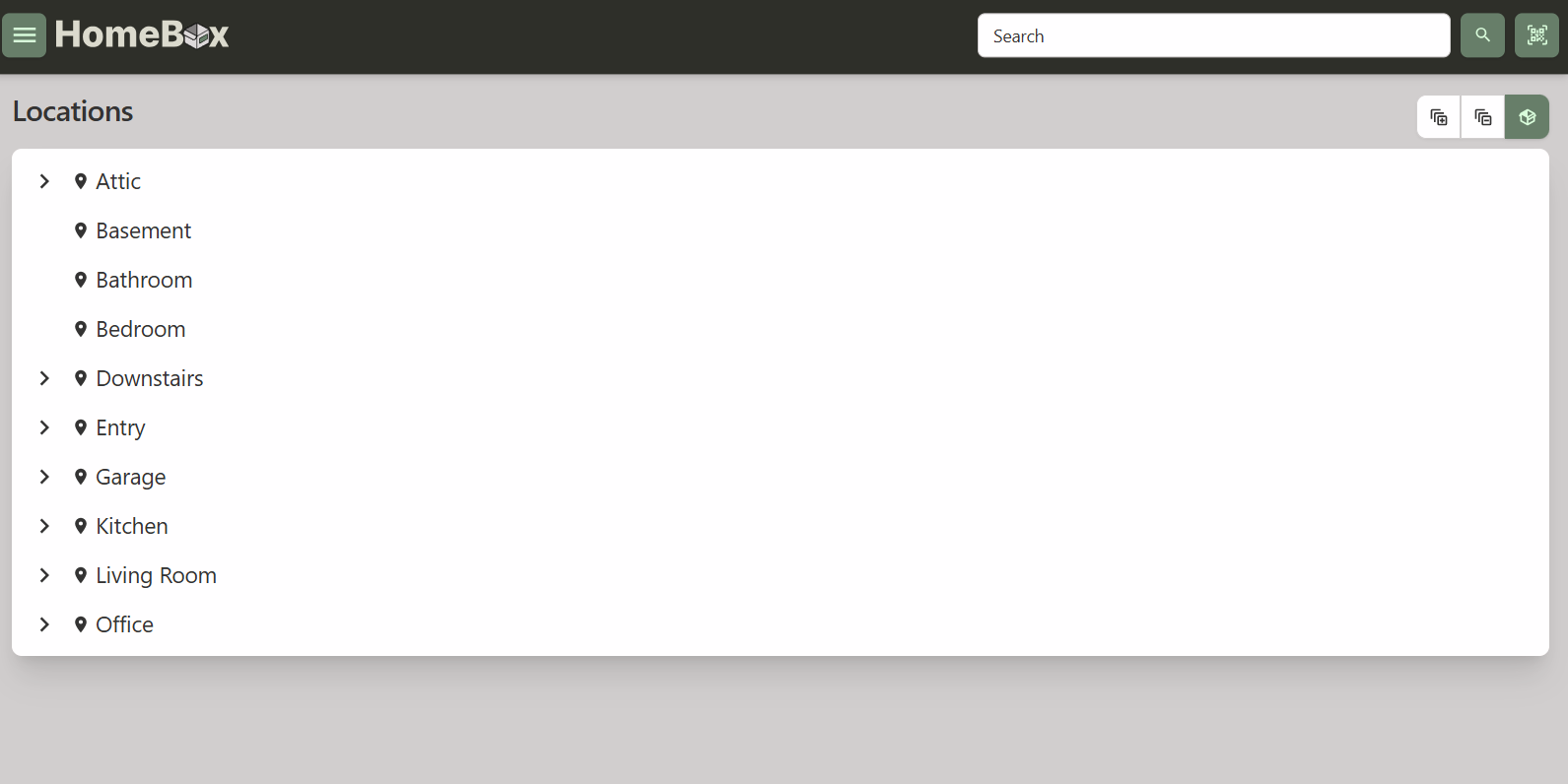
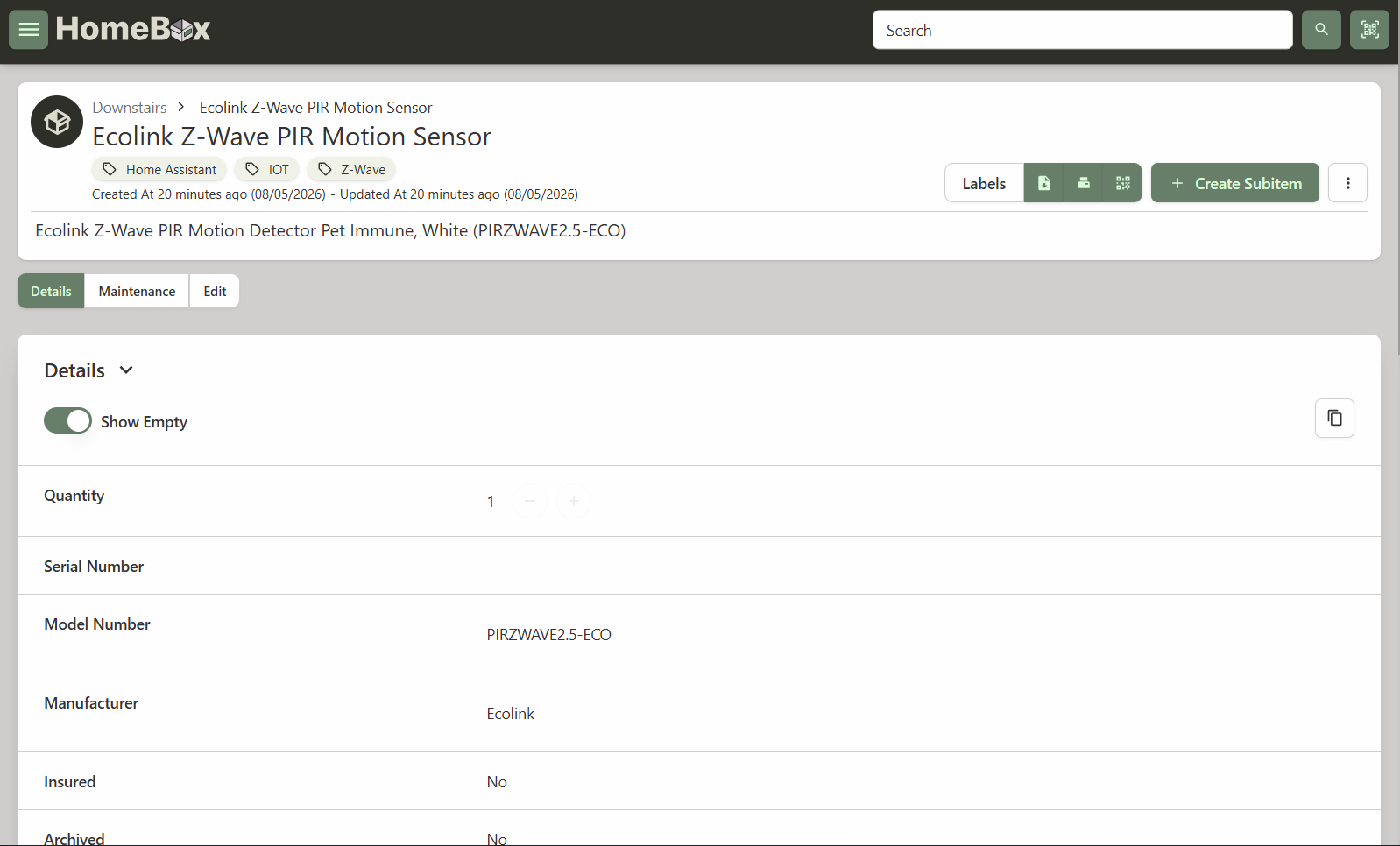
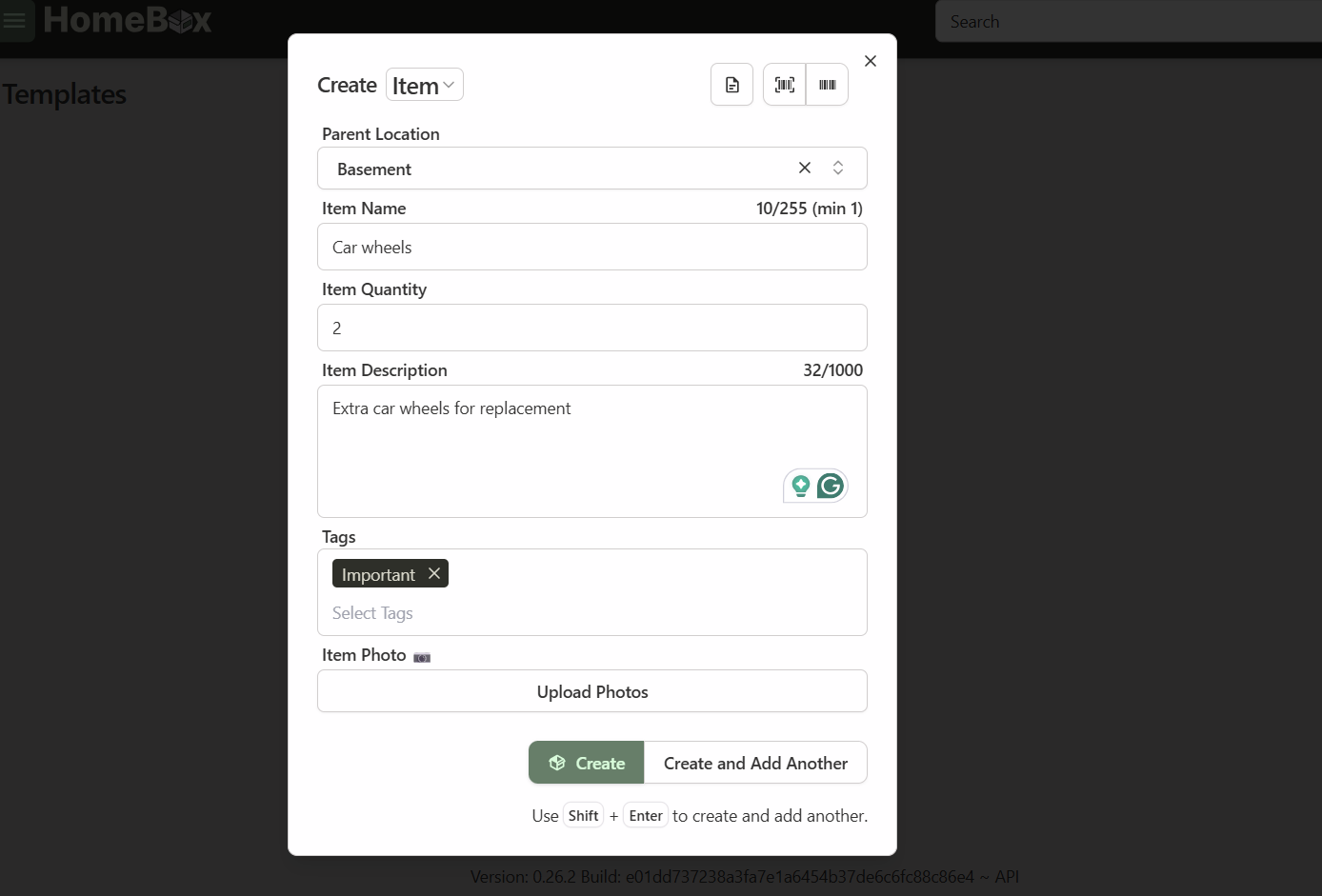
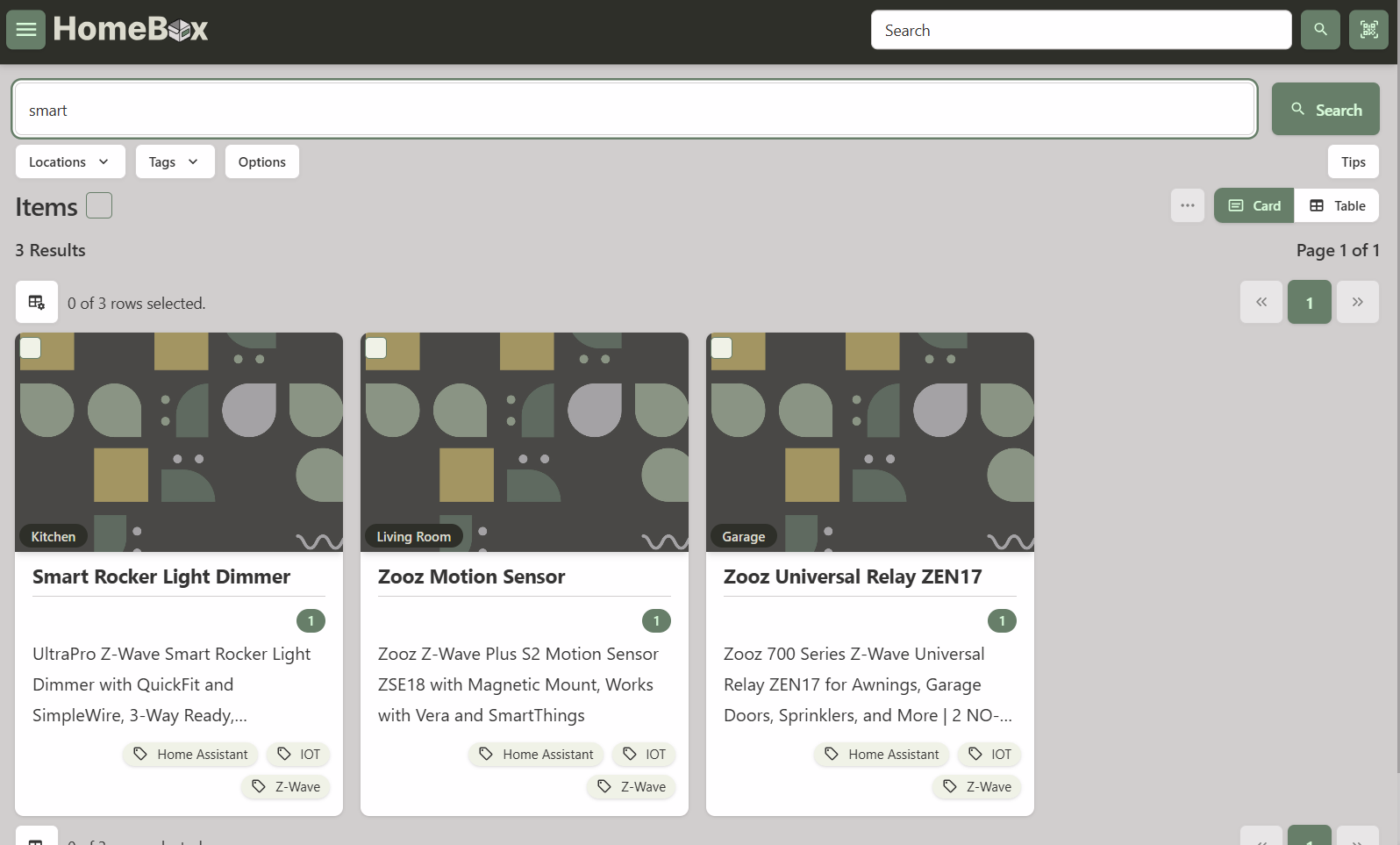


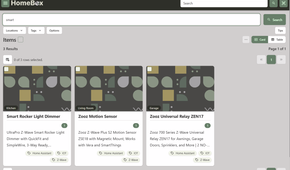
It’s handy for things like moving houses or just remembering which drawer has the spare HDMI cables. If Docker still feels intimidating, it’s worth brushing up on the basics before your first NAS purchase.
KitchenOwl fixes the double grocery buying problem
Why shared households need more than a sticky note on the fridge
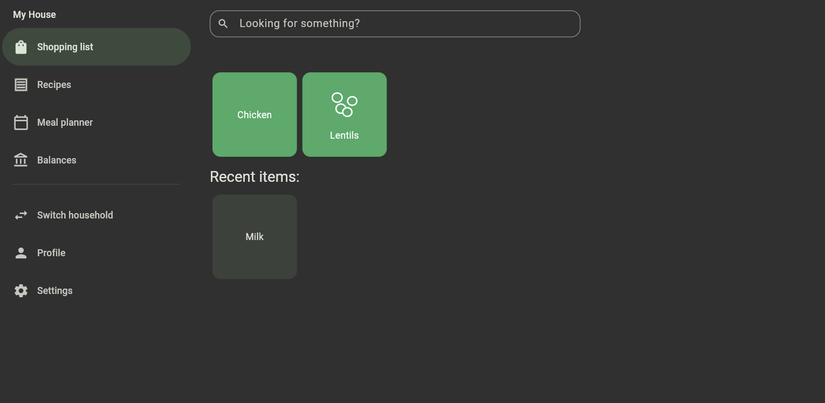
Has it ever happened to you that you bought items for the house only to discover that another family member bought the same goods? It has happened to me quite a few times. KitchenOwl replaces that mess with a shared list that syncs in real time across everyone’s phones. It also categorizes items automatically as you add them.
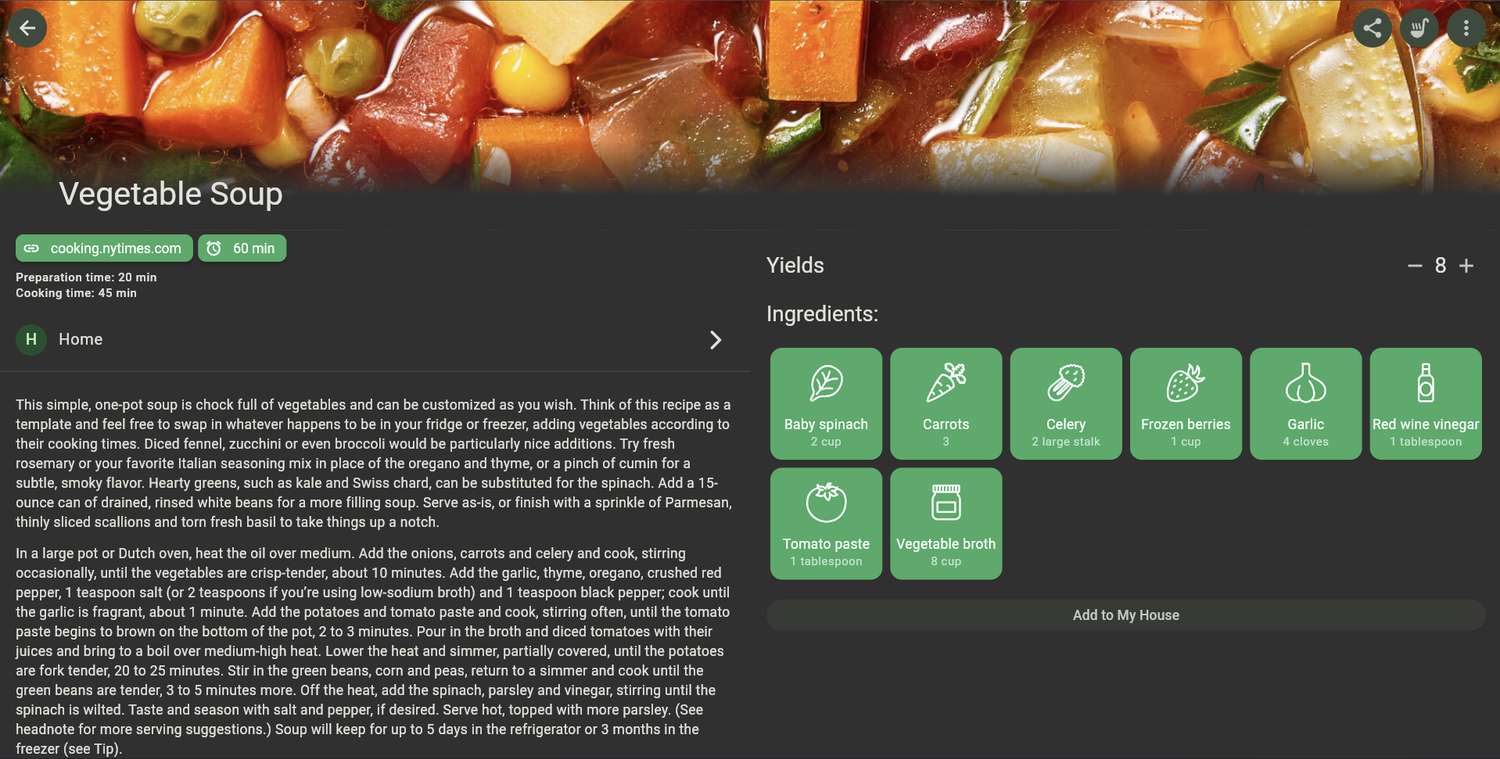
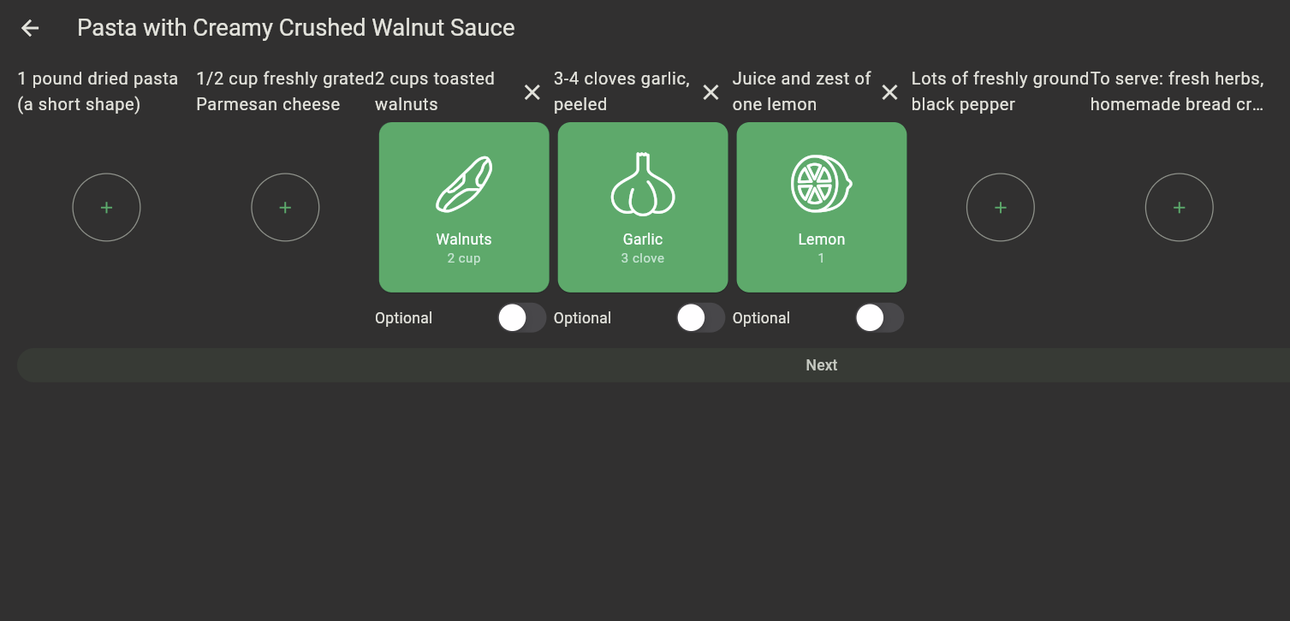
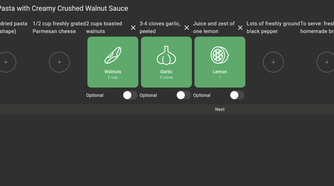
Beyond the shopping list, it handles recipe management too. You can paste in a link from a supported recipe site, and it pulls the ingredients straight into your list. However, during my usage, I found that many popular websites are not supported. There’s also a meal-planning calendar and basic expense tracking.
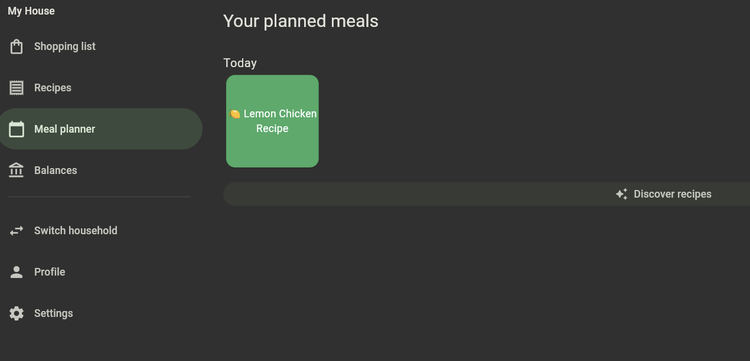
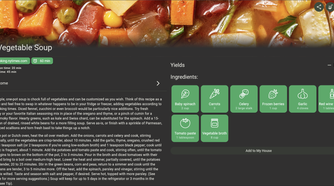
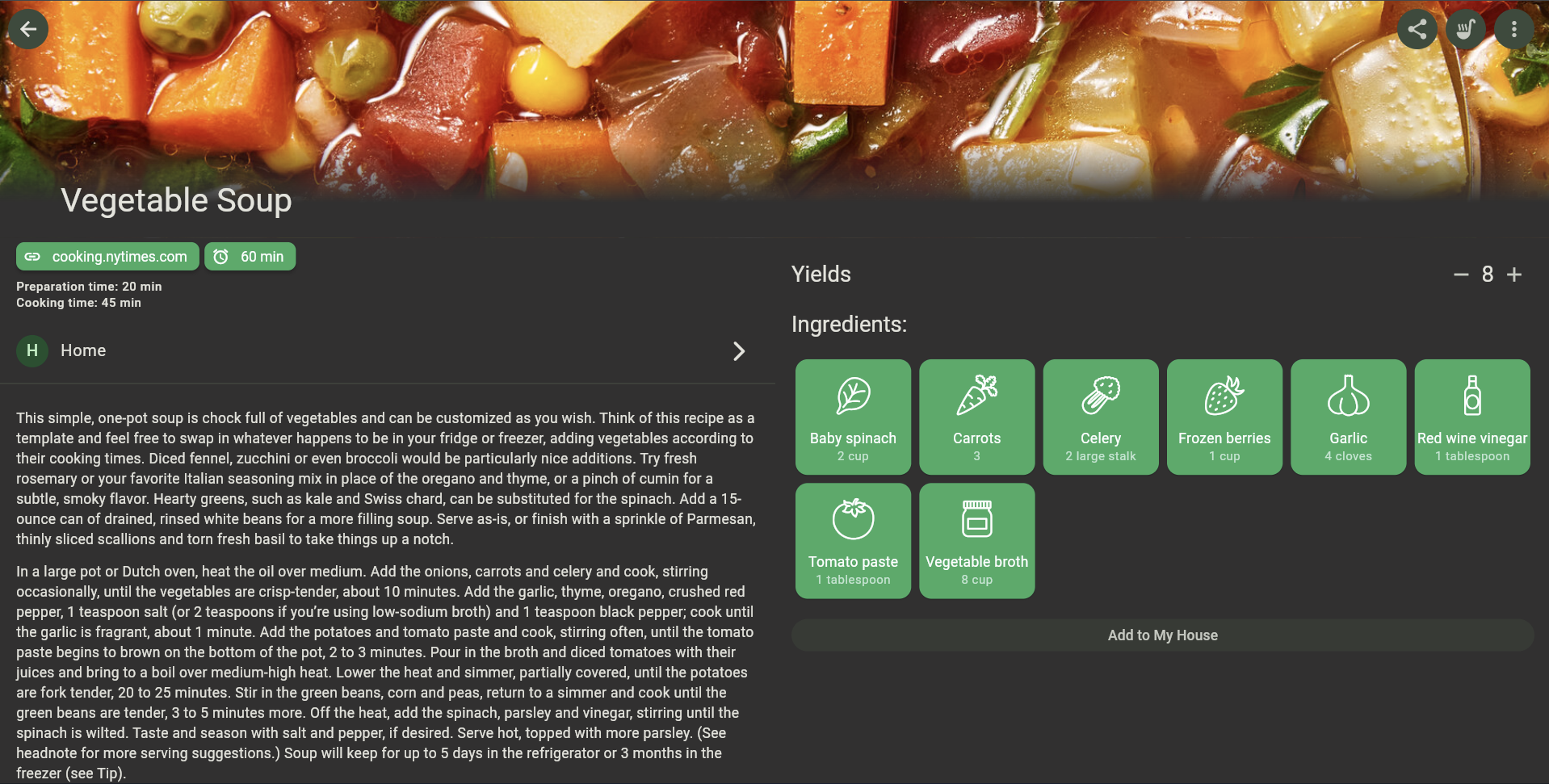
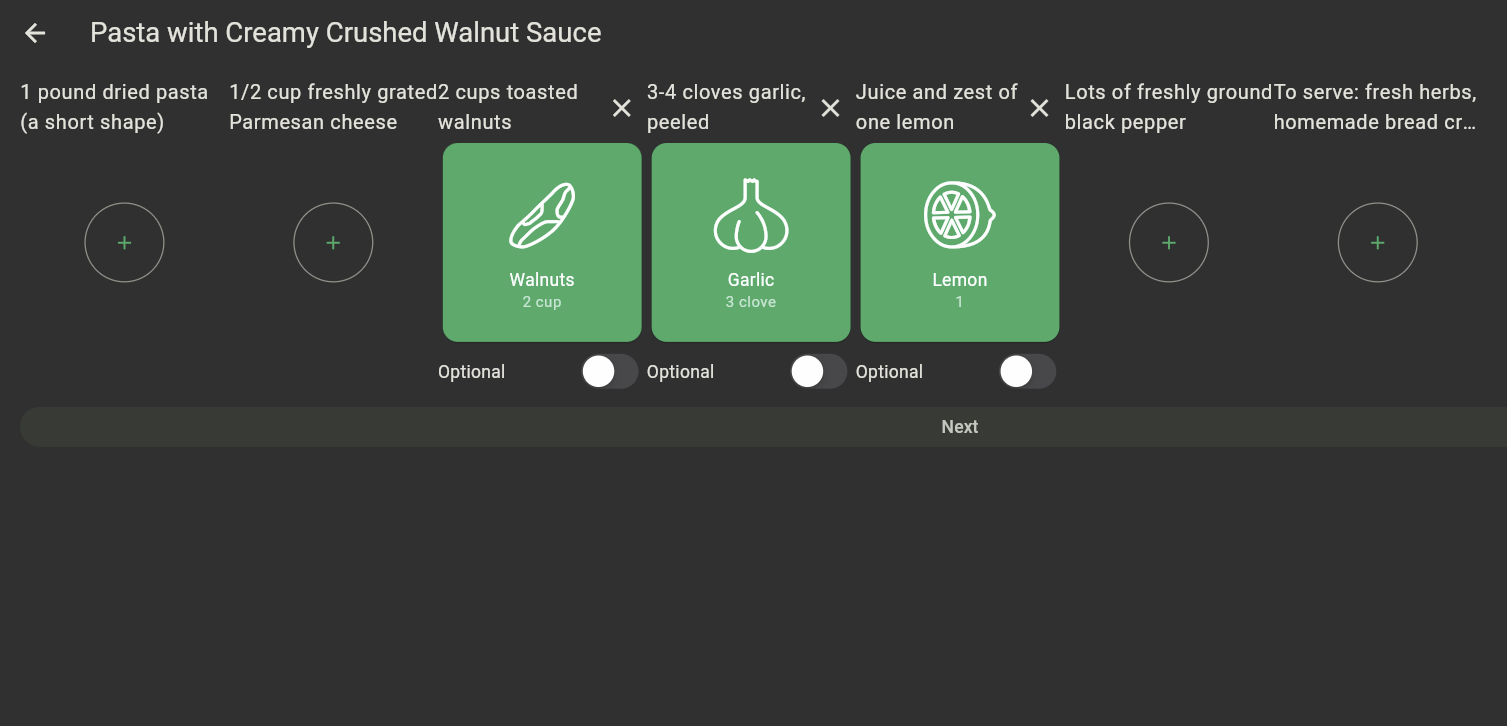
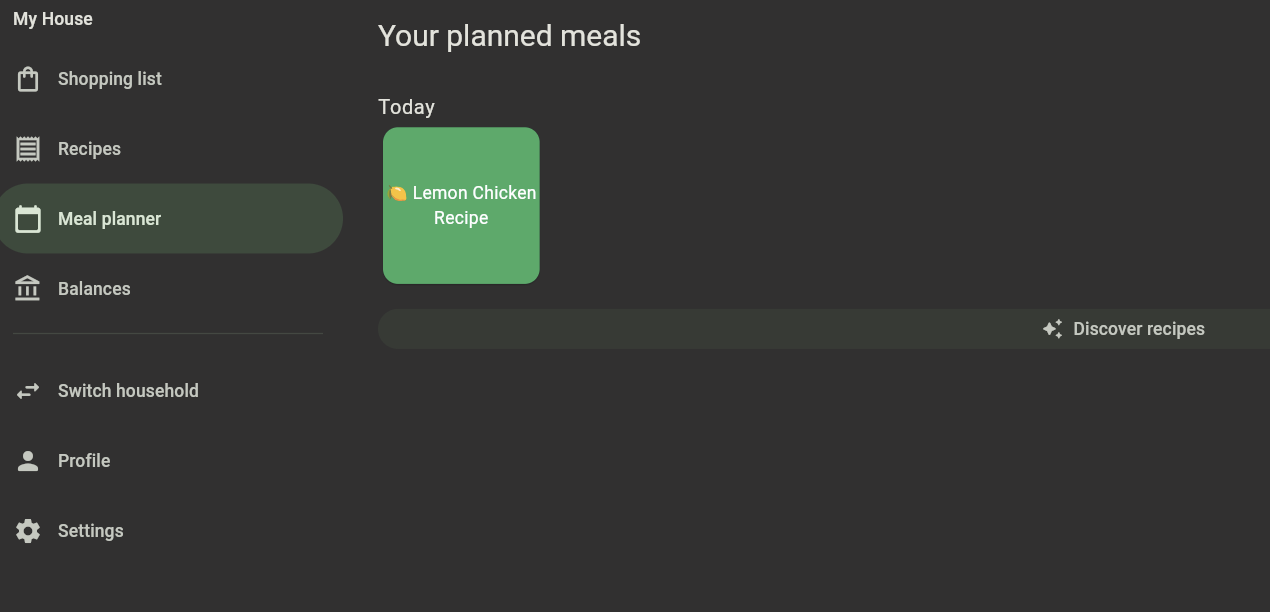
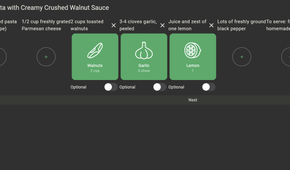
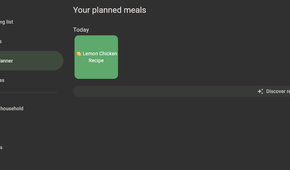
For anyone who’s tried and failed to move their whole life off Google’s ecosystem, this is one of the easier wins. It’s a good complement to other moves in that direction, like ditching Google’s ecosystem with self-hosted alternatives.
ntfy turns any script into a personal notification system
No need to be kept on your toes when you can get notified on your phone
 Credit: Lucas Gouveia/How-To Geek | tsingha25/Shutterstock
ntfy is a simple-to-use pub-sub notification service you can self-host. You send a message to a topic with a plain HTTP request. Anything subscribed to that topic gets a push notification. It can even replace Discord notifications for that purpose.
That simplicity is what makes it so useful for niche automation. Want your phone to buzz when a backup script finishes? Or a disk gets low on space? Maybe when your doorbell sensor trips? A single POST request handles it.
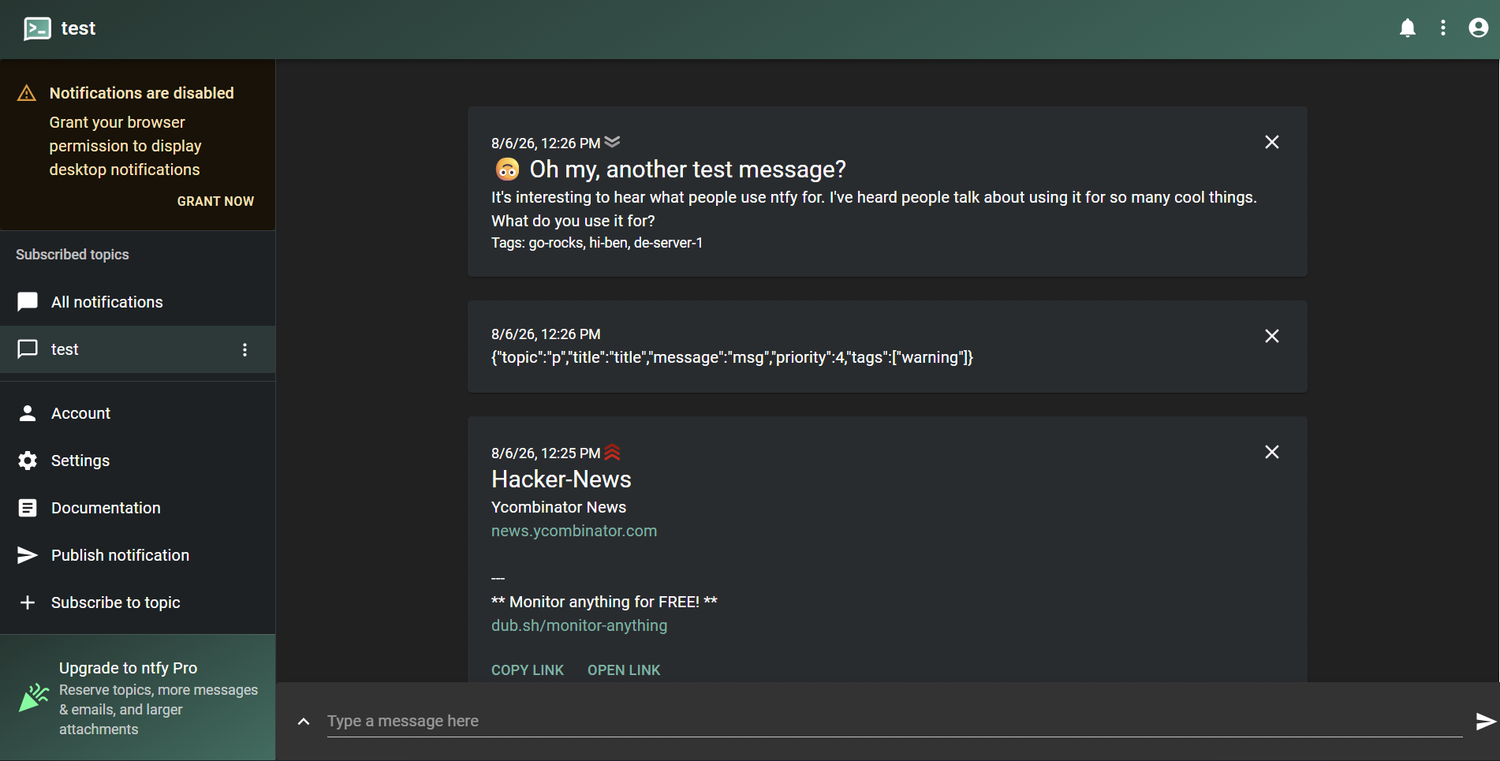




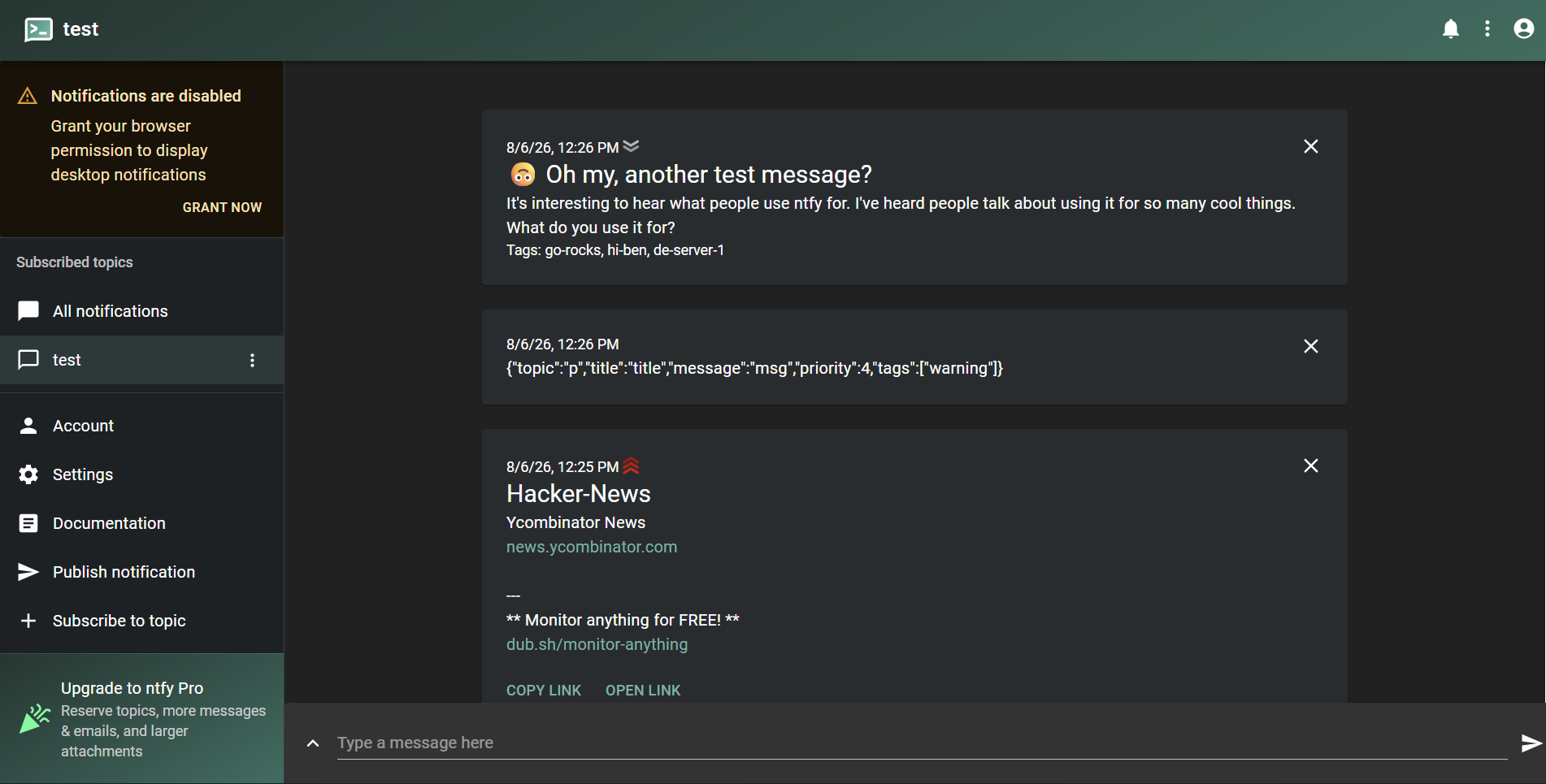




It’s a small tool that you can easily integrate into many of your other home projects. If you’re the type who enjoys hunting down apps like this, a few criminally underrated open-source picks are worth a look too.
Espanso ends the copy-paste loop
How much time repetitive typing actually costs
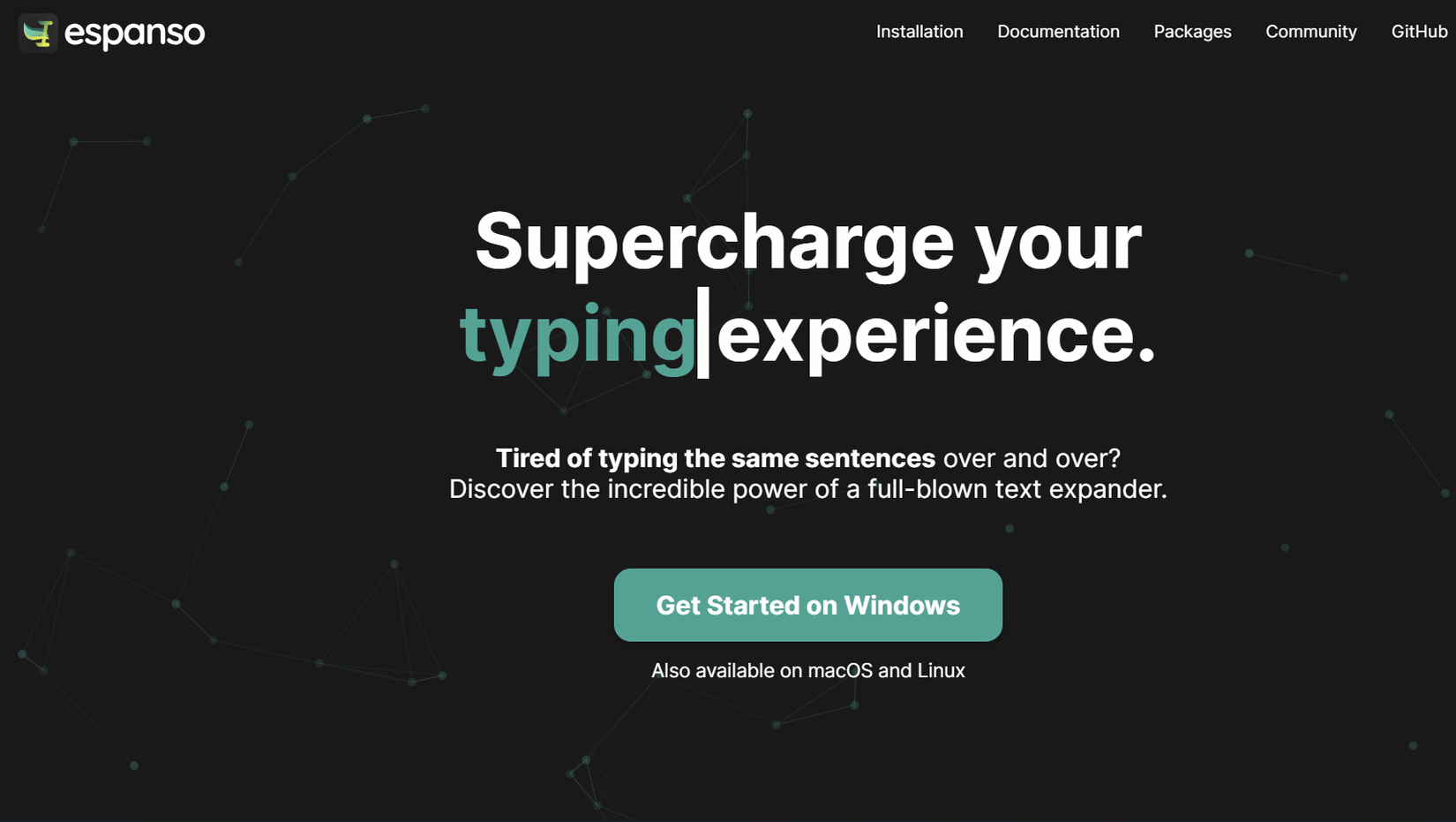
Espanso is a text expander. At first glance, I thought it was almost too simple to matter until I actually started using it. You type a short trigger, like :addr, and it instantly expands into your full mailing address, a canned email reply, or a chunk of code you paste ten times a day.
I use text shortcuts a lot on my Android phone. So, having a similar tool on my desktop surely piqued my interest. The best part is that Espanso works system-wide, across nearly every app on your desktop. However, when trying it on Windows Notepad, I faced some issues.
Under the hood, it’s built in Rust and configured through YAML files, which keeps things fast and fully local. There’s no cloud sync and no account. So, your snippets never leave your machine unless you choose to back them up yourself. For anyone who wants to go further, Espanso can also trigger scripts in Python, Node, or other languages, turning it into a lightweight automation tool.

If you’ve ever caught yourself typing the same sentence for the third time in one afternoon, this is the fix. It’s also available on macOS and Linux.
Software doesn’t need a big problem to be worth installing
None of these apps are flashy. They won’t replace your media server or the all-in-one types of software. What they do instead is solve small, specific annoyances that most of us just learn to live with. That’s really the appeal of niche open-source software.