I used to think a $50 Android tablet was the kind of device you bought when you couldn’t justify spending more on a proper one. These days, though, I’ve started looking at cheap tablets very differently. You don’t necessarily need a powerful processor, a beautiful display, or the latest version of Android when you’re buying a device for a very specific job. In fact, a cheaper tablet can be perfect for the kind of projects where you wouldn’t want to spend tons of money, anyway.
I’ve found that the real value of these cheap tablets comes from turning them into dedicated devices. Instead of asking one tablet to do everything, you can give it a single purpose and leave it there, whether that’s controlling your smart home, displaying security cameras, running games, or helping you get more done at your desk. Because you can find usable Android tablets for around $50, experimenting doesn’t have to be an expensive hobby.
Create a dedicated smart home dashboard
A central control panel for everything in your house
 Credit: Google
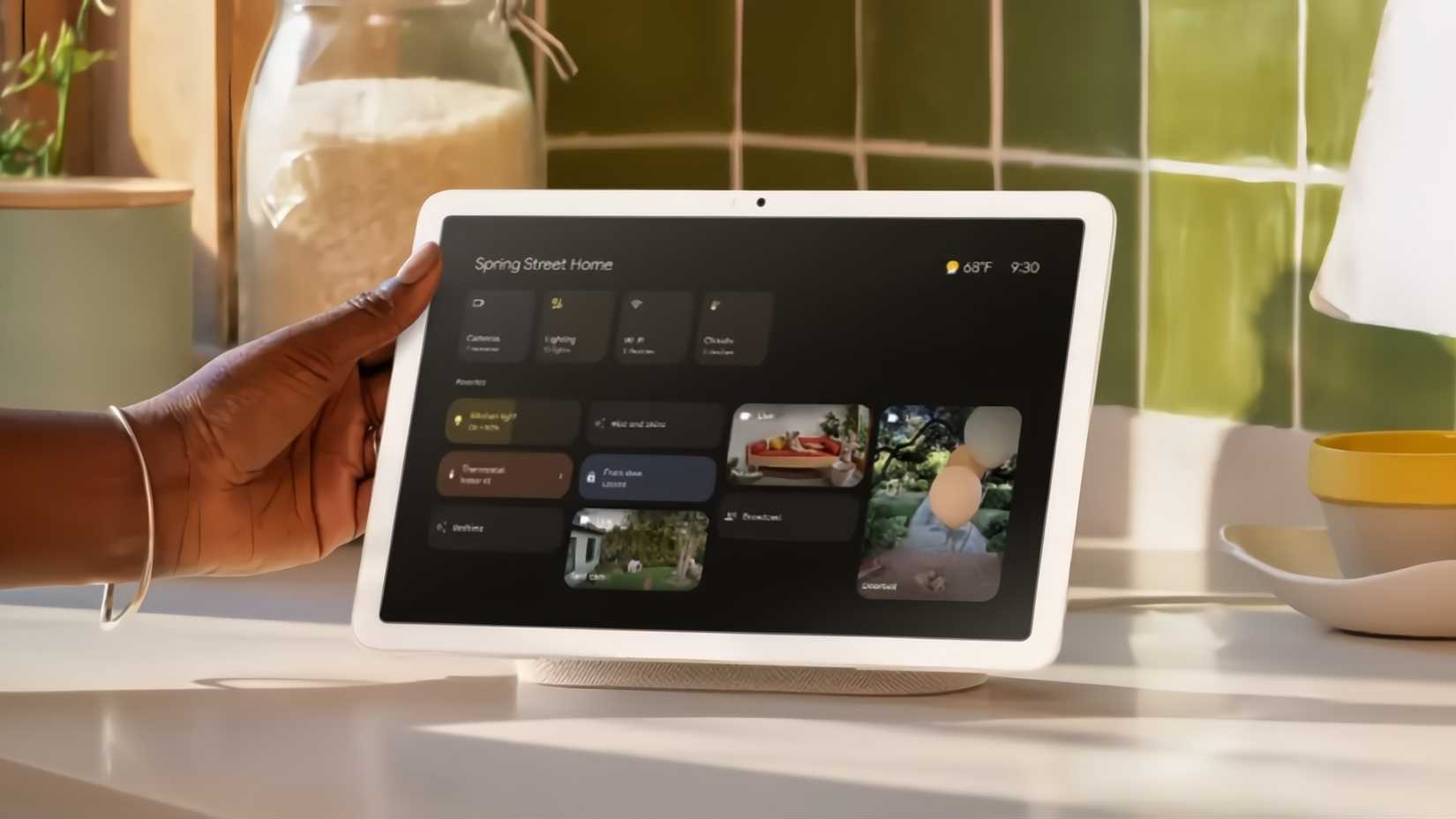
One of the most common uses for an old or cheap Android tablet is to turn it into a dedicated dashboard for your smart home. Instead of having to open apps individually, you essentially set the tablet up in a way that it has buttons that control the core functions of your smart home, such as your lights, locks, security cameras, music, and alarms. You can also set routines that execute a number of different tasks with the single push of a button, or a voice command.
The most common way to achieve this is by running a dashboard app, with Home Assistant being one of the most popular. Another writer on How-To Geek, Adam Davidson, even describes how he used a Home Assistant dashboard to set up a chore tracker for his kids.
Make it a dedicated monitor for your home security cameras
A simple upgrade to your security system
 Credit: Google
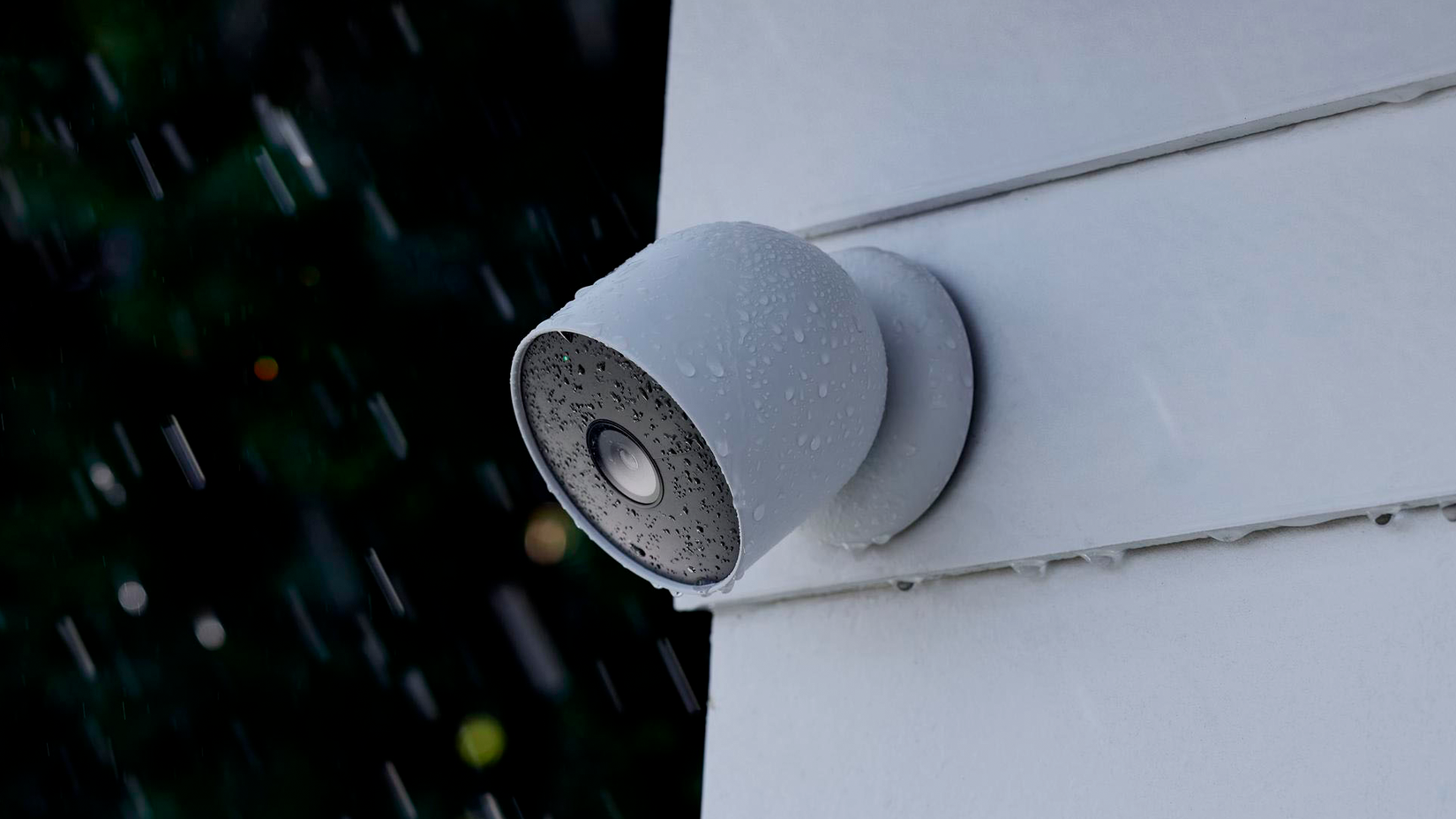
If you have modern security cameras set up around your home, chances are that you can access the live feed remotely via an app. Some common examples of this include Ring doorbell cameras and Google Nest cameras. If this is the case, all you need to do is install the camera’s app on your cheap Android tablet, arrange the feeds how you want them, and stick the tablet wherever you’d like it. If you keep it powered and turn off any settings that would shut the screen down, it can even permanently display the feeds.
Build yourself a retro gaming machine
Emulators are a retro gamer’s best friend
-
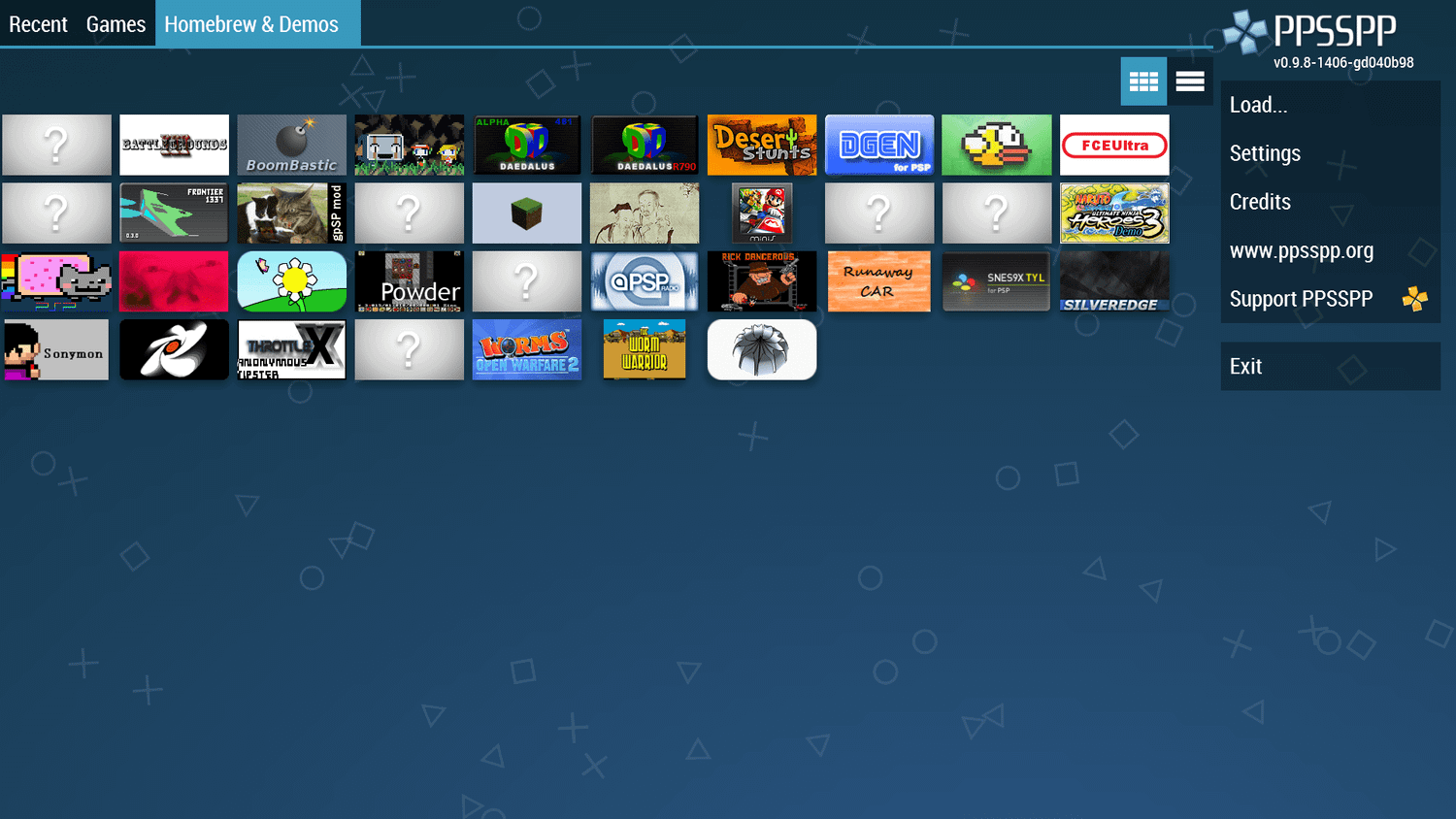 Credit: PPSSPP
 -
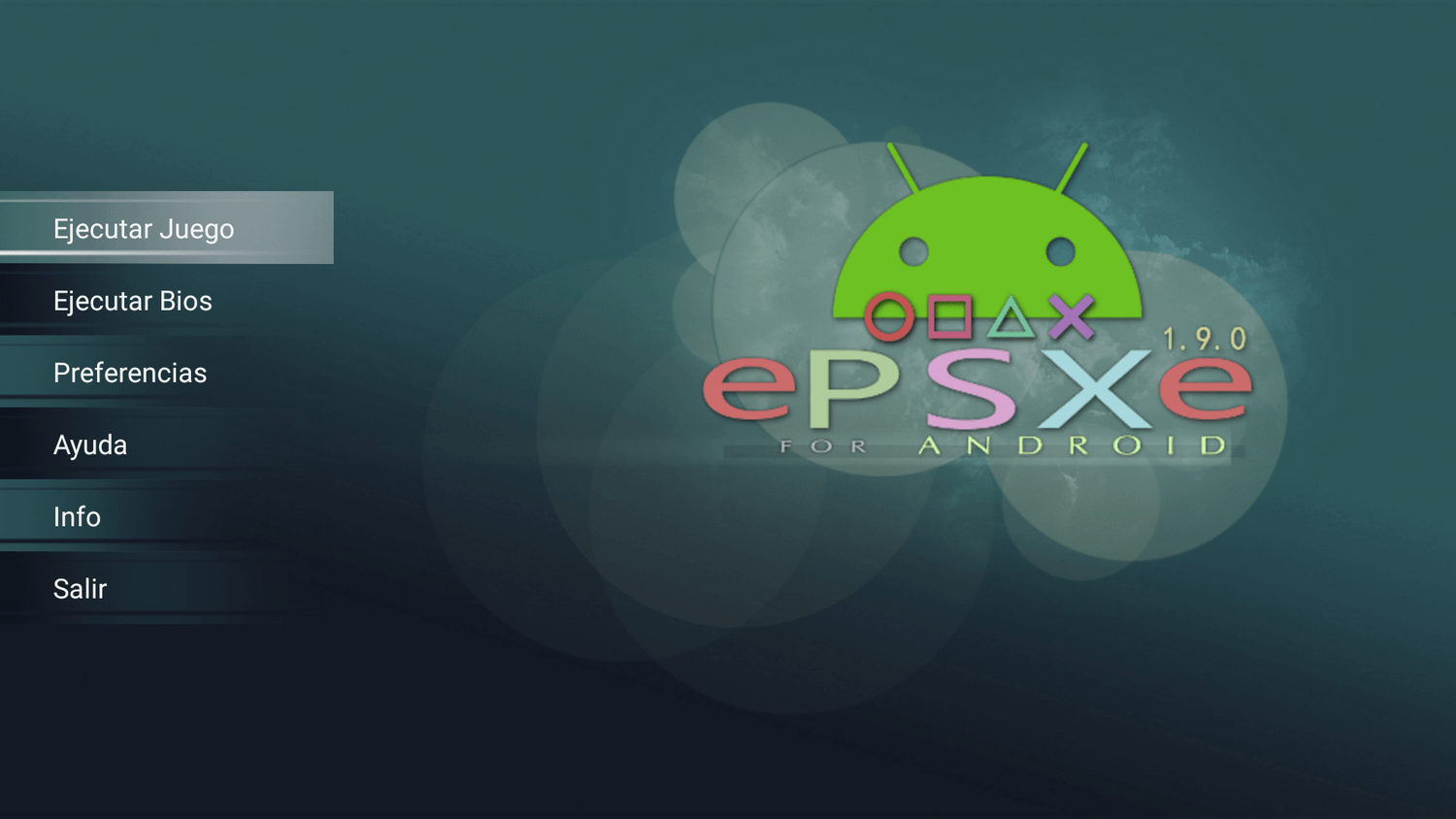 Credit: ePSXe
 -
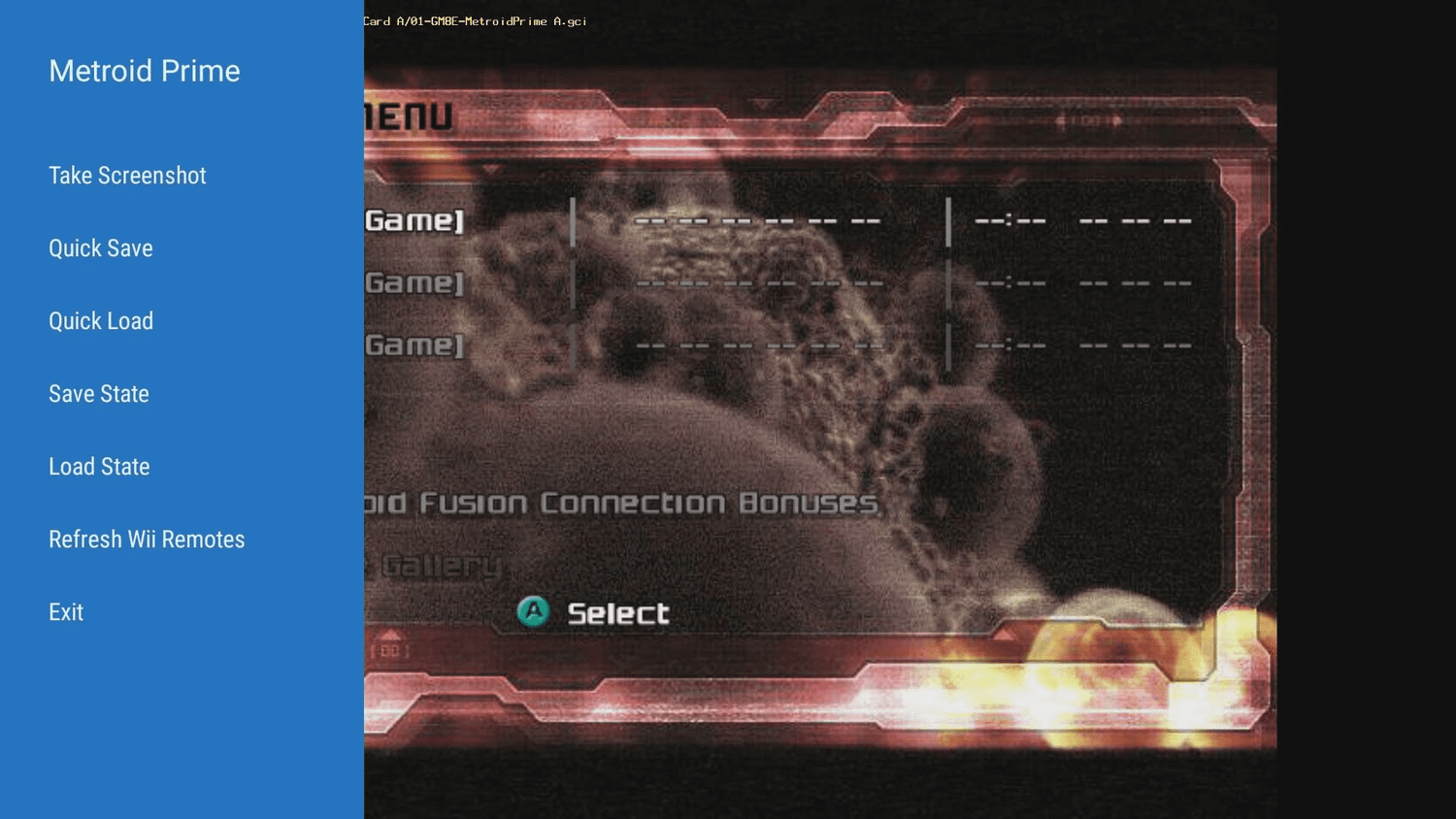 Credit: Dolphin Emu
 -
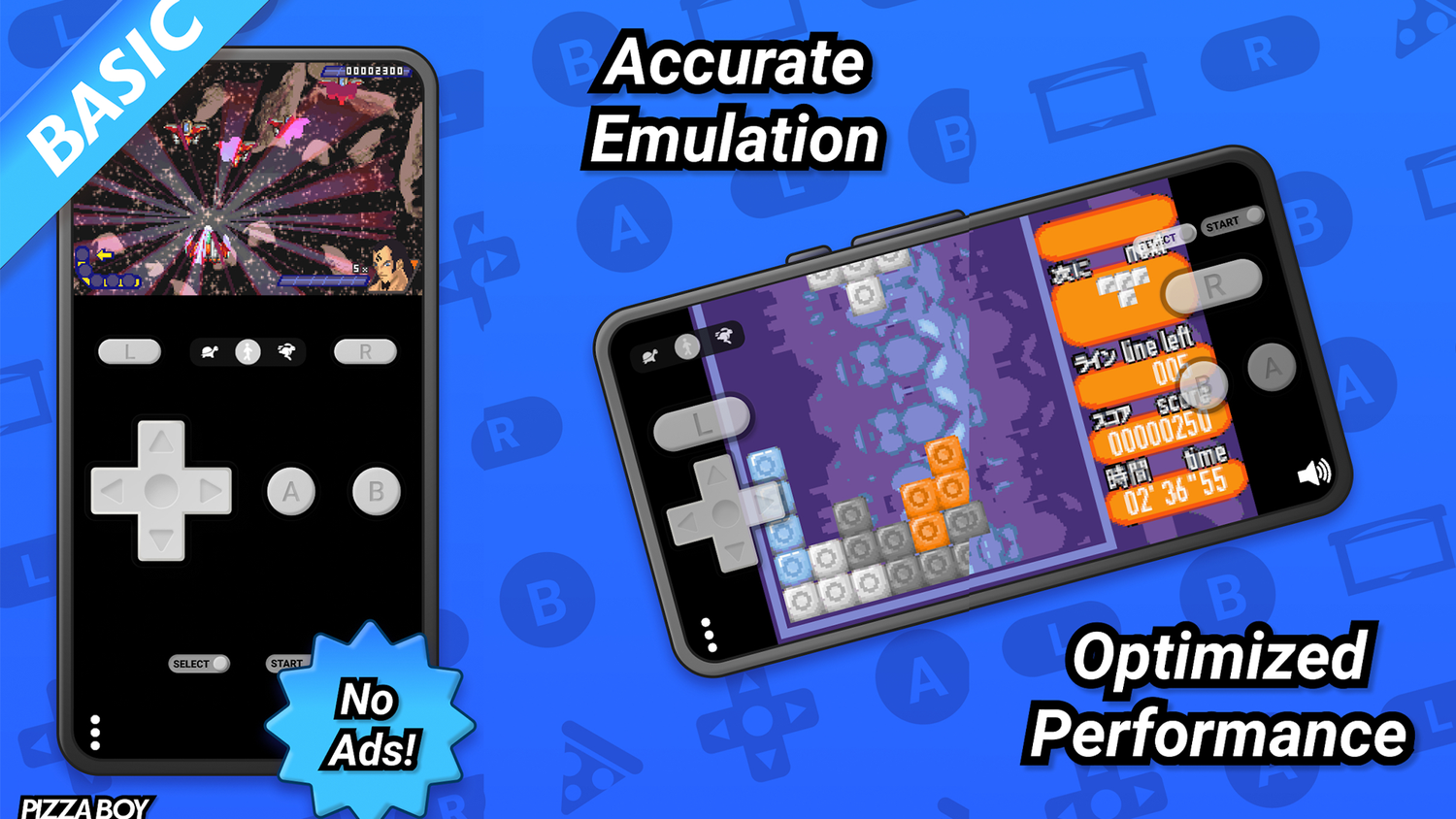 Credit: Pizza Emulators
 -
 Credit: Exophase
-
 Credit: PPSSPP
 -
 Credit: ePSXe
 -
 Credit: Dolphin Emu
 -
 Credit: Pizza Emulators
 -
 Credit: Exophase

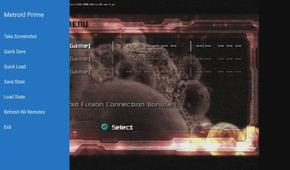
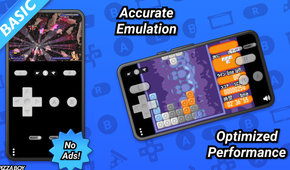
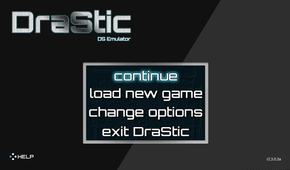
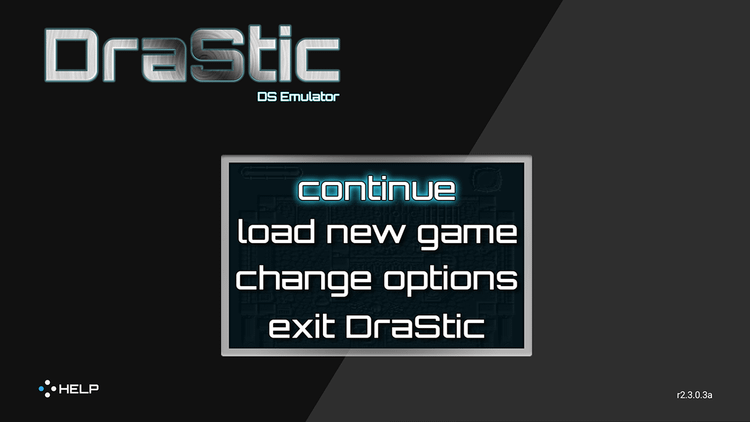
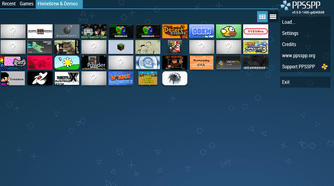
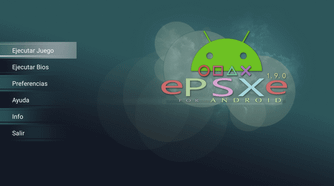
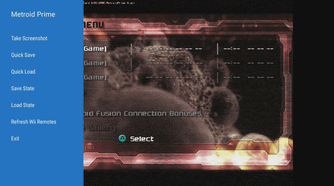
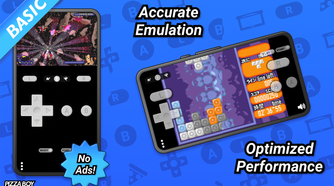
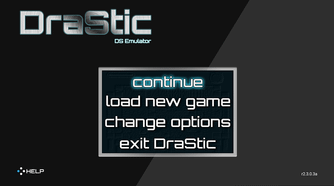
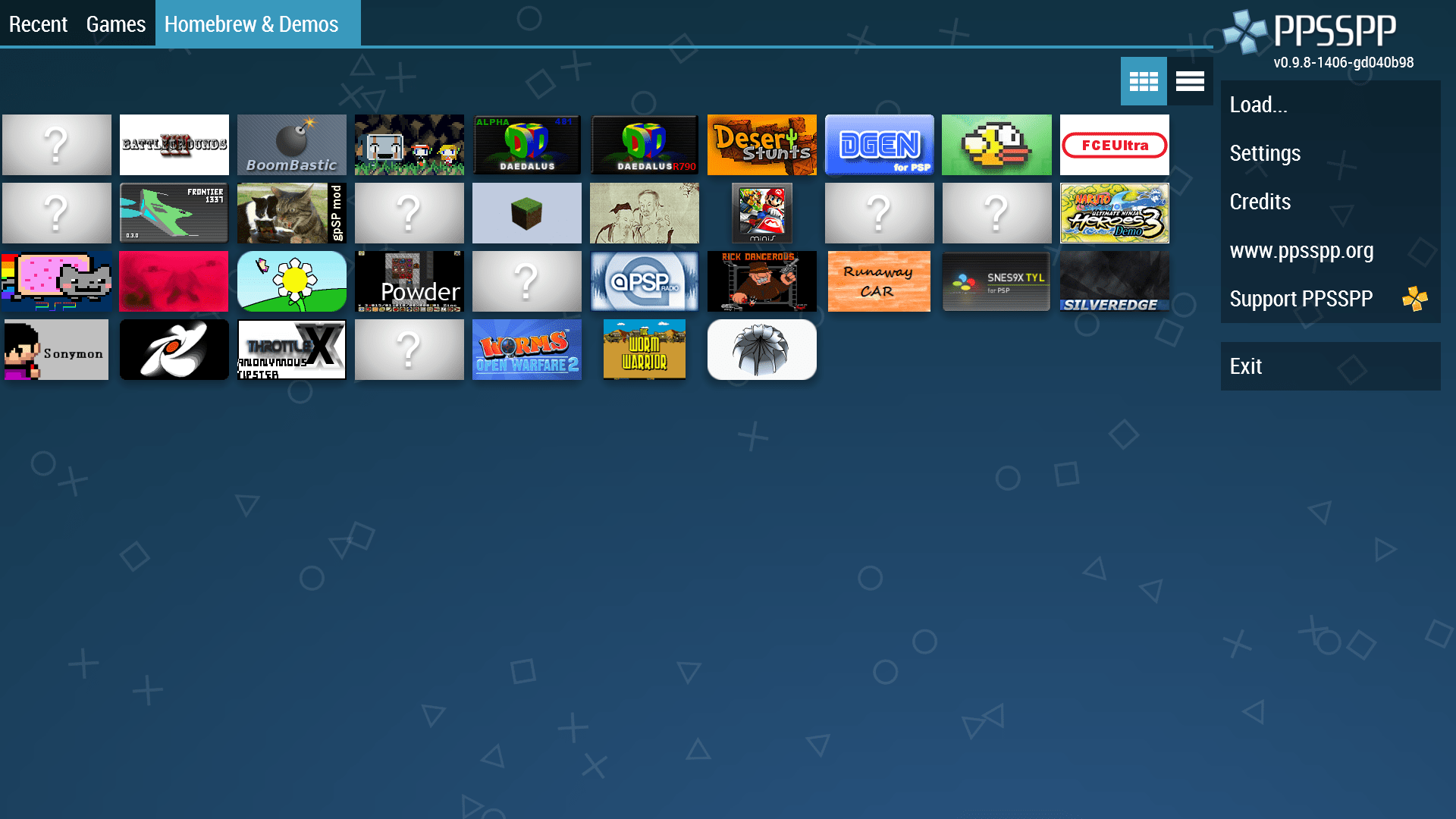
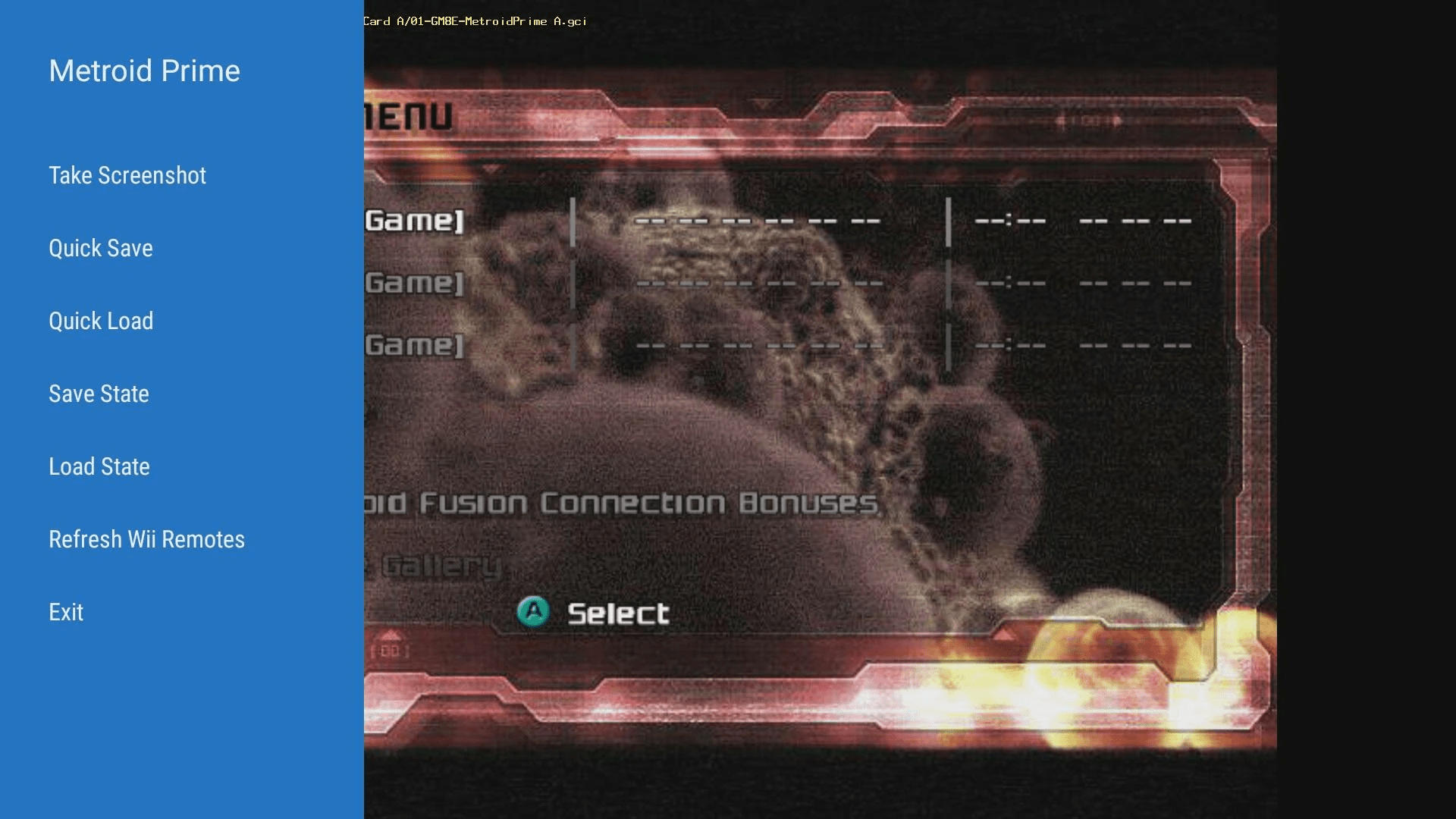
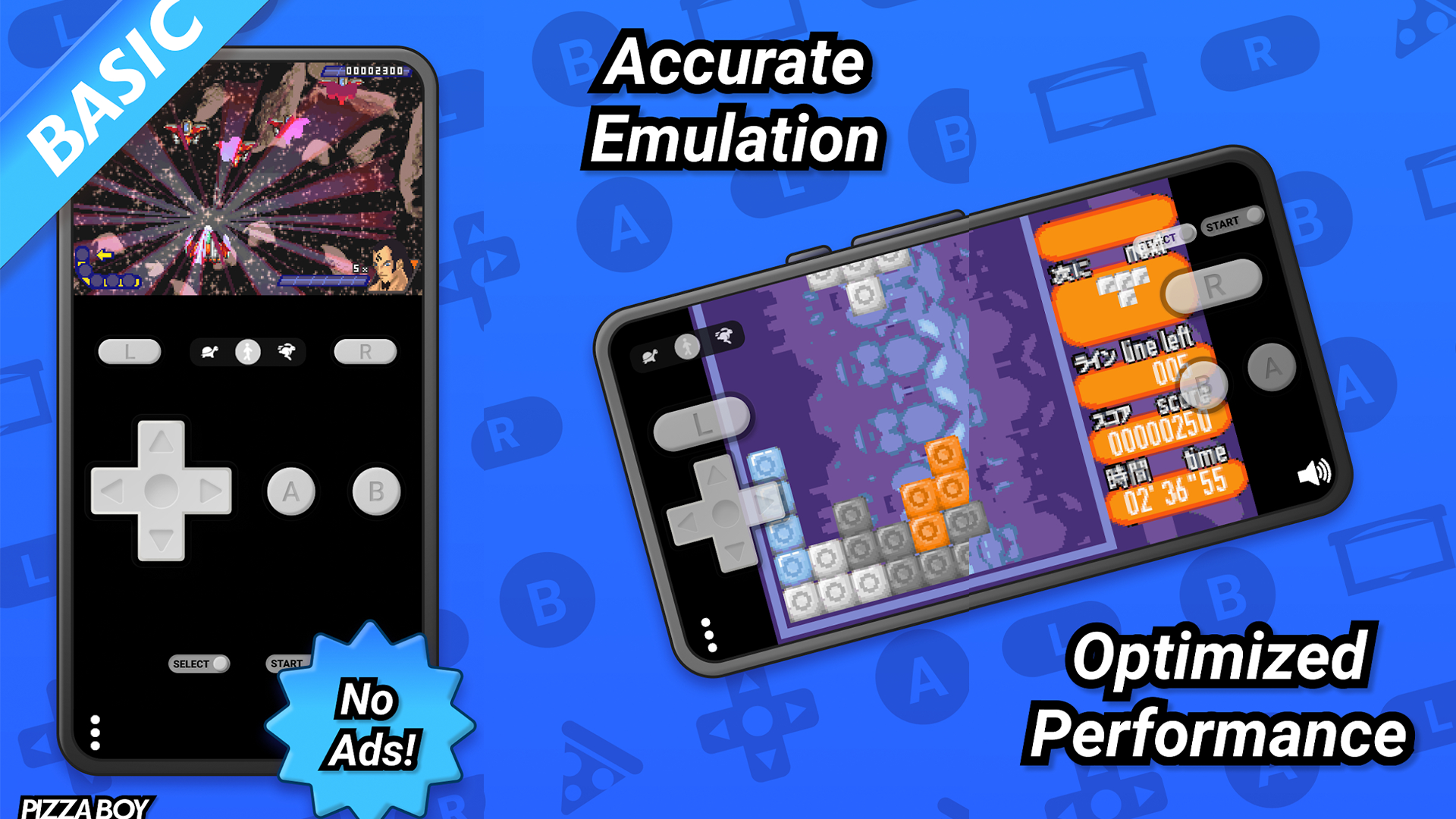
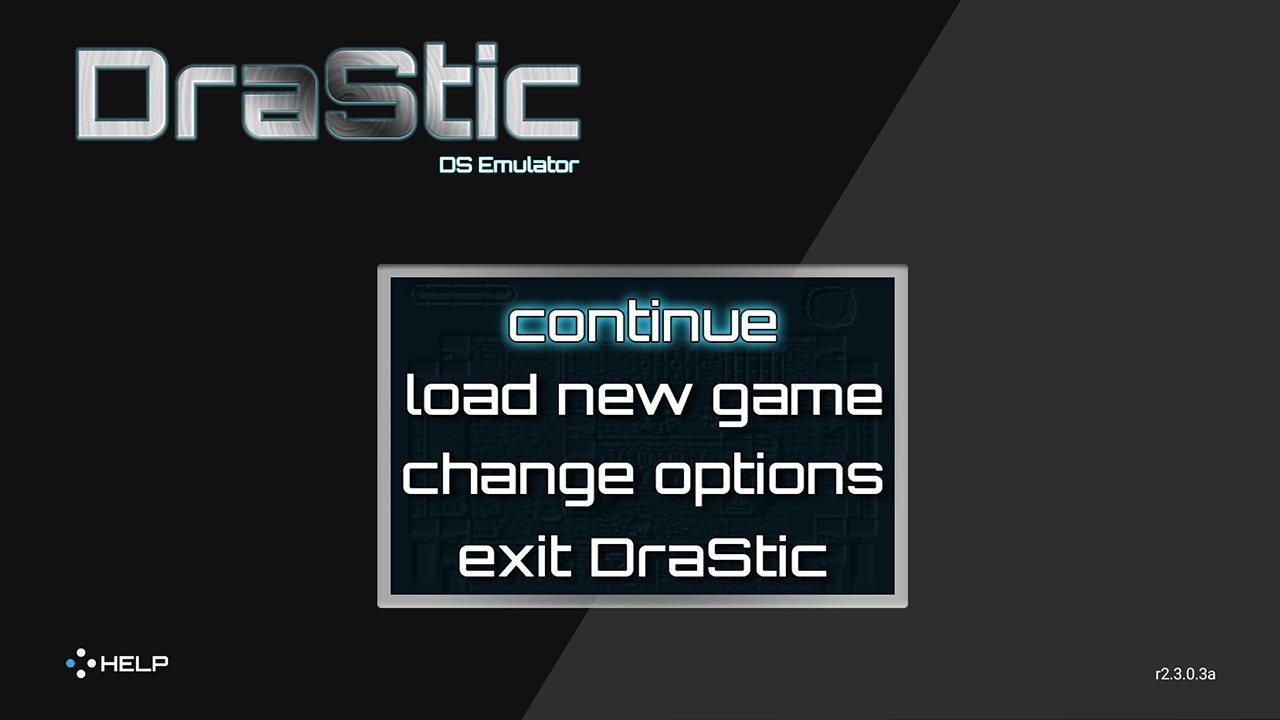
There are currently a ton of great emulators available on the Google Play app store, and plenty of others that can be side-loaded. Install any of these apps onto a cheap Android tablet, and you essentially have yourself a dedicated retro gaming machine. Even if your tablet doesn’t have hardware that is all that powerful, you can still likely run a pretty large library of old games, emulating a range of consoles, from the Nintendo Game Boy to the Sony PlayStation 2.
Find yourself a reliable site to download ROM files from and set up a couple of emulators, and you can have a pretty vast library ready to go. This setup can be as simple or as complicated as you like. If your tablet supports it, you can also pair a Bluetooth gaming controller for permanent use on this retro gaming system.
Give your older car a modern infotainment system
Your tablet can integrate pretty well with your car
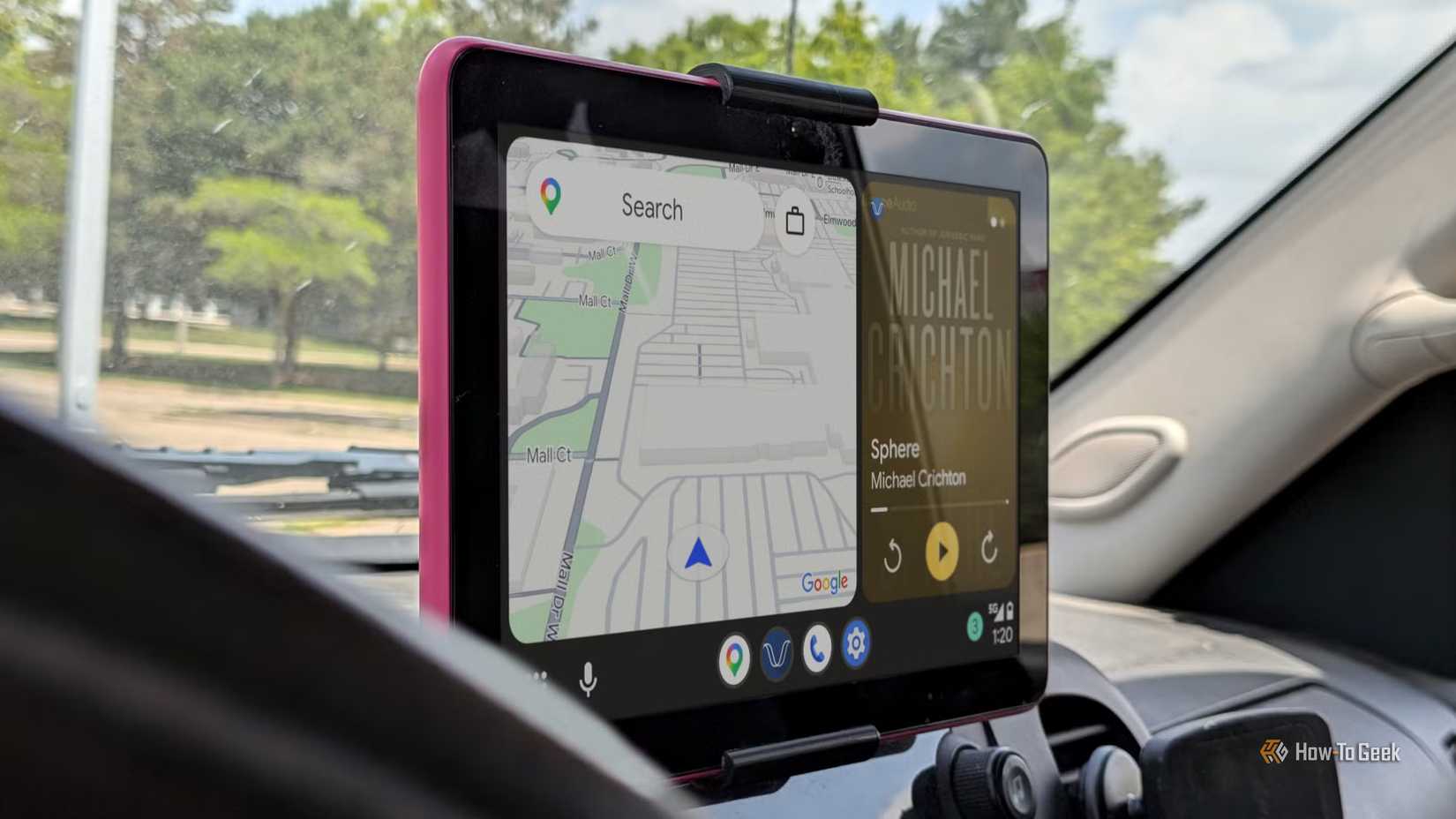
Older Android tablets are cheap, and so are car mounts designed to hold those tablets. You don’t have to spend a ton of money to give your old car a pretty modern infotainment screen, simply by having an old Android device permanently attached to your dashboard.
Installing an app like Open Headunit or Headunit Reloaded will essentially turn your tablet into a display for Android Auto. Your phone does a lot of the heavy lifting in terms of things like GPS signals and the processing of calls and music. Keep it hooked up to the 12V port in your car, and connect it to your car’s sound system via Bluetooth or an AUX cord, and you’re ready to go.
The biggest concern here is that tablets aren’t designed to be exposed to extreme temperatures for long periods of time, so this is something that you should definitely consider if you live in a particularly warm or cold climate.
Cheaper than a secondary monitor for your PC
Extra productivity on the cheap
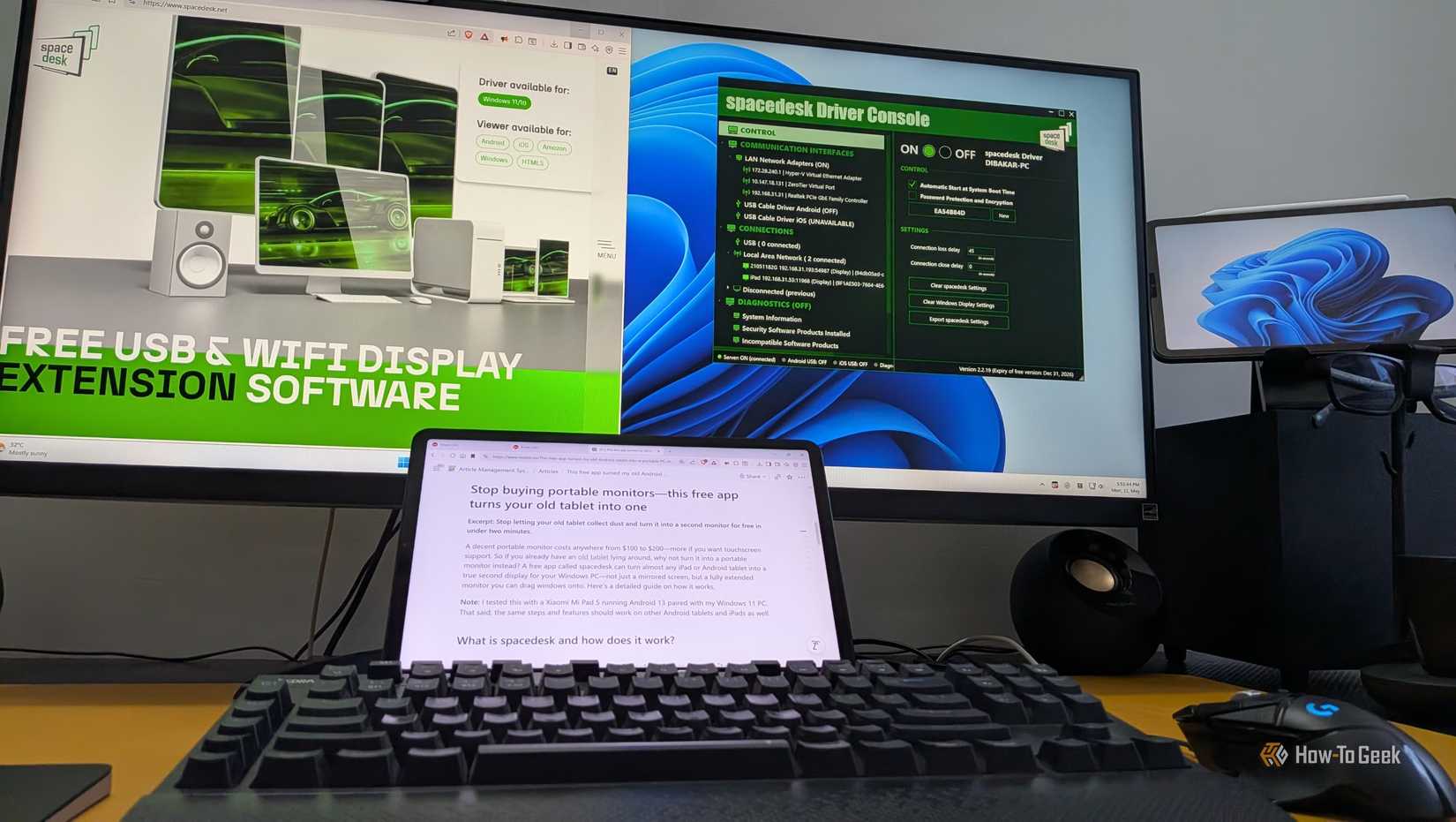
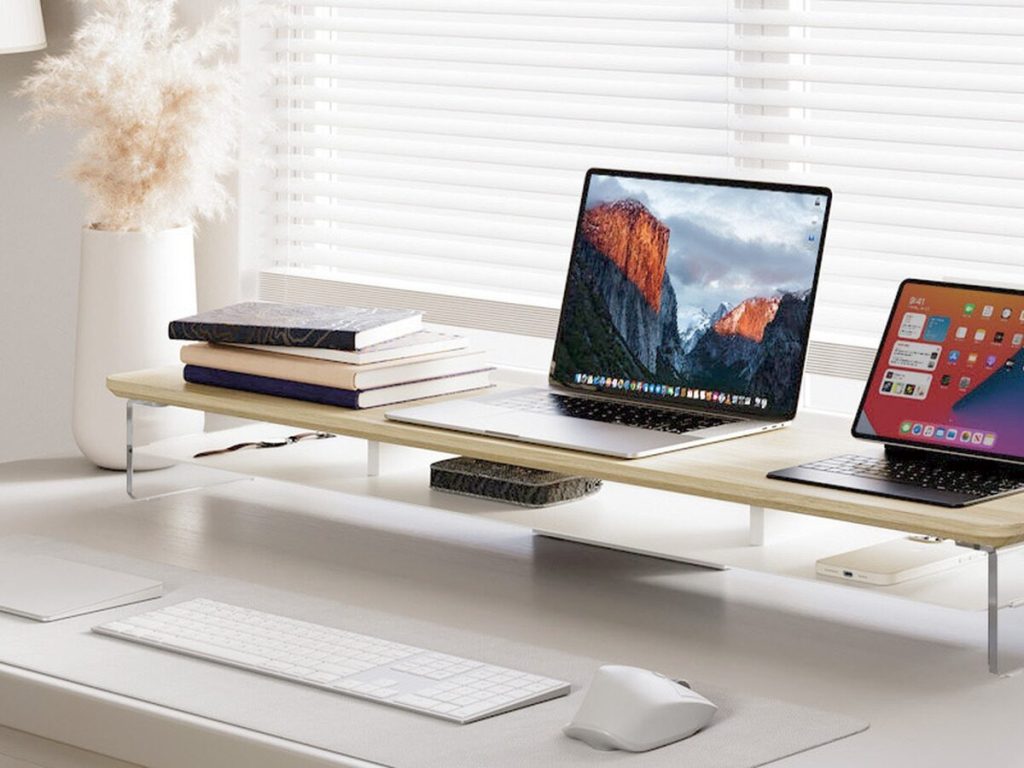
Good quality monitors can be expensive, and sometimes you want something a little more compact for your setup. A cheap Android tablet is a fantastic alternative, with it being a great place to keep things like productivity apps open. I’ve done this by using the tablet to display things like Slack, Spotify, and Gmail.
One of the easiest ways to do this is to use an app like Spacedesk. Rather than physically connecting your tablet to your PC, you install the app on both the tablet and your computer, and have it handle the desktop extension for you.
Have the tablet act as a digital sketch/note pad
Add a stylus, and you have a drawing tablet
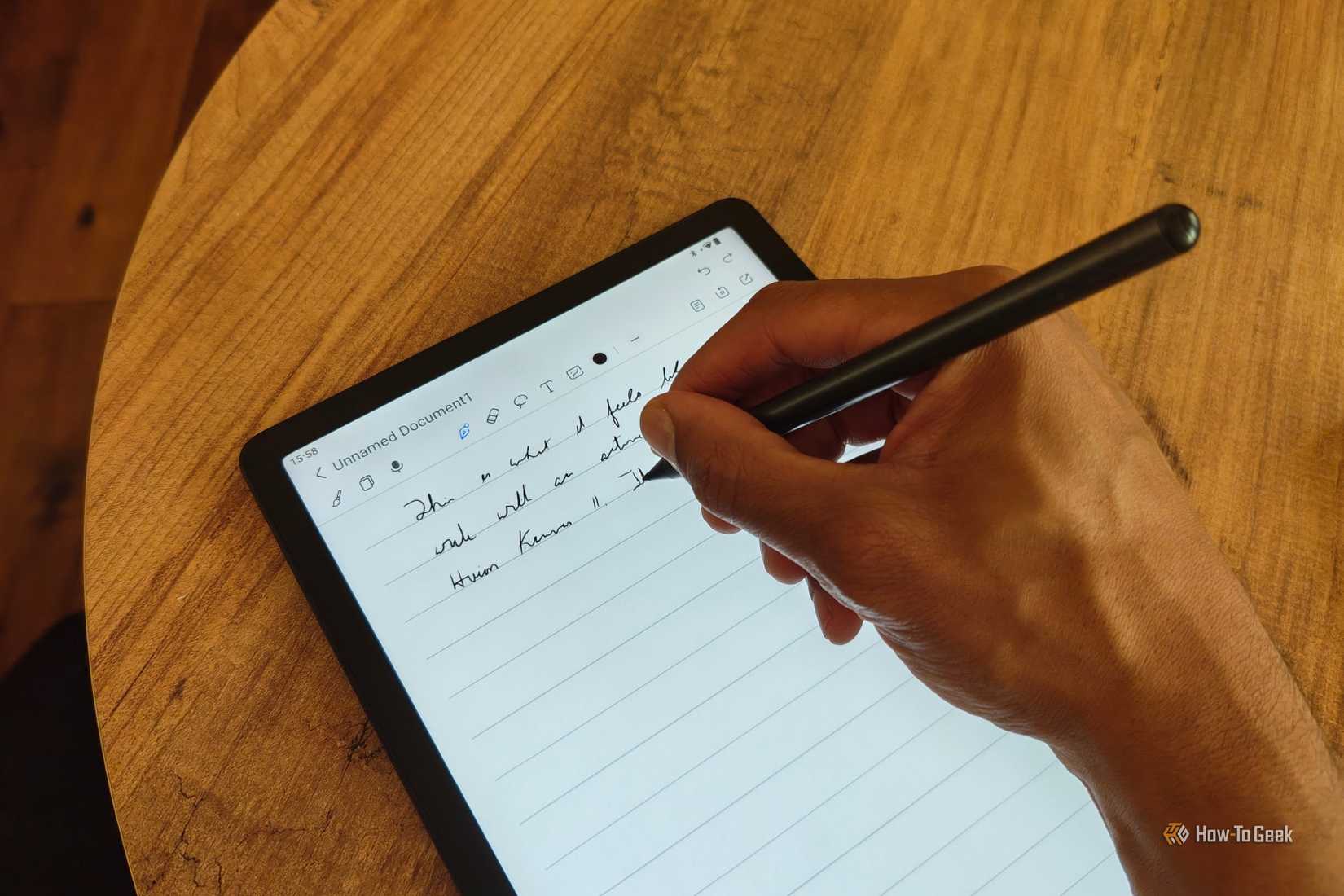
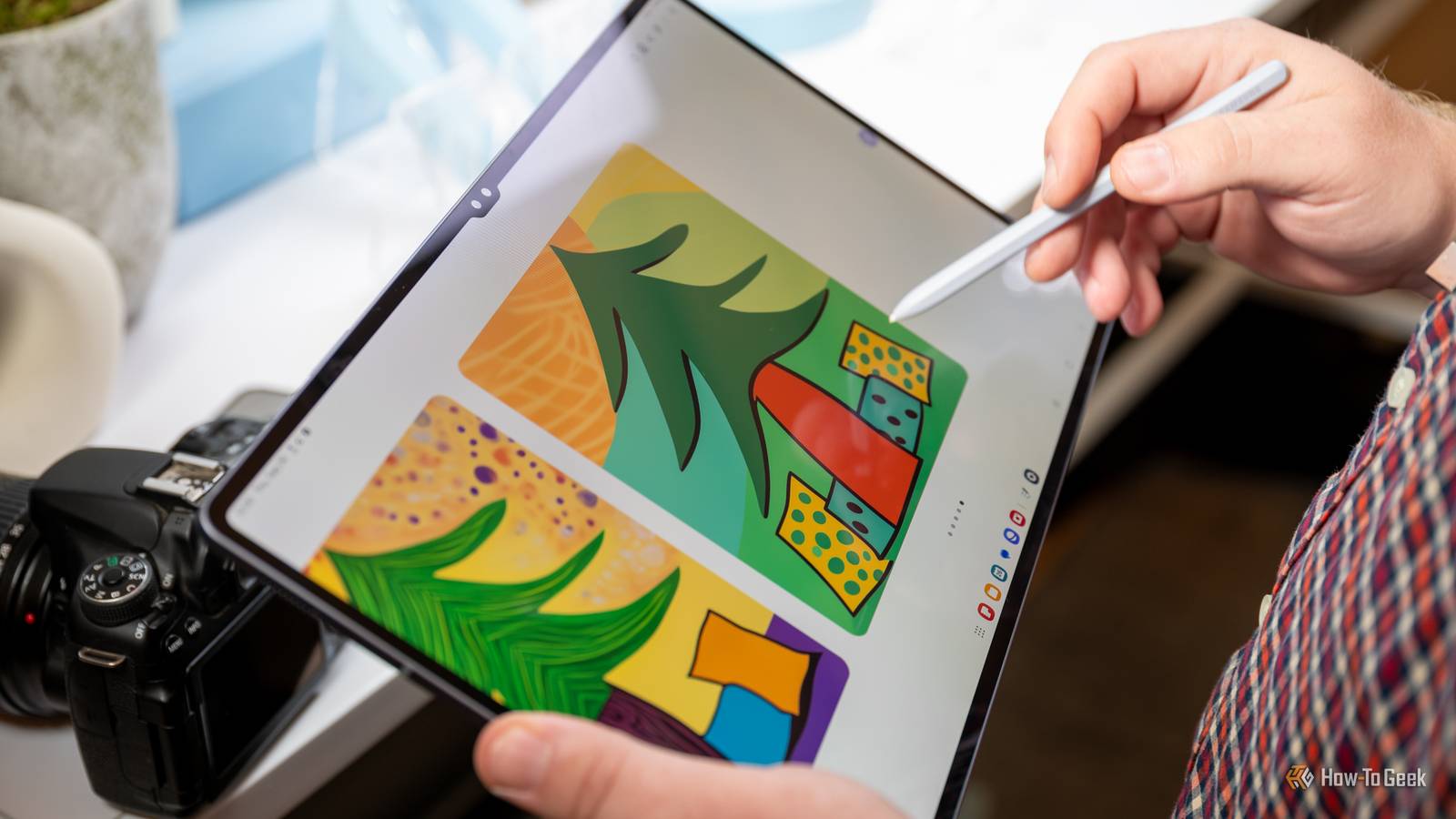
I’m the type of person that loves to doodle or jot down notes while I’m working. Setting up a tablet as a dedicated notepad is a fantastic way to repurpose an old tablet. This is especially true if you pick up a tablet that supports the use of a stylus, obviously making your drawing and note-taking that little bit more precise.
The most useful part about this is that you can make your notes and drawings accessible remotely from wherever you are. Using a note app that has the ability to sync across platforms means that you can access stuff you’ve jotted down on your digital notepad wherever you are. If your cheap tablet happens to be a Samsung Galaxy device, you’ll find that the ecosystem supports a cross-device clipboard as standard.
Cheap Android tablets are surprisingly versatile
You can pretty easily find $50 Android tablets out there without looking too hard. While they might not be from particularly well-known brands, if you’re using them for DIY projects, like some of the ones listed above, then that doesn’t really matter all that much. If you’re willing to get something lightly used, that $50 budget can take you even further. Regardless, there is a lot that you can do with a little creativity and an Android-based device.