Credit: Nick Lewis / How-To Geek
Whenever you start reading about the best Linux distros for beginners, two distros tend to dominate the lists: Linux Mint and Ubuntu. There are good reasons for that—they’re solid operating systems with large communities, which means there is a lot of support available.
However, my go-to Linux distro is Kubuntu. It has all the perks of Ubuntu with a few distinct advantages, especially for the Linux newcomer.
Kubuntu is Ubuntu with a twist
Ubuntu and KDE Plasma on top
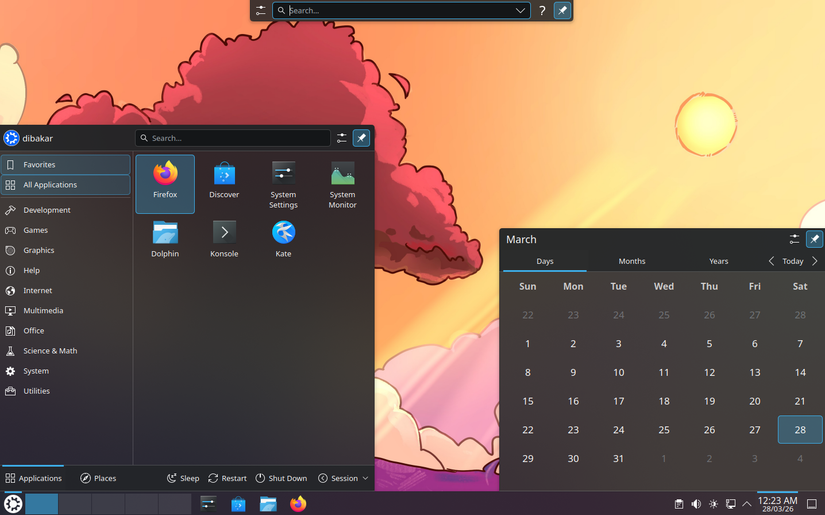
When you strip away the user interface and extra programs, Kubuntu is still Ubuntu under the hood. It comes with the same kernel, the same repositories, and a long support window—you get 5 years of support for the Ubuntu base and 3 years for the KDE components.
The biggest difference is that Kubuntu comes with KDE Plasma instead of GNOME.
If you are switching from Windows, you’ll probably find KDE Plasma more intuitive than GNOME. The default layout—bottom panel, app menu, and system tray—will all feel very familiar. It is more than just a cosmetic decision, though. Plasma 6 provides native fractional scaling, which gives you the ability to scale UI elements and text on high-resolution screens, HDR support, and variable refresh rates on Wayland. These are areas where Cinnamon and X11-based desktops like Mint are a bit behind the times.
You also get KWin tiling (which is a bit better than Snap Layouts on Windows 11), virtual desktops, and per-window rules built-in. You don’t have to look for third-party extensions that might break when you next update your system, which is a small but persistent annoyance for anyone using GNOME.
And, critically, the performance is good too. I have a Surface Laptop 4 that has really started showing its age with Windows 11. It performs beautifully using the latest release of Kubuntu; these days I only boot into Windows 11 when it is absolutely necessary.
You keep Ubuntu’s ecosystem
You get the same drivers, documentation, and support
 Credit: Dibakar Ghosh | How-To Geek
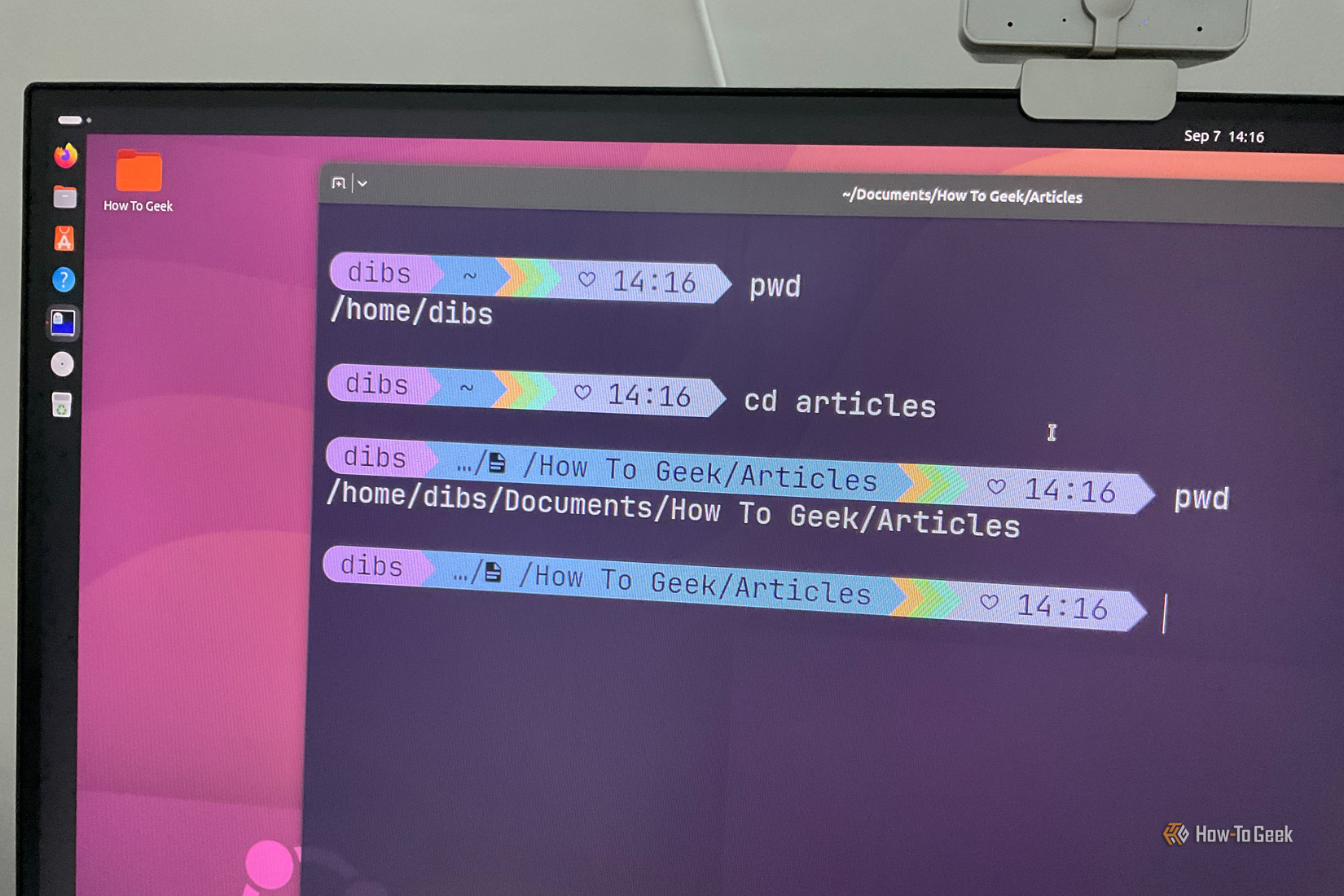
One of the big advantages of Kubuntu is the inherited Ubuntu ecosystem. You get the same hardware support, NVIDIA driver support, and firmware on Kubuntu as you do the mainline Ubuntu release.
SImilarly, most tutorials written for Ubuntu will work for Kubuntu as long as it isn’t related to the desktop. If you find a random DEB file designed for Ubuntu, you can be very confident that it’ll run normally on Kubuntu.
You also benefit from the work that goes into Ubuntu under the hood, like the new Rust-based coreutils and sudo-rs that were introduced in 25.10 and the 26.04 LTS.
If you’re just interested in a PC that works with minimal fuss and is easy to troubleshoot if something breaks, that makes a big difference.
KDE’s app suite is fantastic
Dolphin, Kate, KDE Connect, and Spectacle are as good as some pro tools
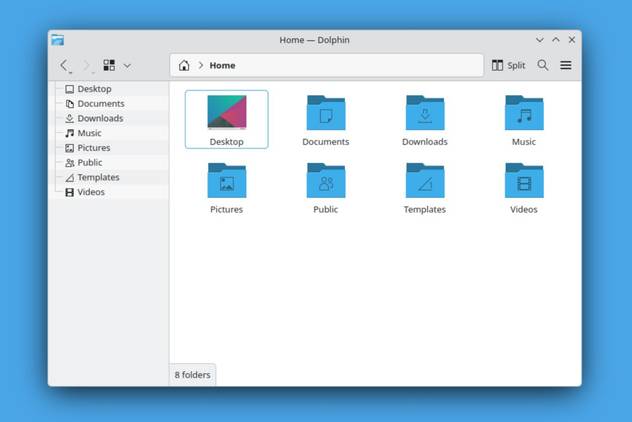
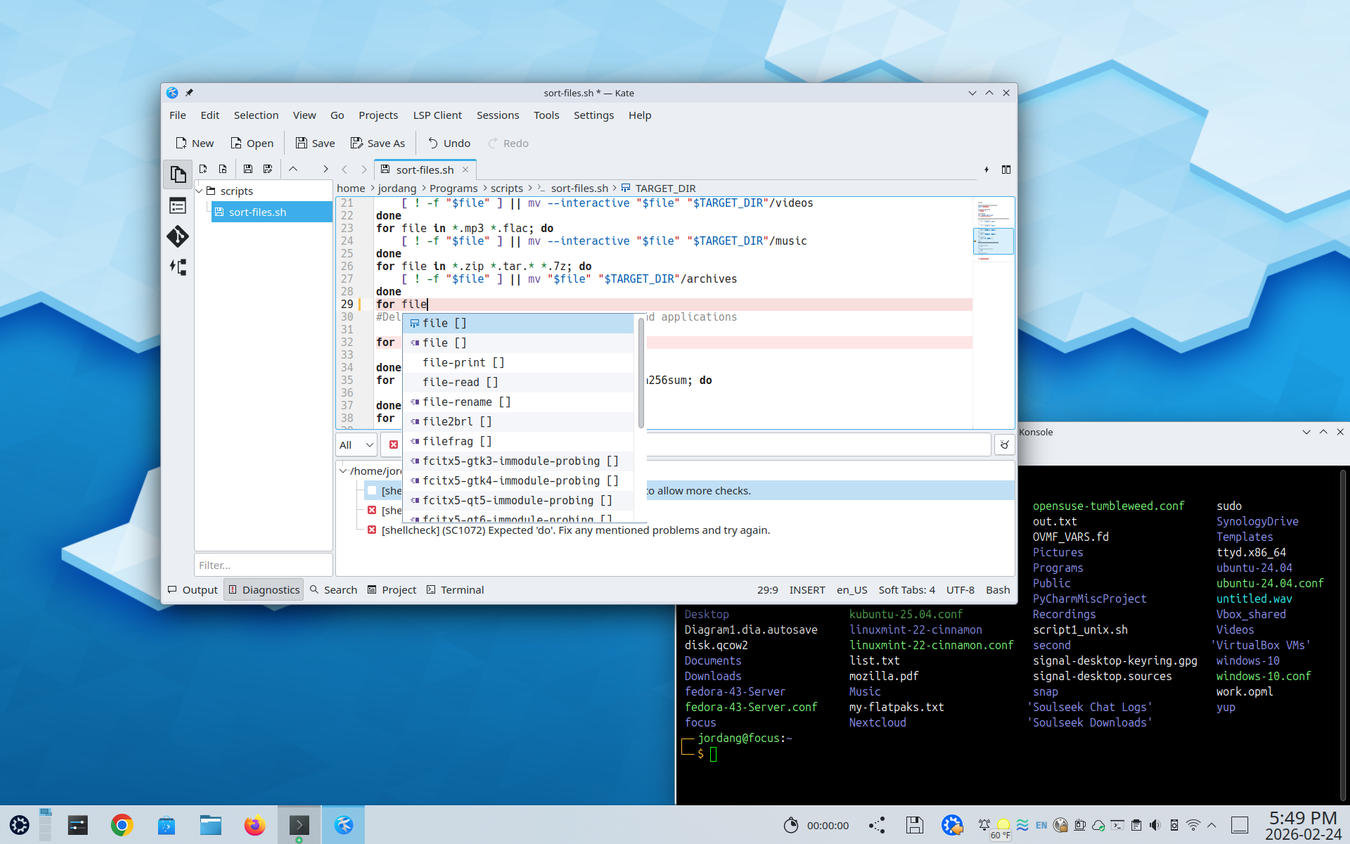
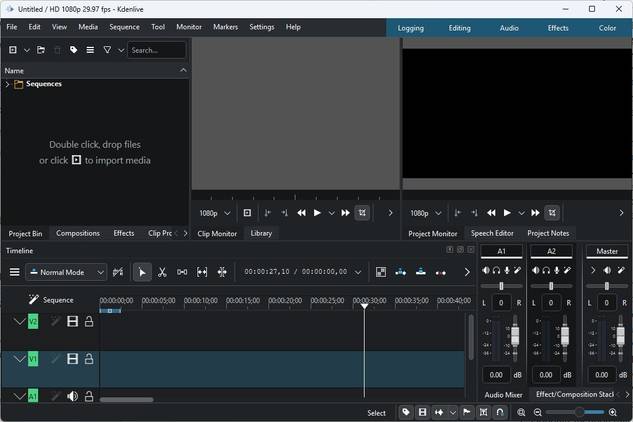
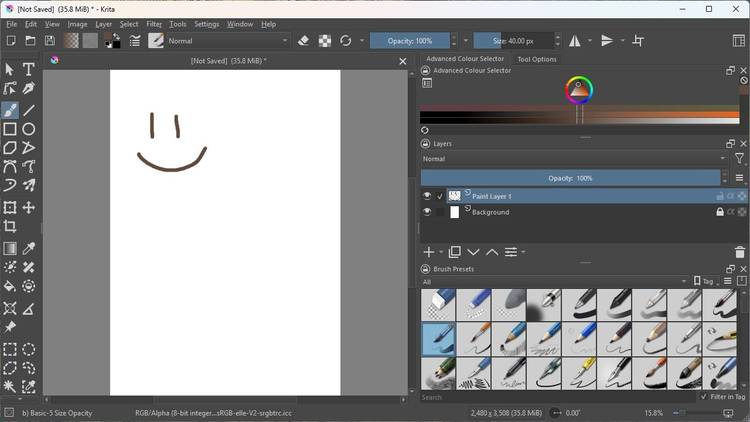
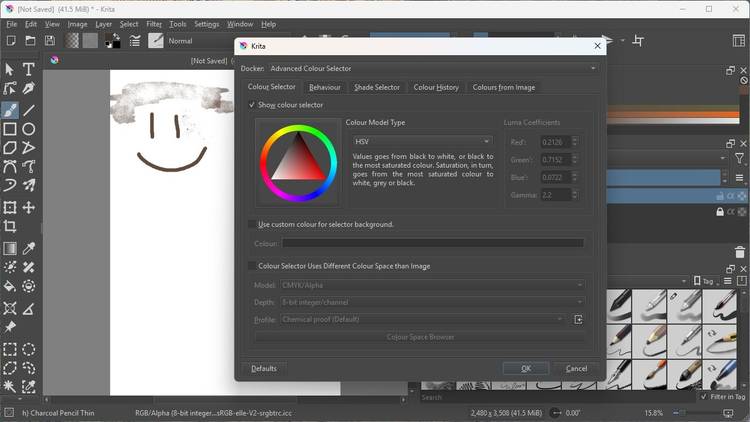
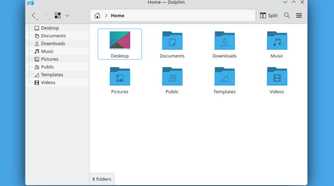
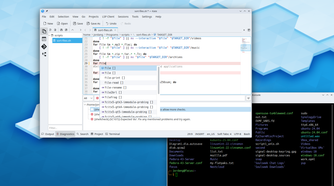
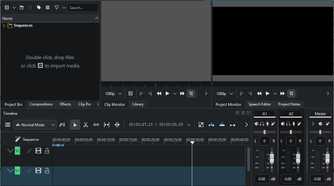
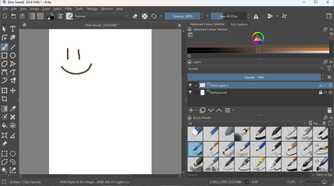
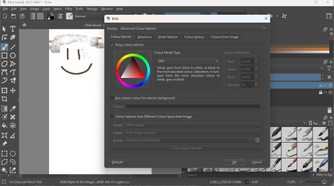
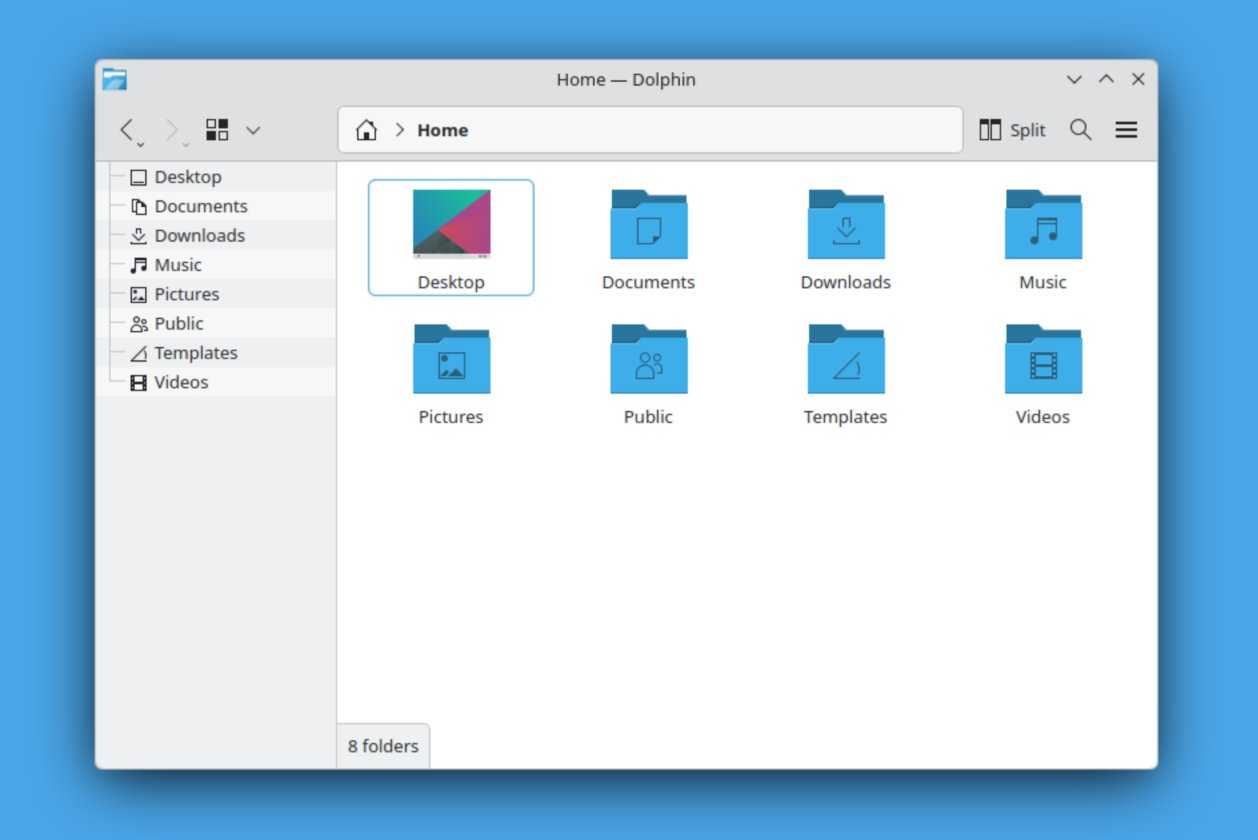
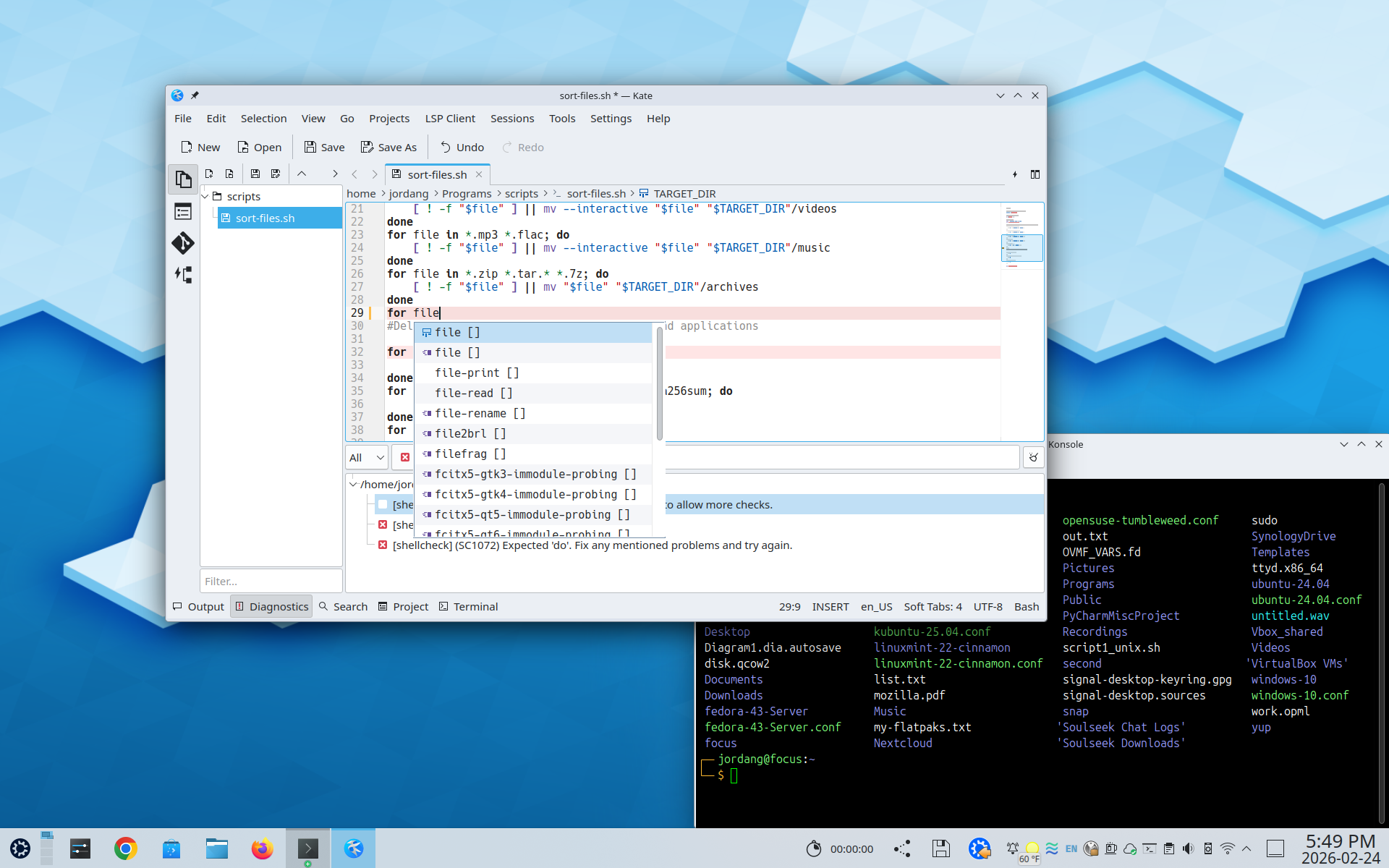
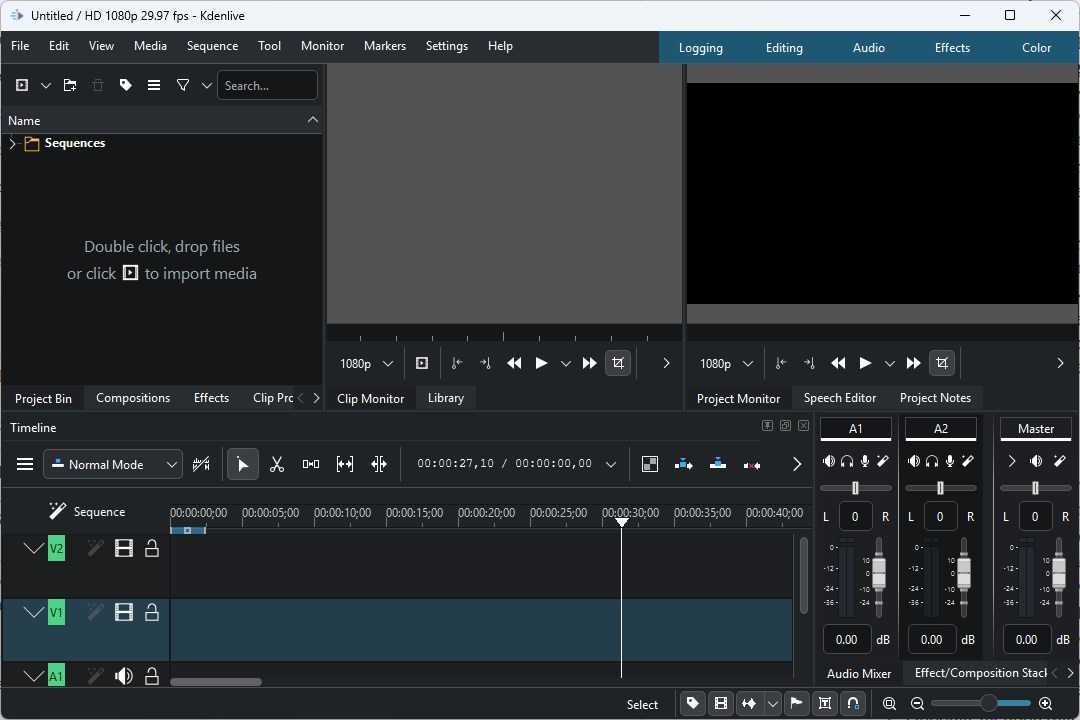
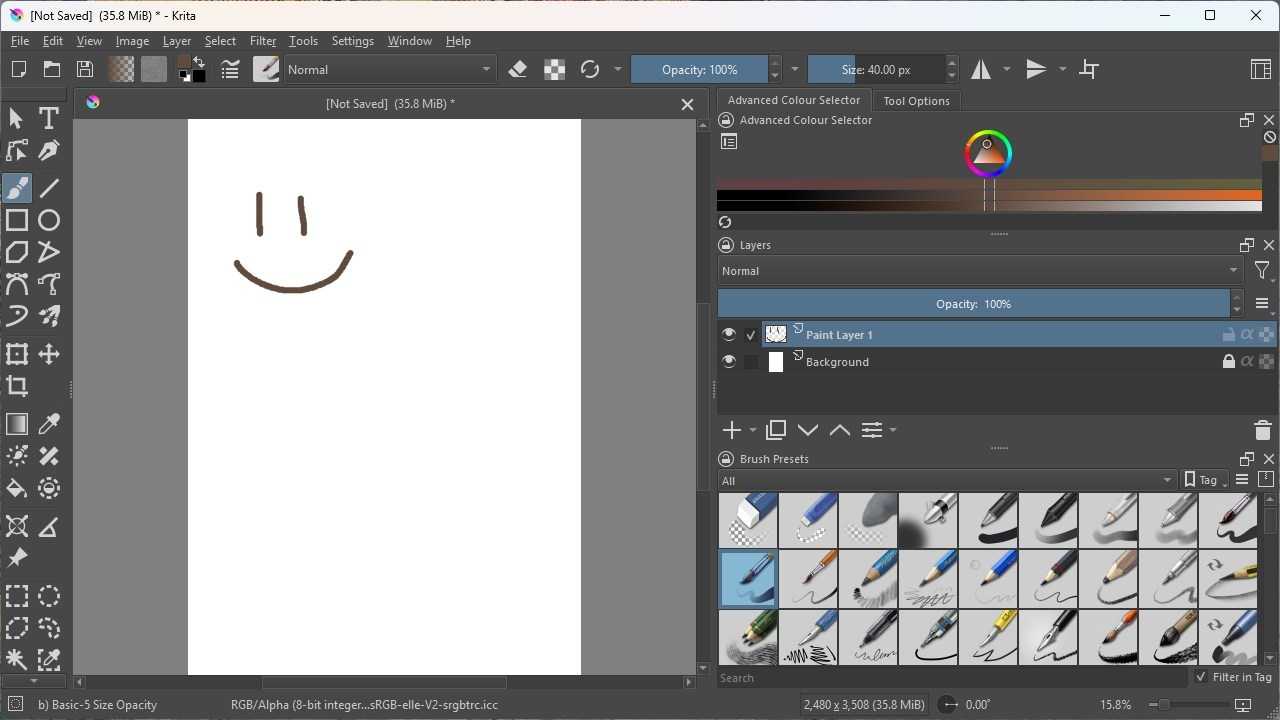
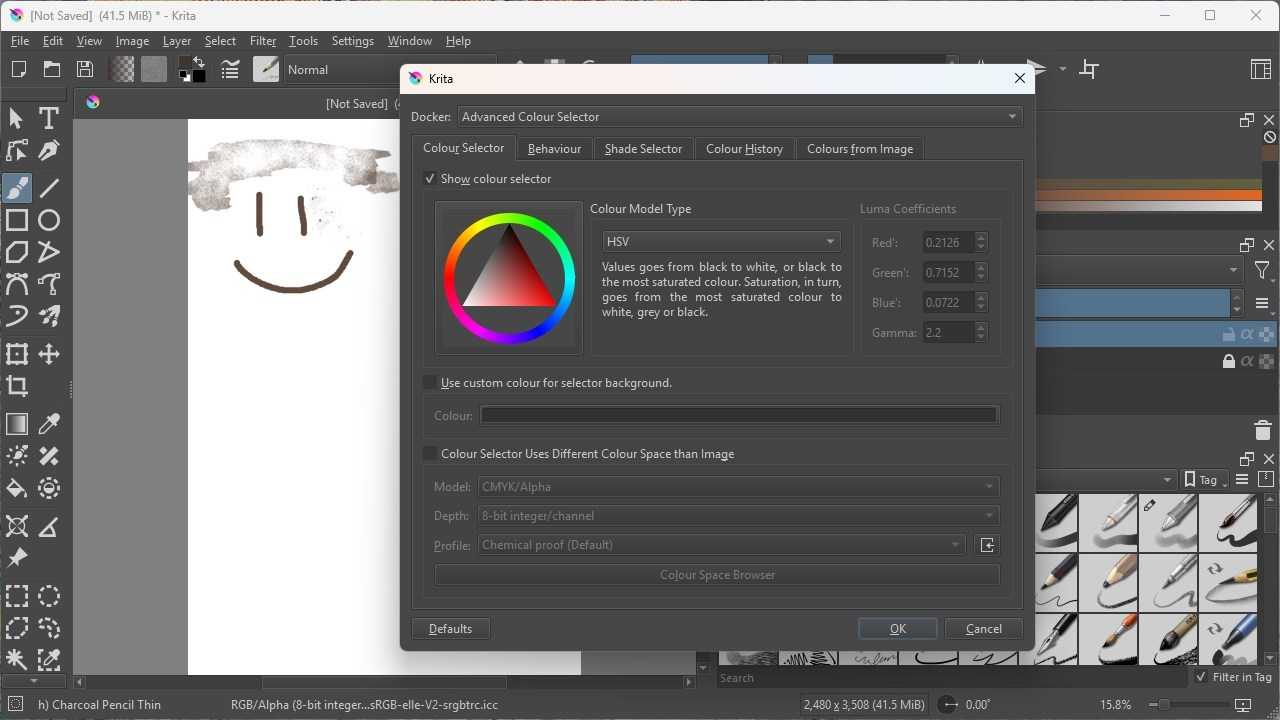
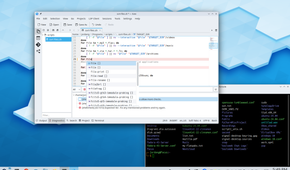
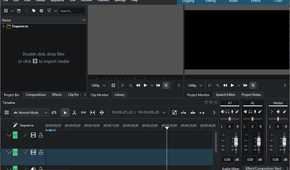
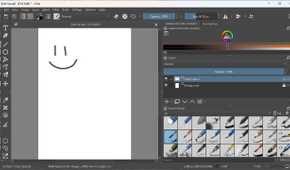
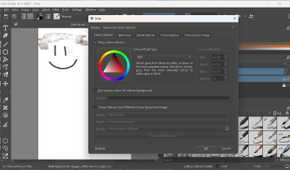
Kubuntu also comes loaded with apps from the KDE Suite, which saves you the trouble of manually hunting for alternatives.
Not every KDE Suite app is installed by default, but they’re all designed to integrate seamlessly into Kubuntu.
Dolphin, the file manager, supports split views, tabs, and even has a built-in Terminal. If you have a dedicated NAS or some other kind of networked storage, Dolphin makes it easy to add it so you can use it just like a local hard drive.
If you need an advanced text editor, Kate is reasonably close to tools like VS Code or VSCodium.
However, my favorite app of the bunch is KDE Connect, which allows you to connect your phone to your PC over your home Wi-Fi network. It allows you to receive notifications from your phone on your desktop, bidirectional clipboard syncing, remote input, and file transfers, all without an account.
The screenshot app—Spectacle—is my favorite screenshot app natively included with any OS or distro. It has the usual mix of features that you’d expect, like the ability to crop or annotate images, but it also has built-in optical character recognition (OCR), which allows you to extract text from any screenshot. I make use of that feature almost constantly.
Other great apps include Kdenlive (a video editor like Adobe Premiere), Okular for PDF viewing, and Krita, a painting app.
Krita is one of the best free painting apps available. If you need a general image editor, you’re better off sticking with GIMP.
Kubuntu is great for anyone, not just beginners
If you’re just trying Linux for the first time after leaving Windows, Kubuntu is a great option, since the out-of-the-box behavior and layout will be very familiar.
Similarly, if you’re inclined to tinker with your UI so that it is exactly what you want, KDE Plasma gives you a lot of flexibility without relying on third-party extensions to do it. That makes it less likely to break when a new update rolls out.