
The Windows Subsystem for Linux 2 (WSL 2) runs a real Linux kernel inside a lightweight virtual machine right inside your copy of Windows. It’s an awesome piece of technology that lets you run Linux apps and do Linux things from within Windows with no dual-booting or any of that other malarkey.
So, it’s easy to think of WSL as a way to make running “real” Linux unnecessary for Windows users. To get access to the good bits of Linux, without having to deal with all the rest. While that might actually be the effective outcome in some cases, that’s not the intent and real purpose of this system.
Microsoft told us who WSL was for in 2016
A niche solution for niche needs
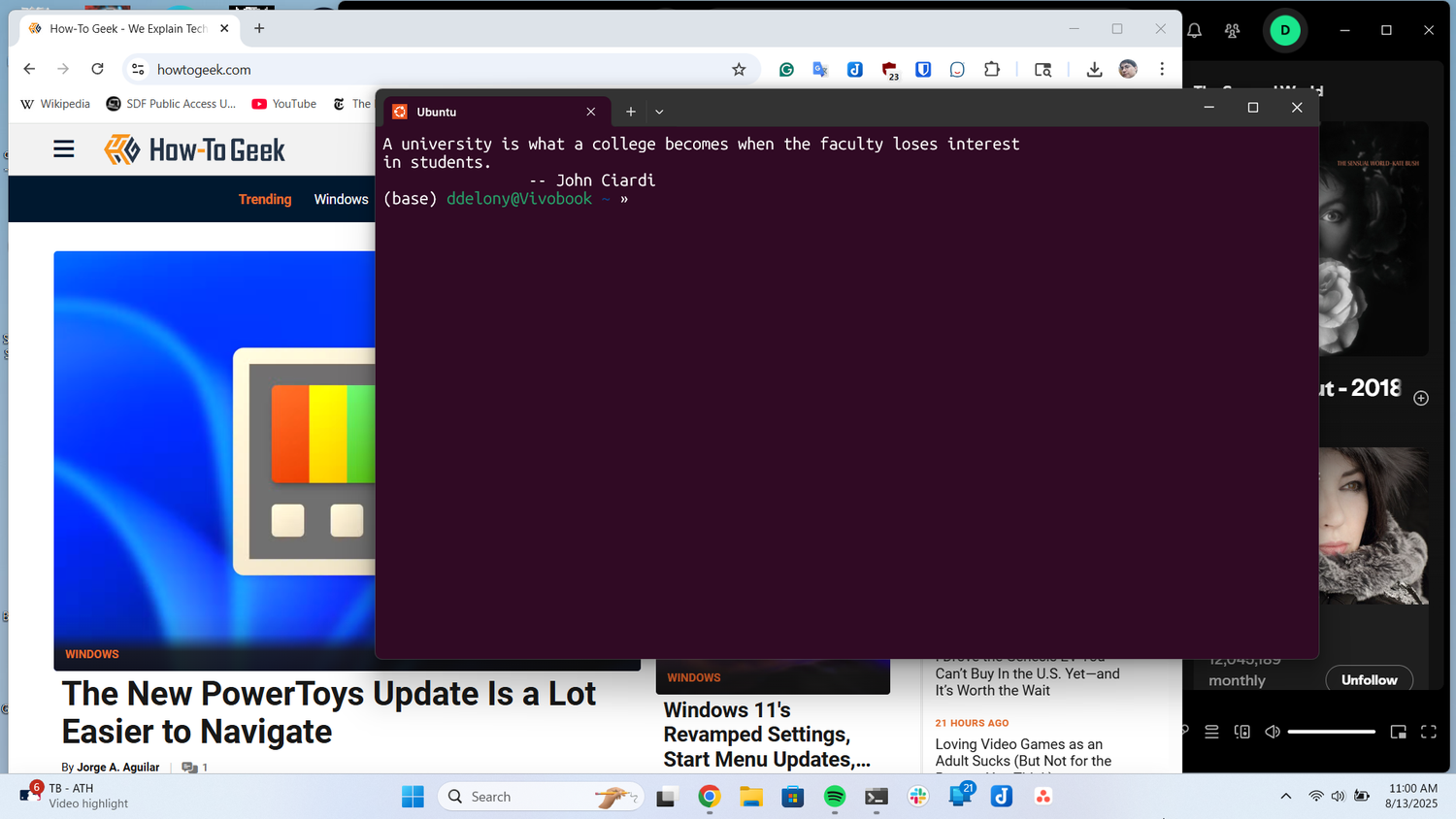
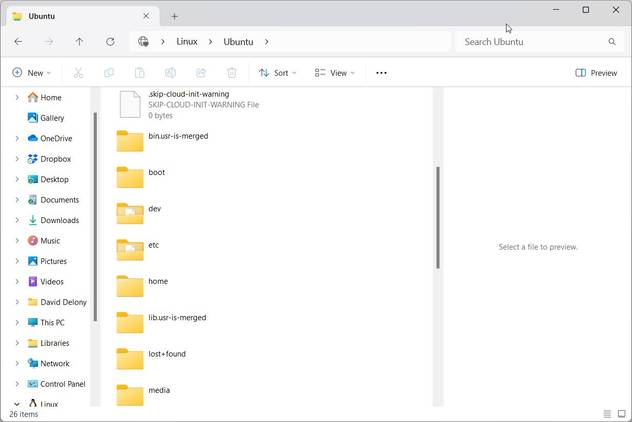
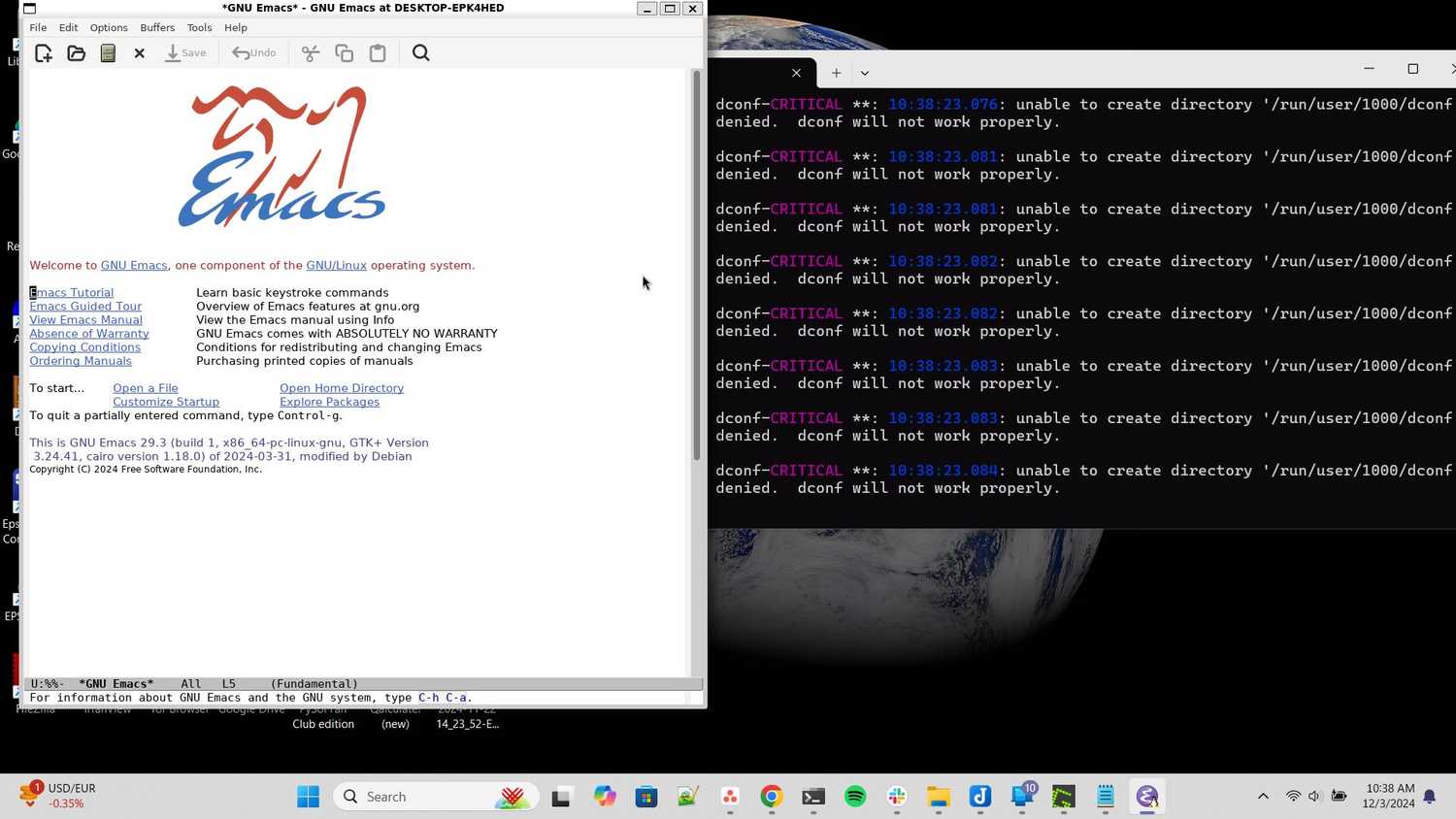
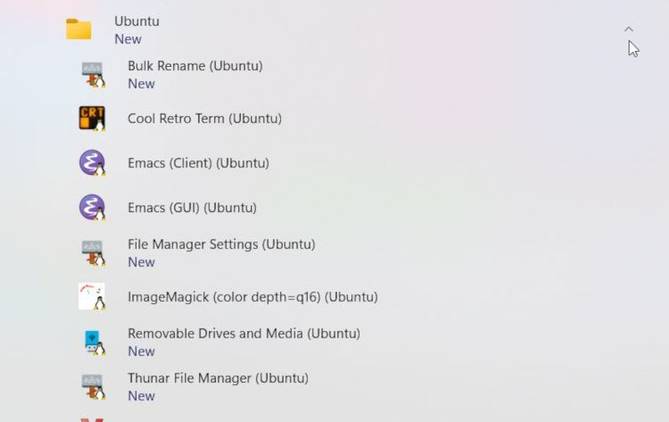
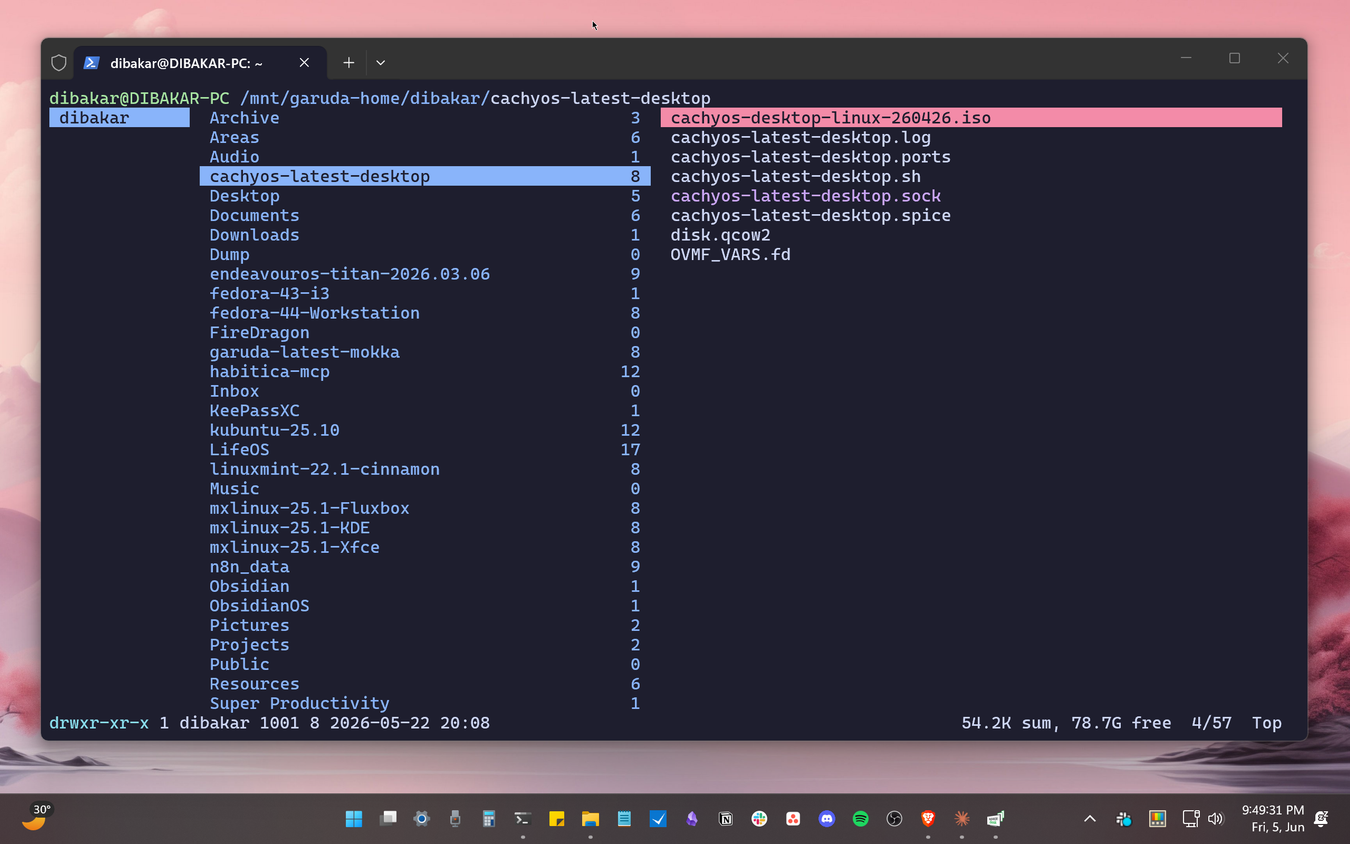


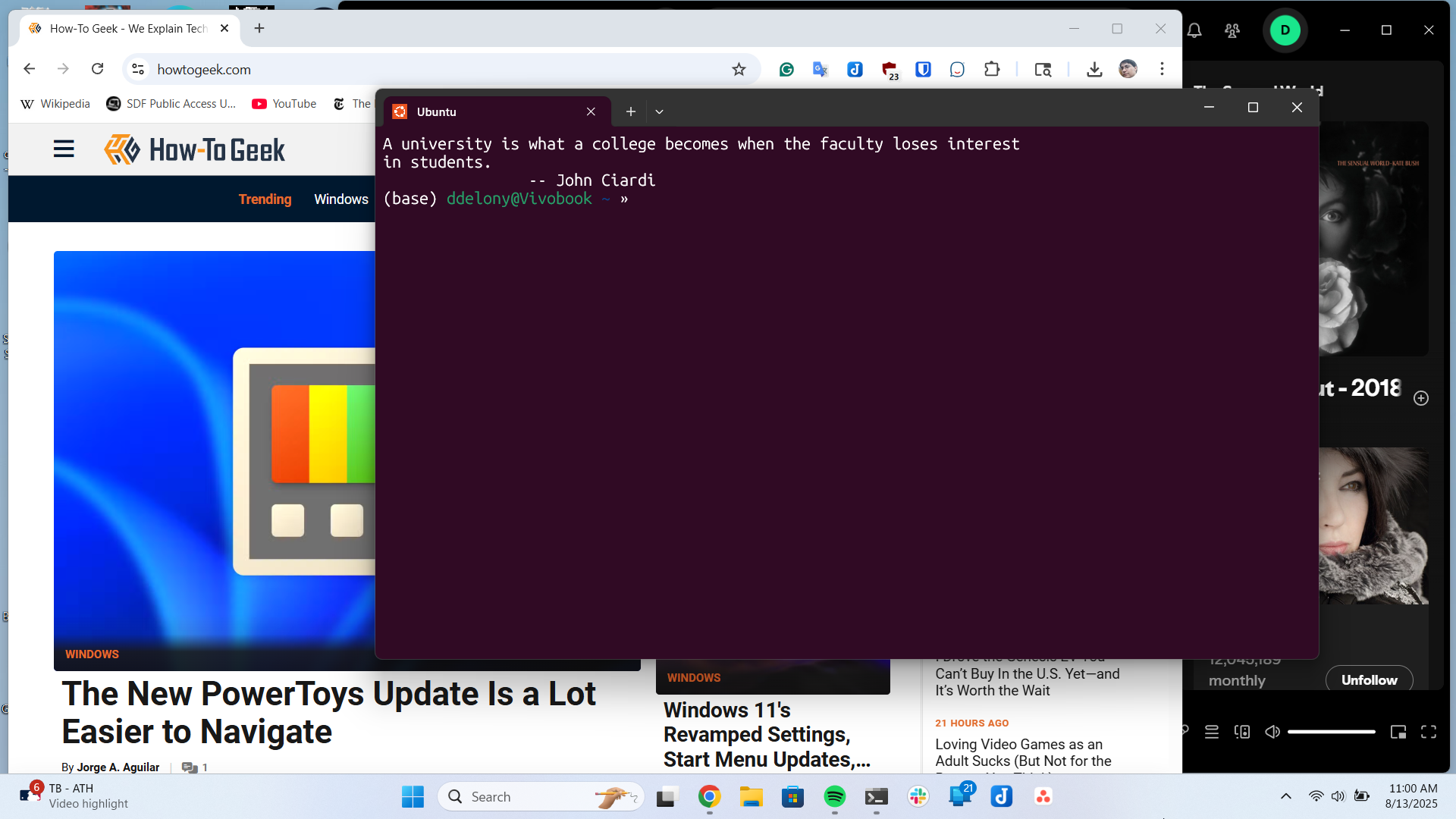
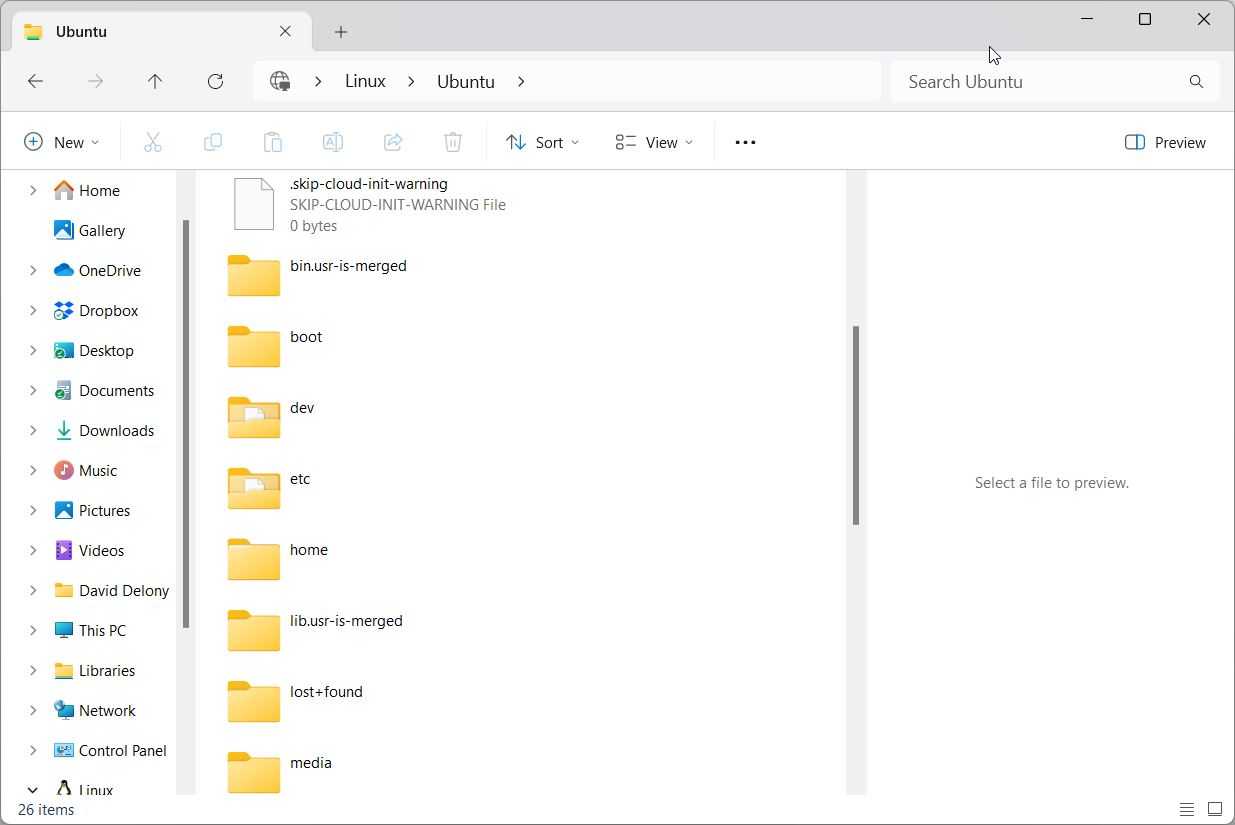
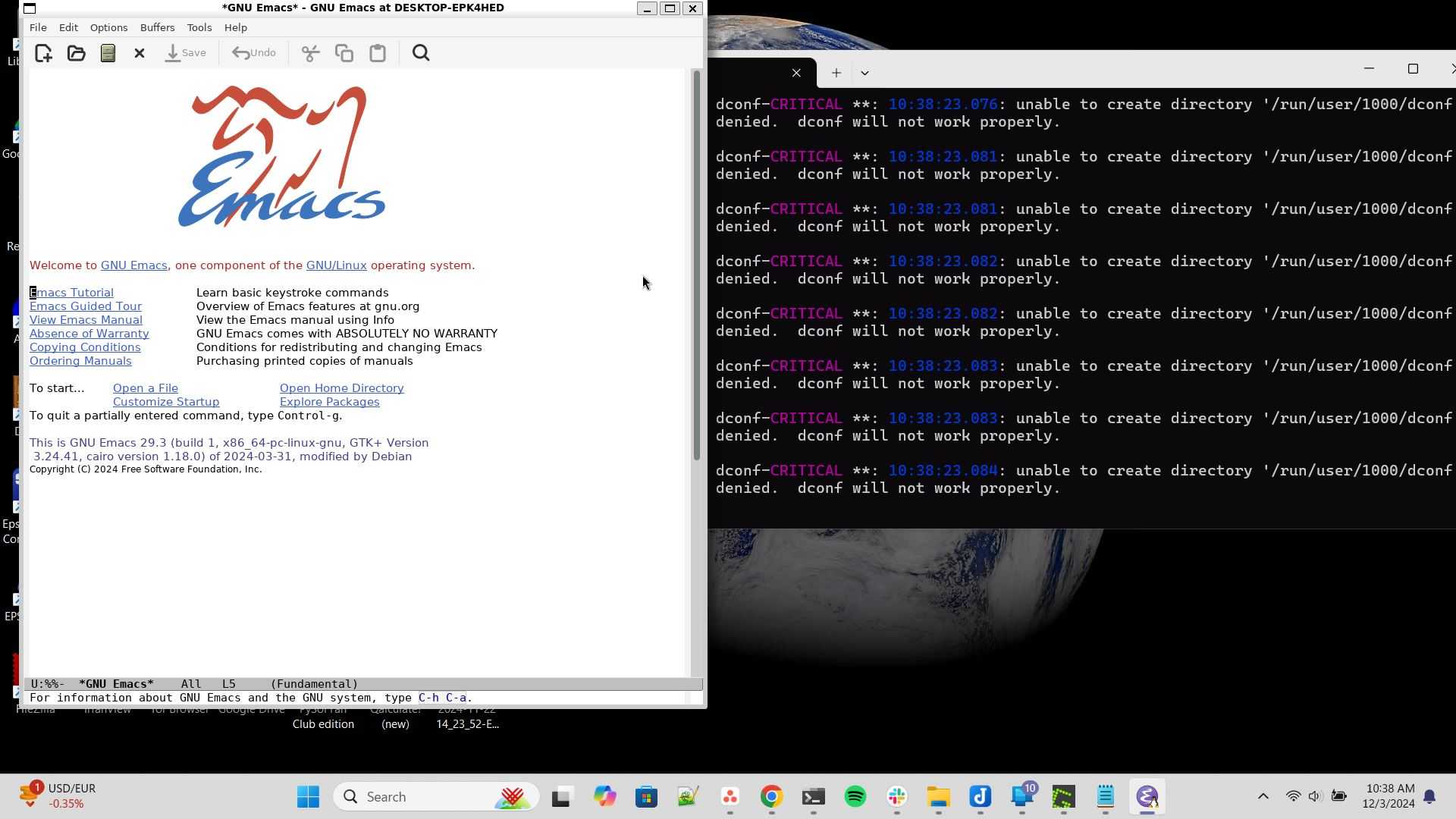
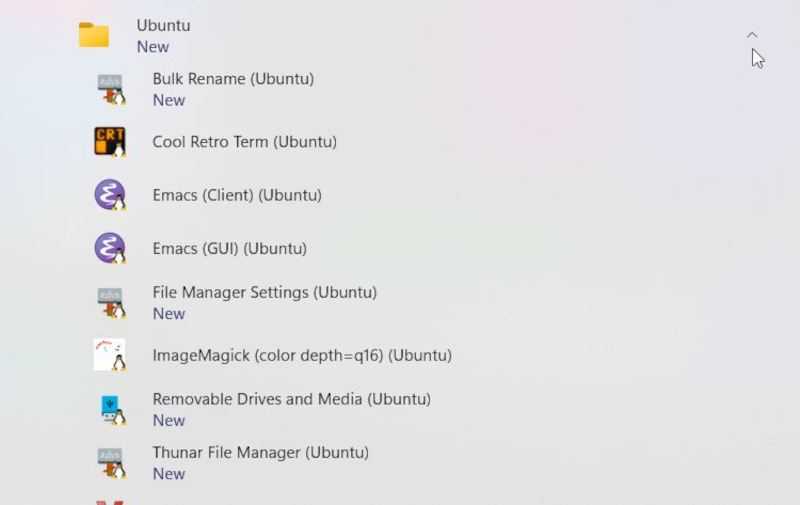
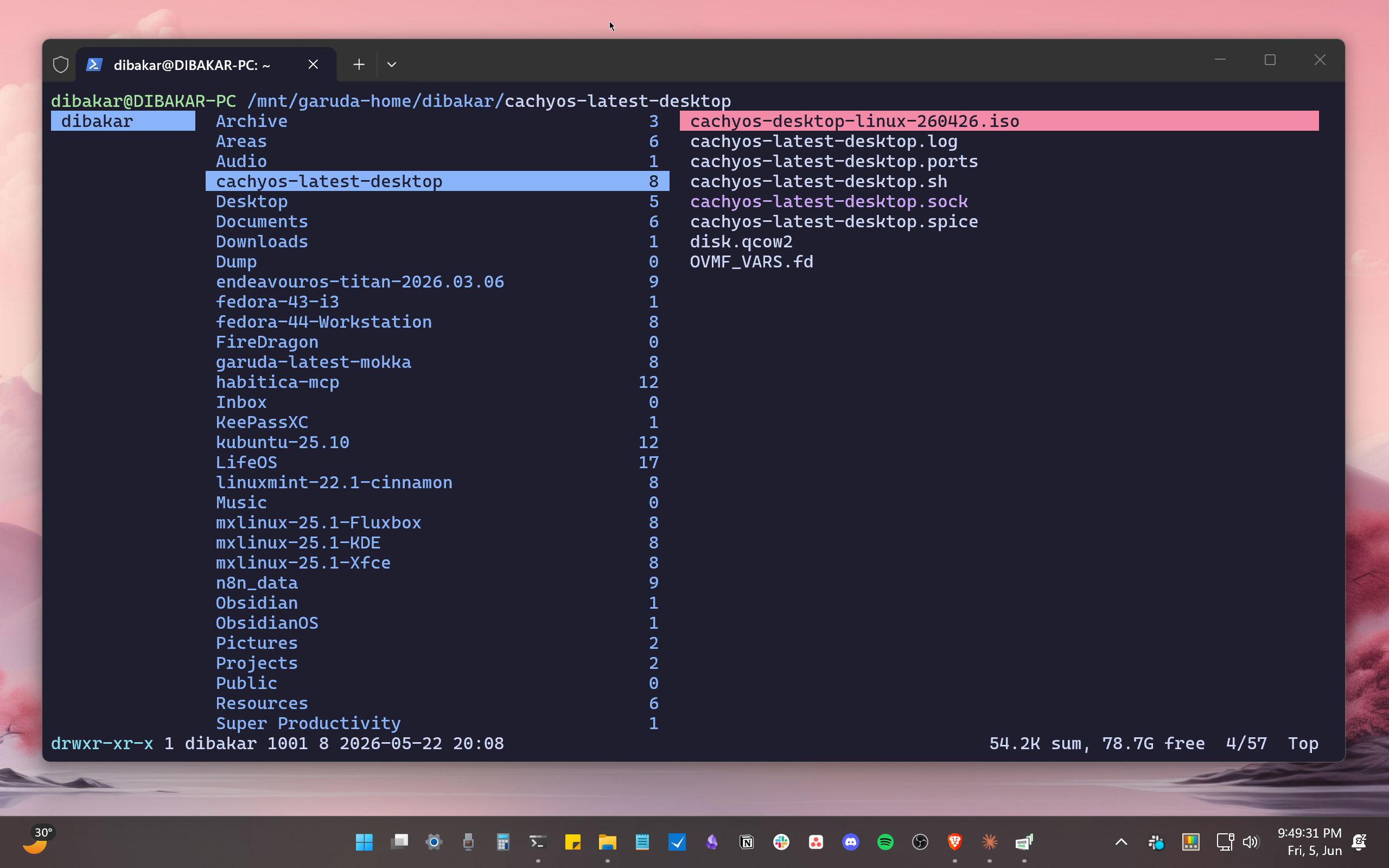



With Microsoft’s original 2016 announcement, it’s clear that WSL is first and foremost a developer tool. It comes from the need for developers on Windows to have access to Linux-only open-source tools. By bringing Ubuntu into Windows and integrating those features, Microsoft made it easier and more feasible for developers to use Windows as a base.
The initial iteration of WSL was by no means a replacement for desktop Linux at all. It had poor disk I/O performance, there was no graphical desktop environment or graphical apps, and it wasn’t part of Windows by default.
Needing Linux software doesn’t mean wanting—or being allowed—to replace Windows
Sometimes you need to work with what you’ve got
The audience for whom WSL was created fell into a unique situation. In many cases, they have to use Windows, because the organization they work for is based on Windows and other Microsoft services. So, if you’re a developer, or a FOSS contributor who needs to deploy software to a Linux server or code repository, WSL can build a workflow that keeps you on one machine.
If you’ve been issued a ThinkPad that has Windows on it, and an IT department that does not allow you to just dual-boot or replace the OS on that machine as a matter of policy, WSL is a lifesaver. It lets you access all the Linux software and tools you need while staying within the Microsoft guardrails your organization is paying for.
WSL’s features make sense when you look at the actual workflow
It’s a key part of a larger machine
 Credit: Microsoft
With WSL2, as detailed in Microsoft’s 2019 announcement, Microsoft hit almost all of those pain points with the original implementation of WSL. Slow drive performance was a big one. It affected compilation times severely, which is rather important to a developer audience.
This was a fundamental architectural change, with a real Linux kernel and the ability to use apps like Docker as a consequence. Microsoft’s popular VS Code integrates with WSL beautifully. According to VS Code’s official WSL documentation:
“The Visual Studio Code WSL extension lets you use the Windows Subsystem for Linux (WSL) as your full-time development environment right from VS Code. You can develop in a Linux-based environment, use Linux-specific toolchains and utilities, and run and debug your Linux-based applications all from the comfort of Windows.”
If you’re a dev that’s using VS Code already, and you’re on the Windows platform, it’s obvious why you’d want something like WSL.
Likewise, integrating Linux and Windows graphical apps into the same desktop is a huge productivity win, but it’s not the same thing at all as having a full Linux desktop.
Making Linux useful on Windows serves Microsoft’s interests
Everybody wins
 Credit: Microsoft
It’s easy to build a narrative in one’s head that Microsoft and Linux are in an antagonistic relationship. However, do you think those servers in Microsoft’s data centers aren’t at least partly running Linux? Is Windows free of open-source components today? Steve Ballmer once famously called Linux a “cancer,” but as reported by ZDNET back in 2016, he now “loves it.”
You don’t even need to rely on altruism to explain Microsoft’s buddy-buddy relationship with Linux and organizations like Canonical. WSL prevents an outflow of developers, who would otherwise move on to full Linux. It allows existing businesses, who pay Microsoft millions every month, to remain inside the Windows bubble while still benefiting from Linux.
In September 2026, Microsoft announced that WSL containers would now be widely available:
“WSL is central to our commitment to making Windows the best place to build, run and manage Linux workloads. As AI, cloud-native development, containers, and open-source ecosystems continue to converge on Linux, more developers are choosing to perform these workloads directly on Windows devices. We’re continuing our journey towards this goal with a new feature in WSL: WSL containers . . .”
This pushes WSL into an even more seamless fusion of Windows and Linux, letting native Windows apps interface with Linux in ways that would have been unthinkable before WSL.
Just give it a try
Whether you’re primarily a Windows or Linux user, there’s no arguing that WSL and WSL2 are remarkable software engineering projects. It’s fine for people to have very different takes on it. My colleague Jordan Gloor, a Linux diehard if there ever was one, admits that WSL is good, but not good enough to drag him back to Windows. My other colleague, David Deloney, shared the reasons why WSL works for him, even though I’d also describe him as a Linux diehard.
Whatever your opinion, if you have a Windows computer, it’s not hard to try WSL for yourself, and just maybe you’ll come to the conclusion that it’s the best of both worlds, for the right type of user. While also being no threat to Linux itself, whatsoever.