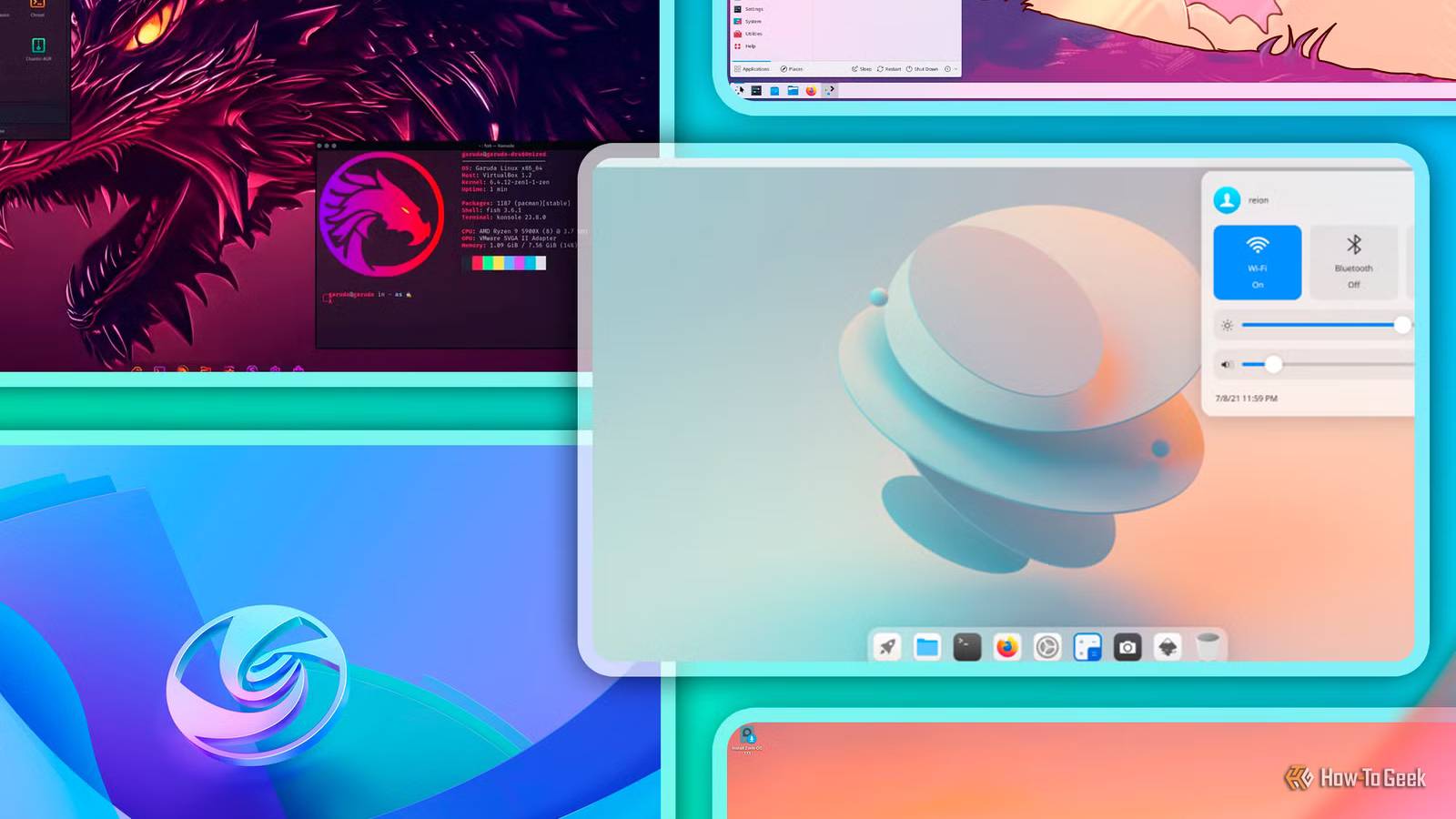
One of the best things about Linux is that you’re not stuck with a single desktop experience. You can pick something that looks like macOS, Windows, or something that’s completely different and unique. That said, the sheer number of options can be overwhelming, and testing every single one to find the perfect fit isn’t practical for everyone. Fortunately, I’ve done the legwork for you. I’ve been using Linux for the past 10 years, and over that time, I’ve tested all the major desktop environments (DEs). Here’s how I’d rank them based on features, performance, and usability.
9
COSMIC
A work in progress
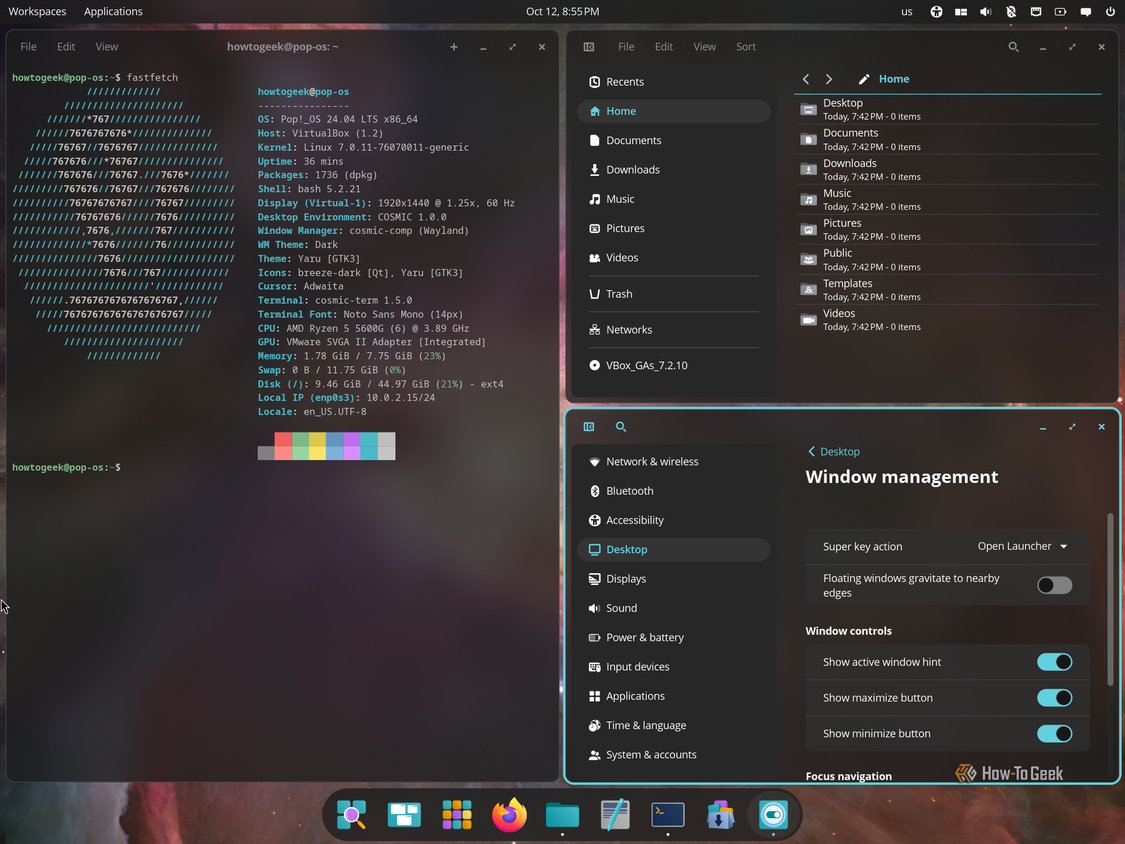
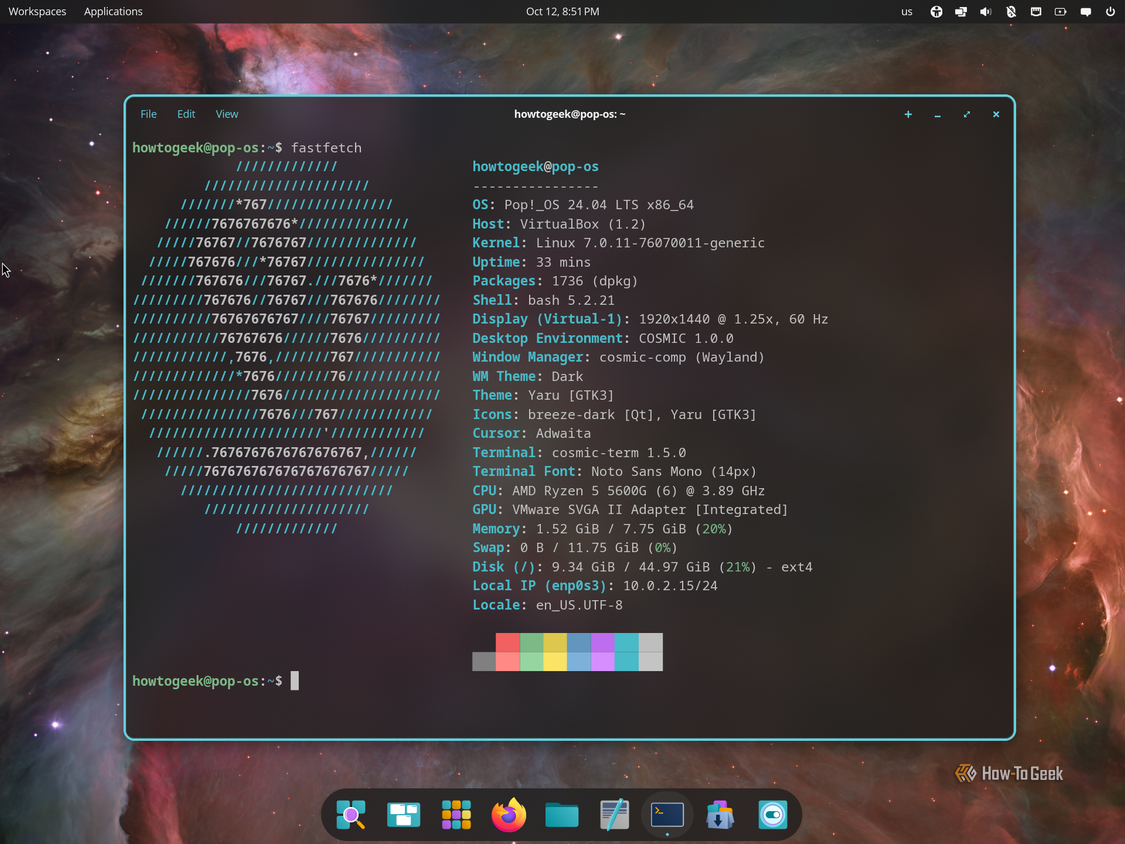
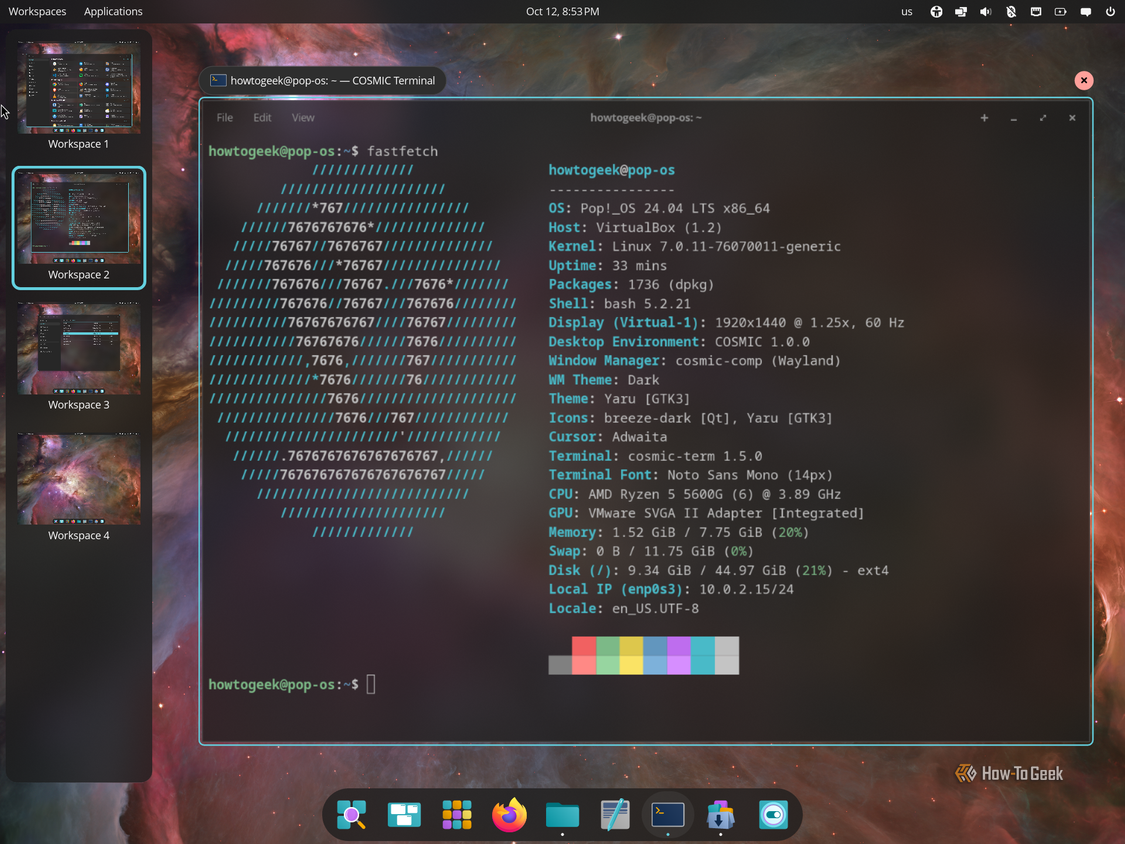
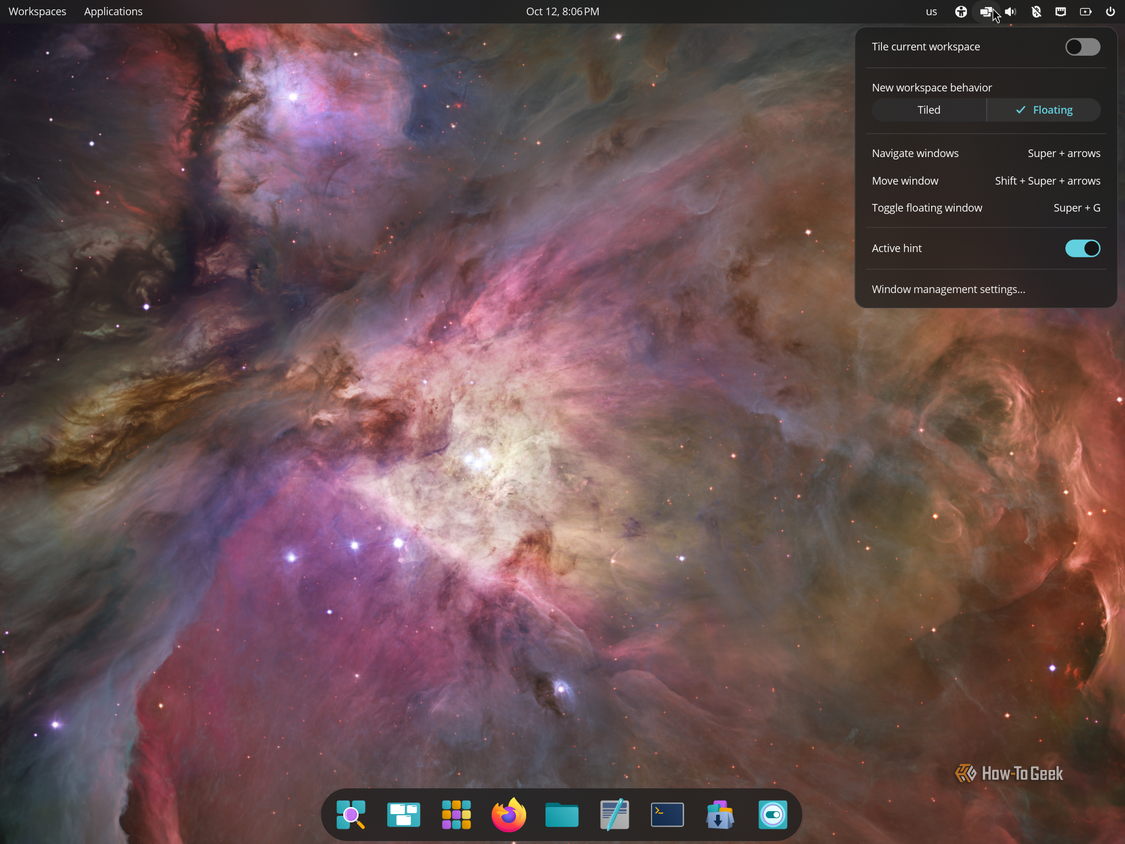
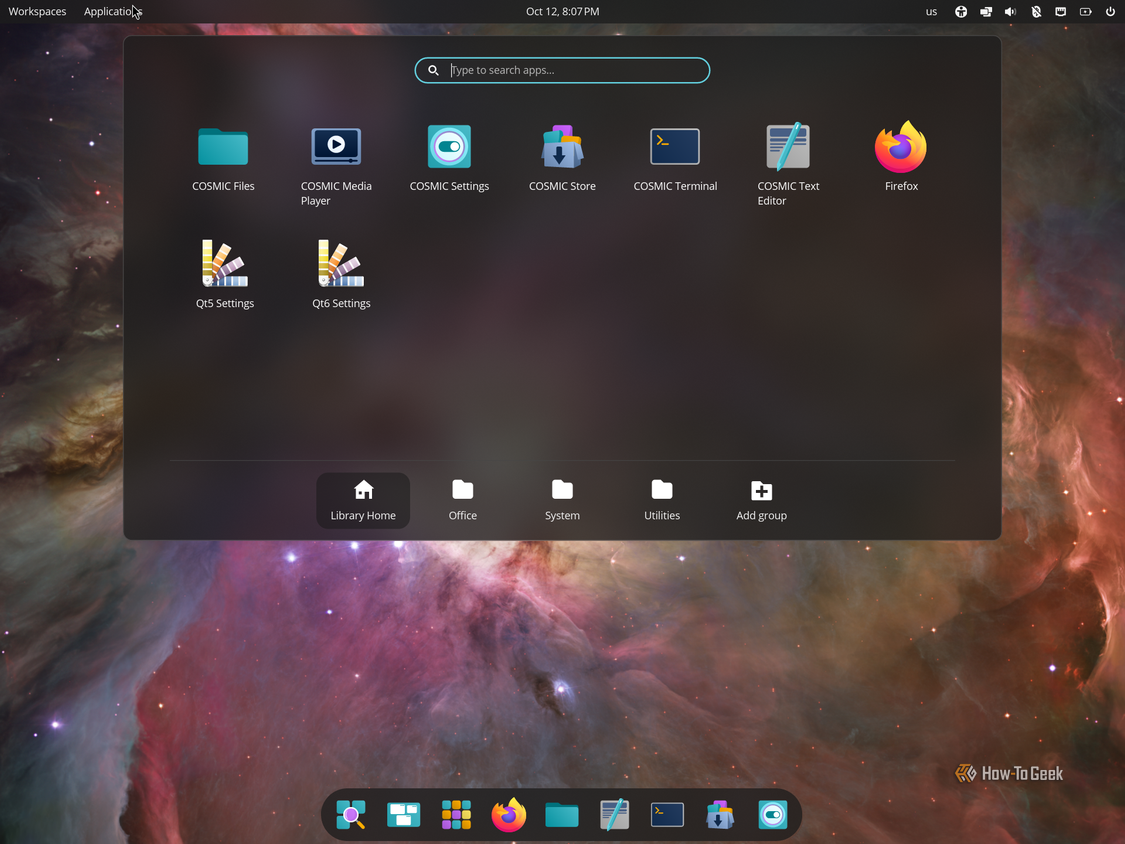
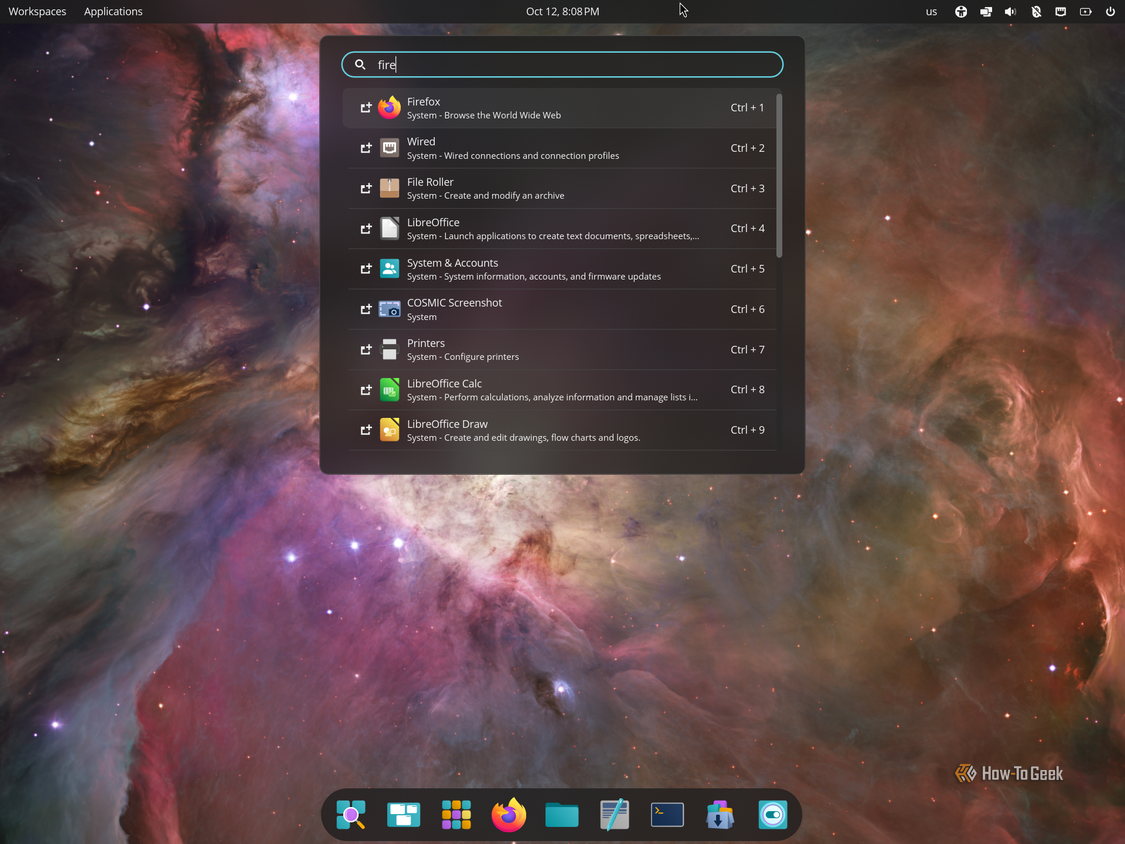
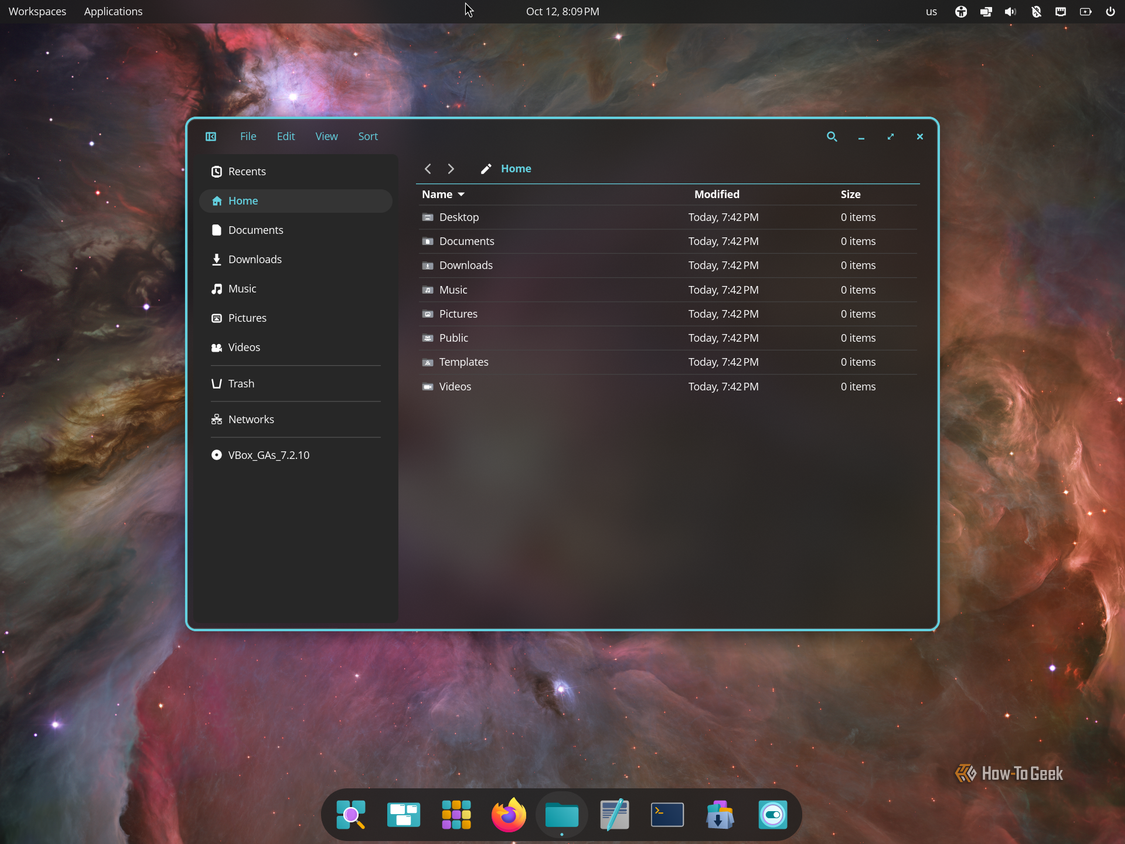
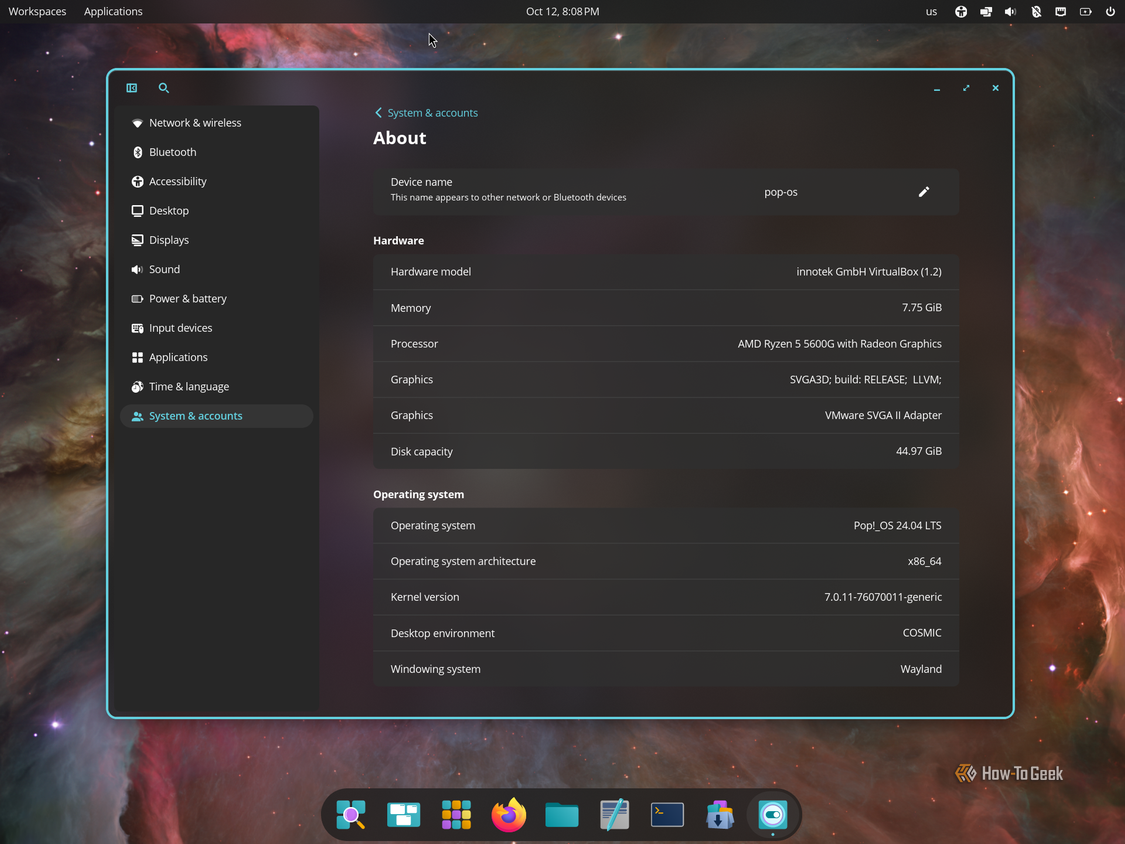
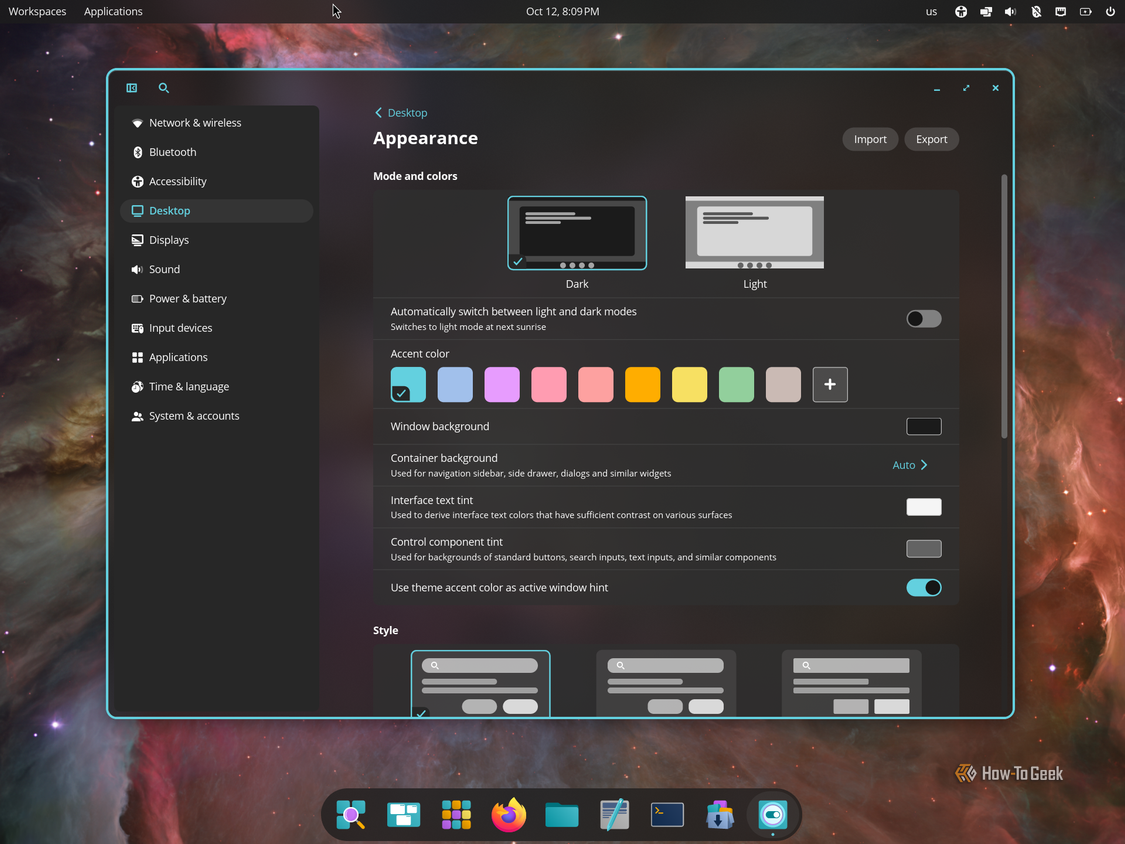
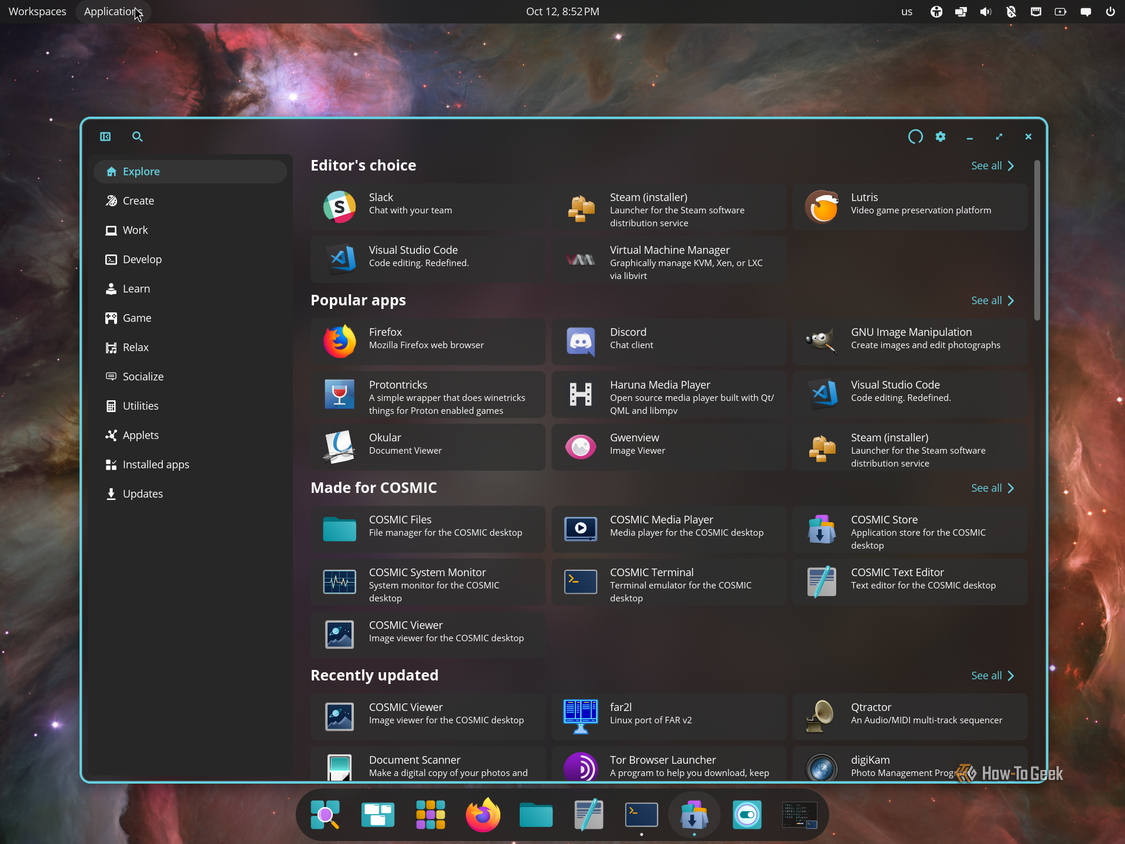
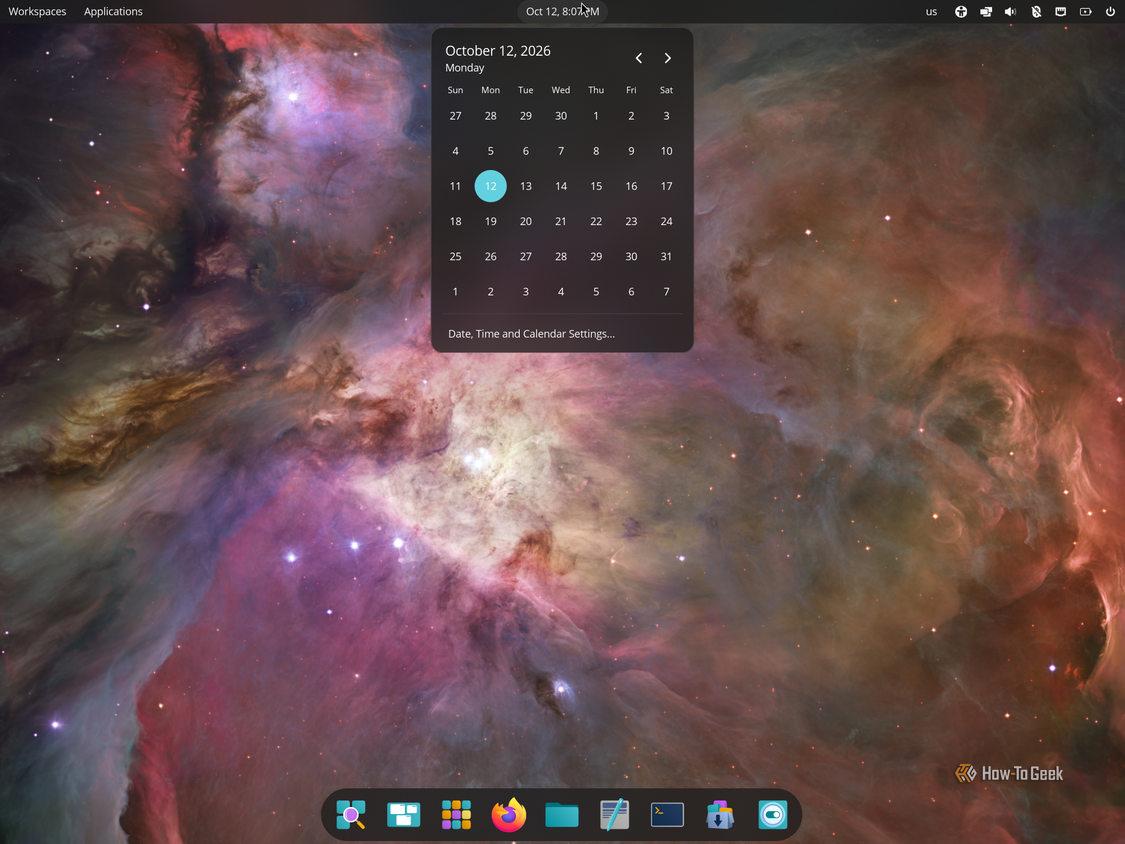
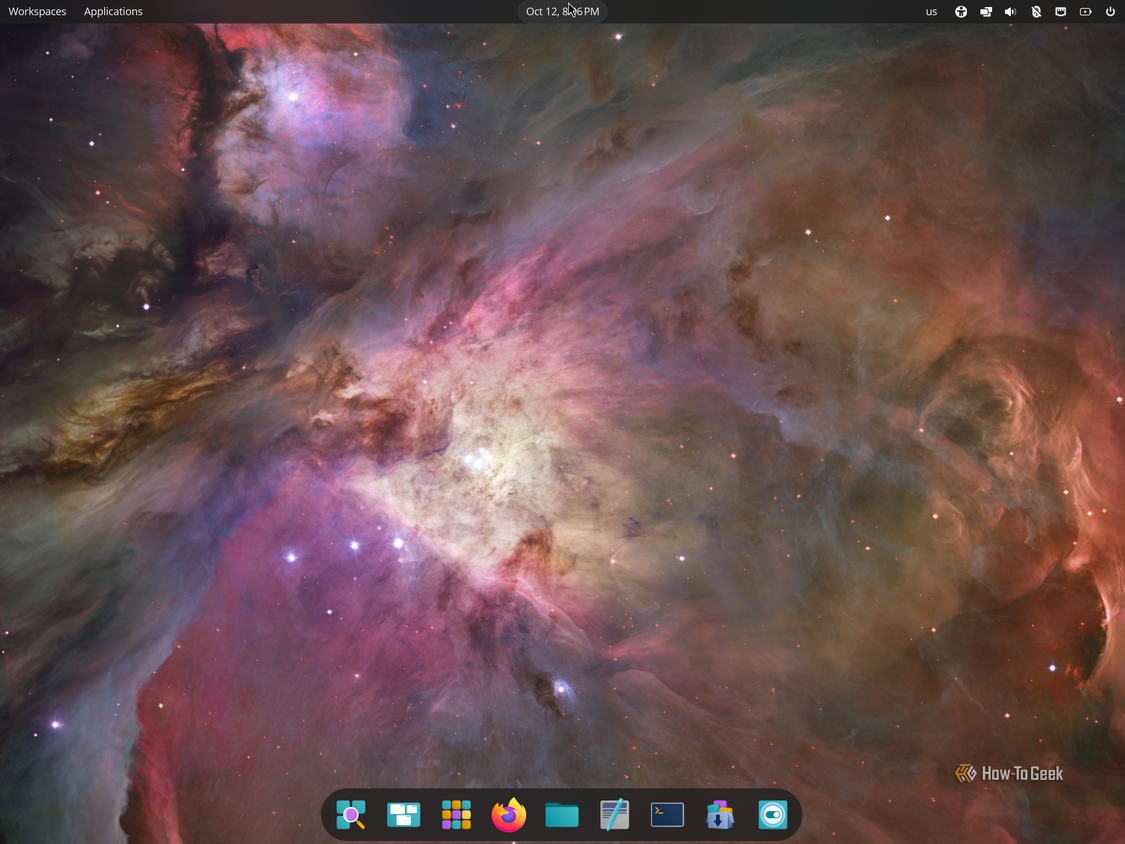
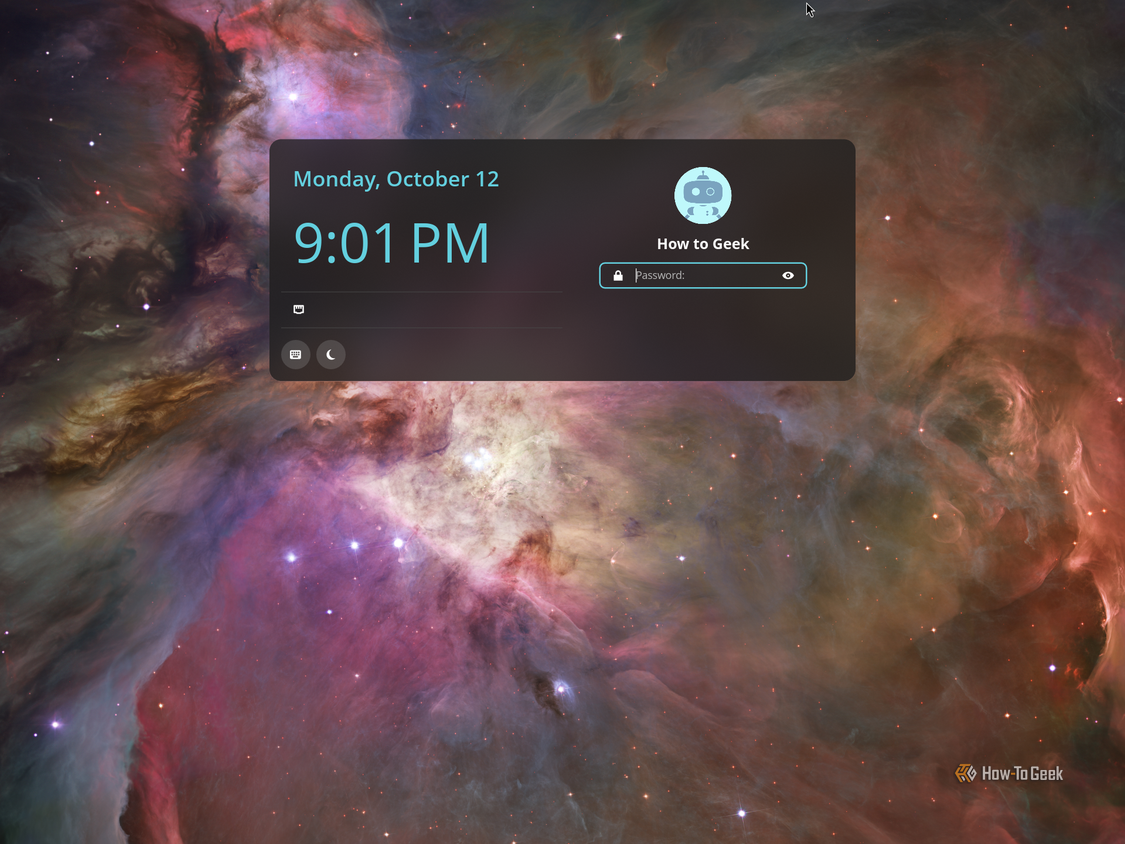
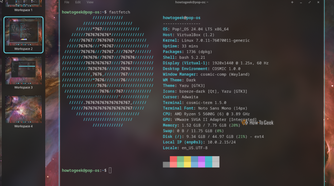

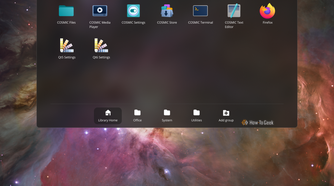
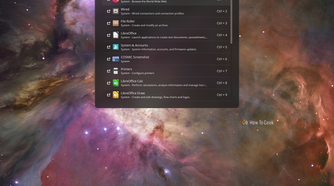
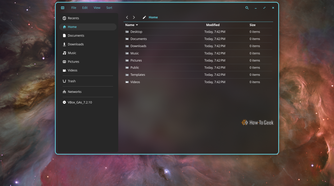
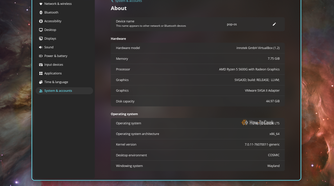
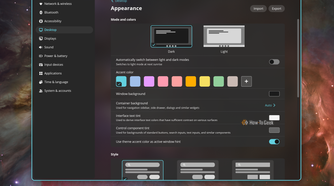
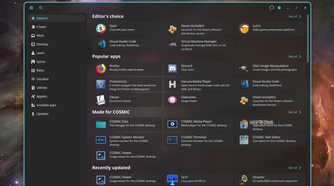
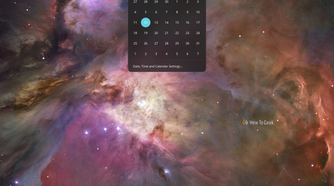

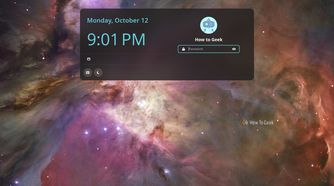
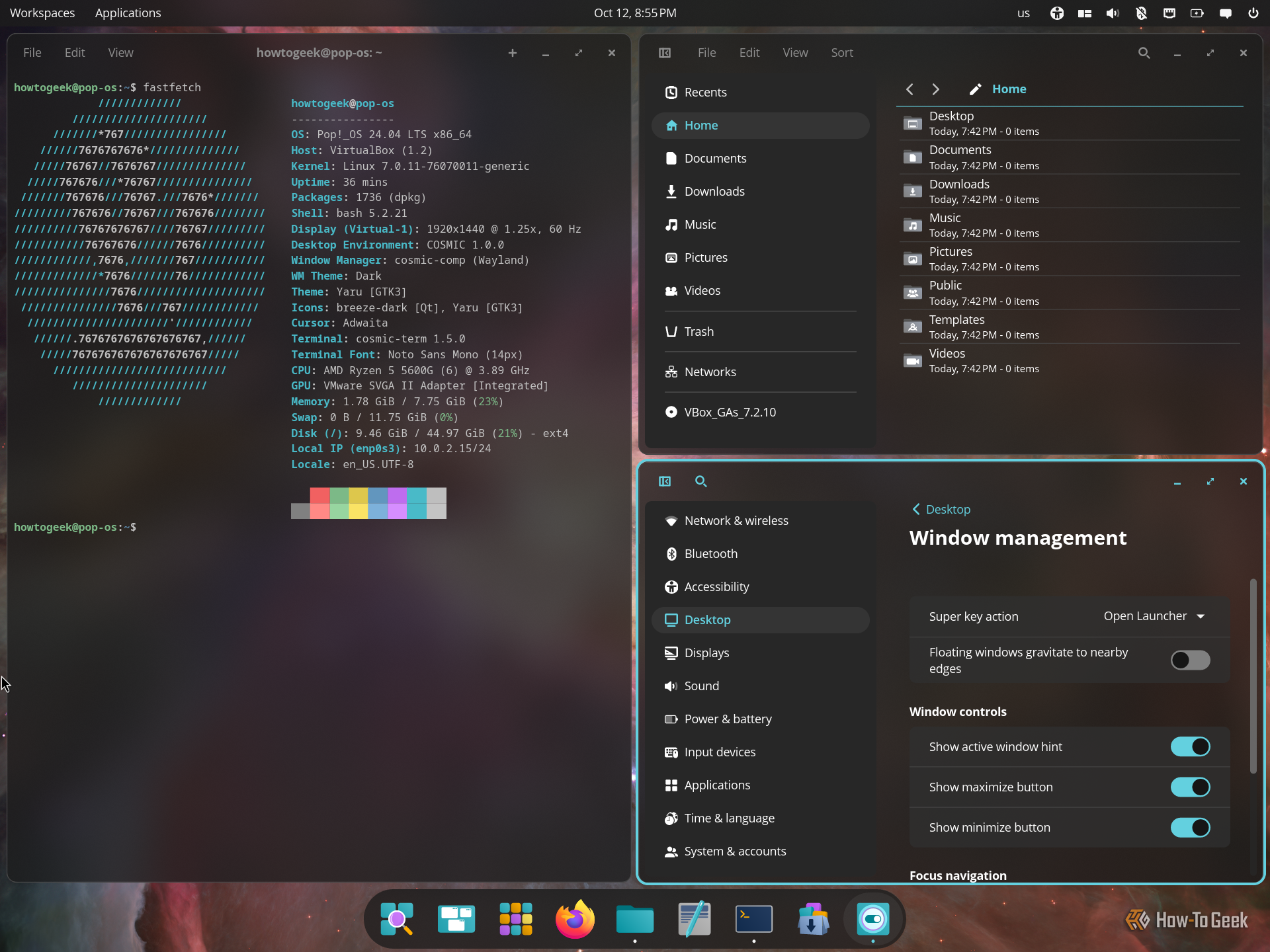
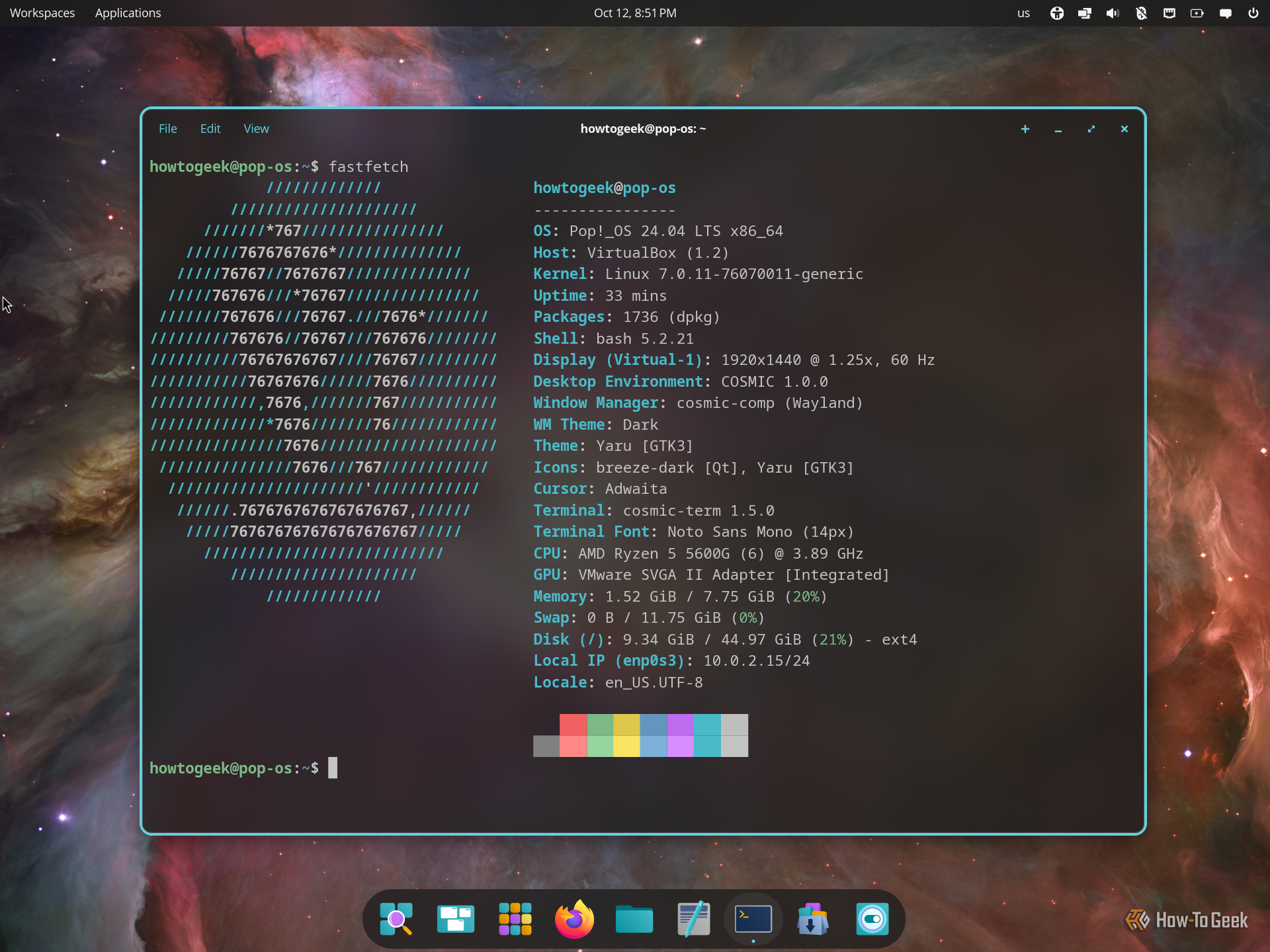
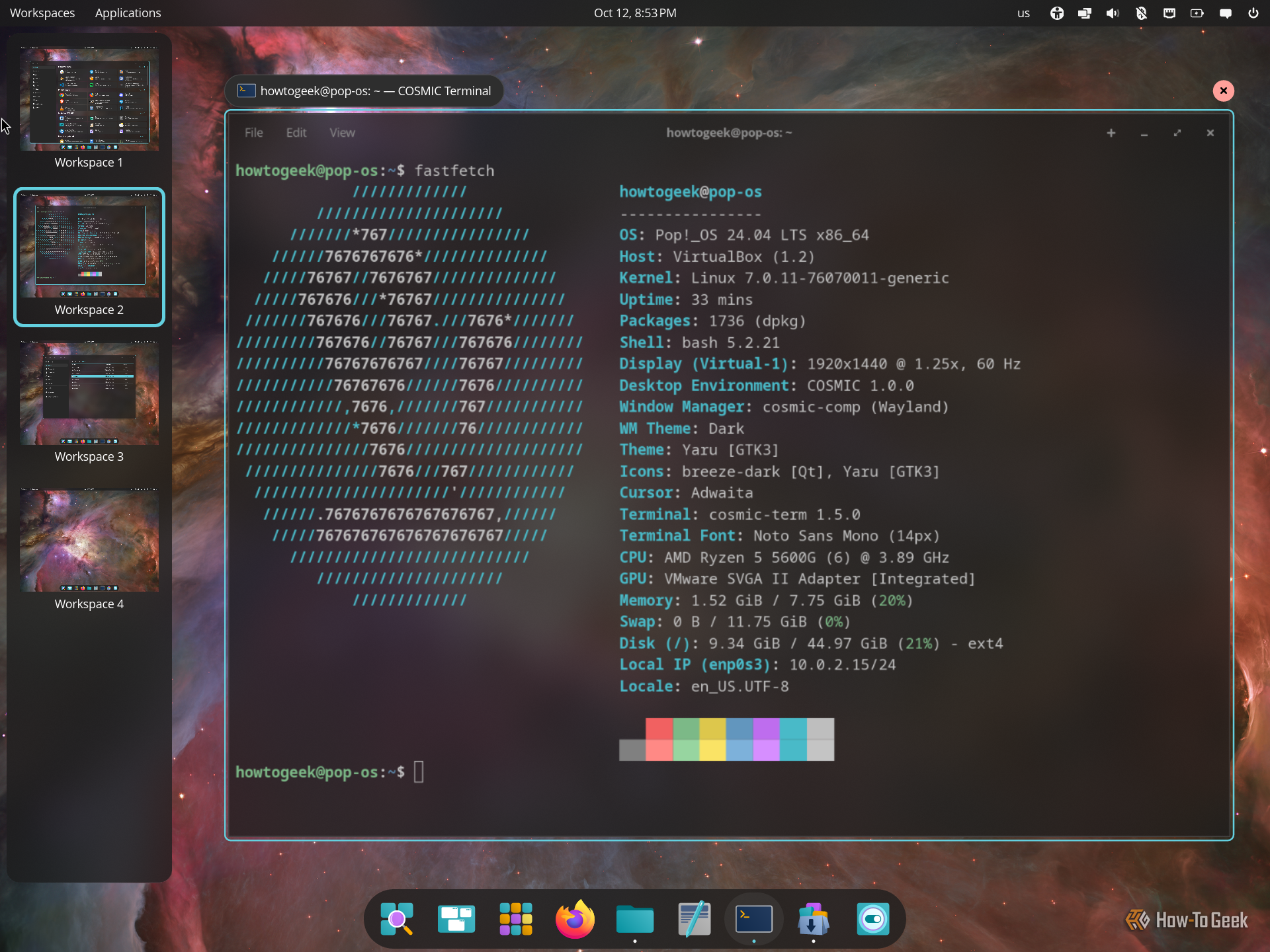
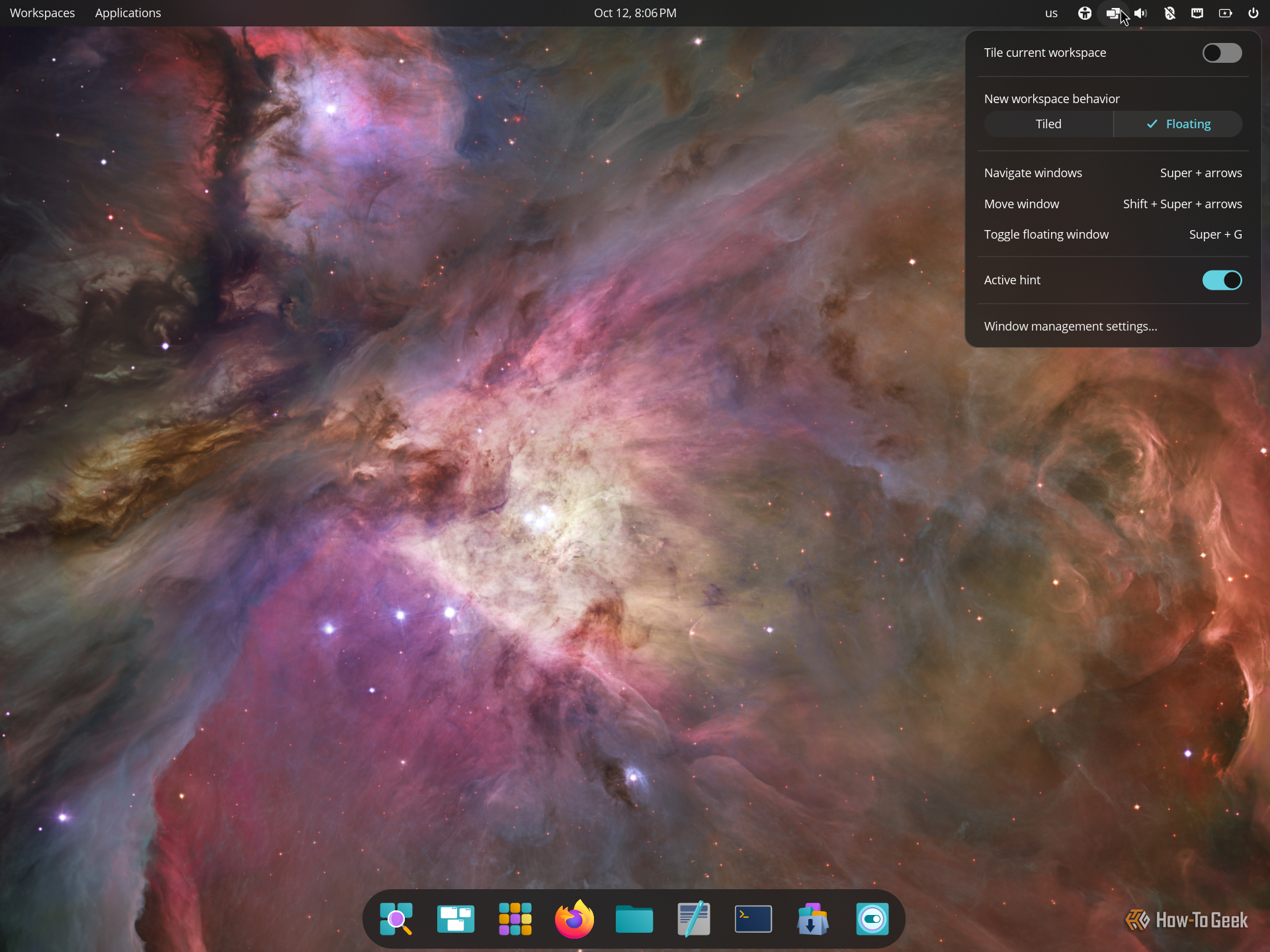
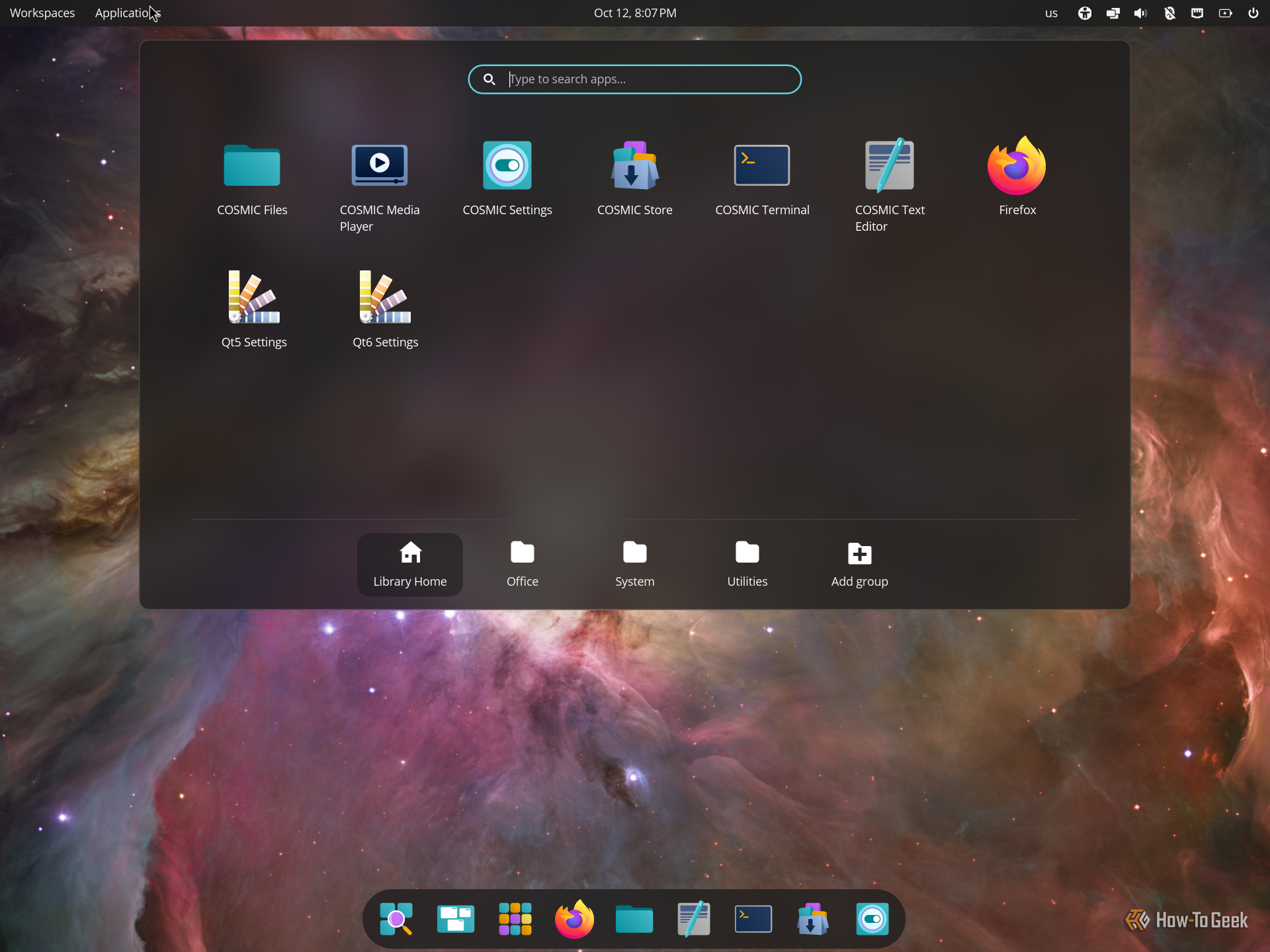
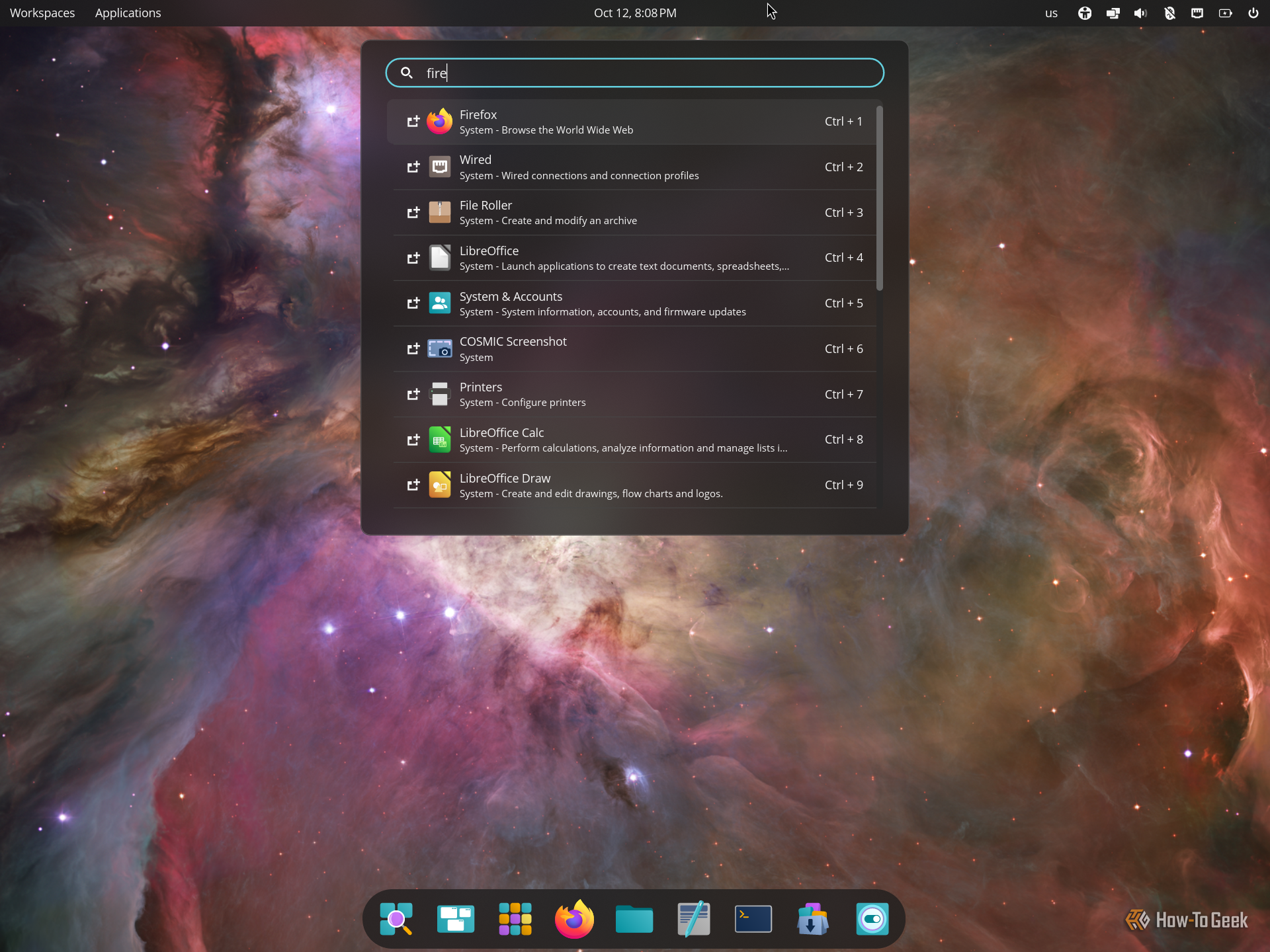
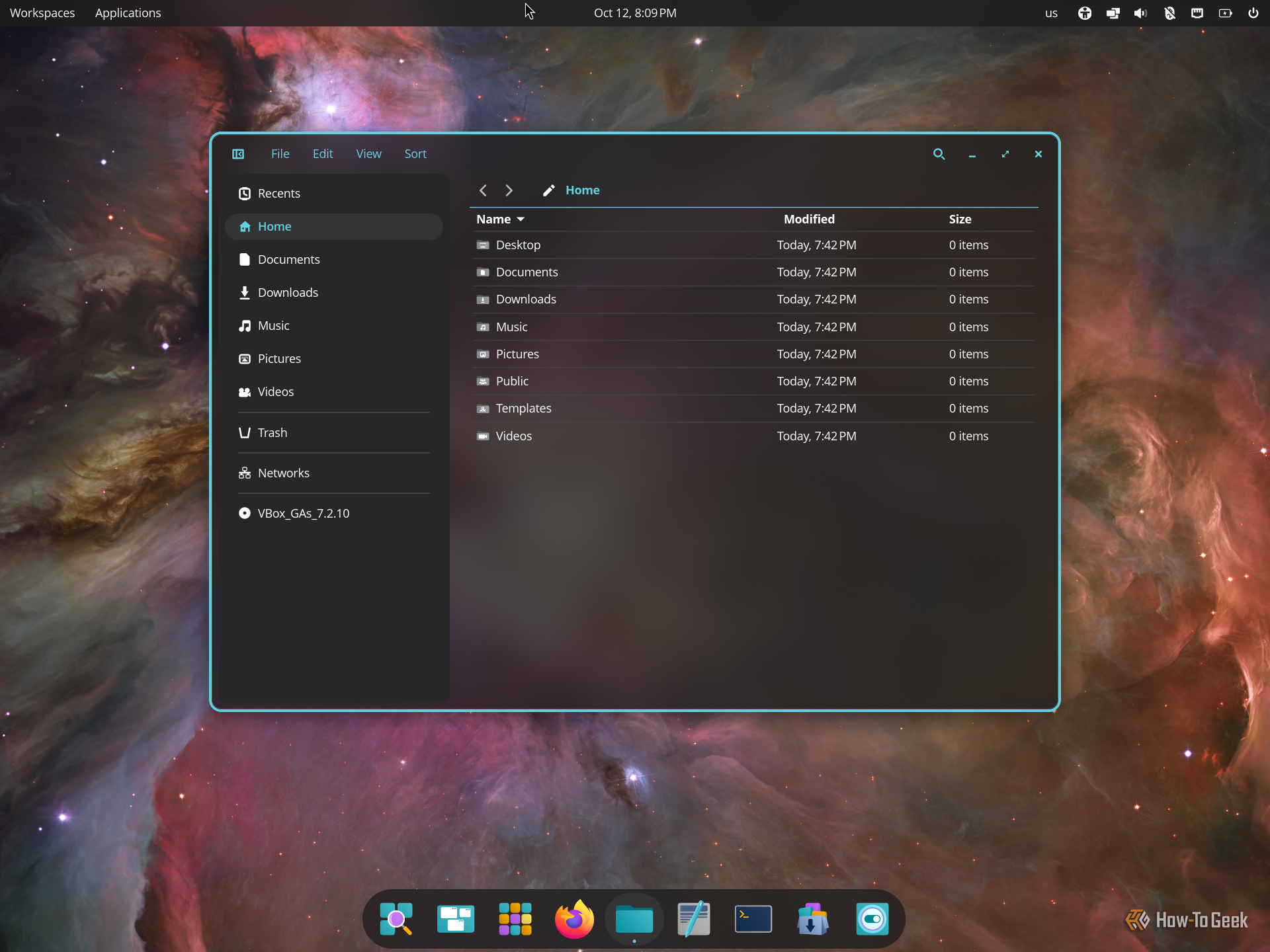
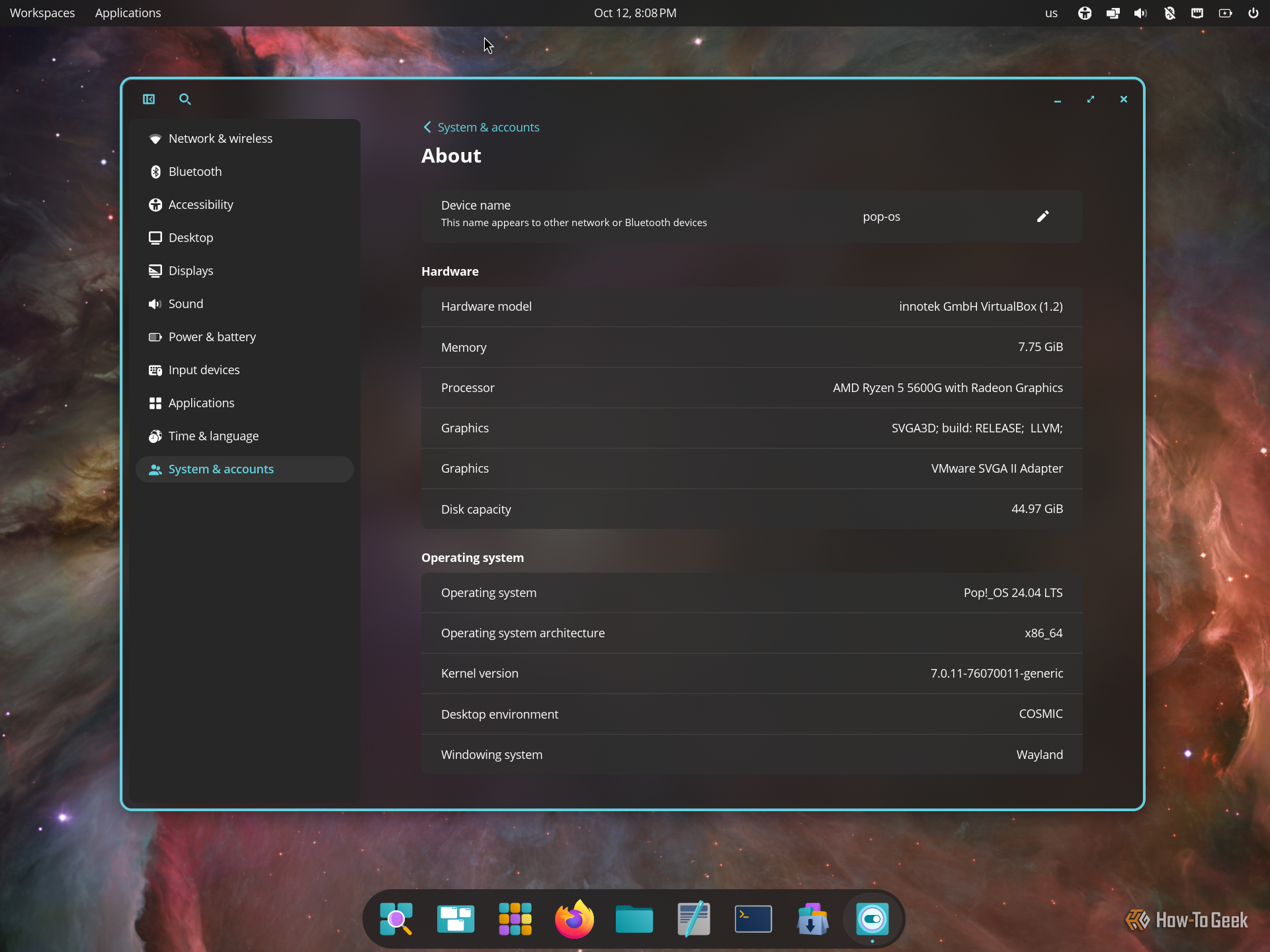
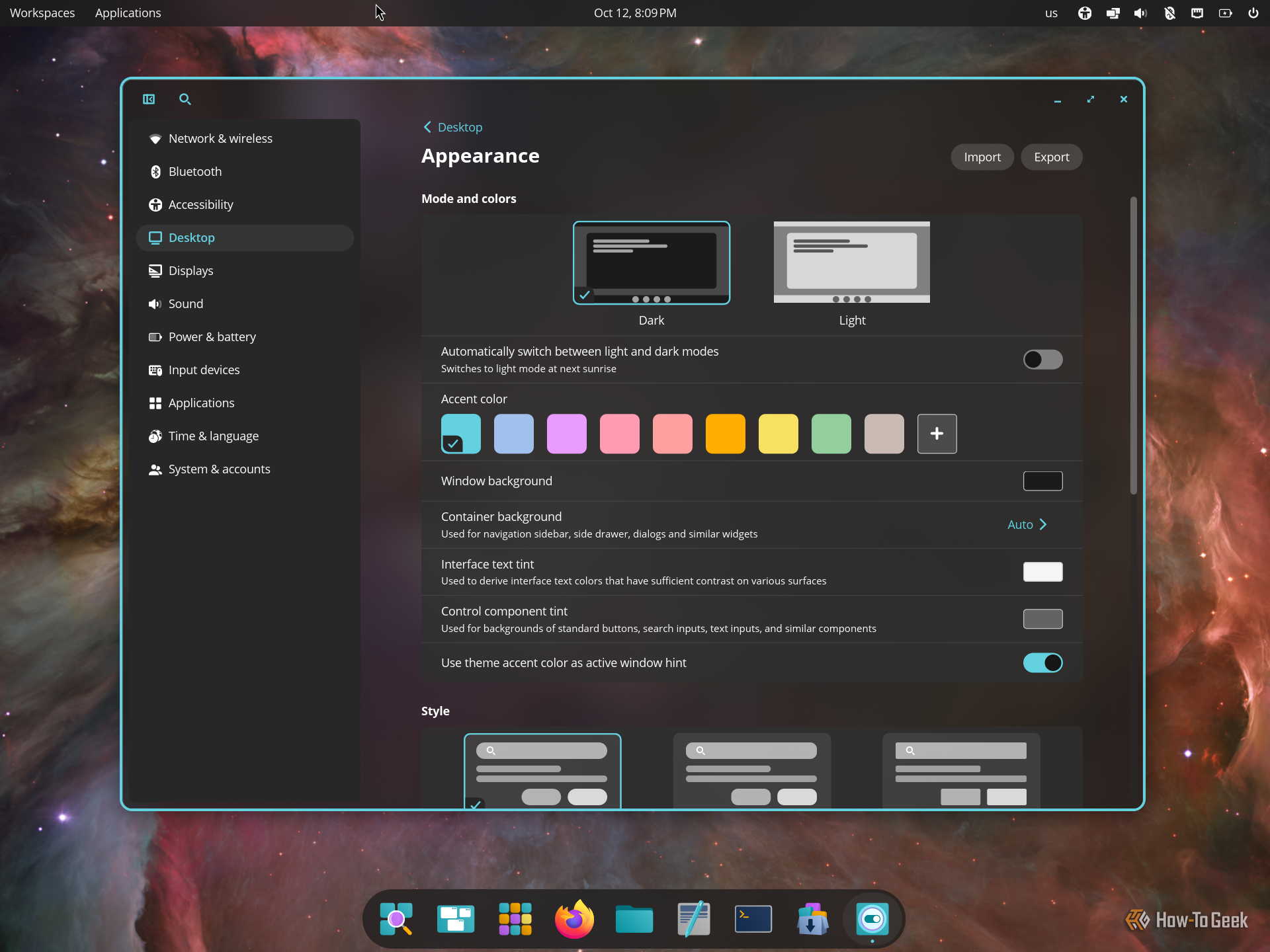
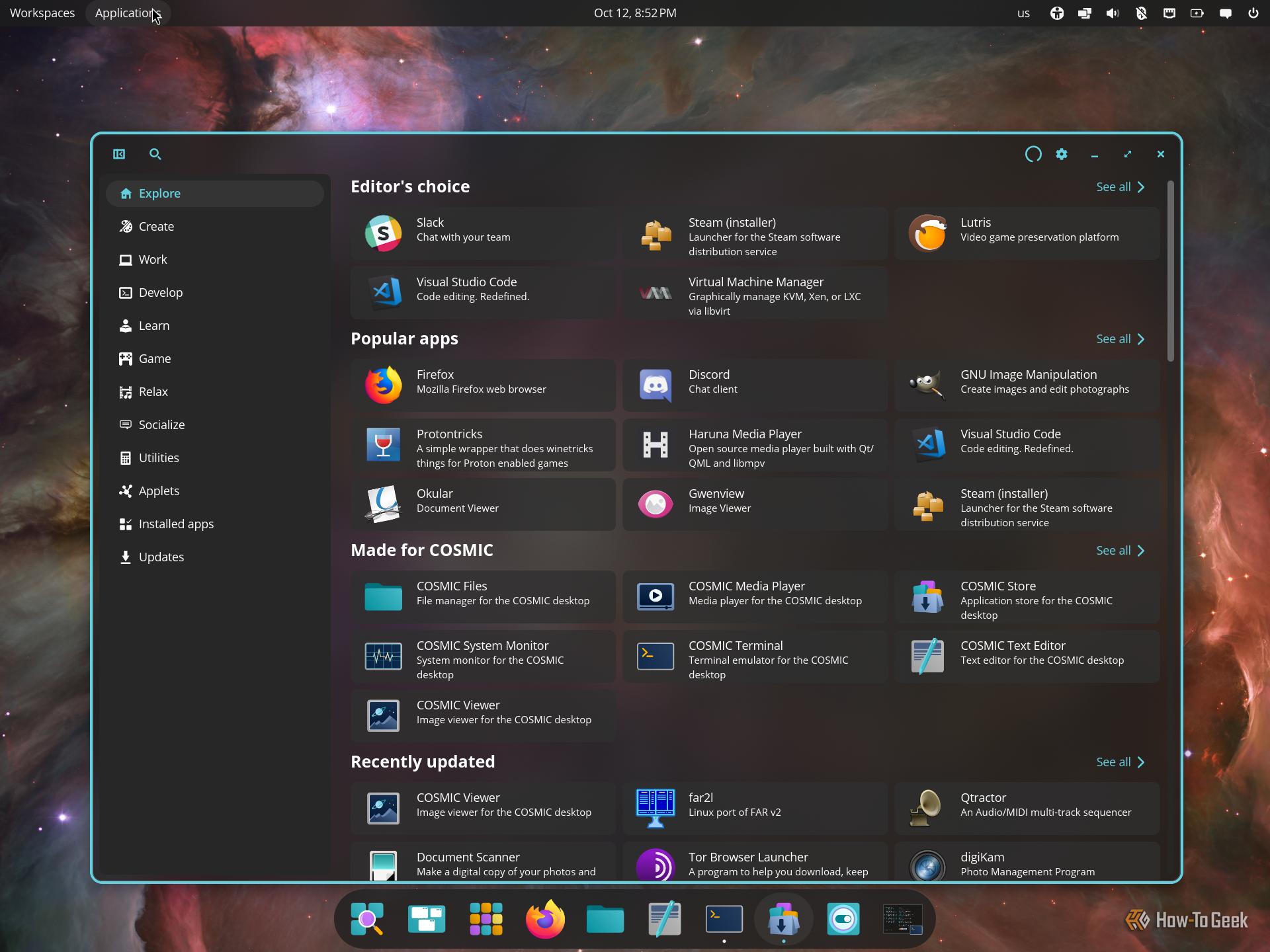
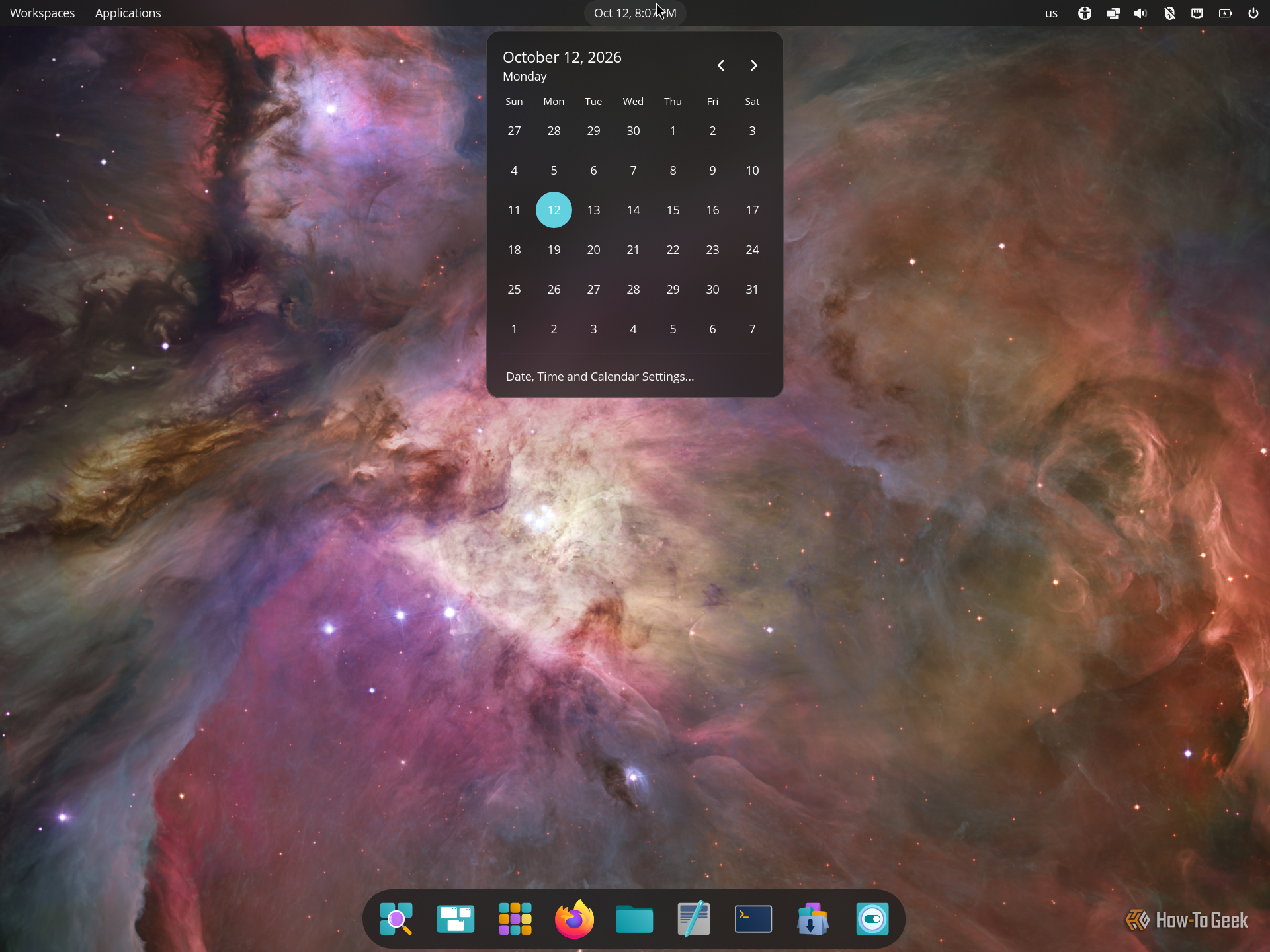
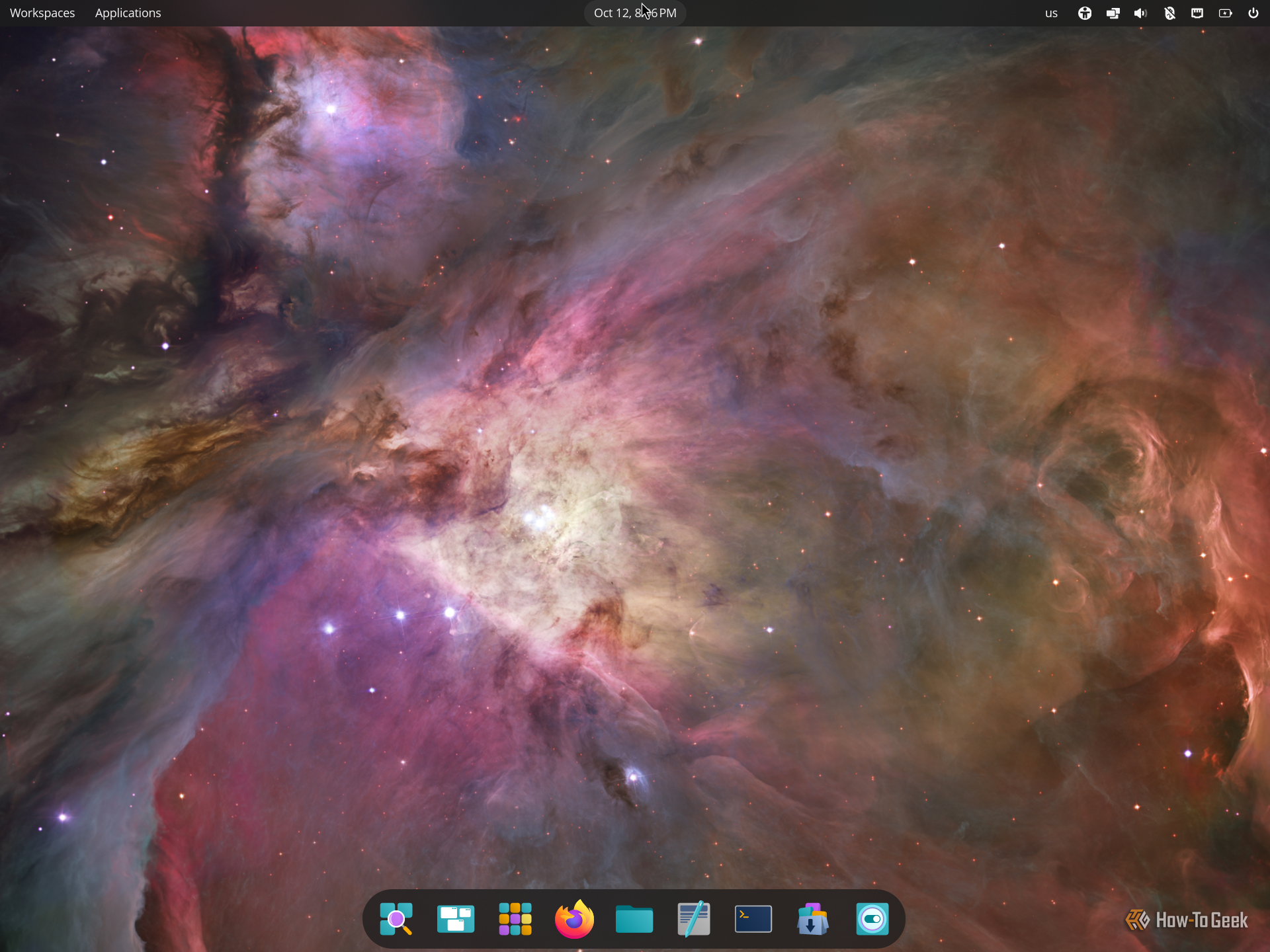
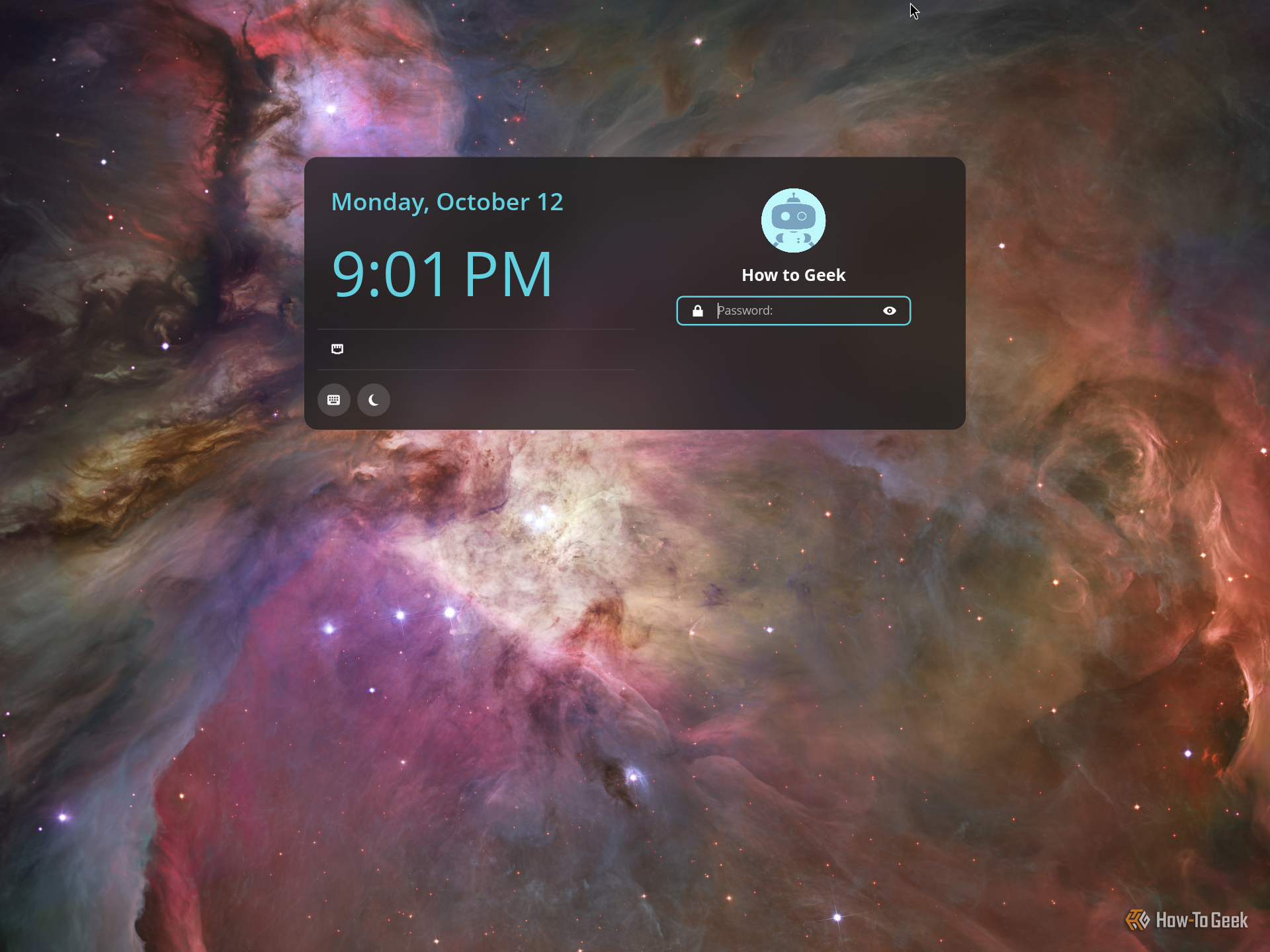
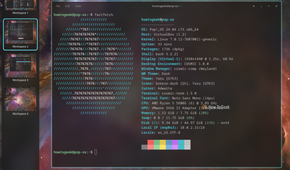

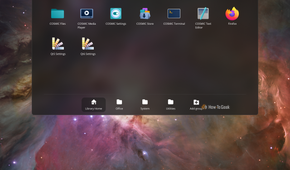
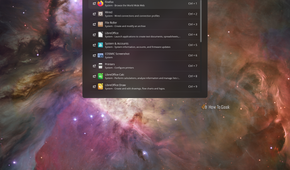
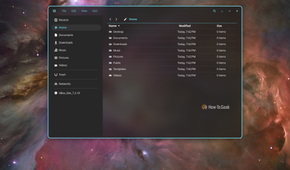
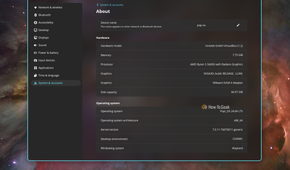
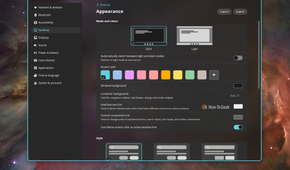
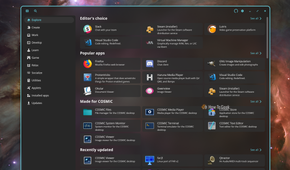


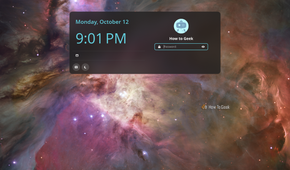
COSMIC is a relatively new and ambitious desktop environment from System76, the laptop manufacturer and developer behind Pop!_OS. It offers a unique and powerful desktop experience that bridges the gap between traditional desktop environments and tiling window managers.
You get a clean, modern design paired with excellent customization options, a Spotlight-like application launcher, a GNOME-like virtual desktop switcher, and a toggle that lets you switch between floating windows and automatic tiling. You can also customize its layout to resemble macOS or Windows.
Unfortunately, COSMIC is still rough around the edges and feels like beta software. I encountered bugs and glitches that made it difficult to use, let alone recommend. However, its underlying ideas are promising, and I can see it becoming a compelling option for power users once it matures.
Best distros for experiencing COSMIC: Pop!_OS, Fedora, Garuda.
8
Pantheon
Minimal to a fault
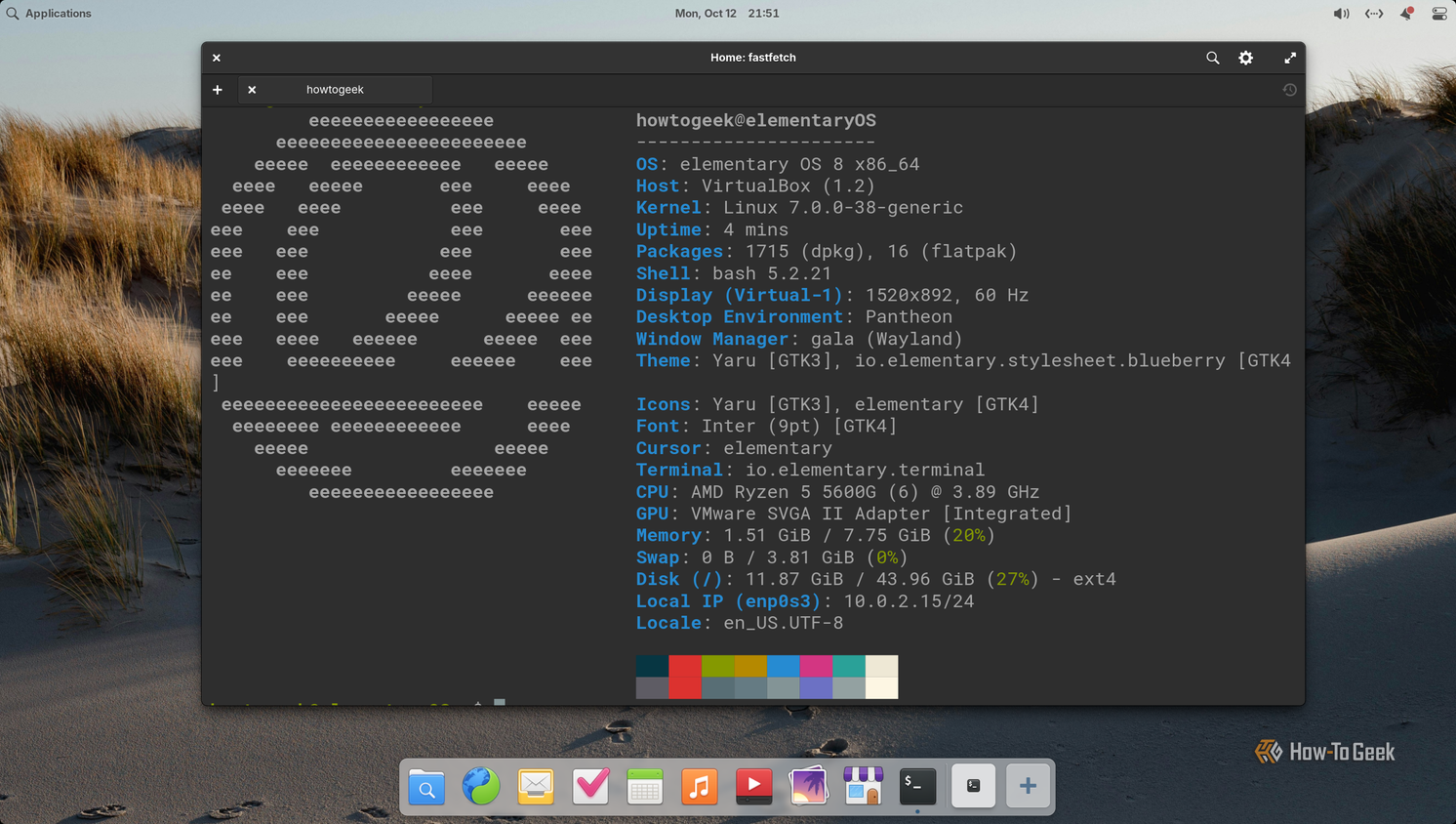
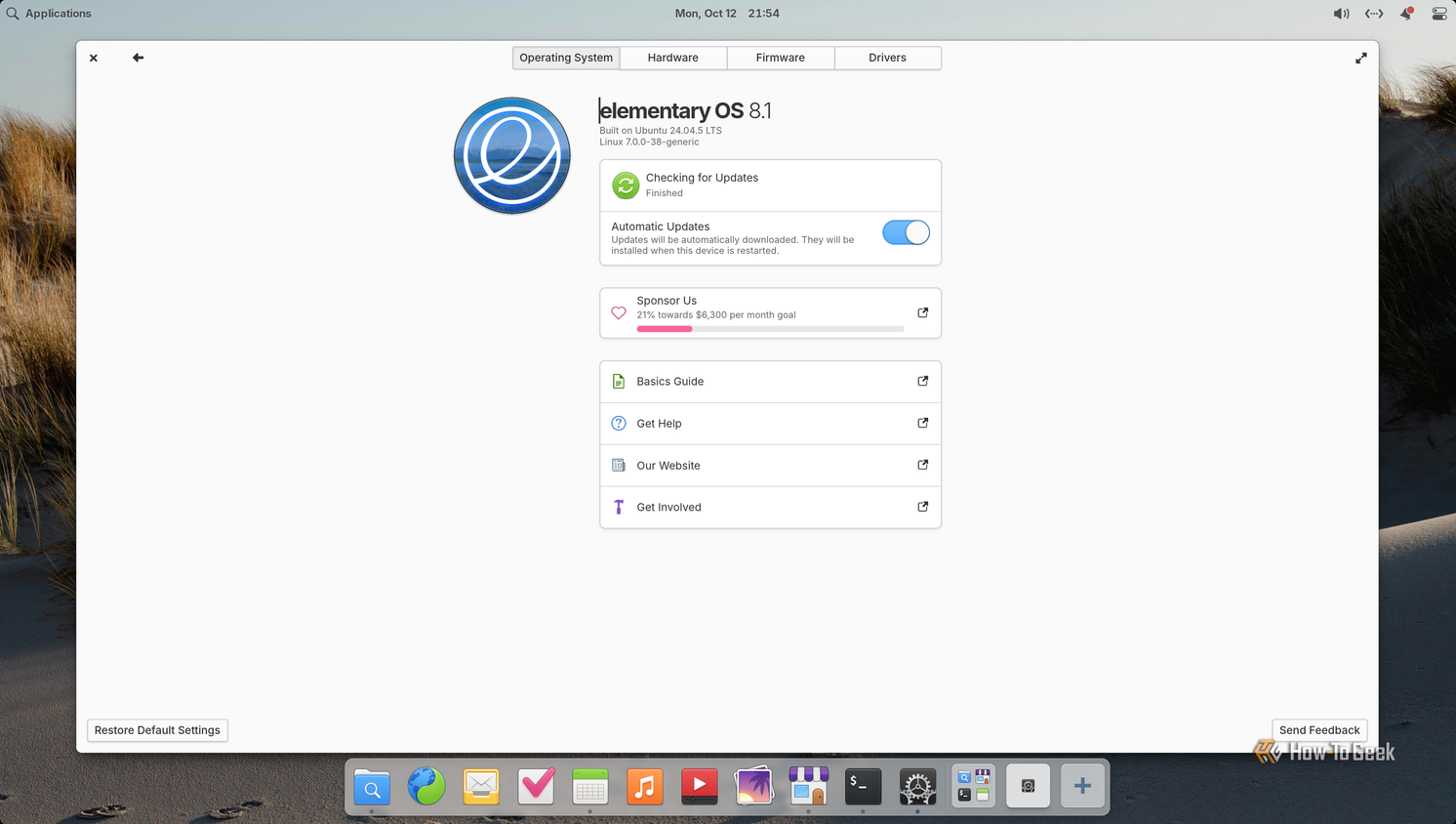
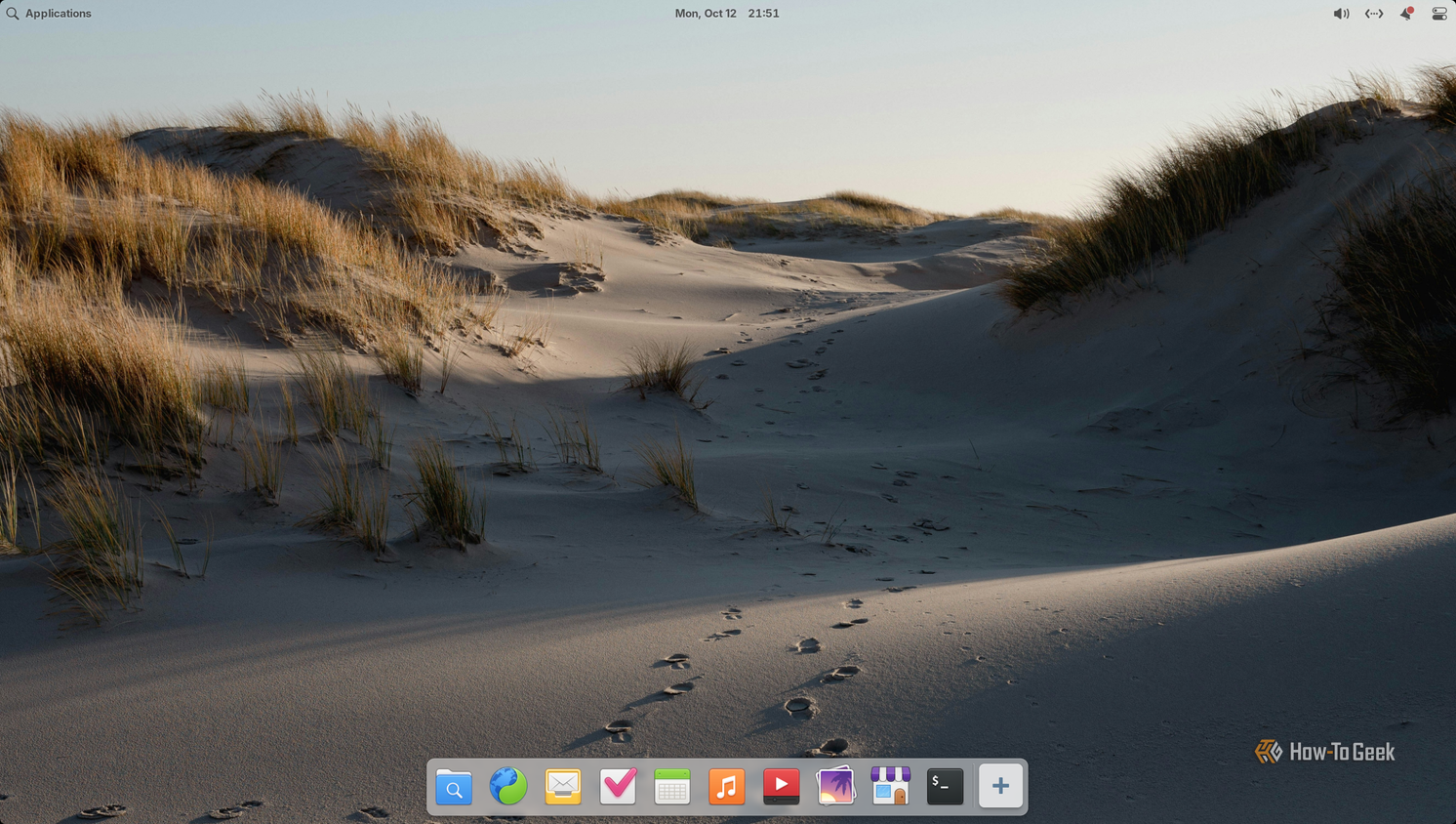
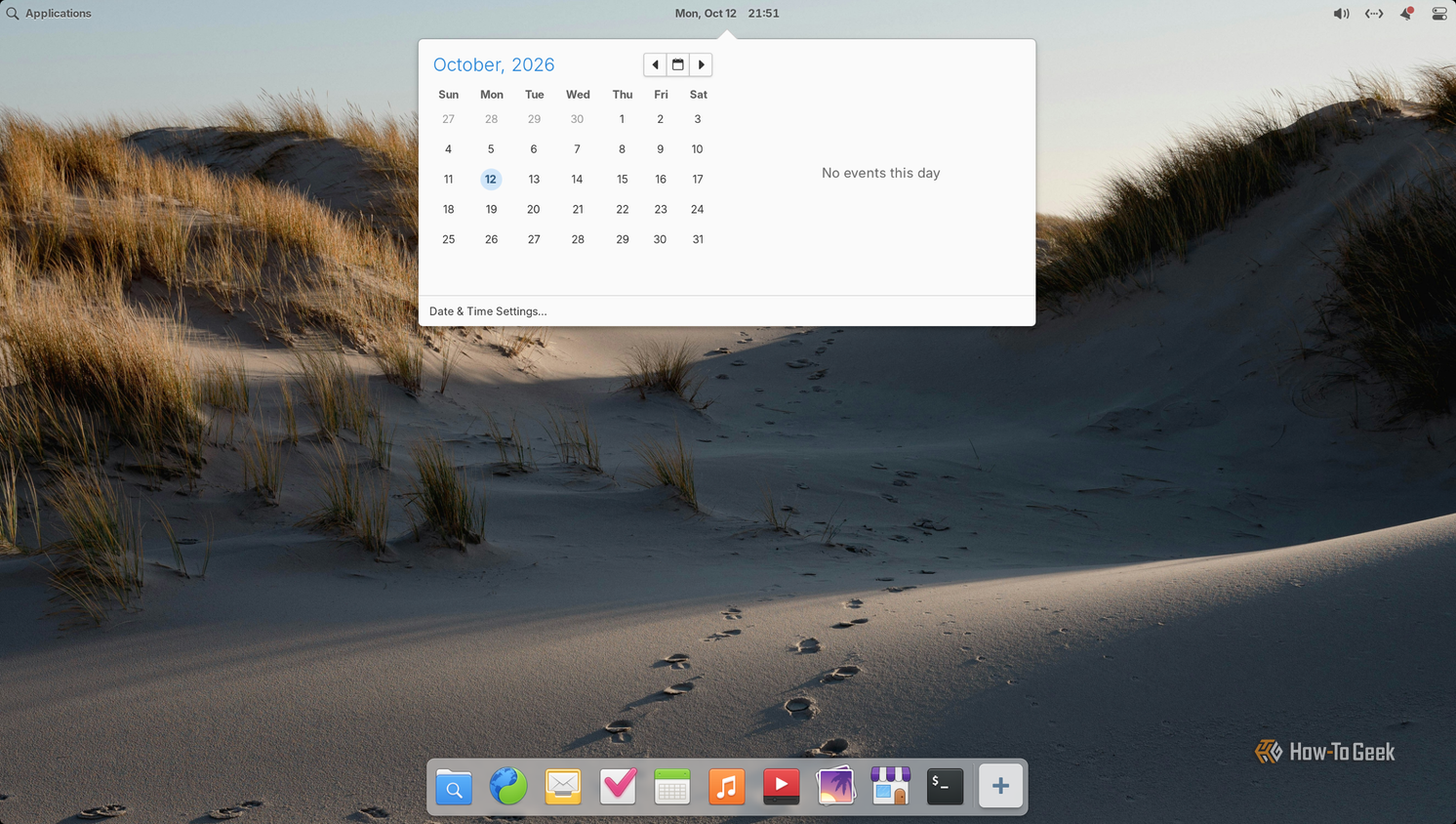

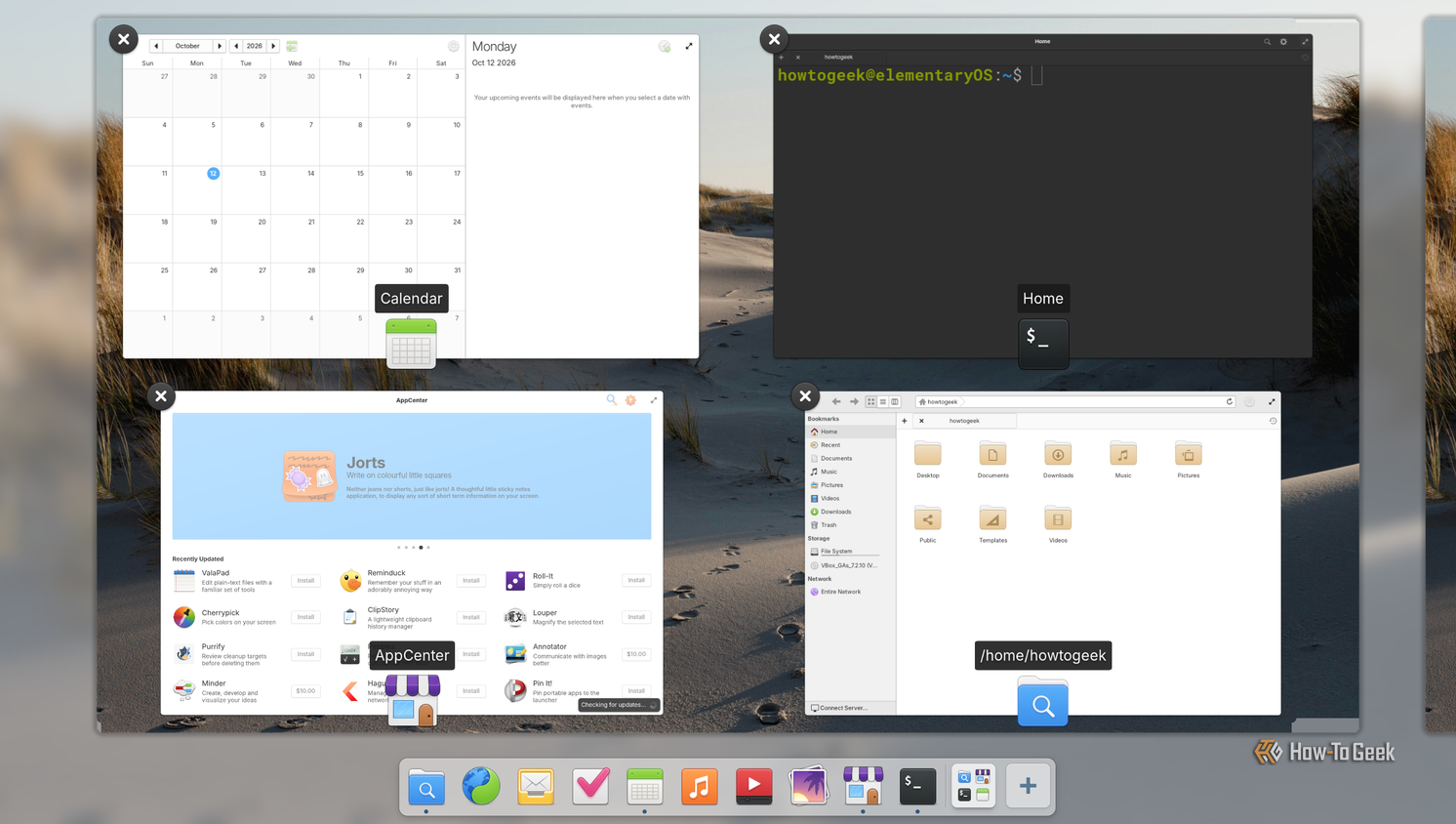
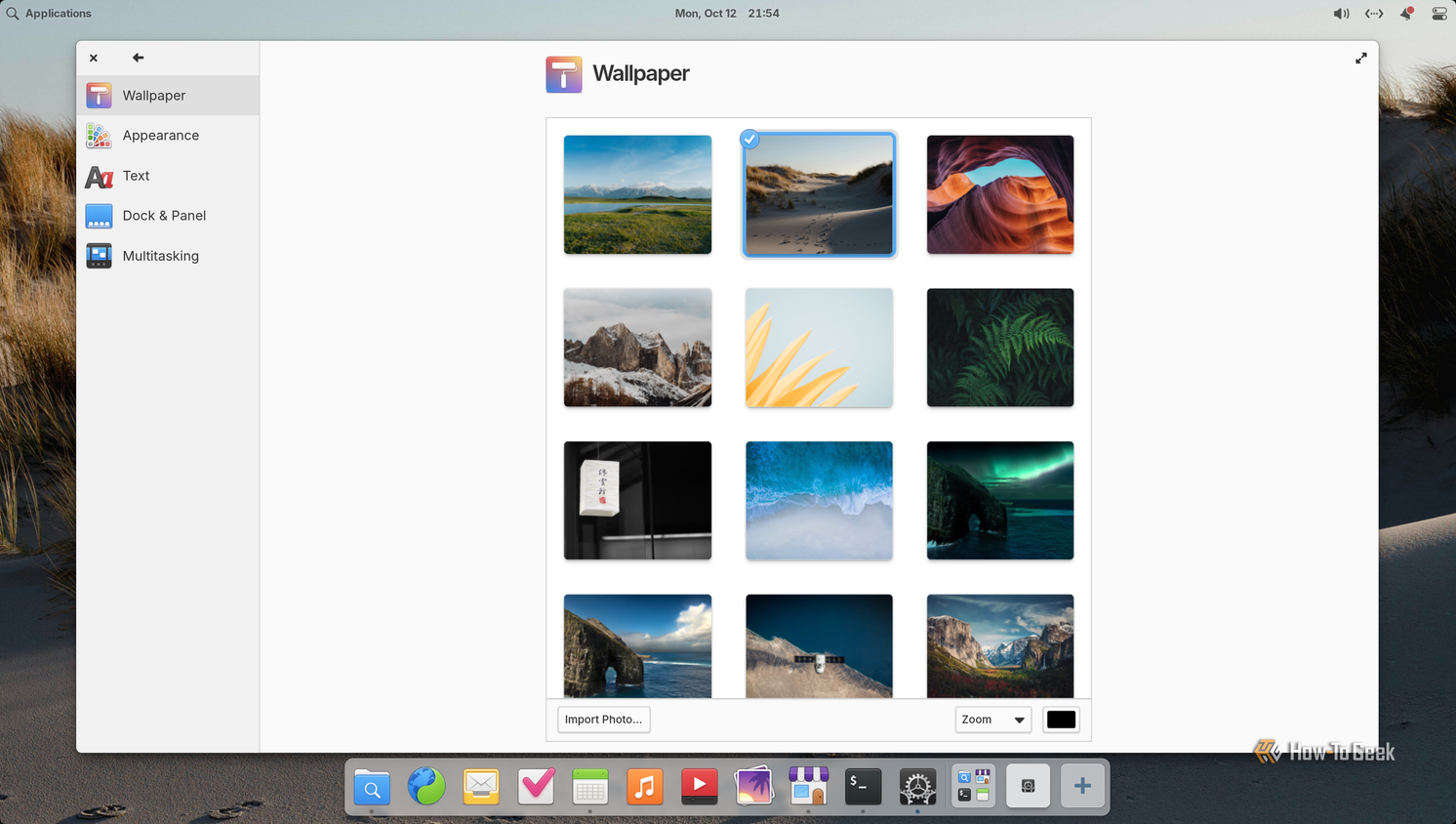
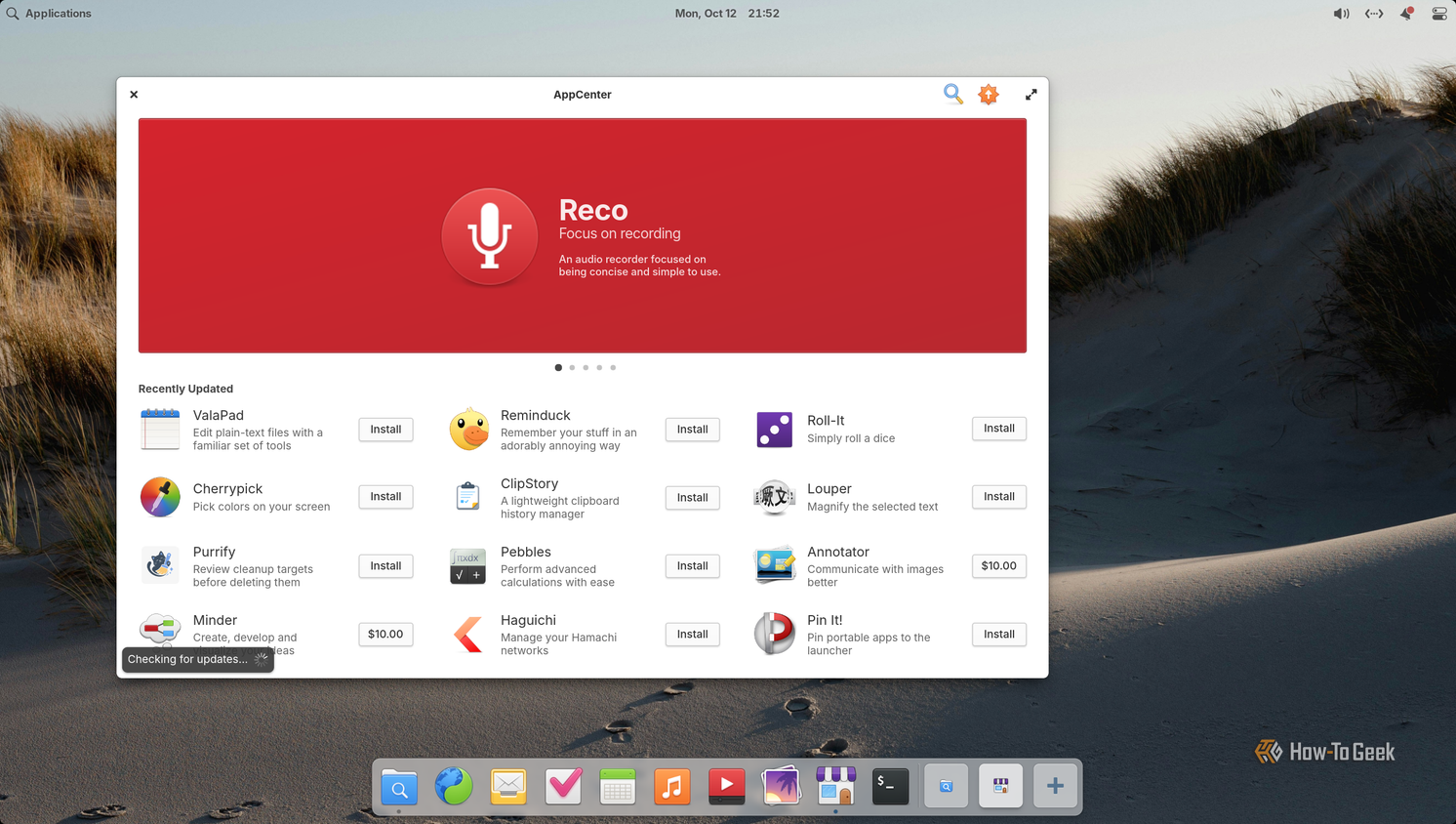
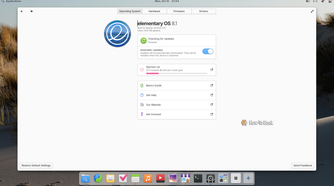
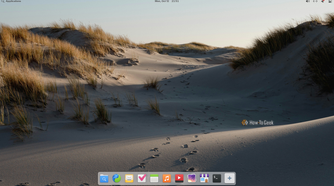
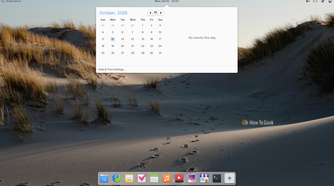

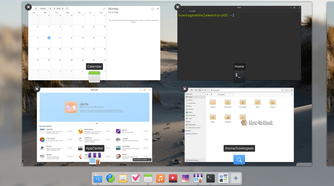
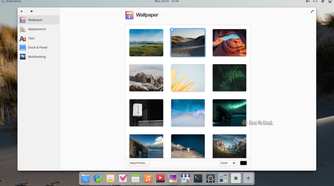
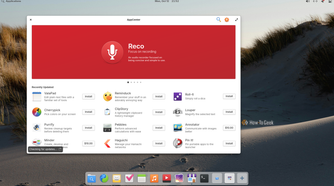
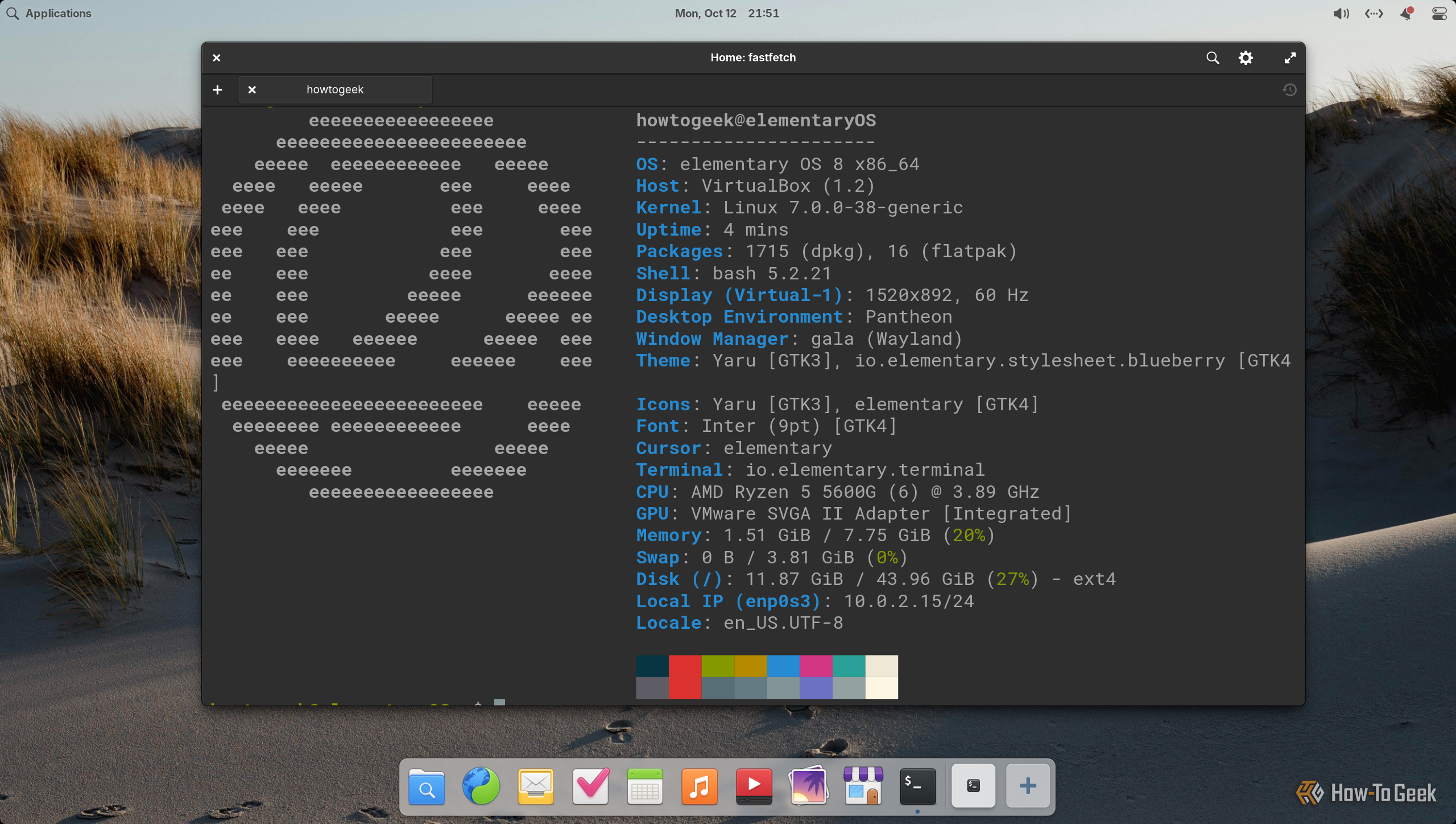
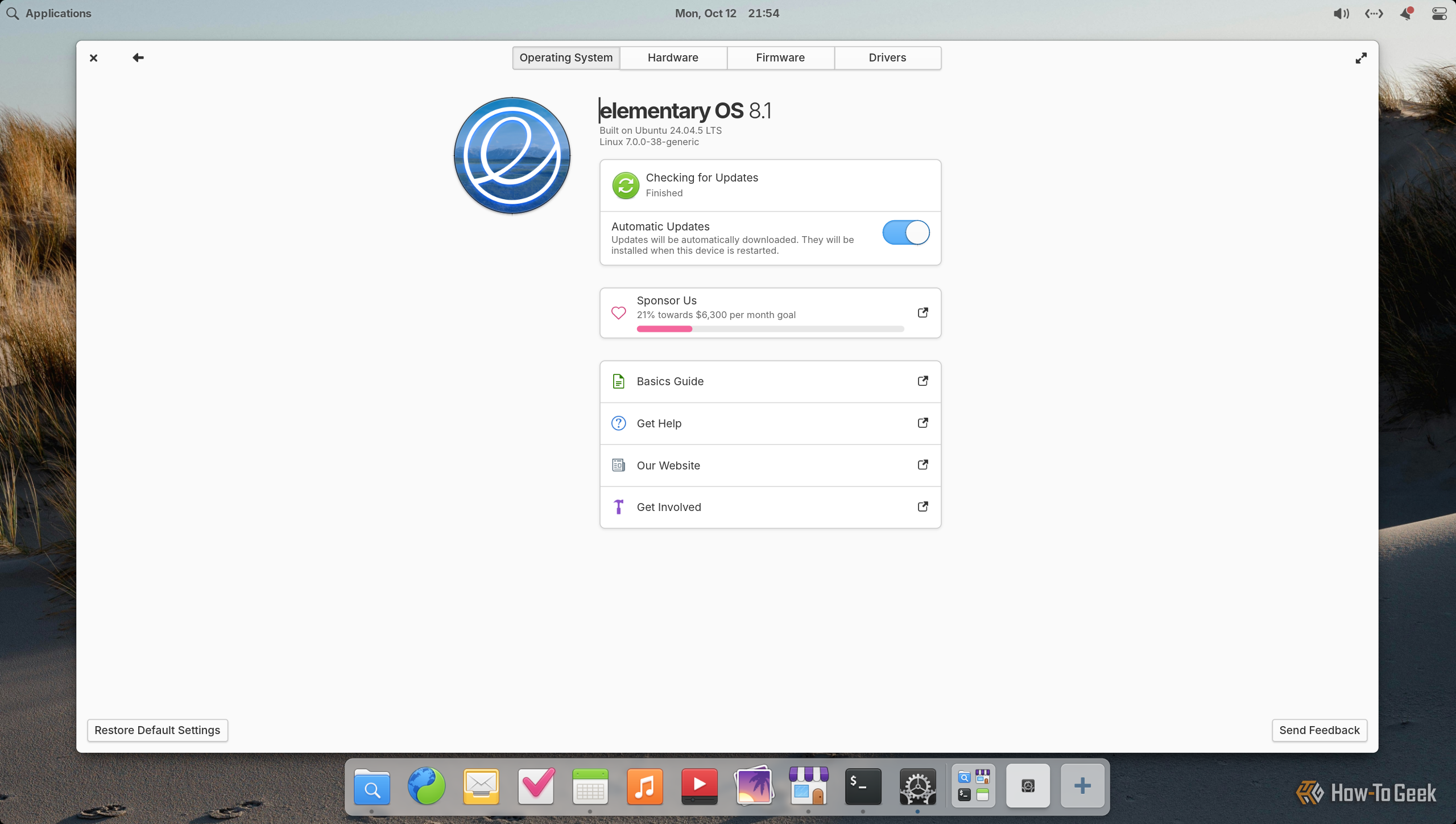
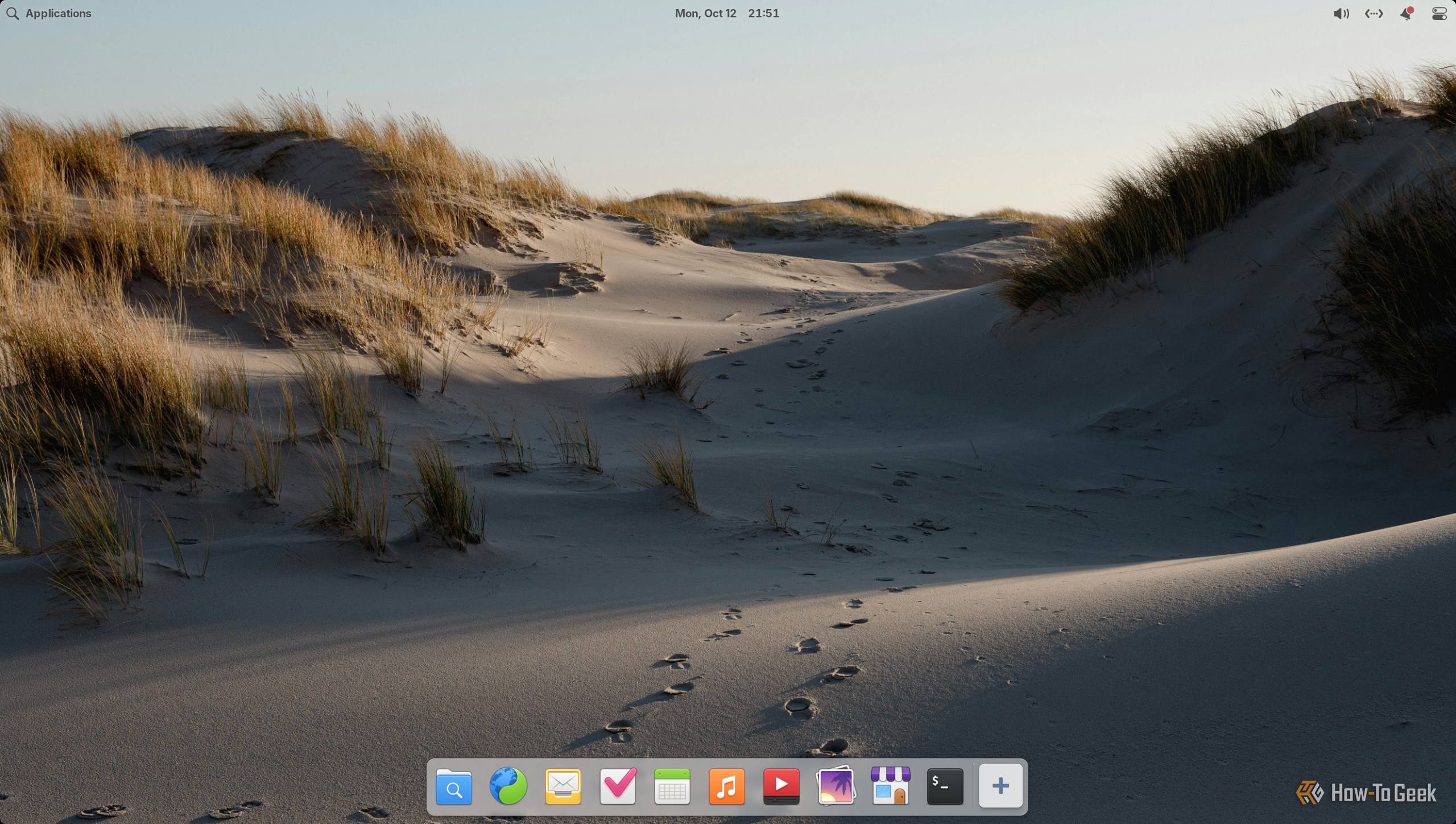
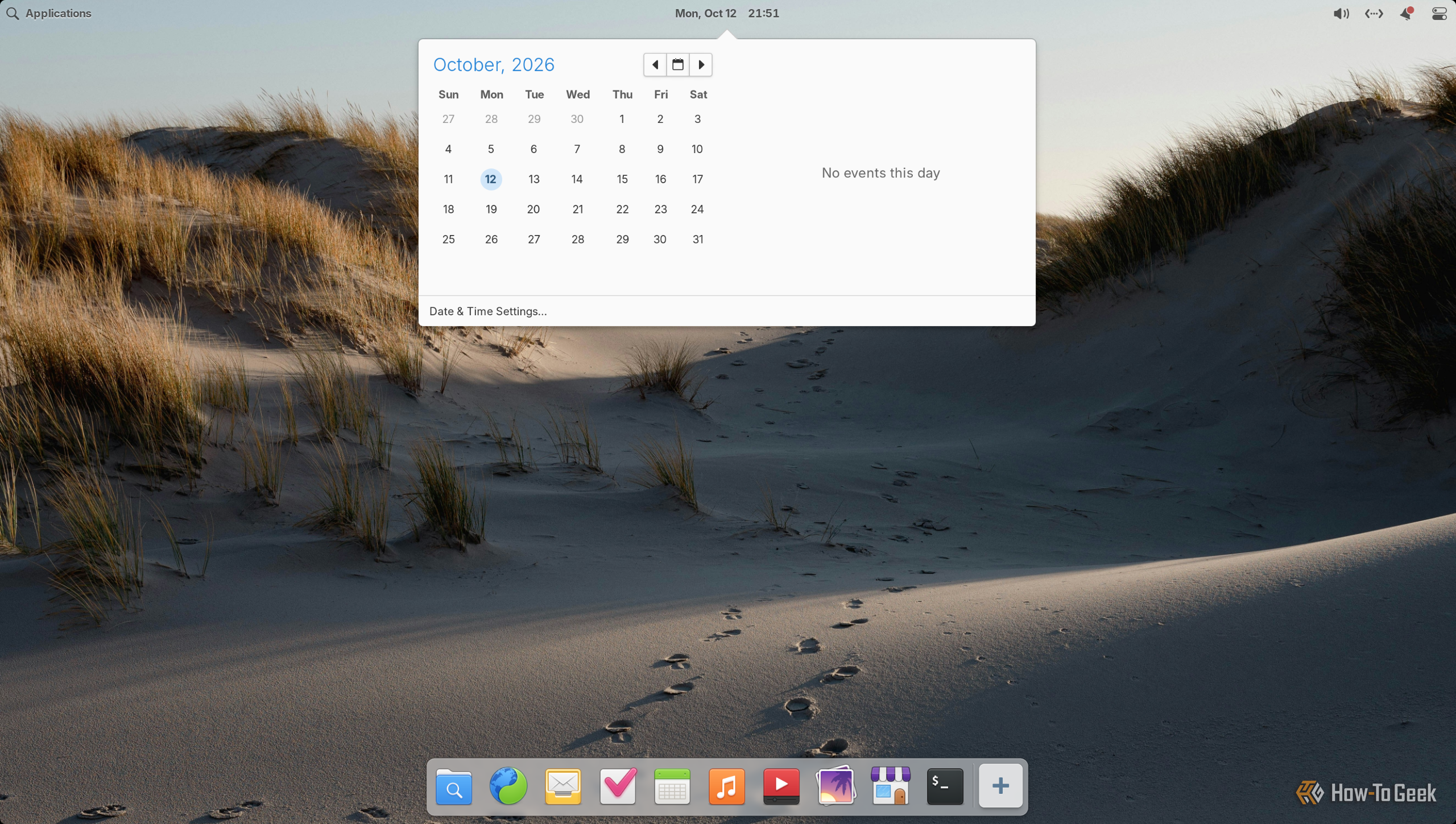

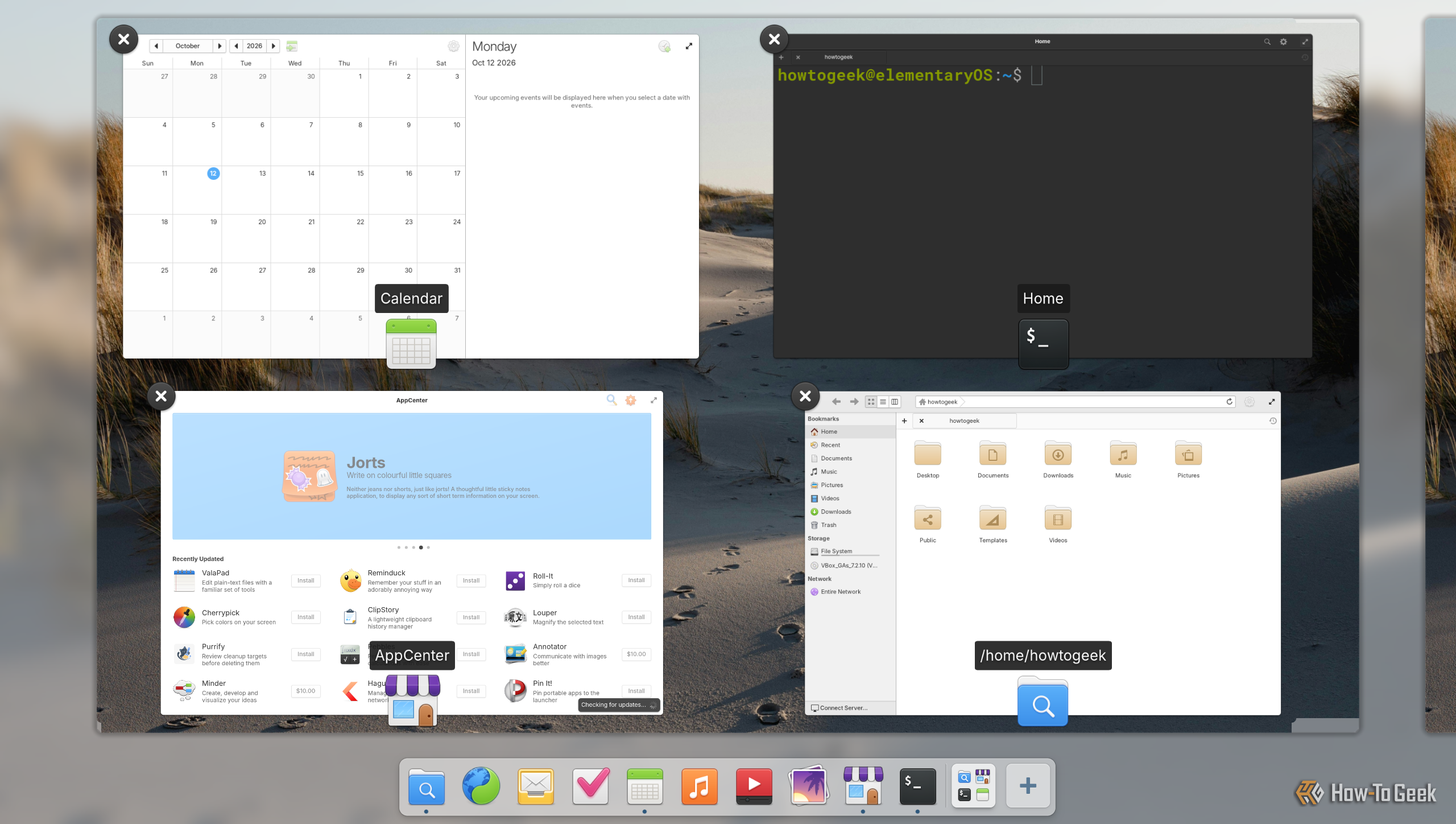
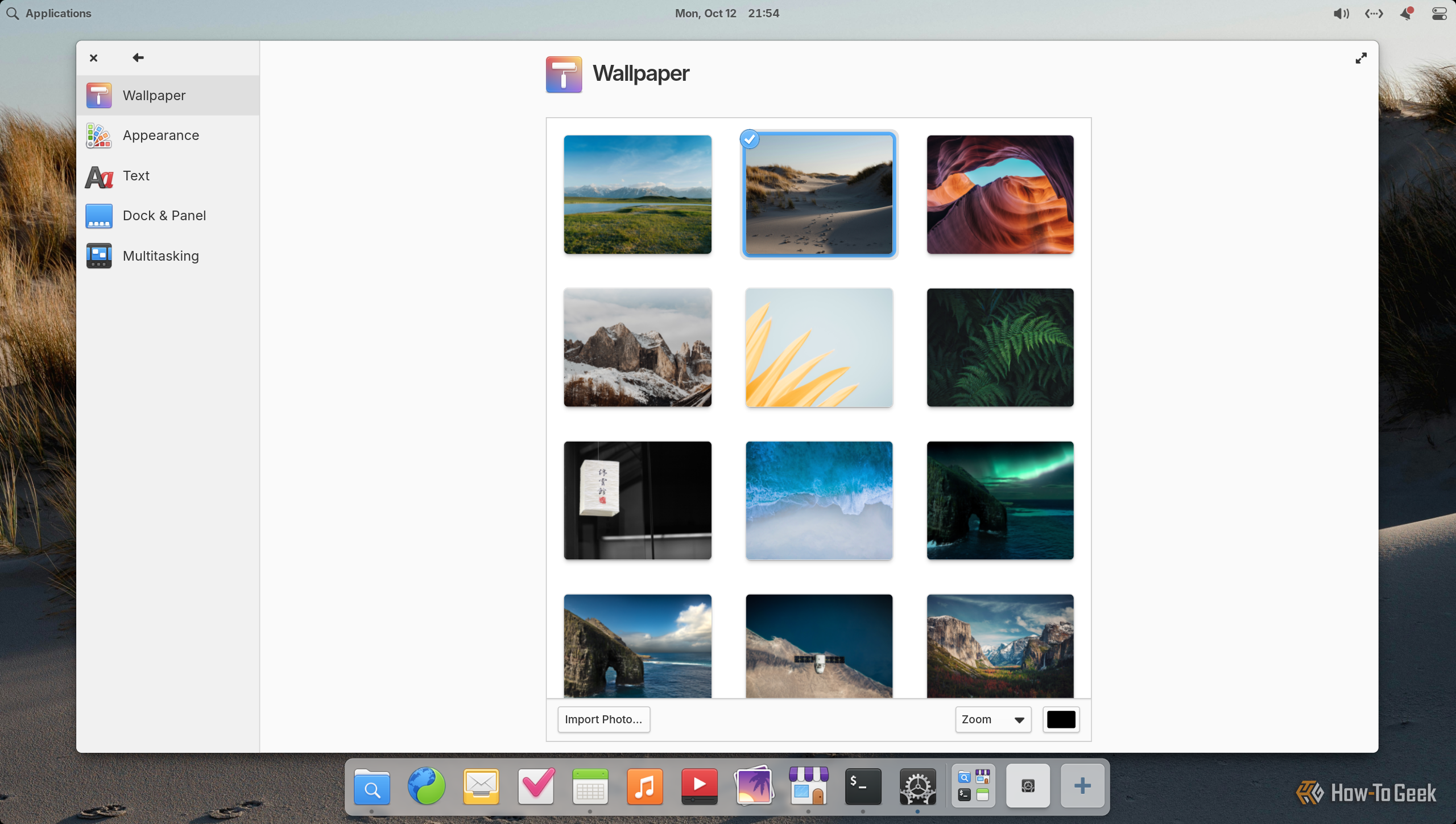
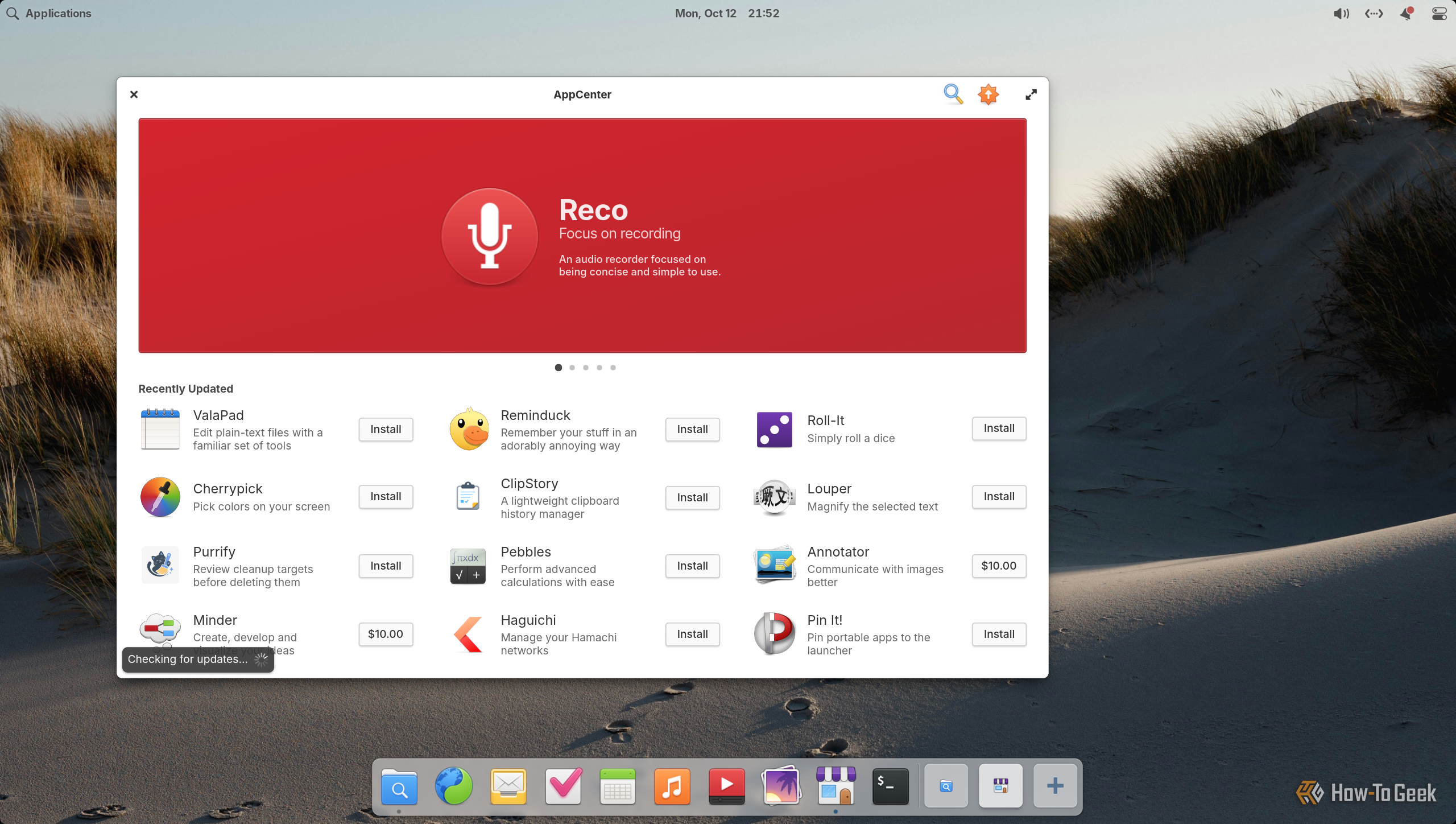
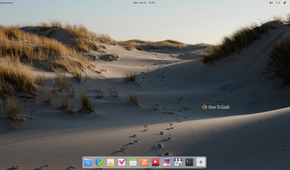
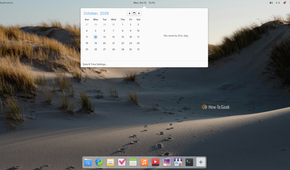

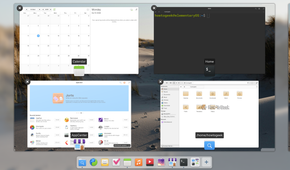
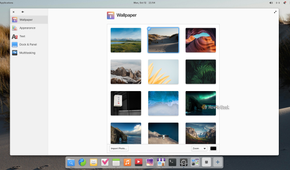
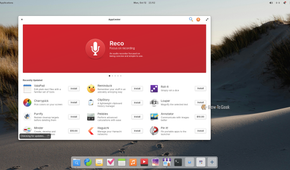
Pantheon is one of the few Linux desktop environments that aims to replicate the macOS layout. You get a dock at the bottom, a panel at the top, and window buttons to the left of the app’s title bar. Its design is approachable, clean, modern, and cohesive.
However, I find Pantheon a little too minimal for its own good. It’s fairly restrictive in terms of what you can do with it. Sure, it covers all the basics you’d expect from a Linux desktop, but I want more than that. I want extra features that help me be more productive and get more work done, and Pantheon isn’t built for that use case.
It’s better suited to people who want a simple desktop without too many options. They can open an app and get stuff done without worrying about the OS. If that’s what you’re looking for, you’ll probably find Pantheon appealing and even somewhat calming.
Best distro for experiencing Pantheon: elementary OS.
7
Budgie
Good but nothing special
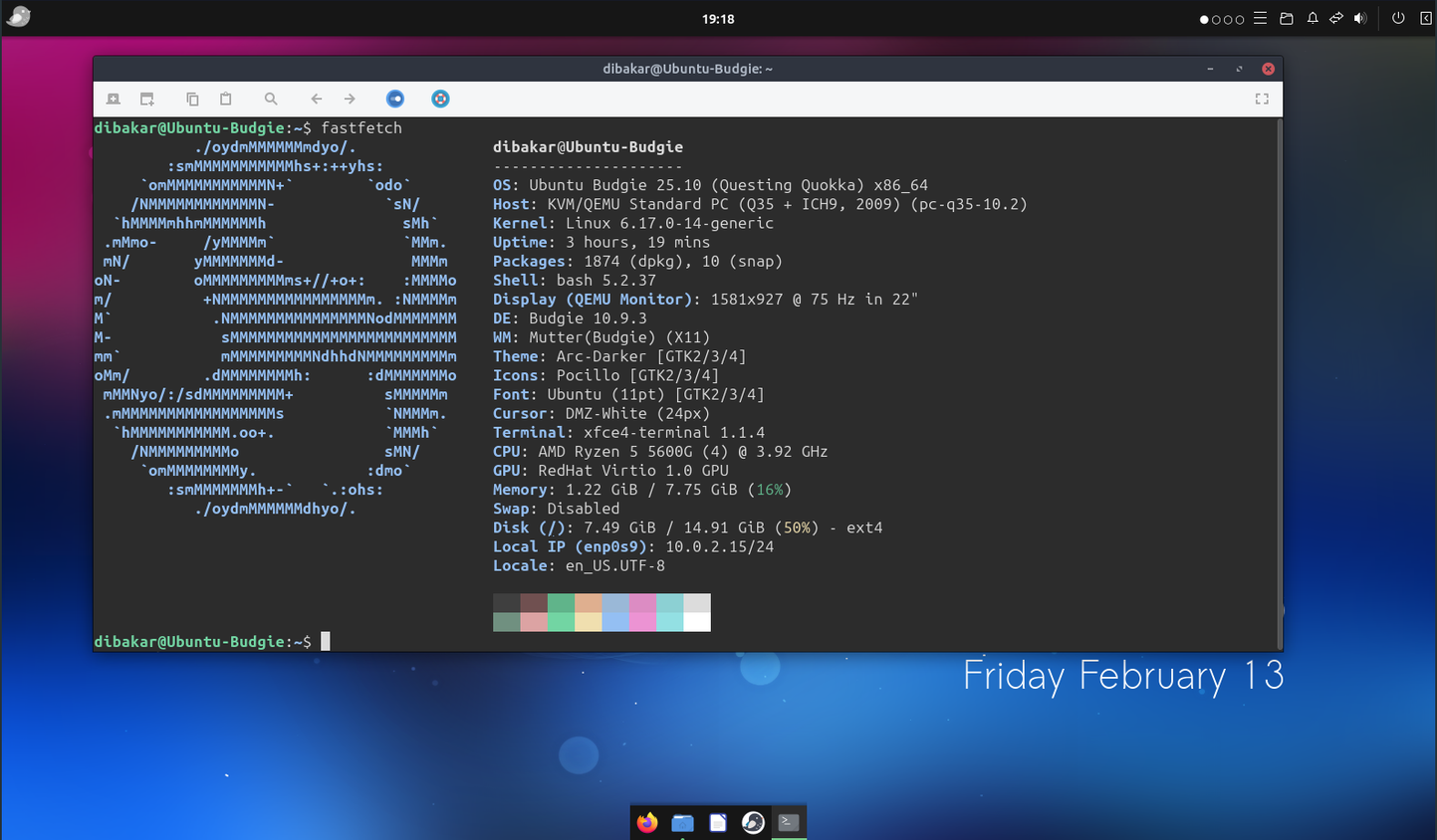
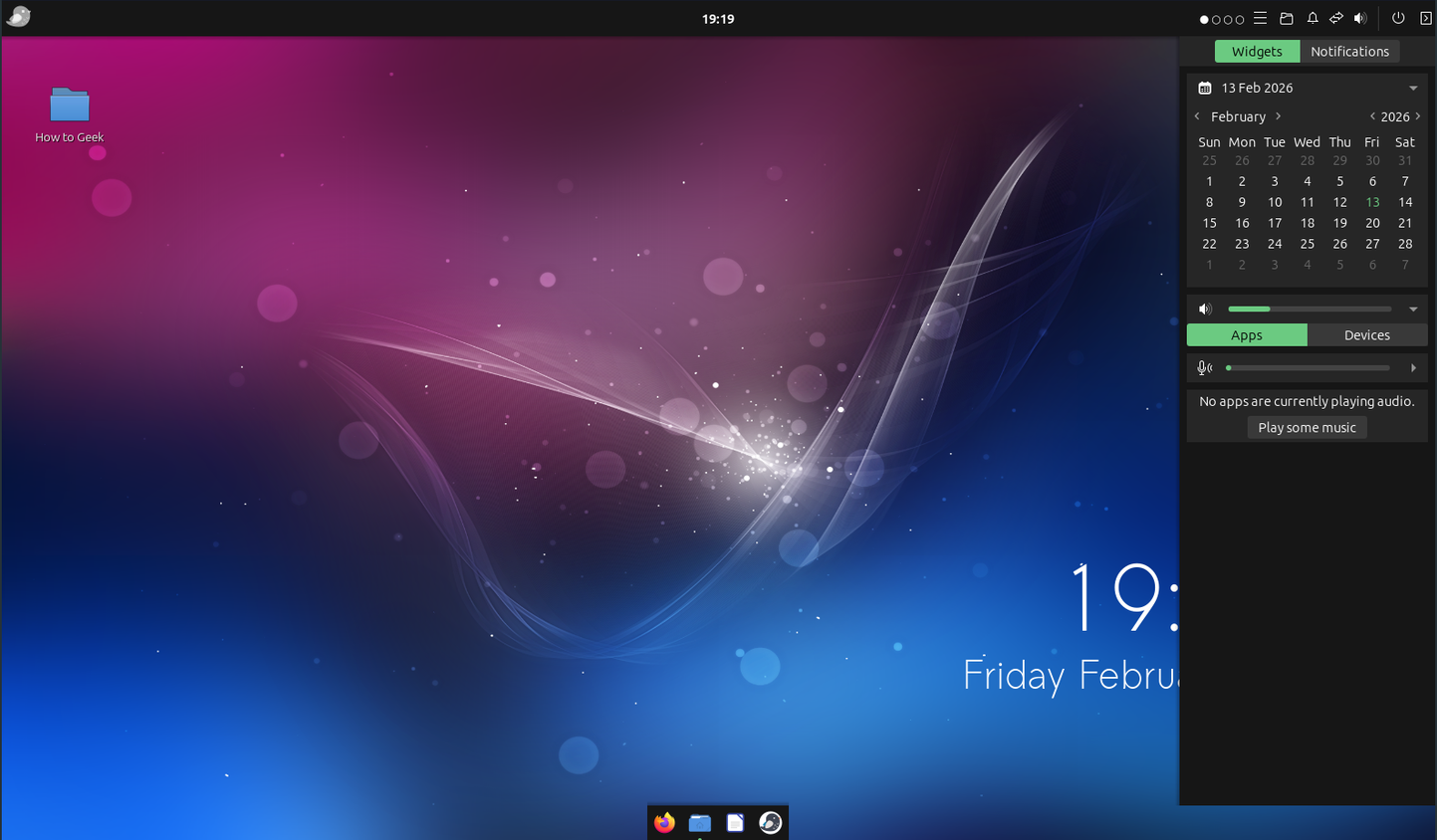
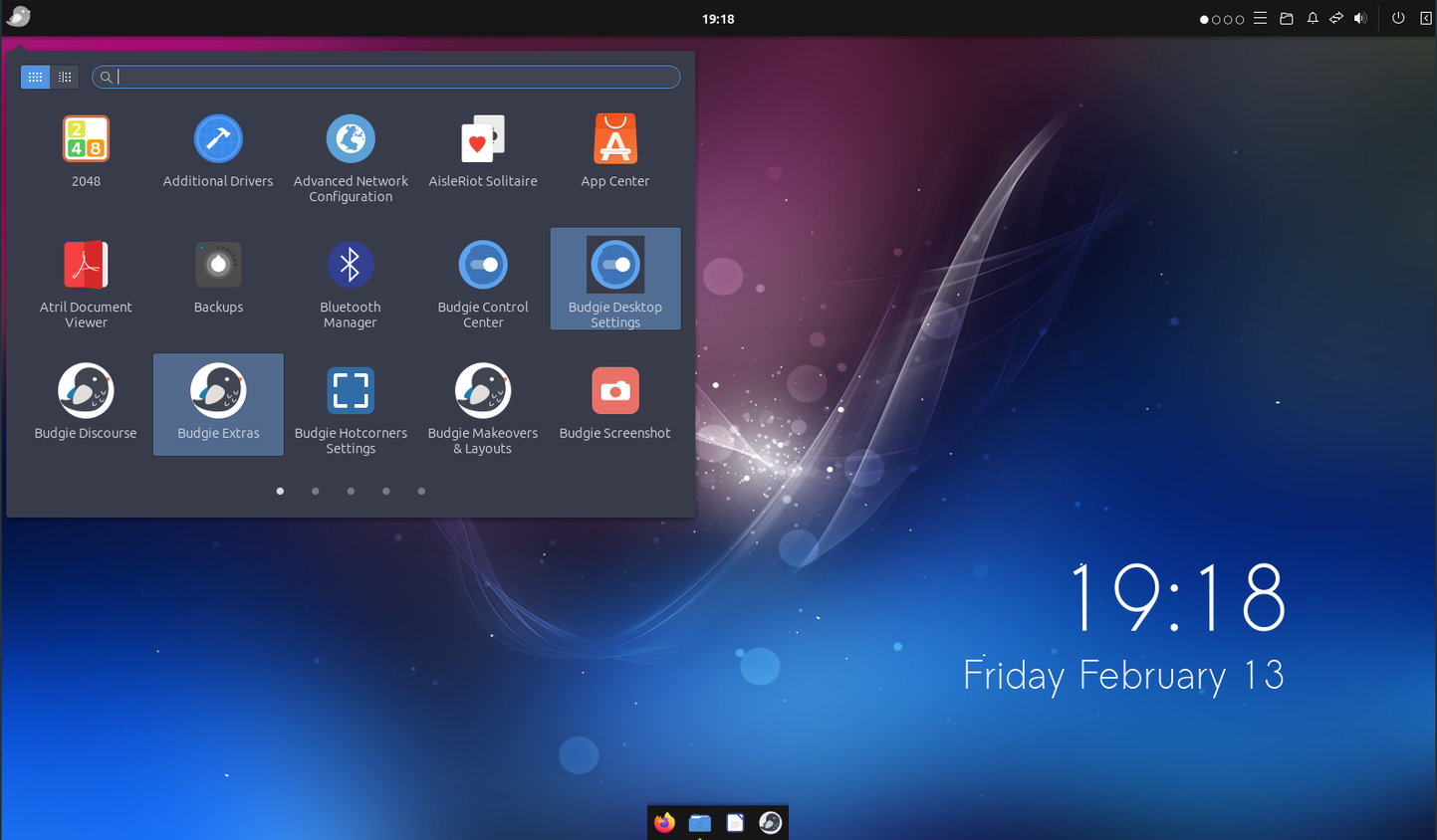
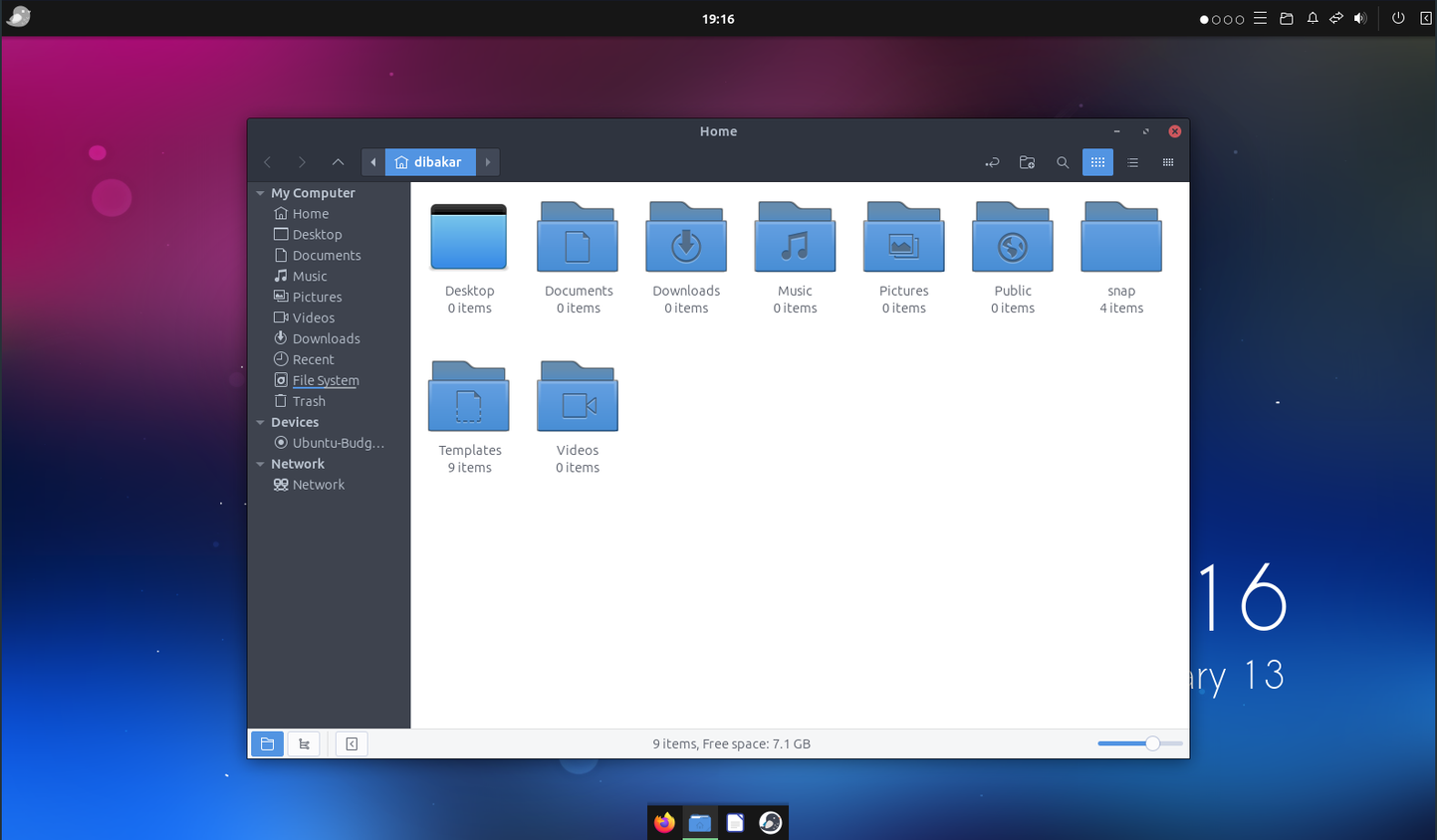
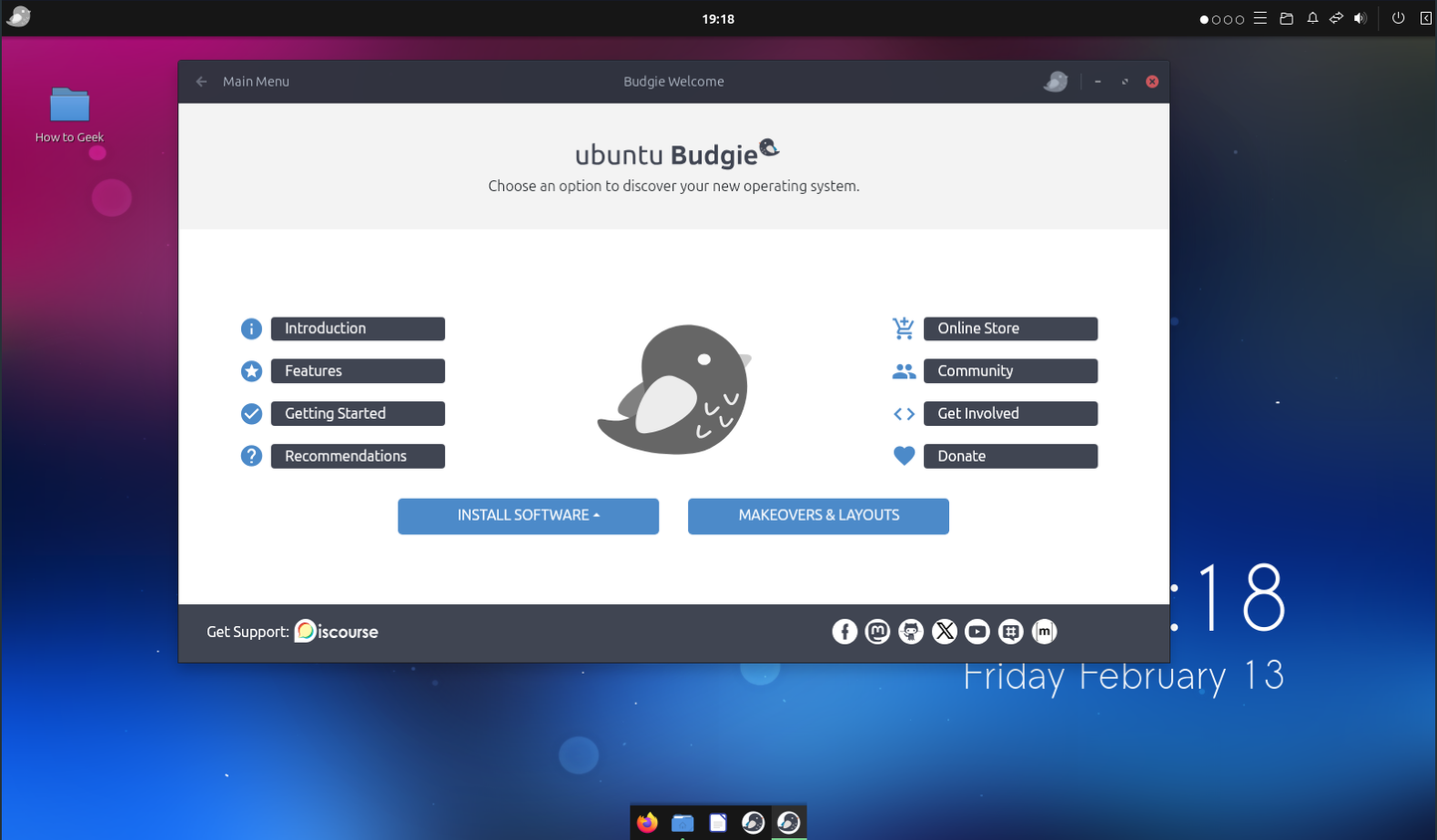
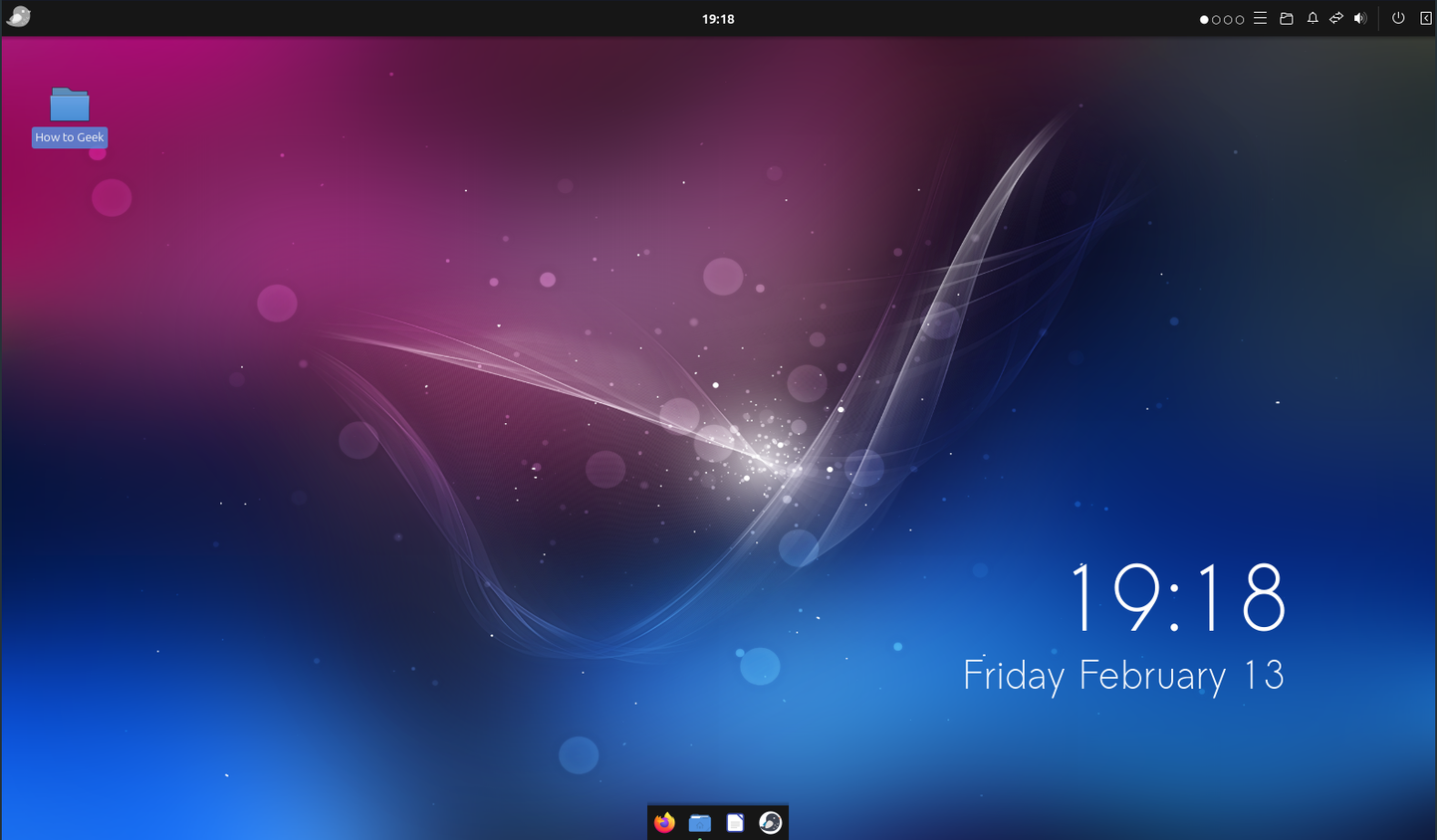
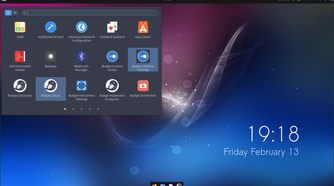
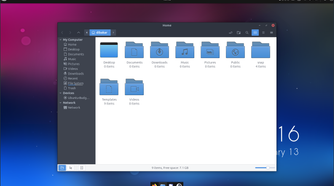
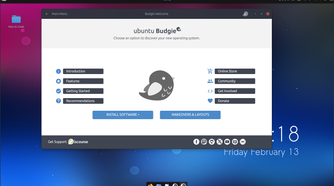
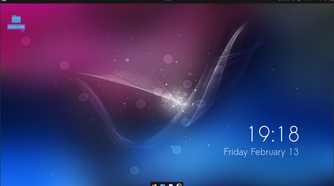
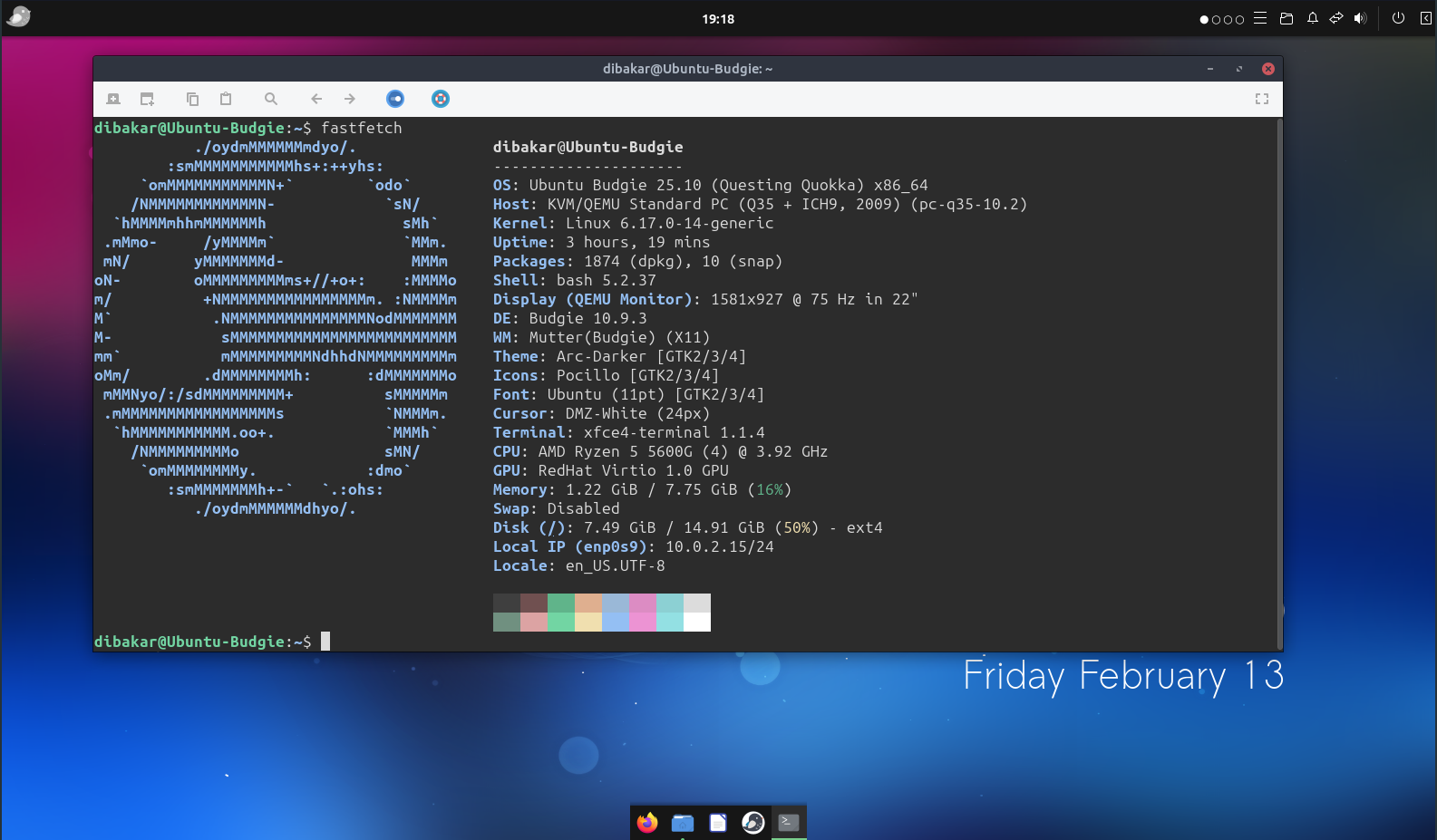
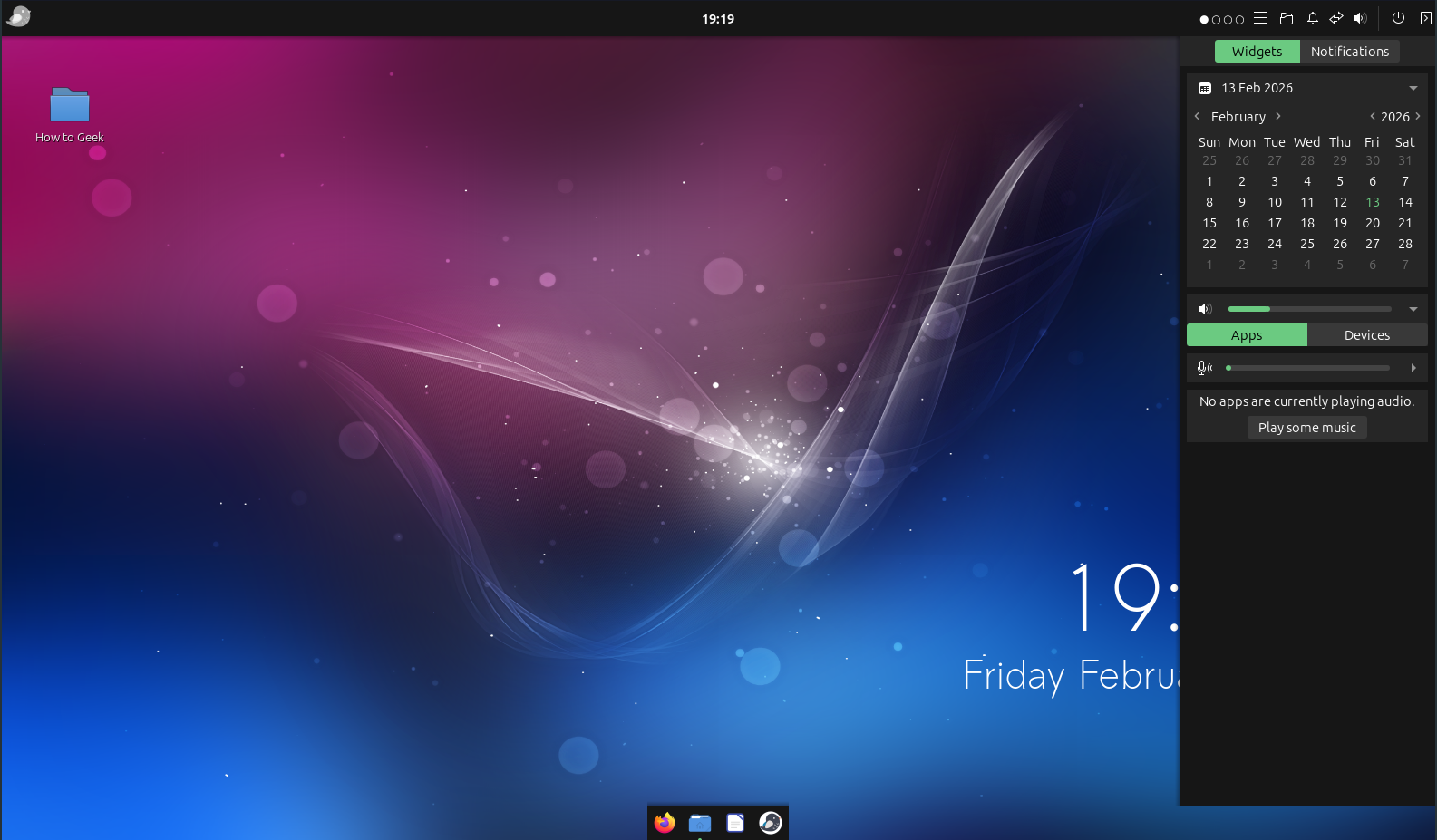
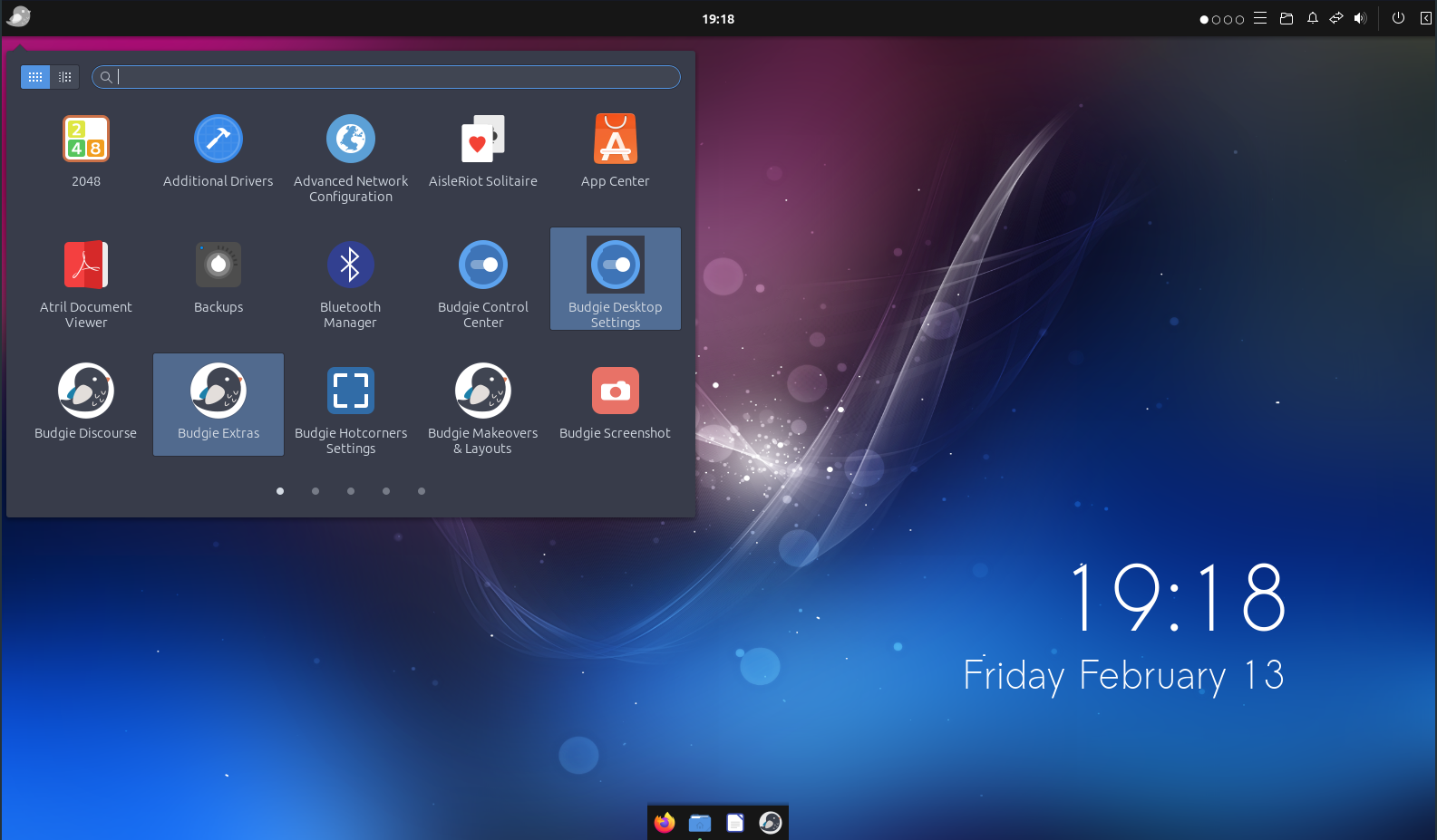
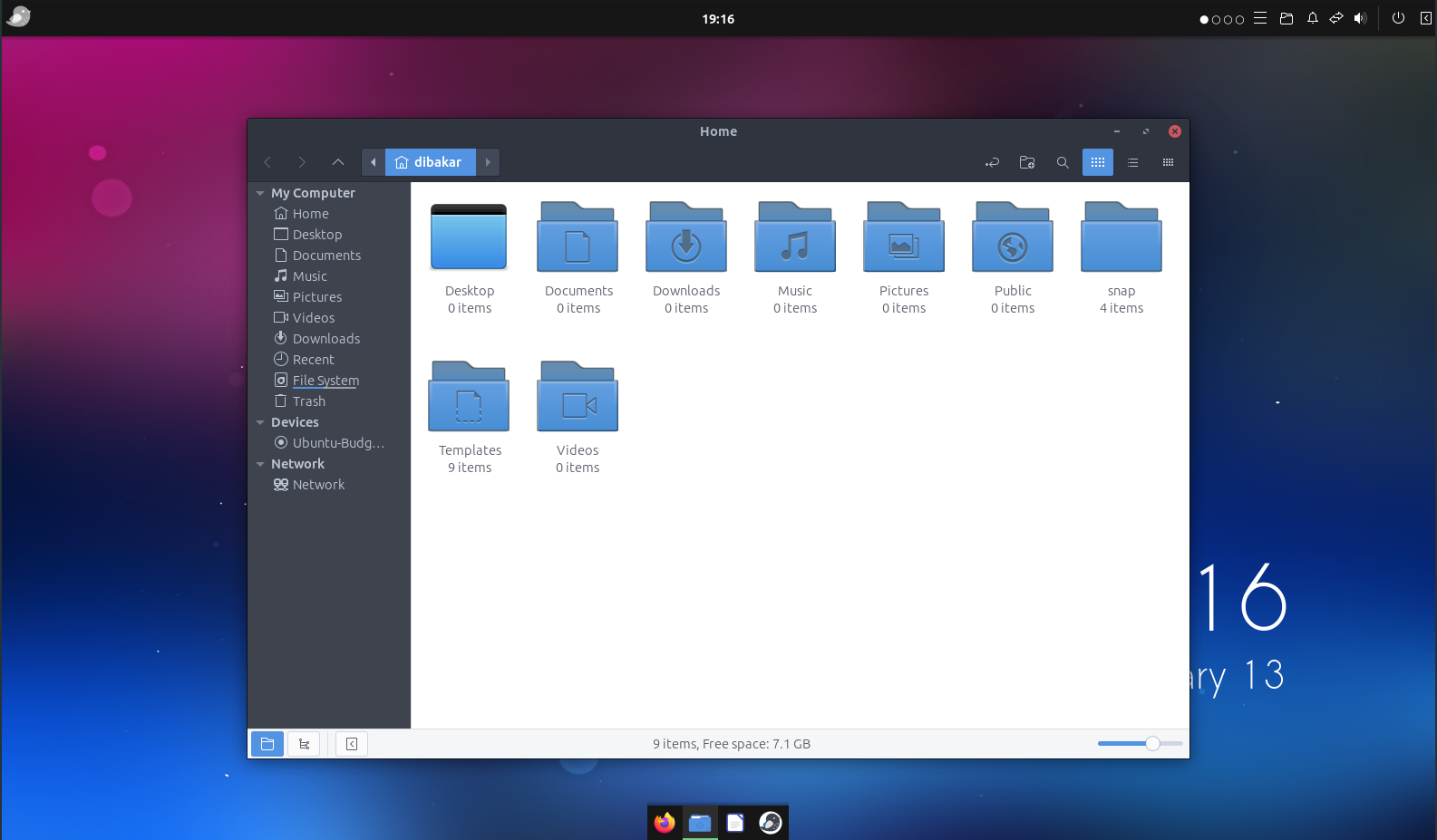
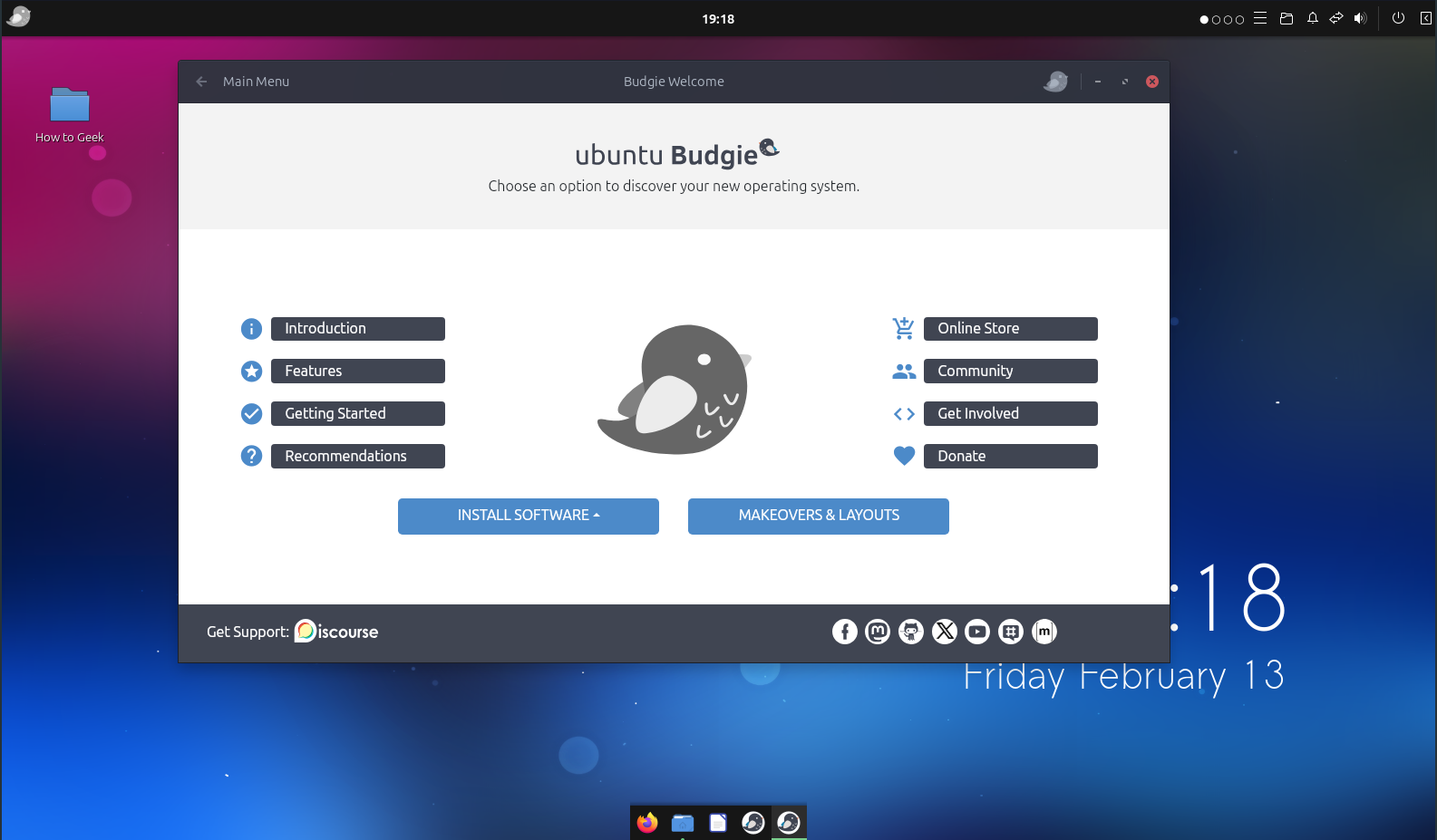
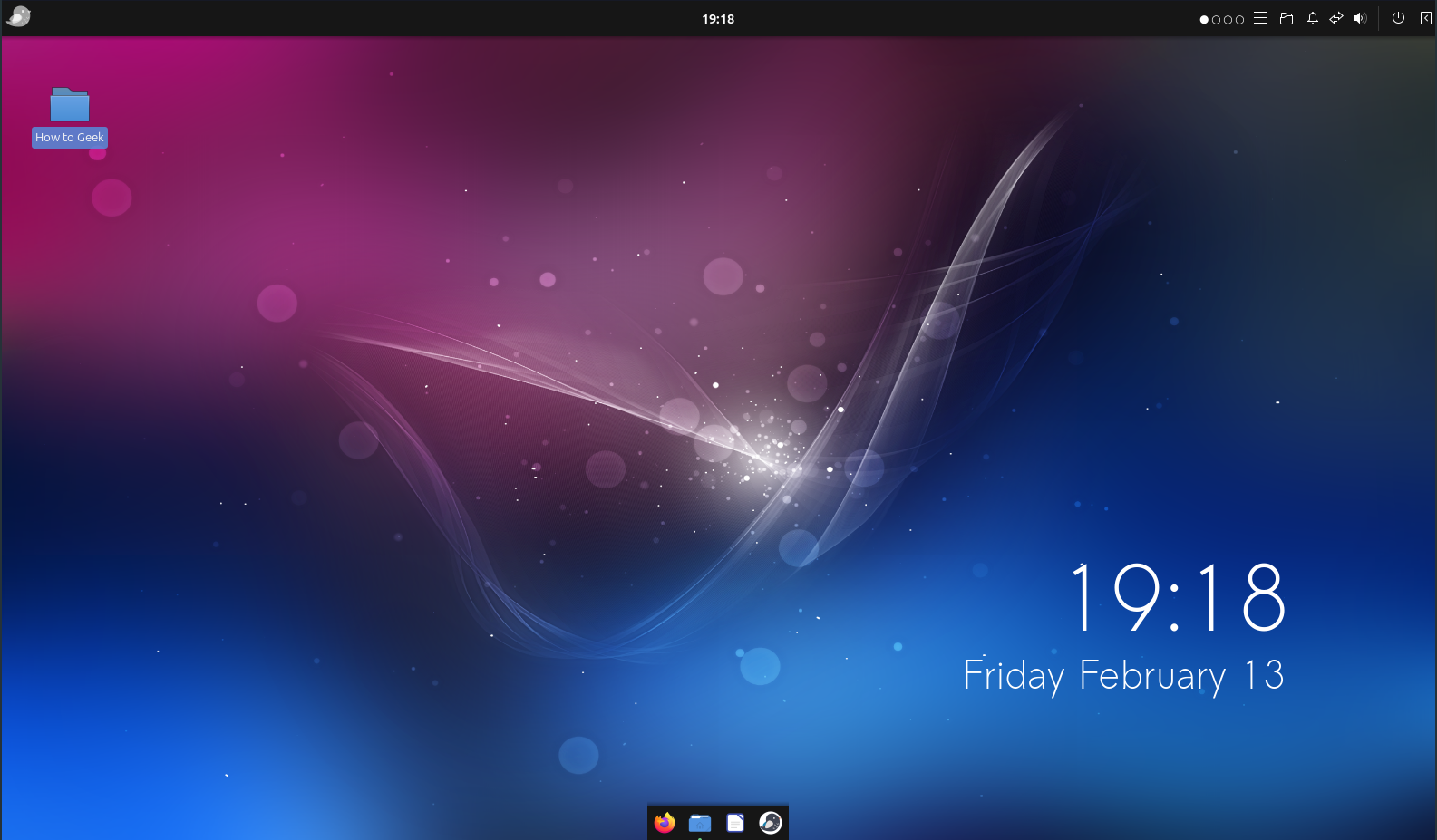
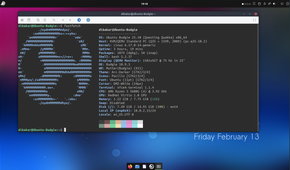
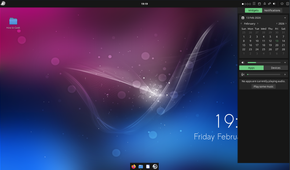
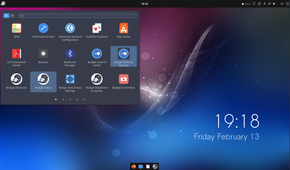
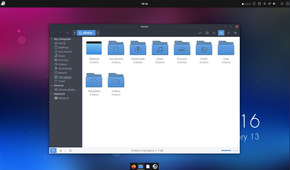
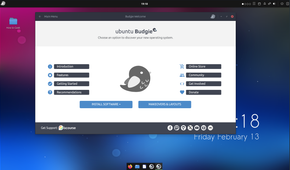
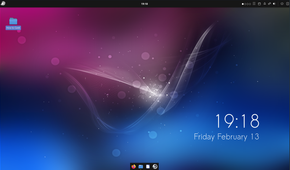
Budgie is the first desktop environment on this list that I’d comfortably recommend to most people. It’s clean, approachable, and offers a decent selection of features to help you personalize your system. You can even customize its panels and rearrange interface elements to make the desktop resemble Windows or macOS.
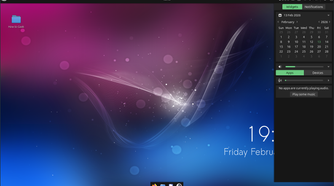
Its standout feature is Raven, a sidebar similar to Windows 11’s notification center, but considerably more powerful. It brings notifications, calendar information, media controls, and other widgets together in a single panel. Unfortunately, the default selection of widgets is somewhat limited, and the customization options aren’t quite as extensive as those in some of the higher-ranked DEs.
I also find Budgie’s design a little dated, with an early-2010s aesthetic that doesn’t particularly appeal to me. It’s still a capable desktop, but it doesn’t stand out enough to rank higher.
Best distros for experiencing Budgie: Solus and Ubuntu Budgie.
6
MATE
A blast from the past
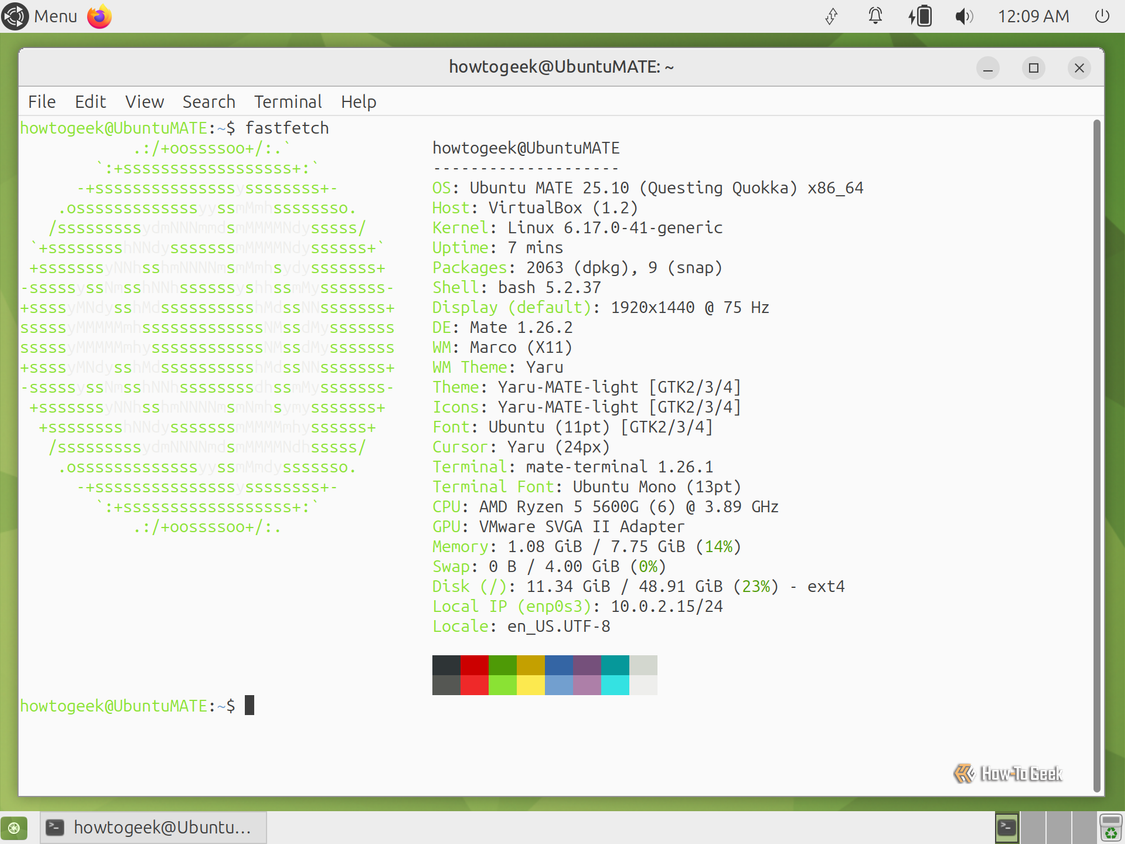
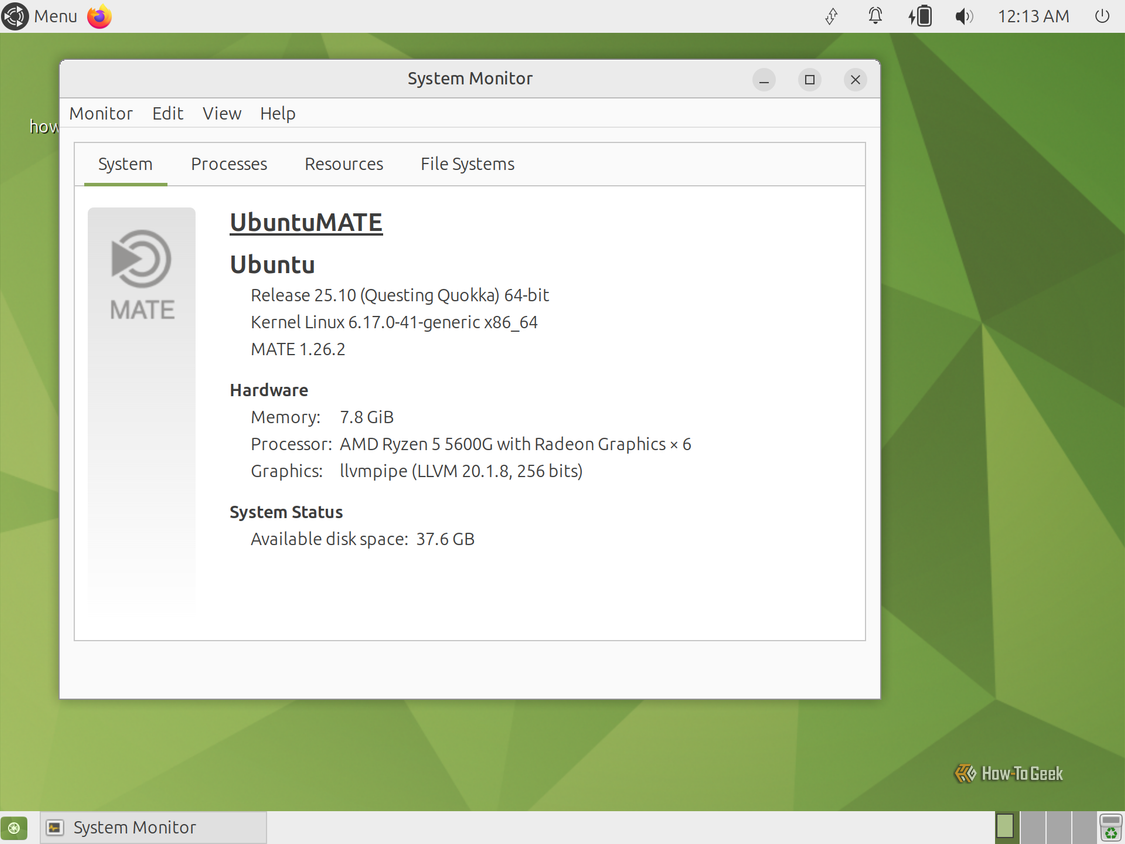
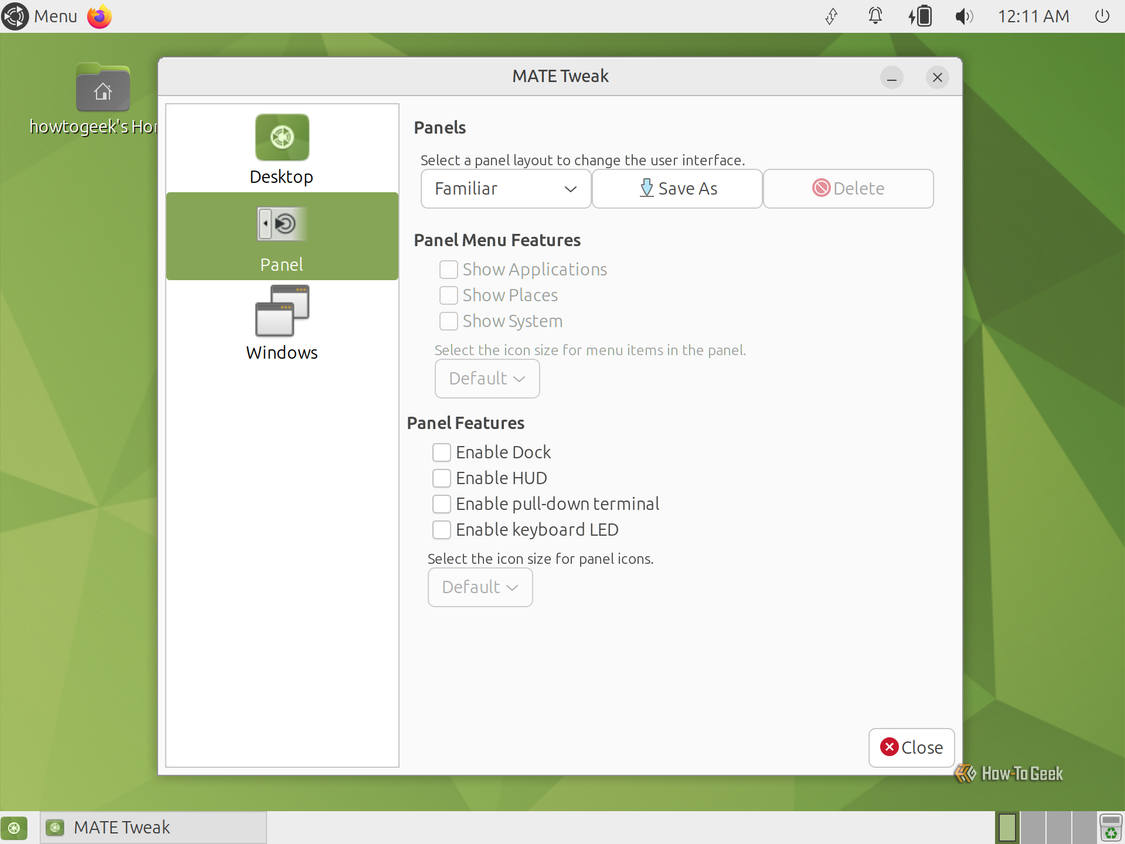
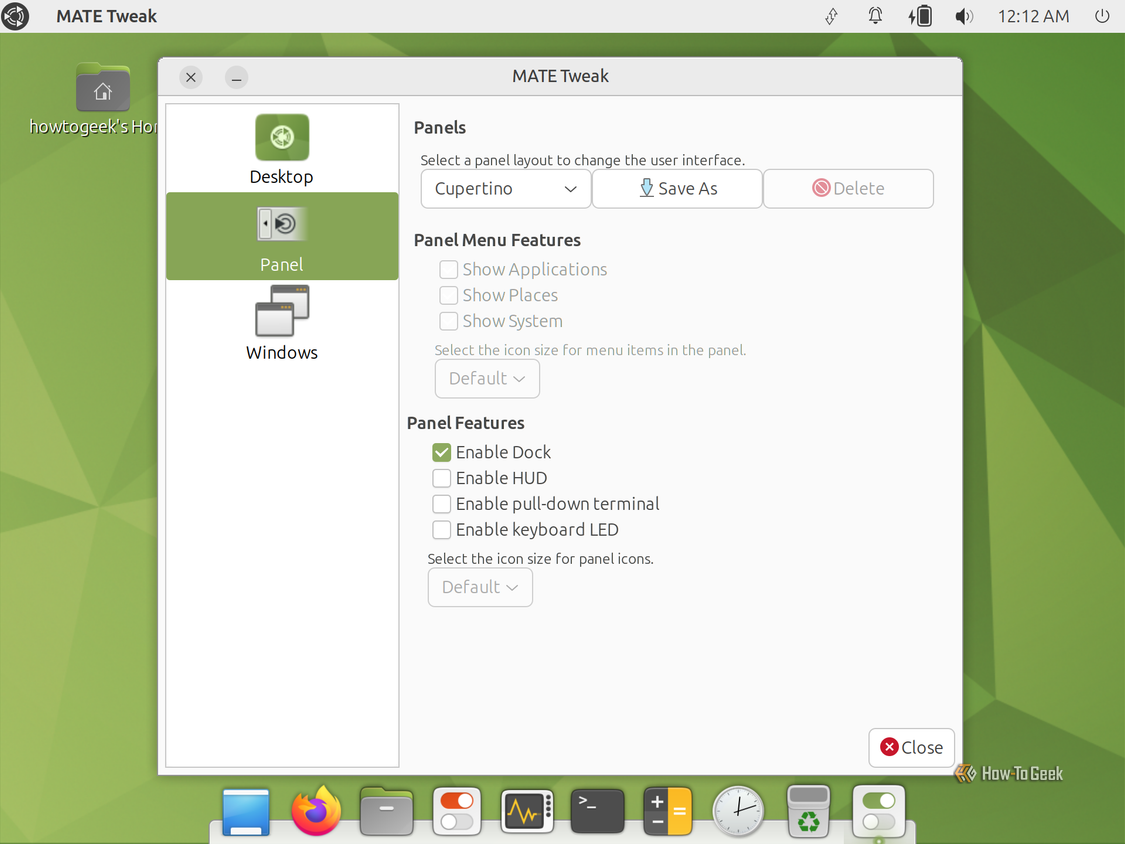
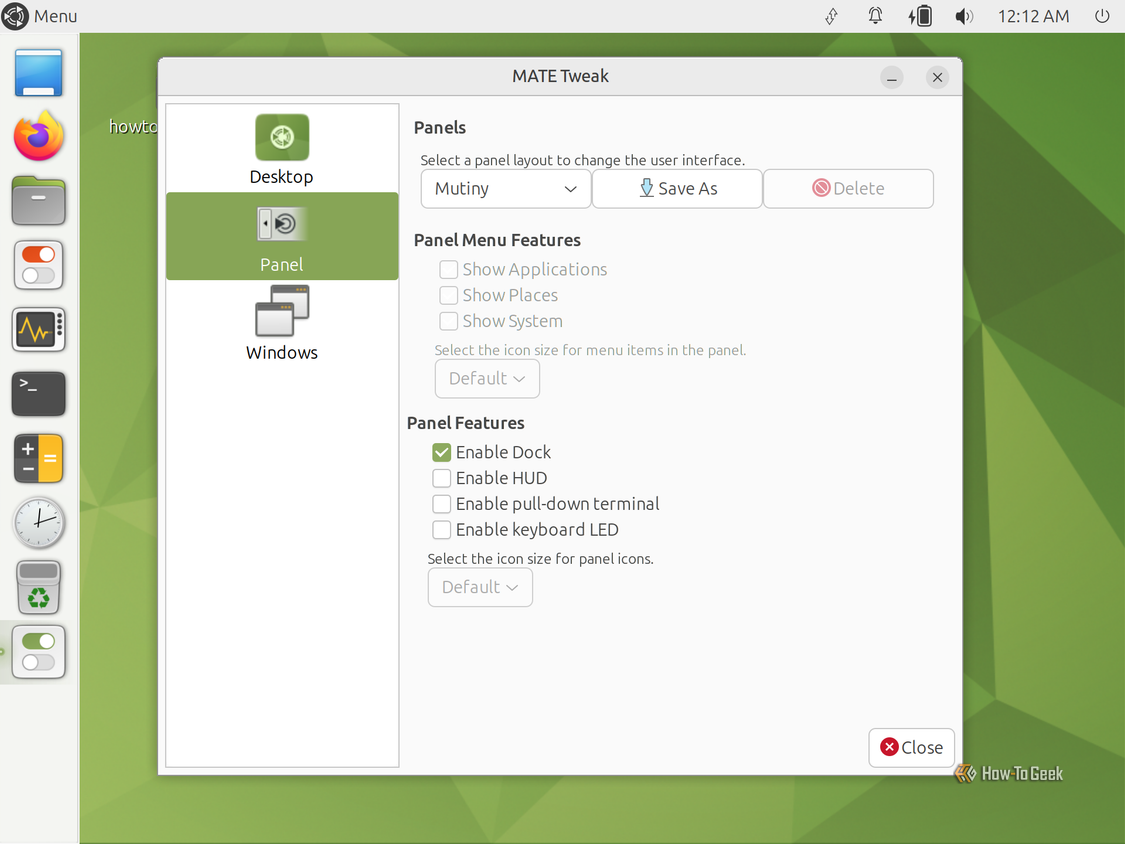
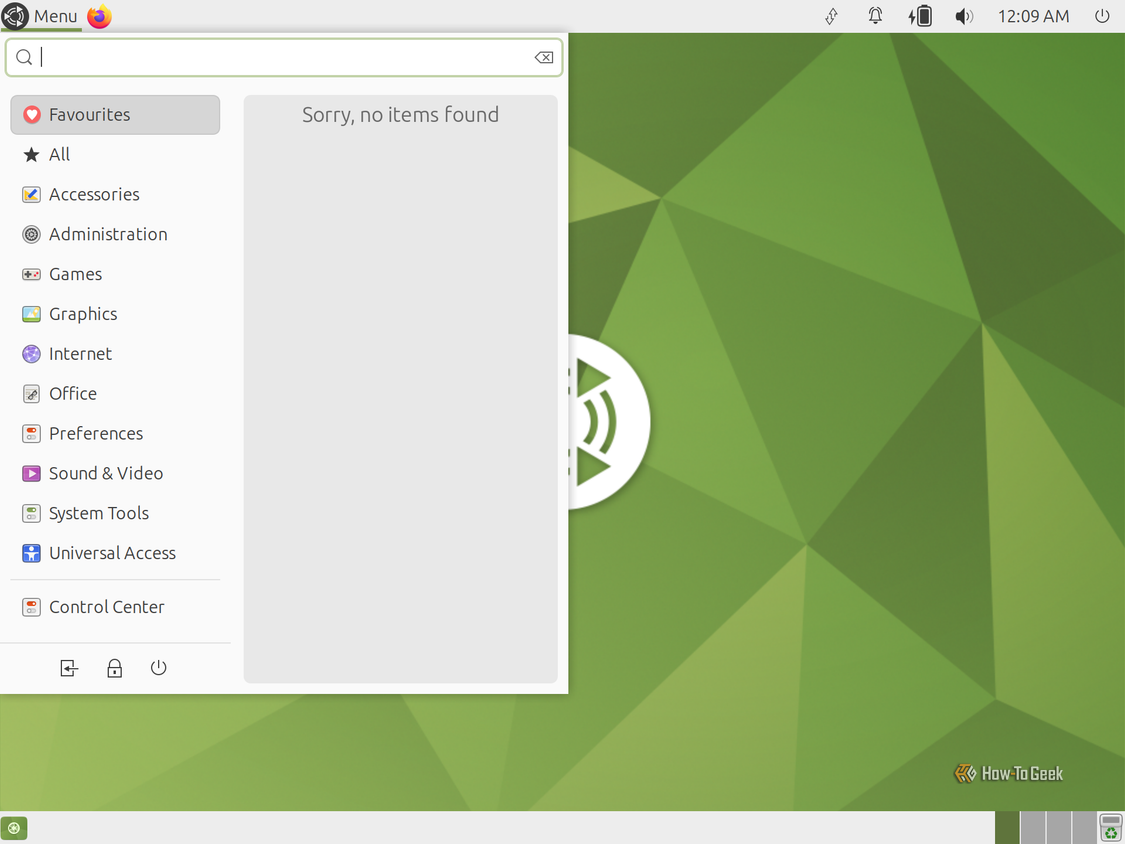
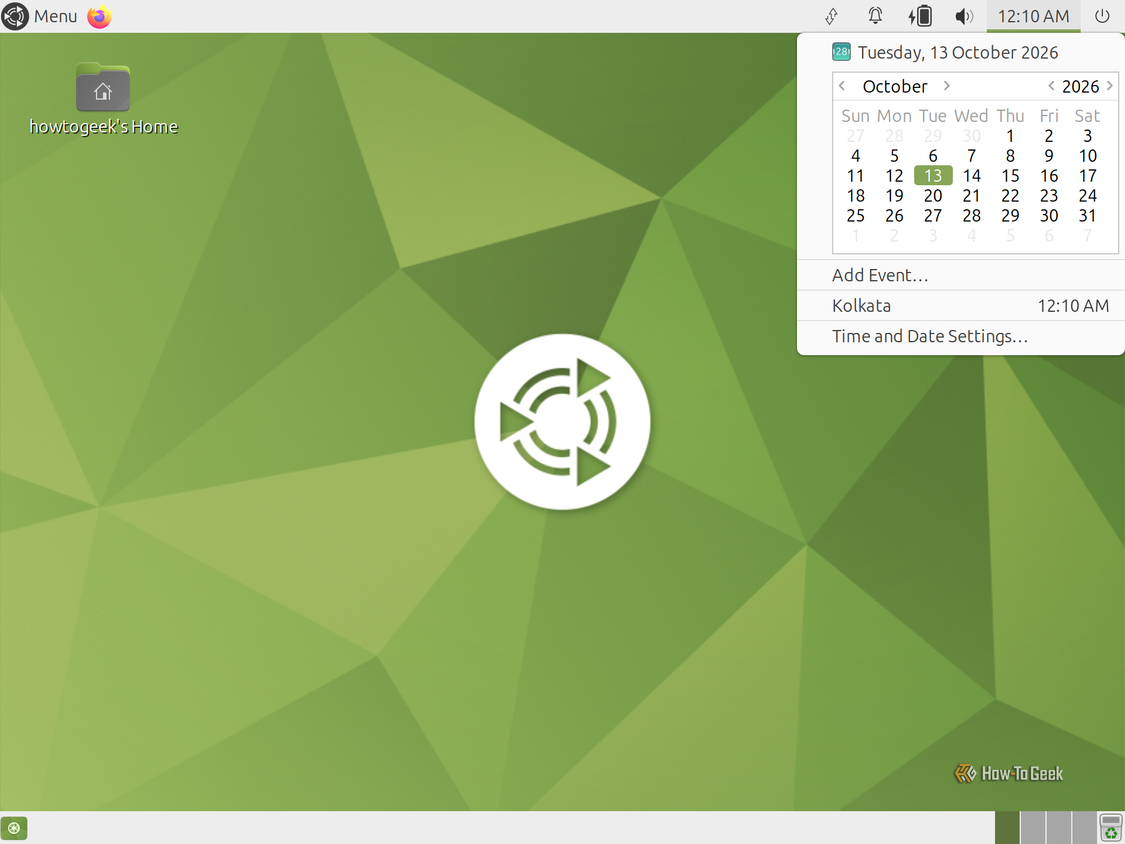
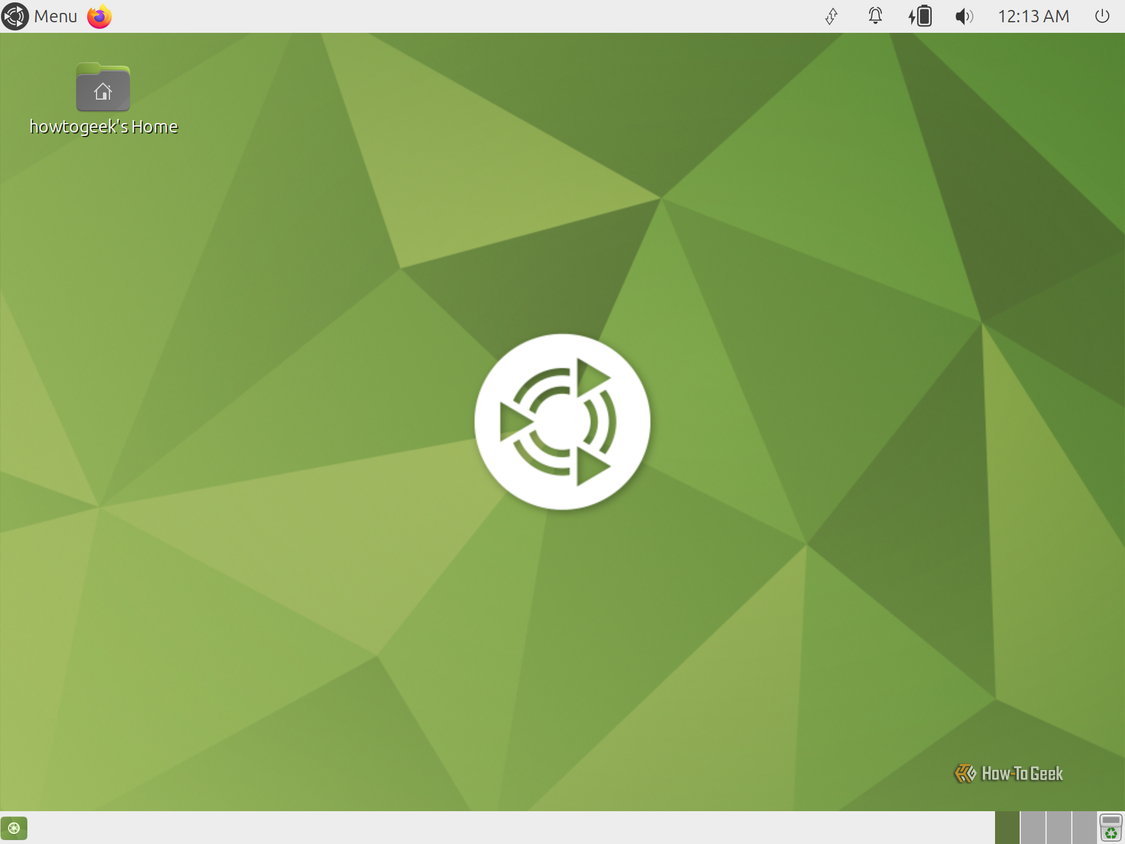
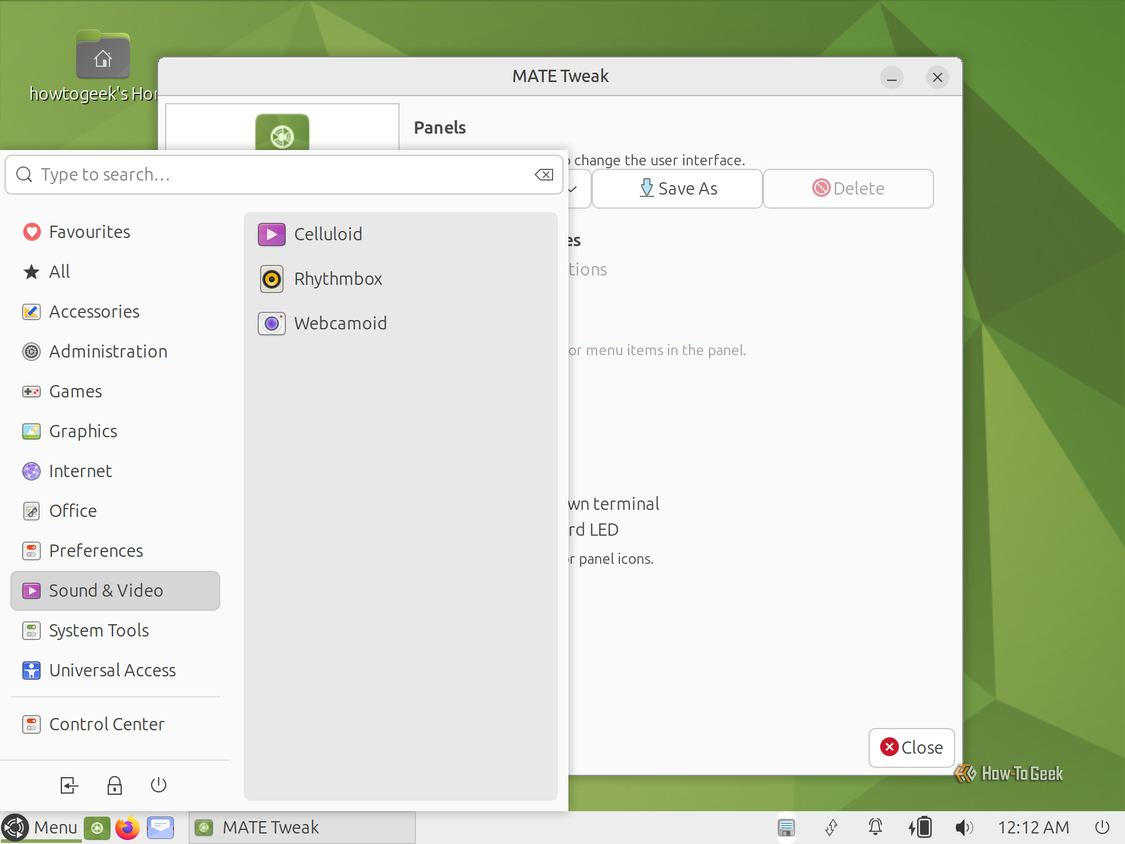
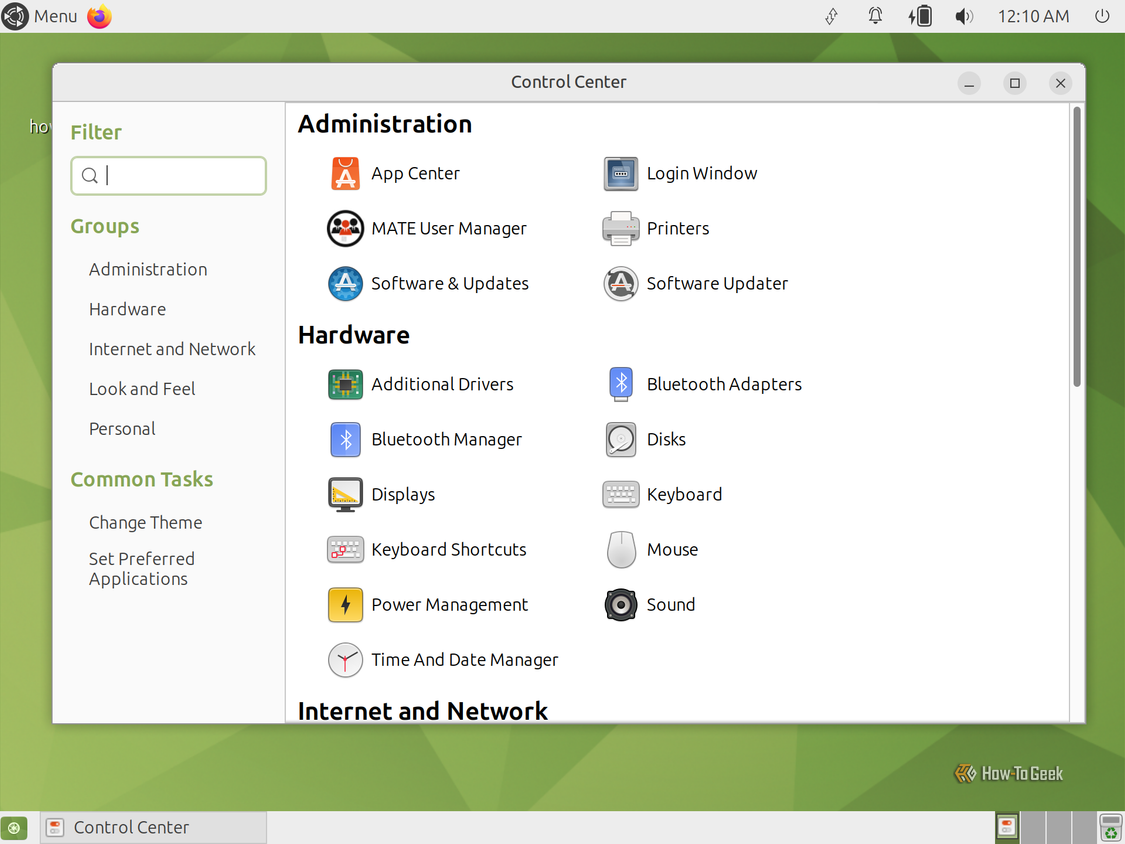
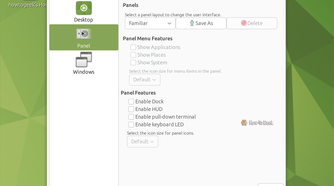
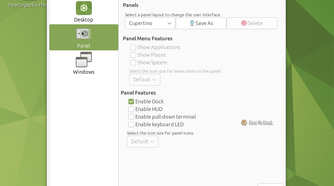
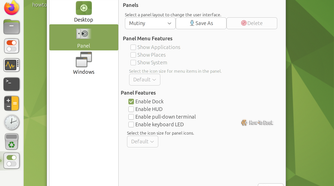
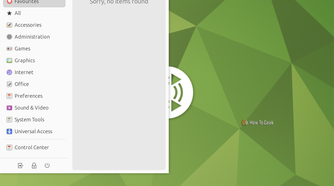
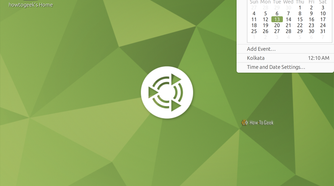

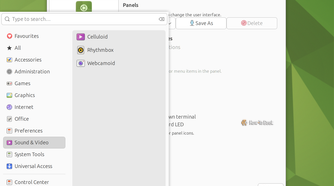
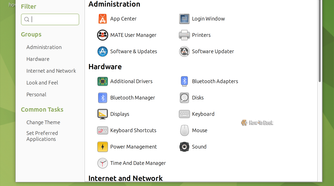
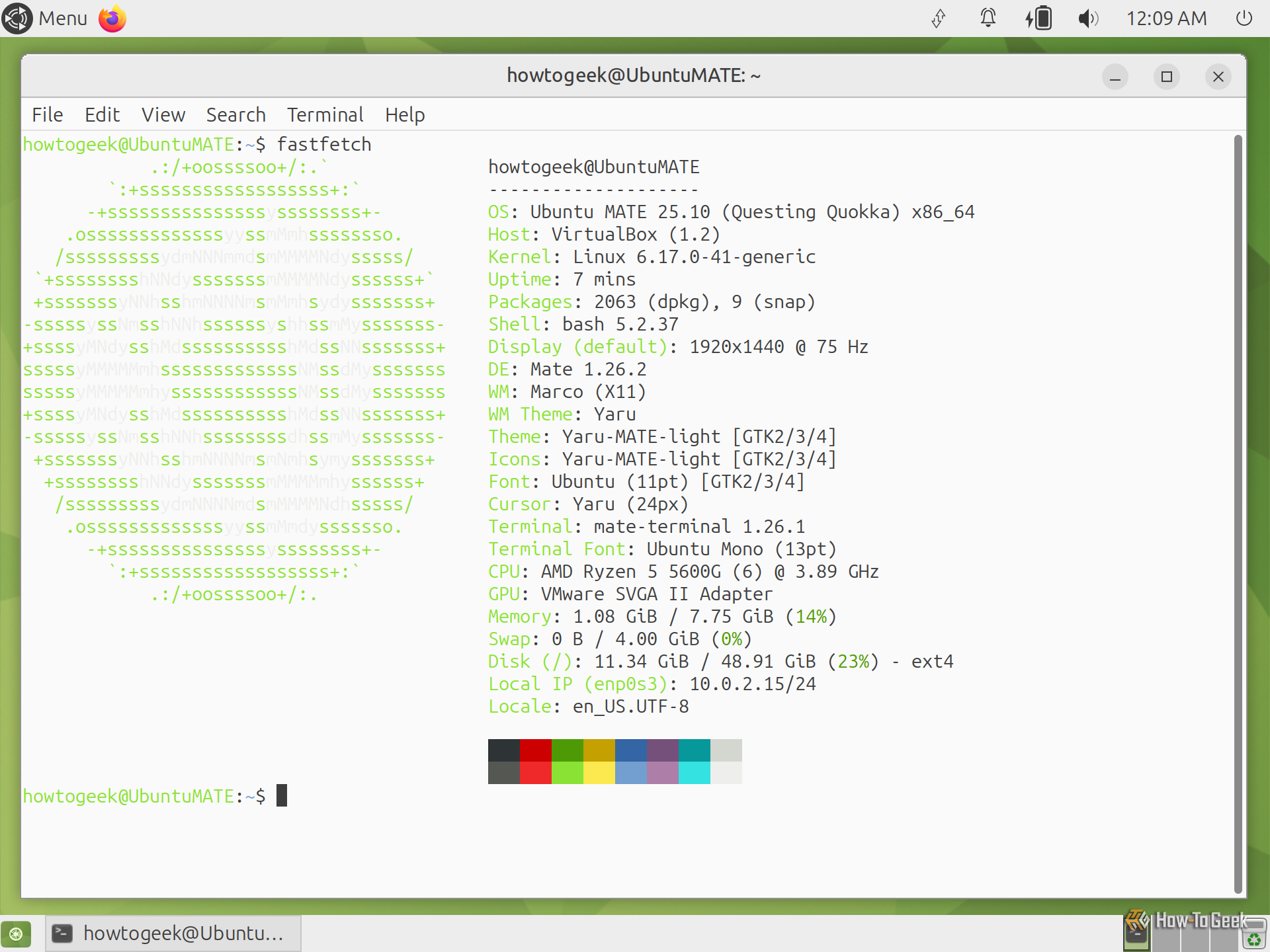
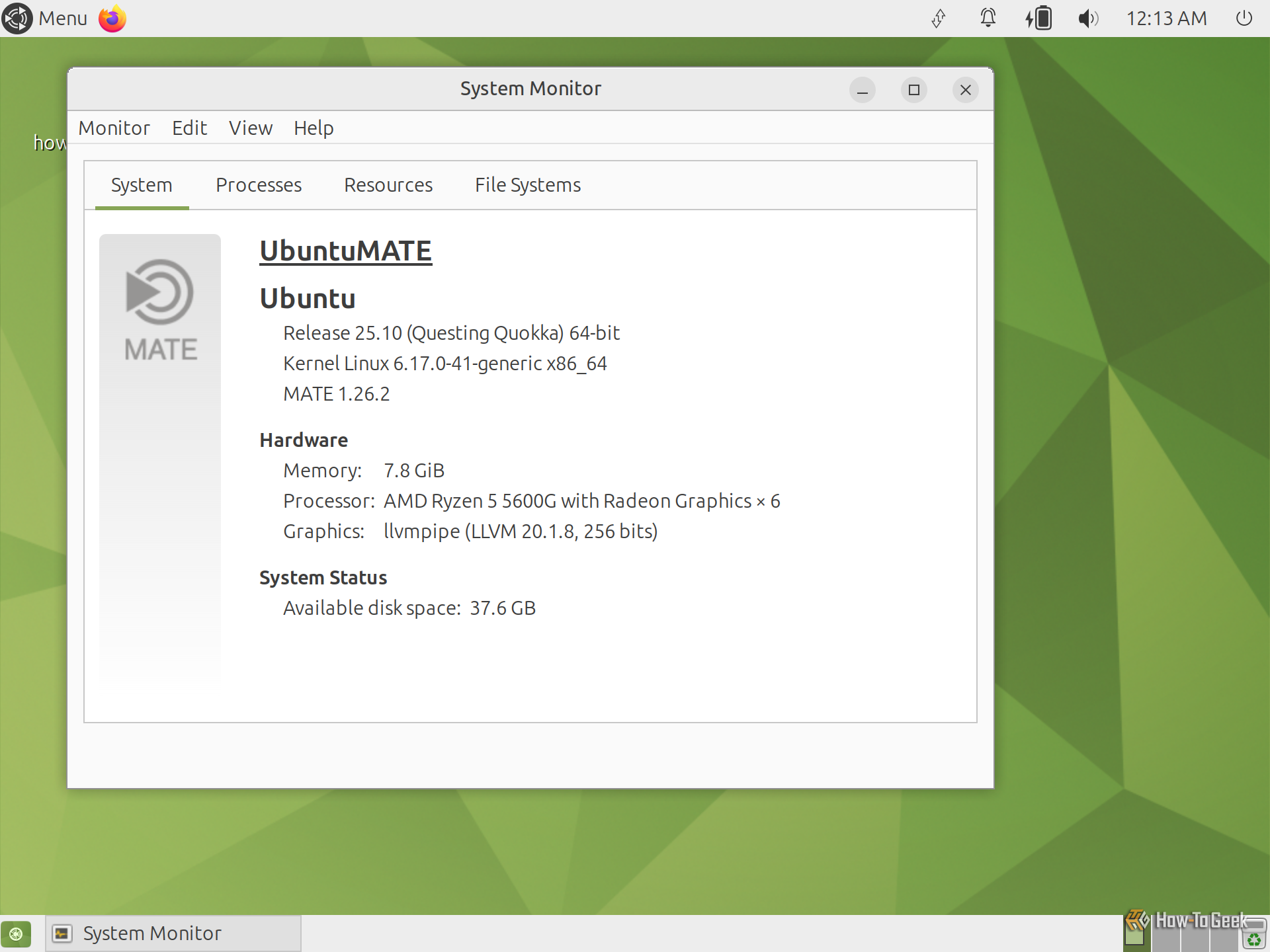
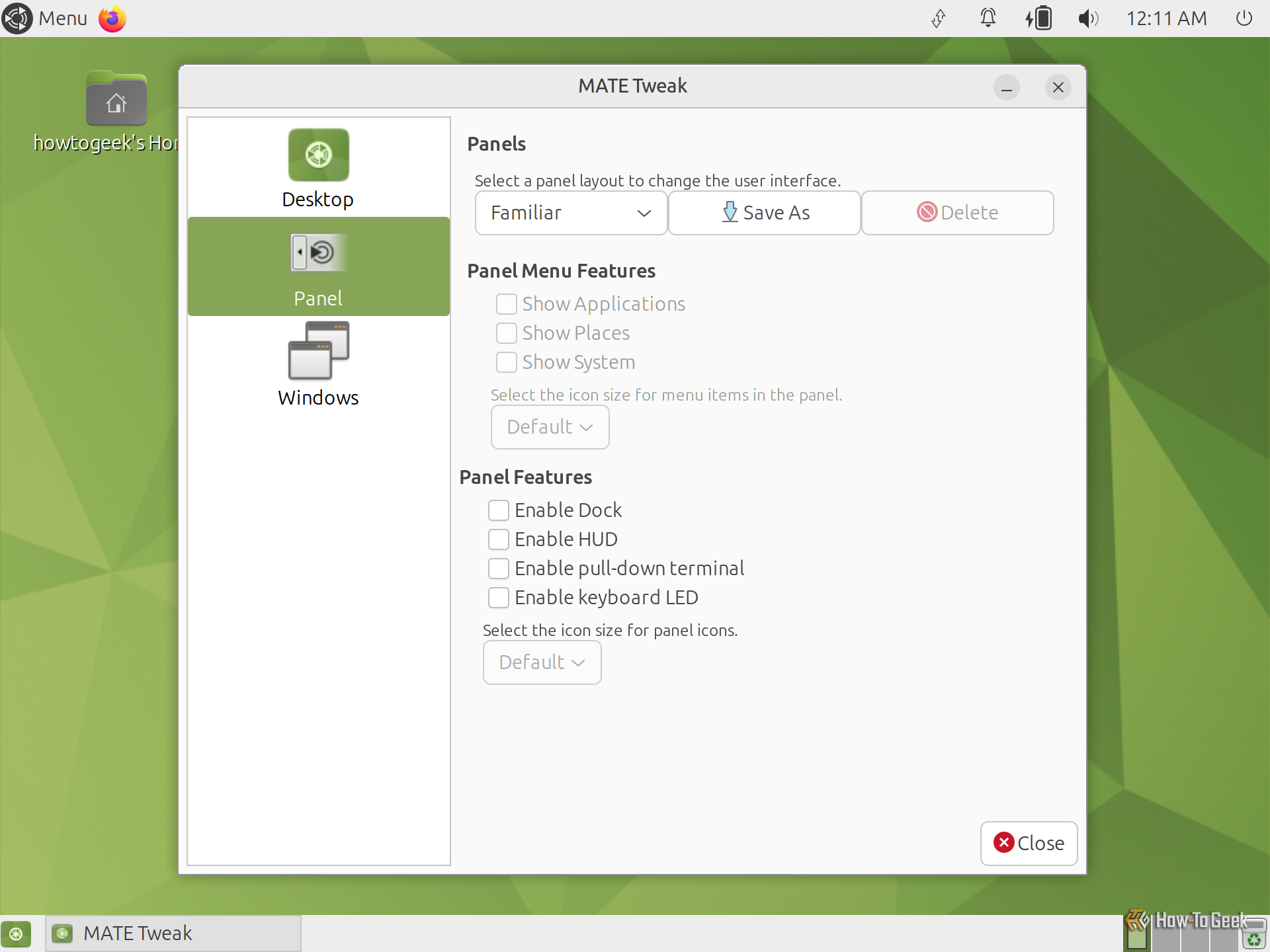
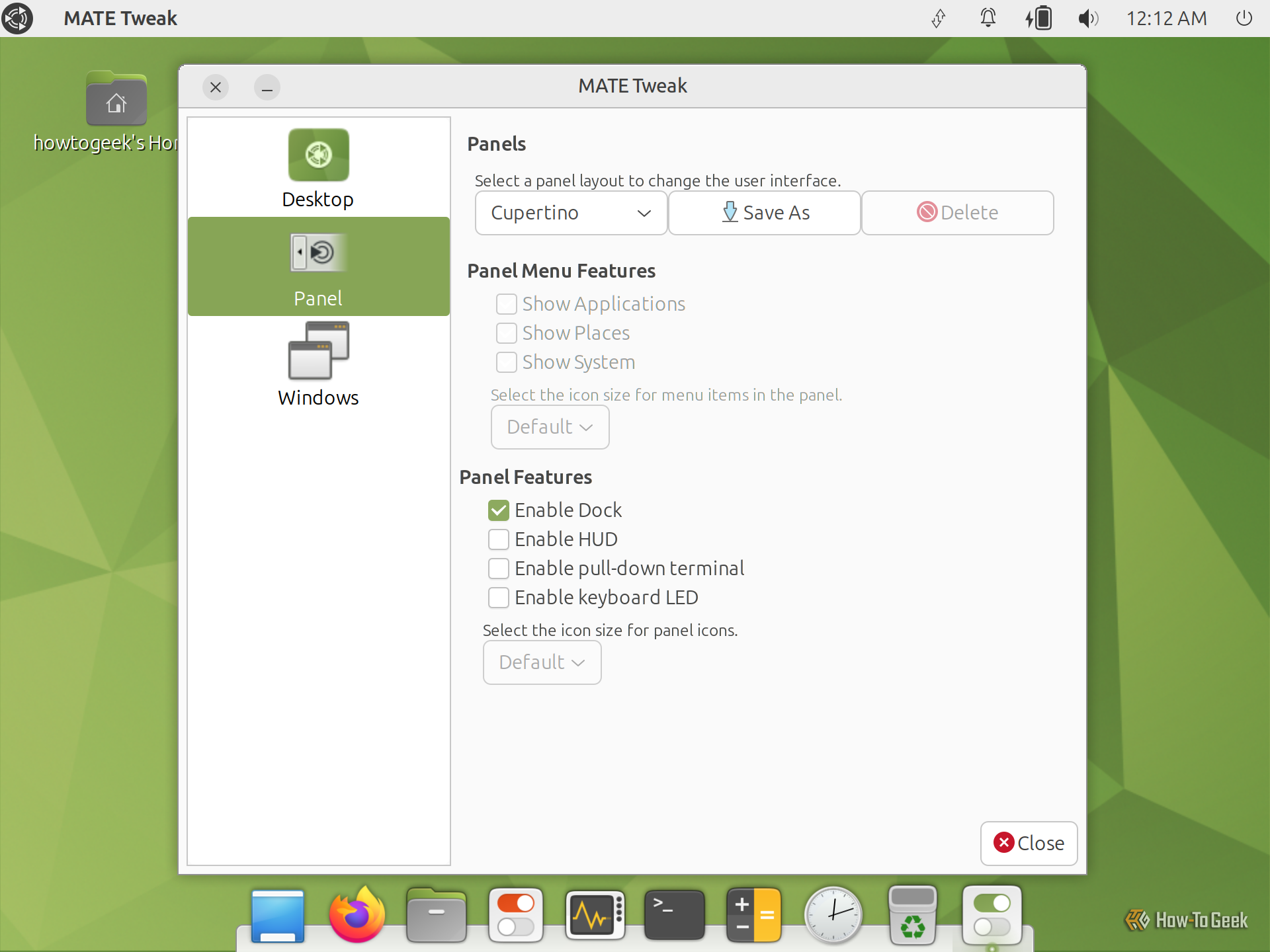
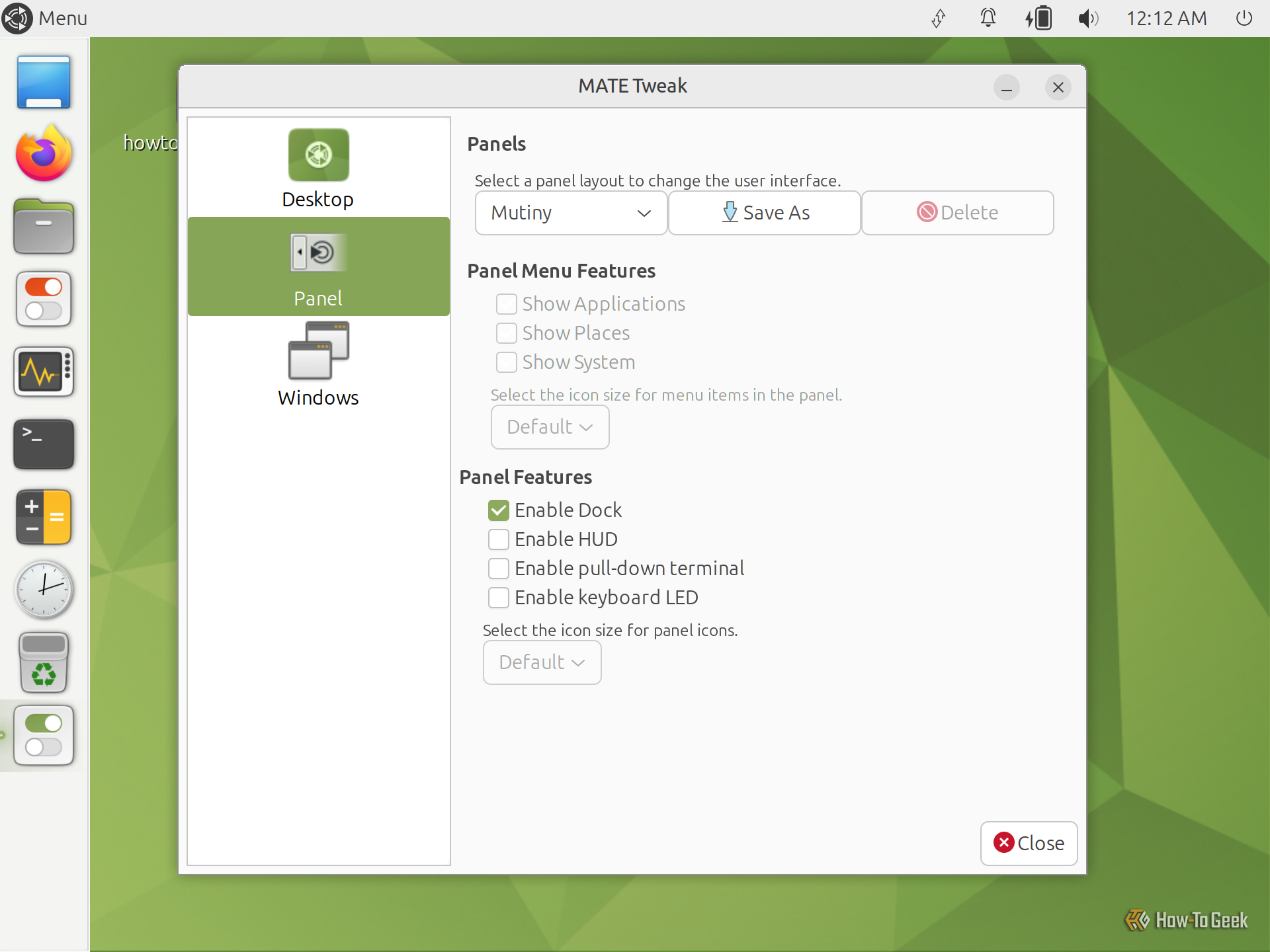
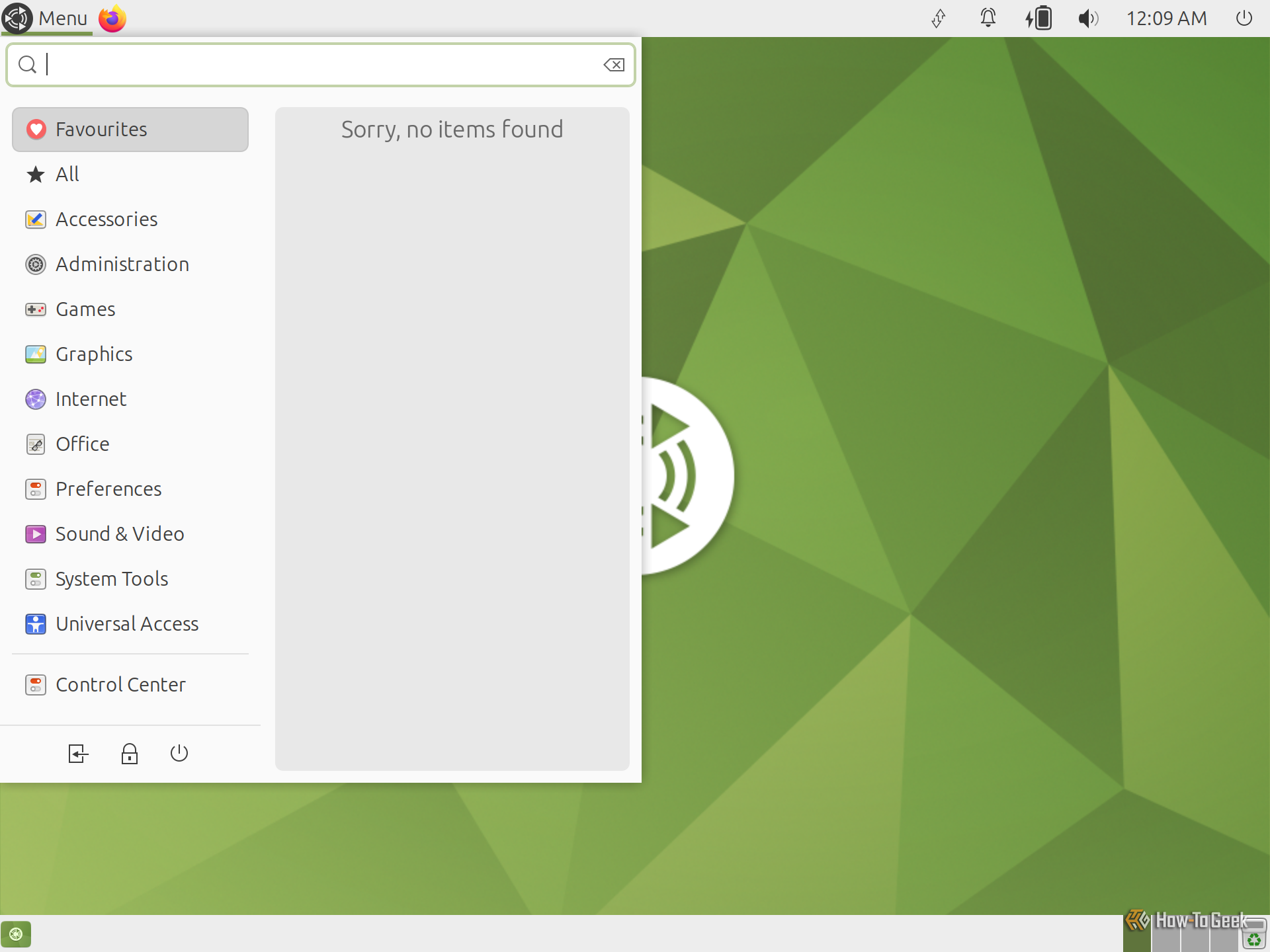
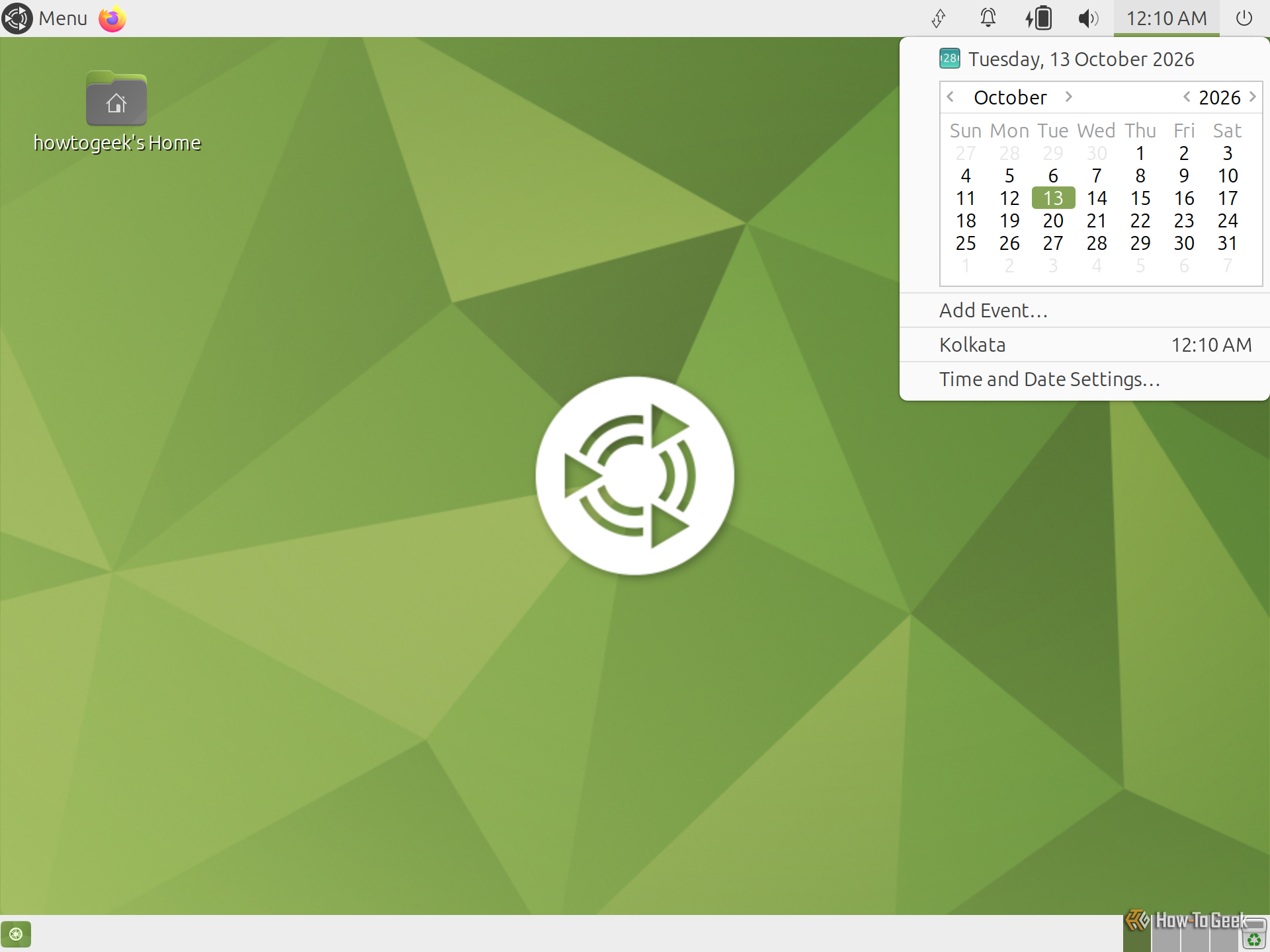
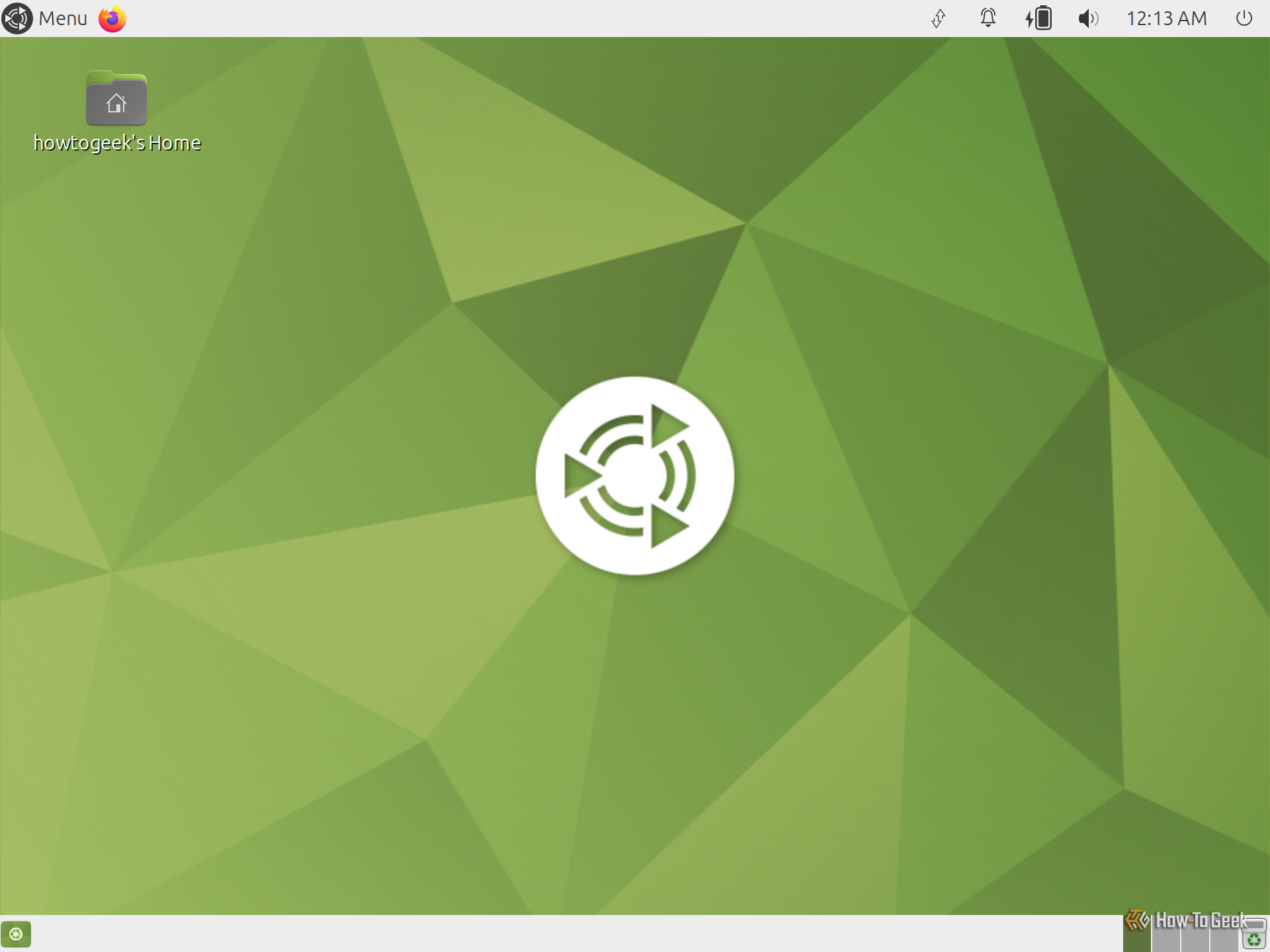
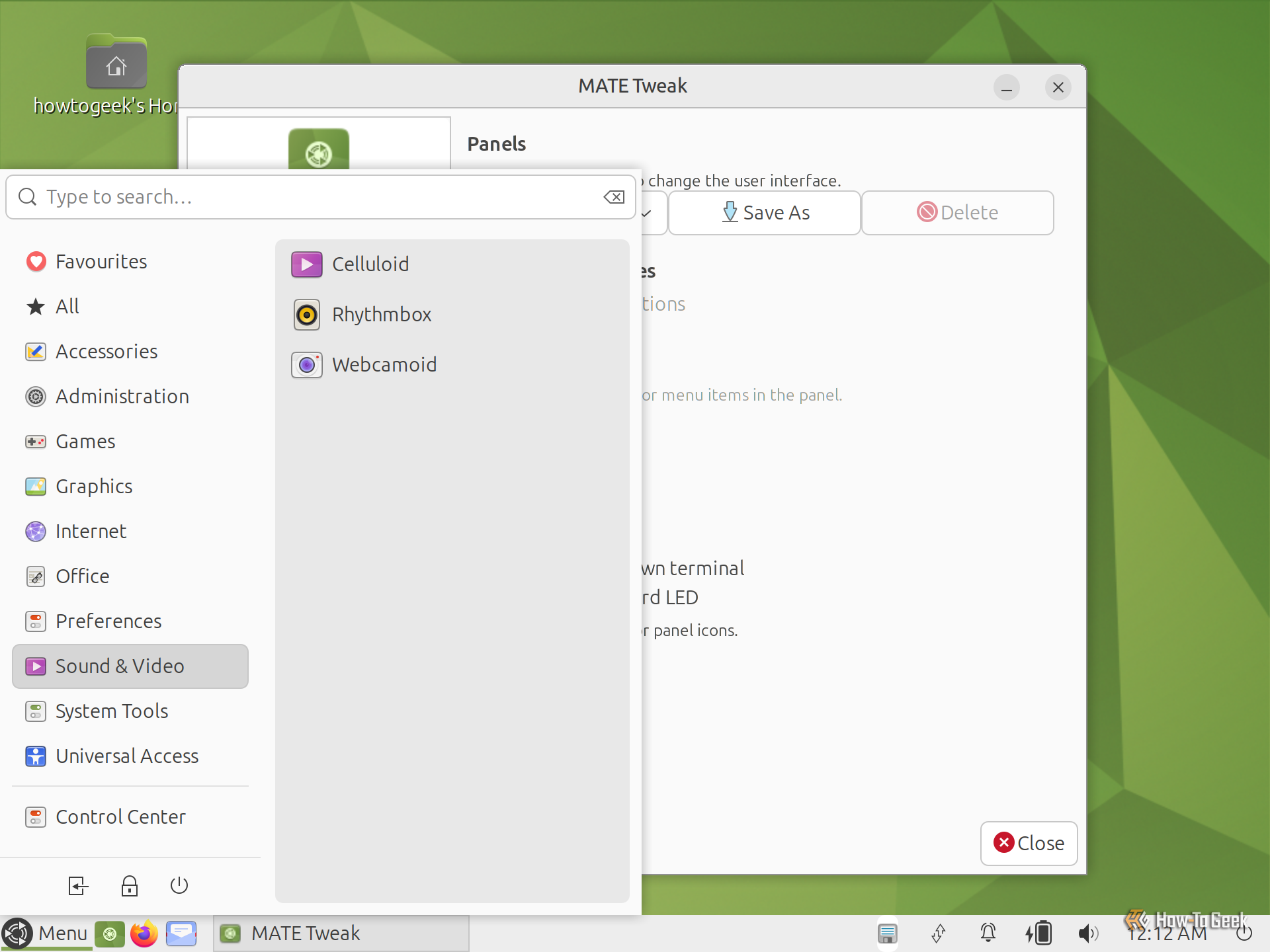
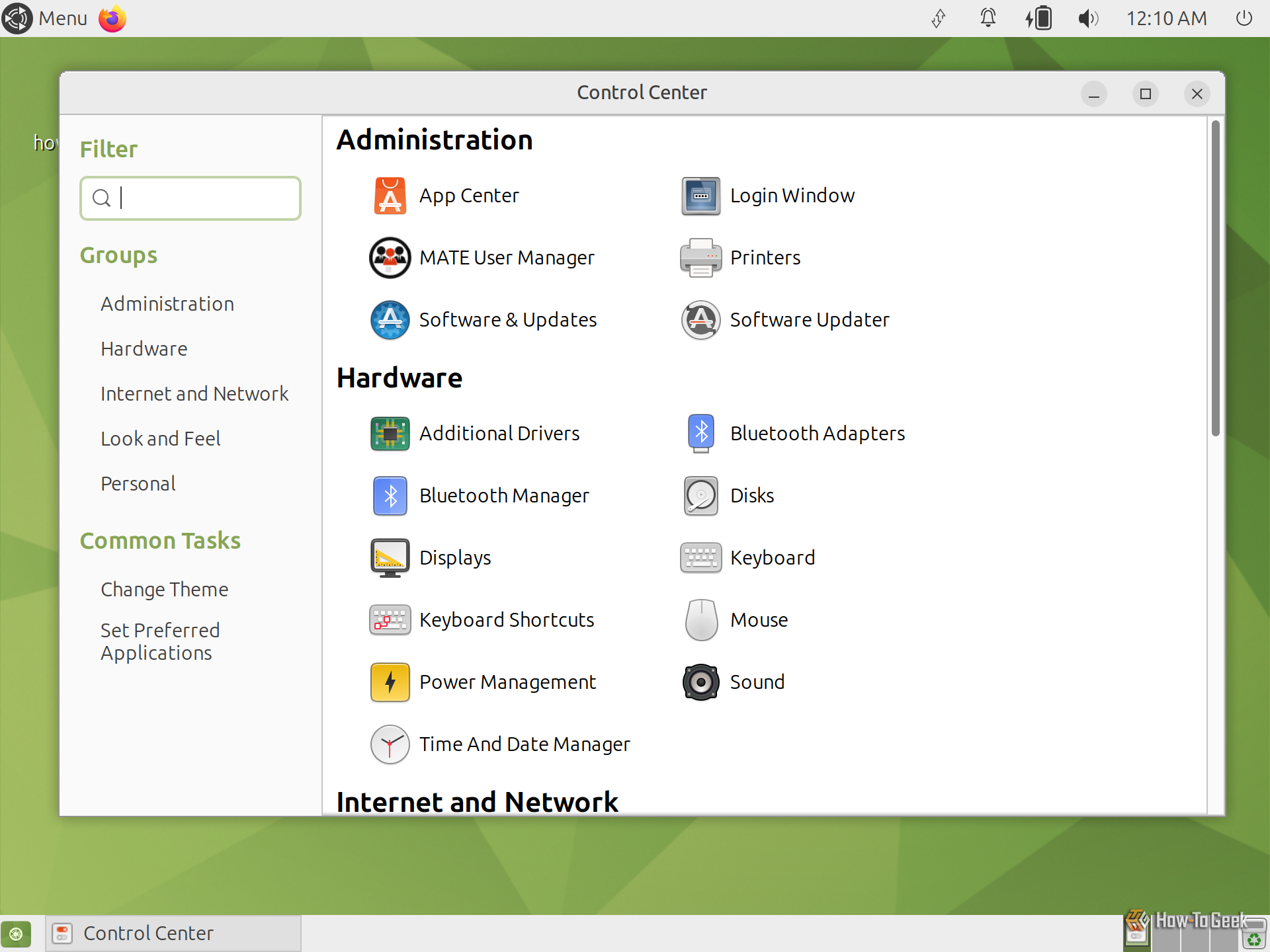
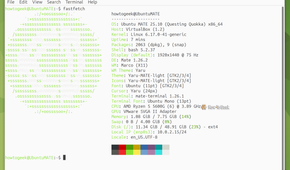
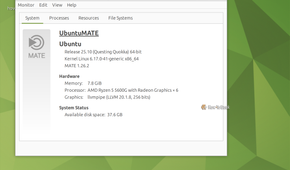
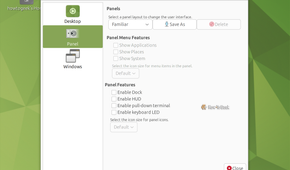
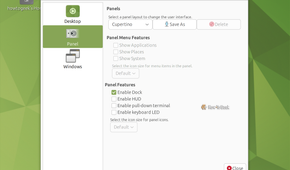
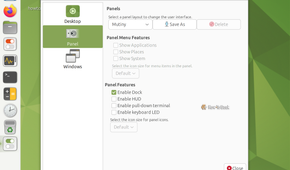
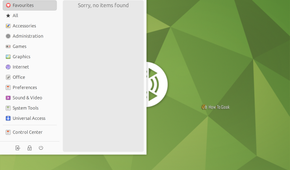


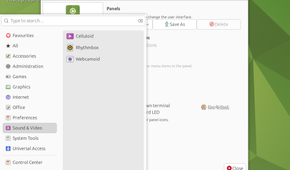
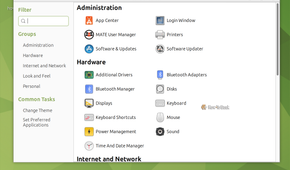
Back in 2011, GNOME decided to abandon the beloved GNOME 2 desktop paradigm in favor of its new vision for GNOME 3, and a lot of people were pissed. That’s when MATE was born as a project to preserve and continue the traditional GNOME 2 desktop experience.
In fact, it’s a complete fork of the GNOME 2 codebase. You get the same panels, application menus, and window-management controls. From an everyday user’s perspective, the overall experience feels identical to classic GNOME 2.
The main difference is that MATE has continued to evolve and modernize the codebase, with updates and improvements for modern Linux systems. It supports HiDPI displays and modern filesystem and network protocols, while Wayland support remains a work in progress at the time of writing.
Overall, MATE is a perfectly functional desktop environment, particularly if you prefer traditional workflows. Unfortunately, I’m not particularly interested in recreating the desktop experience of the 2000s, so MATE isn’t for me. That’s why it ranks low on my list.
Best distros for experiencing MATE: Ubuntu MATE and Linux Mint.
5
GNOME
Too opinionated for my liking
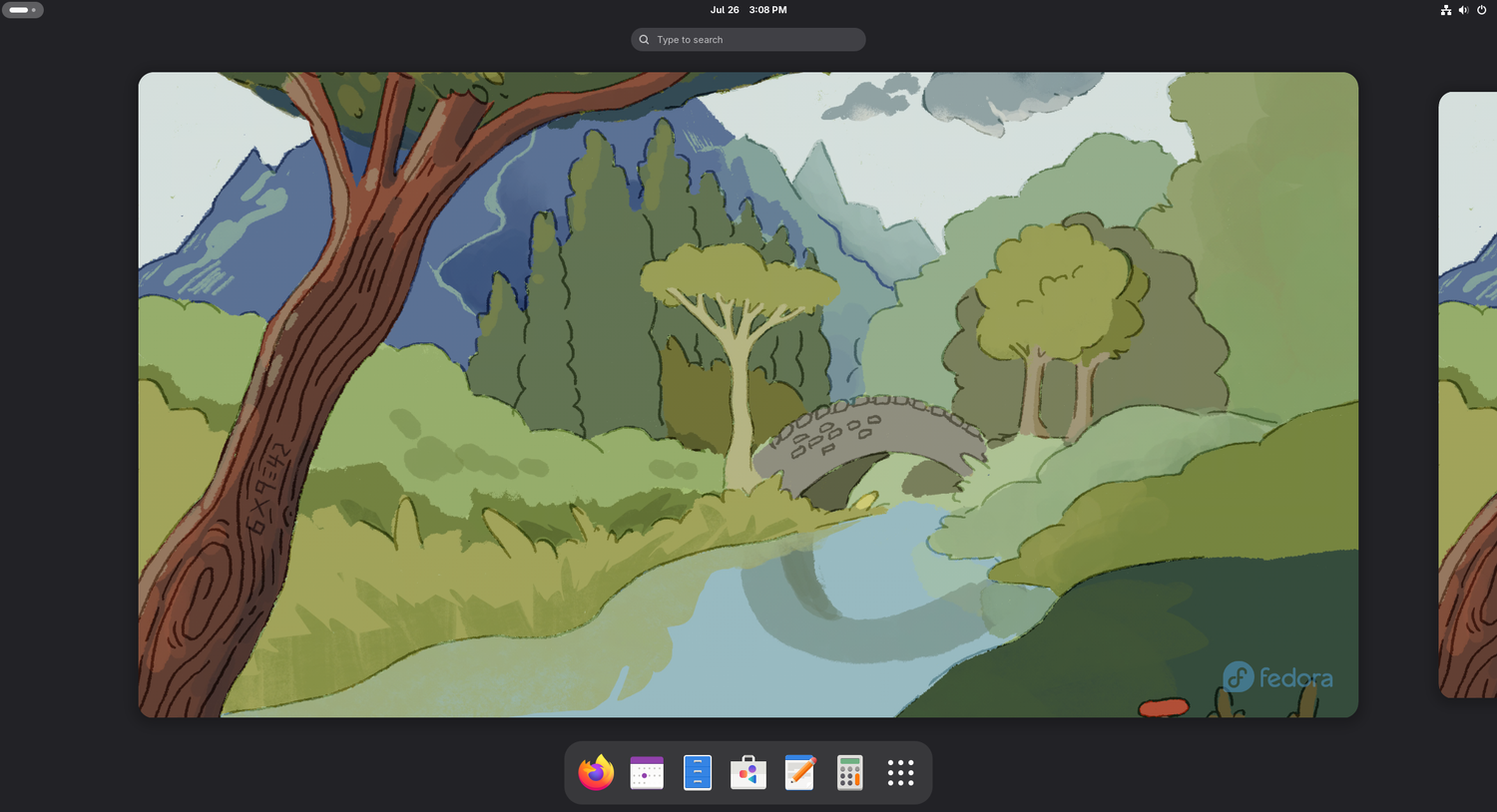
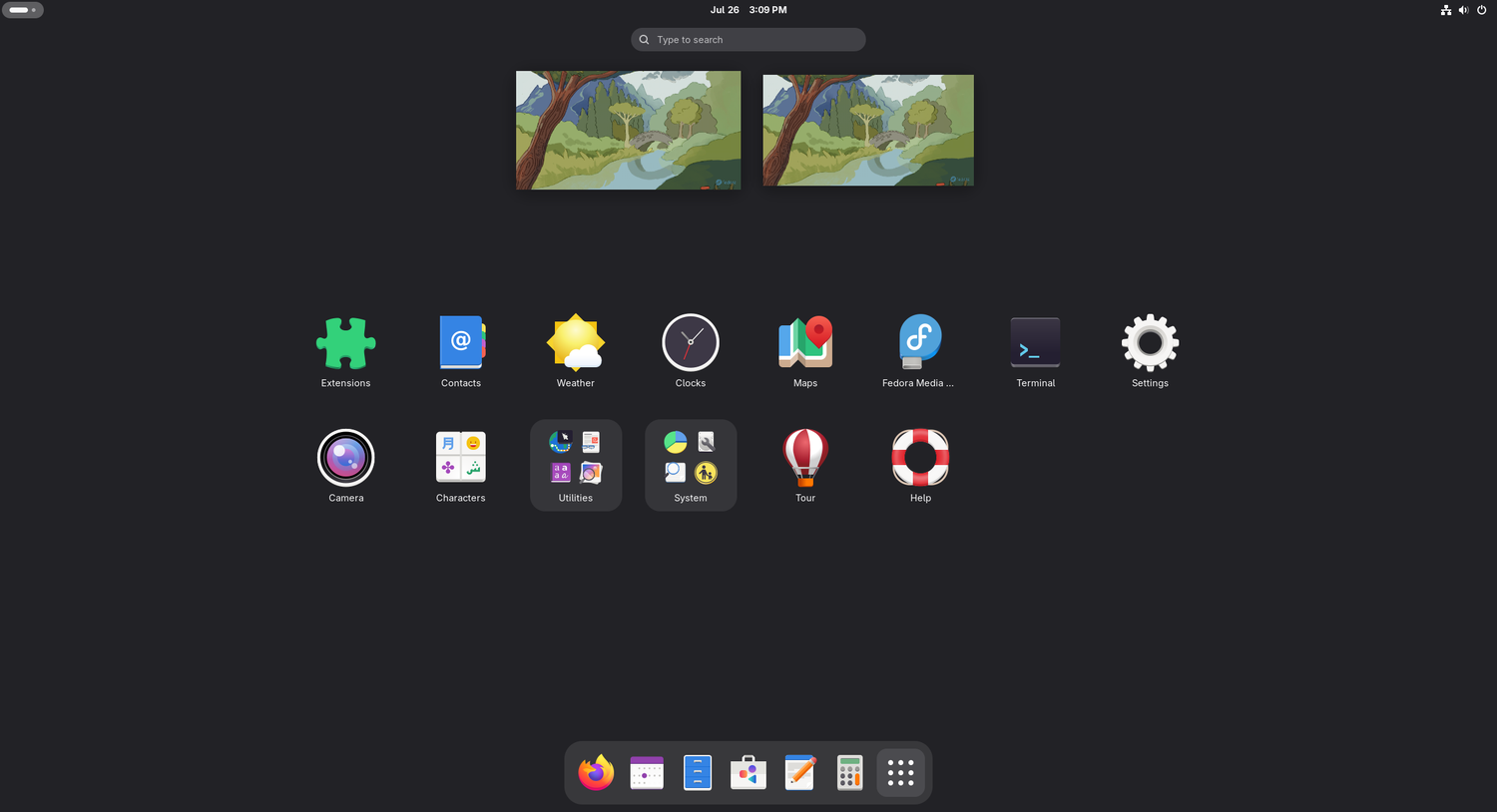
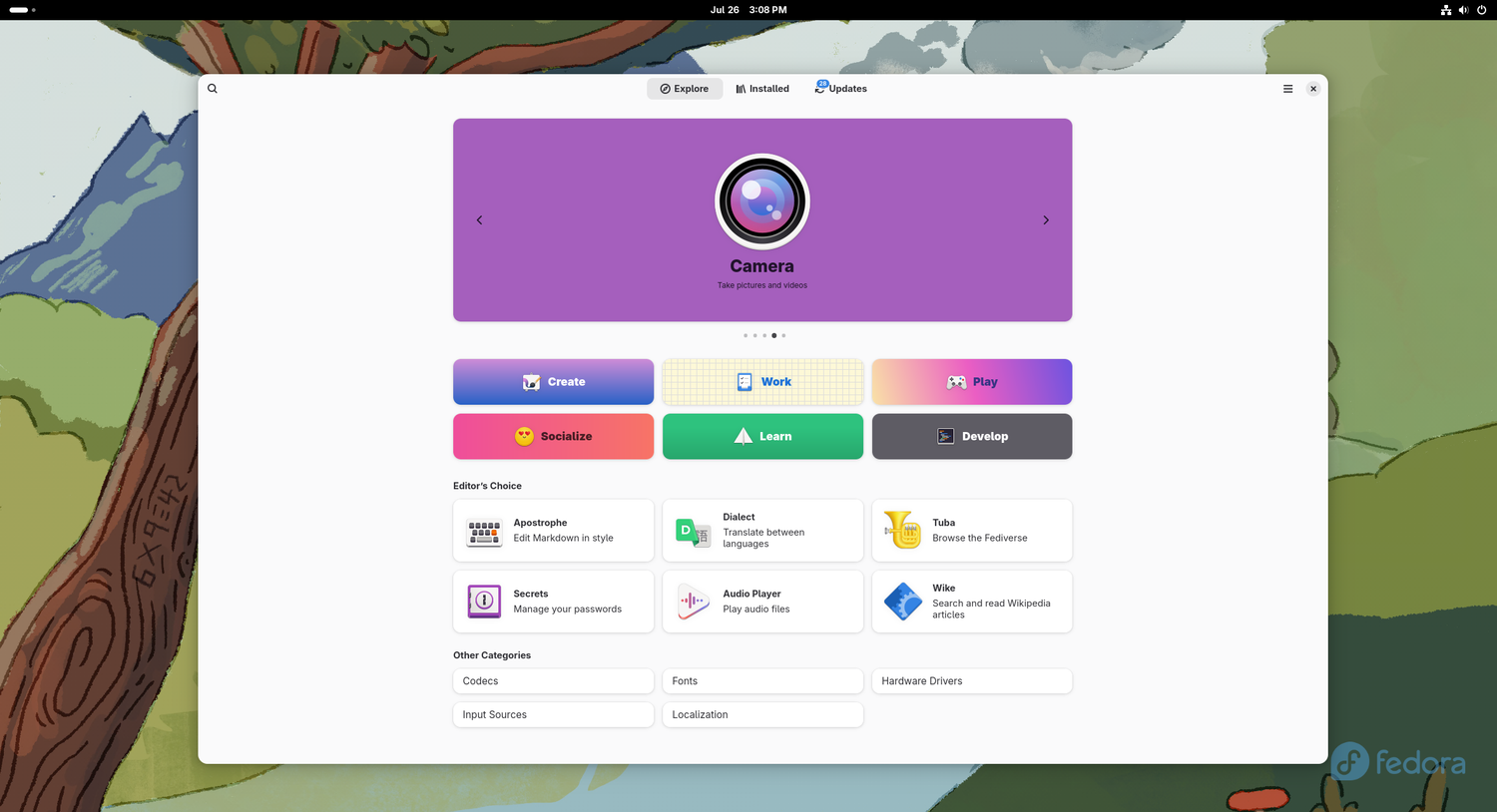
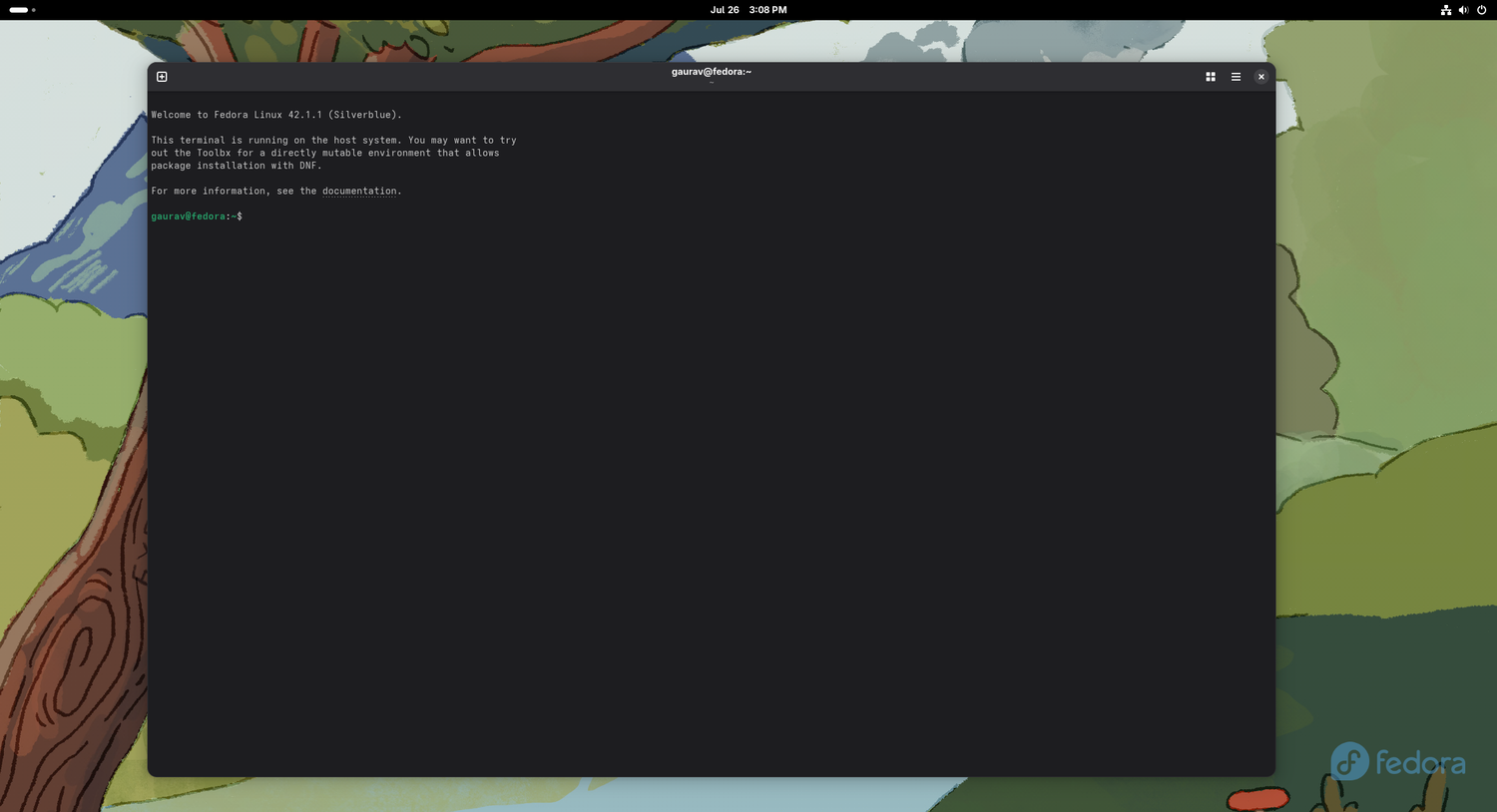
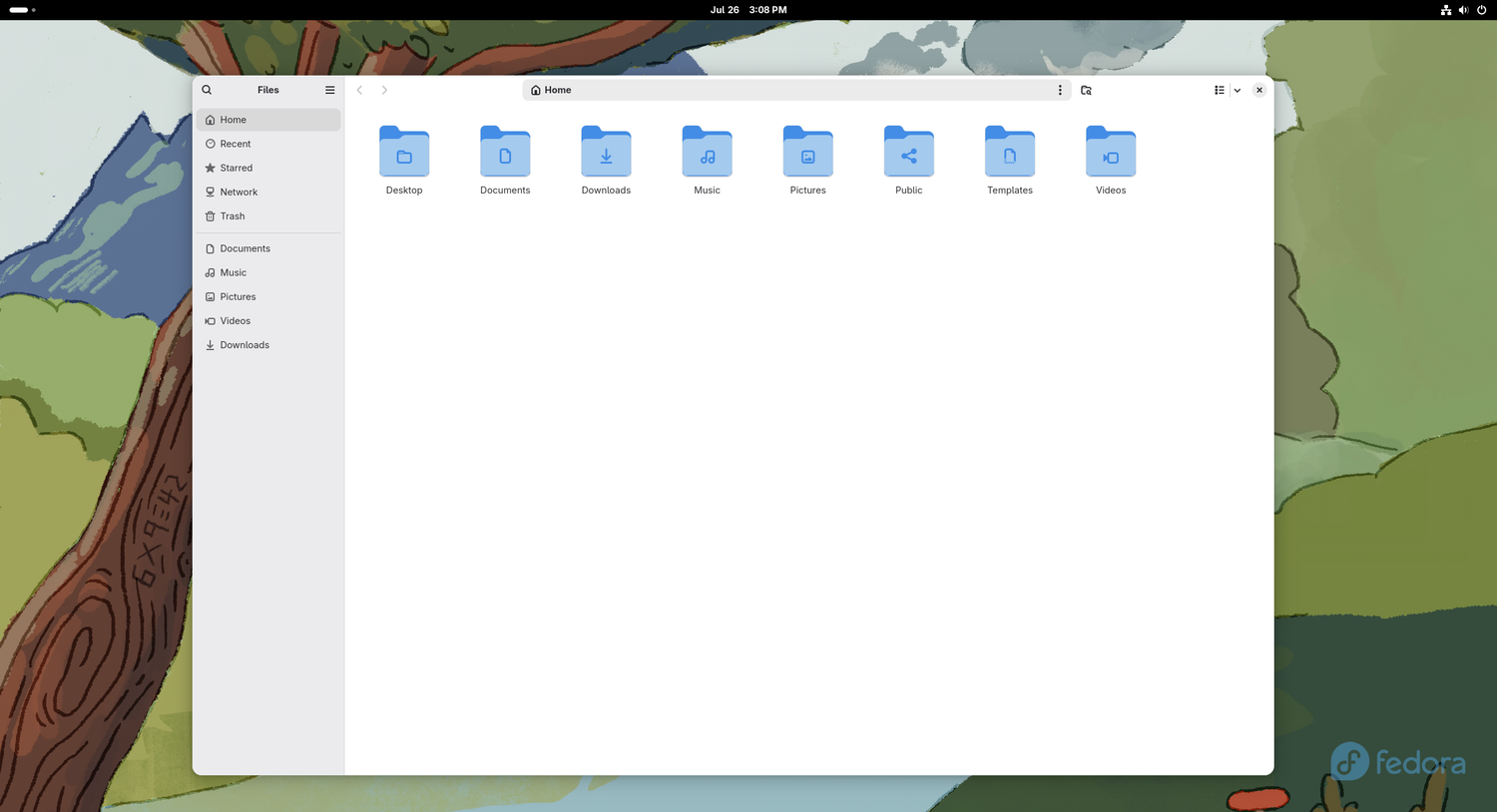
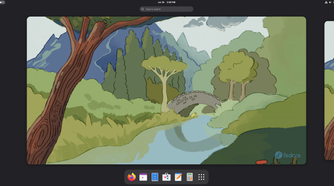
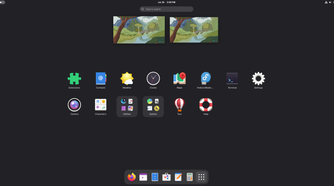
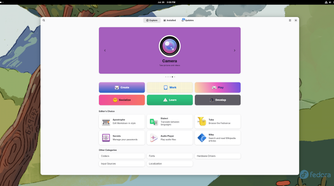
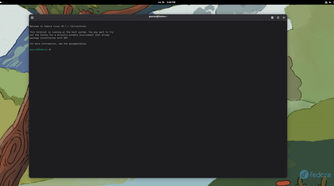
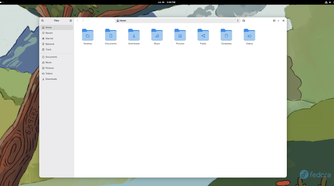
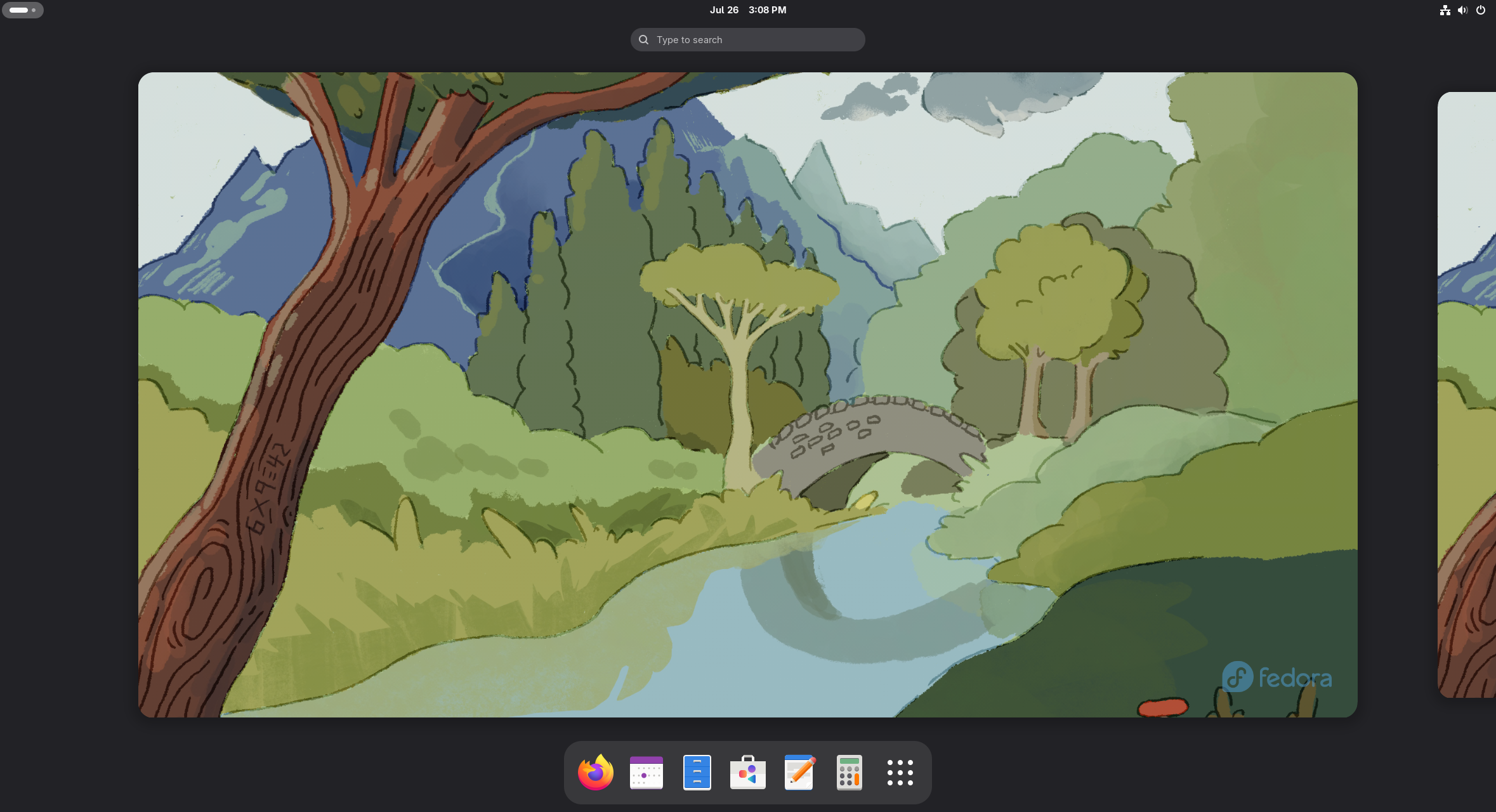
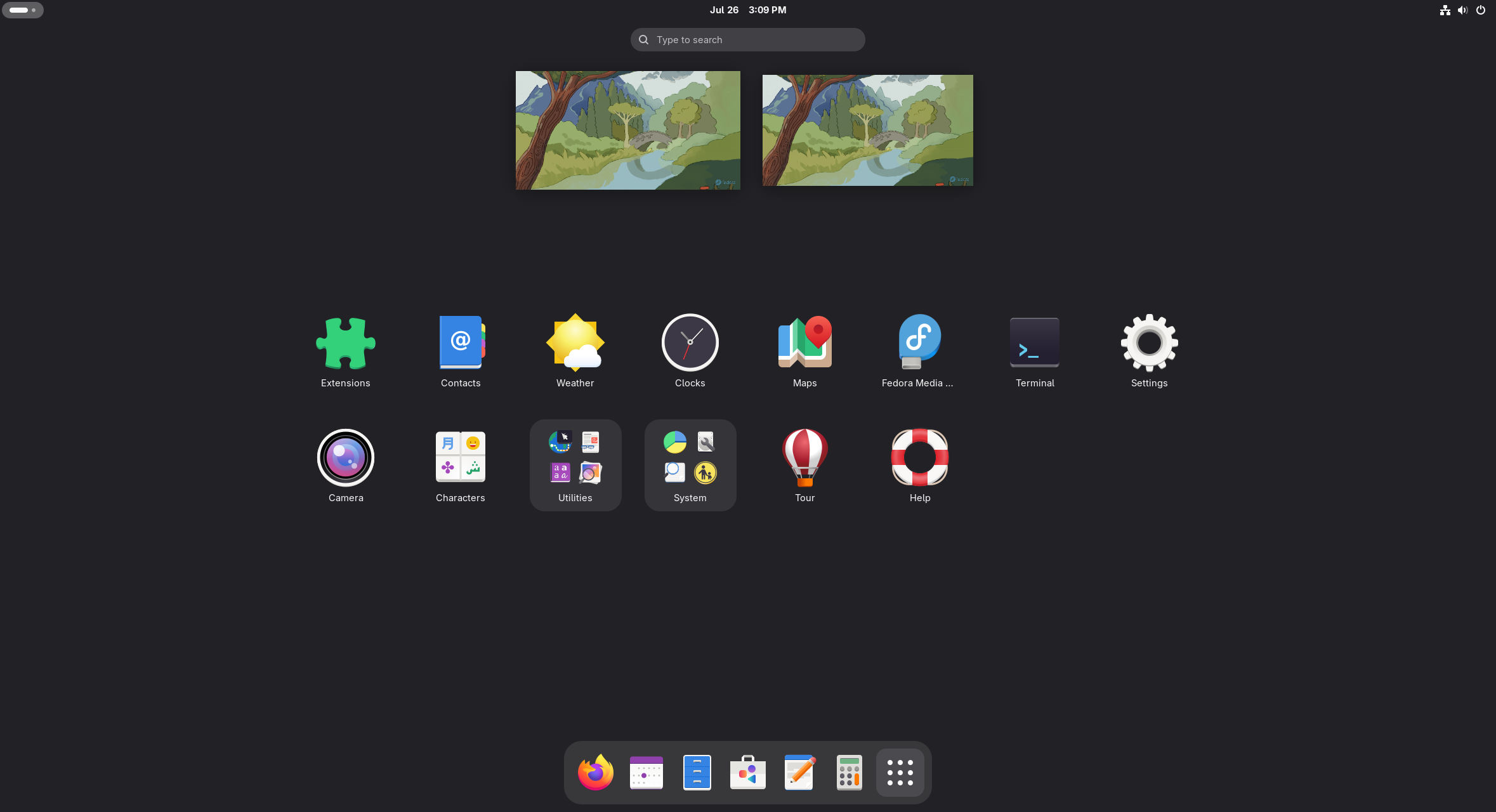
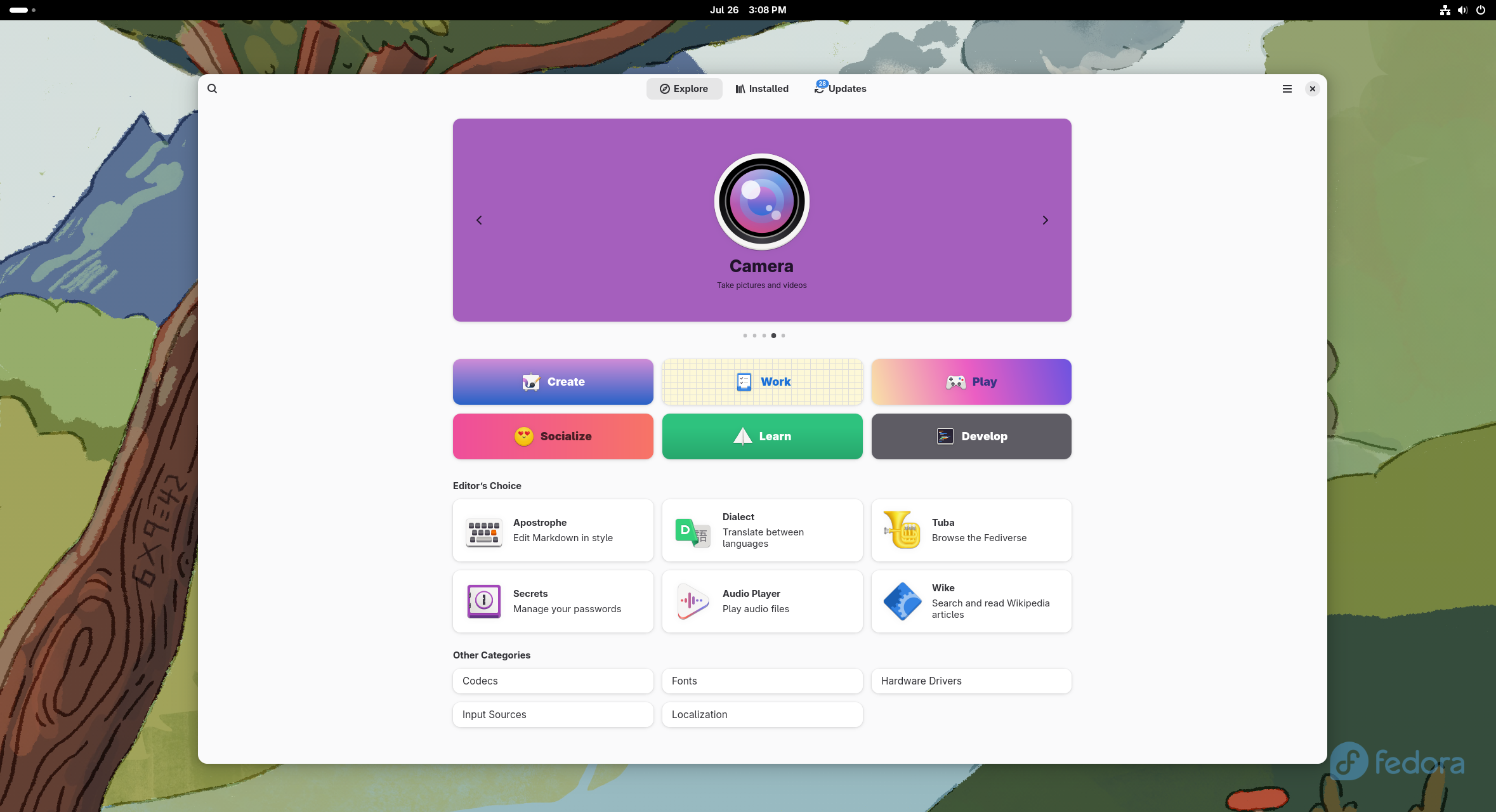
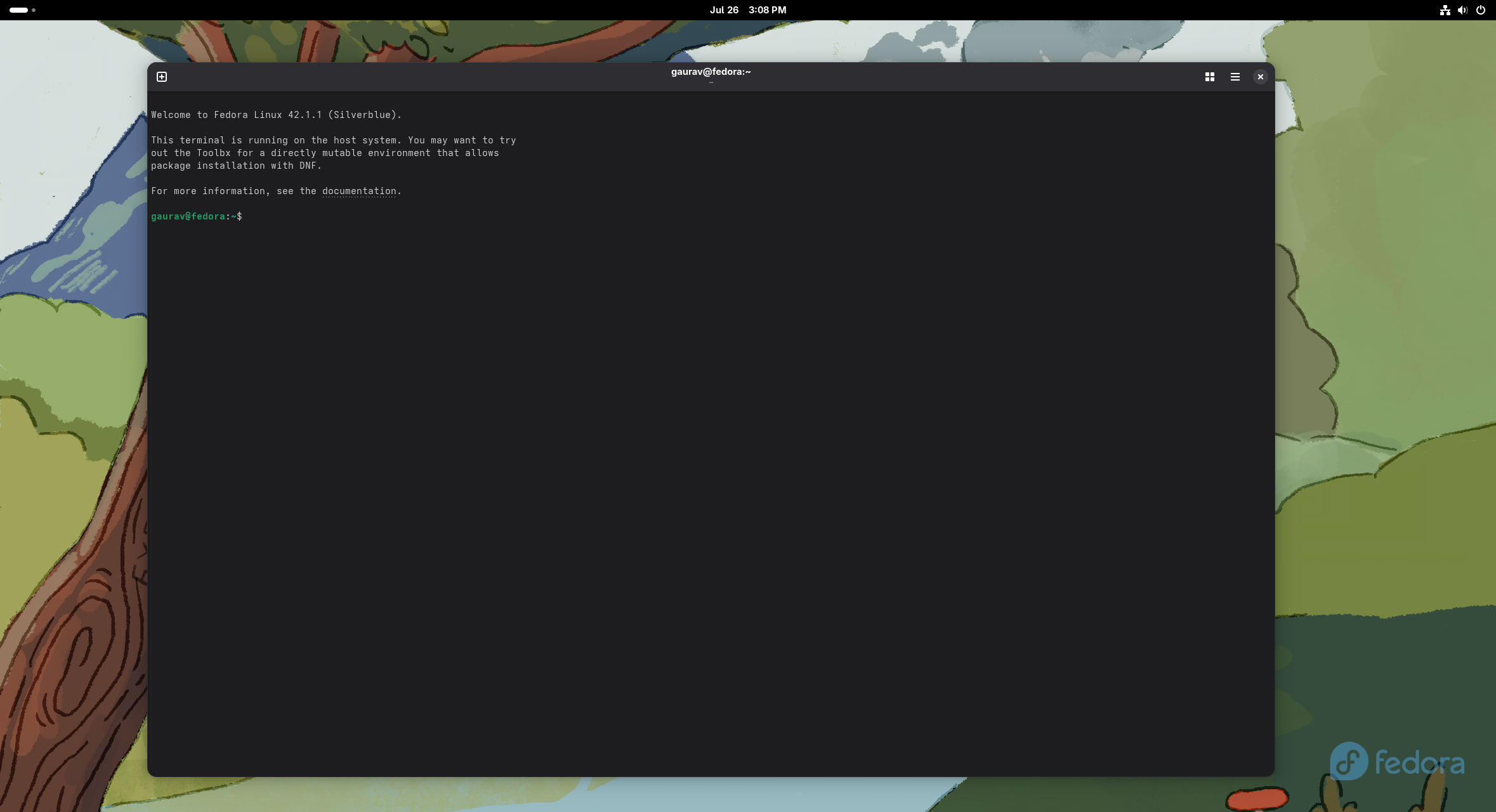
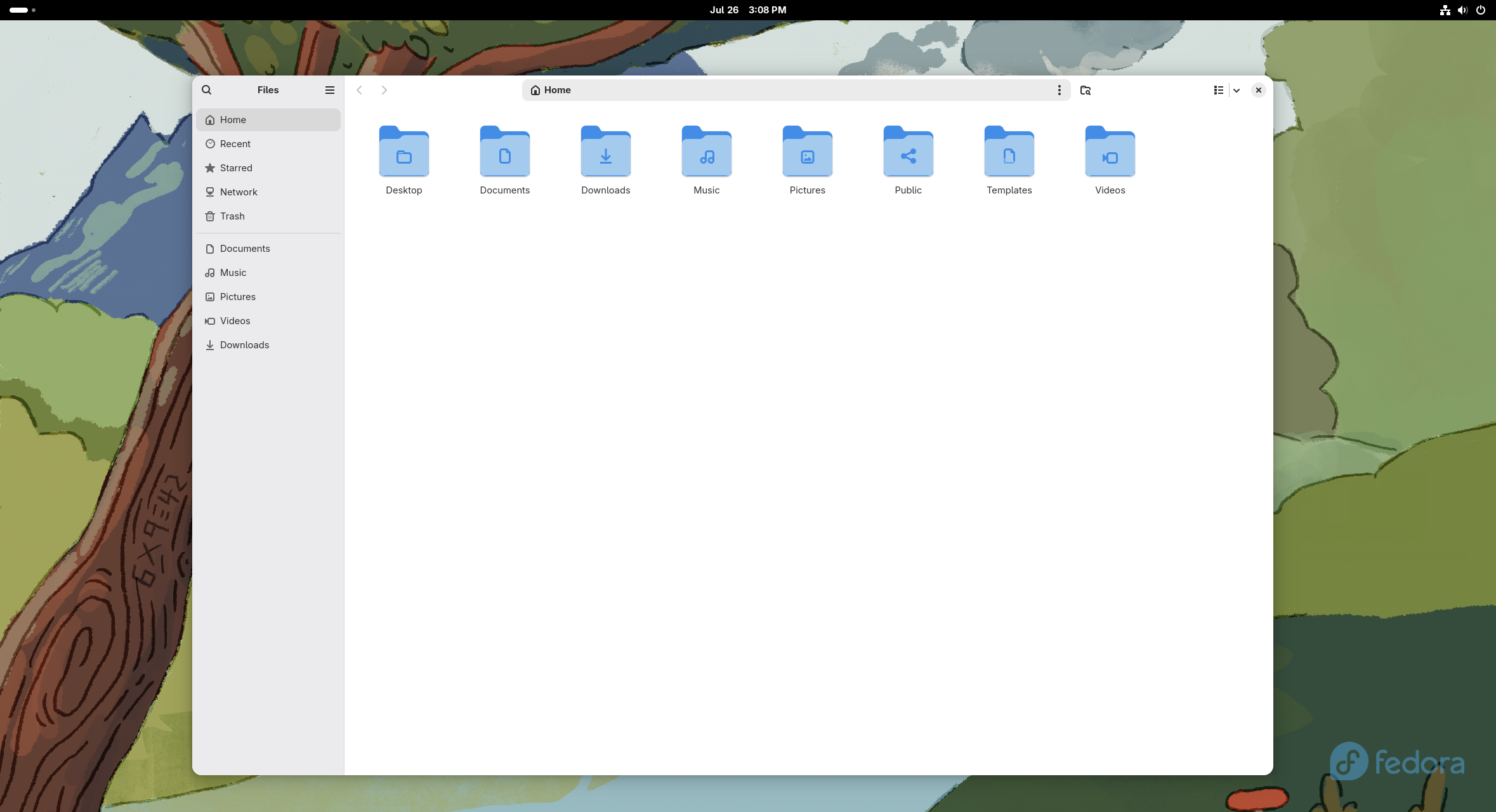
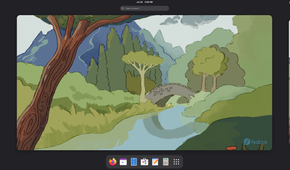
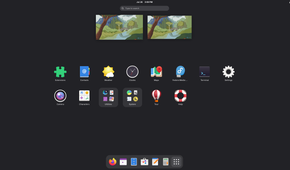
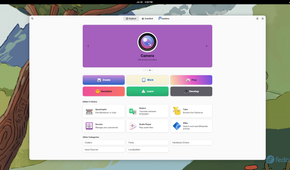
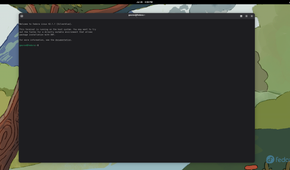
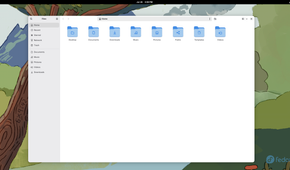
I have a bit of a love-hate relationship with GNOME. I love that it’s one of, if not the most, polished and distinctive desktop environments available on Linux. Rather than copying Windows or macOS, it embraces its own workflow built around virtual desktops.
In fact, once you get used to it, this approach can be remarkably productive. I particularly prefer using GNOME-based distros on laptops, where its workspace management makes working on a smaller screen feel just as productive as working on a desktop.
However, I hate how stubborn GNOME is about locking you into its vision of how a Linux desktop should work. The interface is very minimal, and you get barely any customization options by default.
Sure, you can install third-party extensions, and hundreds of them add extra capabilities to GNOME. However, the developers seem somewhat hostile to this extension culture. Every major GNOME update seems to tweak something under the hood, often breaking extensions in the process. You then have to wait for their developers to update them, which can take a few weeks.
That said, if you like GNOME as its developers intended, it’s an excellent desktop environment.
Best distros for experiencing GNOME: Fedora Workstation and Ubuntu.
4
LXQt
As light as it gets
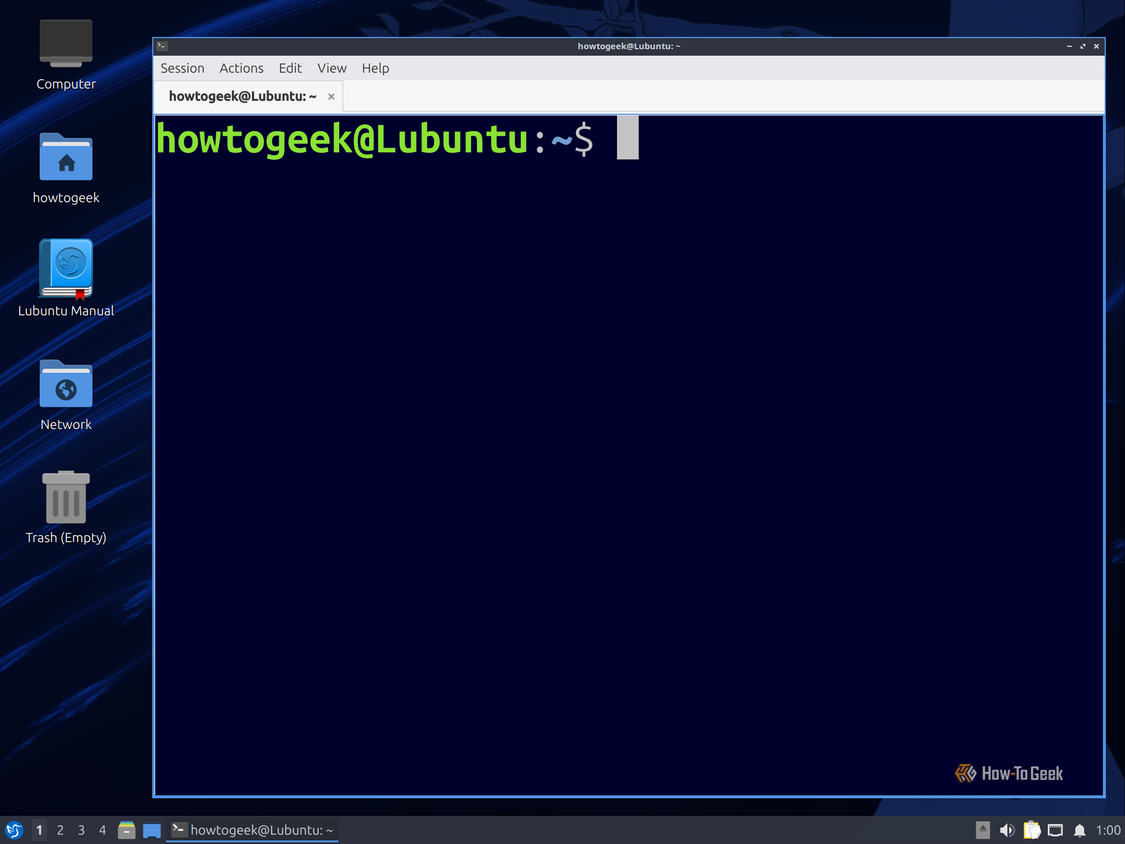
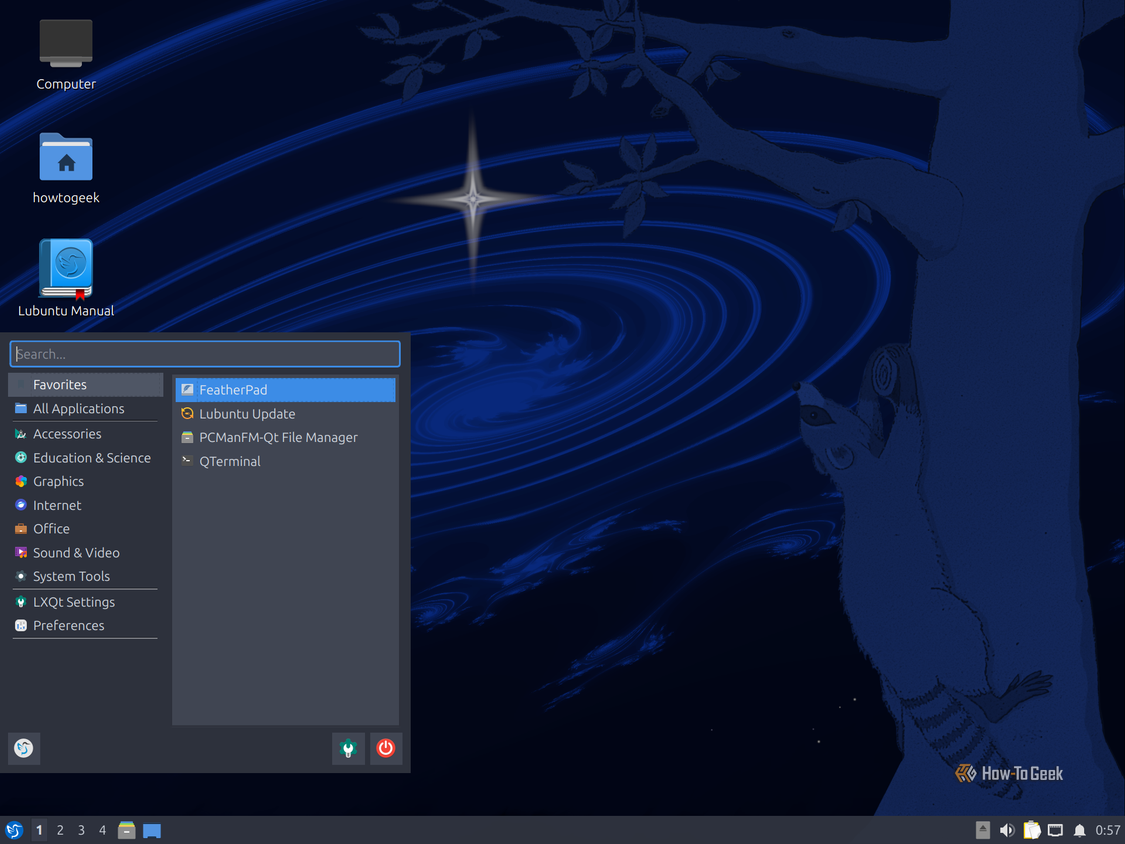
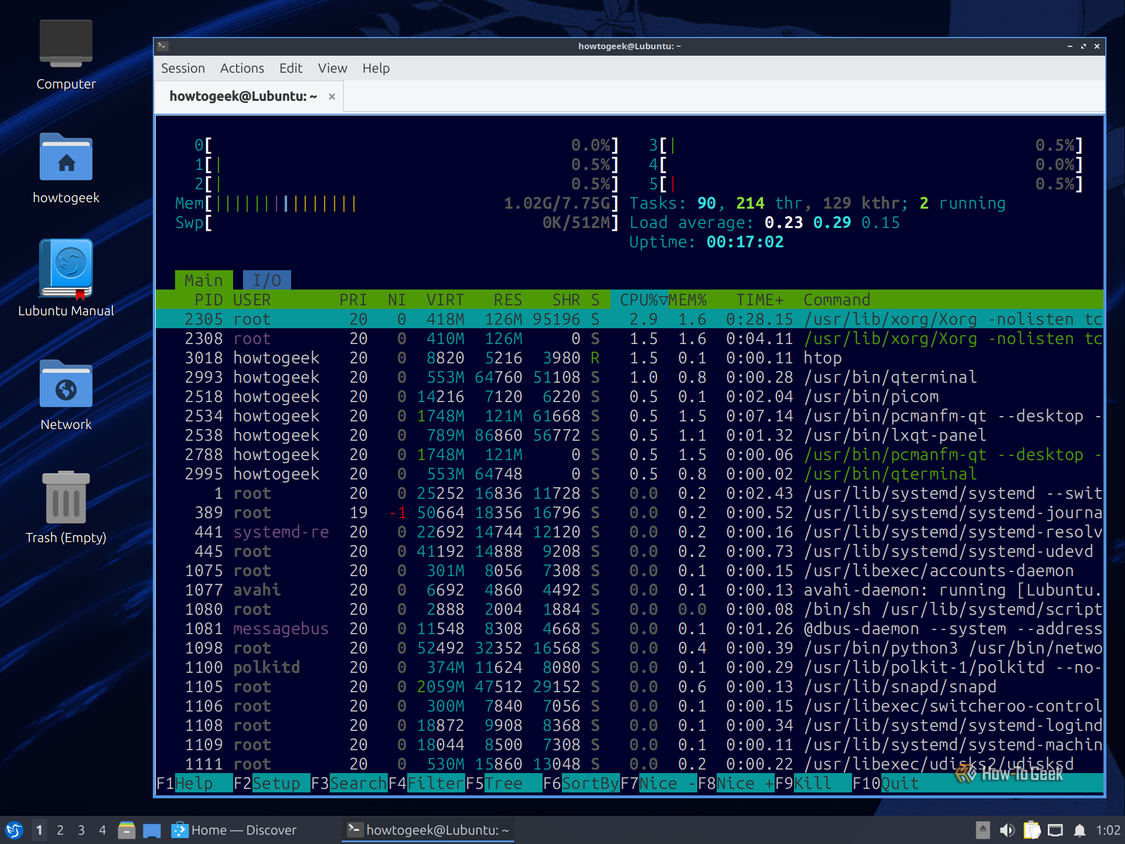
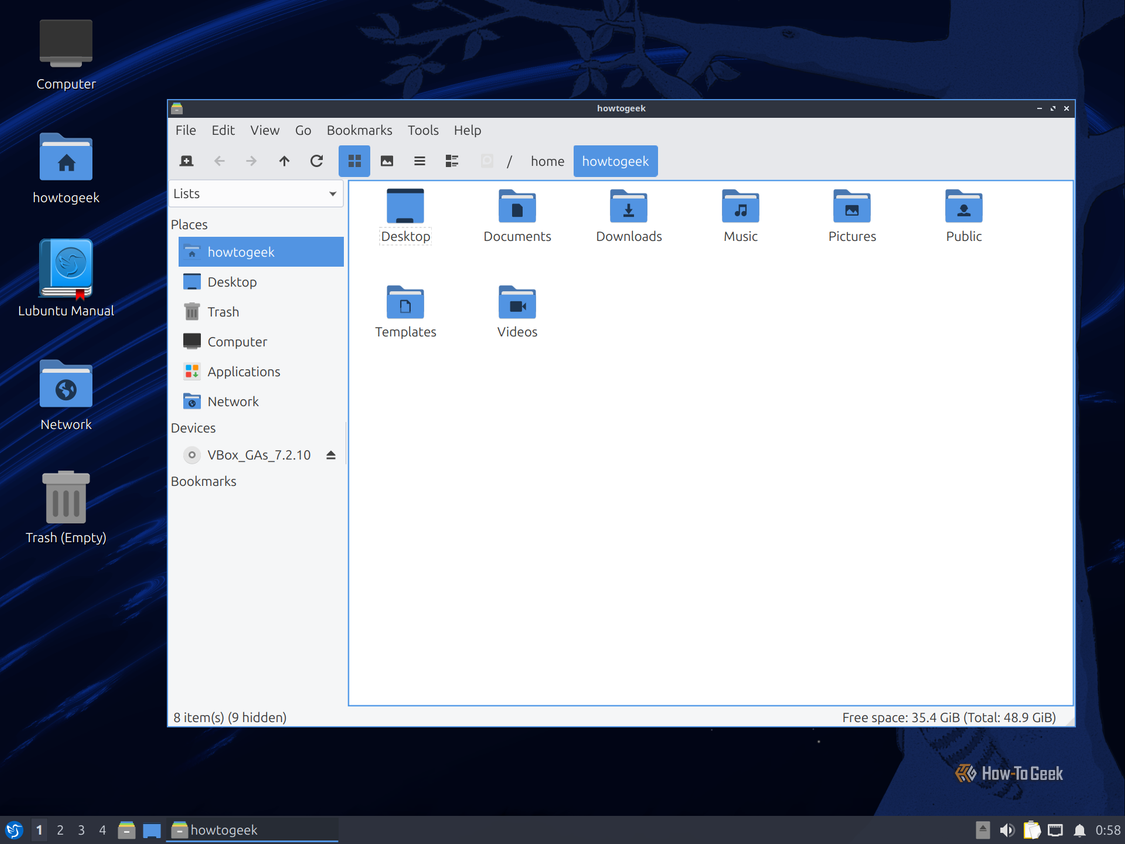
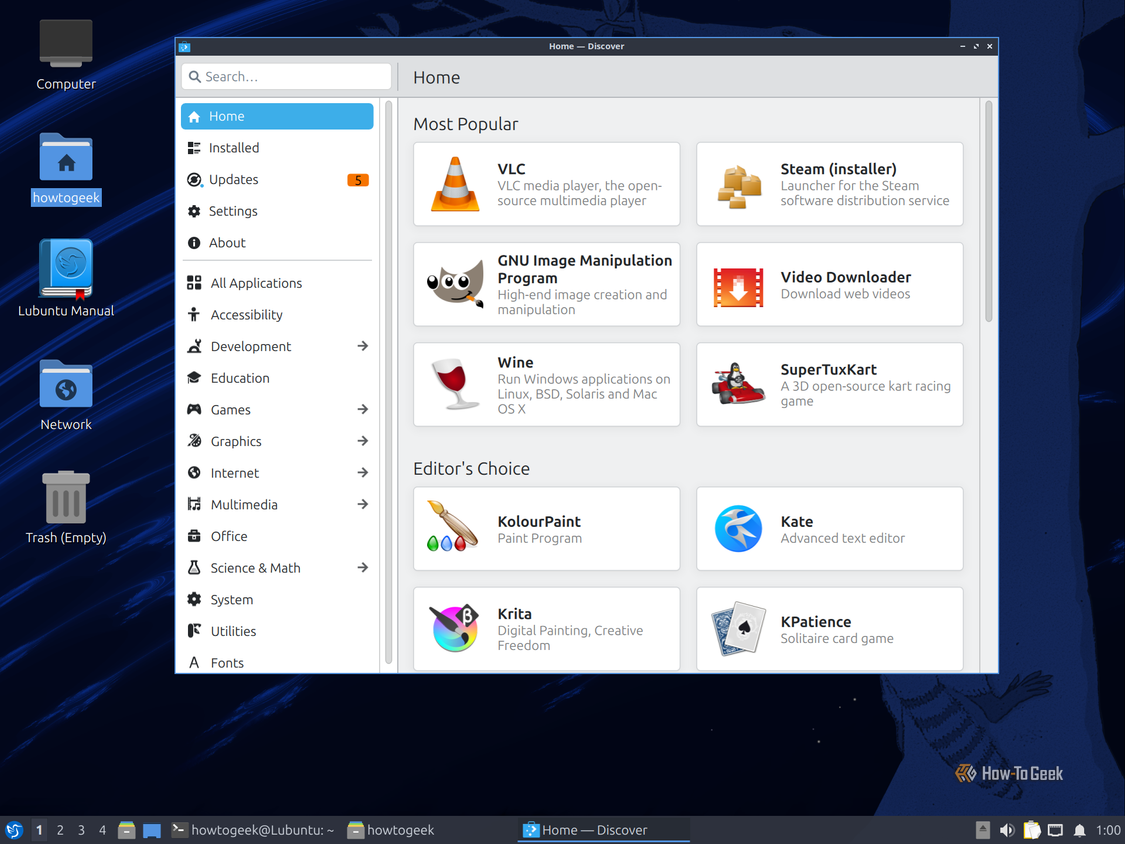
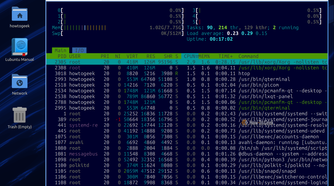
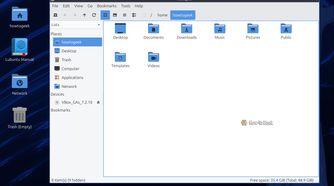
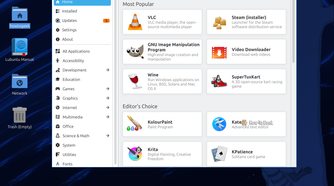
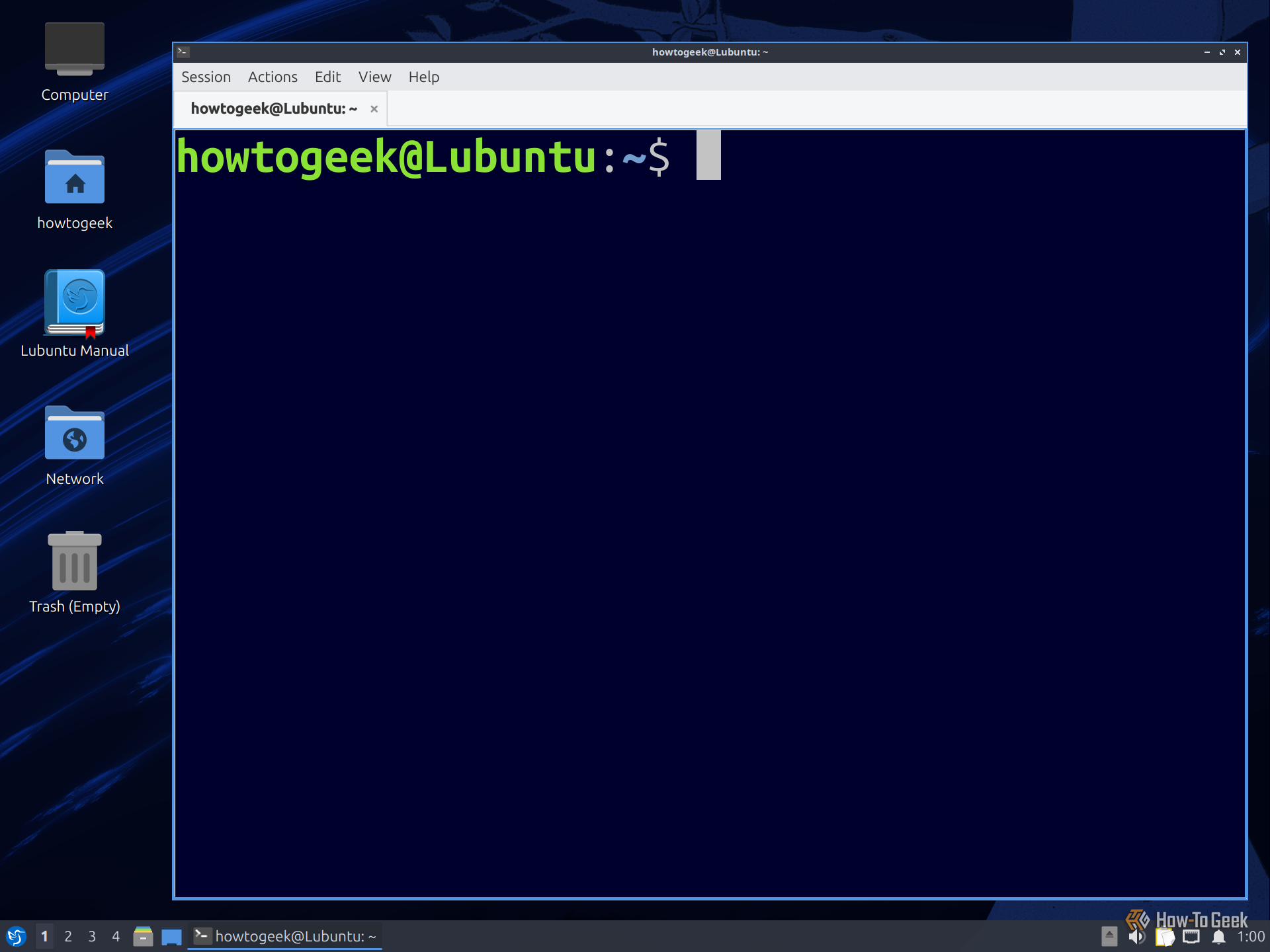
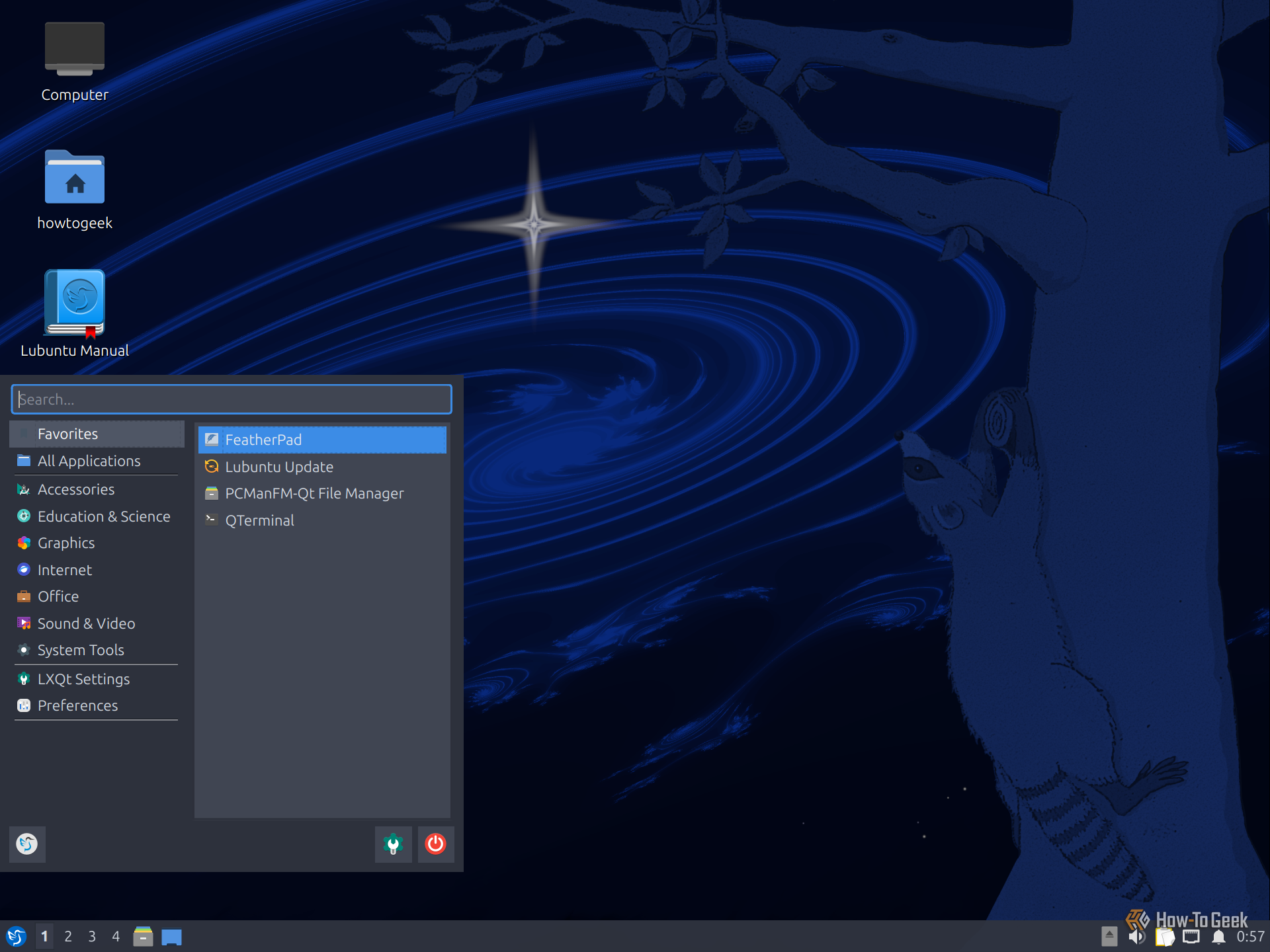
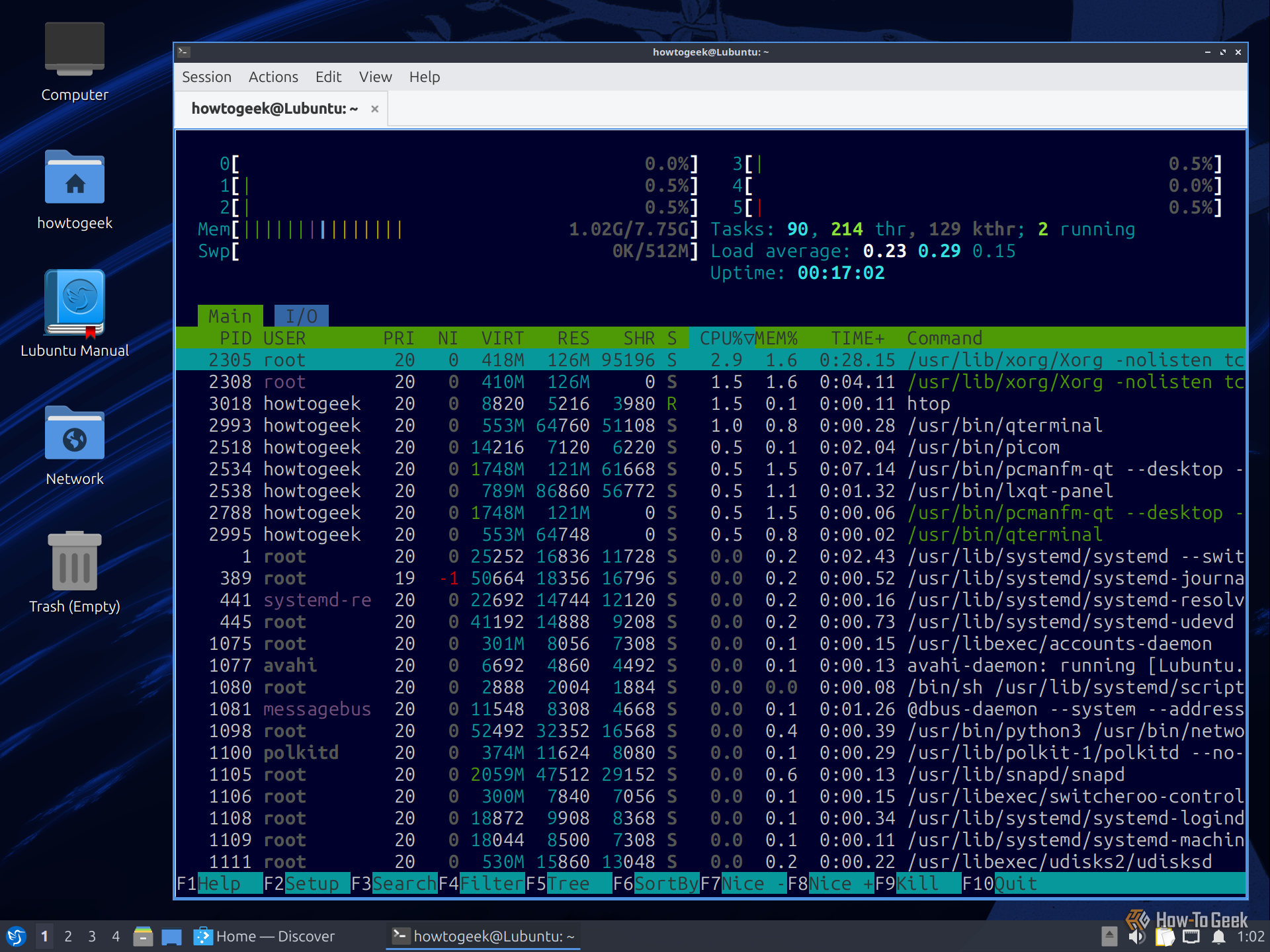
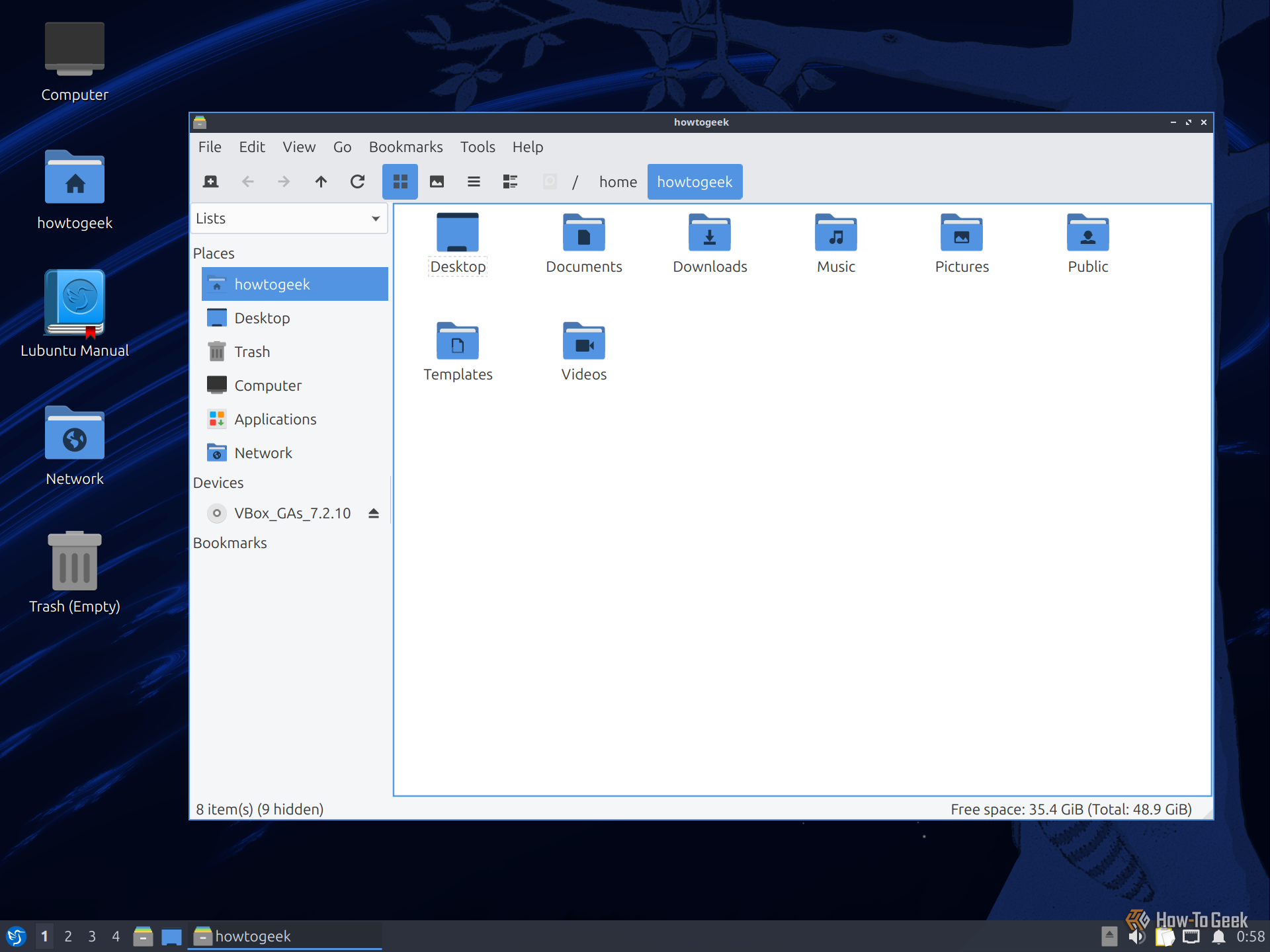
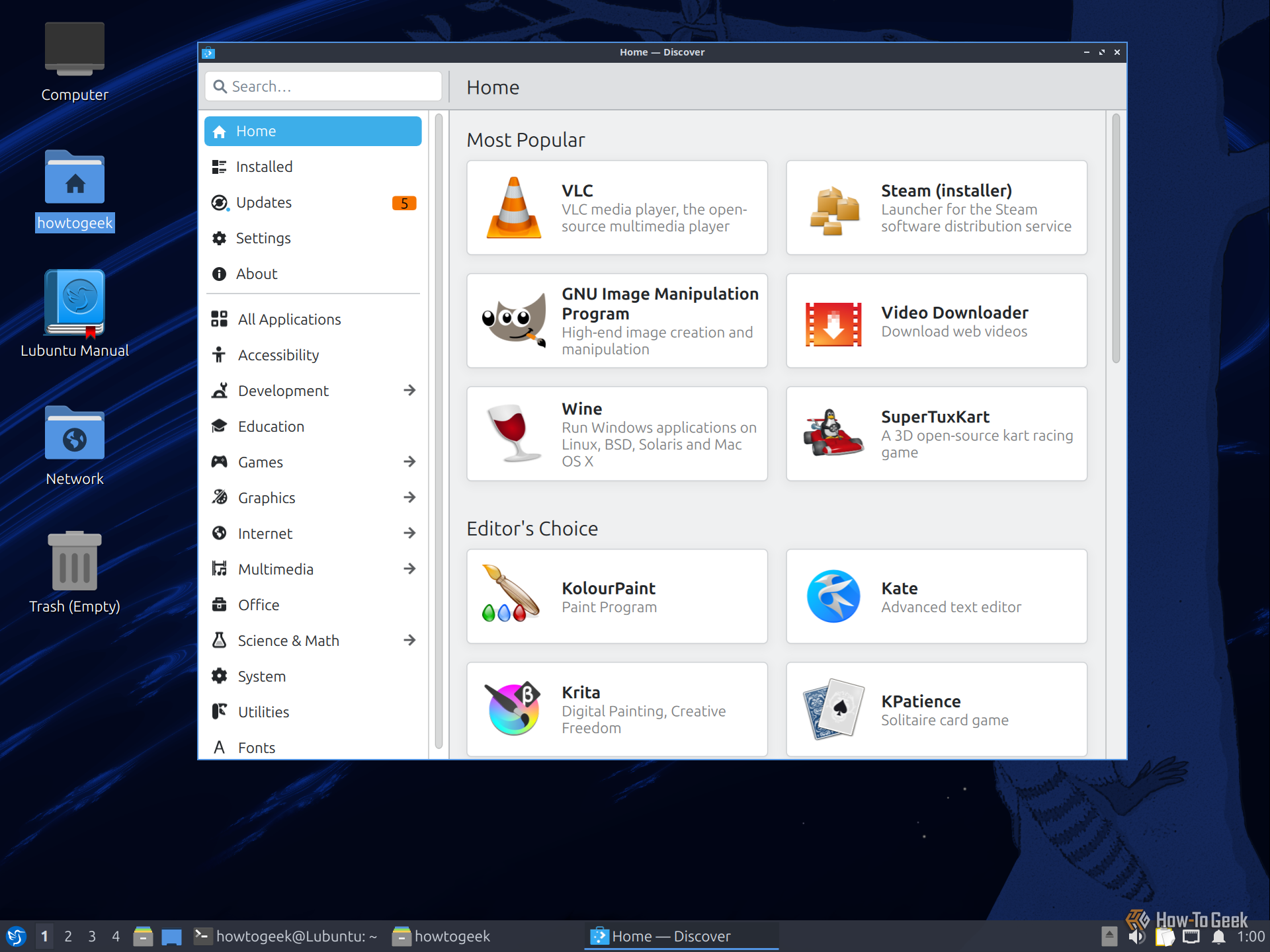
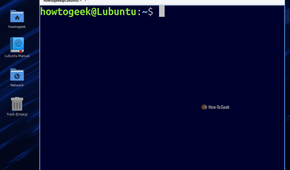
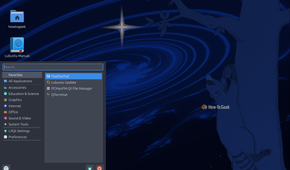
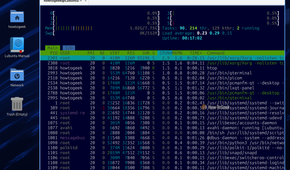
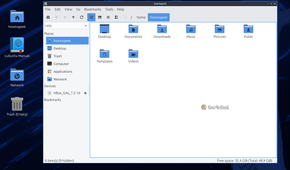
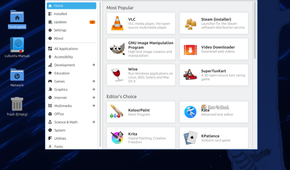
LXQt is one of the first desktop environments I’d consider for older hardware. In fact, I’ve personally used LXQt-based distributions to breathe life into some of my old, lower-end systems. It uses around 500MB of RAM after a fresh boot, leaving more of your system’s limited resources available for your apps.
What’s more, despite its small footprint, LXQt still offers all the basic features you’d expect from a desktop environment, and then some. The compromises mostly show up in the looks department. LXQt ships with a dated, utilitarian design that feels like something straight out of the ’90s.
That said, I think that’s a reasonable trade-off when performance is the priority. If you have an old laptop that struggles with heavier desktop environments, LXQt is one of your best bets for getting more use out of that hardware.
Best distro for experiencing LXQt: Lubuntu.
3
Xfce
A great, balanced option
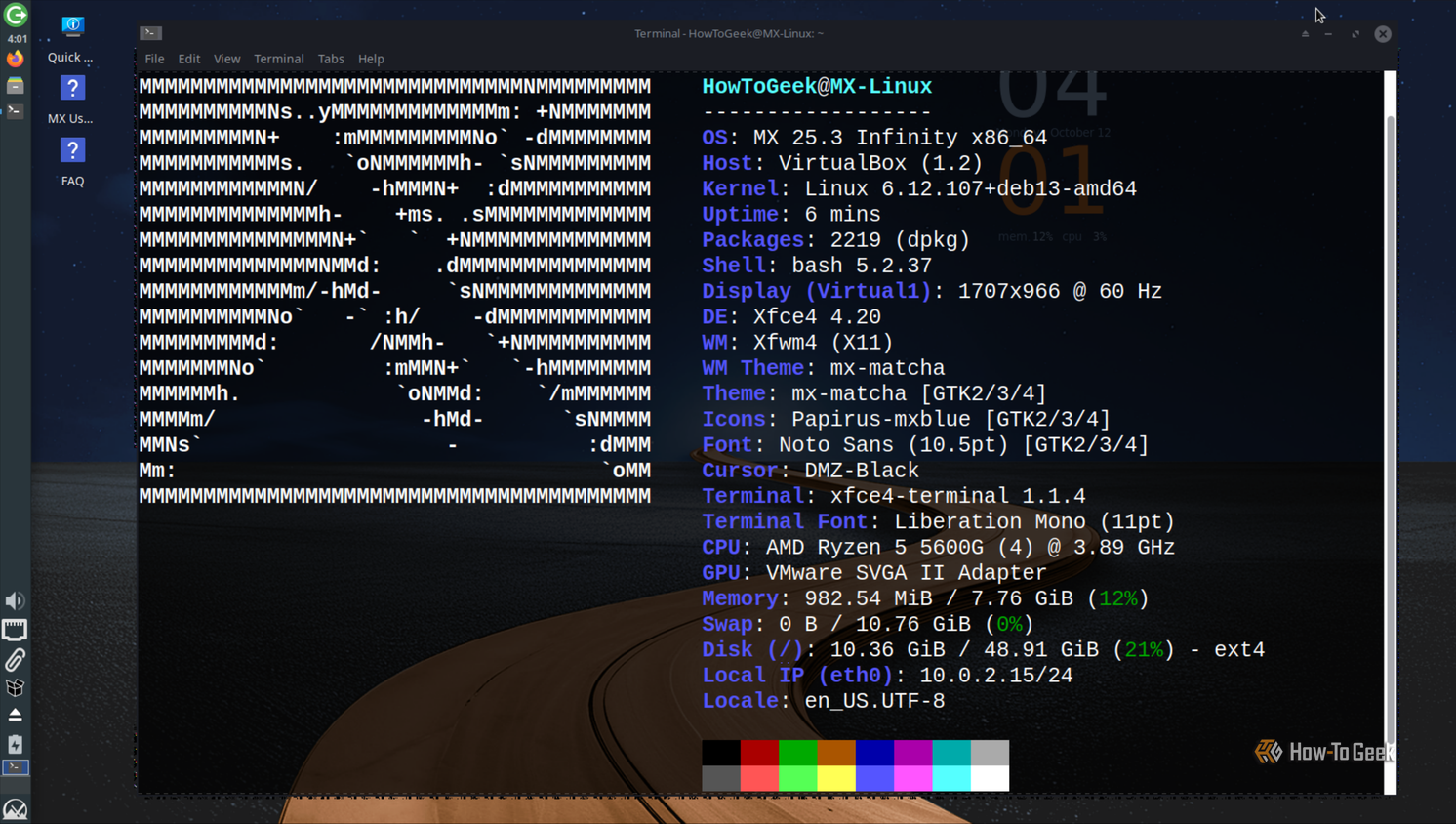
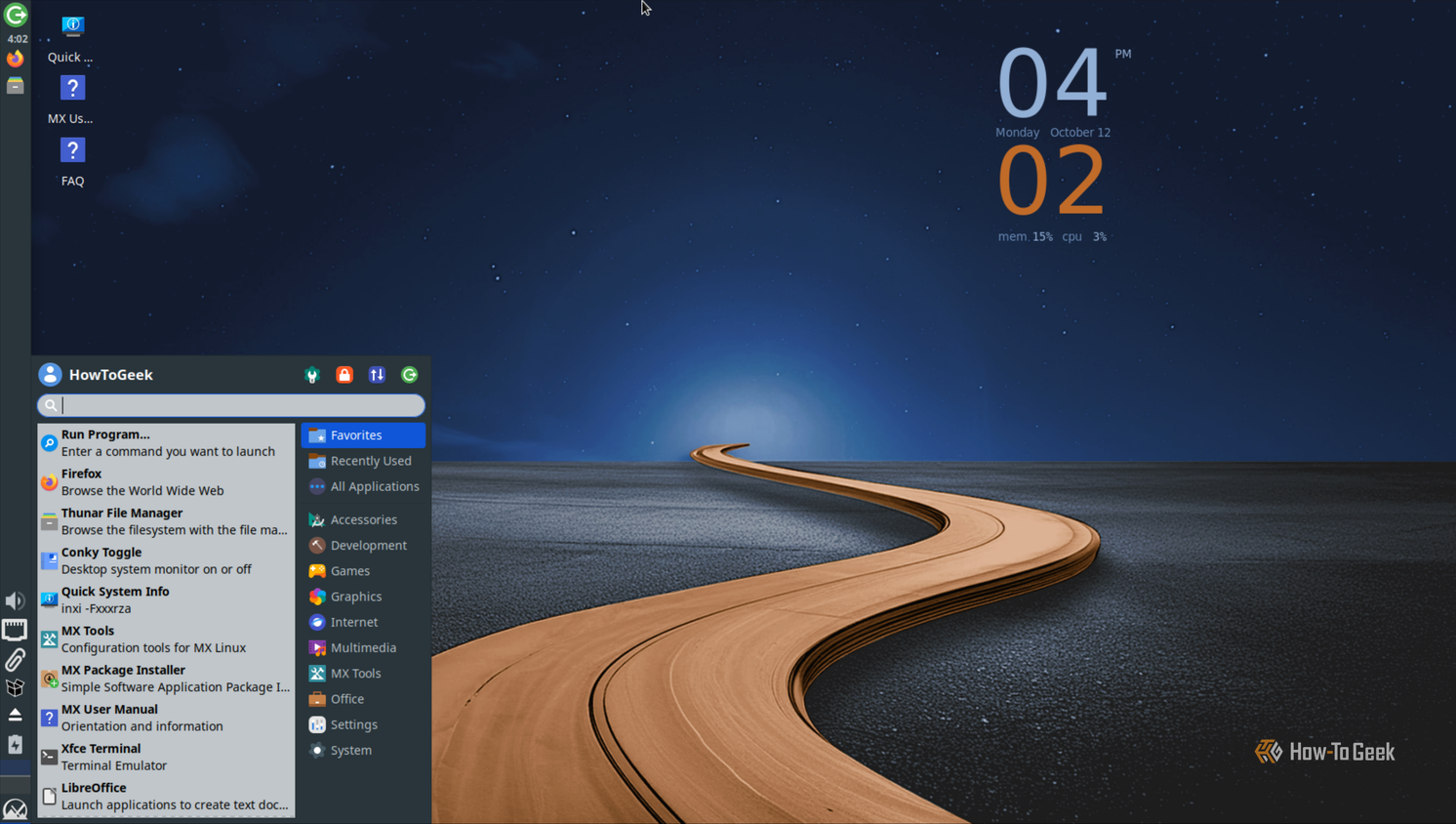
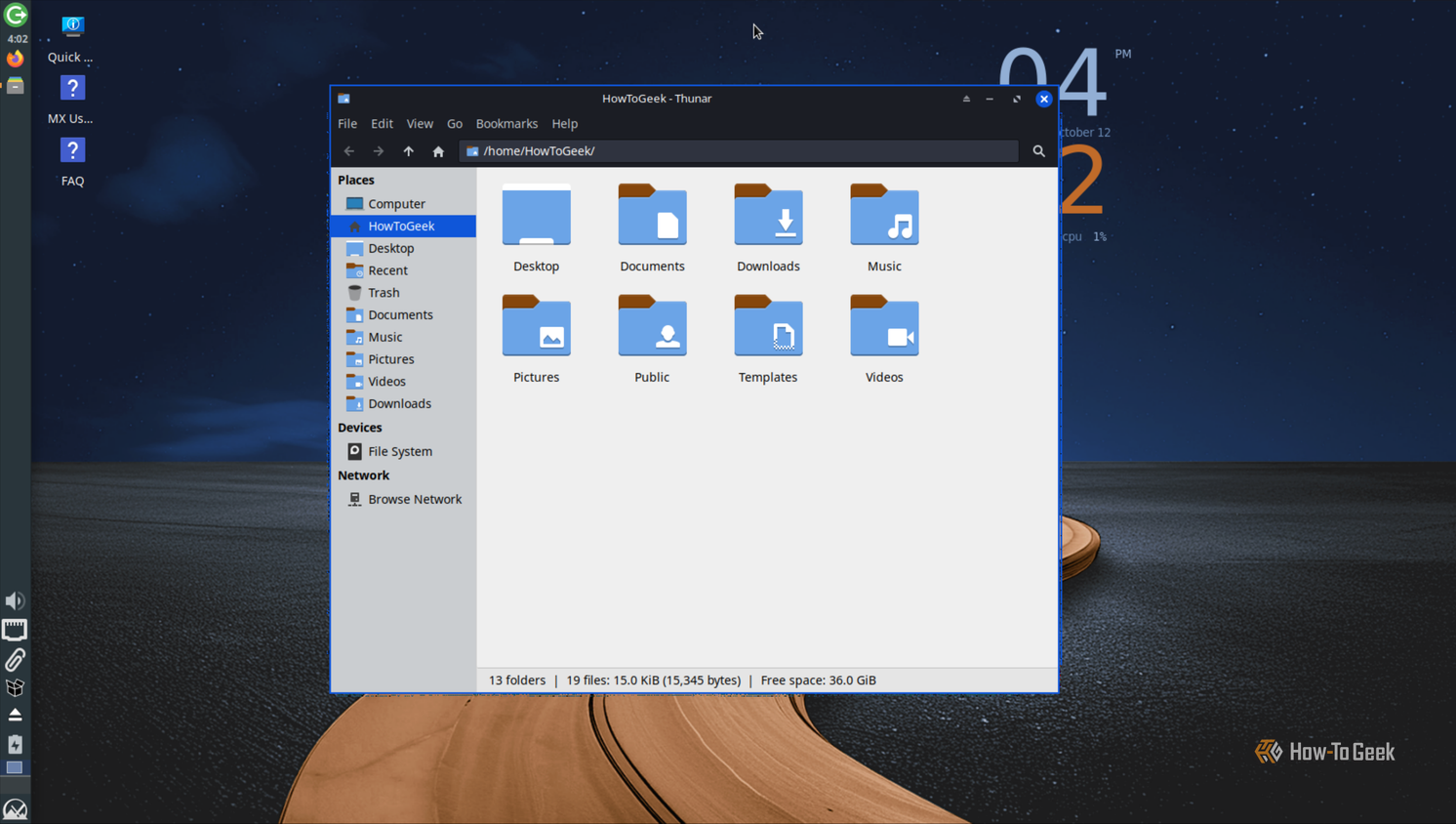
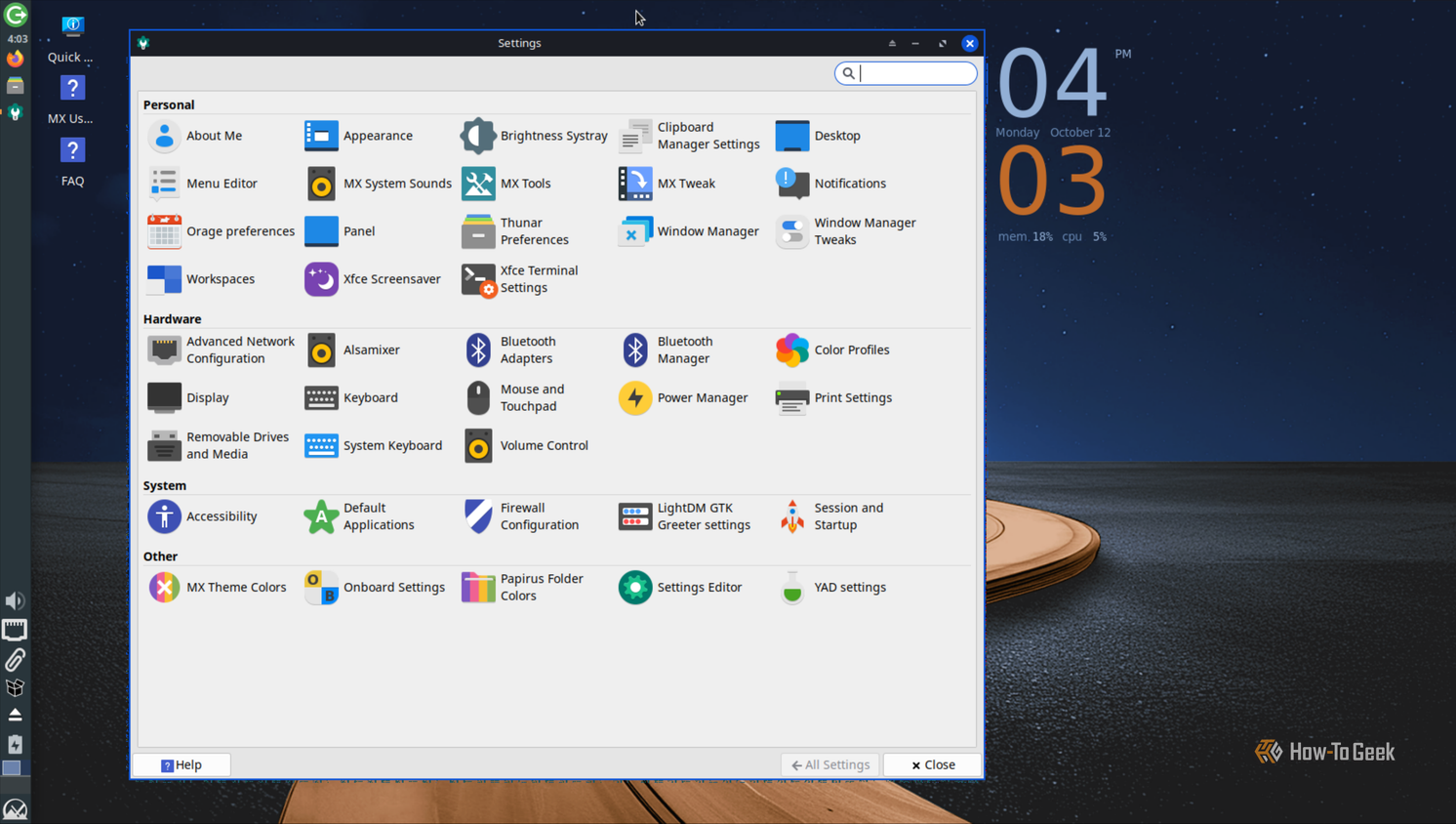
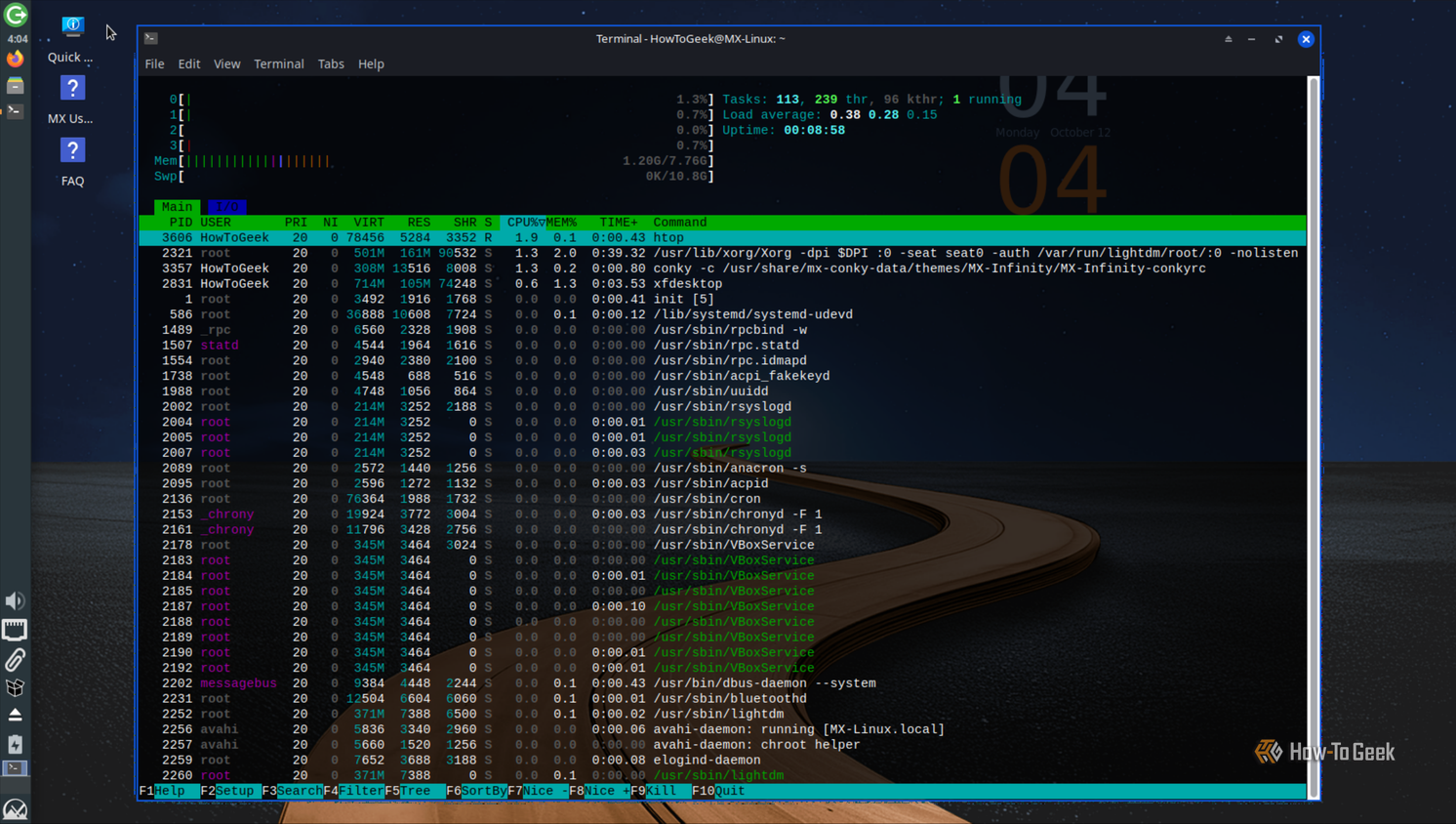
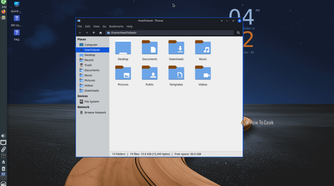
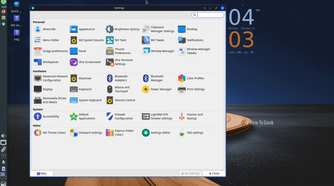
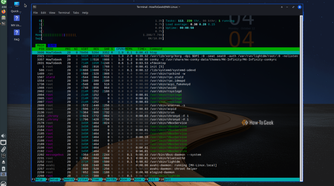
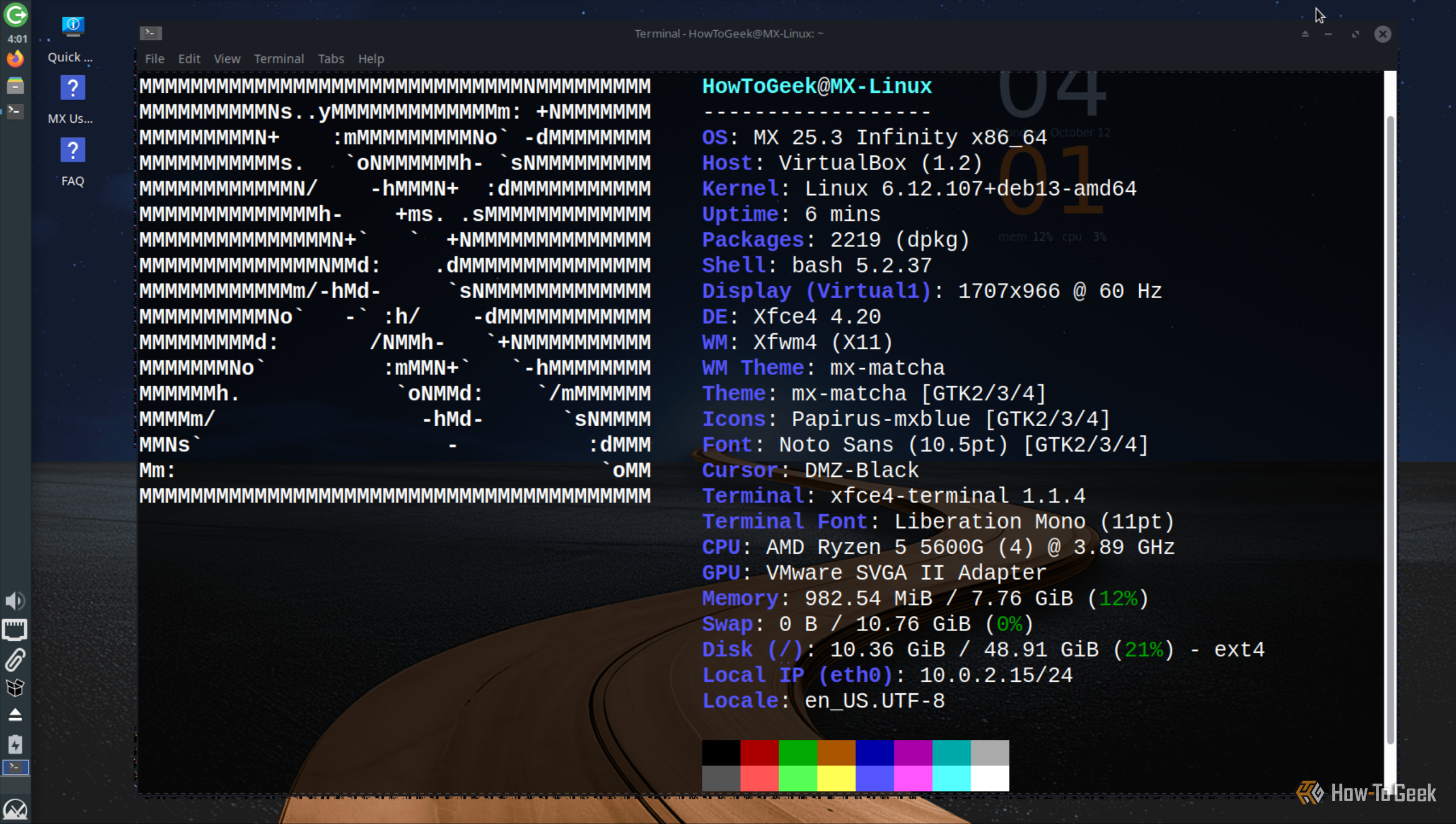
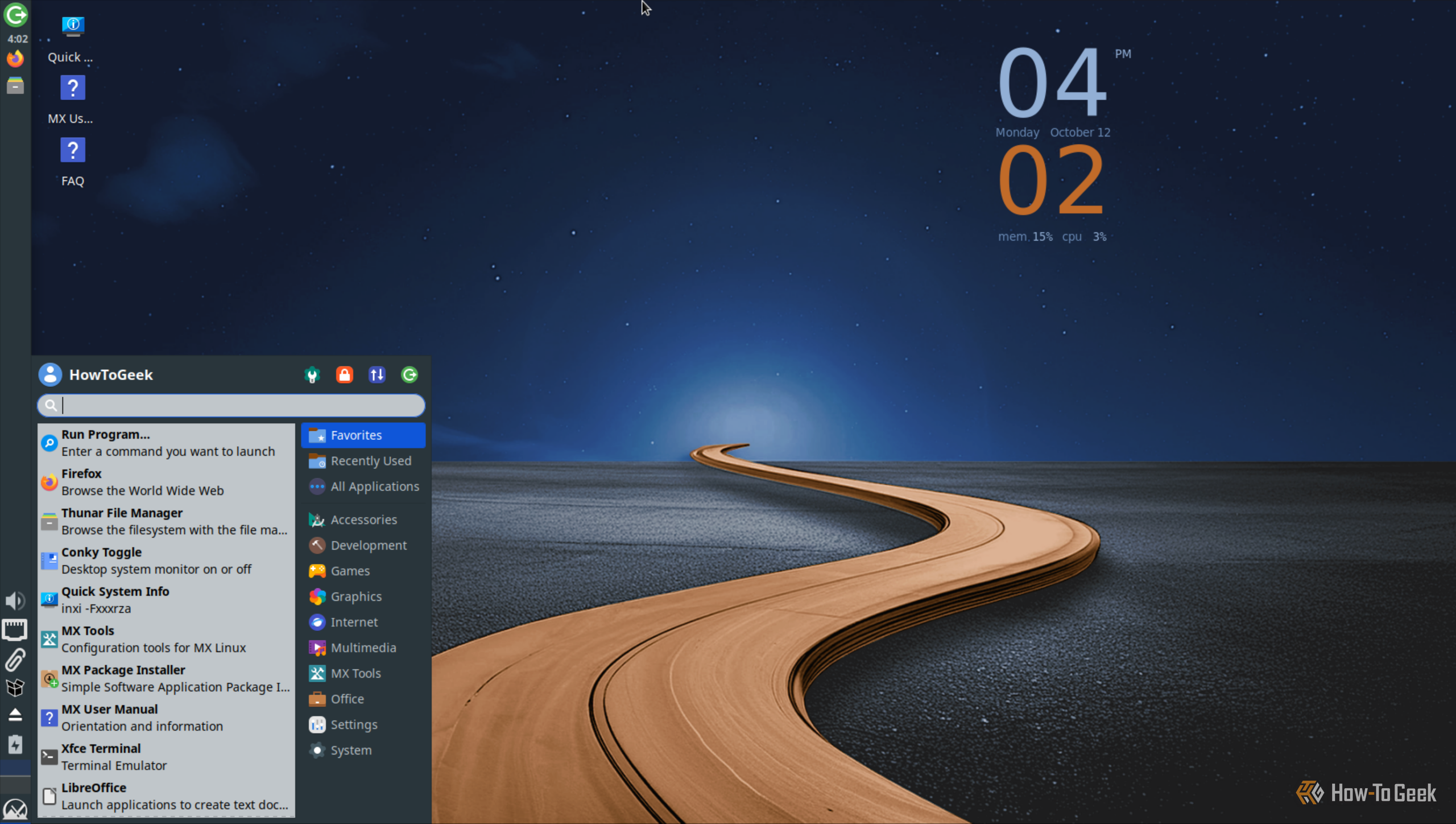
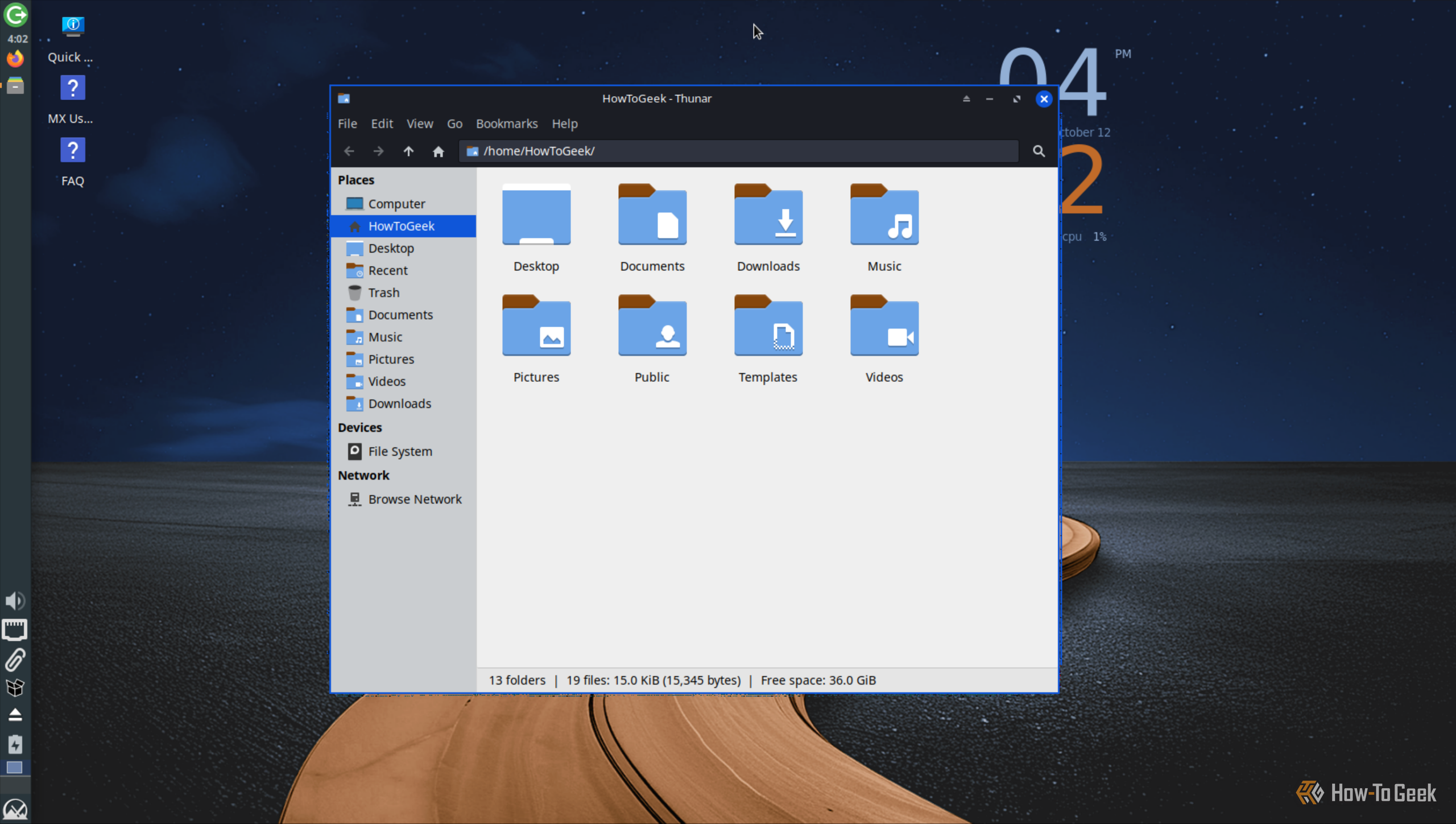
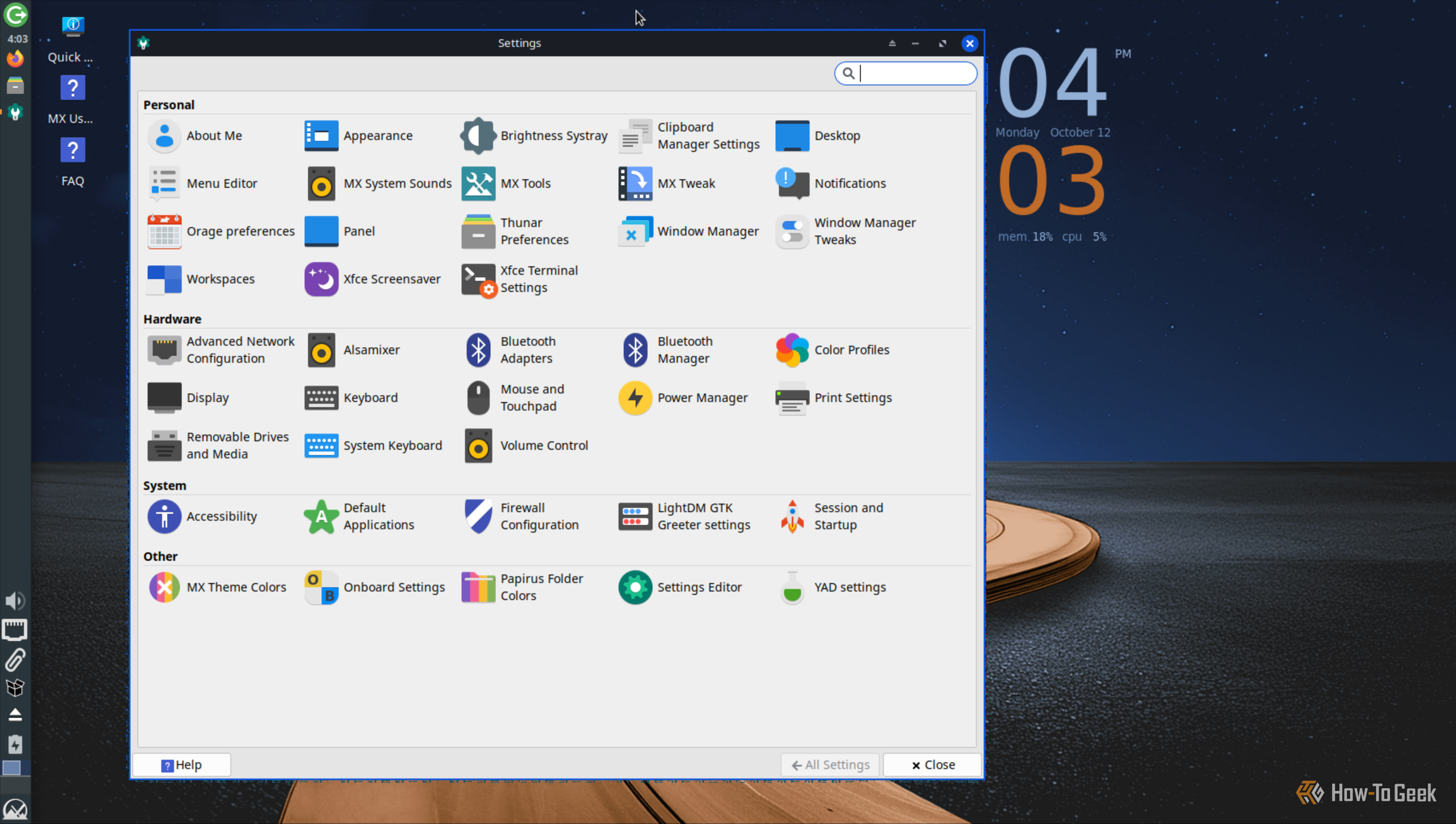
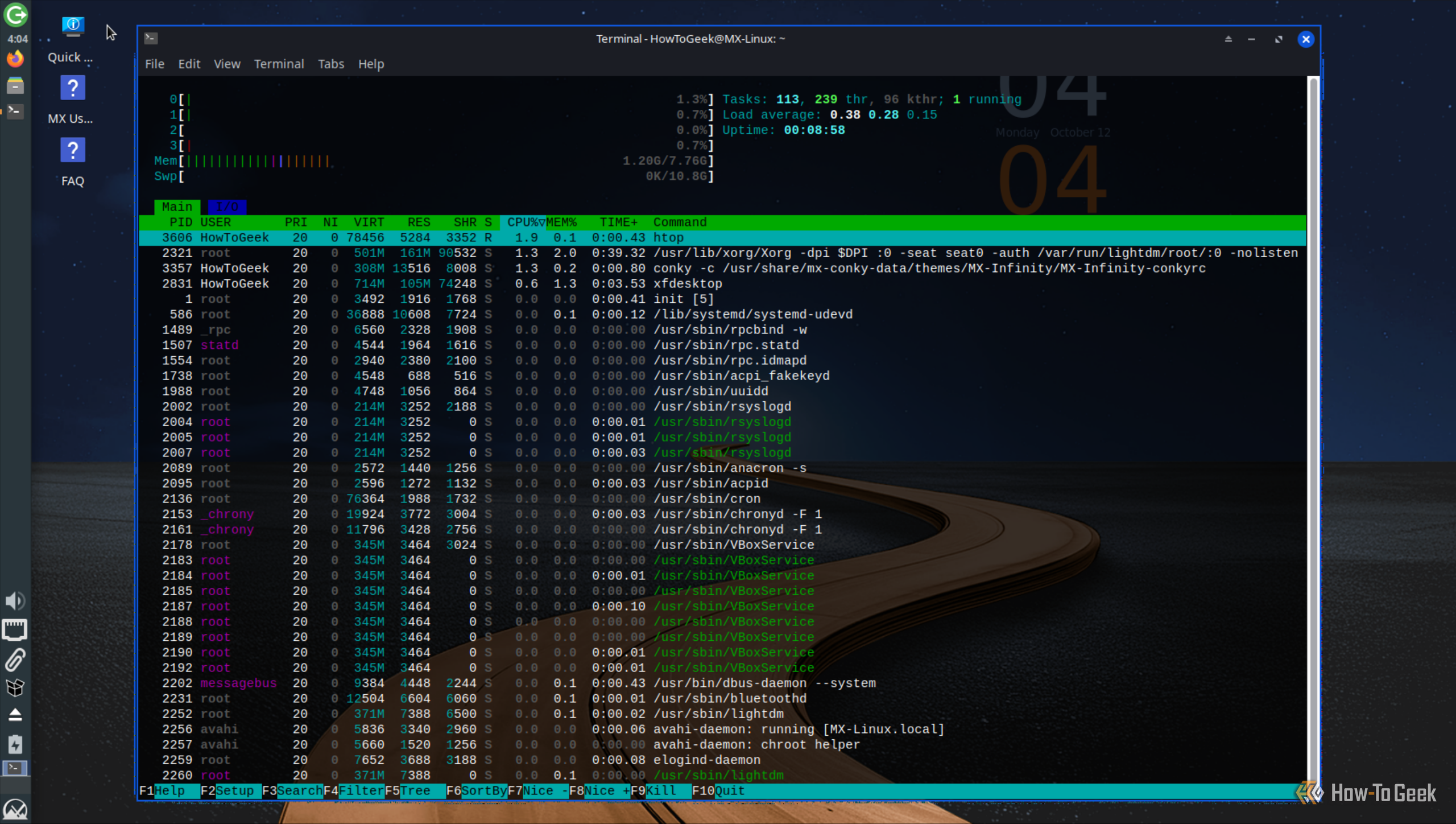
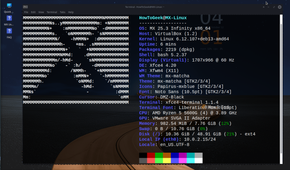
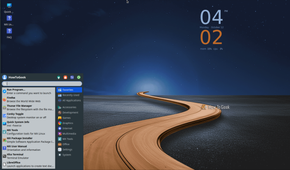
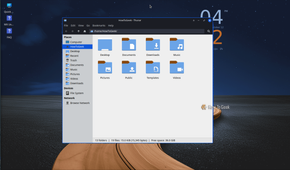
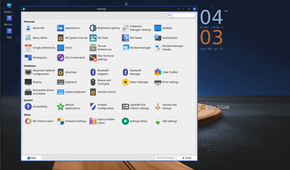
Xfce is a lightweight desktop environment similar to LXQt, prioritizing performance and reliability while offering a traditional yet functional desktop experience. That said, Xfce is marginally heavier than LXQt, typically using 100–200MB more RAM after a fresh boot. However, it makes up for that by offering a more appealing and cohesive interface.
Sure, it doesn’t look as modern as GNOME, but it also doesn’t look as dated as Windows 95, either. Its design language is reminiscent of the Windows XP era, and the overall experience feels much more polished and cohesive.
Xfce is also remarkably customizable. You can adjust panels, menus, themes, shortcuts, and window decorations without fundamentally changing how the desktop works. Thanks to this excellent balance of design, functionality, and a lightweight footprint, Xfce has earned a massive, loyal following.
Best distros for experiencing Xfce: Xubuntu, Linux Mint Xfce, and MX Linux.
2
Cinnamon
The dream Linux desktop for Windows users
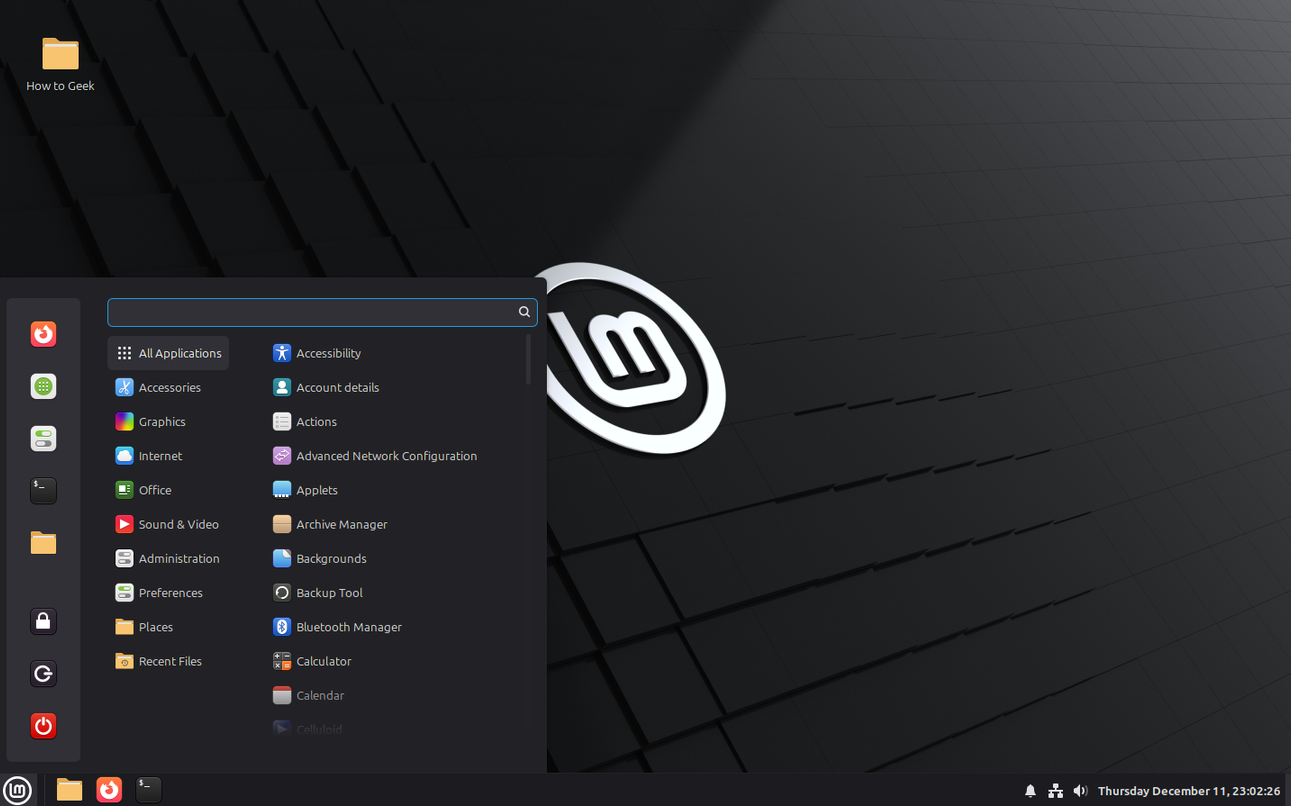
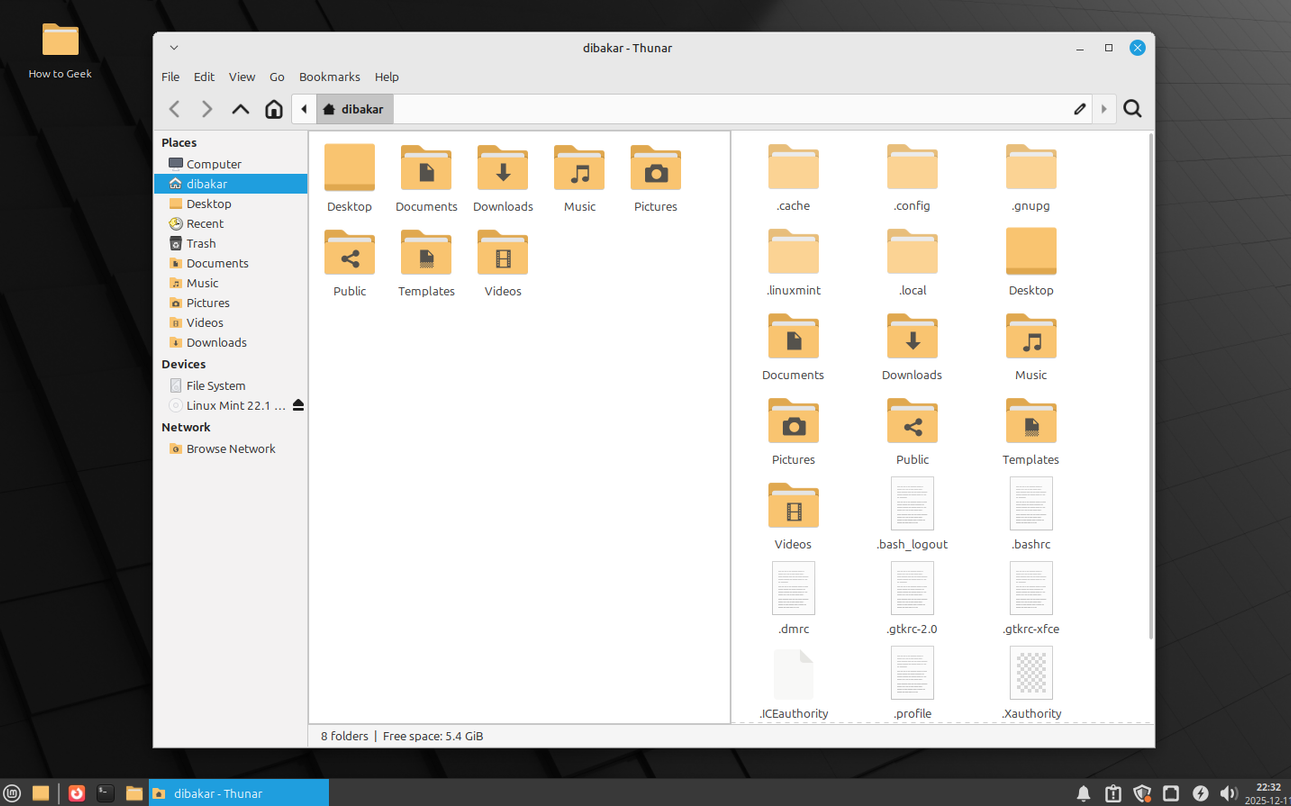
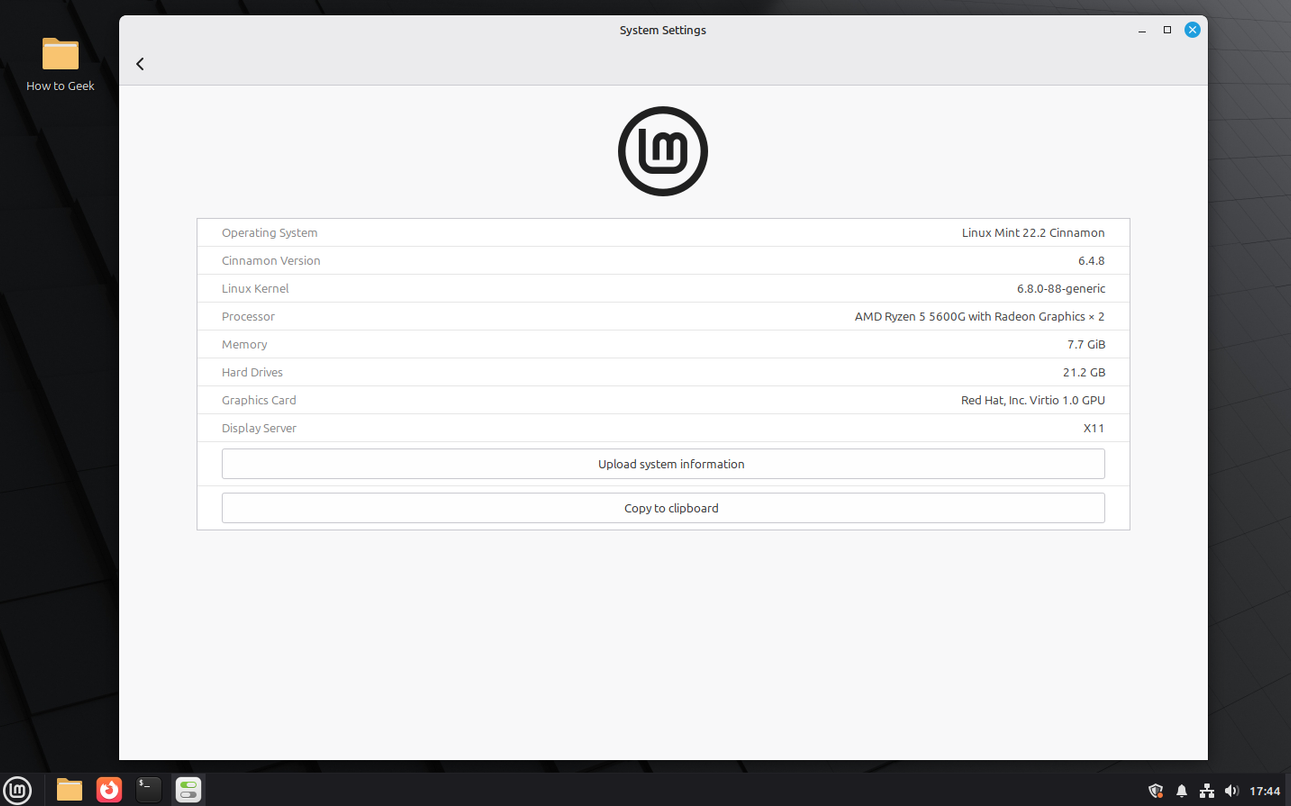
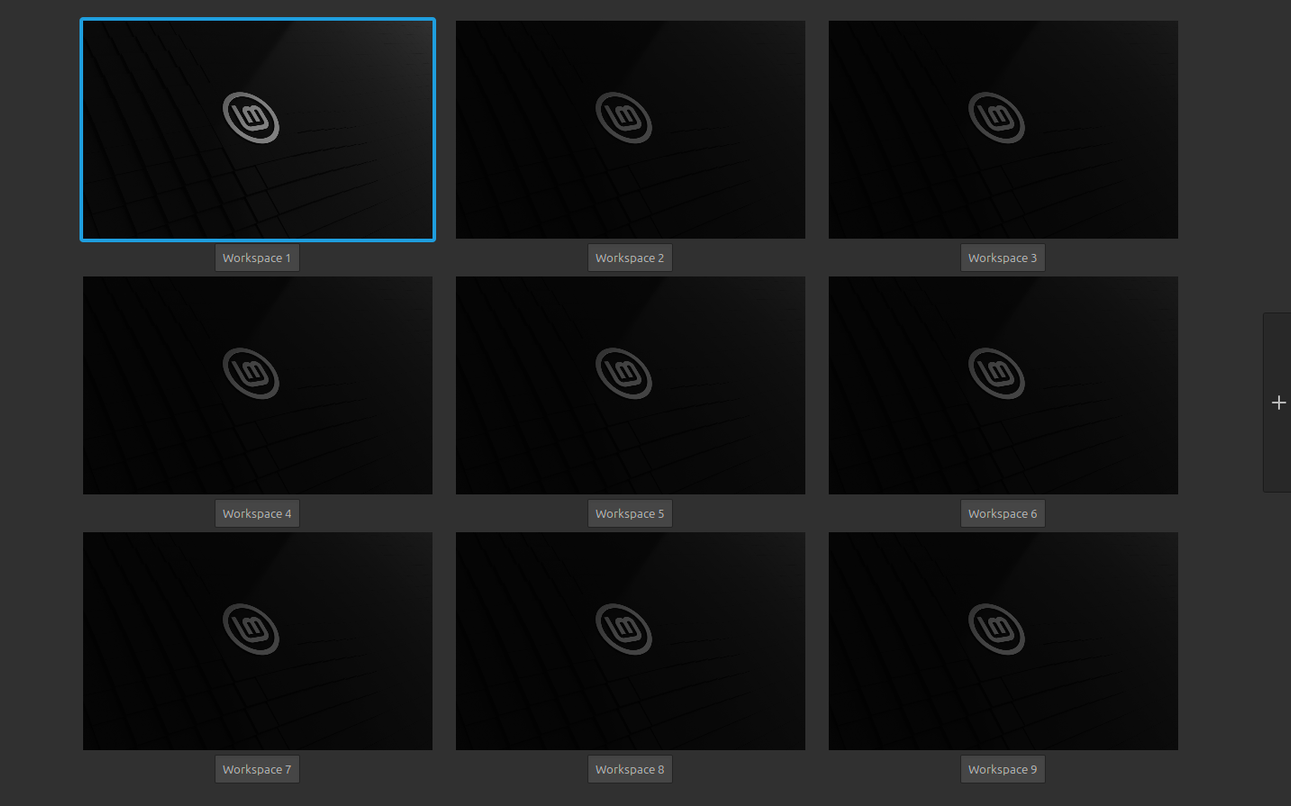

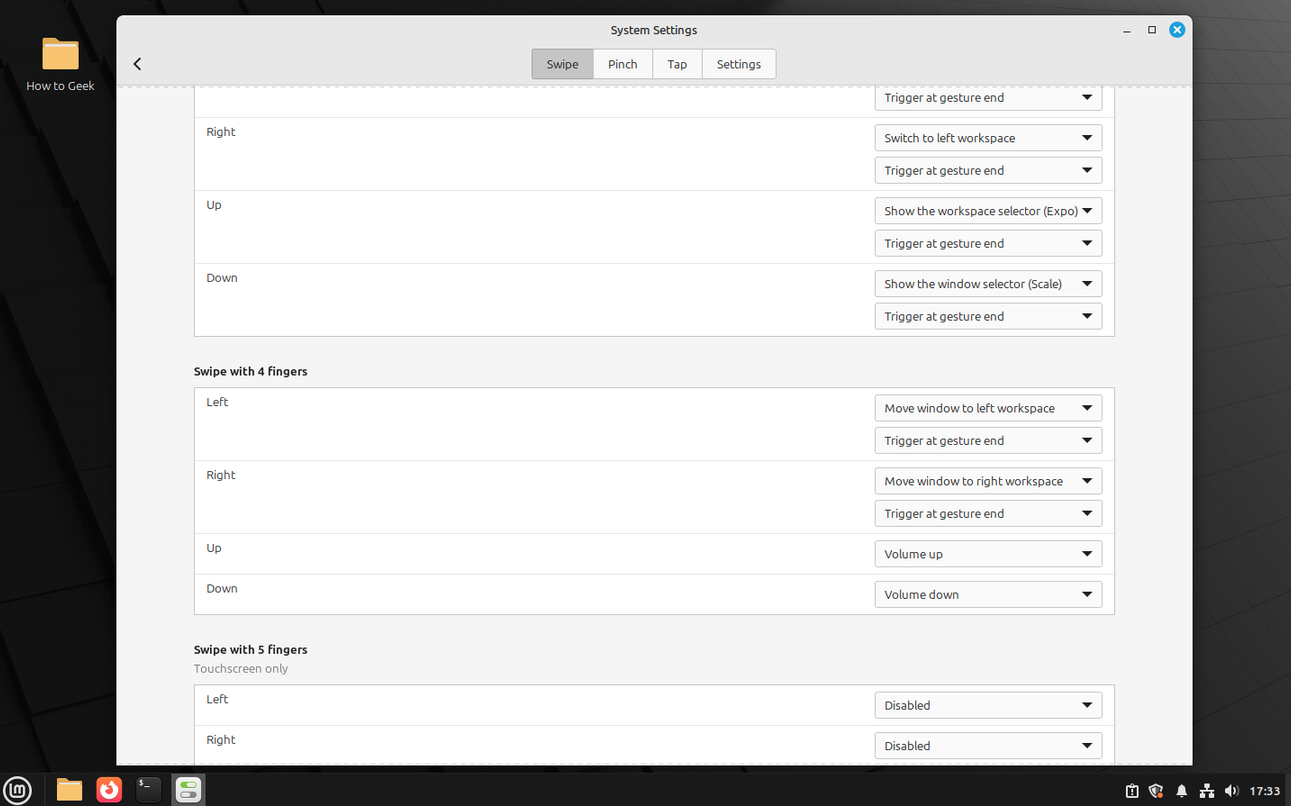
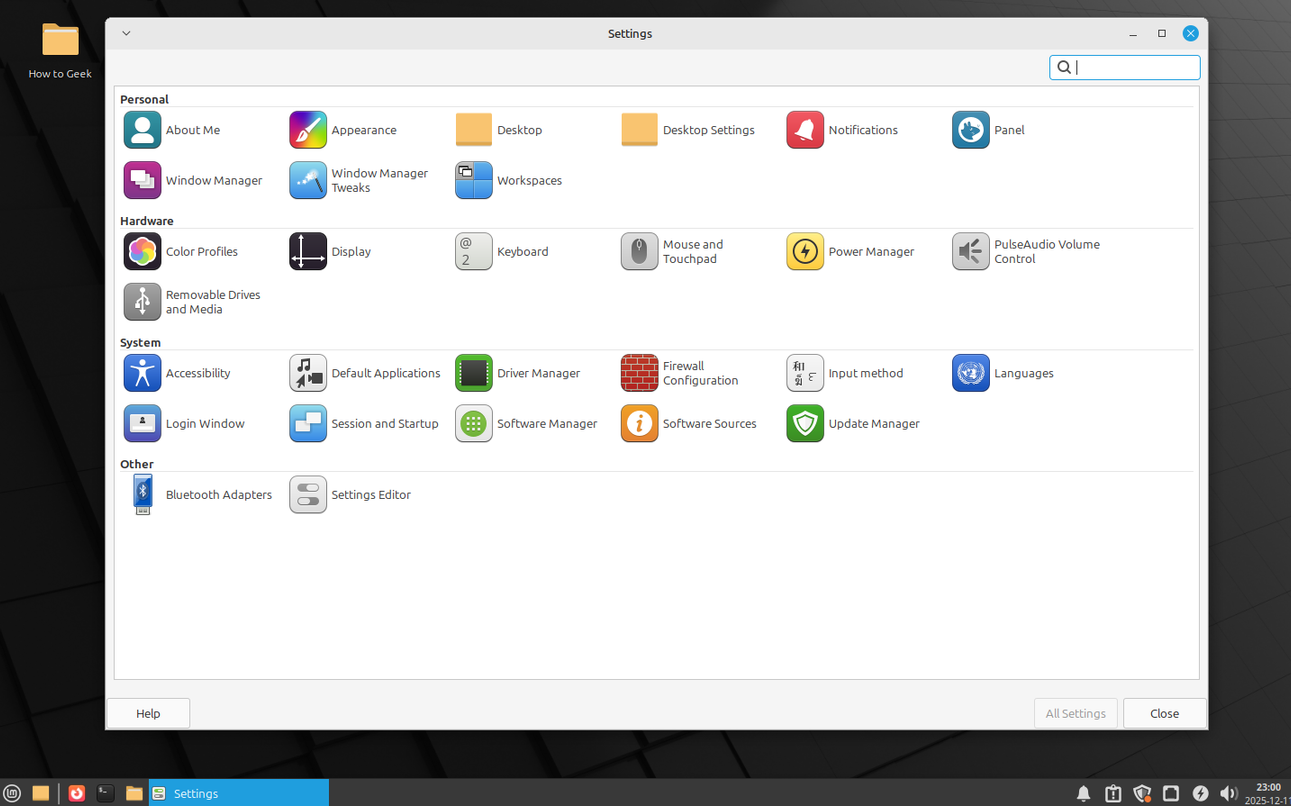
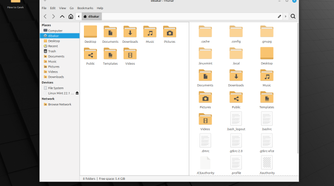
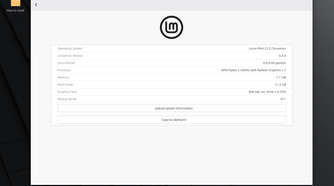

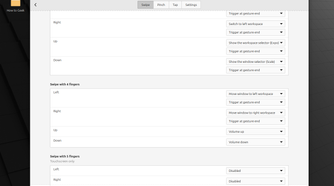
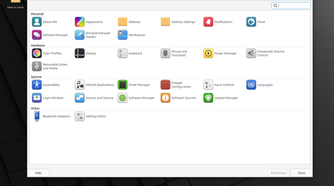
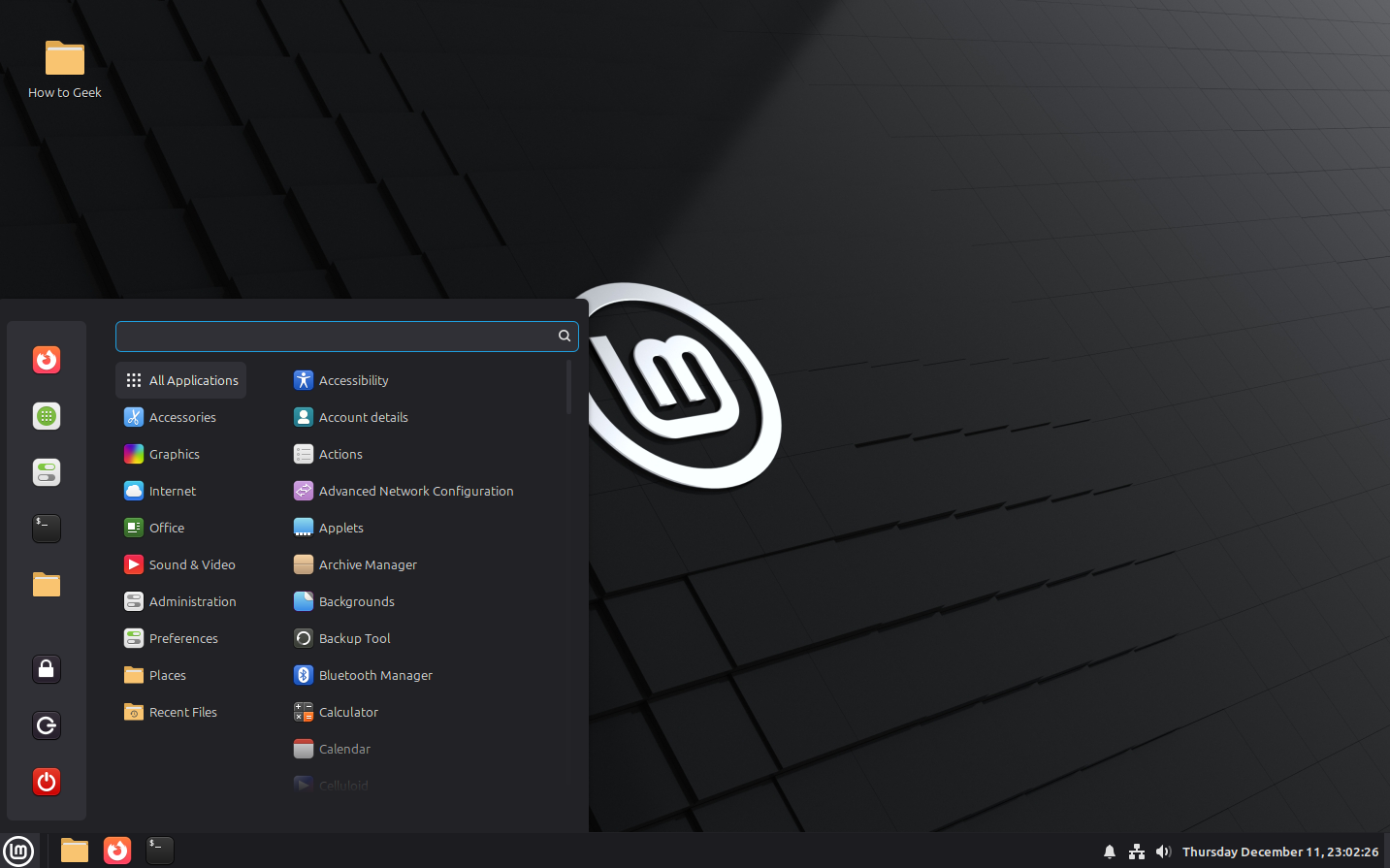
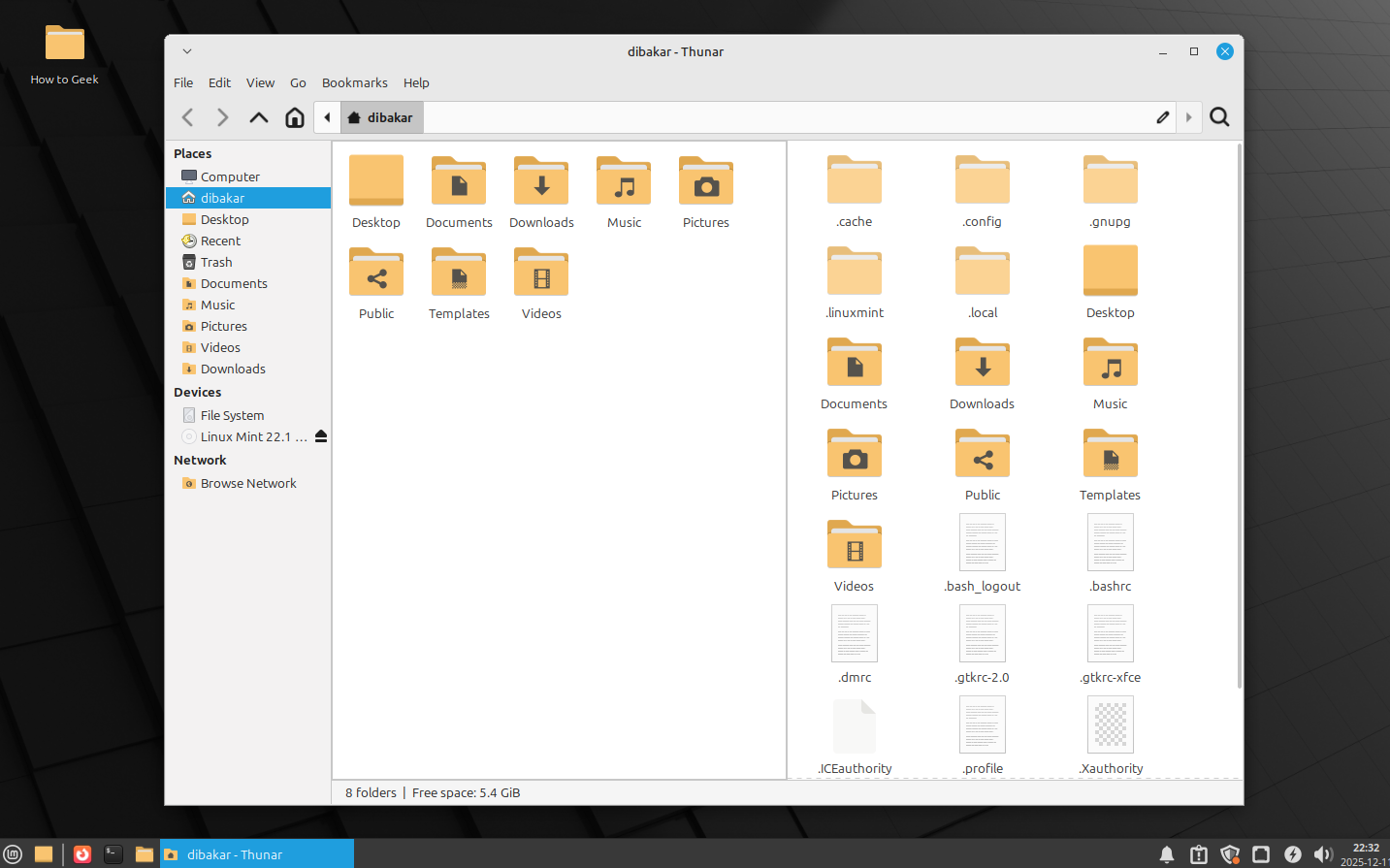
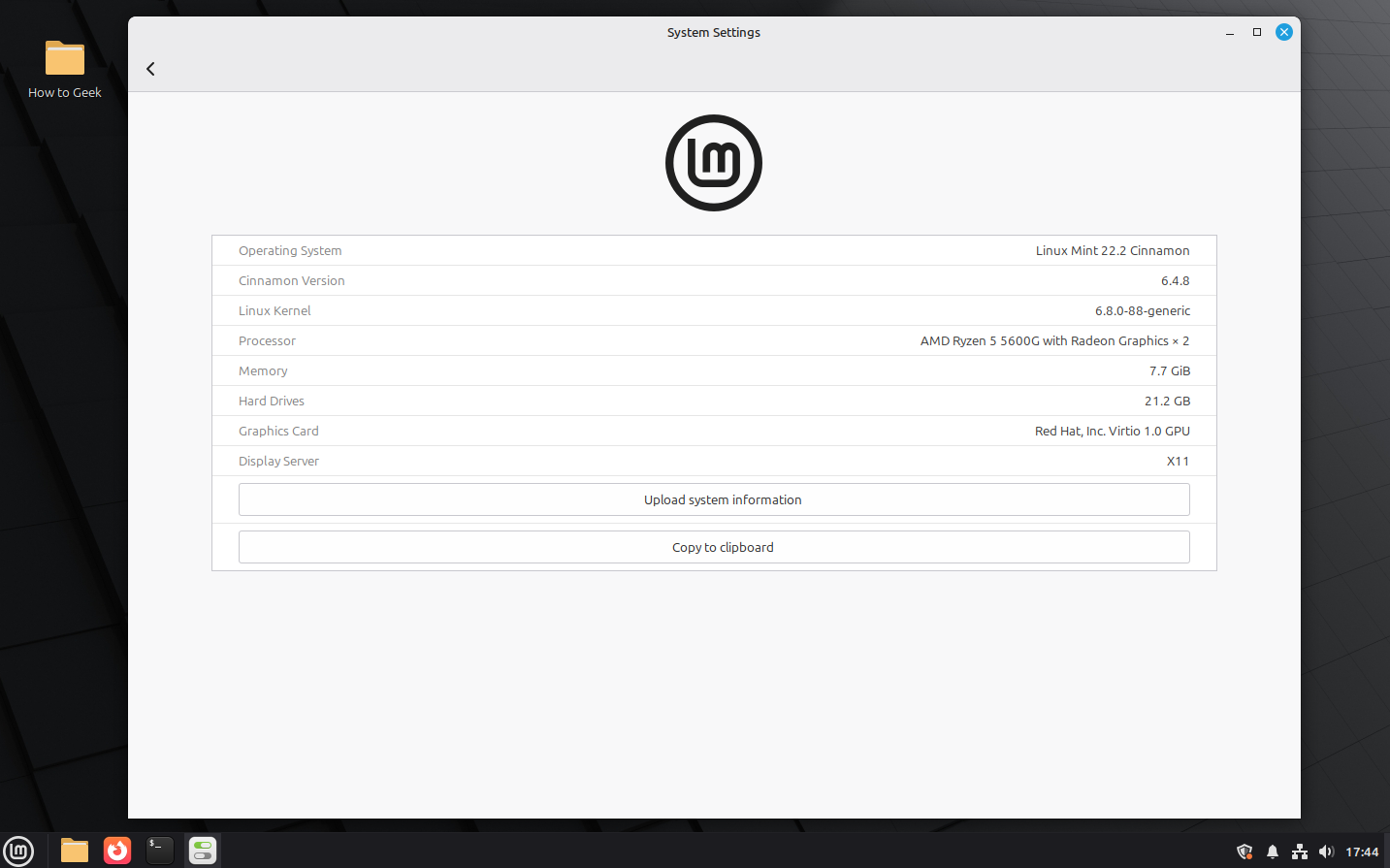
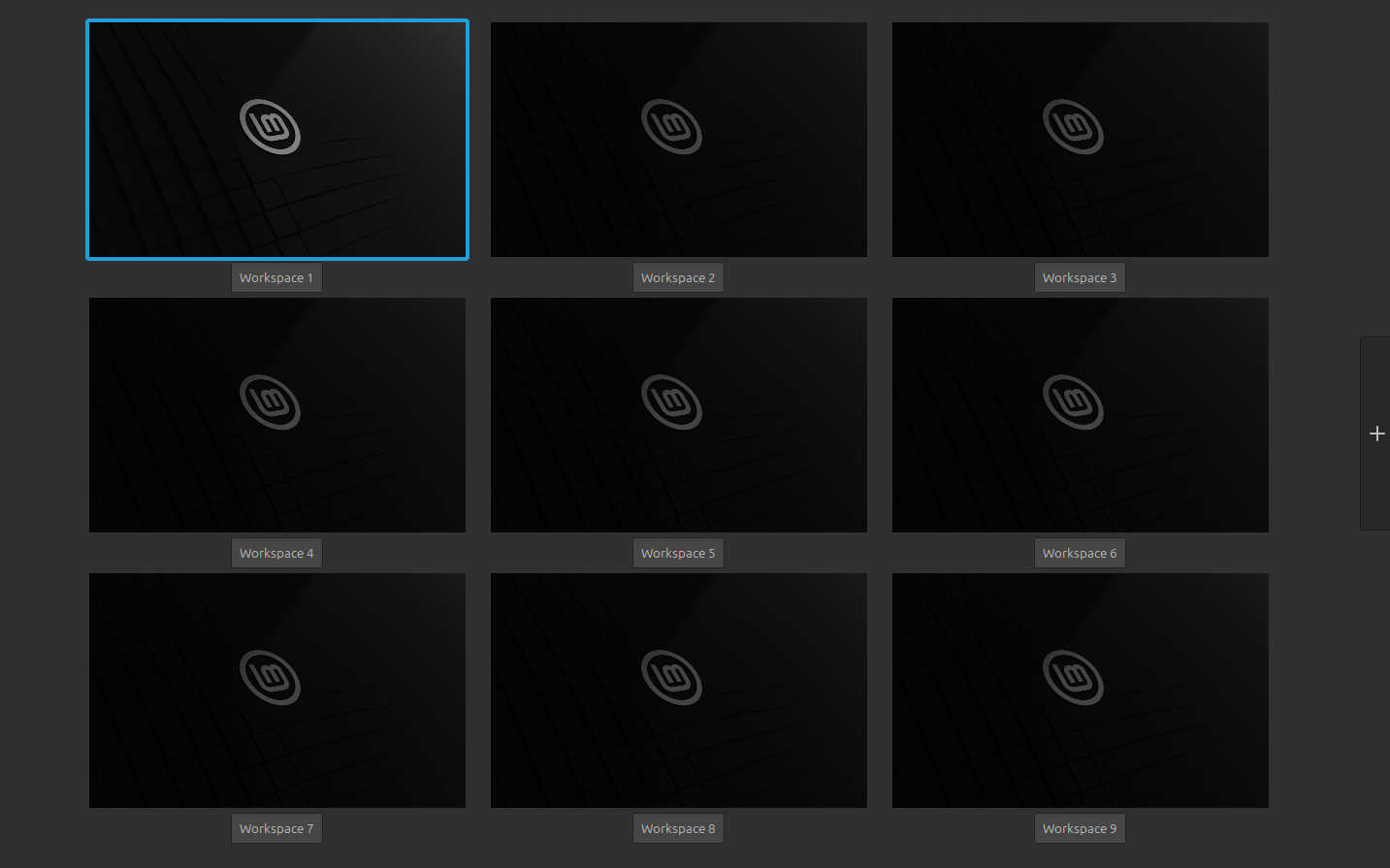
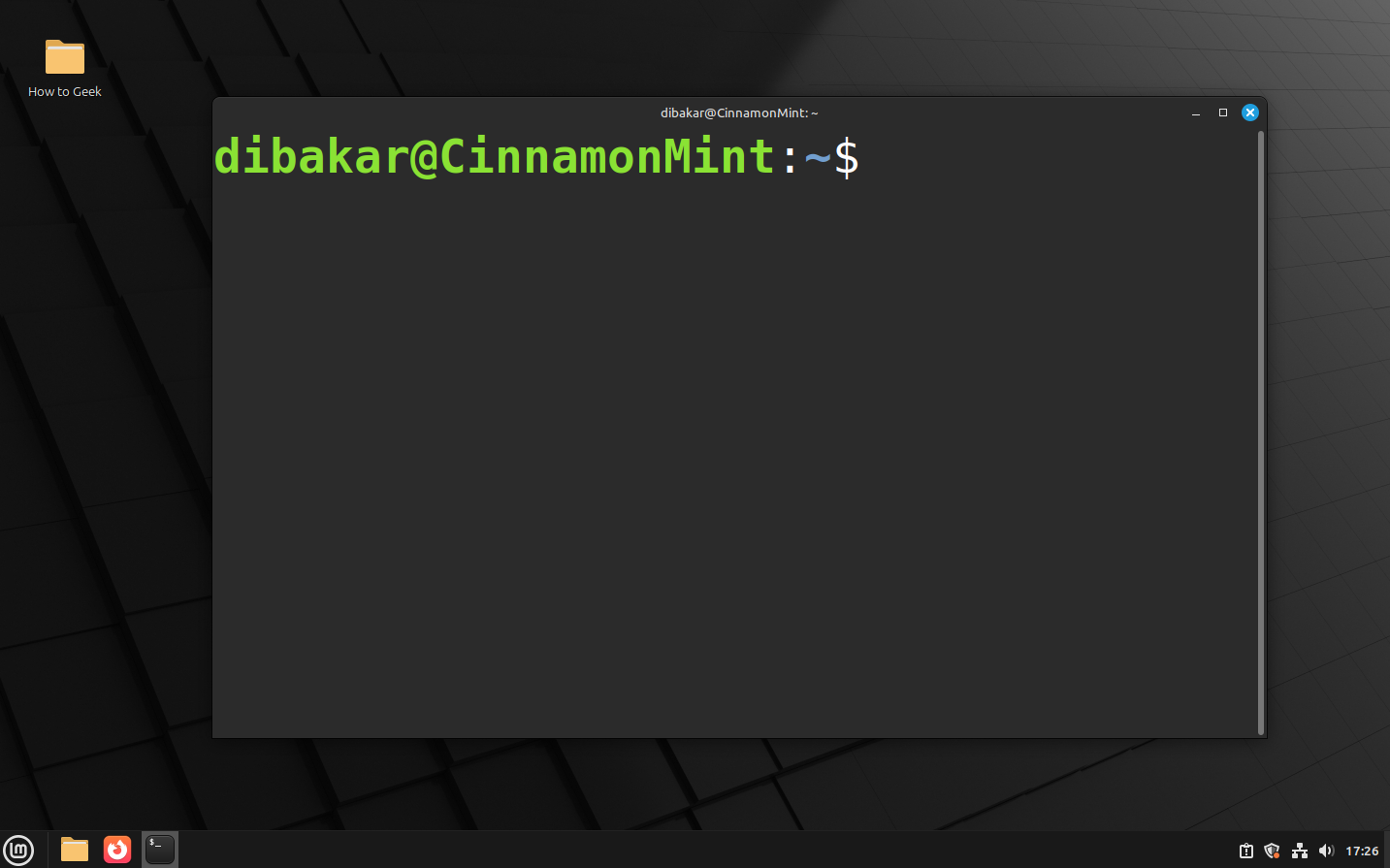
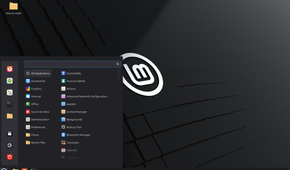
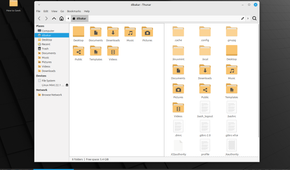
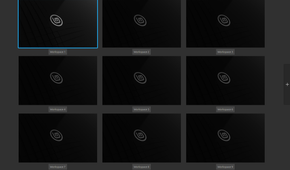
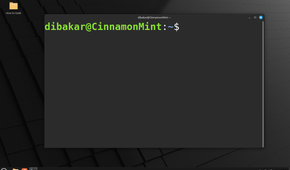
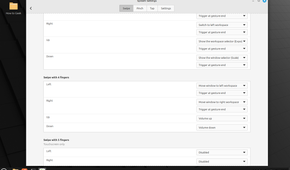
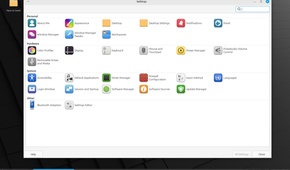
Cinnamon is a fan favorite among Linux newcomers, particularly those switching from Windows. It’s stable, reliable, feature-rich, and has all the charm and appeal of a modern Linux desktop environment. In fact, it looks like a modernized Windows 7 desktop — arguably one of the most beloved versions of Windows.
What I personally love about Cinnamon is that it strikes an impressive balance between functionality and accessibility. When you first start using it, everything feels incredibly familiar. You can launch applications, manage windows, and access system settings just as you would on Windows. There’s no need to adapt to an entirely different desktop philosophy before you can get work done.
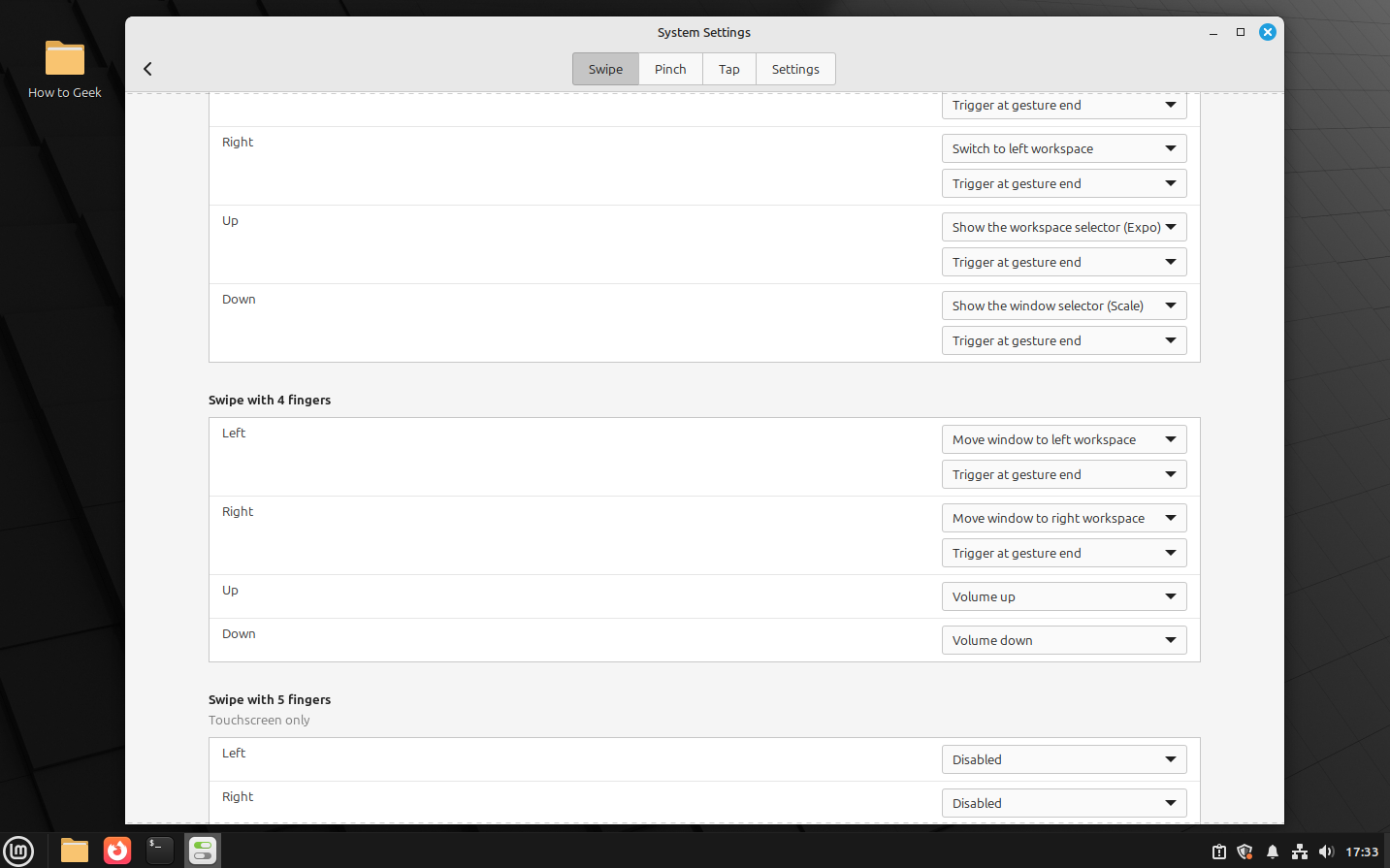
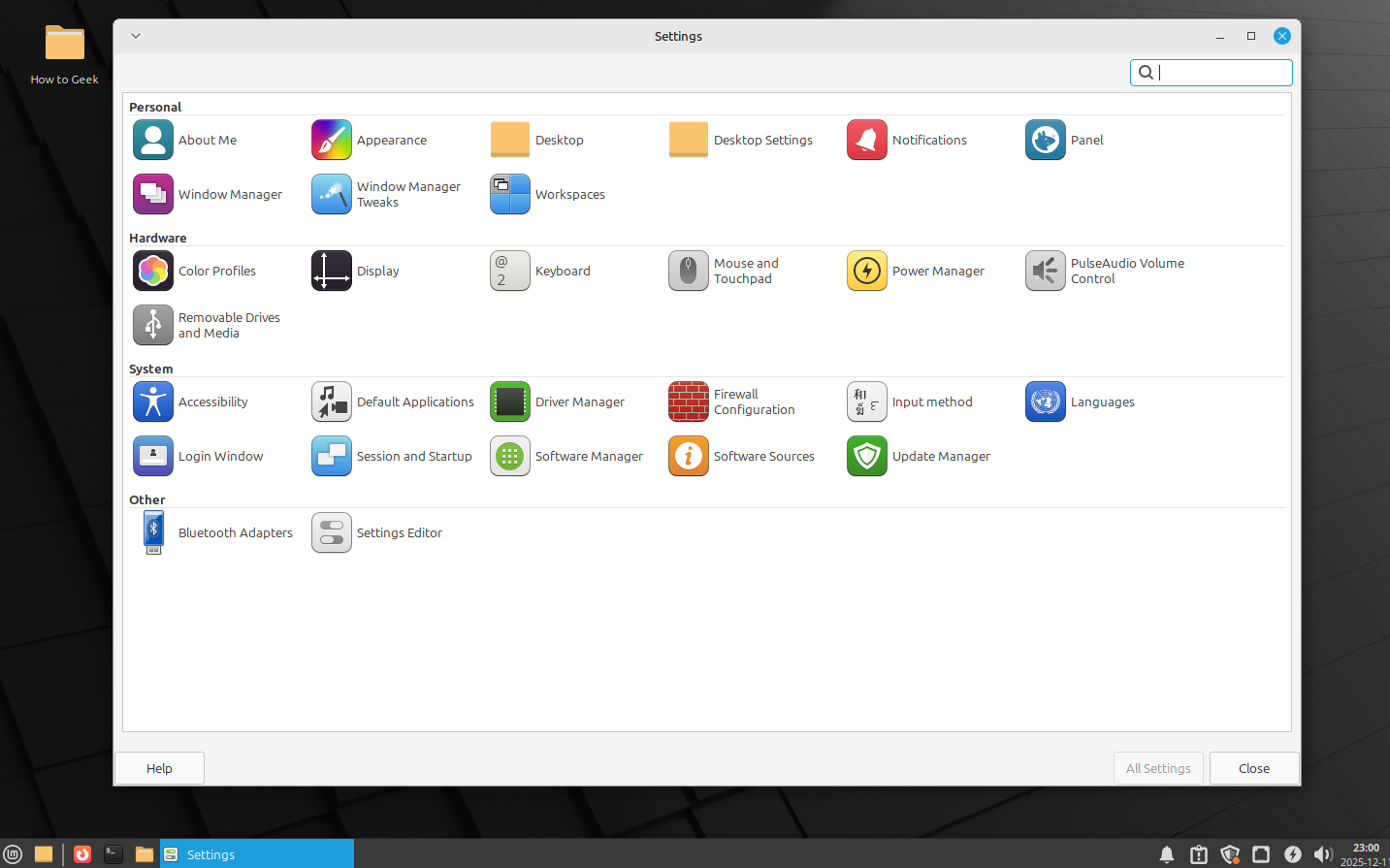
However, once you get comfortable and start digging around, you’ll find plenty of impressive features. These include the ability to add custom actions to the right-click context menu, customize panels and applets, and use desktop extensions called Spices to add extra functionalities.
Best distro to experience Cinnamon: Linux Mint.
1
KDE Plasma
The most powerful and customizable desktop environment
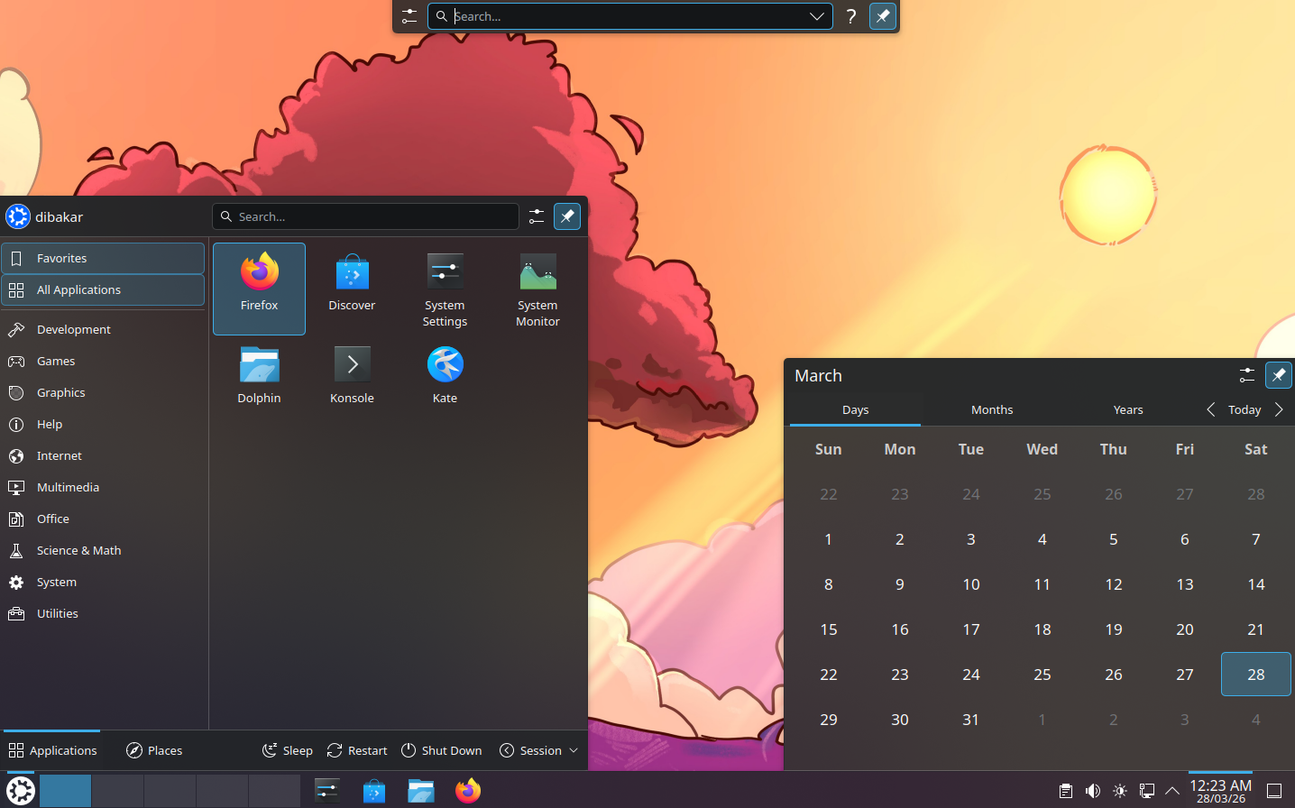
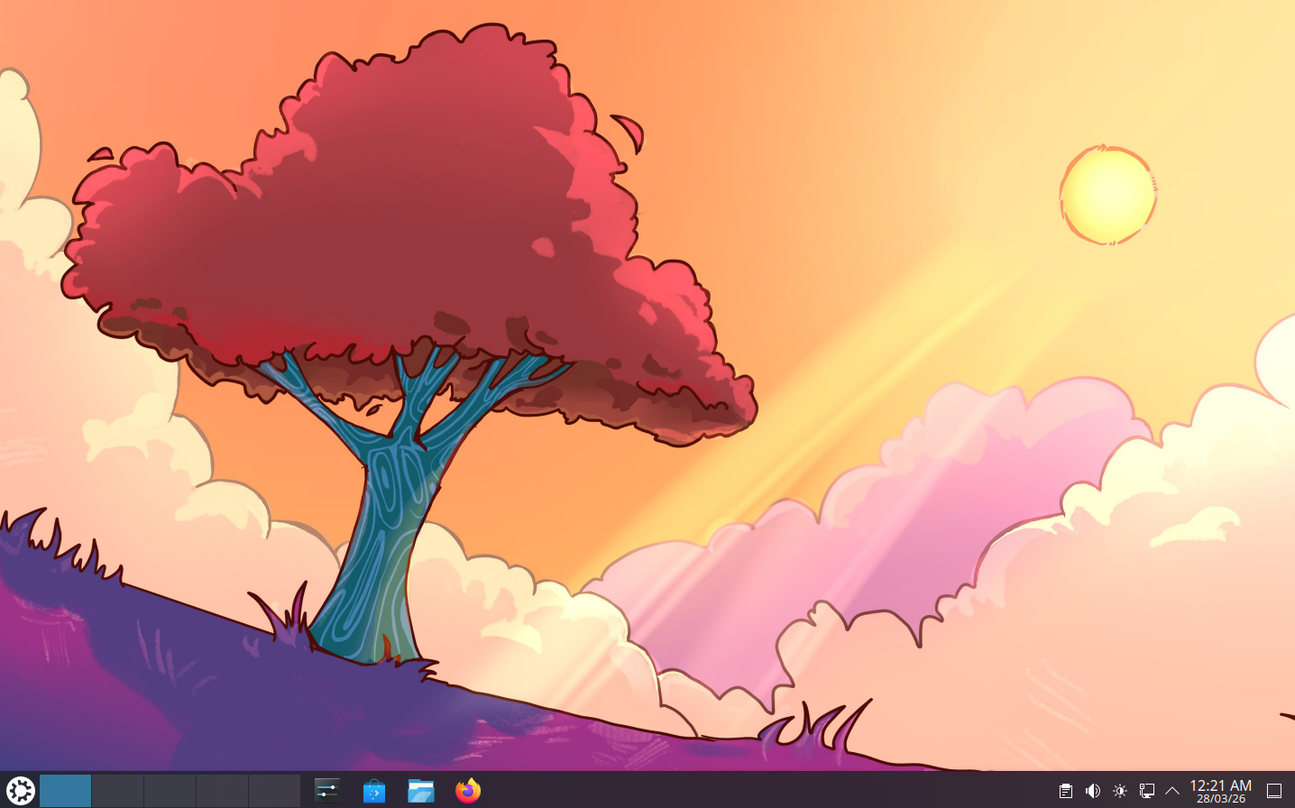
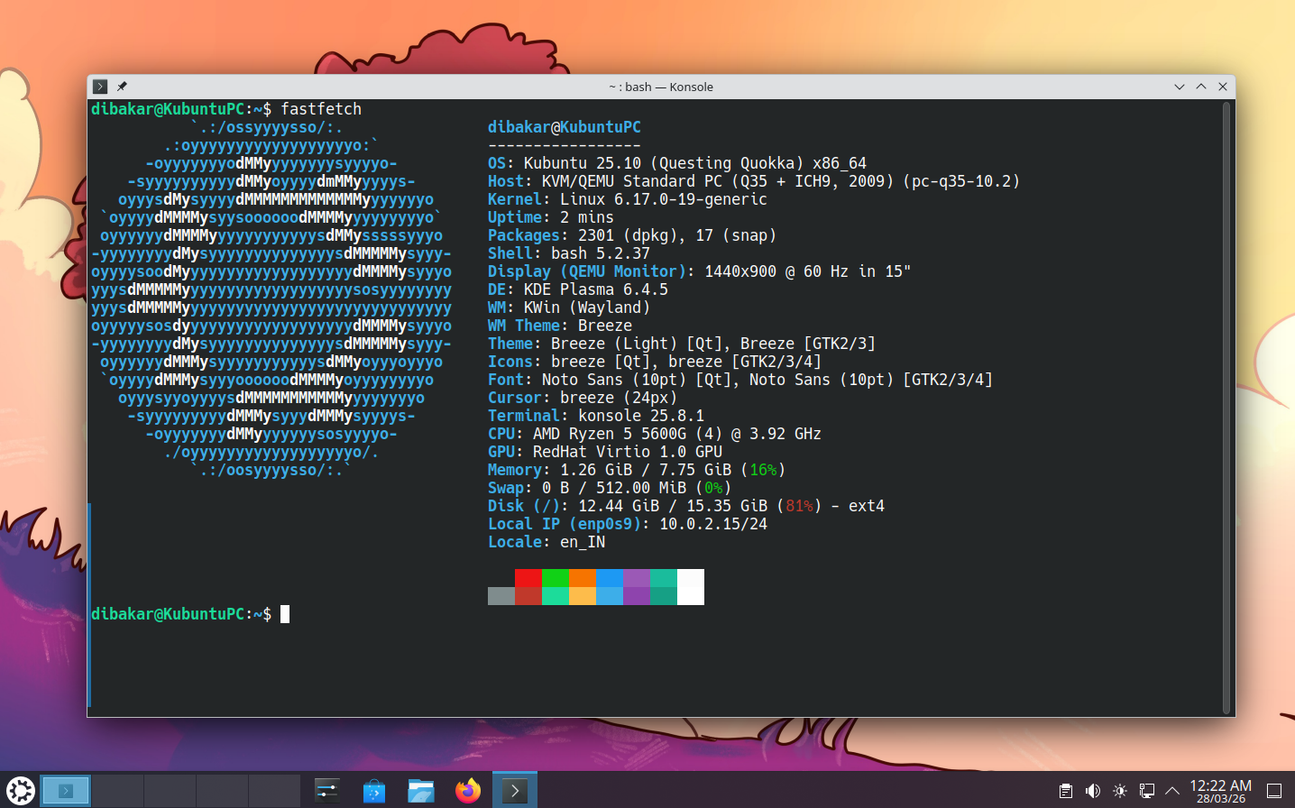
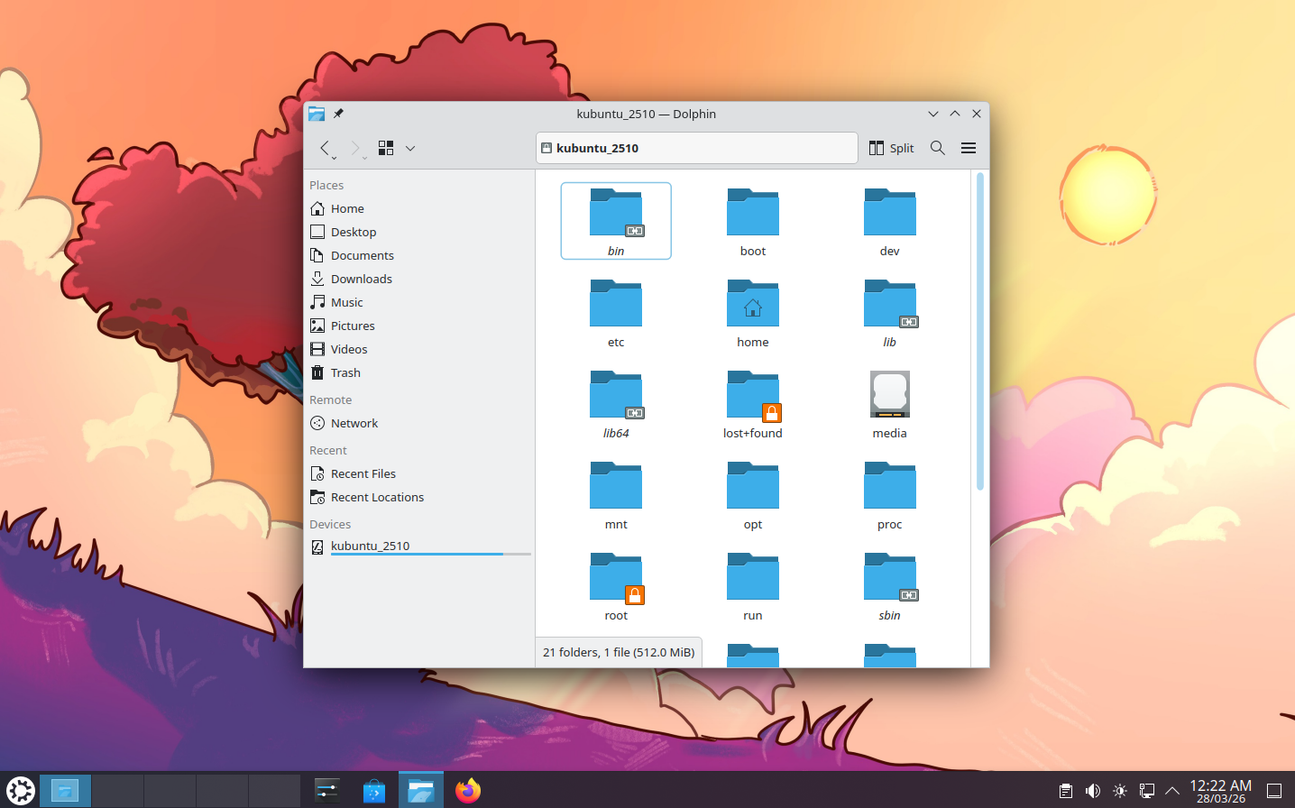
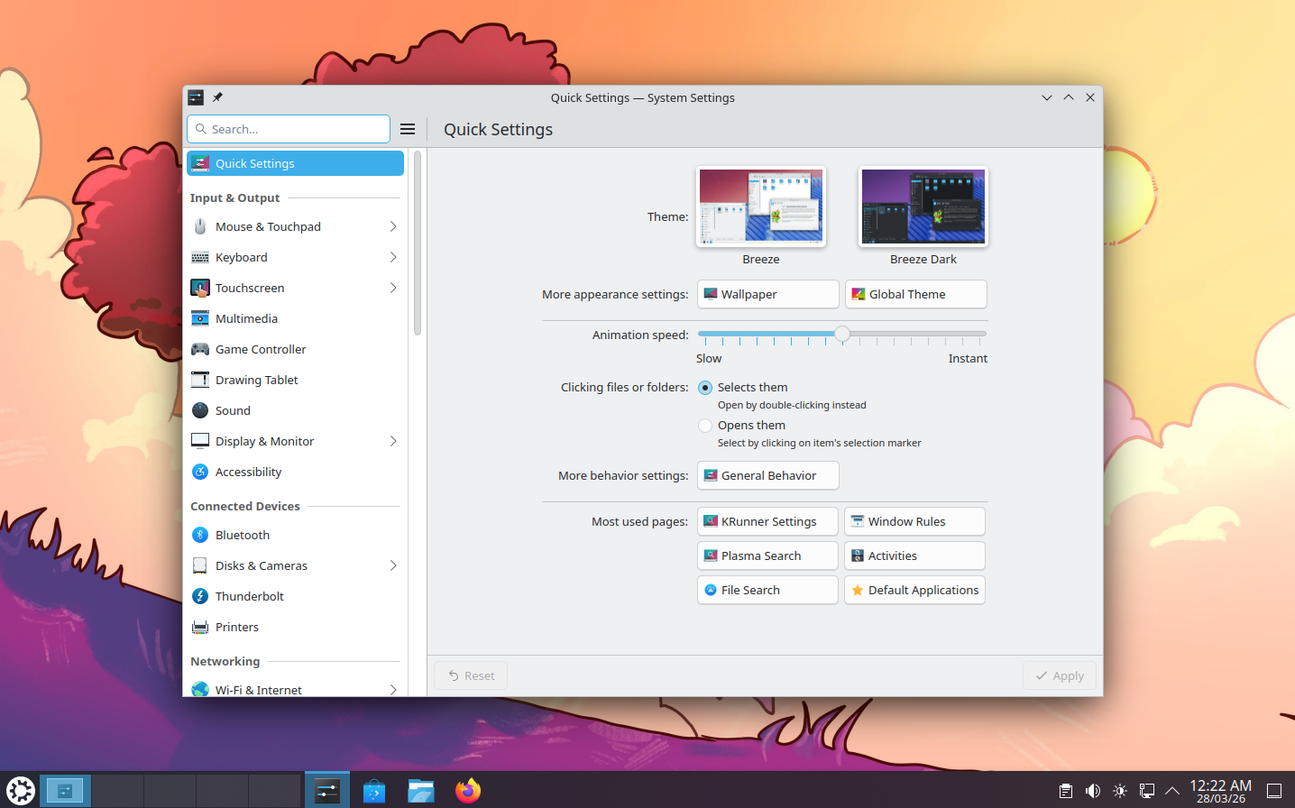
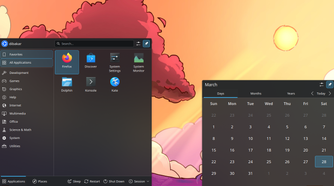

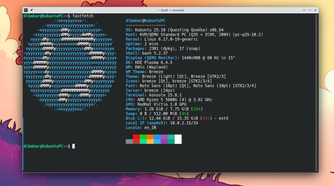
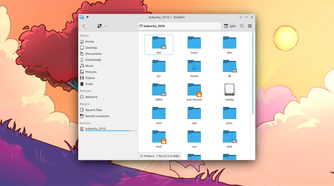
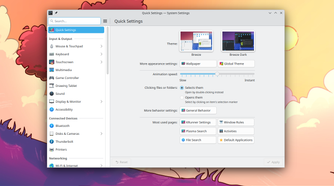
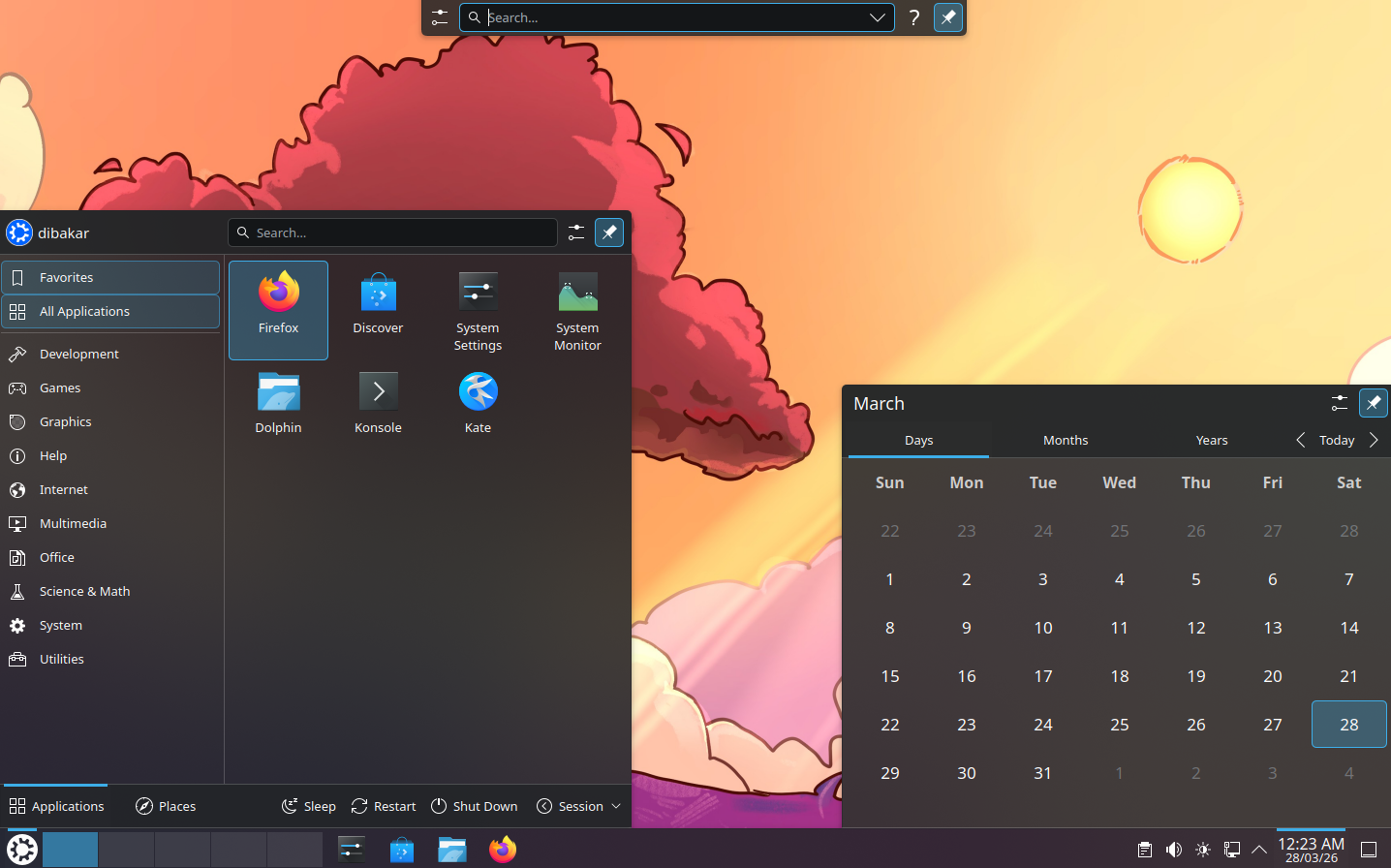
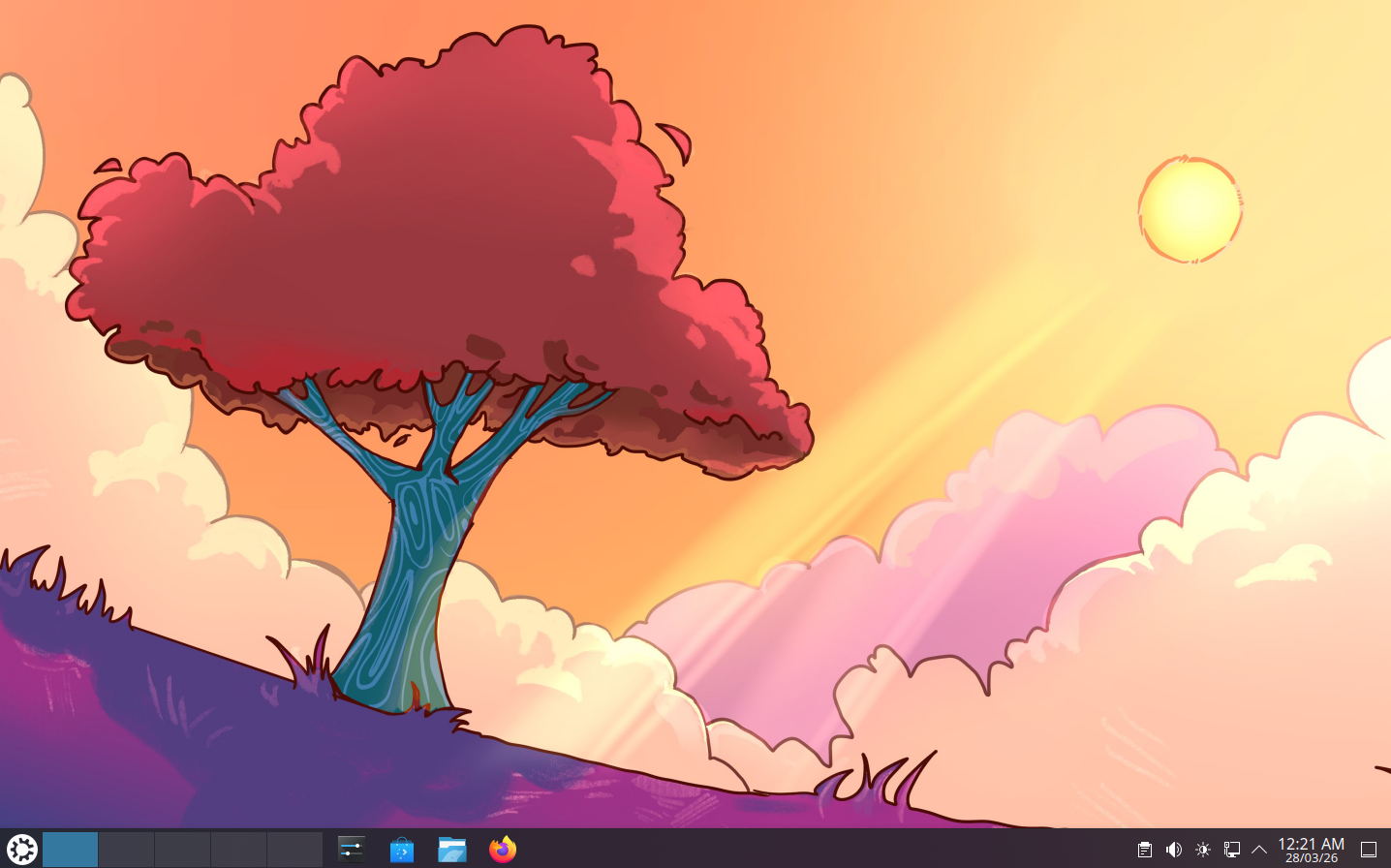
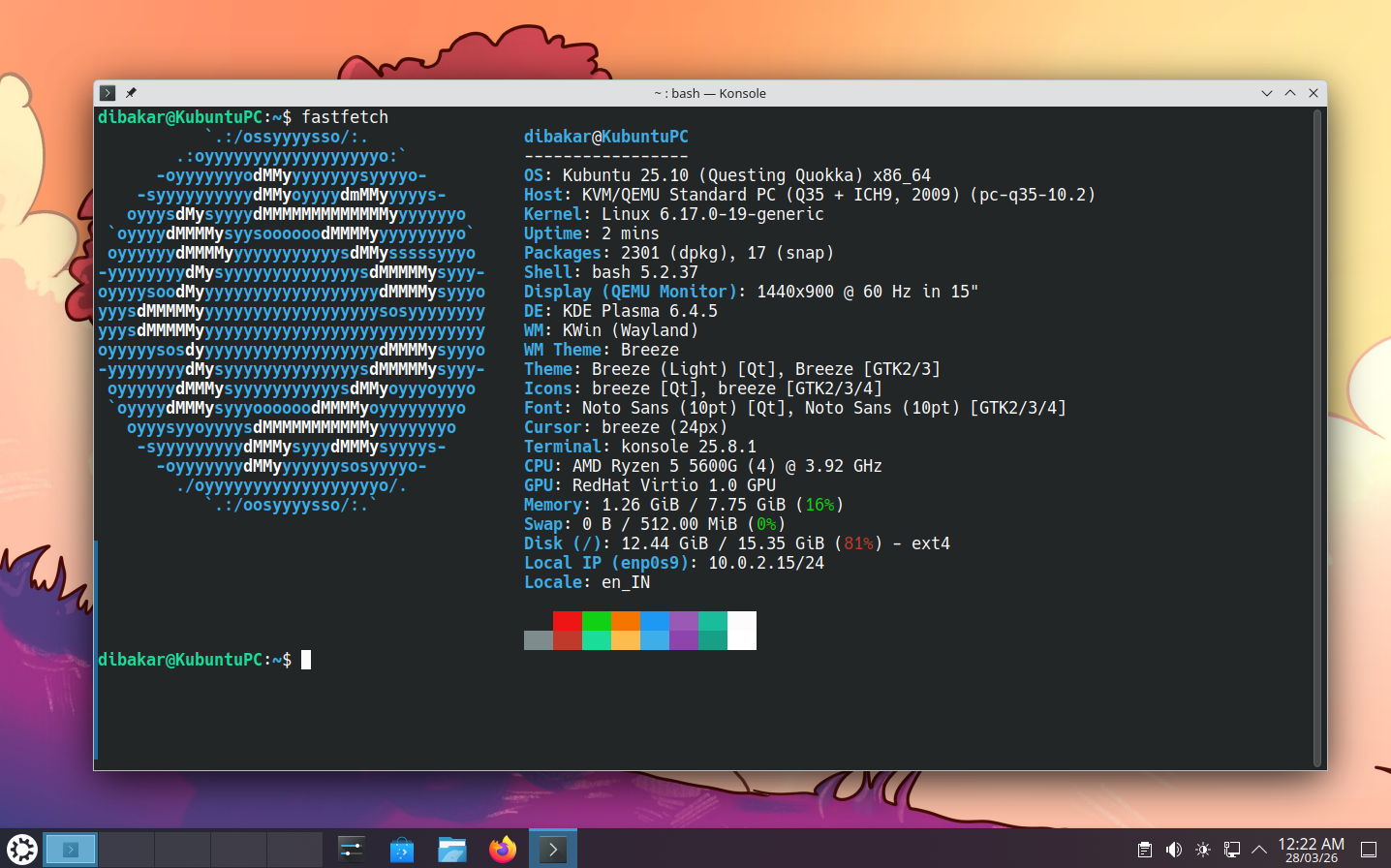
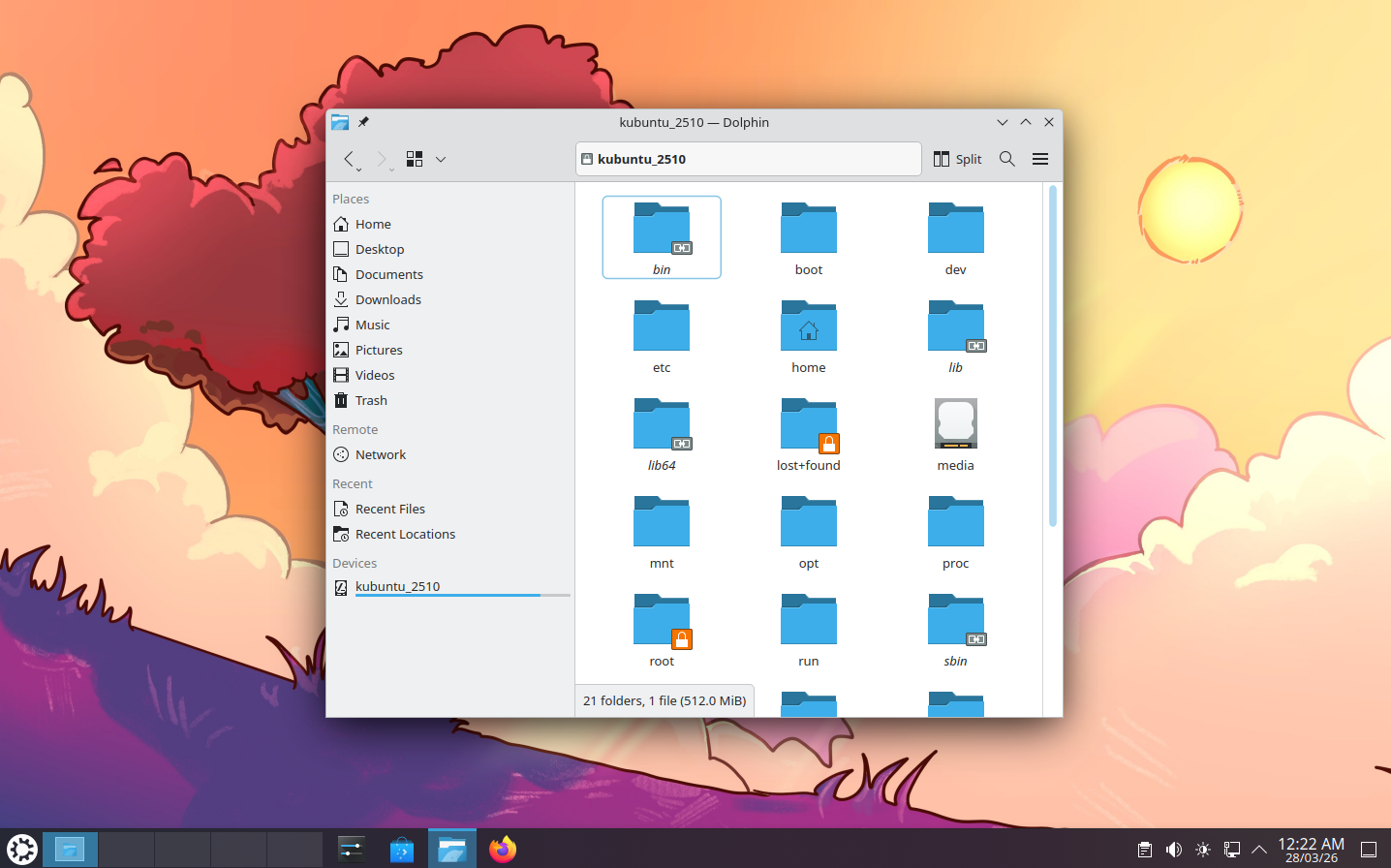
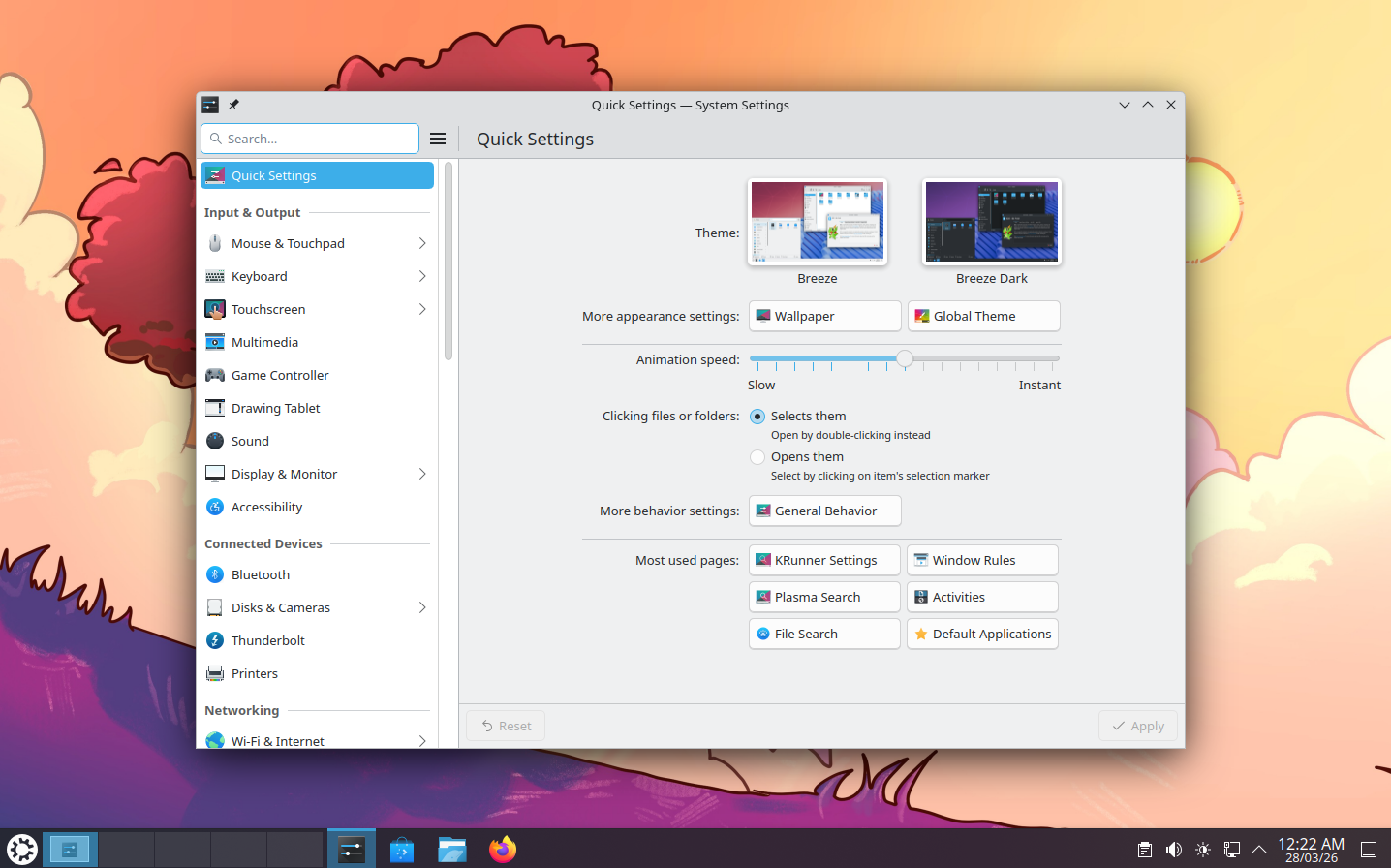
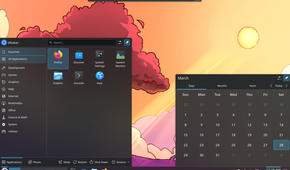

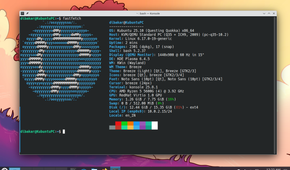
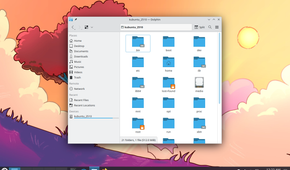
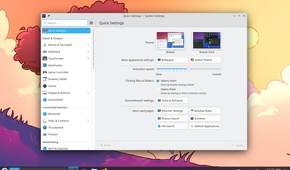
Last but not least, taking the top spot is KDE Plasma, arguably the most powerful and feature-packed desktop environment in the Linux ecosystem. Plasma combines a modern, polished interface with an incredible range of customization options. You can rearrange panels, change themes, modify window behavior, add widgets, and tweak almost every aspect of the desktop.
And it’s not just about appearances, either. You also get powerful features like native window tiling, a wide range of built-in and community-developed widgets, and deep integration between KDE’s applications. However, the feature that really sold me on Plasma is KDE Activities. Think of them as virtual desktops on steroids, letting you organize separate working environments around different tasks.
Of course, all those features come with a downside. Plasma can be overwhelming at first, especially when you open its settings and encounter the sheer number of available options. That’s one reason newcomers might prefer Cinnamon’s more approachable interface. But for power users and anyone who wants complete control over their desktop, KDE Plasma is a godsend.
Best distros for experiencing KDE Plasma: Kubuntu, Fedora KDE Plasma Desktop, openSUSE, CachyOS, and Garuda Linux.
Do you agree with the rankings?
At the end of the day, there’s no single best Linux desktop environment for everyone — which is exactly why there are so many of them. KDE Plasma is my favorite because I value customization and advanced features, but someone who prioritizes simplicity might prefer GNOME, Cinnamon, or even Pantheon. If you’re using older hardware, LXQt or Xfce would probably top your list.
I’d love to know which desktop environment is your favorite and whether you’d rank them differently.