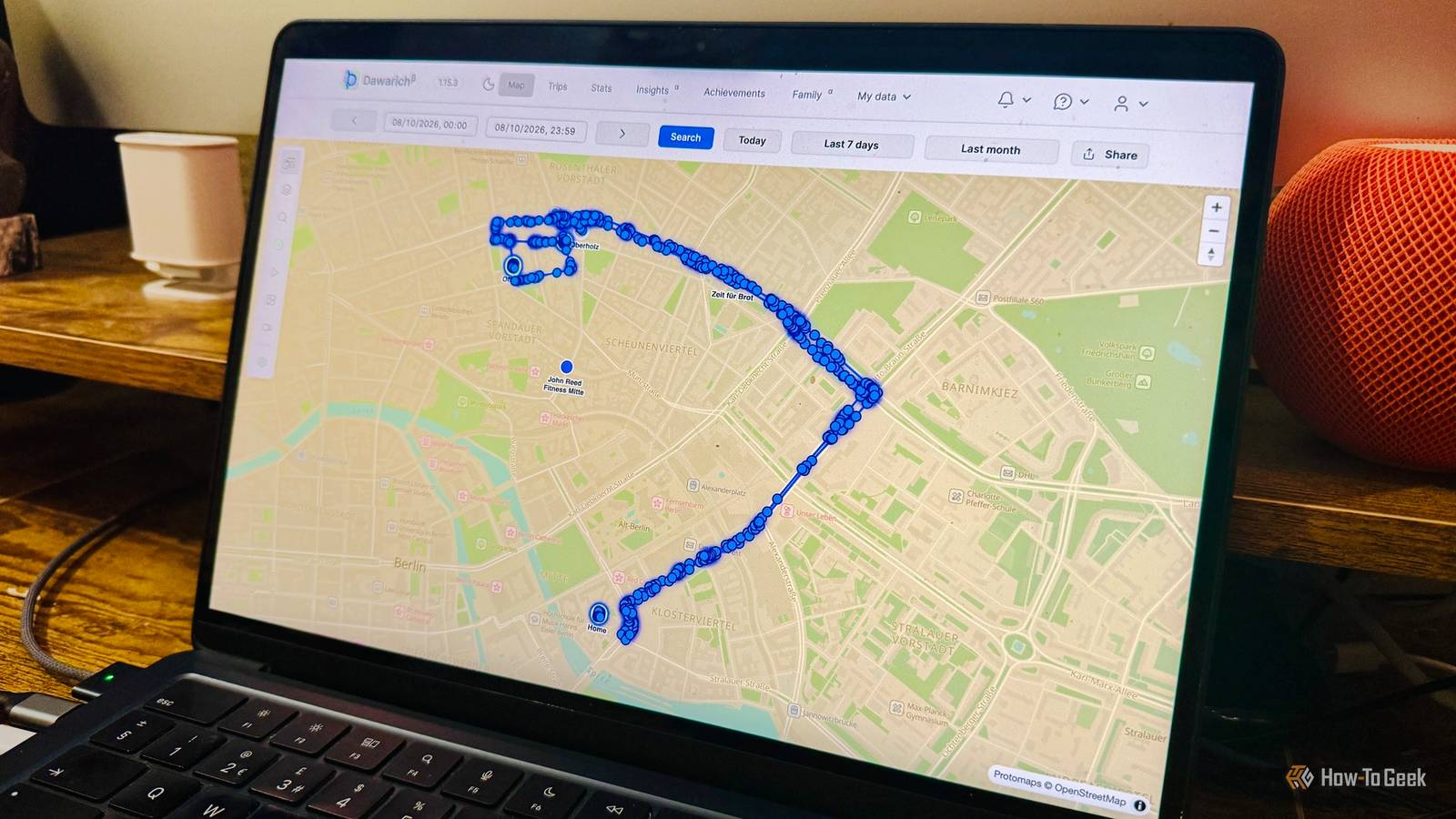
Google Maps Timeline is one of those features that can be incredibly useful when needed. It can remind you where you went on a particular day, the places you visited on vacation, and even the routes you took from A to B. I never liked the idea of Google knowing everywhere I ever went, so I replaced Google Maps Timeline with a free, open-source alternative that stores location history on my local hardware.
Google made Timeline easy to lose
I didn’t like the idea of Google knowing my every move
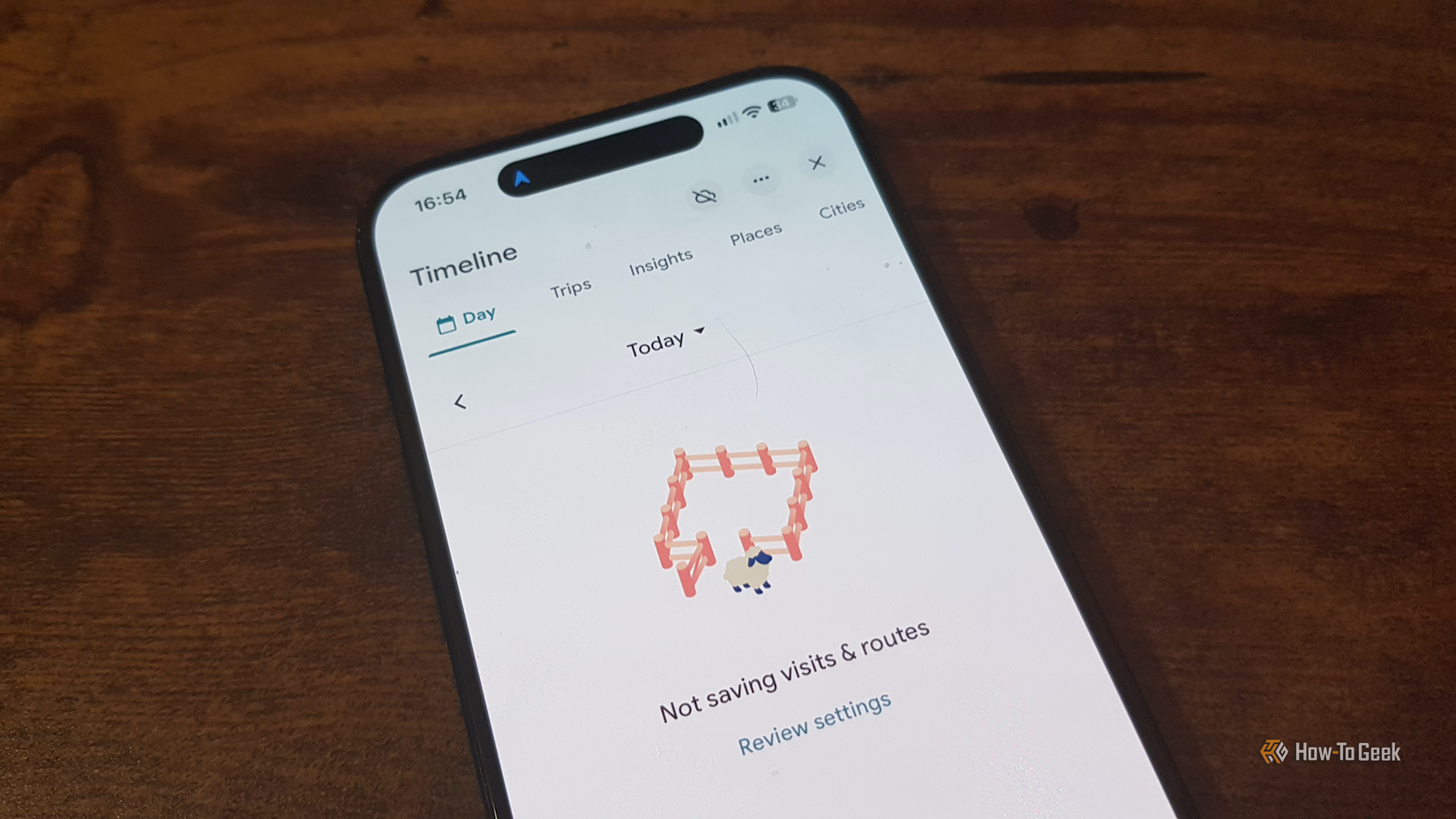
Google Maps Timeline builds a history of the places you’ve visited and journeys you’ve taken, using location information provided by your phone. You can use it to retrace journeys, see places that you’ve visited, or find when you last visited a specific location.
Google is far from the most trustworthy company, and the idea of It storing a history of every place I’d ever been, including my home, work, and daily routines, didn’t sit well, so I disabled Timeline a long time ago.
Google has since changed how Timeline works. Location history used to be associated with your Google account, and you could access it through Google Maps on the web. Google has moved Timeline data to individual devices in an effort to improve privacy.
However, the move wasn’t without problems. The original default setting only stored data for 90 days for new users, and a technical issue in March 2025 caused some users to lose their Timeline data completely. It’s yet another example of why trusting a third party with your data can easily go wrong.
Dawarich is a self-hosted Google Maps Timeline alternative
It runs on your own hardware, so your location isn’t shared
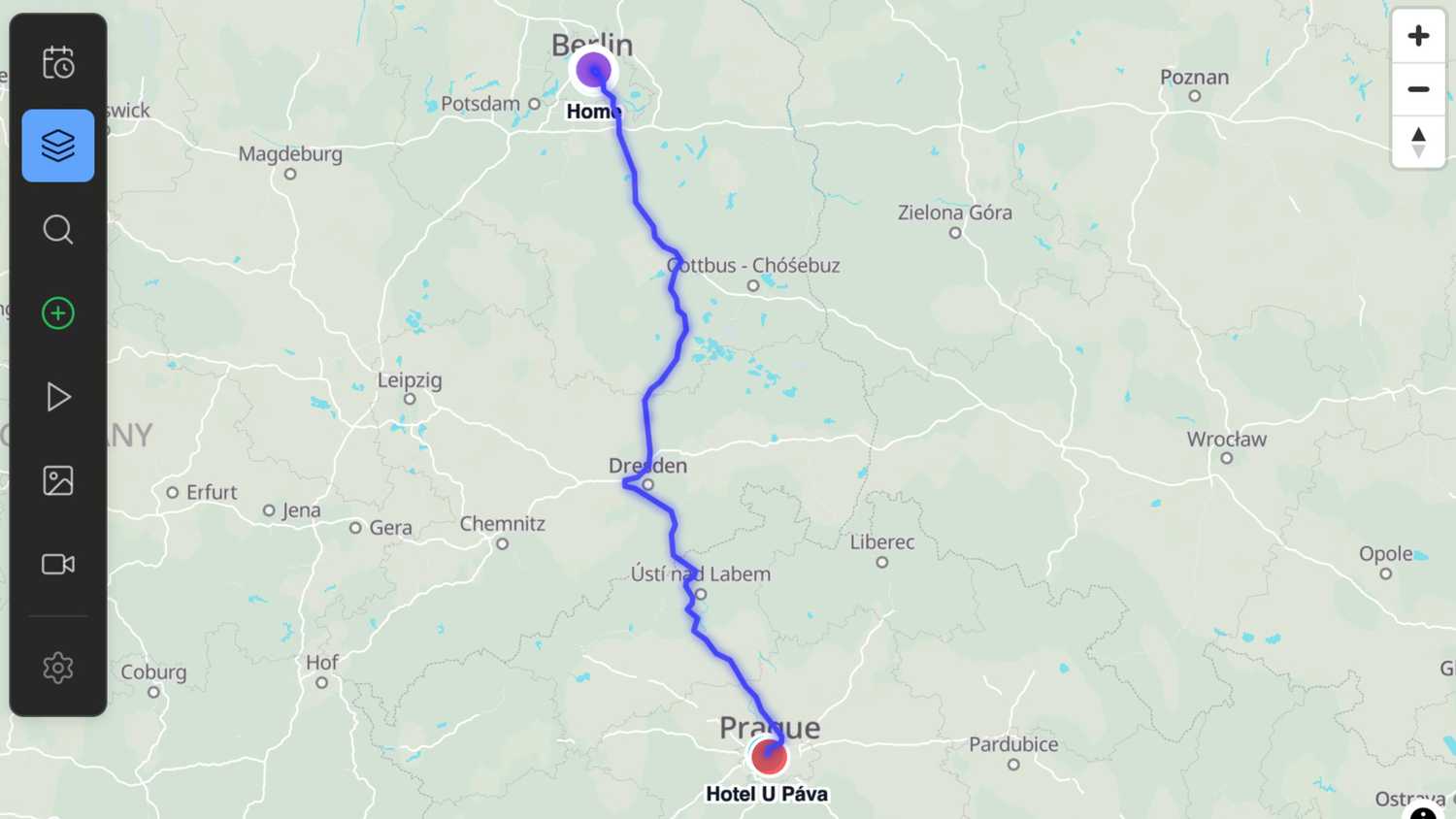
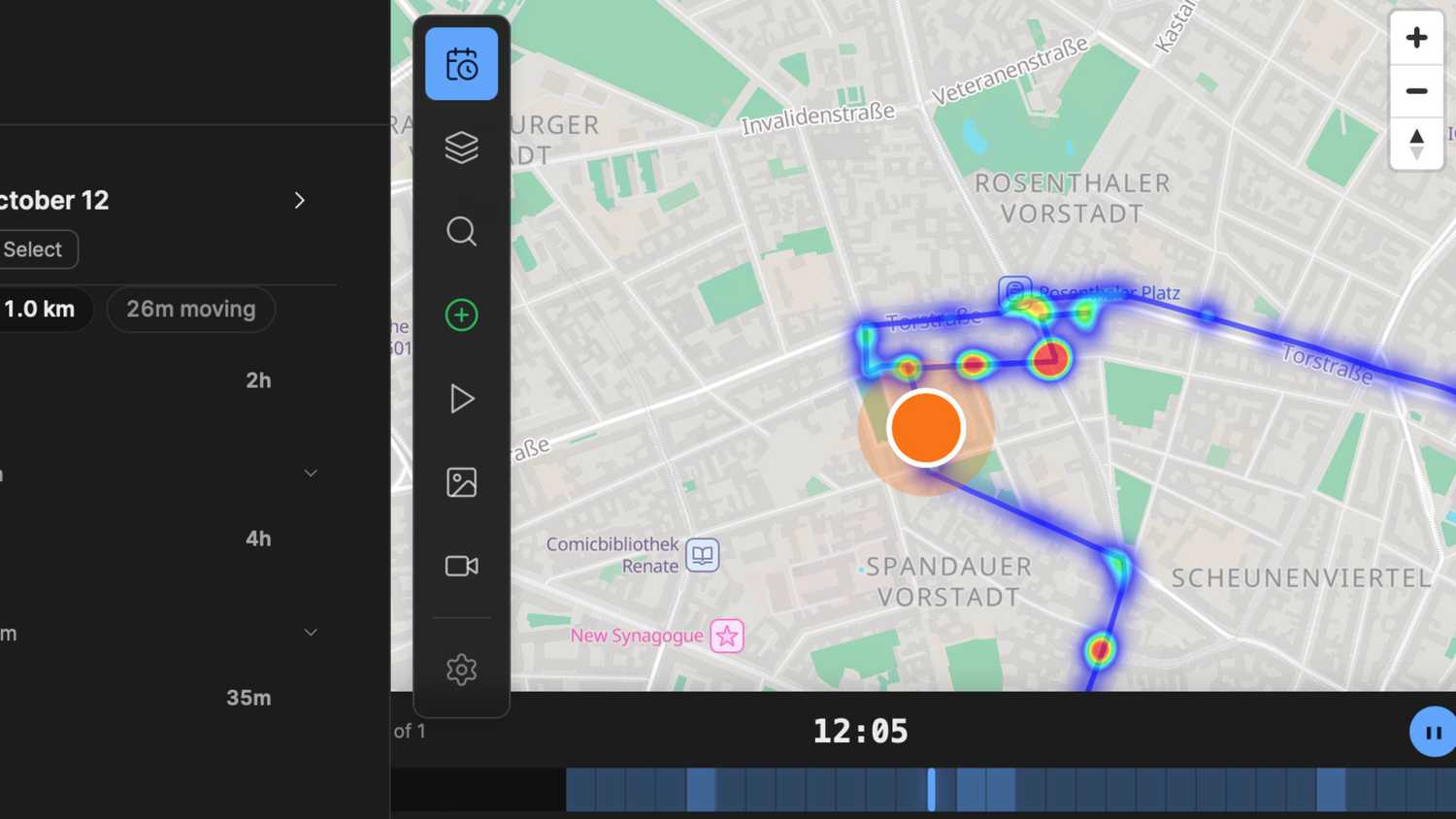
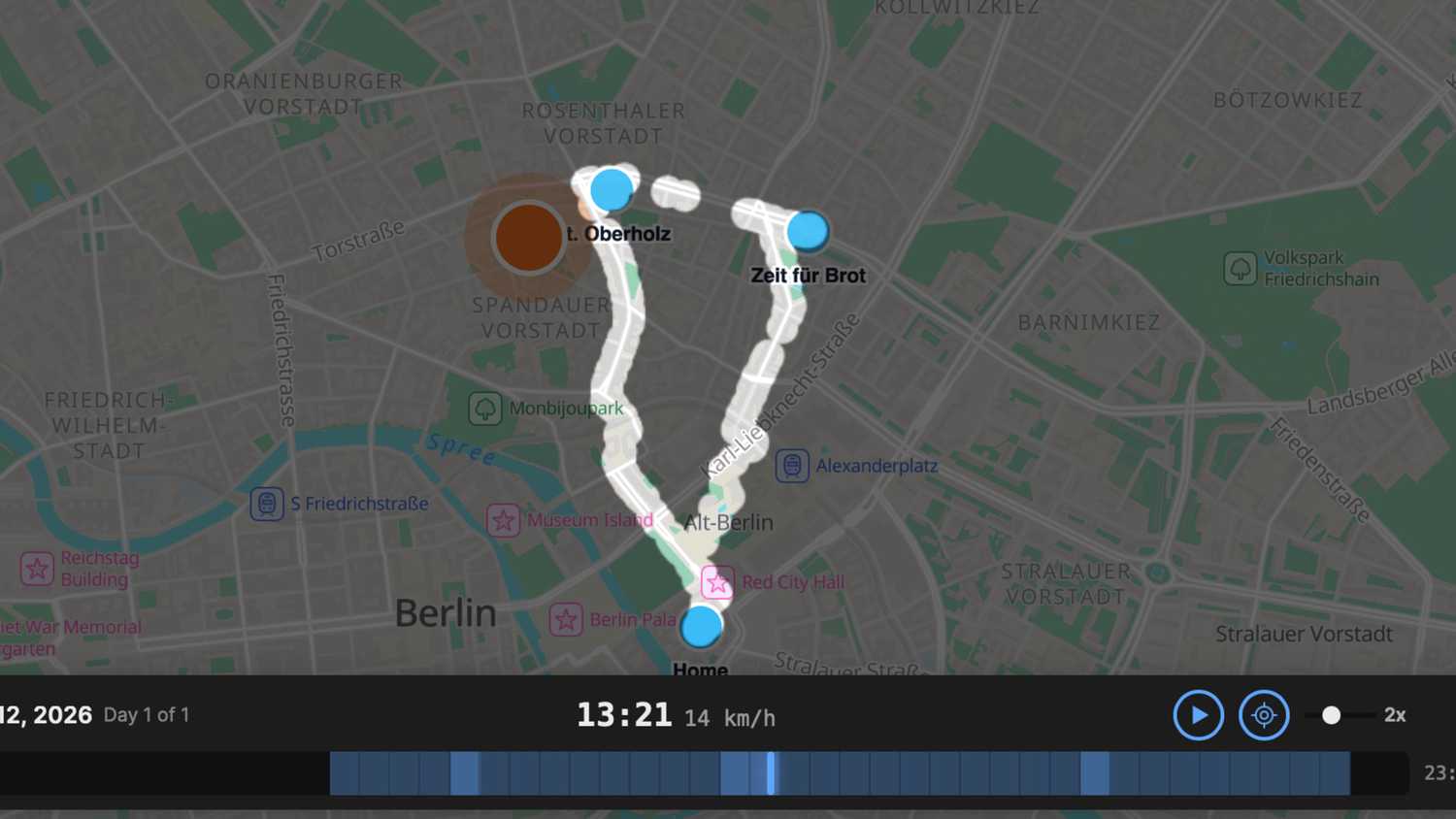
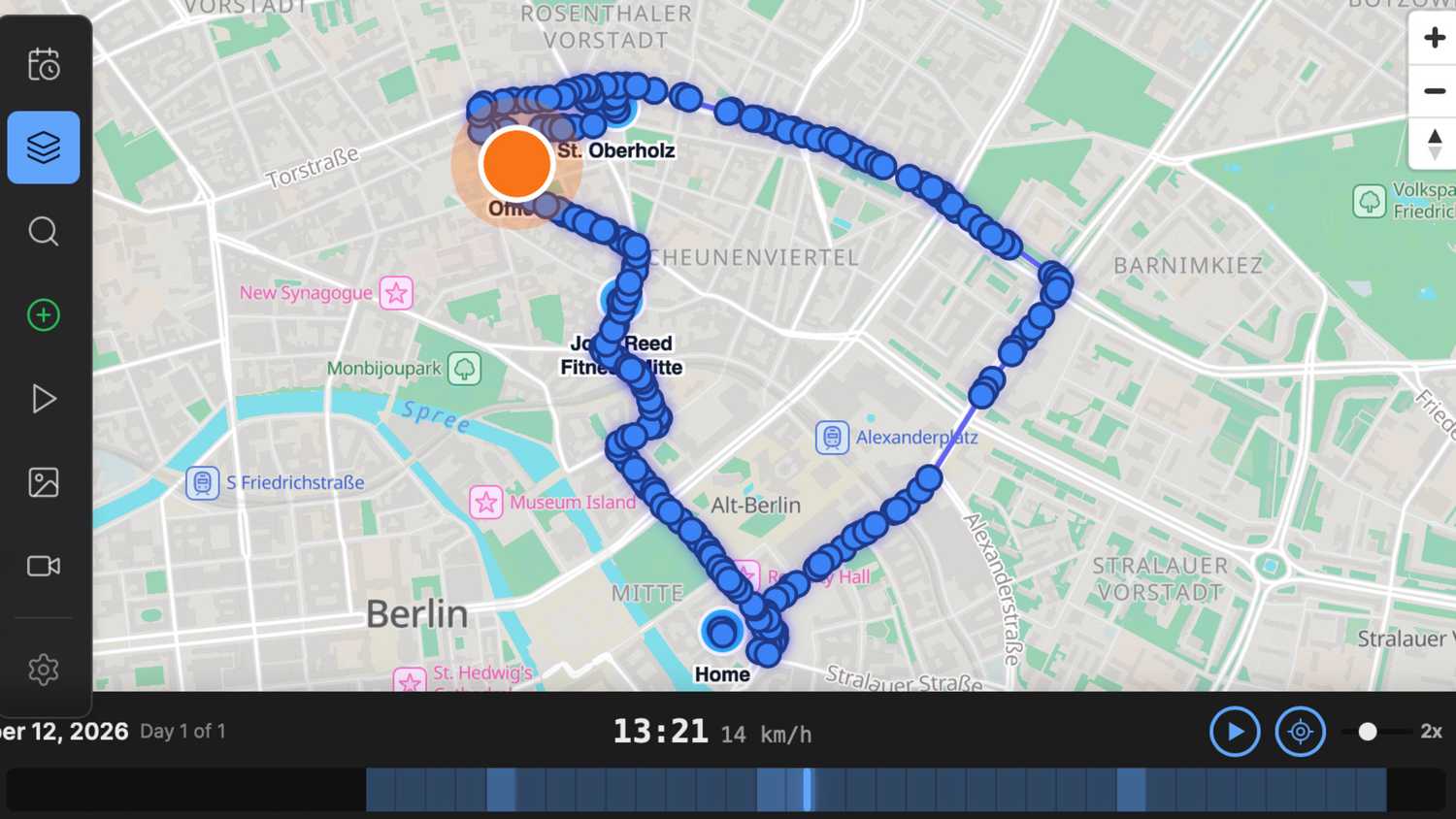
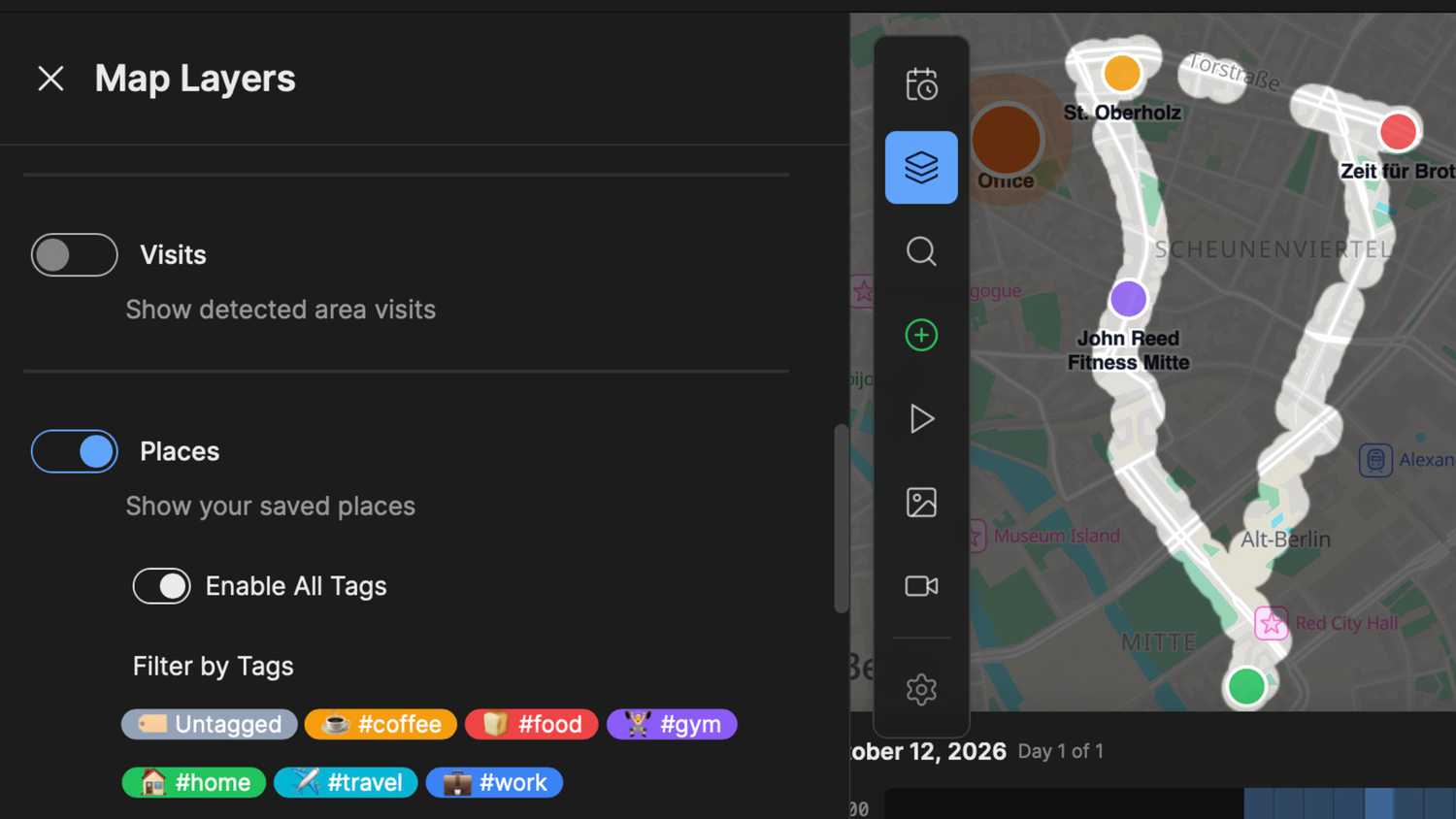
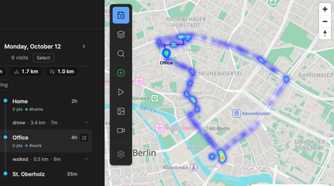
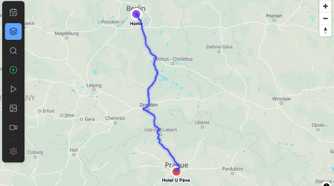
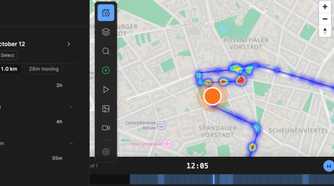
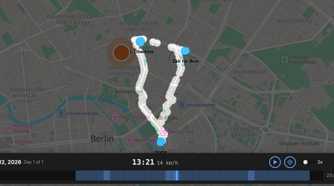
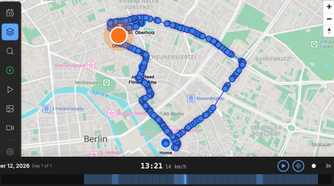
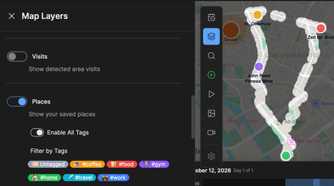
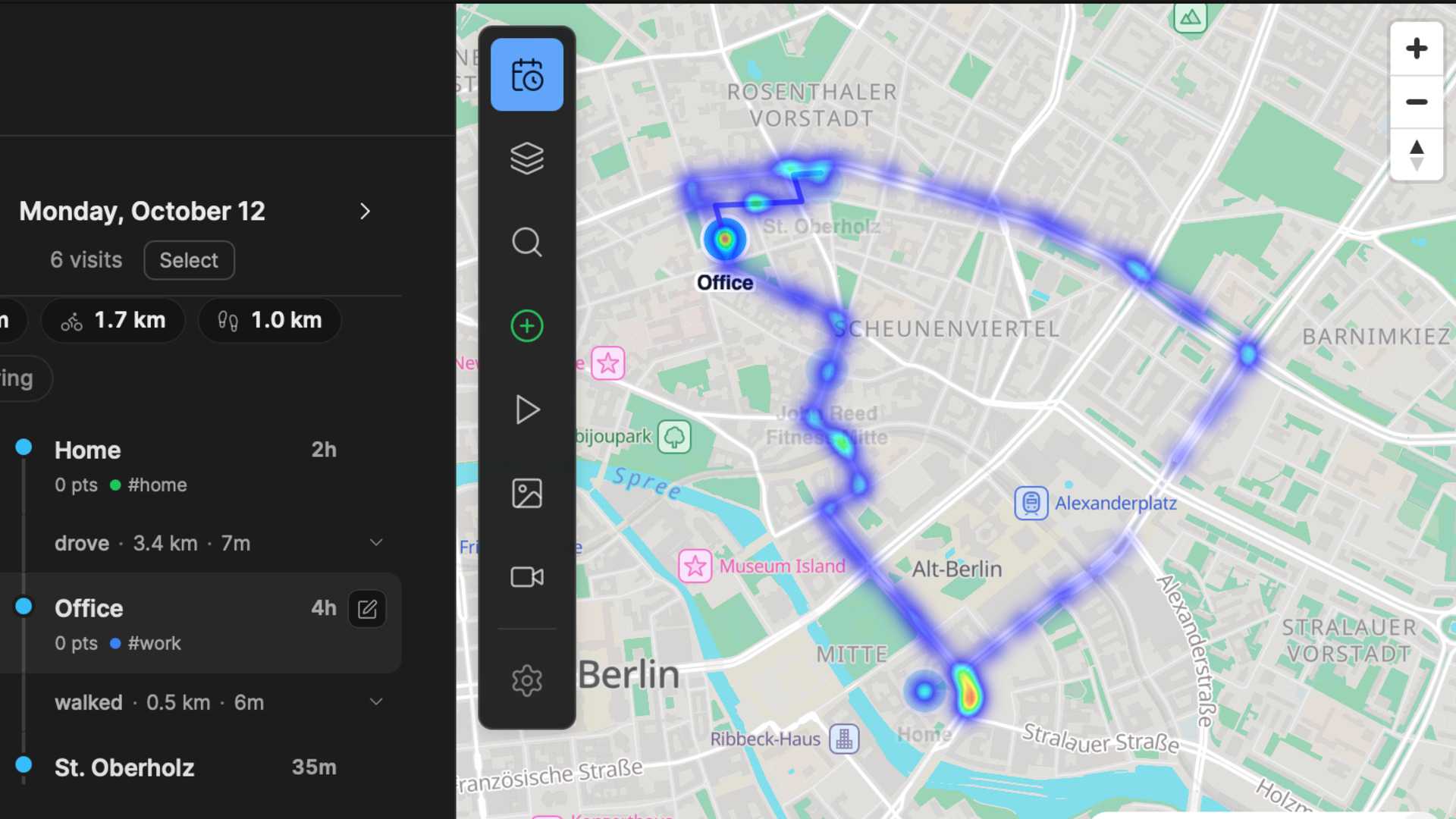
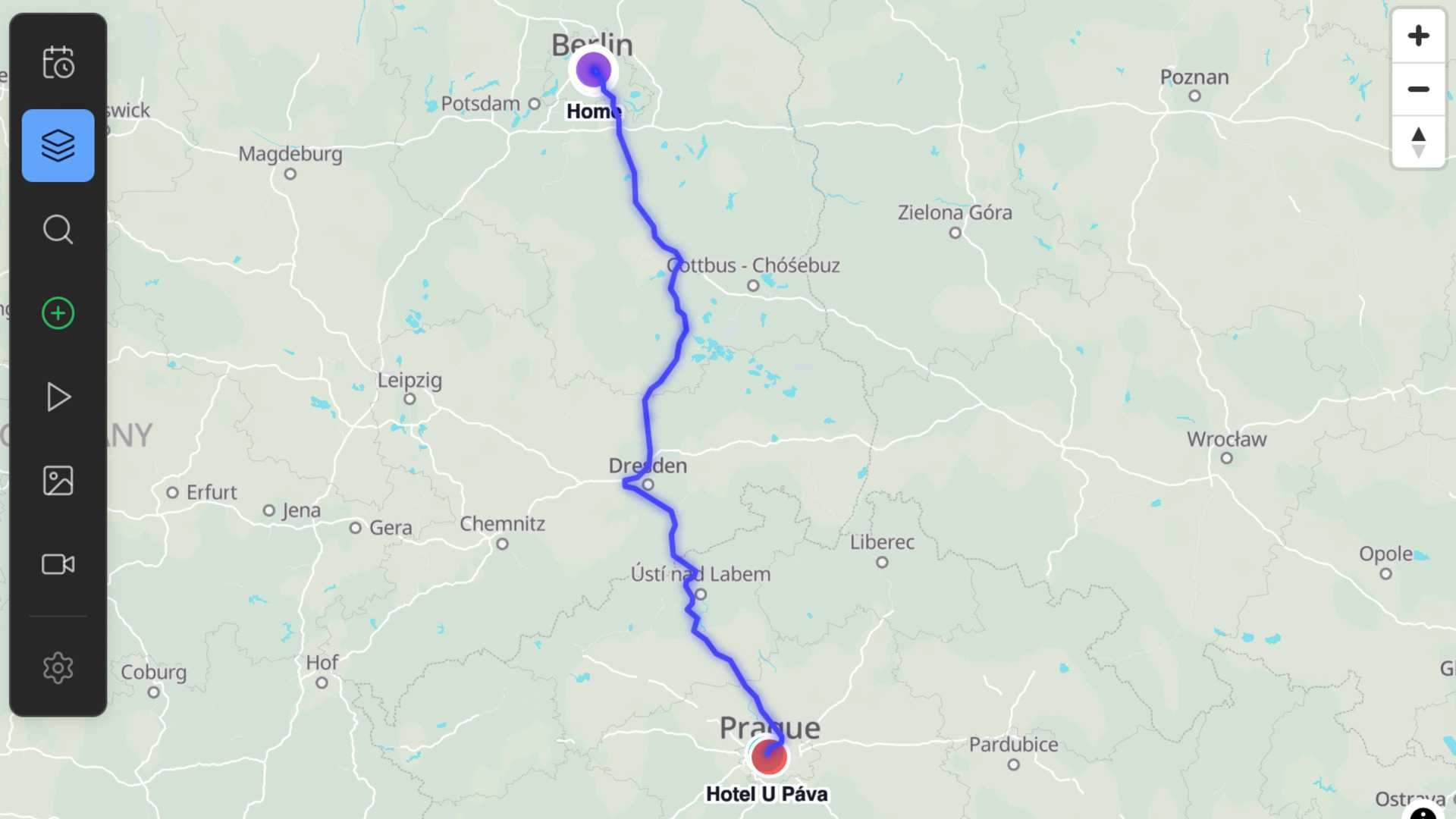
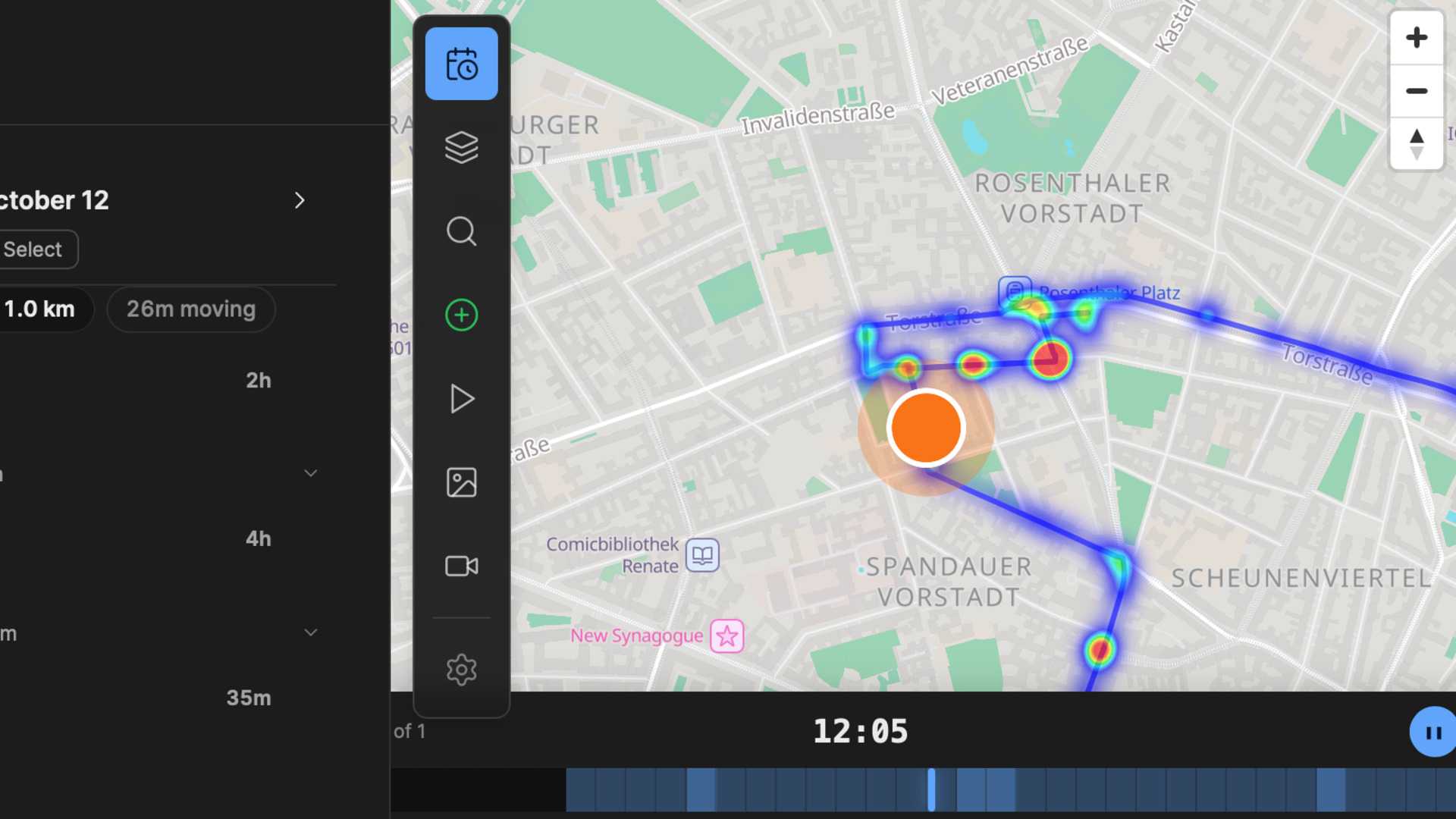
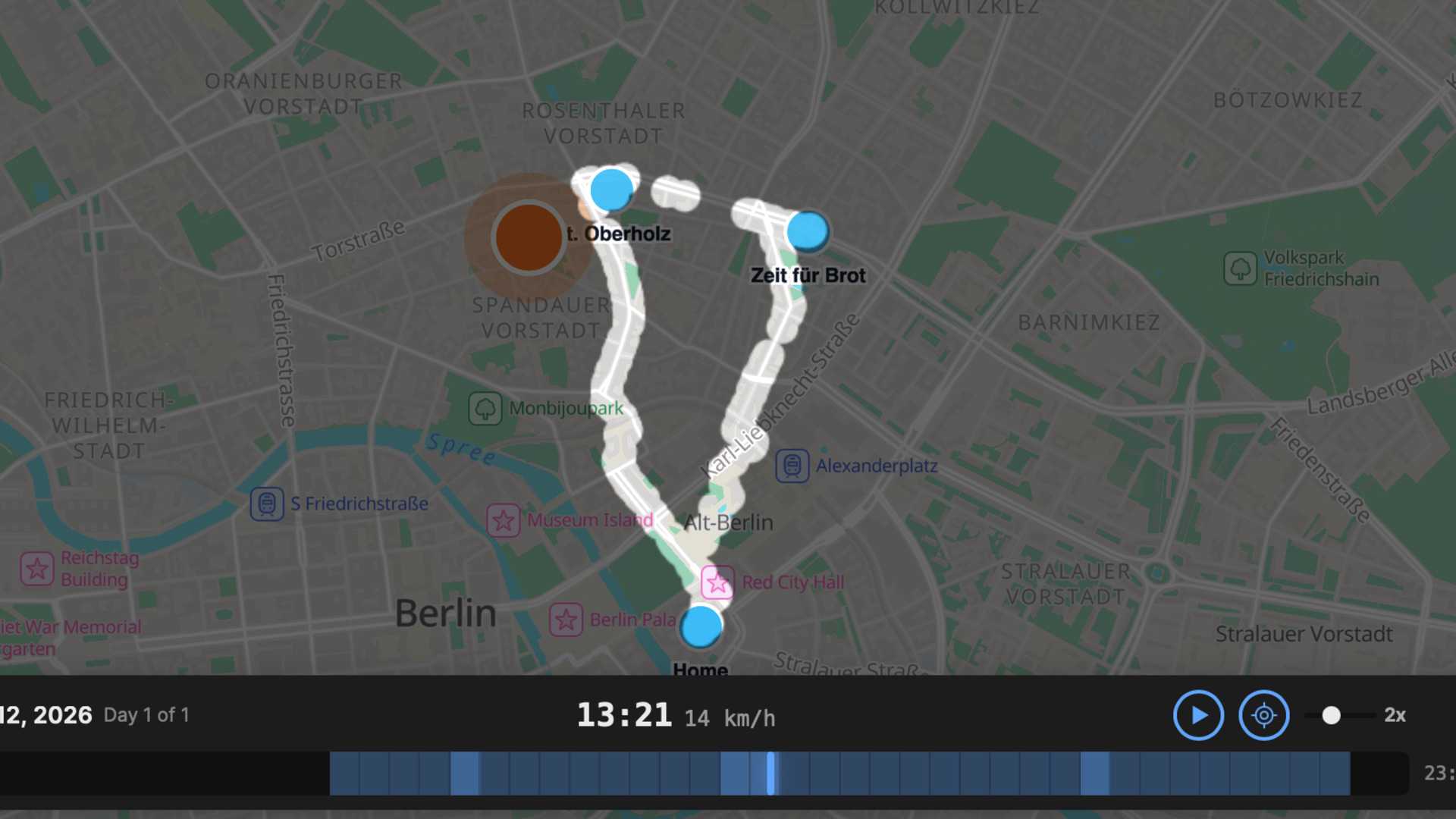
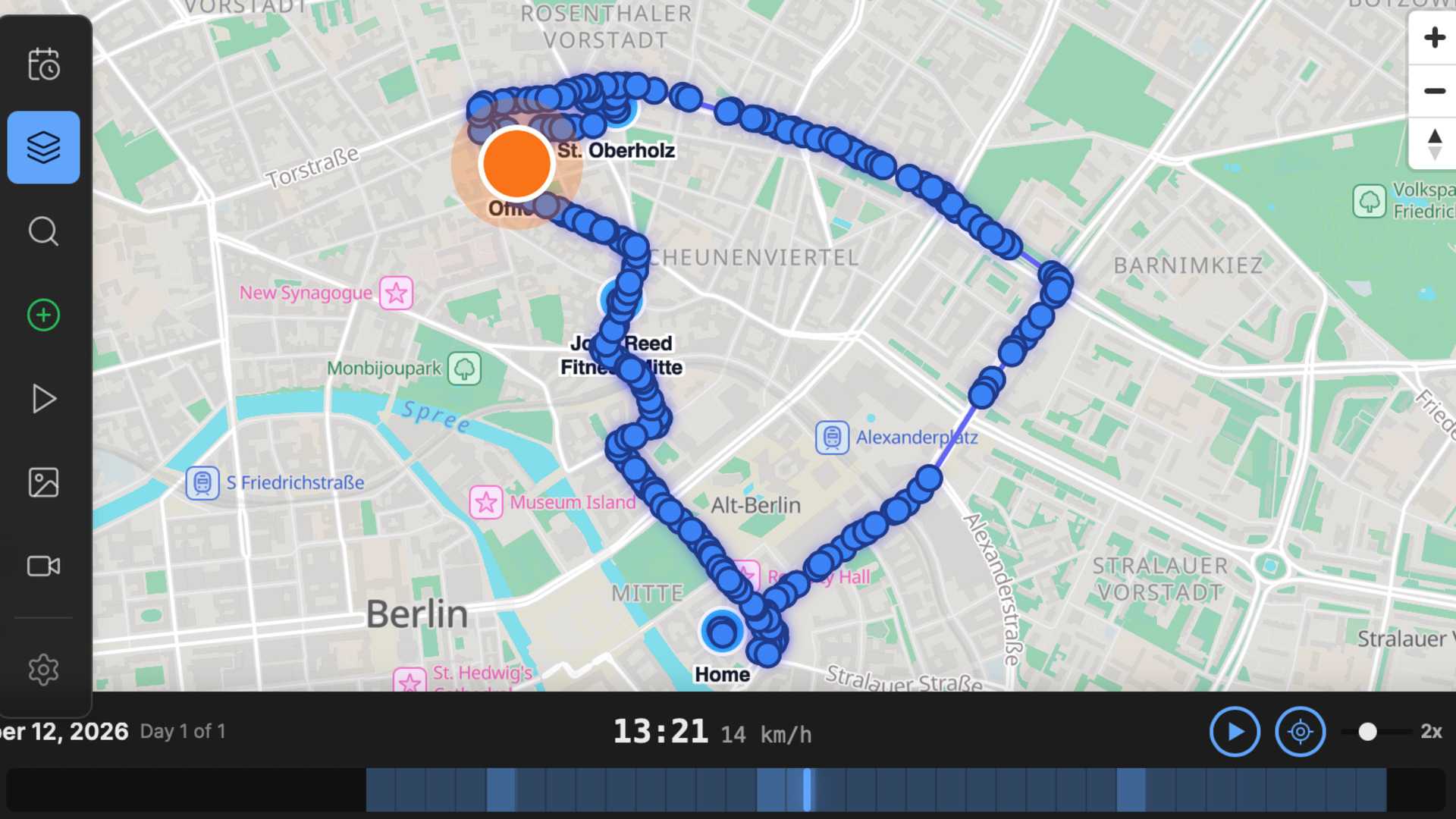
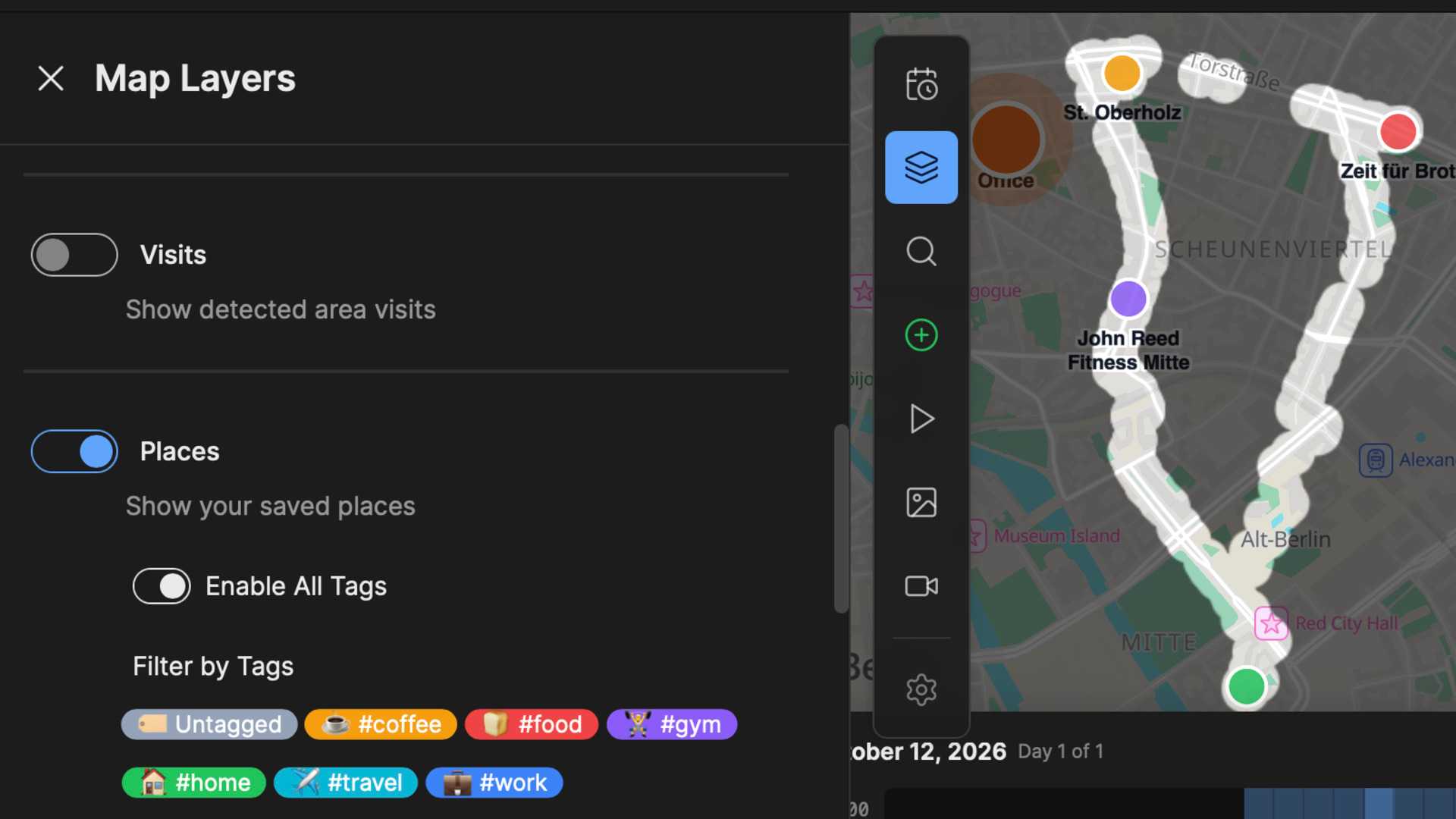
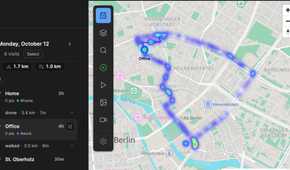
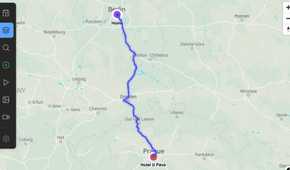
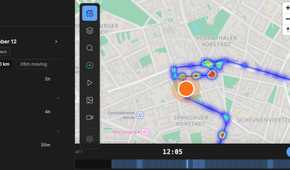
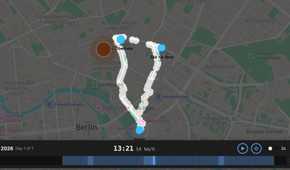
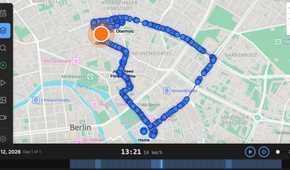
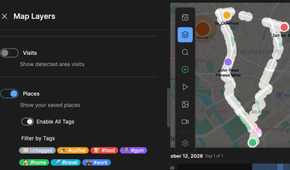
While I didn’t want a giant tech company to access my entire location history, I missed some features of Google Maps Timeline. That’s why I set up my own self-hosted alternative.
Dawarich is a free and open-source location tracker that offers many of the features of Google Maps Timeline. The biggest difference is that while you can pay for a cloud subscription to Dawarich, which keeps all your data in the cloud, you can also self-host it for free. This keeps all of your data on your own servers rather than in the cloud.
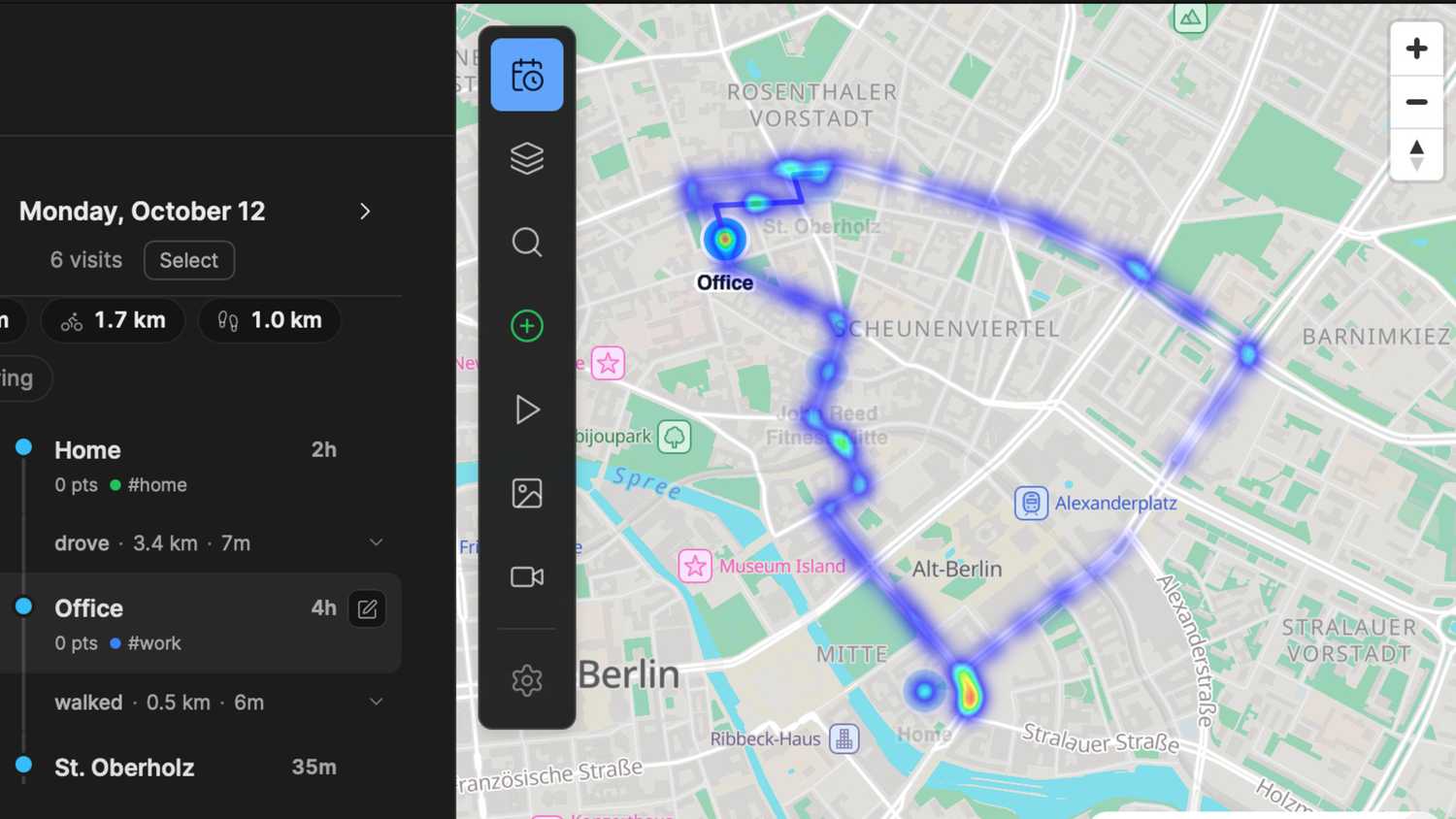
I run Dawarich in Proxmox on an old Dell OptiPlex, which also runs several other services, such as Frigate and Immich. There’s a web interface that I can use to access Dawarich and see my location history plotted on a map, with each recorded GPS point included, and play back journeys at many times the normal speed. I can browse historical dates, examine routes, view statistics and heatmaps, and even use a fog-of-war view that reveals more of the map as you explore.
I’ve also set up Photon, a self-hosted reverse-geocoding service that uses OpenStreetMap data. This translates GPS coordinates into place names, allowing Dawarich to recognize the places I’ve visited, including stores, museums, gyms, and more. All of this information stays on my hardware, rather than being stored in the cloud.
Dawarich can do things Google Maps Timeline can’t
Google still has the edge in some things
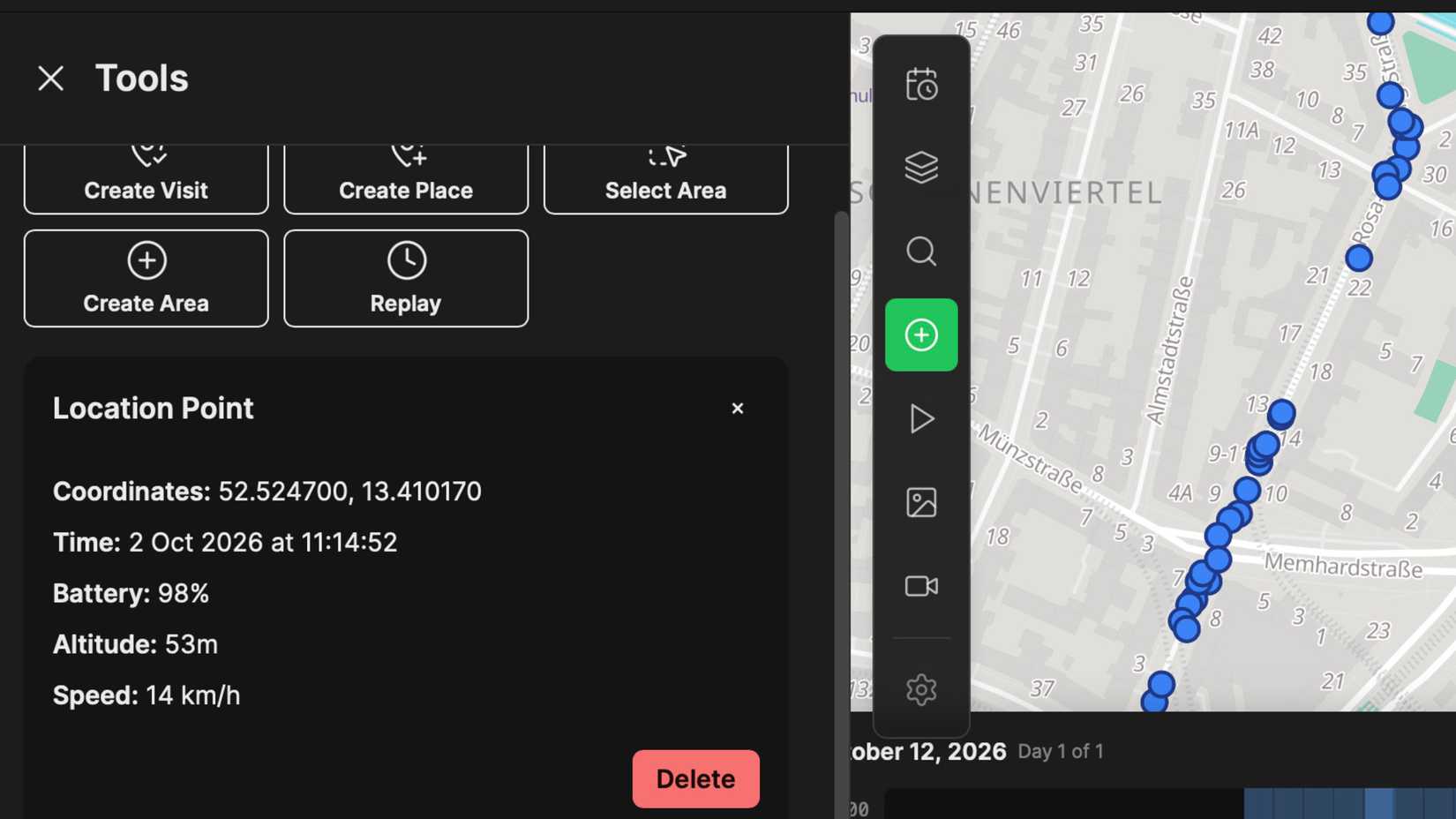
Perhaps the biggest difference between Dawarich and the current iteration of Google Maps Timeline is that Dawarich offers a full web interface. Timeline used to, but all the data now lives in the Google Maps app on your phone. It’s far easier to examine routes and other data in a browser on a computer than on a tiny phone screen.
Dawarich also gives you more detailed access to information; you can view individual location points for GPS accuracy, altitude, speed, and more. You get detailed statistics on distance traveled, time spent in specific locations, and travel patterns. You can also import data from multiple sources, including GPX and GeoJSON formats, and even Google Takeout exports.
Google is still better at some tasks, such as identifying where you stopped and how you traveled between stops. Occasionally, Dawarich will mark one of my journeys as cycling, even when I’m in the car.
Getting your location into Dawarich
Home Assistant works, but the app is better

The Dawarich server is only half of the equation; it can’t do anything without location data. Home Assistant already tracks my location and stores the information locally, and I was able to add this data to Dawarich, including several days of historical data.
I also use the Dawarich app on my phone, which records location far more frequently. During a short journey, the app recorded 62 location points, compared to just 7 recorded by Home Assistant. This gives me much more detailed journeys, with the Home Assistant data acting as a secondary source.
Since the Dawarich server is on my home network, I use Tailscale to share the data remotely from my phone when I’m away from home. The app can store the data and upload it once you’re back on your home network, so Tailscale isn’t strictly necessary, but it also lets me access the Dawarich web interface when I’m away.
I like being in charge of my own data
While Google Maps Timeline has changed, past events have shown that even if your data is stored on your device, it can still be lost. By self-hosting Dawarich, I have complete control of my data, and with a robust backup system, I’m less likely to lose all my location history.