Credit: Bertel King / How-To Geek
If something goes wrong in my home, like a pipe bursting, I would rather find out from a notification than stepping in inches of water. It’s for that reason that I’ve started building a water leak detection system using this one adorable, off-the-shelf sensor: the IKEA KLIPPBOK.
The KLIPPBOK is a smart home sensor utilizing the latest smart home tech
It’s also small and runs off AAA batteries
-
 Credit: Bertel King / How-To Geek
 -
 Credit: Bertel King / How-To Geek
 -
 Credit: Bertel King / How-To Geek
 -
 Credit: Bertel King / How-To Geek
 -
 Credit: Bertel King / How To Geek


-
 Credit: Bertel King / How-To Geek
 -
 Credit: Bertel King / How-To Geek
 -
 Credit: Bertel King / How-To Geek
 -
 Credit: Bertel King / How-To Geek
 -
 Credit: Bertel King / How To Geek
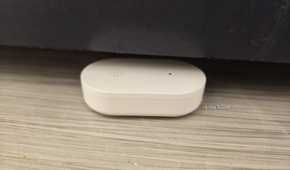
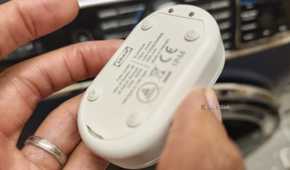
The KLIPPBOK is part of IKEA’s latest line of smart home products, which in 2026 transitioned from using the Zigbee connectivity standard to Matter-over-Thread. Matter is the language the leak detector speaks, allowing it to collect to any of the major smart home platforms like Apple Home, Google Home, and Samsung SmartThings. It also works with Home Assistant and more niche consumer-facing hubs like the Homey Pro mini.
Thread is a mesh networking standard that enables smart home devices to communicate more reliably, not less, as you fill your home with more of them. Thread is of particular benefit to small, battery-powered devices like the KLIPPBOK that would not be able to last for months at a time using a conventional Wi-Fi connection or have enough range to communicate with a centralized hub using Bluetooth alone.
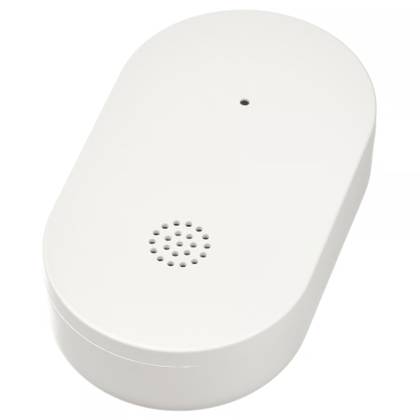
IKEA Klippbok water leak sensor
Connectivity
Matter over Thread
Wi-Fi
No
This water leakage sensor keeps track of water leaks by beeping when it comes into contact with water – helping you make life at home smoother, more comfortable and safer. When connected to a hub, the sensor sends a notification to your smartphone with information about the water leak. The small size makes it easy to position under the sink, appliances or other places where a water leakage can occur.
When water touches the IKEA KLIPPBOK, it starts to beep in a way that can be heard all throughout the house, making it a viable detection system even if you never opt to connect it using any smart home tech. But if you do, then you can also receive notifications, which can alert you to a problem sooner if you happen to be away from home when the leak starts.
These sensors are cheap and easy to install
The batteries cost nearly as much as the device itself
 Credit: Bertel King / How-To Geek
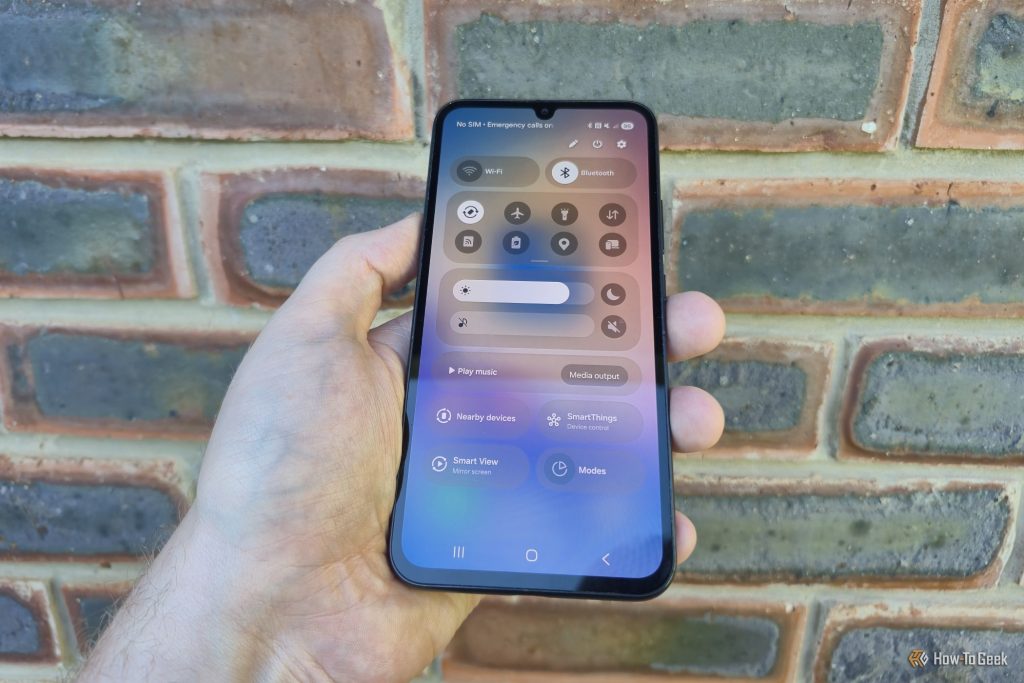
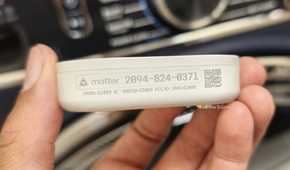
The KLIPPBOK runs off standard AAA batteries, which means I don’t need to fuss over cables or involve an installer. All I need to do is pop batteries in, watch the device enter pairing mode, and follow the usual steps to connect a Matter device to my Homey Pro. That involves opening the Homey app, tapping a plus icon, and either scanning a QR code or manually typing in the Matter pairing code conveniently printed on the side of the device.
I then give the leak detector a name and assign it to a room within the Homey app. This process is nearly identical across all the major platforms. If this is your first smart home product, and you’re not sure which to pick, you could also consider IKEA’s own hub, the DIRIGERA, which does a decent job holding your hand and automatically detecting your IKEA devices. That said, it doesn’t offer any special features over connecting the sensors to any other hub—which, for the record, is a good thing.
I’ve placed sensors in the locations that are most likely to leak
I’m ordering more for the places that remain
 Credit: Bertel King / How-To Geek
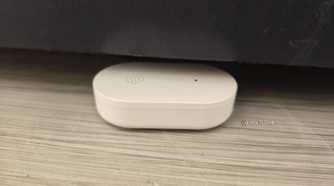
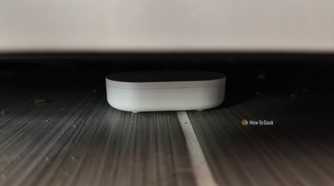
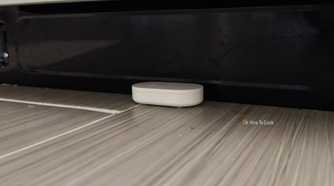
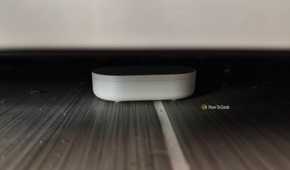
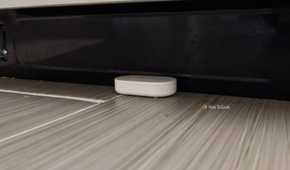
I live in a new-construction home, with piping that’s all made of PVC. That means I’m not all that concerned about pipes bursting, even though it is a possibility to keep in mind during the cold winter months. I’ve instead placed my initial set of sensors under our major indoor appliances.
Our previous home had pipes prime to getting clogged, and we would find out in the morning after running the dishwasher and coming to see water had pooled in front of it overnight. Now I keep a sensor underneath the dishwasher door.
I keep another underneath our fridge. This has leaked already in our current home, due to a replacement filter I hadn’t quite installed correctly. I have also placed one under our washing machine. I have since moved that one, since it went off every cycle, but it did alert us to the extent to which our washing machine leaks. This machine traveled with us from our old home, and we plan to get a top-loading washing machine when we can.
I plan to put more sensors underneath each of the sinks in our home. Some can also go near our water heater and the tank for our well pump. Those are both located in our home‘s rather tall crawl space where they could leak for weeks, if not months, without us knowing. These tanks are joined by hundreds of feet of tubing and pipes underneath the house that I can’t fully monitor, so the system isn’t foolproof, but it does leave me with far more visibility than I had before. For that matter, a water leak sensor isn’t the only kind of smart home sensor I may consider putting in our crawl space.
Expect to monitor the monitoring system
I do need to check the battery life of my sensors every few months. Fortunately, I can do this for each sensor all at once in the battery section of my Homey app. Even if I don’t, I’ll find out when I open the app and a sensor shows up as offline. Considering that I can now monitor the most likely problem spots in our home for under $100, I’m not complaining.