Credit: Monica J. White / How-To Geek
If you’re a PC gamer gearing up to start your college journey, you’re looking at your desktop gaming tower and trying to decide whether it’s a good idea to take it with you. If you’re going to be living in the dormitories, you might want to think twice about that.

A gaming desktop is a lot harder to live with in a dorm
Just because it technically fits doesn’t make it a good idea
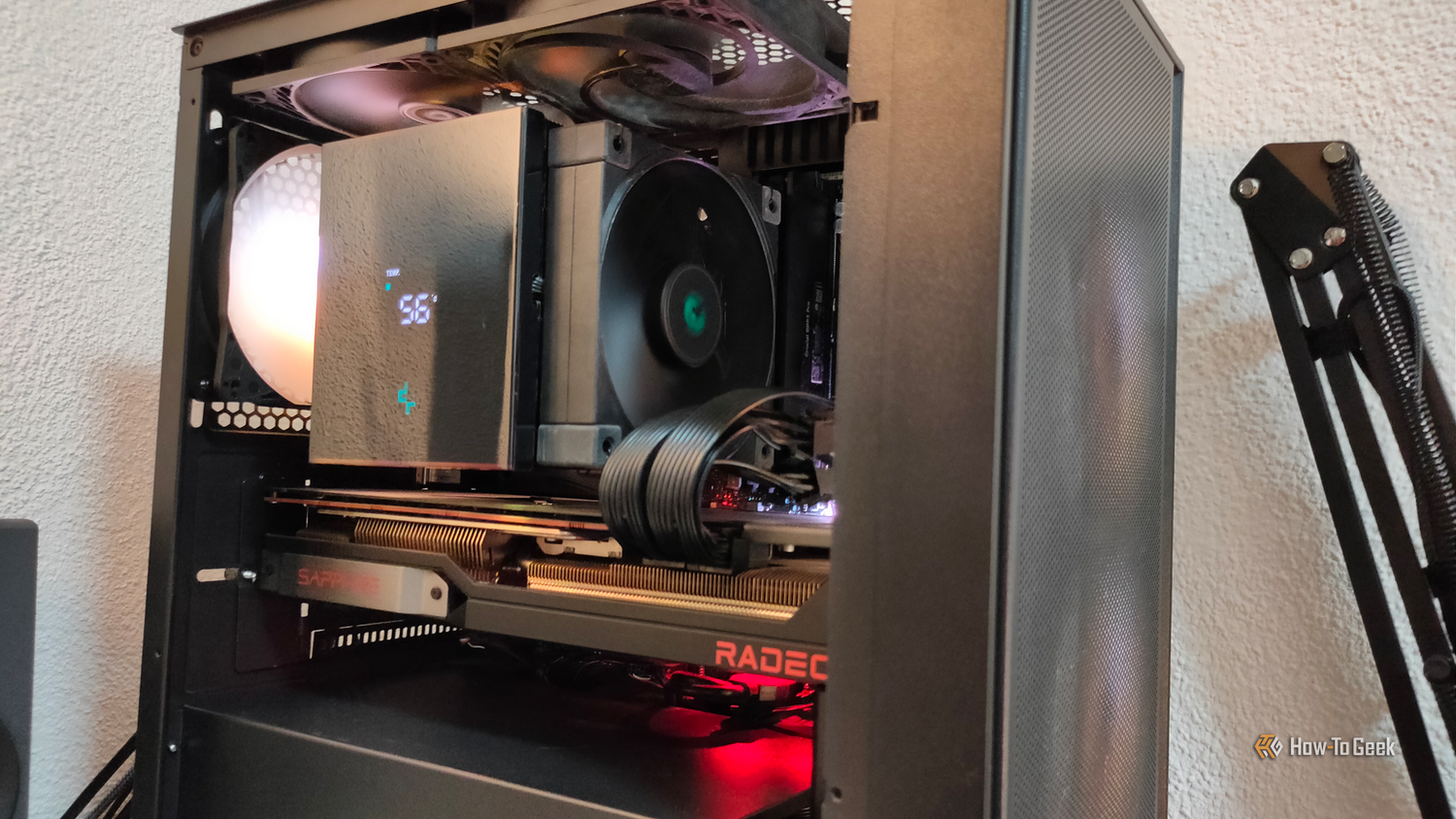
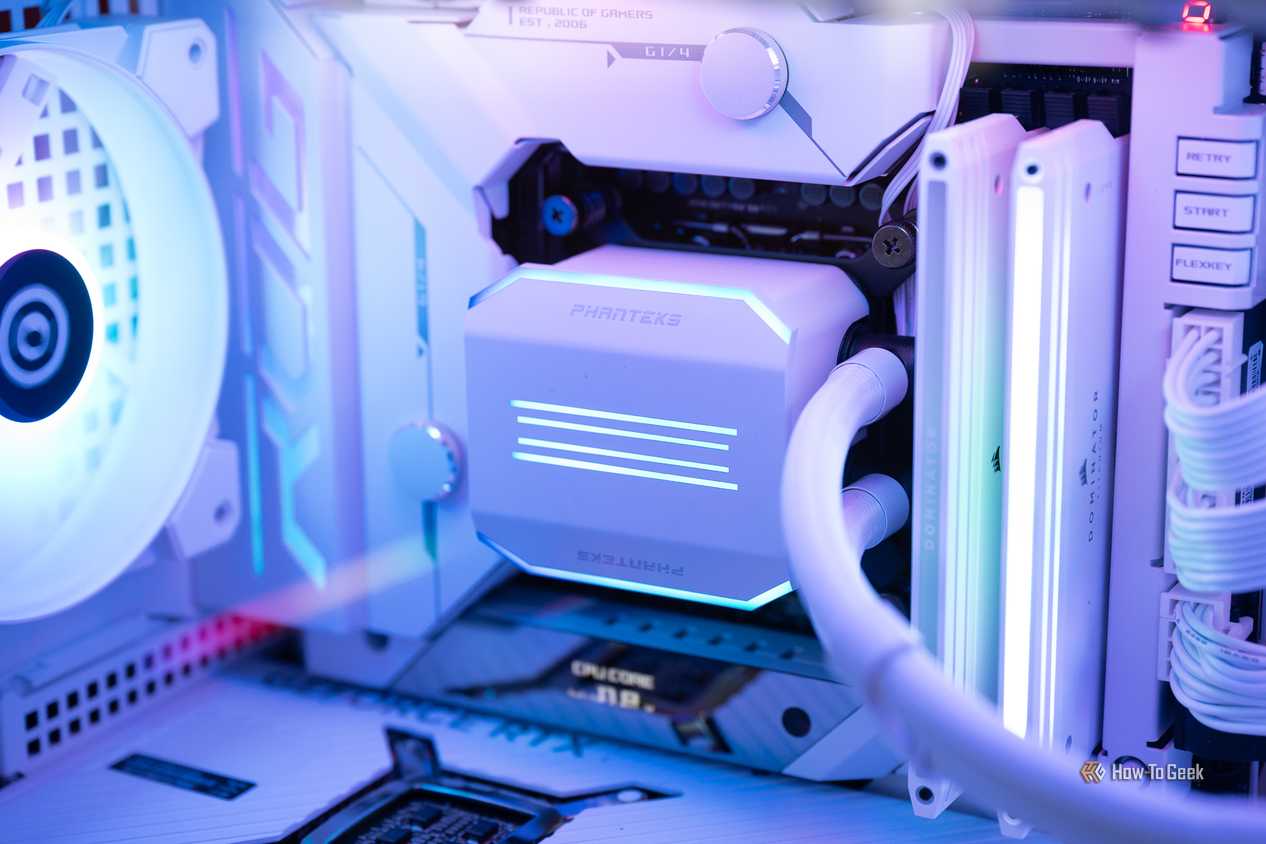
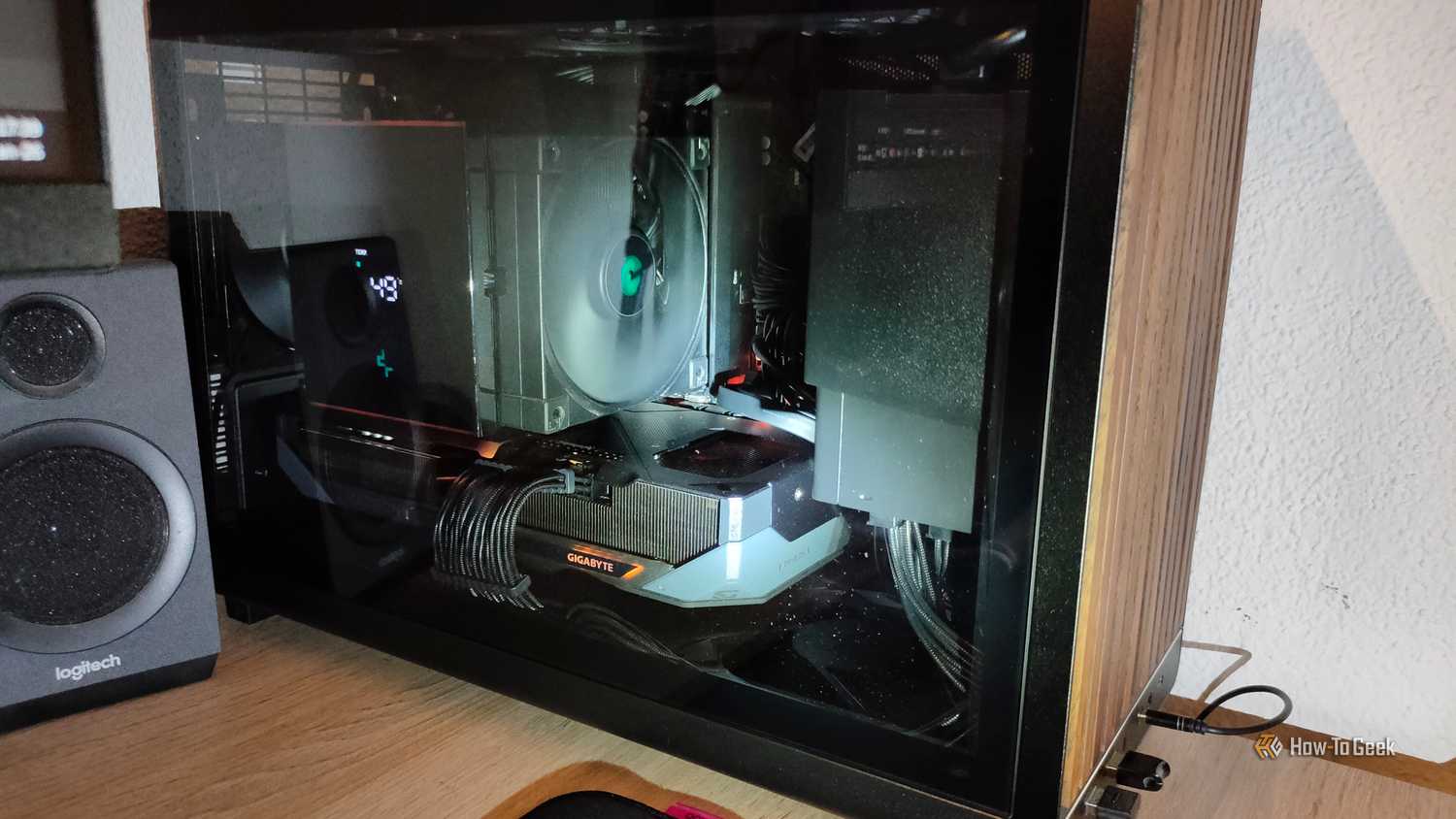
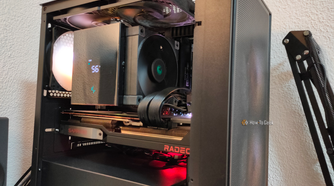
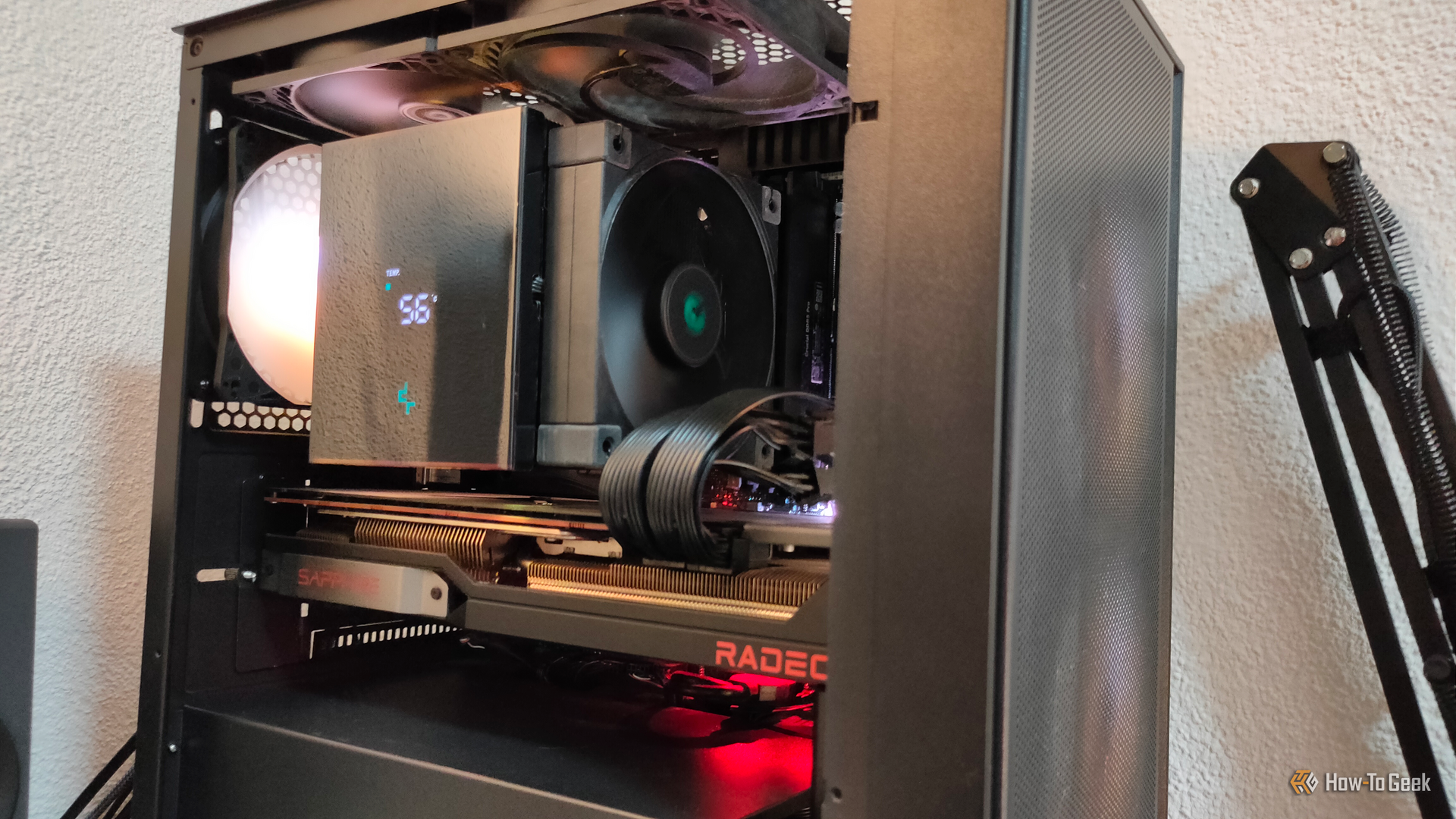
Dorm rooms are cramped, even if you’re not sharing yours with a roommate. While you might be able to fit a desk in there, you probably won’t have room for one that can take a desktop gaming PC. There’s a reason mini PCs and all-in-one systems like the iMac are so popular.
-
 Credit: Ismar Hrnjicevic / How-To Geek
 -
 Credit: Ismar Hrnjicevic / How-To Geek
 -
 Credit: Ismar Hrnjicevic / How-To Geek
 -
 Credit: Justin Duino/How-To Geek
 -
 Credit: Ismar Hrnjicevic / How-To Geek

-
 Credit: Ismar Hrnjicevic / How-To Geek
 -
 Credit: Ismar Hrnjicevic / How-To Geek
 -
 Credit: Ismar Hrnjicevic / How-To Geek
 -
 Credit: Justin Duino/How-To Geek
 -
 Credit: Ismar Hrnjicevic / How-To Geek
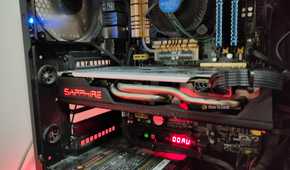
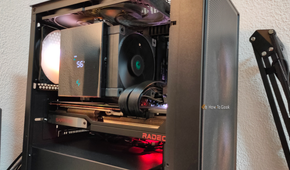
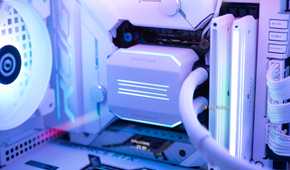

If you’ve built a mini-ITX system, this might not be too much of an issue, but look at the total footprint of your PC gaming setup, and how much you can minimize it. Then be realistic on the prospects of squeezing it into a dorm.
Power, heat, and noise become bigger problems
Everyone has to live with it, not just you
 Credit: Patrick Campanale / How-To Geek
A modern mid or high-end gaming PC is a bit of a pig when it comes to power consumption. Your gaming PC could be sucking down anywhere from a few hundred watts to over 1000W, depending on your build, while under load. Different colleges handle the issue of power consumption differently, but there may be an energy allotment for your room based on the occupancy. So if a two-person dorm has $100 of power per month included in the price, you’ll be billed extra for anything over that amount. At a rounded-up price of 20c per kWh, a high-end PC could cost a dollar a day to run if you’re a heavy gamer.
That’s just a hypothetical illustration. You can do the math for your own PC and gaming habits to figure out if power will be a problem. But, besides power usage, there’s also the issue of heat and noise. You might have a nice set of headphones to drown out your rig’s jet engine scream, but what about your roommate or the people on the other side of a paper-thin wall? Besides, if you have a computer that consumes hundreds of watts, it also generates lots of heat and dumps it into the room. That can make a difference to a poorly-ventilated and cramped dorm room.
Security is a bigger concern than it is at home
Trust no one
 Credit: Lucas Gouveia / How-To Geek | Thannaree Deepul / Prostock-studio / Shutterstock
I don’t know if you’ve seen the prices of hardware recently, but your gaming PC has probably increased in value significantly since you built it. A powerful computer is a big fat target for crime, and by leaving your gaming desktop in your dorm room while you go to class or go out with friends, you’re hoping that dorm or campus security will prevent someone from walking off with your computer.
This is particularly problematic because dorms have constant traffic. Your own dorm room will probably be visited by strangers all the time, and if you have a roommate there will be people in that room when you aren’t present. It’s not just the risk of having the whole computer stolen. Imagine someone popping off a side panel and walking away with $500 of your RAM!
There are obviously things you can do to secure your PC, but there’s no such thing as perfect security and a dorm is a high-risk environment for theft.
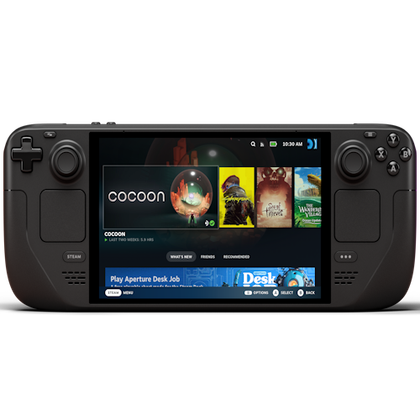
Steam Deck OLED
Power Source
50Whr battery
What’s Included
Console, charger, carrying case
Elevate your gaming experience with the Steam Deck OLED. Immerse yourself in stunning visuals on the vibrant OLED display, while enjoying powerful performance and portability.
Brand
Valve
Screen
7.4-inch (diagonal) LCD display
Storage
512GB NVMe SSD
CPU
Zen 2 4c/8t, 2.4-3.5GHz
Connectivity
Bluetooth 5.3, Wi-Fi 6E
Dimensions
298mm x 117mm x 49mm
Weight
Approx. 640 grams
Audio
Stereo with embedded DSP
RAM
16 GB LPDDR5 on-board RAM
Screen Resolution
1280 x 800
A gaming laptop or handheld might make more sense
Gaming laptops get a bad rap, but they’re actually excellent for just this scenario. You can usually buy an entry-level gaming laptop for around $1,000 (though who knows where the price will go!) and that will get you a system that’s more powerful than current-generation consoles.
If you’re going to buy a laptop for college anyway, you could bump up the budget just a little, and have a system that should cover your PC gaming needs for the time you need to be in a dorm. If you have this laptop with you in class, no one can steal it from your dorm. If you have to leave it in your dorm, you can secure it easily and lock it up out of sight.
If you’d rather have something thin and light for a laptop, you also have the option of combining that with a handheld PC, which is also a system you can dock to a screen in your dorm when you want to play with a keyboard and mouse.
Are these solutions less powerful than your current gaming desktop? Probably. But, they are far more practical, and having to deal with a little less detail and fewer frames in exchange for the additional security and convenience is probably the better call for most prospective dorm residents.