Once, putting Windows on the Internet without installing antivirus was practically inviting disaster.
However, I haven’t installed antivirus on my PC in years—so many that I’ve actually lost count. Windows 10 and Windows 11 code with everything you need to keep your PC secure, and adding antivirus software will probably only degrade your PC’s performance rather than make it safer.
Windows was a security nightmare
The Wild West days of the internet
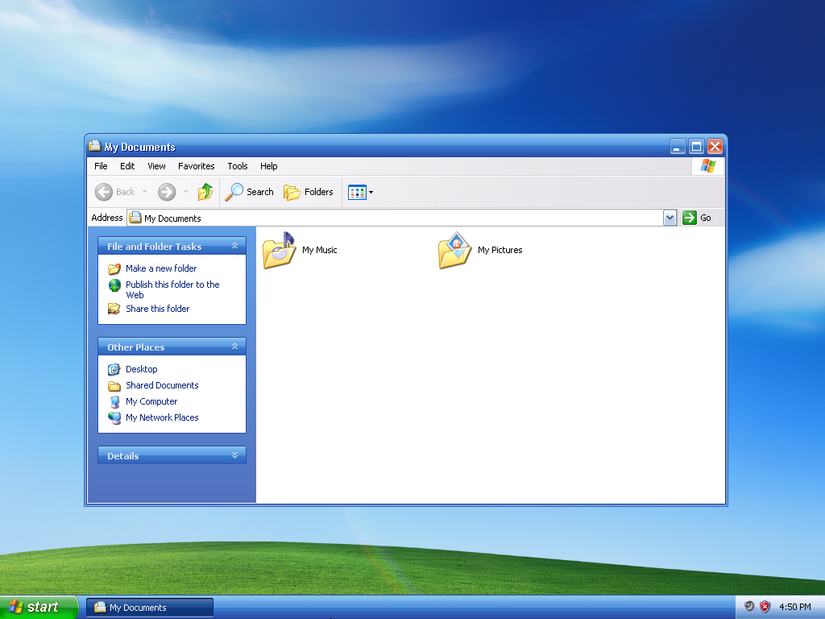
In the early days of the Internet and Windows, PCs had shockingly few defenses of their own. There wasn’t any kind of anti-malware built into Windows at all until Windows Vista, and even that was basically limited to blocking spyware. Considering the extraordinary amount of malware floating around in those days, in retrospect, it is a little bit surprising that it wasn’t a much bigger issue. If the same mixture of insecurity-by-default and malware abundance existed today, it would be a global crisis.
A more comprehensive antivirus wouldn’t be integrated into Windows until the release of Windows 8, but that itself presented a snag: relatively few people used Windows 8. So, even though Microsoft went to the trouble of creating a solution, the vast majority of Windows users never benefited until Windows 10 was released in 2015.
By then, a decade-plus of habits were tough to break. You install Windows, try to make it look as much like the old version of Windows (because who likes change?), and install antivirus, so your PC isn’t immediately infected.
Windows is now pretty secure
Microsoft has incorporated comprehensive security
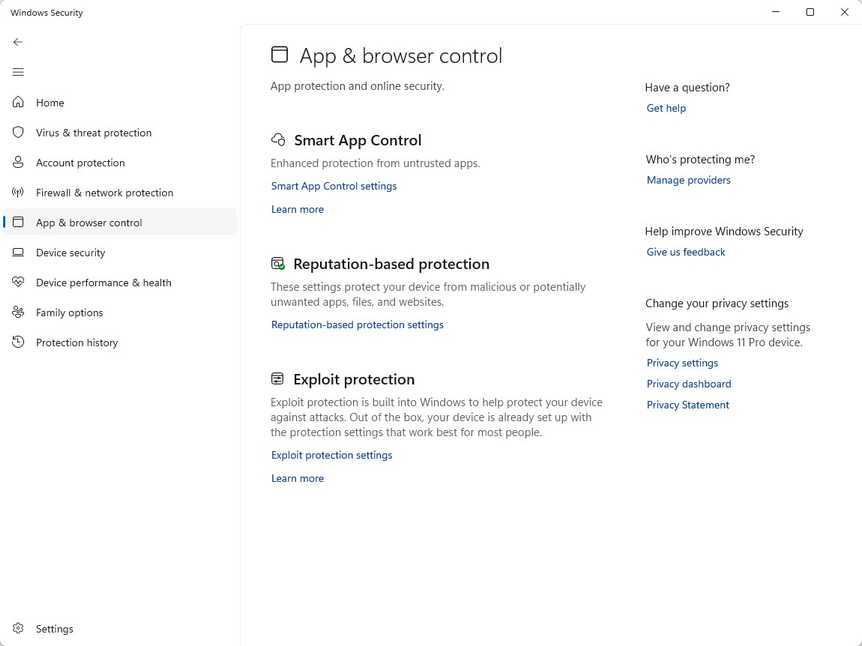
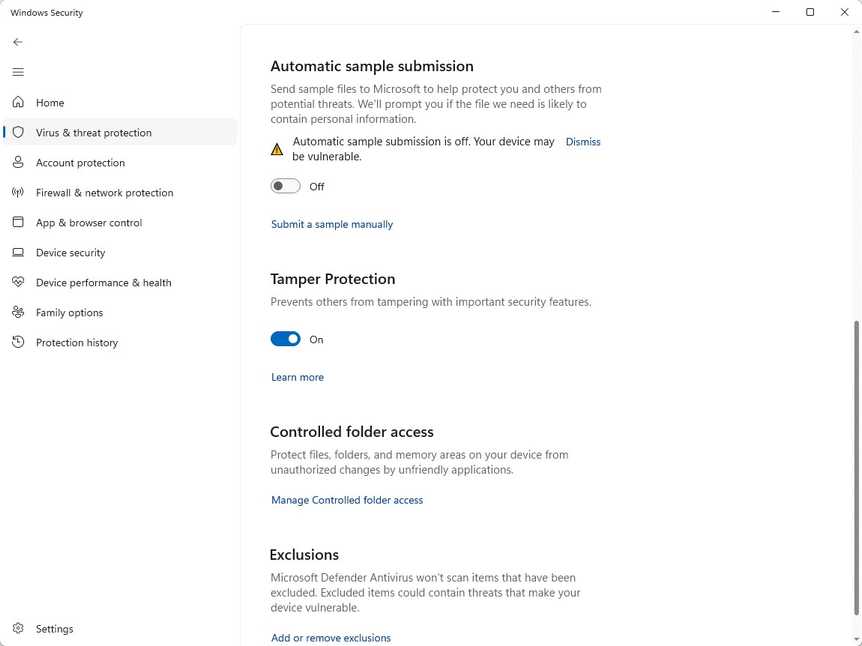
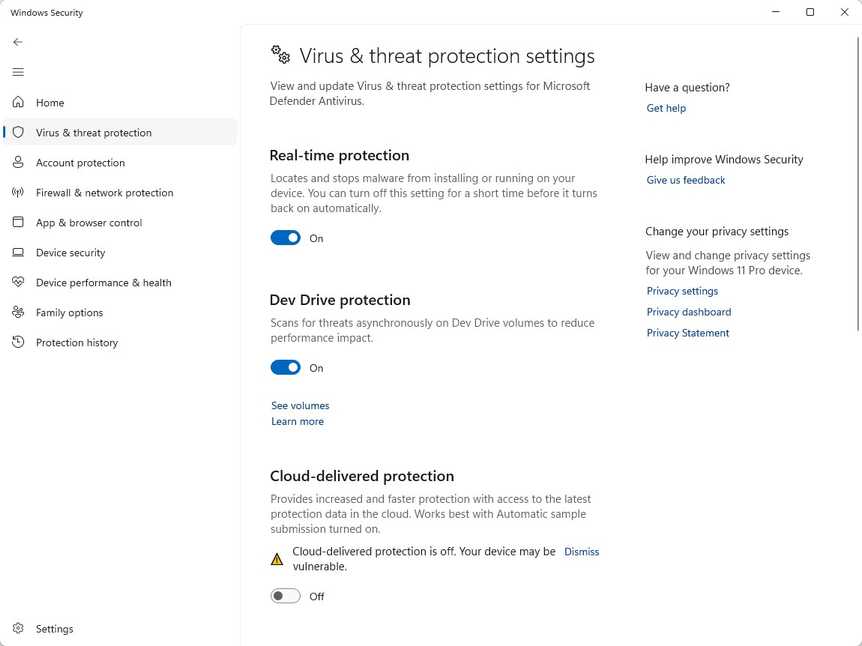
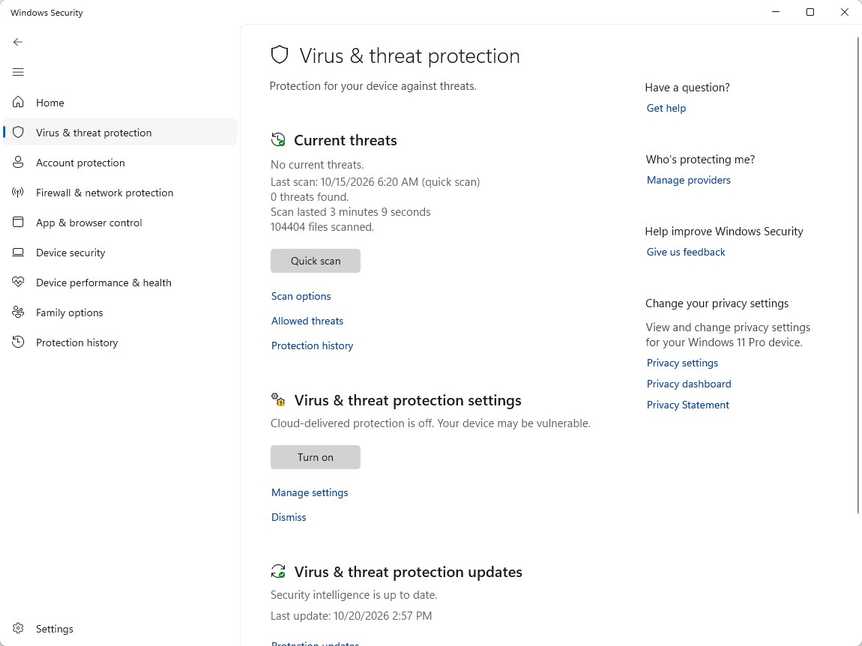
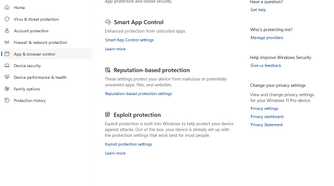
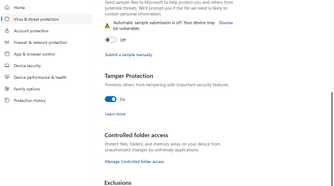
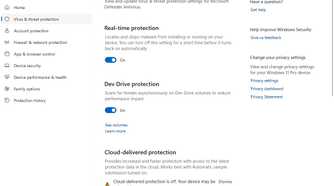
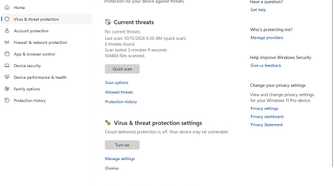
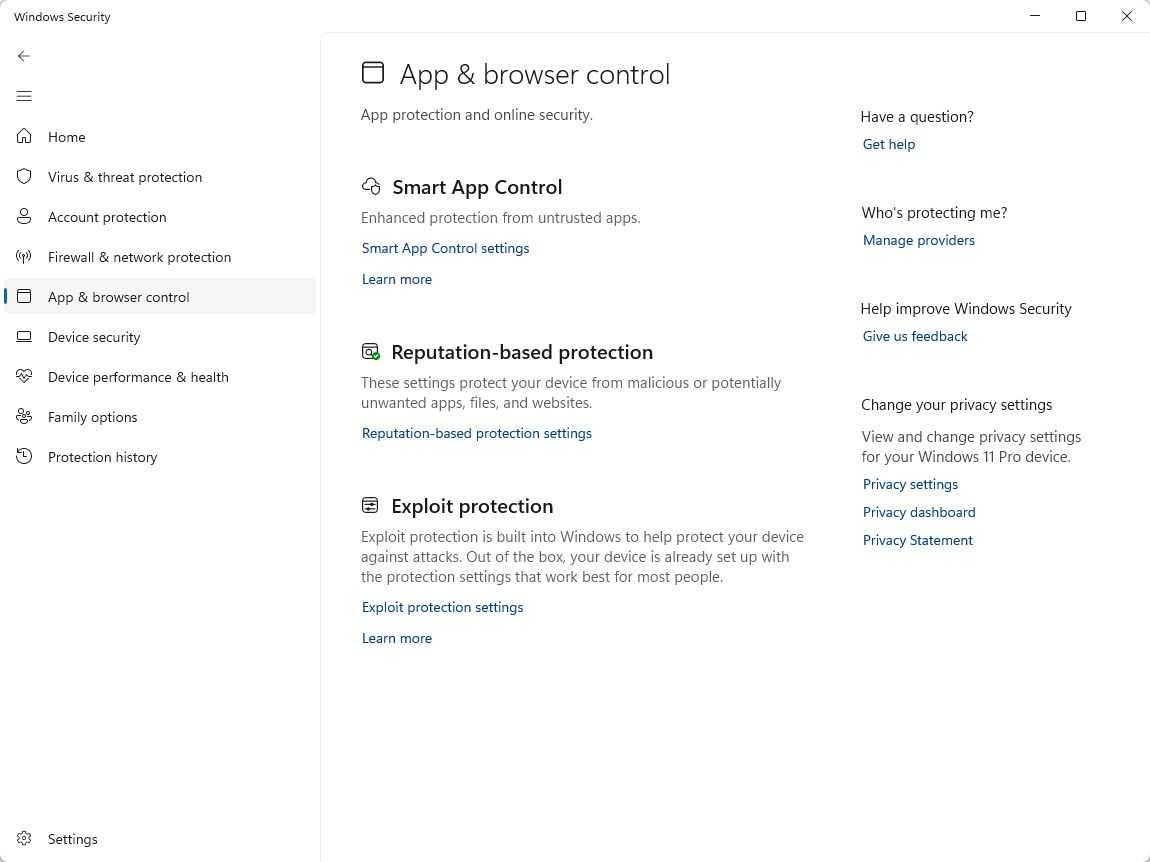
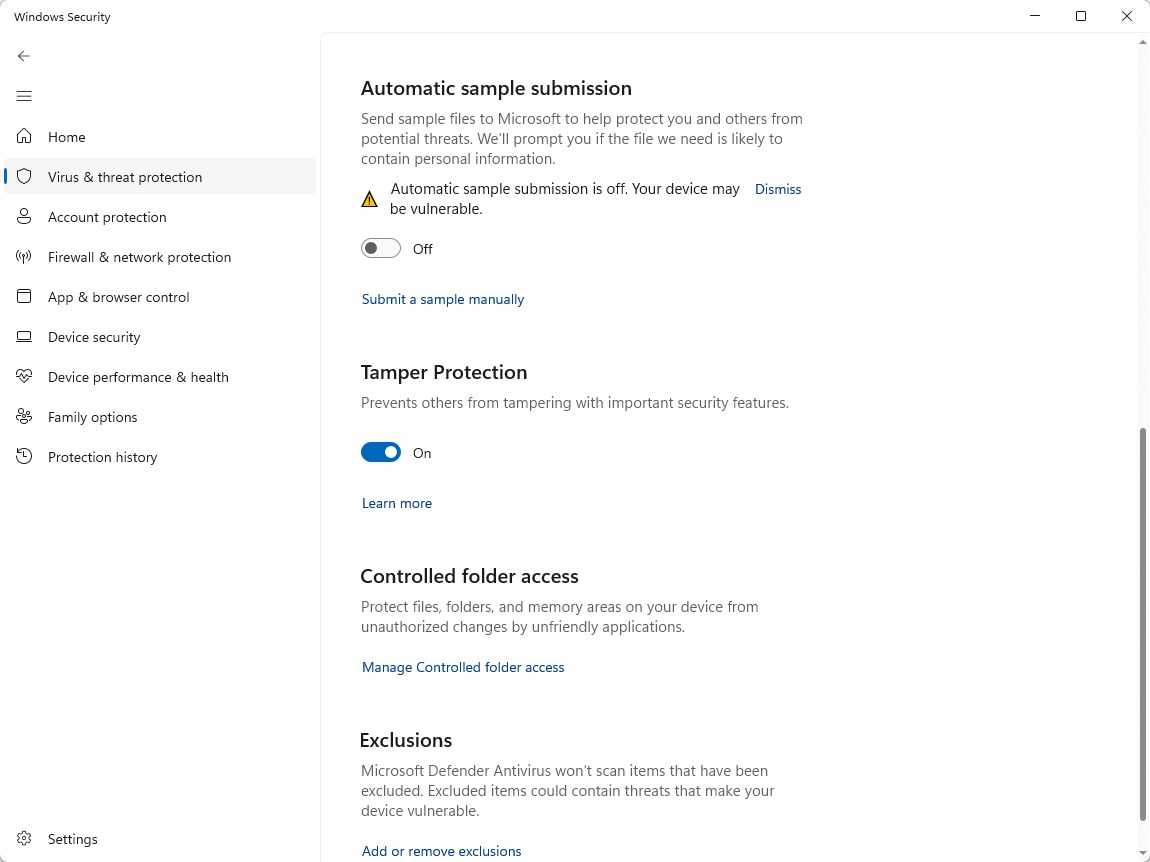
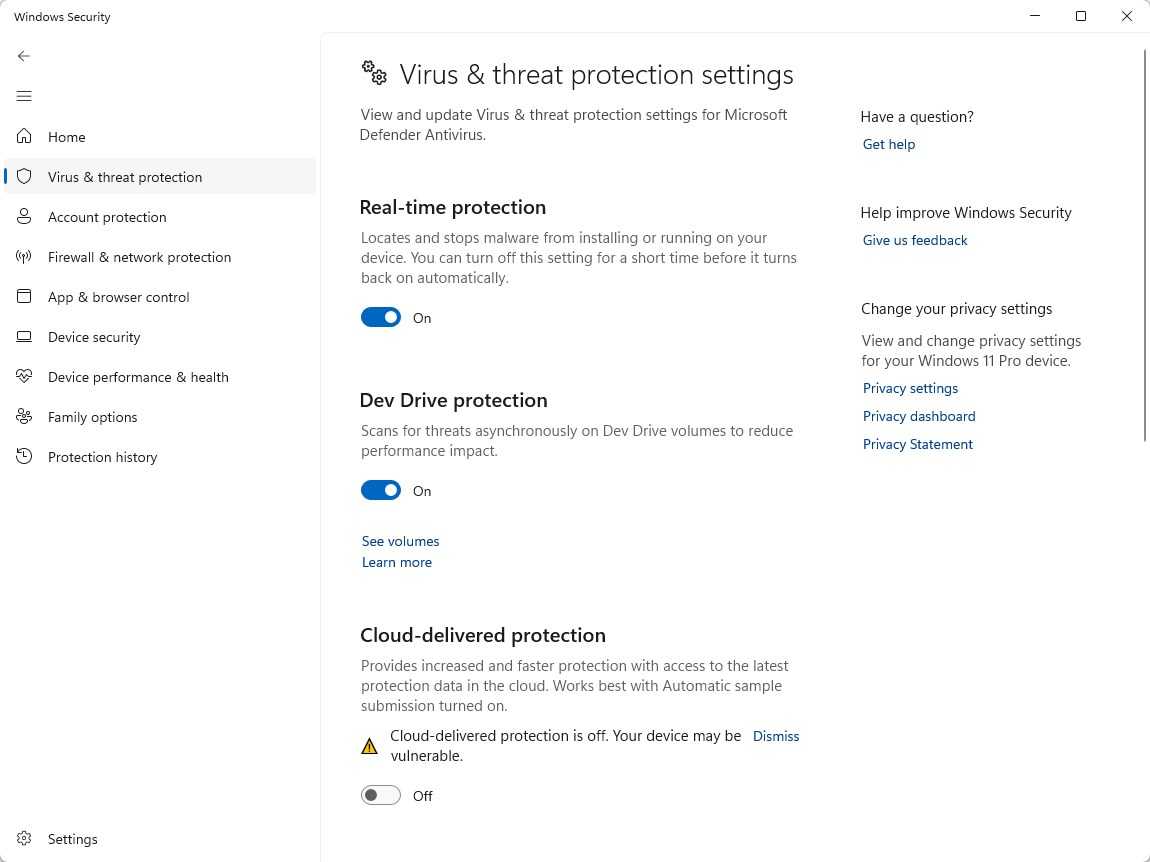
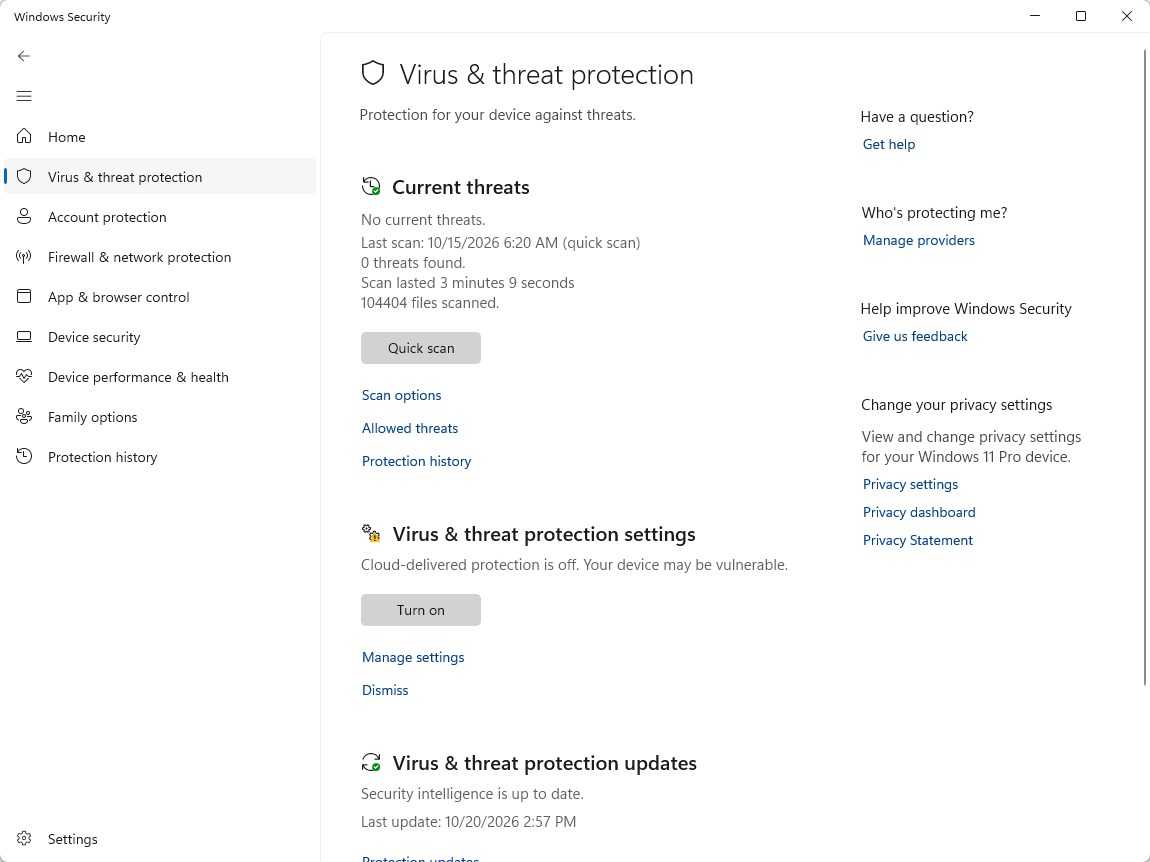
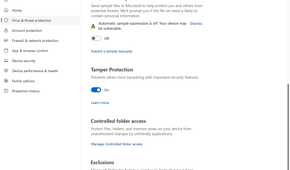
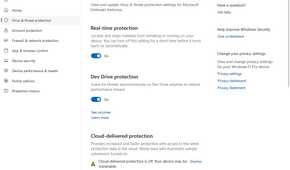
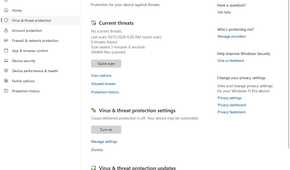
You don’t need third-party antivirus on Windows 11. Windows comes with Windows Security, which covers a number of different things:
- Real-time virus and threat protection
- Ransomware protection
- Malware scans
- Firewall and network protection
- Device security
Of course, given that it is Microsoft, you might be a little skeptical. Does it work well? Is it reliable?
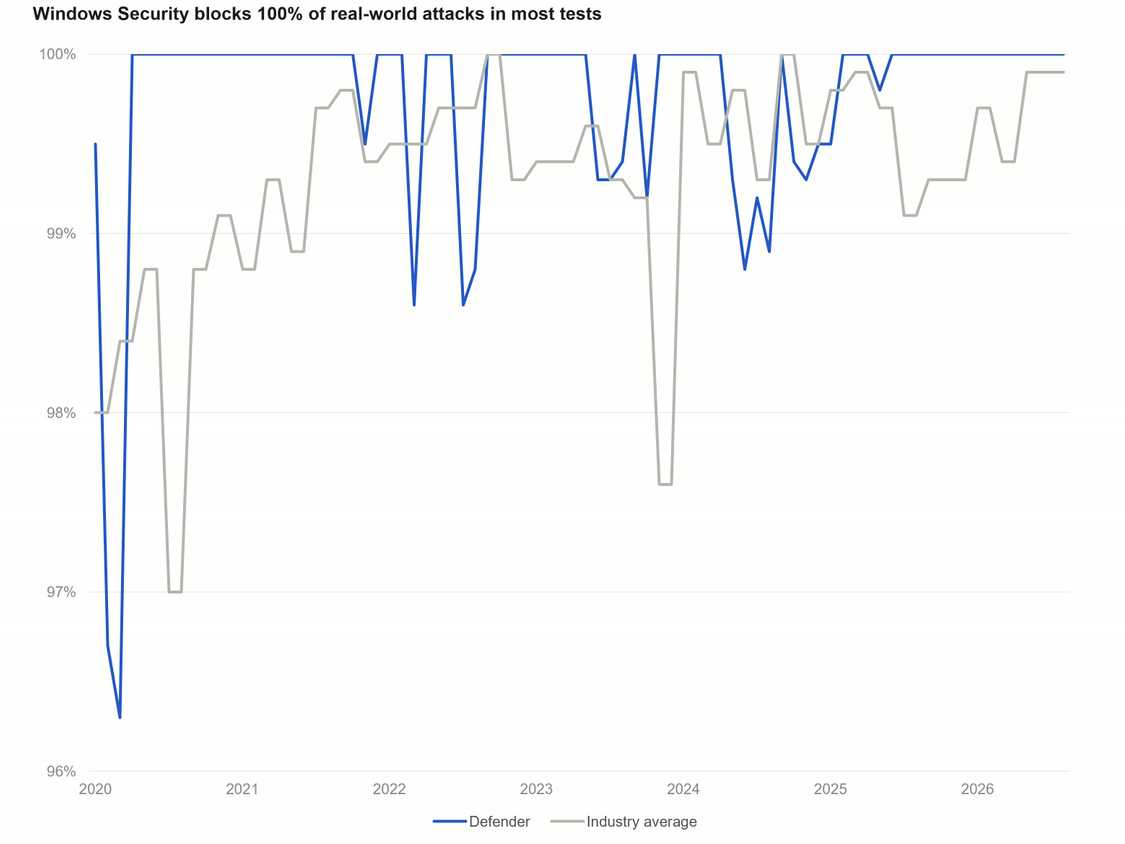
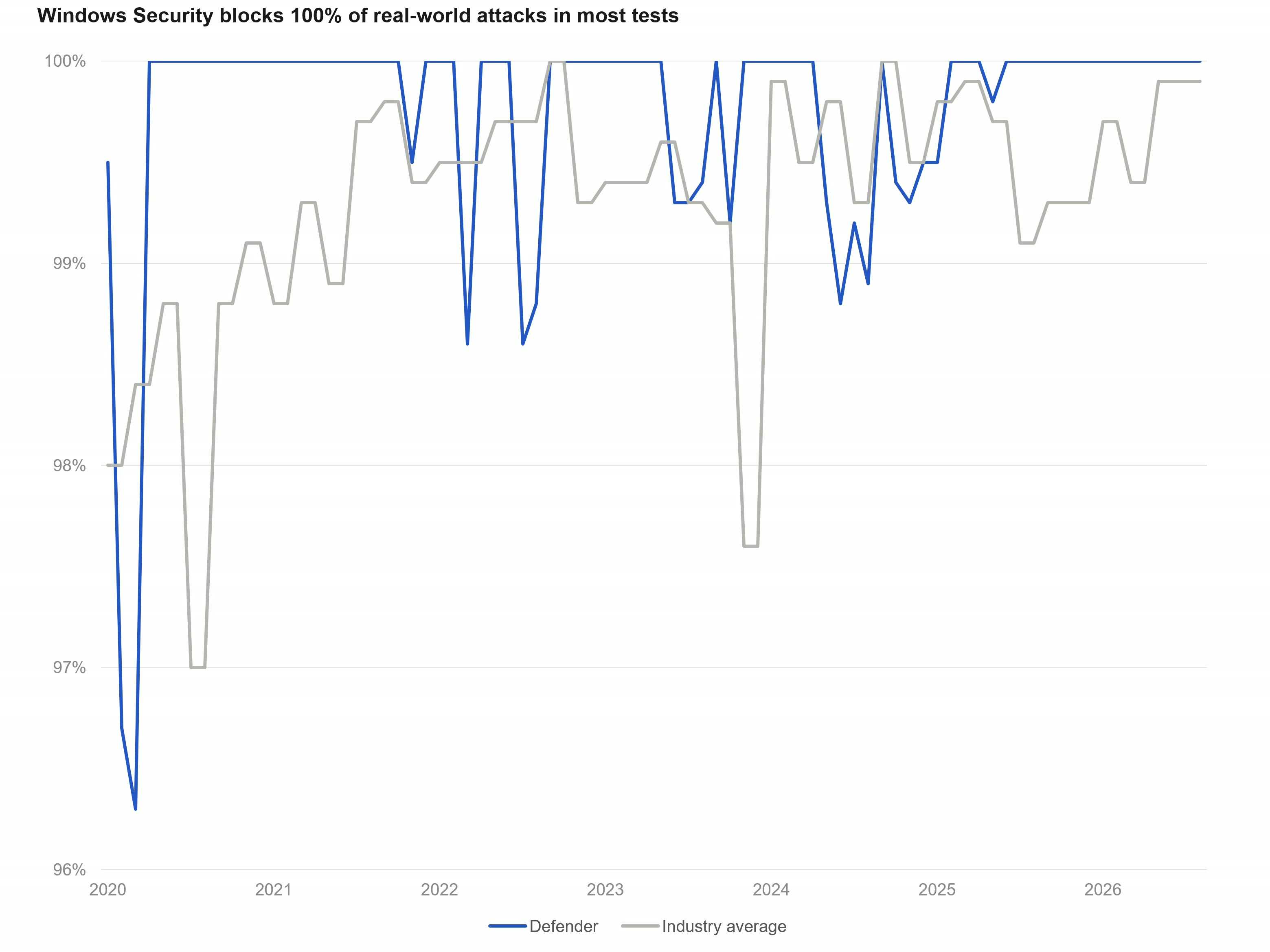
In this case, Microsoft knocked it out of the park. Third-party testers regularly pit all the big antivirus suites against each other based on several metrics, including protection—how effective the antivirus actually is.
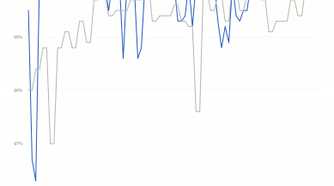
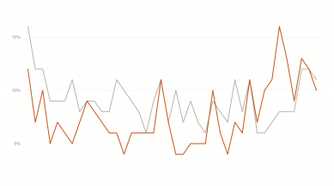
The result I reference most frequently is AV-Test, since they test every few months. They rate protection on a scale of 1–6, where 1 is the worst and 6 is the best.
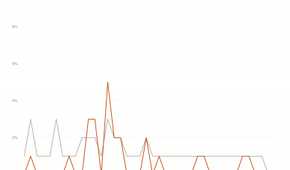
Since 2020, Windows Security has gotten a perfect protection score 33 out of 40 times, and it has never dropped below a 5.5 in that time frame. The average score is 5.91, and it boasts a 99.74% average 0-day threat detection success rate. The industry average over the same period is 99.34%.
Considering that Windows Security is completely free and doesn’t come with any of the added privacy concerns that you get with third-party software, it is a pretty fantastic bargain.
Of course, being “as good as everyone else” isn’t an especially resounding endorsement. The real benefit is less about what Microsoft does right than about what other antivirus gets wrong.
Third-party antivirus often has a performance hit
Breaking your concentration and consuming system resources
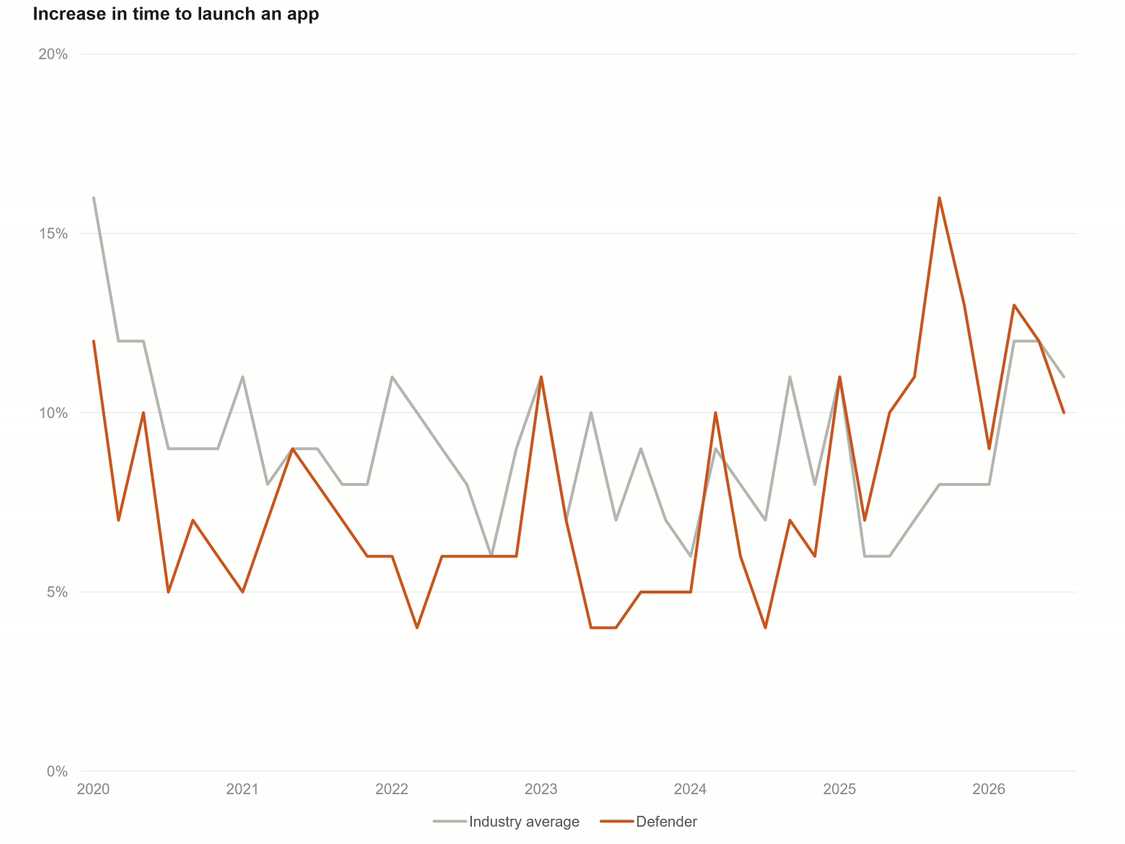
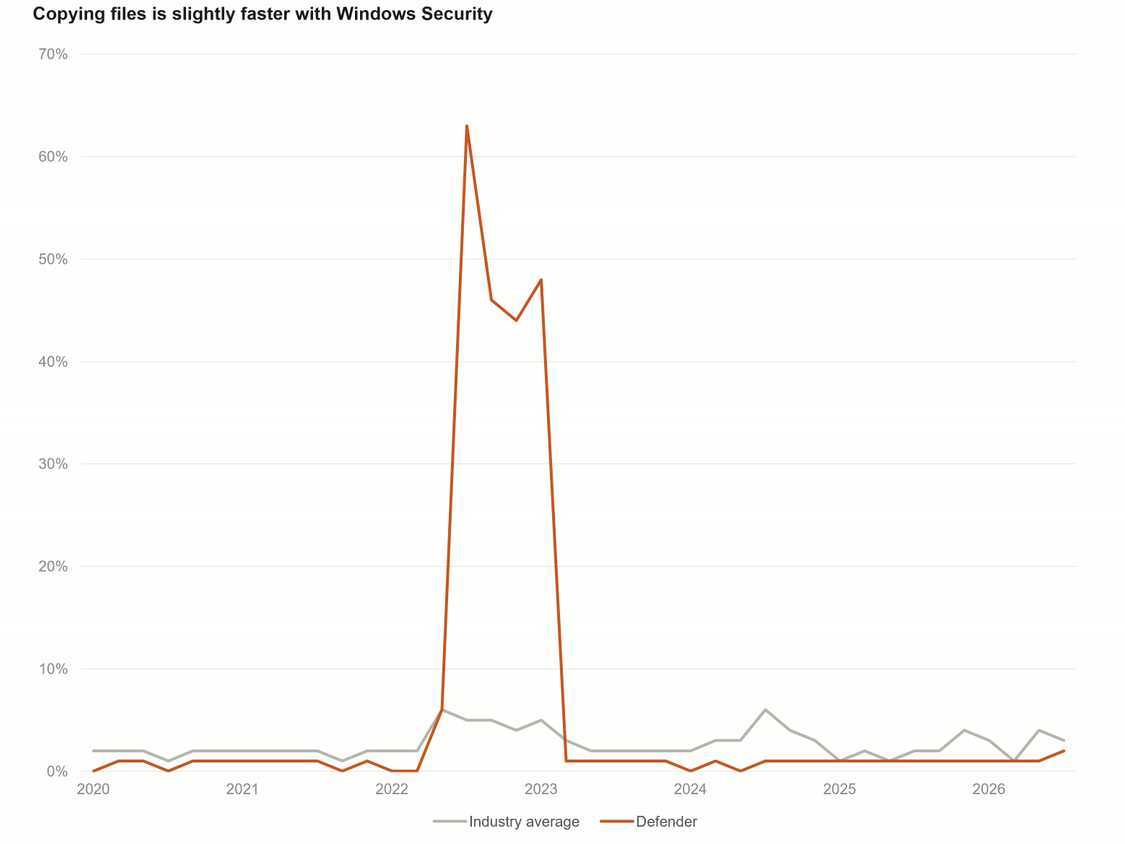
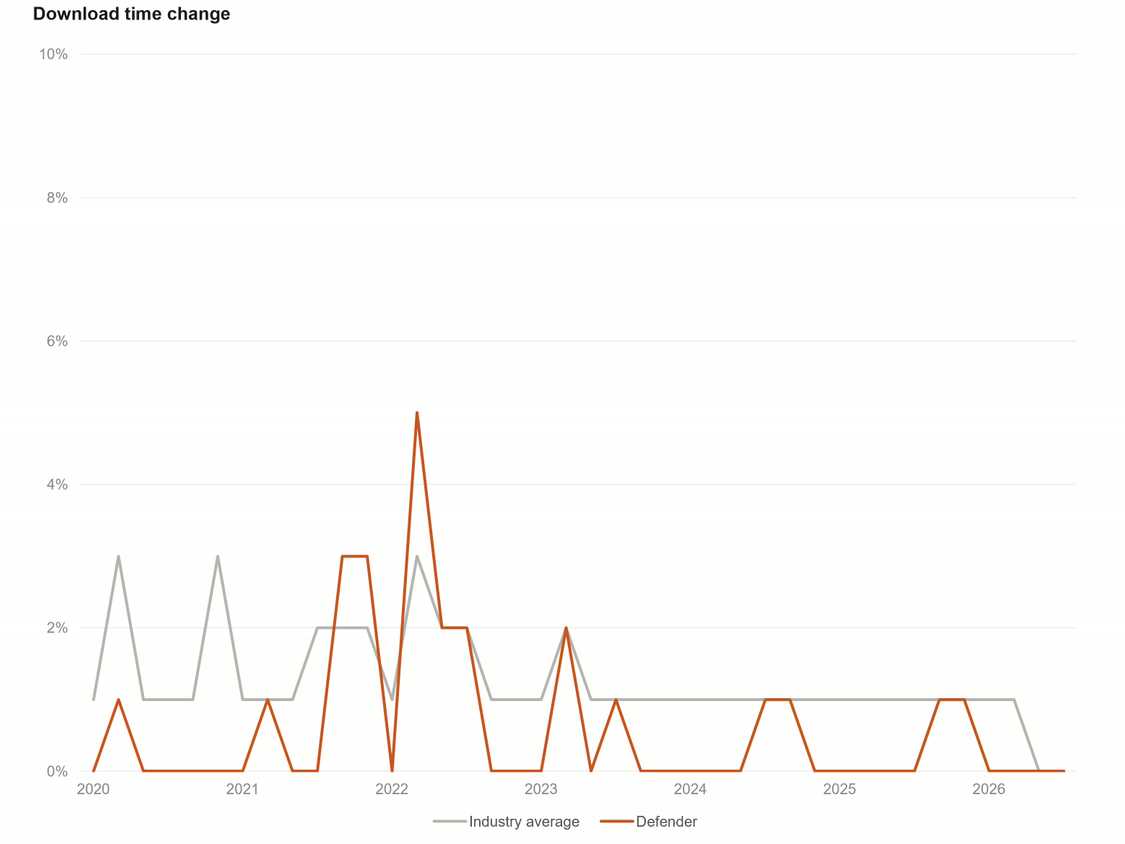
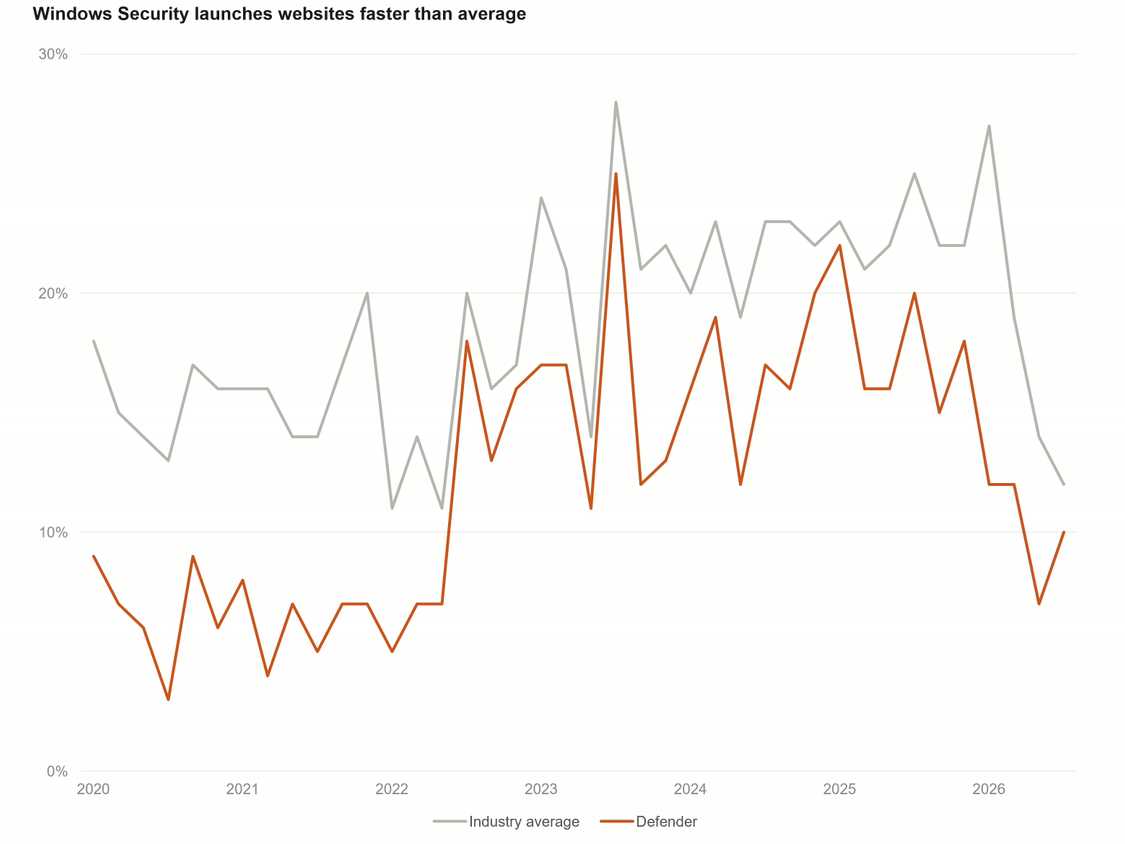
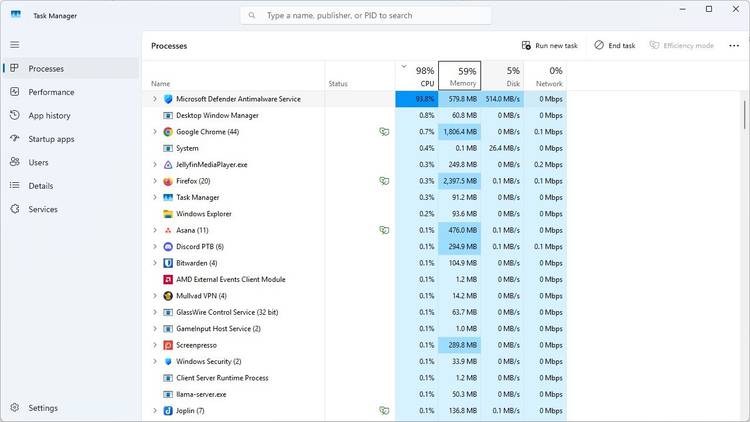
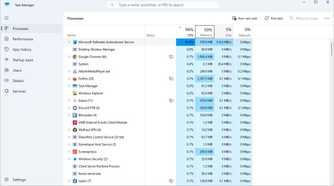
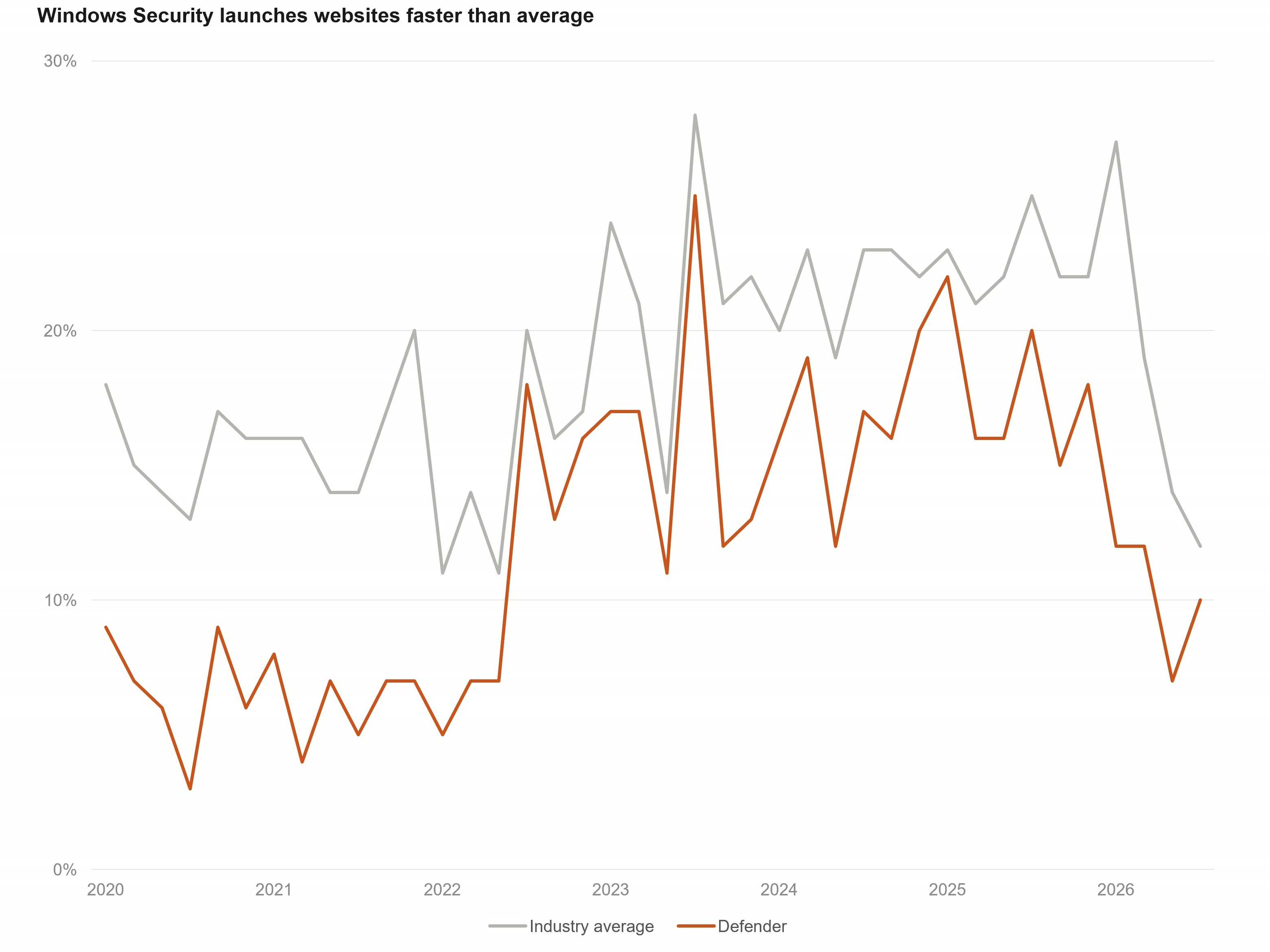
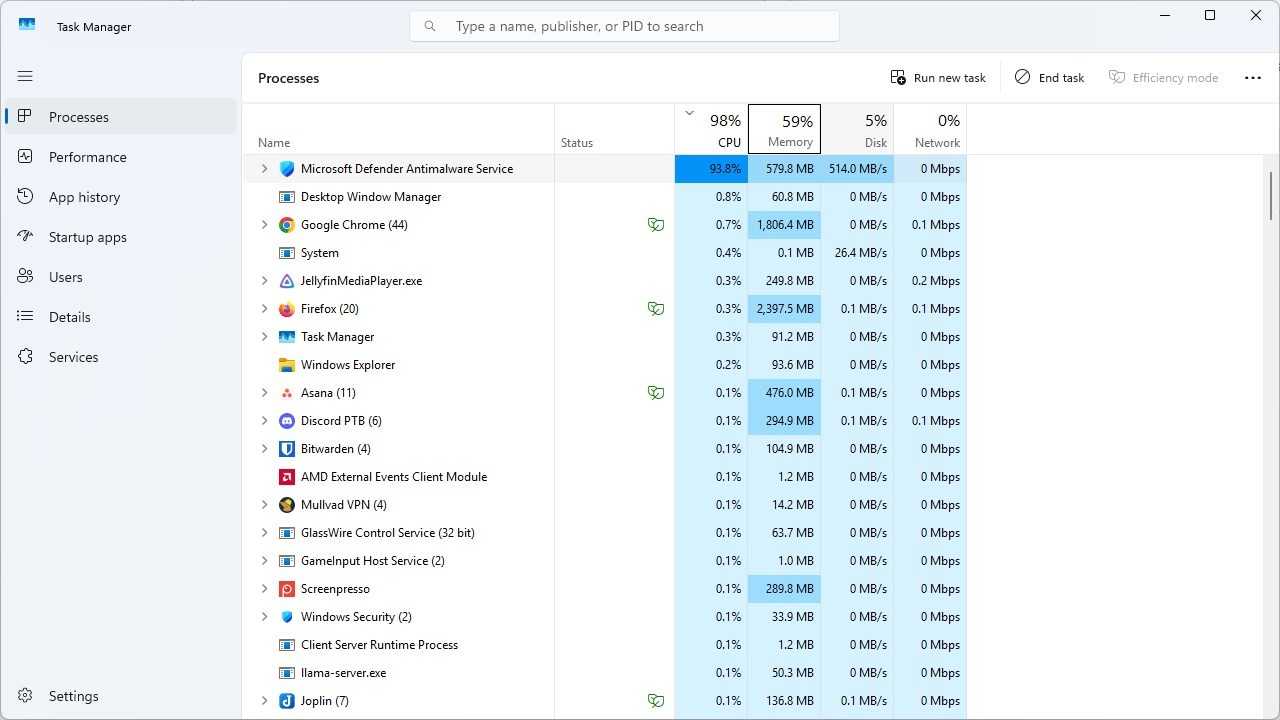
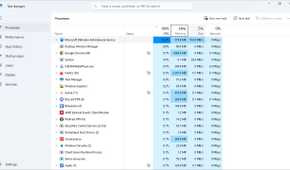
The real advantage of Windows Security isn’t the protection. It is how invisible it tends to be, and the performance impact—or lack thereof—that typically comes with it.
Most third-party antivirus suites are noisy. Even if they’re doing their jobs, they also tend to throw a lot of pop-ups: reminders about updates, advertisements about discounts, push notifications for a new feature, the list goes on indefinitely.
As a rule, a good antivirus program should be almost entirely invisible and only draw attention to itself when something urgent—like detecting malware—happens. Windows Security is great in this regard; I’ve only ever received a notification when it flagged a download as potentially harmful.
Pure performance is another serious consideration, especially if you’re working with a low-power or older device.
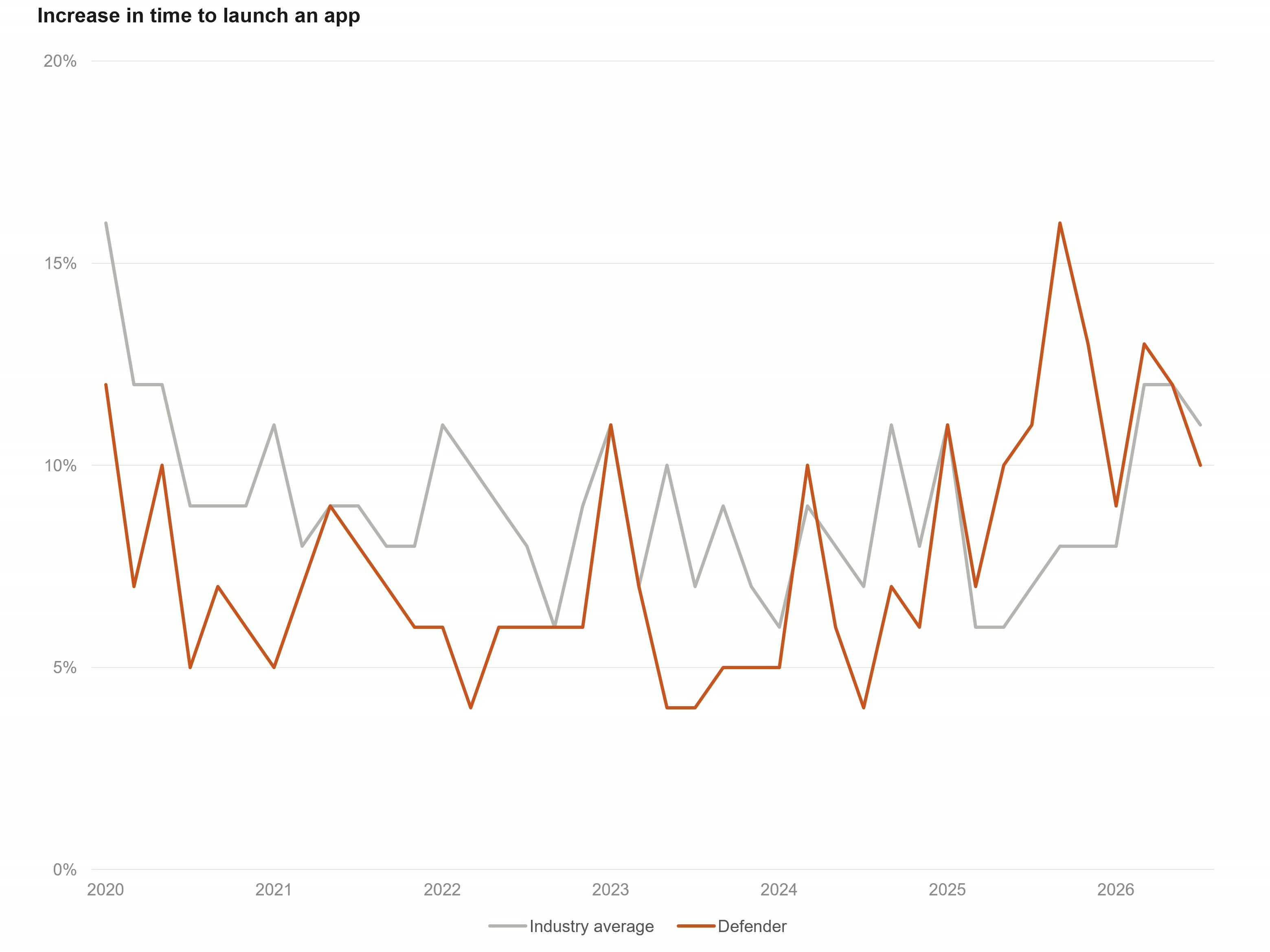
There is no such thing as real-time protection without a performance overhead. Every time a file is scanned, or an app checked on launch, your PC is forced to spend a bit of time actually performing a threat analysis. It may even upload something to the cloud to leverage cloud analysis. In an ideal world, the performance hit should be small enough that you don’t consciously notice it.
Unfortunately, that isn’t always the case. For a long time, many (potentially even most) third-party antivirus suites were a bit heavy, which means they do create noticeable pauses when opening a file, or significantly slow down an app launch.
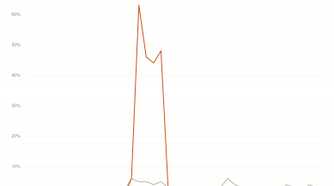
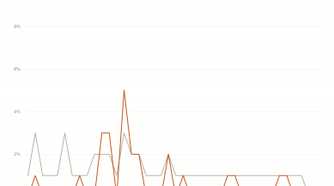
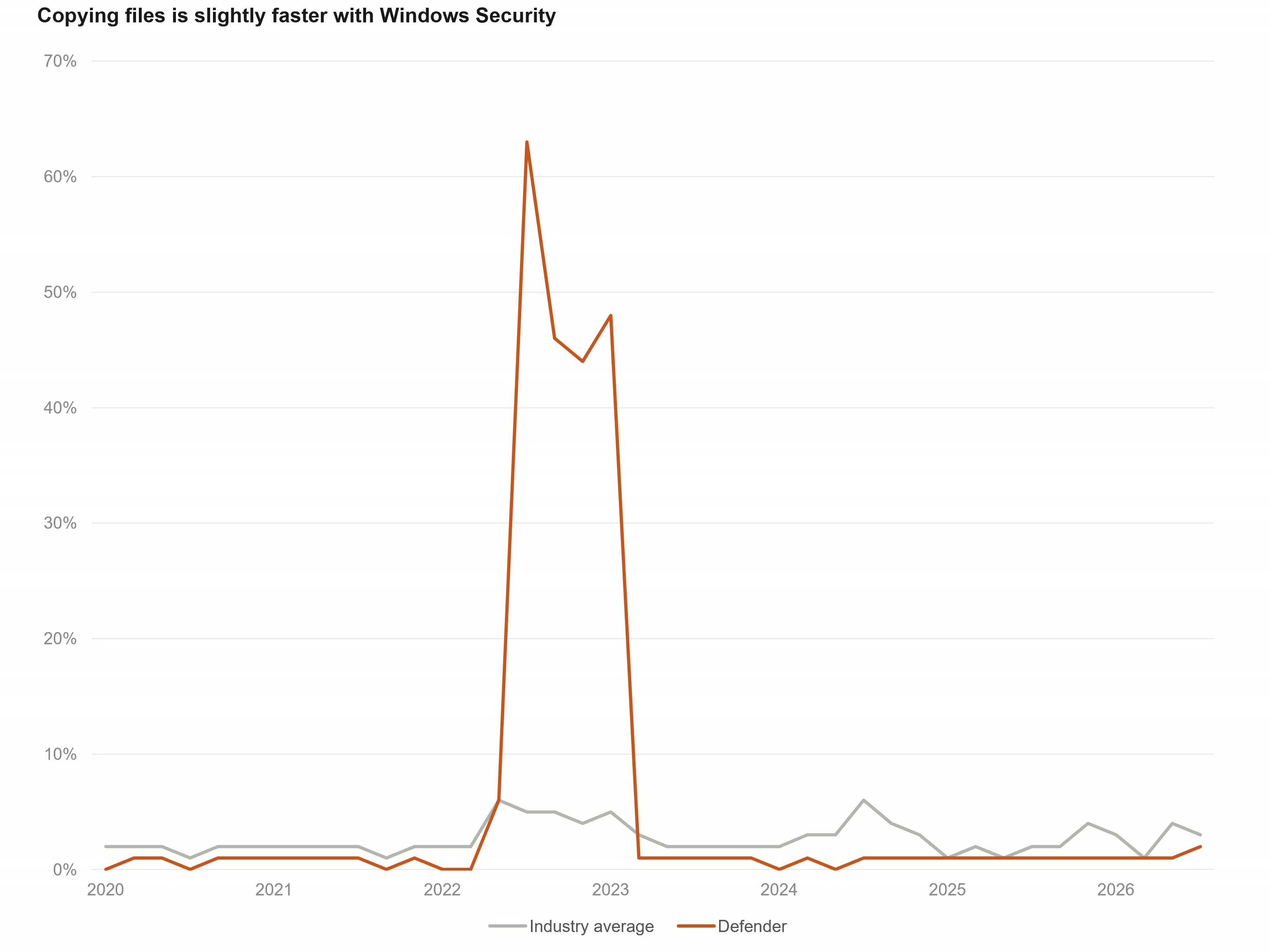
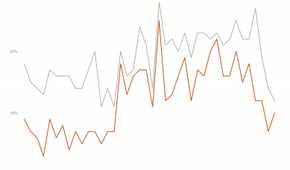
Windows Security scores very well here (with one important caveat that warrants a close look). In 40 benchmarks, it got a perfect performance score 31 times, and has an average score of 5.83.
There was a bug in 2022 that noticeably hurt its performance scores that has since been fixed.
There is one noticeable exception where Windows Security performs worse than the third-party apps: installing apps. However, I’d argue the reason behind that performance gap is well worth the trade-off.
Windows Security loses one metric
Slower installs are a price worth paying
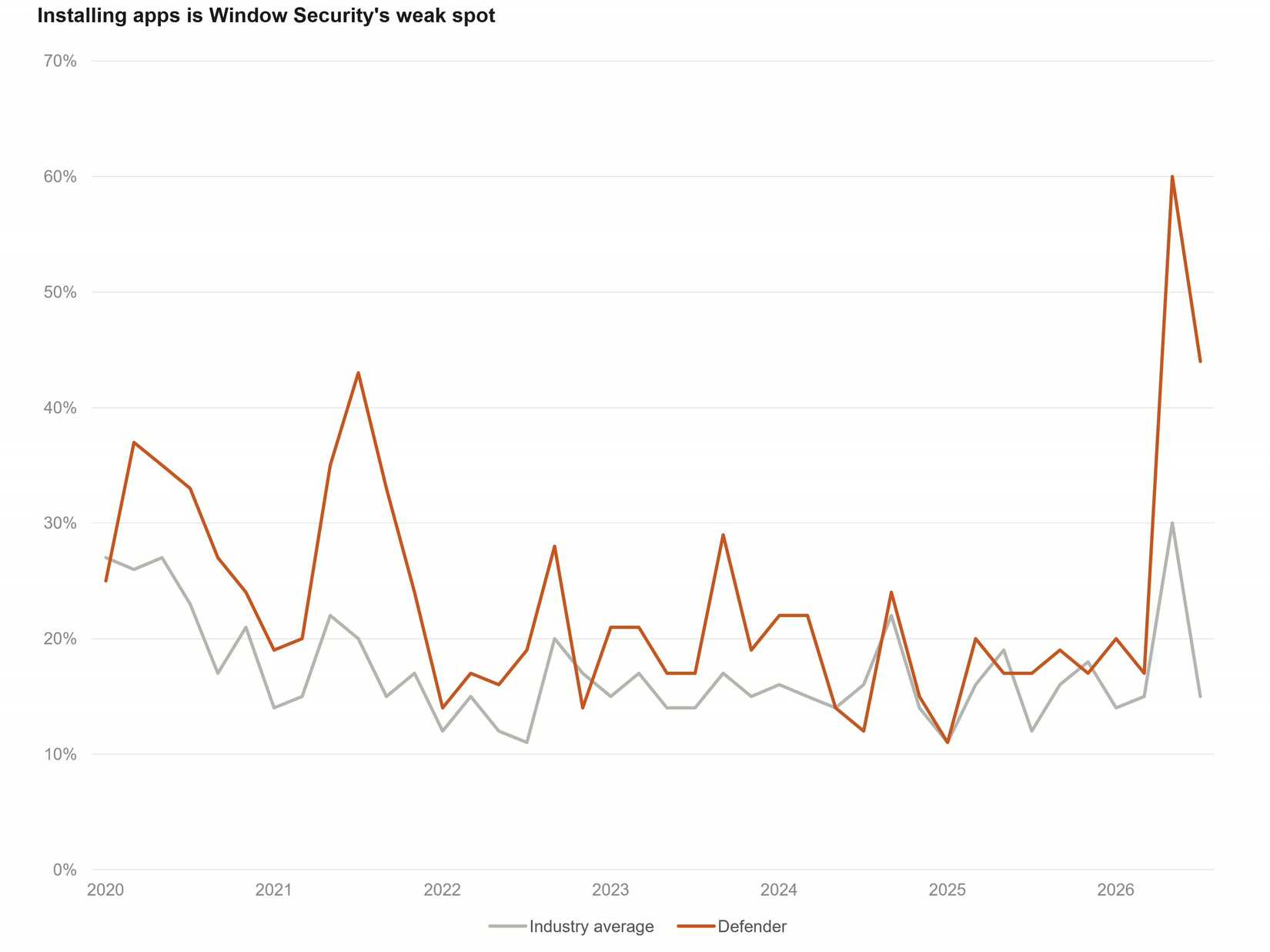
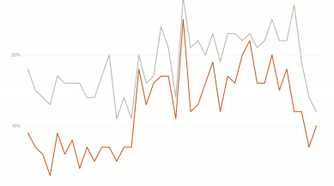
The area where Windows Security really struggles is installation performance. It is noticeably slower than the competition when you’re installing a new program.
That is because it scans every file a new program writes to your drive, while many third-party options fall back on less rigorous (though generally safe) but faster methods, like reputation or allowlists. Considering how integrated computers are in our daily lives, and the exceedingly clever malware that exists, I’ll gladly take that performance hit any day of the week.
And, realistically, how often do you install new programs anyway? I’m constantly testing new apps and services and I might average two apps on a workday and one on a weekend day. If you aren’t installing apps frequently like that, a slower installation probably isn’t something that is going to affect your user experience much anyway.
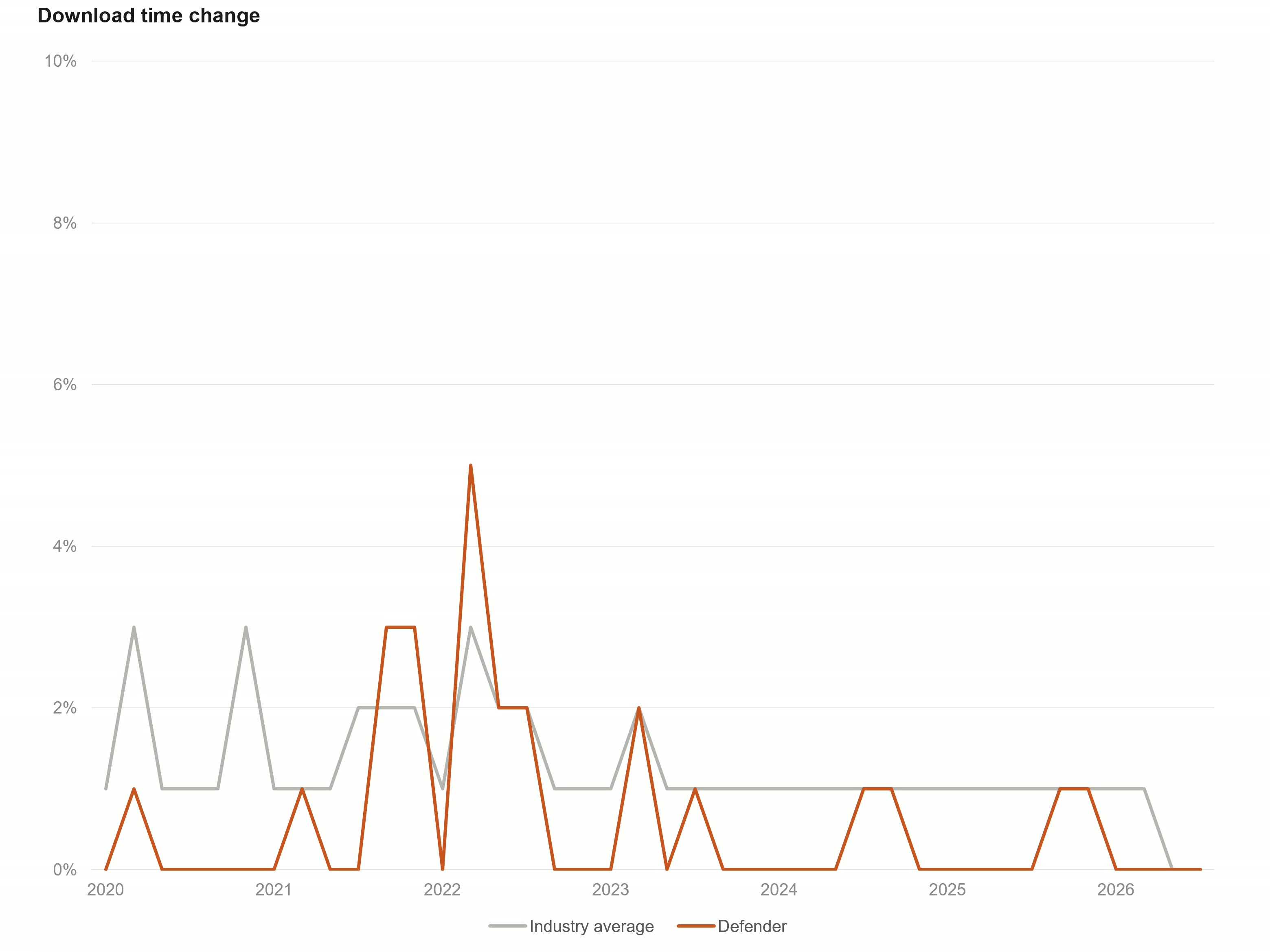
In the areas that matter, like the impact on browsing speed, opening files, and running apps, Windows Security can hang with the best third-party apps available.
Third-party antivirus for Windows home is dead
Today, there really isn’t any need to use third-party antivirus software anymore. Microsoft’s own security suite is more than enough.
That isn’t to say that third-party antivirus companies are dead, though—the landscape has just changed a bit. Most of the free options have consolidated under one company. Today, they distinguish themselves not with their antivirus capability, but with their other offerings, like identity protection, phishing protection, and dark-web monitoring.