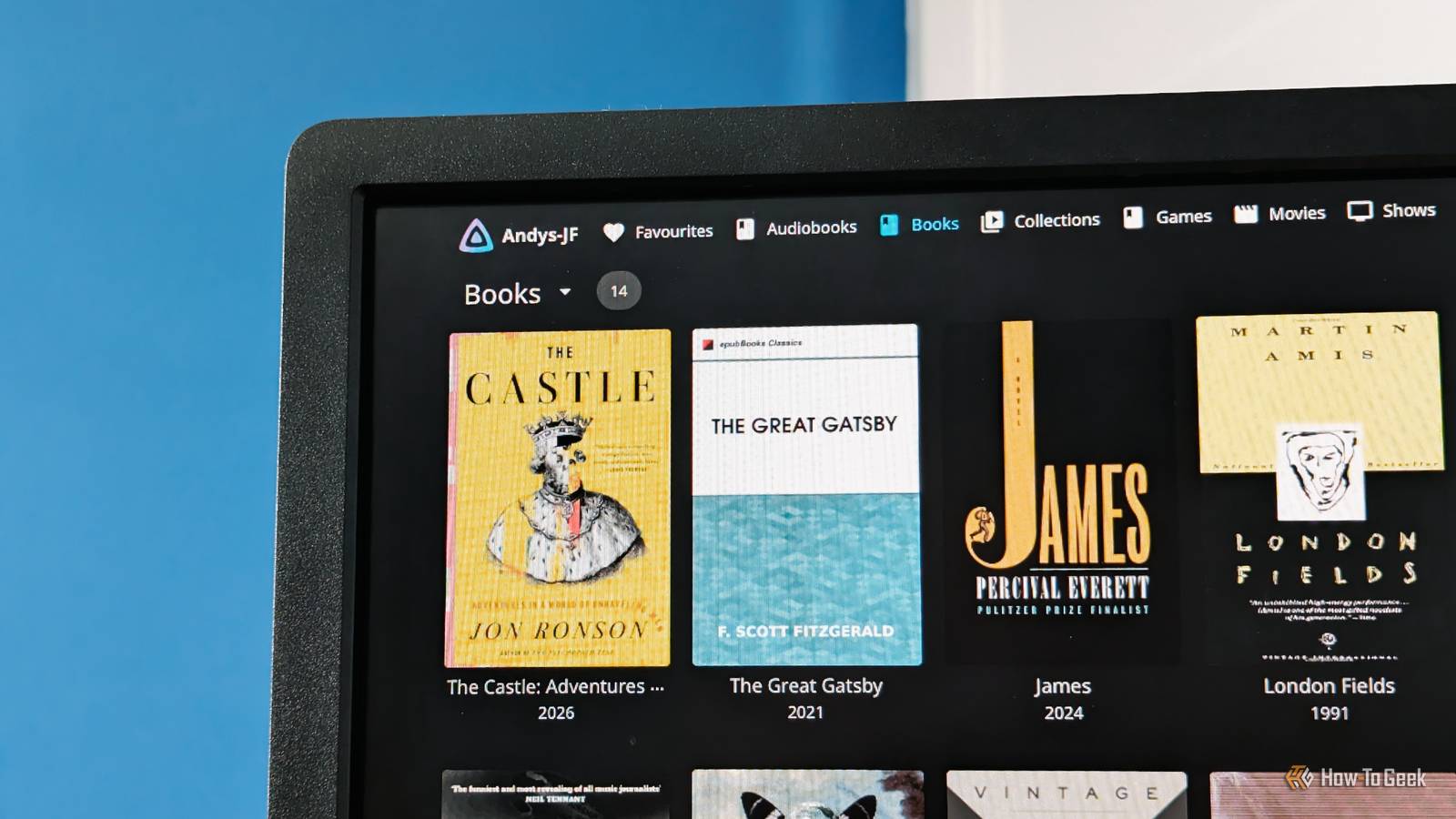
I’ve been using Calibre for at least eight years to manage my eBook collection. It’s done the job really well. But as a Jellyfin user, I like the convenience of having all my content on a single media server and want something similar for my books. The recent updates in Jellyfin 12 have introduced eBook and audiobook enhancements that now make it much more practical.
Jellyfin finally makes my books feel like part of my media library
No plugins needed
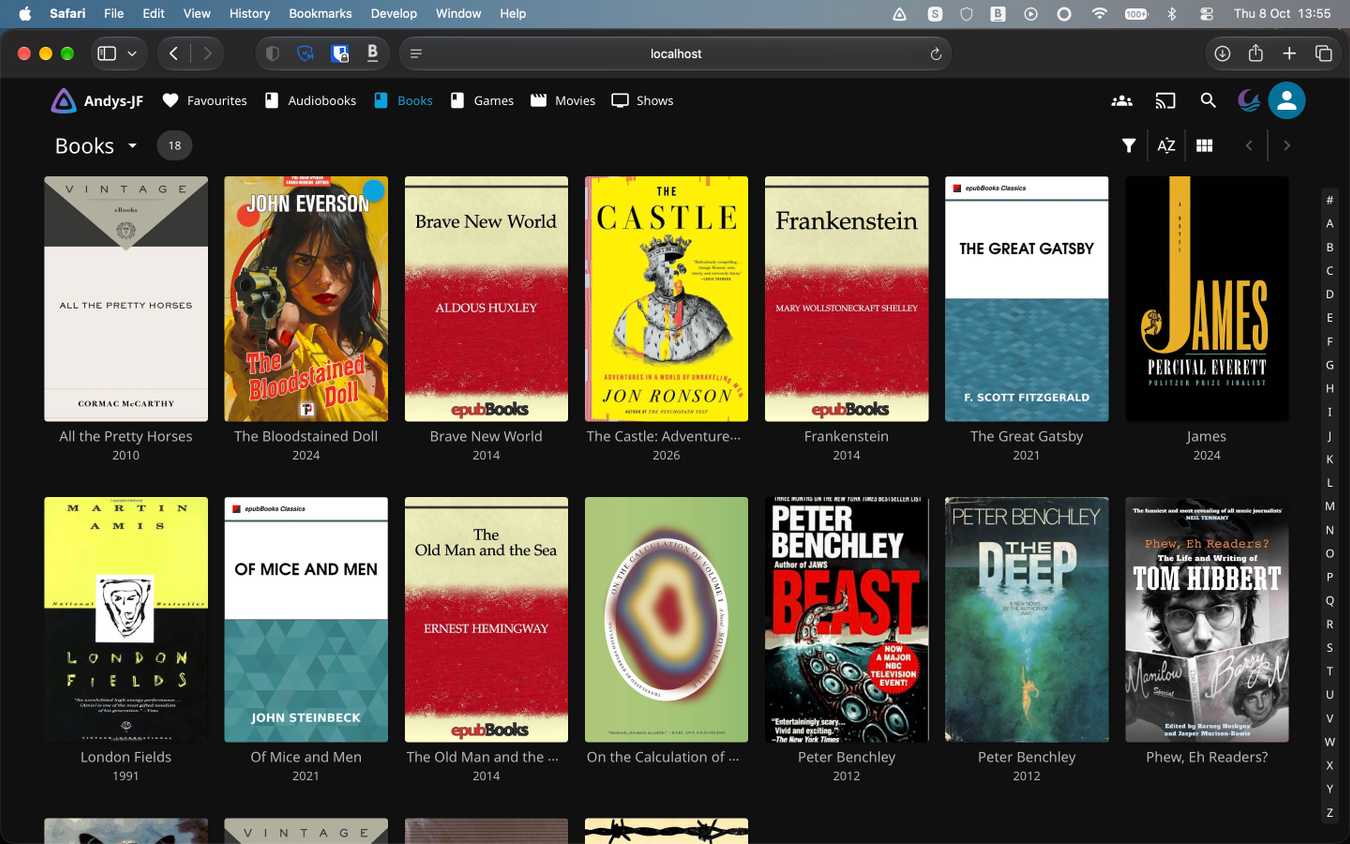
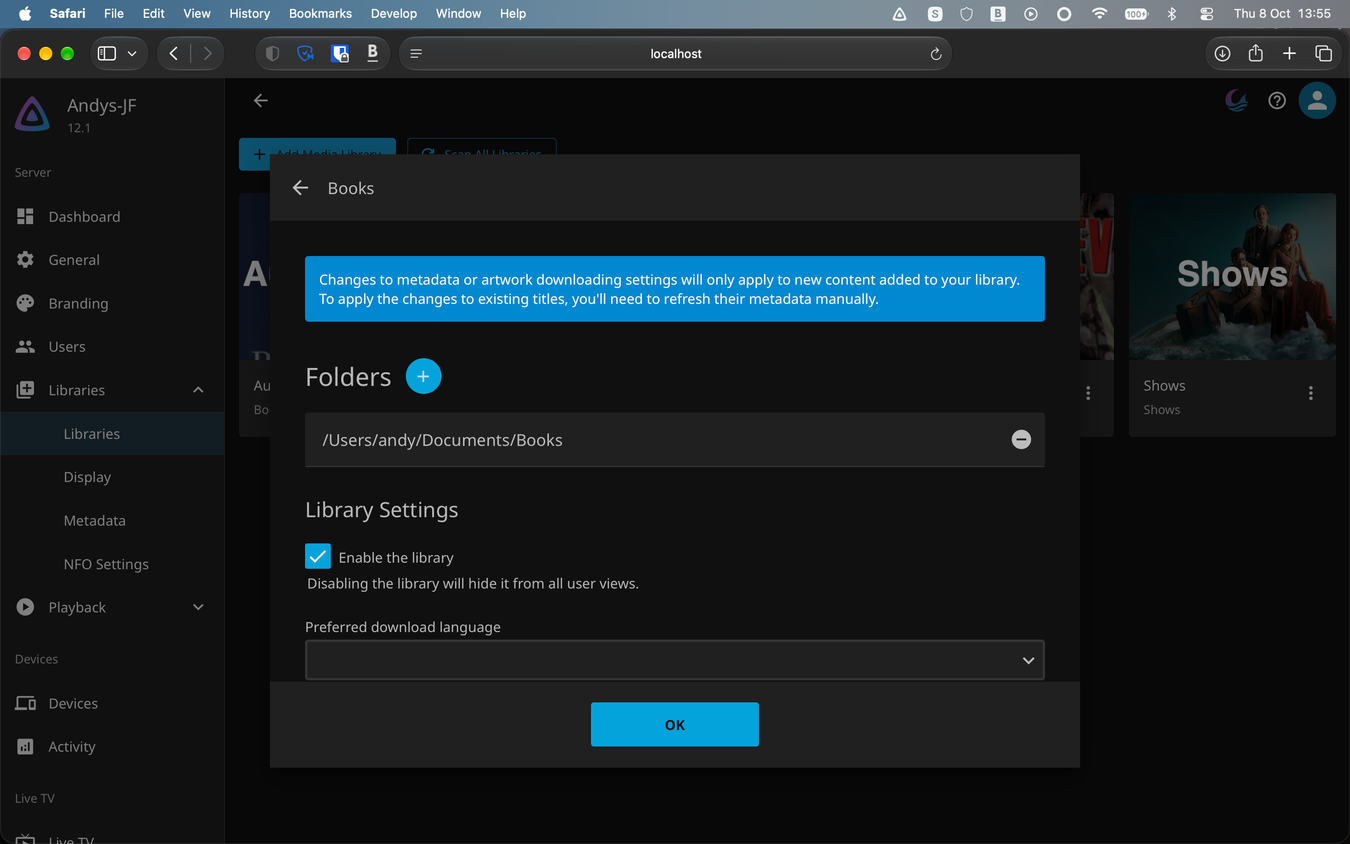
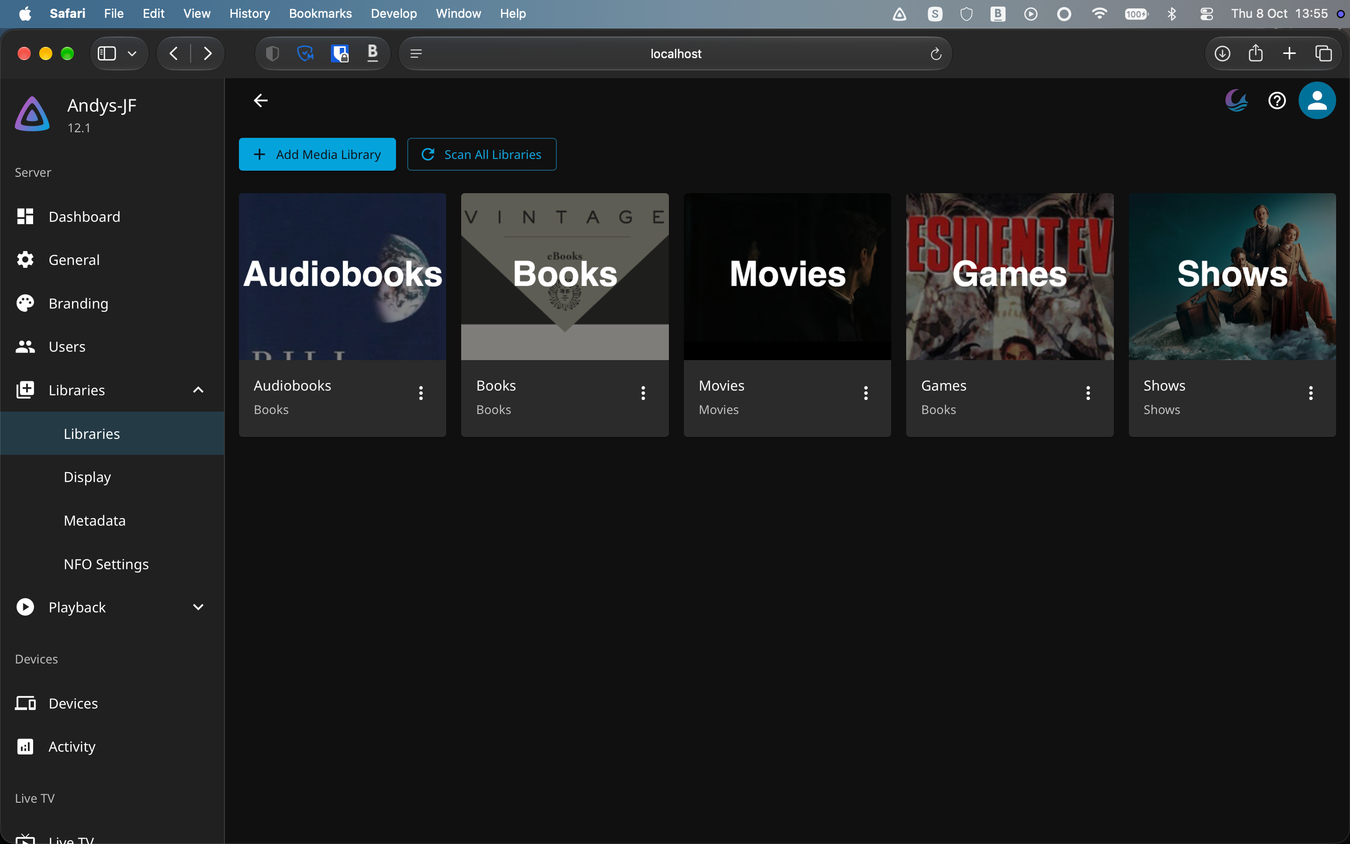
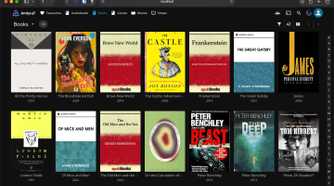
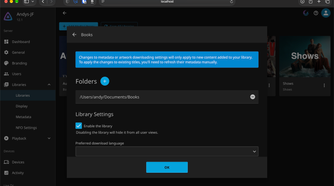
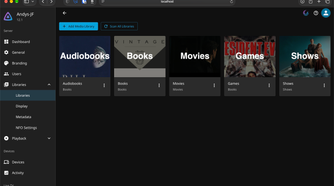
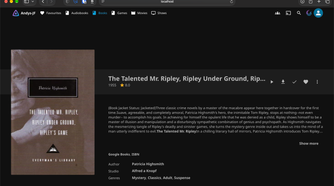
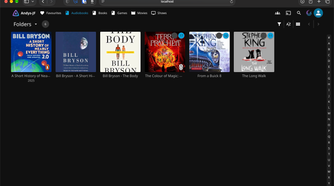
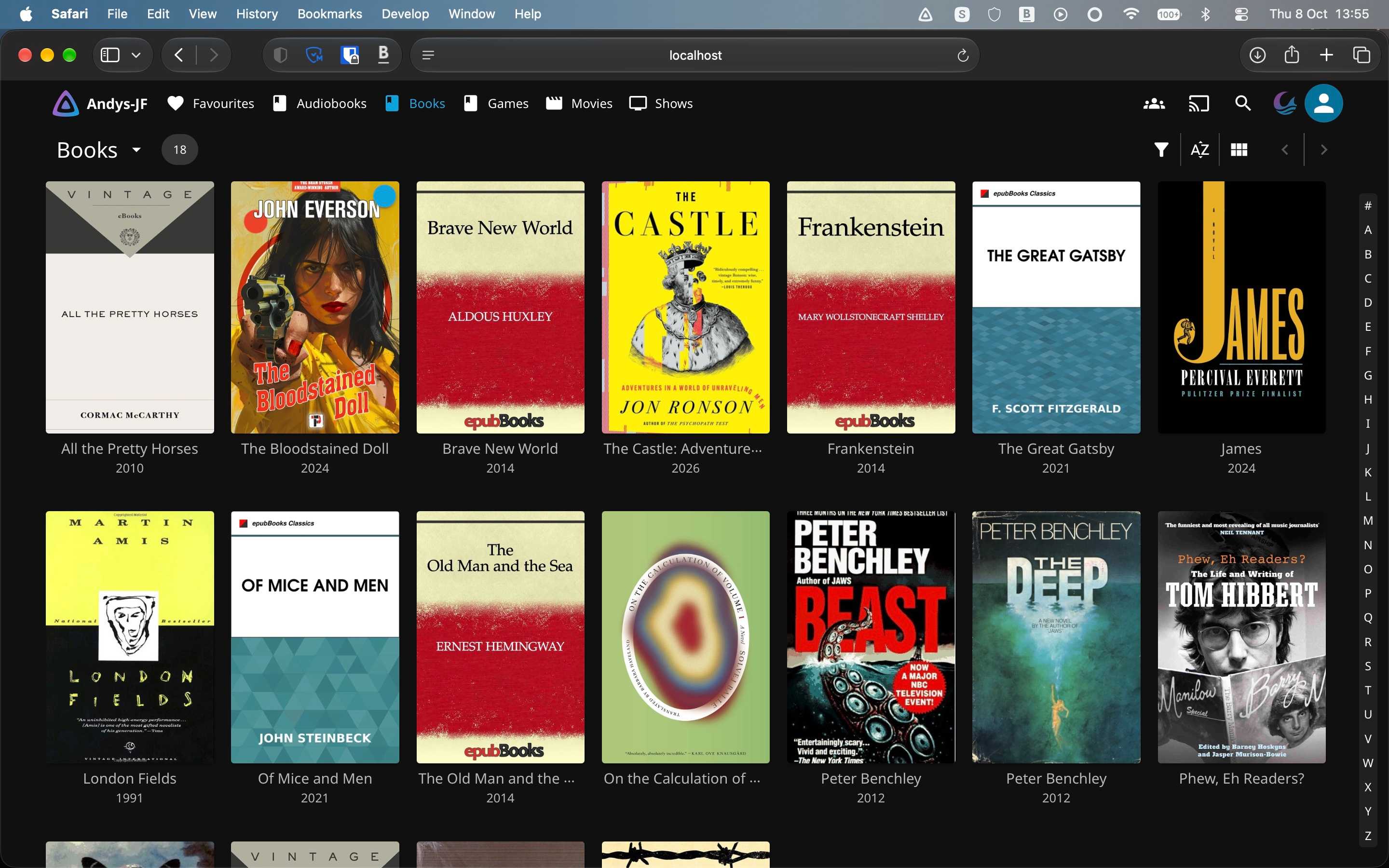
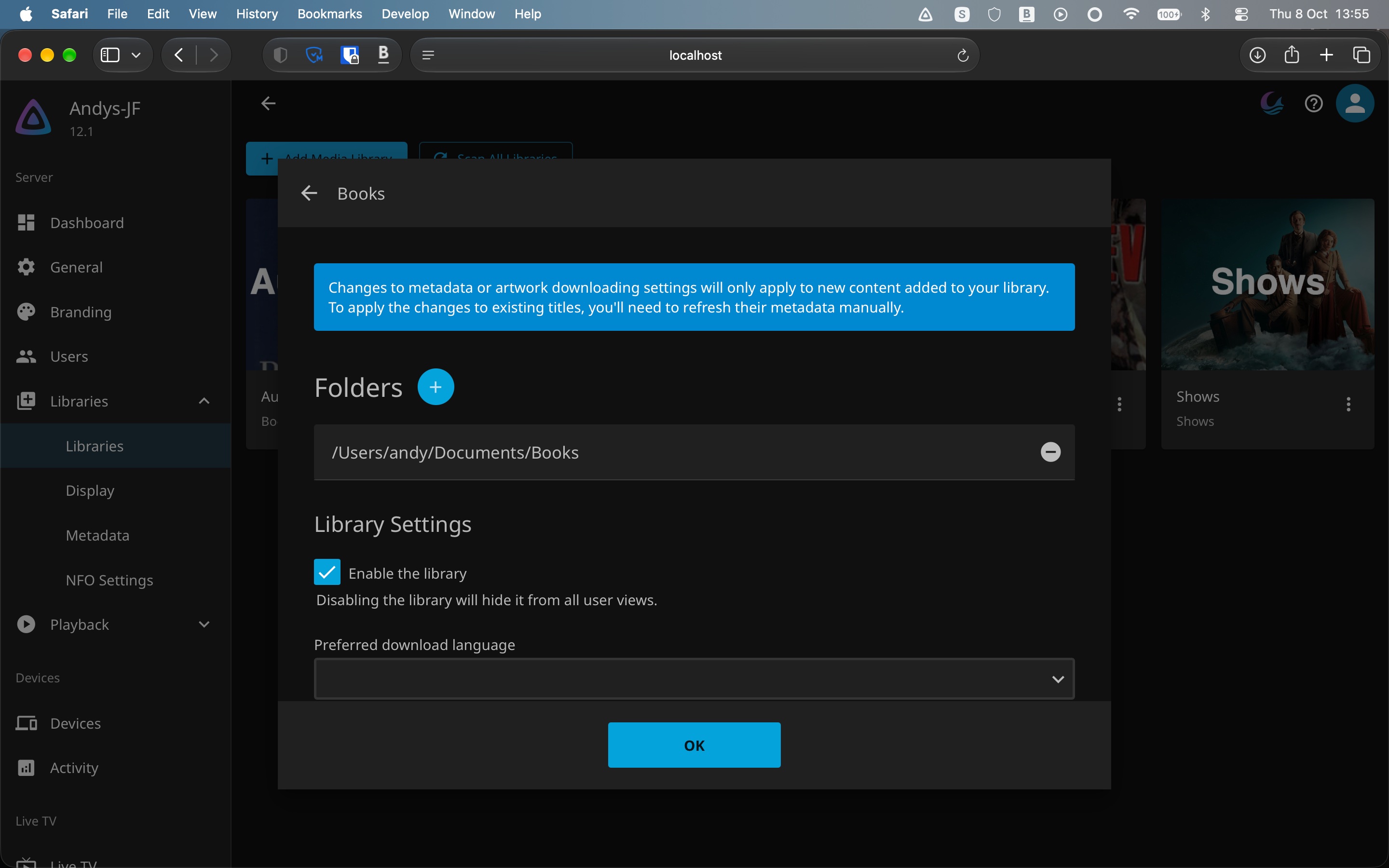
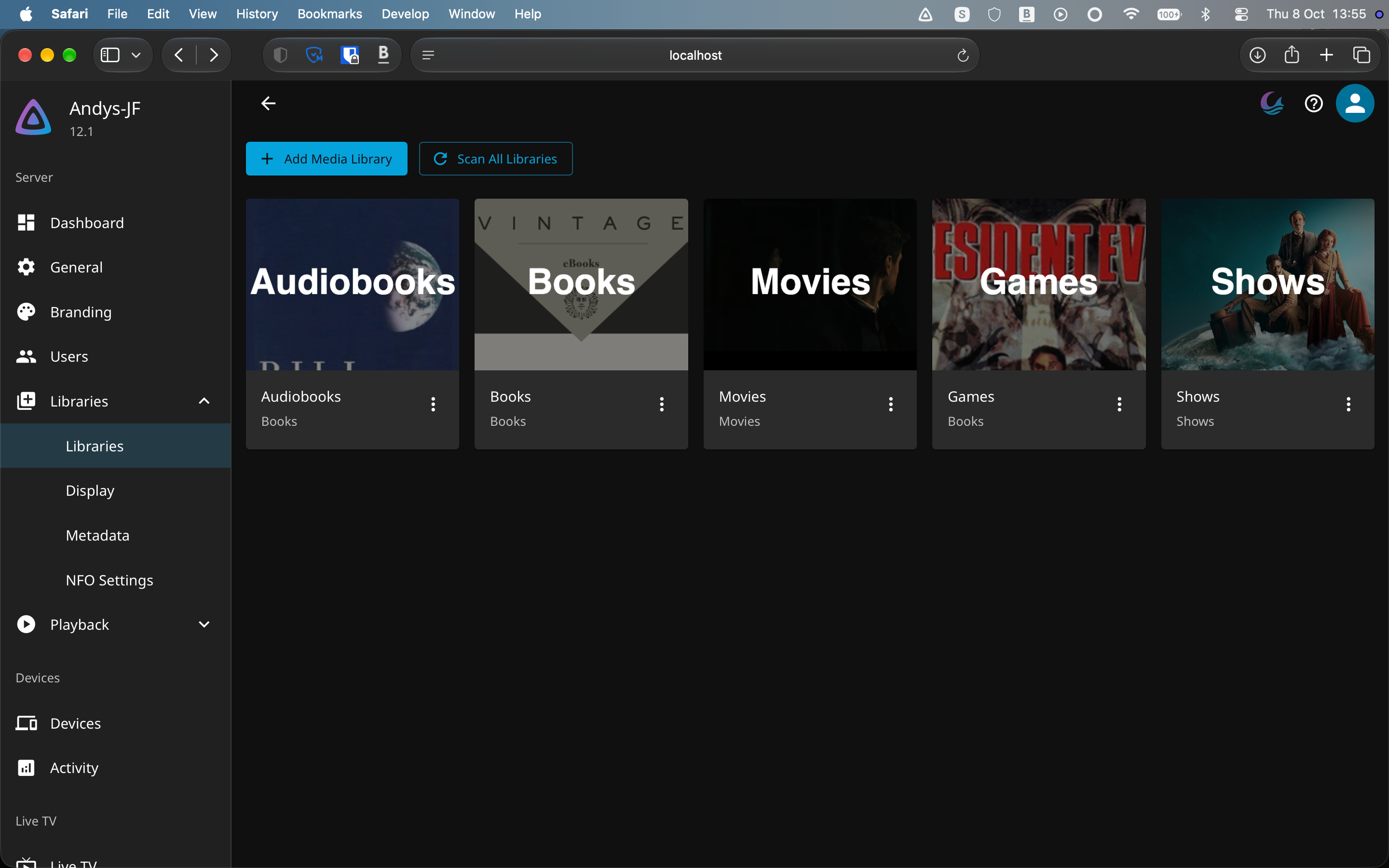
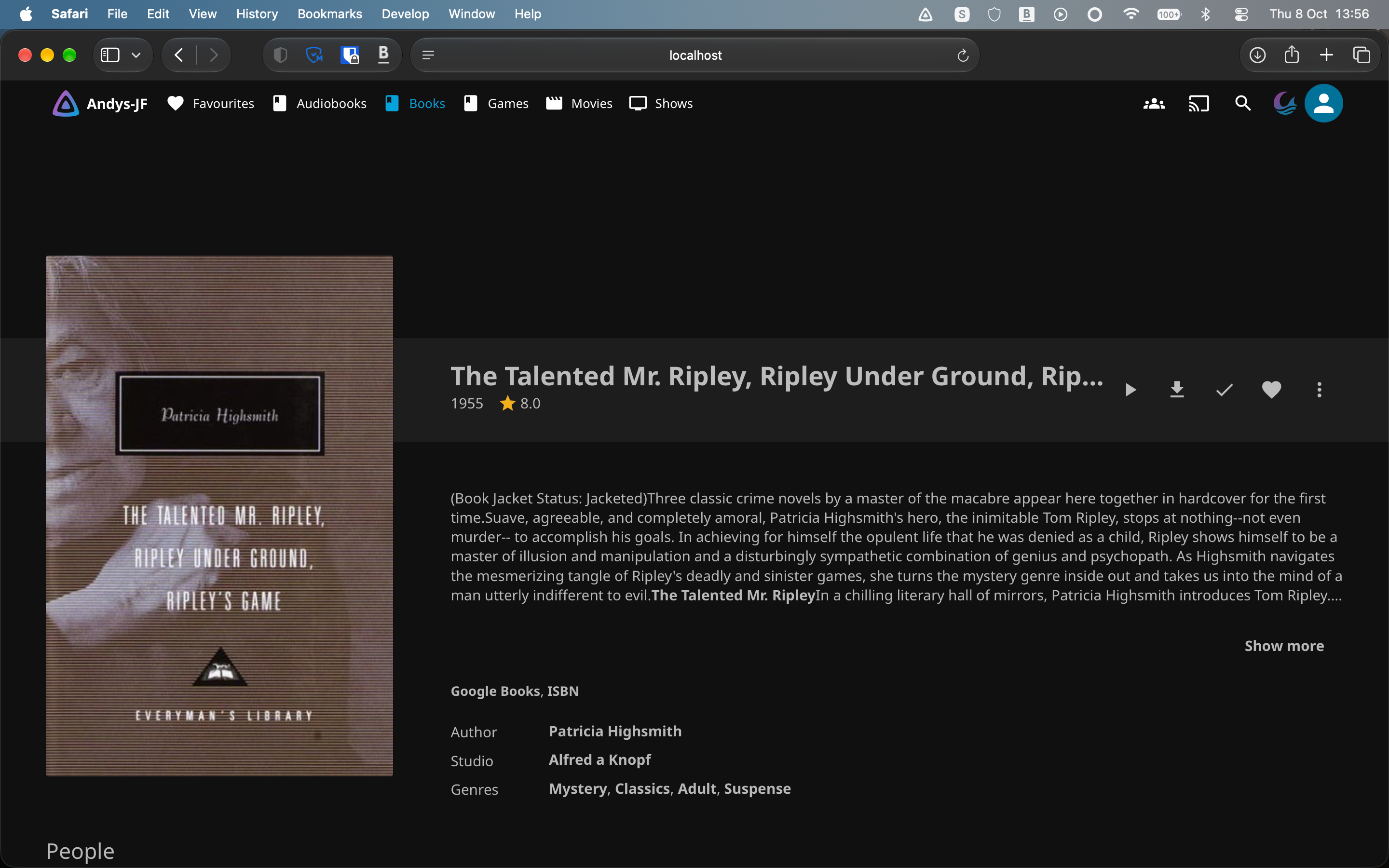
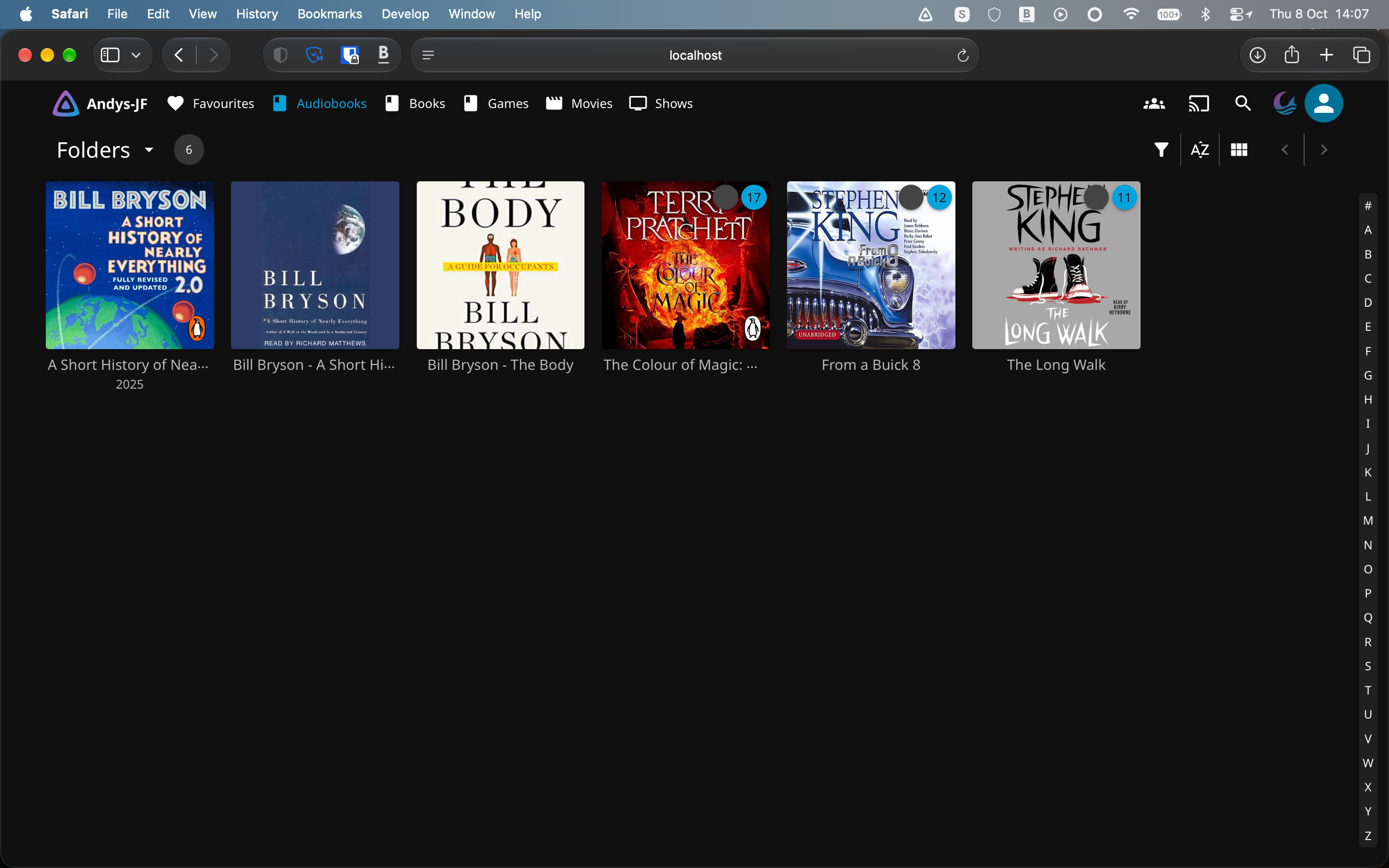
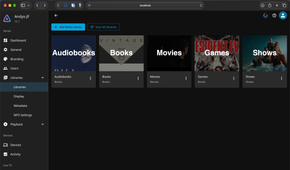
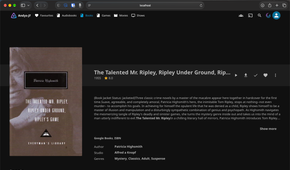
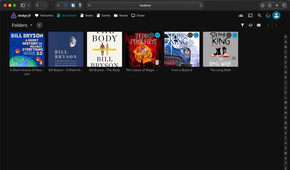
Until now, Jellyfin needed the Bookshelf plugin to handle eBooks effectively. It was never great with audiobooks, so I used the Audiobookshelf app to handle those. The launch of Jellyfin 12 has finally brought this content into the app properly.
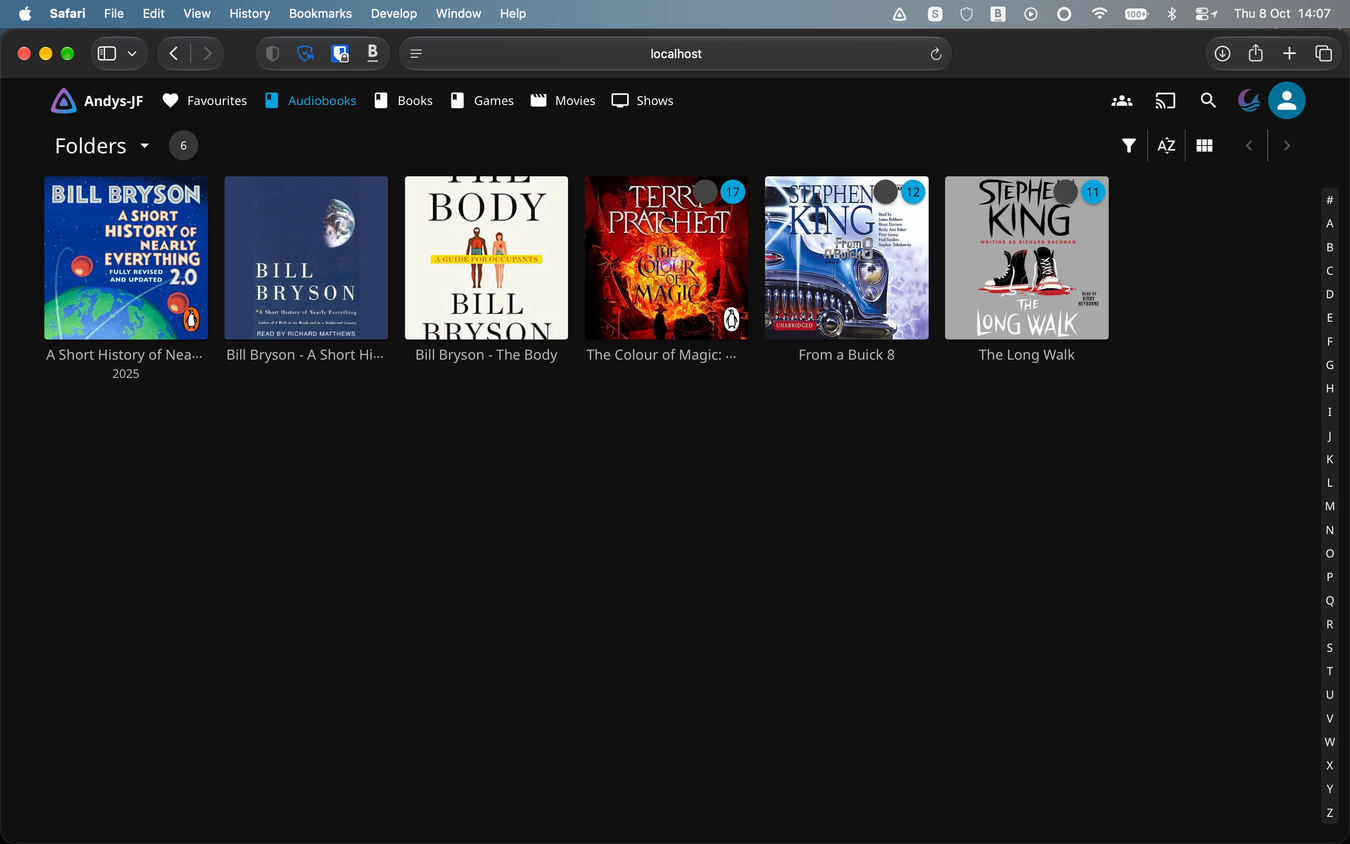
The updated version brings decent support for eBooks with formats like EPUB, PDF, and MOBI, plus comic books in the CBR and CBZ formats as well. The audiobook support includes M4B files in addition to the usual audio formats.
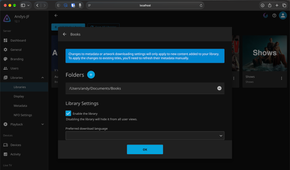
The setup process is a little bit trickier than it is for movies and TV shows. Jellyfin treats eBooks, audiobooks, and comics as different things, so you need to create separate libraries for each one. You have to set the Content Type as Books in each case. It also works best if you keep your library folder tidy, grouping the content first by type, then splitting it by author as well.
Jellyfin is quite finicky when it comes to folder structures. The more time you’re willing to invest in setting it up cleanly in the beginning, the better results you’ll get in the long run.
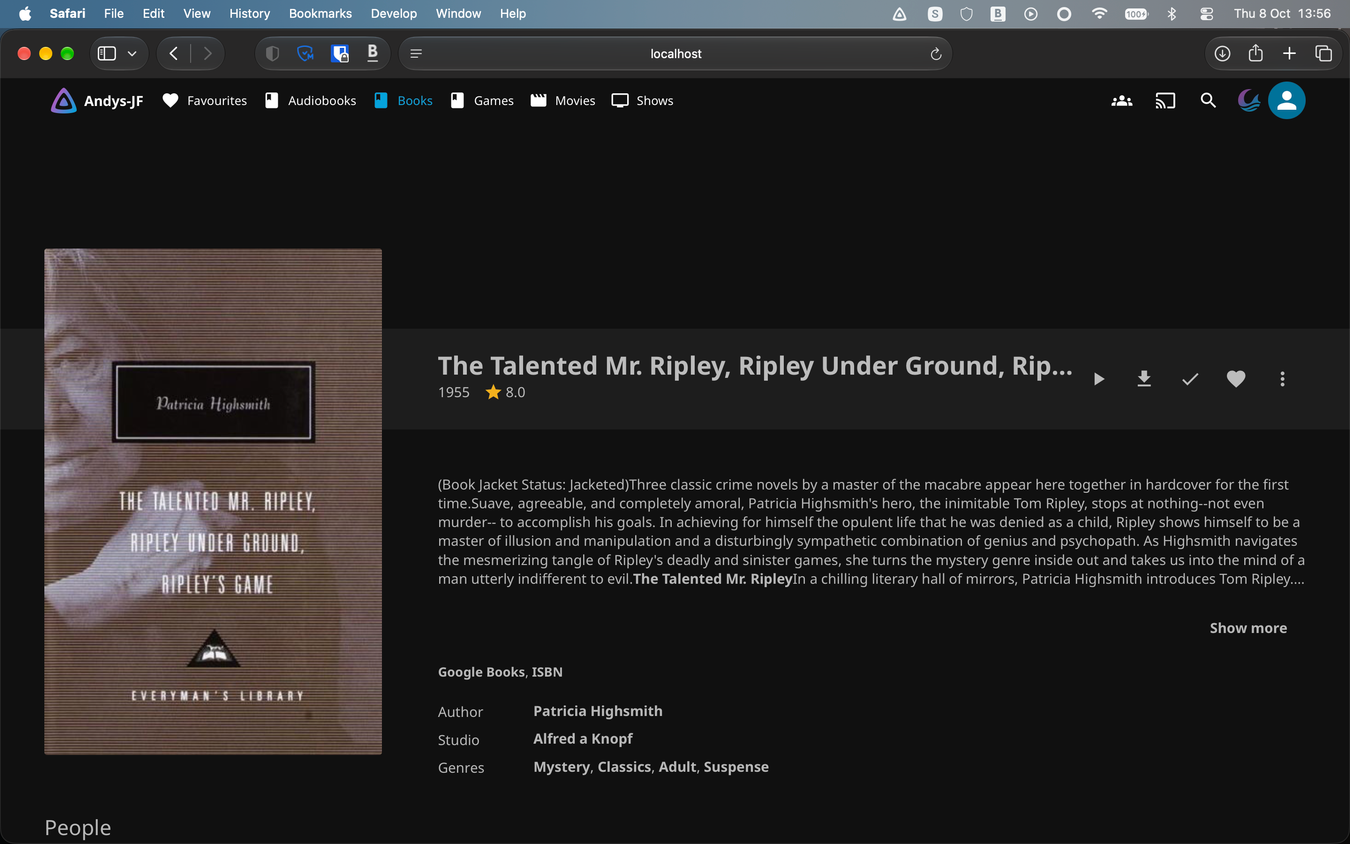
Once you’ve set up your libraries, Jellyfin will pull in metadata for the content. I’ve got a few titles that it couldn’t recognize and which needed manual adjustments, but otherwise it works well.
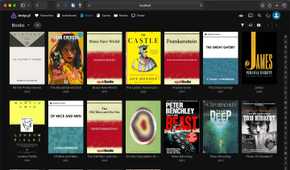
This makes it so much easier to browse your library. You can choose to view it by title, by author, suggestion, genre, and you can create collections and favorites too, so that you’ve always got your most popular titles to hand.
There are some minor inconveineces
It’s not quite perfect
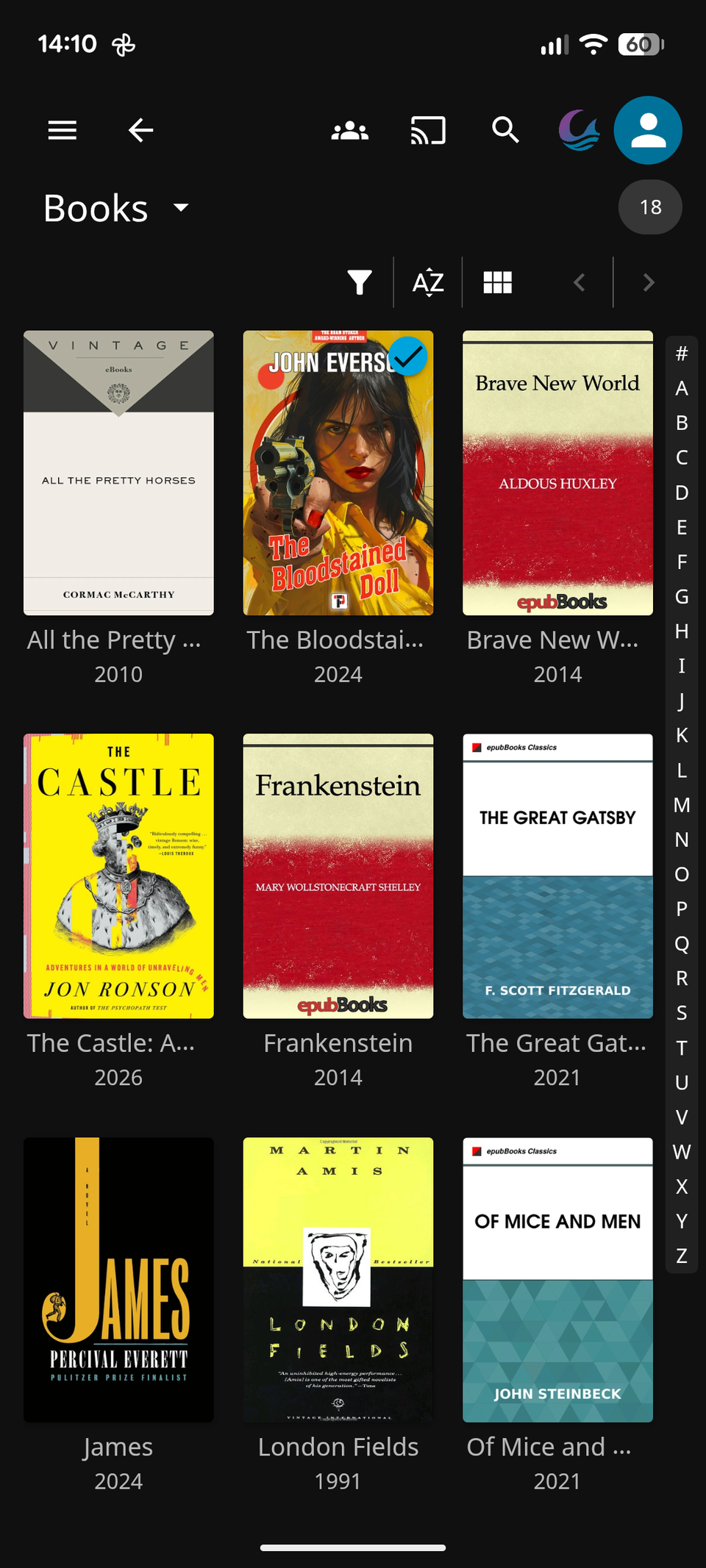
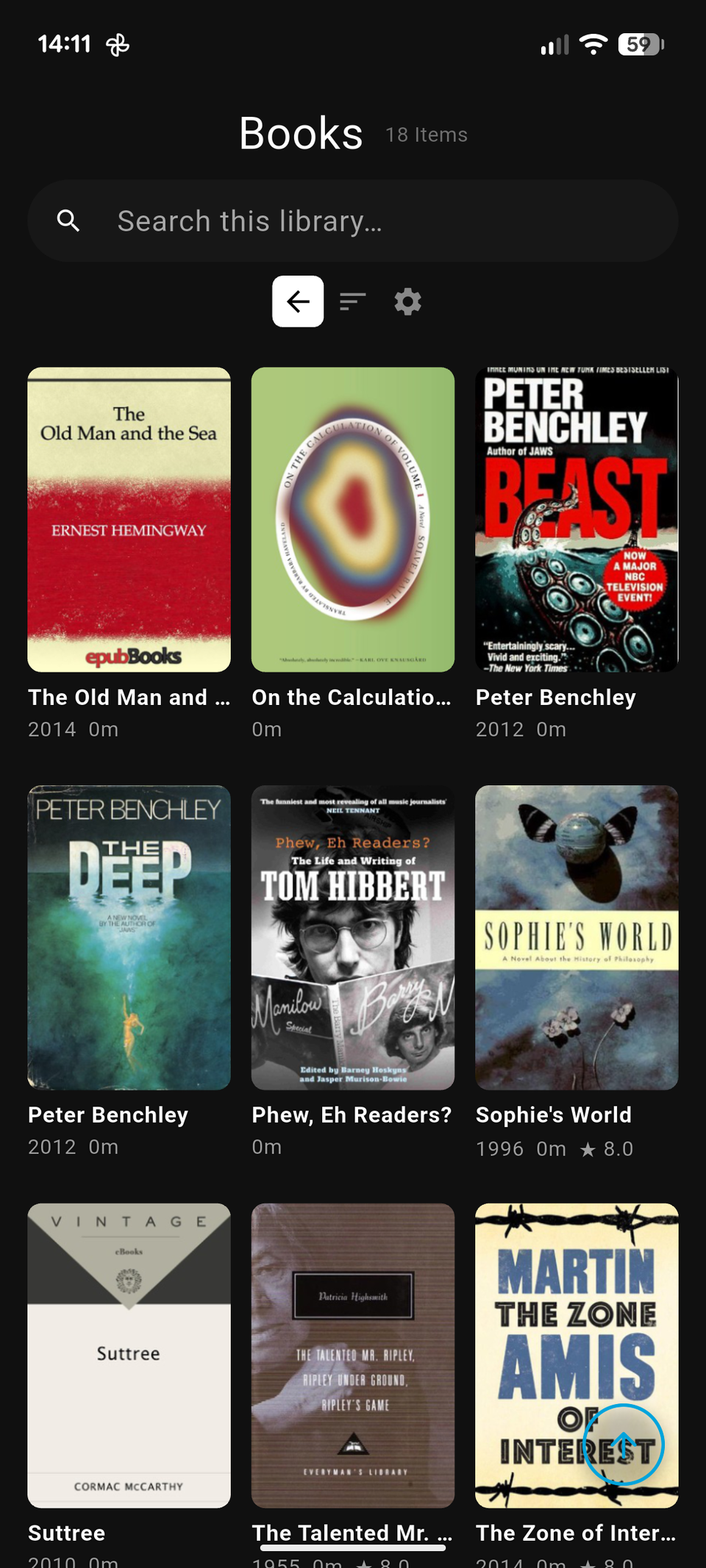
Being able to access everything through my existing Jellyfin server is much more appealing than having a separate Calibre library. But it isn’t perfect.
Although Jellyfin is great at sharing the content between my devices, the clients themselves still need improvements in certain ways. The eBook reading experience isn’t the best. It’s quite a basic, bare-bones app and is not the nicest to look at. For now, I’ve taken to downloading the books onto my phone and opening them in the Kindle app, where they get added to my library and become available on my Kindle, too.
I lose the progress syncing in Jellyfin when I do this, but I don’t mind too much. It’s the actual sharing of the content and being able to access it on other devices that I want most.
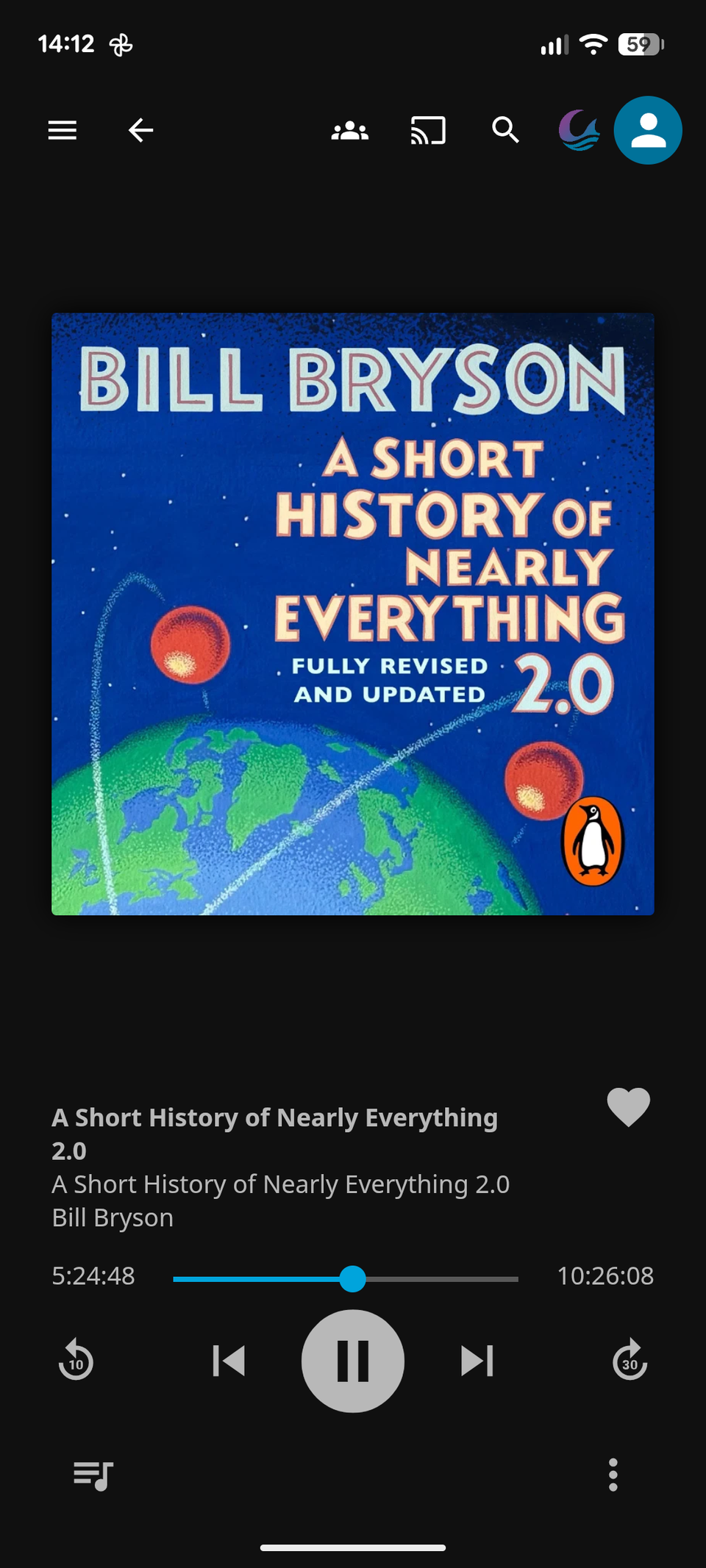
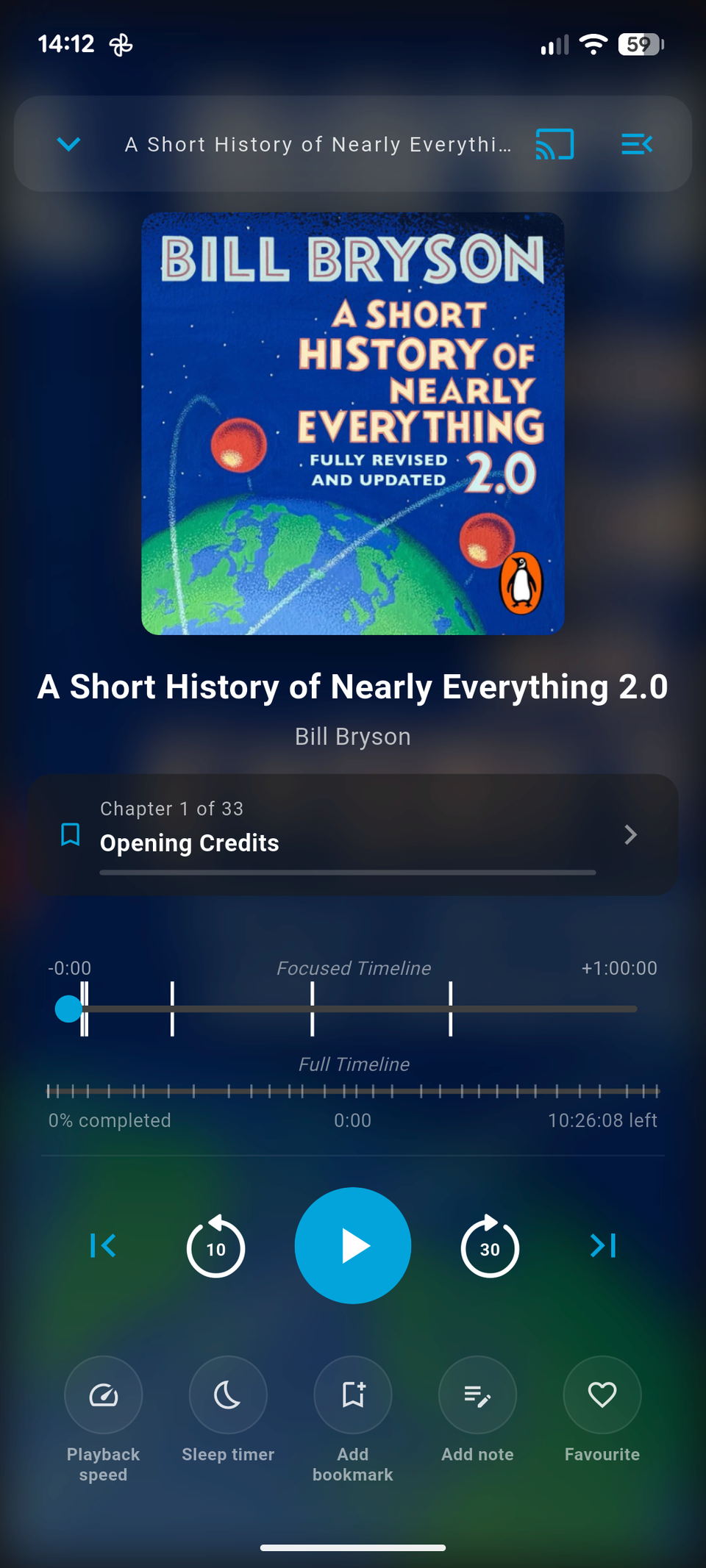
The audiobook experience also falls a little short of my expectations because it doesn’t seem to recognize chapters in my files. Fortunately, I was able to work around it pretty easily. I already have the Moonfin app installed on a lot of my devices because I like its more polished and modern interface. And it does support chapters in audiobooks, as well as a number of other expected features, like adjusting the reading speed, setting a sleep timer, and so on.
Calibre still does some things better
I can’t replace it entirely
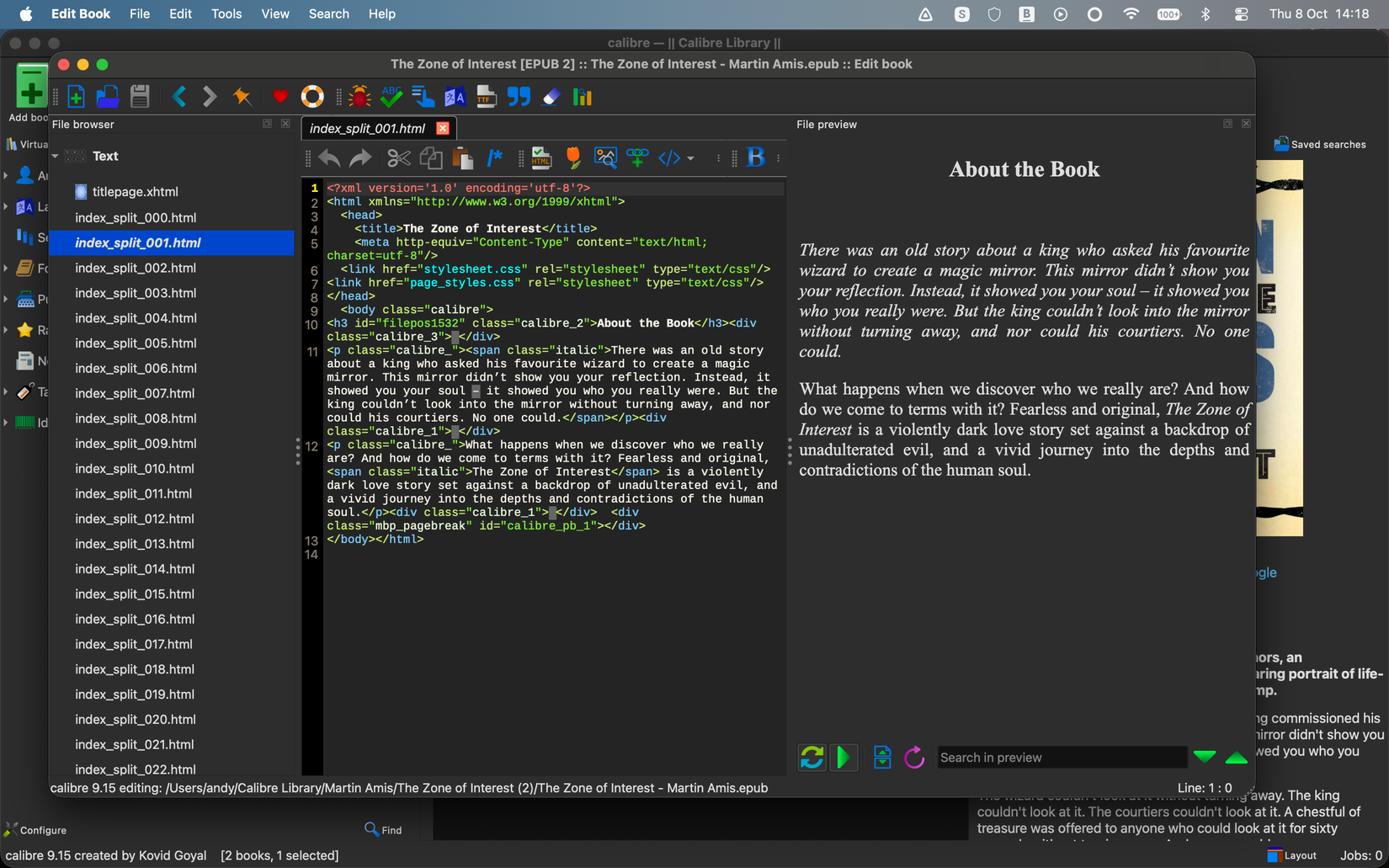
Jellyfin can’t replace Calibre entirely. I like it for managing and sharing my eBook collection, and I can also edit the metadata for the files and replace any terrible cover art. But it cannot handle some of the most important things, like fixing formatting errors and converting files.
It isn’t uncommon to come across eBooks with poor or broken formatting. You get page breaks in the wrong place or punctuation that doesn’t render properly. When this happens, there’s no option but to jump into Calibre to fix it manually. I also use the app to reduce the size of files that are particularly large, especially those with many pictures, and to convert rarer formats into something more common and accessible.
I’m not able to uninstall it just yet. All my books and long PDF documents go into Jellyfin by default, but whenever there are any problems, I reach for Calibre to tidy them up.
Jellyfin is becoming more than a Plex alternative
The eBook, comic book, and audiobook changes in Jellyfin are making the app so much more than a mere Plex alternative. Like many people, I adopted Jellyfin as a free and open-source way of making my movie and TV show collection available across devices. But it’s now becoming much more of a general-purpose personal media server.
Some of the functionality still needs improvement, but it will no doubt happen in time. After several years of using Calibre, I now no longer need it for everyday access to my eBook collection. I still keep it on hand for those times when I need to do things that Jellyfin can’t. But Jellyfin 12 is now my primary way of accessing eBooks and audiobooks on my devices, just as it is for movies and TV shows.