One dodgy text message can ruin your day. Scammers are getting better at making fake messages look legitimate, and the red flags aren’t always easy to spot at a glance. As an Android phone user, I want better protection without having to second-guess every text that lands in my inbox.
Google has announced a new feature that could help with exactly that. It brings another layer of scam protection to an app I already use every day. It won’t catch every scam, but it could help me avoid a costly mistake.
Google Messages is getting better at spotting scams
AI could catch the red flags I miss
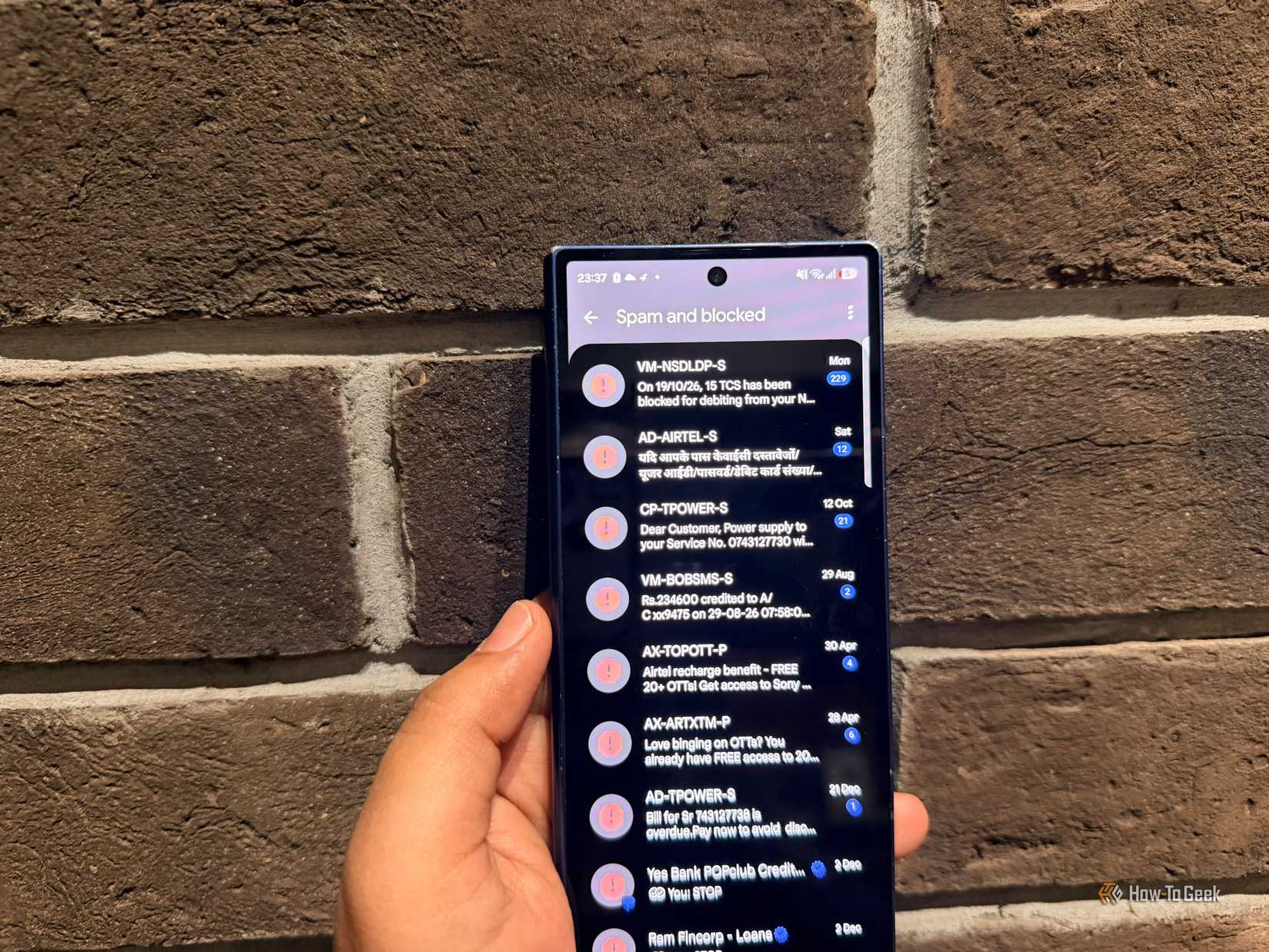
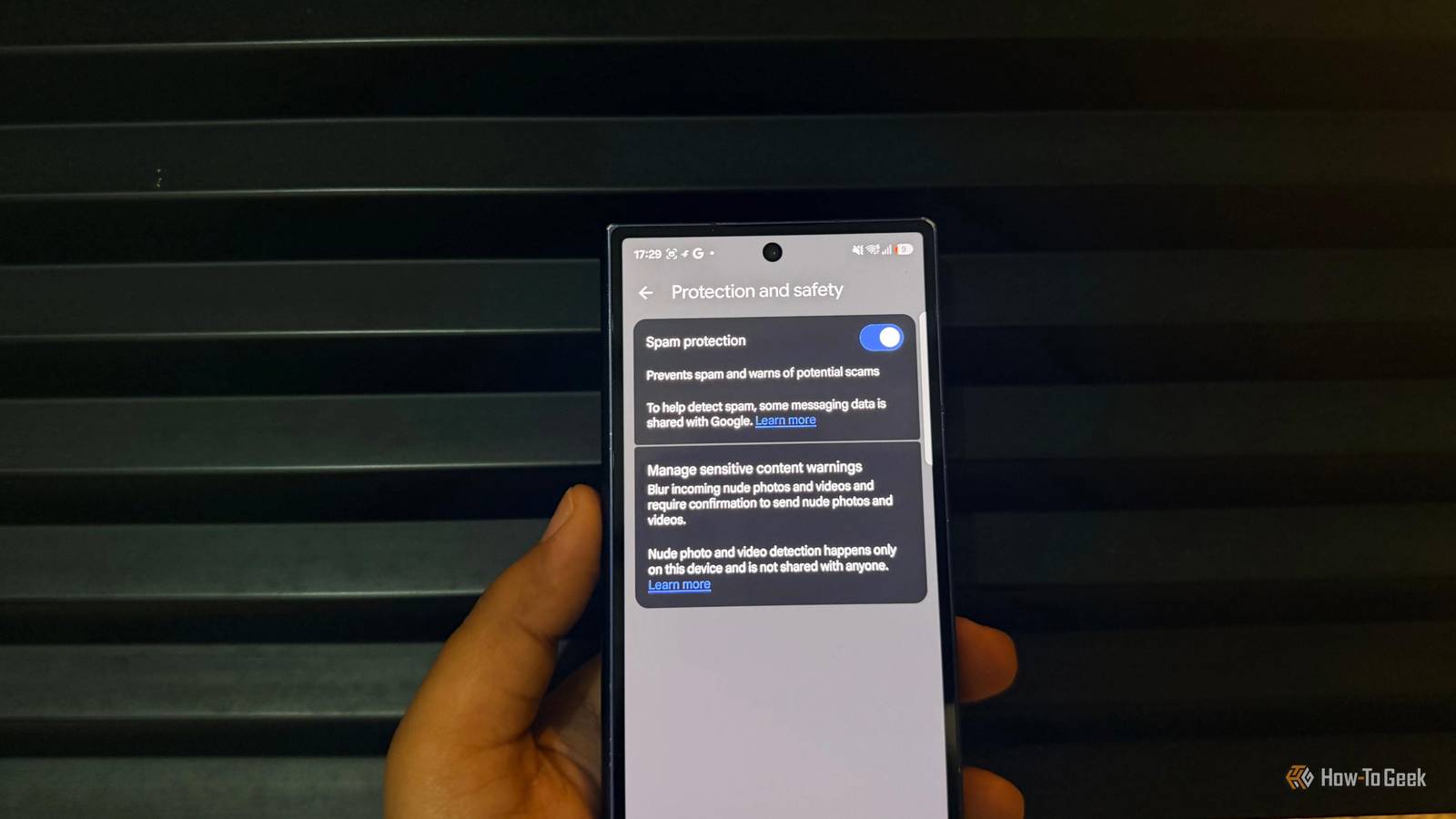
Google Messages already has scam detection, but Google’s new Enhanced protection mode takes it further.
When you turn it on, the app can use Google’s cloud-based Gemini models to analyze conversations with unknown senders and spot signs of more complicated scams. That matters because scammers don’t always ask for money right away. They might chat with you for a while before trying to trick you into sharing personal information or sending money.
Google is also addressing privacy concerns with Private AI Compute, a secure environment that processes this information.
Google says your data stays encrypted during processing and remains inaccessible to anyone, including Google. I like that the feature is optional, too, so Android phone users can decide whether they want this extra layer of scam detection.
Google Messages is watching out for sketchy links
One tap could be all it takes
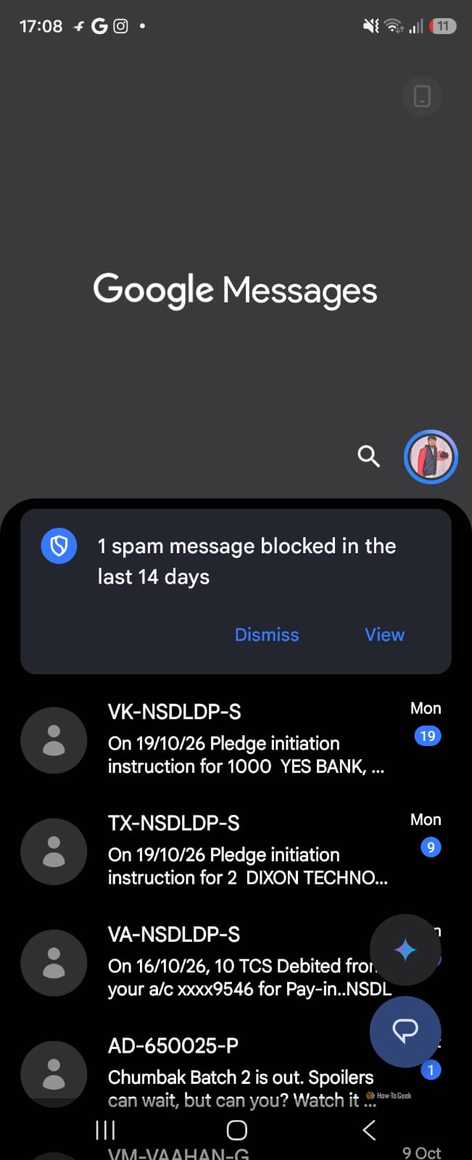
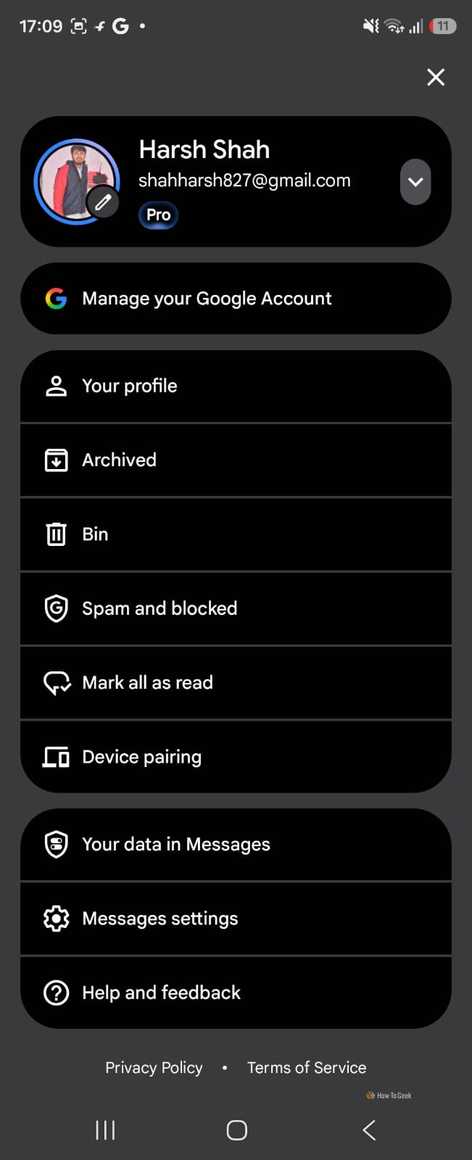
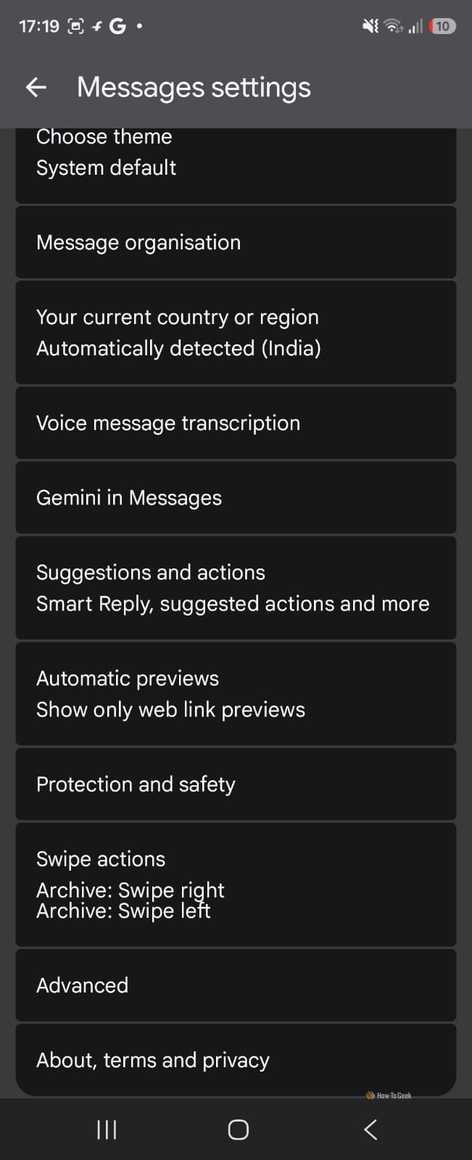
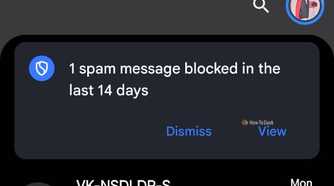
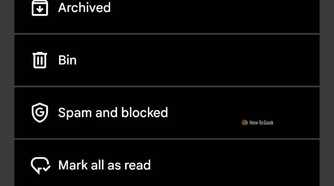
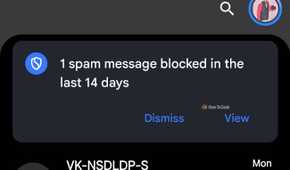
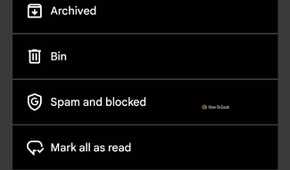

I get delivery messages all the time, so a text saying my parcel is stuck wouldn’t immediately look suspicious. I’d probably want to tap the link and get it sorted. That’s where Google’s new link protection could help.
It checks unfamiliar links for signs of danger and can warn you before you open one. The feature uses Gemini Nano and real-time web signals to assess links on supported Android phones. So, even if a scammer creates a new website to trick people, the system has another way to check whether something looks off.
I’d like Google Messages to explain why a link looks suspicious instead of just telling me to be careful. For example, if I get a text asking me to pay a small redelivery fee, I’d rather open the delivery company’s official app than tap the link and hope for the best.
The same goes for messages about my bank account. I’d check directly through my bank’s app instead of trusting a link in a text. I’d use these warnings as a reason to stop and check, not something to dismiss because I’m in a hurry.
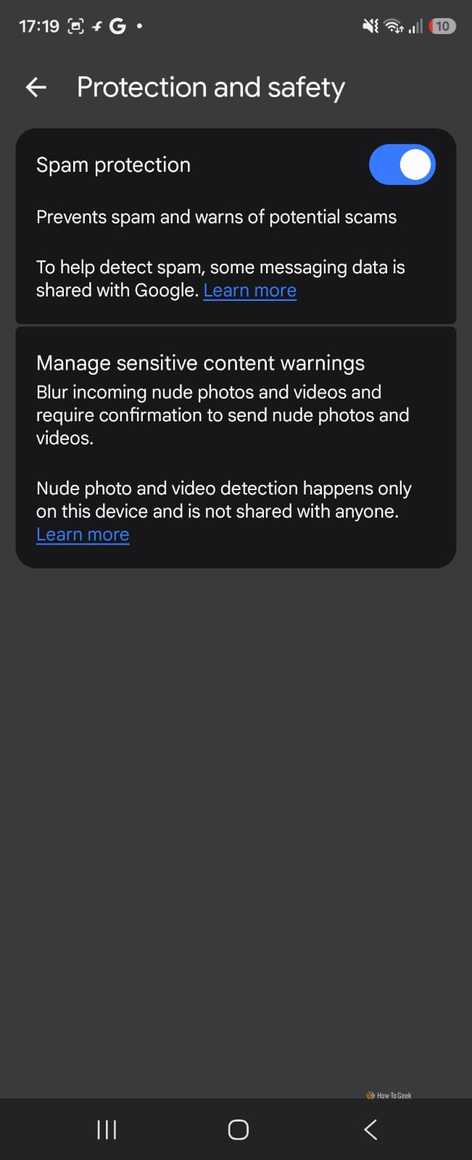
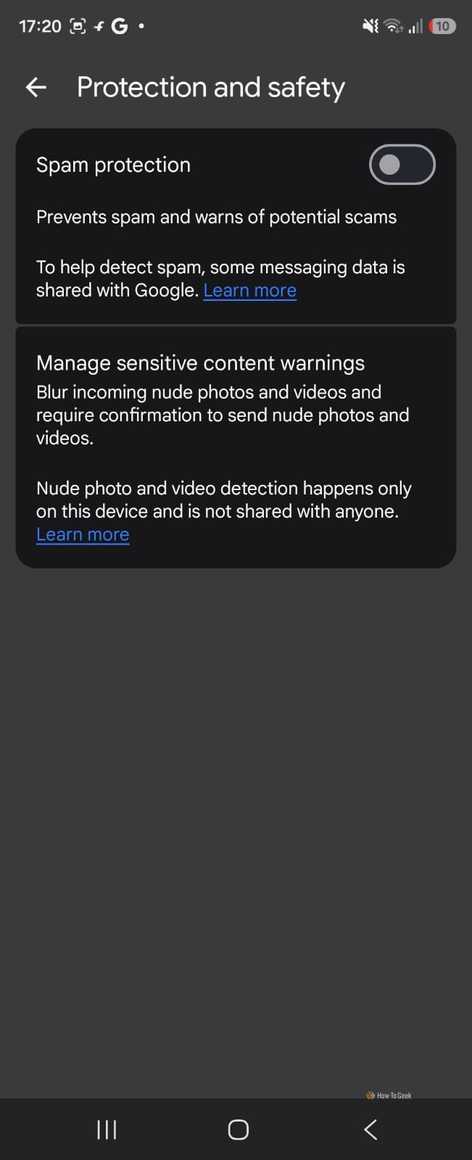
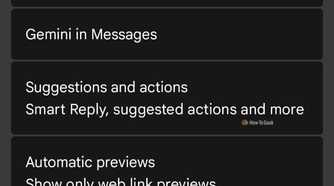
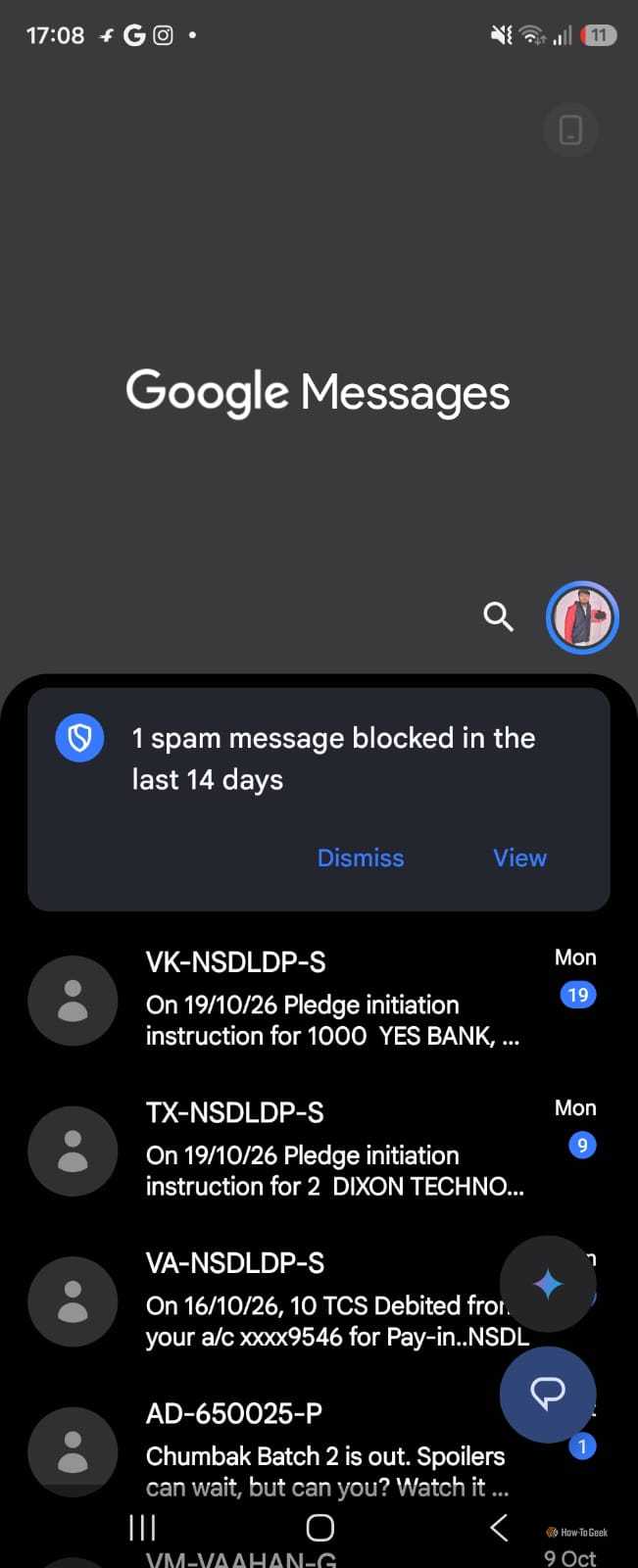
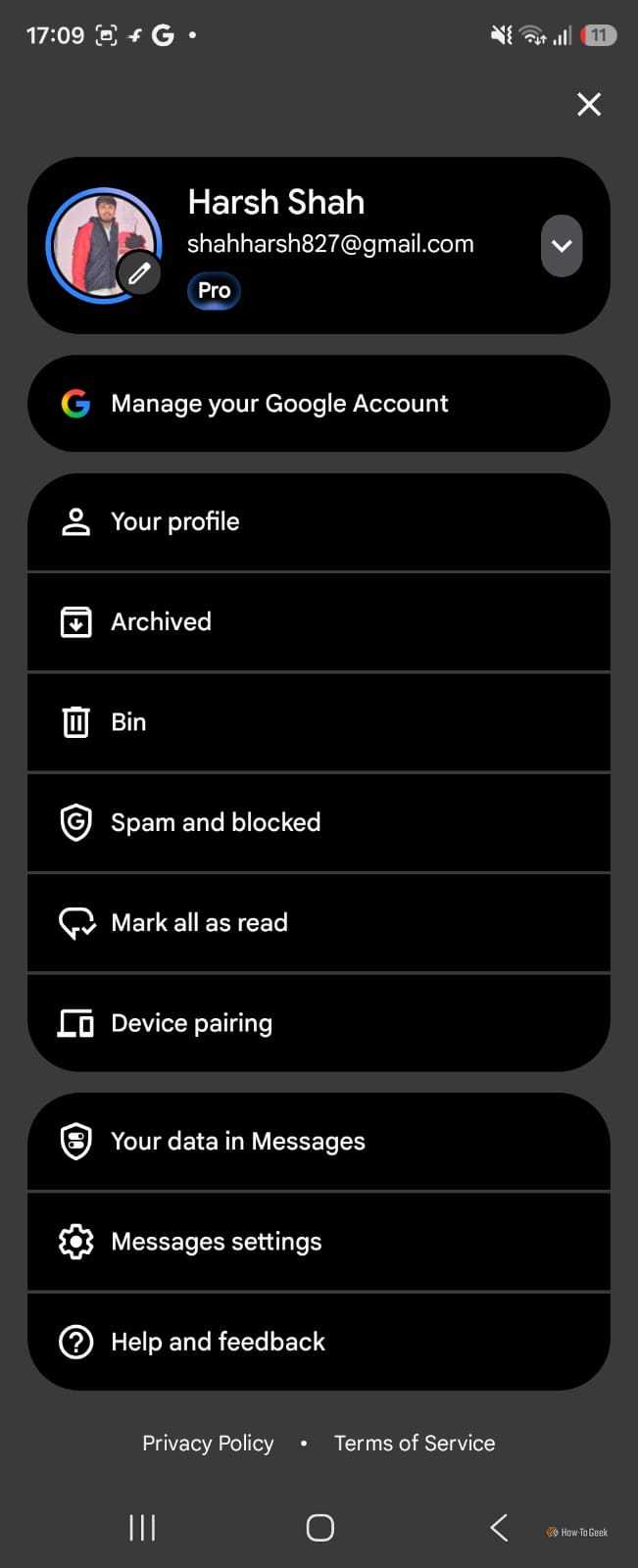
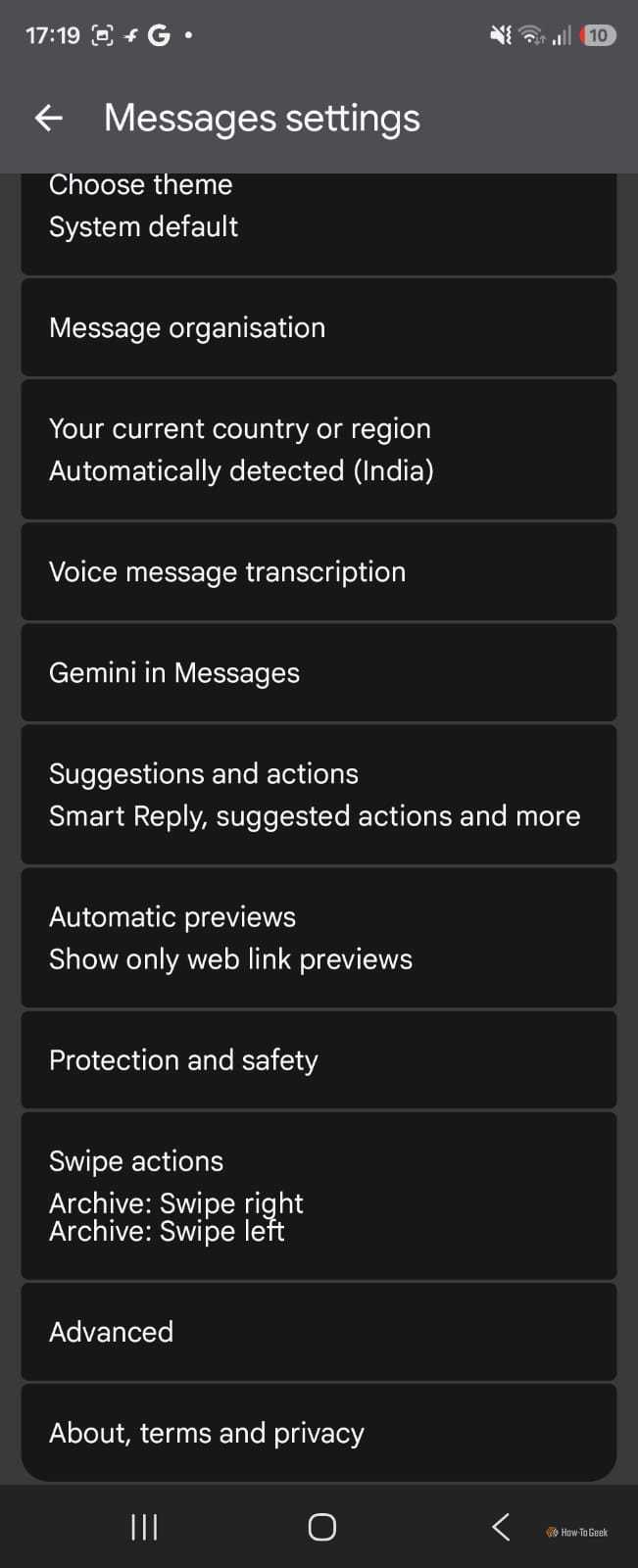
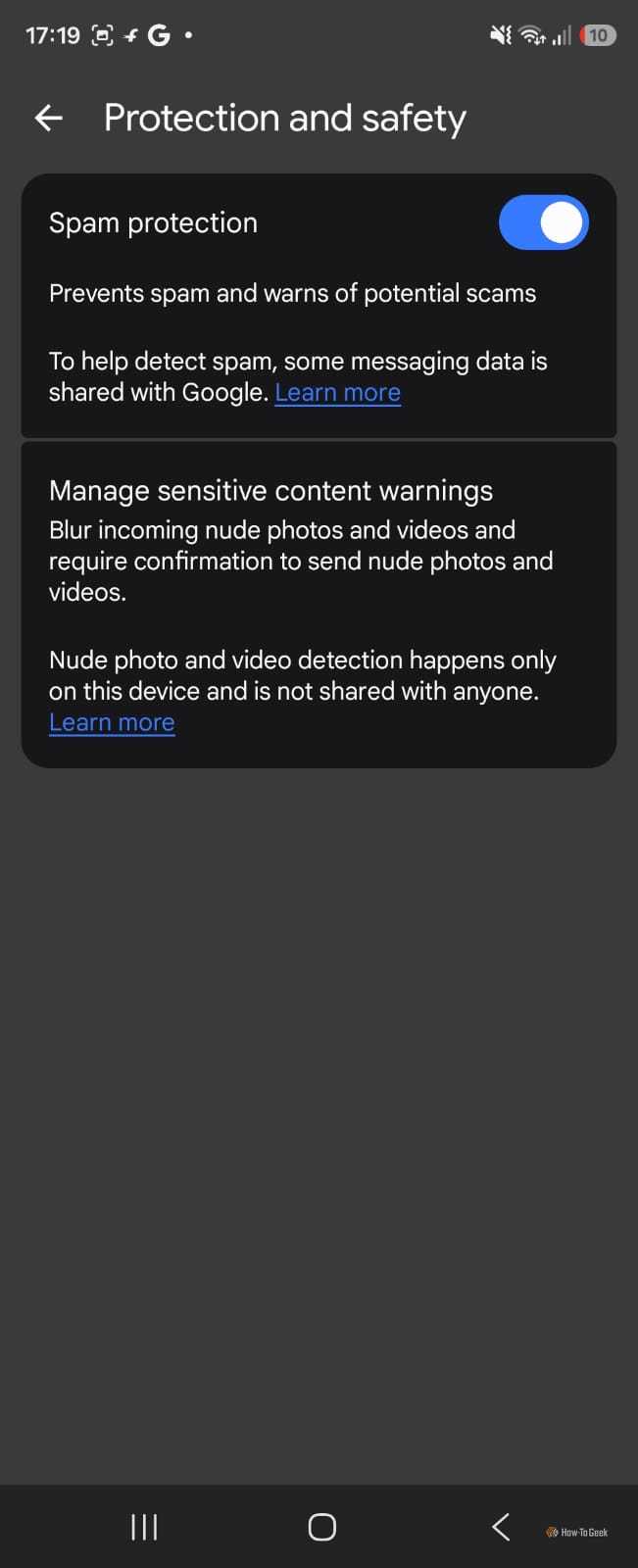
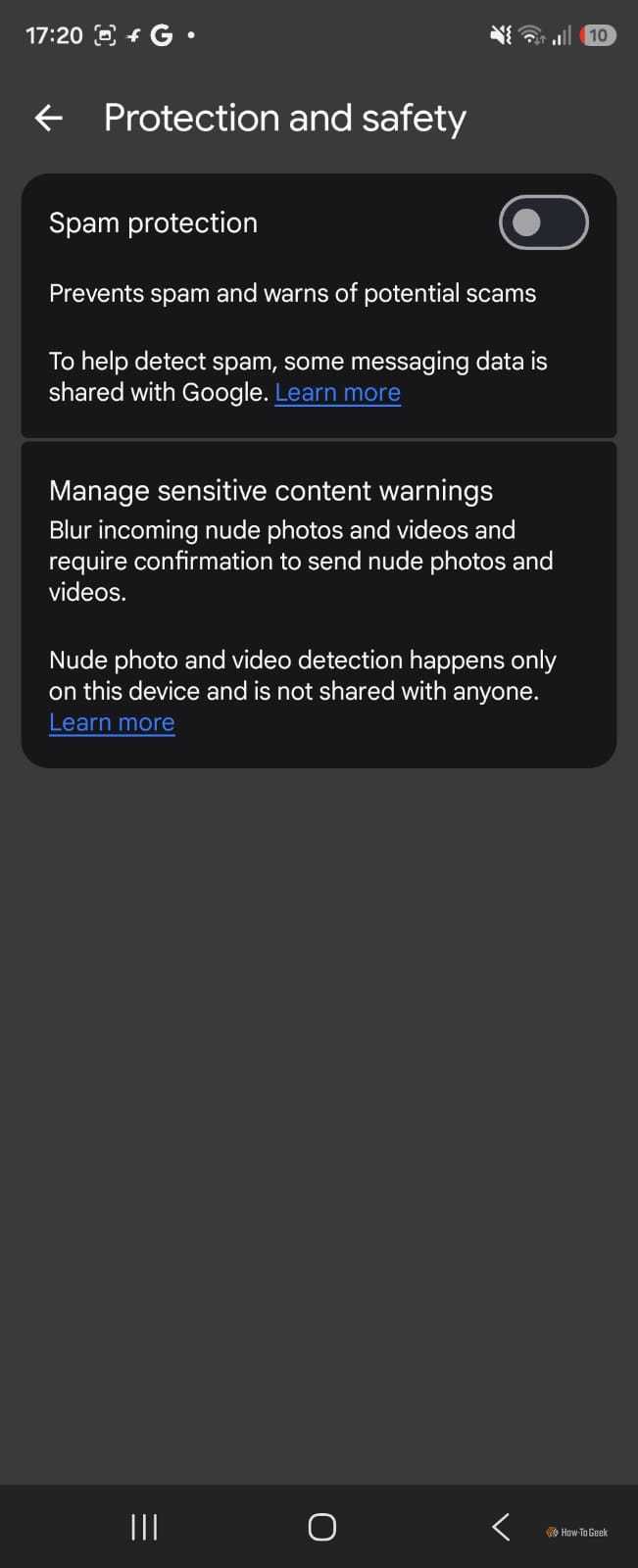
To try the new protection, open Google Messages, tap your profile picture, and look under Messages settings for the new protection option. The menu may vary by device and depend on whether the feature has reached your phone. If you haven’t seen it yet, you’ll have to wait for the rollout. I’d rather get a warning before opening a dodgy link than realize something was wrong afterward.
Google Messages still has room to improve
I want Google to make security simpler

Next, I’d like Google to make these protections easier to find and understand. Adding a security feature is one thing, but people need to know what it does and whether it’s switched on. I shouldn’t have to dig through settings or search online just to figure out which protections my Android phone supports.
I’d also like Google to make these tools available on more Android phones. Not everyone buys a new flagship every year, and people on older devices shouldn’t have to wonder whether they can get the same protection. That’s especially important when Google Messages is an app people already use for everyday conversations, delivery updates, and messages from businesses.
For me, that’s what would make this update even better: clear settings, wider availability, and easy-to-understand warnings.
Google has made a useful move, but I’d like to see it make these protections simpler for everyone to use.
I’d rather be safe than sorry
I like that Google is taking scam messages seriously instead of expecting Android users to spot every trick themselves. Enhanced protection mode won’t make me trust every text I receive, but it could give me another reason to pause before acting on a suspicious message.
Now I want to see how well these protections work in everyday use and whether Google makes them easier to access on more Android phones.
For now, this is a step in the right direction, and I’ll take that over to another feature that looks good on paper but doesn’t solve a real problem.