Google Maps has many features that go beyond directions for your daily commute. What I love about the navigation app is that it’s a gift that keeps giving: its underrated features and settings can completely change how you use it, whether you’re a driver, cyclist, or walker.
One such feature that I recently came across is something that you may have never even heard of: Plus Codes. But you might be pleasantly surprised by how and when you can use them. Here’s all you need to know about this not-so-well-known feature.
What are Plus Codes?
A feature you may want to add to your navigation arsenal
 Credit: YouTube
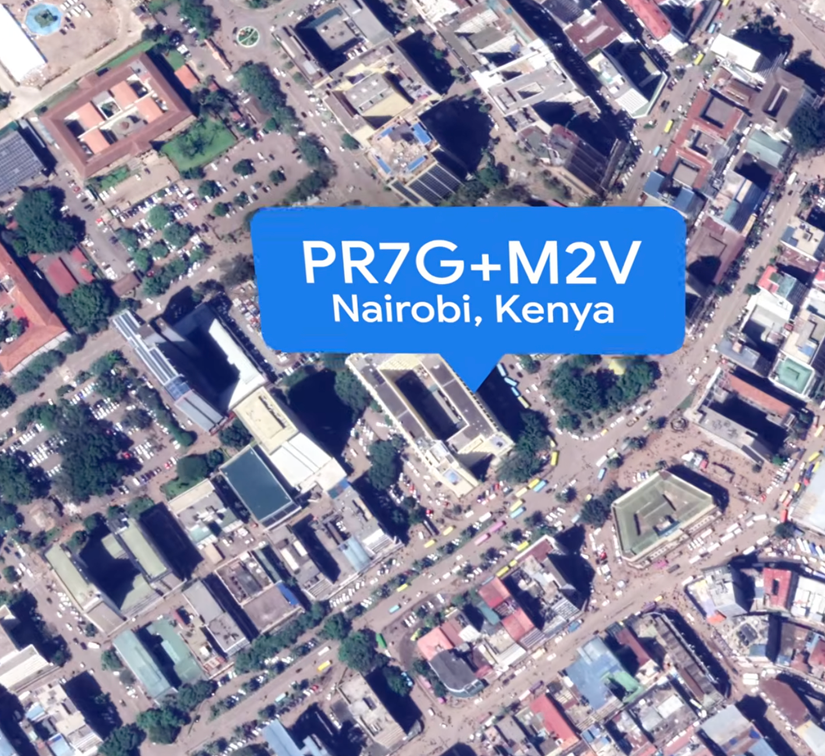
A Plus Code is a short digital address made up of letters, numbers, and a “+” sign (an example of what one looks like: JJXX+HR8, Seattle). Google Maps creates it from a location’s latitude and longitude, so you can identify a specific spot even if it doesn’t have a street address.
Google developed Plus Codes to give locations a simple digital address, including places without a conventional street address. They help people share a location for deliveries or emergency services.
Think of it as a simpler way to share map coordinates. You can use a Plus Code for places with no clear address, or to point someone to a particular entrance or pickup spot in a confusing location.
You can use Plus Codes across devices that host Google Maps, including the desktop version.
Plus Codes are officially known as Open Location Codes, an open-source standard created by Google. This algorithm is public and can be used, generated, or decoded by other software, apps, and mapping tools.
Find and share a Plus Code with Google Maps
A quick guide to finding and using these codes
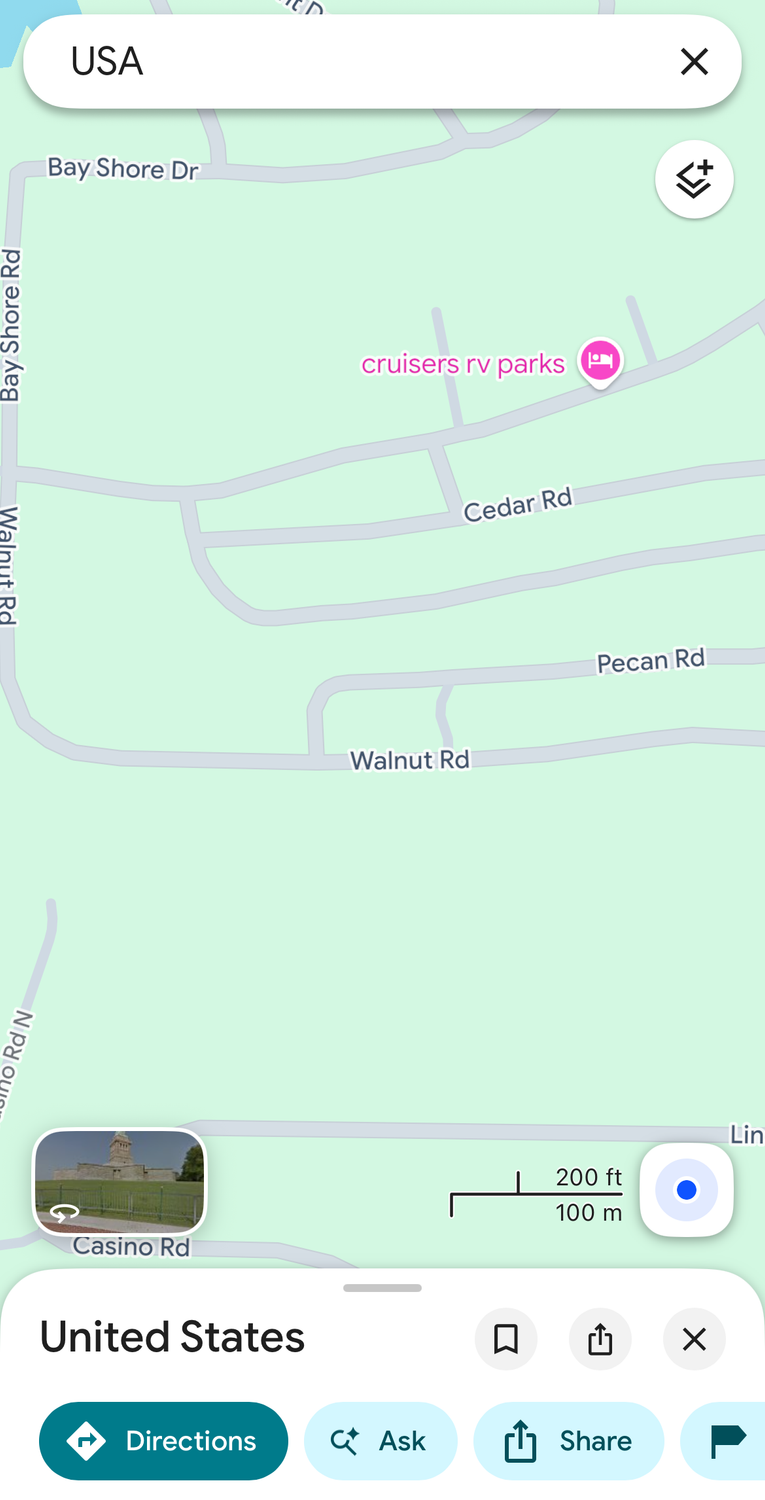
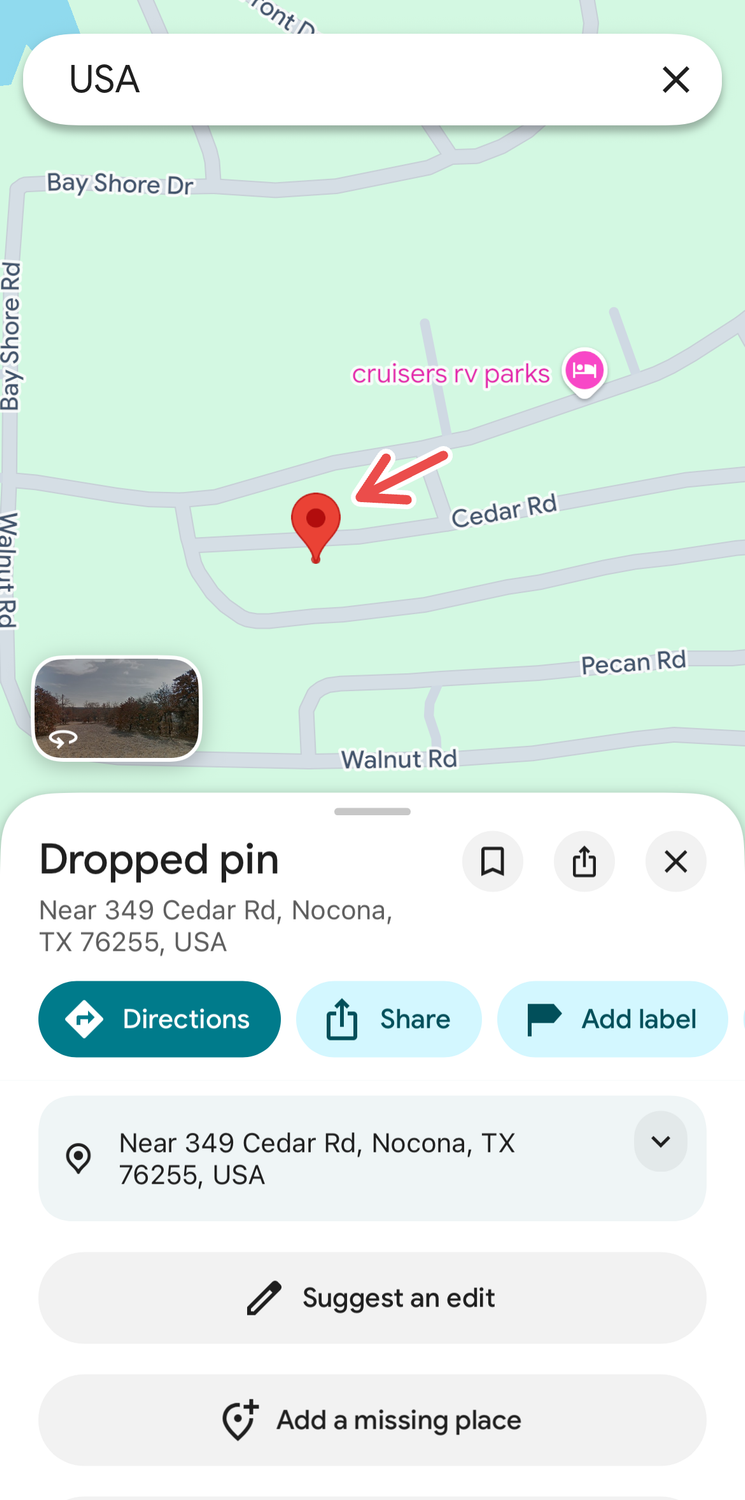
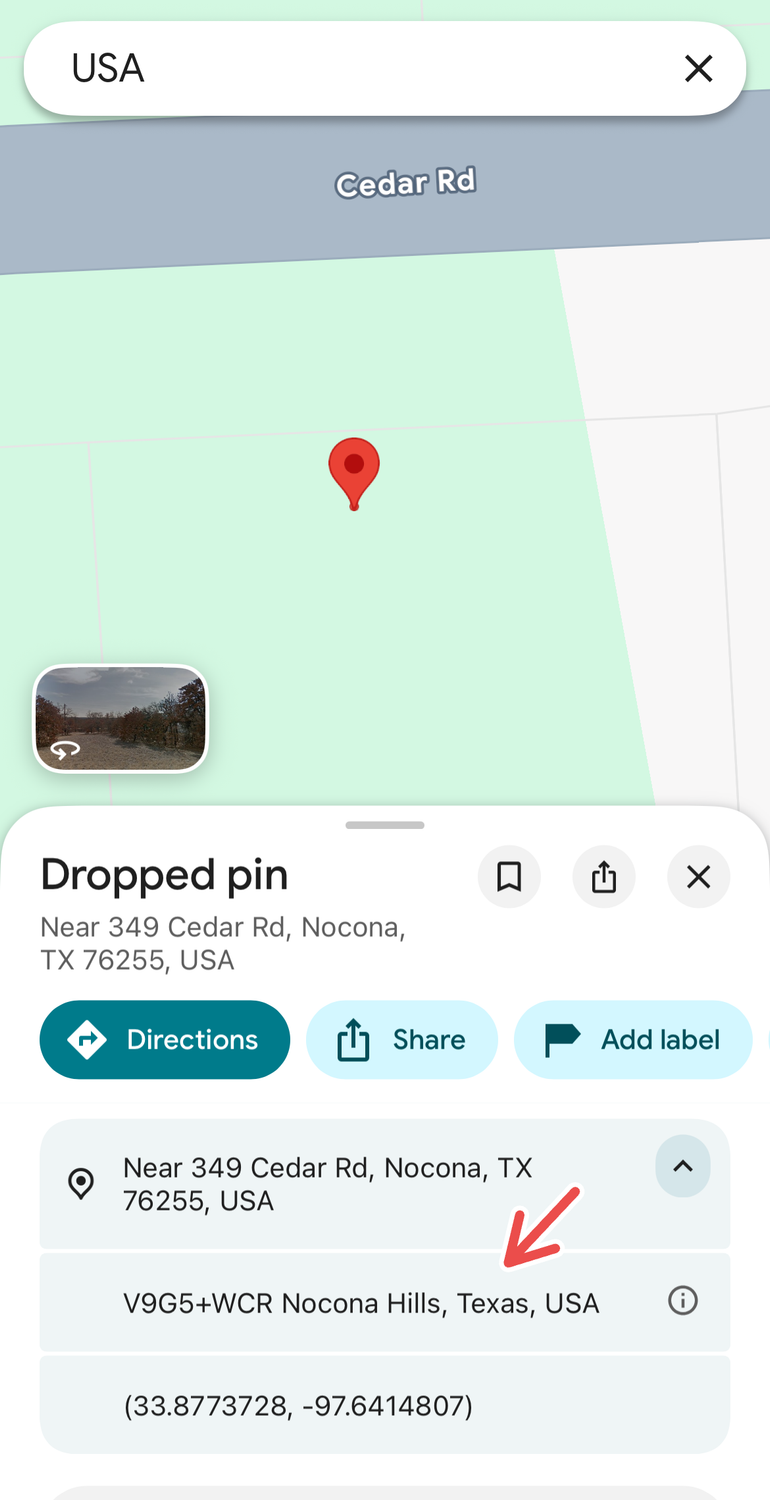
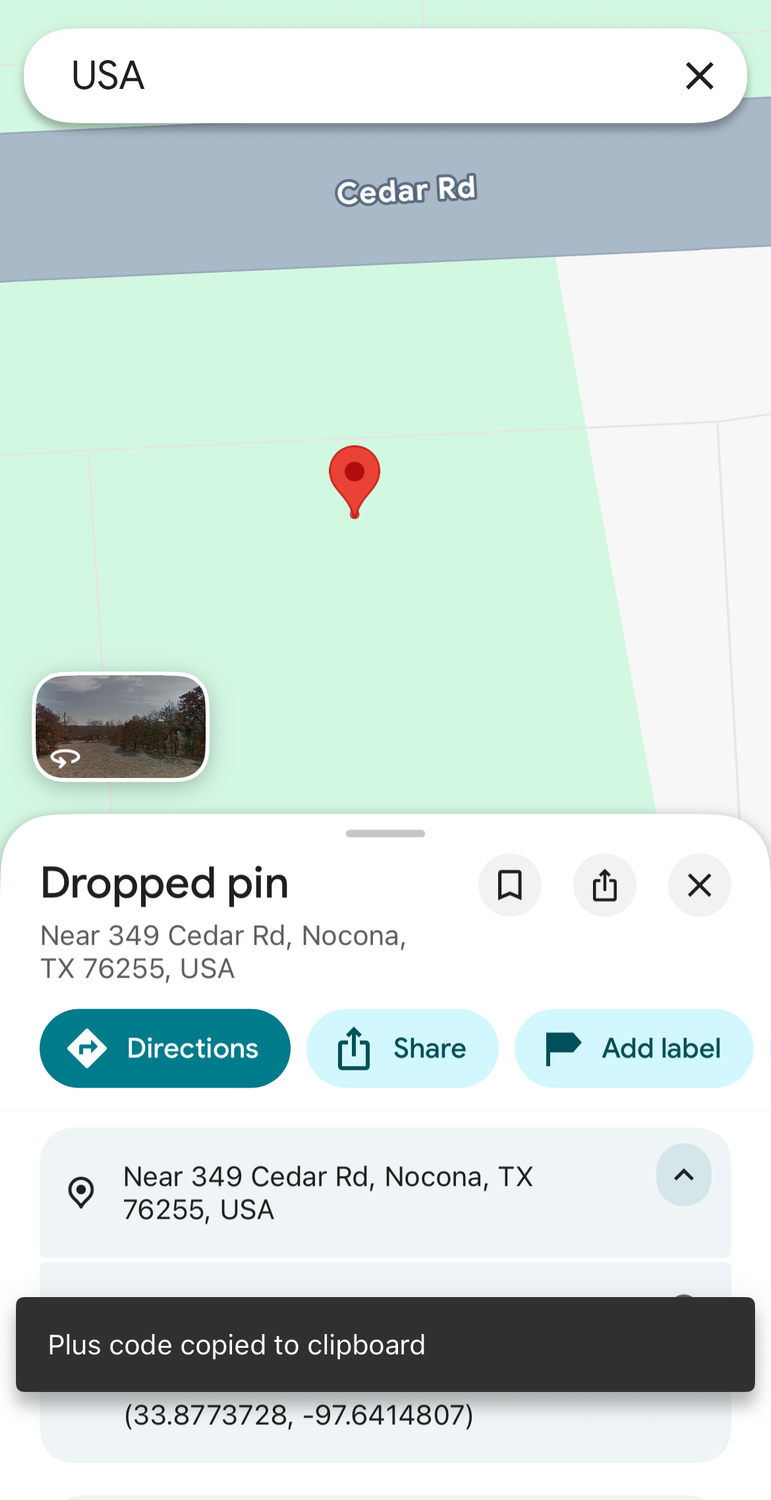
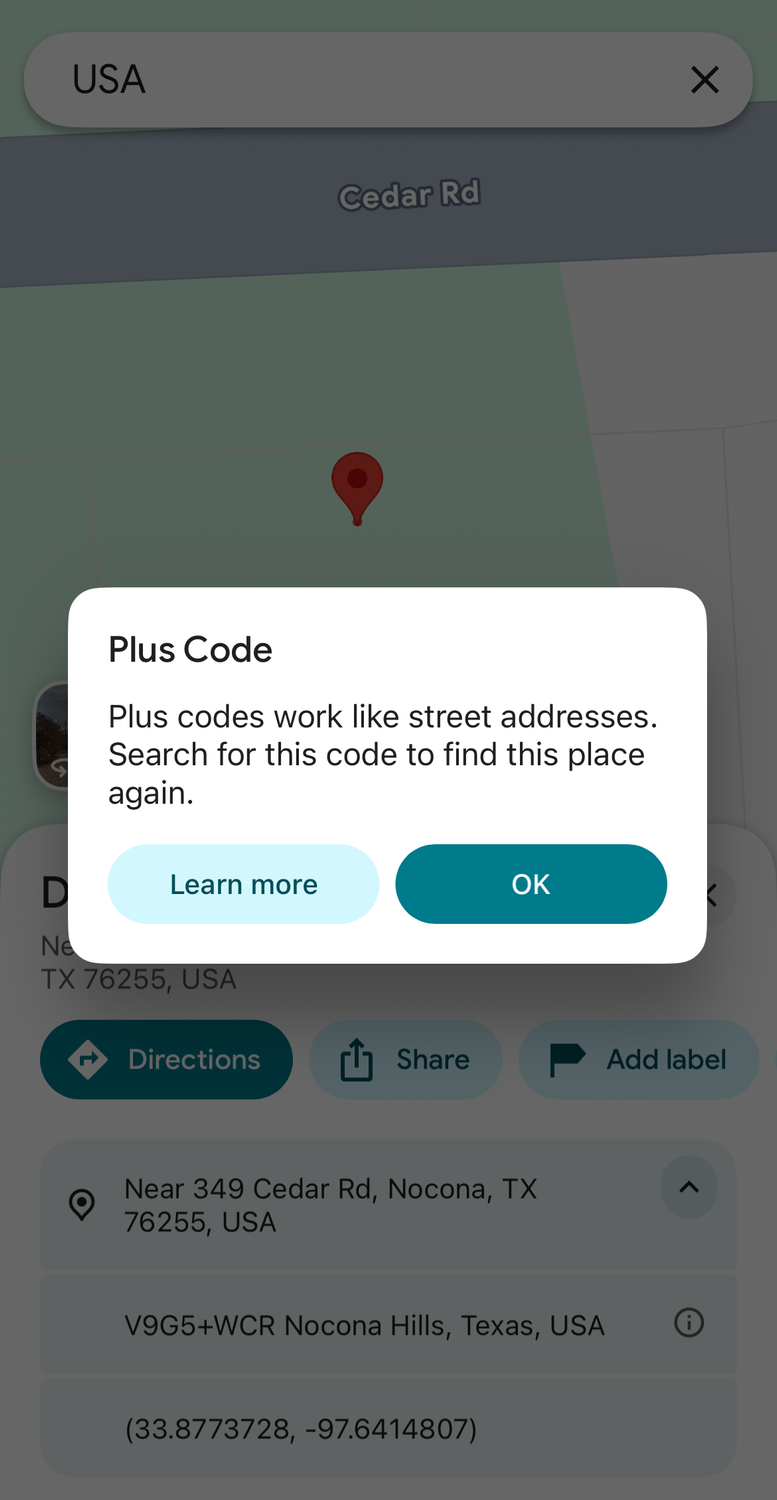
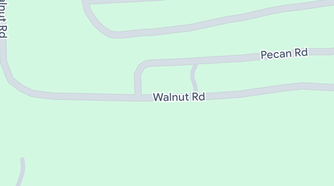
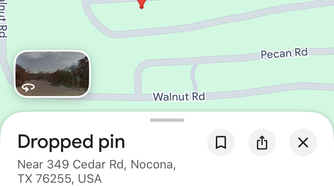
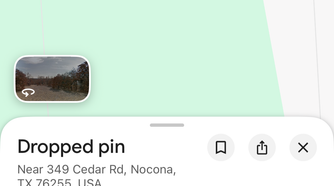
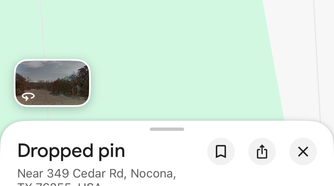
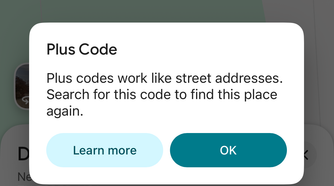
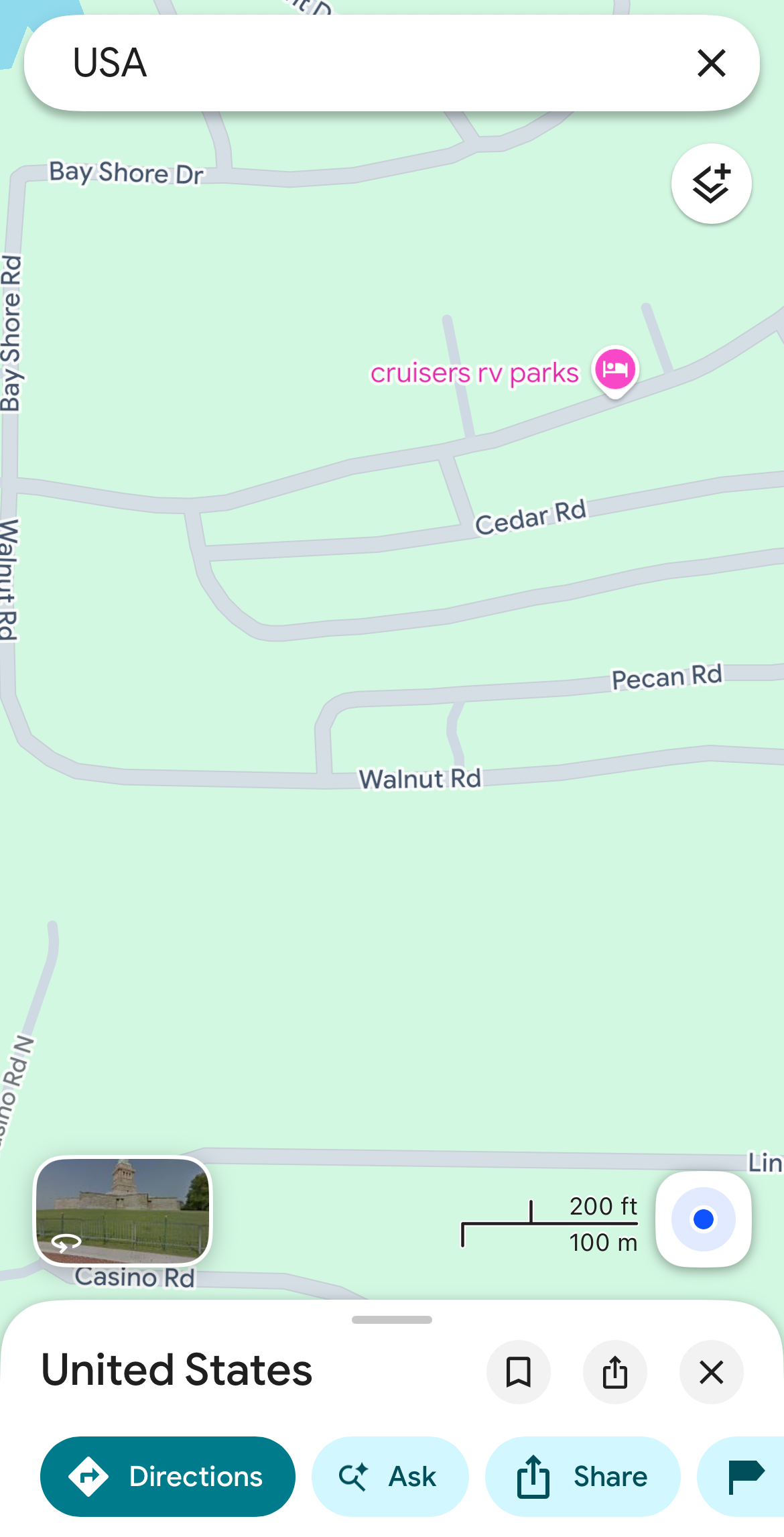
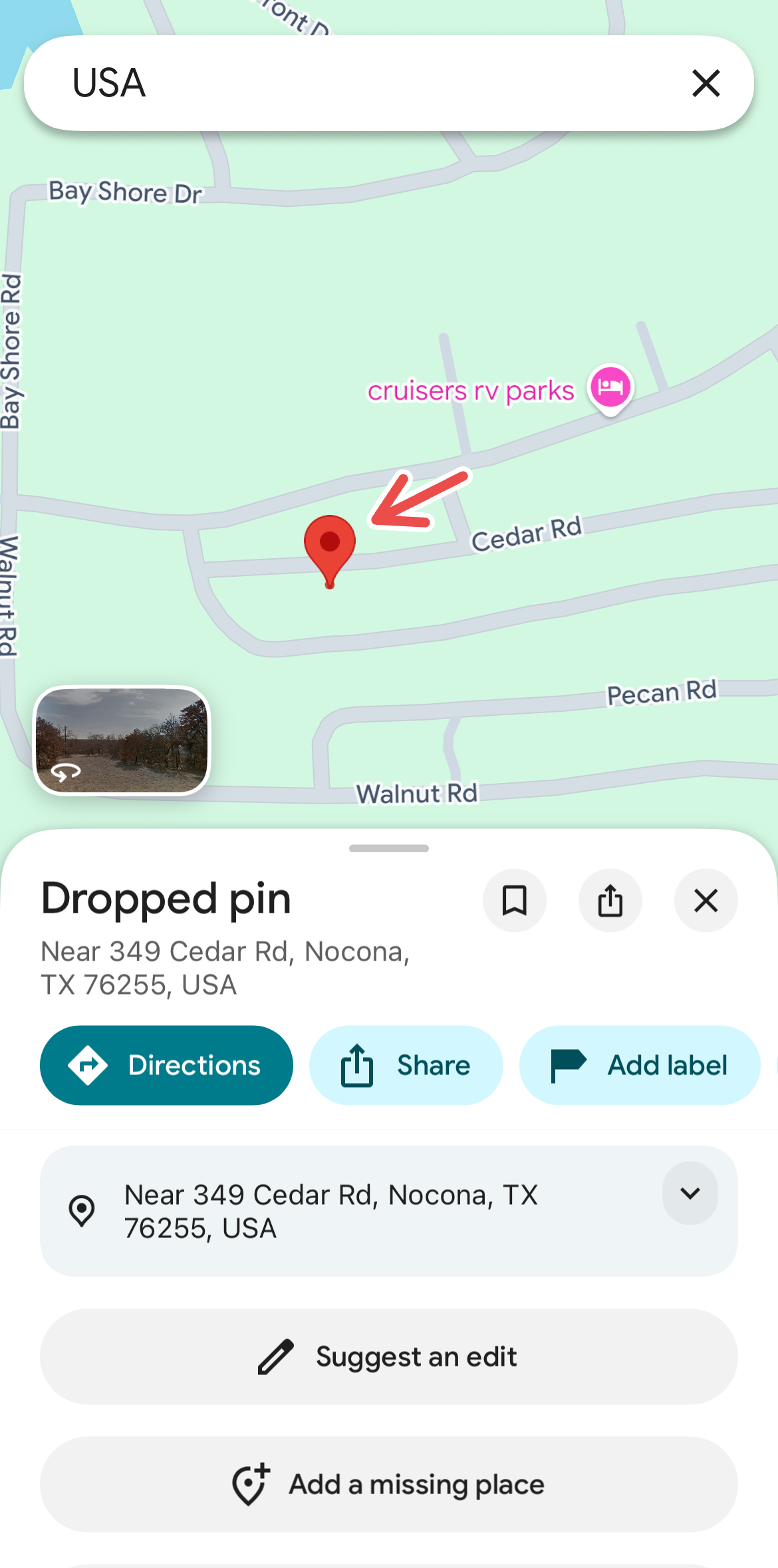
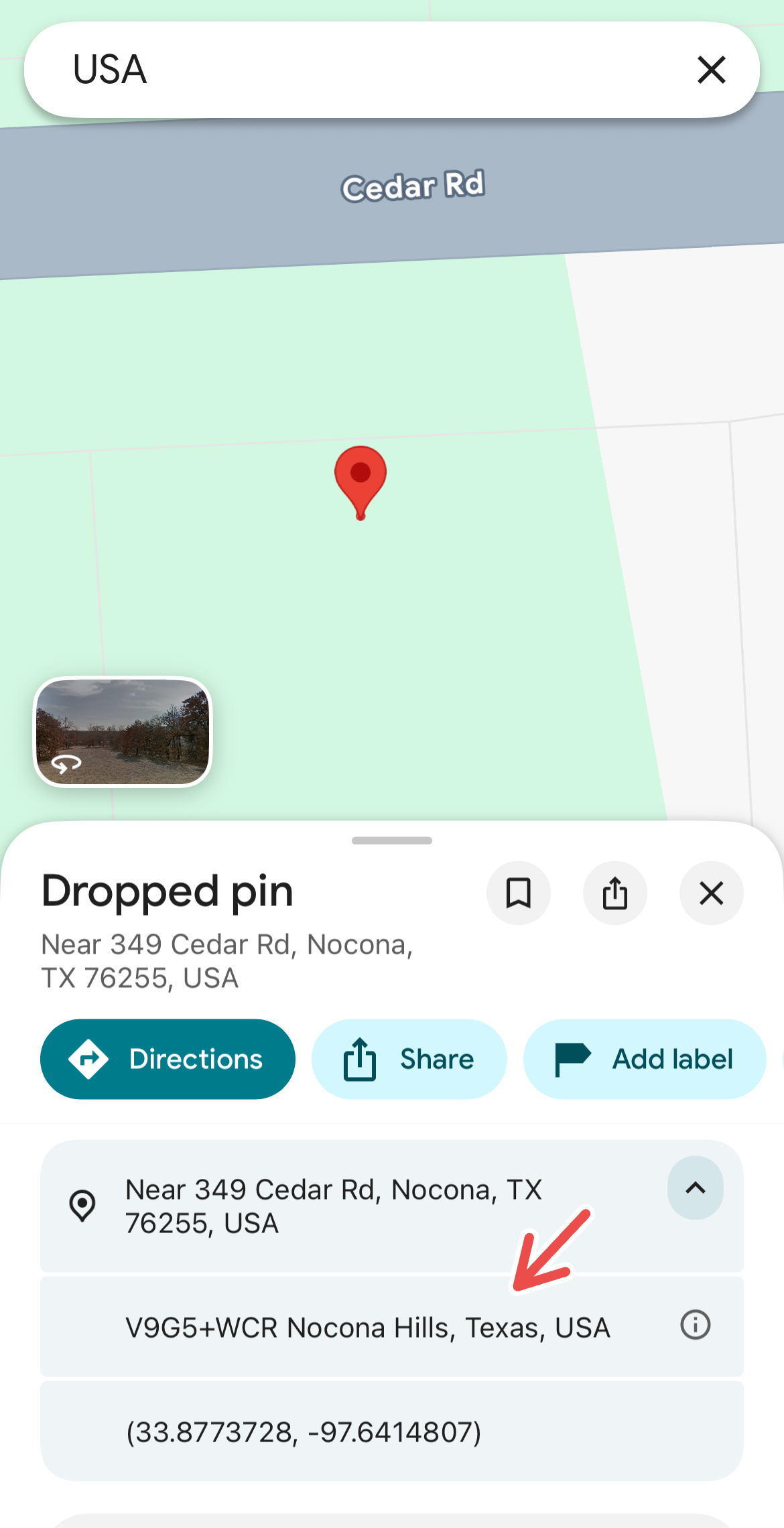
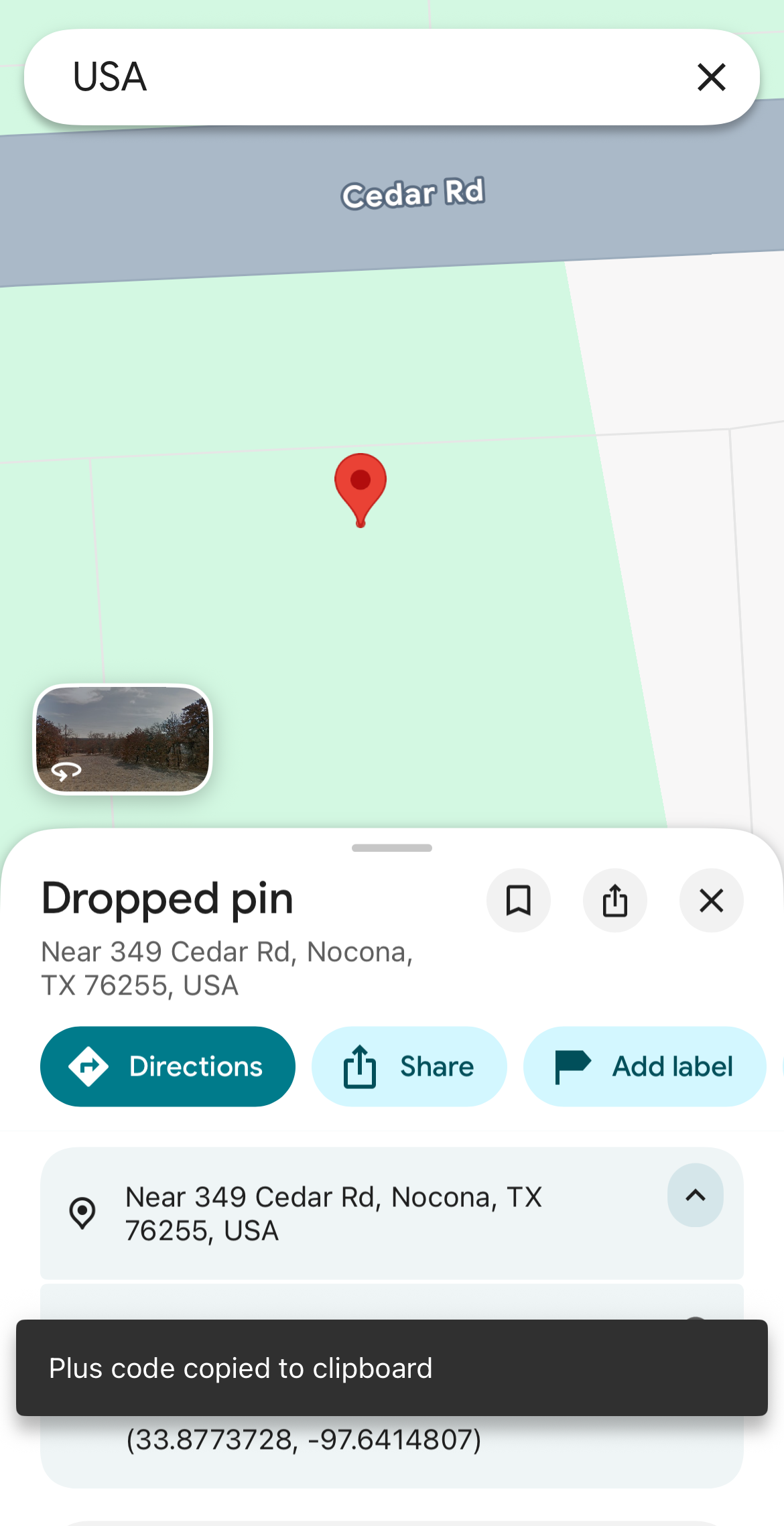
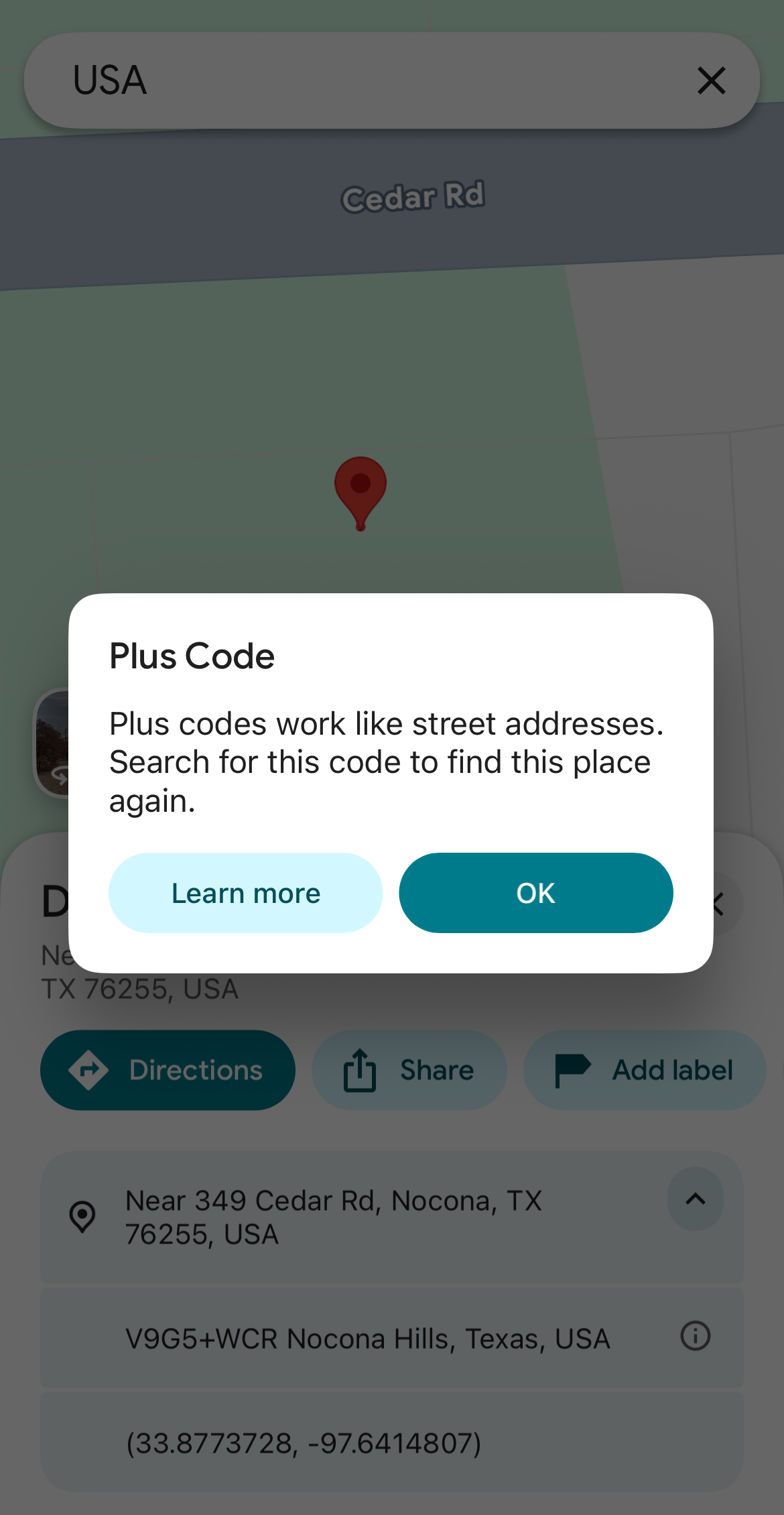
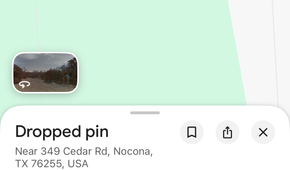
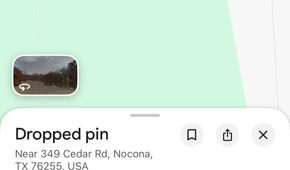
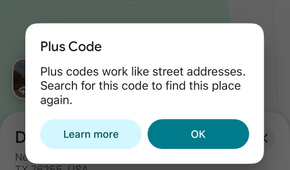
On your Google Maps mobile app, find the specific location you want to share. Press and hold that spot on the map to quickly drop a pin, then tap the location details that appear at the bottom of the screen. Find the Plus Code (you will see a small plus icon next to a mix of numbers and letters), then tap “Copy Code” (Alternatively, you can just tap the code to copy it to your clipboard). You can then share it however you want with friends and family.
To get the Plus Code for your current location, tap the blue dot showing your location and find the Plus Code in the information panel.
On the desktop app, click the location on the map. In the information box at the bottom, click the coordinates to open the location details, then select the Plus Code in the panel to copy it.
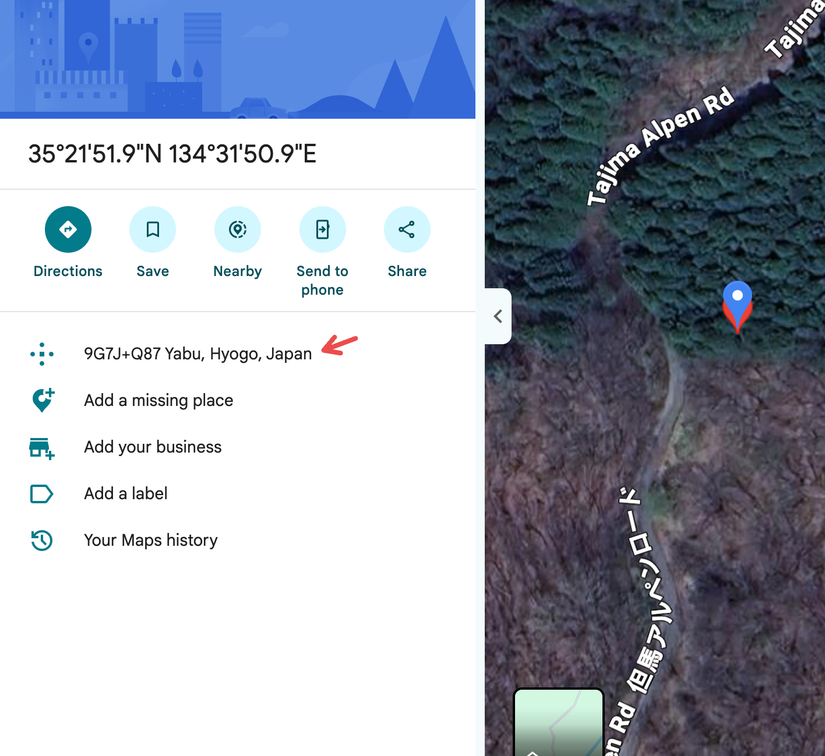
Once you have a Plus Code, you can use it to search for and find the place you dropped a pin on again, not just share it. If you receive a Plus Code from a contact, you can enter it directly in the Google Maps search bar to find the location.
When you can use Plus Codes
These can save you in unexpected situations
 Credit: AngieYeoh/Shutterstock.com
Plus Codes can come in handy in certain situations that you may not find yourself in every day.
They can help when you’re meeting someone somewhere hard to describe, like a park entrance or a roadside stop. For large buildings with multiple entrances, a Plus Code can help identify the right spot. Some malls and airports also offer Google Maps Indoor Maps to help you find your way around once you’re inside.
Plus Codes also make it easier to share a delivery or pickup point when the nearby address isn’t precise or easy to find. They’re especially useful for places without street names, or when you’re traveling and need to share your location in an unfamiliar area or in another language. You could use one to mark a specific entrance to a large building or a spot in a remote area. It’s also handy if you are stuck in a densely populated or crowded area and need to share your location.
This feature has diverse use cases, but think of it as a way to narrow down locations that are hard to find for whatever reason. They are useful if you need to share a fixed location with someone. If you’re on the move or need someone to follow your journey, use Google Maps’ live location sharing instead.
How to get the best out of Plus Codes
Tips for using and sharing these codes efficiently
 Credit: Google Maps Platform
Like any Google Maps feature you try for the first time, Plus Codes can be a little tricky to use (especially if you’re on the receiving end), so share a clear code that makes navigation easier for everyone. To share directions with contacts or someone you’re meeting, share the Plus Code along with a nearby landmark or a short note about where to go once you arrive.
A code can point to a spot on the map and help them navigate there, but it won’t tell them the specifics, so sharing it with a nearby landmark or a short note can make reaching new or remote places easier.
Check whether you’ve copied the full code or a short one. A short code may match locations in different cities, so add the town or city name when you share it. The receiver can paste the code into Google Maps to find the spot.
Before sending your code, make sure the pin is in the exact place you want it (I messed this up the first time I tried it). If you’re trying to use the code offline, keep in mindyou’ll need the place downloaded on Google Maps to see map details and navigate there.
Discover more with Google Maps
Beyond this feature, Google Maps has a host of useful features you may find yourself using in unexpected situations. I love to tinker around in the app to find such hidden gems, which is how I have found my way around new cities and even explored my own city better.