Your phone apps define the tone of your entire experience. If every useful feature is hidden behind a subscription, using your phone can start to feel like a never-ending checkout page. I’ve definitely had moments where I wanted an app to do one simple thing, only to find a monthly plan waiting for me.
That’s why I appreciate the rare free apps that don’t feel like stripped-down trials. Some are packed with features, some replace apps I’d normally pay for, and a few are so useful I genuinely wonder why they’re free in the first place.
I’ve tried plenty of free Android apps, but these five stood out for a different reason. They’re the ones that made me think, “Honestly, I’d pay for this.” And yes, my wallet is still waiting for someone to charge it.
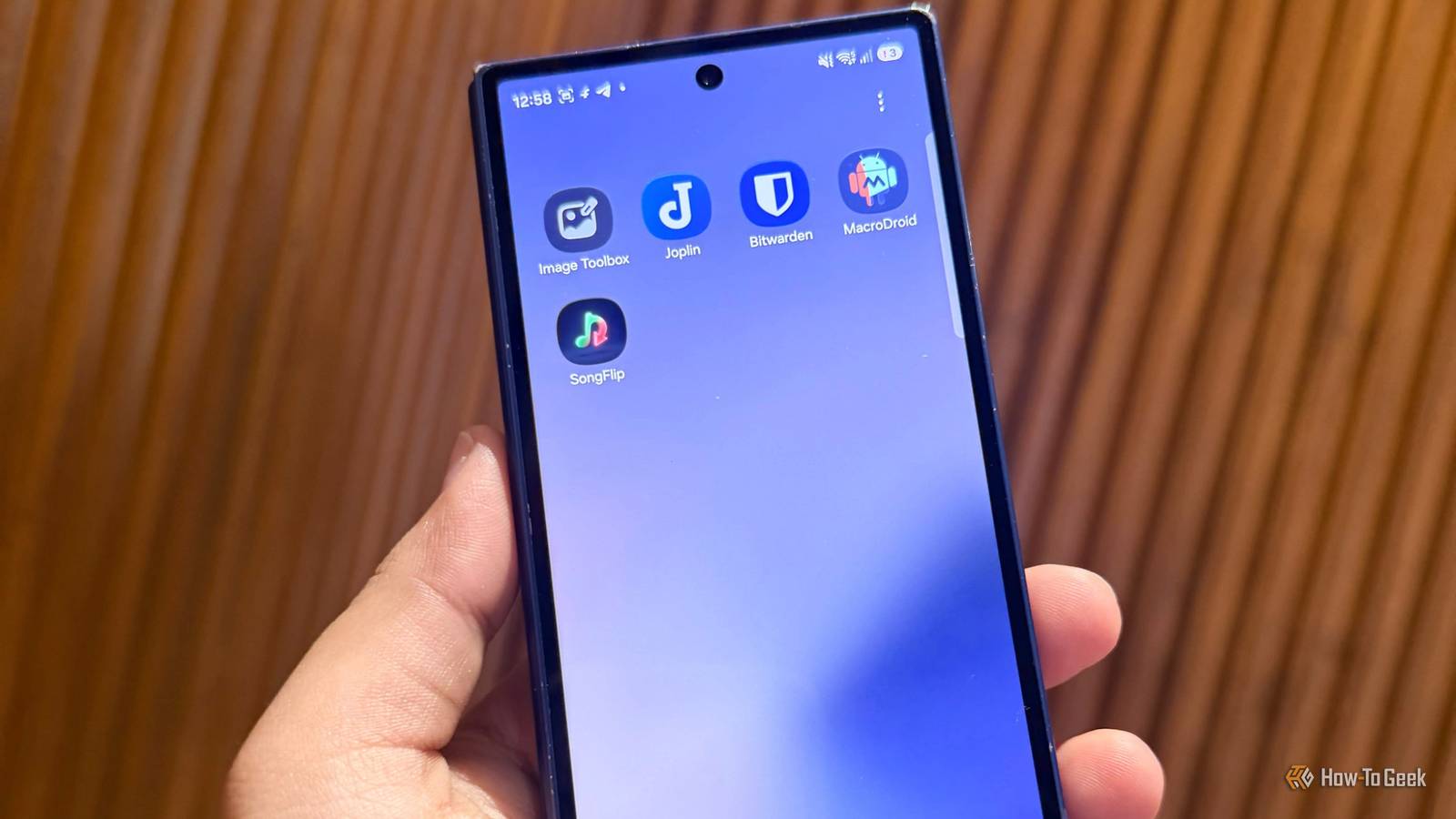
Image toolbox
I opened it and kept exploring
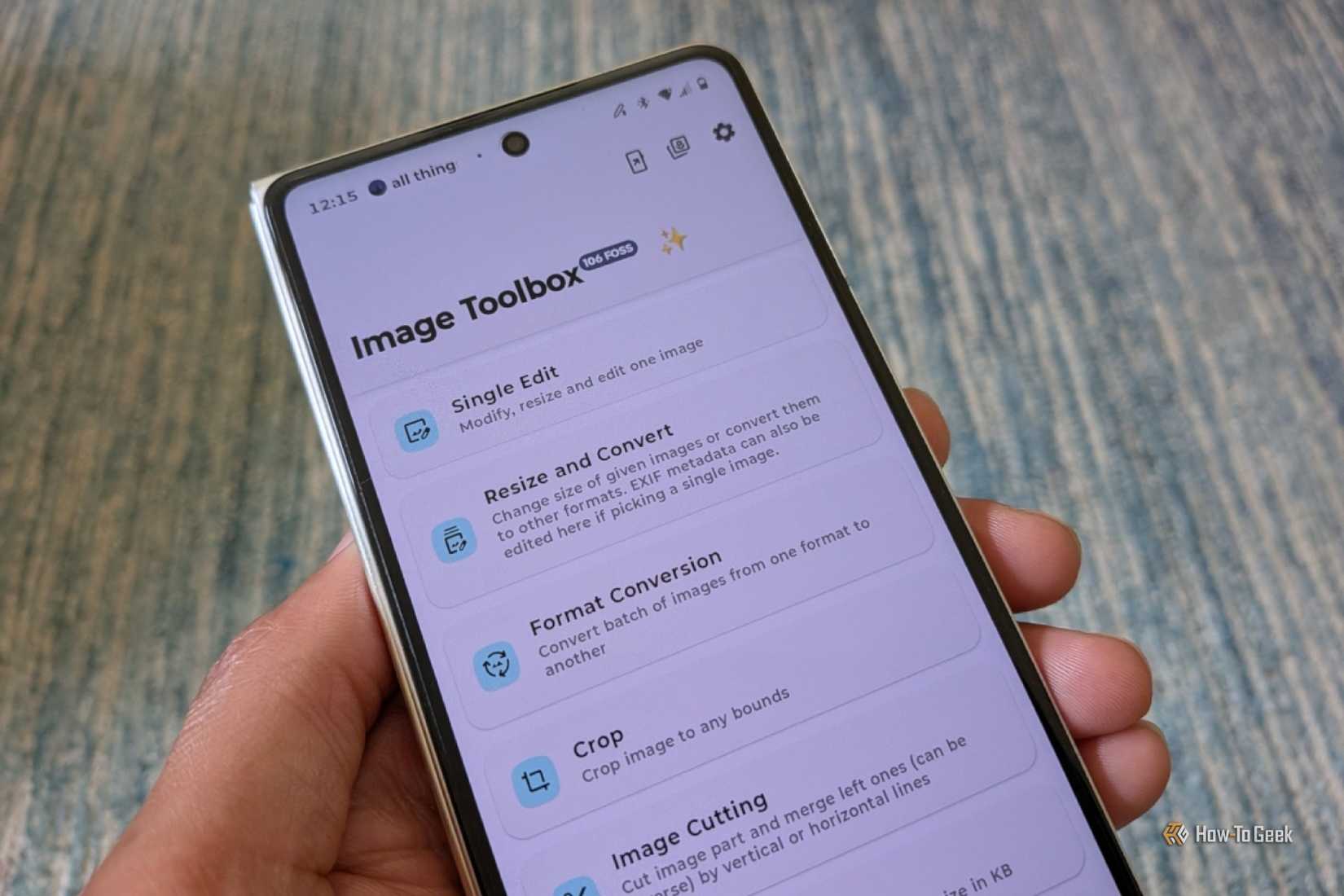
Google Photos is great for storing, finding, and making basic edits to my pictures, but it doesn’t cover every random image job I run into. Sometimes I just need to resize a photo, shrink its file size, change its format, or clean up a screenshot without opening a full editing app.
That’s where I love Image Toolbox. It can resize, compress, convert, crop, process batches of images, extract text with OCR, remove backgrounds, edit metadata, and even turn images into PDFs. Too much for a free app?
There are also plenty of more advanced tools that I probably won’t touch every day, but I’ve used some of them when working with my vacation photos.
Between screenshots, recipes, photos, and all my good coffee photos I send to my friend, I regularly run into small image-related jobs. For a free app, Image Toolbox feels surprisingly complete.
MacroDroid
I started automating the boring stuff
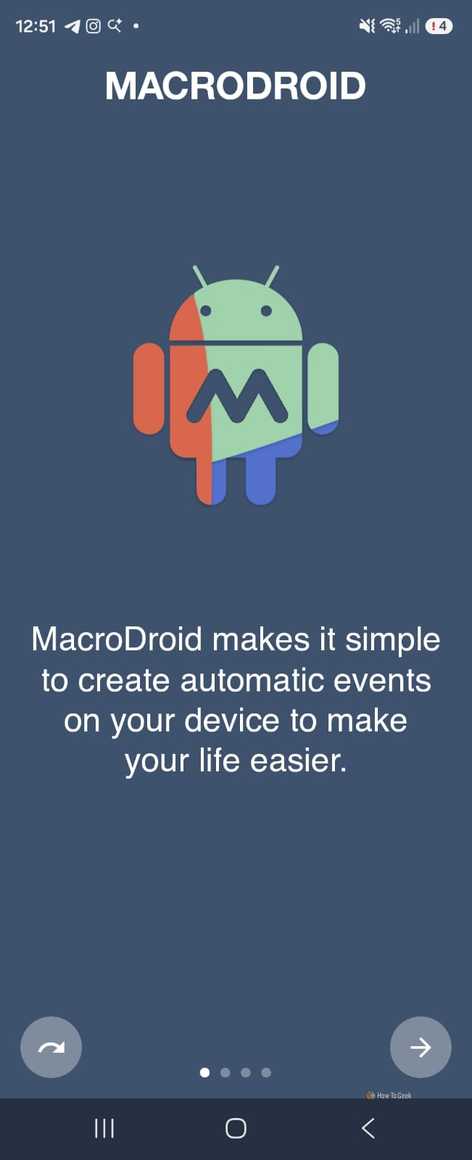
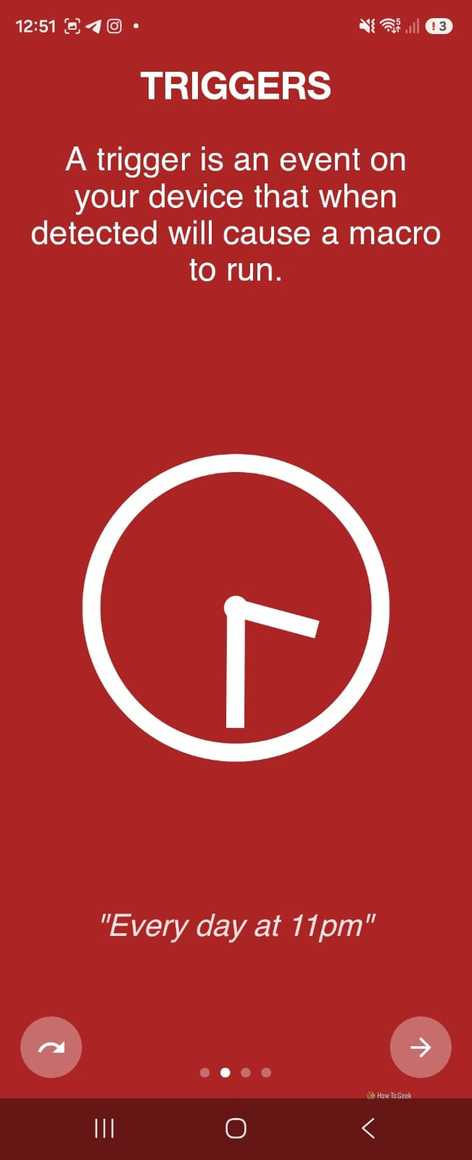
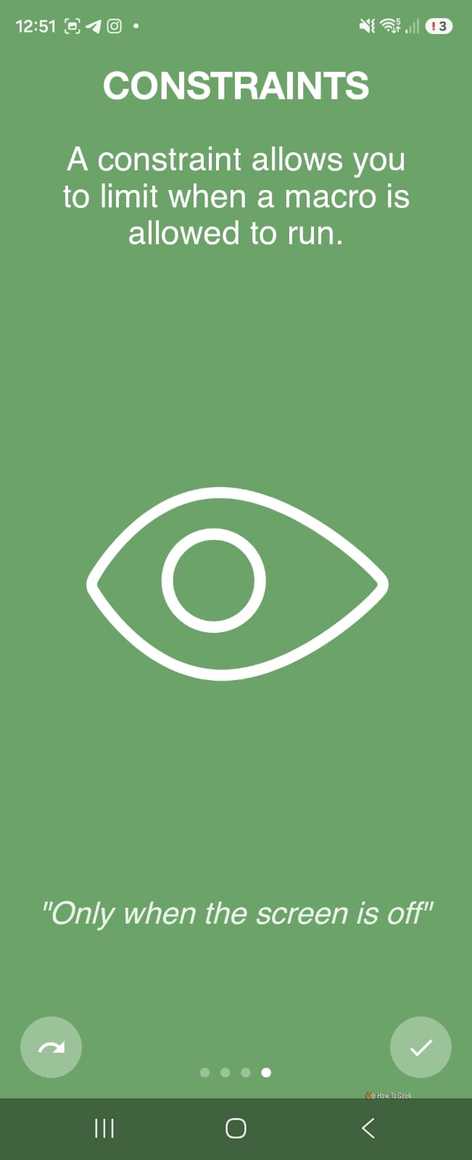
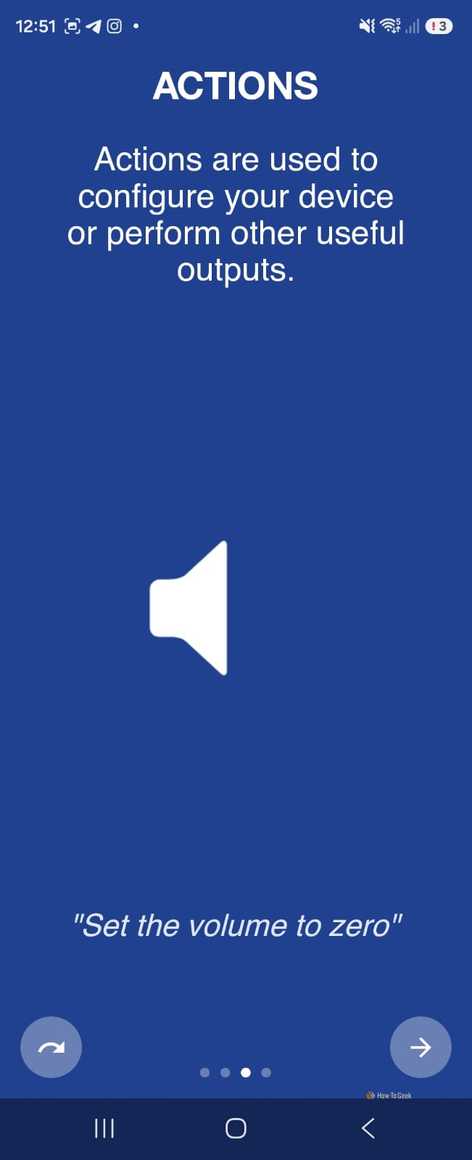
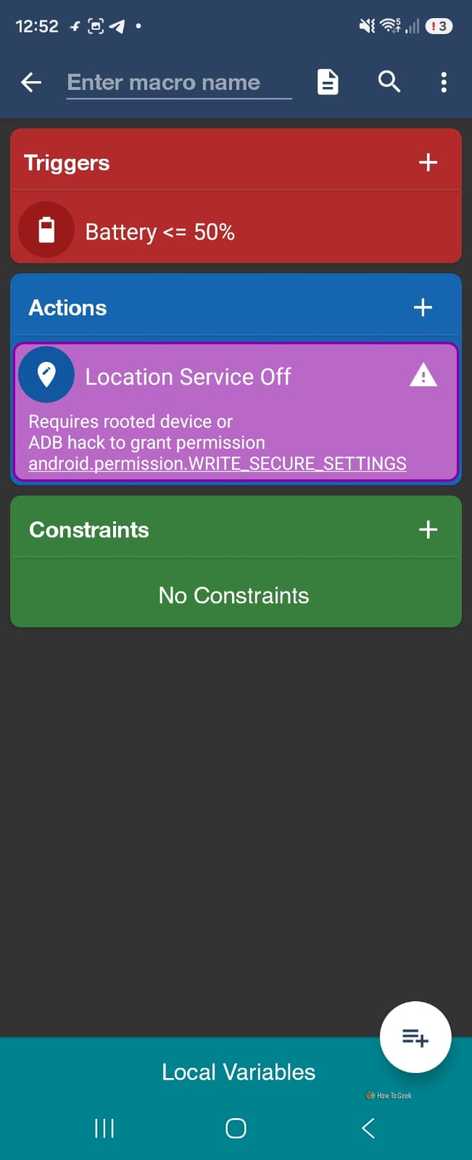
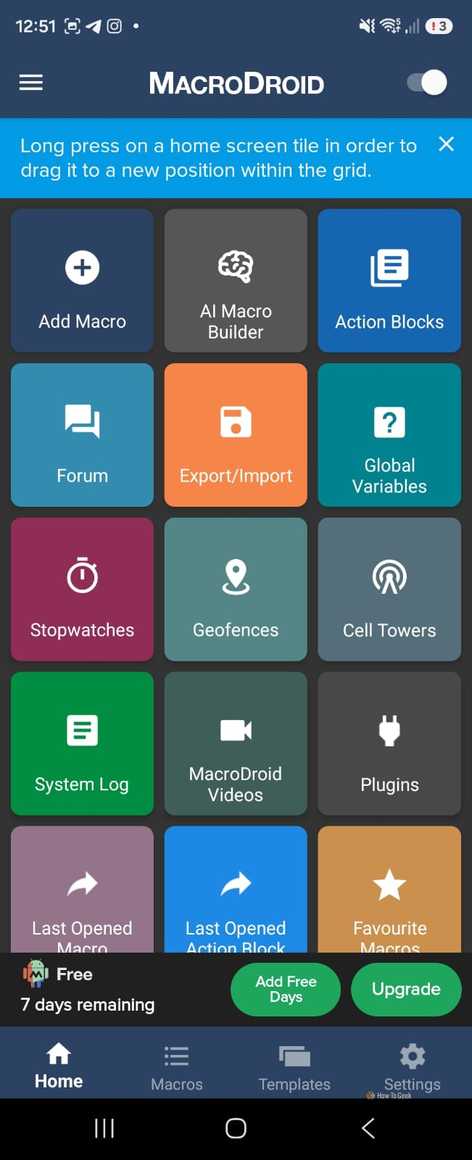



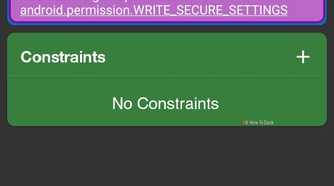
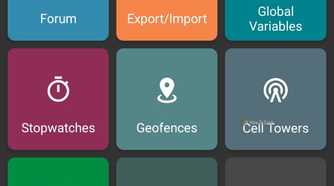
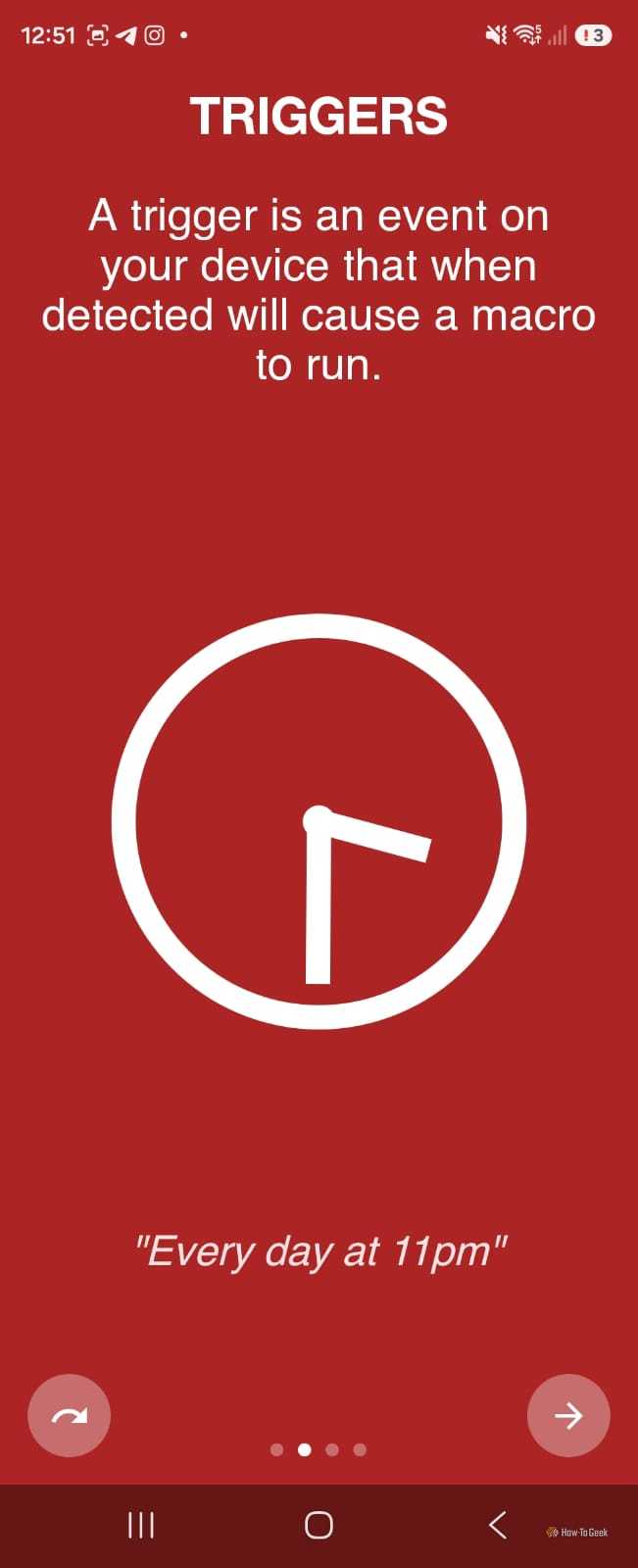
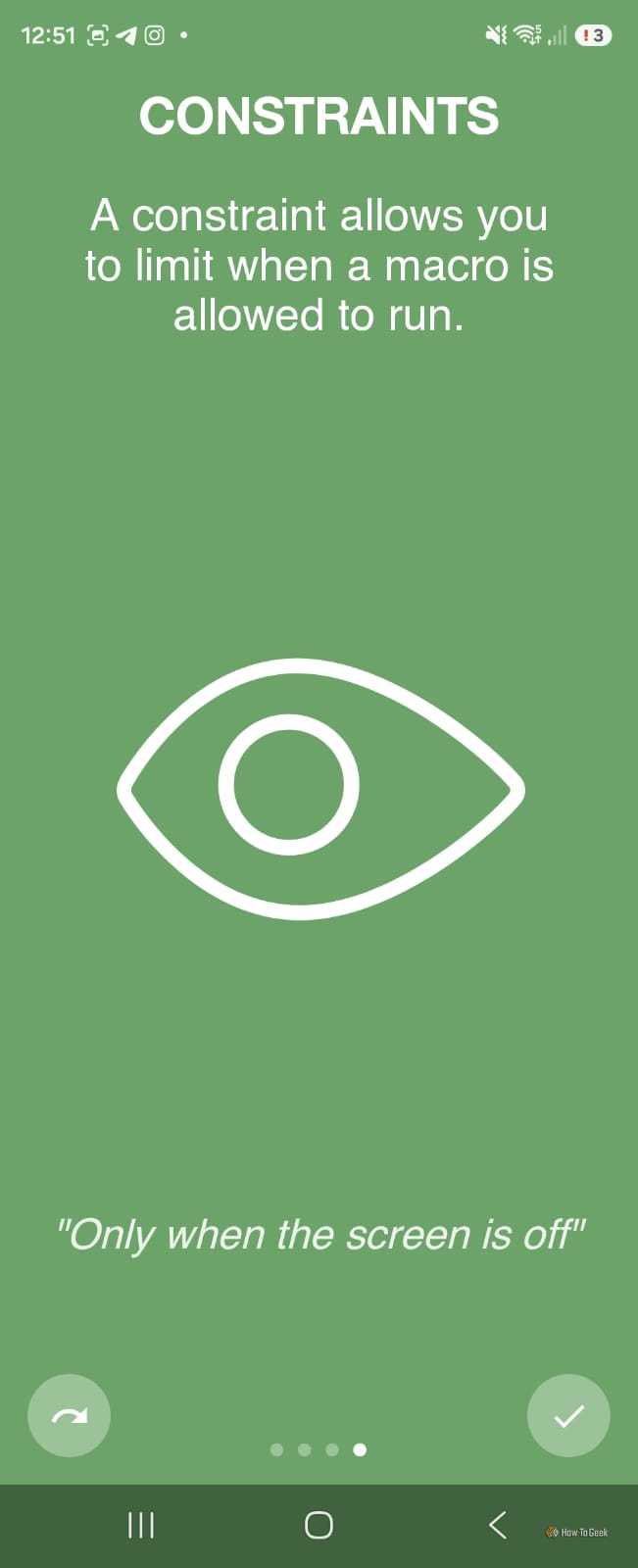
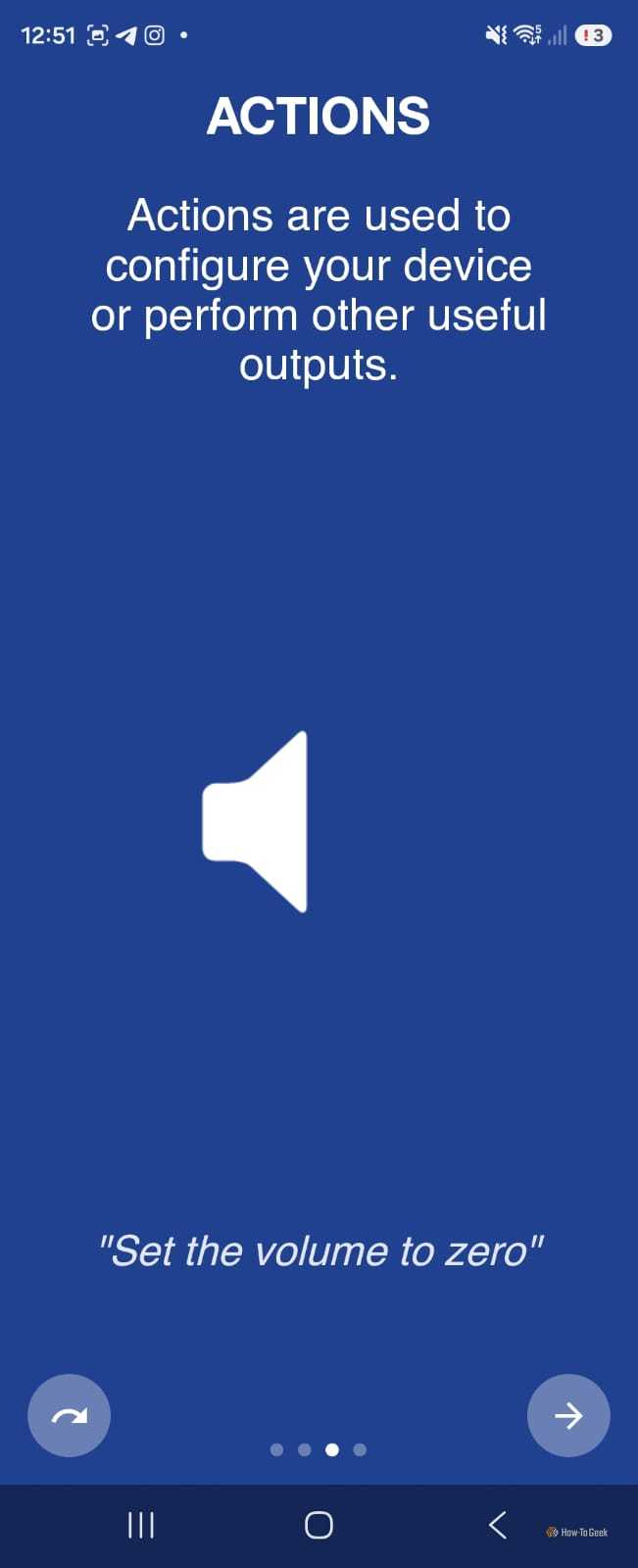
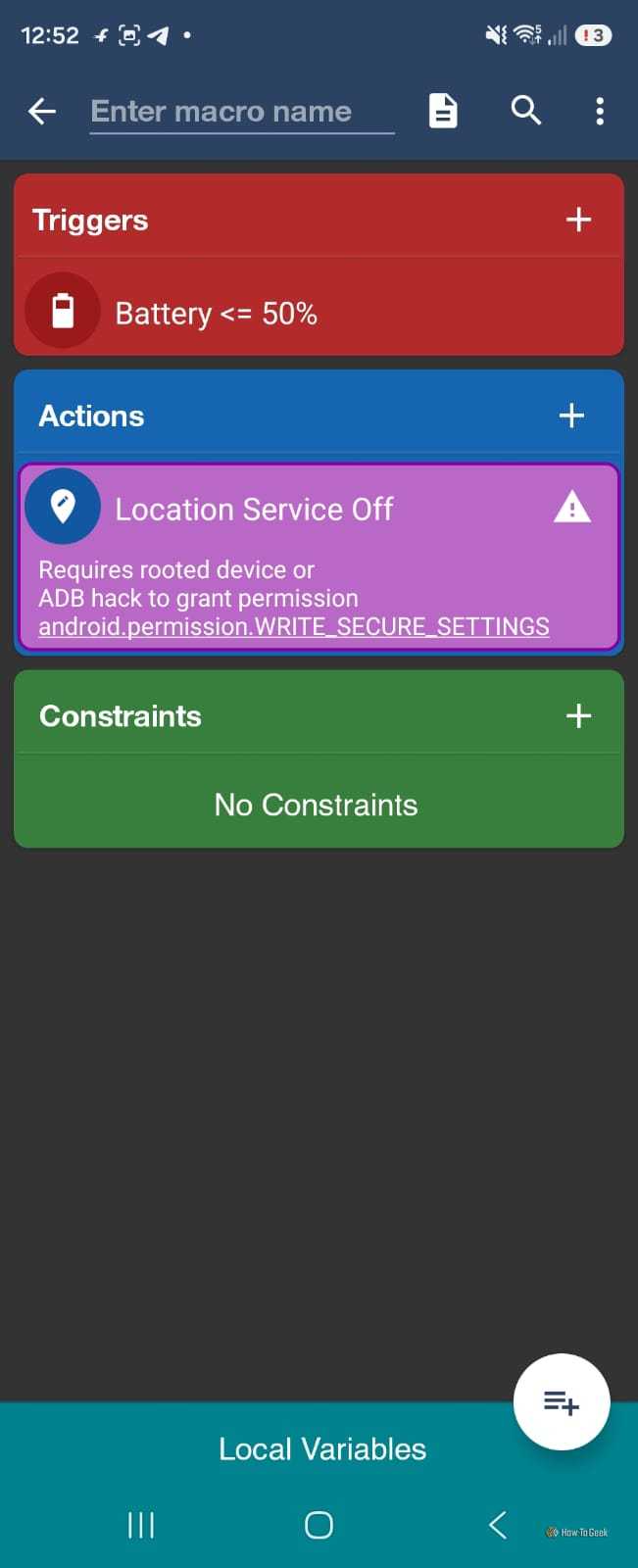
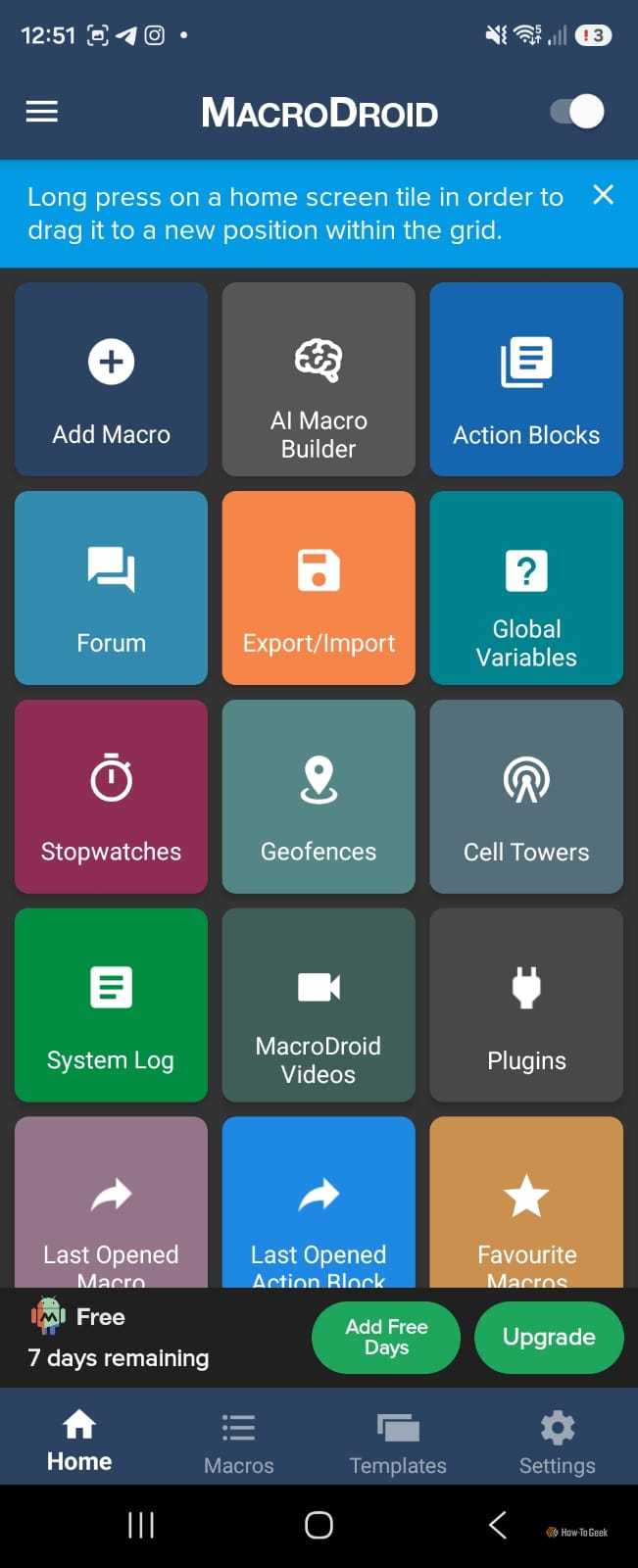



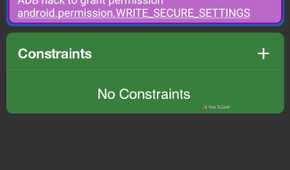
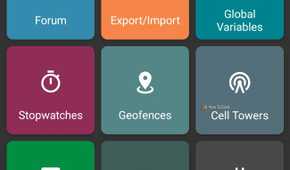
I usually don’t think about automating my phone. If something takes a few taps, I just do it and move on. MacroDroid changed that a little because I started noticing how many repetitive things I do every day.
For example, I can have it turn on Wi-Fi when I get home, launch Spotify when my earbuds connect, or change settings when I connect to my car’s Bluetooth. It can also trigger actions based on things like location, time, and battery level.
MacroDroid supports a huge range of triggers.
The free version lets me create up to five macros, which is enough to experiment without spending anything. If I wanted to automate more things, I could see why I’d pay for Pro. It removes the five-macro limit and ads with a one-time payment, so at least I’m not signing up for yet another subscription.
MacroDroid
App Publisher
ArloSoft
MacroDroid lets you make automations for your phone that follow the rules you set up.
Bitwarden
Remembering passwords is not my hobby
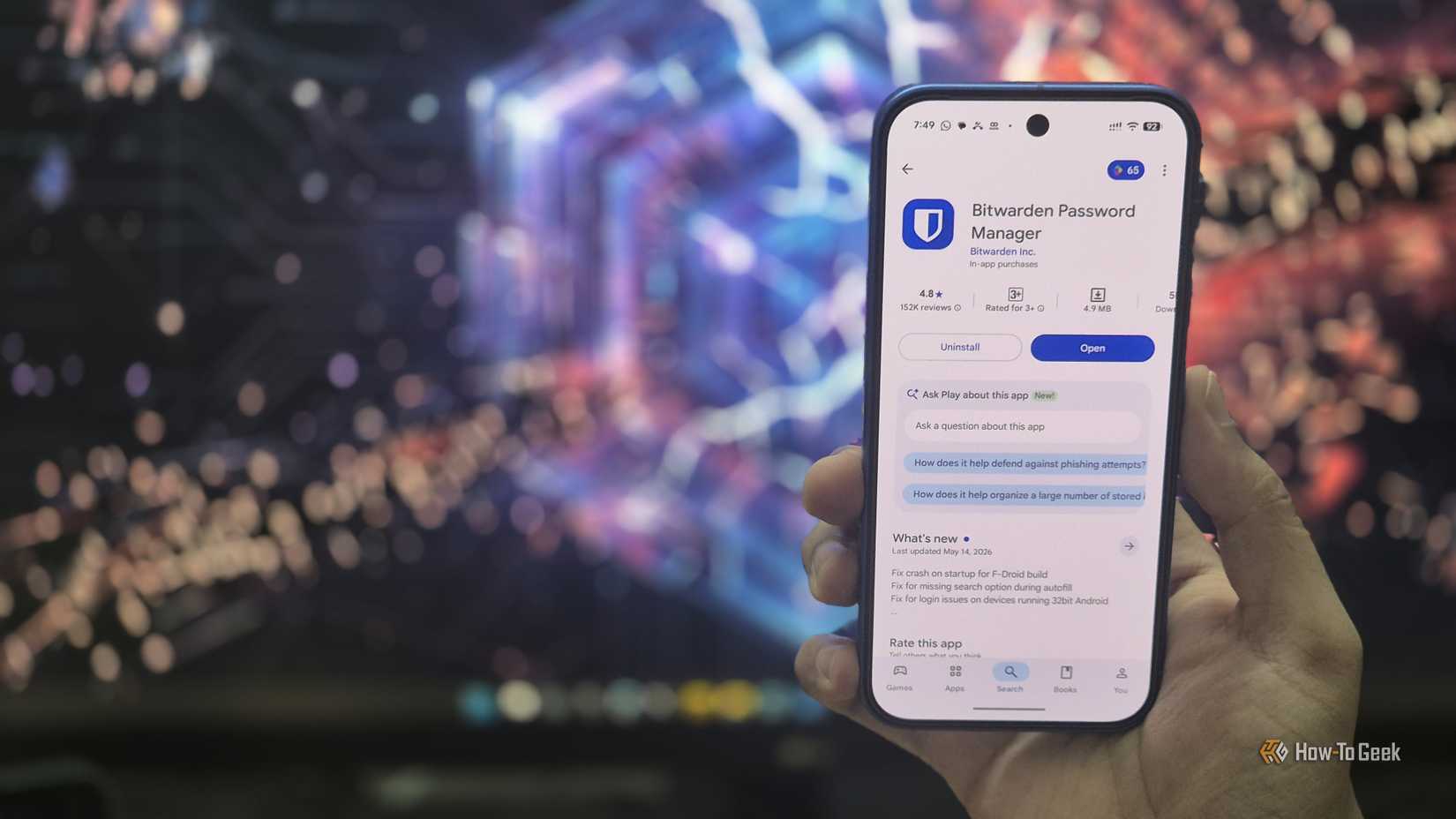
I have a terrible habit of creating a password, thinking I’ll remember it, and then completely forgetting it the next time I need to log in. It’s even worse with apps I rarely use.
Bitwarden takes that guessing game out of the equation.
I can save my logins in one place and access them across my devices. The free plan supports unlimited logins and unlimited devices, so I don’t have to guess which password variation I used.
Paid features are available if I ever need them, but the free version already does what I want most. Honestly, if Bitwarden charged for this, I’d understand why.

Bitwarden
Supported Desktop Browsers
Chrome, Edge, Safari, Firefox, Opera, Brave
Brand
Bitwarden
The best free password manager is also one of the best password managers out there with its minimalist and straightforward interface. It’s also open-source, and even the premium version is a bargain at only $10 per year.
Joplin
I have a note for everything
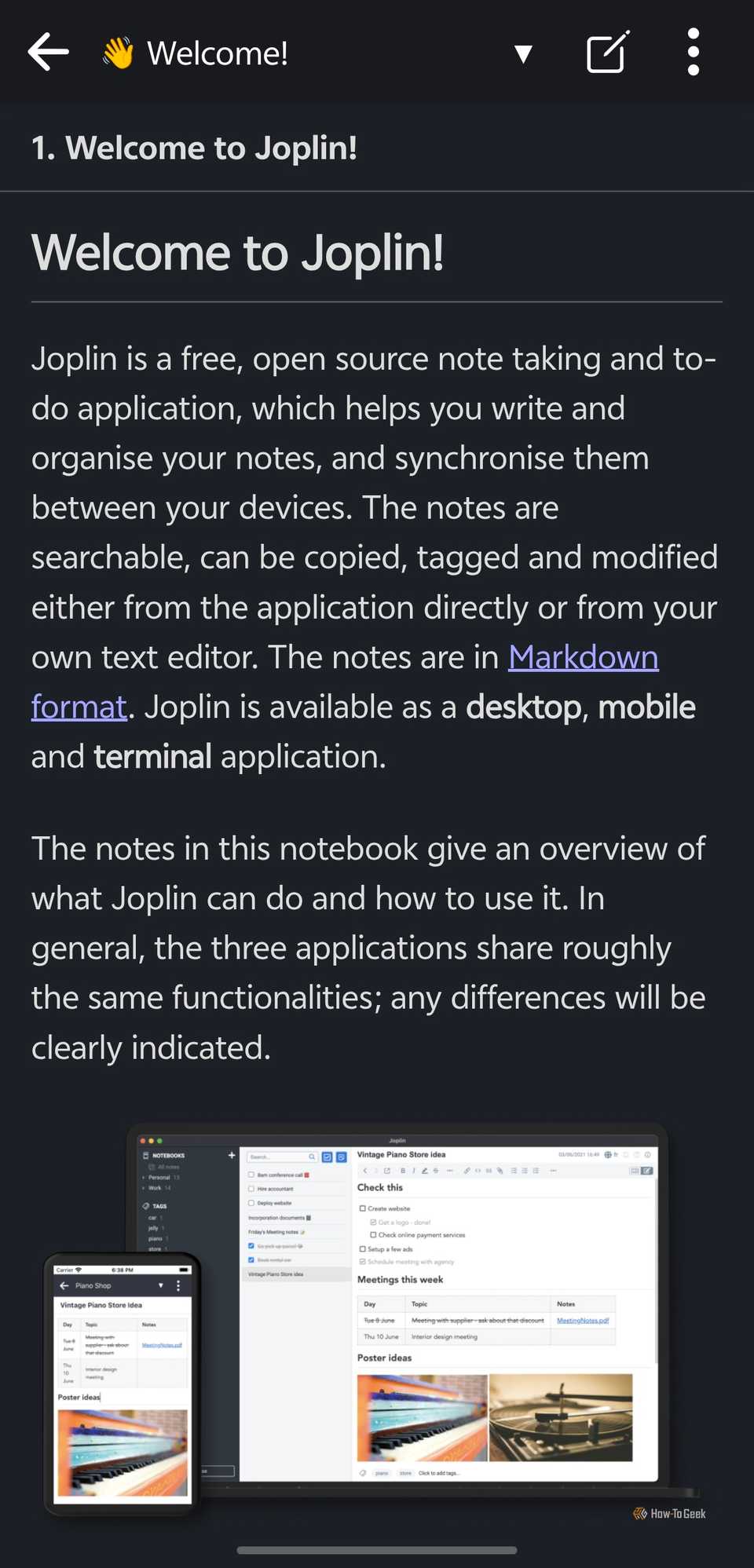
I have a habit of writing everything down. It could be something important I need to remember, a recipe my husband and I argued about because apparently there is a “right” way to make it, or a travel itinerary. If I don’t write it down, there’s a good chance I’ll forget it.
That’s why I like Joplin. I can keep those random notes organized instead of letting them disappear into a pile of screenshots or messages to myself. I can make notebooks, search through my notes, use Markdown, and keep everything in one place. I can also sync my notes between devices once I’ve set up synchronization.
For an app I use for everything from practical reminders to completely random thoughts, Joplin feels much more capable than a basic notes app. I’d have no problem paying for that kind of organization.

Joplin
Supported Desktop Browsers
All
Brand
Joplin
Joplin is a self-hosted note, task, and project management platform. Designed to run on your own hardware—even a Raspberry Pi—Joplin is full-featured and even comes with native mobile applications for both iPhone and Android. With a robust feature set, you’ll find that Joplin can replace Notion, Obsidian, and many other apps in your productivity stack—all without costing a dime.
Price
Free Self Hosted
SongFlip
My music links finally behave
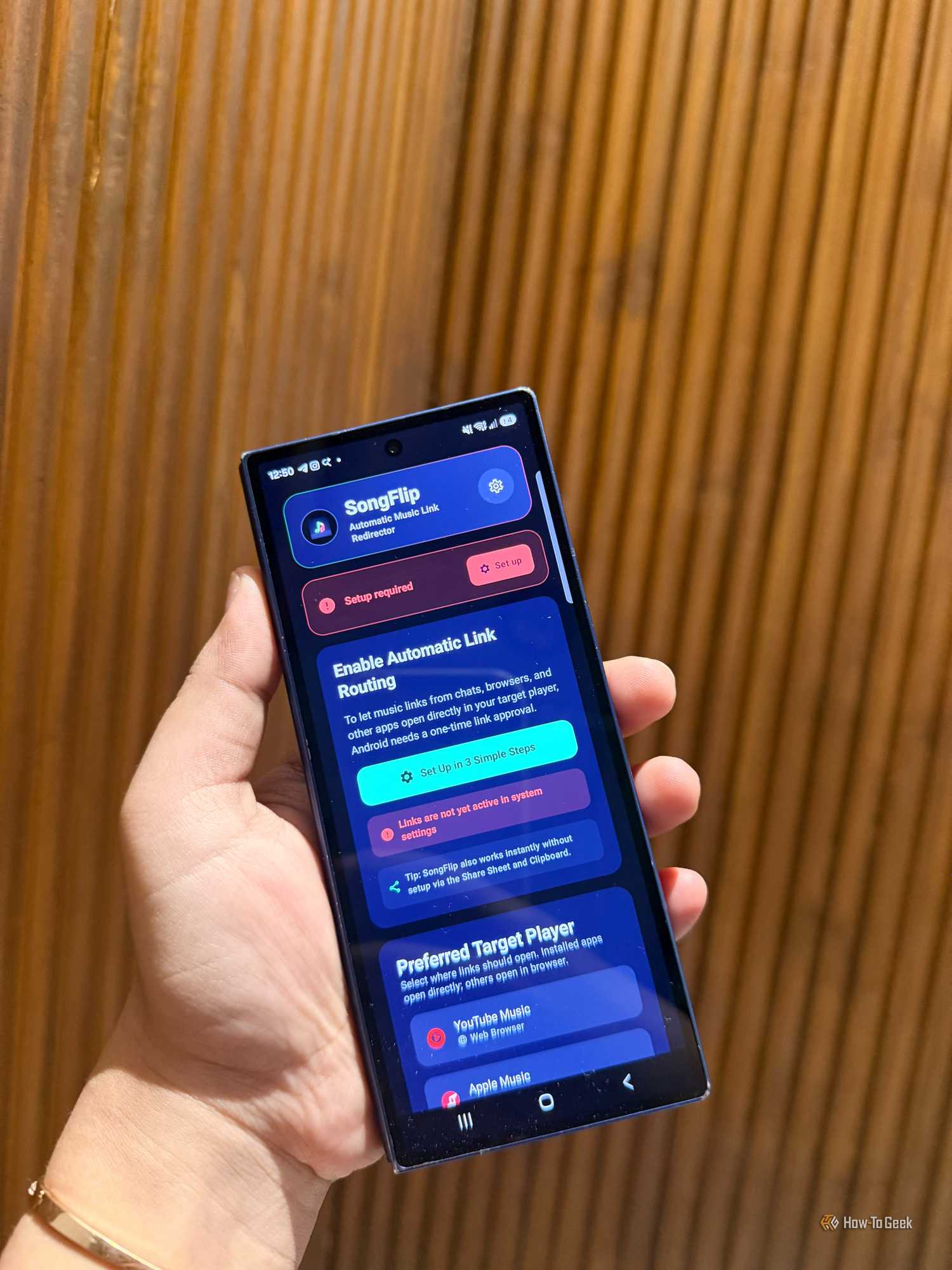
My friends and family are constantly sending me songs, but we don’t always use the same music service. Someone sends me a Spotify link while I’m using YouTube Music, and suddenly, I’m searching for the same song all over again.
SongFlip makes that much less annoying. I can open a music link and have it redirected to the service I actually use, instead of copying the song title and searching for it myself.
I’ve used it when friends send me songs, when my husband shares something he thinks I’ll like, and even when I’m moving a playlist between services.
I’d rather tap once than search for the same song again.
These earned a spot on my phone
I usually download an app for something specific, then forget about it a few weeks later. These were different. They each solved a small problem I kept running into without making me feel like I needed another subscription.
Finding apps this useful for free is a nice reminder that not every good Android app comes with a price tag.