Ubuntu got me through a decade of Linux use, but I’ve come to realize that there’s a better way — not just for me, but for most non-hardcore Linux users. Immutable distros might just be your choice.
What’s an immutable distro, anyway?
Read-only base images replace incremental package installs
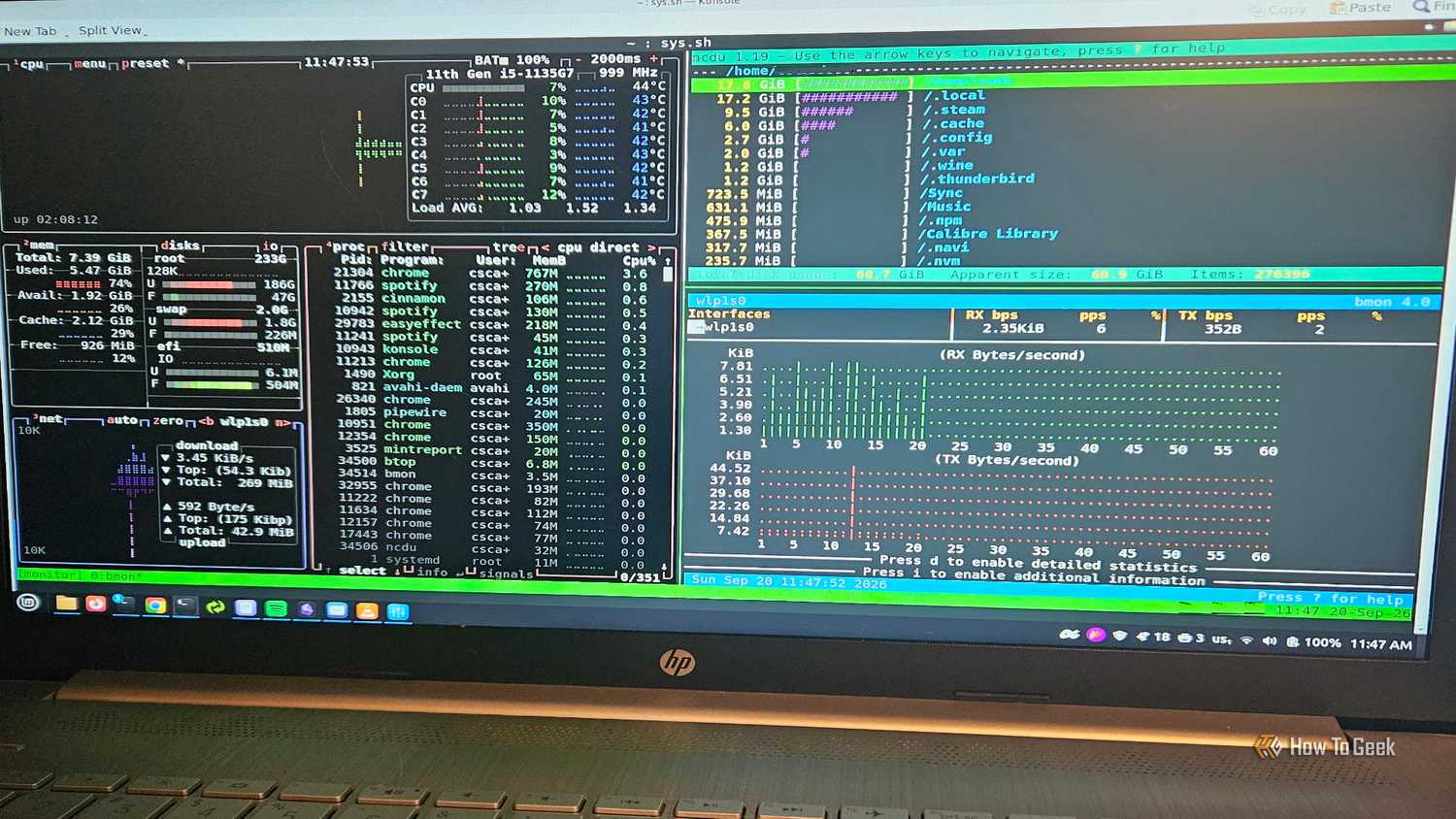

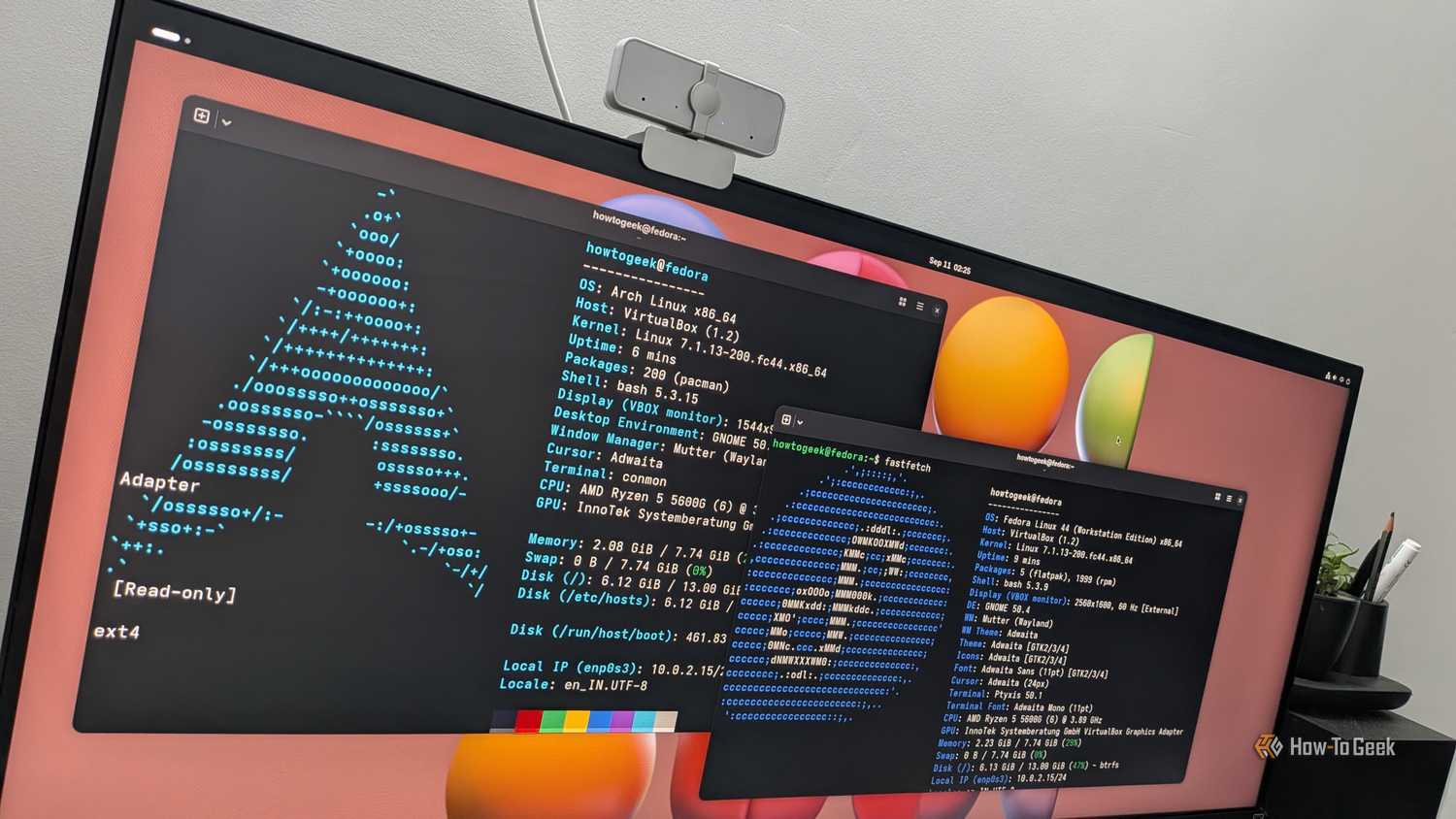
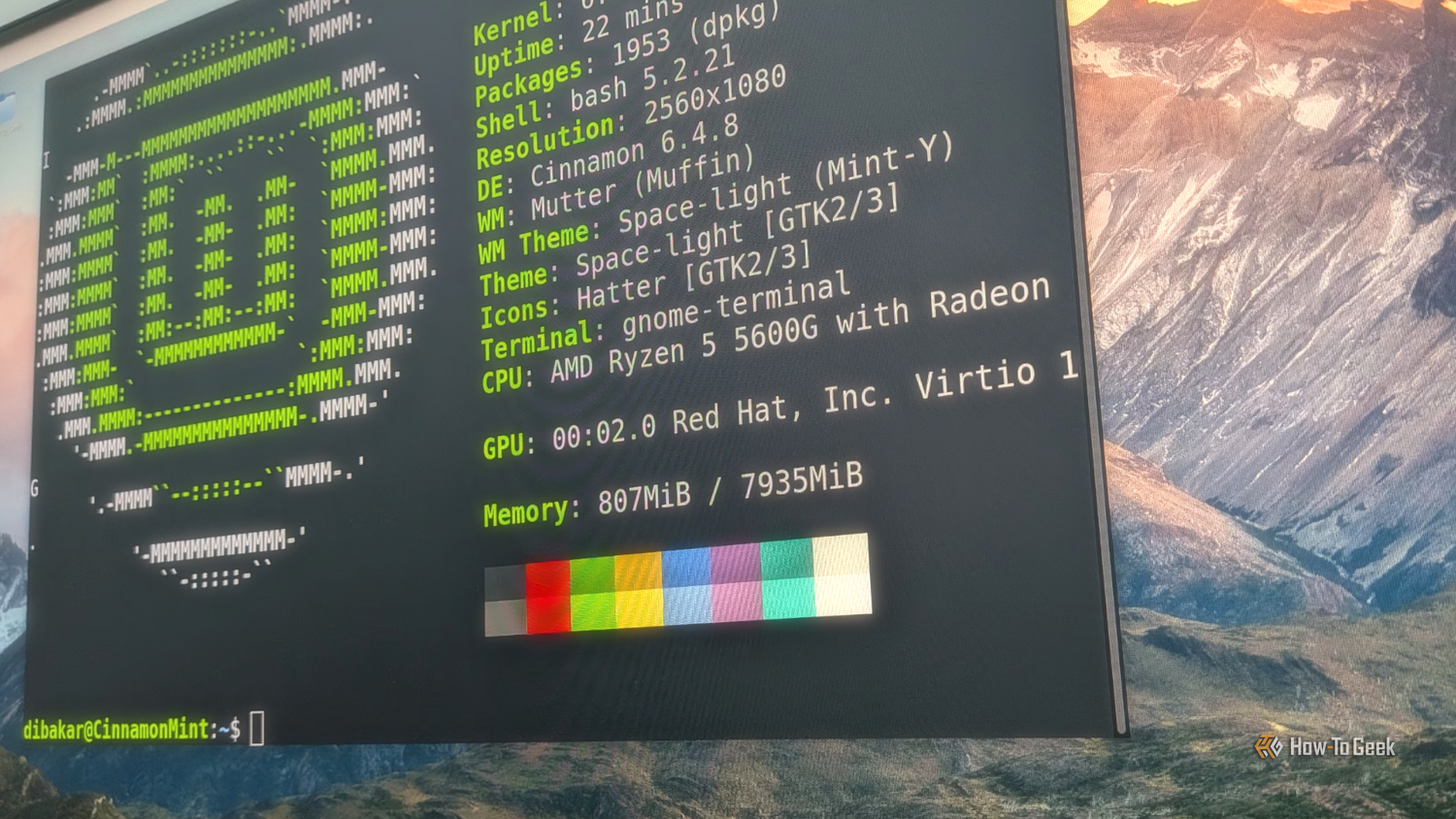


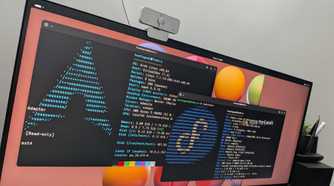
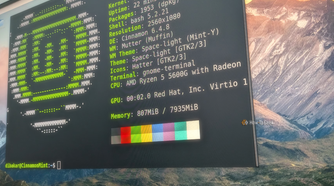




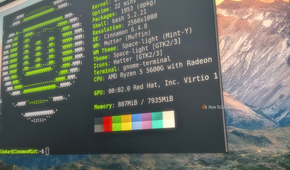
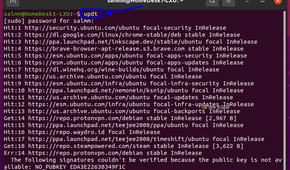
An immutable, or “atomic,” distro handles the operating system as a single, versioned image rather than a pile of packages installed one at a time. The root filesystem is mounted read-only during normal use, so nothing — not a stray script, not a careless sudo command, not malware — can quietly rewrite core system files while the machine is running. Updates don’t patch files in place; they build a complete new image, stage it alongside the current one, and switch over on the next boot. If the new image fails to build cleanly, the update simply doesn’t apply, and the running system is never left in a half-finished state.
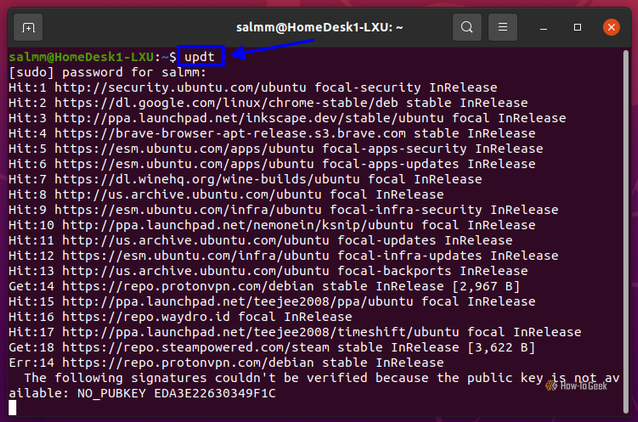
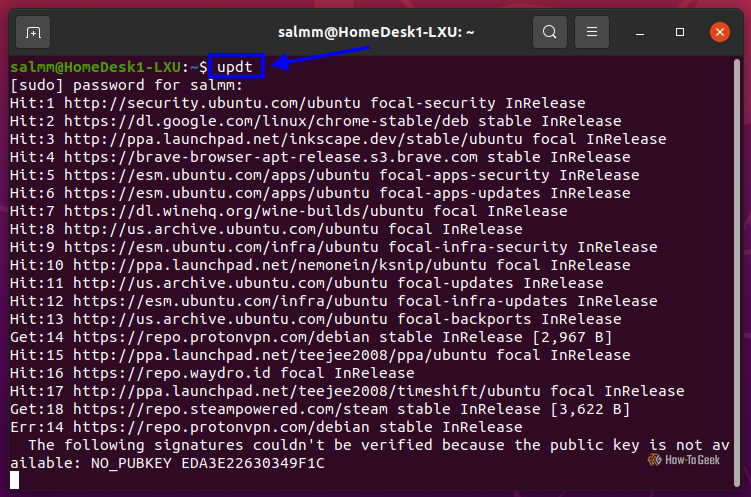
This is a different philosophy from how Ubuntu and most traditional distros work. Ubuntu relies on apt, which installs and removes packages directly against the live system, one dependency resolution at a time. That approach is flexible, but it also means an interrupted upgrade, a broken PPA, or a botched dependency chain can leave the system genuinely inconsistent, sometimes requiring manual repair.
Fedora popularized the modern version of this model with Silverblue and Kinoite, now grouped under the “Fedora Atomic Desktops” name, using the rpm-ostree and OSTree tooling to manage image-based updates. openSUSE offers the same idea through Aeon and Kalpa. Universal Blue builds on Fedora’s base to produce ready-made images like Bazzite and Bluefin, and Valve’s SteamOS on the Steam Deck runs on the same underlying concept. NixOS takes a related but distinct declarative approach. In all of these, everyday applications typically run through Flatpak or in isolated containers, kept separate from the protected base system rather than installed directly onto it.
Their advantages over Ubuntu (and other popular distros)
Rollbacks and isolation solve Ubuntu’s most common headaches
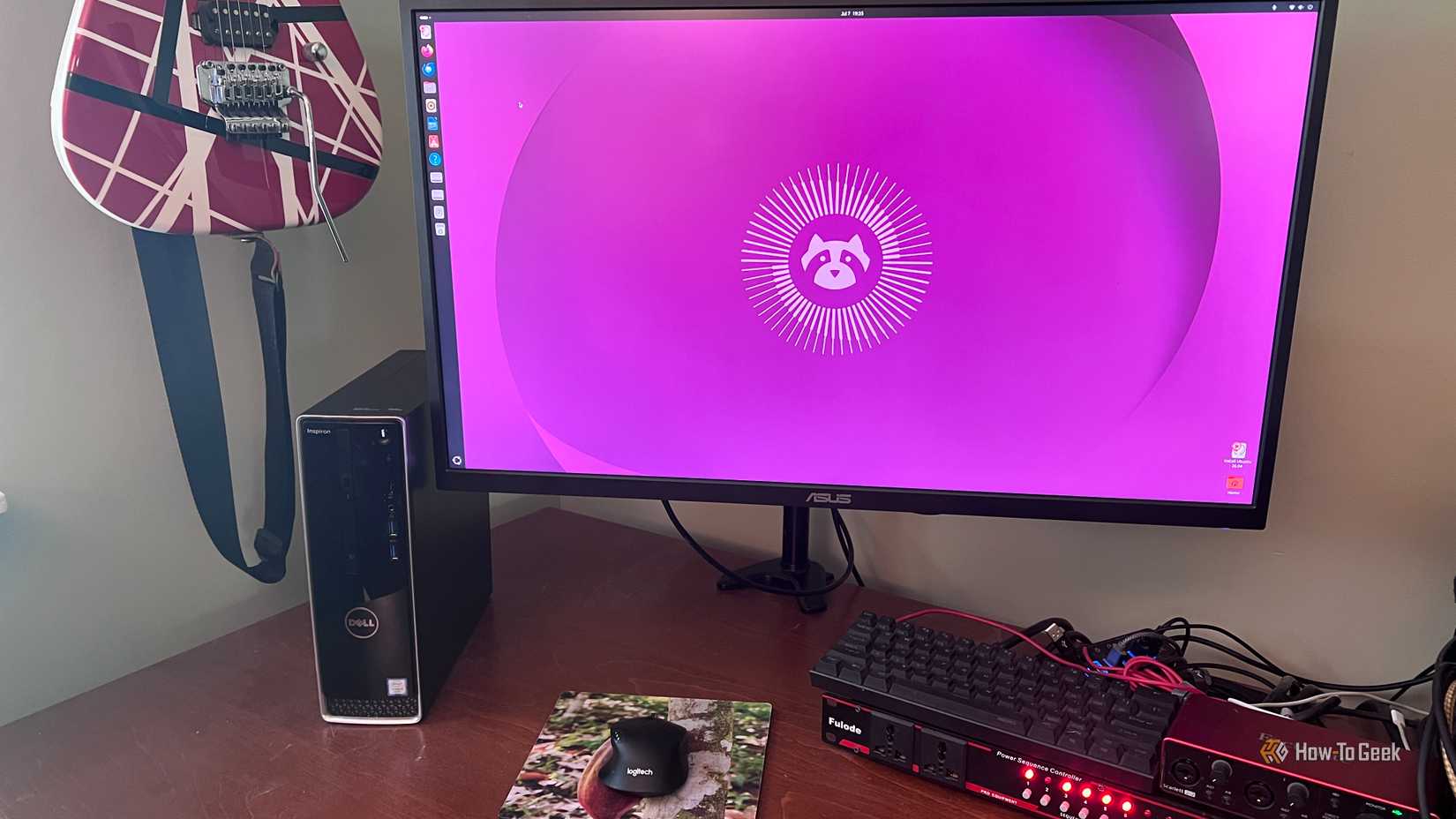
The single biggest practical advantage is its atomicity: an update either completes fully or doesn’t happen at all, eliminating the broken, halfway-through state that has caused real pain on apt-based systems for years. Paired with that is instant rollback. Because the previous image is kept on disk, a bad update can be undone by simply selecting the older image at boot, no dependency archaeology required. On Ubuntu, recovering from a bad kernel or driver update usually means digging through logs, holding packages back, or reinstalling outright.
Configuration drift is another area where immutable systems pull ahead. Because the base image is identical across machines and reproducible from its build definition, a fresh install behaves exactly like the one it replaced. That matters for anyone managing more than one machine, and it removes the slow accumulation of one-off tweaks that makes a long-lived Ubuntu install harder to reason about — or to reinstall cleanly — over time.
Security benefits follow directly from the read-only root. A compromised application or a careless command has far less it can touch, since core system files simply aren’t writable during normal operation. Ubuntu‘s Snap ecosystem gestures at some of this sandboxing for individual apps, but the base operating system underneath remains fully mutable.
Application isolation closes the loop. Flatpak and container-based tools like Distrobox or toolbox keep user software and its dependencies separate from the OS and from each other, avoiding the library conflicts that third-party PPAs and mismatched dependencies routinely cause on traditional Ubuntu setups.
Should you use one?
The right choice for most new installs, with caveats
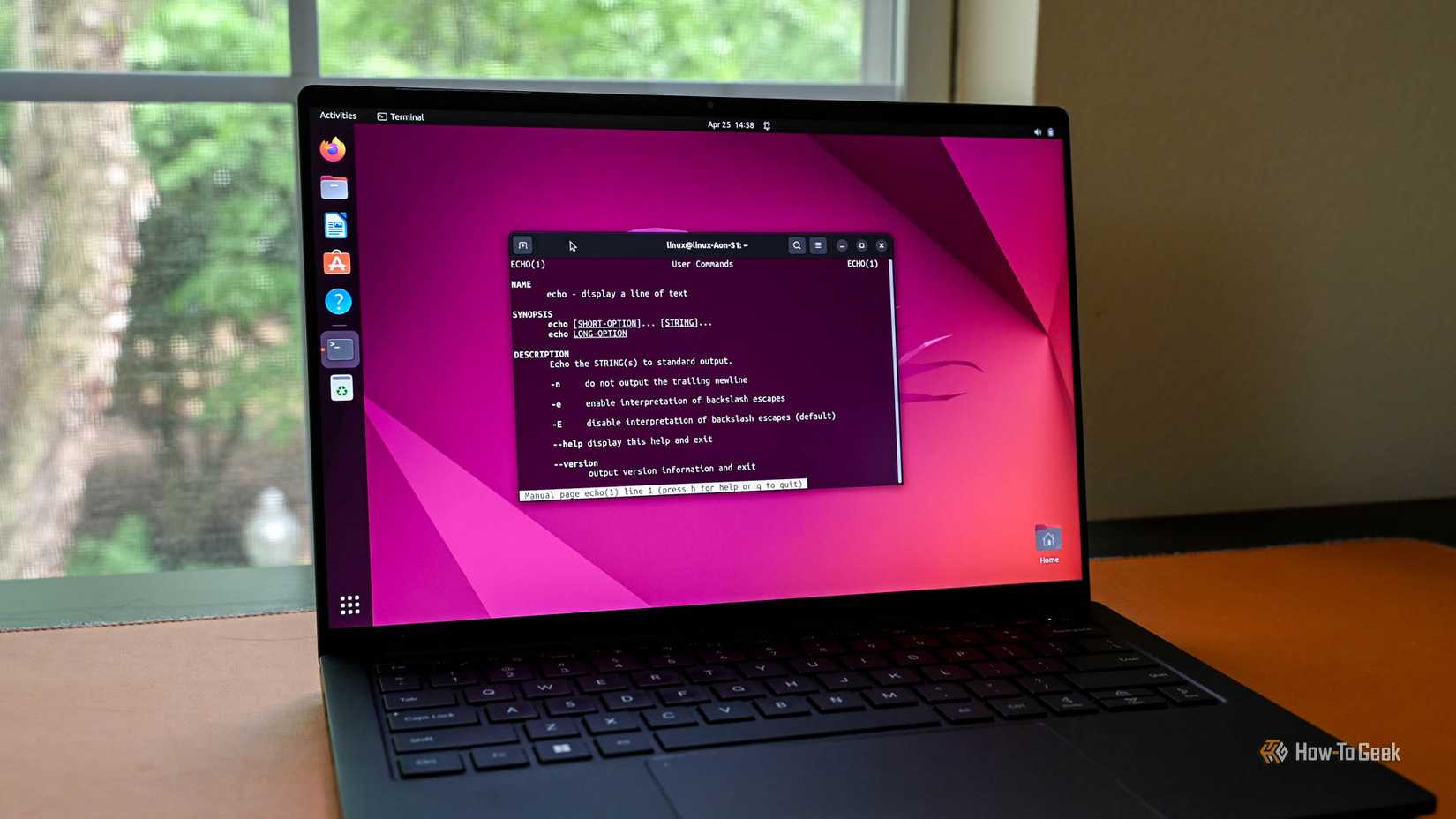
None of this makes immutable distros a flawless replacement for Ubuntu or most popular distros, and it’s something that needs to be clarified. Installing something that needs to sit at the system level — a custom kernel module, an uncommon driver, certain low-level development tools — usually means layering a package onto the image and rebooting to apply it, which is slower than a quick apt install. Workflows that expect to edit system files directly, common among some developers and sysadmins, need adjustment, typically by working inside a container rather than on the host.
That said, the people who benefit are a wide group: anyone who wants a safety net against bad updates, anyone running a gaming handheld or desktop through Bazzite or SteamOS, and anyone managing multiple machines who values consistency over deep on-the-fly customization. Newcomers in particular gain the most, since the built-in rollback removes the fear of a broken update turning into a lost afternoon.
The exceptions are narrower than they used to be. Heavy tinkerers, users with unusual hardware requiring live driver compilation, and workflows genuinely built around a fully mutable root are still better served by a traditional distro for now. For most other cases, Fedora Atomic Desktops, Bluefin, Bazzite, and openSUSE Aeon are mature enough to be a sensible default rather than an experiment, which is exactly why leaving Ubuntu for one made sense.
A safer default, not a universal fix
Immutable distros trade some low-level flexibility for atomic updates, instant rollback, and a smaller attack surface. For most everyday use, gaming, and multi-machine setups, that trade is worth it — Ubuntu just no longer has to be the default starting point.