Credit: Adam Davidson / How-To Geek
Like most of its products, Amazon has locked down its Kindle devices so that you can’t easily make changes. Thankfully, some clever people have figured out ways to hack Kindles over the years. These are some of the very best mods of the past and present.
KOReader
The document viewer that puts the stock Kindle firmware to shame
-
 Credit: Adam Davidson / How-To Geek
 -
 Credit: Adam Davidson / How-To Geek
 -
 Credit: Adam Davidson / How-To Geek
 -
 Credit: Adam Davidson / How-To Geek
 -
 Credit: Adam Davidson / How-To Geek
-
 Credit: Adam Davidson / How-To Geek
 -
 Credit: Adam Davidson / How-To Geek
 -
 Credit: Adam Davidson / How-To Geek
 -
 Credit: Adam Davidson / How-To Geek
 -
 Credit: Adam Davidson / How-To Geek
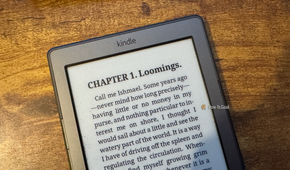
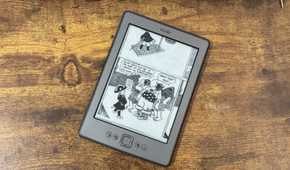
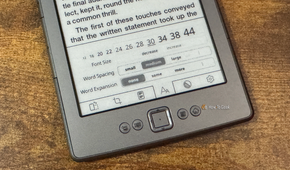
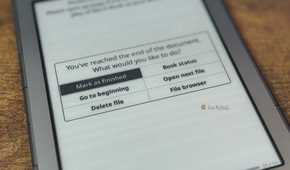
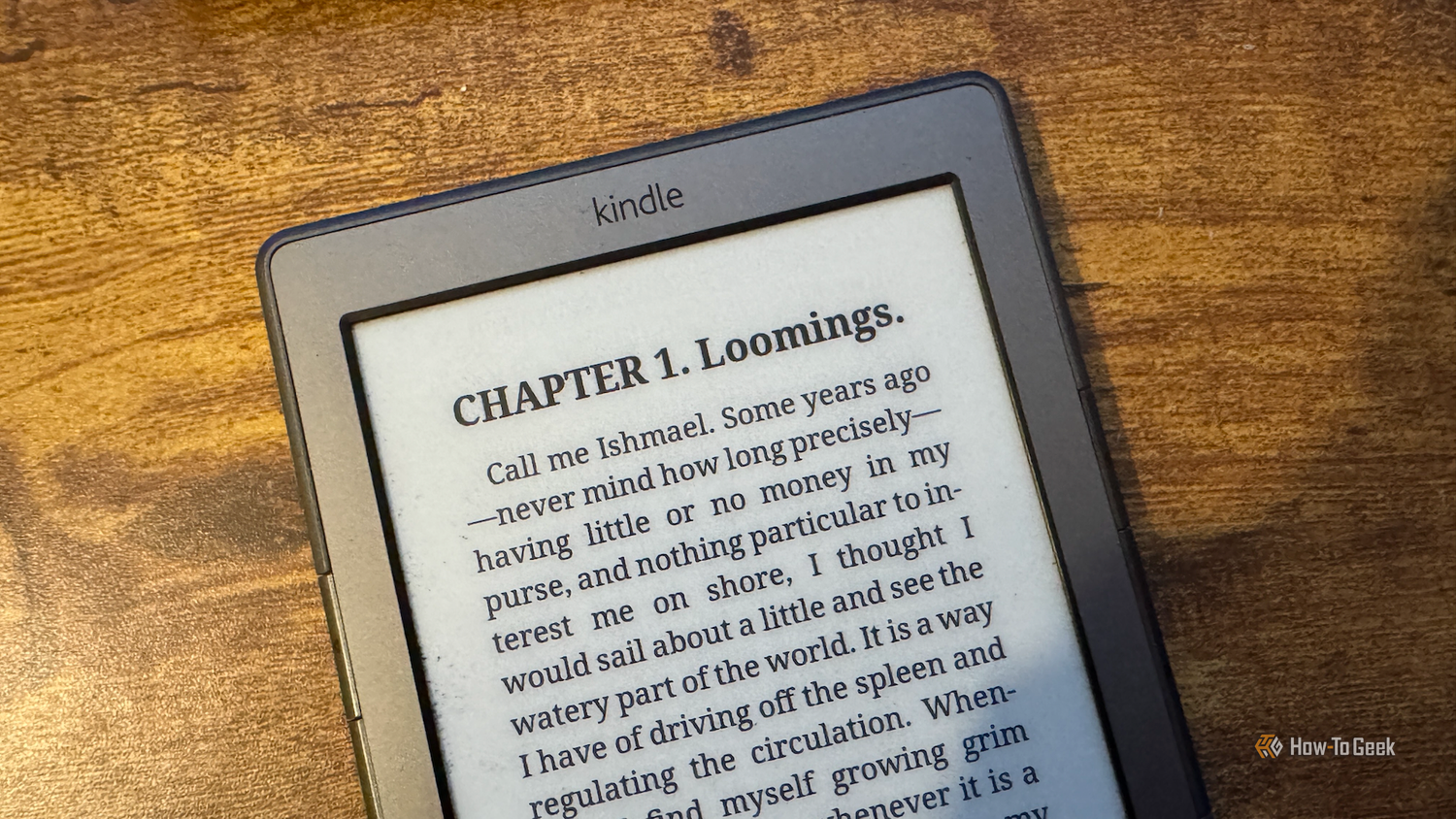
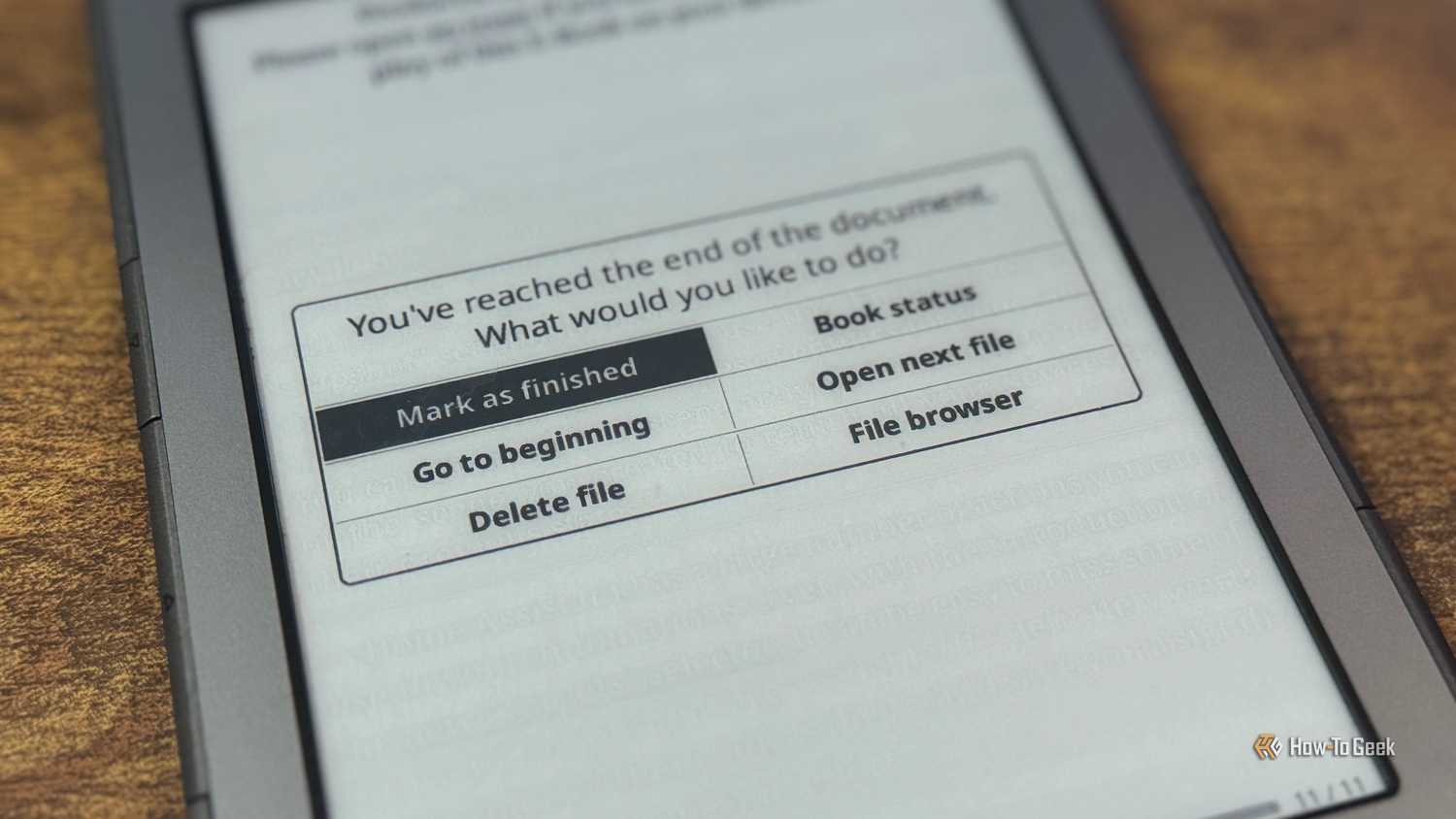
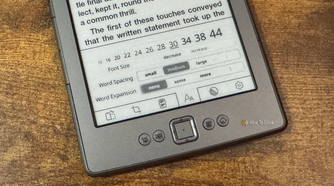
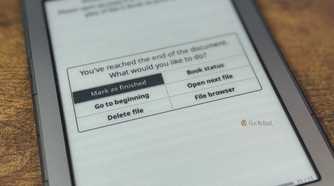
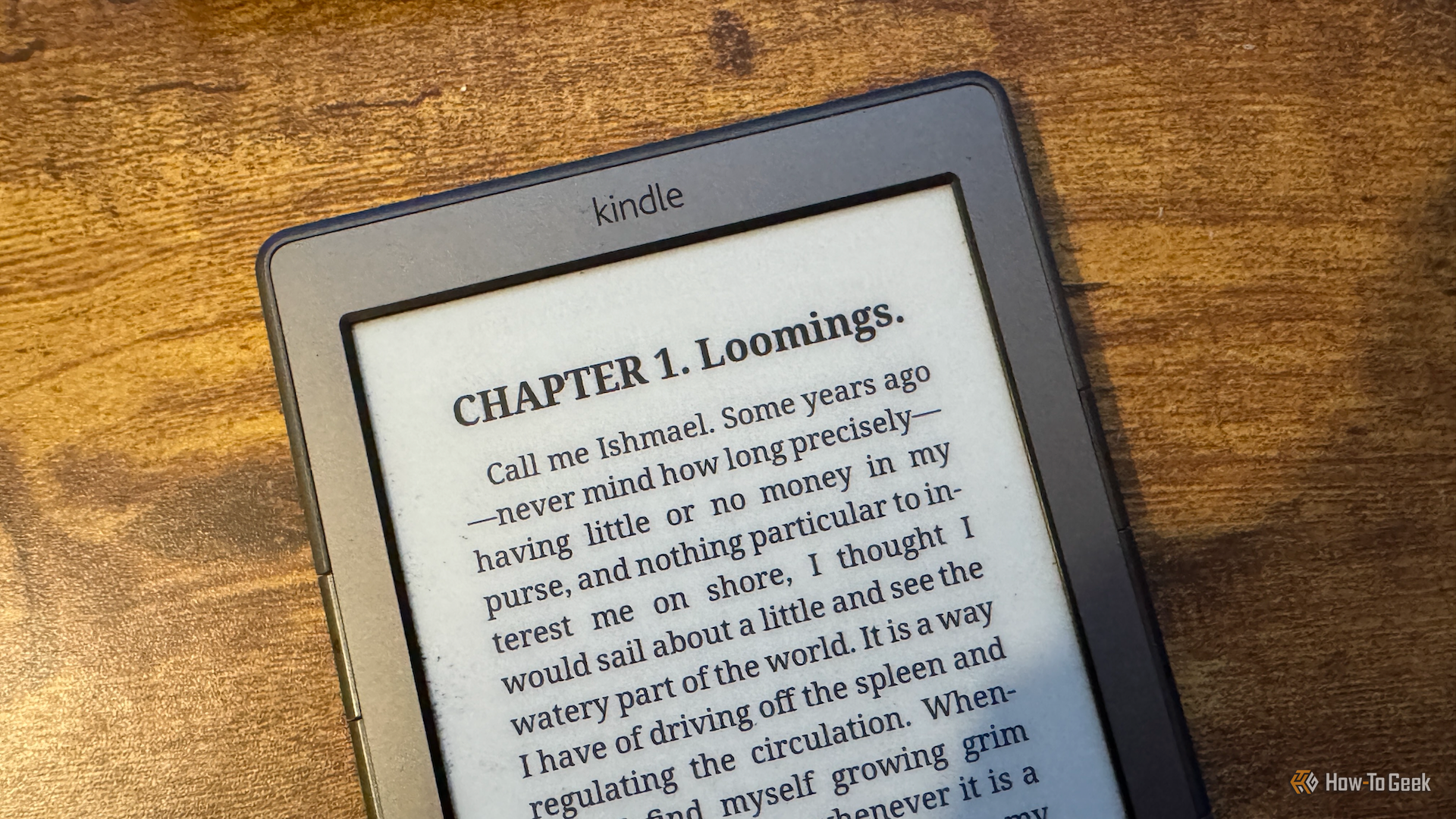
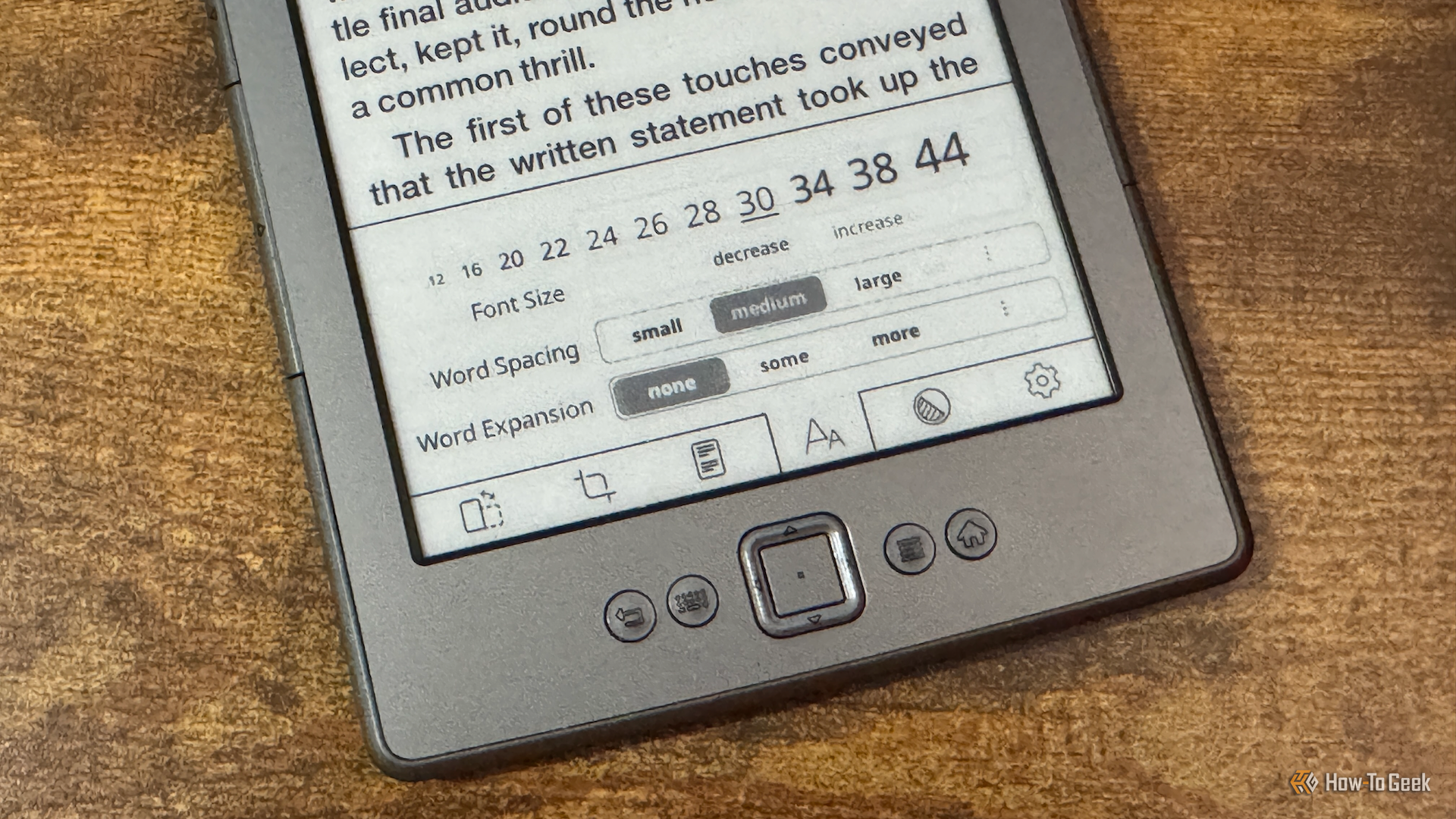
This is perhaps the most significant Kindle mod there is, because it’s essential to the core purpose of a Kindle: reading books. KOReader turns a standard Kindle into a much more capable eReader that can coexist with Amazon’s normal software without replacing it.
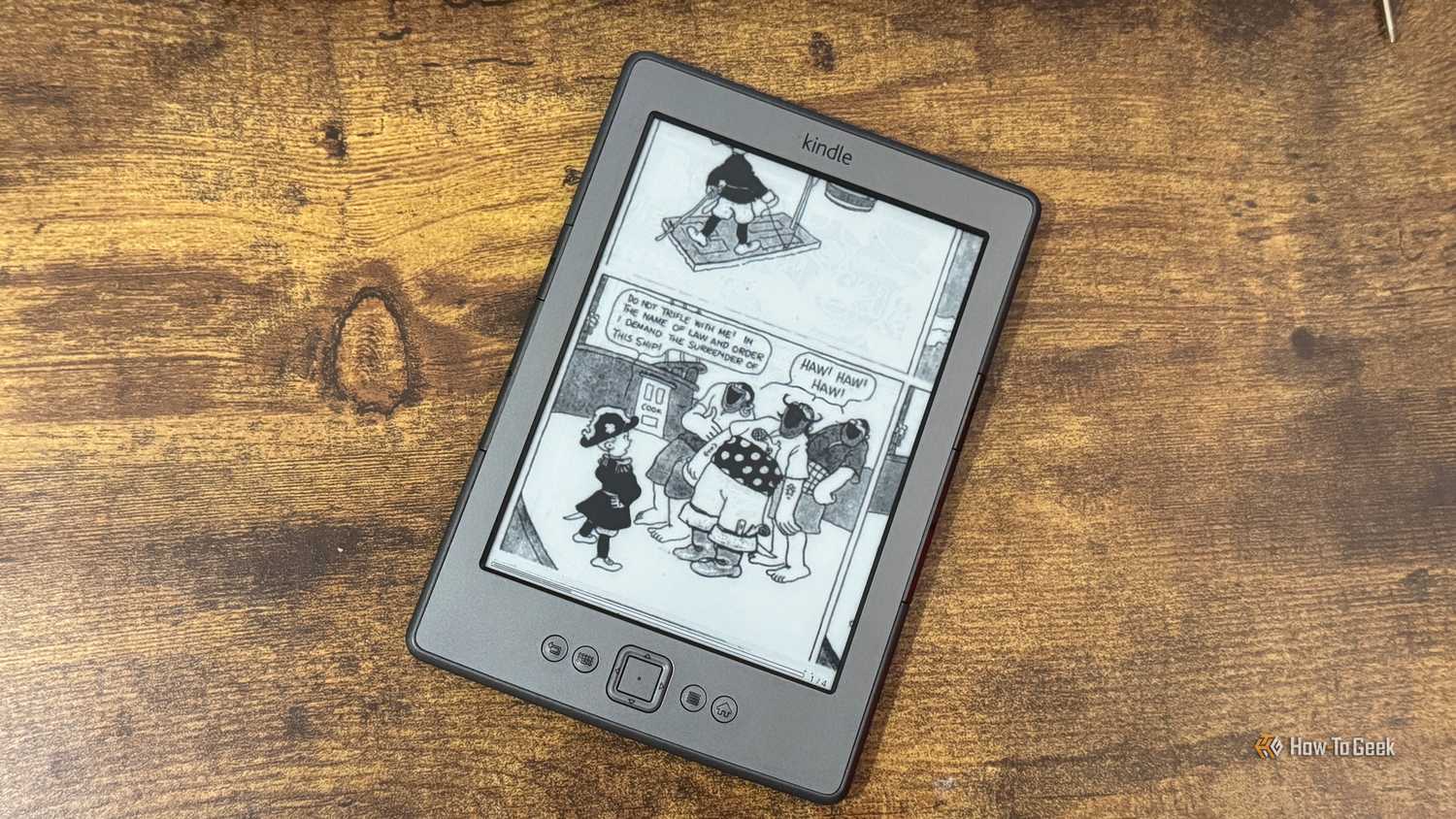
With KOReader, you can read a huge number of formats that a standard Kindle doesn’t support, including comic formats such as CBZ and even Word documents. The PDF support is particularly impressive; the Reflow feature can effectively transform a messy PDF into an eBook format that’s a breeze to read.
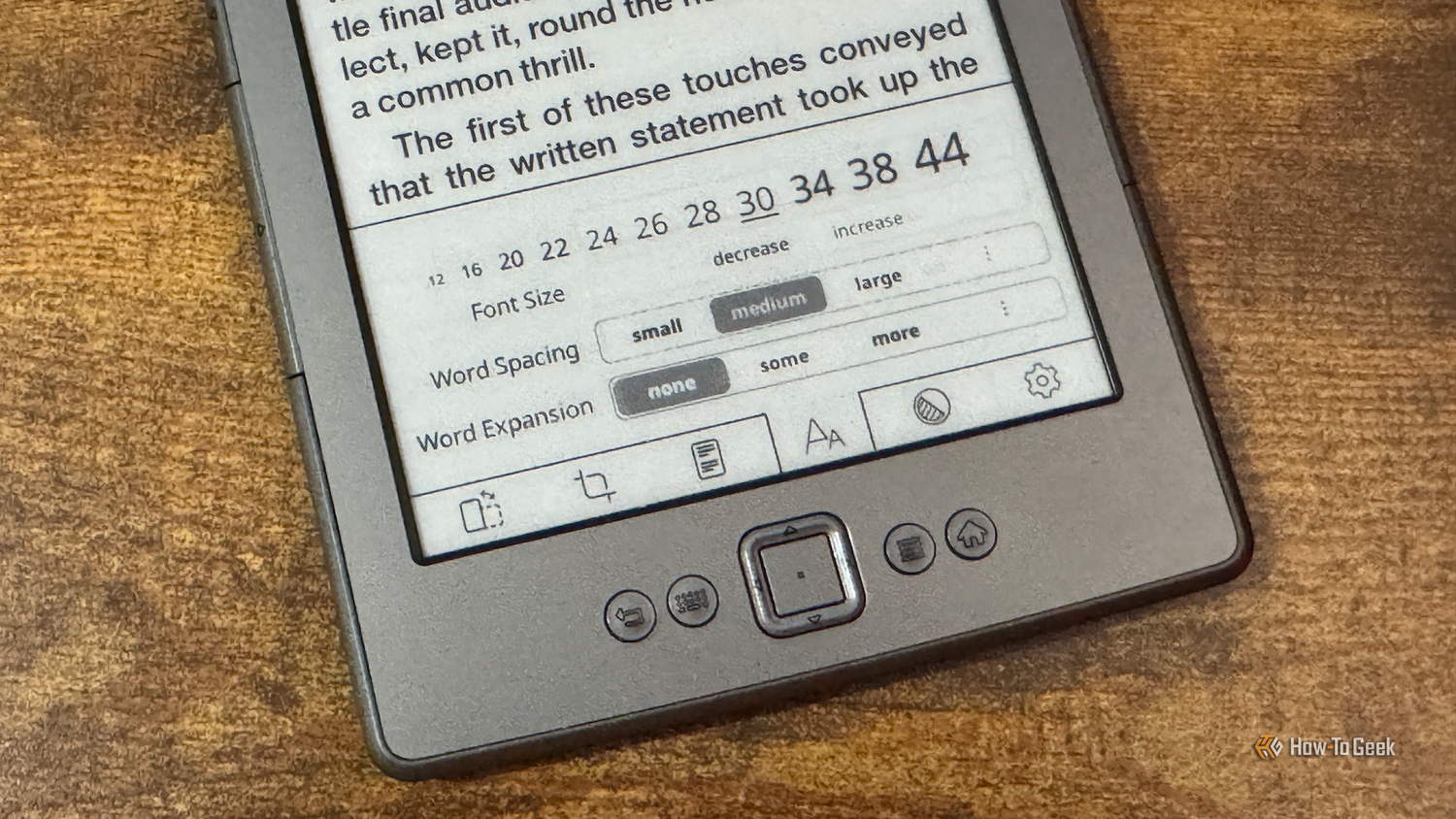
There’s so much more too, with OPDS support, Calibre integration, progress sync, and a wide range of plugins. I can’t imagine using a Kindle without KOReader now.
Duokan
EPUB support and comics, while it lasted
 Credit: Tim Brookes / How-To Geek
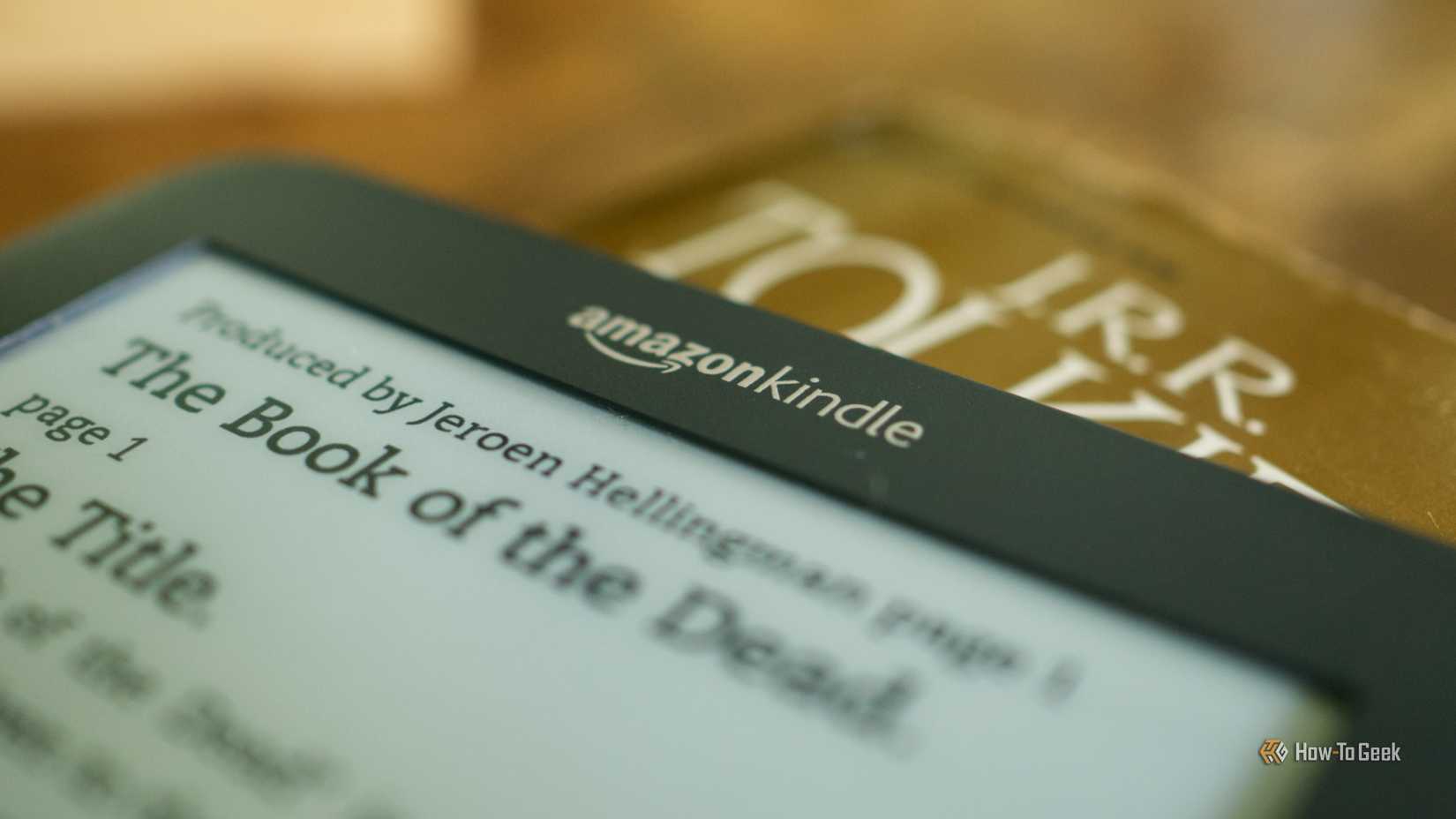
Duokan was one of the most impressive early Kindle mods. Instead of just another reading app, it was an entire alternative OS for a Kindle.
Duokan enabled you to do things that a standard Kindle couldn’t, such as reading EPUB files and ZIP-based comics, and it offered strong support for Chinese-language books. Sadly, Duokan abandoned the Kindle some years back, but not before it showed just what was possible to do on the Kindle hardware.
KUAL
The launcher that lets you run almost anything on your Kindle
 Credit: Adam Davidson / How-To Geek
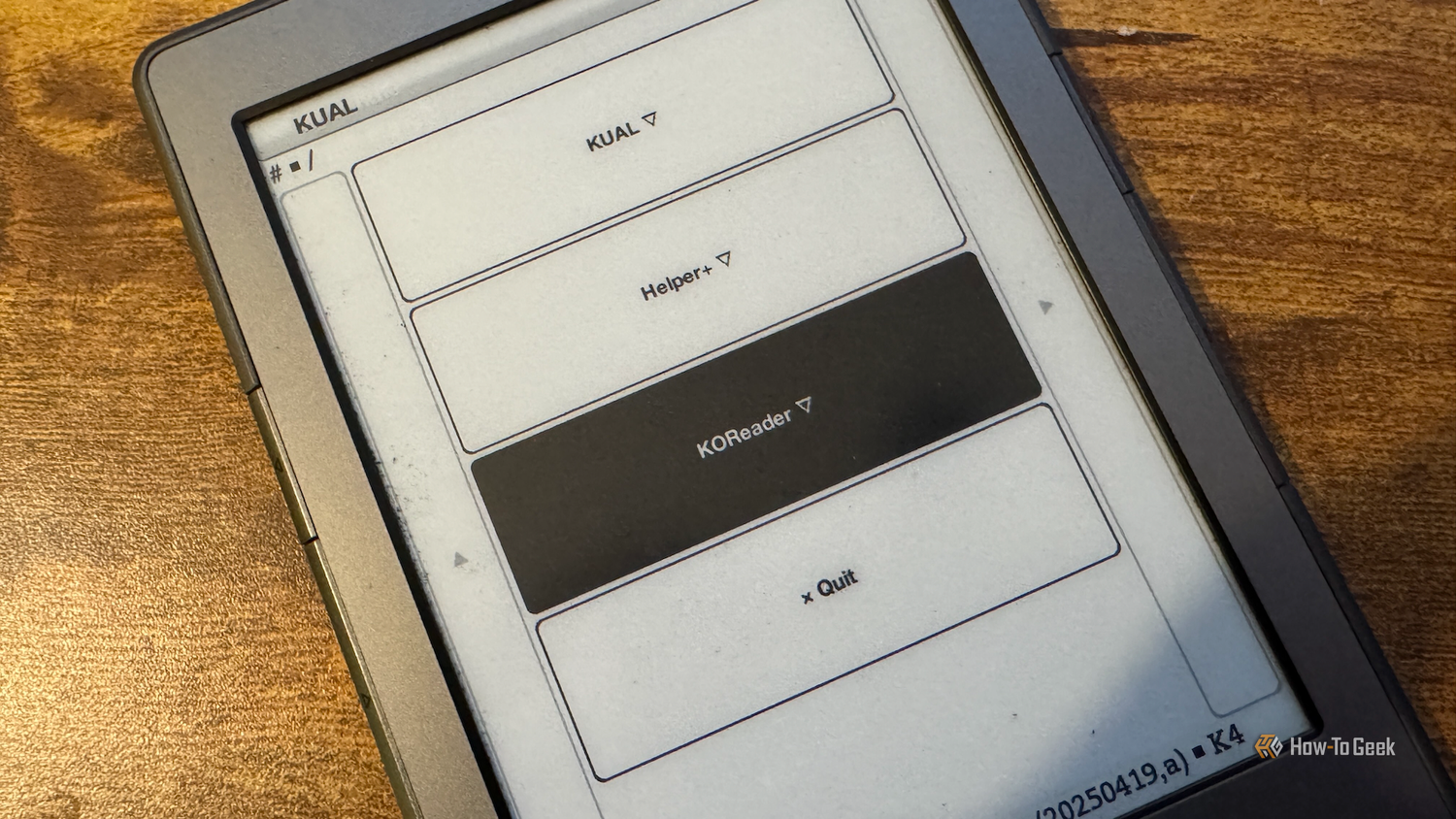
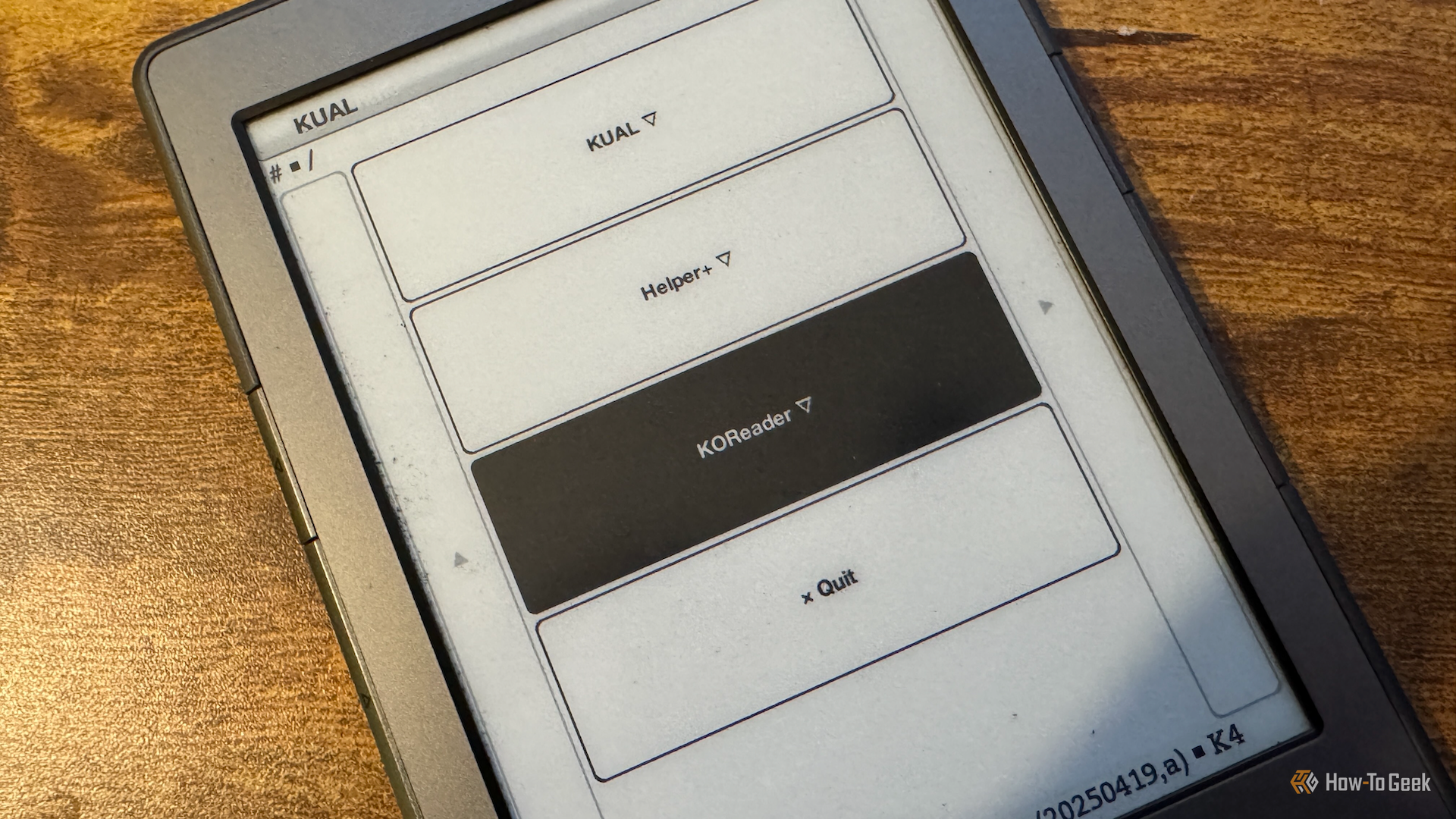
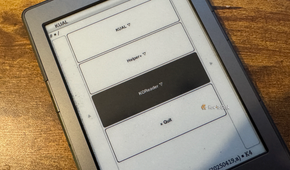
The Kindle Unified Application Launcher (KUAL) is an important component of the Kindle hacking ecosystem. It’s not as exciting as other hacks, but it’s arguably more useful.
KUAL gives your Kindle a graphical interface that you can use to launch various applications. Instead of running a single mod on your Kindle, KUAL lets you access multiple different packages and use the interface to launch or control them.
The best part is that developers can create their own extensions, which means that you can build your own Kindle mods that you can run through KUAL. If there’s something you wish your jailbroken Kindle could do, even with no coding experience, you can ask an AI chatbot to build it for you and have your very own Kindle mod running in KUAL.
The original KUAL no longer works on Kindle firmware 5.19.4 or later. You’ll need to use an updated version called KUALA for newer firmware.
USBNetwork
Bringing networking and SSH to the Kindle
 Credit: Adam Davidson / How-To Geek
This is another mod that doesn’t sound all that exciting, but it makes doing almost anything to your jailbroken Kindle so much easier. USBNetwork creates a network connection between your Kindle and computer and, most importantly, allows you to connect to the Kindle over SSH.
This means you can connect your Kindle to your computer and get a root shell, allowing you to browse and edit the filesystem, run commands, and much more. USBNetwork became an invaluable tool for developing mods for the Kindle. It’s a lifesaver on older Kindles, where trying to type anything is a horrific nightmare, because you can make all the changes from your computer.
Custom screensavers
Making the most of the E-Ink display
 Credit: Adam Davidson / How-To Geek
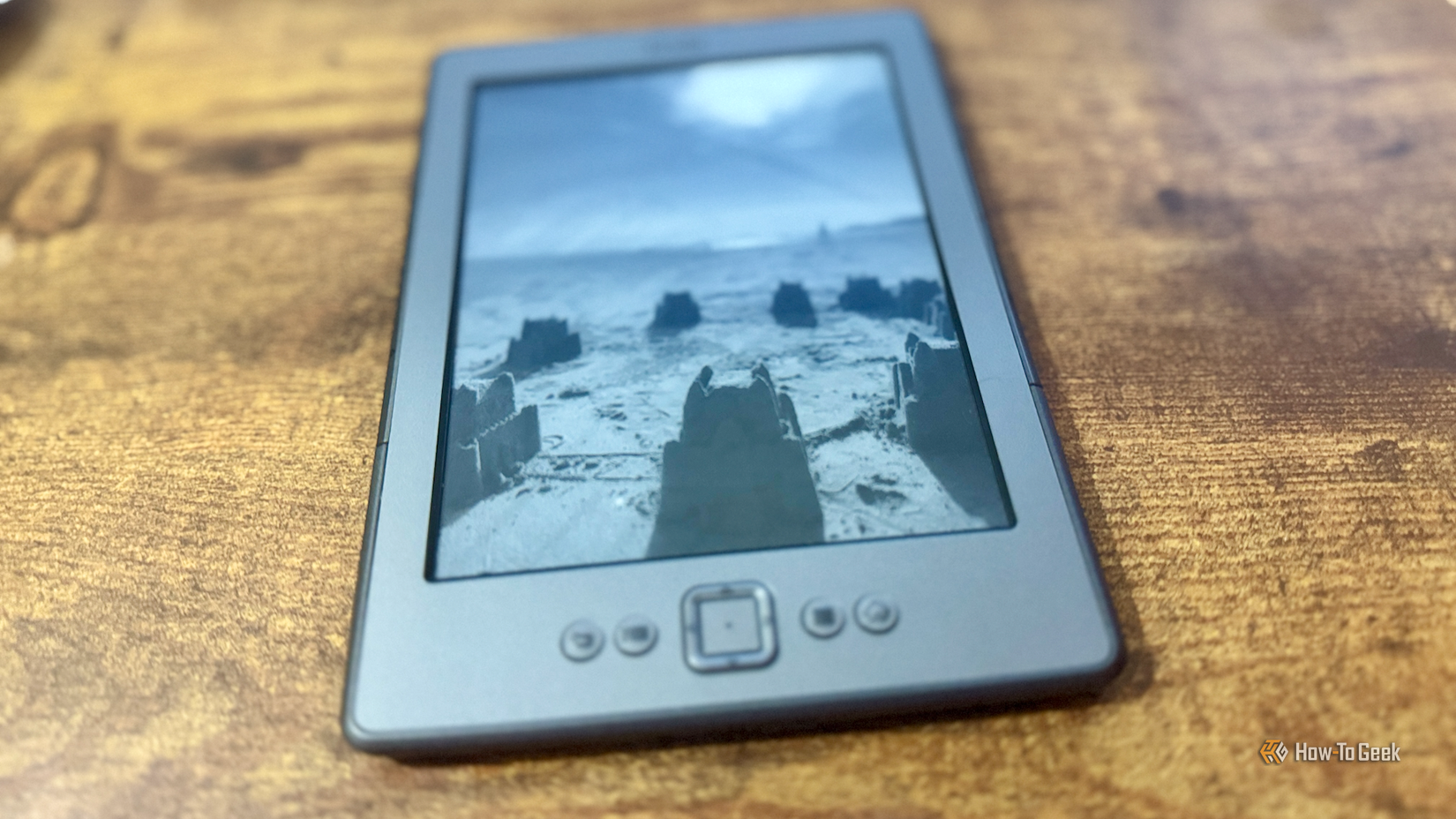
This was one of the popular early Kindle hacks. A Kindle spends far more time sleeping than it does awake, but in its wisdom, Amazon didn’t let owners use their own images as the sleep screen. The community created screensaver hacks that allowed you to replace the stock Kindle images with user-selected images instead.
This may sound like a minor change, but it allowed users to take advantage of the Kindle’s E-Ink display. Since an E-Ink display doesn’t need power to maintain a static image, it makes a Kindle a great way to show off images and artwork when it’s not being used for reading.
These mods have developed over time, with KOReader now having screensaver options of its own. Some screensaver hacks can also be configured through KUAL.
Collections Manager
Giving the Kindle the nested collections it lacked
 Credit: Justin Duino / How-To Geek
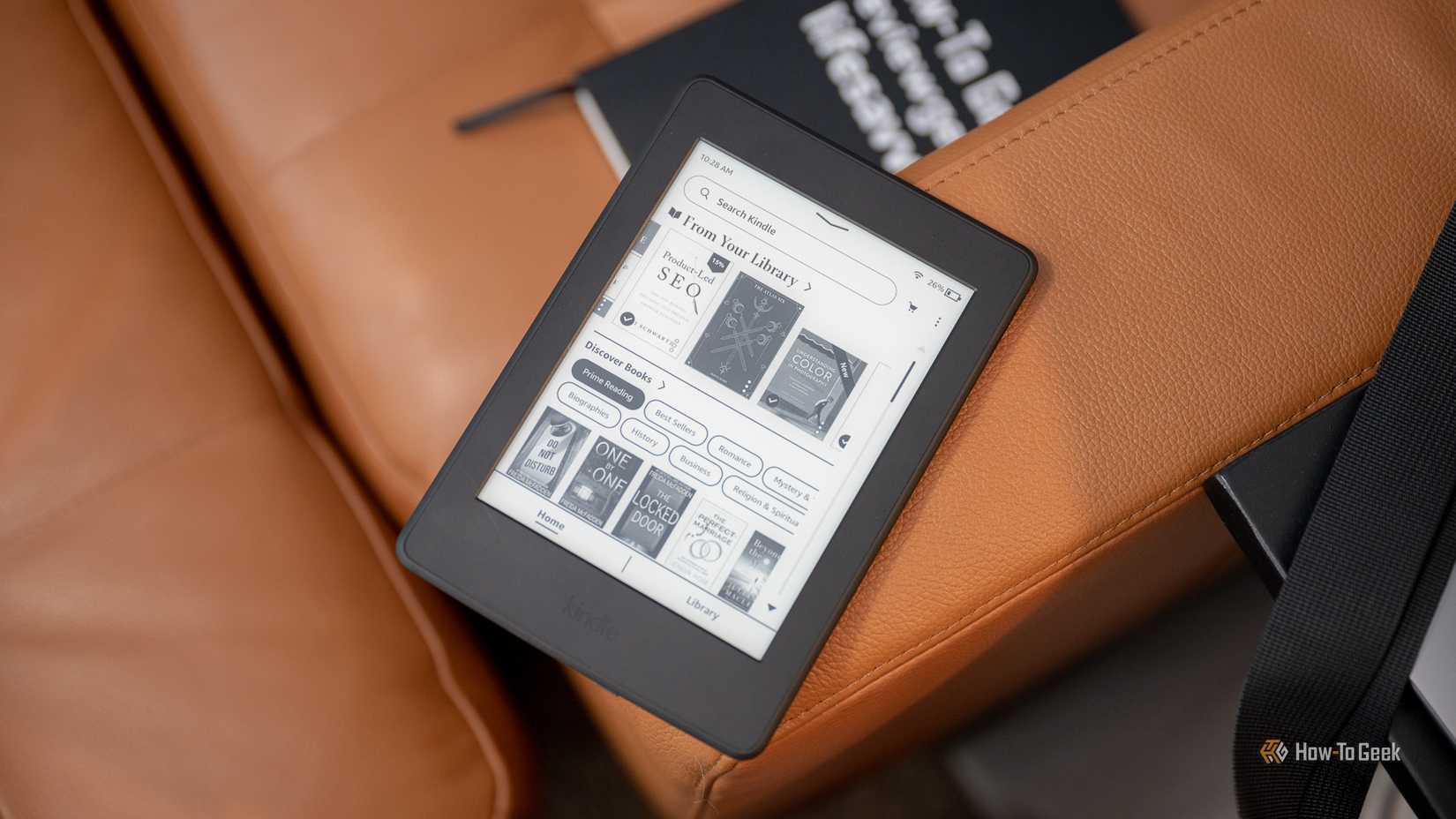
This is another classic mod that was first designed for the original Kindle Touch and Paperwhite models. It was intended to give users far more control over how they could organize large libraries of books on their Kindles.
The key feature was the ability to create nested collections. A stock Kindle let you create collections, but you couldn’t place one collection inside another, making larger libraries an organizational nightmare.
Using the Collections Manager mod, you could set up a collection for a specific author, which contained other collections of their different book series, with each of those collections containing the relevant books. It was then far easier to navigate to the book you needed.
Sadly, firmware updates broke the nesting mechanism that Collections Manager used. More than a decade after the Collections Manager mod appeared, you still can’t create proper nested collections on a standard Kindle.
Custom fonts
A classic hack that made reading on a Kindle better
 Credit: Adam Davidson / How-To Geek
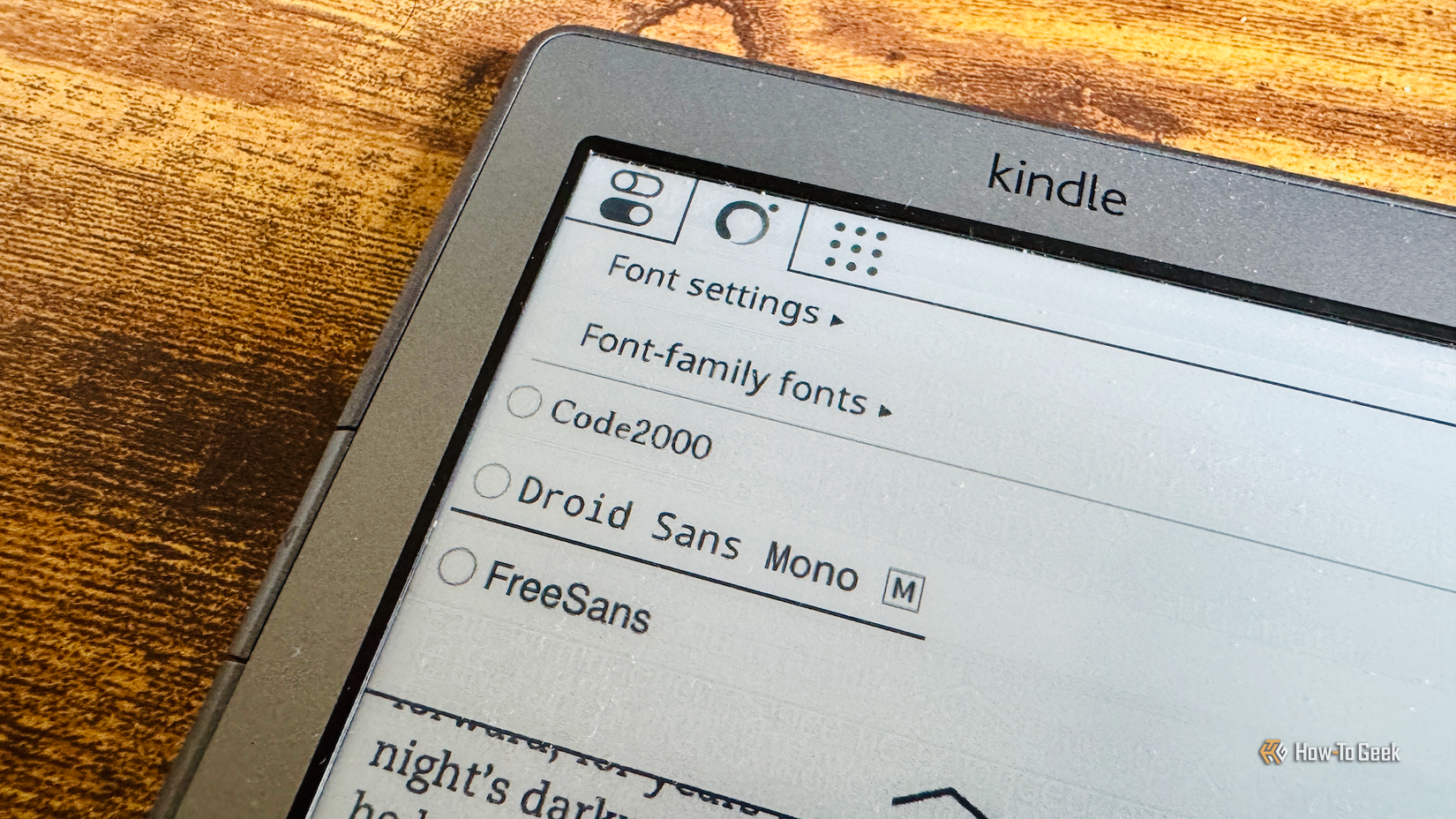
This is another mod that sounds fairly trivial, but it’s one of the most important because it directly improves the Kindle’s main purpose: displaying text. Older Kindles offered very little control over fonts, so community hacks soon appeared to try to fix this problem. Some of these hacks didn’t even need a full jailbreak; the “Font Hack Lite” for the Kindle 3 and Kindle 4 models let you use hidden features already in the Kindle firmware.
Modern Kindles allow you to install custom fonts, so this is something that is far less of an issue. However, even today, options such as KOReader give you far more control over exactly how your text is displayed than is possible on the stock firmware.
The best Kindle mods solve genuine restrictions
There are plenty of weird and wonderful Kindle mods that let you do everything from running Doom to working as an external monitor. The best mods, however, are those that make it easier to do what the Kindle was intended for: reading books.