Credit: Patrick Campanale / How-To Geek
I used Unraid as my only home server platform for nearly five years before I decided to jump ship to a traditional Linux distro. Unraid was still working well for me, but there were just one or two things it didn’t excel at, and those areas are right where Ubuntu shines.
Unraid used to be the center of my homelab
It handled storage, Docker, and virtual machines
-
 Credit: Patrick Campanale / How-To Geek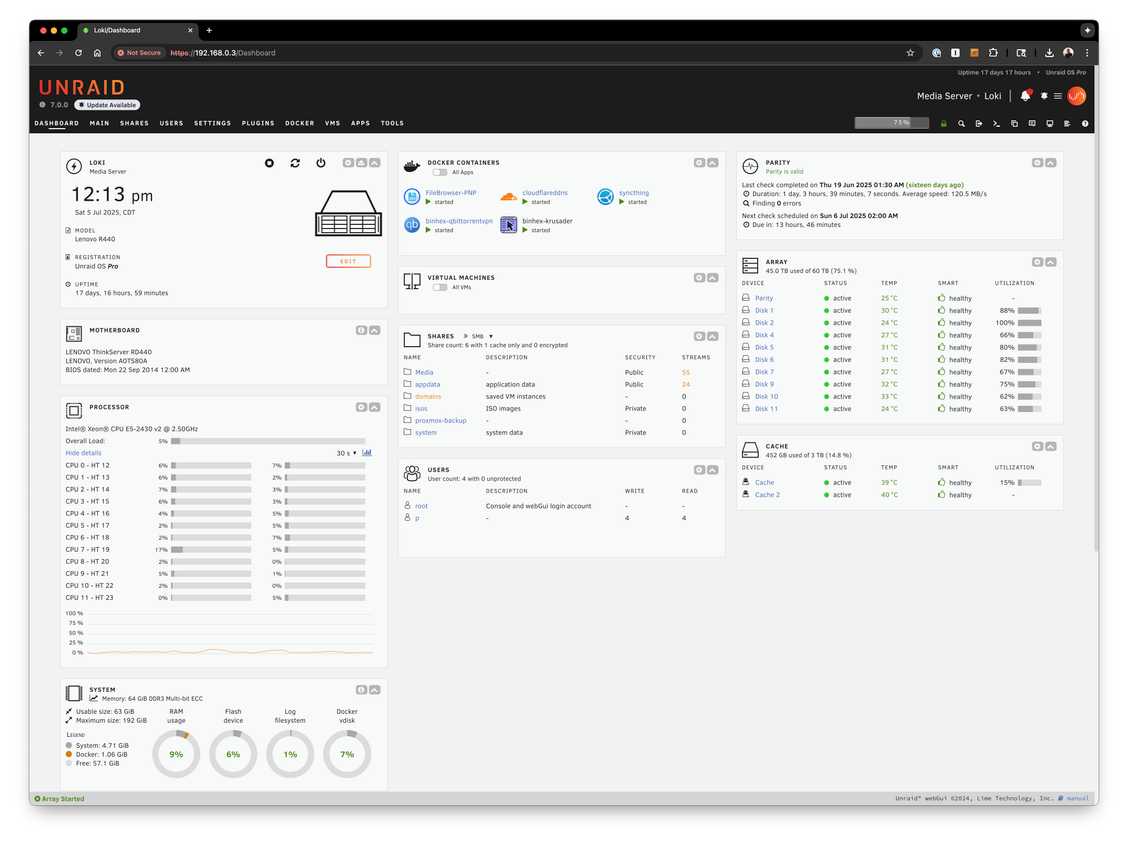
-
 Credit: Patrick Campanale / How-To Geek
 -
 Credit: Patrick Campanale / How-To Geek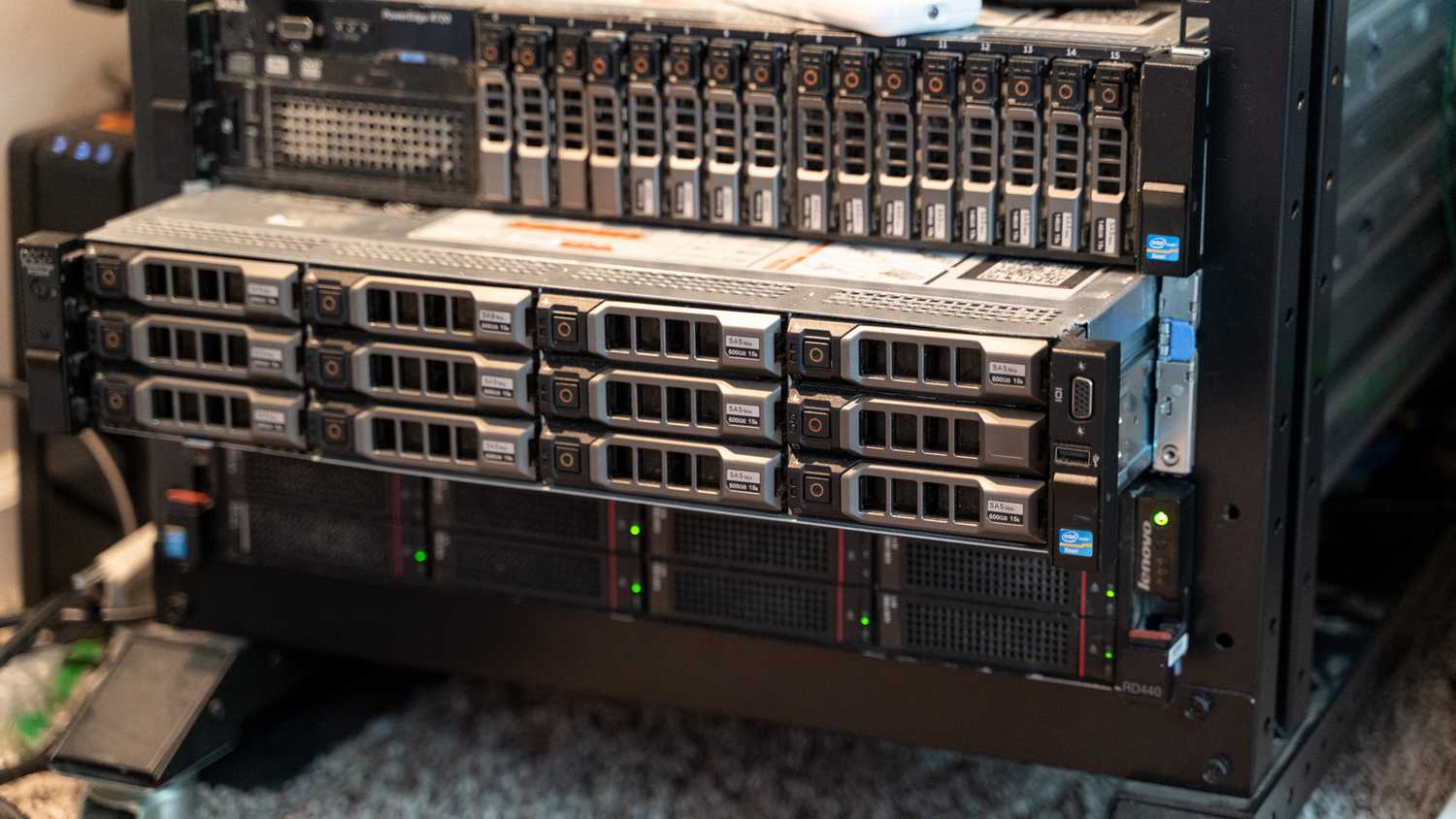

-
 Credit: Patrick Campanale / How-To Geek
 -
-
 Credit: Patrick Campanale / How-To Geek
 -
 Credit: Patrick Campanale / How-To Geek
 -
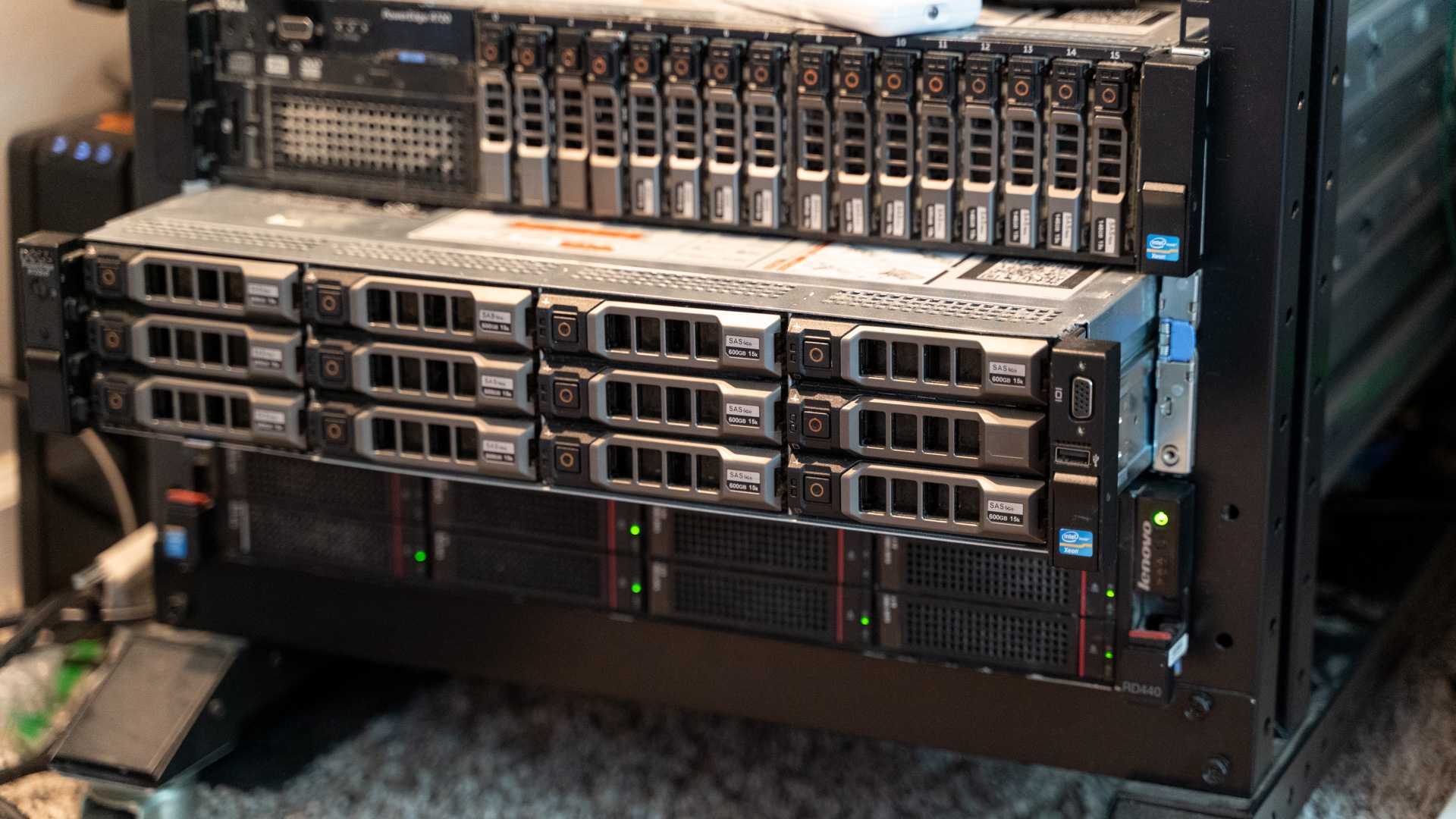
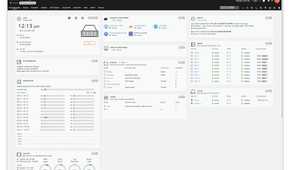
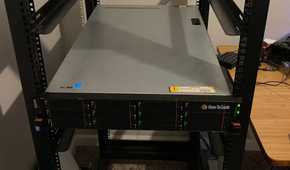
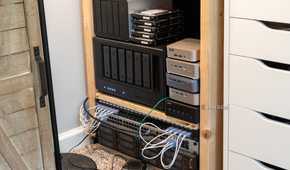
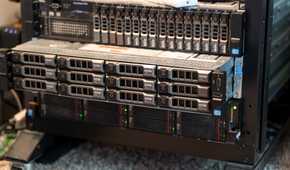
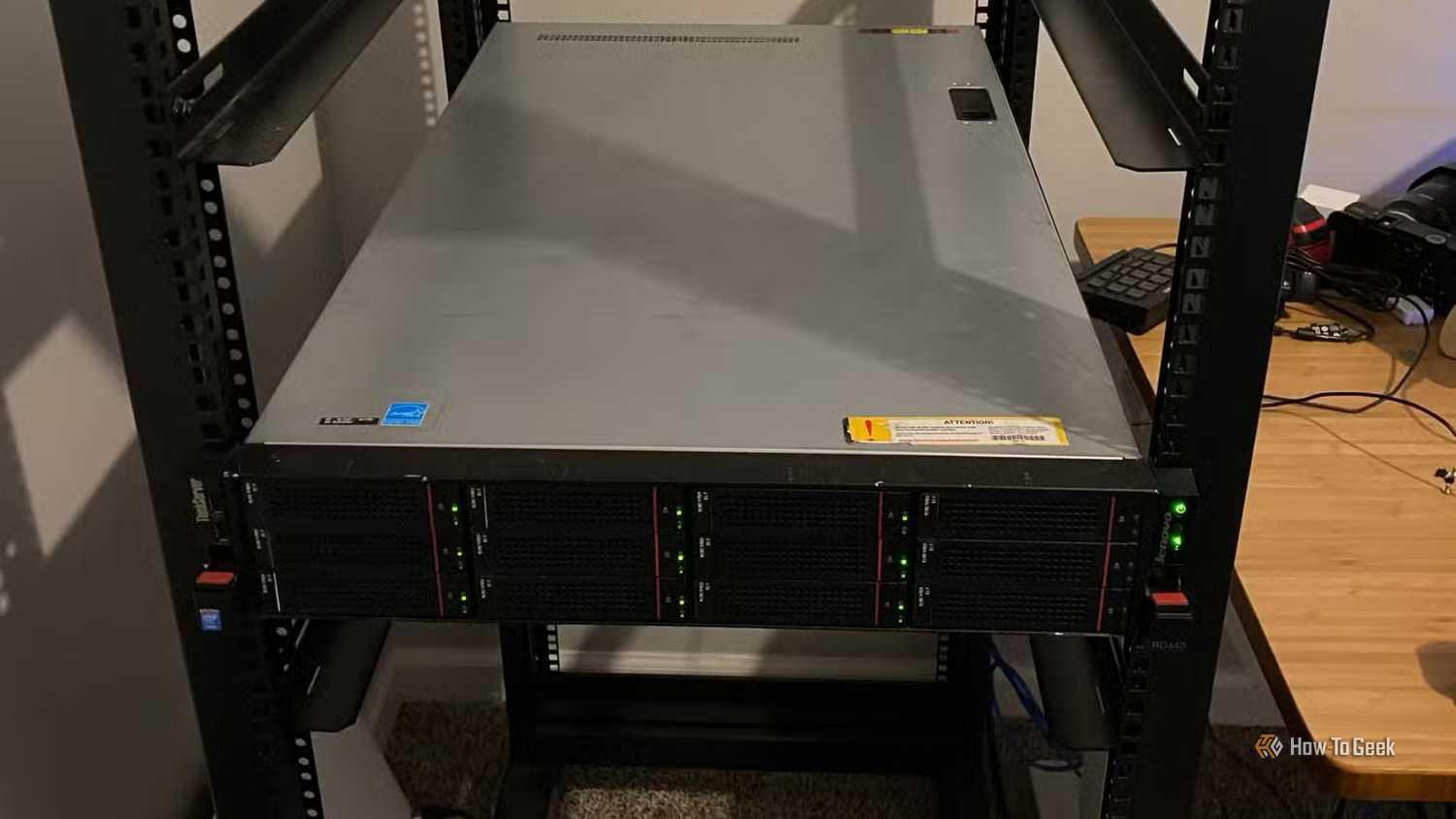
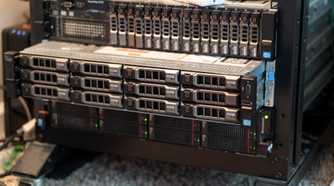
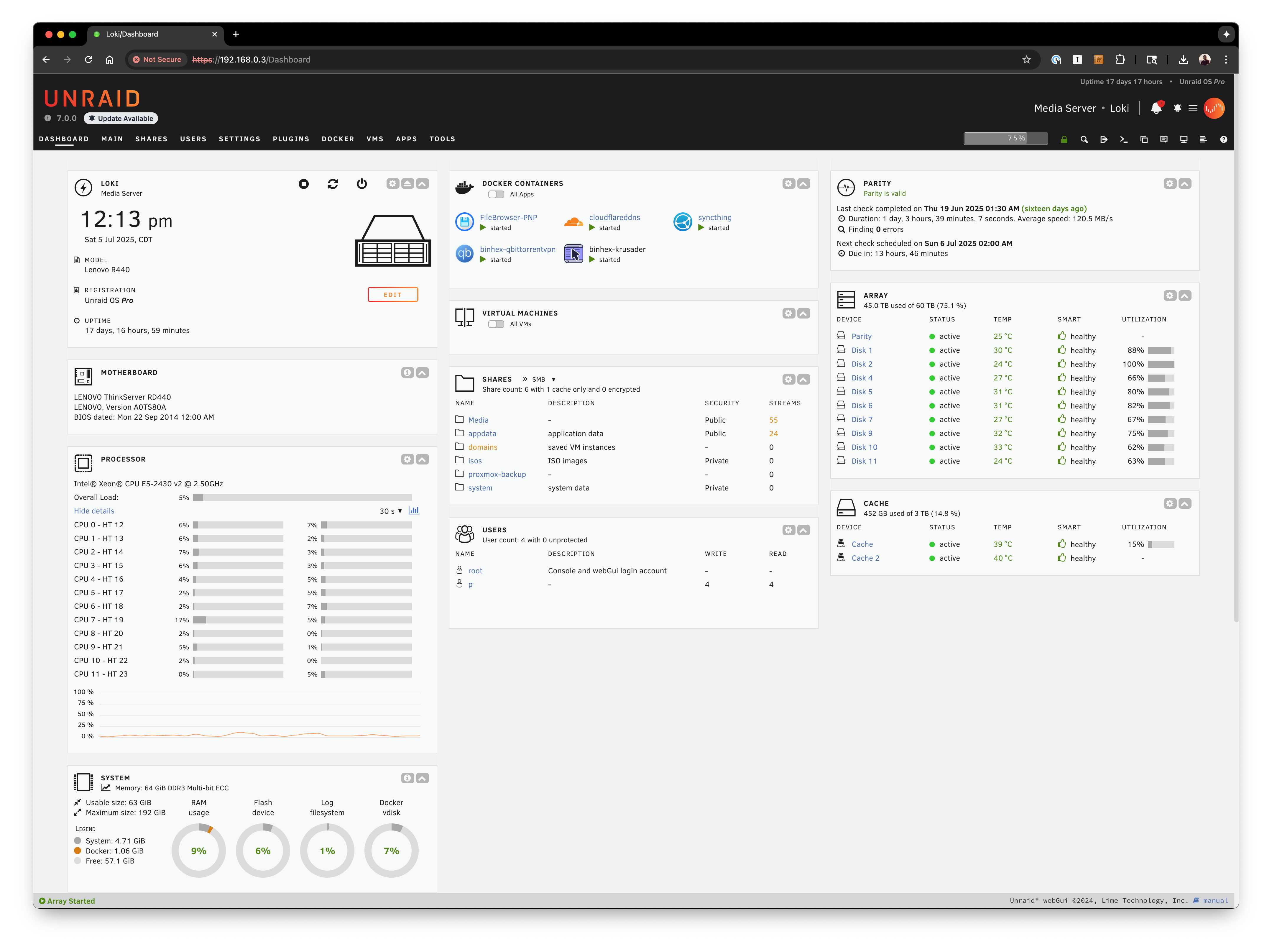
When I first started my most recent homelab back in 2021, it was all centered around one machine: my Lenovo RD440 rack-mount server running Unraid. It did everything for me. It was my storage server, virtual machine system, and Docker host.
I had one system and it honestly handled my needs just fine. I was actually surprised at how well Unraid handled being a jack-of-all-trades operating system. At the time, TrueNAS didn’t offer Docker support in a stable version of its operating system like it does today, and the jails that it did have were nowhere near as capable as Docker on Unraid.
So, I settled on using Unraid for everything. In fact, I’m glad I did. I had never used Docker before Unraid and the NAS operating system helped me get used to Docker with an easy-to-use interface that is simpler to understand than trying to dive headfirst into something like Docker Compose or even Docker CLI.
However, over time, Unraid started to not solve the same problem for me as it once did. I started wanting more out of my Docker containers, and, though I could accomplish most things in Unraid, it made it unreasonably difficult in many areas to do things. So, I decided I would look into other options.
Just because an OS can do something doesn’t mean it should
Docker is easy to use on Unraid…for supported containers
 Credit: Patrick Campanale / How-To Geek
It was the beginning of 2025 when I started to look at alternatives to Unraid—not for storage management, but for homelab management. What I ended up realizing is that Unraid is a fantastic storage platform, but it’s not the best at other things.
Just because something is a jack-of-all-trades, doesn’t mean it has to be used that way. So I started looking for the best way to run Docker, and I realized that Unraid was actually holding me back.
You see, Unraid uses something called “app templates.” These templates have to be submitted by either the community or the container’s maintainer, but they’re not automatic. So, I started running into Docker containers I wanted to use that didn’t have an app template, so they were a bear to get running easily.
App templates are actually really nice and I love them, but they’re definitely more limiting. Trying to modify one can be more frustrating than helpful.
So, after a lot of back-and-forth, I ended up deciding on going with my ol’ faithful server operating system as my Docker host, and it was one of the best decisions I ever made in my homelab.
Ubuntu offered me a proven system that supports all Docker containers equally
No pre-built app template required
I’ve used Ubuntu Server for over 15 years at this point, and it’s where I feel most at home in the command line, so it was a natural fit for me when I wanted to move away from Unraid for some homelab functions.
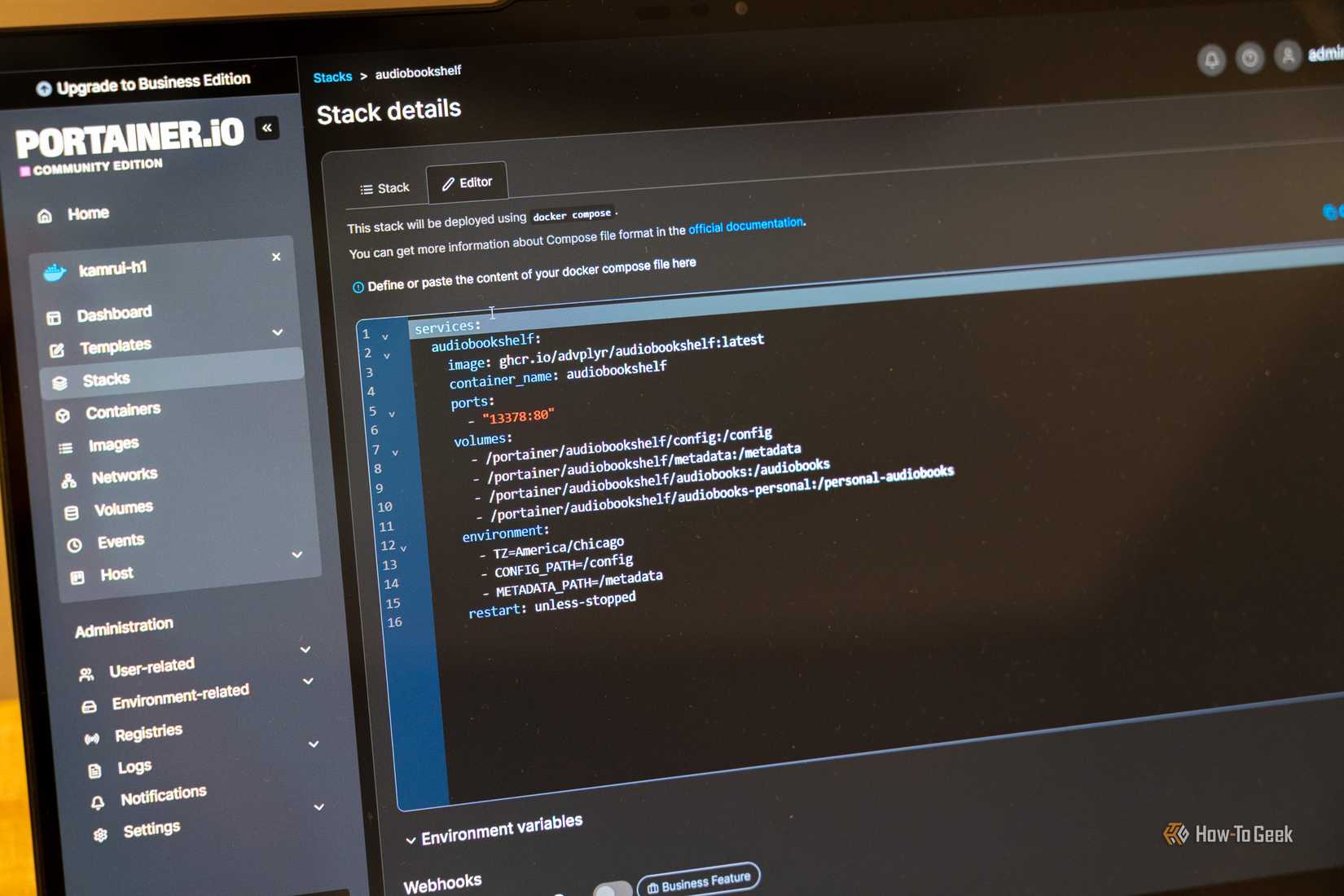
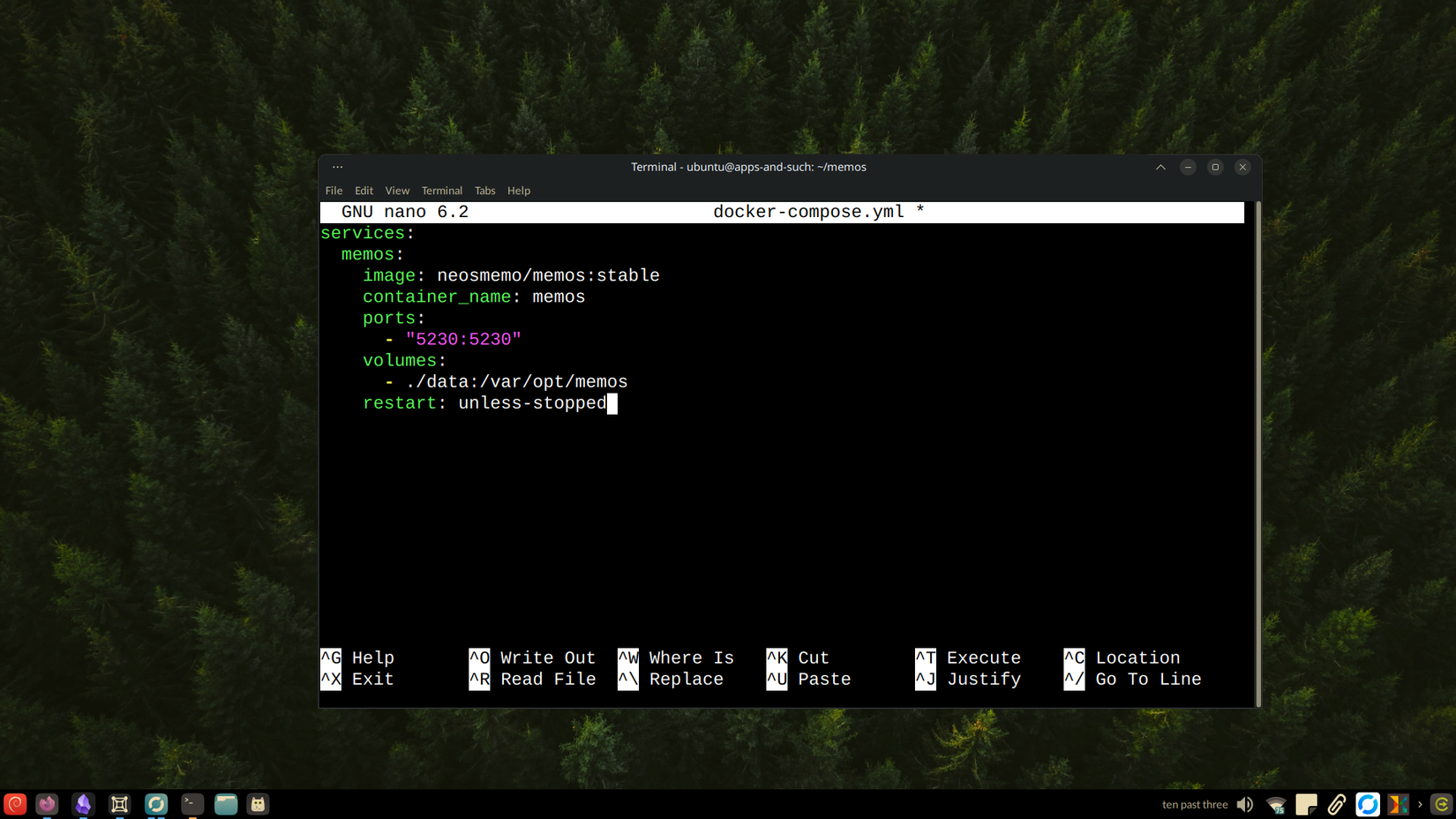
Docker is natively supported on Ubuntu, and it’s fully functional there. I don’t have to worry about app templates, as I just use the Docker Compose file that almost every container already provides. If no Compose file is provided, it’s relatively easy to use either Docker CLI, Portainer, or to just write my own Compose file.
Switching to Ubuntu not only opened the doors for me to run basically any container I wanted, but also made my Docker experience way more solid.
Part of the issue with Unraid is you search the community repository and might or might not find an official container. Sometimes an official container is marked official, sometimes it’s not. Sometimes, I would search for a container and find like 12 different app templates for seemingly the same container, and it was always annoying to try to find the “best” one.
But, when launching the containers directly from a maintainer’s file or repository, it’s easy to find the right one. Just find the GitHub repo that you want to use and it’s all right there. I just find locating the right maintainer and container simpler manually.
Sometimes the best thing to do is split up your homelab
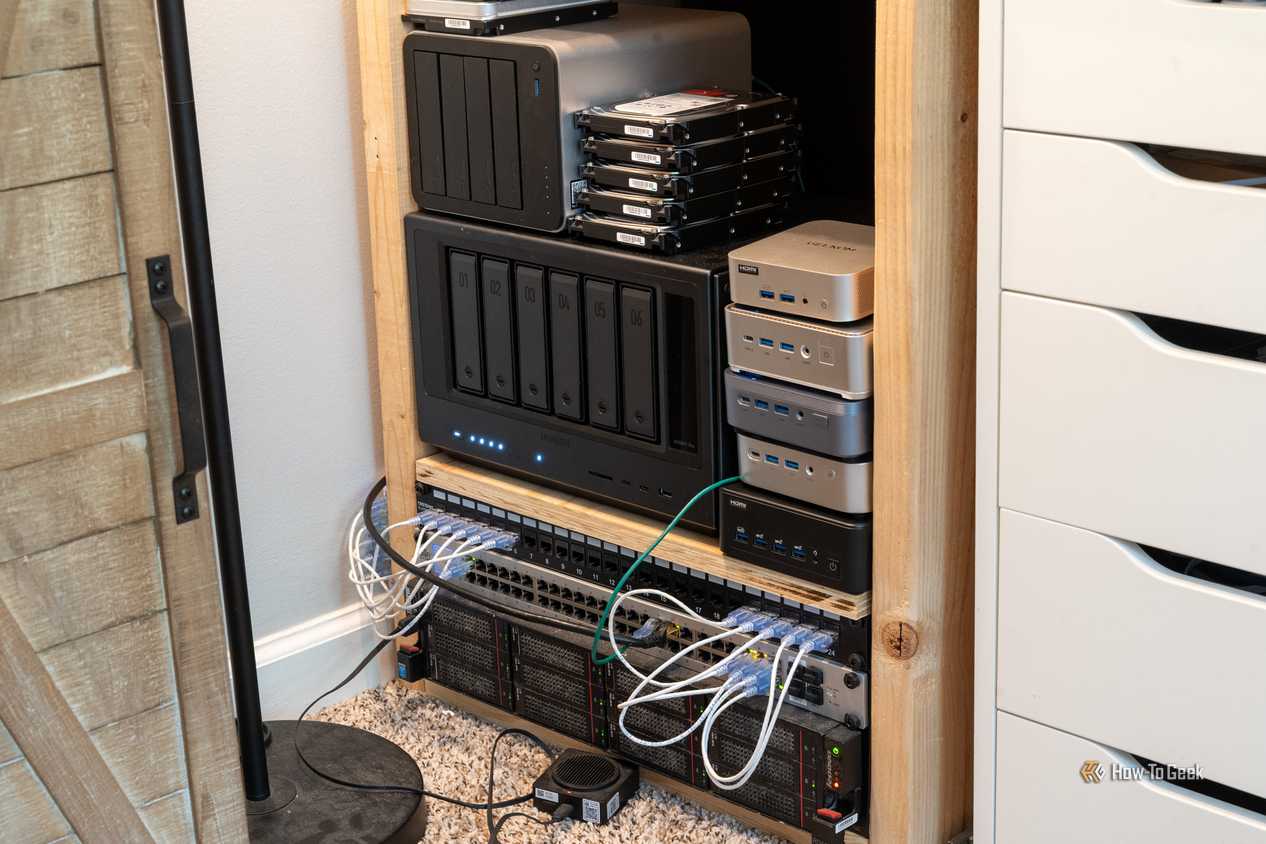
I know I’ve written about splitting up my homelab in the past, but I still stand by the decisions wholeheartedly. Sometimes it’s simply the best decision to make.
My homelab would not have progressed to where it is today if I hadn’t switched away from Unraid to Ubuntu Server back in early 2025 for my Docker containers. That was the single best thing I ever did for my homelab.