Credit: Hannah Stryker / How-To Geek
Discord has become the go-to communication platform for gamers and enthusiast communities for the last several years.
If you add a bot, you can add a nearly infinite number of features to your server, but that comes with some downsides: You have to trust that the bot owner is handling any data they collect responsibly, you have no real control over the features, and they’re usually pretty simple.
After a friend spent about 5 minutes ranting about how useless a bot was, I volunteered to make a better, smarter bot that would run on a gaming PC.
I built an AI bot that is smarter than Alexa
It talks with me about everything
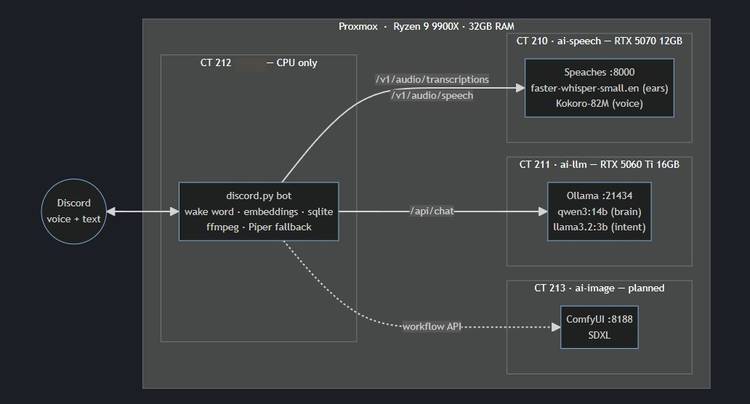
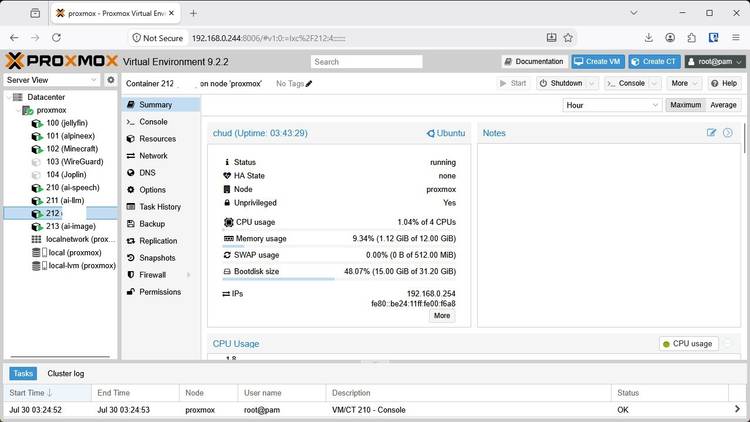
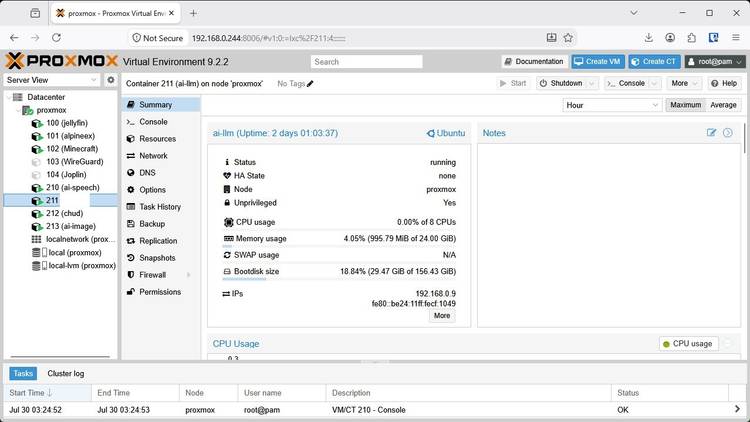
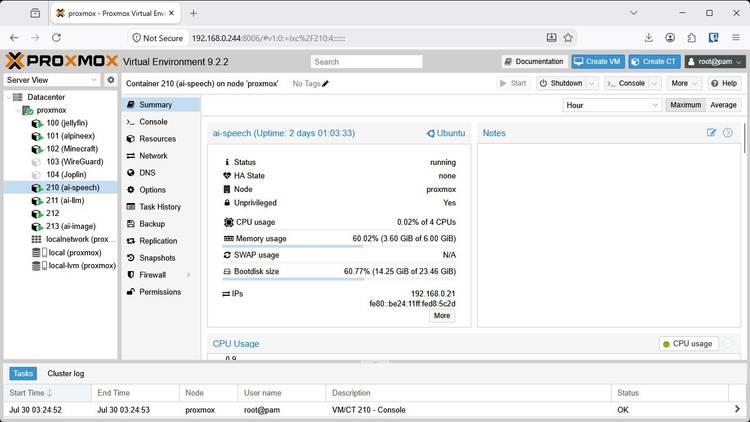
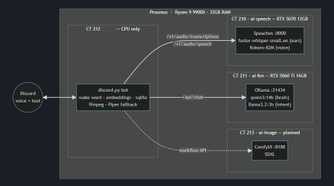
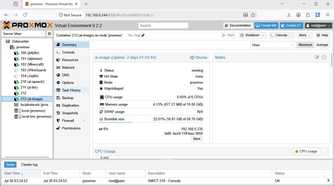
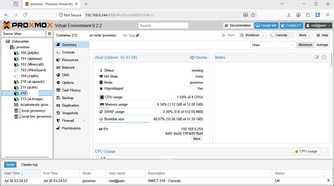
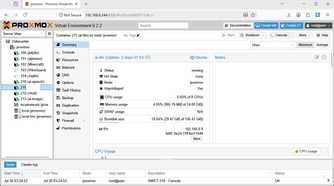
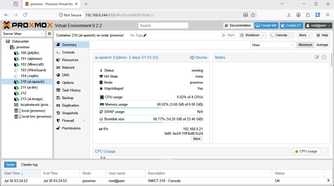
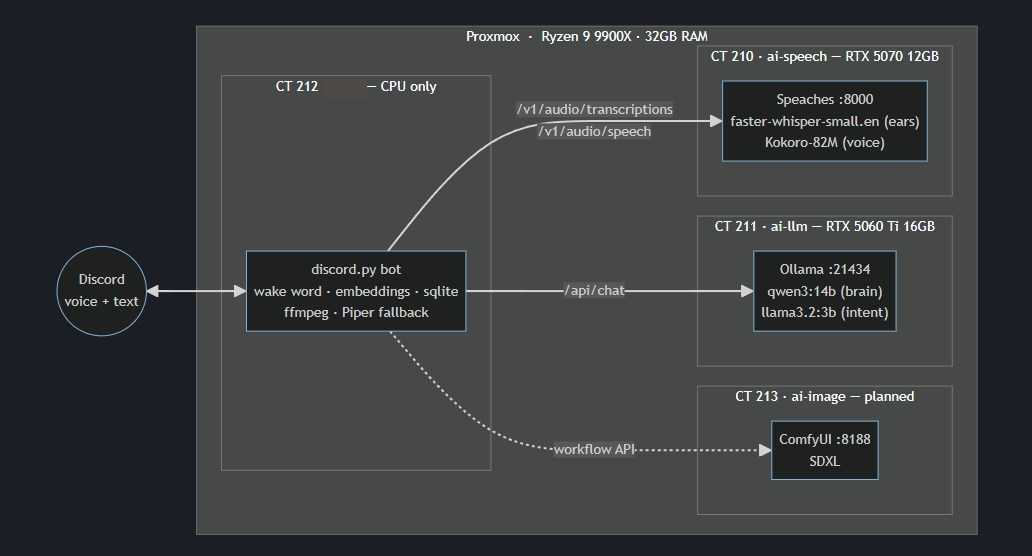
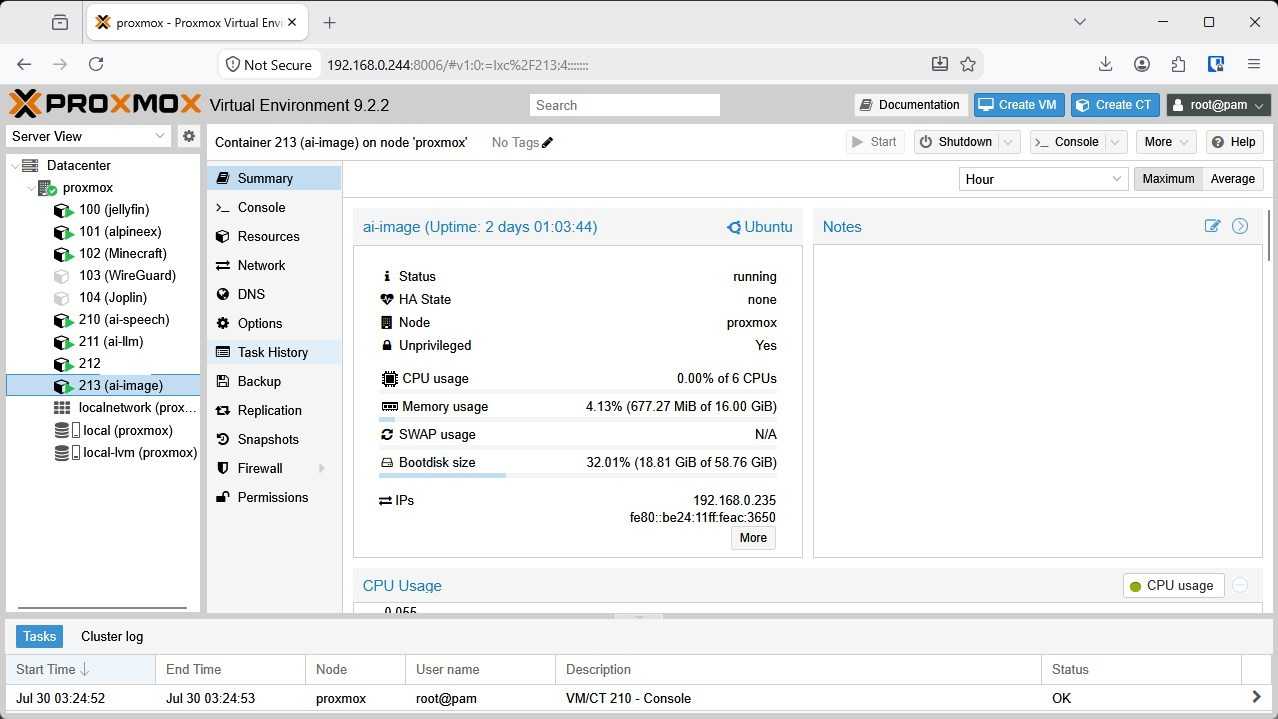
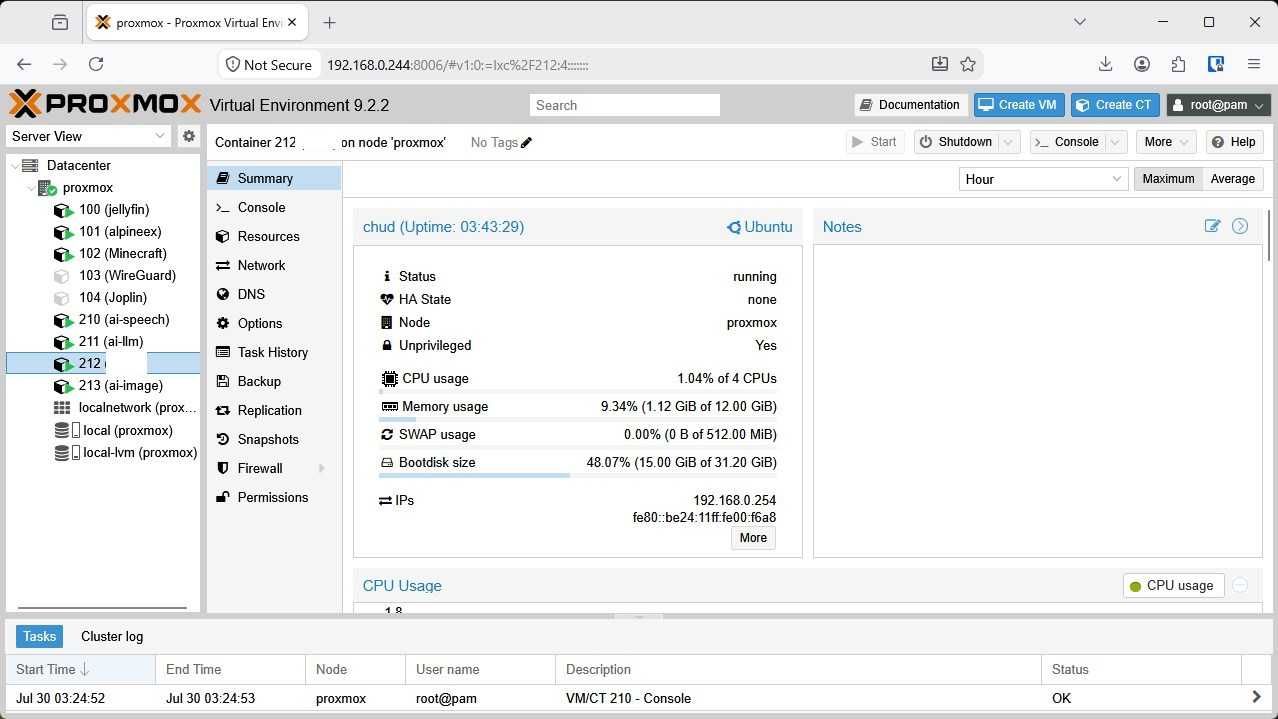
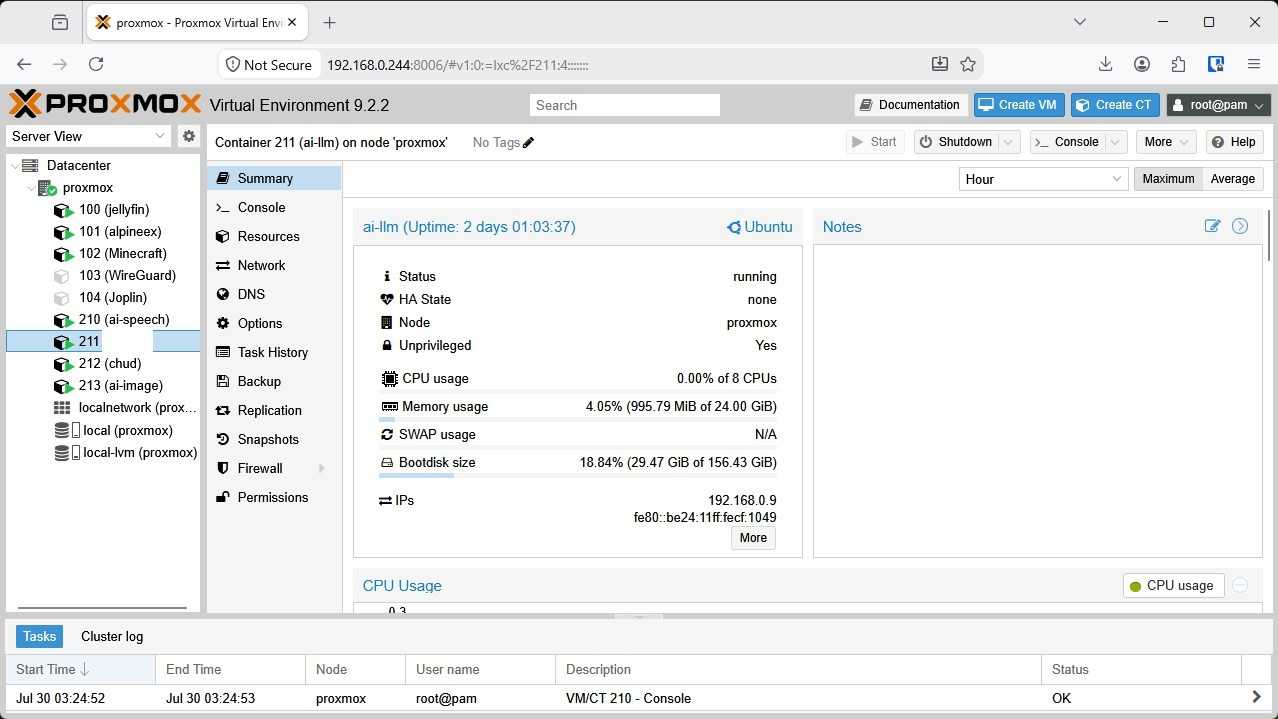
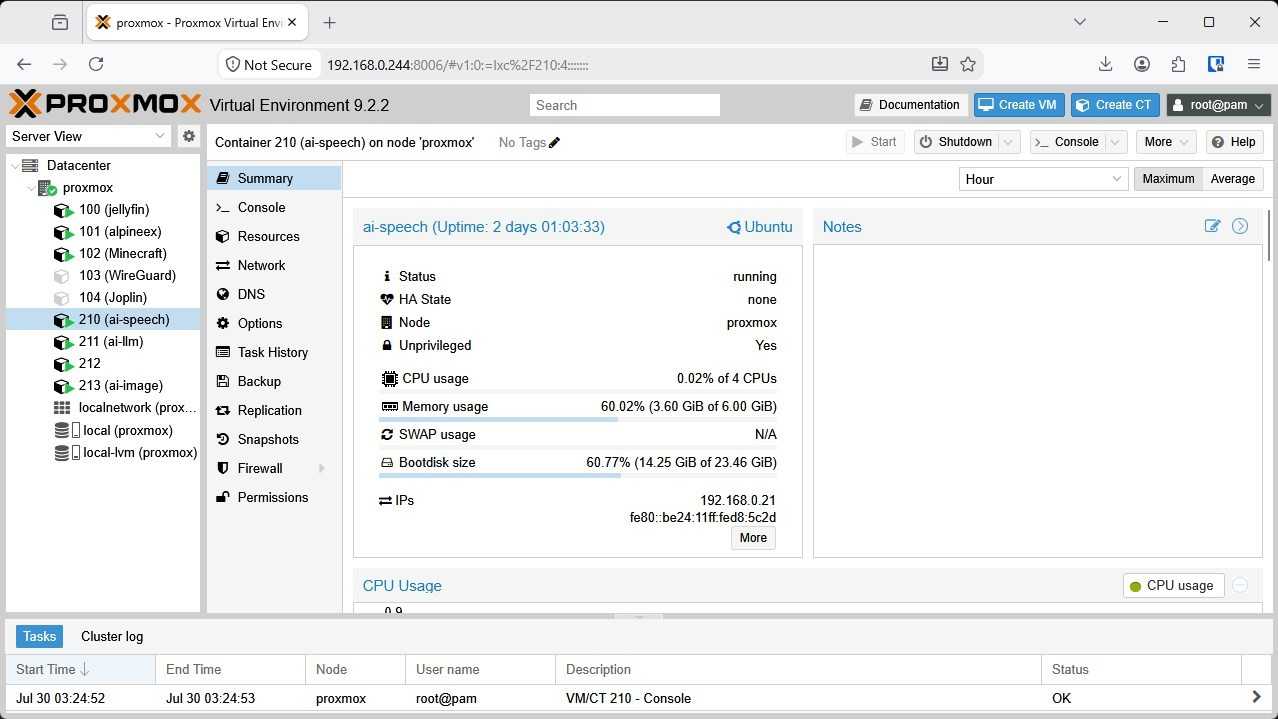
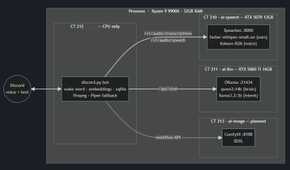
The big feature that everyone wanted when I first committed to building a self-hosted Discord bot was voice control. They wanted to be able to play and control music without ever touching a slash command. In order to achieve that, we trained a neural net to respond to a wake word using our own voices, then built in several basic commands that operate as normal slash commands. Faster-whisper, a speech-to-text library, then converts spoken words into text that can be piped along to trigger various commands.
However, the real trick is the intent layer. A small LLM (llama3.2:3b) translates loose, natural speech into the fixed command set. This means saying “mix it up a bit” will shuffle the queue just as effectively as saying “shuffle,” which is the difference between an AI that feels intuitive and one that is incredibly frustrating to use.
To keep latency down, I used streaming TTS (built on Kokoro-82M), so the bot starts speaking in roughly two seconds while the larger model is still generating the rest of the response.
There are now dozens of commands
With the voice input working, I structured the entire thing around local media libraries with full queue control—shuffling, looping, and moving tracks as needed. I’ve implemented “vibe” modes where you give a mood description, and the bot maps it to genres and BPM curves on its own.
Beyond music, the bot handles everything from conversation mode—where it keeps chatting with you until you tell it to “stop talking”—to Retrieval-Augmented Generation (RAG). You can ingest a wiki or a set of campaign notes and query that specific corpus by voice. It also generates SDXL images and handles standard utilities like timers, long-term reminders, weather, dice rolls, and RSS digests.
The more complex functions lean on Qwen3 14B, which allows the bot to meaningfully chat about what it “knows.” As an example, I incorporated knowledge about Minecraft and Minecraft mods into a database it can read. Now I can just talk to it about recipes and game mechanics exactly like I might talk to a friend that knows more about the game than I do, all in real time.
The bot’s next big outing will be as a companion in a DND campaign. It’ll be able to make its own choices, roll its own dice, and have an internal “character” that it understands it is playing.
It will be able to write its own plugins
On-the-fly new features
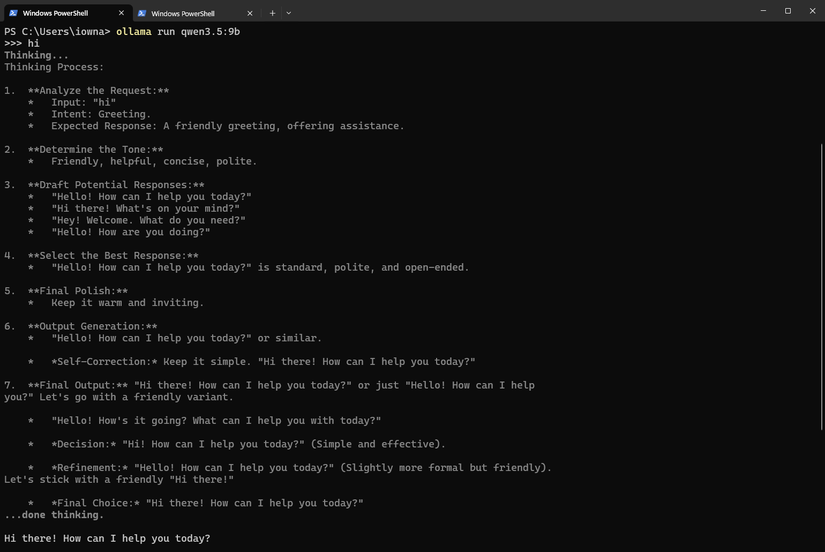
The crowning jewel that I’m working on will allow the bot to write its own features eventually. A user will submit a command, a syntax example, and then link to an API (if relevant). The GPUs will then pool their resources to load a larger, smarter model (which is better at coding) and attempt to generate code that enables the requested feature.
In practice, it has proven difficult to make work. Larger models are smarter, but they also use up more memory, which limits the amount of space available for context. That makes it difficult for the model to “know” how to connect to the specified API.
So far, the bot has almost successfully coded two plugins: one that allows you to specify a ZIP code and fetch the weather, and one that’ll get a time for a specified city. Ultimately, I had to manually tweak them a bit, but I’ve also had good luck using slightly smaller LLMs to fix close-but-not-quite code.
My Discord bot’s brain will power my home assistant
After I’d been using it for a few days, I realized that there was nothing stopping me from repurposing the “brain” of my Discord bot to a full home assistant.
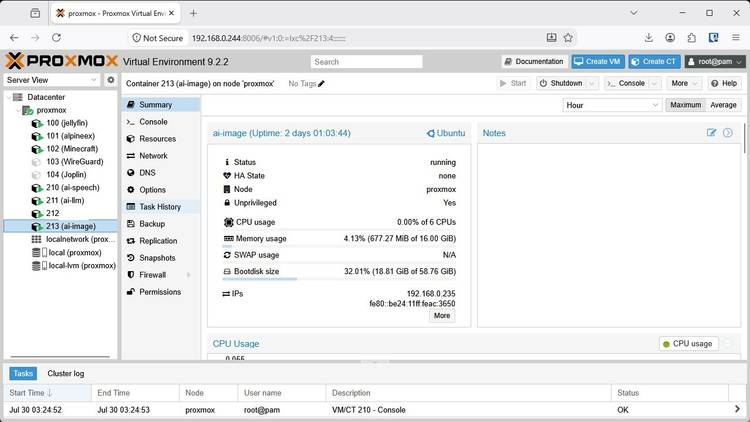
The various components of the bot—the wake word detector, command intent interpreter, and larger LLM—all run independently. I can repurpose those servers, their LLMs, and the commands I’ve already built for a home assistant without reinventing the wheel again.
All I need to do is add in a few extra commands that link to Home Assistant and ensure that those commands are fully isolated from the Discord bot. After that, I’ll be able to use the bot to chat about a recipe, order food using my accounts, or almost anything else.
If you’ve ever wanted a good project to try out vibe coding, a Discord bot is a great place to start. It is low-stakes, well-documented, and something that you can actually use regularly.
,