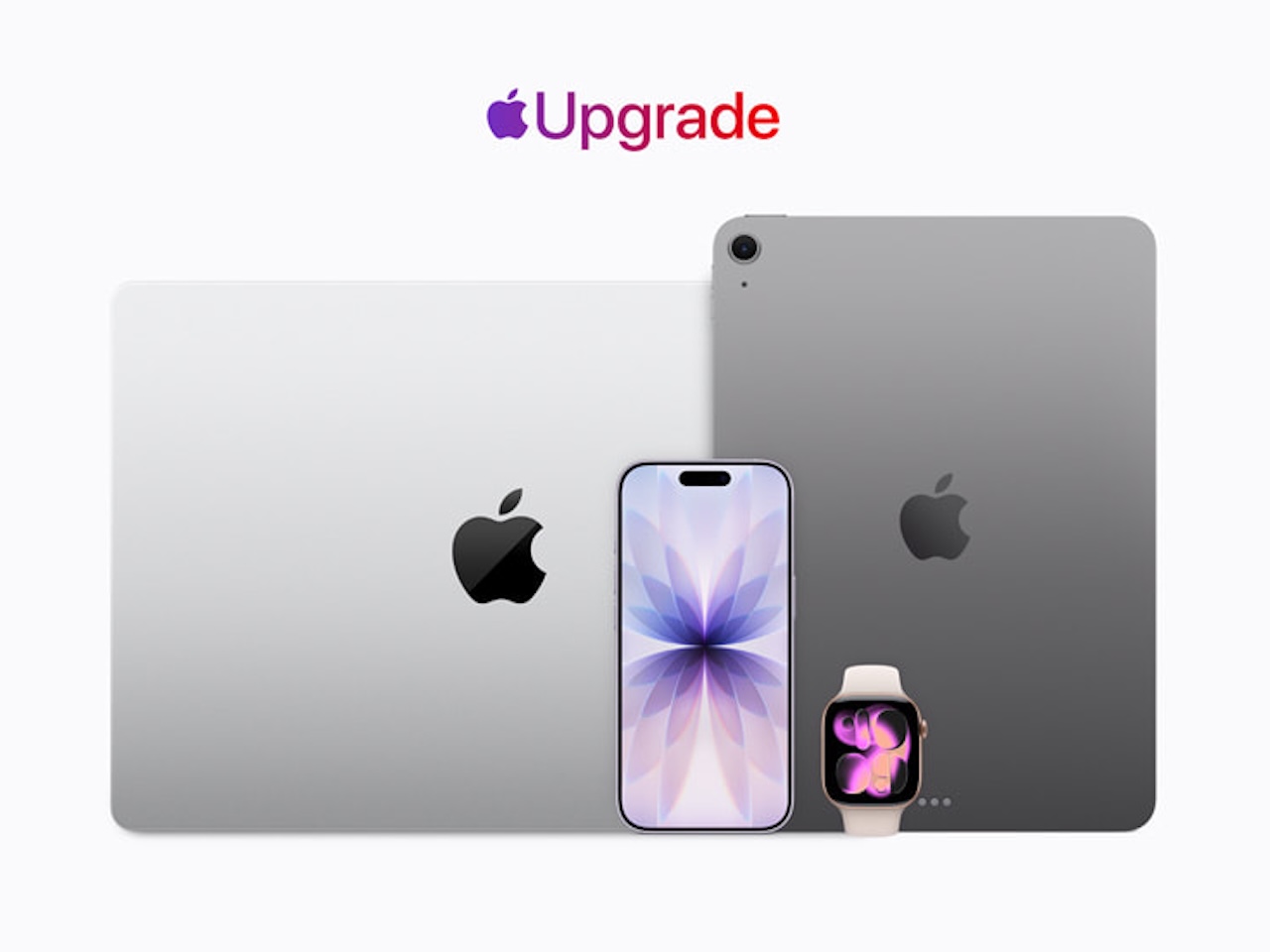
Apple launched Apple Upgrade in the United States on July 28, turning the next iPhone, Apple Watch, Mac, or iPad into a monthly lease through Klarna. The headline price is low, but the program’s defining detail is even simpler: a lease doesn’t automatically end with you owning the device.
Apple Upgrade is a lease, not a payment plan
Apple says the new program is available through the Apple Store online, the Apple Store app, and Apple Store locations in the United States. Eligible customers choose a lease option for an iPhone, Apple Watch, Mac, or iPad, then apply through Klarna.
That wording changes the decision. A low monthly figure can look like device financing at a glance, yet Apple says customers reach the end of a lease with three choices: upgrade to a newer device, make a one-time purchase, or return the device and leave the program.
The monthly prices are only the starting point
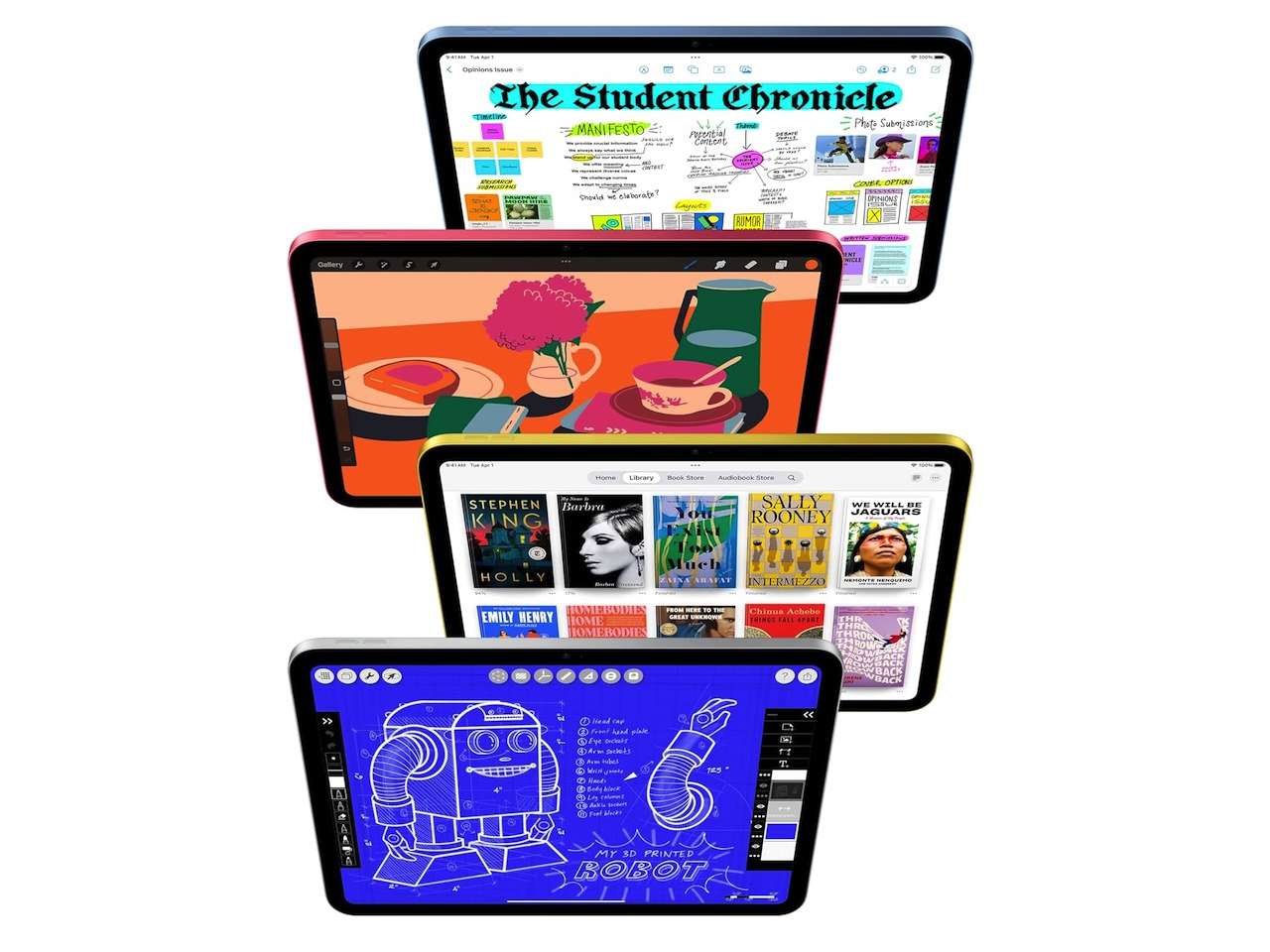
Apple lists iPhone leases from $17.99 per month, Apple Watch leases from $11.99, Mac leases from $24.99, and iPad leases from $11.99. Those are starting figures, not one universal price for every configuration.
Apple also says a trade-in can lower the monthly lease payment when a customer first enrolls. Customers who use Apple Card for lease payments can earn 3 percent Daily Cash, per Apple.
Lease terms vary by device category
- iPhone: 12-month or 24-month lease options, starting at $17.99 per month.
- Apple Watch: 12-month or 24-month lease options, starting at $11.99 per month.
- Mac: 24-month or 36-month lease options, starting at $24.99 per month.
- iPad: 24-month or 36-month lease options, starting at $11.99 per month.
Approval and protection still deserve a close read
Apple says applicants receive a soft credit inquiry that won’t affect their credit score. Klarna approval still determines eligibility, so the advertised entry price isn’t a guarantee that every shopper will receive the same option.
AppleCare isn’t bundled into the lease by default. Apple says customers can add a subscription, which is a practical point for anyone who plans to return a device at the end of the term instead of buying it outright.
 Apple is retiring the old iPhone Upgrade Program
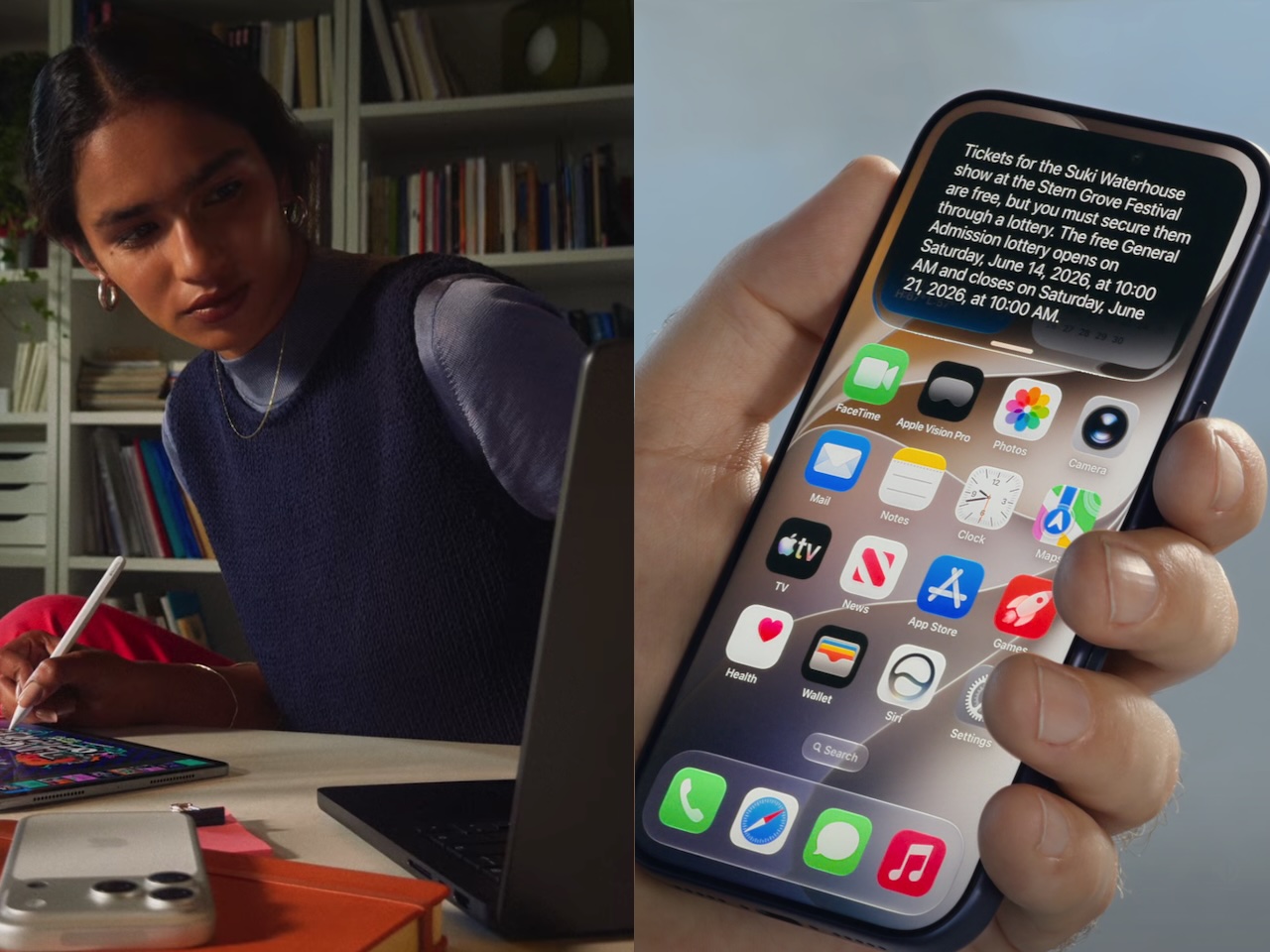
With Apple Upgrade now live, Apple says it will no longer offer the iPhone Upgrade Program or iPhone Payments in the United States. Current eligible iPhone Upgrade Program customers can lease through Apple Upgrade, finance through Apple Card Monthly Installments, buy outright, or use carrier financing.
That gives existing customers a clear fork in the road. The new program expands beyond iPhone, but it also asks shoppers to decide whether recurring access or eventual ownership fits their device habits better.
Who should look closely at Apple Upgrade
People who replace devices on a regular schedule and prefer a predictable monthly bill will see the appeal. The program covers several major Apple categories, and Apple says the online process can end with delivery or in-store pickup.
Buyers who keep a Mac, iPad, or phone for years should slow down before focusing on the monthly figure. The one-time purchase option at the end of a lease exists, but that future decision is part of the cost picture from day one.
What’s still unclear
Apple’s announcement doesn’t provide a complete model-by-model payment chart, total lease cost, or every return-condition detail. Shoppers should review the exact device offer and Klarna terms before enrolling.
Apple also hasn’t presented independent evidence about how the program compares financially with buying a device outright, carrier financing, or Apple Card Monthly Installments. Those comparisons will depend on the model, trade-in value, lease term, and end-of-term choice.
TG take
Apple Upgrade looks strongest for people who already think of a phone or watch as a device they cycle through on schedule. The $11.99 starting point is attention-grabbing, but it only tells part of the story.
The useful question isn’t whether the monthly payment feels small. It’s whether returning, upgrading, or buying the device at the end of the lease matches the way you already use Apple gear.
Sign up for our newsletter today.
No ads, no spam, just links to our latest articles!
Auto Amazon Links: No products found.