Credit: Jordan Gloor / How-To Geek
While people think of Linux as a modern operating system, it embodies ideas that are more than 50 years old. Here are some of the oldest ideas and why they stick around in modern Linux distros.
Directory structure
The tree of files
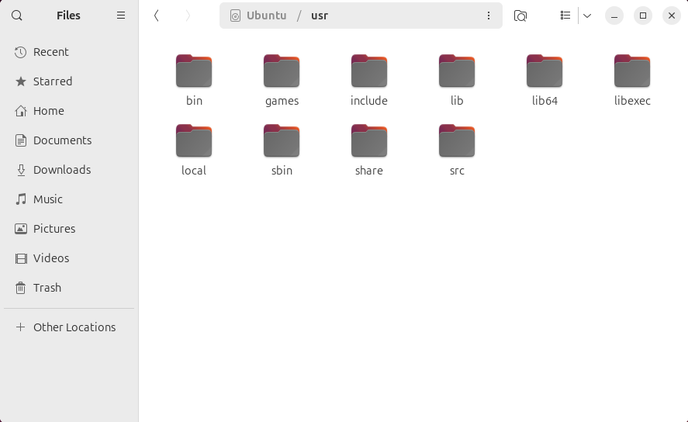
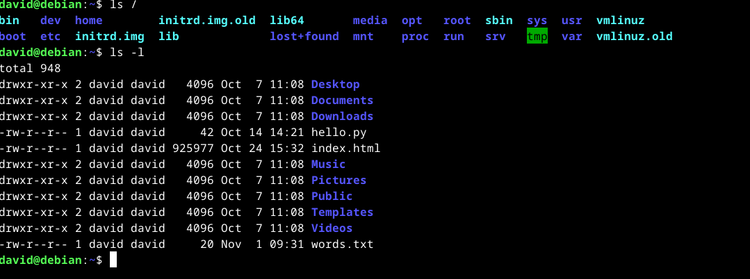
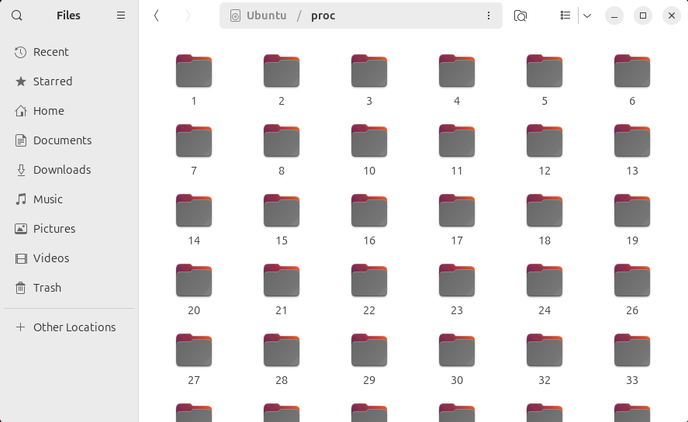
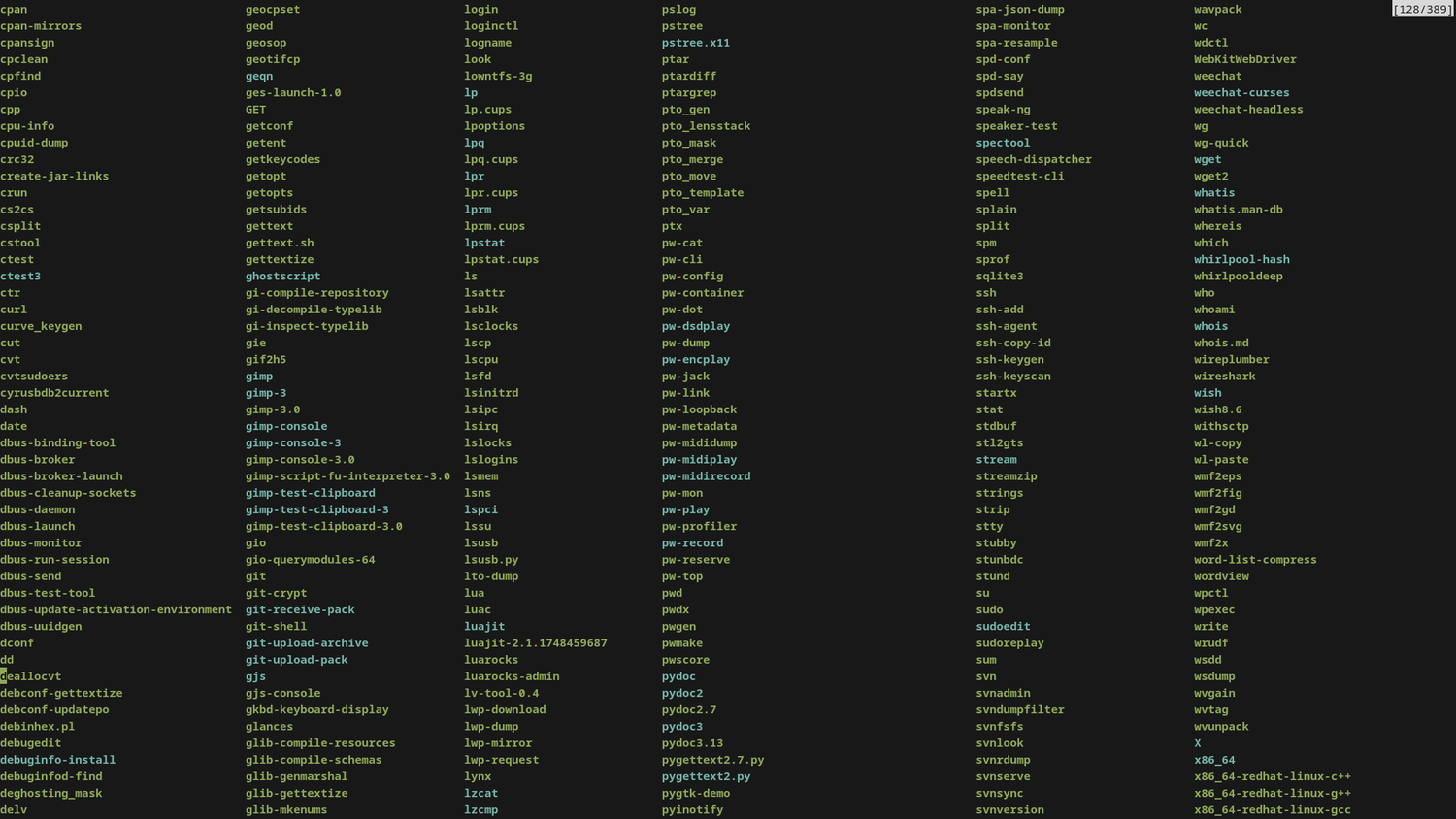
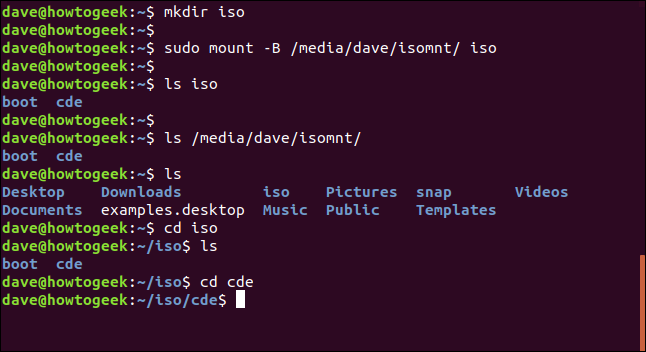
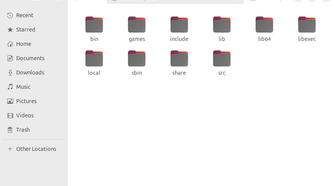
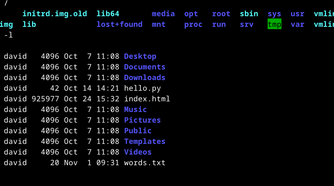
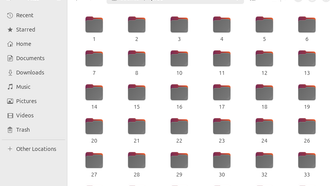
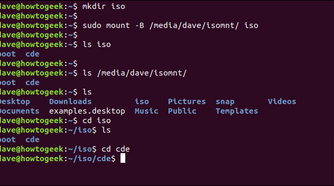
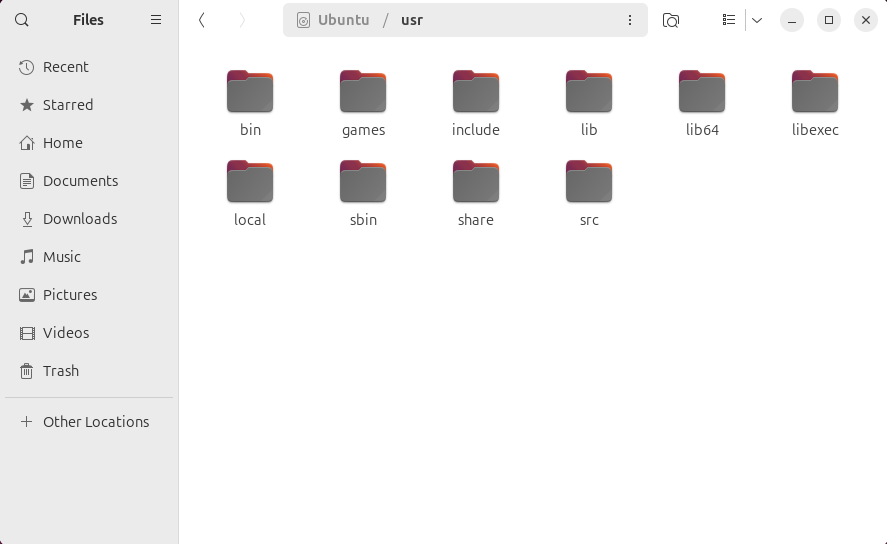
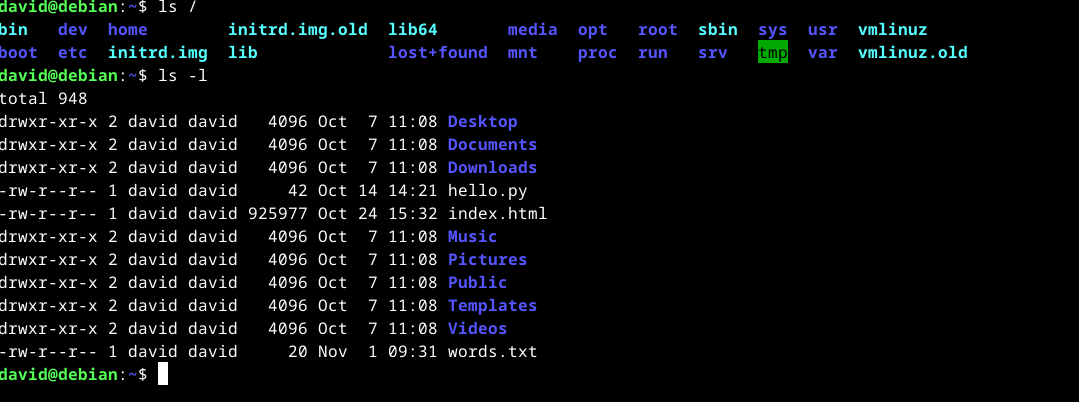
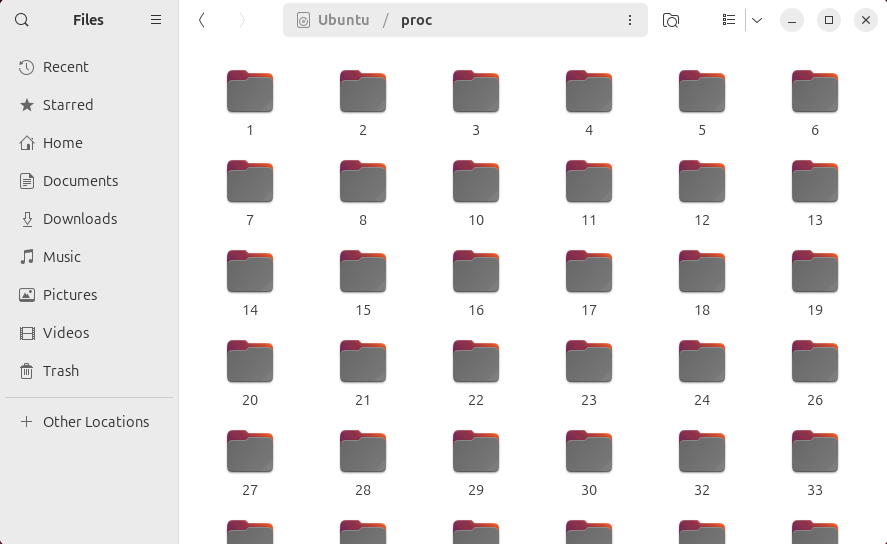
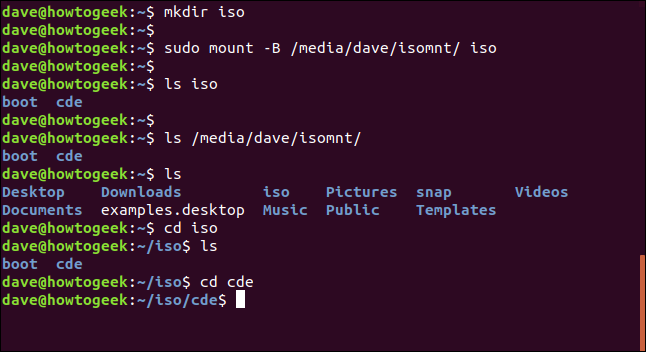
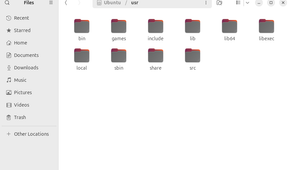
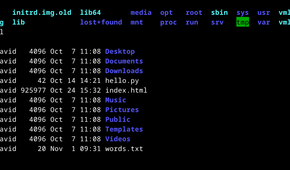
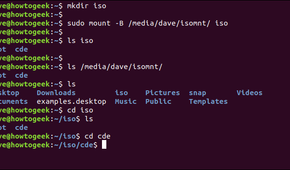
You might not think too hard about the directory structure, but this was one of the things that astounded computer scientists when the paper, “The Unix Time-Sharing System,” was published in the computer science journal Communications of the ACM in 1974. The file system was hierarchical, which was a groundbreaking concept at the time, even though it’s routine now.
The directory structure still characterizes Unix-like systems, including Linux, today. The directories fan out from the central root or “/” directory the way tree branches extend from a central trunk. Unlike in DOS or Windows, there are no drive letters. This means that a directory tree can span multiple devices, such as a physical hard drive or SSD, or a fixed drive and a USB stick, or an SSD or an optical disc. This gives the file system a lot of flexibility.
Processes
You can run different processes at the same time from the command line
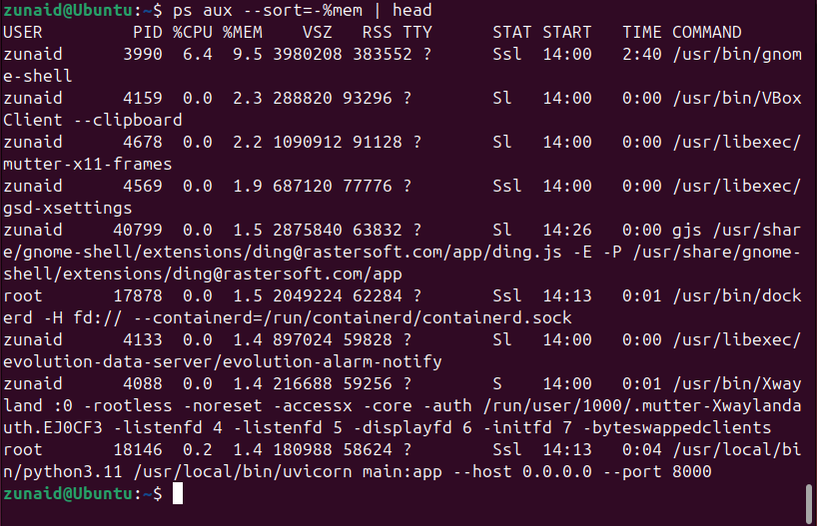
One thing Unix has always had is the ability to multitask, while other systems like MS-DOS were single-tasking. The ability to multitask made things like job control possible.
You can put a job into the background, which is handy for things that you know will take a long time:
some_long_process &That command will let you have control of your shell by putting some_long_process into the background. Otherwise, you wouldn’t be able to do anything while it ran.
If you started a process in the shell and it’s taking a long time, you can press Ctrl+z to suspend it and get your shell back. You can put the suspended process into the background with the “bg” command:
bgJob control was originally written in an era when text-only terminals were more common. It’s become less used when windowing systems like X11 are ubiquitous, but they still come in handy when you want to make use of a terminal window.
Pipelines
Redirect input and output in ways you never thought possible
The notion of a “pipeline” might be Unix’s most enduring influence on Linux. Unix programs allow their input and output to be redirected in the shell.
A program can send its output to a file, such as the ps program listing all processes on the system:
ps aux > allprocs
And redirect input from a file, such as running a shell script:
sh > command_list.shBut the pipeline might be the most important. It sends the output of one command to the input of another. One of my favorites is a fun one, turning the output from the fortune command into rainbow-colored text:
fortune | lolcatYou can see Brian Kernighan, one of the creators of the C language, whip up a spell checker from existing command-line programs in a Bell Labs promotional film from 1982.
Open source code in C
C is the key to running on more than one machine
While Unix itself was not open-source, the universities that got it from Bell Labs often did get access to the source code. One thing that made Unix different from other operating systems is that major components were written in a high-level language, the C language created by Dennis Ritchie and popularized by the first edition of The C Programming Language, by Brian Kernighan and Dennis Ritchie, abbreviated to “K&R.”
Previously, operating systems were written in assembly language. While assembly programs are fast, it’s tedious to program and programs are tied to a particular machine or architecture. Since C was a compiled language, to get a program written in C to run on another machine, all you had to do was write a compiler for that machine.
The portability was more in theory. While it was relatively easy to compile a C program written on one machine to run on another, since most people wrote C programs on Unix machines early on, they tended to take things about Unix for granted. This would cause these programs to not work on a different operating system. One way around this was to move the environment to a new machine. In other words, port Unix to that machine. Since C was a high-level language, it was possible to do this by only changing the machine-dependent parts.
User support
You can get by on Linux with a little help from your friends
When Unix was developed, Bell Labs’ parent company, AT&T, was under a consent decree in exchange for a virtual monopoly on phone service in the US. The practical result was that AT&T couldn’t market any other product than phone service. This means that they couldn’t legally sell Unix as a commercial product. AT&T, under its subsidiary, Western Electric, provided Unix to universities and research labs for little more than the cost of sending tapes.
This also meant that AT&T wouldn’t provide support. Unix users would have to support themselves with fixes and upgrades. Users formed user groups, including the famous Usenix, which has grown into a major computer science conference on its own. Computer science undergrads and grad students found themselves up to the task. One offshoot was BSD, or Berkeley Software Distribution, founded at UC Berkeley in the late 1970s.
You can still find in-person support through user groups, forums, and subreddits today.
Making use of low-powered hardware
Dig out an old machine, though maybe not a PDP-7
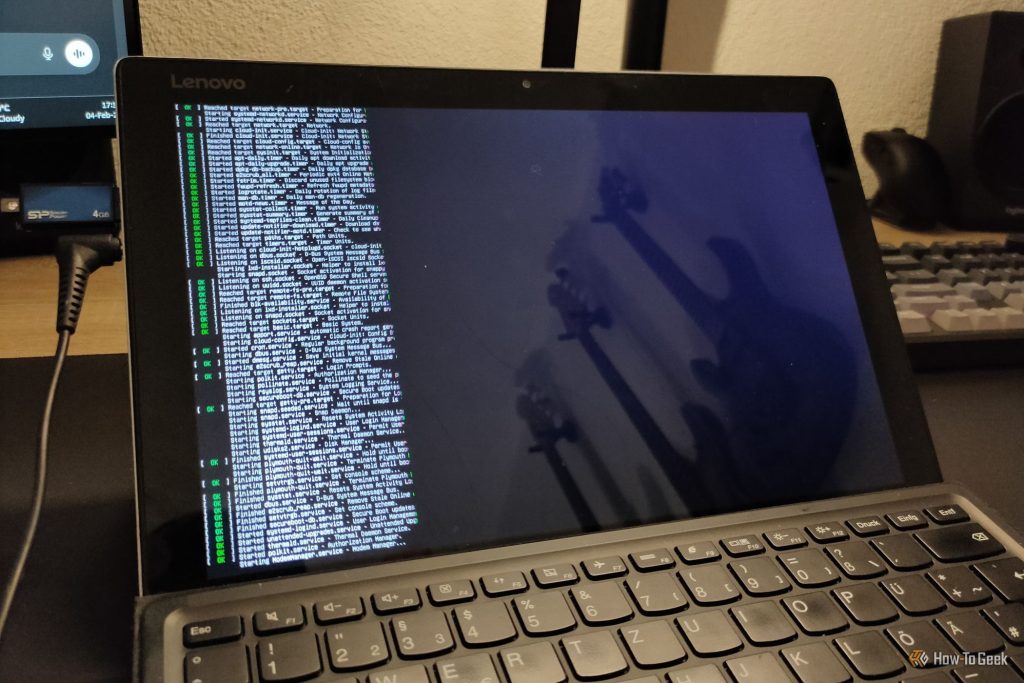
One point of pride of Linux users is their ability to run Linux distributions on older hardware, such as an old laptop, but this tradition also runs to Unix itself. When Ken Thompson and Dennis Ritchie started working on Unix, it was in the aftermath of Bell Labs pulling out of the MULTICS project, which could be the Windows Vista of its day. It was an ambitious project that was intended to create what we would now call “cloud computing,” creating the equivalent of a computing utility that would be as accessible as electric power or running water, and just as reliable (in America, at least).
MULTICS went over-budget and was delayed, though it would emerge on mainframes in the 1970s. Thompson and Ritchie had access to less powerful hardware. They commandeered a Digitial Equipment Corporation PDP-7. This was similar to repurposing an old PC today.
Continuing the Unix tradition
From a hierarchical directory tree to portable C code, Linux carries on a lot of traditions pioneered in Unix. It’s built on the best of the past while looking to the future.