 Credit: Ismar Hrnjicevic / How-To Geek
One of the great things about Android Auto is that you’re carrying your infotainment system with you wherever you go. If you own more than one car, you don’t have to set up two different profiles. Just connect your phone, and the experience follows you. Likewise, if multiple people share a car, it feels like the specific head unit doesn’t really matter. It’s the phone that sets the stage and handles everything, right?
Your head unit is doing more work than you think
More than a second screen
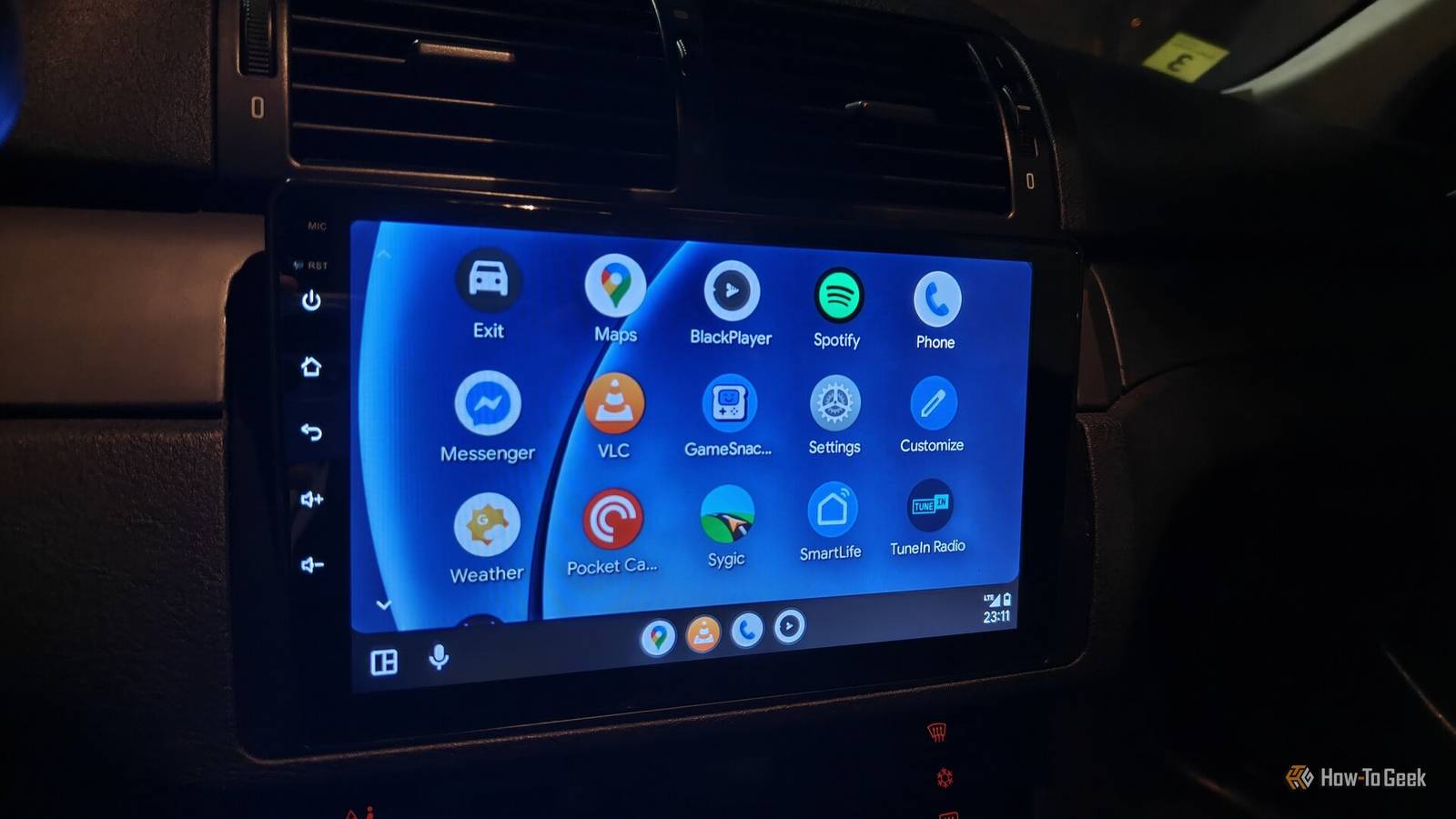
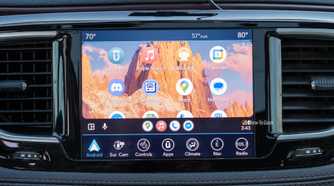
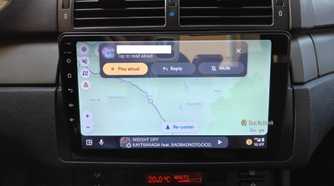
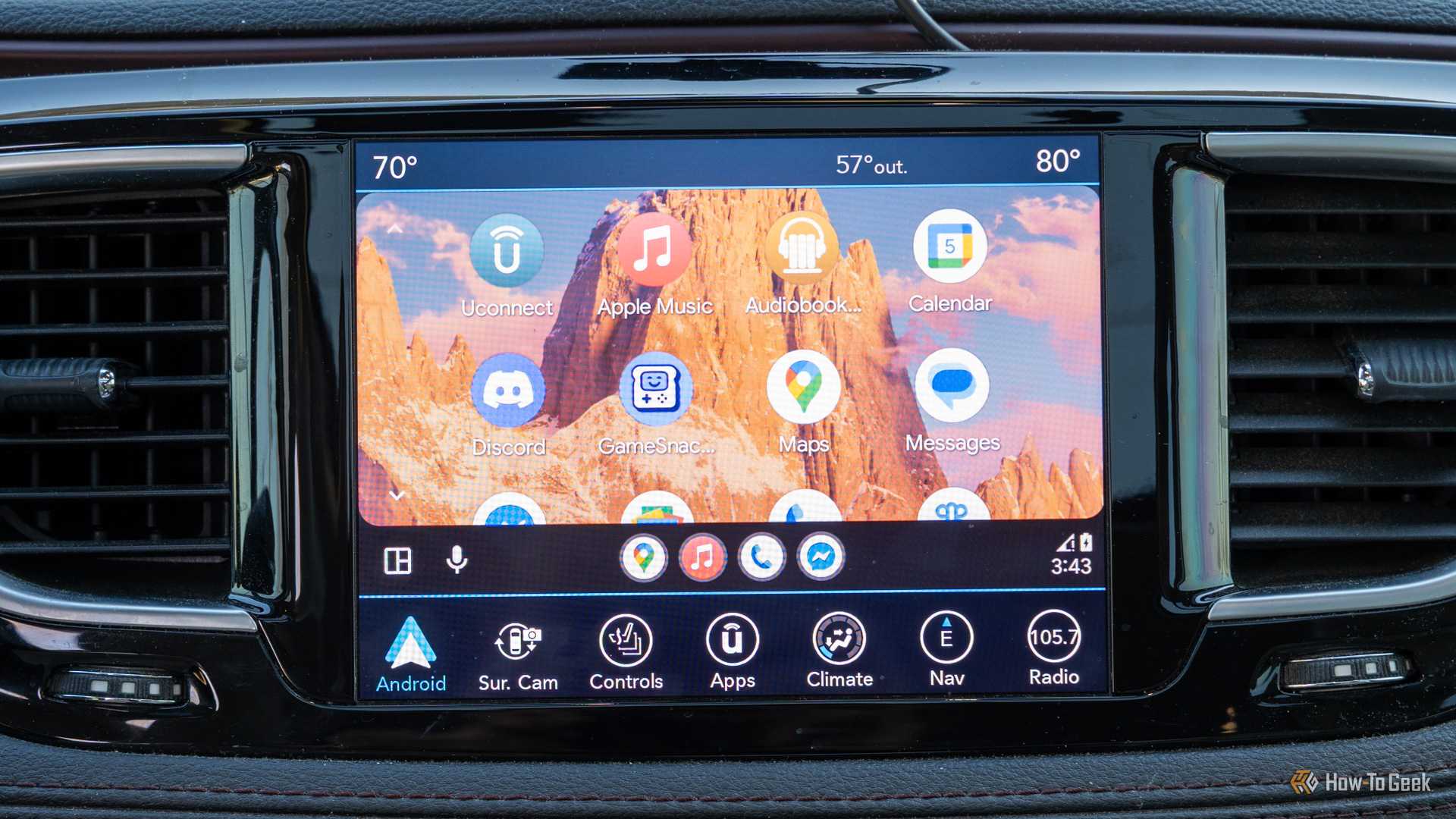
The head unit is still doing a lot of work when you use Android Auto. It has to display the video stream from your phone, process your touch input, manage the car’s audio system, and it has to deal with Bluetooth and Wi-Fi. While much of the processing that’s going on happens on the phone, since the head unit is acting as the go-between, there’s still plenty of opportunity for it to make things worse.
-
 Credit: Sydney Louw Butler/How-To Geek
 -
 Credit: Patrick Campanale / How-To Geek
 -
 Credit: Patrick Campanale / How-To Geek
 -
 Credit: Ismar Hrnjicevic / How-To Geek
 -
 Credit: Ismar Hrnjicevic / How-To Geek
-
 Credit: Sydney Louw Butler/How-To Geek
 -
 Credit: Patrick Campanale / How-To Geek
 -
 Credit: Patrick Campanale / How-To Geek
 -
 Credit: Ismar Hrnjicevic / How-To Geek
 -
 Credit: Ismar Hrnjicevic / How-To Geek
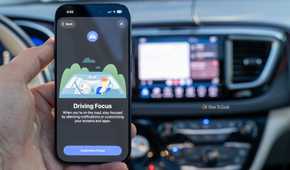
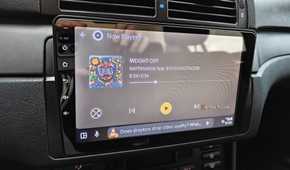
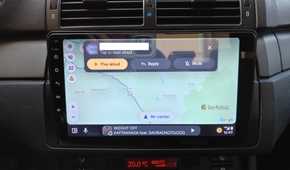
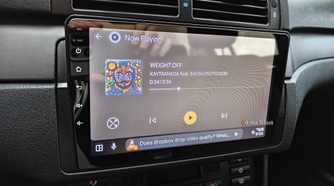
Obviously, an inexpensive car with inexpensive head units won’t have the same performance, optimization or input quality as a more expensive model. So if the head unit has laggy software or slow hardware, it doesn’t matter whether you’re rocking the latest flagship or a vending machine burner phone.
Why the same phone can perform differently in different cars
It’s all about what’s under the hood
 Credit: Joe Fedewa / How-To Geek
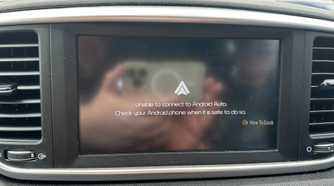
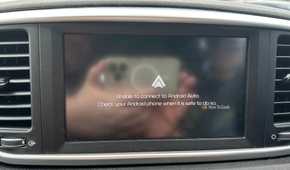
If you’ve ever had to switch cars using the same phone, you’ve probably noticed that, at some point, it doesn’t quite feel the same. For one thing, having different screen shapes and sizes makes a difference to how AA looks and feels. Cheaper units, like the one in my Kia Sportage, use a sluggish touch screen that needs extra effort so that a selection even registers, and the image resolution is pretty low.
Connection speed and reliability also come into the picture. When I first got my 2020 model car, Android Auto worked reliably, connected quickly, and was quite snappy. I have since upgraded phones several times, and Android Auto itself has received several updates. So you’d assume that my experience would get better, not worse.
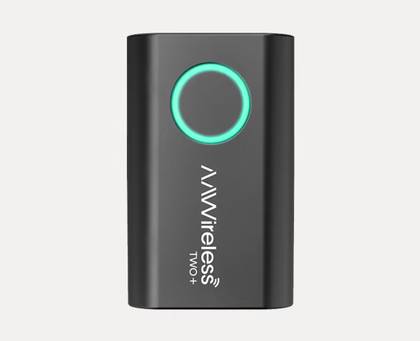
AAWireless TWO+ Dongle
Type
Android Auto & Apple Carplay adapter
What’s Included
Adapter, USB-C to USB-A cable
Easily add wireless Android Auto or CarPlay to your vehicle with this capable dongle that works with both platforms.
Connectivity
Bluetooth & Wi-Fi
Dimensions
5.5 × 3.5 × 1.5 cm
However, Kia hasn’t bothered to issue an update for my car, even though it’s relatively new. Now I have to try several times before Android Auto will even connect, which clearly means it’s the head unit’s software maintainer that’s messing things up here. Even when it does connect, it seems to take forever, since I’m mainly looking at a splash screen for 30 seconds before getting to the main screen.
I’ve been in nicer cars with more expensive head units, and everything is sharper, smoother, and snappier. So it does make a difference both to the user experience and reliability.
Wireless Android Auto exposes weak head units even more
It’s hard to juggle mixed signals
 Credit: AAWireless
Instead of sending data through a USB cable, wireless Android Auto continuously streams audio and video over Wi-Fi while Bluetooth handles discovery, phone calls, and other communication. Both devices have to maintain a fast, stable connection while keeping latency low enough that every tap feels immediate.
That’s a hard job, and not every head unit will handle it equally well. Even worse, cheaper units like the one in my midrange Kia don’t even have native wireless Android Auto support. This forces you to rely on dongle solutions where the head unit thinks it has a USB connection, but it’s all being spoofed. Introducing a whole new layer of things that can make the whole experience awful.
Don’t upgrade your phone before troubleshooting your car
The reason I even wanted to bring this up is that I’m sure there are plenty of folks who think their Android Auto is broken or buggy or just unpleasant because of their phones. But, before you throw it out or, at the very least, blame it, try it with someone else’s car. There’s a decent chance it’s either your specific head unit or the combination of your phone and that head unit that’s the issue.
Obviously, upgrading your head unit is rarely an option these days, and also expensive and annoying to install. So a more logical tactic would be to try to update your head unit in the hopes that performance and compatibility have improved. If your head unit doesn’t have wireless Android Auto, you could also consider using a high-quality dongle, which might solve any specific compatibility issues your phone has with your head unit. Heck, even if you have native wireless Android Auto, try a good dongle anyway. It might be better than the wireless implementation built into your head unit if you have a particularly unreliable one.