Now that storage prices are out of this world, buying a couple of flash drives instead of an SSD doesn’t sound too bad. Especially if you can score a 4TB drive for a mere $20 or $30. Who wouldn’t love that? I’d buy 10!
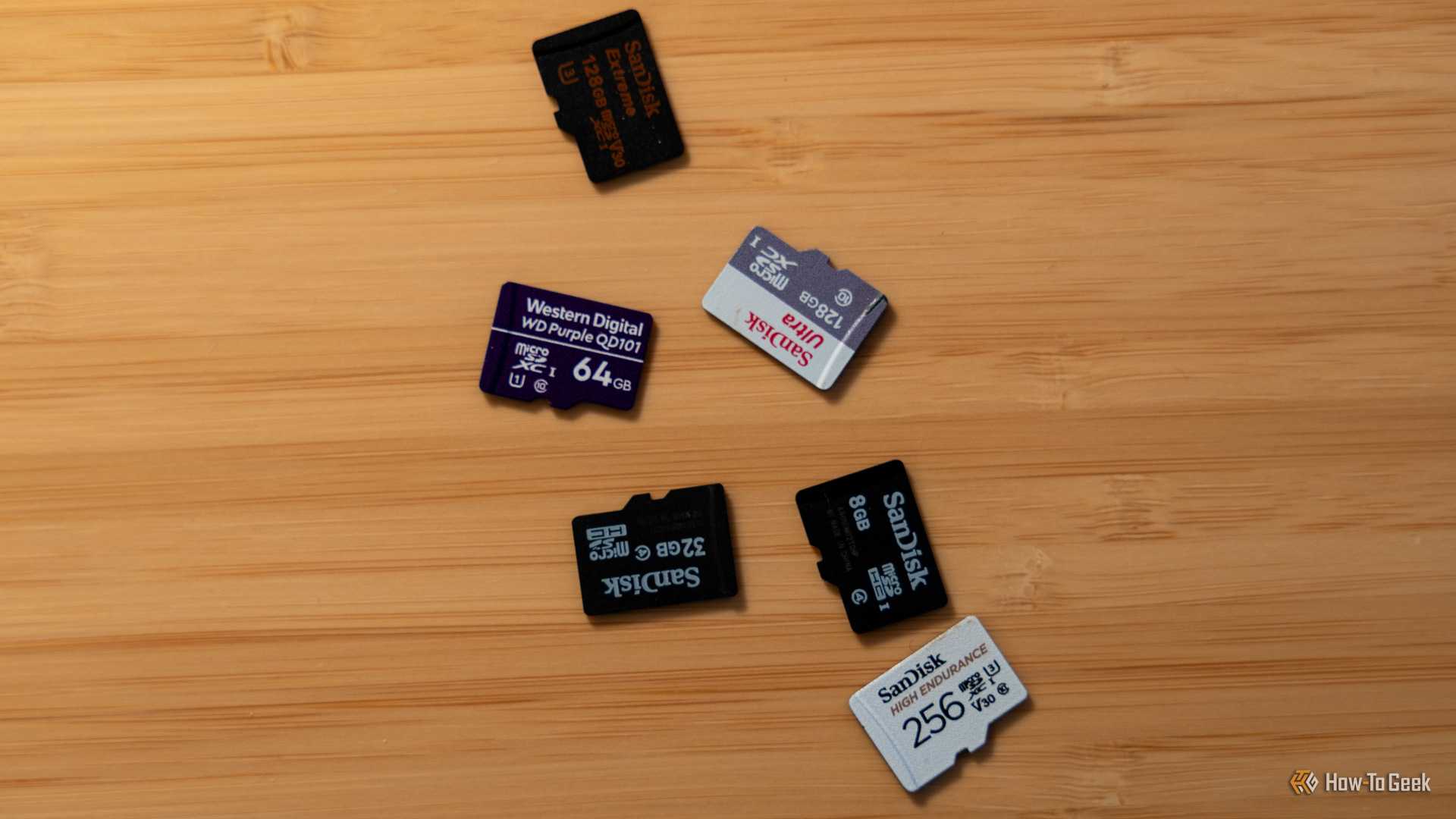
The problem is that if something seems too cheap to be real, it’s probably not real… And your super-cheap USB drive might in fact be a 64GB microSD.
There’s a tiny secret hiding inside your enormous USB drive
Sometimes, it’s just a microSD card in a trenchcoat
-
 Credit: Ismar Hrnjicevic / How-To Geek
-
 Credit: Patrick Campanale / How-To Geek
-
 Credit: Patrick Campanale / How-To Geek
-
 Credit: Ismar Hrnjicevic / How-To Geek
-
-
 Credit: Patrick Campanale / How-To Geek
-
 Credit: Patrick Campanale / How-To Geek
-
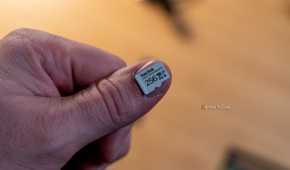
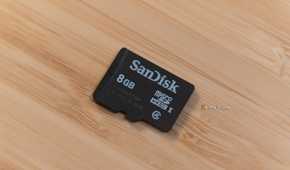
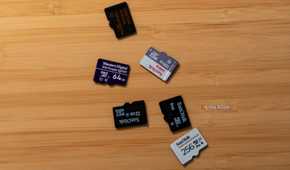
Shoot, I should have added this one to my list of PC hardware scams to dodge this Black Friday. After all, that’s what it is: you’re buying what you think is going to be an enormous, fabulous flash drive, and you end up with something that belongs in a recycling center.
So, what are we dealing with here? First, let’s pinpoint what we should be dealing with. A legit USB flash drive contains NAND flash memory and a controller that manages how your data is stored. That’s all well and good, but cramming several terabytes of storage into something the size of your thumb isn’t exactly cheap.
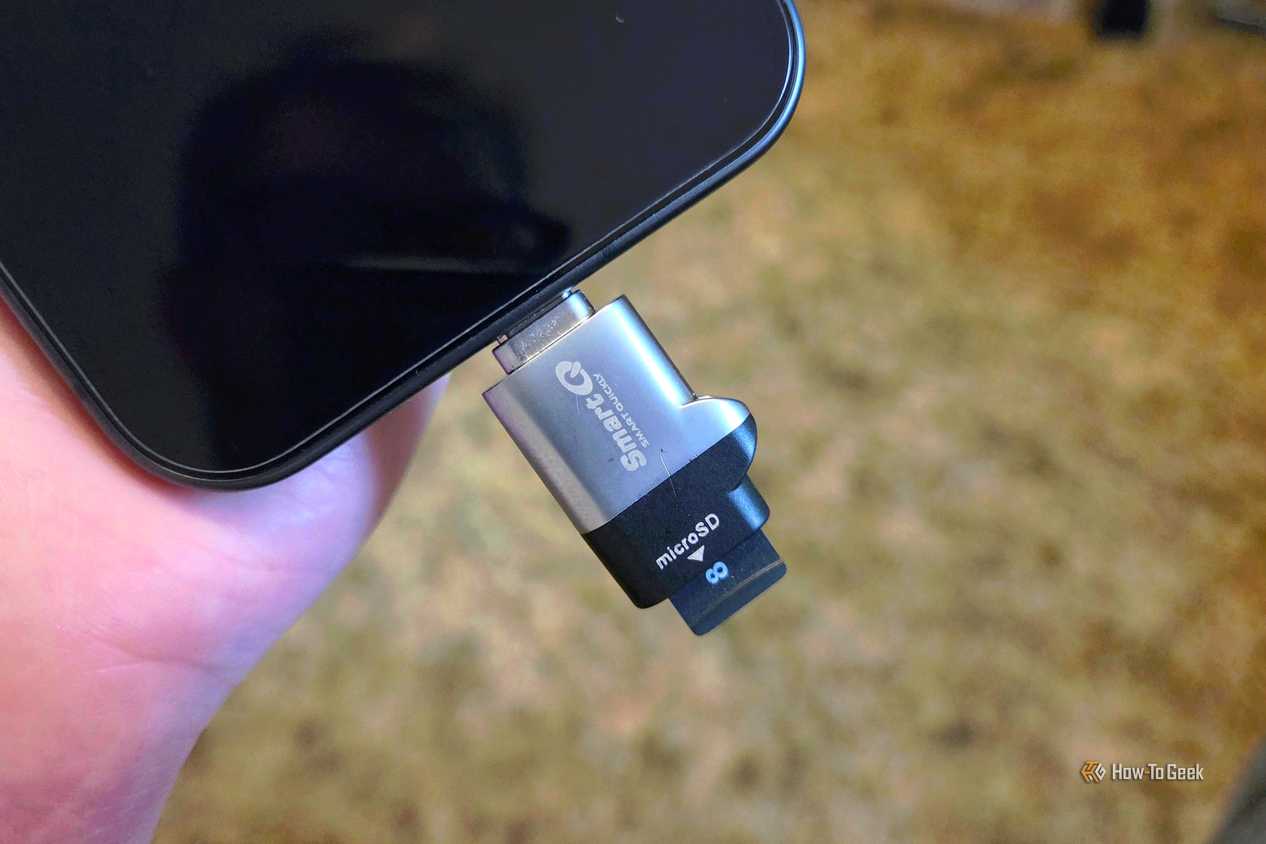
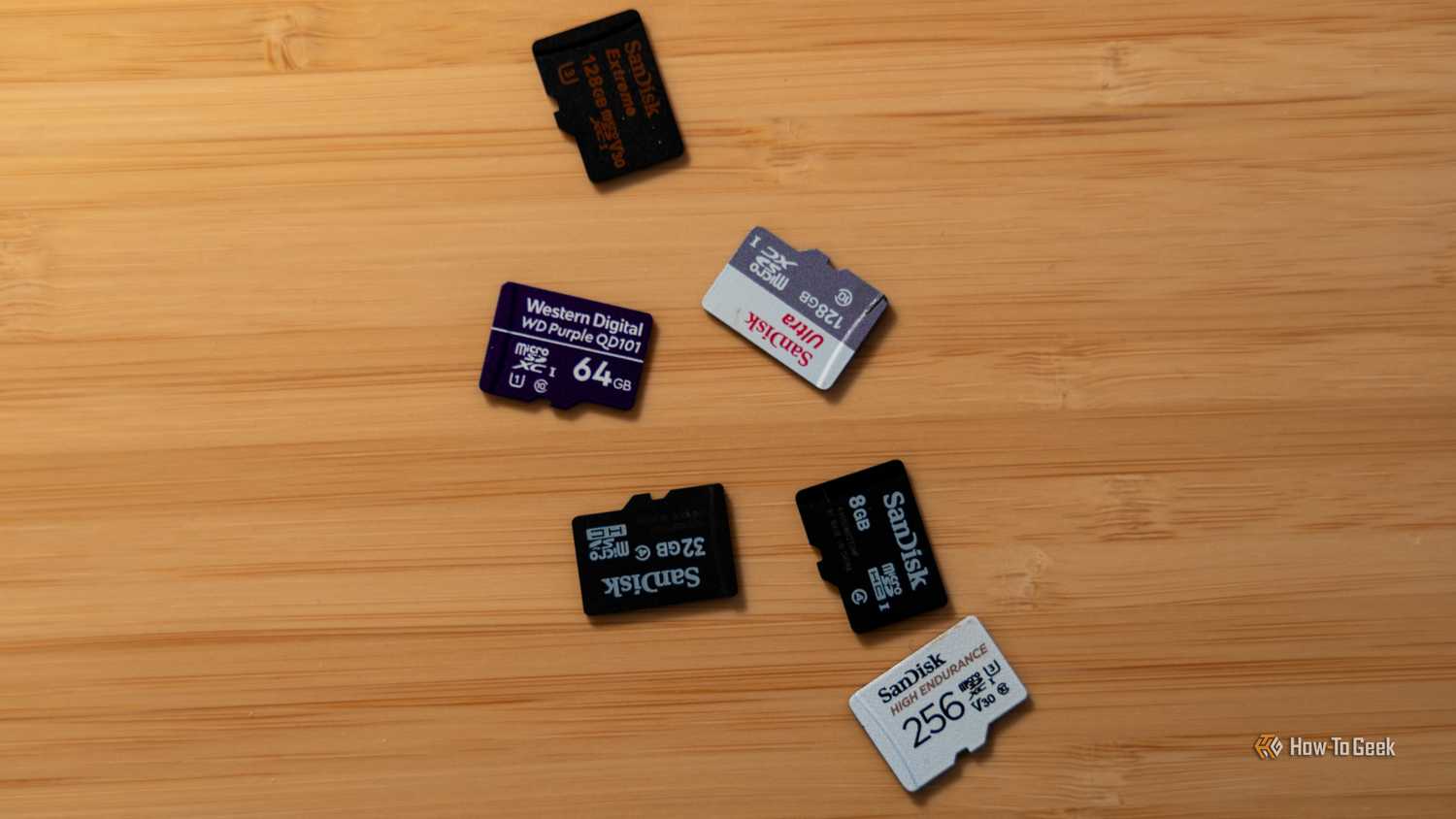
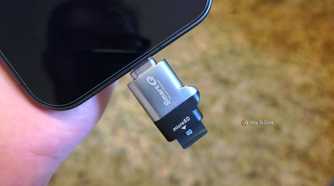
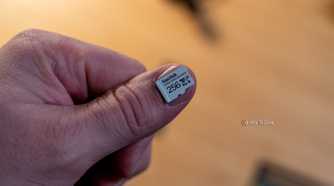
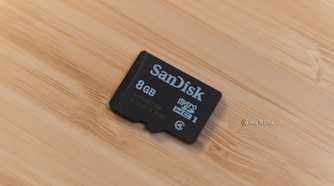
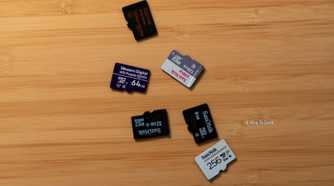
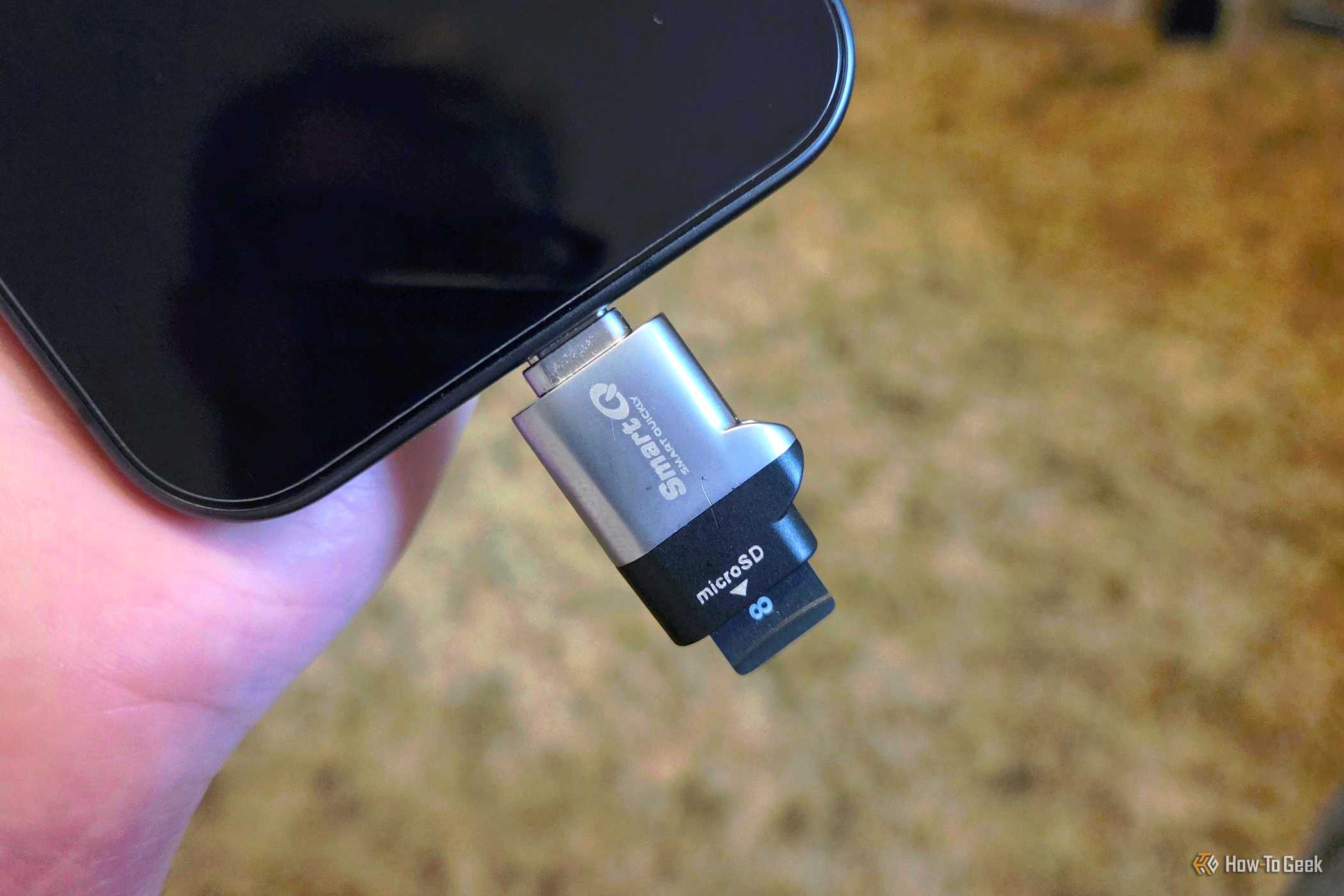
Scammers have found a much more economical solution (oh, joy): take a tiny, inexpensive microSD card, stick it inside a USB enclosure with a basic adapter, and pretend it’s a massive storage device. Congratulations, you’ve just bought yourself a very expensive microSD card reader.
I’m not exaggerating, by the way. Tom’s Hardware reported on a supposedly 16TB portable SSD purchased for less than $30, and inside it, there was a 60GB microSD card, a tiny circuit board, and some metal weights glued into the enclosure to make it feel like a legitimate drive. That’s a whole lot of missing terabytes.
These scams aren’t limited to just flash drives, either. Portable SSDs and memory cards are also fair game here. I’ve already talked about why your portable SSD may be painfully slow, but at least those performance issues actually concern SSDs… This one is just not it.
Windows believes the drive has 4TB, and that’s the problem
The controller can lie about how much storage exists
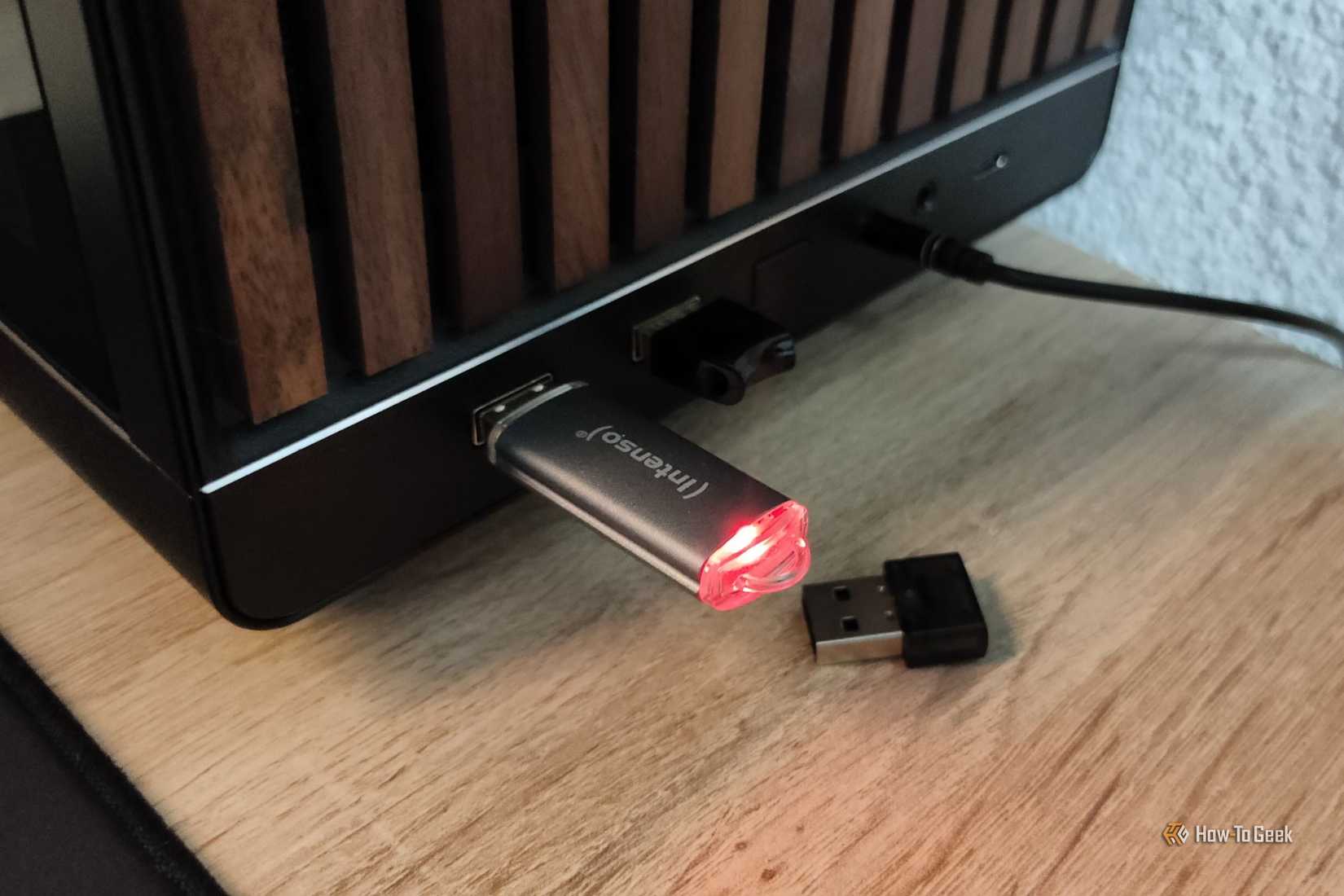
I don’t know about Linux, but Windows is particularly easy to trick here, and that’s why you might end up trusting the wrong drive. You’d think that Windows would spot a problem when plugging in a brand-new drive, but nope, and that’s because Windows relies on the drive’s controller to report how much storage is available, and scammers can modify its firmware to lie about that number.
A drive with just 64GB of actual NAND flash can happily report having 4TB of capacity, and Windows will be none the wiser; it’ll just as happily display that number in File Explorer and Disk Management without a second thought. You can evben format the drive and copy a few files onto it without any hiccups. Unfortunately, that trust is about to be spectacularly misplaced.
The real nightmare starts when you fill the missing storage
Your files might disappear into nothingness
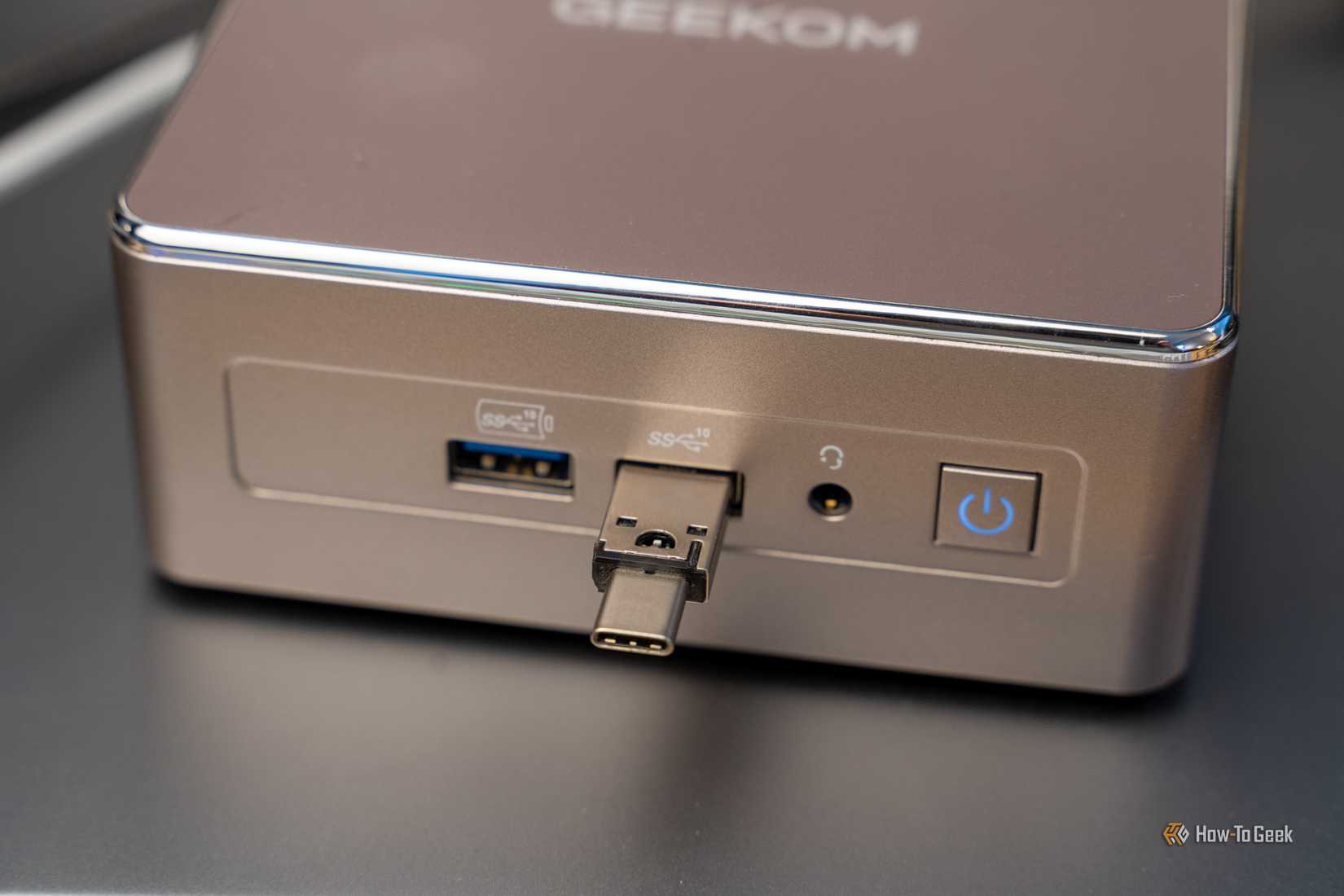
That thing about copying files is the scary tell in a horror movie. You know, that moment when they decide to buy a house in the middle of nowhere only to find that it was the site of some terrible crime, but it’s surely going to be fine… Well, in this case, it won’t be. It’ll be ok for a while, but once you cross a certain threshold, the fake drive will rear its ugly head.
You’ll copy some documents or photos and nothing will happen. But once you exceed the 64GB (or whatever the scammers equipped your “drive” with), things can go downhill so quickly.
Depending on how the controller has been manipulated, it might simply discard new data or start overwriting files you’ve already saved. That’s what makes the scam so bad. You’re not just wasting money on the initial purchase; you’re also trusting a device that isn’t worth it. Your files might still appear in File Explorer, but they’ll likely contain corrupted data, so your backups won’t be real even if you follow the 3-2-1 rule religiously.
Here’s how to catch a fake USB drive in minutes
ValiDrive can reveal storage that doesn’t exist
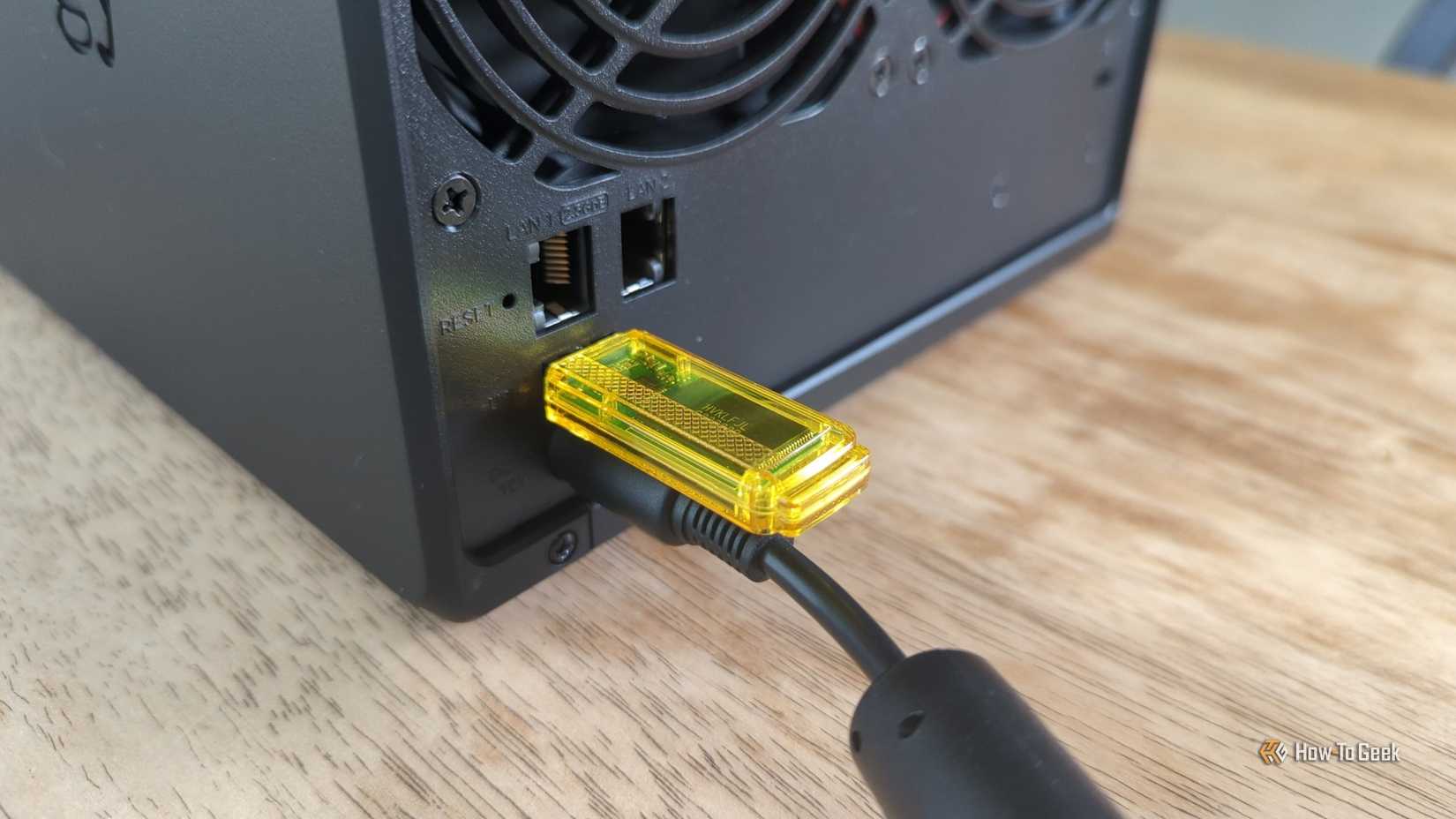
Given how common all these scams have gotten, I advise everyone to check new drives, especially ones they bought from less-than-recognizable retailers. Fortunately, this doesn’t include tearing them apart and hunting for a stray microSD. There’s a free Windows tool called ValiDrive that can do this for you.
Instead of simply trusting whatever capacity the drive performs, ValiDrive performs read/write checks at 576 locations spread across its advertised storage space. If your supposedly huge drive only has a little bit of real storage, those checks should reveal that something is wrong, combined with a handy visual representation showing which areas passed or failed. You can also use H2testw for a more comprehensive test.
You can avoid most of these scams before buying anything
A genuine 4TB drive shouldn’t cost the equivalent of a couple of coffees
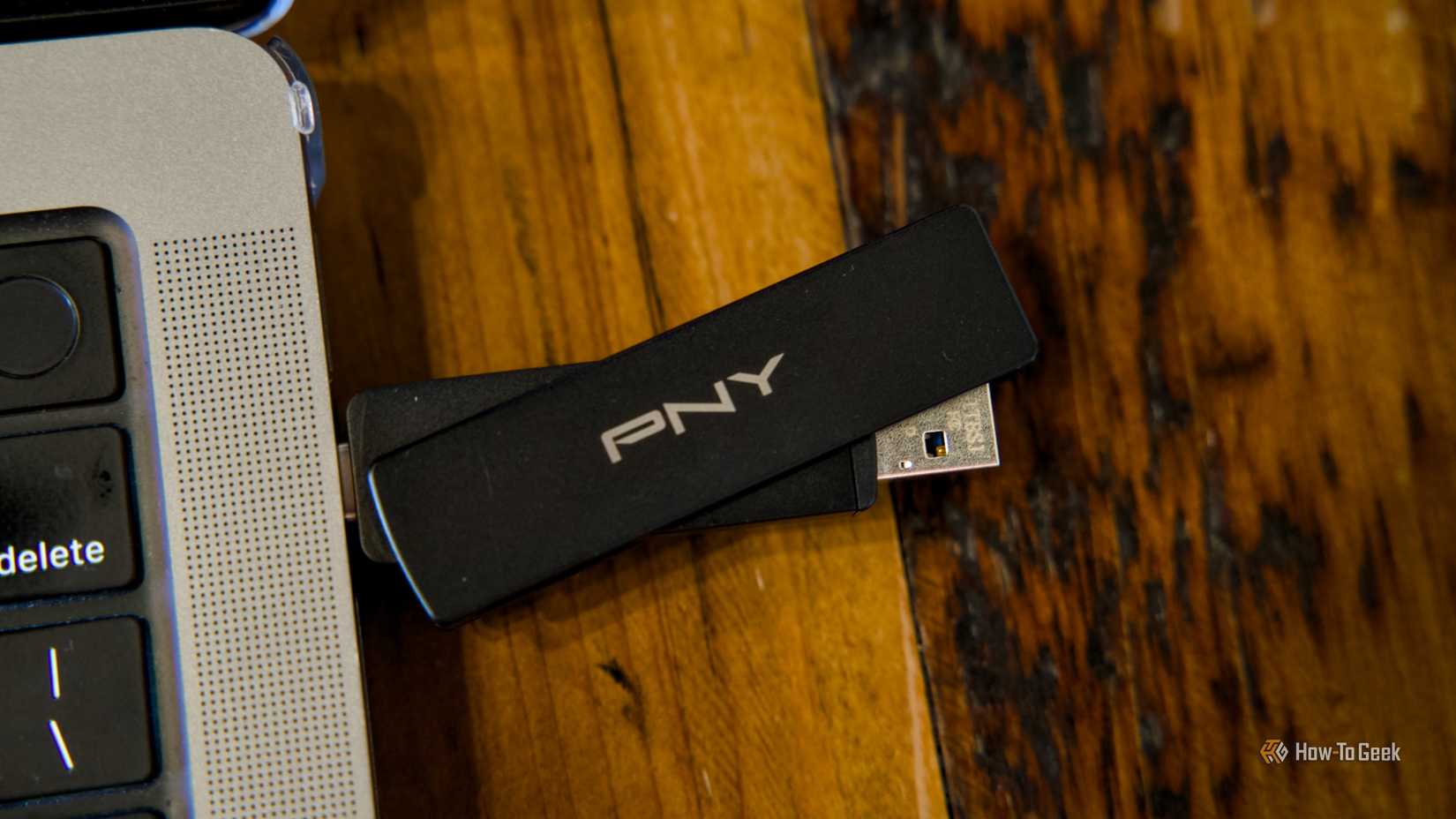
Dodging this scam is as simple as dodging any other. Flash drives, much like USB cables, may all look broadly similar, so you may not be able to tell at a glance (the same goes with portable SSDs). However, the best way to figure this out is to research the price. If you see a suspiciously cheap drive, check what others of similar capacity and speed cost. If they’re way more expensive, there’s your tell, especially if the retailer is fairly unknown to you.
Your files deserve a trustworthy place to call home
I’m not sure whether the monetary loss is the biggest issue here; the bigger problem is that you’re trusting a device with your files, some of which may be worth more than the $20 to $30 you’ll have spent, and that device is betraying you. Keep your files safe by staying vigilant, as scams are rampant right now.