I have an extra Android Auto Wireless adapter with a USB-C to USB adapter. Since I recently upgraded to a different one, I figured I could make some use of the adapter portion of it. What better way to do that than hook random stuff up to my phone and tablet and see what works? So I tested basically every USB device I had with my phone and tablet. My benchmark for most of these tests is how well a device works, whether it has any input lag, and how long I can use it before it drains my battery.
You can get a USB-C to USB adapter for this on its own. It was just convenient for me to repurpose the one from my broken adapter kit.
An 8BitDo USB Controller
Play single-button games on your phone, I guess
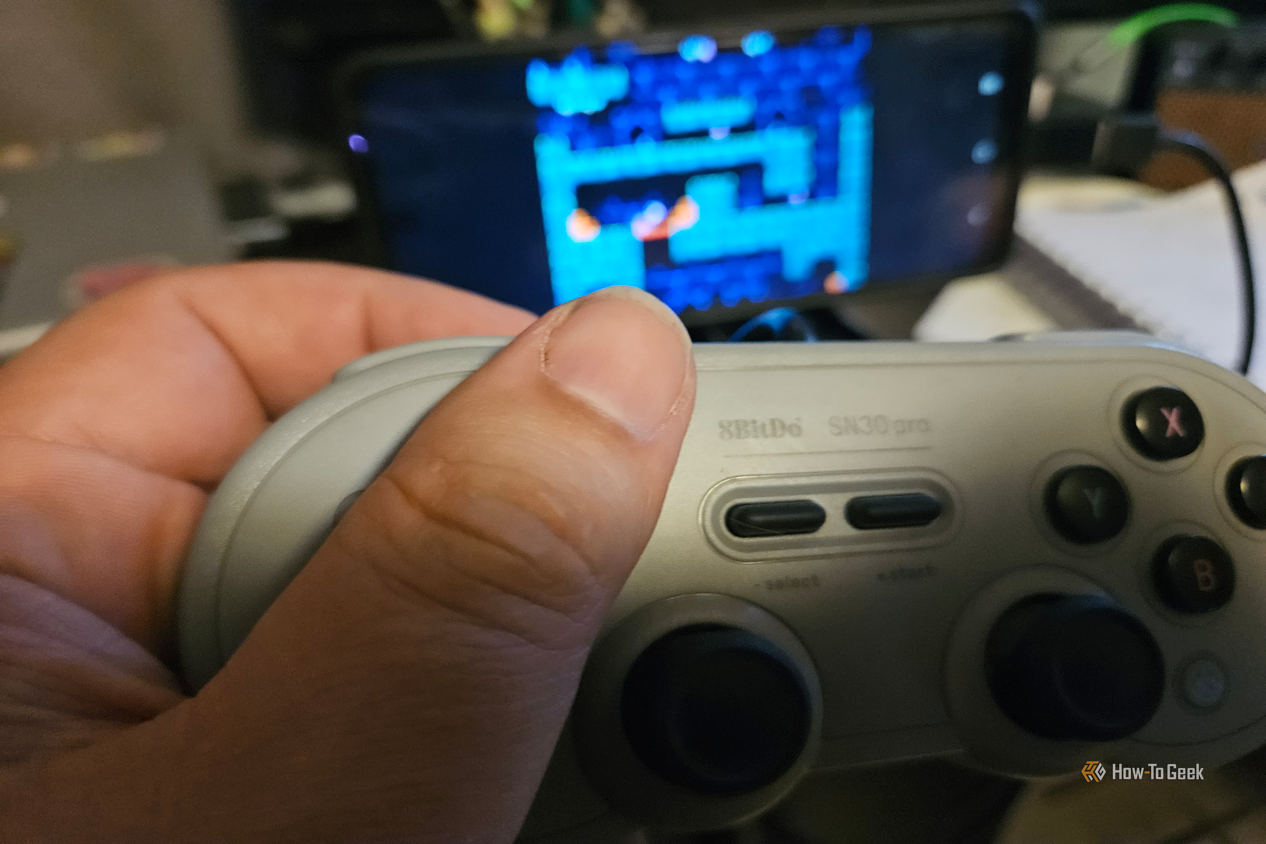
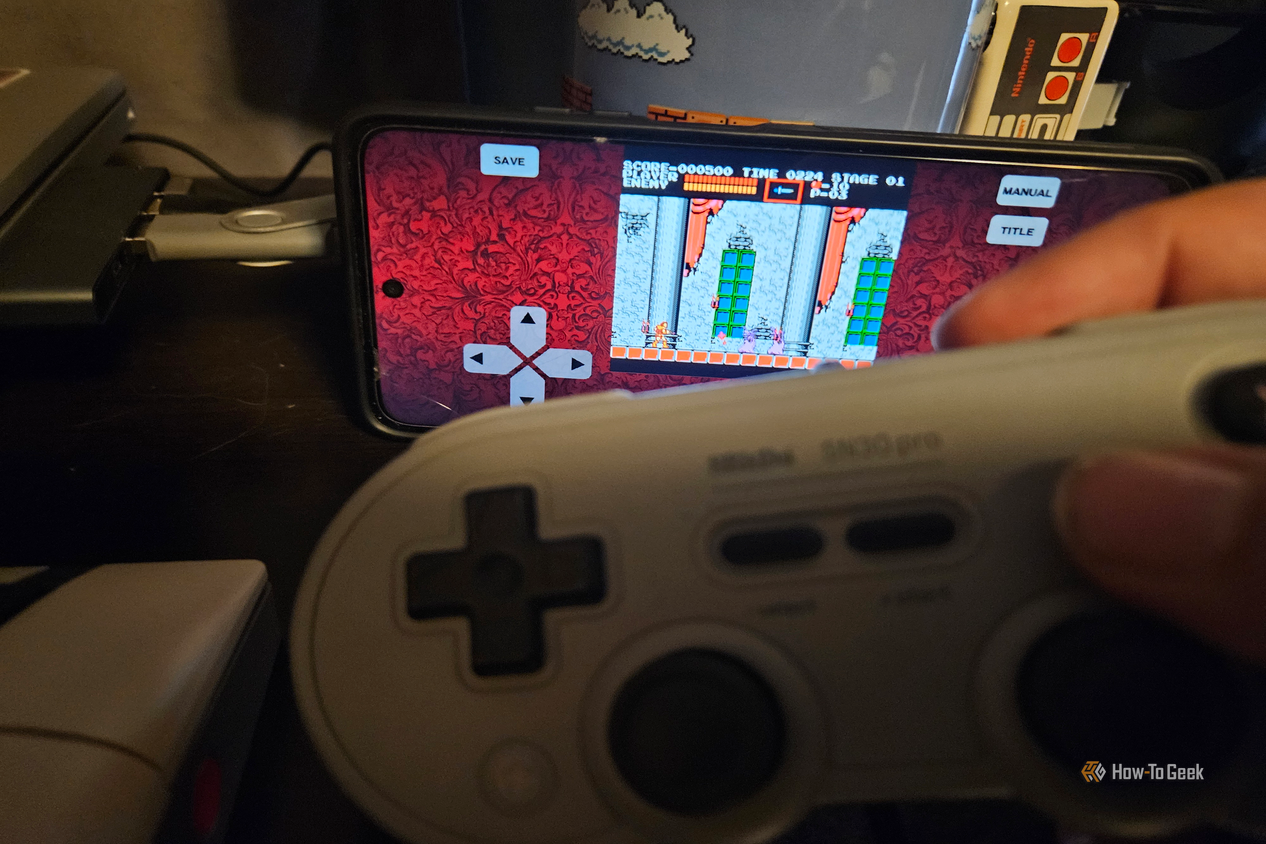
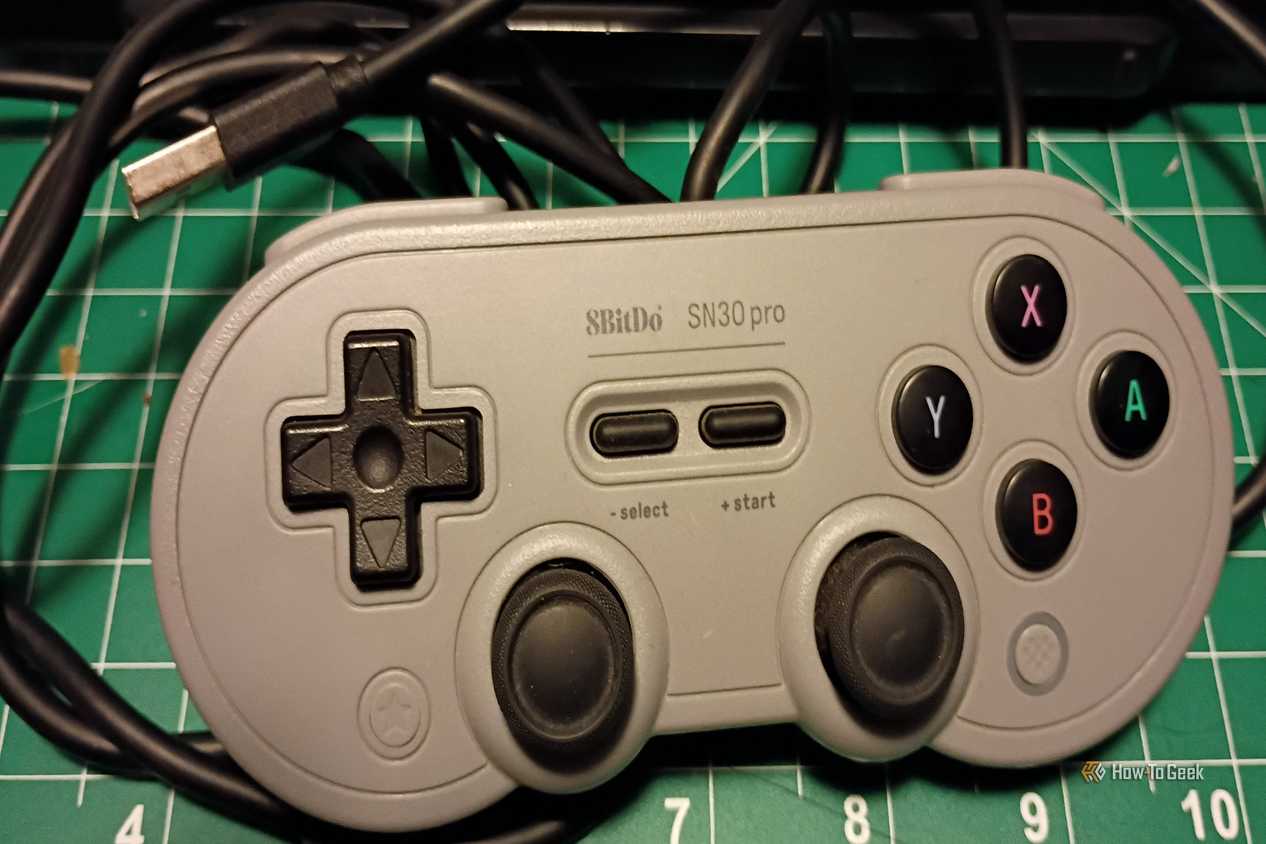
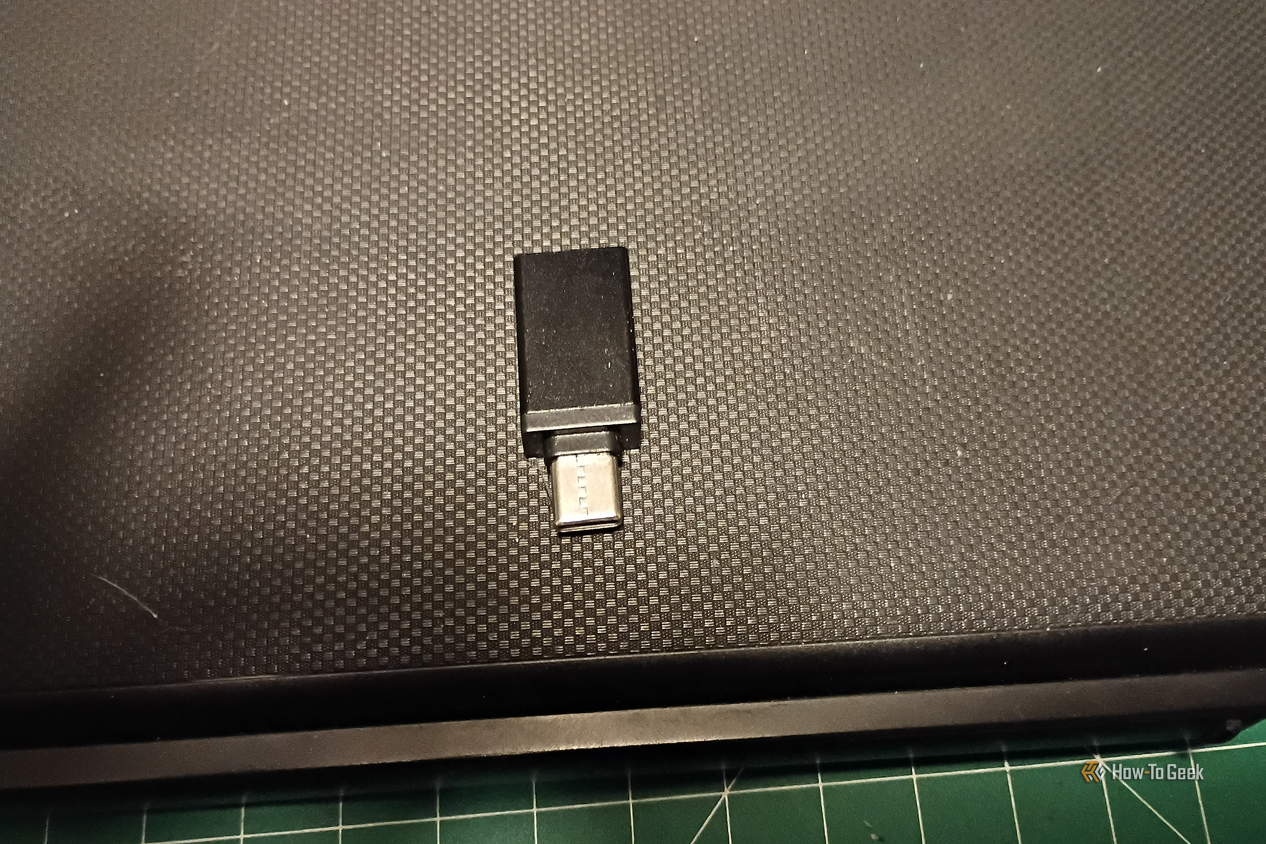
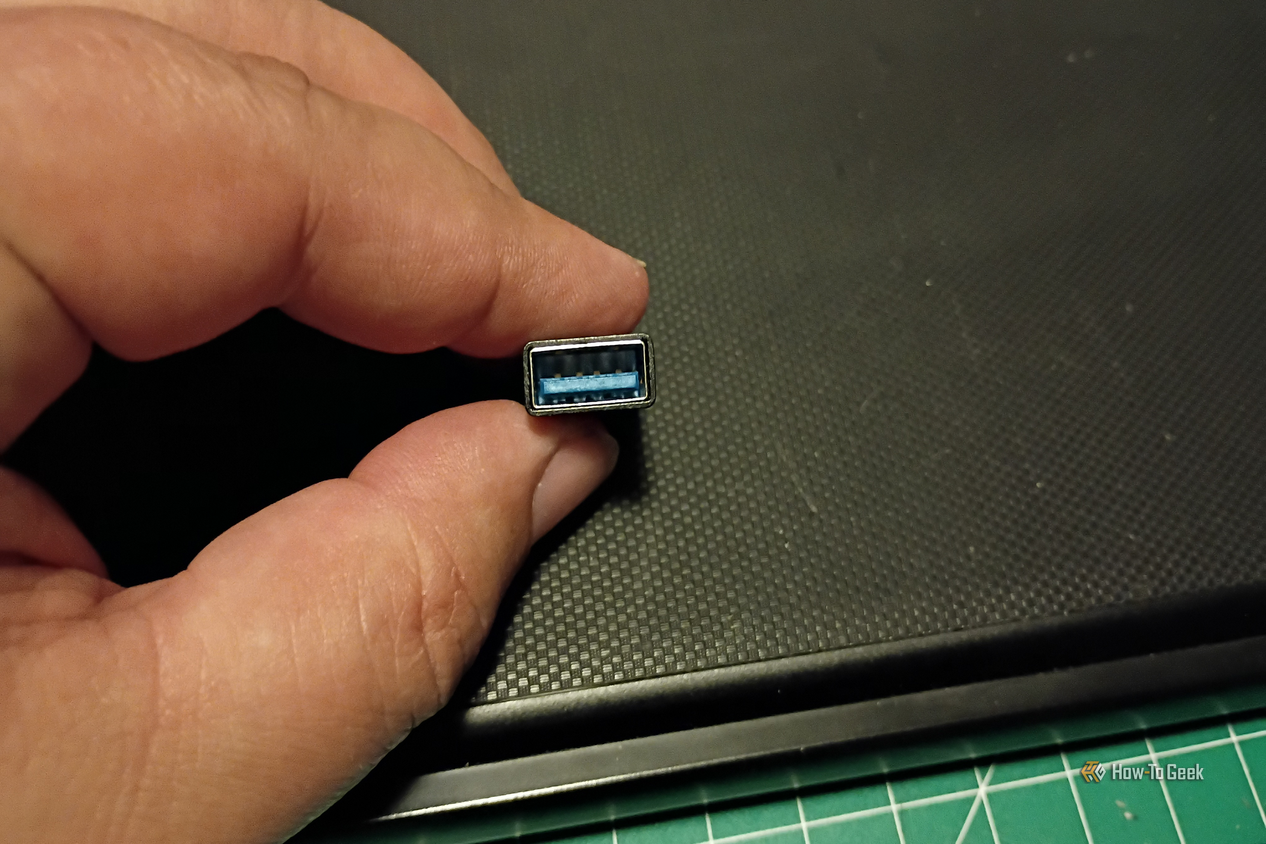
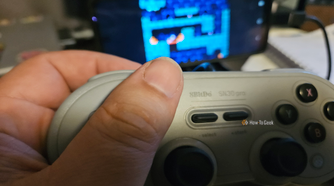
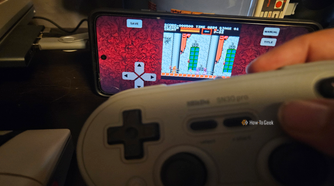
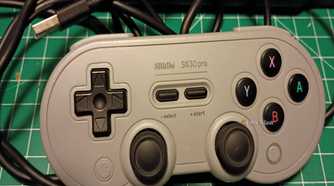
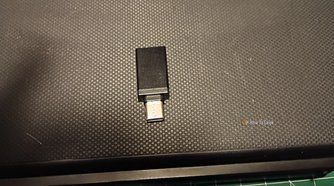
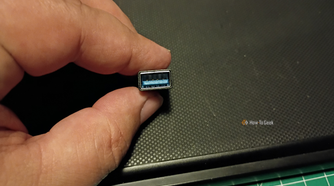
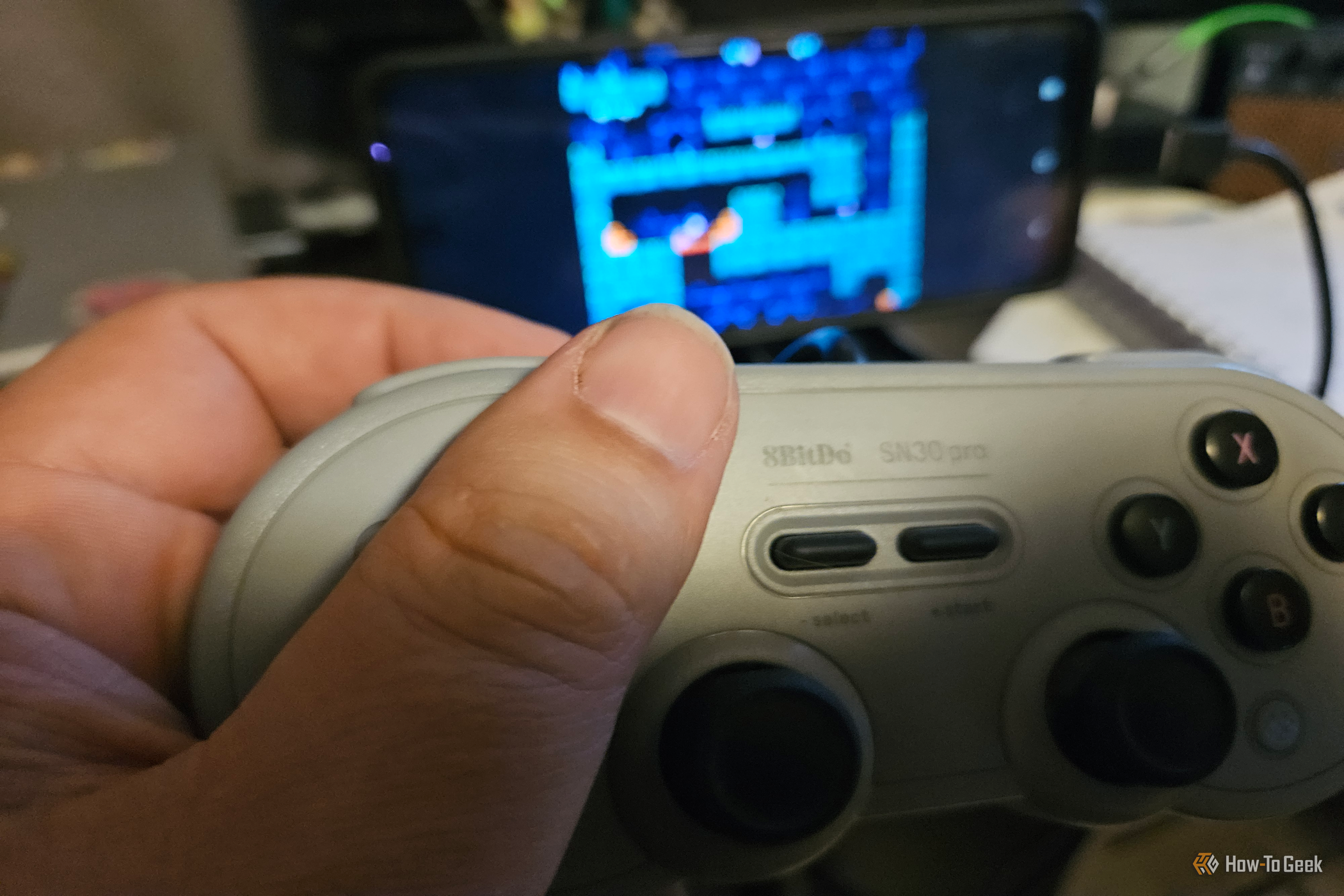
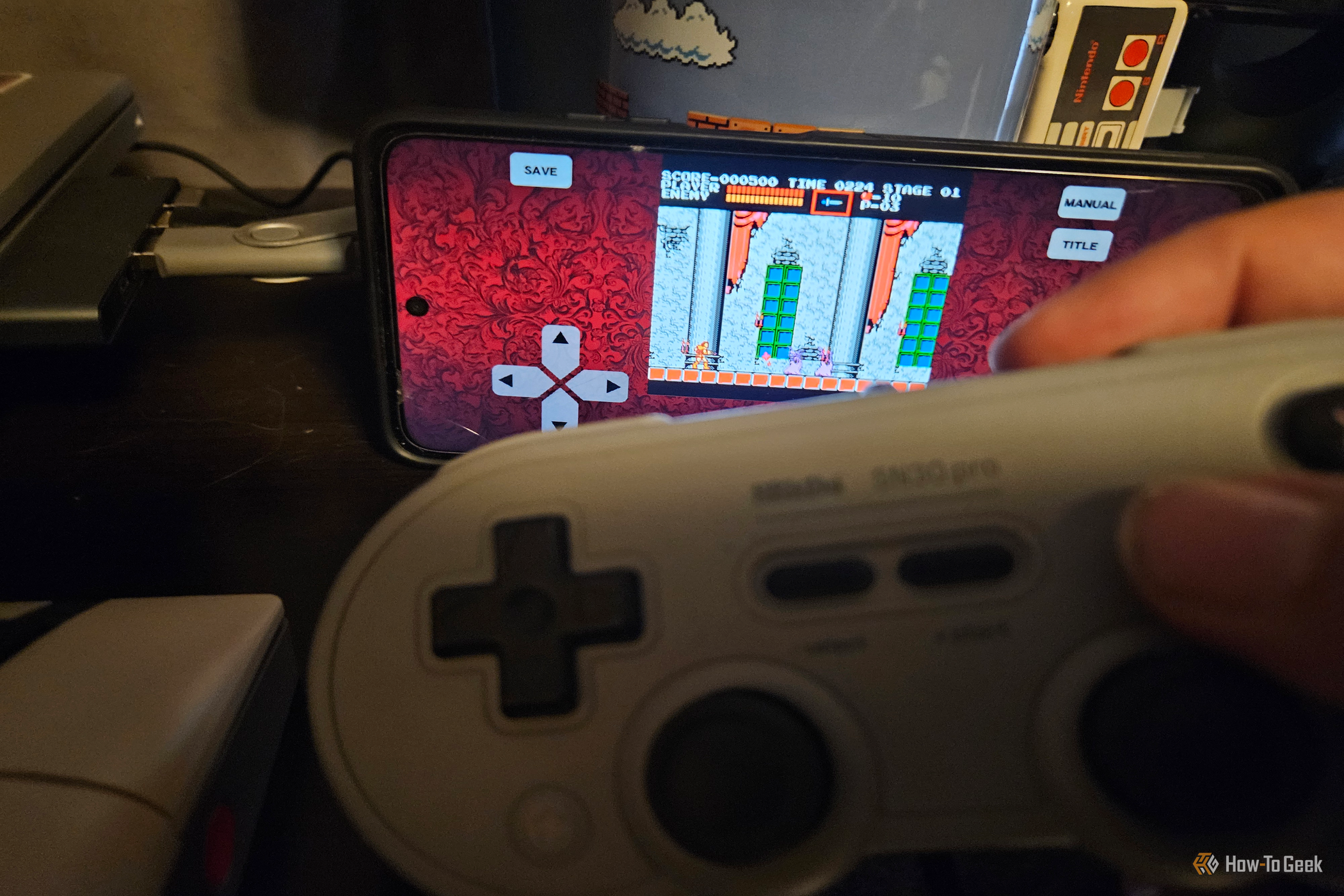
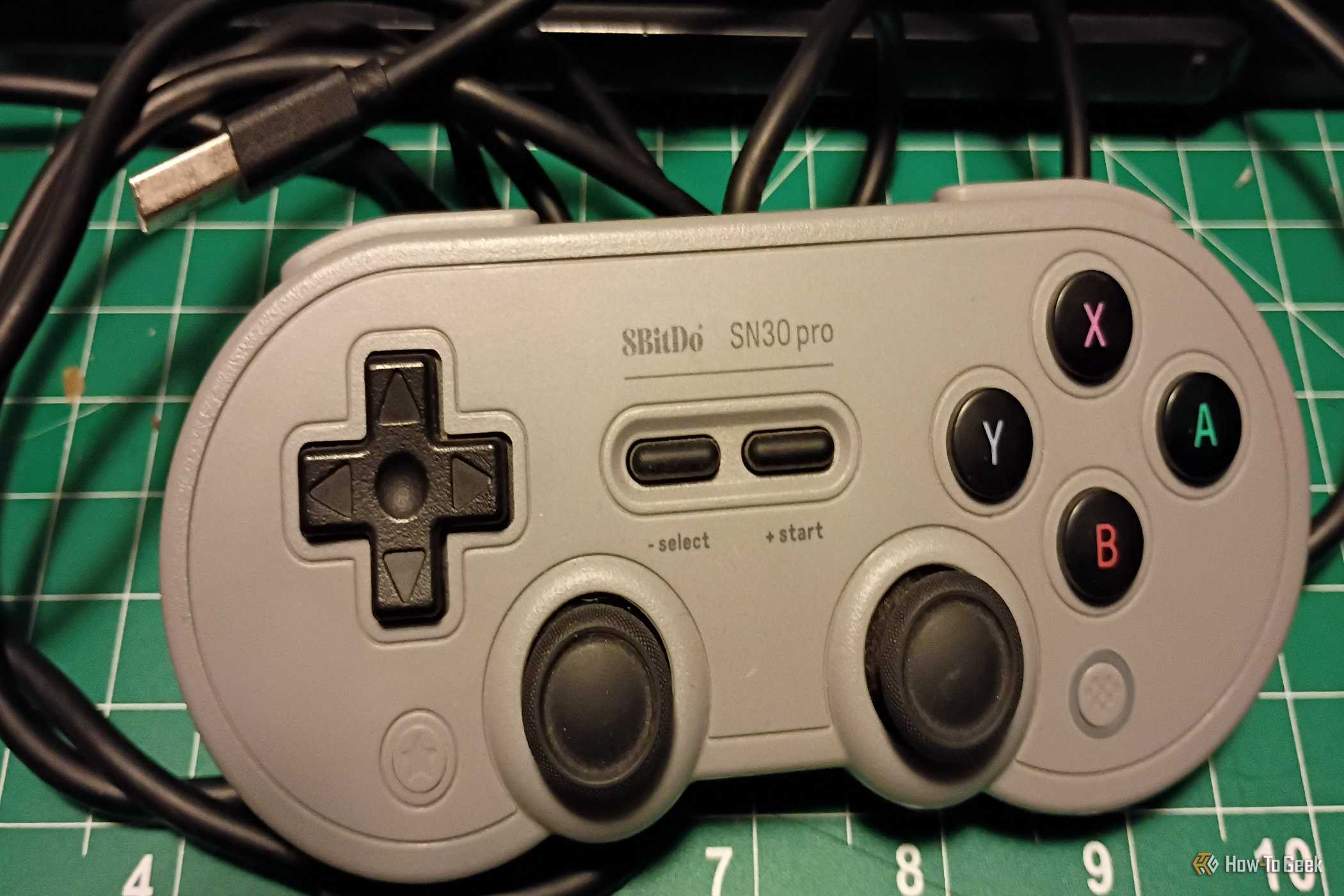
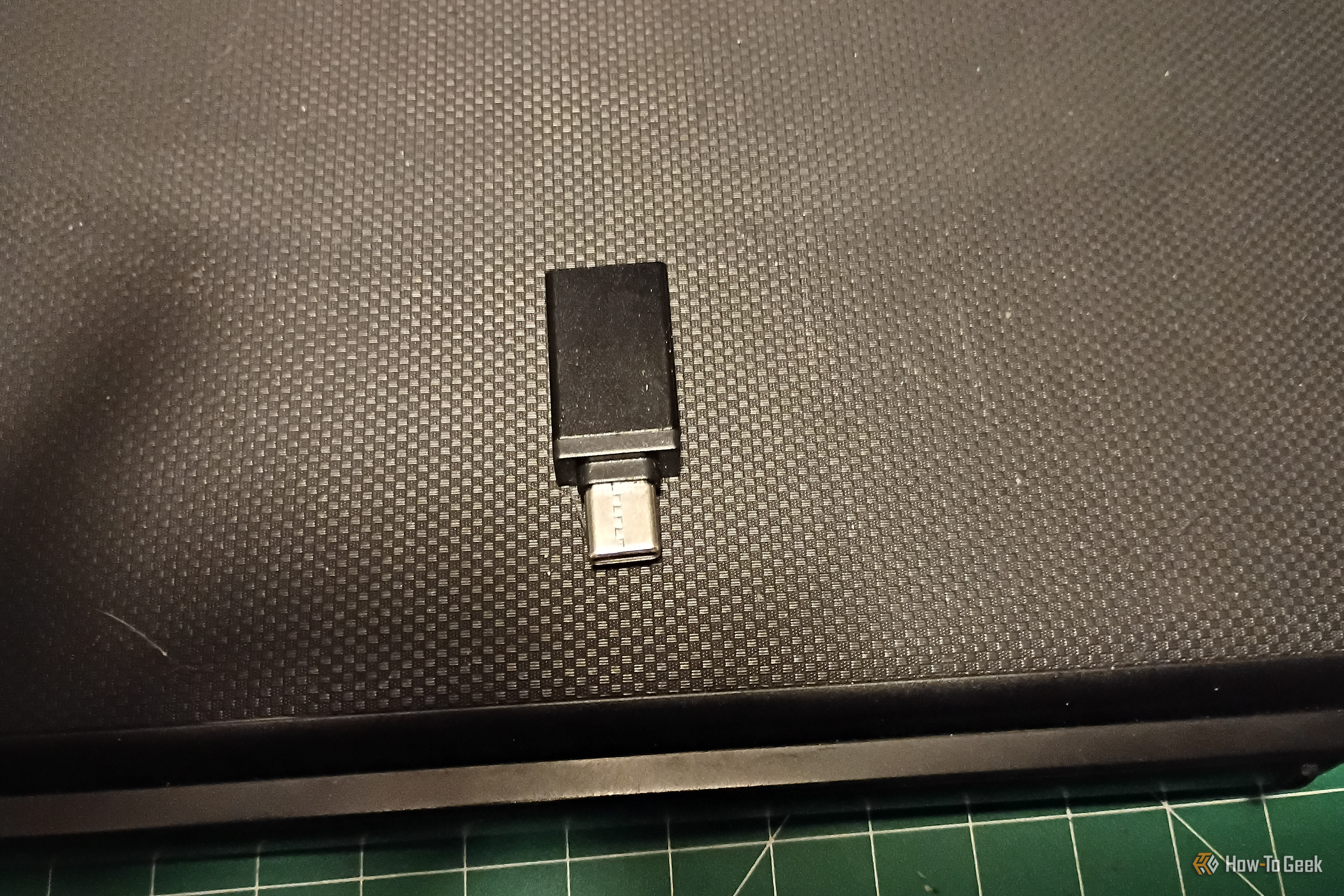
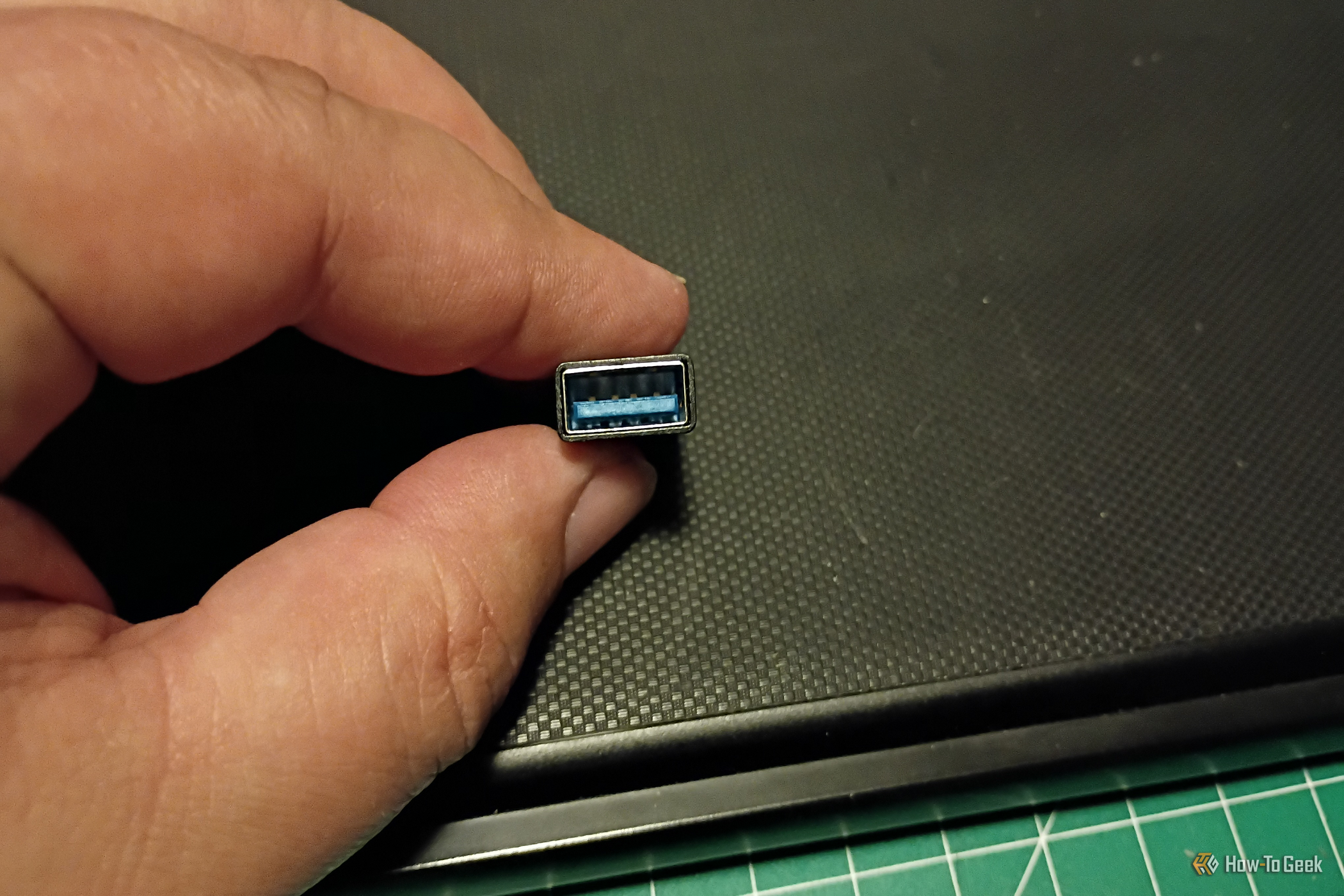
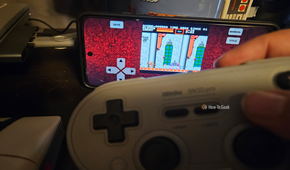
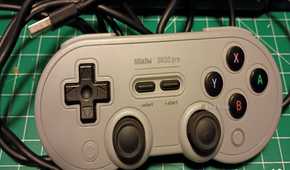
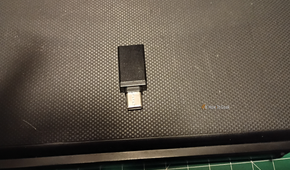
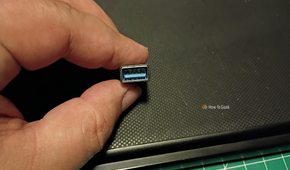
To get these devices to work, I used a very small adapter. I tested a gamepad first. It did okay battery-wise. I tried playing the mobile version of Castlevania at first, but it didn’t work very well. I switched to a different game, and both controllers worked just fine. It just turned out that the first game didn’t recognize it as a game controller.
Playing other games with it worked just fine, and I got a bit sidetracked playing Micro Mages on a micro display. I can see using them with my tablet a lot more than my phone, but they’re pretty awesome and a lot more comfortable than using a touchscreen to play.
A Bluetooth USB mouse
The second-best way to navigate around your phone
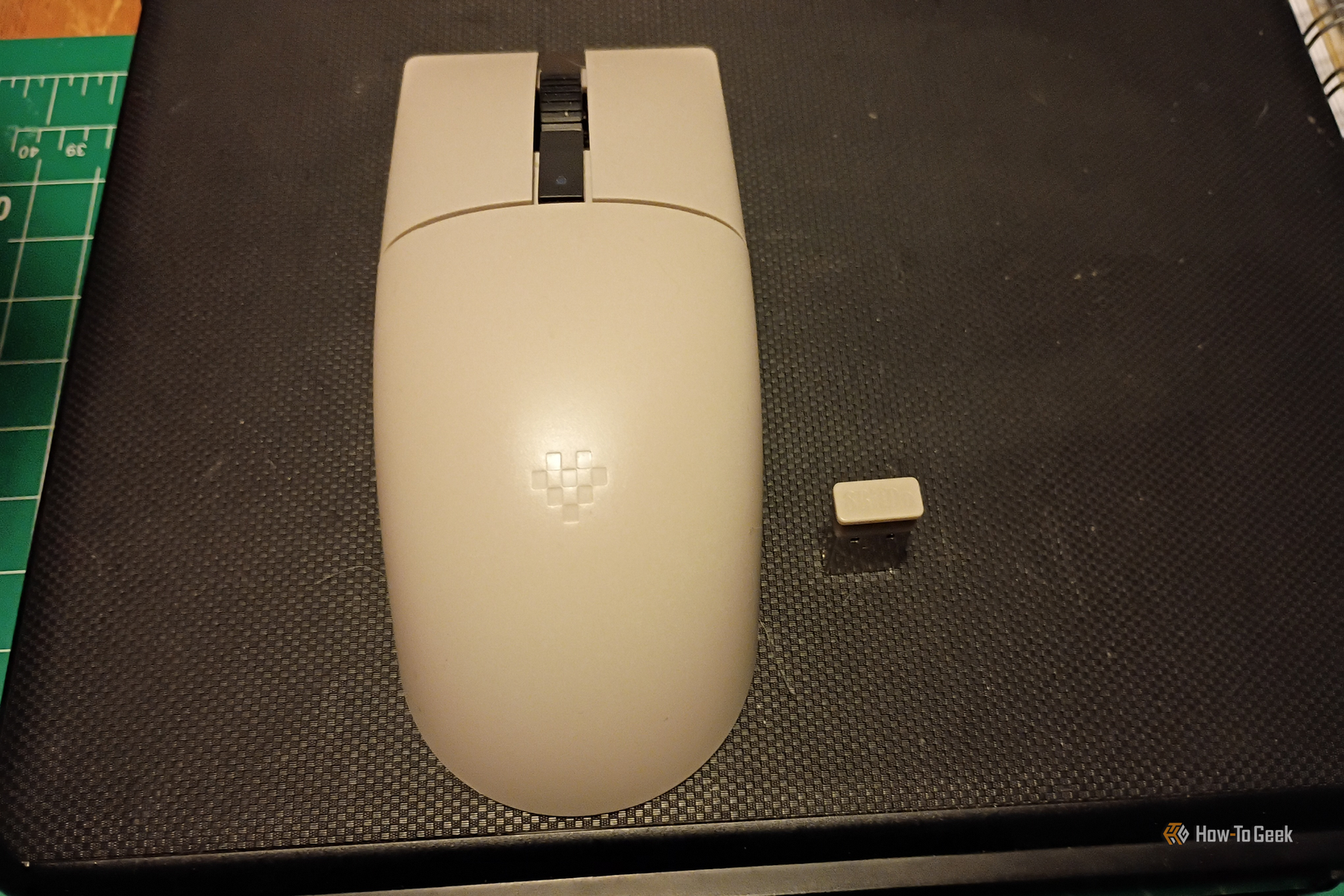
I can hear the naysayers now. A chorus of folks all yelling, “I have a touchscreen; why would I want a mouse?” I find it much easier to navigate my tablet with a mouse since I also have a keyboard attached. The keyboard operates on Bluetooth, while the mouse runs through the USB adapter.
The mouse has a pretty smooth response and doesn’t drain much battery. I started a session with about 90% battery life and worked for about two hours, ending with about 85%. So it didn’t go down very much.
The performance of the mouse was pretty good, and I’ll absolutely continue using it for my tablet.
USB storage drive
A quick path to extra storage space

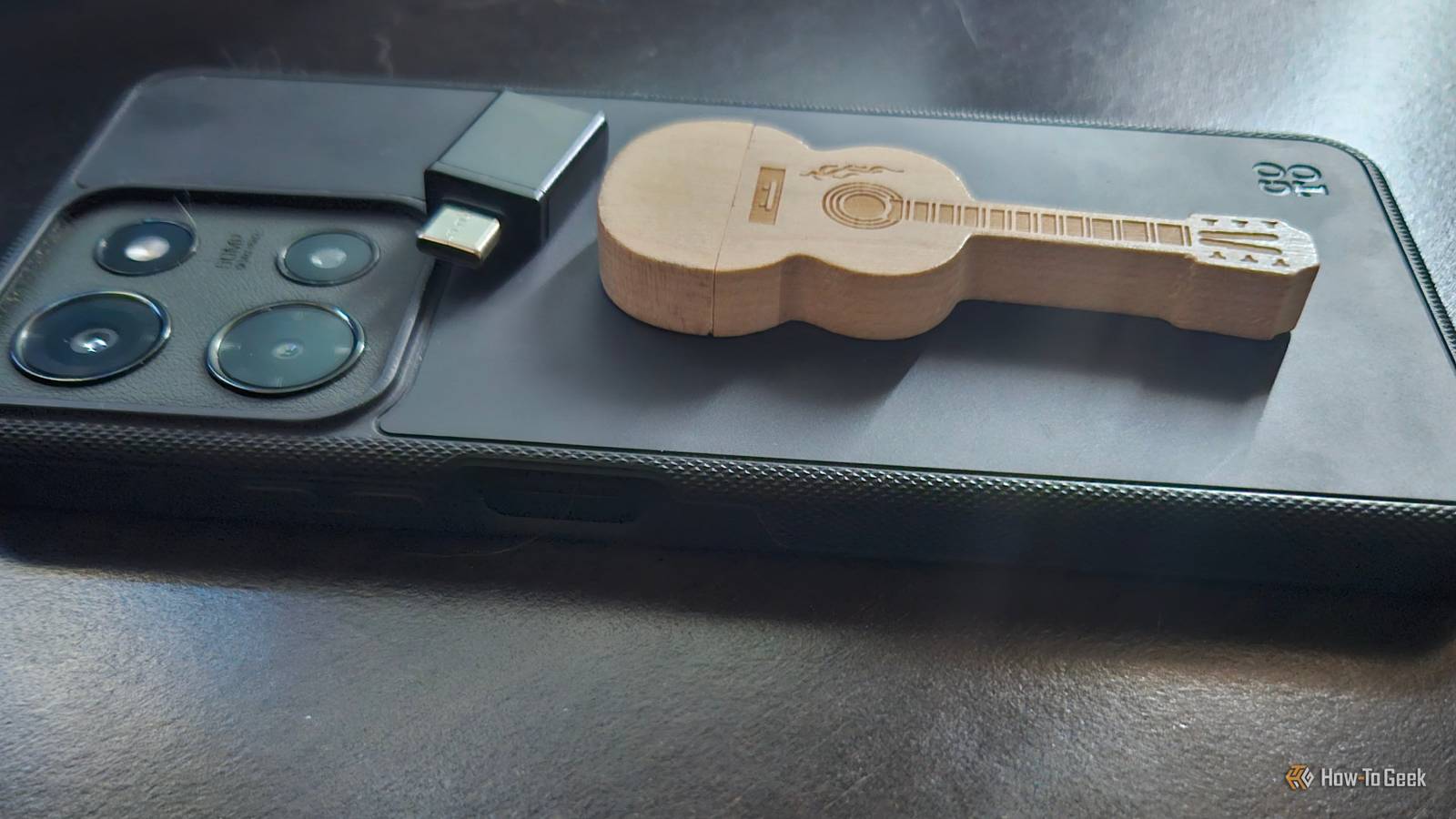
I felt like testing a USB storage drive as well. I chose an old guitar-shaped thumb drive that was having some issues on my computer. I went ahead and put it in, formatted it, and started using it.
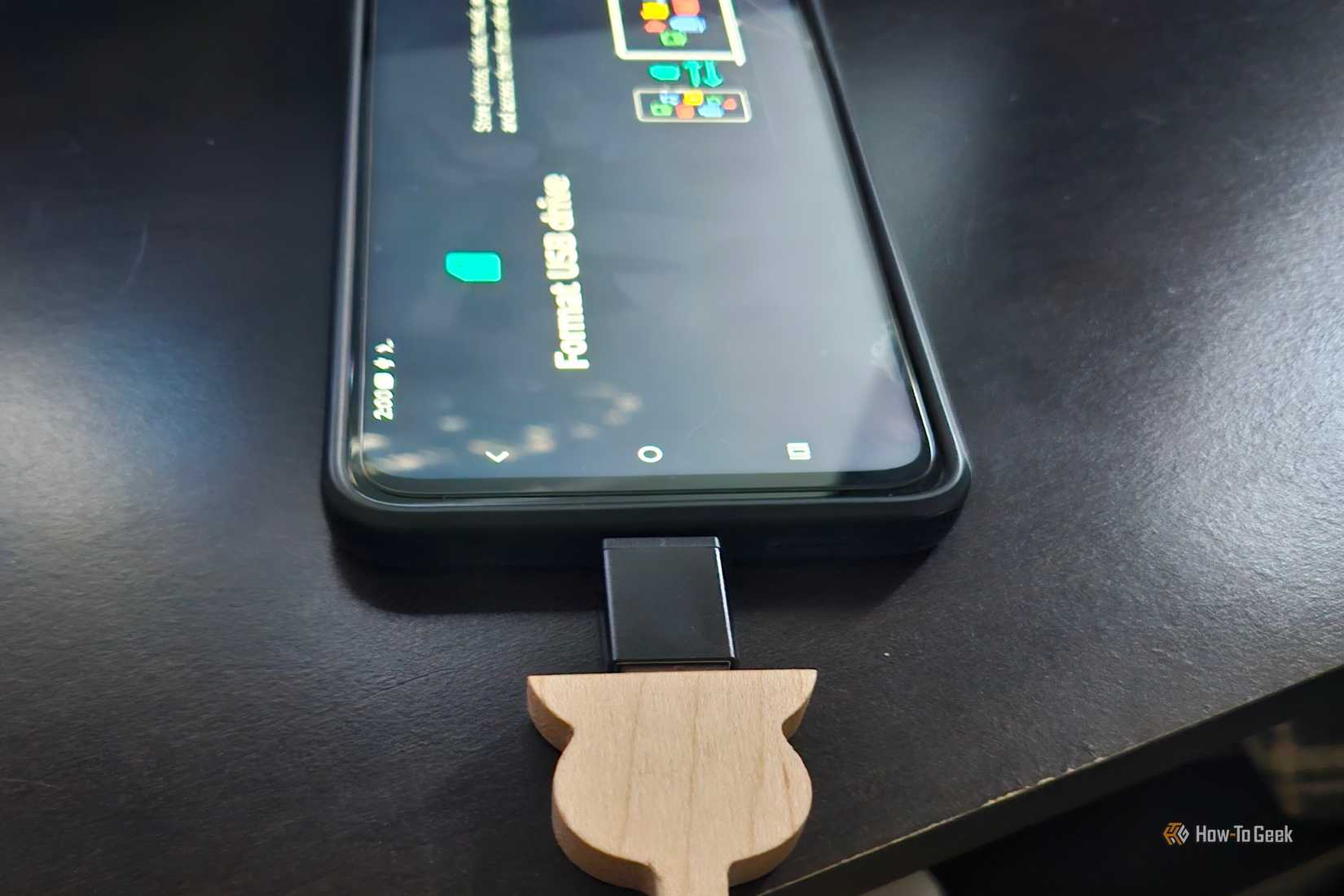
It went through read/cycles without a problem, and I was able to give myself a little bit of extra storage. I transferred about 10GB of files and saved a few things directly to the drive. I also opened up a few items. It worked pretty fast and didn’t drain the battery much (about 1% over 30 minutes).
USB keyboard (wired)
Making input on Android easier
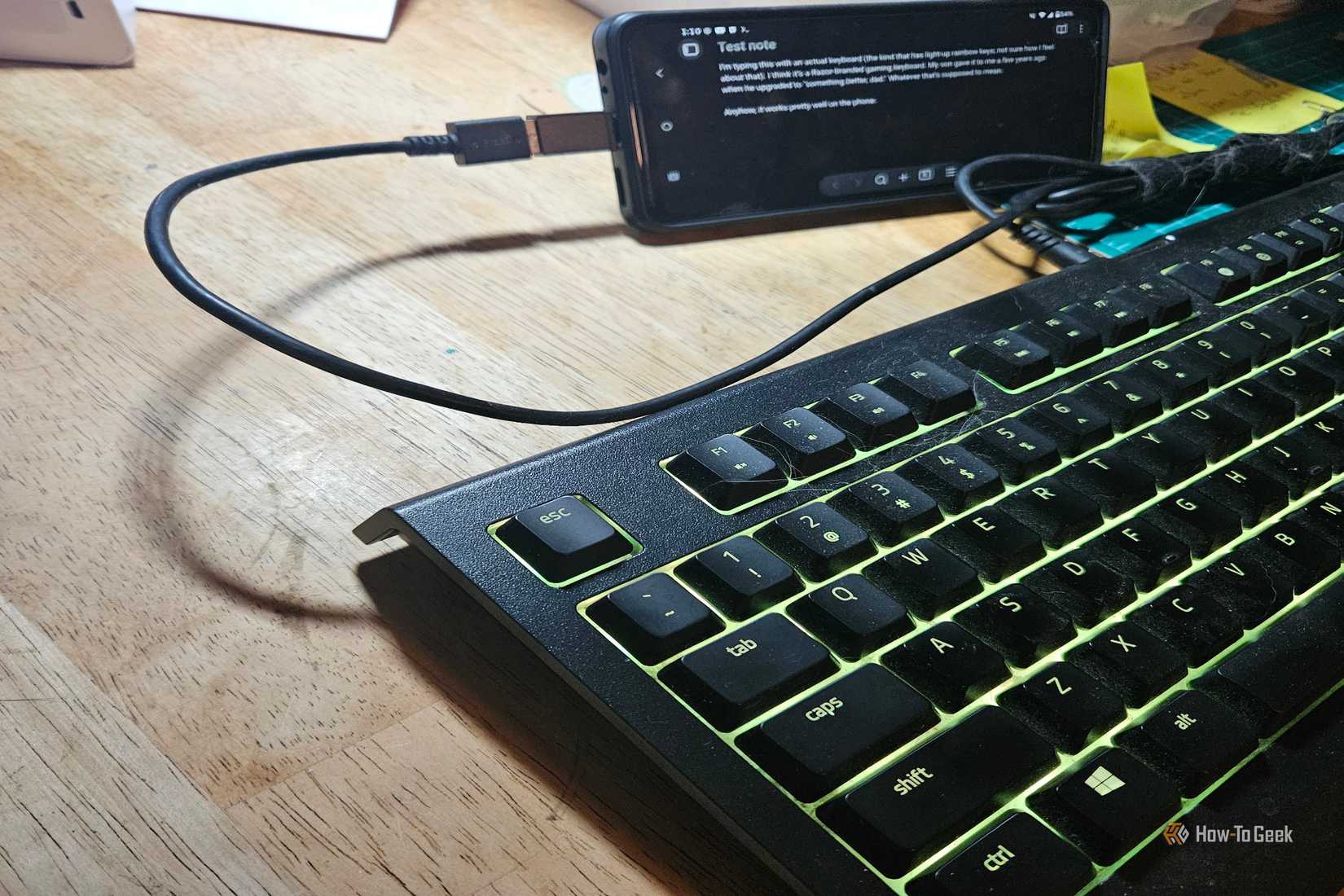
I love keyboards, whether they’re USB, wired, DVORAK, or something else entirely. In fact, I’m typing this section with an actual keyboard attached to my phone via USB (the kind that has light-up rainbow keys; not sure how I feel about that). I think it’s a Razer-branded gaming keyboard. My son gave it to me a few years ago when he upgraded to “something better, Dad.” Whatever that’s supposed to mean.
Anyhow, it works pretty well on the phone. So, what possible use case could this have for someone? Well, I’m doing it right now, right? It’s so much easier (for me, anyway) with a keyboard as my input device. I’m old-fashioned that way.
The keyboard did a pretty good job, with no noticeable input issues. It’s kind of handy to be able to just tap on the screen when I want to type in a new area.
I spent half an hour writing some notes and fussing around with some Docker stuff in Termux. We started with 54% battery. In the end, the battery was 51%. That’s not terrible, but it is more than I expected.
A USB DAC w/headphone jack
Annoying my wife with some rockin’ tunes
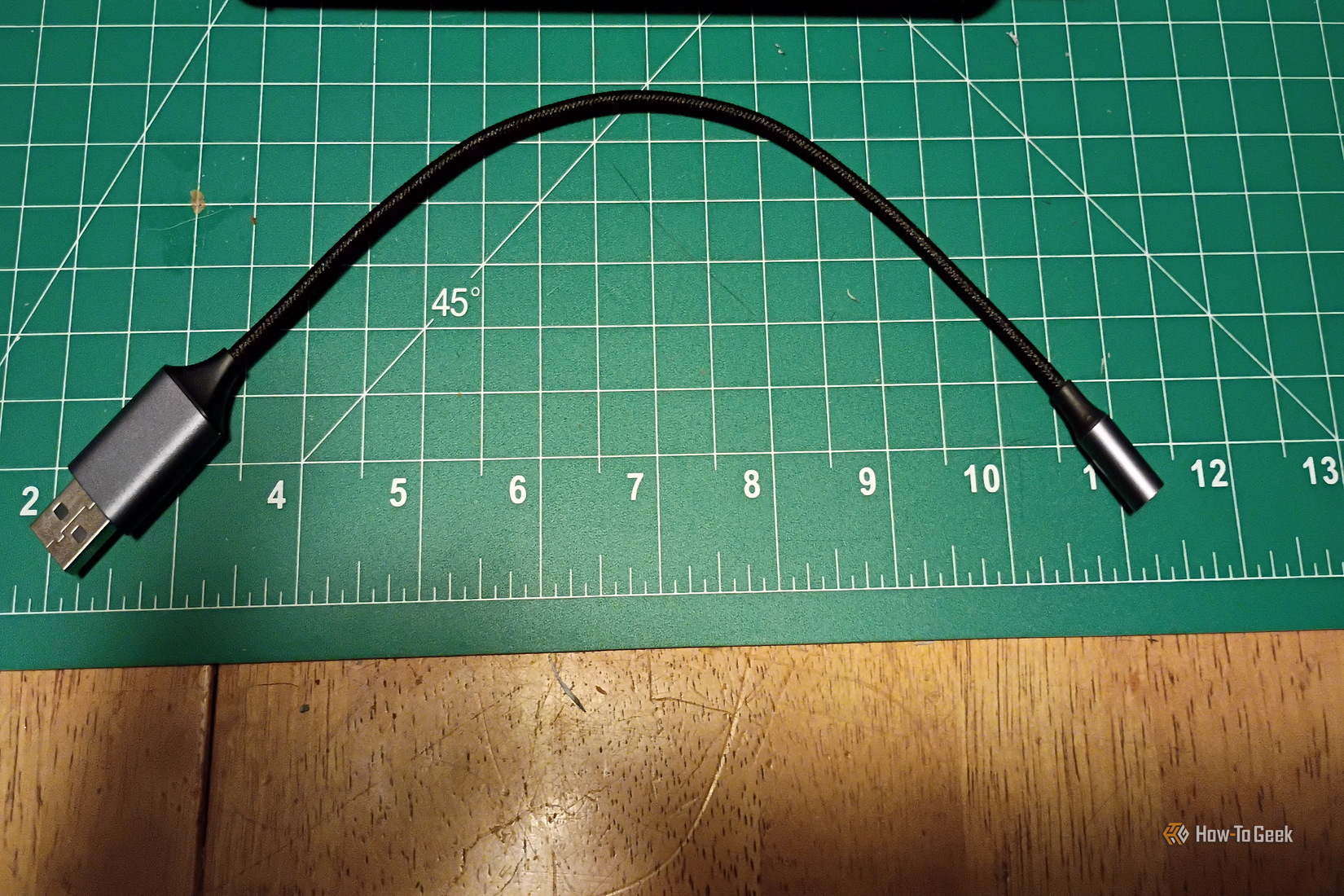
Listening to some of my favorite music through a mini bass amp is pretty rad. I bought a $10 USB DAC with a mini headphone jack and plugged it into my Samsung. I literally hooked everything up, hit “play,” and everything just worked.
I listened to the entirety of Blues Travelers’ Four. All I could say was, “Whoa!” It sounded awesome. The battery started at 94%. At the end of the record, it was sitting at 89%.
It’s not bad for an album that’s 56 minutes and 47 seconds long. I’m definitely planning to explore this more in the future.
A Rode Podcaster USB microphone
The ultimate test of USB functionality in Android
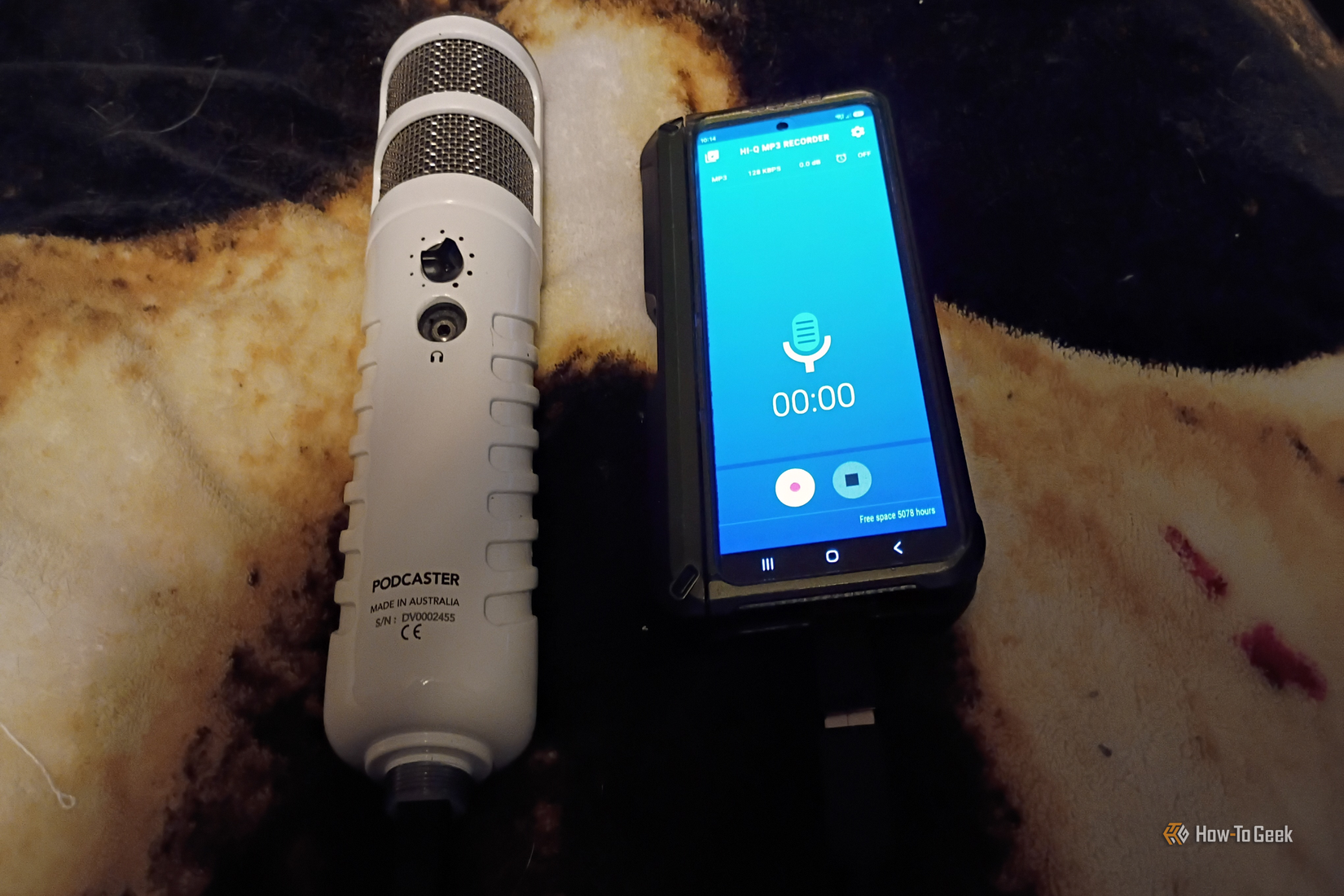
I saved the ultimate test for last. This is the first thing I thought of when I discovered I had a spare adapter. I have a Rode Podcaster mic. During my podcasting days, it used to be hooked up to a swivel stand on my desk. Nowadays, it collects dust inside a repurposed neoprene Nintendo Switch case.
I loaded the Hi-Q MP3 Recorder and made a few clips. It sounds good and works pretty well. The Rode lets me plug headphones into the mic itself so I can monitor the audio. I got a good-quality recording of myself playing guitar and doing some old radio commercials. There wasn’t any distortion, audio artifacts, or even ambient noise. Battery-wise, it was somewhere in the middle. If you’d like to hear it, let me know.
I started at 99% and finished at 84% during a 30-minute recording session. So it was a sizable difference from the other devices. Even so, it’s exactly what I wanted to do with the adapter, and now I think it’ll be easier for me to finally finish some recordings.
And who knows? Perhaps I’ll get back into podcasting, too.
Unlocking more freedom with USB devices
I had a lot of fun testing these USB devices. There are some that I would definitely use and have used frequently. Others, like a crummy pair of USB speakers I didn’t even bother writing about here, I would never use with this device. But I think every Android user should try having a USB port on their device and being able to plug peripherals into it at least once.