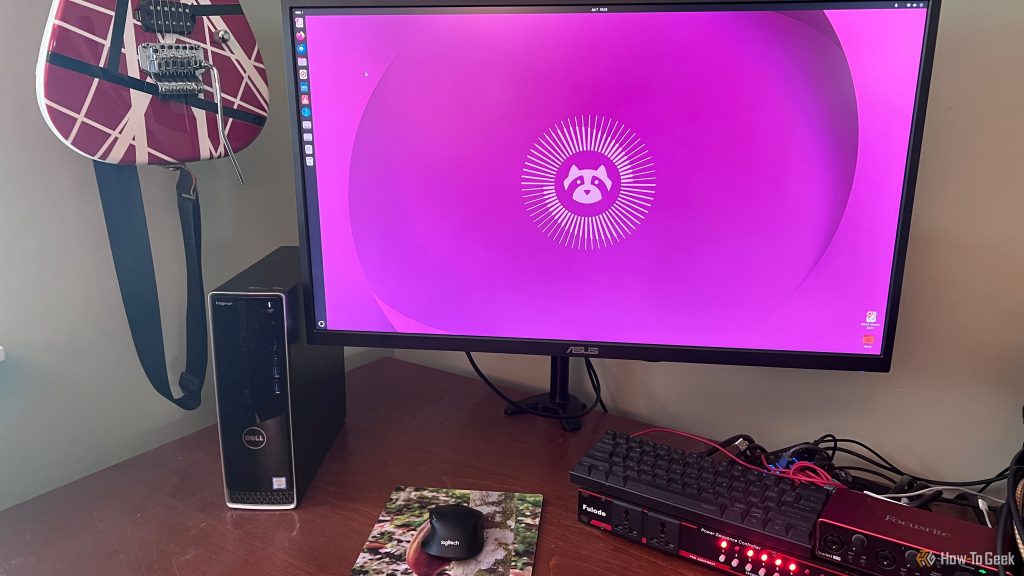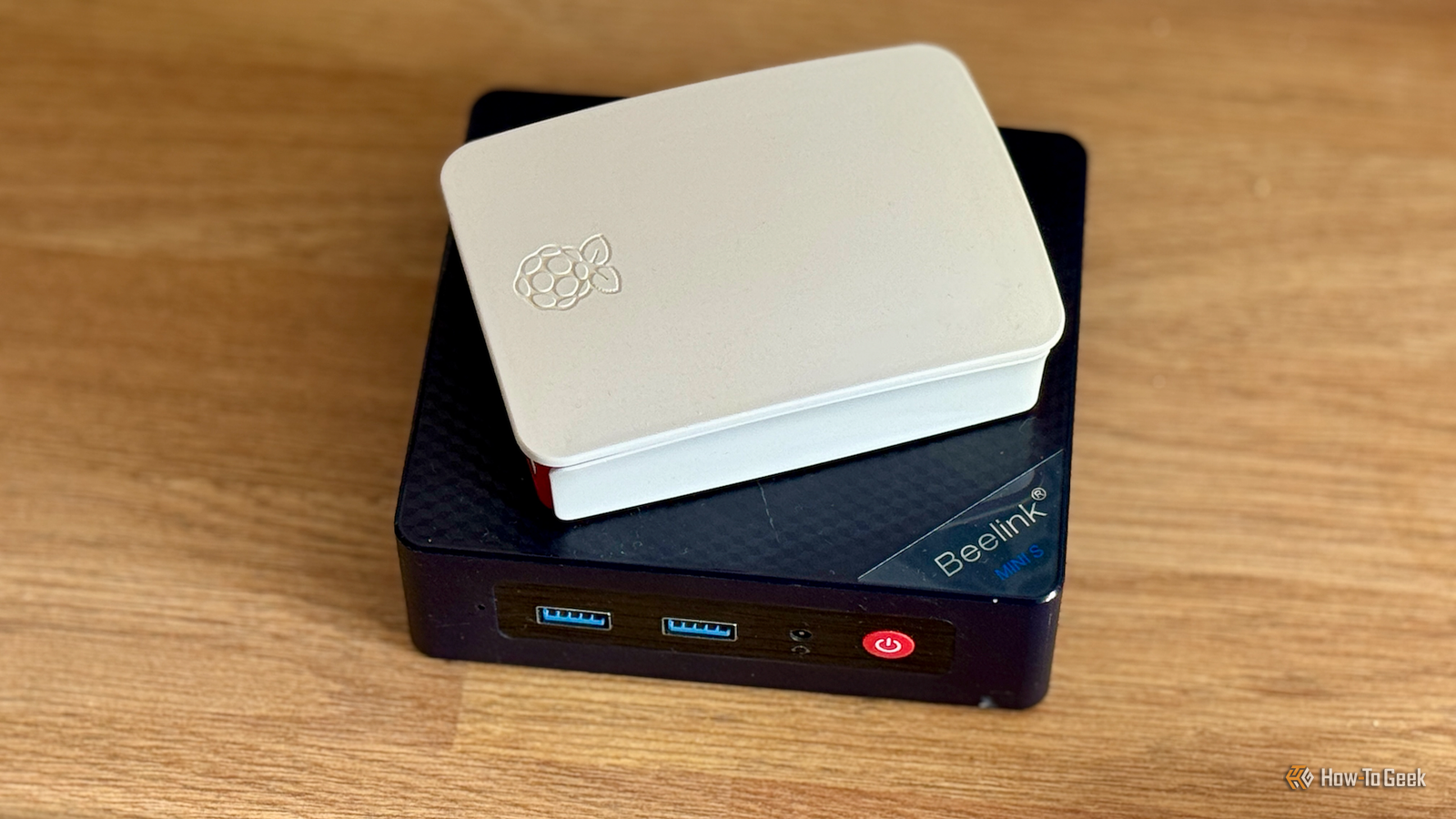
A Raspberry Pi and a mini PC have a lot in common, but most mini PCs can outperform Raspberry Pis for traditional computing tasks. They’re intended for different purposes, however, and there are plenty of things that a Raspberry Pi can do that a mini PC can’t match.
Controlling electronic components directly
GPIO pins open up endless possibilities
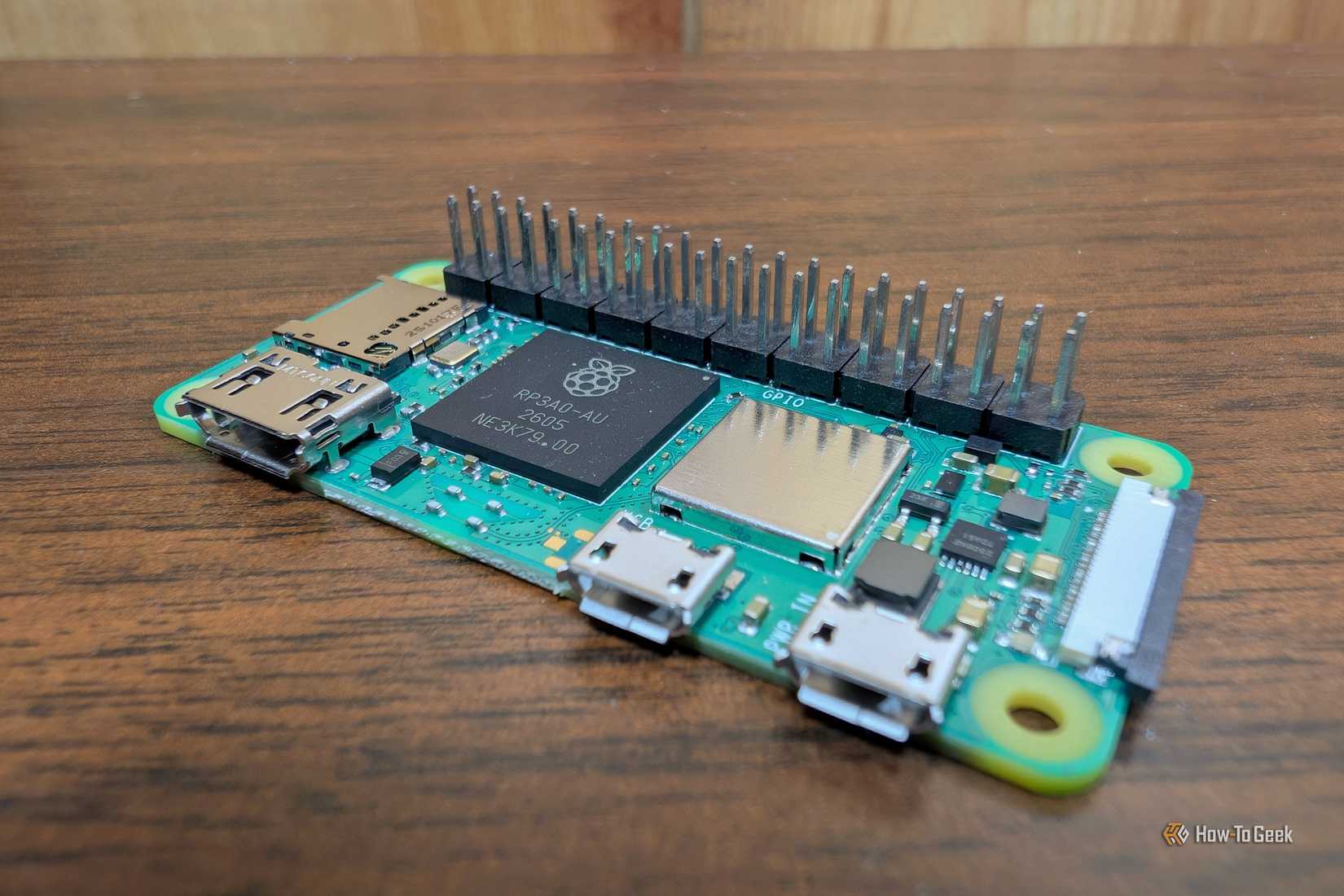
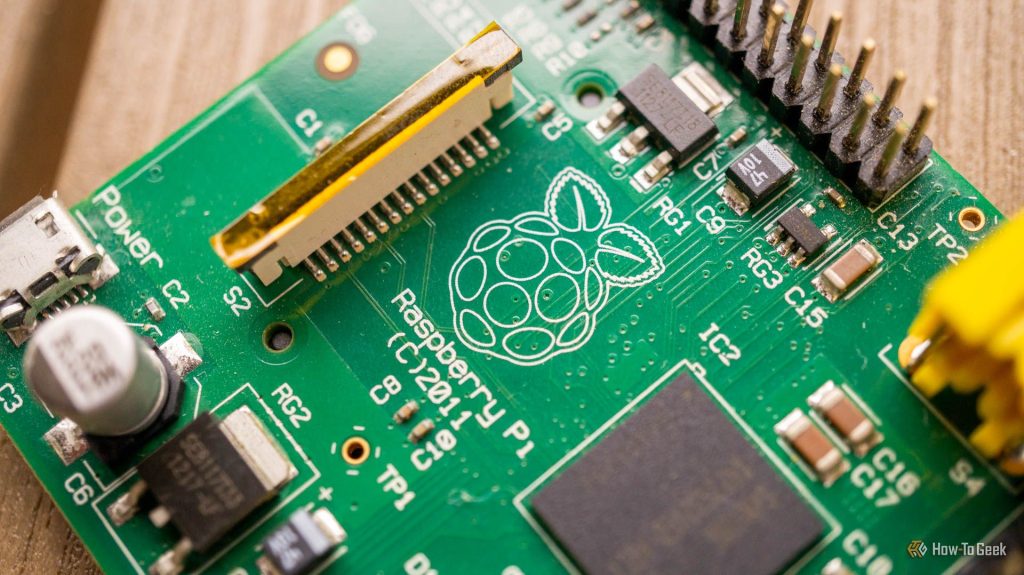
This is one of the most obvious differences between a Raspberry Pi and a mini PC. Most mini PCs are just a cuboid with a few ports, with all of the hardware hidden away inside. By comparison, a Raspberry Pi is a bare single-board computer. Most Raspberry Pi models have clearly visible general-purpose input/output (GPIO) pins.
These GPIO pins allow you to connect physical components to the Raspberry Pi, which the computer can then control. You can hook up all manner of things, from simple buttons and LEDs to complicated sensors or relay modules.
A mini PC doesn’t offer the same level of direct connectivity. You can add devices by plugging them into USB ports or using a separate microcontroller, but it’s not as simple as just connecting devices to pins like with a Raspberry Pi.
Acting as a USB device
Your Pi can pretend to be a keyboard
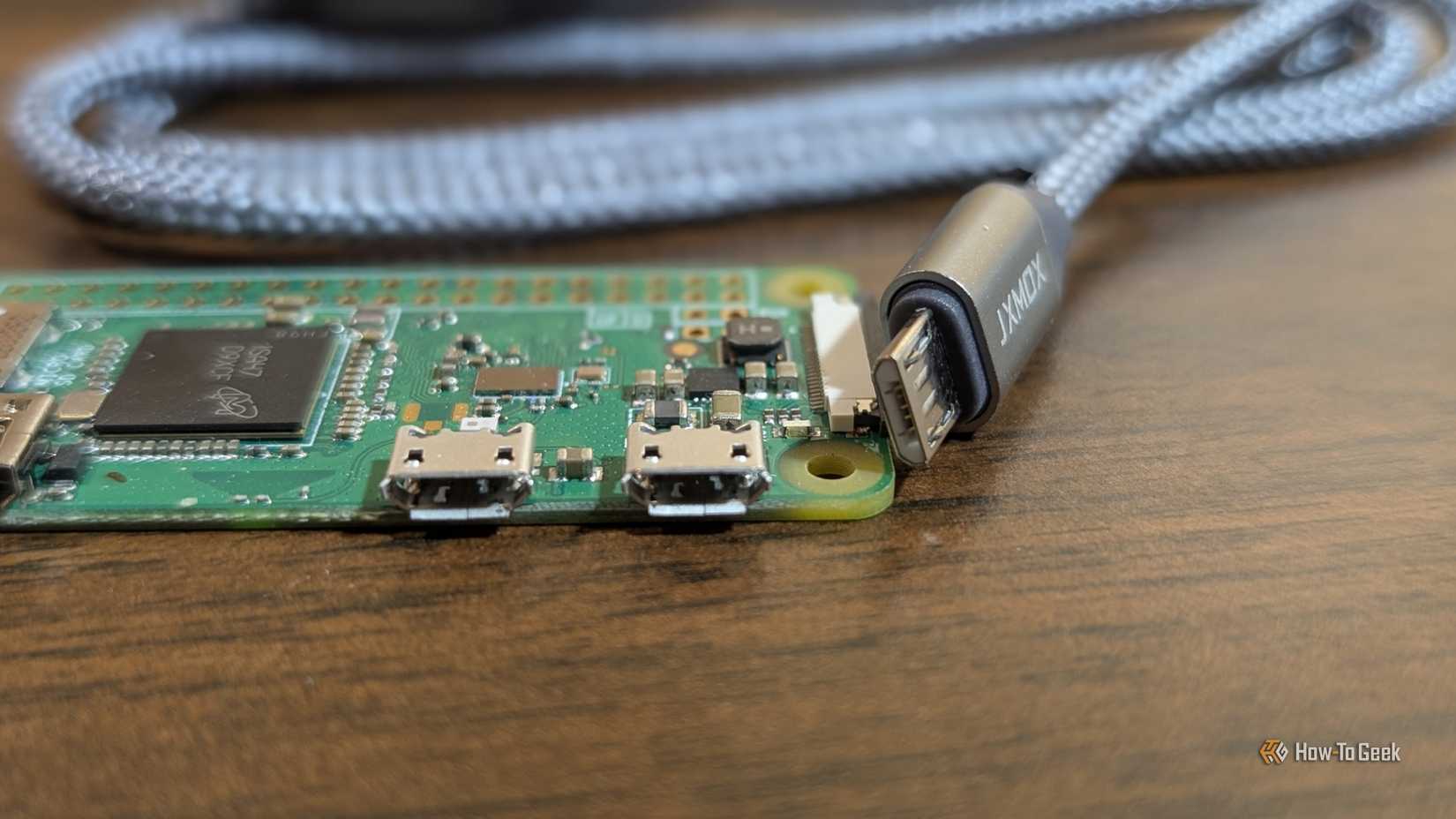
The USB ports on a typical mini PC operate as hosts for connecting peripherals such as keyboards or USB storage devices. However, some Raspberry Pi models, including the Raspberry Pi Zero, also support USB gadget mode. Instead of connecting peripherals to the ports, the Raspberry Pi can act like a peripheral itself.
This opens up some surprising uses. For example, a Raspberry Pi can act as a USB keyboard, so that when you connect it to another computer, the Pi can send key inputs just like a physical keyboard would. You could make the Pi appear as a USB keyboard for a computer that doesn’t have Bluetooth and then send keyboard commands wirelessly to the Pi over Wi-Fi, which the connected computer would see as coming from an ordinary USB keyboard.
You could also make your Pi appear as a USB storage device. You could then remotely update the files that the Pi is making visible to a connected computer, without having to take out a real USB stick and replace it with another.
Hiding away inside builds
A Raspberry Pi Zero can fit where a mini PC can’t
 Credit: outdoorbits
Raspberry Pis come in various models, some of which are very small. A Raspberry Pi Zero 2 W is just 65 mm long and 30 mm wide, which is far smaller than a typical mini PC.
It means that you can build a Raspberry Pi Zero into a project, fitting it inside the enclosure alongside any other necessary components. For example, you could build a handheld retro gaming console or an internet radio, with the Raspberry Pi hidden away inside the device itself.
For smaller builds, this just isn’t possible with a mini PC. If you’re making a full-size arcade cabinet, then hiding a mini PC is easy, but trying to build a handheld that’s got a mini PC inside it isn’t going to work.
Running from a battery
A mini PC is usually tied down to a power outlet
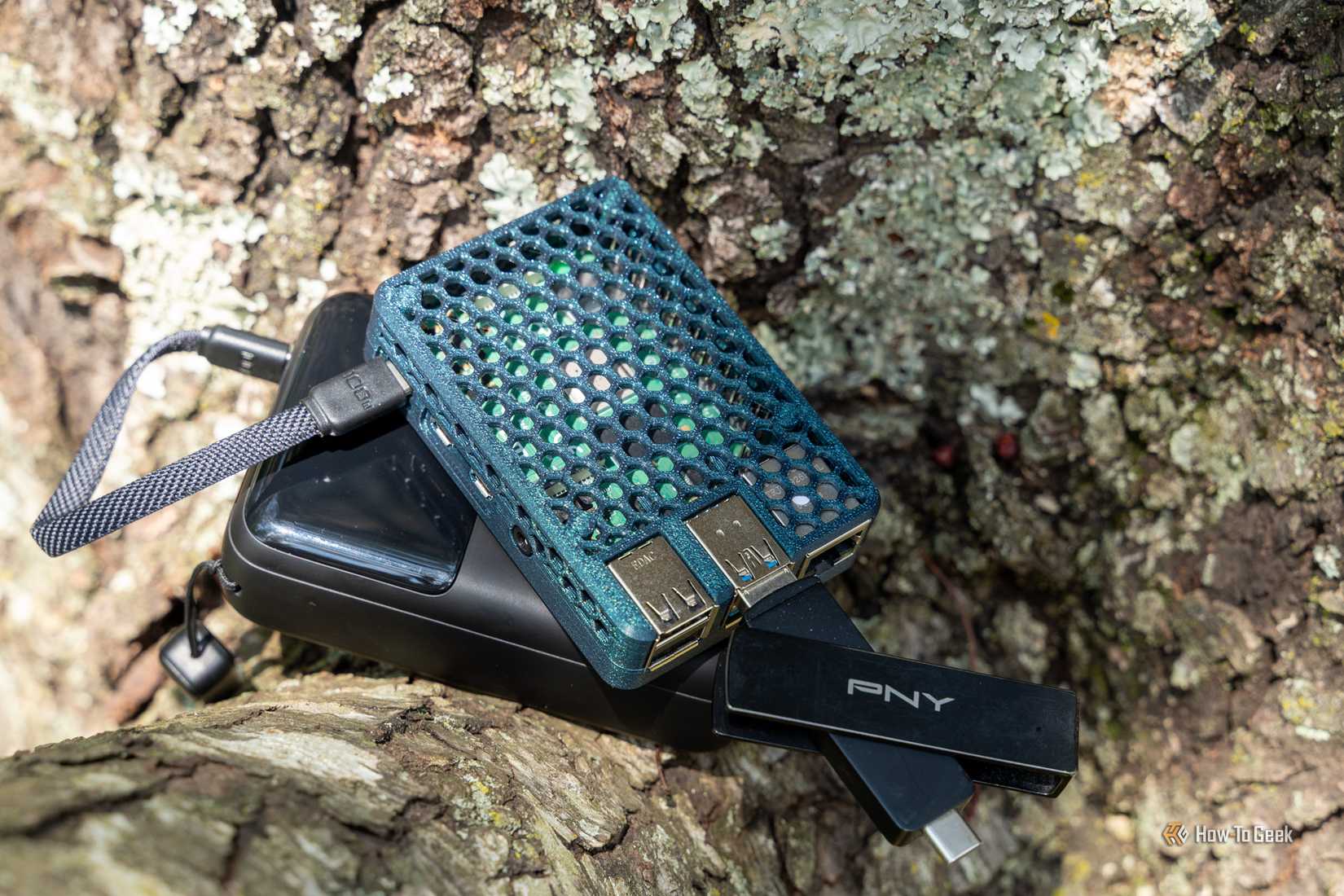
One of the benefits of Raspberry Pis is that they consume relatively little power. A Pi Zero 2 W, for example, can draw around 2 or 3 W. In comparison, a typical mini PC might draw up to 10 W at idle, and as much as 25 W under load.
This makes a Raspberry Pi well suited to running from a battery rather than needing to be connected to power. You could potentially run a Pi Zero 2 W for several hours from a USB power bank, for example.
While it’s possible to run a mini PC without connecting it to a power outlet, it’s far from ideal and would require a much larger battery to achieve a similar runtime to a small Raspberry Pi. If you want to build battery-powered devices, a small Raspberry Pi is a far better fit.
Adding specialized hardware via HATs
Make a Pi do more using expansion boards
-
 Credit: Raspberry Pi
 -
 Credit: Raspberry Pi
 -
 Credit: Raspberry Pi
 -
 Credit: Lucas Gouveia / How-To Geek | Shutterstock-Pixelsquid / Shutterstock
 -
 Credit: Raspberry Pi
-
 Credit: Raspberry Pi
 -
 Credit: Raspberry Pi
 -
 Credit: Raspberry Pi
 -
 Credit: Lucas Gouveia / How-To Geek | Shutterstock-Pixelsquid / Shutterstock
 -
 Credit: Raspberry Pi
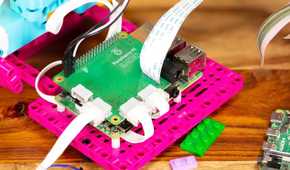
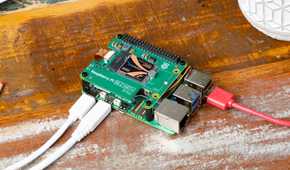
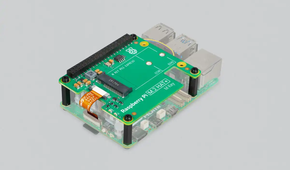
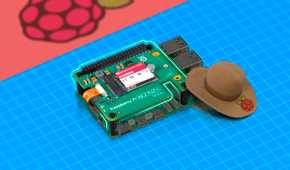
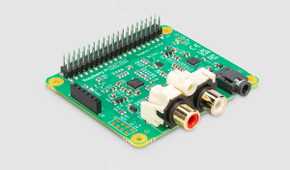
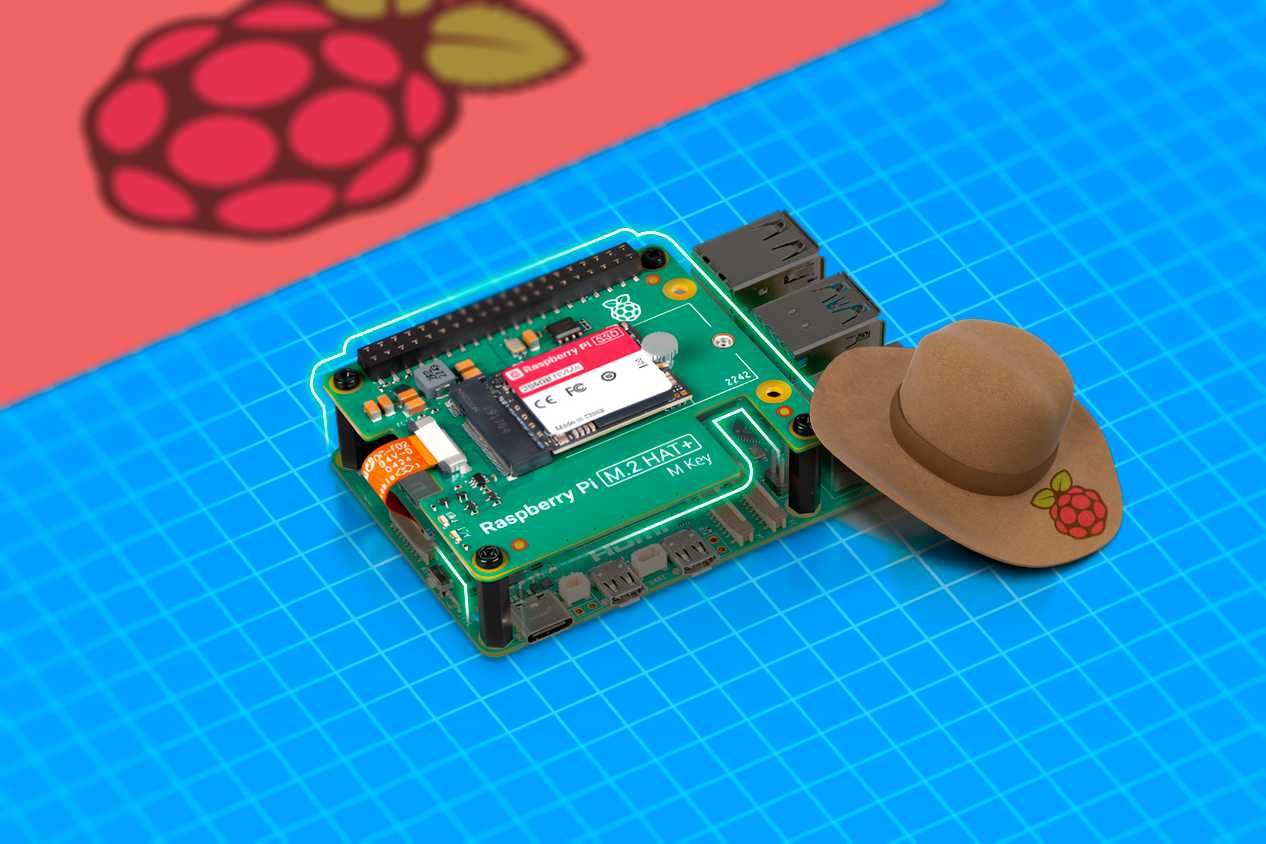
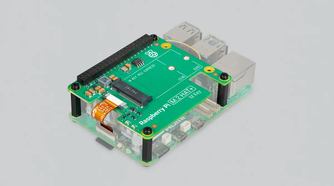
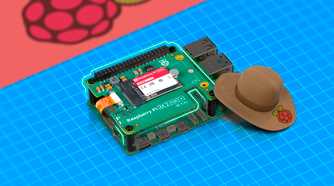
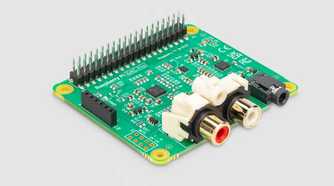
The GPIO pins on a Raspberry Pi have already been mentioned, but as well as allowing you to connect sensors or control other electronic devices, they can also be used to give your Raspberry Pi additional capabilities. You can get a wide range of Hardware Attached on Top (HAT) devices that can connect directly to the Raspberry Pi’s pins to expand what it is capable of.
For example, the Raspberry Pi Build HAT lets you control compatible LEGO Technic motors using Python code running on the Pi. You could use the Pi to control a LEGO robot or build a remote-controlled LEGO car. Other popular HATs include a DAC HAT for high-quality analog audio output, a PoE HAT to use a single Ethernet cable for both power and networking, a LoRa HAT for long-range off-the-grid communication, and an AI HAT+ that adds AI hardware acceleration so you can run object-detection models without melting the CPU.
While a mini PC can be upgraded, these HATs let you add hardware directly to a Raspberry Pi without the need for USB connections or special adapters. You can use them to turn your Raspberry Pi into a more specialized device.
Sometimes a Raspberry Pi beats a mini PC
I used to run Home Assistant on a Raspberry Pi, and moving to a mini PC has been a significant upgrade. While a mini PC can often beat a Raspberry Pi for typical purposes, the small single-board computers can still be the better choice in some circumstances.