Buying a tablet for a young child sounds simple until you start thinking like a parent instead of a gadget shopper. That matters even more during back-to-school season, when a tablet may suddenly need to handle reading apps, homework portals, video calls, long car rides, and carefully managed downtime after class.
A benchmark score won’t tell you whether a four-year-old can comfortably hold the tablet, whether you can shut it down at bedtime, or whether the app they want is even available. Those practical details matter more than bragging rights about processors and cameras.
There’s also an important distinction between a kids tablet and a regular tablet configured for a child. Amazon packages hardware specifically around children. Samsung and TCL put child-focused software on otherwise conventional Android tablets. Apple gives parents a general-purpose iPad and the tools to configure it themselves.
Here are five approaches for best tablets for young kids worth considering.
1. Amazon Fire HD 8 Kids: Best first tablet
For younger children, simplicity can be more valuable than specifications.
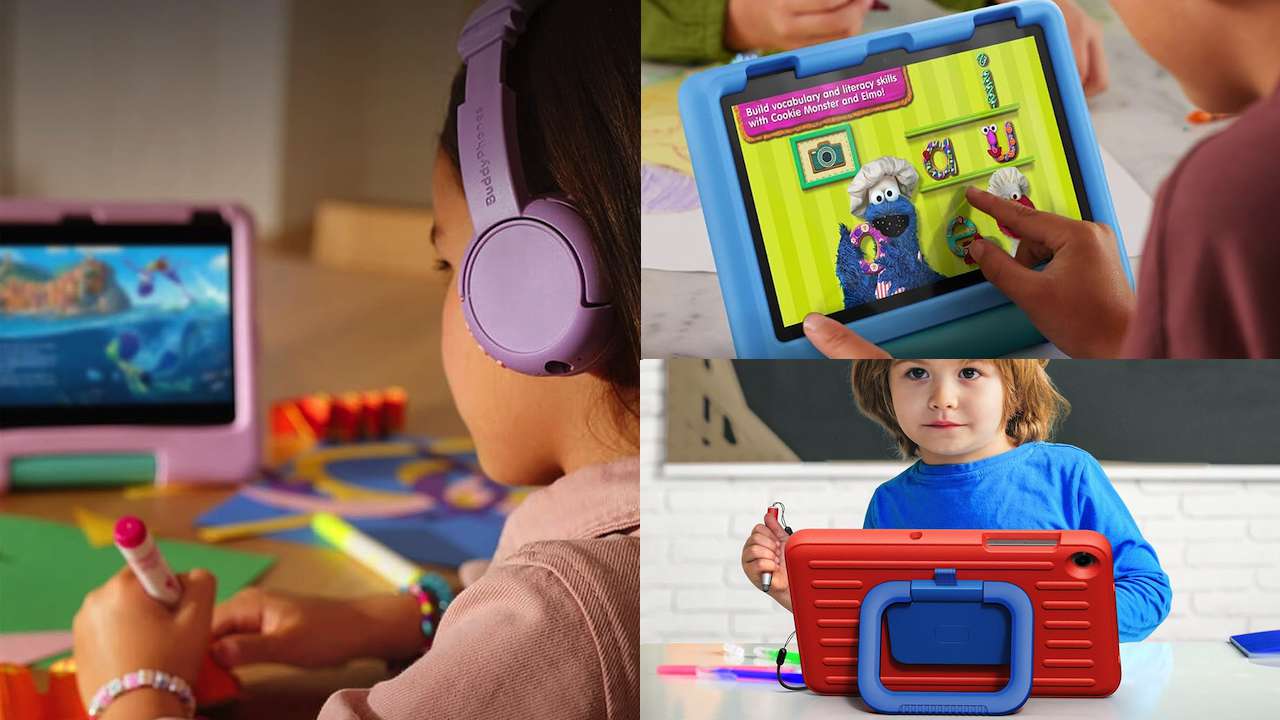
The Fire HD 8 Kids takes Amazon’s compact Fire tablet and packages it around a child-oriented experience, including a protective case, parental controls, and the Amazon Kids ecosystem.
That’s the important distinction. You’re not simply buying an inexpensive tablet and handing it to a child with unrestricted access.
Amazon also backs the Fire HD 8 Kids with its two-year Worry-Free Guarantee. Amazon’s warranty documentation describes this as a two-year limited warranty against defects in materials and workmanship under ordinary consumer use, so don’t assume the name means every accidental drop or damaged screen is automatically covered.
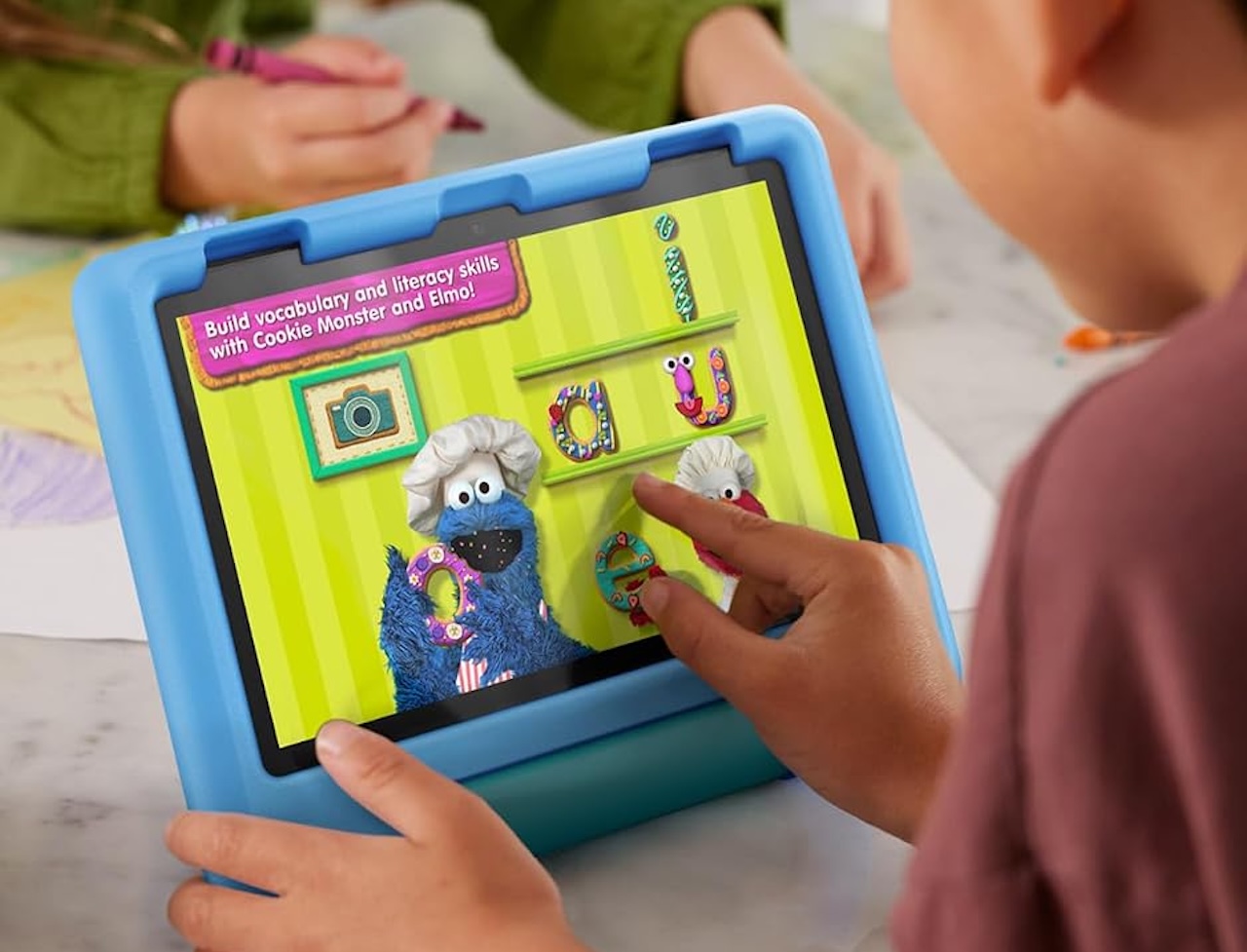 The biggest compromise is the software ecosystem. Fire tablets run Amazon’s Fire OS rather than conventional Google Play Android. If your child needs a particular app, check whether it’s available before buying.
Buyer fit: On paper, the Fire HD 8 Kids has one of the clearest propositions for a younger child’s first personal tablet. It’s particularly worth considering when straightforward parental management and a compact form factor matter more than having the broadest app ecosystem.
Amazon Fire HD 8 Kids
Price: $94.99
Where to Buy: Amazon
2. Samsung Galaxy Tab A9+ Kids Edition: Best big-screen Android kids package
A tablet that starts as a video machine can eventually become a reading screen, homework tool, video-call device, and game system. That’s where a bigger screen starts to matter.
The Samsung Galaxy Tab A11+ Kids Edition is built around an 11-inch 1920 x 1200 display with up to a 90Hz refresh rate, a 7,040mAh battery, and microSD expansion up to 1TB. Memory and storage vary by market, with some listings showing 4GB/64GB and others offering up to 8GB/128GB.
The bigger draw for parents is Samsung Kids. It lets parents choose which apps and content children can access, set playtime and bedtime limits, monitor usage, and require a PIN or pattern to leave the child environment.
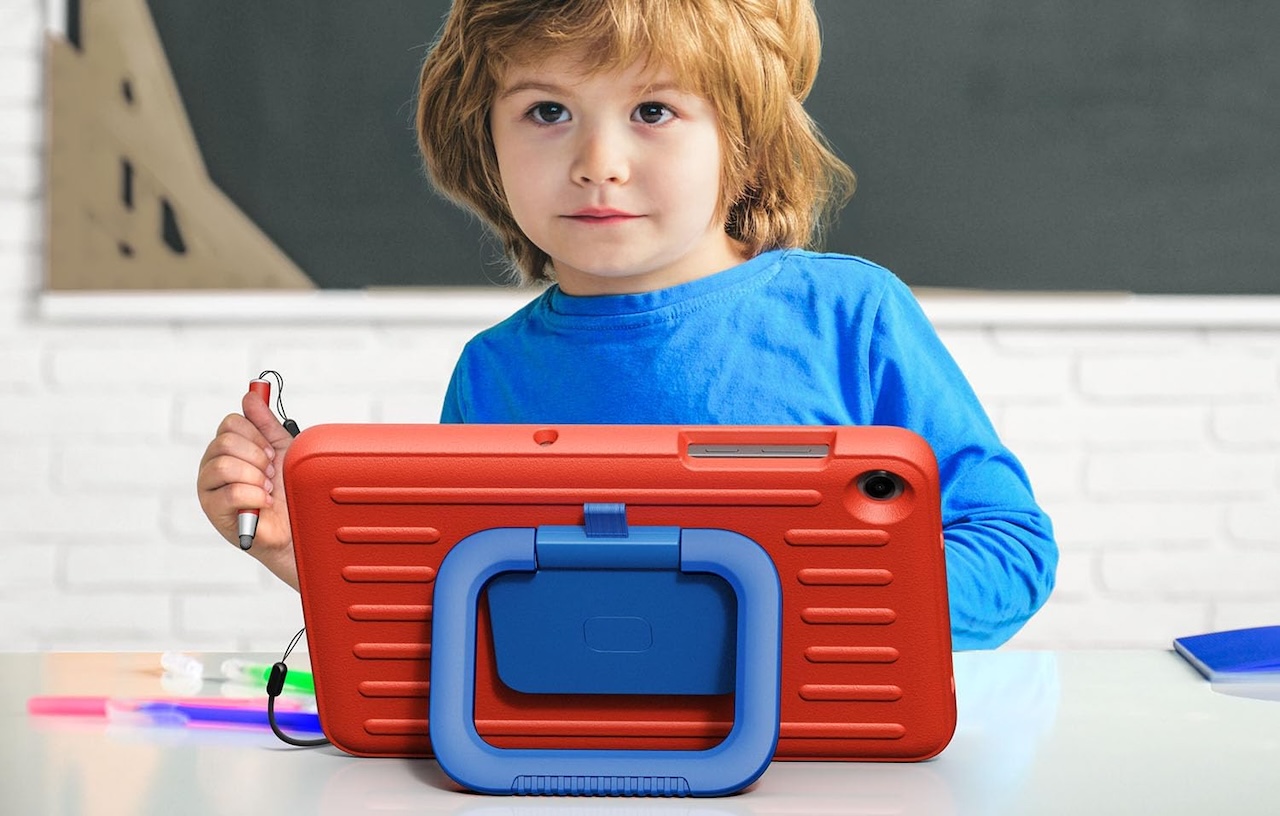 Outside Samsung Kids, this is still a conventional Android tablet, not a device built entirely around children. Availability and configurations vary by market, so check your local Samsung store or retailer before buying.
The 11-inch screen is better for shared viewing, homework, and tabletop use, but it’s less convenient for small hands than the Fire HD 8 Kids.
Buyer fit: Consider the Galaxy Tab A11+ Kids Edition if you can find it and want a larger mainstream Android tablet wrapped in a more child-oriented package.
Samsung Galaxy Tab A11+ Kids Edition
Price: $349.99
Where to Buy: Amazon
3. Amazon Fire HD 10 Kids: Best for a bigger screen
Sometimes the choice is simple: portability or screen space.
The Fire HD 10 Kids takes Amazon’s child-oriented setup and puts it on a larger 10.1-inch display. The Kids model includes a 1920 x 1200 IPS display, 3GB of RAM, 32GB of storage, and microSD expansion up to 1TB.
That extra screen space works well for videos, ebooks, games, homework, and long trips where the tablet will spend more time propped up than carried around.
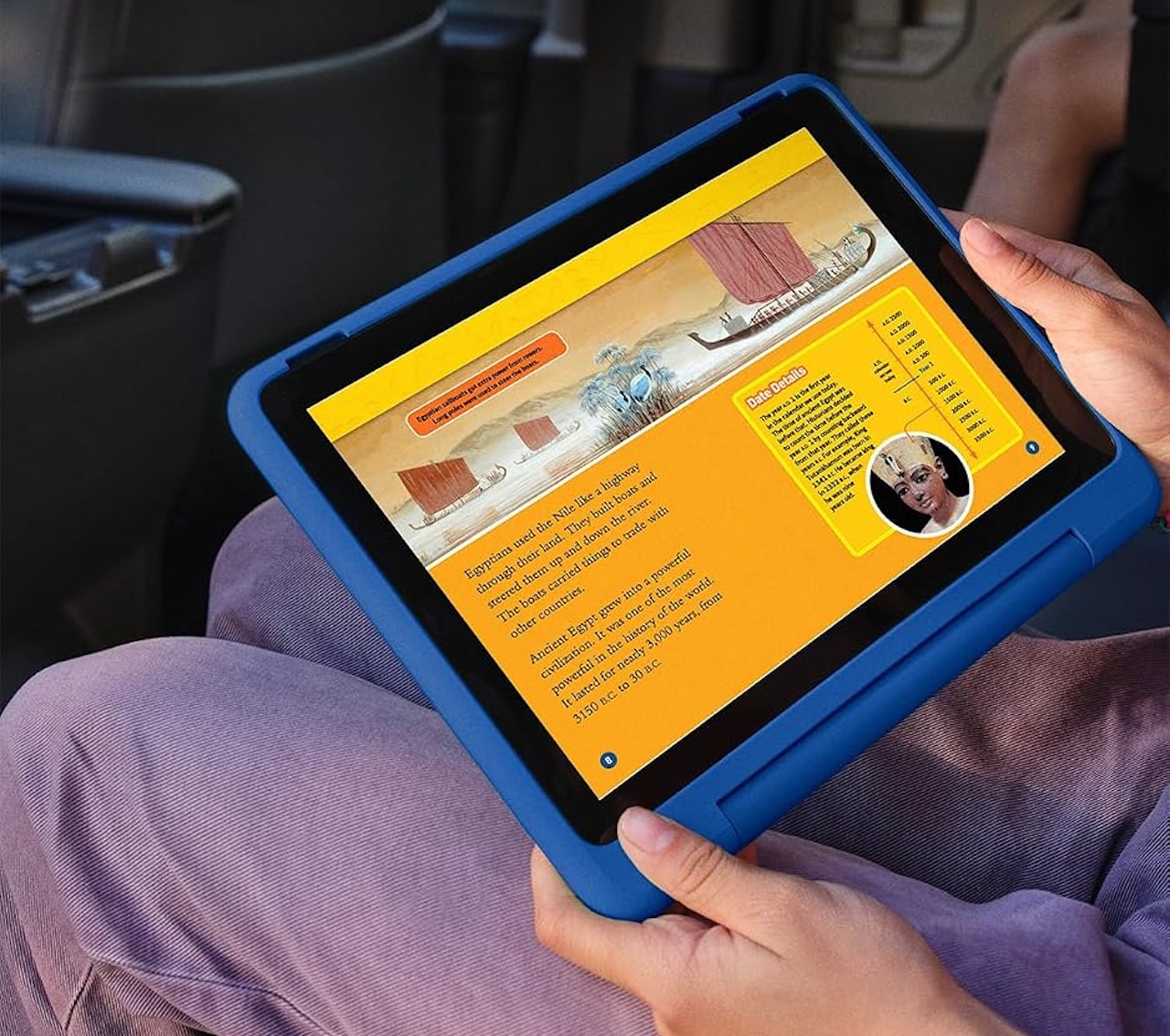 The tradeoff is size. It’s less convenient for small hands than the Fire HD 8 Kids, and it still uses Amazon’s Fire OS rather than conventional Google Play Android. Check must-have apps before buying.
Buyer fit: The Fire HD 10 Kids makes more sense than its smaller sibling when the tablet will primarily be used at home or during long trips and viewing space matters more than portability.
Amazon Fire HD 10 Kids
Price: From $134
Where to Buy: Amazon
4. TCL TAB 10L Gen 4: Best conventional budget Android alternative
You don’t need “Kids” in the product name to build a child-friendly tablet.
The TCL TAB 10L Gen 4 is a conventional Android tablet with Kids Space layered on top. That gives parents a child-oriented environment without locking the whole device into a kids-only experience.
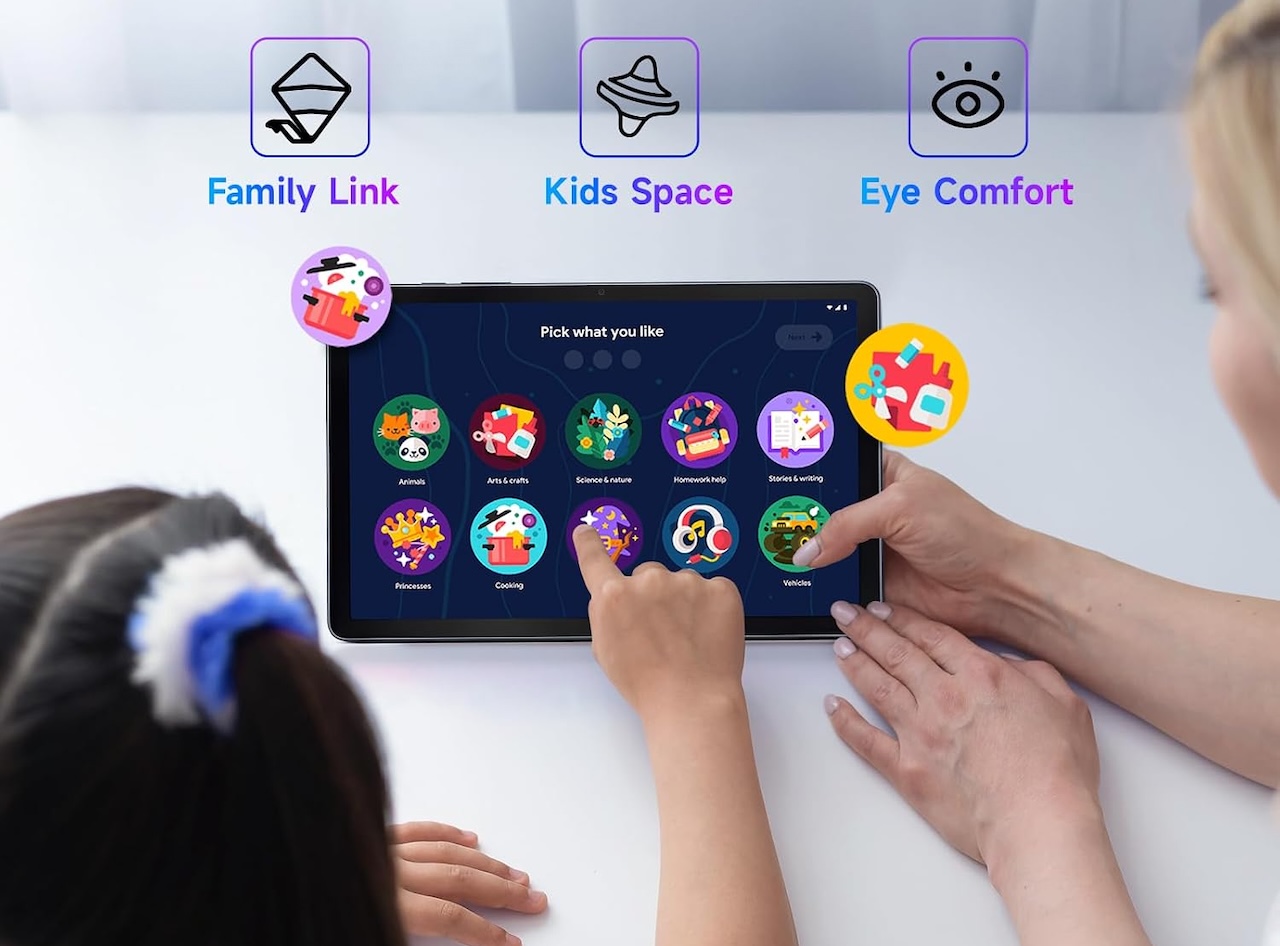 Specs are modest but sensible: a 10.1-inch IPS display, 4GB of RAM, 128GB of storage, a 6,000mAh battery, 430-gram weight, and an IP54 rating. Just keep that rating in perspective. IP54 does not make this waterproof, so a protective case still makes sense. The appeal is flexibility. You get a budget Android tablet first, with a child-friendly mode when you need it.
Buyer fit: The TAB 10L Gen 4 is worth considering when you want an affordable conventional Android tablet that can be configured around a child. Availability and configurations vary by market, so verify the exact model you’re buying.
TCL TAB 10L Gen 4
Price: $149.98
Where to Buy: Amazon
5. Apple iPad (A16): Best tablet they can grow into
The iPad (A16) takes almost the opposite approach from Amazon. There isn’t a chunky children’s case in the box or a simplified kids interface waiting at startup. You’re buying a full iPad and configuring it for your child.
That costs more, but it also provides considerably more room to grow.
The current model starts with 128GB of storage and supports Apple Pencil, potentially extending its usefulness into drawing, handwriting, and schoolwork.
The important feature for parents is Apple’s combination of child accounts, Family Sharing, and Screen Time. These provide tools for controlling when and how a child uses the device, limiting apps and content, and managing purchases.
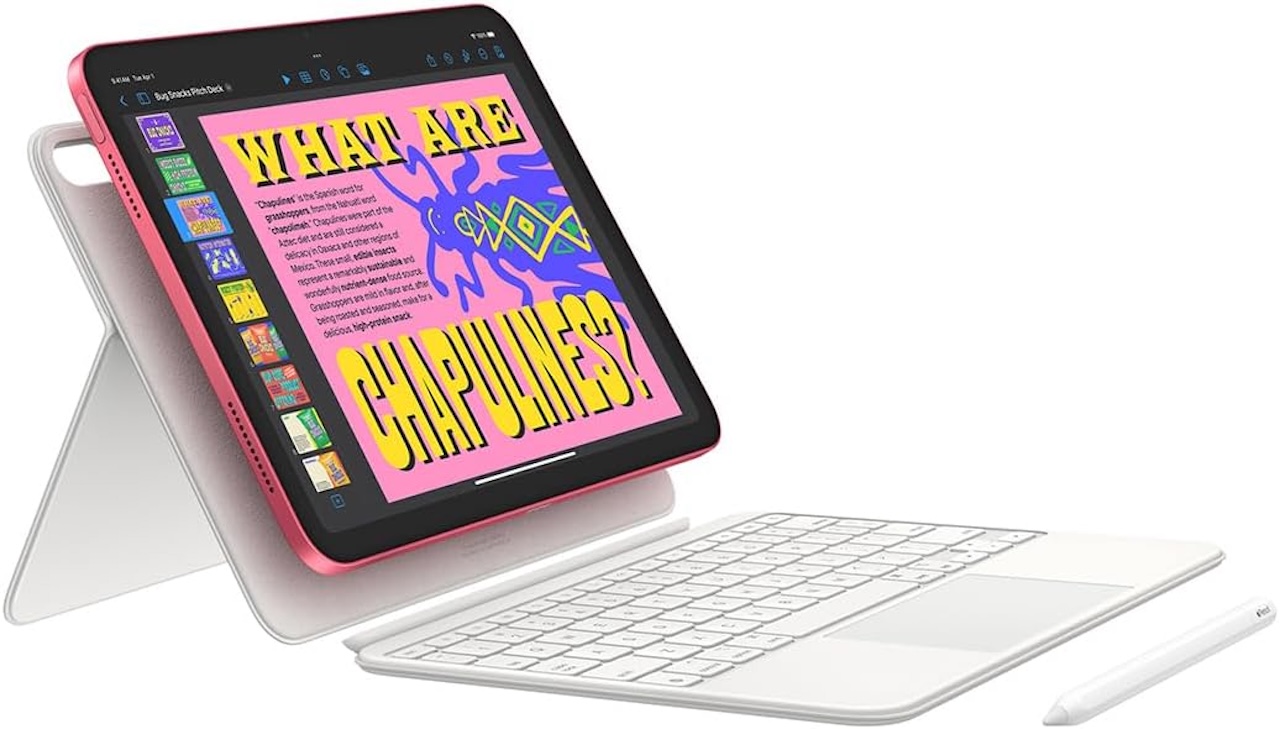
But an iPad doesn’t become a kids tablet automatically. Parents have to configure those controls, and for a young child, a sturdy protective case should realistically be considered part of the purchase. It’s also a lot of tablet if its only job will be playing cartoons in the back seat.
Buyer fit: The iPad makes sense for parents willing to spend more on a device that could transition from children’s entertainment into drawing, schoolwork, creativity, and eventually general-purpose tablet use.
Apple iPad (A16)
Price: From $580
Where to Buy: Amazon
Which tablet should you buy for a young child?
For a first personal tablet, the Fire HD 8 Kids has perhaps the easiest proposition to understand: a smaller device packaged specifically around children’s use.
Move to the Fire HD 10 Kids when screen size matters more than portability. The Galaxy Tab A9+ Kids Edition offers a larger mainstream Android foundation if you can find it, while the TCL TAB 10L Gen 4 provides another route into Android without requiring a dedicated kids-branded tablet.
The iPad takes the least child-specific approach of these five. It’s a general-purpose tablet that parents configure for a child. That’s simultaneously its disadvantage and its appeal: you’re spending more and doing more setup now in exchange for a device with uses extending well beyond children’s entertainment.
The best tablets for young kids aren’t necessarily the cheapest, fastest, or toughest one. They’re the ones you can comfortably hand over today without discovering six months from now that software, size, or parental controls no longer fit your family.
Sign up for our newsletter today.
No ads, no spam, just links to our latest articles!
Auto Amazon Links: No products found.