Credit: Goran Damnjanovic / How-To Geek
I always saw Android widgets as little information panels sitting on my home screen. What changed was noticing which apps I was opening purely to glance at something, then immediately closing. So, I started treating them as functional shortcuts rather than just a fancy UI thing, and they reduced my habit of launching the app in the first place.
Over time, I ended up replacing several apps I used to open daily with easily accessible widgets. Some of these are large enough to sit alongside the usual app icons, so I keep them on a dedicated home screen page of their own. I still have every app installed, but I rarely need to go into them now. Here are the five that made the biggest difference.
Google Calendar
Know how the next few hours are shaped
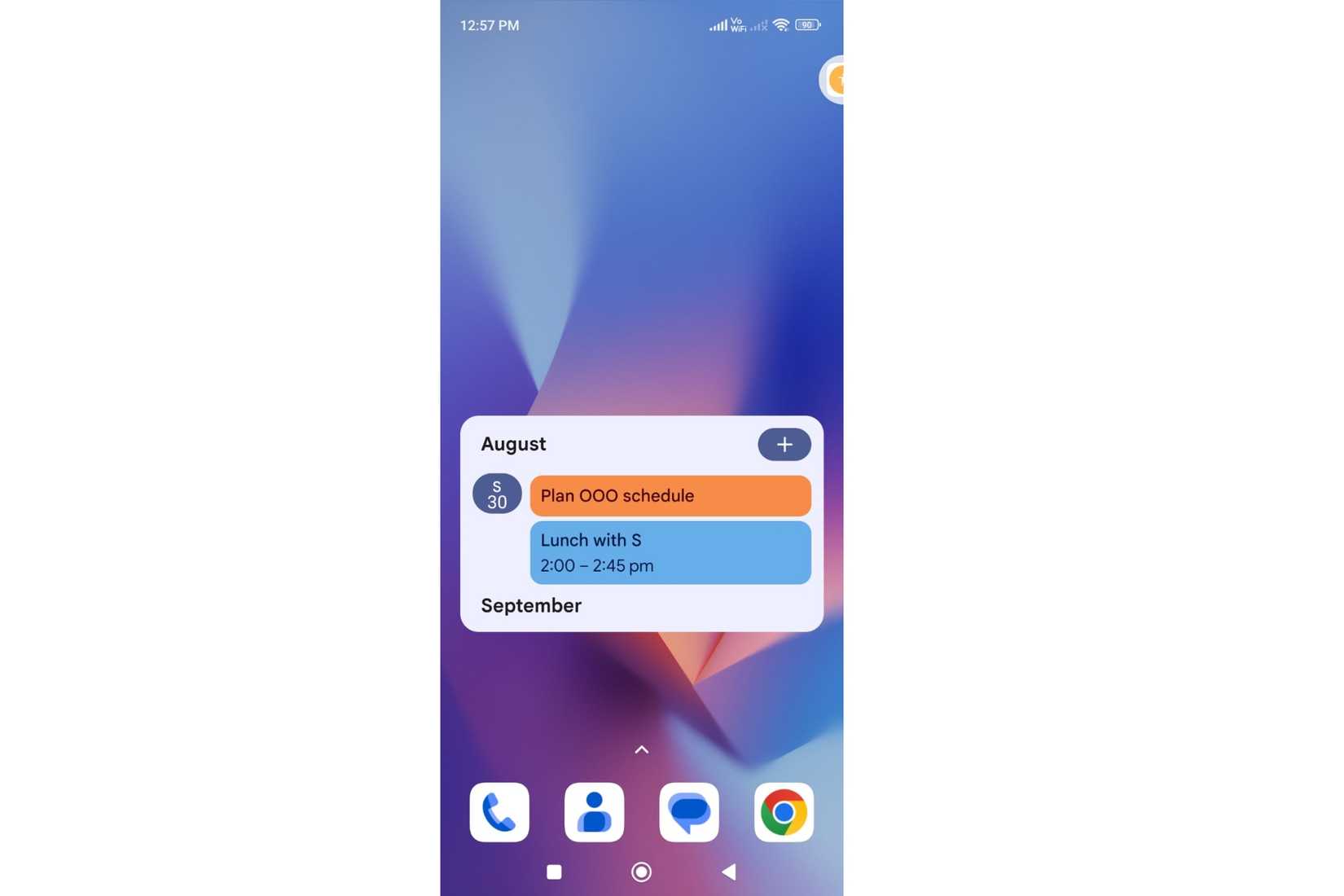
I get most of the Google Calendar information without leaving my home screen. The agenda-style view gives me a running view of upcoming appointments and events in order. So, one glance tells me what’s coming up without relying on a notification to surface it.
What makes the Google Calendar widget more than a read-only panel is that it’s actually interactive. Tapping the “+” sign allows me to add an event or task, and scrolling the widget shows what’s coming up over the next several days. Furthermore, I can also jump straight to a particular event from the widget. All this without having to navigate inside the app with extra taps.
It seems minor, but Google Calendar is arguably the best example of an app that doesn’t need to be opened every time I want information from it.
Google Keep
Check and add something without opening app
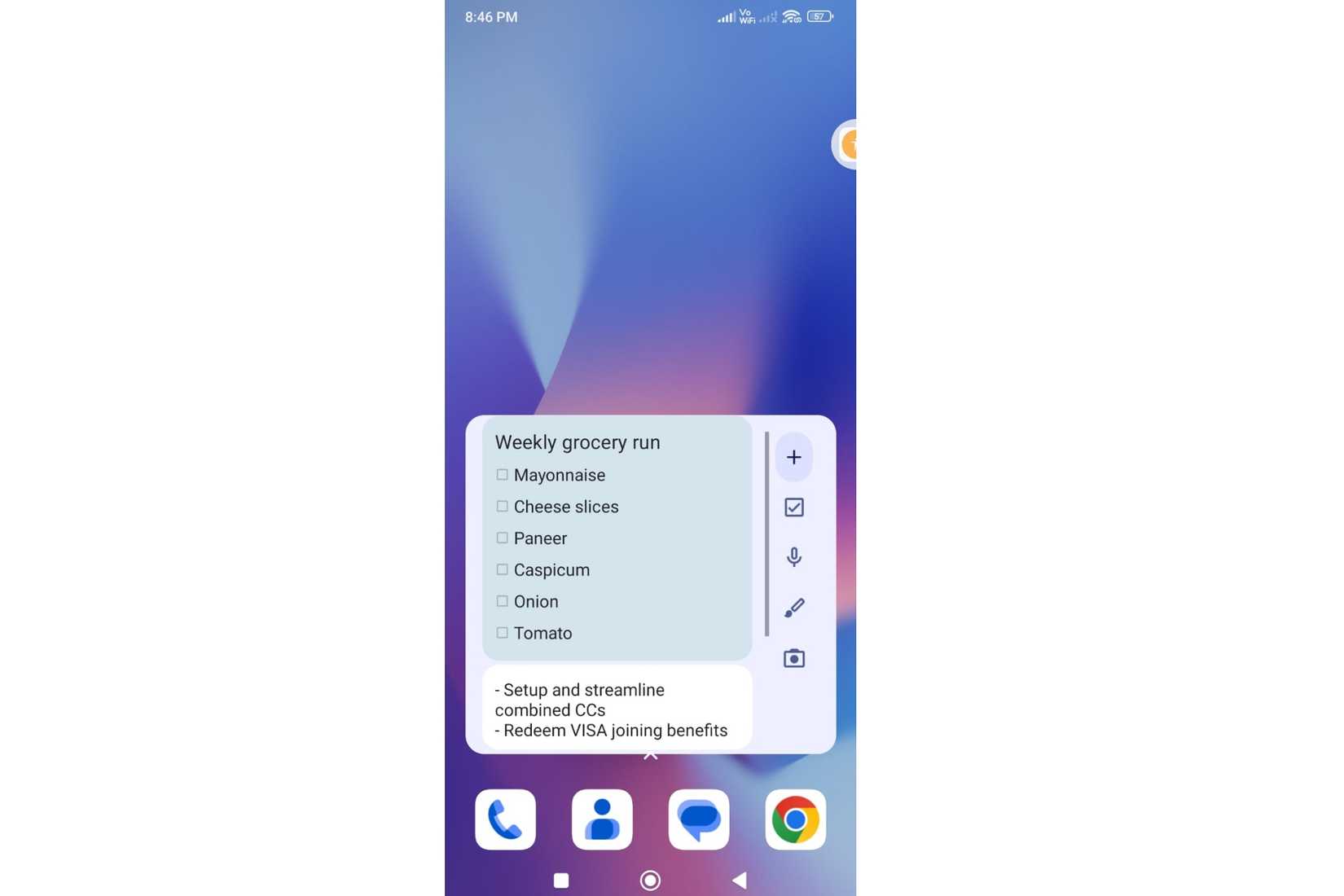
Notes apps are only useful when you remember to open them and then find the right one. I use Google Keep almost daily to check a shopping or to-do list, look at something I have saved, jot down ideas, and quickly add a reminder. The Google Keep widget removes most of those tiny app sessions. Right from the home screen, it gives me quick options to create a text note, voice note, checklist, or image capture before I forget something.
Along with those shortcuts, the Google Keep widget also displays a few of my notes on the home screen — making them always within reach. It can also pin a specific note like a weekly grocery list, so it’s permanently visible instead of staying buried three taps inside the app.
Google Maps
Knowing road conditions before leaving
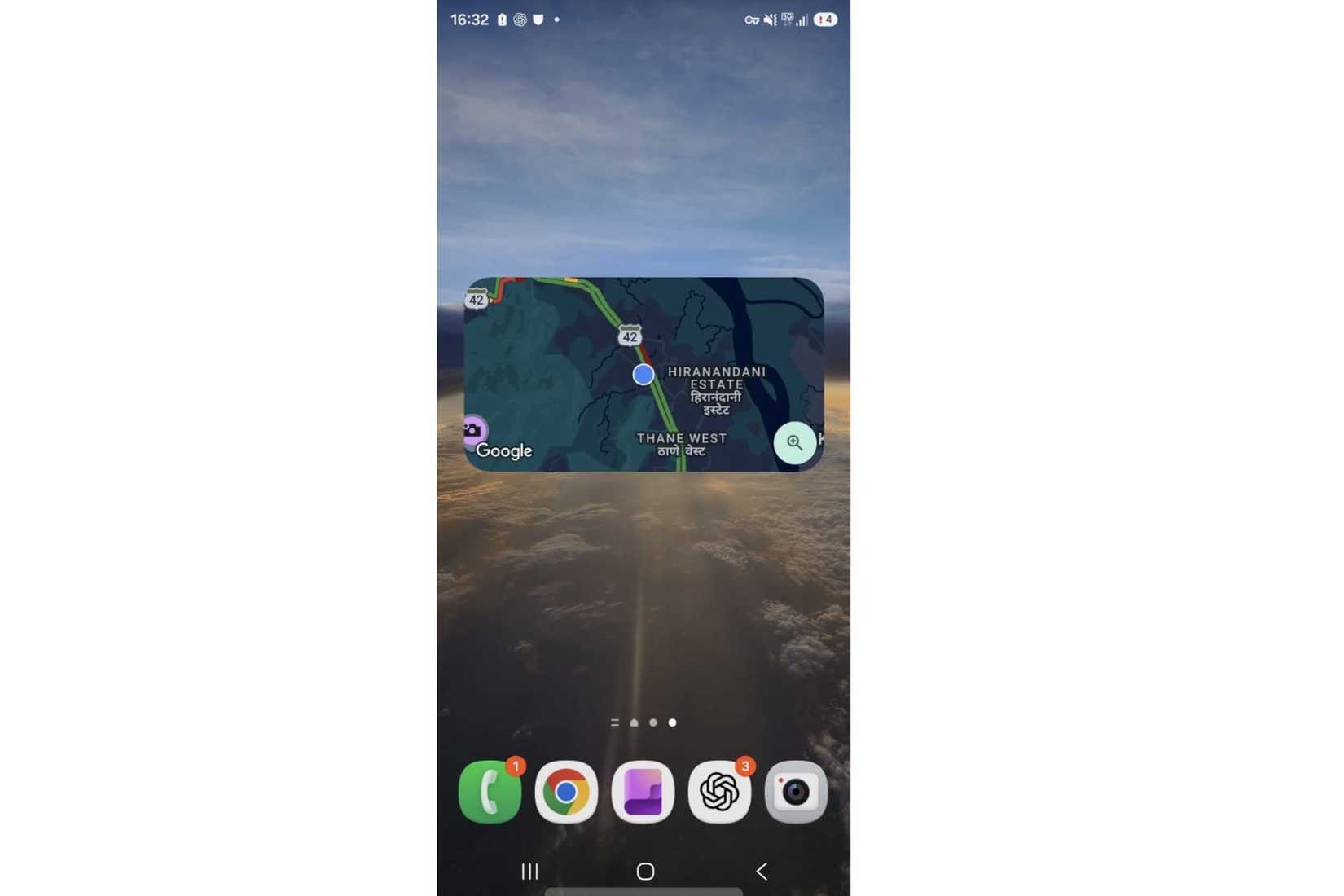
Whenever I’m heading somewhere, Google Maps is the app I open constantly to check directions or my surroundings. This app has several shortcuts to choose from, including directions, driving mode, a friend’s location, shared location, and nearby traffic. I find the Nearby Traffic widget quite helpful. It shows a live map of traffic conditions around my location. So, I get a quick sense of what’s happening on the road before stepping out and without tapping anything.
Meanwhile, the Directions widget is a practical choice if you use Maps to navigate to the same places regularly. It lets me save frequent destinations and jump straight into turn-by-turn navigation with a simple tap — no more typing and searching.
I use the full Google Maps for longer searches, browsing a route, or when I’m actively navigating somewhere unfamiliar.
Spotify
The shortest route to music streaming
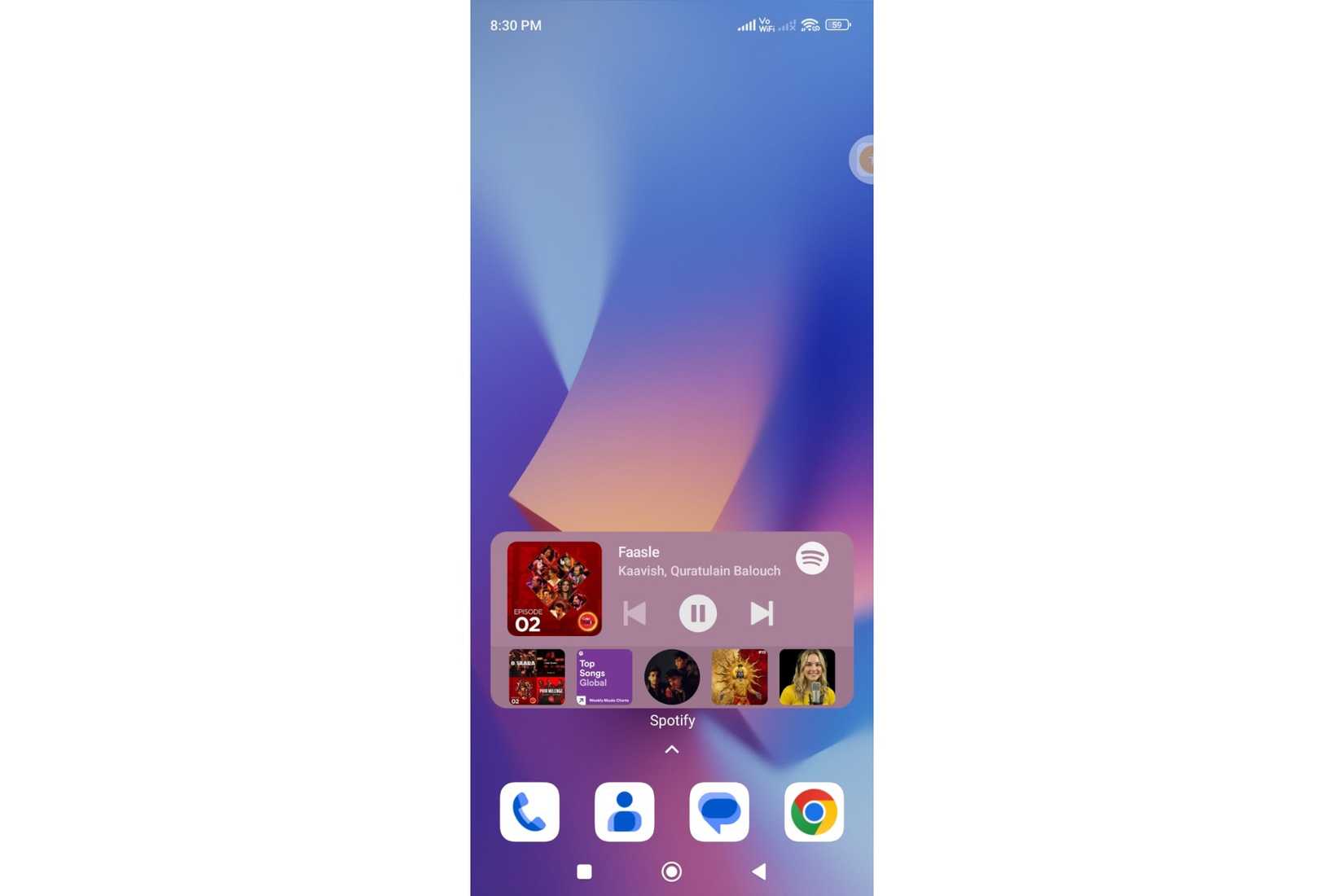
Using Spotify meant opening and closing the app constantly just to skip tracks, check what’s playing, or adjust playback. A widget has taken care of most of that. Now, playback controls, album art, and the current track name sit right on the home screen. It’s usually all I need without having to open the app. No load time, no navigation, and no accidental detour in the library.
It is a tiny convenience, but music is one of those things that shouldn’t require extra taps. Once I got used to the widget, opening the Spotify app just to press play or skip to the next track started feeling strangely inefficient. It only comes out when I’m actively searching for something new or building a playlist from scratch.
WhatsApp
No more accidental scrolling
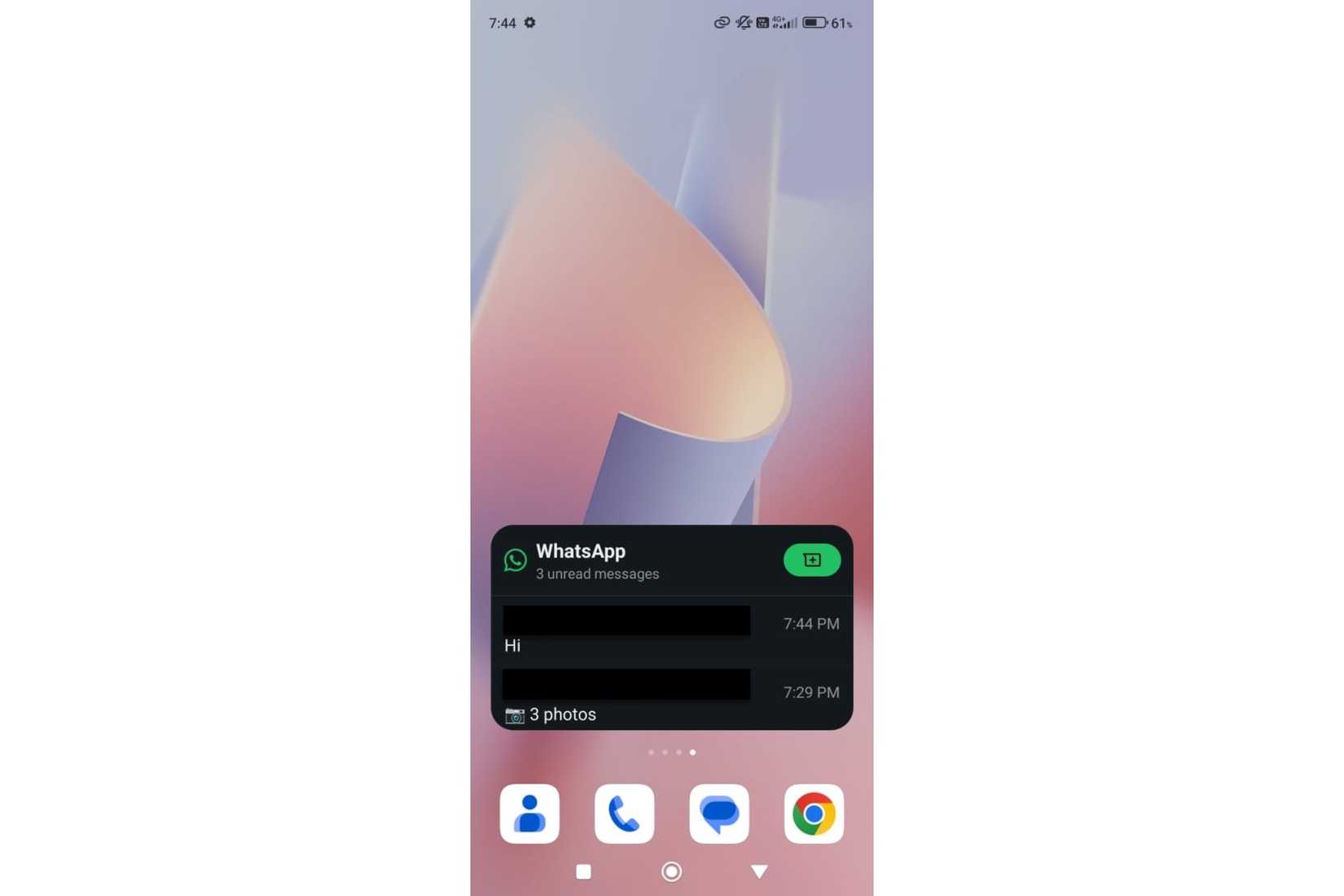
The WhatsApp widget doesn’t replace the app for actual conversations, but it handles the main reason I used to open it compulsively — checking whether anything needs my attention. The widget shows recent chats and unread counts at a glance. I can jump straight into the relevant conversation if something needs my reply.
If nothing’s urgent, I’ve avoided opening WhatsApp. And that matters because messaging apps can turn a ten-second check into a longer session, like noticing another conversation and scrolling through a few chats. The widget didn’t change how much I use WhatsApp, but it changed how often I launch it without a real reason.
My home screen does more now
Widgets used to feel gimmicky and rarely useful, but now they’re genuinely functional. For me, they don’t replace the full app but handle almost 80 percent of the interaction from the home screen. If you haven’t audited your most-used apps recently and asked whether a widget could manage the routine part, it’s worth doing.