Credit: Andy Betts / Hannah Stryker / How-To Geek
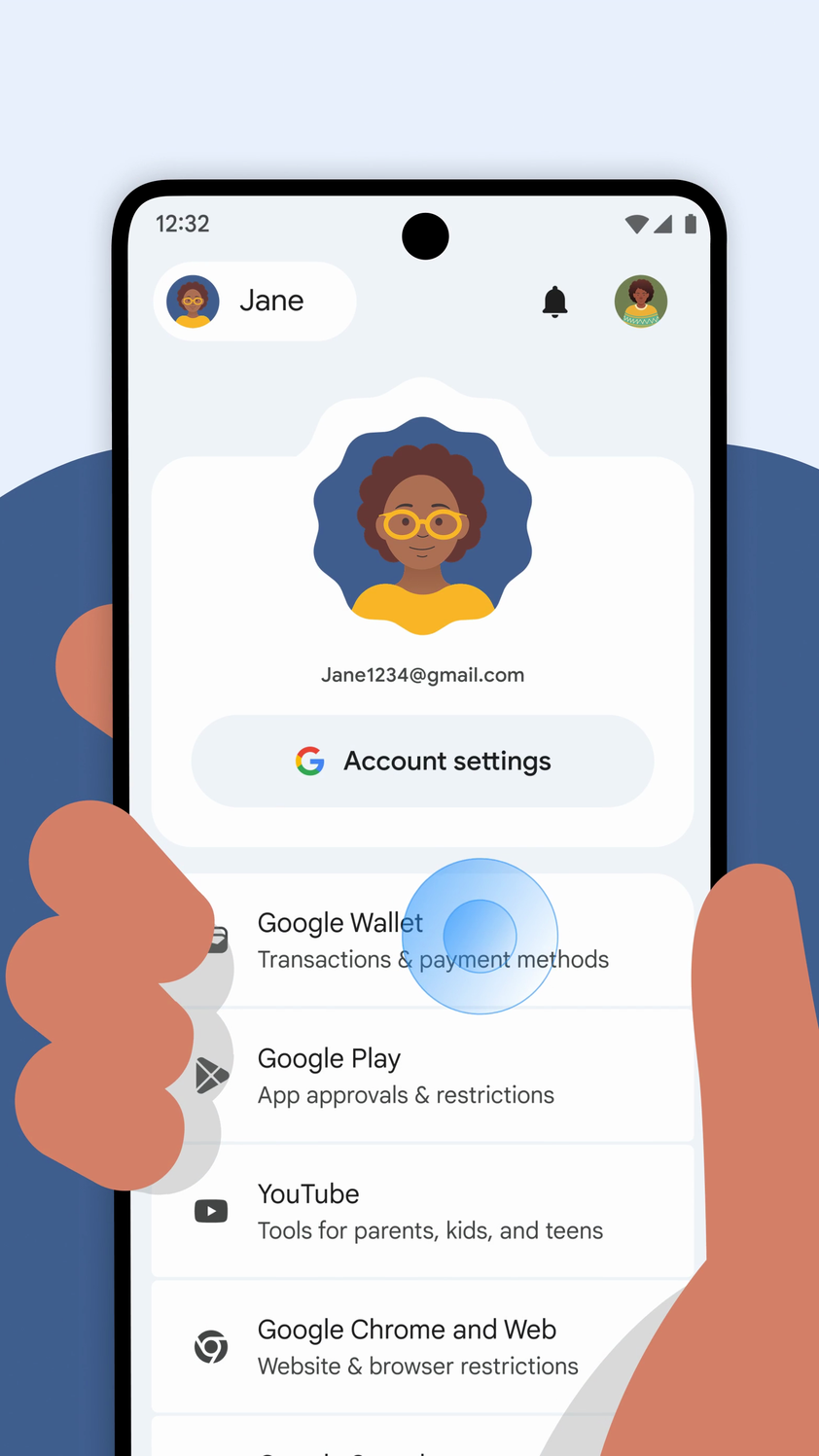
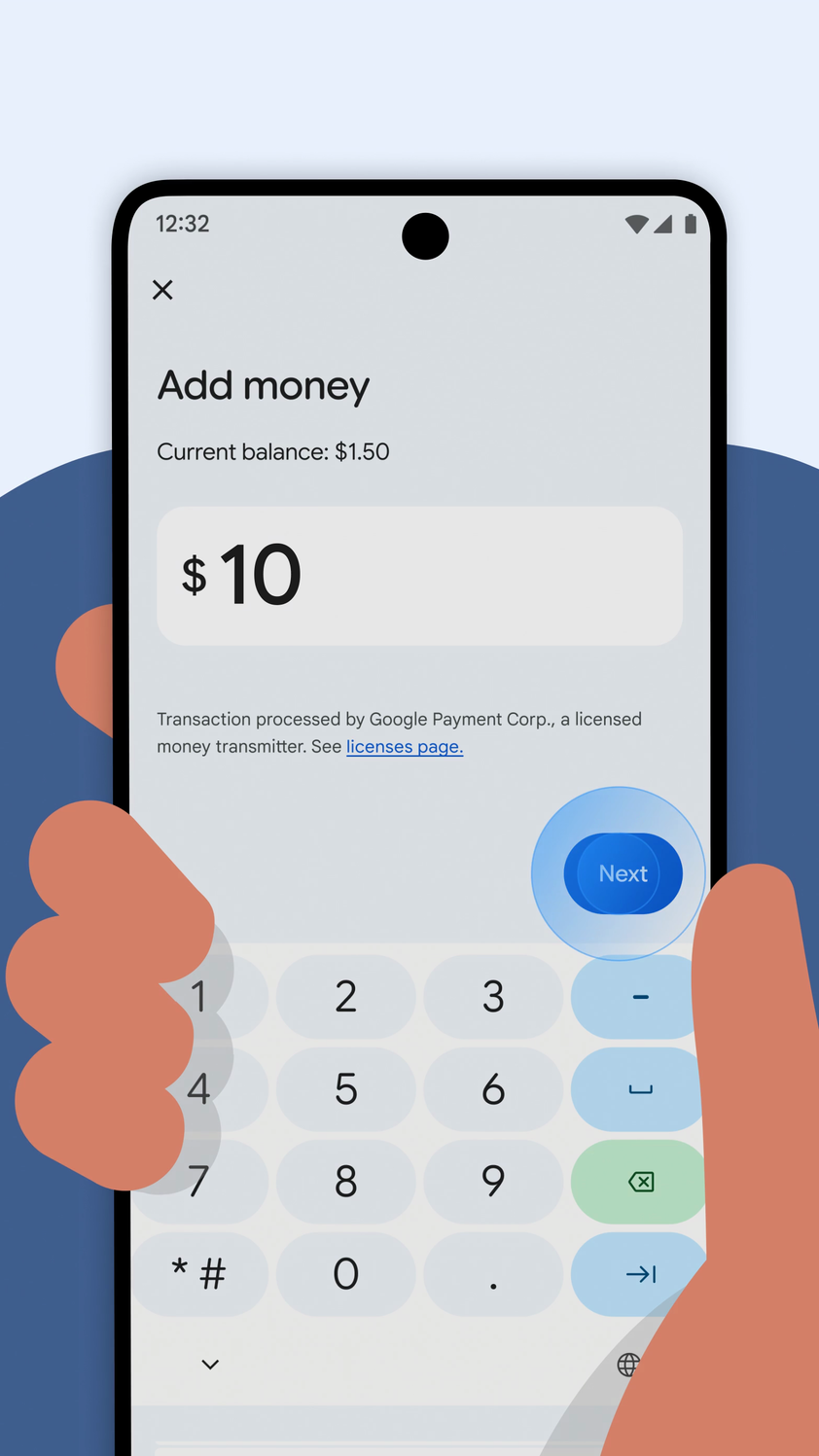
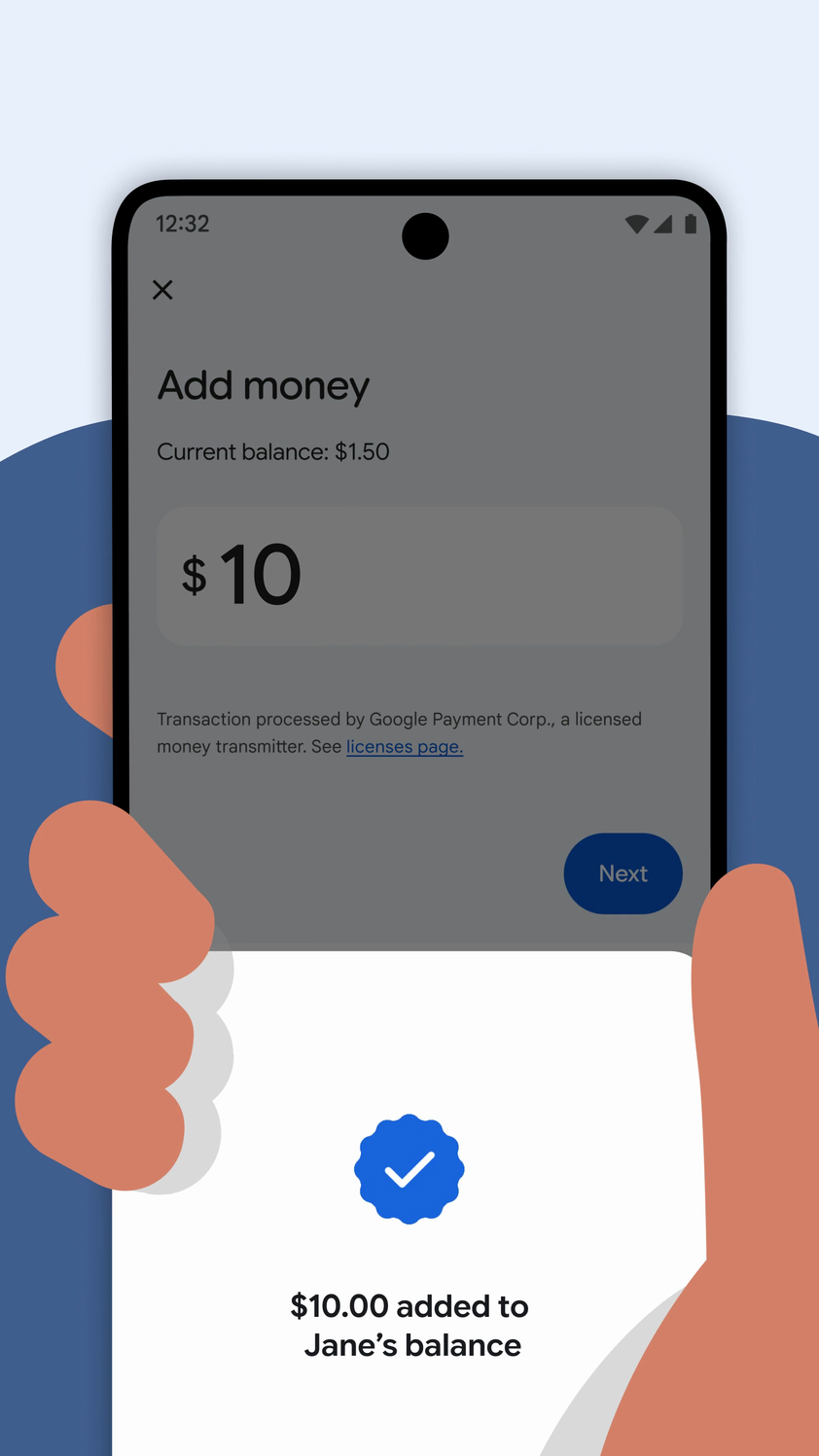
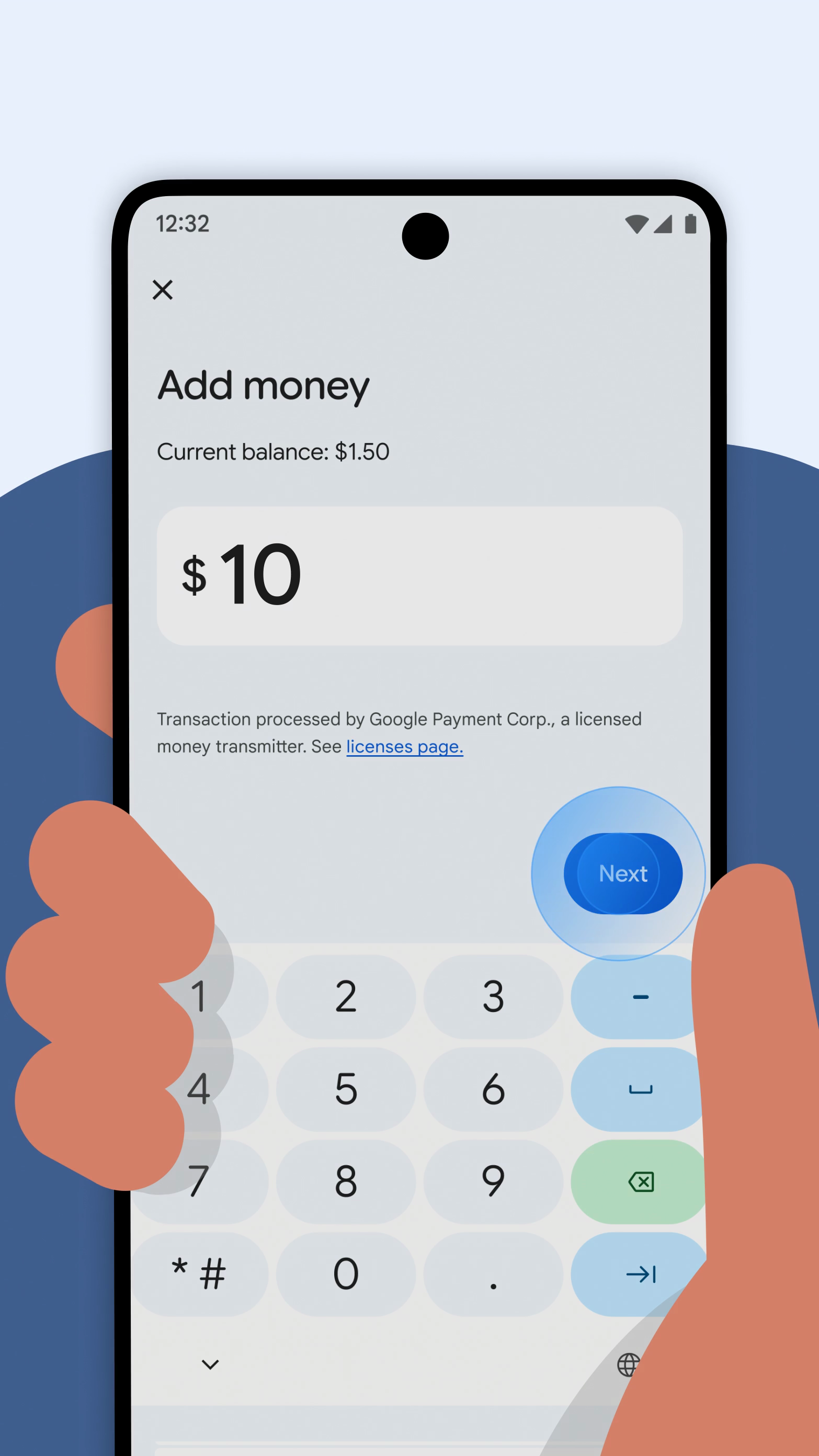
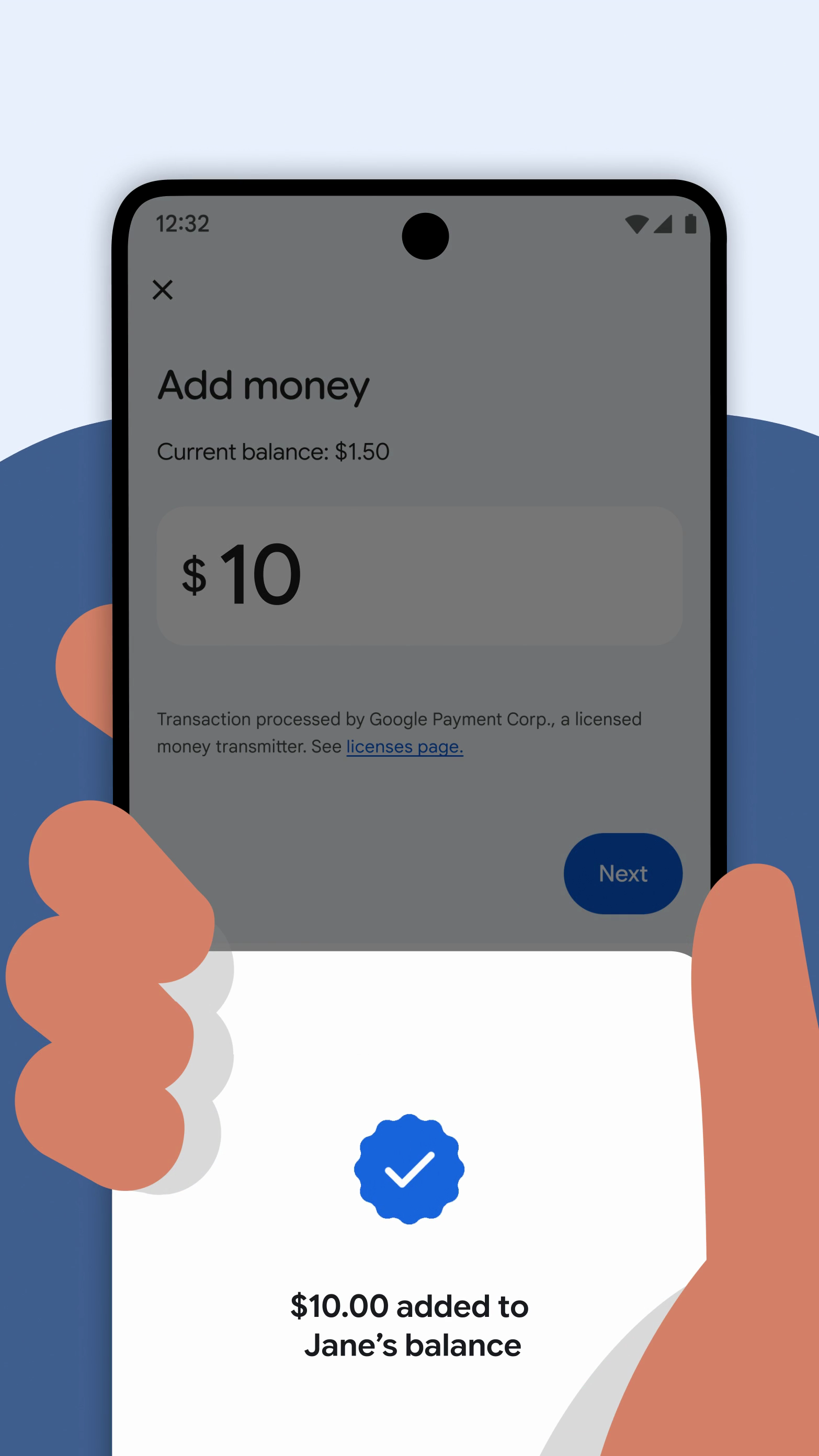
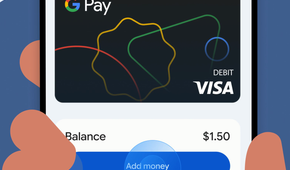
The days of giving your children cash allowances are over — at least, if your family lives in Google’s universe. You can now send money to your kids through Google Wallet for use on their Android phone or Wear OS smartwatch.
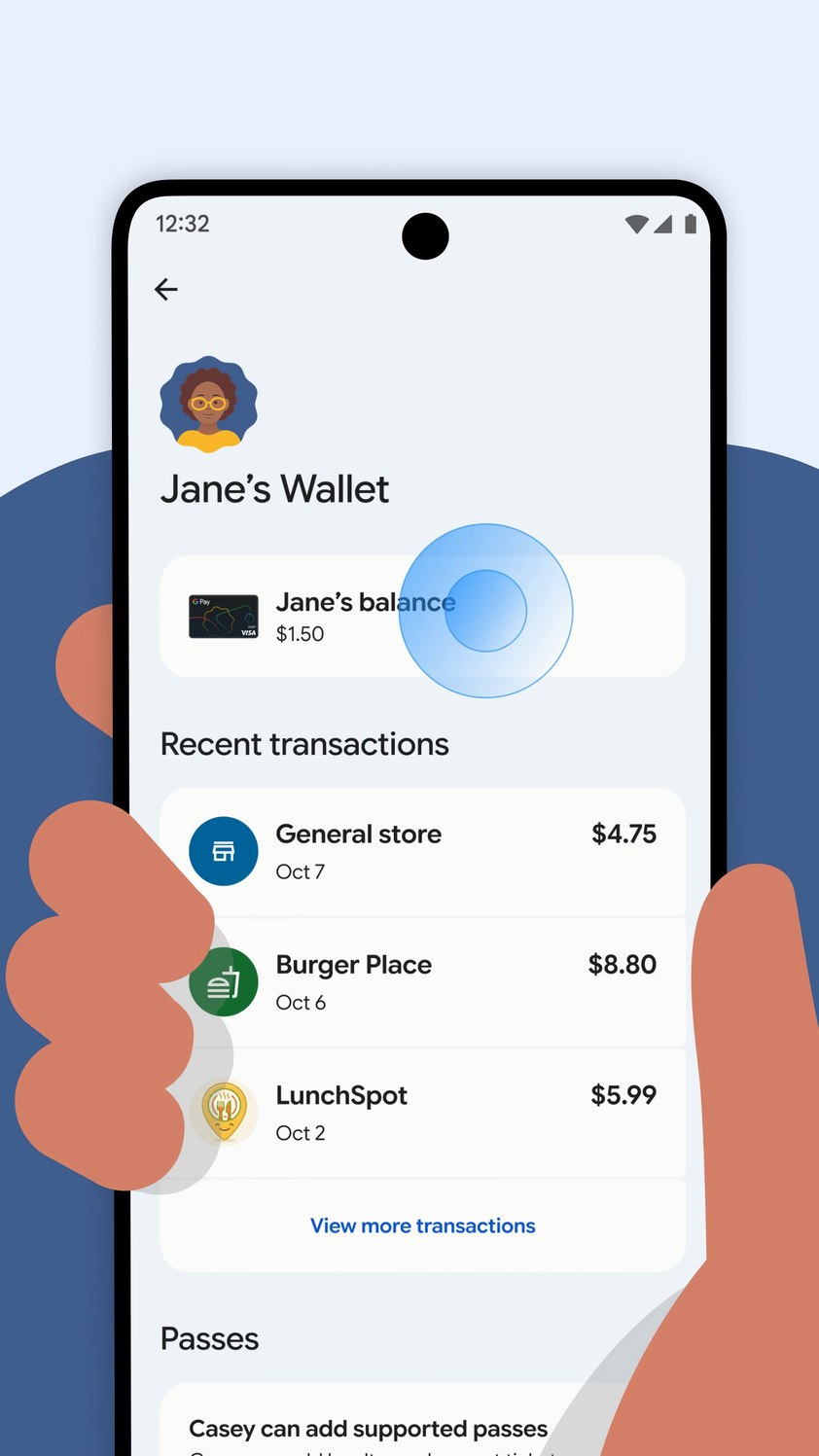
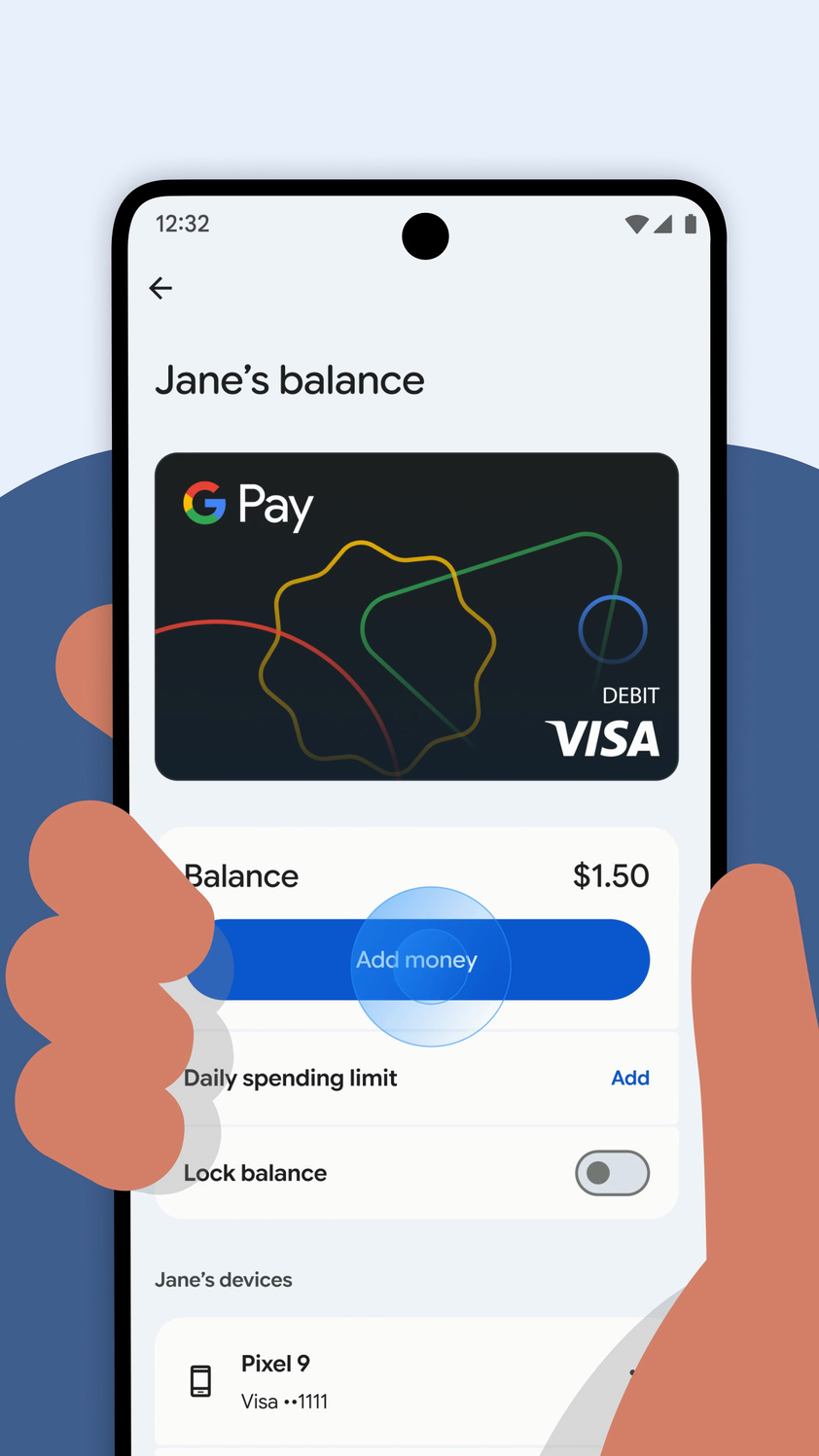
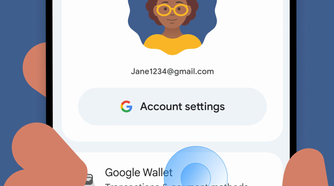
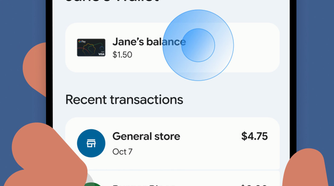
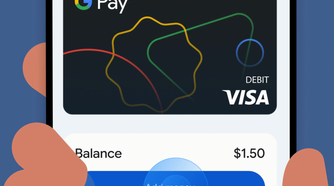
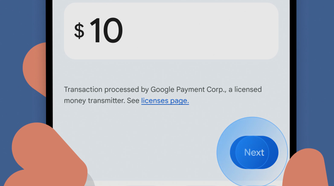
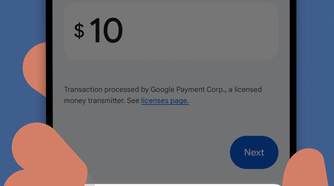
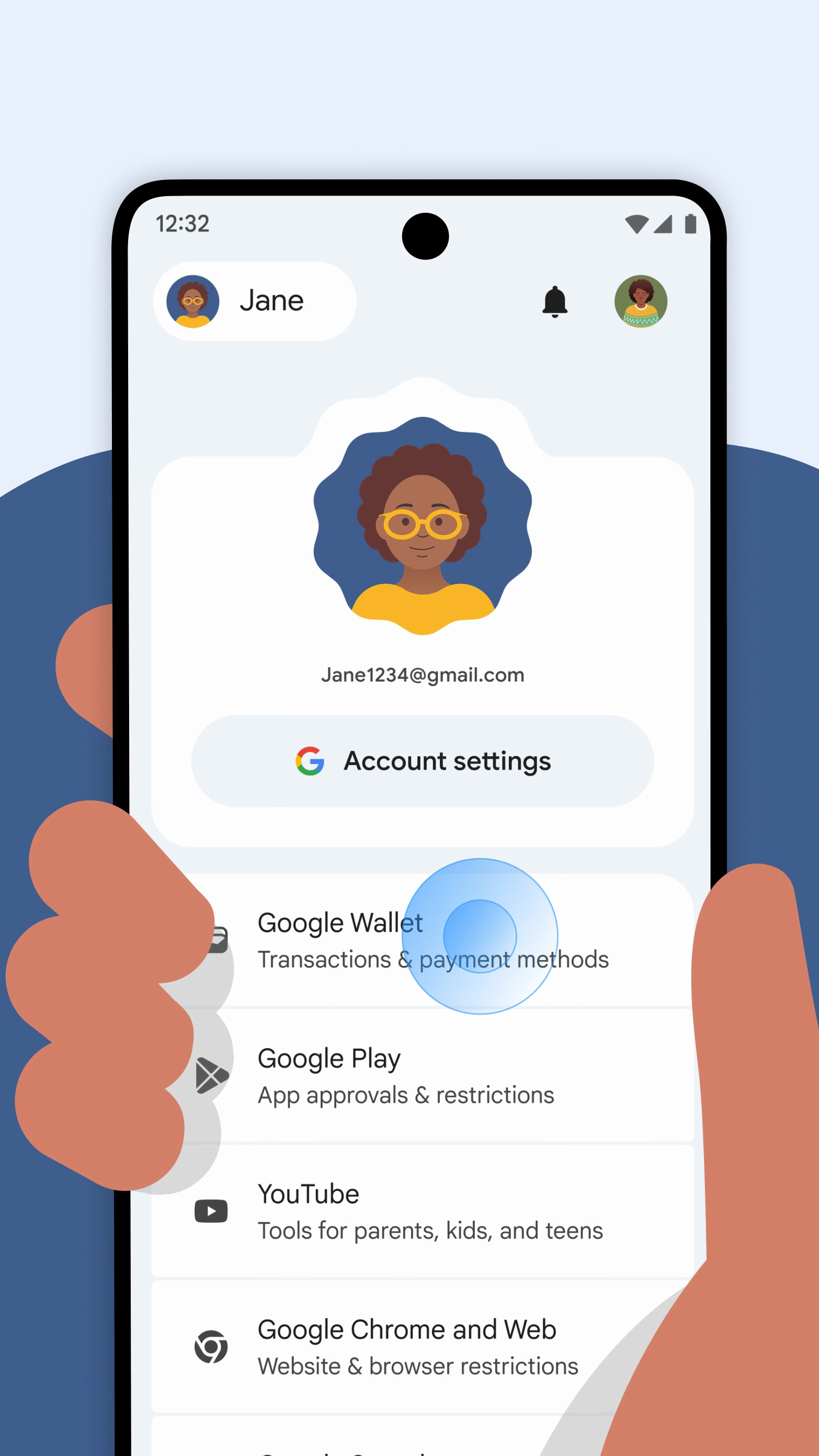
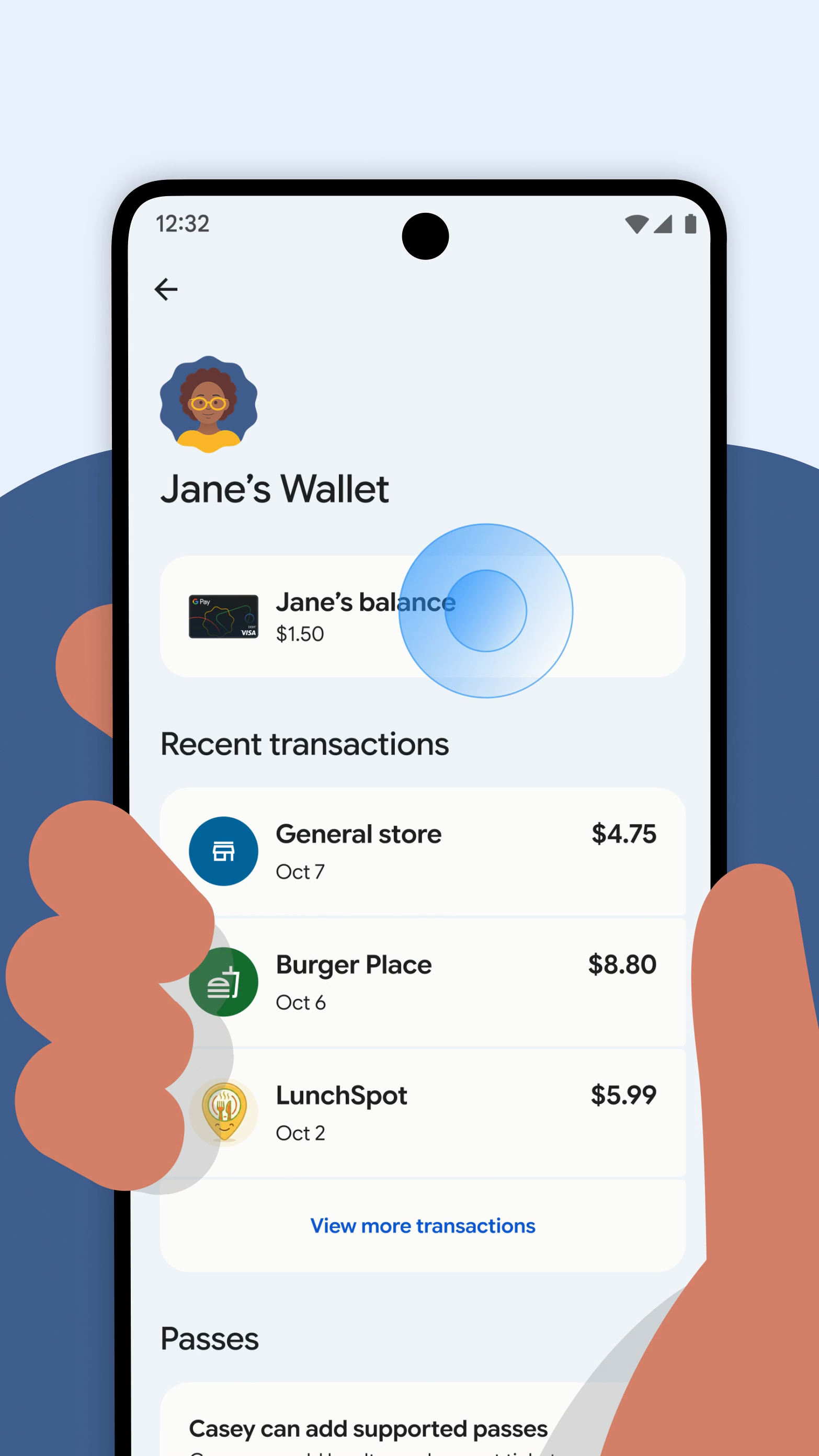
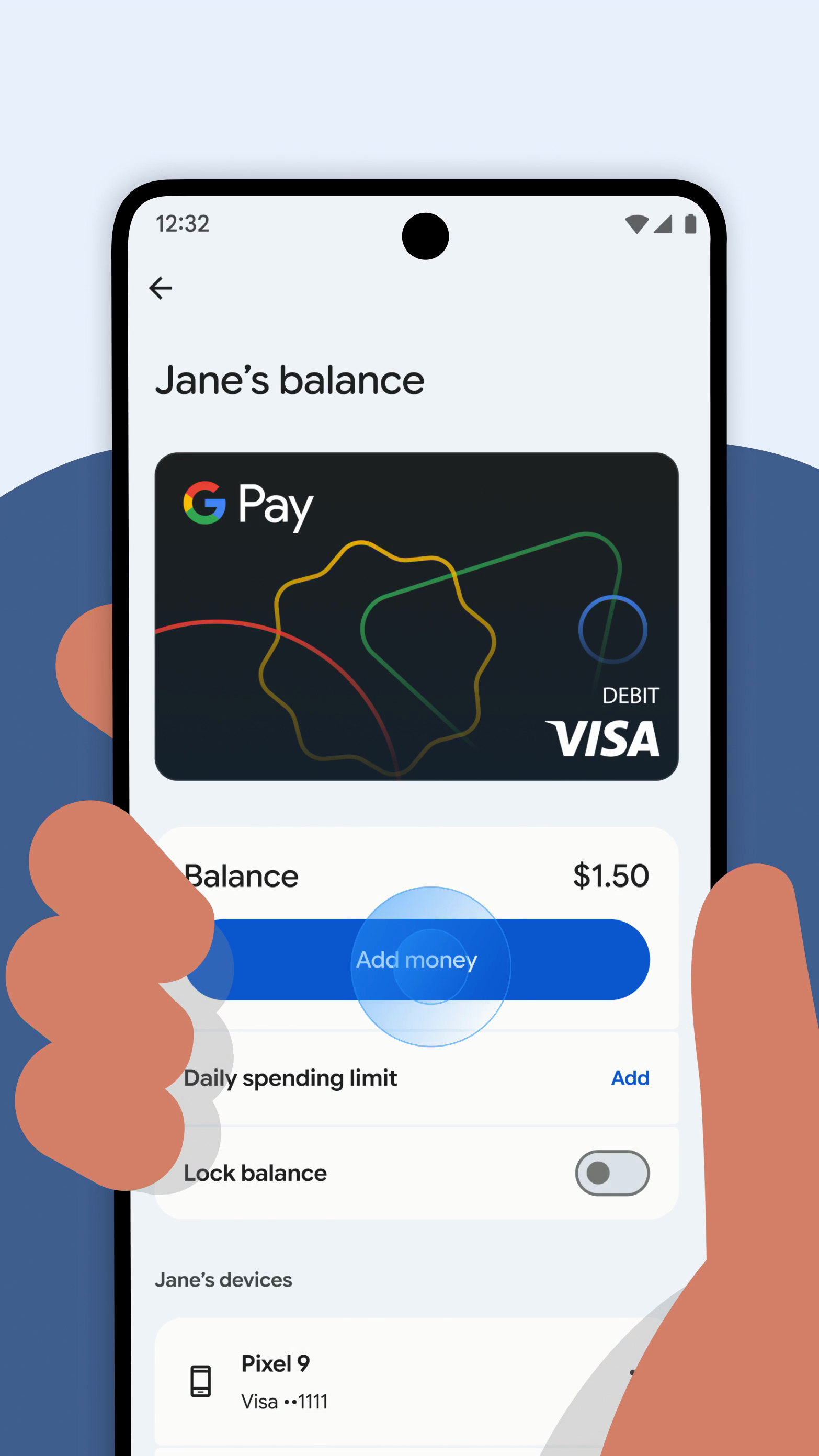
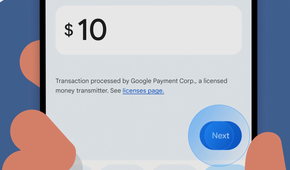
If you live in the U.S., you can set up a secure balance in Google Wallet for children under 18 using either Family Link or the Wallet website, with no bank account required. You can schedule automatic allowance handouts, set spending limits, and monitor transactions. You can always lock or unlock the balance to encourage healthy behavior.
Once kids receive money, they can only use it for tap-to-pay purchases on Android or Wear OS at locations that accept Google Pay. They can buy snacks at the convenience store, for instance, but they can’t buy from an online shop.
You have the option of removing supervision when your child turns 13, although that will close the remaining balance. You’ll want to keep supervision active until the money is spent, even after your young one reaches 18.
Is it a good idea to use my kid’s phone for allowance money?
It’s meant to boost responsibility, but has limits
Google Wallet’s new feature isn’t a novel concept. Apple Cash Family already lets parents send money to their kids’ iPhones and Apple Watches. This gives you a simple solution if you’re in an Android household, and might be ideal if you’re nervous about opening accounts or trusting third-party apps.
The option to send money modernizes your kids’ allowance, and theoretically promotes financial responsibility and independence. You’ll not only know how much money your child has, but whether they’re spending it in healthy ways. You can also make exceptions on short notice — say, providing money for a treat while they’re coming home from school.
The catch, of course, is that your child must have a phone or smartwatch in the first place. This won’t help if you’re uncomfortable with giving your kid one of these devices, or if they need to buy anything at a school that enforces a phone ban. Still, it’s a good option if you want to avoid withdrawing cash, but also don’t want to worry about security if your child’s phone is lost or stolen.