AI agents are more capable than ever, and that is exactly what makes them a potential problem. Today, most AI agents have the same permissions and file access as you do, so one hallucination can wipe out an entire folder. Today, Microsoft announced that its fix, Microsoft Execution Containers (MXC), is now generally available. MXC isolates AI agents from the rest of your system, limiting the problems caused by accidents or malicious prompts.
Agentic AI has inherent risk
An honest mistake is enough
The reality is that AI agents are “non-deterministic.” It isn’t easy to guarantee any particular outcome for a given prompt. That means that an AI agent acting on your PC doesn’t need to be malicious to cause a problem—they just need to make a mistake. One lapse in judgment can result in an AI overwriting or deleting files you actually intend to keep. Microsoft pointed to a hypothetical example where an AI agent “fixes” a website by changing the server configuration and breaks the website.
Those kinds of mistakes aren’t purely hypothetical either—even frontier models like ChatGPT, Claude, and Gemini make them sometimes.
AI agents running on your PC also introduce a new attack avenue for malicious actors. With the right prompt, someone could attempt to convince your own AI to send out your sensitive documents, delete important files, download conventional malware, or carry out any number of other attacks.
Currently, most AI agents on Windows run as your user, which means the AI agent will have the same access to your files as you do. Microsoft is fixing that.
Microsoft is aiming to make Windows safe for AI agents
Control and transparency are enormously important
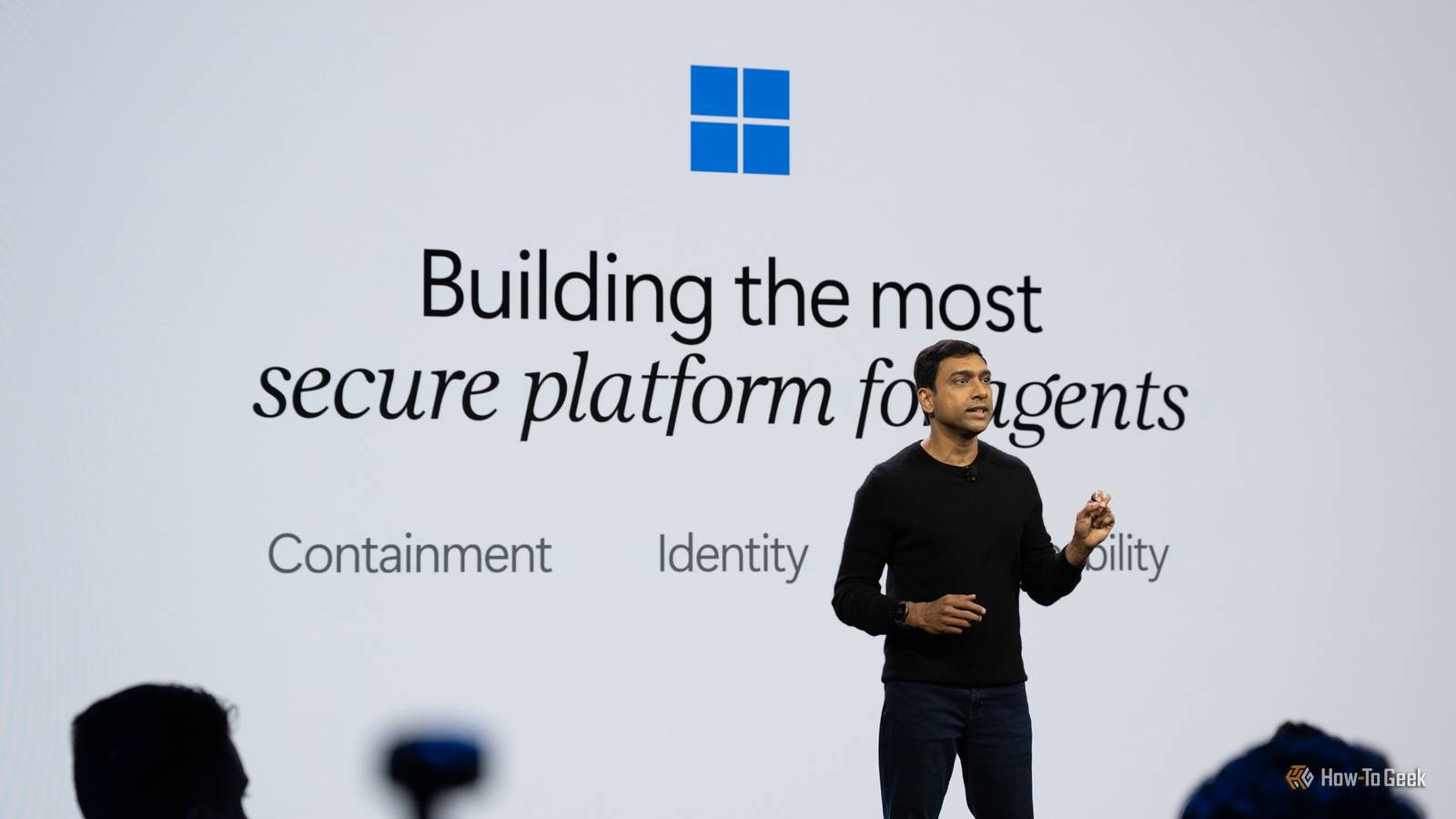
To help keep AI in check, Microsoft is rolling out Microsoft Execution Containers (MXC). At its most basic, MXC lets an AI agent’s developer isolate it from the rest of your system. In the most extreme case, you can even run it in its own session with its own identity.
That means that developers and admins can set specific permissions and policies that regulate exactly what the AI can do on a system. Sensitive documents can be completely restricted so that an AI can’t interact with them at all. You can specify what kind of network access—if any—an AI agent has. In the strictest mode, the agent can even be restricted from seeing things you copy to your clipboard or drop on your desktop.
Microsoft Defender will also be capable of detecting malicious prompts before they execute, much like it can detect and prevent malware from executing on Windows PCs today.
MXC isn’t just for Windows; it is open source on GitHub and works across Linux, macOS, and WSL. You can write a policy once and have it enforced regardless of which operating system you’re using. Popular tools like OpenClaw, NVIDIA OpenShell, and GitHub Copilot CLI already employ this isolation approach. If you are a homelabber running AI agents on Linux, you can start using it now.