Credit: Nick Lewis / How-To Geek
Fake SD cards and SSDs have been a problem for a long time, especially on online storefronts like Amazon, eBay, or AliExpress. The issue has only gotten worse since memory shortages have driven the price of storage sky-high, with little hope of relief any time soon.
The market is practically flooded with fake storage devices that promise enormous capacities for low costs. Worse yet, some of these devices will corrupt your data or silently delete files once their actual capacity is reached.
How do counterfeit cards work?
Windows won’t know if the card’s controller is lying
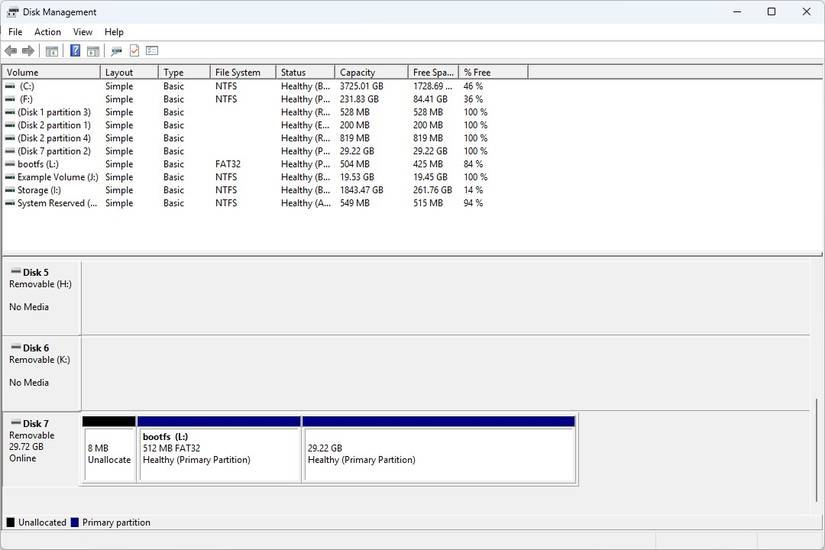
The counterfeit storage scam is conceptually simple. Every storage device, including SD cards, has firmware that identifies it. That information includes the total volume.
Scammers reflash the firmware of a small, inexpensive controller—say a 16GB module—to report a much larger capacity. When you plug it into your PC, Windows reports that the card has a 512GB capacity, even though the physical memory available is only a small fraction of that.
If you only stored 5GB of stuff, you’d never encounter a problem. Once you write data beyond the card’s physical capacity, you run into one of a few problems.
Some cards just act like they’re writing and then discard everything. The card will tell Windows that the file is there–you’ll be able to see it and Windows will report its properties—but when you try and open it you get nothing.
Alternatively, some cards will “wrap around” to write. For example, if you tried to move a 24GB file onto a 16GB card, the first 16GB would be written, and then the last 8GB of the file would overwrite the first 8GB it had already stored. Depending on what gets lost, you might wind up with a file that is partially functional (like a fragment of a video) or a drive that tells you it needs to be formatted.
This problem has gotten much worse in recent years, since high-capacity cards are increasingly expensive and simultaneously more in-demand than ever for things like drones, dashcams, and handheld gaming consoles. Plus, because the small cards are easy to produce and package convincingly, the scam is fairly lucrative.
The single best defense against this scam is caution: If you see a deal that seems really good, proceed with caution. Stick to reputable brands from reputable retailers.
How does an SD card test work?
H2testw tests the entire card and reports its real size
 Credit: Nick Lewis / How-To Geek
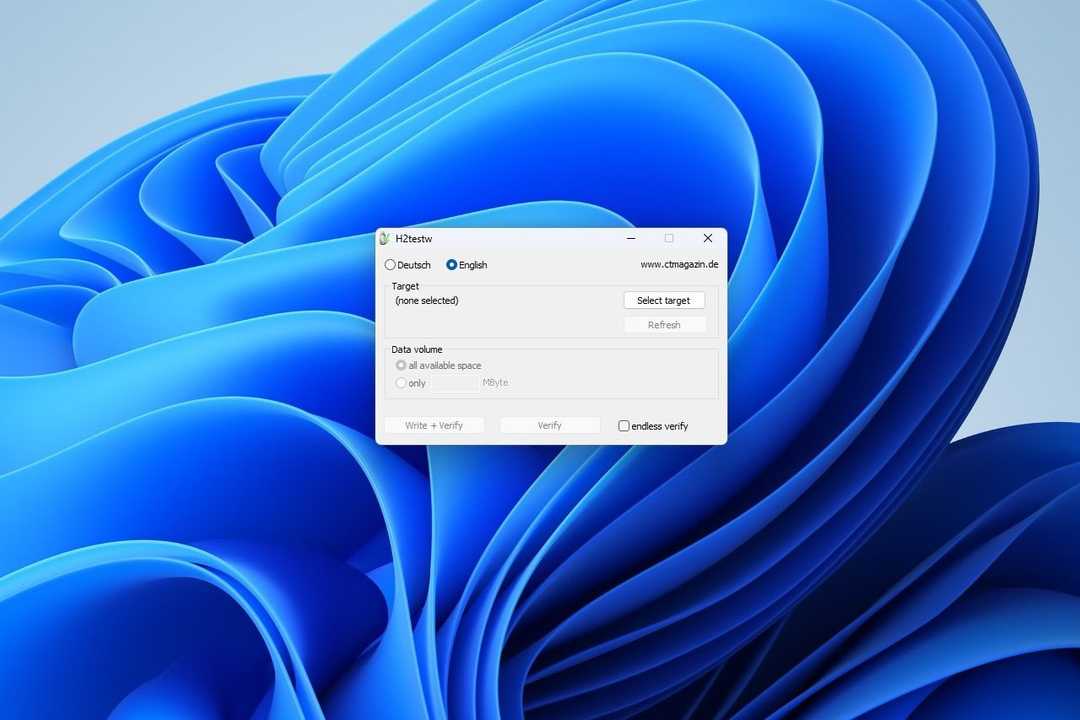
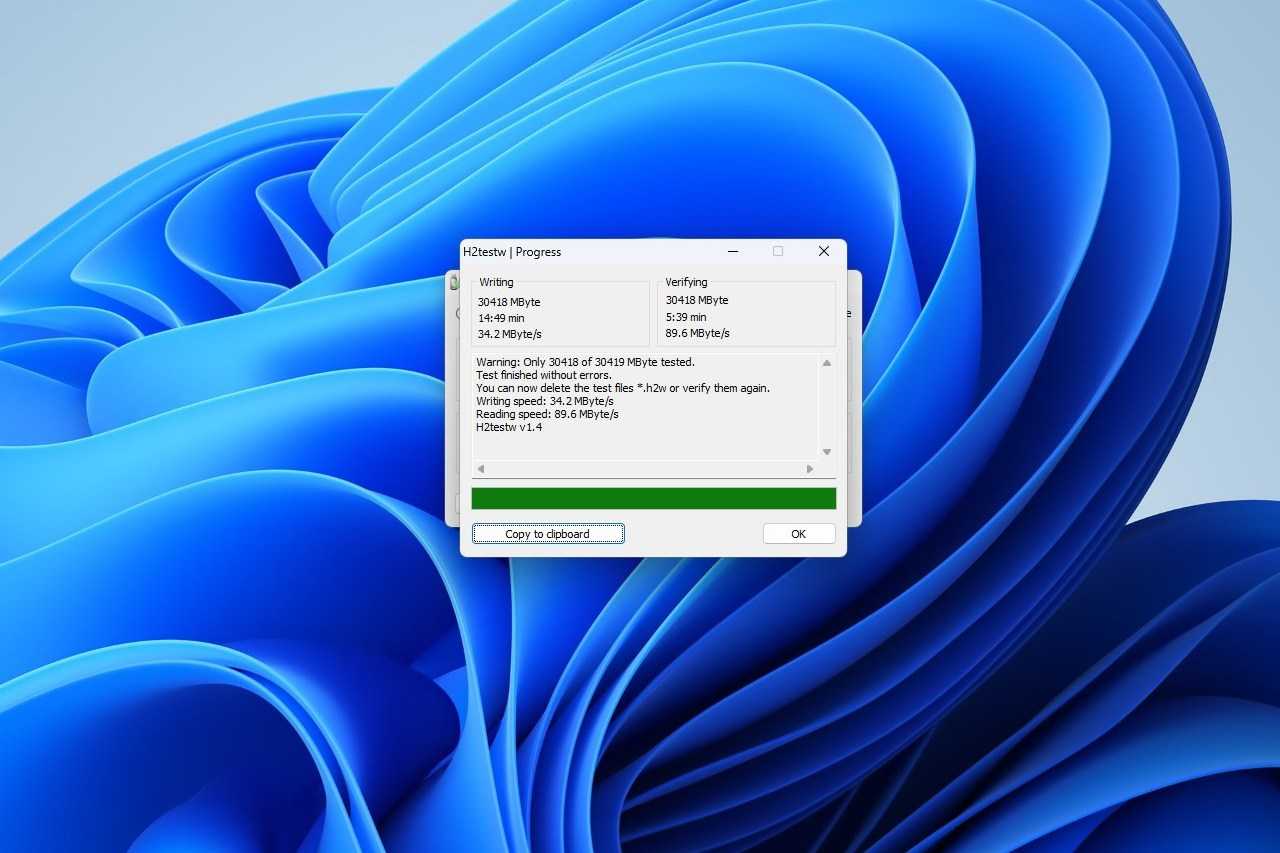
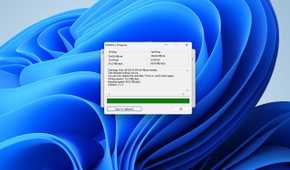
To identify a controller that has been tampered with, you need a tool that doesn’t defer to the OS to determine the size of the storage. H2testw is one such utility for Windows that does exactly that. Rather than take the card at its word, H2testw writes the entire card with test files and then verifies that every byte was actually stored by reading it back.
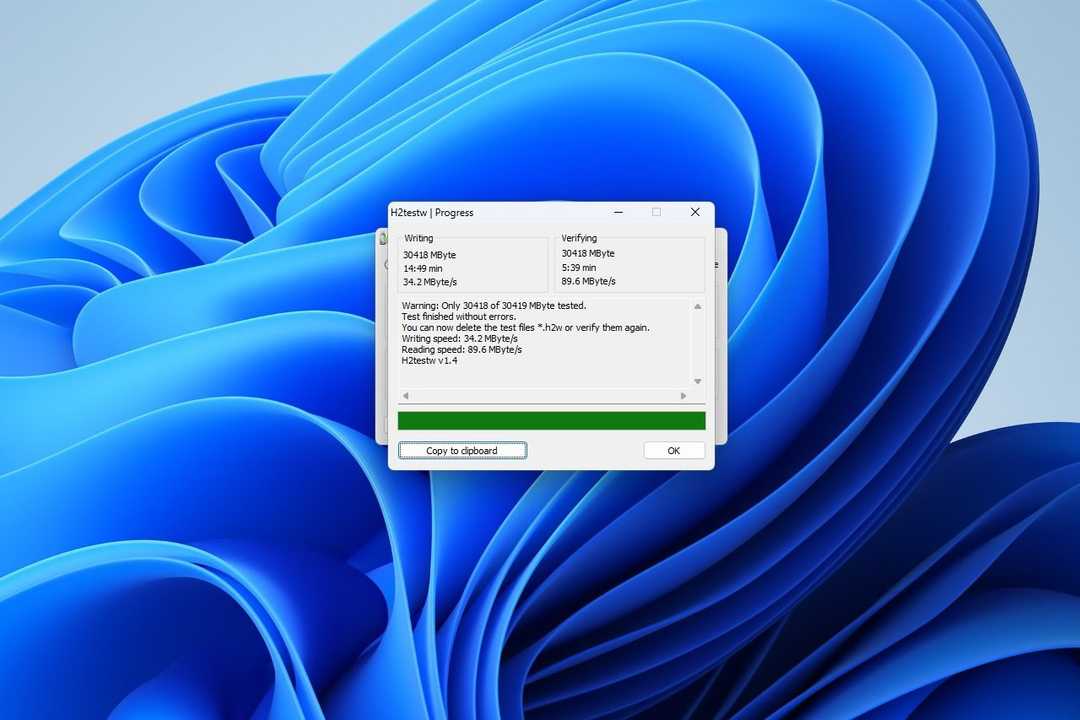
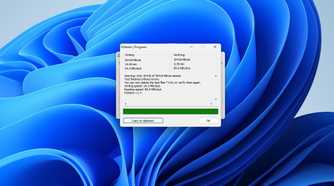
If the card is real, you’ll get a message telling you that the test finished without finding any errors. If something is wrong, the software will report exactly how many gigabytes are real and how many are corrupted. A real drive that is wearing out or damaged might have lost a small amount of its total capacity; fake drives will usually have a significant percentage of the advertised storage space missing.
In practical terms, 2% off from 128GB means that sectors on the card have started to fail, and it urgently needs to be replaced. 93.75% is what you see when someone stuffs an 8GB card inside an enclosure with a 128GB sticker on the outside.
Of course, storage capacity isn’t the only attribute you can fake. Speed is a critical factor for many applications, including gaming, photography, and videography. Some fraudulent cards will fudge that attribute to make them more appealing. H2testw will also test that number. Just keep in mind that most cards are sold for their peak read and write speeds, which are often significantly faster than their sustained read or write speeds. Make sure to check the details of your card’s speed ratings before concluding you have a fraudulent one; it could just be normal.
Running the test
Start with a clean card
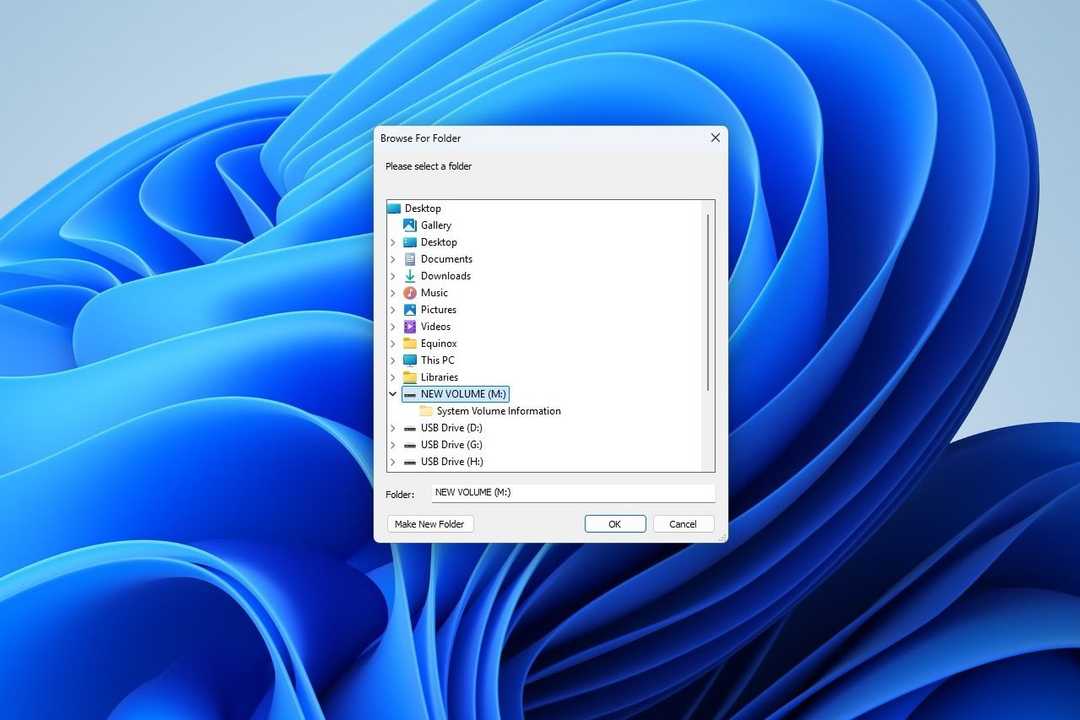
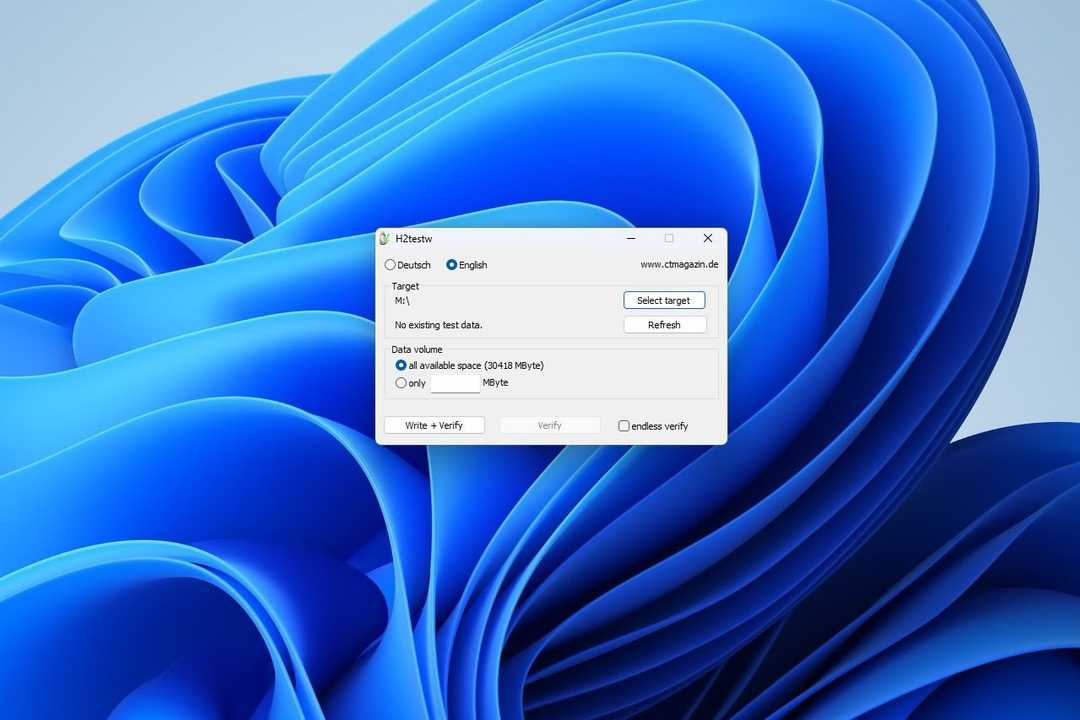

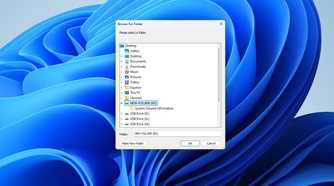
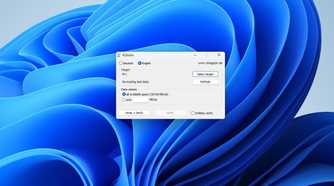
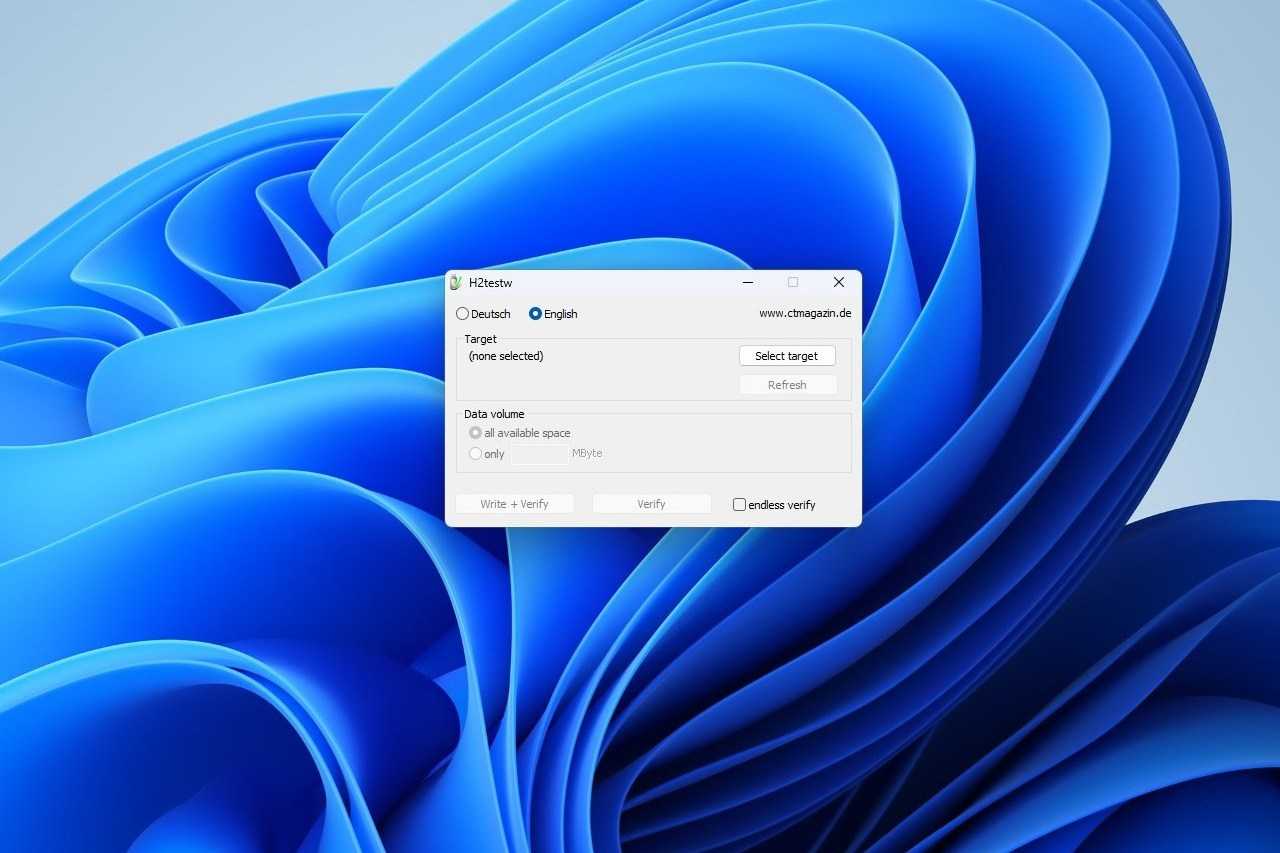
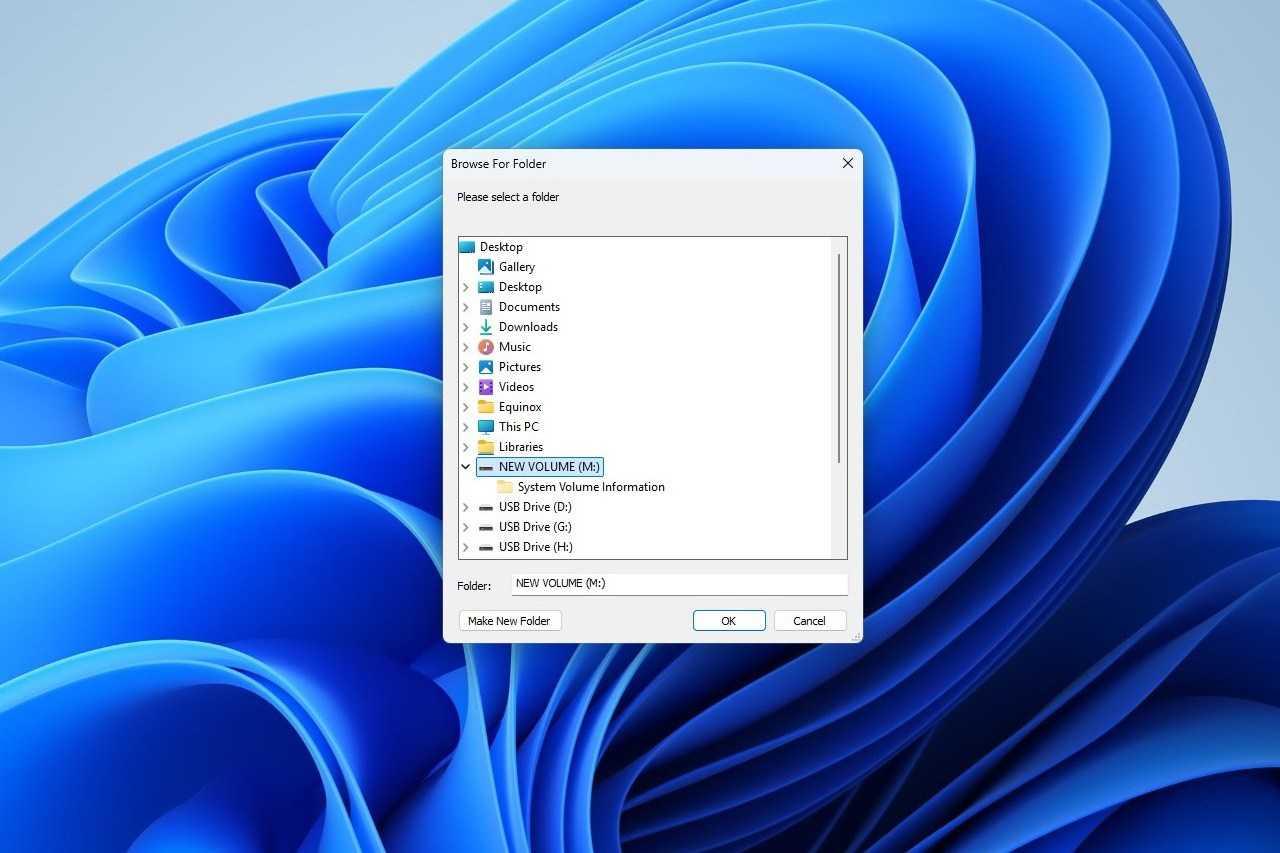
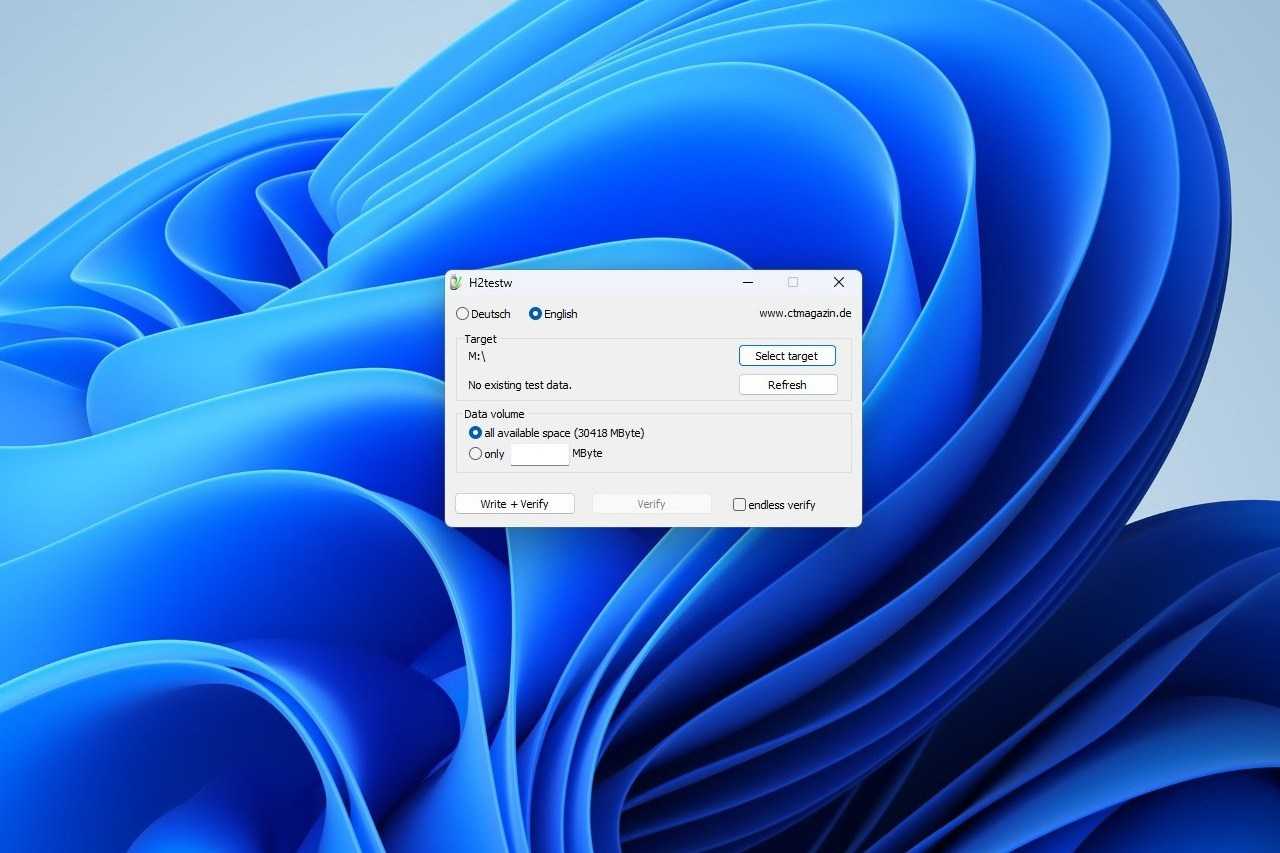
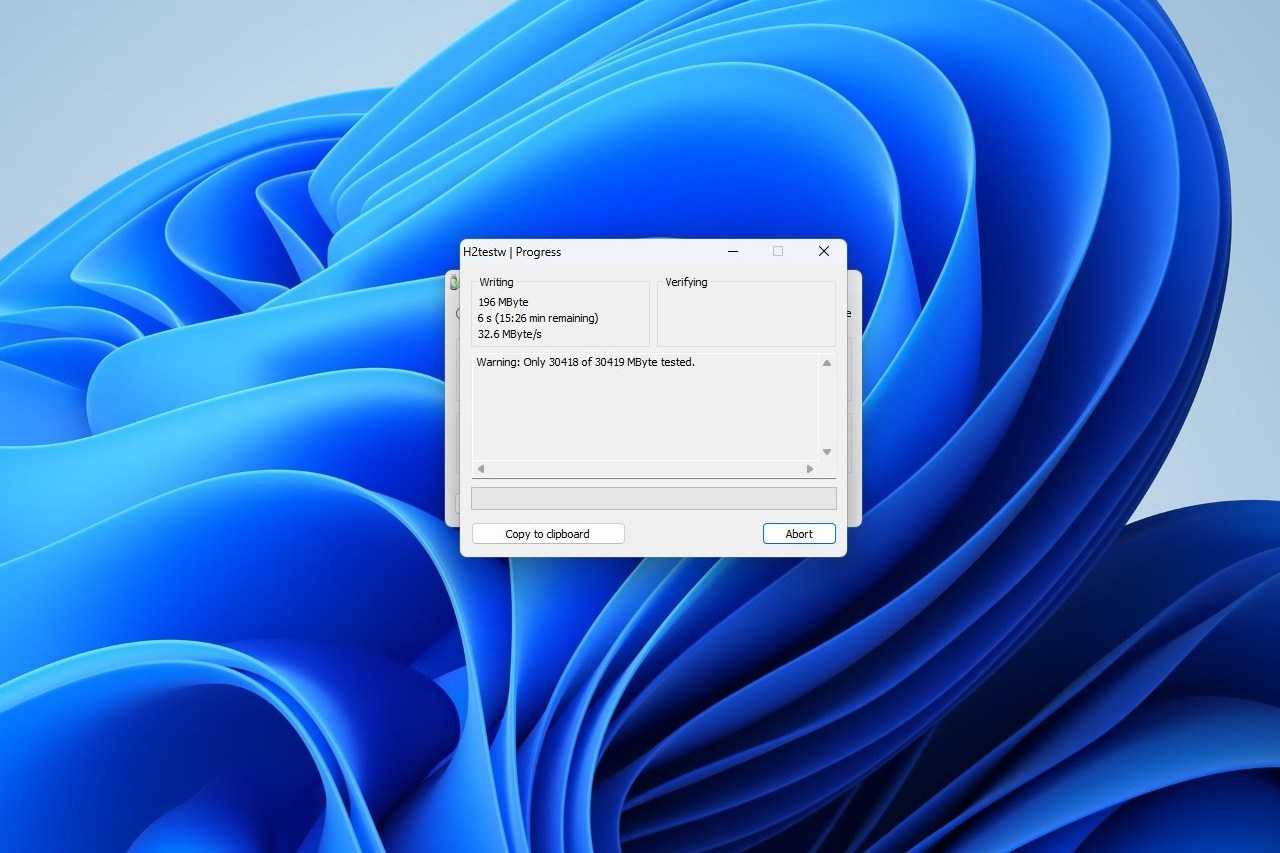

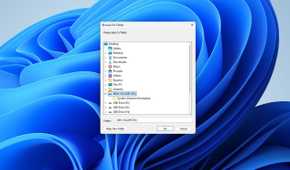
To start, begin by backing up any existing data you have on a card that you’d like to test. When presented with the option to reformat it, use exFAT.
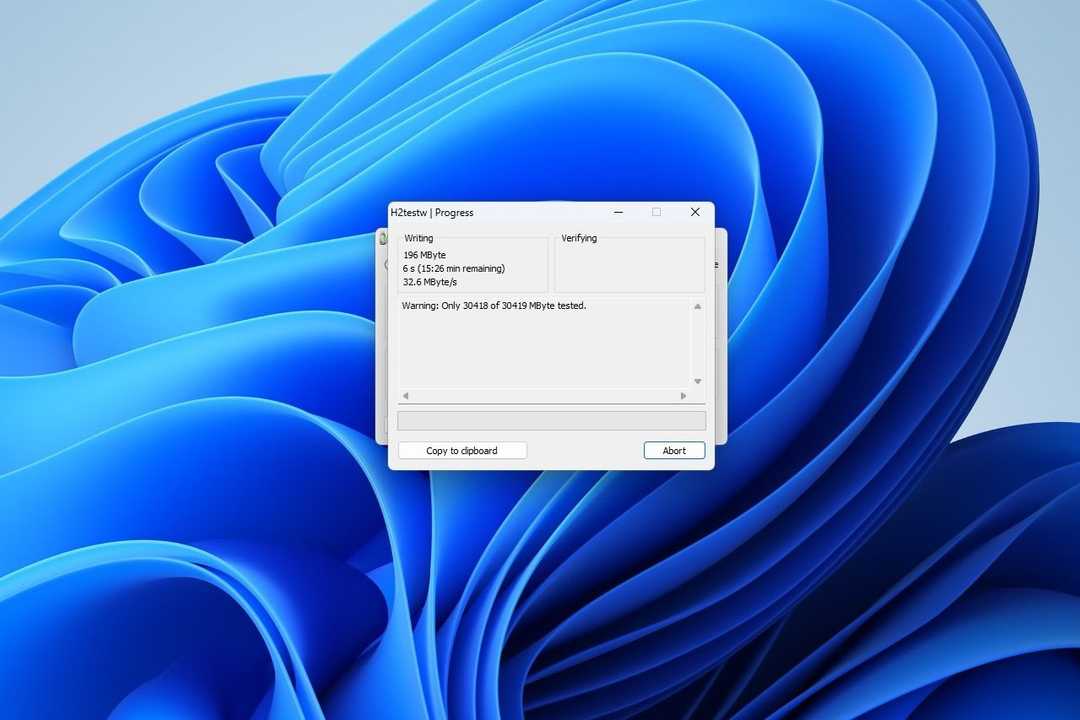
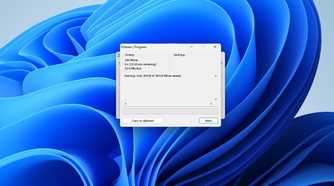
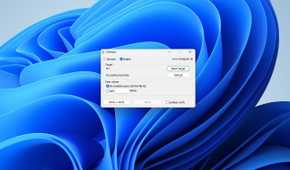
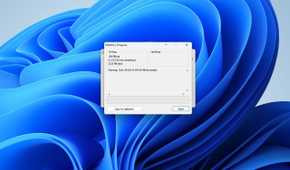
Once that is done, launch H2testw, select the drive, pick all available space, and then start the write test. Then you have to wait for the software to write the test files and read them back to verify the storage available. If you’re working with a large, slow SD card, this could take hours. Don’t interrupt it.
Once that is done, a card that comes back without errors is legitimate. If you see a small amount of missing storage, that means your card is near the end of its life and should not be trusted for anything significant.
If you see a huge divide, where the healthy amount is only a tiny fraction of the storage, you almost certainly have a fraudulent card. Screenshot the result and take a photo with your phone if you can. That test will be an important part of getting a refund if push comes to shove.
Storage is too important to risk
Running the test costs a few hours overnight, but failing to identify a fake card before you try and use it can result in serious losses.
Sticking to first-party sellers or authorized retailers helps, but counterfeits have increasingly shown up in returns too. There are no guarantees. Any card that is going to do something important should be tested before it is put into use.