AI is not ready to take over people’s jobs, despite the propaganda you hear. It’s simply not smart. However, it is a highly advanced generative tool, and with the right approach, you can leverage it where it’s strong. I cover how you should use Claude to get the most out of it.
I am not a huge fan of AI; I think it robs us of our skills and replaces them with something incapable of remarkable work (or even common sense). Recently, Claude helped me with Hugo after a long hiatus but struggled with a picture gallery feature that required some logical thinking to implement. It has its strengths and weaknesses, and I’ll get into my experiences today. Using Claude correctly will save you time, but misusing it becomes a costly and tiresome burden.
Learning inline
Claude is like a personal tutor, helping you overcome barriers
Before AI, we had Stack Overflow and Google. If your beard is long and gray and you meditate daily on P=NP, you probably started with books. However, the new generation now has AI, and I find it incredibly useful to use like an inline, interactive Google.
Those who slogged it out with documentation and mind-numbingly boring literature over the years may scoff at the idea, but LLMs are exceptionally effective in this regard. Even if they’re wrong, they can help unlock mysteries and gaps in one’s knowledge. With LLMs, starting a new topic has never been easier, and having a mentor lean over your shoulder is an enormous help.

I transformed Claude into the ultimate coding tutor that tracks my progress (Prompt included)
I built a coding tutor that won’t let me cheat my way through it. Here’s the prompt.
It does have some caveats, though, and beginners leaning too heavily on LLMs never truly learn anything. If that’s you, I recommend taking the time to go as far as you can alone and use an LLM to only nudge you on the right path. The real learning occurs through making mistakes, and you make none if you don’t write the code.
Documenting and understanding a codebase
A massive time saver, but only to get started
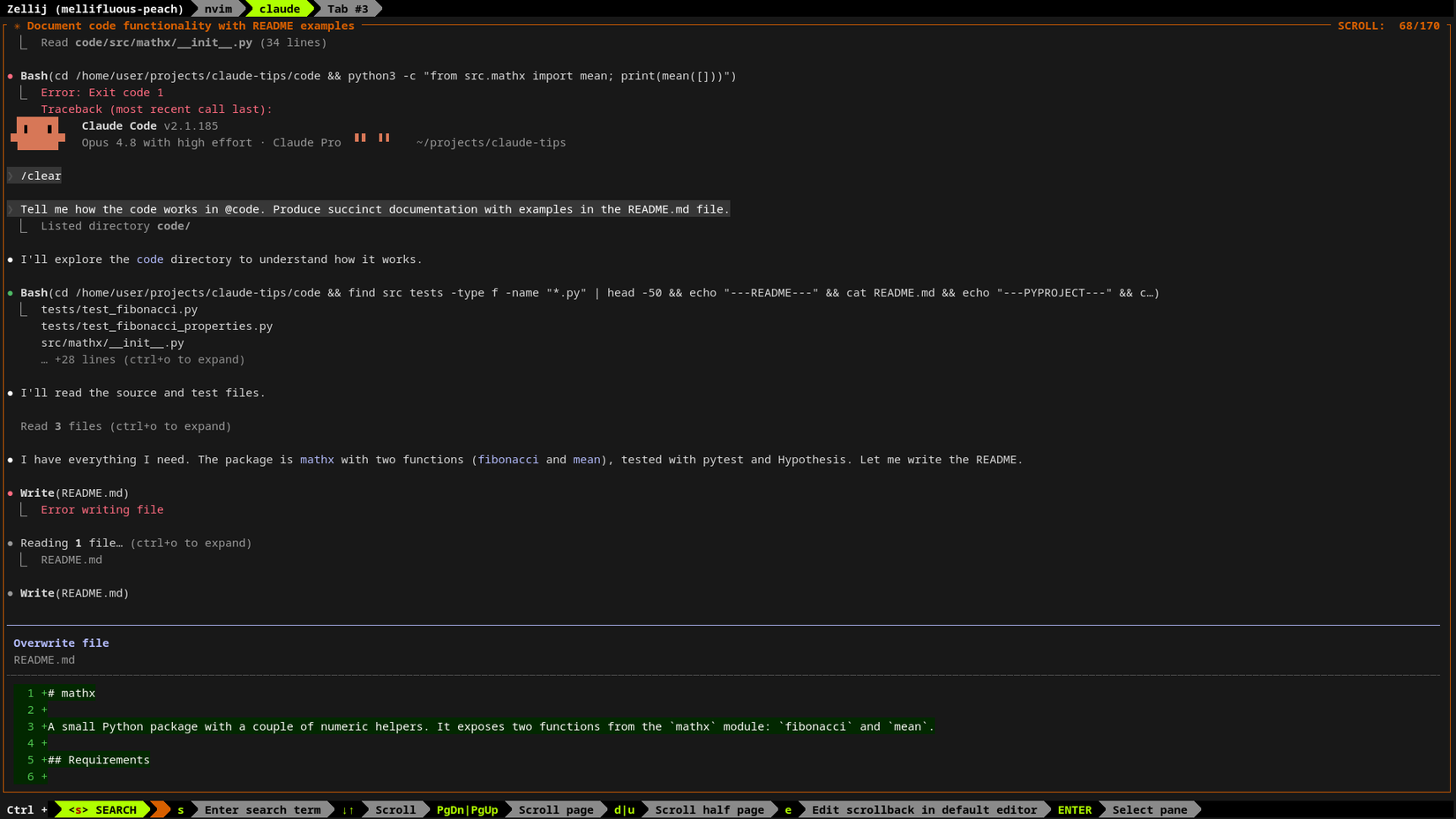
I’ve put “documenting” and “understanding a codebase” together because writing is a great way to break down a complex subject. Claude can read hundreds (if not thousands) of times faster than me, so asking it to scan the code and create a report saves a lot of time.
However, Claude (like all AIs) is a terrible writer because it doesn’t understand the nuances of making a crystal-clear point. When describing code, succinctness is paramount, and AI likes to drown you with noise. Even when instructed otherwise, Claude produces nonsense. The only remedy is to step through the code and use it to interrogate and learn while you produce a first draft.
Used like this, Claude is a substantial productivity boost, but rewrite its output, because you can do a far better job, and putting ideas in your own words cements them in your mind.
Debugging
It’s just much faster
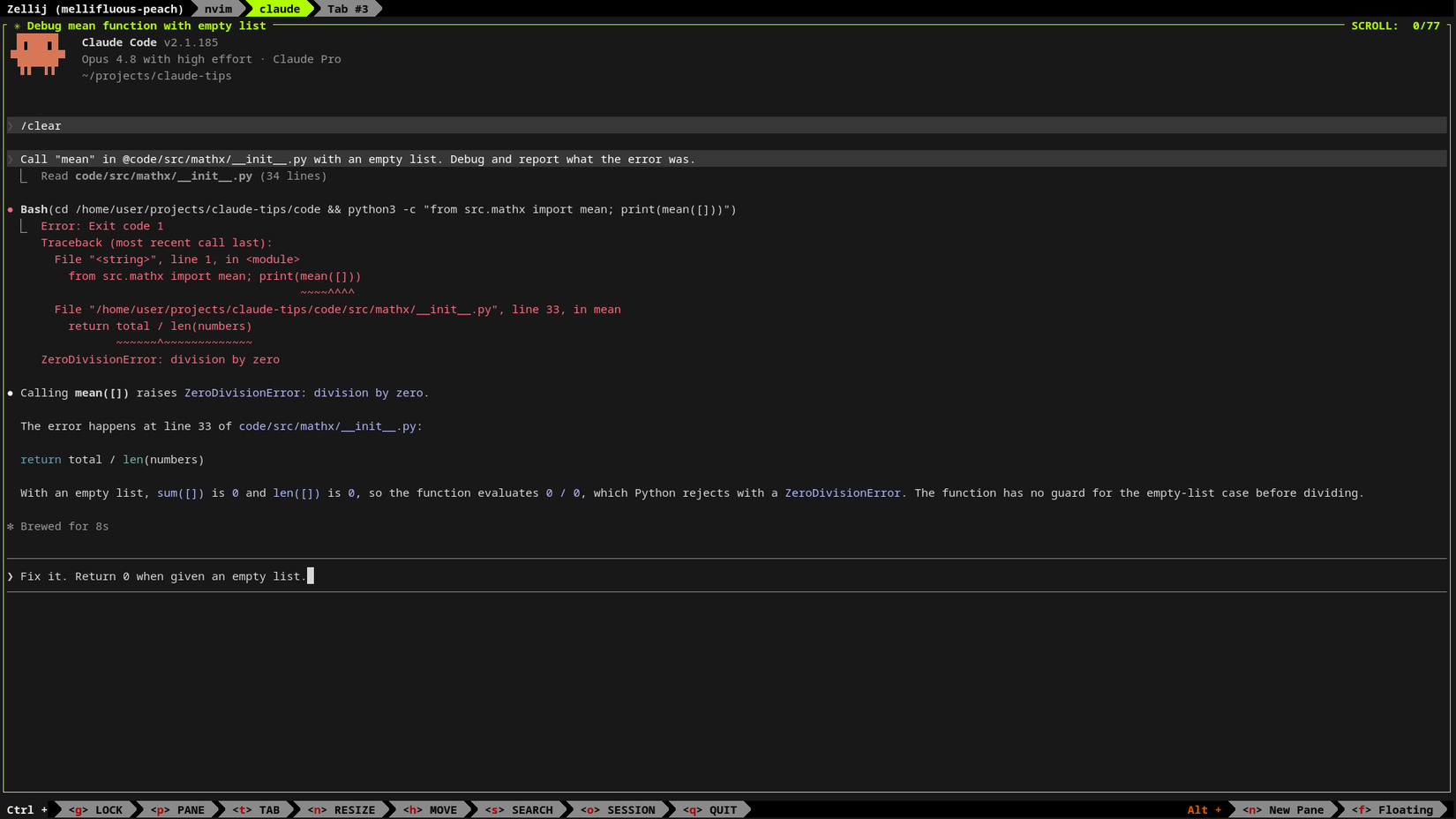
This is easily one of Claude’s strongest suits. It can read stack traces, run commands, and extract information from code orders of magnitude faster than I can. It draws on patterns from a vast training set and can surface things you may not find for years. Claude gets an A+ in that regard.
That’s not to say it’s perfect at debugging, because sometimes it gets caught in a loop, unable to make sense of the information. But in these scenarios, Claude often gets you close enough to take the baton.
Writing tests
Application logic is the context, and Claude shoulders the painful work
If I have any love for Claude and AI, it’s for this reason. I absolutely hate writing tests. Although Pytest is a pleasure to use, creating them is universally time-consuming and mentally draining.
Context is king for AI, but a slew of English words in the CLAUDE.md file has mixed results. I find code to be the best context, and instead of encoding an exhaustive style guide, I prefer to point Claude to tests and fixtures that already exist and then have it copy their style. Comments, code, layouts, conventions, and specifications in doc comments; Claude takes these on, and it makes testing a breeze.
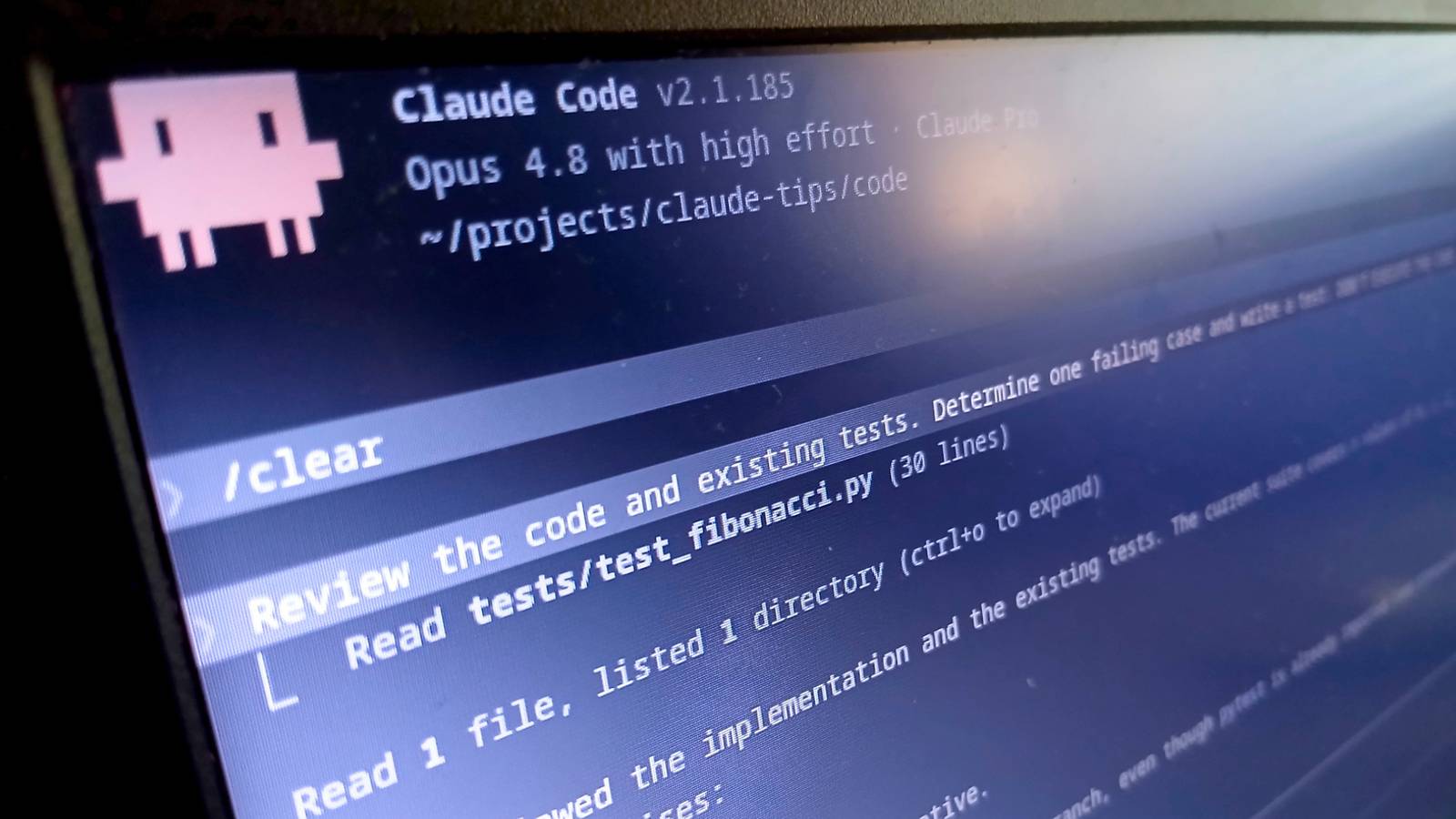
An effective way to use Claude is to have it execute a git diff and generate tests one by one based on the changes. Giving explicit instructions to write failing tests can be illuminating, particularly property-based tests. This method quickly validates your code in ways that would otherwise take hours. However, doing it well requires critically judging the output and refactoring when necessary.
Producing tests by hand makes a project take 10x longer, and this approach frees you to focus on the fun part: writing the application logic. If the tests are short and you take them one at a time, you can cut time and cognitive effort down considerably—and that’s coming from someone who otherwise begrudges AI and the absurd claims around it.
Prototyping
Prototypes and vibe-coding are perfect for each other
Sometimes, a solution is hard to envision, and the best approach is writing exploratory code (a prototype). However, spending days or weeks heading in the wrong direction is costly. Instead, having Claude scout ahead and vibe-code a rough implementation is invaluable.

I Tried Using Vibe Coding to Create My Own Productivity App
Is it possible to create a working app without writing a single line of code?
At that point, Claude’s implementation may satisfy some people enough to accept it as the final product, but if it’s a project you care about long-term, you should definitely consider the maintenance cost and the fact that you don’t fully understand the solution. Writing the code manually is the only way to take full ownership and comprehend the nuances of the problem.

Claude
Price
$20
Claude is an AI assistant made by Anthropic. It can assist with a wide range of tasks—writing, coding, analysis, research, and more. Unlike a search engine, Claude reasons through problems conversationally, making it useful as a thinking partner rather than just an information retrieval tool.
I’m currently working on a project that covers a broad range of technologies, and while Claude helped with the initial phase of picking up new skills, there is no substitute for deep learning and doing it yourself. You can use Claude to plug the gaps and generate difficult or laborious code, but own the parts that require thinking, because Claude simply can’t.

Deals
Save on AI tools: deals for software & subscriptions
When you use AI, I can’t stress enough the quality of context you provide. Detailed English instructions only go so far, but highly precise context in the form of existing code yields much better results and is far easier to do. This is the crux of how I use it: I’ll write the first test suite myself and always write the application logic by hand. I’ll make shining examples of how I structure code (and comments), then ask Claude to imitate them.
Claude (like all other LLMs) lacks human-level reasoning and gets stuck on logic-heavy solutions. If it cannot mimic its way through a problem, it requires intervention. This is the major flaw in AI, and none of the strengths I listed rely upon intelligence.
Claude is an incredibly fancy autocomplete, and with the right context, it can save you time, but if you lean on it for thinking, you’re asking for trouble. The code it generates is a mere statistical approximation, generated by something that can’t think and has a poor grasp of the problem domain. So, focus on context and treat it like a code generator, not a programmer.