If you work from a laptop, you already know how fast the screen fills up with documents, browser tabs, and video calls. A second display gives you more room, but nobody wants to haul a desktop monitor to a coffee shop. The Teclast V16Q fixes that with a 16-inch 2.5K screen, a 144Hz refresh rate, and connections for compatible laptops and gaming devices. It adds workspace and packs away when the desk has to clear.
The V16Q combines a 2560 × 1600 IPS panel with a 16:10 aspect ratio, FreeSync support, and two full-featured USB-C ports. Mini HDMI, built-in speakers, and an adjustable kickstand complete the package. Getting 2.5K and 144Hz in one portable screen for $129.99 is the reason I’d look at it.
Price: $129.99
Where to Buy: Amazon
A 2.5K Screen Gives You More Working Space
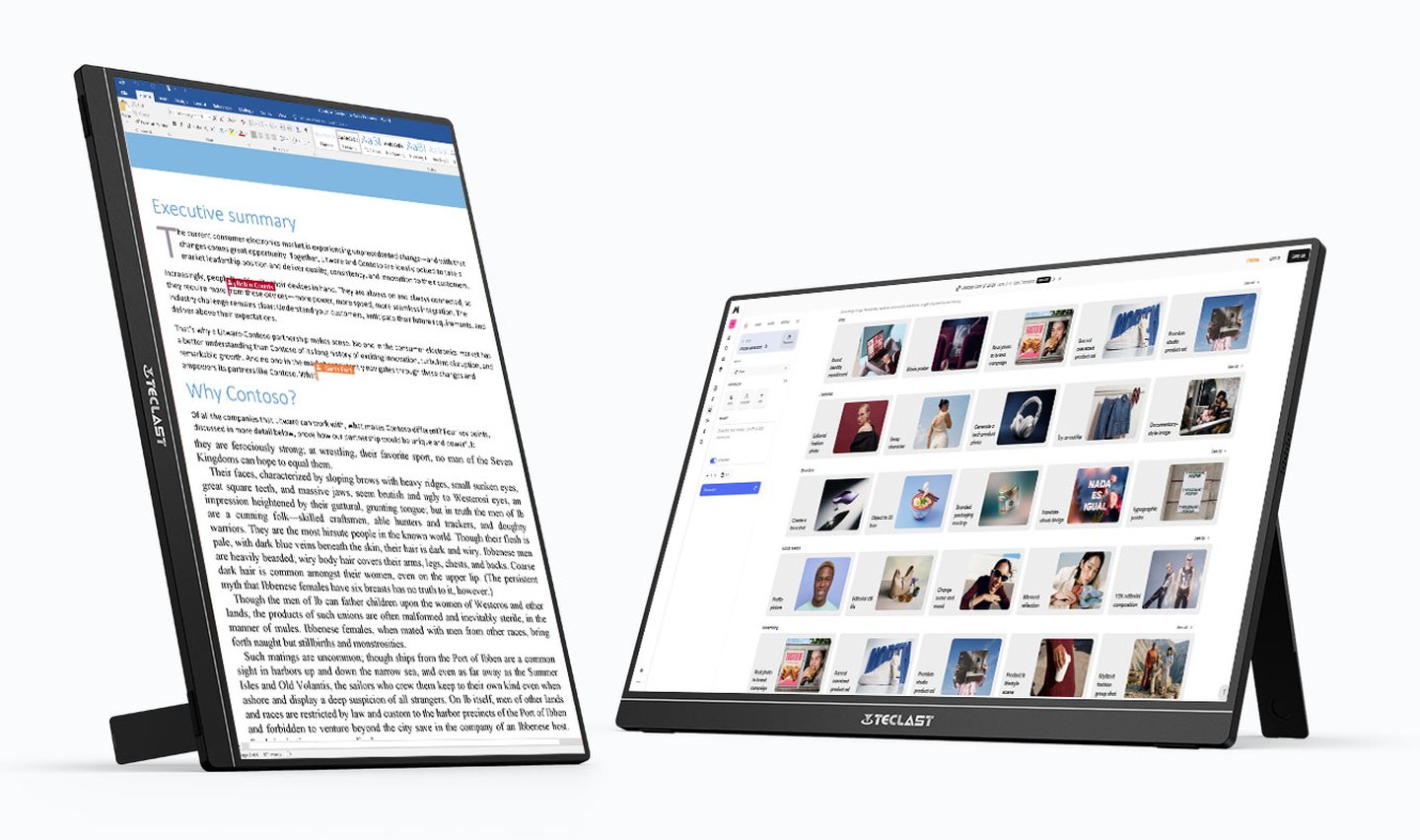
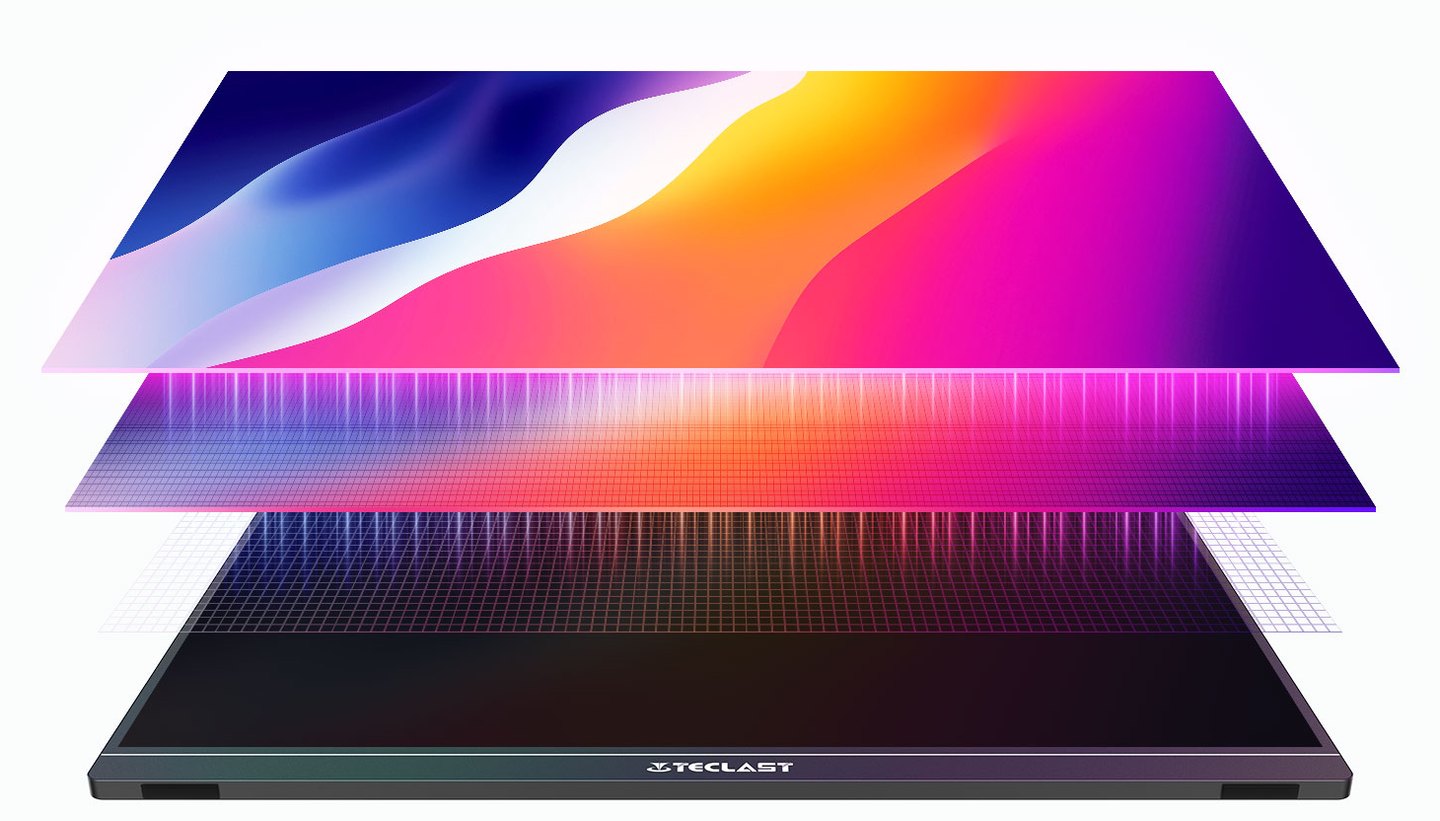
The Teclast V16Q uses a 16-inch IPS panel with 2560 × 1600 resolution. That’s nearly twice the pixels of a 1920 × 1080 portable screen, so text looks crisper and spreadsheets and browser windows get more room.
Its 16:10 aspect ratio provides additional vertical space compared with a conventional 16:9 display. You can see more document text, spreadsheet rows, or webpage content before you have to scroll. This is useful when working with applications that have toolbars and menus occupying part of the screen.
Teclast rates the panel for 100% sRGB, 10-bit color, and Delta E below 2, which covers photo viewing, presentations, and light creative work.
The panel also has a rated brightness of 490 nits and a contrast ratio of 1200:1. Those figures suit it to indoor work, not direct sunlight.
For everyday work, the sharper resolution and taller screen are the real wins, especially if you keep several apps open side by side.
A 144Hz Refresh Rate Adds Gaming Appeal
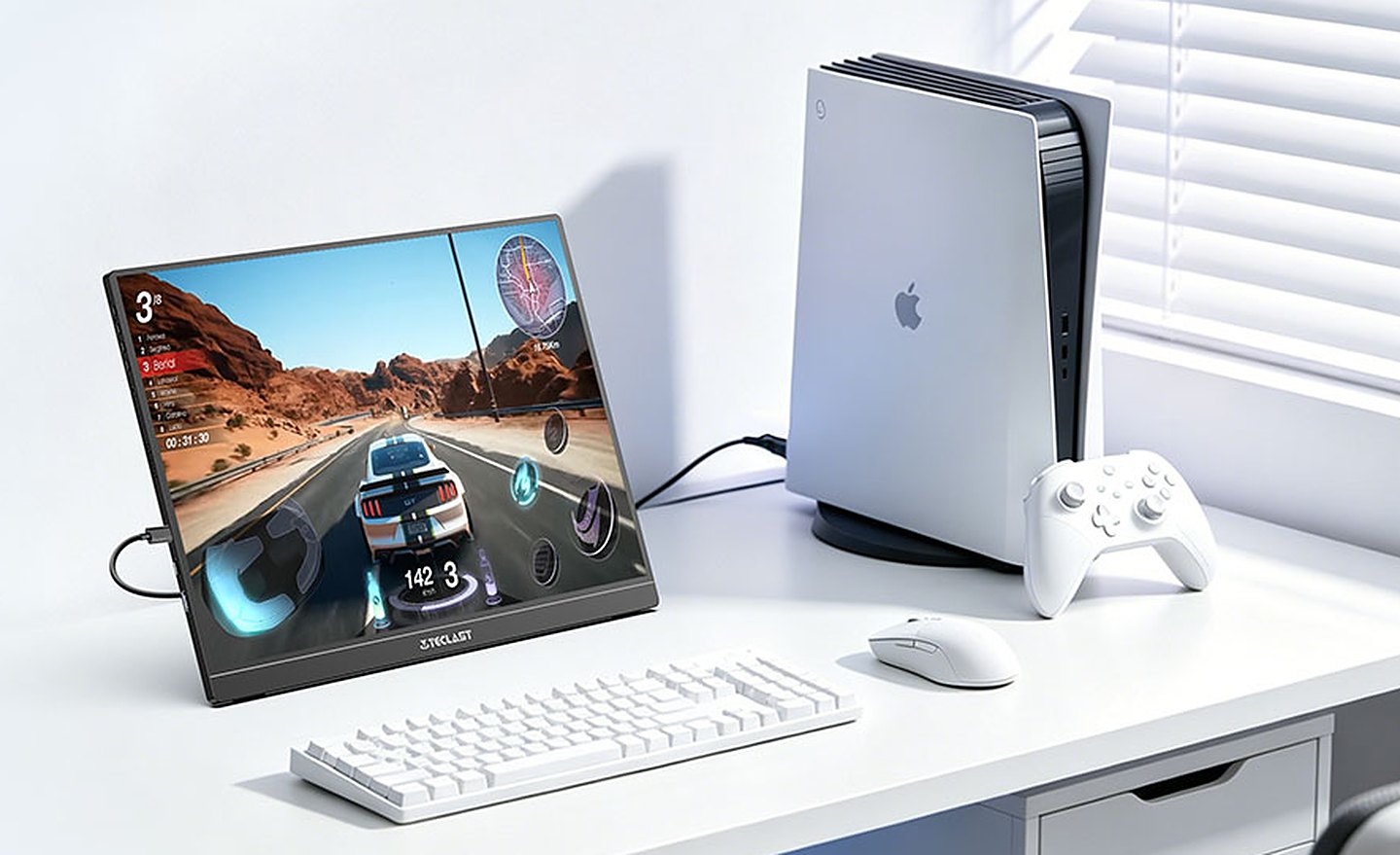
The V16Q runs at up to 144Hz. That’s more than double a 60Hz portable screen, so games, scrolling, and even the cursor move more smoothly.
The maximum refresh rate depends on the connection. USB-C supports up to 144Hz, while Mini HDMI is limited to 130Hz. Gamers who want the highest refresh rate need compatible USB-C video output.
FreeSync support allows the display to synchronize its refresh rate with compatible graphics hardware. This helps reduce screen tearing when frame rates fluctuate, making the V16Q a useful companion for supported gaming laptops and compact gaming PCs.
HDR10 compatibility is included, and the 1200:1 IPS panel delivers standard HDR, not the local-dimming contrast of a premium HDR display.
For casual gaming and movies, it’s plenty. If you play competitive shooters and want 240Hz, buy a dedicated gaming monitor.
USB-C and Mini HDMI Cover Different Devices
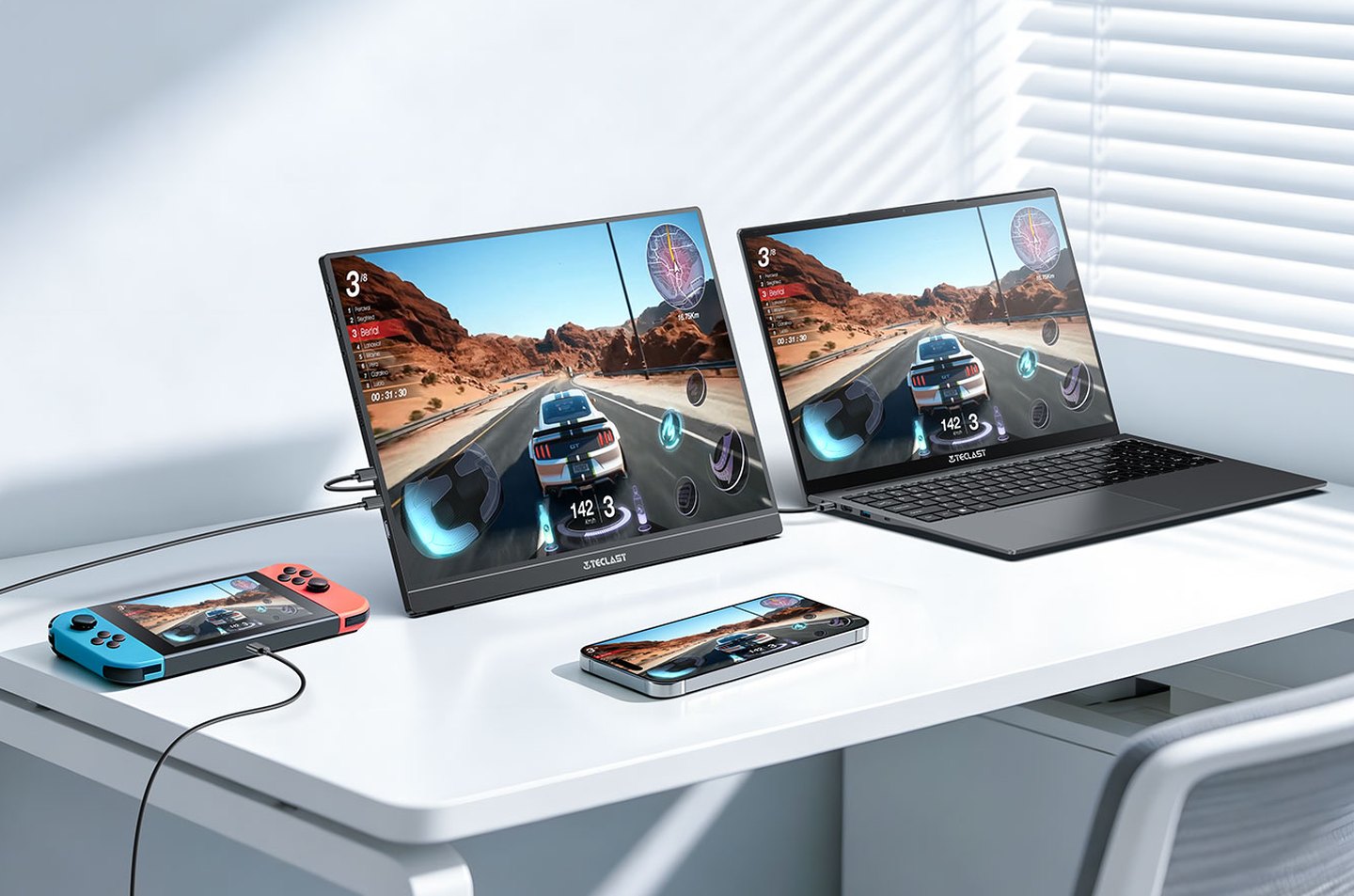
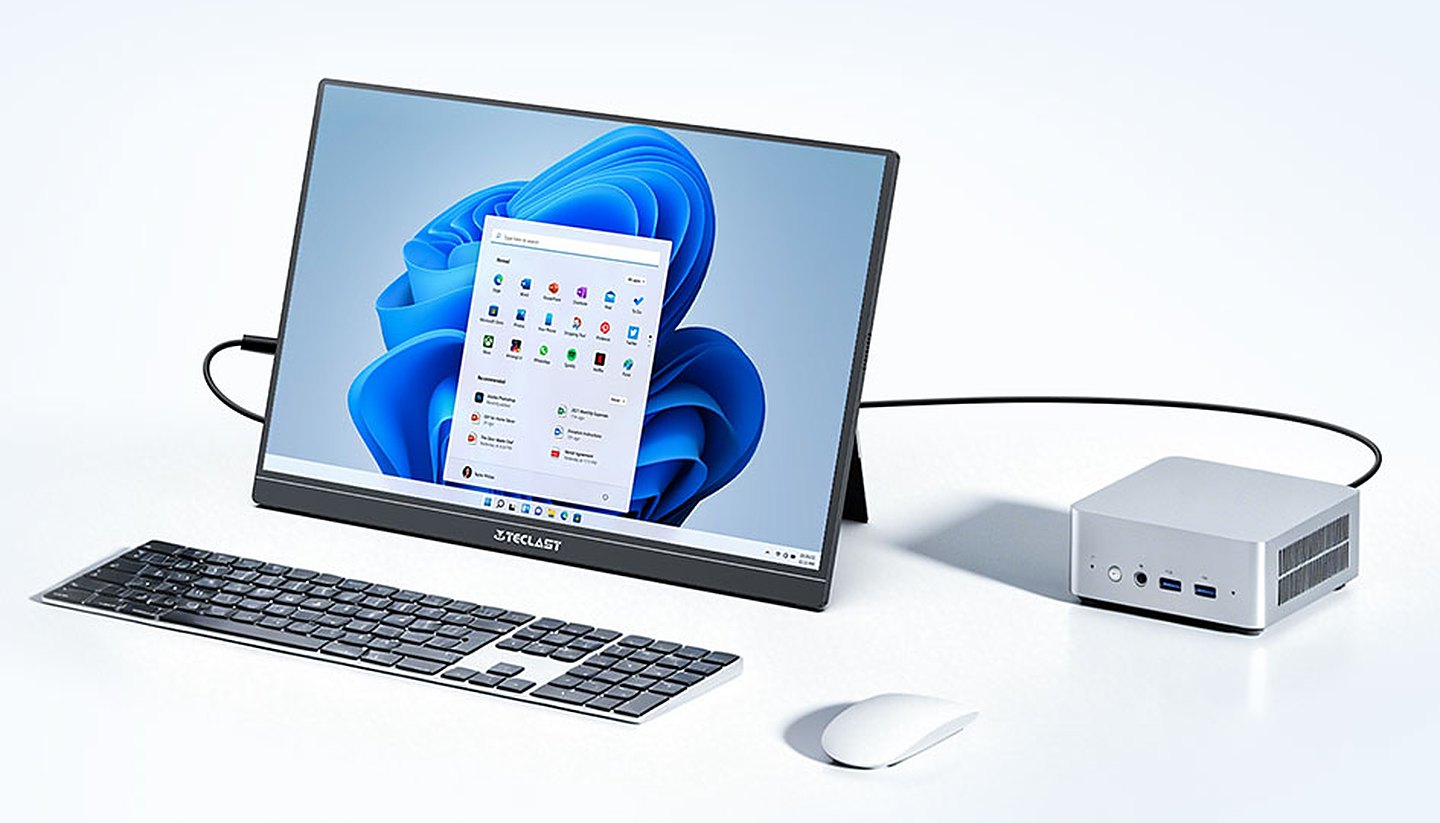
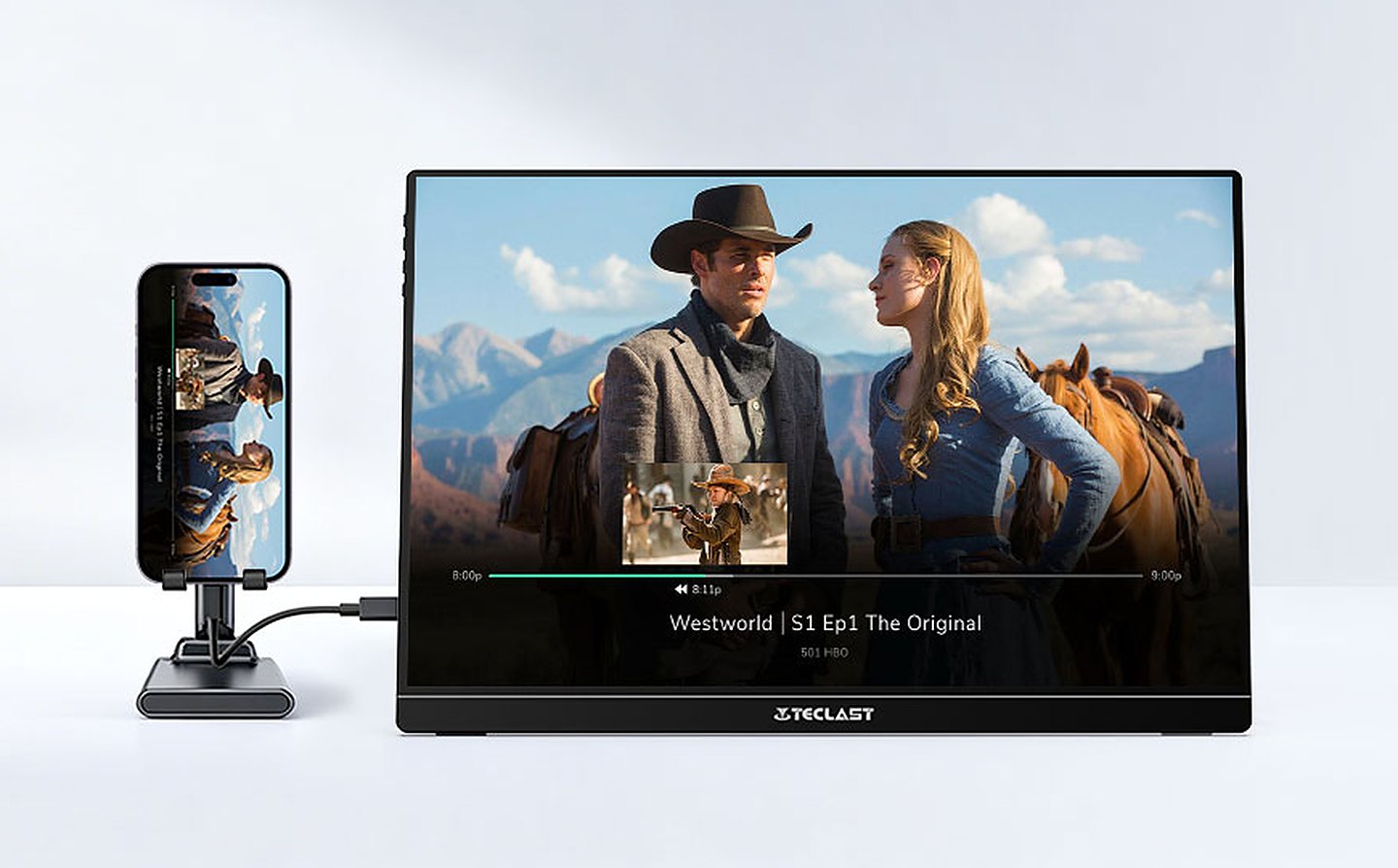
The V16Q includes two full-featured USB-C ports, one Mini HDMI input, and a 3.5mm headphone jack. That covers laptops, mini PCs, phones, and game consoles.
Both USB-C ports support video and power, allowing a compatible laptop to connect through a single cable. The laptop must support USB-C video output and supply sufficient power for the display.
Mini HDMI provides another connection option for devices with HDMI output. Go that route and you’ll need USB-C power too, so that’s one more cable on the desk.
Two built-in speakers provide basic audio for videos and presentations, while the headphone jack allows private listening or connection to external speakers.
If you move between desks a lot, stick with the single USB-C cable. It’s one plug and you’re working.
Slim Construction With an Adjustable Stand
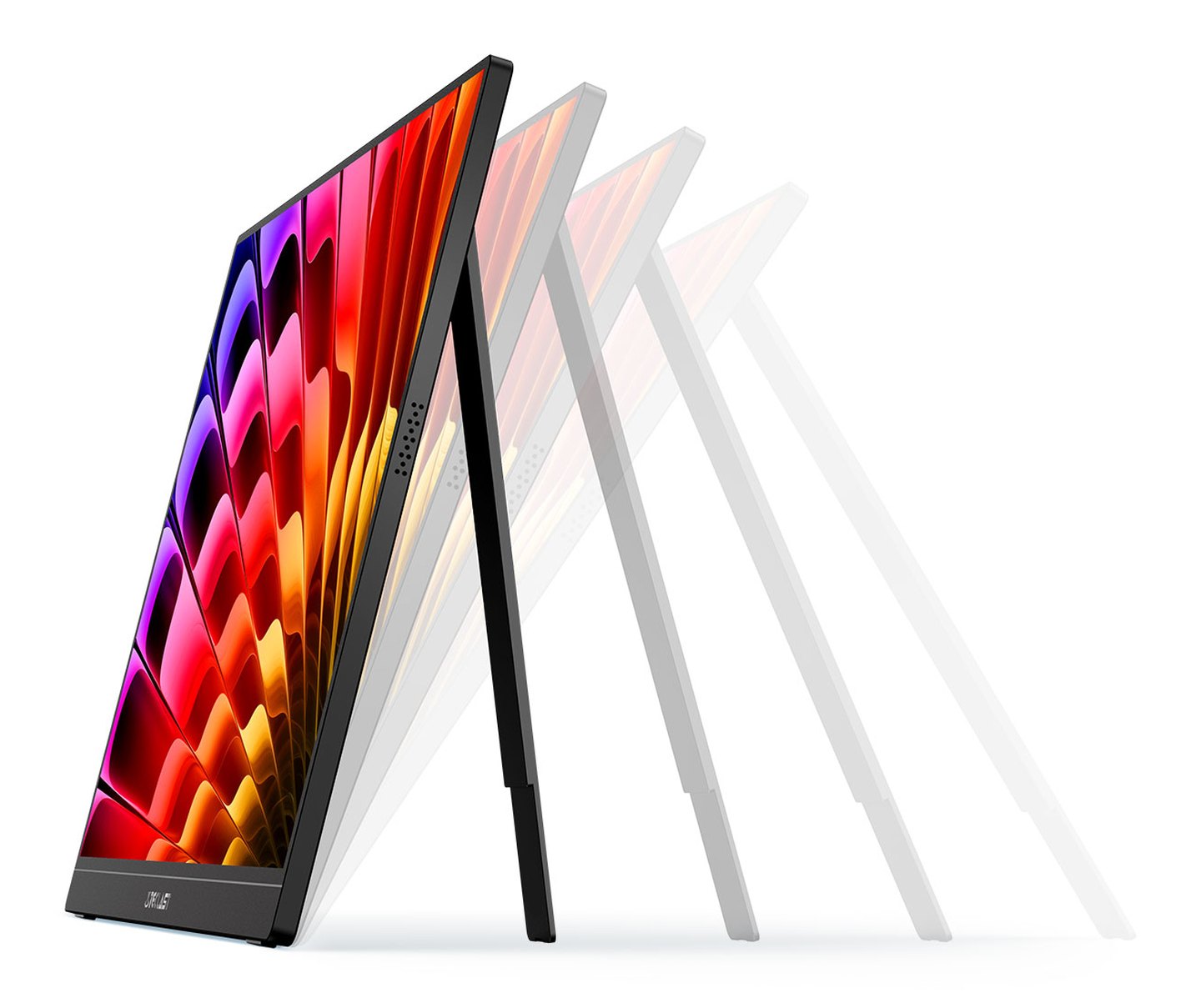
The V16Q measures 355 × 239 × 9.5mm, making it compact enough to carry alongside a laptop. Its integrated kickstand supports multiple viewing angles, allowing the display to stand on a desk on its own.
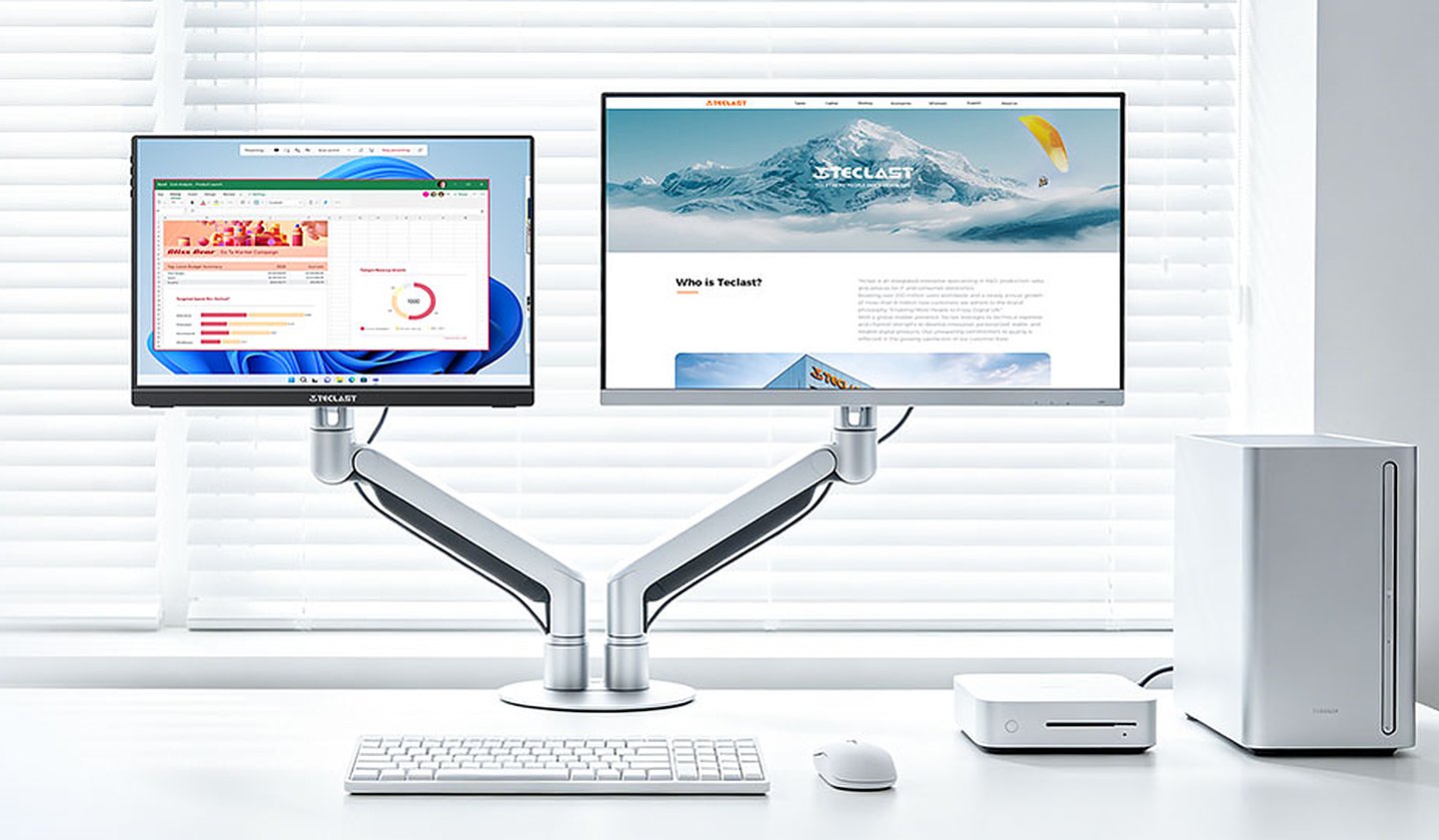
You can position the monitor beside a laptop for a dual-screen workspace or connect it to a compact computer for a temporary desktop arrangement. The adjustable stand also helps accommodate different seating positions and desk heights.
For a permanent setup, the V16Q supports 75 × 75mm VESA mounting with M4 hardware. A compatible monitor arm provides another way to position the display.
At 9.5mm thick, it slides into a laptop bag, and the built-in stand means there’s no folio case to forget.
Who Should Buy the Teclast V16Q?
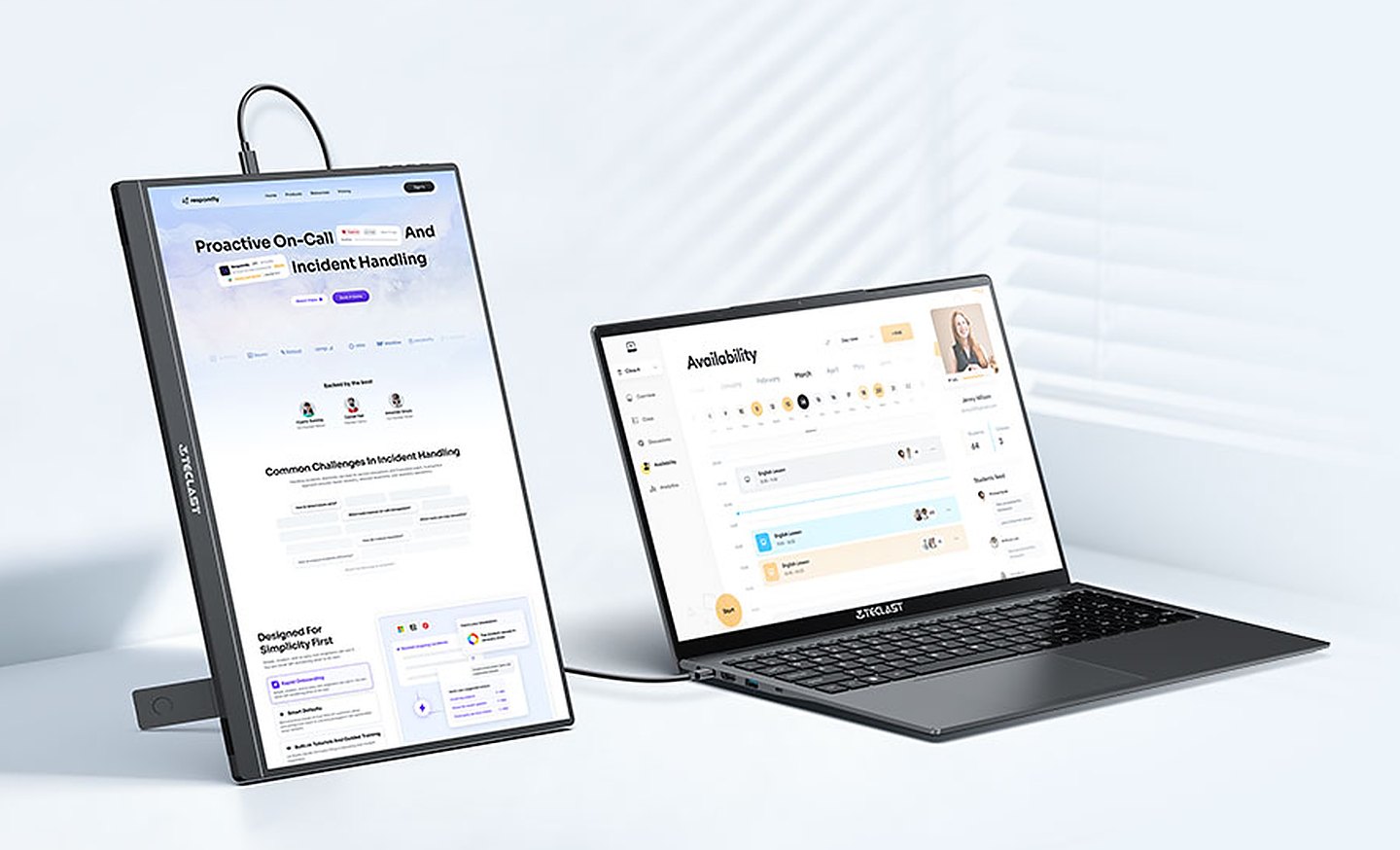
The Teclast V16Q is a strong choice for laptop users who need a sharper secondary display and don’t want to carry a full-size monitor. Its 2.5K resolution and 16:10 aspect ratio make it useful for documents, spreadsheets, and multitasking, while the 144Hz refresh rate makes it a decent gaming screen too.
Students, remote workers, and travelers get the most out of the slim body, built-in stand, and flexible ports. Gamers with compatible USB-C hardware can use its maximum refresh rate, while Mini HDMI users are limited to 130Hz.
If you need calibrated color, real HDR, or 240Hz for competitive play, a more specialized display is the better buy.
Price: $129.99
Where to Buy: Amazon
At $129.99 on Amazon, down from $159.99, the V16Q costs $35 more than Teclast’s own 16-inch 1080p 144Hz model at $94.99. If you spend your day in documents and spreadsheets, the 2.5K panel is worth that $35, and it’s the better of the two to pack next to a laptop.
Sign up for our newsletter today.
No ads, no spam, just links to our latest articles!