Credit: Ismar Hrnjicevic / How-To Geek
Old Wi-Fi routers get thrown out long before they stop being useful. Before you toss yours, three projects can give it a second life, and they cost little more than time and a spare Ethernet cable.
A classic Wi-Fi extender/repeater
Stretch your signal into the dead zones
-
 Credit: Andrew Heinzman / How-To Geek
-
 Credit: Andrew Heinzman / How-To Geek
 -
 Credit: Andrew Heinzman / How-To Geek
 -
 Credit: Andrew Heinzman / How-To Geek





-
 Credit: Andrew Heinzman / How-To Geek
 -

-
 Credit: Andrew Heinzman / How-To Geek
 -
 Credit: Andrew Heinzman / How-To Geek
 -
 Credit: Andrew Heinzman / How-To Geek





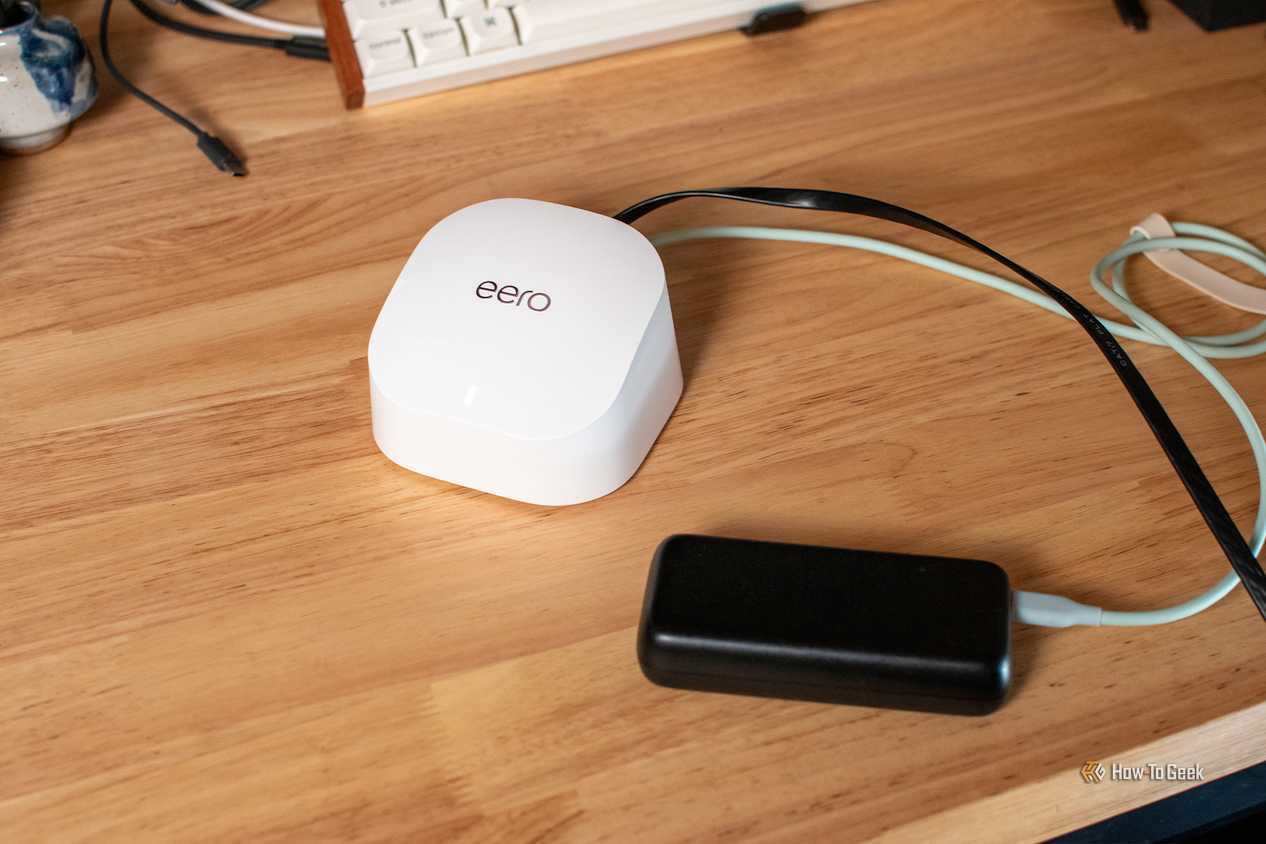
Turning an old router into a Wi-Fi extender is the most popular second life for retired hardware, and for good reason. Many routers include a repeater or client-bridge mode in their stock firmware, and those that don’t can often run OpenWrt or DD-WRT, which add the feature. In repeater mode, the old unit connects wirelessly to your main router and rebroadcasts the signal. That fills in a garage, backyard, or upstairs bedroom, basically wherever the primary router struggles to reach.
There is a catch. A repeater with a single radio has to receive and retransmit on the same channel, which can cut throughput roughly in half. Dual-band routers soften the penalty, since one band can talk to the main router while the other serves your devices, but the result is still slower than a wired connection. Placement matters too. Put the repeater where it still gets a strong signal from the main router, not inside the dead zone itself, or it will simply extend a weak connection.
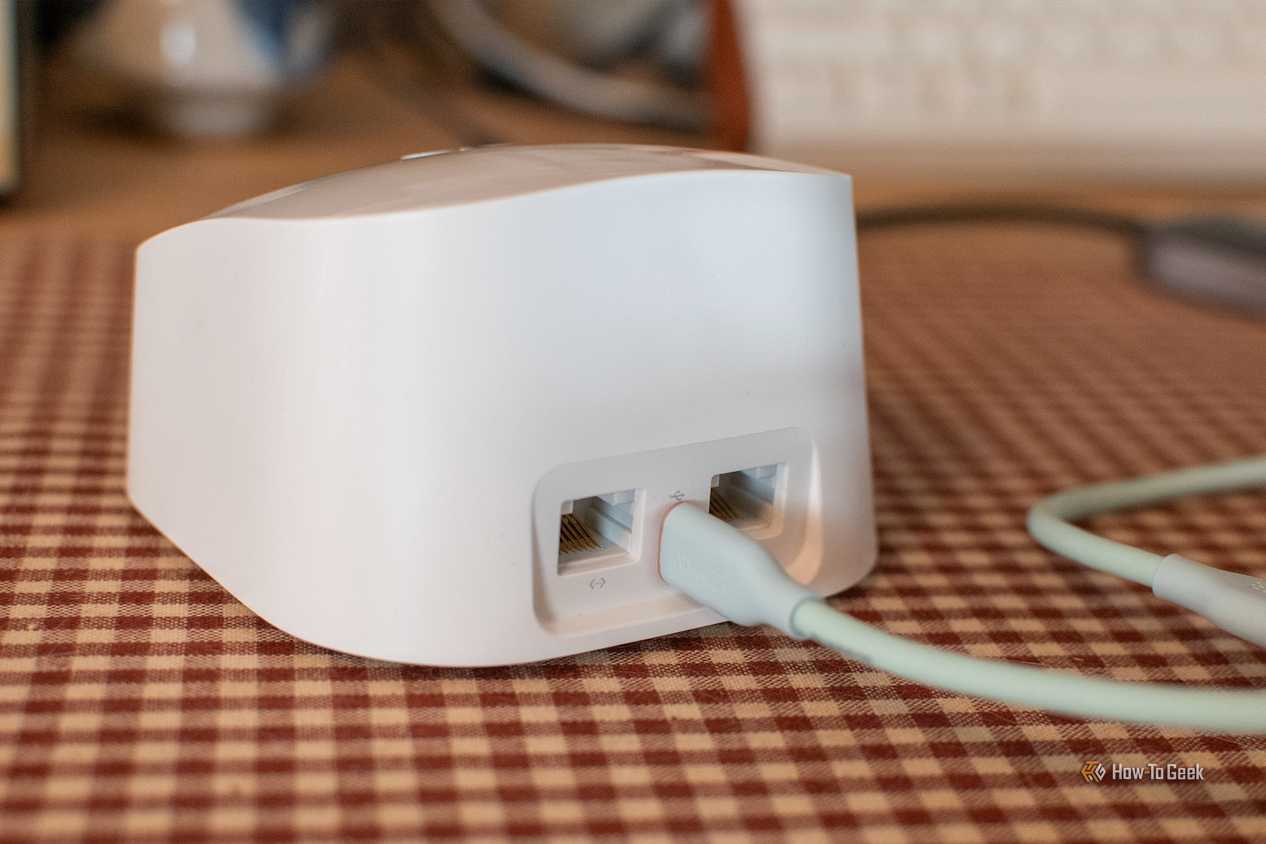
If you can run an Ethernet cable, there is a better option: access point mode. Connect the old router’s LAN port, not its WAN port, to the main router, turn off its DHCP server, and give it a static address in the same subnet as your main router. Then match the network name and password so devices roam between the two automatically. Because traffic travels over cable instead of the air, you keep much of your connection’s full speed at the far end of the house.
Either approach works best with a router that supports 5 GHz. An older 802.11n unit will still cover a room for basic browsing, but it will bottleneck faster connections. For smart plugs, cameras, and other low-bandwidth gadgets, that is often more than enough.
Dedicated VPN router
Protect every device from a single box
 Credit: Hannah Stryker / How-To Geek
A VPN router encrypts traffic for every device connected to it, including the ones that can’t run a VPN app. Smart TVs, game consoles, streaming sticks, and many IoT gadgets have no native VPN client, so routing them through a router that holds the tunnel is the simplest way to cover them. Set up the old router as a VPN client, connect its WAN port to your main network router, and give it its own Wi-Fi network. Any device that joins that network goes through the VPN, while the rest of your home keeps using your normal connection.
Support depends on the model. Some routers, especially from Asus, ship with OpenVPN and WireGuard client options in their stock firmware. Others need third-party firmware such as OpenWrt, DD-WRT, or Asuswrt-Merlin. Before flashing anything, check the firmware project’s hardware compatibility list for your exact model and hardware revision, since installing the wrong image can leave a router unusable. Also check flash storage and memory, because very old devices with 4 MB of flash or 32 MB of RAM are generally too limited for current releases.
Performance is the main limitation to take into account here. Encryption is processor-intensive, and an older router’s modest CPU may top out well below your internet speed, sometimes at only a few dozen megabits per second with OpenVPN. WireGuard is considerably lighter and usually performs better on weak hardware, so pick it if your provider supports it. For HD streaming or everyday browsing, that ceiling is often acceptable, but on a gigabit connection, it won’t be.
Finally, enable a kill switch or a firewall rule that blocks traffic if the tunnel drops. Otherwise, devices quietly fall back to your regular connection and expose your real IP address.
Storage/print server
Share files and printers across your network
 Credit: Patrick Campanale / How-To Geek
If your old router has a USB port, it can become a basic network storage device. Plug in an external hard drive or flash drive, and the firmware can share it across your network using SMB, the protocol Windows, macOS, and Linux all understand. Many stock firmware builds offer this in a menu labeled something like USB storage or media server, and OpenWrt handles it through Samba packages. Once configured, everyone at home can reach the same folders for backups, photos, or a shared media library.
Speed is the compromise. Older routers usually have USB 2.0, whose real-world transfer rates land well below what modern drives can deliver, and a slow router CPU drags things down further. It won’t replace a proper NAS, but for moving documents, storing family photos, or streaming music and video to a TV, it works fine. Format the drive with a filesystem your router supports, commonly NTFS, FAT32, or ext4, and check whether the firmware limits drive size. Bus-powered hard drives can also draw more current than a router’s USB port provides, so a powered drive or hub is safer.
The same USB port can double as a print server. Older printers without Wi-Fi can be plugged into the router, which then shares them with every computer on the network, so you can print without connecting a cable to your laptop. Some stock firmware options support this natively, and OpenWrt offers it through packages such as p910nd or CUPS. Driver support is the usual sticking point, particularly with all-in-one devices and scanners, so test your model before committing.
Whatever you set up, keep the old router off the public internet. Once a manufacturer stops issuing security updates, any exposed service becomes a real risk. Use the device only on your local network and disable remote administration.
Old routers still have plenty of work left
An aging router can still extend coverage, protect smart devices through a VPN, or serve files and printers. Each project has limits, mostly speed and security updates, but all of them cost little. Check what your model supports before you send it to recycling.