Credit: David J. Buck / How-To Geek
Homelabs don’t always have to be massive. Sometimes, just a Raspberry Pi, a laptop, and an old phone or two can be an ideal lab setup. I’m in the latter camp, preferring old phones to tinker around with in my free time. My latest experiment is repurposing an old Motorola phone in my homelab.
I’m using a Motorola Moto G for my home lab. When I say “Terminal,” I’m talking about the Termux app unless otherwise specified.
An always-on clock display
Getting creative with a deprecated device
 Credit: David J. Buck/How-To Geek
Clocks used to be a mainstay in our lives. This one’s pretty simple but gives you a nostalgic, always-on-clock face. If you happen to have an extra phone you’re not doing anything with, it’s perfect as a retro-style clock replacement.
I use an app called Zen Clock Flip for this. I bought the premium version to access all its features and kill ads. After that, it’s just a clock, plain and simple.
To set it up as an always-on display, plug it in, and navigate to Settings > Developer Options > Stay Awake.
It’s just a fun thing to do and is great if the phone can’t do much else or isn’t suitable for use as a pocket server. Don’t forget you’ll need to keep it plugged in.
Test various phone functions with bash, Termux, and the Termux API
Expanding my system testing script
 Credit: David J. Buck/How-To Geek
A few months ago, I made a “test” script that used the Termux API to test some basic phone features in quick succession. I’ve since added several things to it to the test script and made it even weirder.
It’s simple and inelegant, but something that I use to test functionality before setting up a new experiment.
The other point of it is to just show off something cool to people who are learning about how phones work and some of the different things you can do in a terminal.
This time around, I added a few more phone testing functions, a command to grab weather from Dublin (curl [wttr.in/dublin](http://wttr.in/dublin)), and something random using fortune and cowsay.
Using Phyphox for
Take advantage of your phone’s sensors
 Credit: David J. Buck/How-To Geek
Some experiments require additional apps. Every phone has a number of different sensors, and the app Phyphox helps you repurpose them for your experiments.
I use it often for various things I’m curious about, but my favorite tools are (you probably guessed it) the audio sensors.
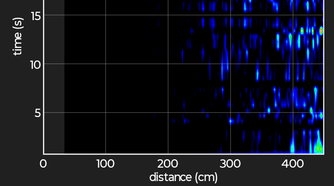
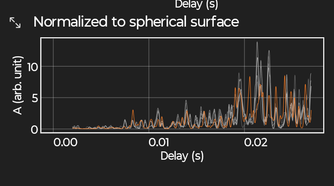
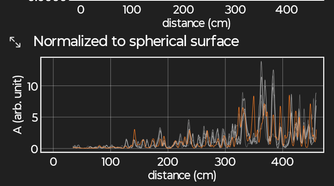
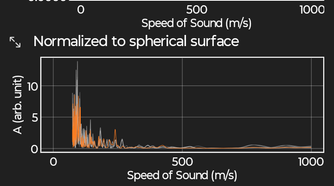
Did you know your phone can use sonar? The experiment allows you to send a chirp out to locate an object. You have to interpret the data yourself, but it’s a truly interesting experiment if you’ve ever wanted to learn how sonar works.
-
 Credit: David J. Buck/How-To Geek
 -
 Credit: David J. Buck/How-To Geek
 -
 Credit: David J. Buck/How-To Geek
 -
 Credit: David J. Buck/How-To Geek
 -
 Credit: David J. Buck/How-To Geek

-
 Credit: David J. Buck/How-To Geek
 -
 Credit: David J. Buck/How-To Geek
 -
 Credit: David J. Buck/How-To Geek
 -
 Credit: David J. Buck/How-To Geek
 -
 Credit: David J. Buck/How-To Geek
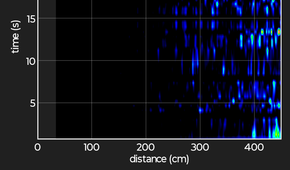

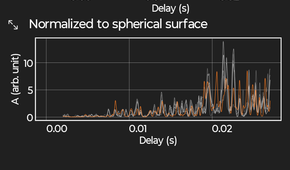
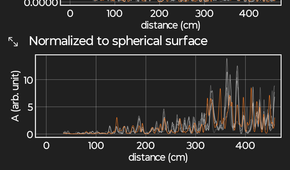
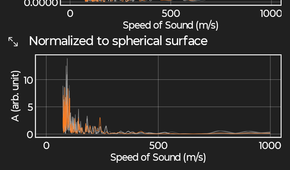
I’ve been experimenting with acoustics for years and having the tools to perform various tests, like checking the amplitude, spectrum, and scope of different audio, is very fascinating to me. There’s also a tone generator, so of course I had some fun with that.
Apparently, I hum in the key of C.
 Credit: David J. Buck/How-To Geek
There’s a ton to do with the app beyond audio experiments. The best way to learn is to just get in there and test things out.
Playing text-based and graphical games in your terminal
Reset your brain between experiments
 Credit: David J. Buck/How-To Geek
As I learned more about Termux, I learned you can play “text-based” games, but they’re not all classic adventure titles like Zork (there are a few; Nethack is pretty good). It’s more like games where the graphics are made from text elements.
Take Moon Buggy, for example. Your lunar lander and almost all the elements are made from letters and characters. It’s also quite hard, and I’m terrible at it.
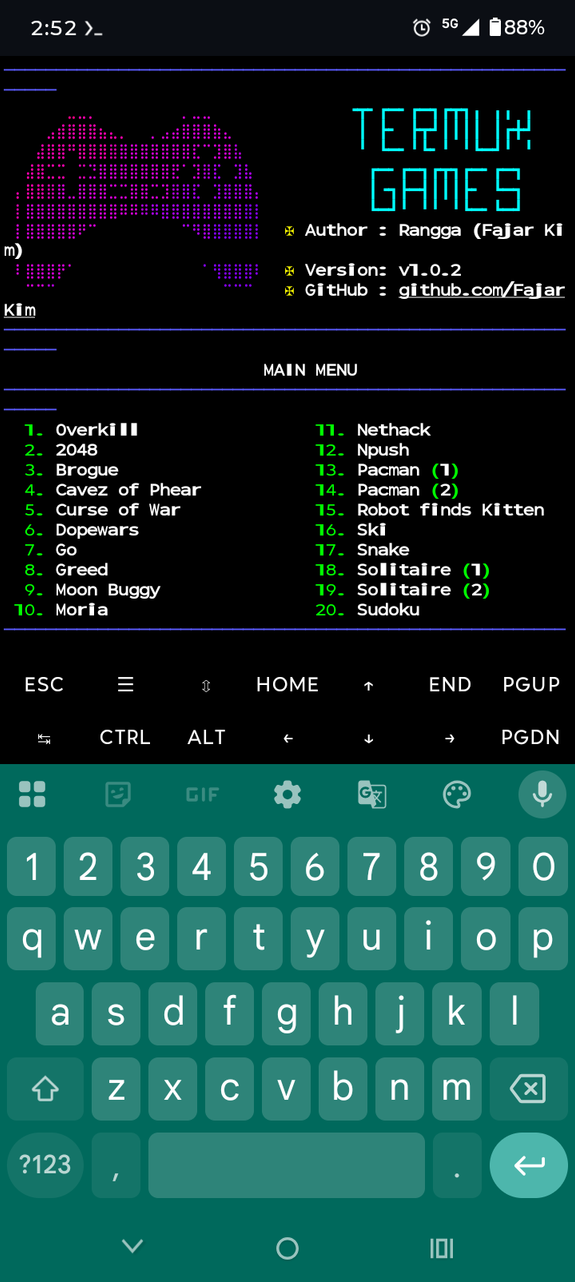
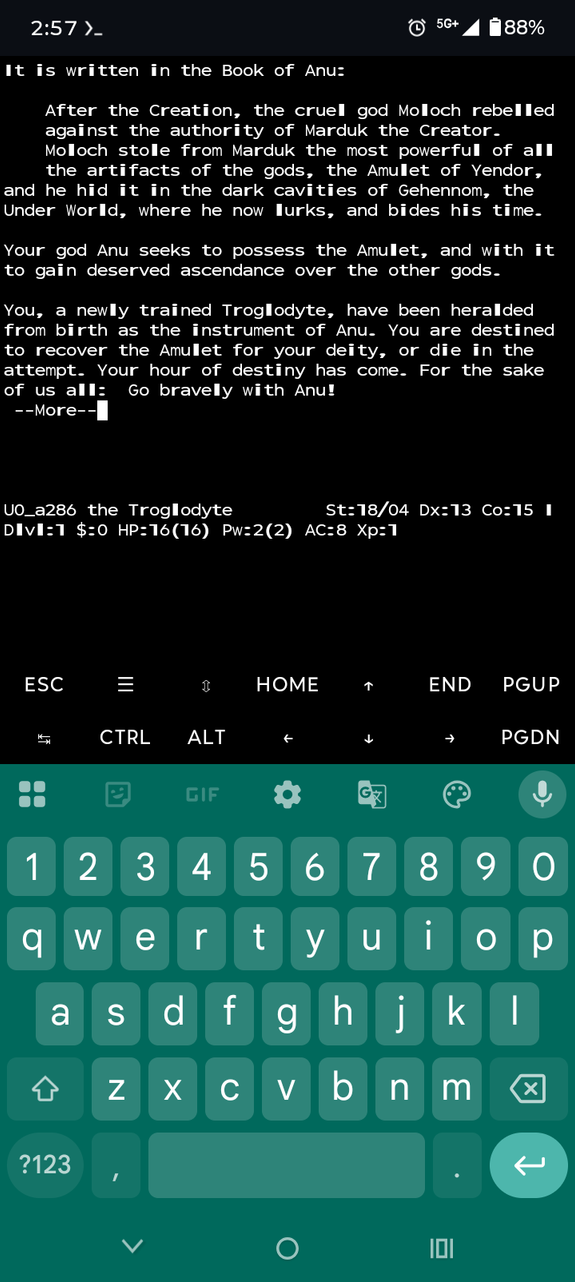
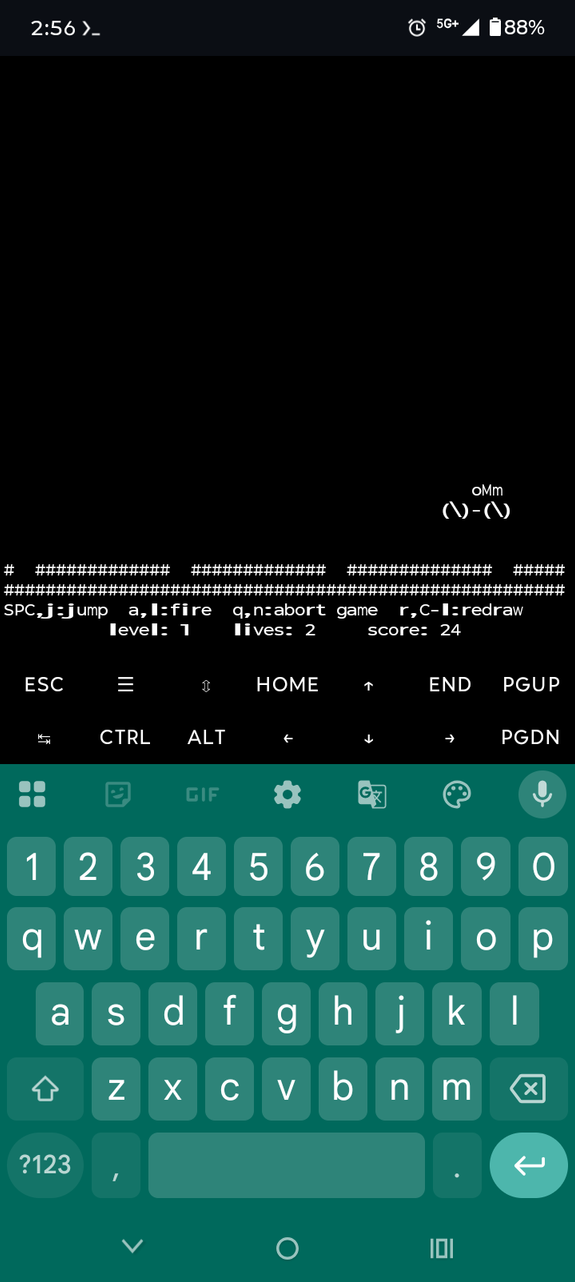
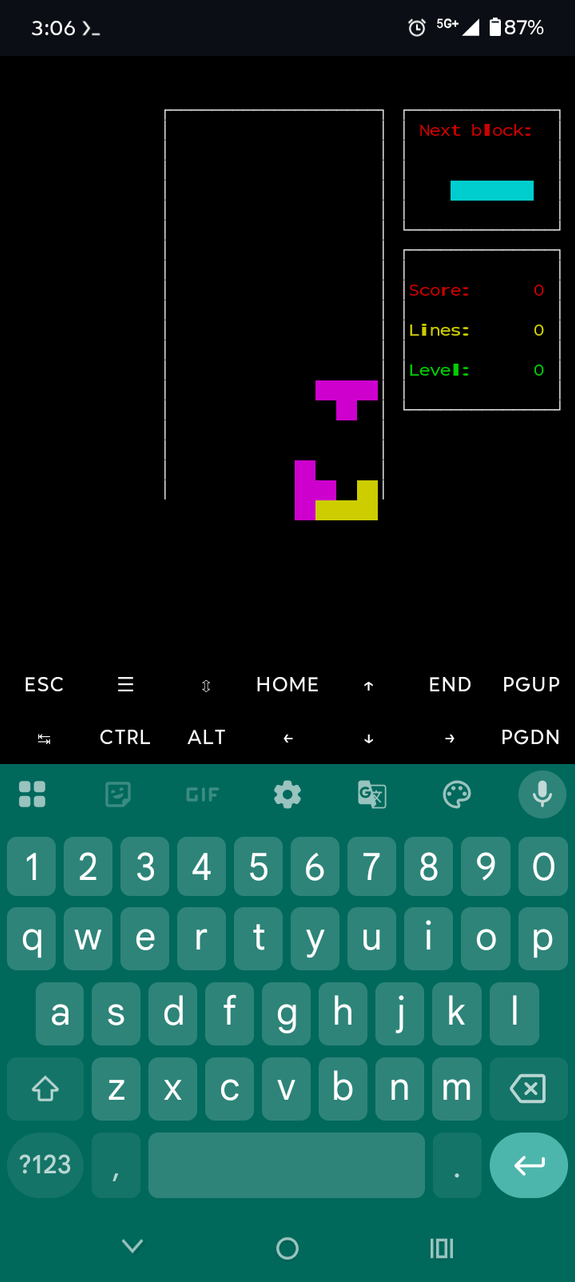
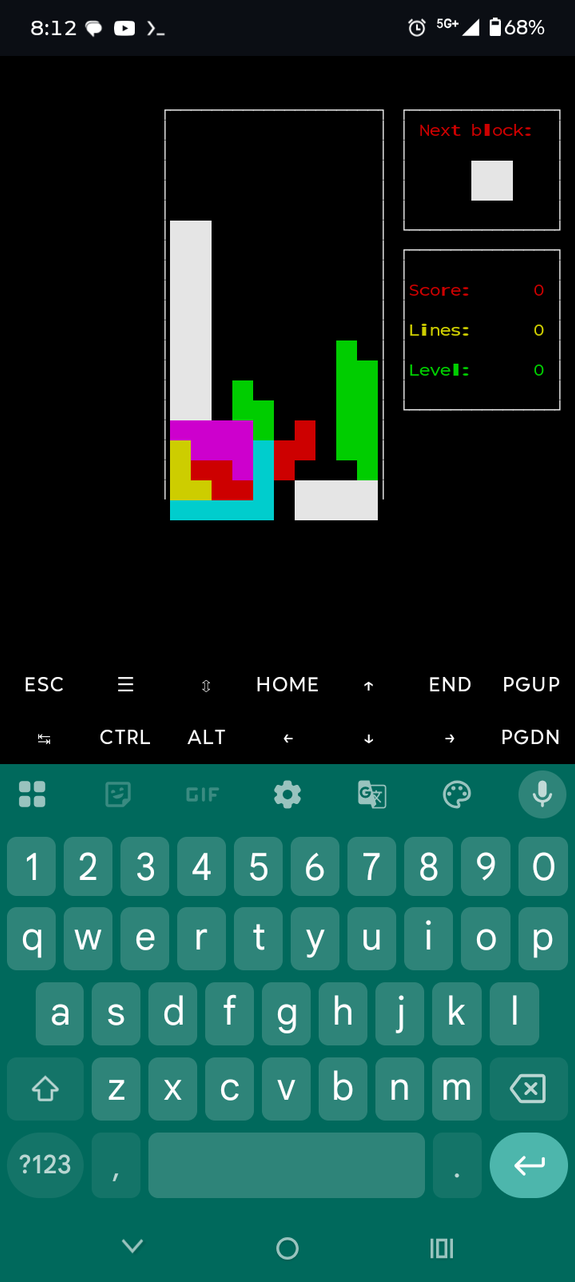
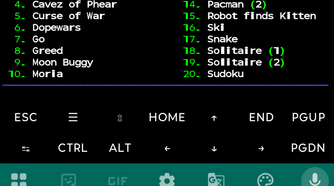
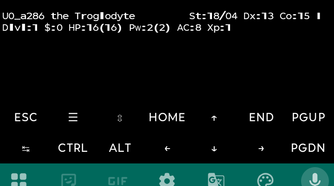
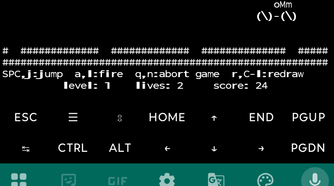
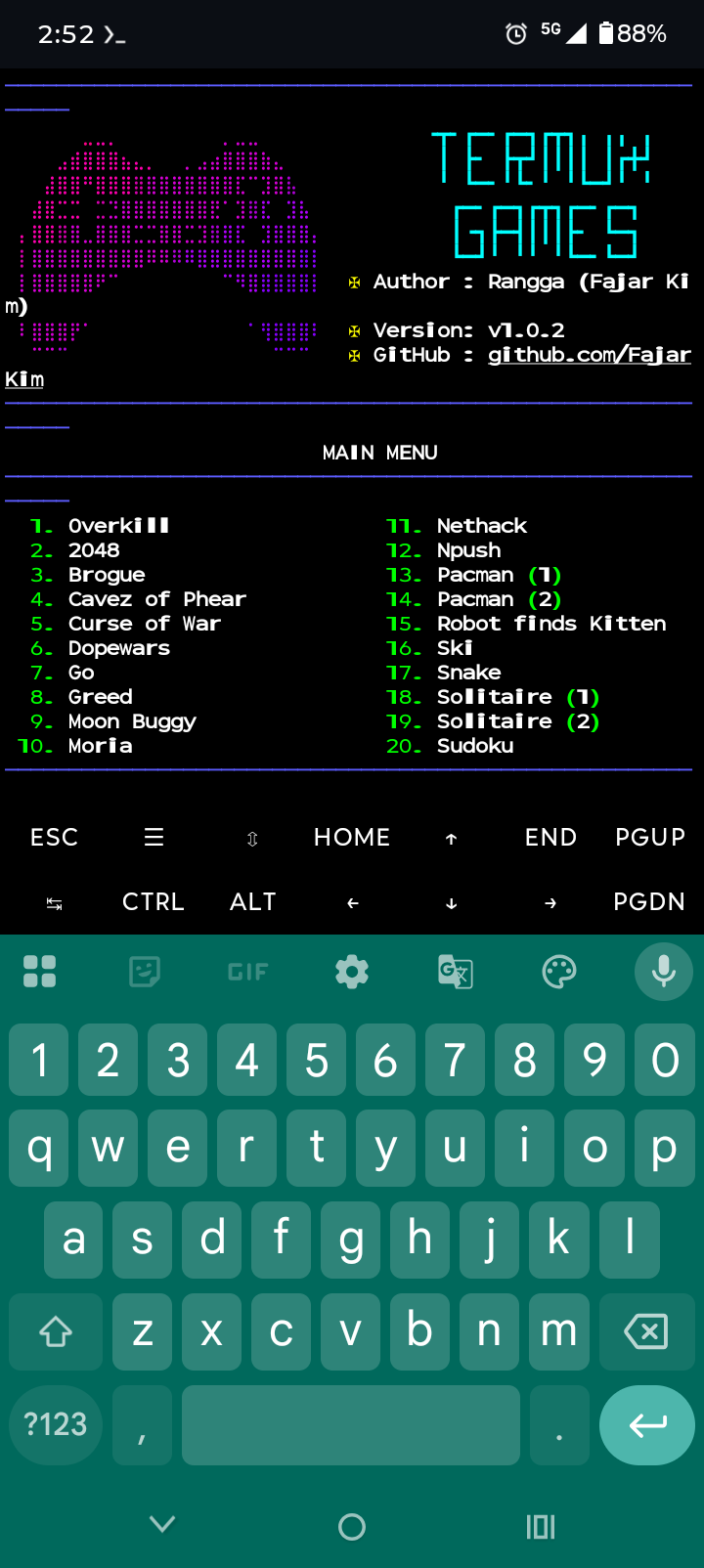
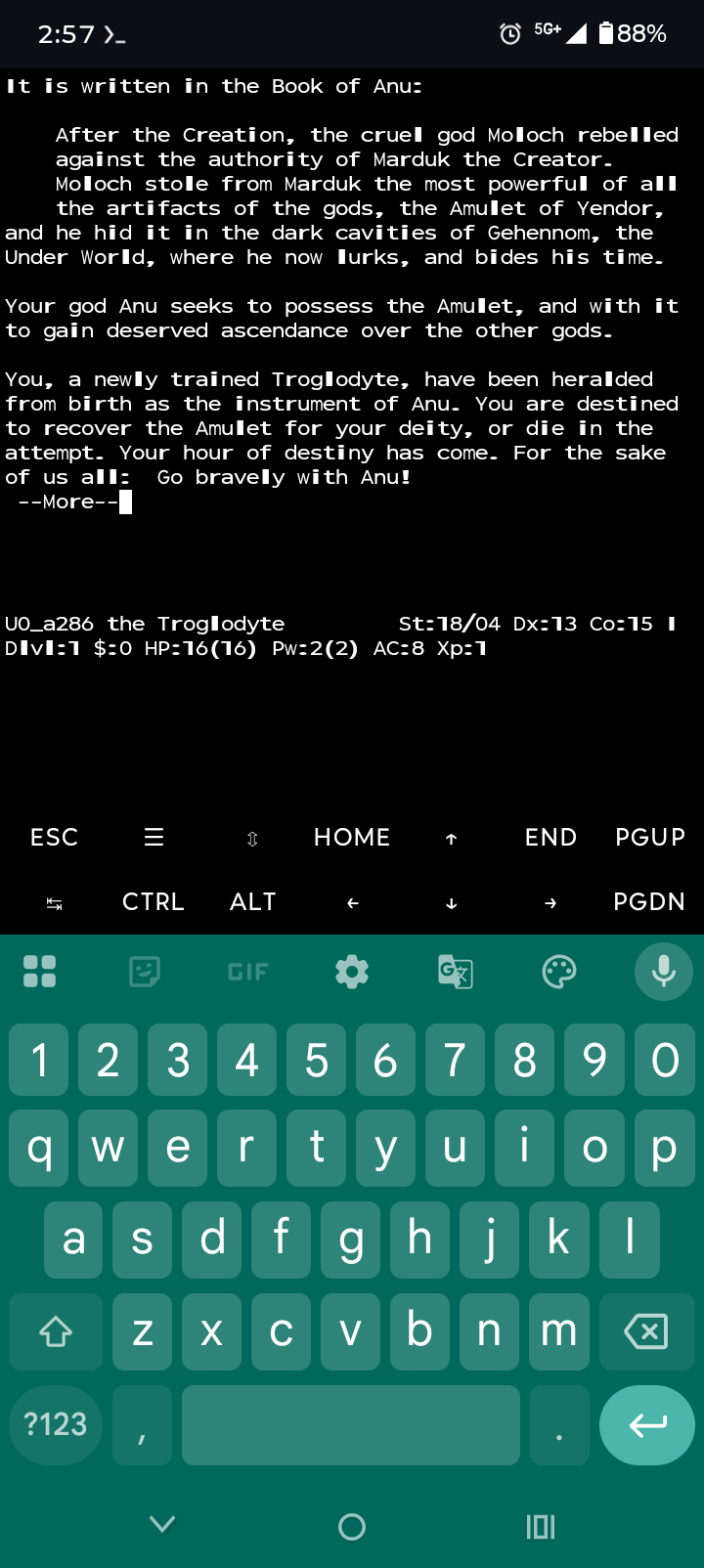
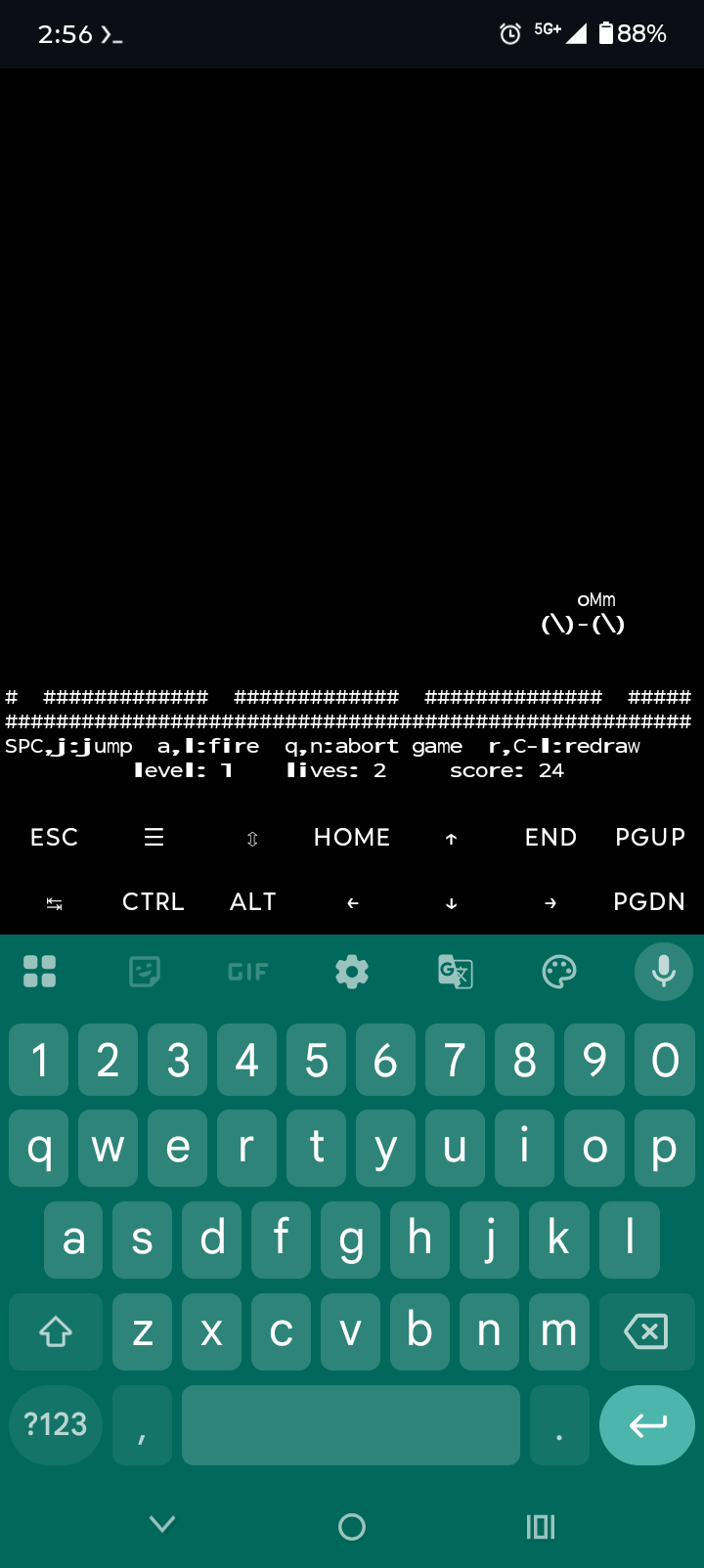
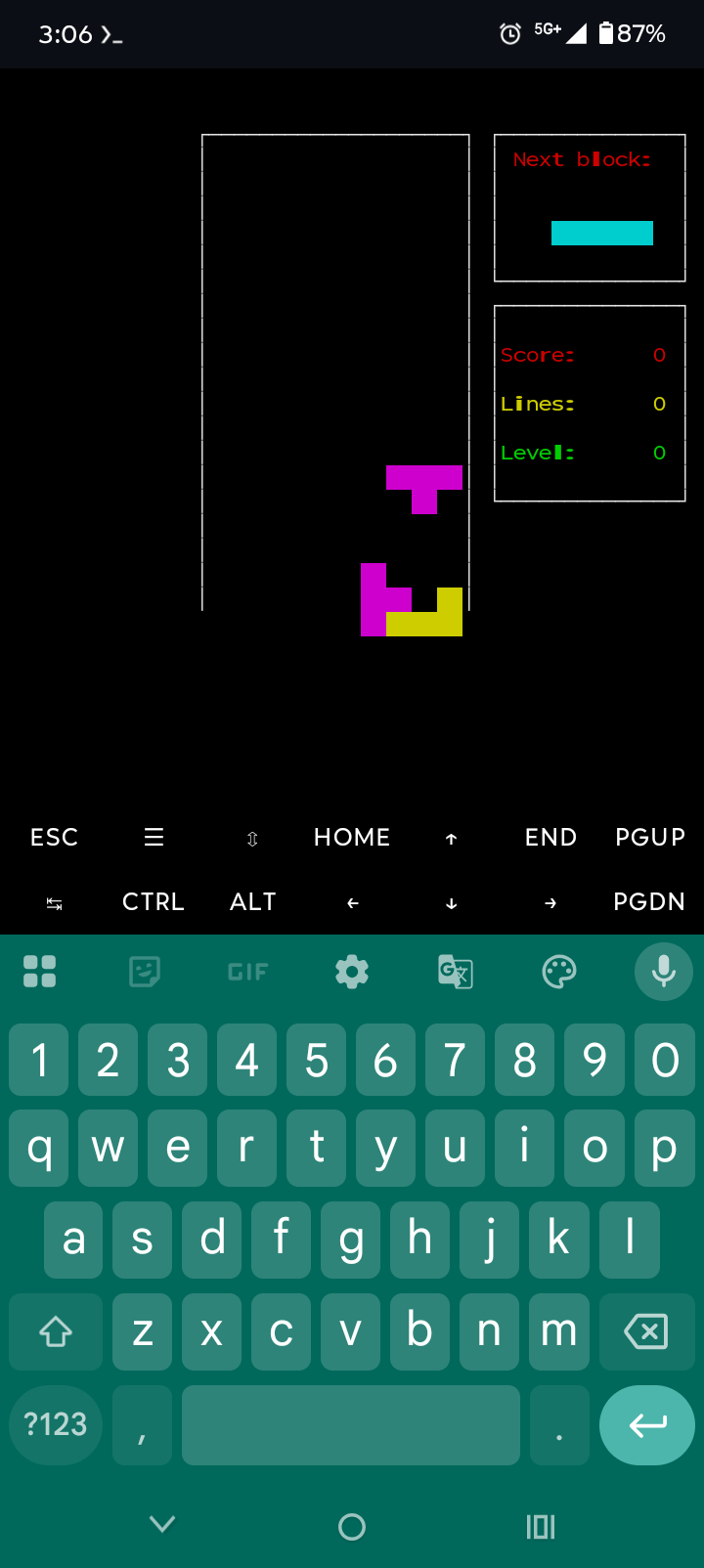
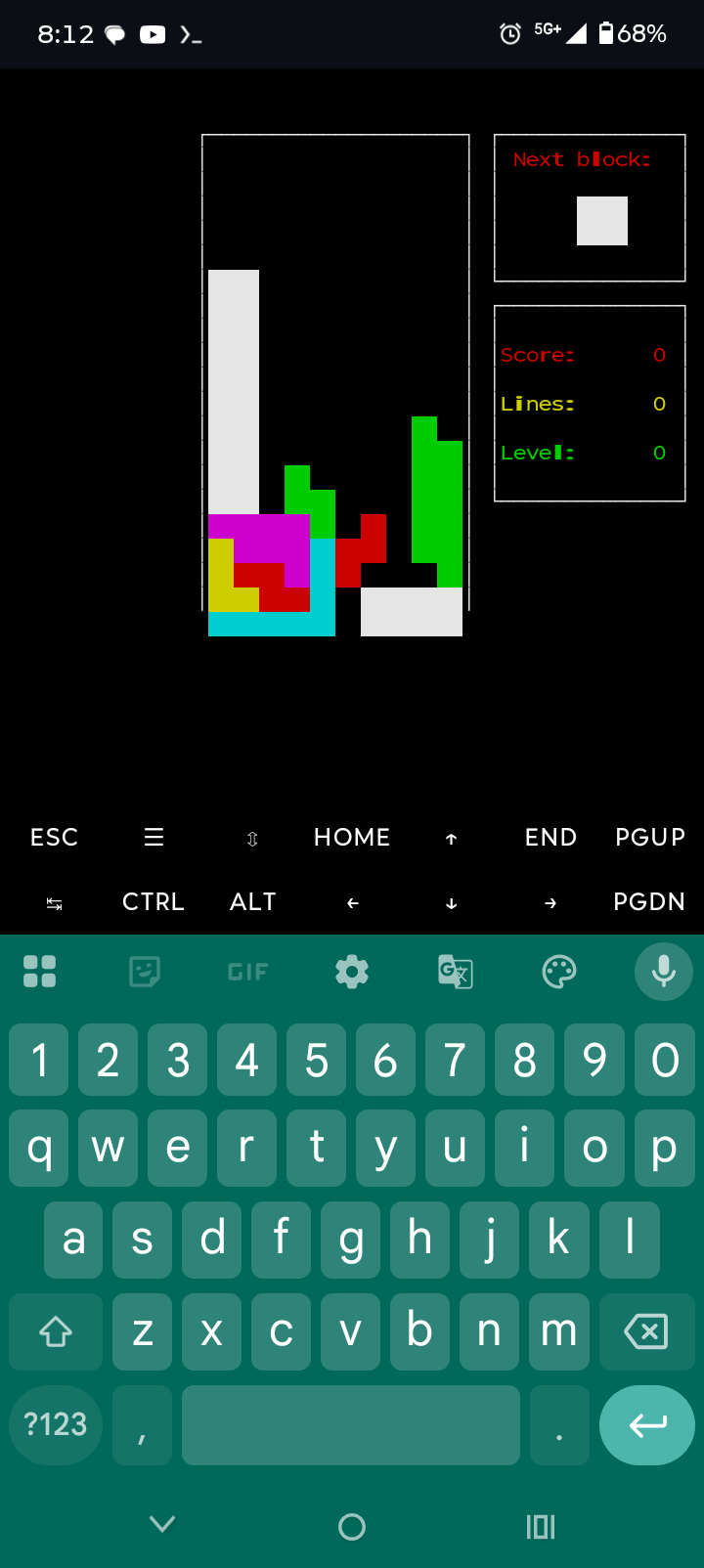
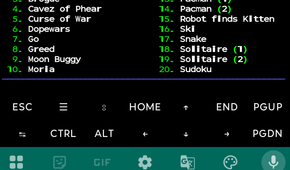
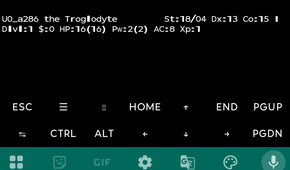
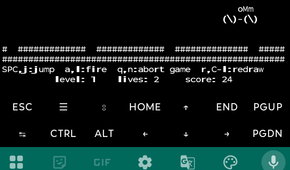
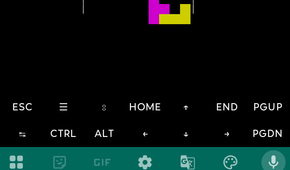
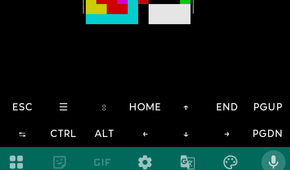
Other graphics-based games are available as well. I like this curated collection of 20 different games. All of these are available to install manually; this collection merely puts them all in a list. Some are better than others. Installation is simple, but I did have to rotate my phone to get the program to load.
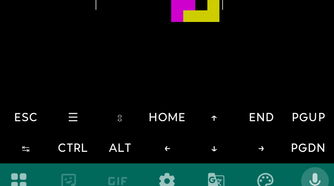
Finally, there’s Termux Tetris, which you can install with pkg install bastet. It’s a fun take on the classic game and works remarkably well in the terminal.
Old phones are ideal homelab companions
I have a simple philosophy: old tech can usually be repurposed. Any time I replace a tablet, phone, video game console, or basically any device, I keep the old one “for a future project.”
There’s a whole world of experiments out there, and the little computers we carry every day can do so much more. It’s just a matter of finding an interesting experiment and seeing it through.

Motorola Moto G13